CRMJetty Portal – Salesforce V6.2.0
CRMJetty Portal- A Salesforce Portal V6.2.0
Compatibility:
Salesforce Compatibility:
Professional (API Should be enabled), Enterprise, Unlimited, Developer, Performance

Step 1: Admin Email Verification
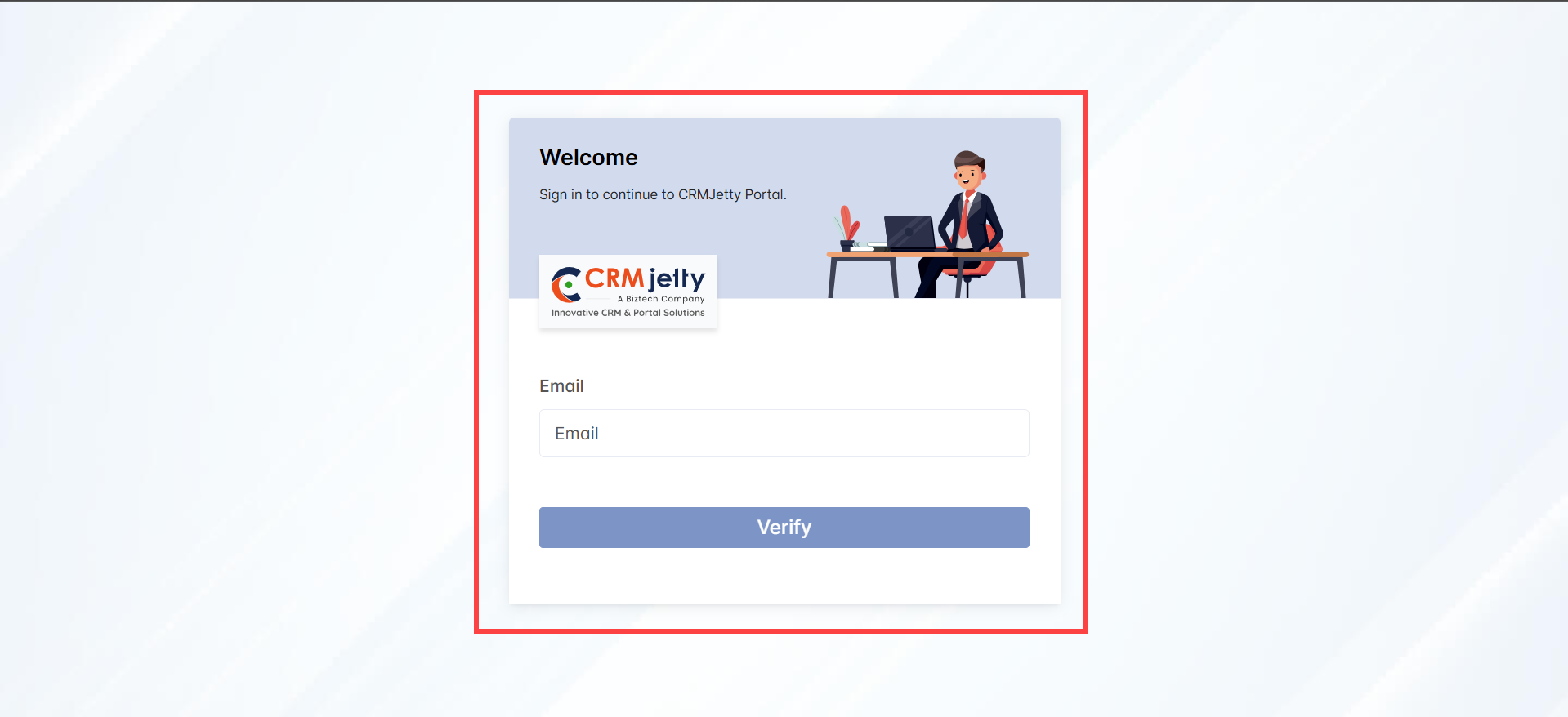
1. Enter Registered Email Address: Start by entering the Admin registered email address in the designated field. [1]
Click “Verify”: Click the “Verify” button to validate the Admin email address.
– If the email is valid, Admin will receive a “Set Password” link in the Admin registered email inbox.
Note: If Admin does not receive the email, check the email you entered or please try another email address or contact a CRM-authorized person for assistance.
Installation & Authentication
1. After purchasing the “CRMJetty Portal” plug-in for the Salesforce CRM, you need to install the package. You will get the link to install the package in your email ID.
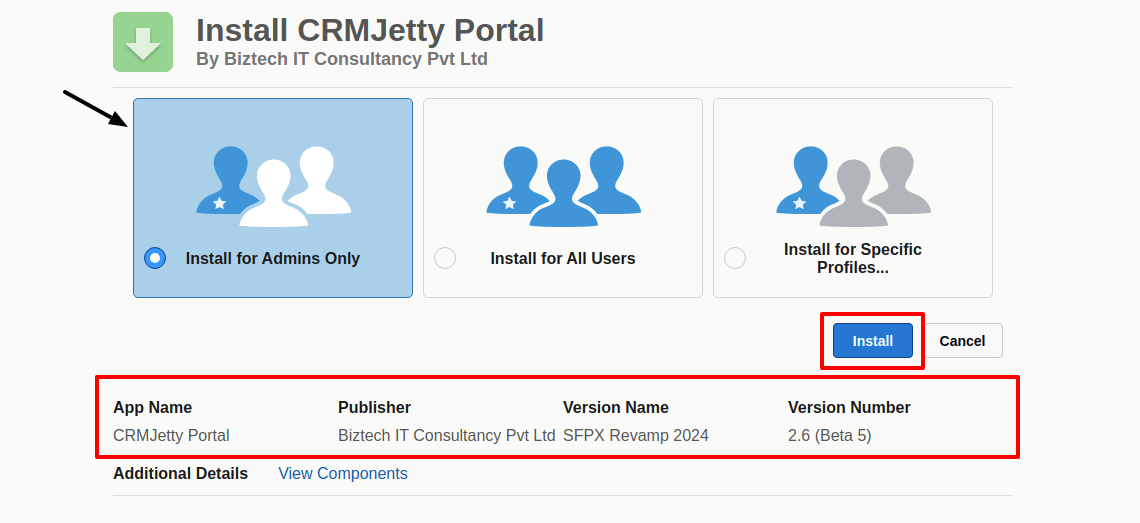
2. After clicking on the link, you will be redirected to the Salesforce login page. Log in using your Salesforce credentials. Now, from the Installation page, you need to select the “Install for Admins Only” option. [1]
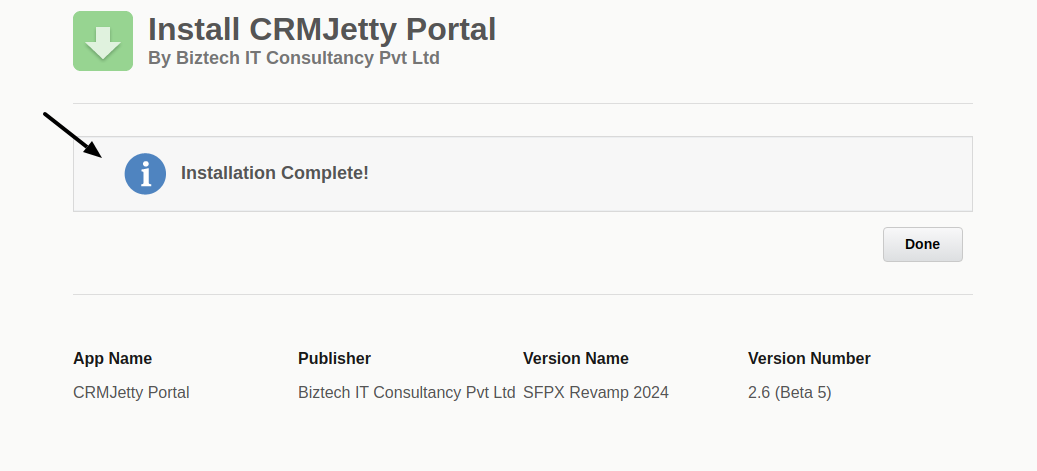
3. Tick the “I acknowledge ..” checkbox and click on the Install button to install the “CRMJetty Portal” package. Once the installation process is completed, you will see the “Installation Complete” summary in the popup. [2]
4. To complete the installation, click on the Done button to finish the installation process.
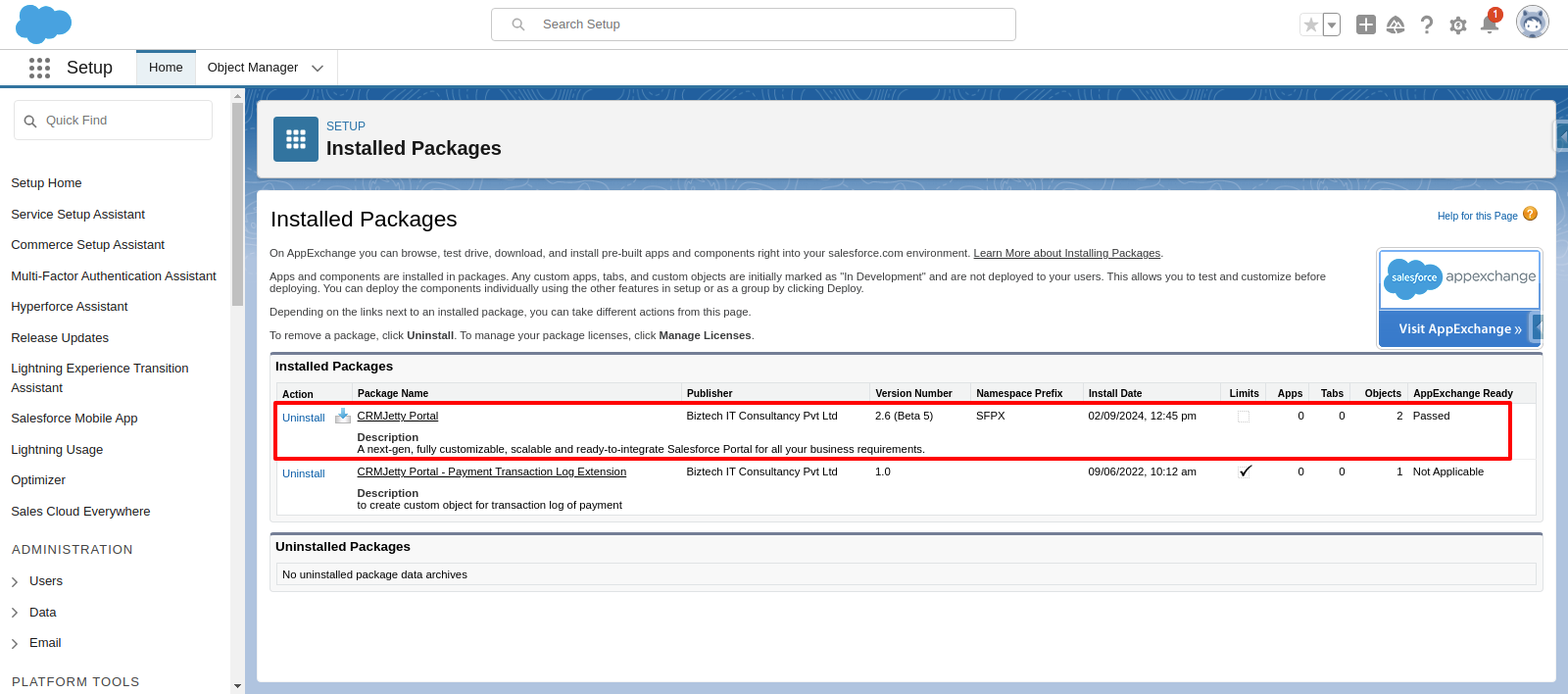
5. By clicking on the “Done” button, you will be redirected to the Installed Packages page. Here, you will see the installed CRMJetty Portal listed in the Installed Packages table. [3]
6. After successfully installing the CRMJetty Portal package in Salesforce, you need to create a Connected App, Auth. Provider, and a Named Credential. This is the required process by the CRMJetty Portal package. [4]
Step 1: Create a Connected App
– From Setup, enter Apps in the Quick Find box, and select App Manager.
– Click External Client App Manager.
– Click New External Client App.
– Enter the connected app’s name. Example: CRMJetty Portal CallMeBack
– (Optional) Enter the API name used when referring to your app from a program. It defaults to a version of the name without spaces.
– Enter the contact email for Salesforce to use in case we want to contact you or your support team.
– In the API (Enable OAuth Settings) area of the page, select Enable OAuth Settings.
– At this stage, a placeholder Callback URL can be entered to save the External Client App configuration (for example: https://login.salesforce.com/oauth2/callback). Use sandbox for this: https://test.salesforce.com/oauth2/callback
– The Callback URL can be updated later once the final external application endpoint is available and user access settings are finalized.
– Select these OAuth scopes, which are required for asset tokens. Select “Manage user data via APIs (api)”, “Full access (full)”, and “Perform requests at any time (refresh_token, offline_access)”.
– After you configure all settings for your External Client App , save your changes.
– After creating your External Client App, open it, go to Settings → OAuth Settings, and click Consumer Key and Secret.
– You will be asked to verify yourself with OTP. After verification, you will be provided with a Consumer Key and Consumer Secret.
Step 2: Create an Auth. Provider
– In Setup, navigate to Security Controls > Auth. Providers and click the “New” button in the related list.
– Select Salesforce in the Provider Type field.
– Give your Auth. Provider a name. Example: CJ Portal CallMeBack – AuthPro
– Paste in the Consumer Key and Consumer Secret from your Connected App. Example: from CRMJetty Portal CallMeBack
– Enter the scopes as specified before full refresh_token offline_access
– Leave all other fields blank and click Save.
– Copy and paste the Callback URL, edit the Connected App we created earlier, and paste it into the Callback URL under the OAuth section.
Step 3: Create a Named Credential
– In Setup, navigate to Security Controls > Named Credentials.
– Click on the “New Legacy” button.
– Give your Named Credential an exact Label and Name as below. This name is used in the package and it should not be different than below.
– Before version 2.6 use the below label and name:
– Label: PortalXpand CallMeBack – Named Credential
– Name: PortalXpand_CallMeBack_Named_Credential
– After version 2.5 use the below label and name:
– Label: CRMJetty Portal CallMeBack – Named Credential
– Name: CRMJetty_Portal_CallMeBack_Named_Credential
– URL: Enter the hostname part of the Callback URL from Auth. Provider. (paste the Callback URL and remove the part starting with “services/authcallback/CallMeBack_AuthProvider”) Example: https://mycompany.my.salesforce.com
– Under Identity Type, choose Named Principal.
– Choose OAuth 2.0 for Authentication Protocol.
– Choose the Auth. Provider you created earlier for Authentication Provider. Example: CJ Portal CallMeBack – AuthPro
– In the Scope field, specify “full refresh_token offline_access”.
– Tick the “Allow Merge Fields in HTTP Body” checkbox.
– Clear the checkbox “Start Authentication Flow on Save” and click Save.
– Click Edit, make sure the checkbox “Start Authentication Flow on Save” is checked now and Save again. (Why did I not set the checkbox the first time? Because if you make some mistakes saving this you’ll have to restart the form!)
– You will be prompted to log in to your org. After you log in, you will see the connected app authorization screen.
– In case you face any error, go back and wait for 10 minutes and try Saving Named Credential again.
– Allow access to this app (your app). Once complete, you should be redirected back to the Named Credential screen and see that the status is now set to “Authenticated as….”
– Please Note: Whenever the password is changed for authenticated users, you will need to re-authorise Named Credential.
Now, you can go ahead with the CRMJetty Portal authentication from the portal admin area.
– But firstly, To use CRMJetty Portal with Salesforce you need to make a connection by authentication in Salesforce.
– Authentication Methods: You can use any of this method to do authentication in Salesforce from CRMJetty Portal.
1. OAuth 2.0 JWT Bearer
To do authentication with this method, you need below credentials and keys.
– Consumer Key: Connected app consumer key.
– Username: Username of the Salesforce user you want to authenticate with.
– Private Key (server.key): The private key used to sign the certificate.
– Public Key (server.crt): The digital certification. You upload this file when you create the connected app required by the JWT bearer flow.
To generate a private key and digital certificate, create a directory in your computer to store the generated files and inside this directory open the terminal and run the below commands.
– openssl genpkey -des3 -algorithm RSA -pass pass:SomePassword -out server.pass.key -pkeyopt rsa_keygen_bits:2048
– openssl rsa -passin pass:SomePassword -in server.pass.key -out server.key
– openssl req -new -key server.key -out server.csr
– openssl x509 -req -sha256 -days 365 -in server.csr -signkey server.key -out server.crt
To get a Consumer Key, you need to create an External Client App Manager in Salesforce. Follow the below steps to create an External Client App Manager.
– From Setup, enter Apps in the Quick Find box, and select App Manager.
– Click External Client App Manager
– Click New External Client App.
– Enter the connected app’s name. Example: CRMJetty Portal Connection App
– (Optional) Enter the API name used when referring to your app from a program. It defaults to a version of the name without spaces.
– Enter the contact email for Salesforce to use in case we want to contact you or your support team.
– In the API (Enable OAuth Settings) area of the page, select Enable OAuth Settings.
– Enter https://login.salesforce.com/oauth2/callback in Callback URL. Use sandbox for this: https://test.salesforce.com/oauth2/callback
– Select Enable JWT Bearer Flow Checkbox.
– Click on Choose File and Select ‘server.crt’ generated in the above step.
– Select these OAuth scopes, which are required for asset tokens. Select “Manage user data via APIs (api)” and “Perform requests at any time (refresh_token, offline_access)”.
– Select Require Secret for Web Server Flow and Require Secret for Refresh Token Flow checkboxes.
– After you configure all settings for your connected app, save your changes.
– Once your connected app is created, Click Manage > Click Edit Policies.
– In the OAuth Policies section, for the Refresh Token Policy field, click Expire refresh token after: and enter 90 days or less.
– In the Session Policies section, set Timeout Value to 15 minutes.
– In the OAuth Policies section, select Admin approved users are pre-authorized for permitted users, and click OK.
– Click Save.
– Set the System Administrator or connection user profile in the Profiles section of the External Client App.
– After creating your External Client App, open it, go to Settings → OAuth Settings, and click Consumer Key and Secret.
– You will be asked to verify yourself with OTP. After verification, you will be provided with Consumer Key and Consumer Secret.
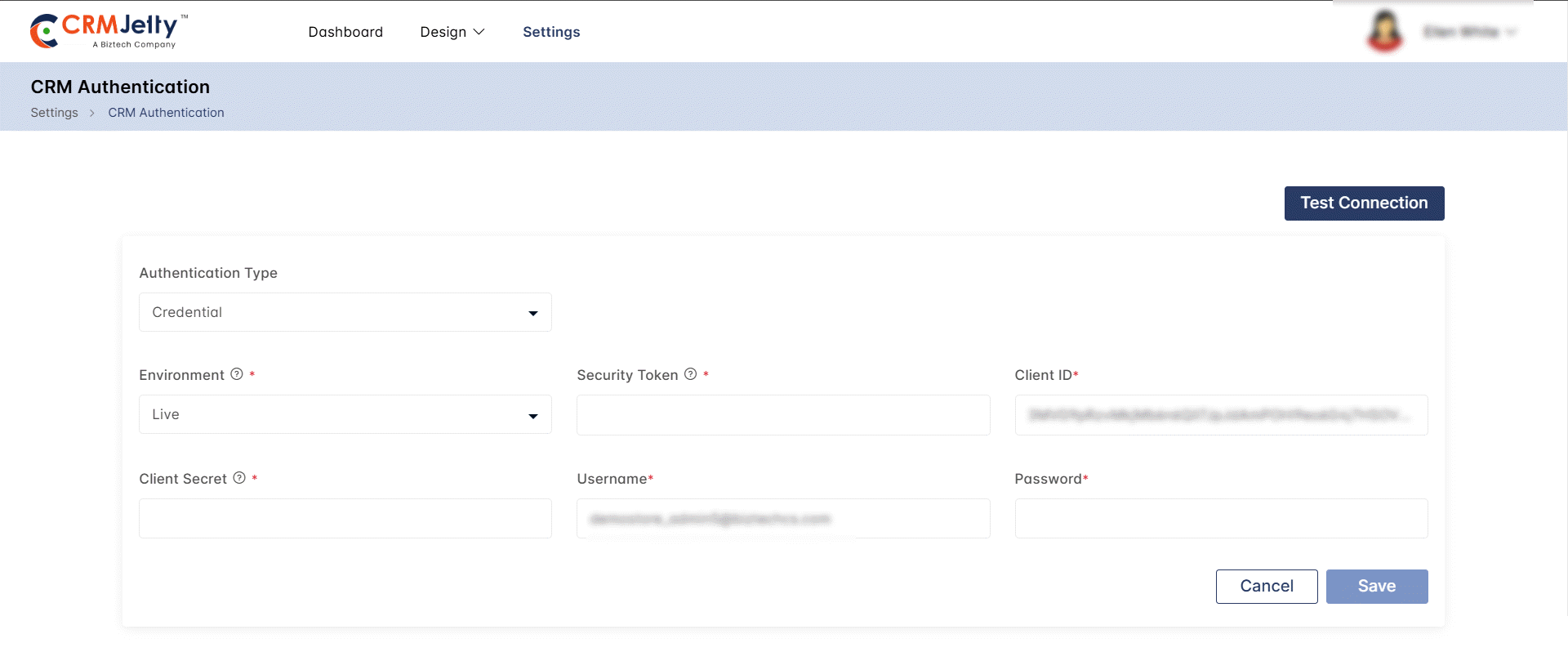
Once you completed the Installation and Authentication, log in to CRMJetty Portal and you must configure CRM Authentication to start syncing the data with Salesforce.
Step 2: Set Password
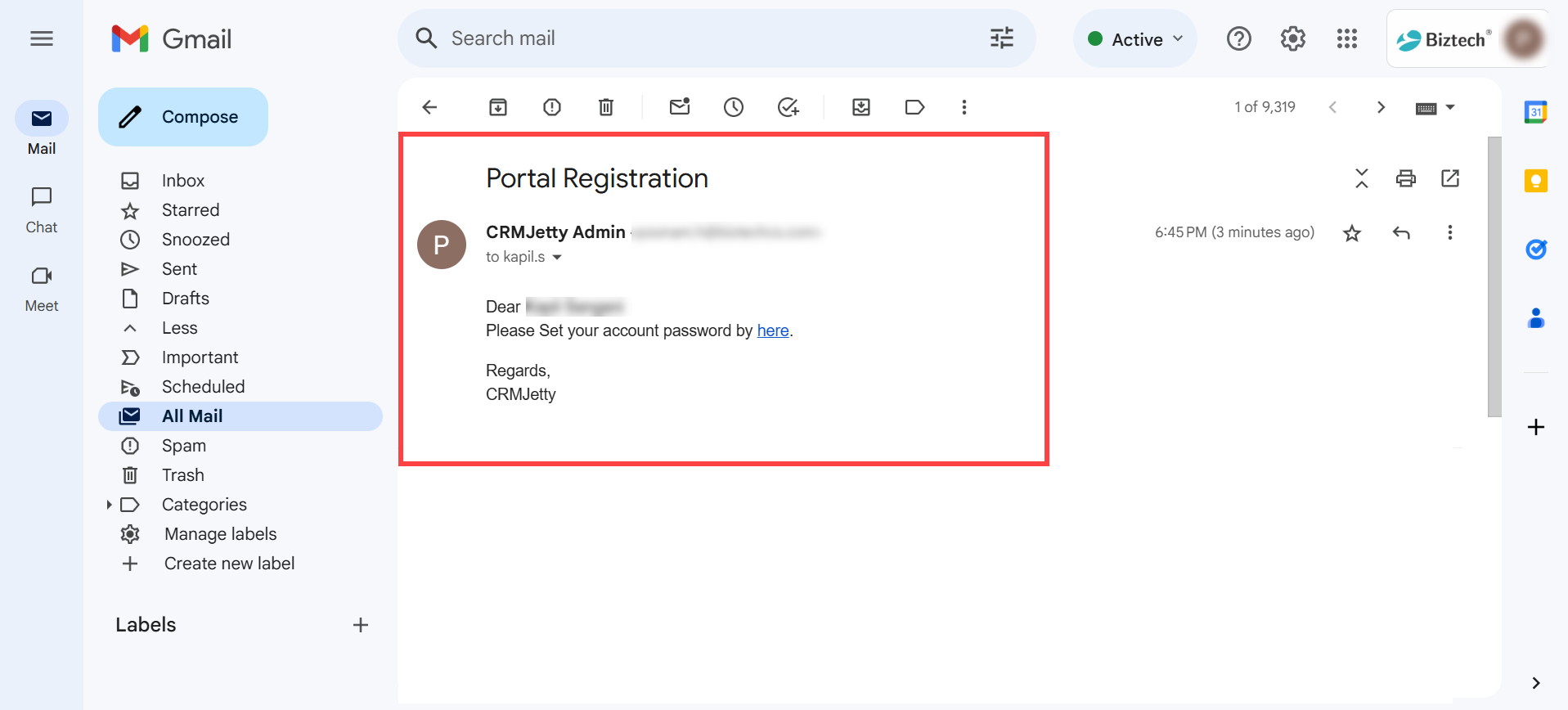
1. Check the registered Email: Access the registered email account, check the “Set Password” email sent to the Admin , and click on the link provided in the message. [1]
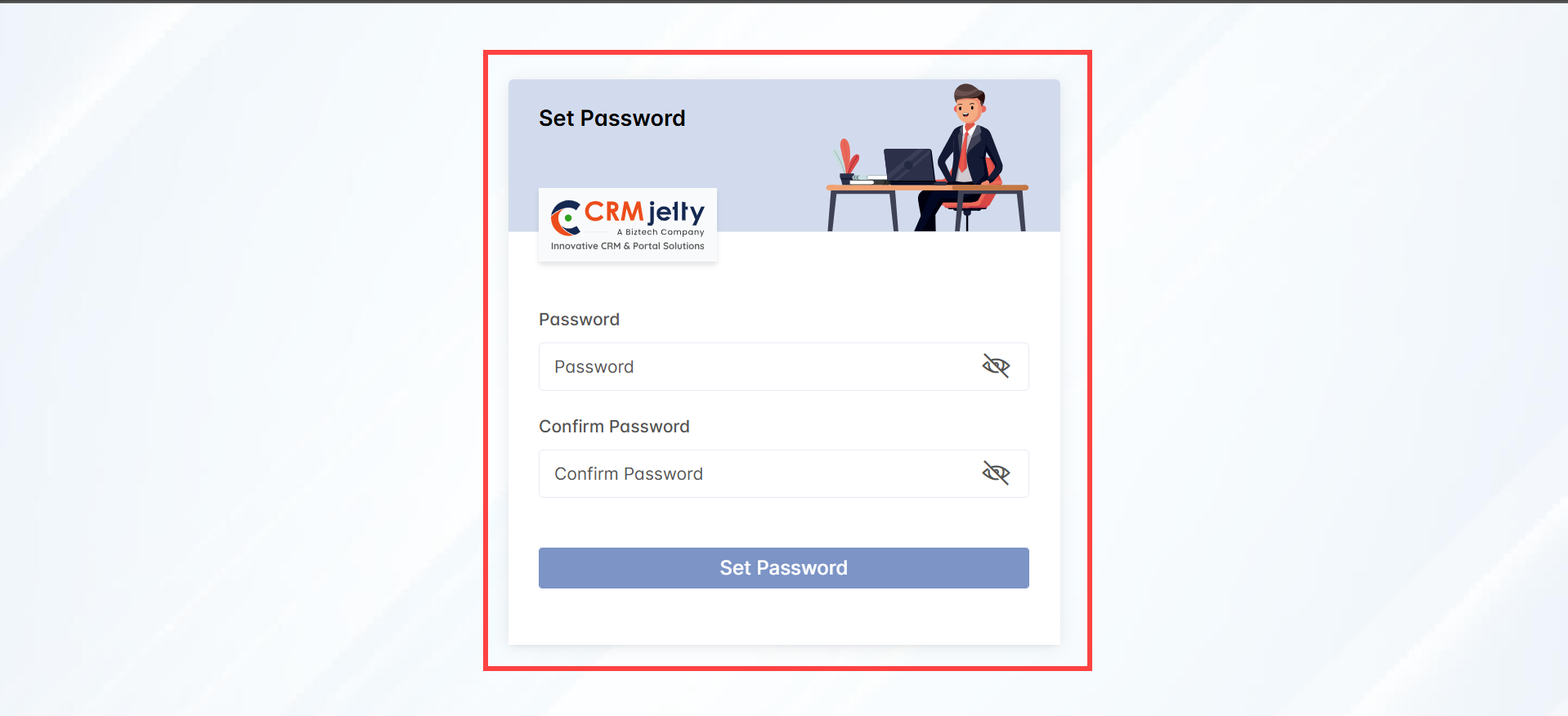
2. Create a New Password: Clicking the link will redirect the Admin user to the “Create New Password” page, where they can enter and confirm their desired password to complete the setup. [1]
Step 3: Create New Password
1. Enter New Password: On the “Create New Password” page, type the desired new password in the “New Password” field. [1]
2. Confirm Password: Re-enter the same password in the “Confirm Password” field. [1]
Click “Save”: After entering and confirming the password, click the “Save” button.
– If successful, Admin will be redirected to the Admin login screen.
Step 4: Admin Portal Login
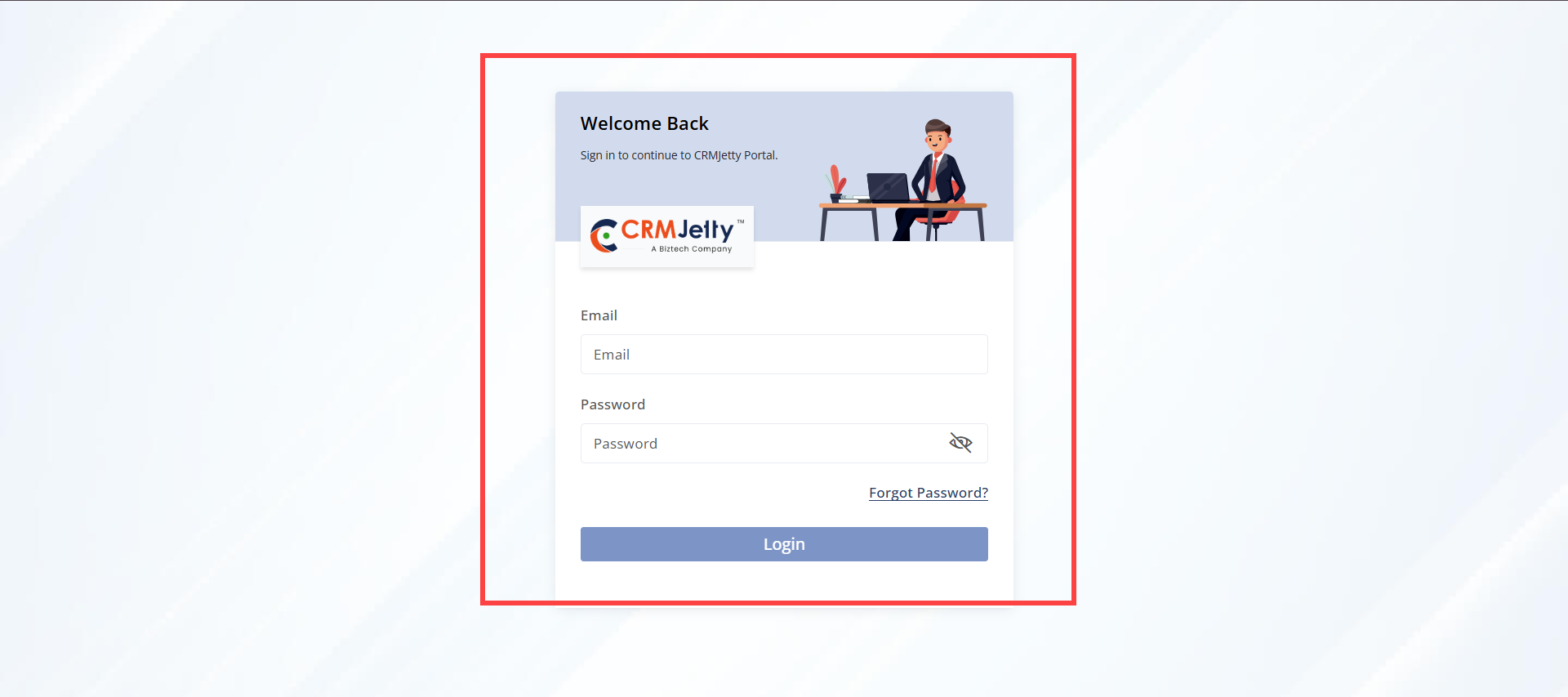
1. Enter Login Credentials: On the Admin login page, enter the registered Admin email address and the password set via the link sent to the registered email.
2. Click “Login”: If the credentials are correct, the Admin will be redirected to the Dashboard.
– Forgot Password: If the Admin has forgotten their password, click the “Forgot Password” link.
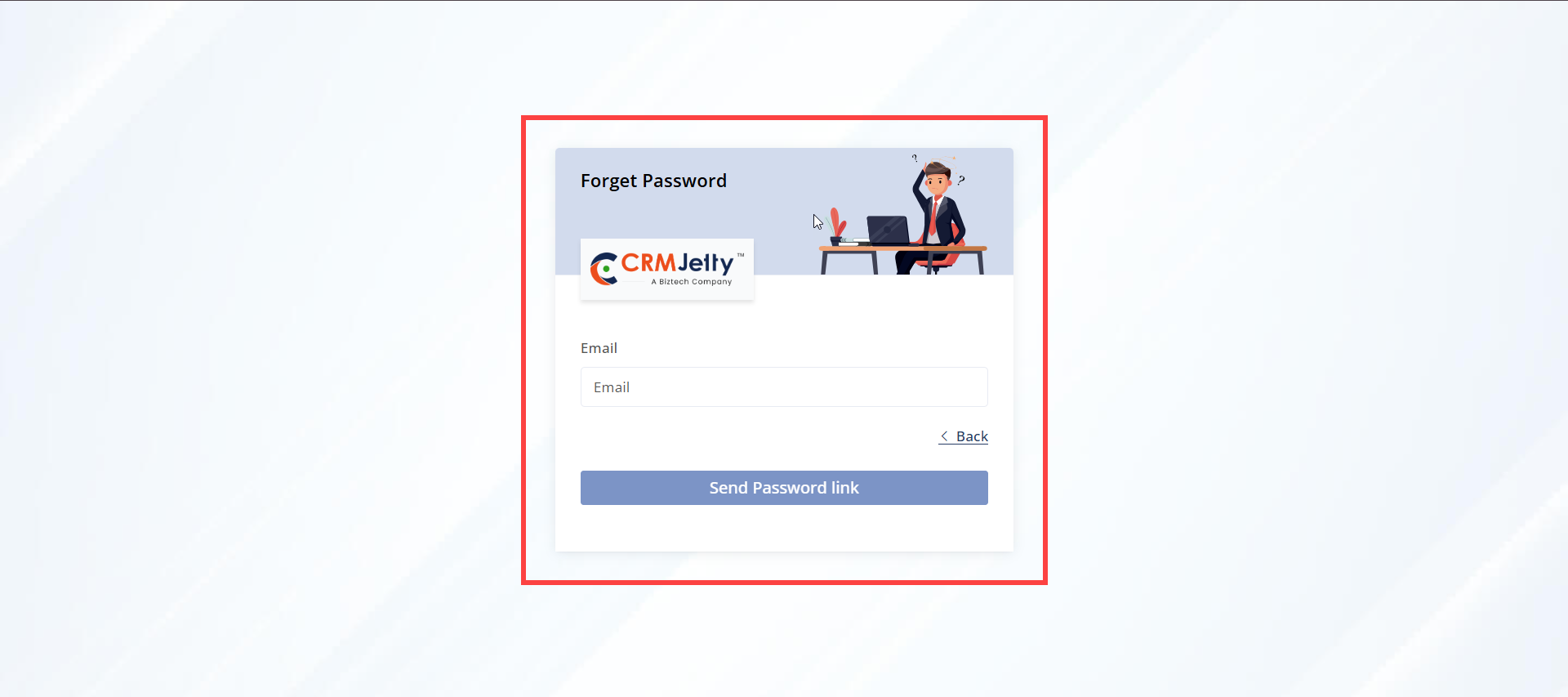
Forgot Password
1. Enter Registered Email Address: On the “Forgot Password” page, enter the registered Admin email address and click the “Send” button.
– If the email is valid, a “Password Reset” link will be sent to the Admin ‘s registered email. [1]
2. Click the Reset Link: Click the link in the email to be redirected to the “Create New Password” page.
– Follow the instructions in Step 3- Create a new password to set a new password. [1]
Note: The password reset link will only be sent to the registered email address associated with the Admin account. If the Admin does not receive the email, please contact a CRM-authorized person for assistance.
Step 1: SMTP settings
Once the Admin successfully logs into the Admin Portal, the Admin first needs to set up the SMTP configuration for email.
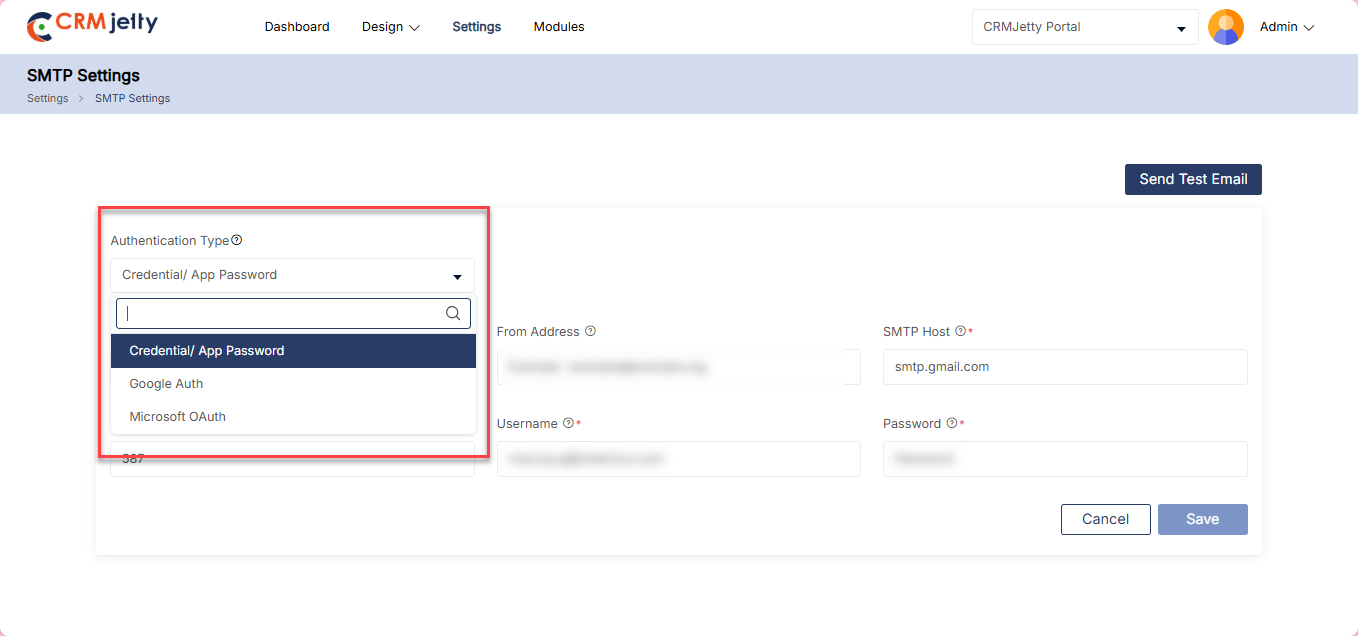
– Authentication Type: First, the Admin needs to select the Authentication Type according to the requirement.
1. Credential/App Password: In this option, Admin needs to enter a username and password for specific apps like social media, Outlook, Gmail, Apple Mail, etc.
2. Google OAuth: Auth is a security protocol that allows applications to access Admin data without requiring passwords. This is integrated with Google services like Gmail, Google Calendar, Google Contacts, etc.
3. Microsoft OAuth: Microsoft Authentication (SMTP AUTH) in SMTP configuration validates user credentials to permit applications, scanners, and devices to send emails through Microsoft 365. It acts as a security checkpoint, ensuring only authorized users can submit emails. Authentication is replacing basic authentication for improved security, allowing apps to authenticate without storing user passwords.
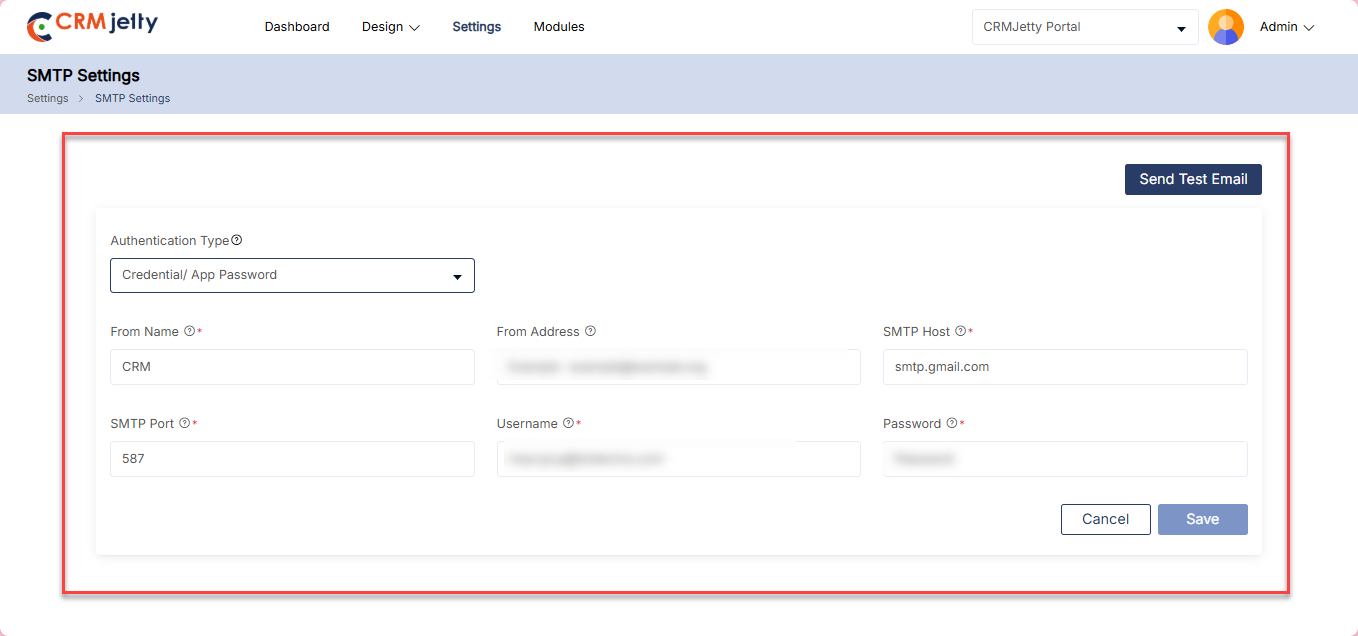
Credential / App Password
In this option Admin enters the selected app Email ID and password (for ex: Outlook, Gmail, Apple Mail, etc.)
For example: Admin uses the Gmail ID and Password for SMTP configuration. [2]
To establish a reliable connection for sending emails Admin needs to add the following details:
– From Name: Enter the name that Admin wants to display in the receiver’s Email.
– From Address: Enter the email address that Admin wants to display in the receiver email.
– SMTP Host: Enter the host address of an email.
– SMTP Port: Enter the port number used by outgoing mail servers.
– Username: Enter the app username/email.
– Password: Enter the password of the email/username entered above.
Note: The Admin has the flexibility to use any set of credentials for the SMTP configuration, regardless of the credentials used to log into the Admin portal. This allows the Admin to choose credentials freely without being restricted to the ones used for portal access.
After entering the details click on the “Save” button.
Google OAuth
In this Authentication type, the Admin can connect Google Account with the portal by entering Client ID and Client secret. [3]
– Client ID: Enter Admin client ID.
– Client Secret: Enter Admin client secret.
After entering the ‘necessary’ details, click on the “Save” button to complete the SMTP settings.
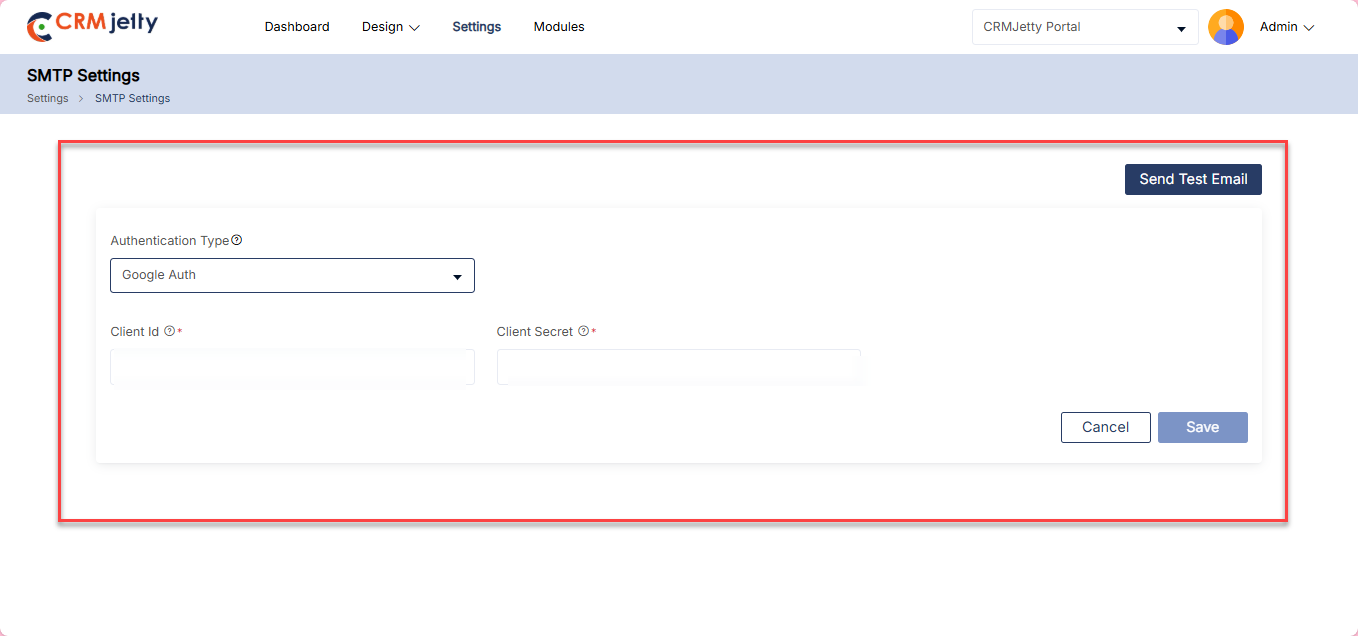
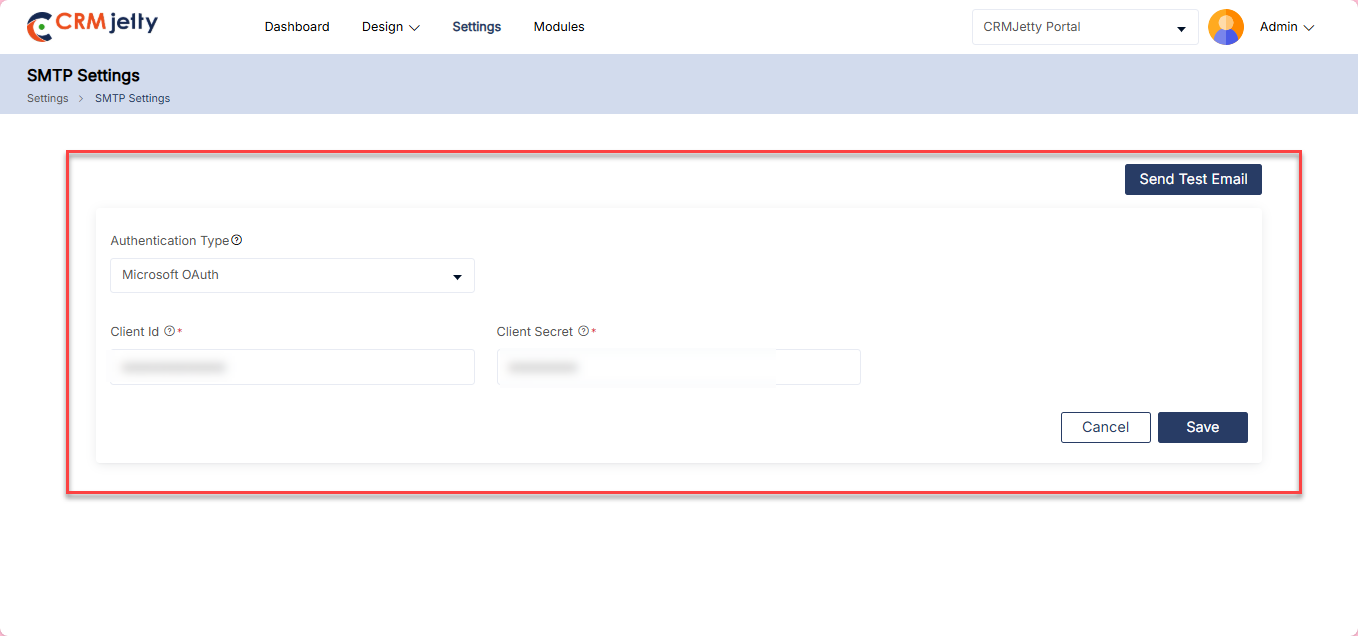
Microsoft OAuth
In this Authentication type, the Admin can connect Microsoft Account with the portal by entering Client ID and Client secret. [4]
– Client ID: Enter Admin client ID.
– Client Secret: Enter Admin client secret.
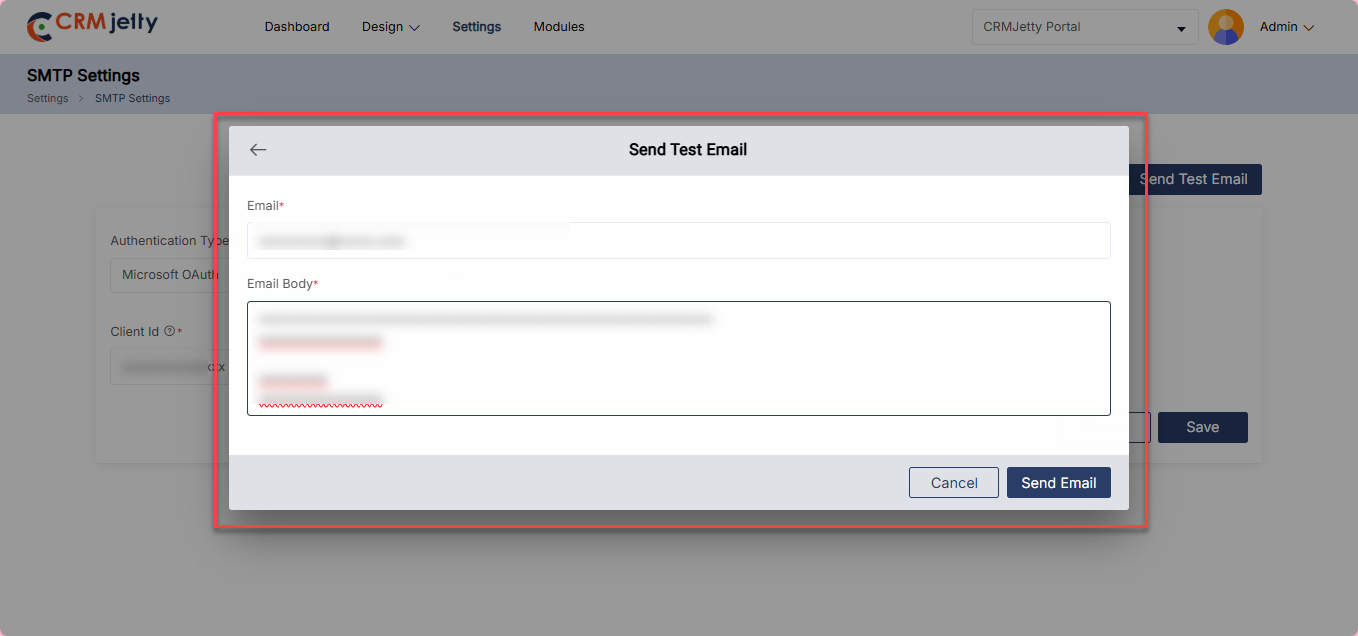
Test Email Connection:
Send Test Email: Click on the “Send Test Email” button to initiate a test of the SMTP connection.
Click Sent Mail: In the popup box, the Admin should enter the recipient’s email address and a description, then click the “Send Mail” button. [5]
Connection Status
Connected: If the test email is received successfully on the above-entered mail, then the SMTP configuration has been established correctly.
Not Connected: If the email is not received, the Admin should verify that all SMTP configuration details—such as the SMTP Host, Port, Username, and Password—are entered correctly or not.
Note: Each SMTP server has different authentication methods, so the Admin must follow the specific rules of their mail server.
Popular SMTP Server Configurations
Microsoft Exchange:
– Server: smtp-mail.outlook.com
-Port: 587
Yahoo:
-Server: smtp.mail.yahoo.com
-Port: 587
Gmail:
-Server: smtp.gmail.com
-Port: 587
Hotmail:
-Server: smtp.live.com
-Port: 587
AOL:
– Server: smtp.aol.com
– Port: 587
Please note that these configurations are commonly used, but the Admin should always check with the respective email service provider for the most current and accurate SMTP server settings
Step 2: CRM Authentication
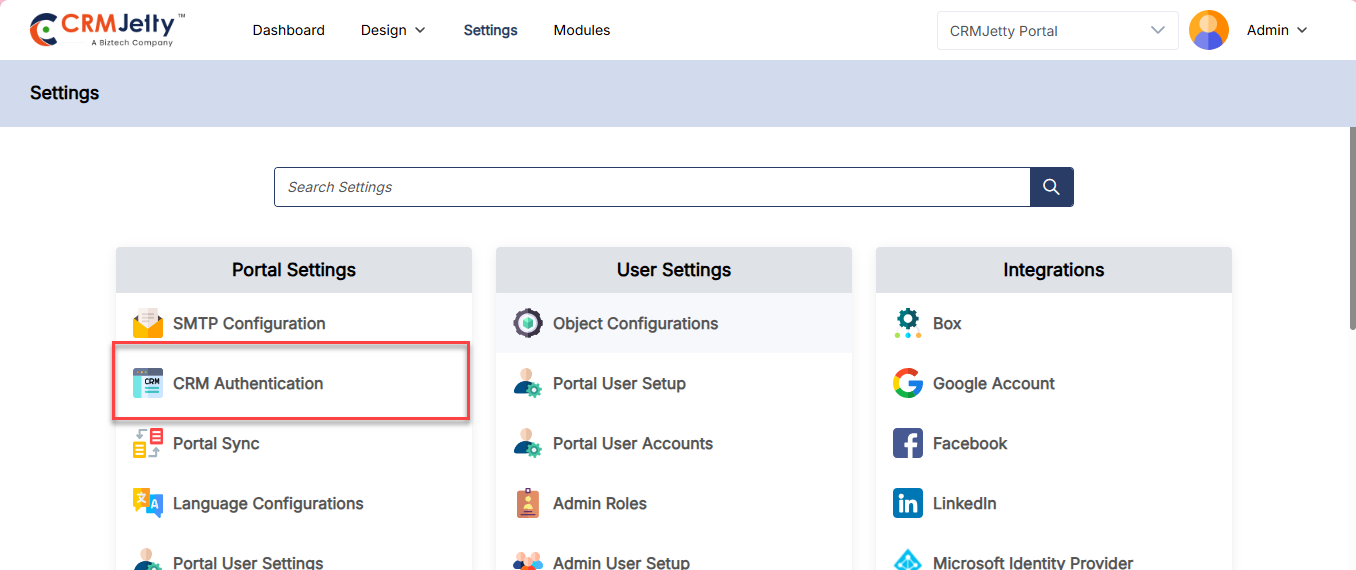
After setting up the SMTP configuration, the Admin must configure CRM authentication to connect CRM data with the Portal.
To do this the Admin should navigate to Settings > Portal Setting > CRM Authentication. [1]
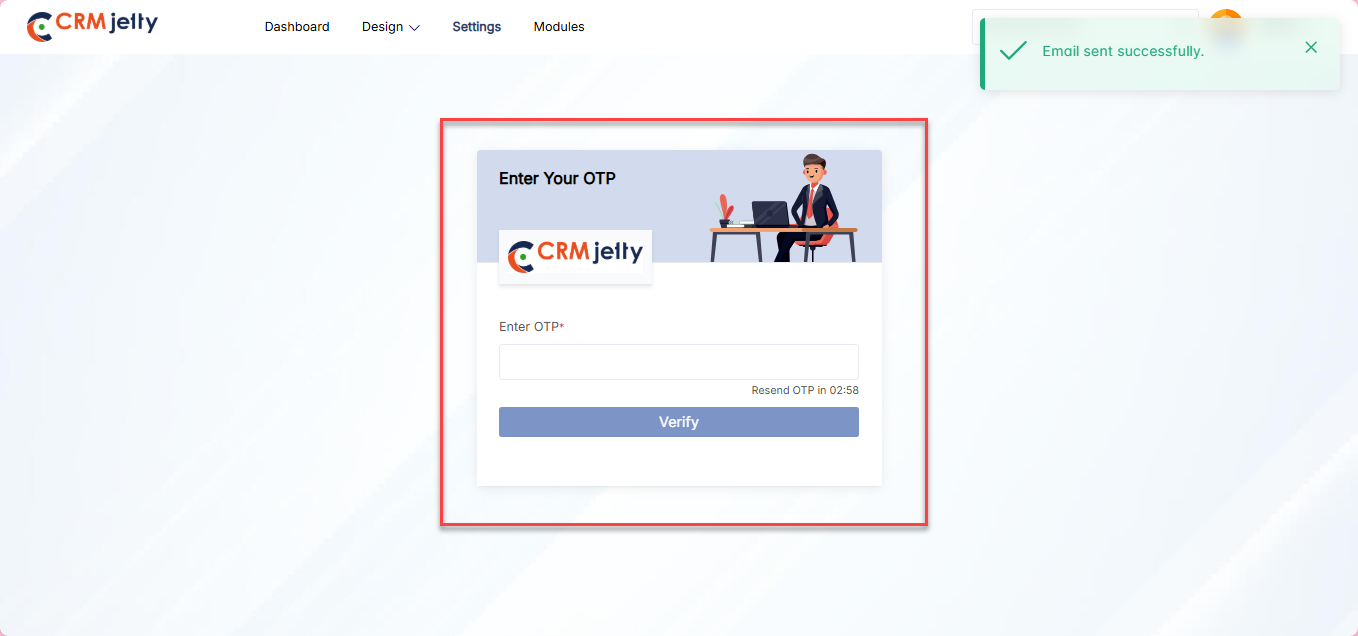
To access the CRM authentication screen, the user must validate their identity through the OTP verification process.
OTP Verification: On the CRM authentication page Admin will see an OTP verification screen. The Admin needs to enter the OTP received on the registered email ID.[2]
Note: Only super Admin receives the OTP, on their registered mail Id.
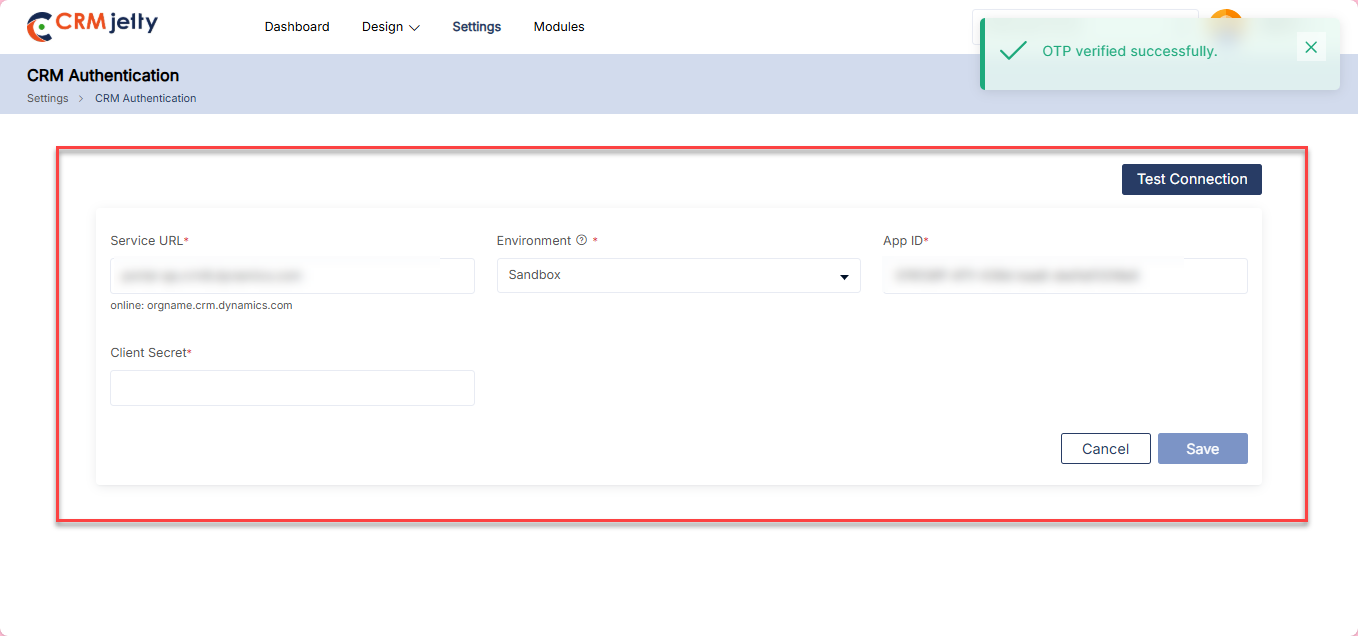
Once the verification process is complete then the Admin needs to configure the CRM authentication by entering the following details: [3]
– Service URL: Enter the URL endpoint for the service.
– Environment: Admin can select the two types of Environment.
– Live: the production environment where real-time data and transactions occur.
– Sandbox: A testing environment for developing and testing applications without affecting live data.
– App ID: Enter the application identification number.
– Client Secret: Enter the secret key for client authentication.
After entering the required details, click on the “Save” button to complete the CRM Authentication process.
Test CRM Connection
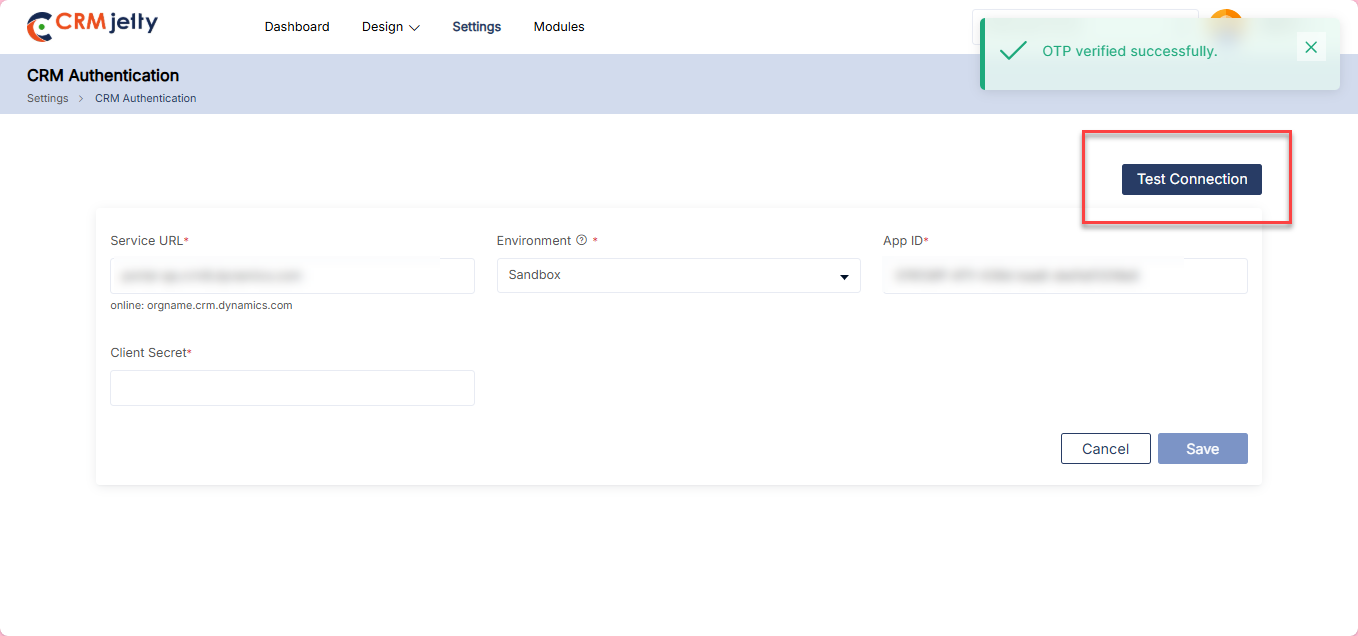
Test connection: By clicking on the “Test Connection” button the portal verifies whether the entered credentials are correct or not. [4]
Connection Status:
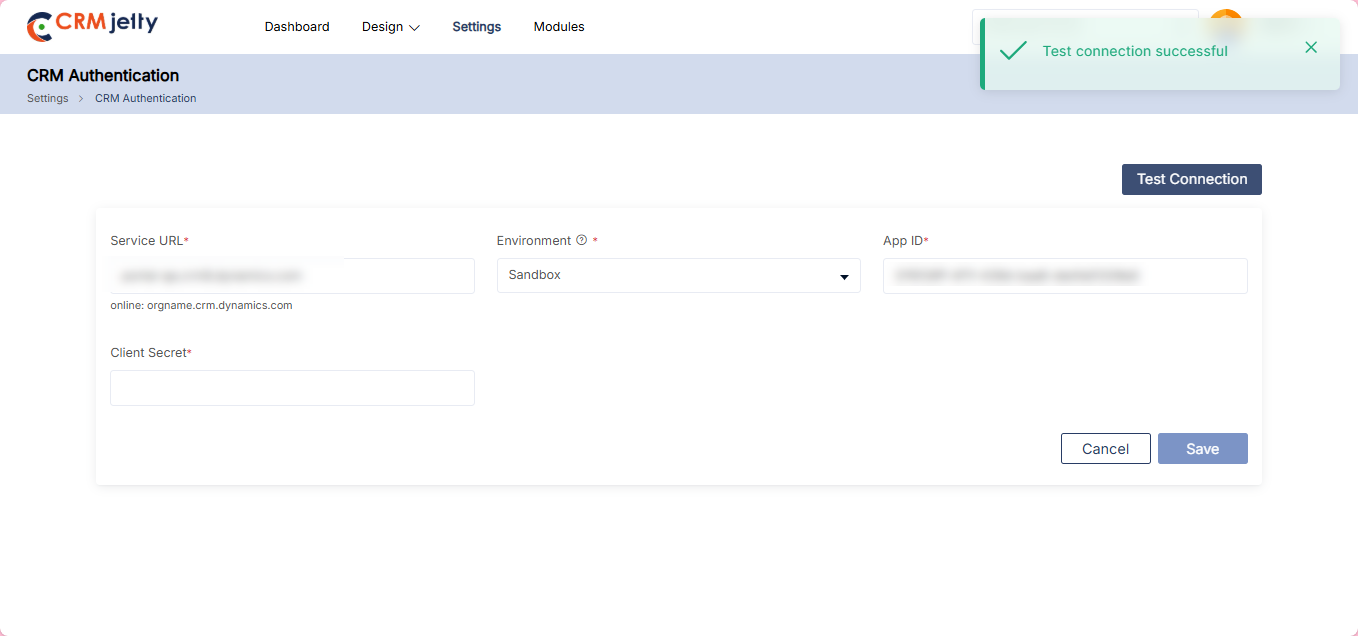
Connected: If the connection is successful, then the Admin can see the success token message on the right side of the page. [5]
Not connected: If the connection is unsuccessful, the Admin should verify all the details – such as the service URL, App ID and Client Secret – are entered correctly. If the issue persists, the Admin should contact the CRM authorized person for further assistance.
Sub-Admin Roles
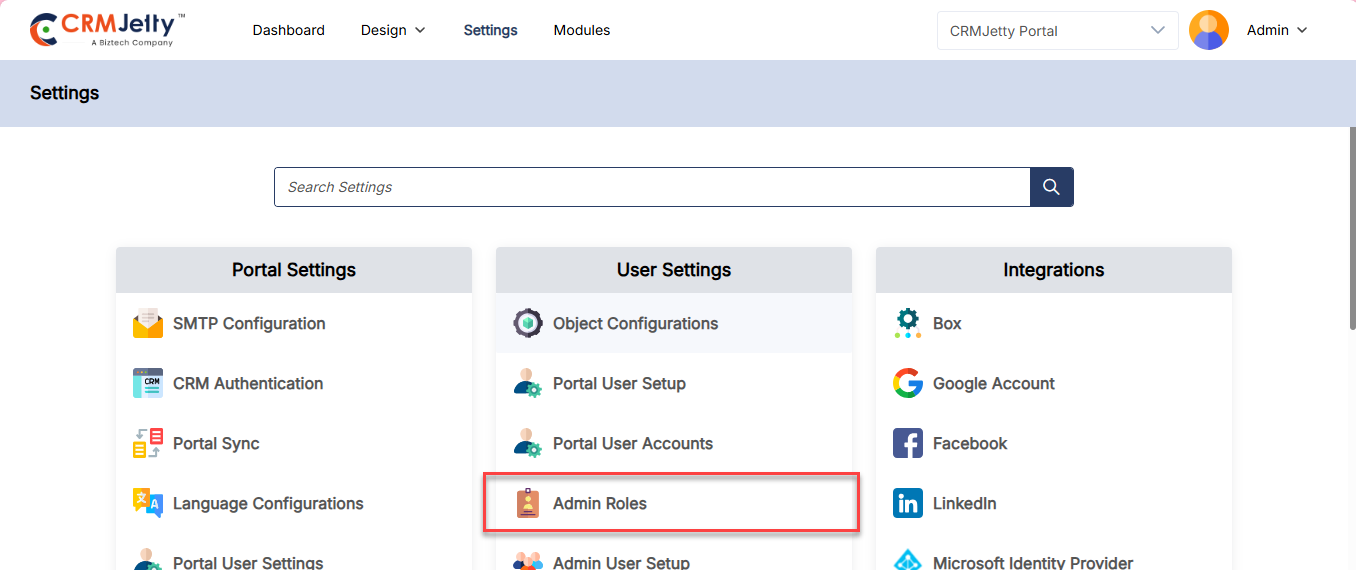
The Super Admin can assign multiple roles to sub-Admin , each with different responsibilities. To create a role, navigate to Settings > User Settings > Admin Roles. [1]
Note: These roles apply only to the Admin portal. Both Super Admin and sub-Admin with Admin role permissions can add new roles.
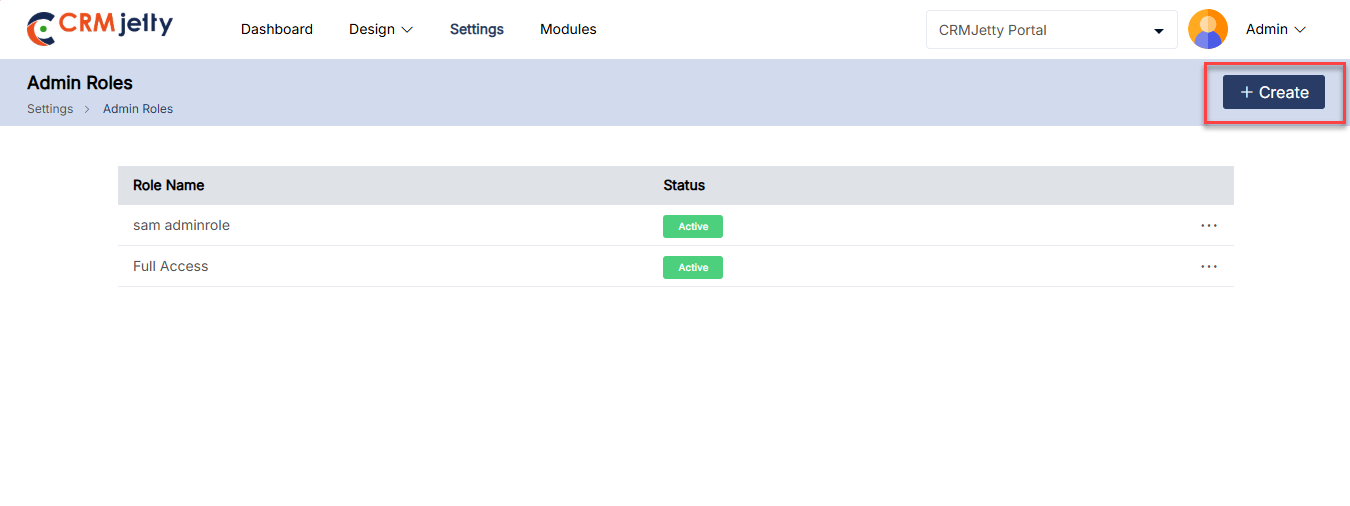
On the Admin role page Admin can view Role Name and Status. On the right side of the page Admin can view the “+Create” button. By clicking on the button Admin can add a new Admin role for the Admin portal. [2]
Creating a New Role
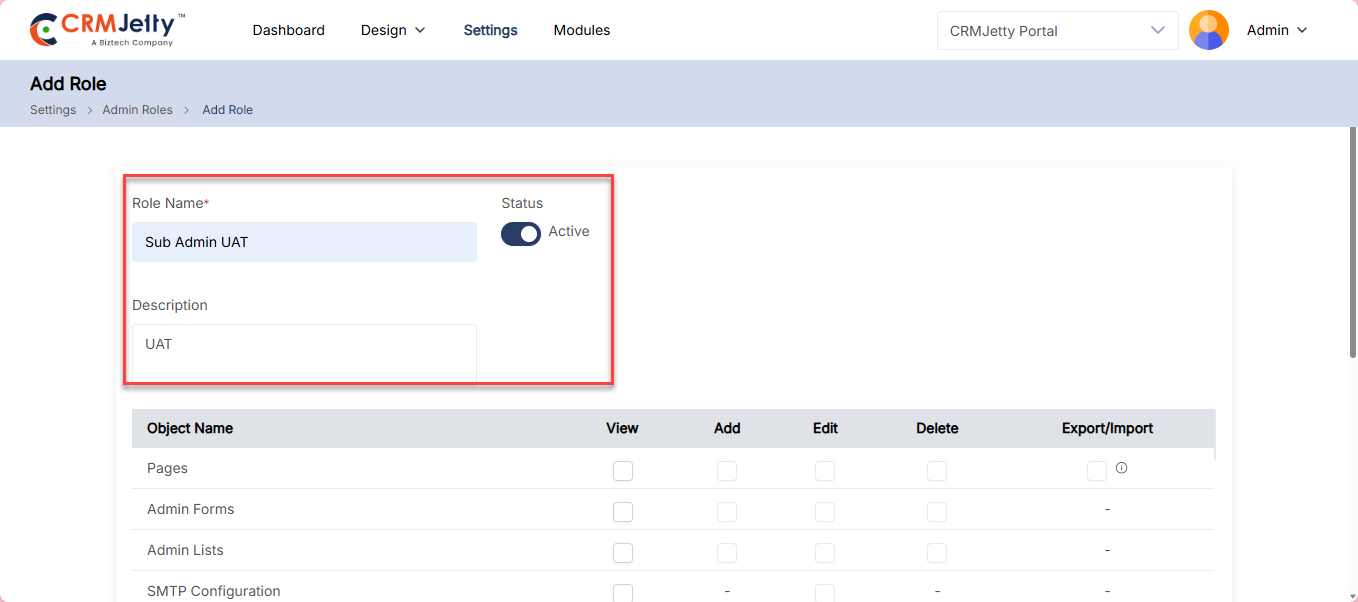
On the “Add Role” page, the Admin needs to enter below details:
1. Role Name: Enter a unique name for the sub-Admin role.
2. Status: Click on the toggle button to set the role as “Active” or “Inactive.”
3. Description: Provide a brief description of the sub-Admin role for future reference. [3]
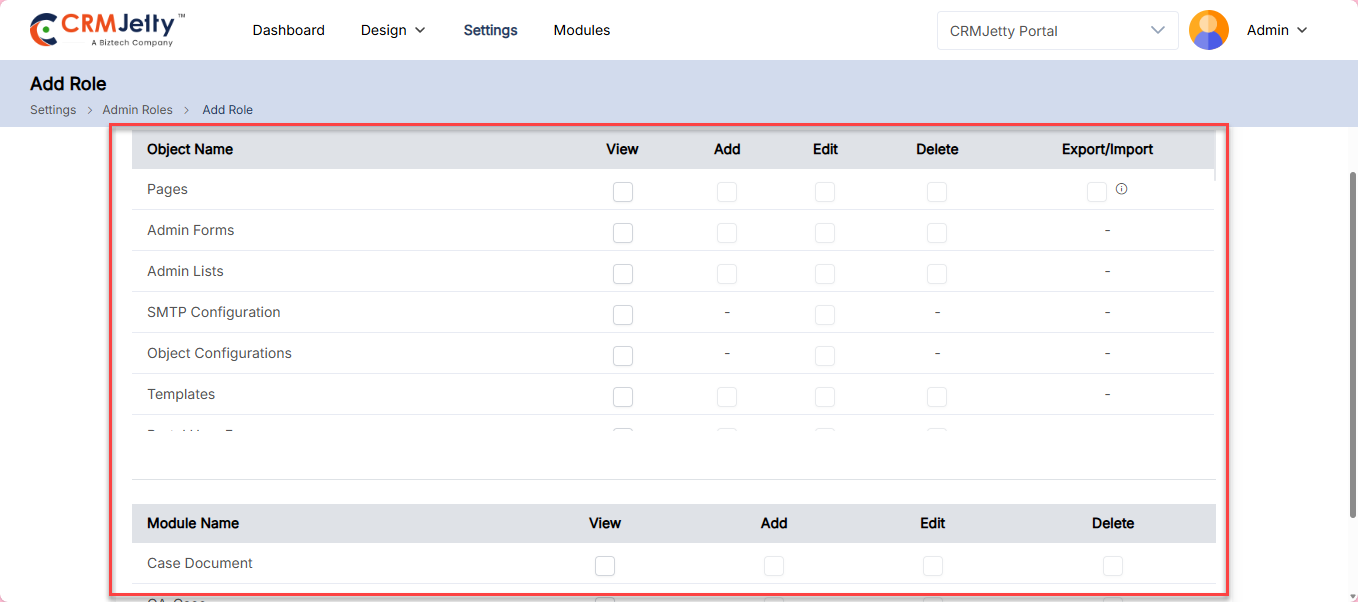
4. Permissions: Select the checkbox next to each Object and Module to set the permissions for View, Add, Edit, Delete and Export/Import actions. The sub-Admin access to specific Objects will be determined by these permissions. [4]
Note: Sub-Admin users can only access the entities that the super Admin has allowed.
Edit Admin Role:
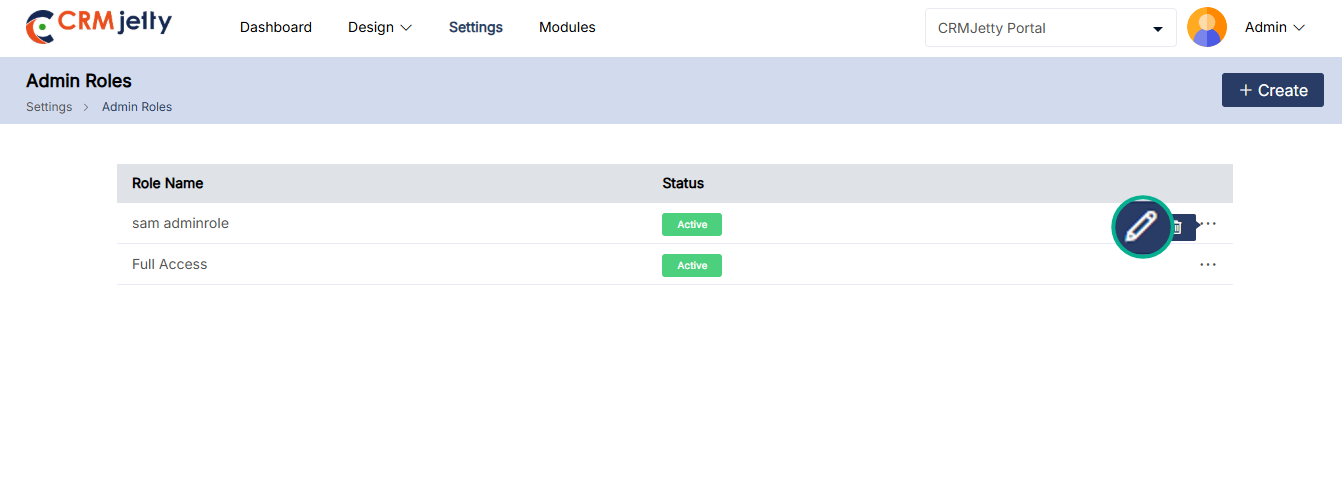
To edit an Admin role, navigate to the Admin role list and click the three dots (…). This will reveal the Edit icon. Clicking the icon will redirect the Admin to the edit role page. [5]
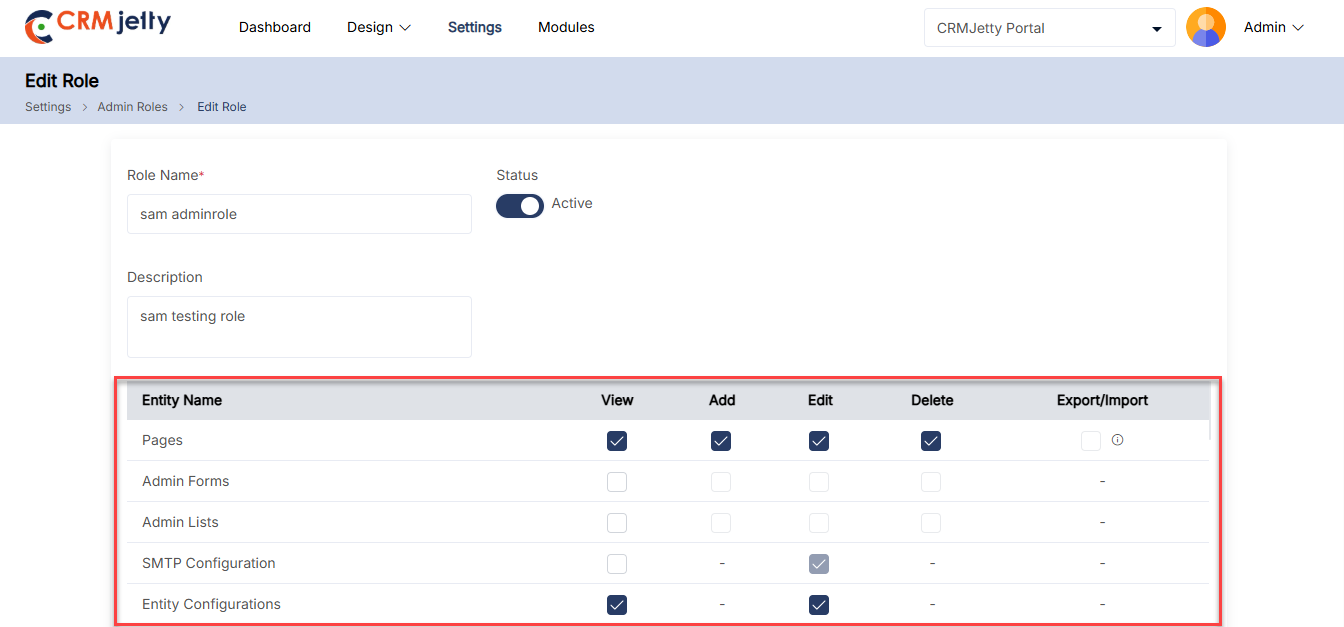
On the Edit page, the Admin can modify the role’s name, status, description, and permissions as needed. [6]
After making the changes, click the “Save” button to apply the updates.
Delete Admin Role:
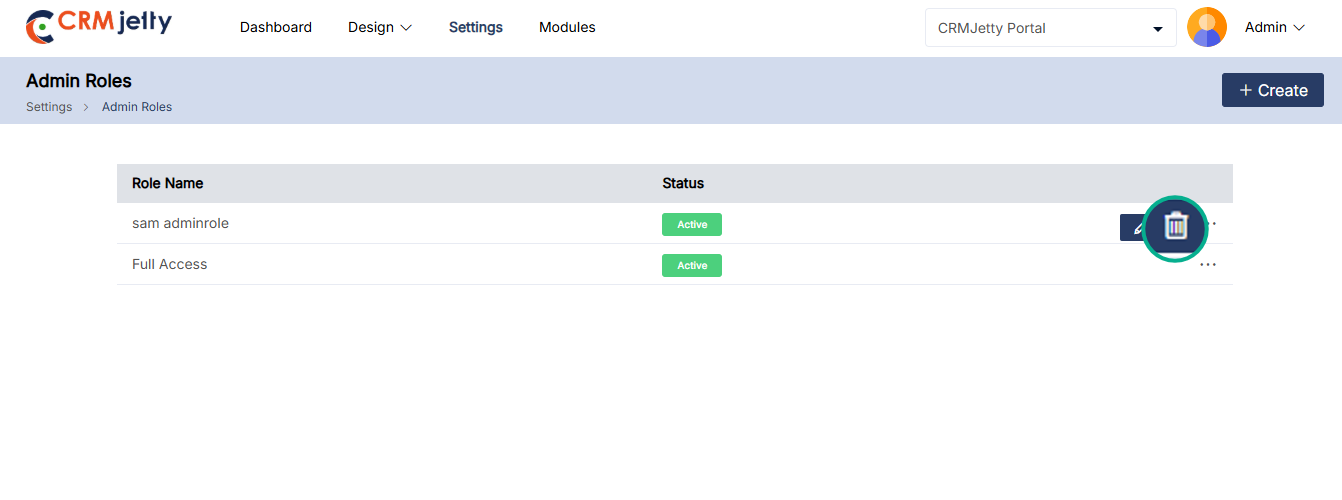
To delete an Admin role, go to the Admin role list and click the three dots (…). Click the delete icon, and a pop-up will appear. [7]
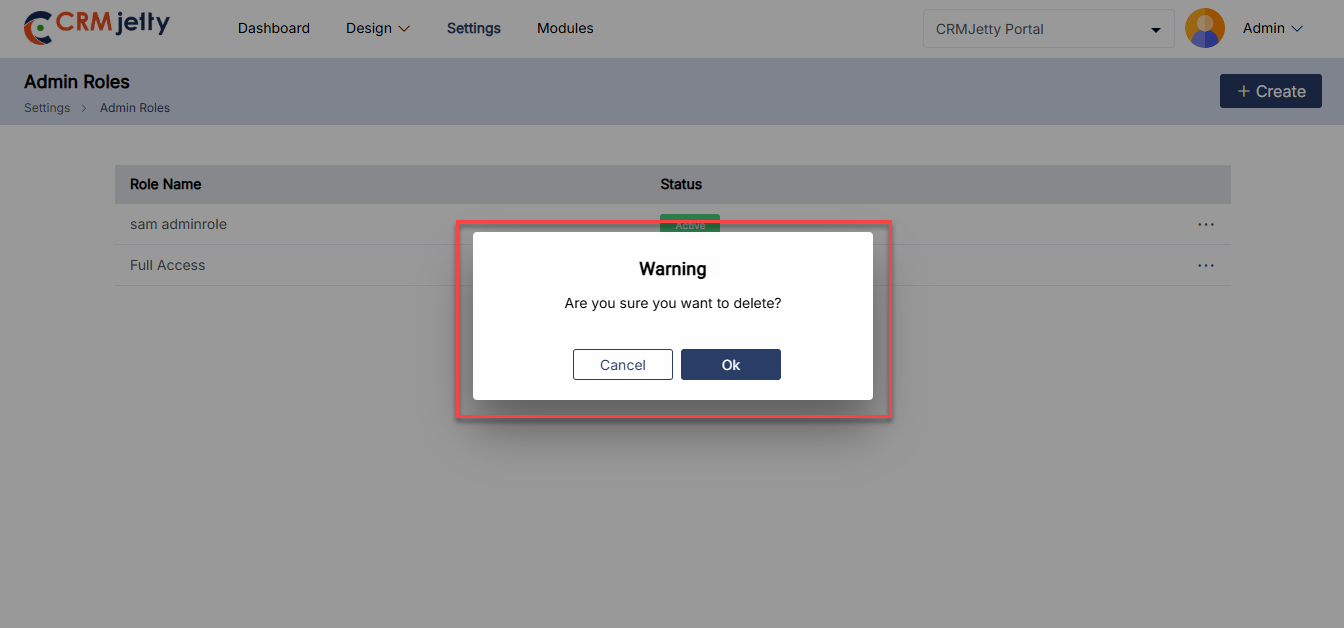
In the pop-up, click the “OK” button to permanently delete the role from the portal, or click the “Cancel” button to keep the role.[8]
Sub-Admin User Setup
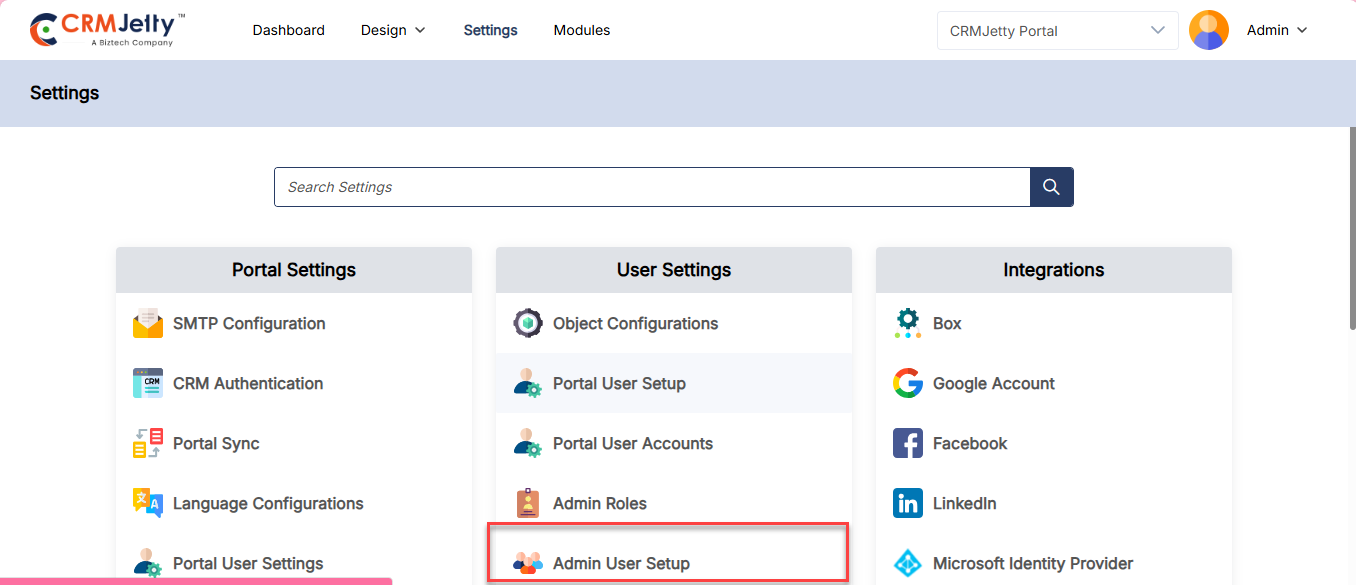
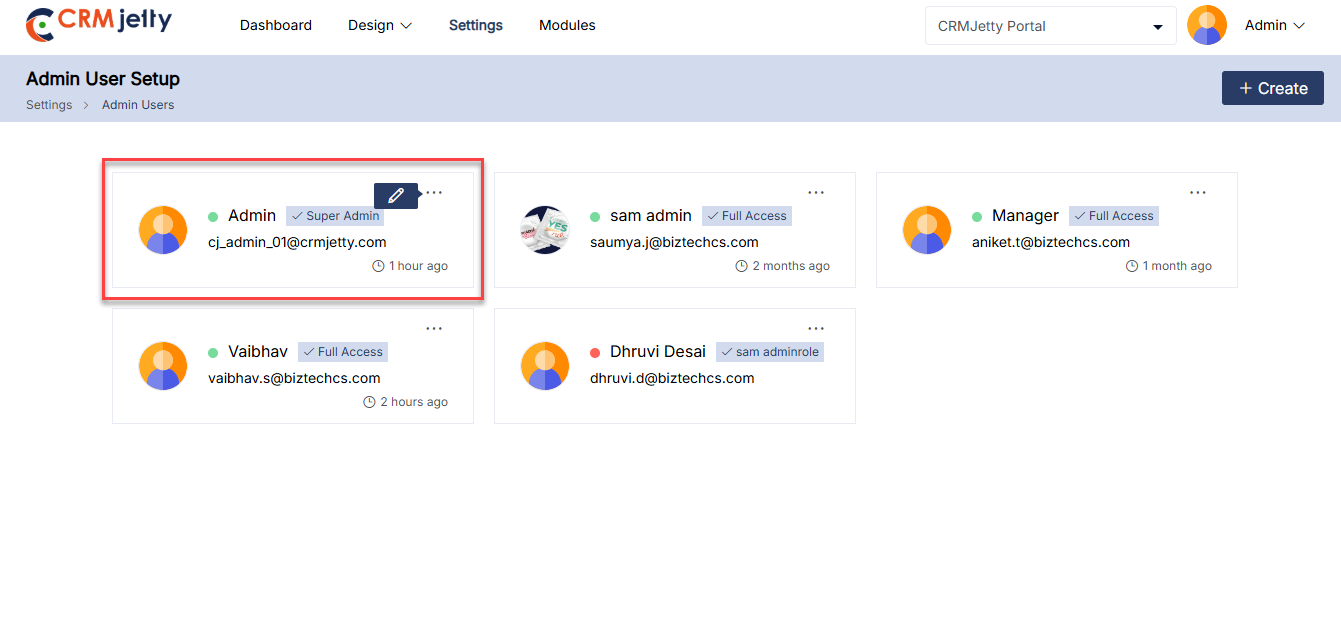
The Super Admin can add multiple sub-Admin users for different responsibilities. To do so navigate to Settings > User Setting > Admin Users Setup. [1]
Note:. This setup applies only to the Admin portal. Super Admin and sub-Admin with Admin user setup rights can add new users.
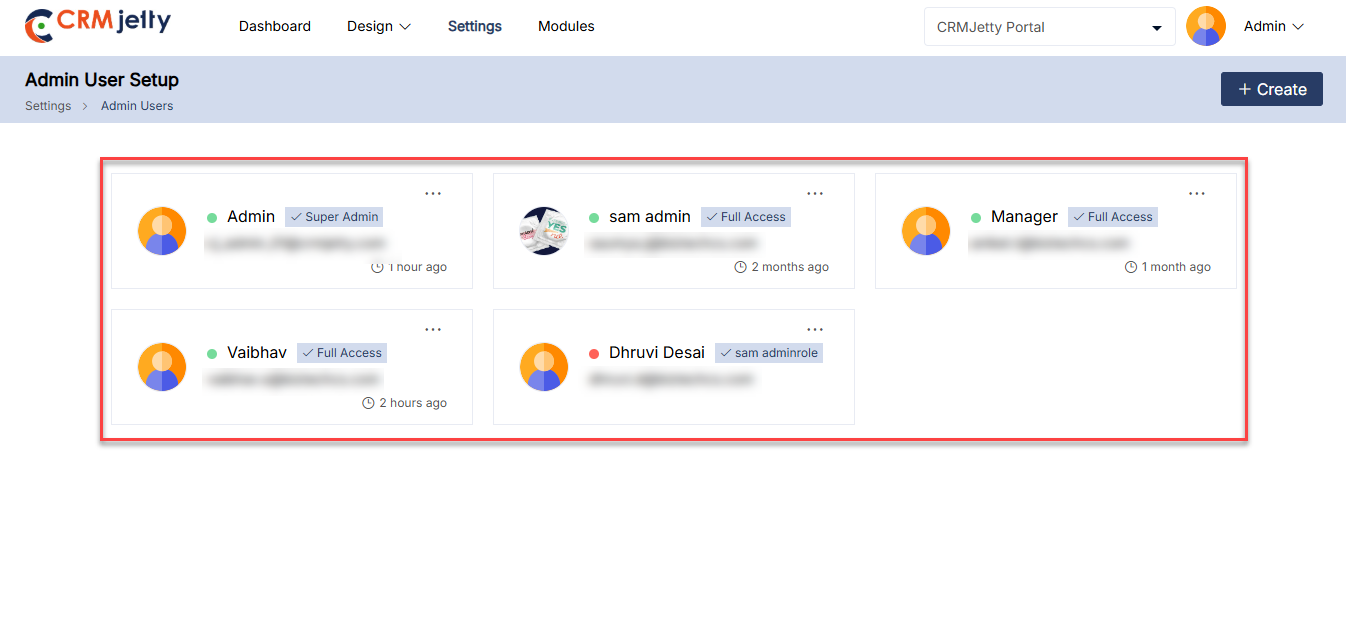
Admin User Card: On the Admin user page, the Admin will be able to see the card view with the below-mentioned details. [2]
– Name
– Role
– Email Id
– Last login information
The Super Admin can assign different roles to various sub-Admin users. To add a new sub Admin follow these steps:
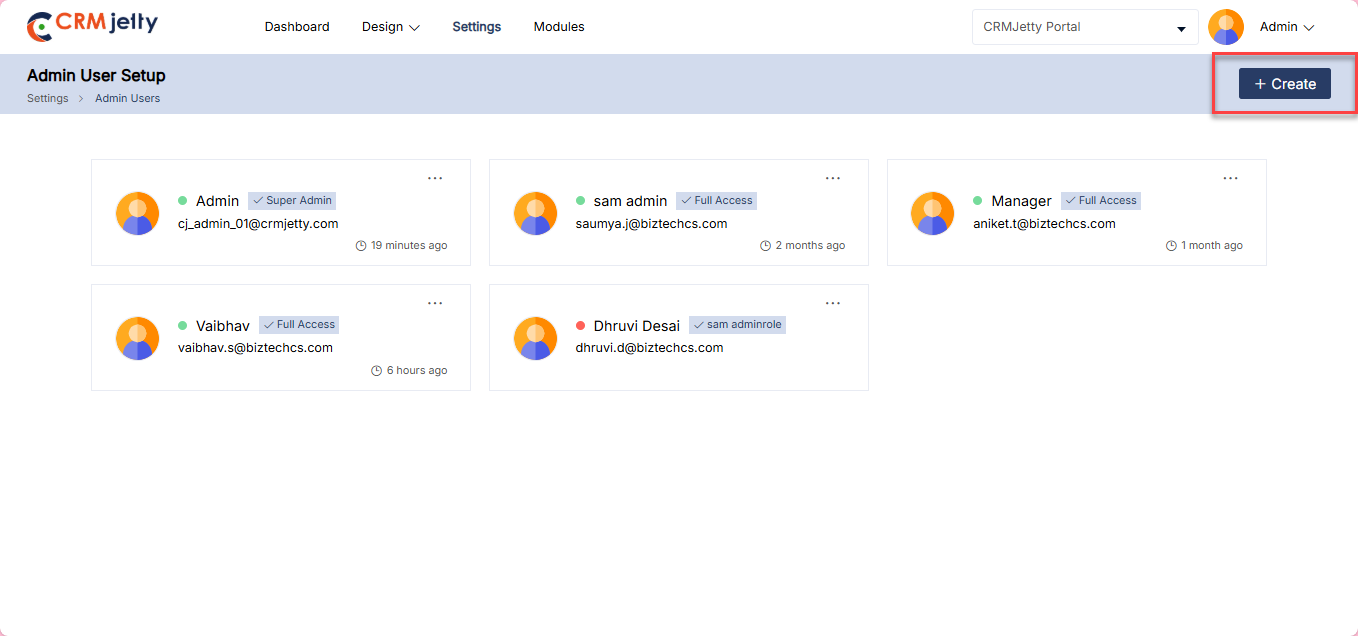
– Create New User: Click on the “Create” button to add a new Admin user. [3]
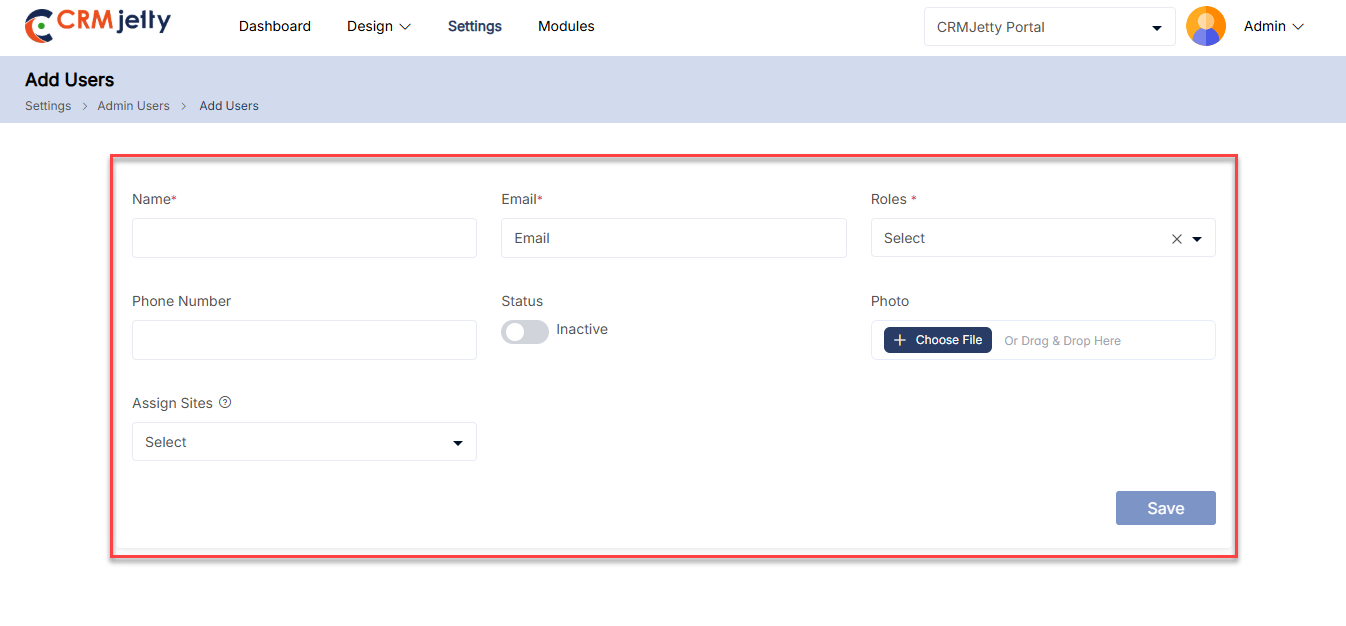
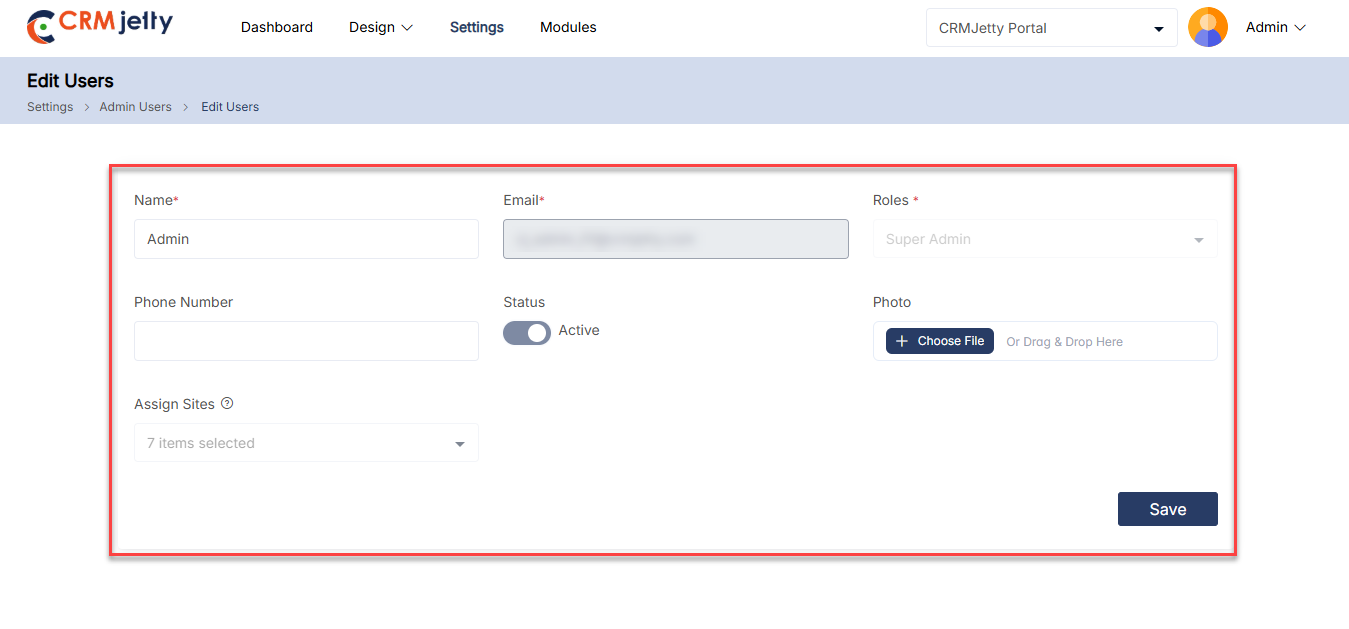
– Enter User Details: By entering the following details super Admin can configure the sub Admin user.
– Name: Enter a unique name for the sub-Admin user.
– Email: Enter a registered email ID for sub-Admin .
– Phone No: Add a support contact number for assistance. (Optional)
– Status: Click on the toggle button to set the user as “Active” or “Inactive.”
– Photo: Upload the profile photo for identification. (Optional)
– Roles: Select a role for the sub-Admin from the drop-down menu. [4]
– Sites: Select one or multiple sites from the multi-select dropdown to define which sites the sub-Admin can manage.
– The sub-Admin will have access only to the selected sites.
– All site-related data, pages, and settings will be restricted accordingly.
–Note: If no site is assigned, the sub-Admin will not be able to manage any site-specific data.
– Note: The super Admin can create roles from the “Admin Roles” panel, and any roles created there will appear in the Roles drop-down. By default, the ‘Admin ‘ and ‘Sub-Admin ‘ roles are available.
Note: Sub-Admin users who have rights to add a new user can only add users. Sub-Admin with the rights to add new users can only add users and cannot modify their own permissions.
Edit Sub-Admin User
– To update a sub Admin ’s details, click the three dots (…) in the card view, click on the “Edit” icon to be redirected to the edit page. [5]
– Here Admin can view the “Edit” button by clicking on the edit button, Admin is redirected to the edit page. [6]
The Super Admin can modify the site assignments for a sub-Admin user while editing. Changes will take effect immediately and update the sub-Admin’s site access accordingly.
Note: The Super Admin cannot modify the sub-Admin ’s email address during editing.
General Configuration
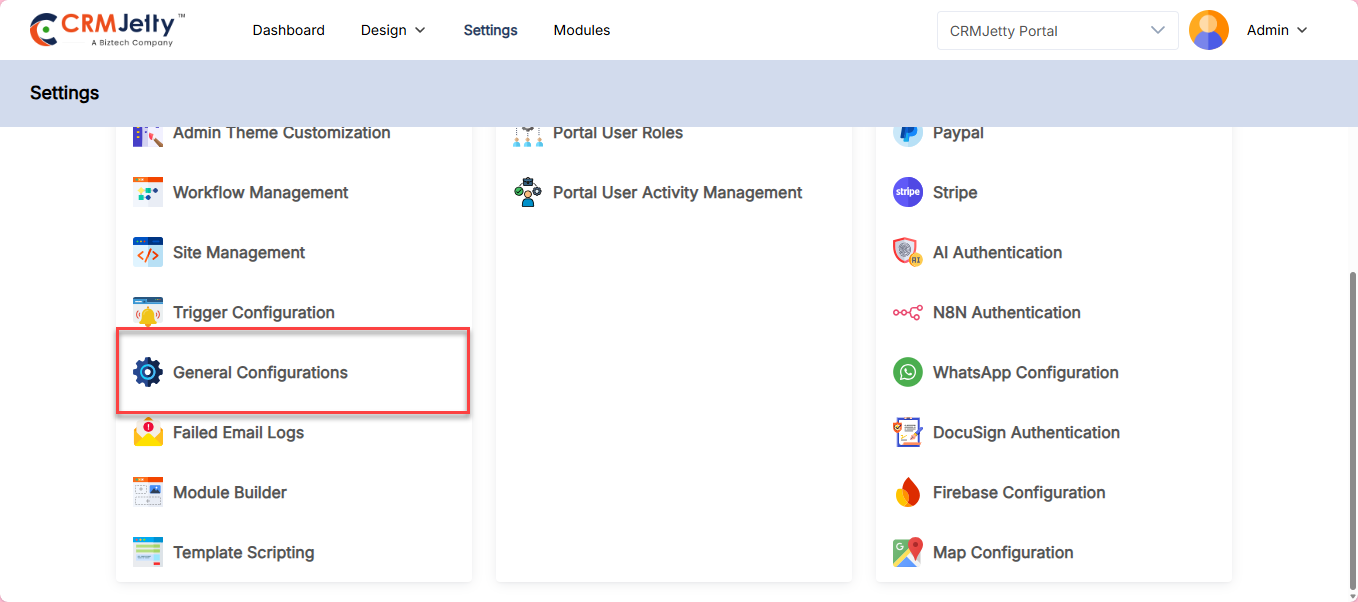
Admin can customize the portal’s name, logo, and favicon through the General Settings. To do this, navigate to Settings > Portal Settings > General Settings.
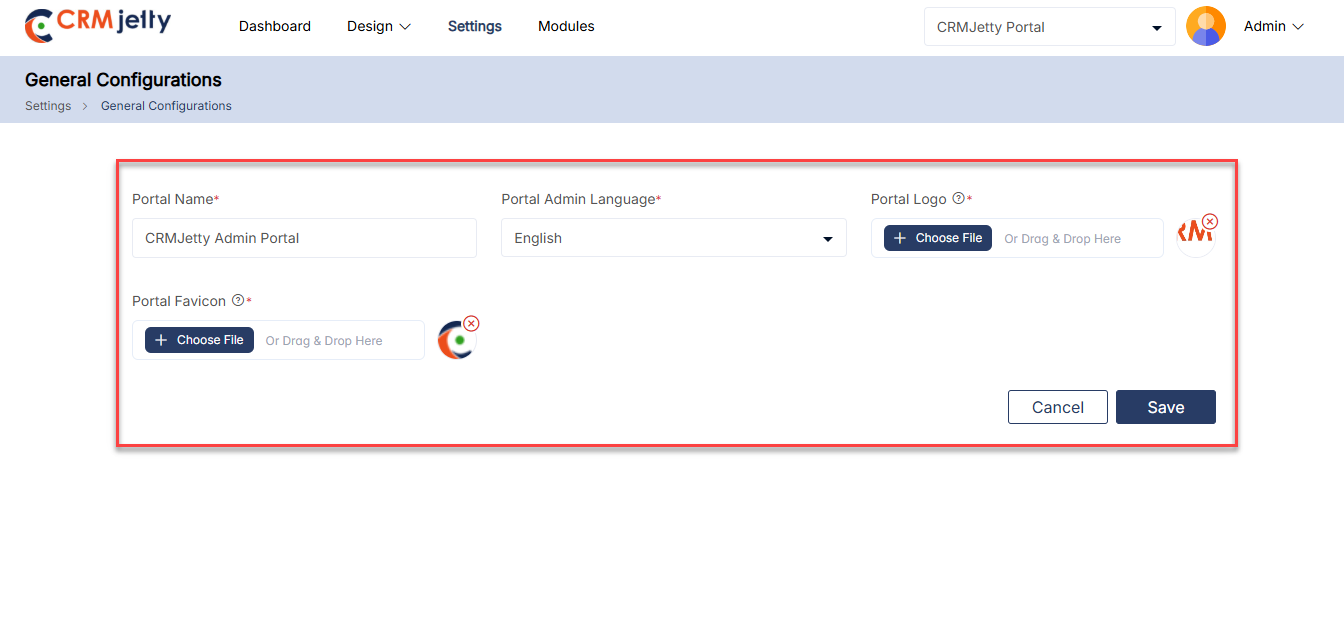
Admin can set the Admin portal by entering the following details.
– Portal Name: Enter the name of the Admin portal.
– Portal Admin Language: Set the Admin portal language. This language will be used across the portal.
– Portal Logo : Upload a logo that will be displayed in the top left corner of the Admin interface.
– Portal Favicon: Upload a favicon that will be shown in the browser tab for the Admin interface.
Admin Theme Customization
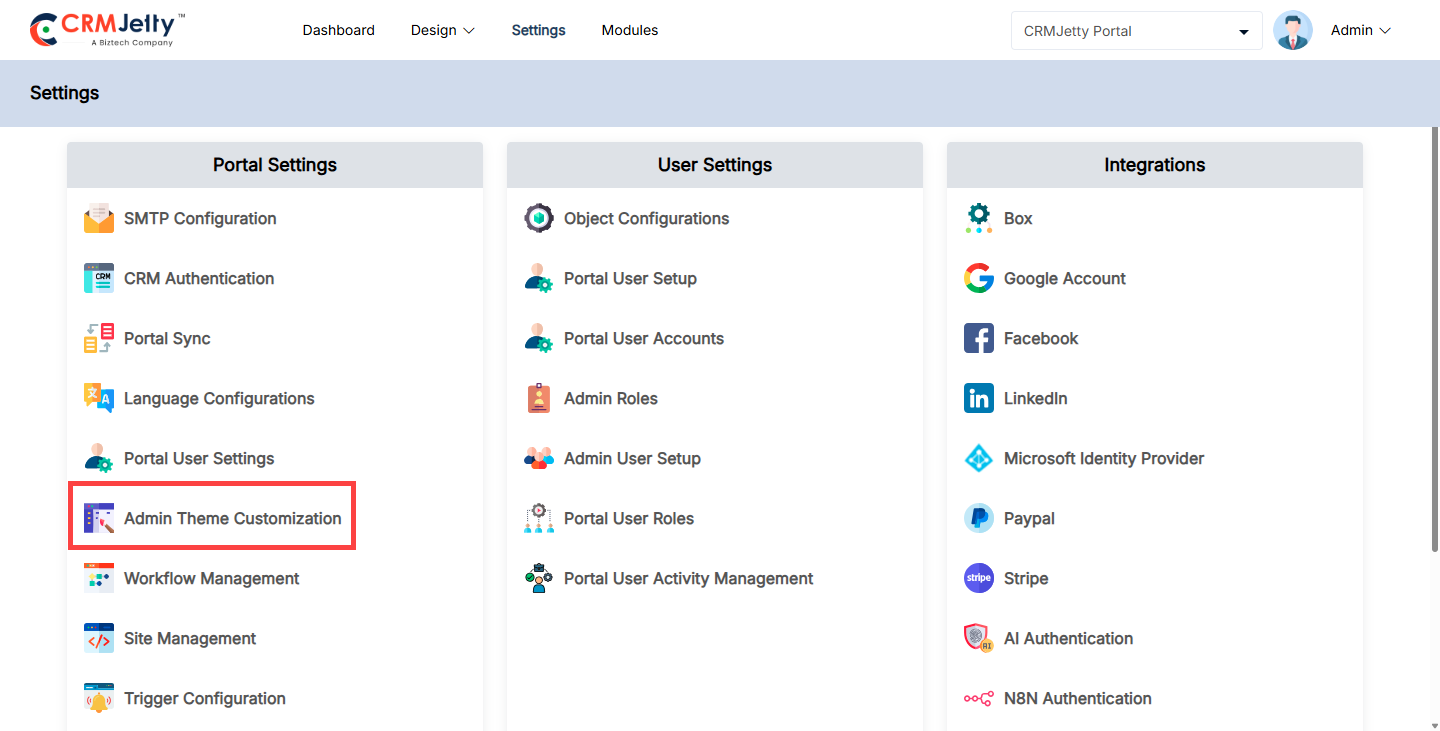
Admin can customize the theme colors, font style, and font colors by navigating to Settings > Portal Setting > Admin Theme Customize Theme Elements: [1]
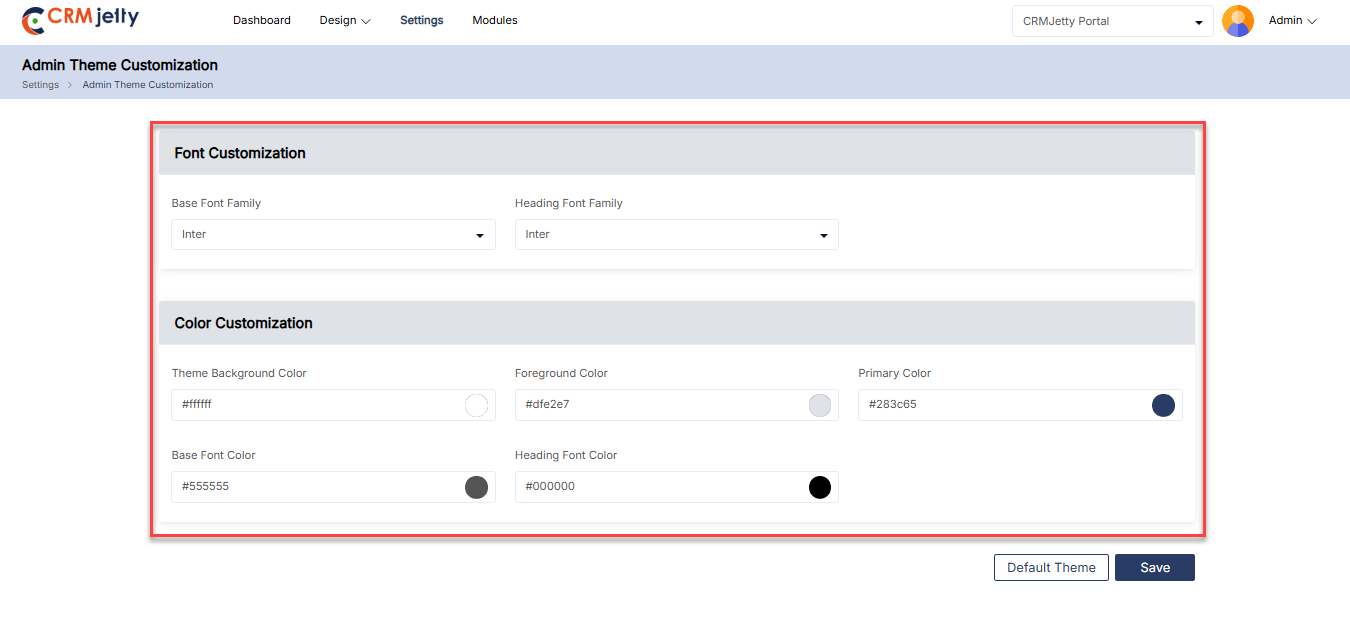
Customize Theme Elements:
– Base Font Family: Choose a font for the main body text and menus.
– Title/Heading Font Family: Choose a font for all the headings and titles throughout the portal. [2]
Color Customization:
– Theme Background Color: Choose a background color for the overall body of the portal.
– Foreground Color: Select a background color for content areas.
– Primary Color: Choose a primary color used throughout the portal, including text and icons.
– Base Font Color: Choose a color for the body text and main content descriptions.
– Heading Color: Heading color is used for headings and titles.
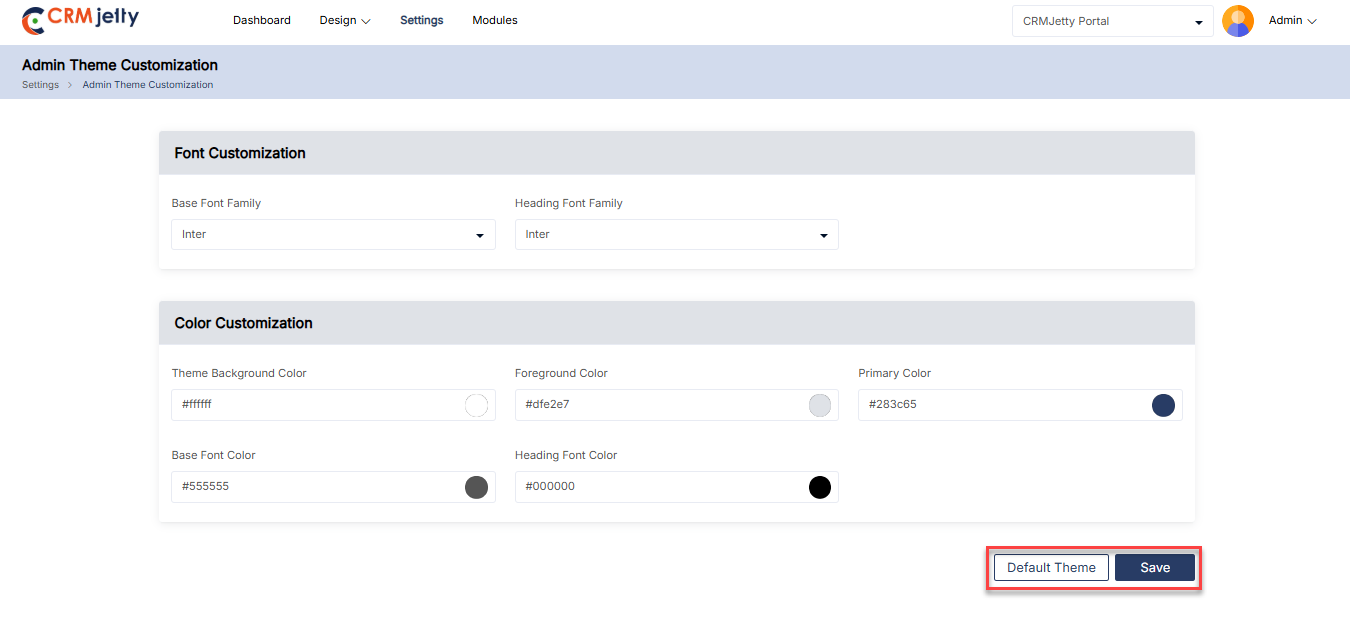
Click the Save button to apply the theme and font updates. To revert to the default theme settings, click the Default Theme button.[3]
Portal Data Sync
The Portal Sync feature ensures that the CRMJetty Admin portal stays updated with the latest data from the Admin CRM system. This means that whenever the Admin updates entities, adds new languages, or modifies specific data within the CRM, it’s essential to synchronize with the portal to maintain data consistency.
Admin can perform synchronization using options like Object Level Sync for syncing CRM data at an object level, or Portal-Level Object Sync to synchronize specific portal entities. They also have the flexibility to Sync All Entities at once or Sync Specific Entities based on their requirements. Additionally, Box Level Sync allows Admin to sync newly added languages to the portal.
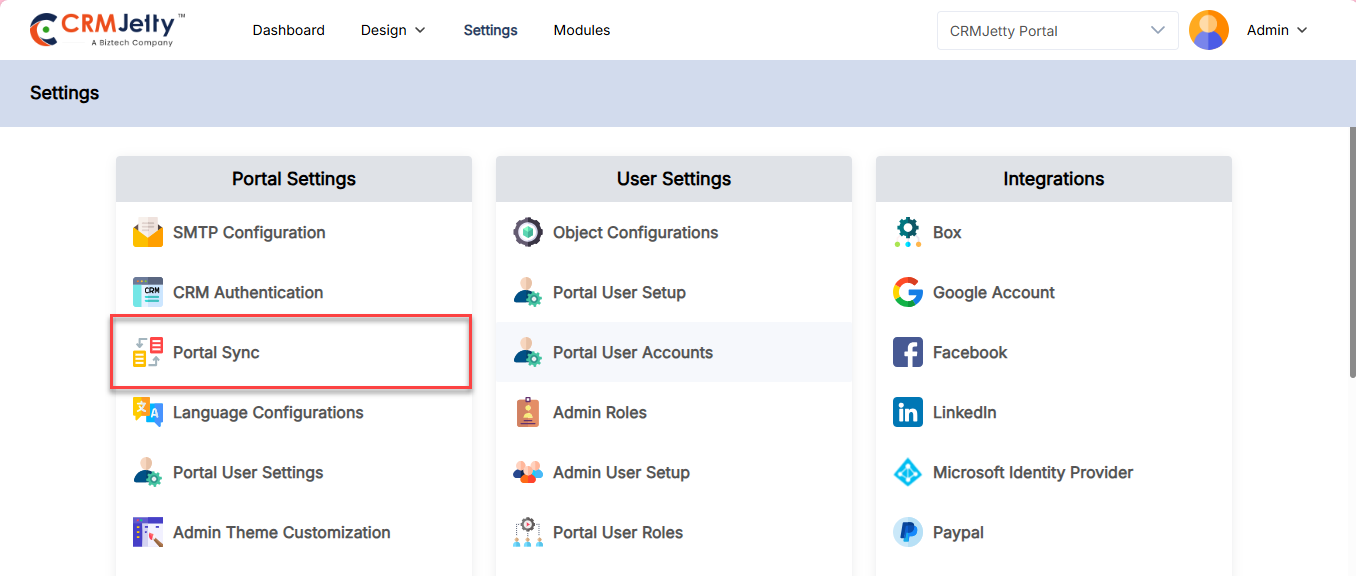
To synchronize the CRM data, the Admin should navigate to Settings > Portal Settings > Portal Sync.[1]
Portal Sync Options:
On the Portal Sync page, the Admin has access to three key synchronization options:
1. Object Level Sync
3. Portal-level Object Sync
– Sync All Entities
– Sync Specific Object
2. Box Level Sync
Object Level Sync
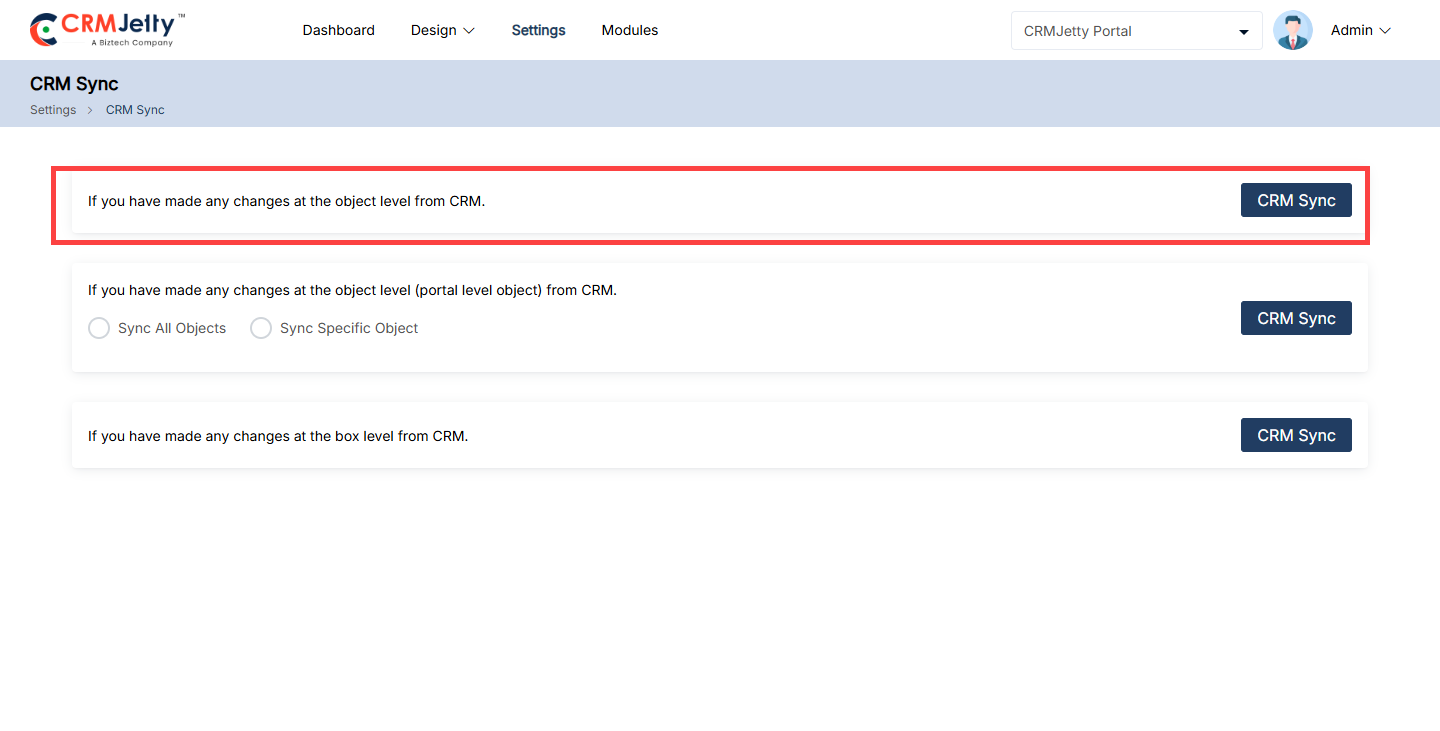
If Admin have made any changes at the object level from CRM
The Admin should use this “Object level Sync” option if the Admin modifies the structure or any entities (like accounts, contacts, leads, etc.) in the CRM system.
If the Admin performs such operations as adding new fields, modifying existing ones, or even deleting fields. So the Admin needs to use this object sync option.
The Admin can perform the object level sync by clicking on the “CRM Sync” button that is shown in the screenshot.[2]
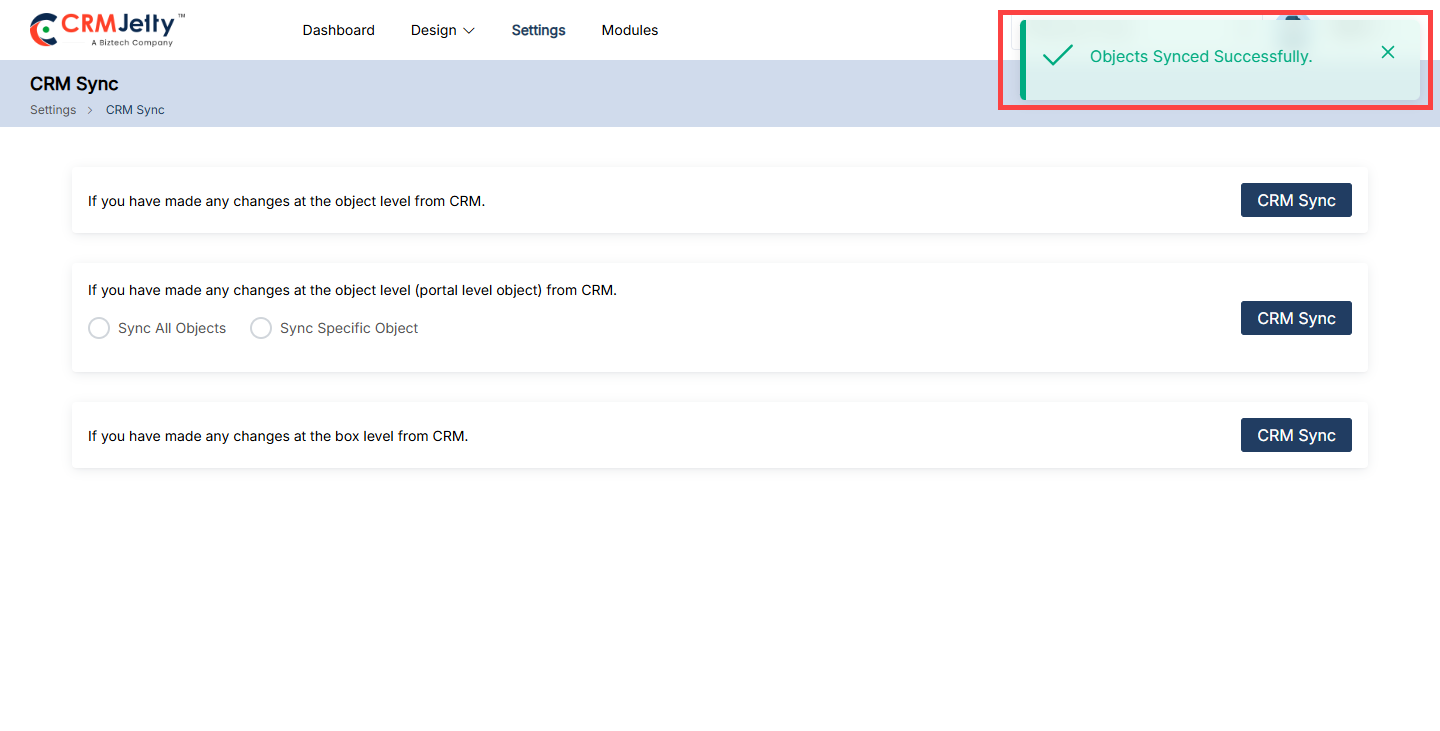
Once the object syncs successfully, the Admin can view the success toggle message on the right side of the page as shown in the screenshot.[2.1]
Portal-level Object Sync
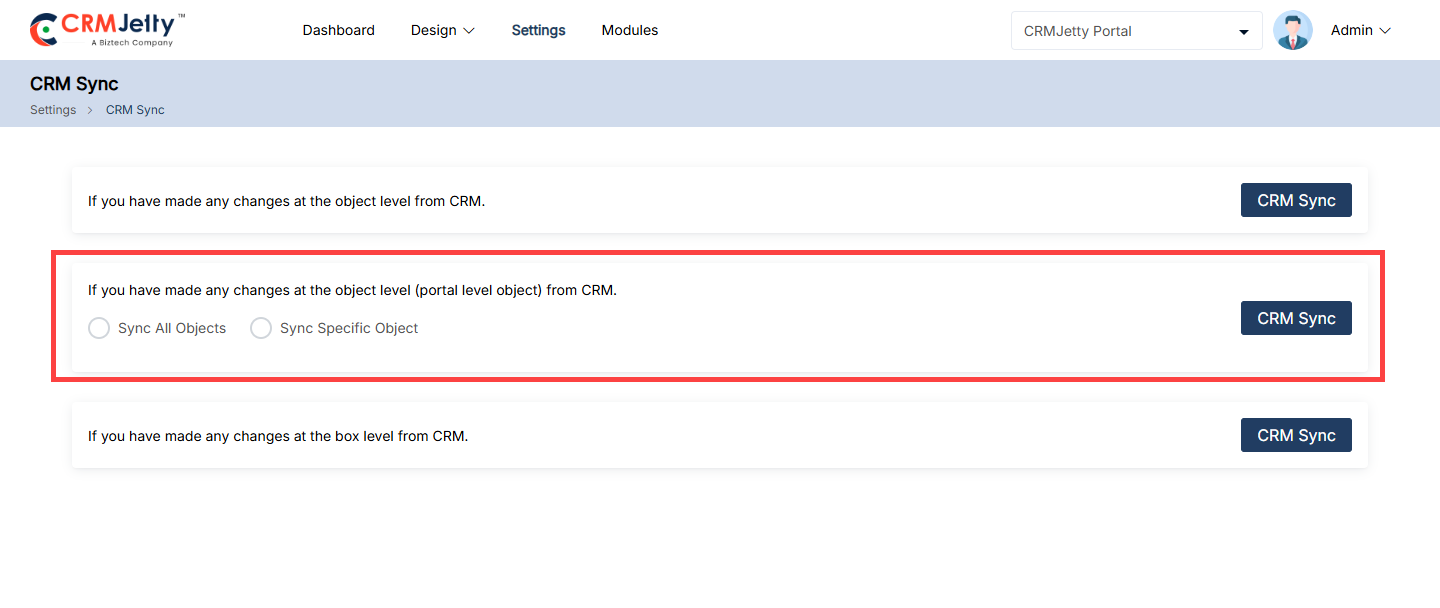
This feature allows Admin to update portal data based on changes made at the object level in the CRM system. When entities or specific fields are modified within the CRM, Admin needs to synchronize those updates to the portal using this feature.
There are two synchronization options available: [3]
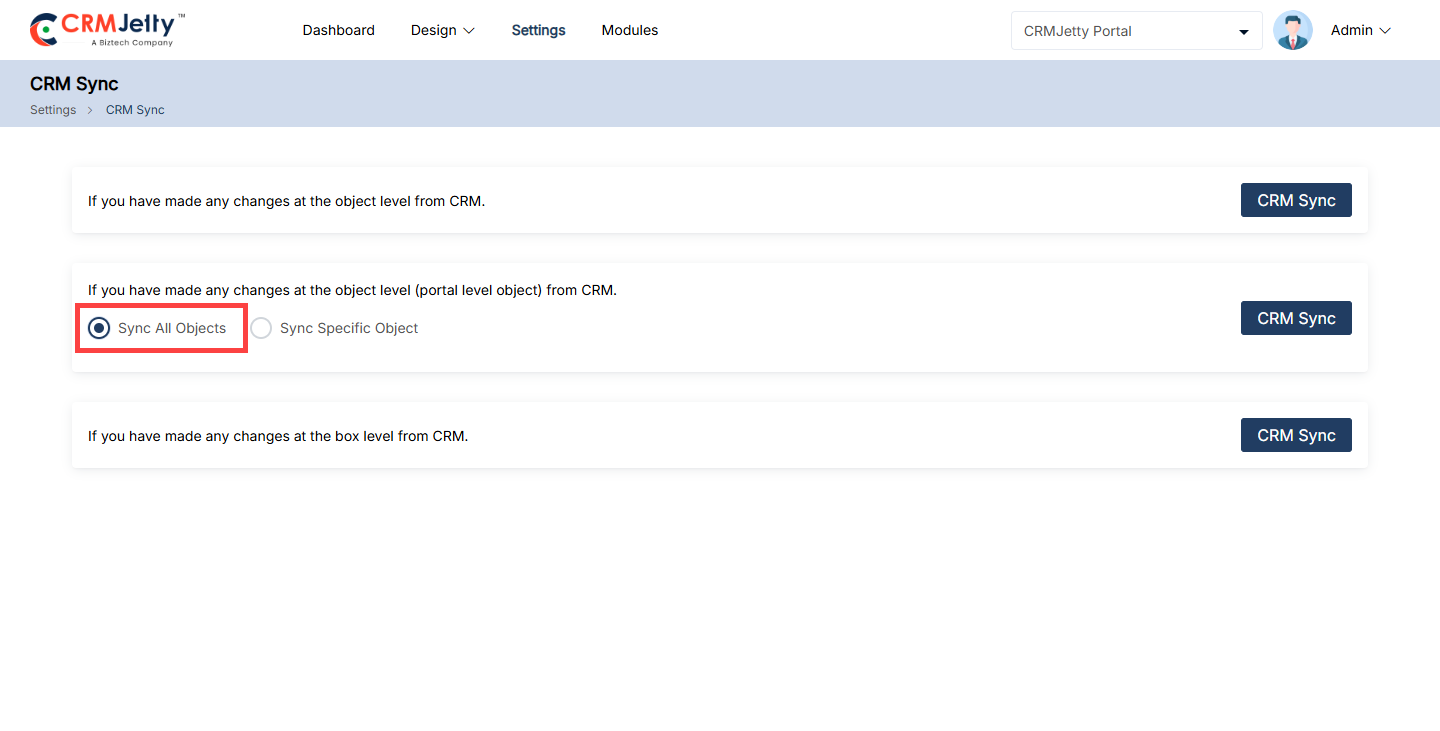
1. Sync All Entities
This option allows Admin to sync all object-level data to the CRMJetty portal in one action, ensuring that all entities are updated simultaneously.
– To perform this sync, select the Sync All Entities radio button and click the CRM Sync button. [4]
2. Sync Specific Object
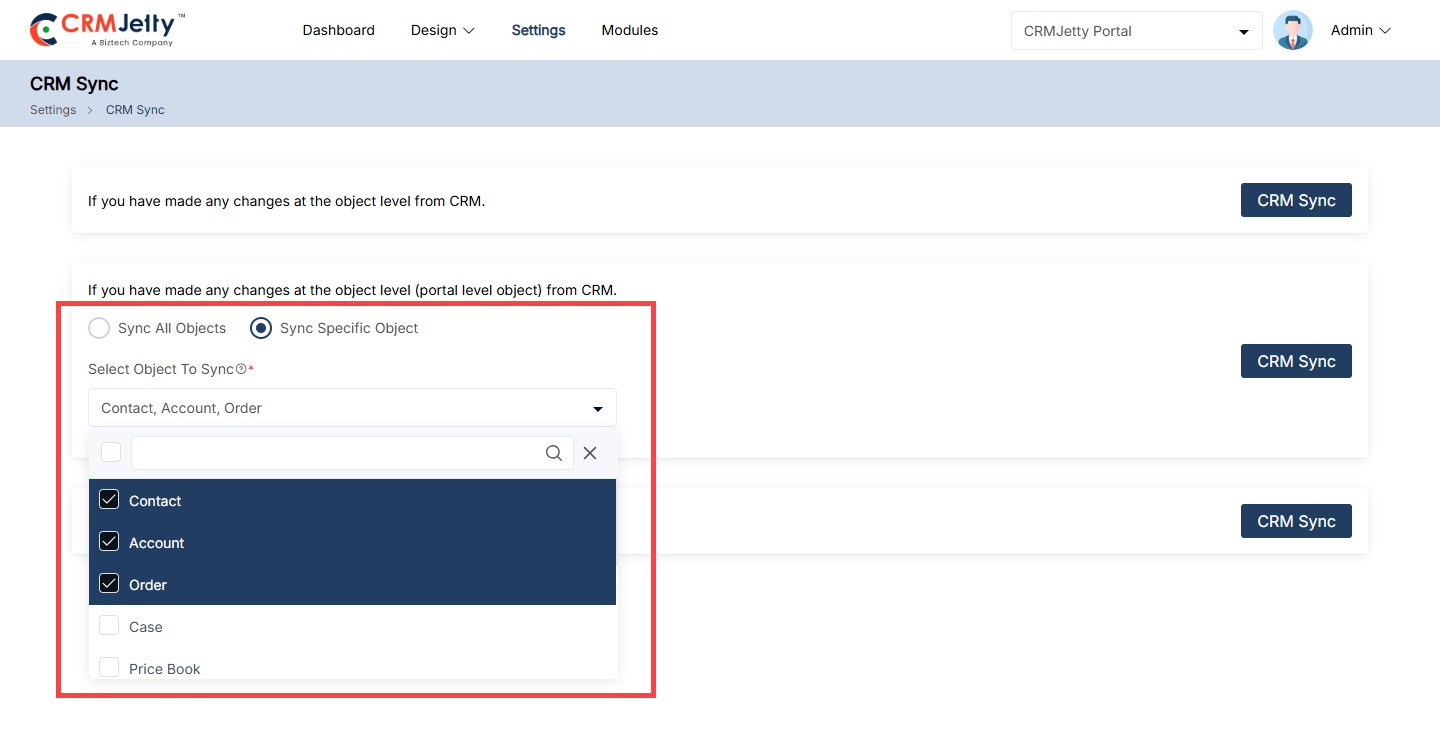
Instead of syncing all entities, Admin can choose to sync a specific object (e.g., accounts or contacts). This is useful when changes are limited to one or a few entities, allowing for targeted updates without affecting other data.
– To perform this sync, select the Sync Specific Object radio button.
– A Select Object to Sync dropdown will appear. Choose the specific object to update, and then click the CRM Sync button. [5]
Note: The synchronization process may take a few minutes. Please avoid logging out or making changes in the CRM system during this time.
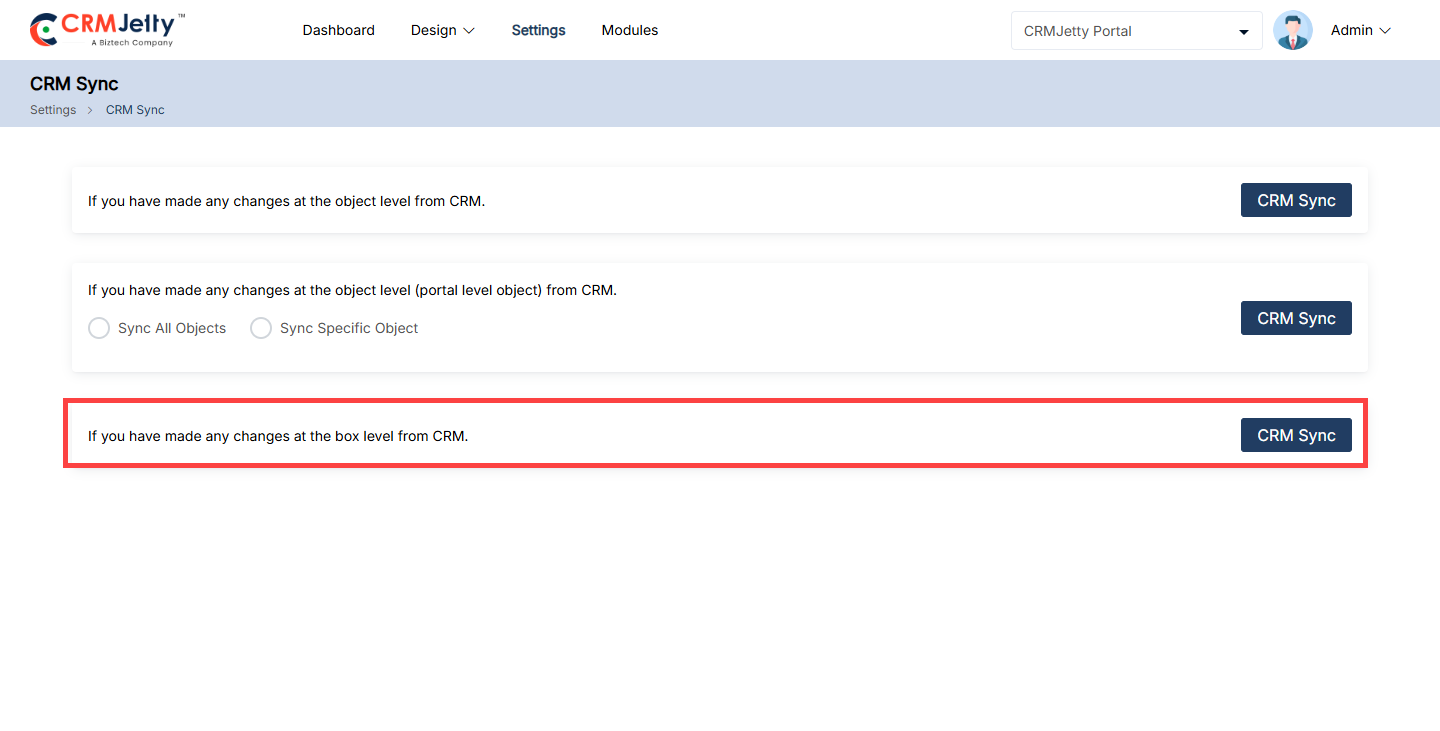
Box Level Sync
This feature allows Admin to update box configuration document data based on changes made at the Box level in the CRM system. When box or specific documents are modified within the CRM, Admin needs to synchronize those updates to the portal using this feature.[6]
Template Scripting
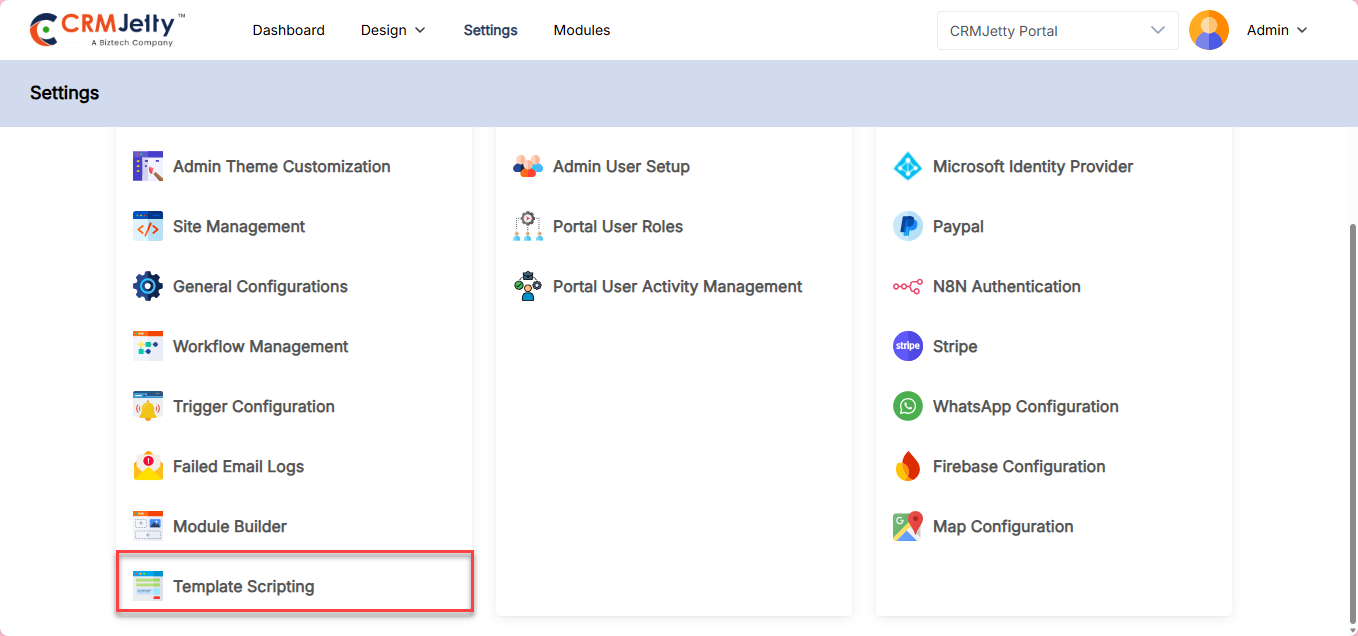
The CRMJetty portal allows the Admin to manage various templates for different actions. To configure these templates, the Admin should navigate to Settings > Portal Setting >Template Scripting. [1]
Here Admin can configure various templates for Email, Notification, Downloadable and Card Templates.
Email Templates
Viewing and Managing Email Templates
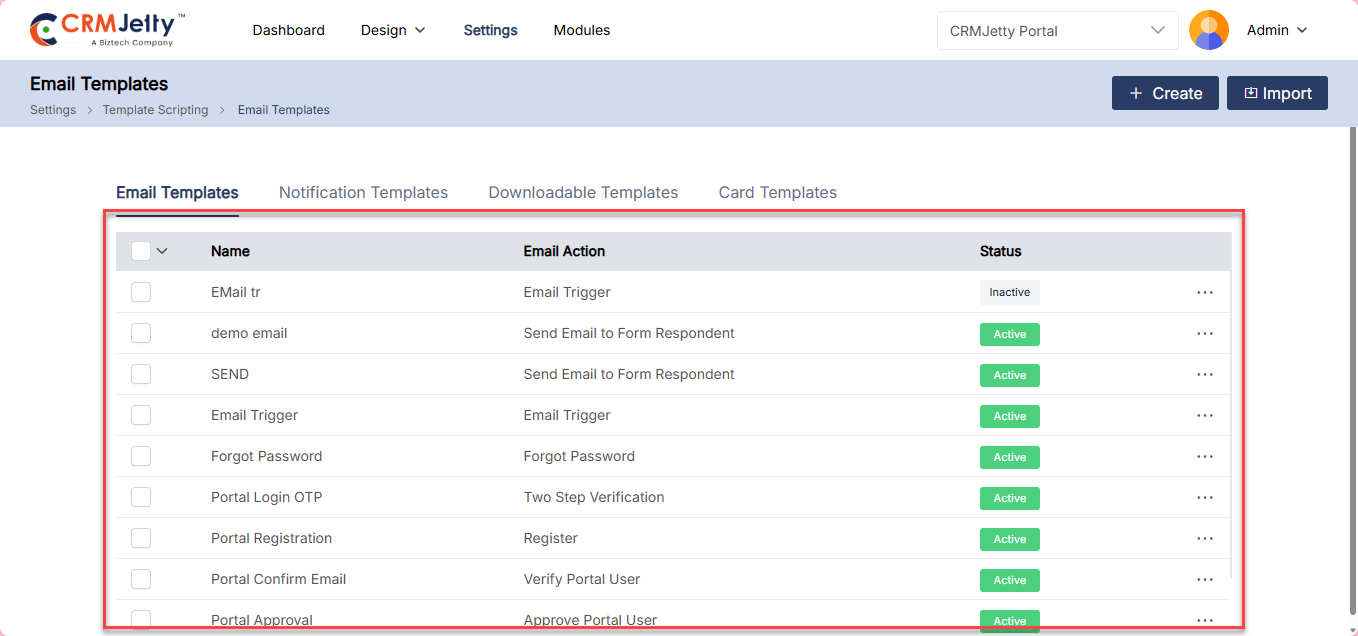
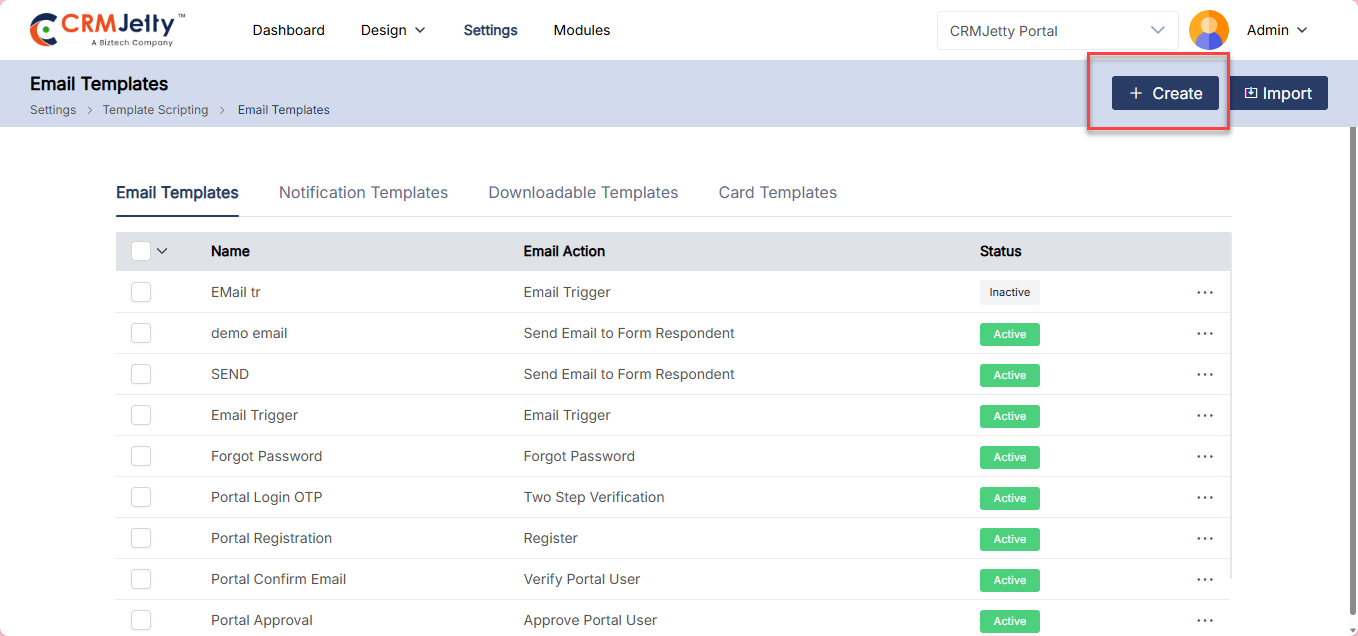
On the Email Templates page, Admin can view default templates that are pre-created. The Admin can modify these templates or create a new one as needed. [1]
CRMJetty portal provides 8 types of email action templates as follows:
1. Forgot Password: Send a link to reset the user’s password.
2. Forgot Username: Helps the user to recover their username via email.
3. Portal Login OTP: Sends a verification code for two-step authentication.
4. Portal Registration: Confirms the user’s registration and provides next steps.
5. Admin User OTP: Sends a One-Time Password (OTP) to the Admin for secure login.
6. Portal Confirm Email: Confirms the user’s id Object to verify their portal account.
7. Portal Approval: Notifies the user that their portal access has been approved.
8. Admin User OTP: Send OTP to the admin user.
Create New Template :
To add a new template:
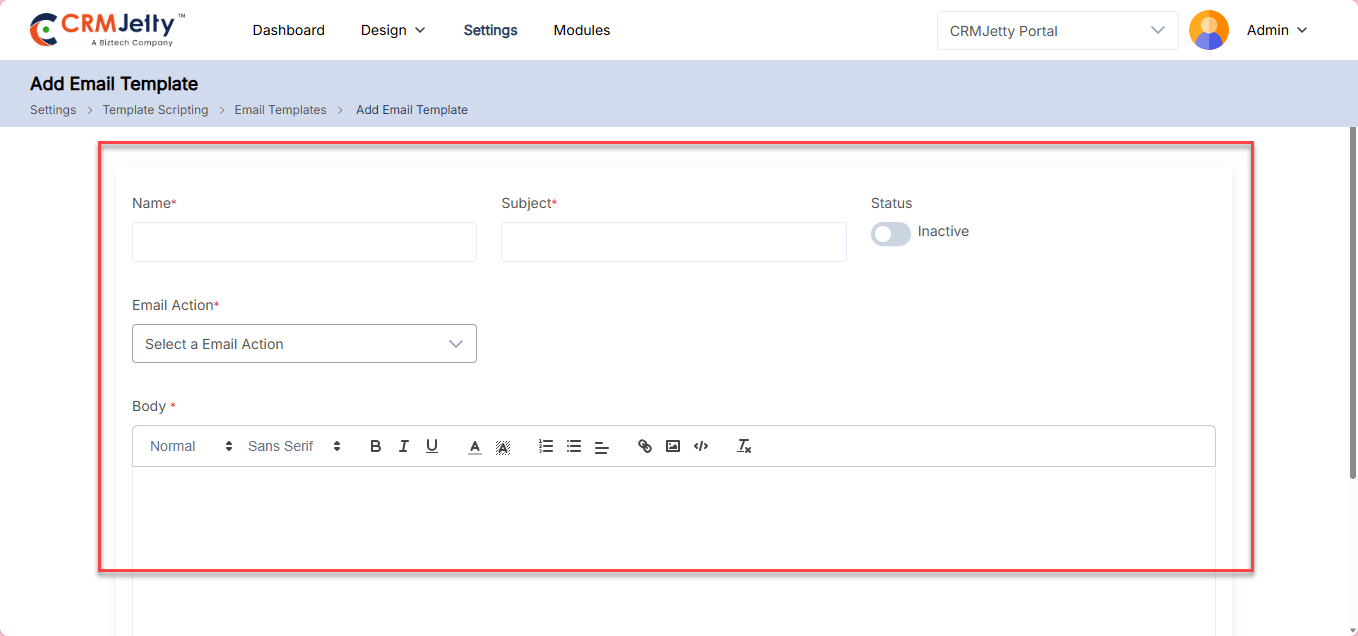
1. Click the Create button to open the Create Email Template page. The Admin can add multiple templates for a single action. [2]
2. Fill in the required details:[3]
– Name: Enter a template name to identify the email action.
– Subject: Enter the subject of the email.
– Status: Set the template as ‘Active’ or ‘Inactive’.
– Email Action: Select the action from the drop-down menu. Below mentioned is a list of the dropdown menu.
– Admin User OTP
– Approve Portal User
– Forgot Password
– Forgot Username
– Registration
– Send Email to Form Respondent
– Two Step Verification
– Verify Portal User
Note: The email actions are pre-defined, super Admin can not add more action in the drop-down.
– Body: In the email body the Admin needs to write the email content also the Admin can use editing options for formatting.
– Admin needs to enter the required parameters in the description box that is shown below the email body.
Note: Based on the email actions the parameters will be shown.
For example: Admin creates a new template for “Approved Portal User” then the Admin is required to add the following parameters. [4]
– [FULLNAME]: It will be replaced with the portal user’s “First Name”.
– [EMAIL]: It will be replaced with a user email ID.
– [PORTALNAME]: It will be replaced with Portal Name.
Note: Ensure all mandatory parameters are included in the template for each action.
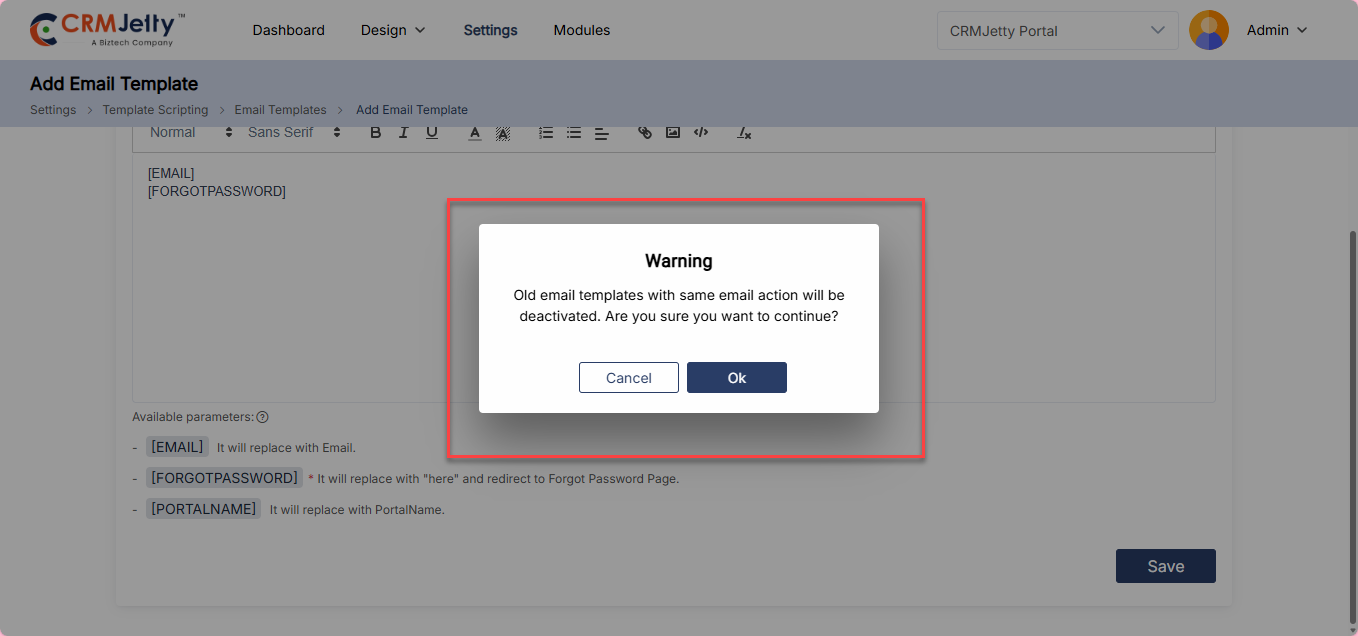
3. After completing the template, click Save. A pop-up message will appear: “Old email will be inactive once the Admin activates this template.” Click OK to activate the new template, which will deactivate the previous one. [4]
Note: If Admin creates a new template for the same action, the previous template will automatically become inactive. Admin users can select the templates in the Form widget configuration.
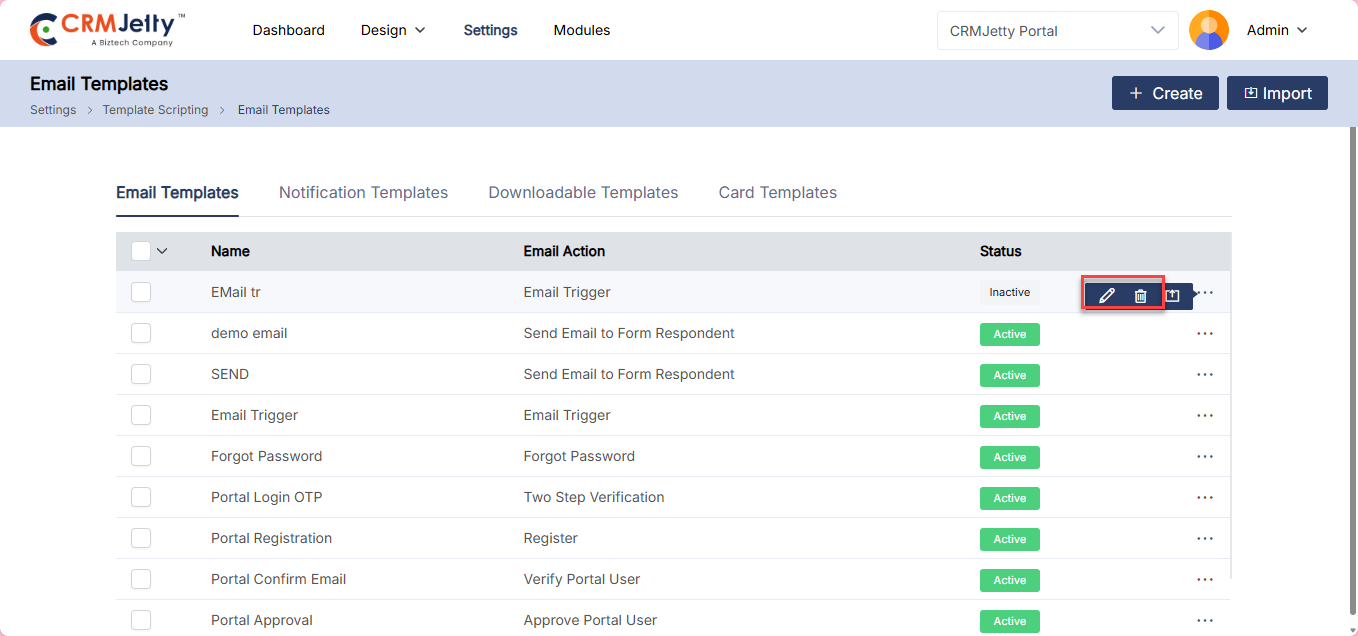
Admin can Edit or Delete the Email template as per their preferences. For actions click on the three dots (…) to access the Edit and Delete Action. [5]
Note : Admin can only delete the Inactive Templates.
Notification
Admins can create notification templates for multiple channels, including WhatsApp, Email, Push Notifications, and web-based notifications.
WhatsApp Notification
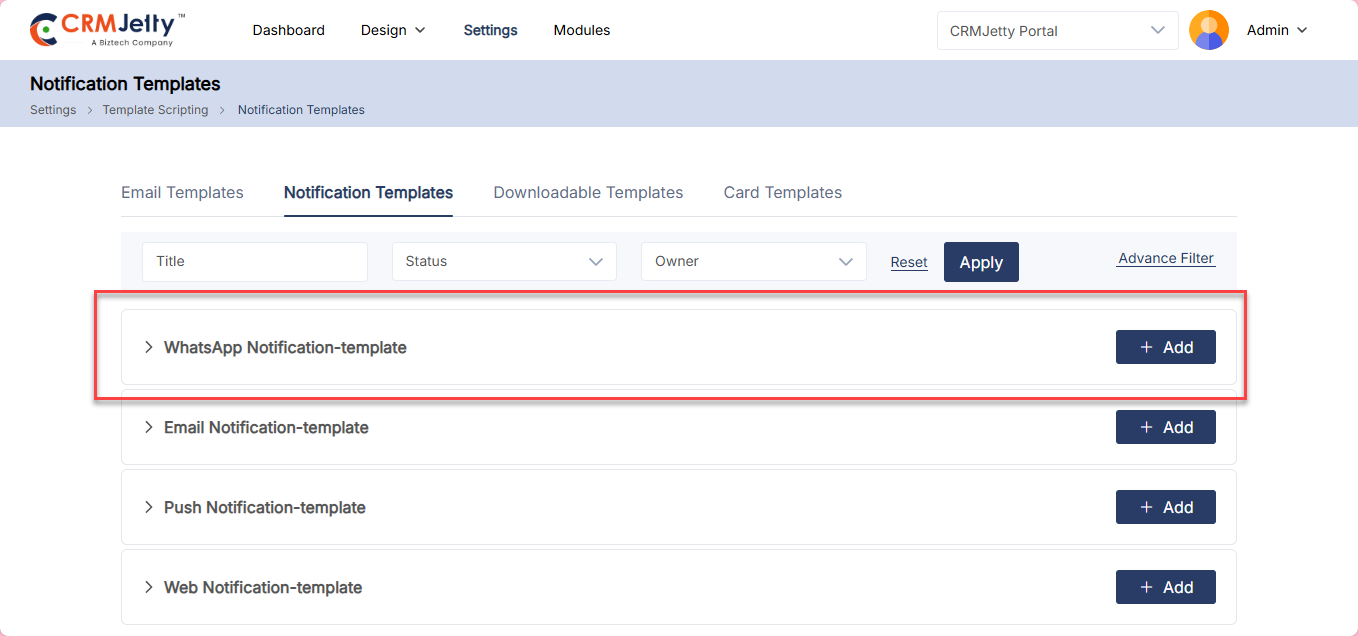
To add a new whatsapp notification template, click on the Add button. A pop-up will appear to create the template. [1]
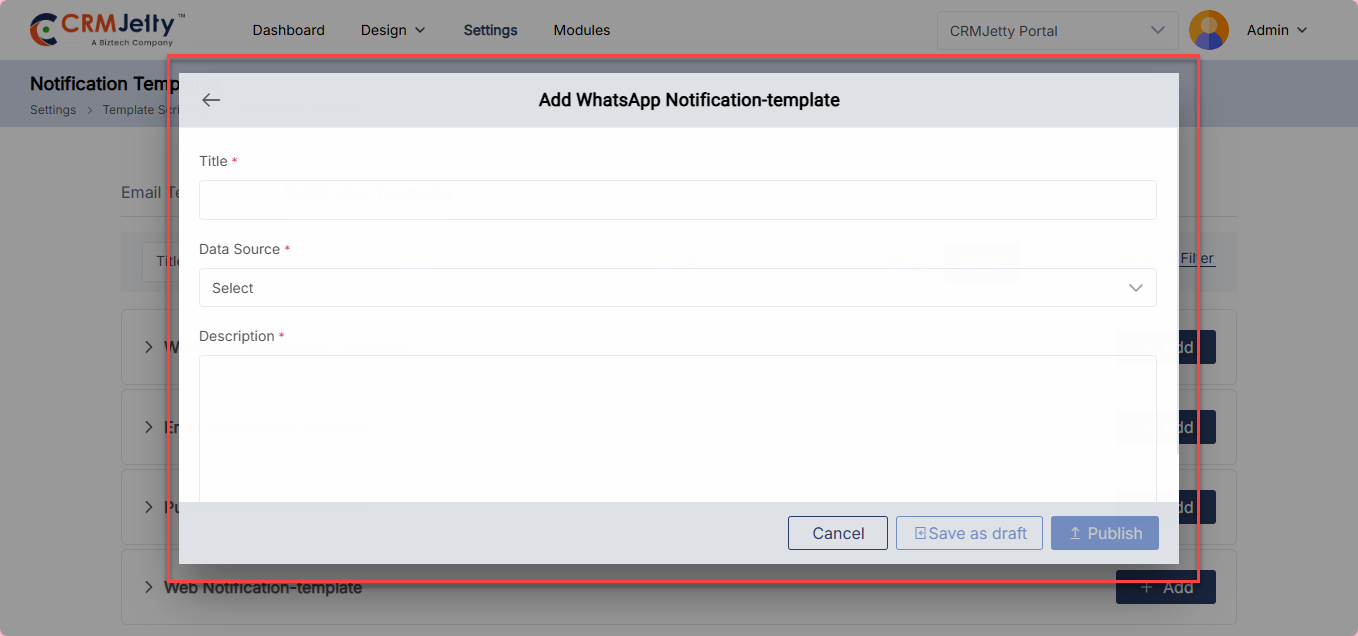
Here, configure the following fields: [2]
1. Title: Enter the title name.
2. Data Source: Select the data source for the WhatsApp template.
3. Description: Enter the notification template description.
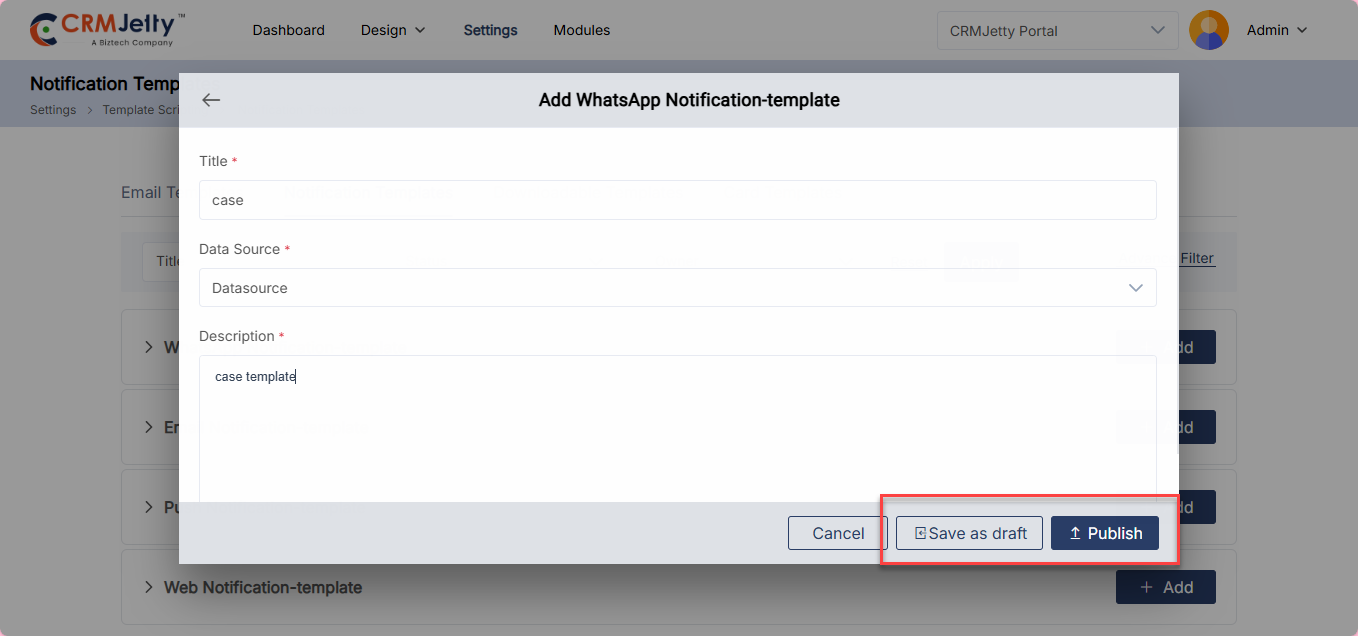
The admin can save the template as a Draft or Publish it. Only published templates can be used by the admin.
Email Notification
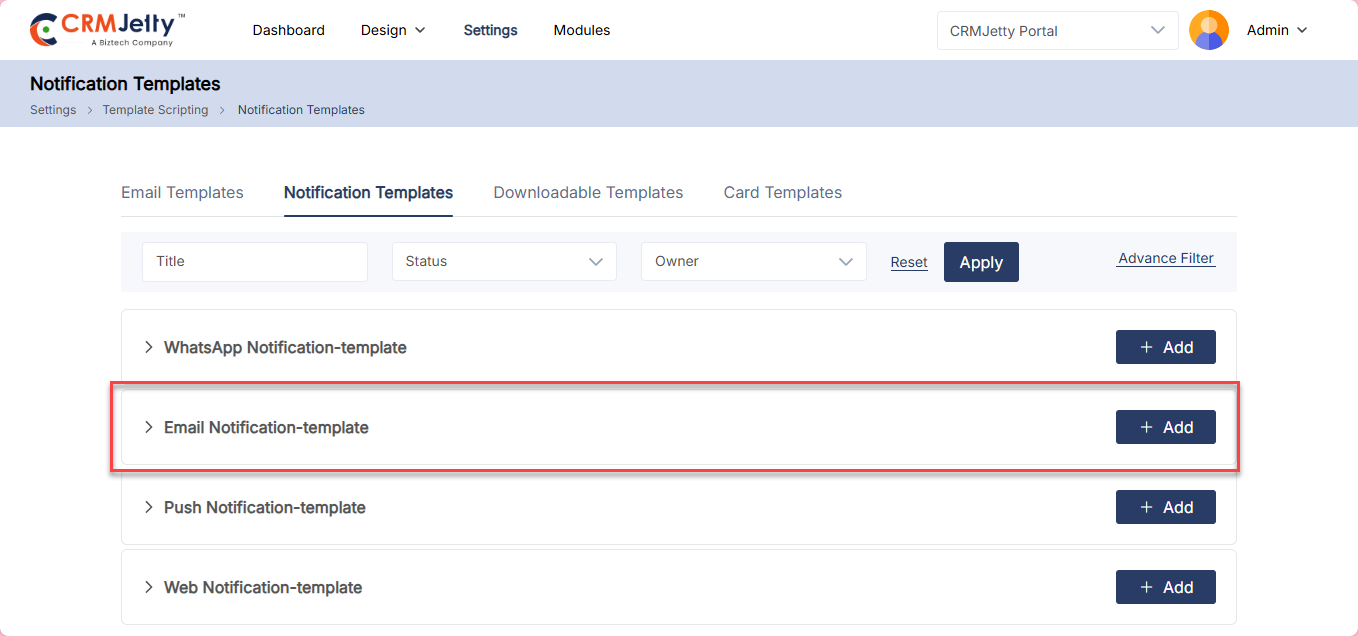
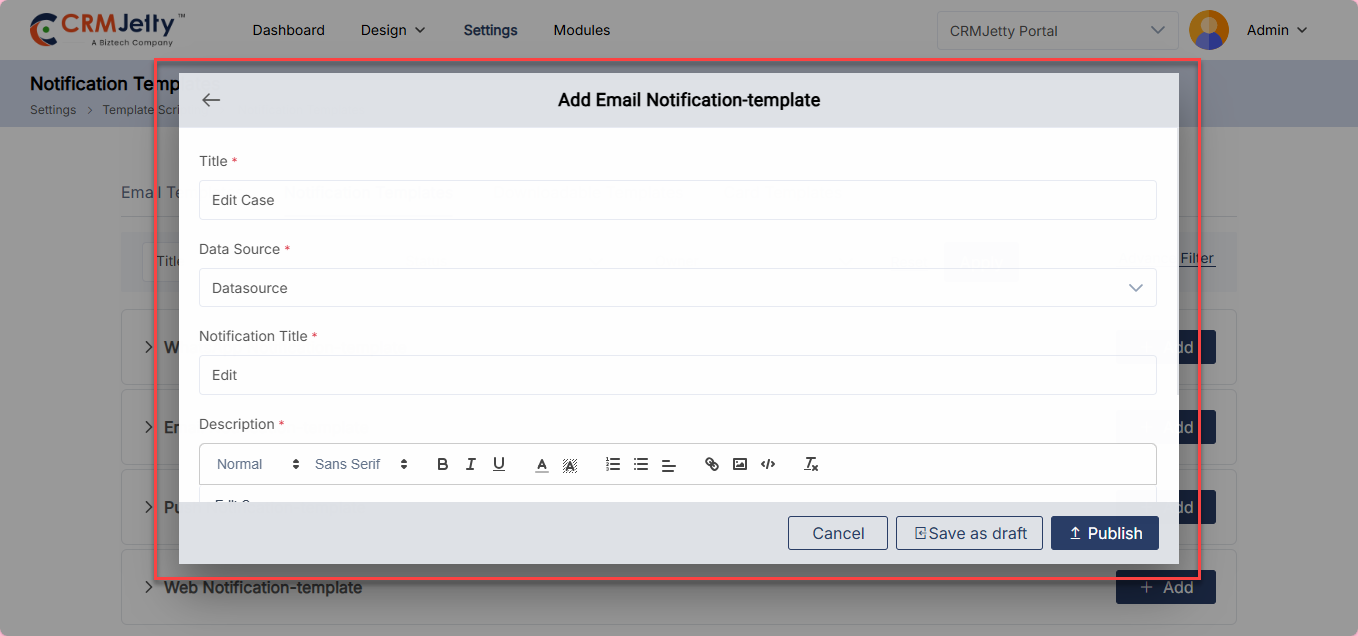
To add an Email Notification, click on the Add button. A pop-up will appear to create the email notification template.[1]
Here, configure the following fields: [2]
1. Title: Enter the title name.
2. Data Source: Select the appropriate data source for the template.
3. Notification Title: Enter the notification title.
4. Description: Enter the notification template description. The admin can also format the text using the toolbar.
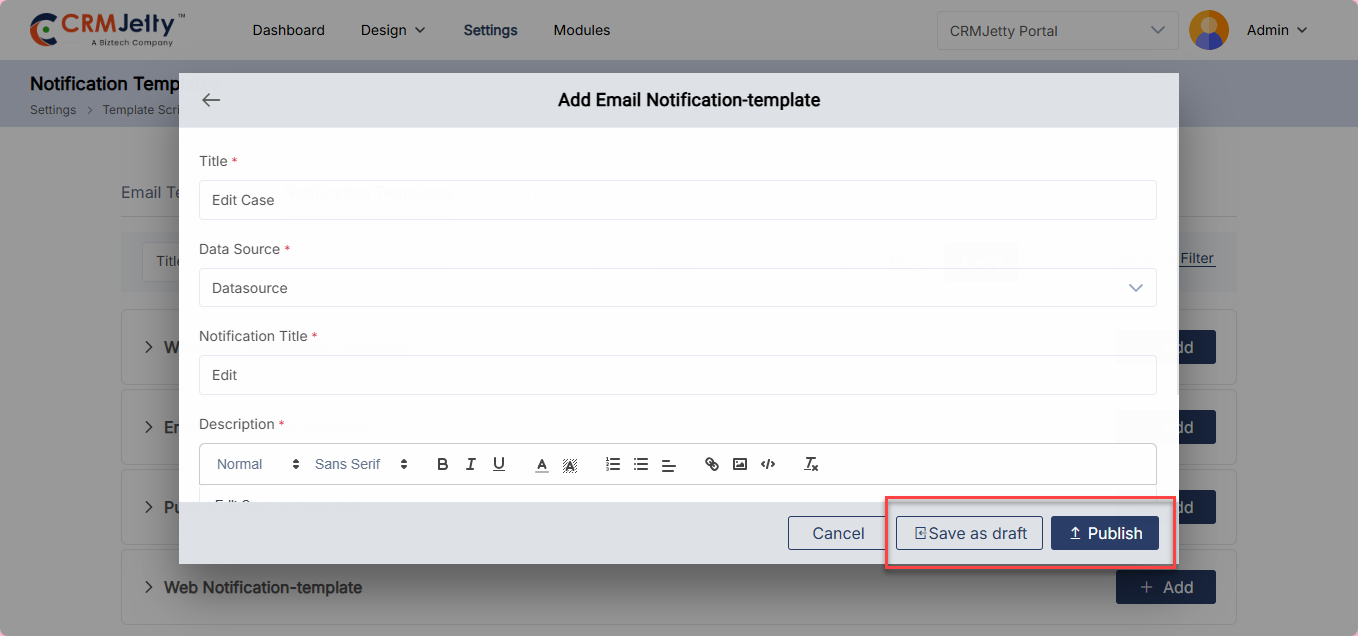
The admin can save the template as a draft or publish it. Only published templates can be used by the admin.
Push Notification
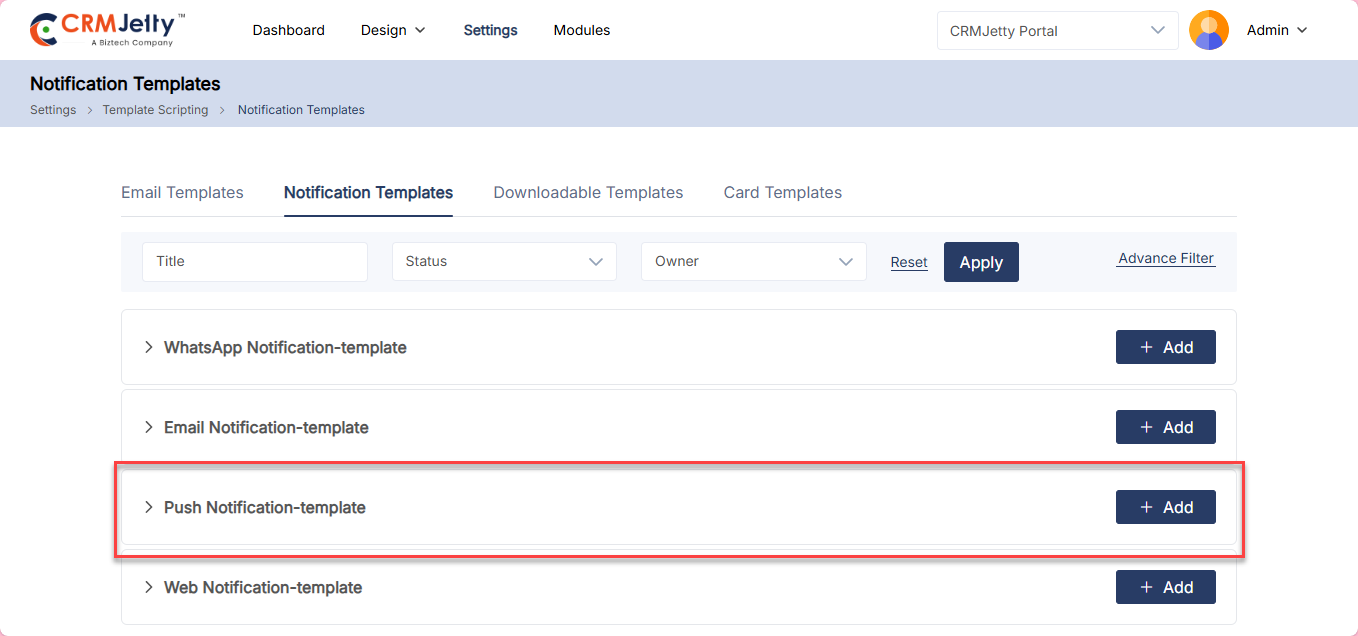
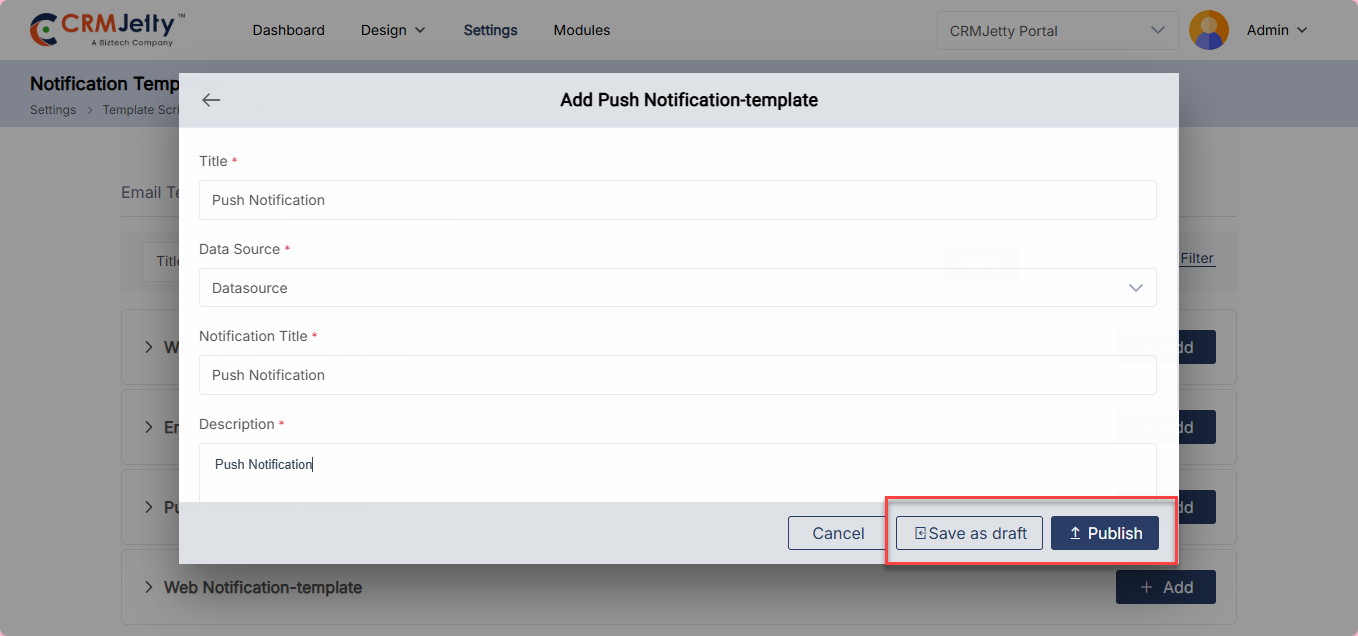
To add a Push Notification Template, click the Add button. A pop-up will appear where you can create the push notification template. [1]
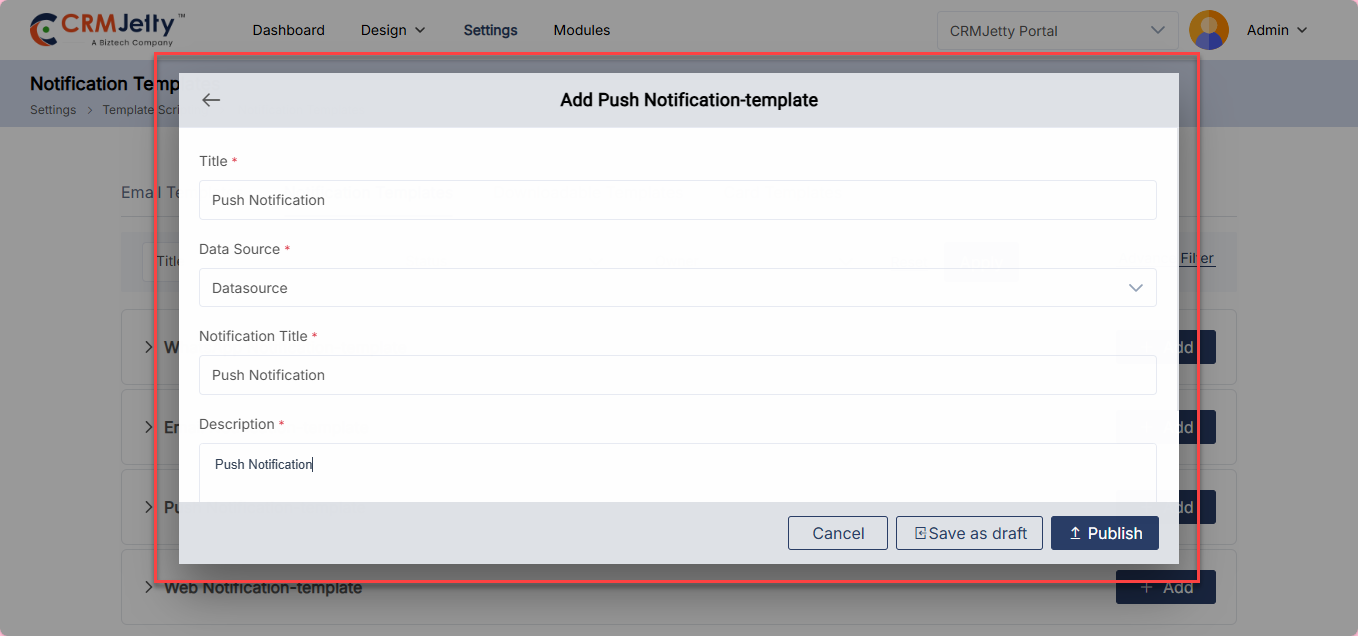
Fill in the following fields: [2]
1. Title: Enter a name for the template.
2. Data Source: Select the appropriate data source to be used with this template.
3. Notification Title: Enter the title that will appear in the push notification.
4. Description: Enter the body content of the push notification template. Use the toolbar to apply any text formatting as needed.
Once configured, you can either:
– Save as Draft – Stores the template for future editing without making it active. [3]
– Publish – Makes the template live and available for use.[3]
Note: Only published templates can be selected and used when sending push notifications.
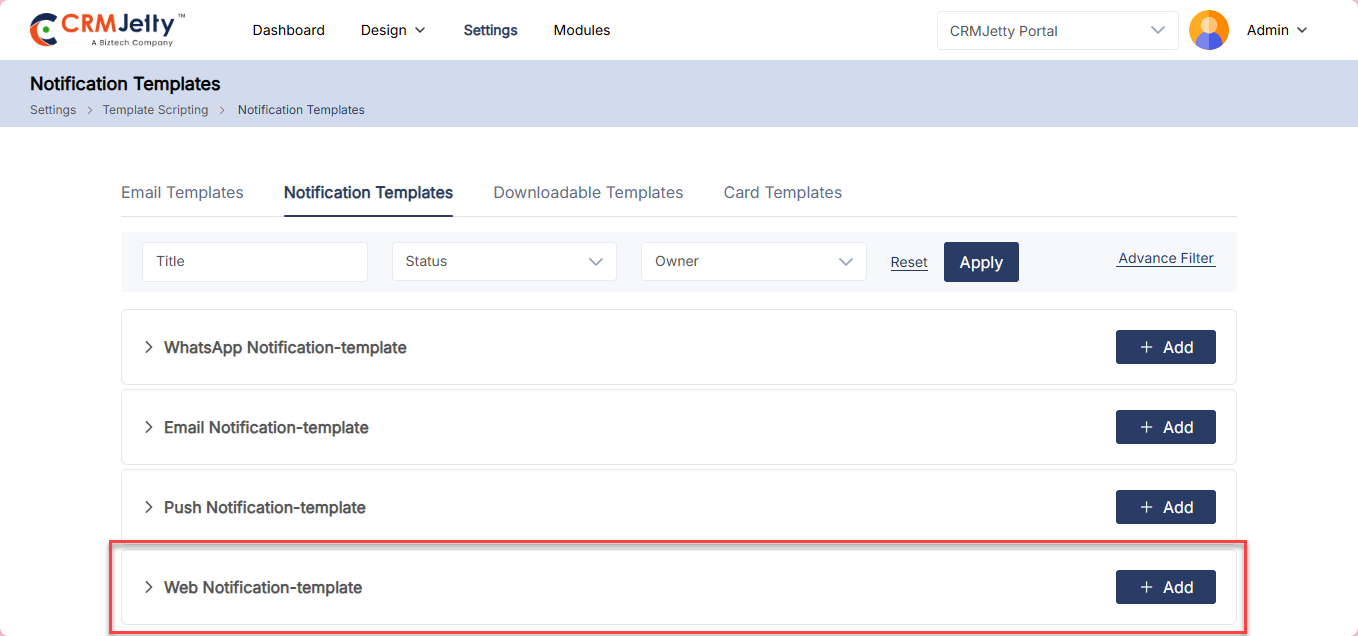
Web Notification Template
To add a Web Notification, click the Add button. A pop-up will appear where you can create the web notification template. [1]
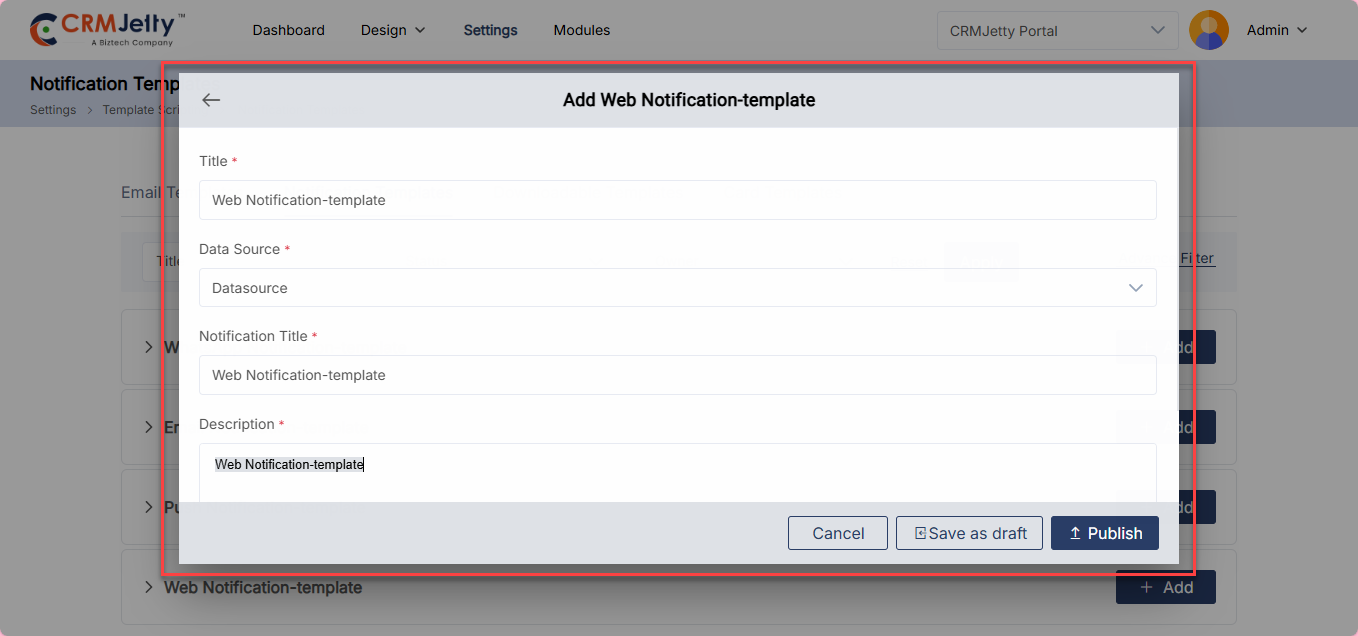
Fill in the following fields: [2]
1. Title: Enter a name for the template.
2. Data Source: Select the appropriate data source to be used with this template.
3. Notification Title: Enter the title that will appear in the web notification.
4. Description: Enter the body content of the web notification template. Use the toolbar to apply any text formatting as needed.
Once configured, you can either:
– Save as Draft – Stores the template for future editing without making it active. [3]
– Publish – Makes the template live and available for use.[3]
Note: Only published templates can be selected and used when sending web notifications.
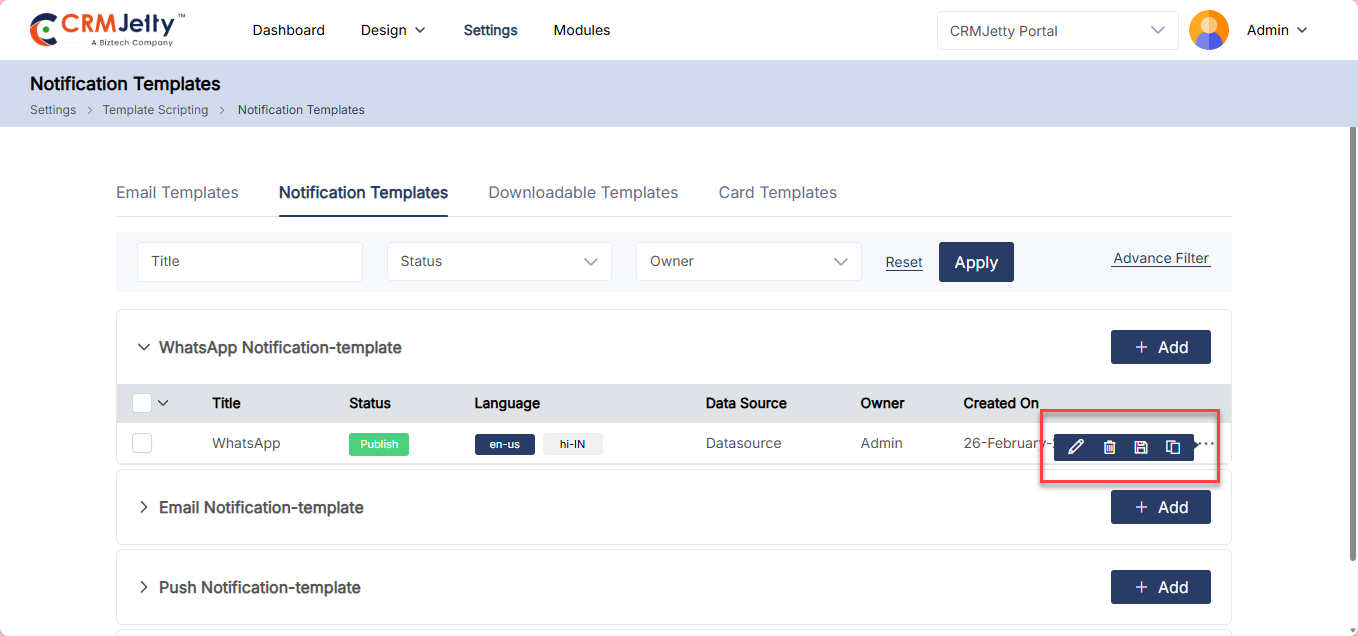
Edit, Delete, Publish/Draft and Duplicate Action
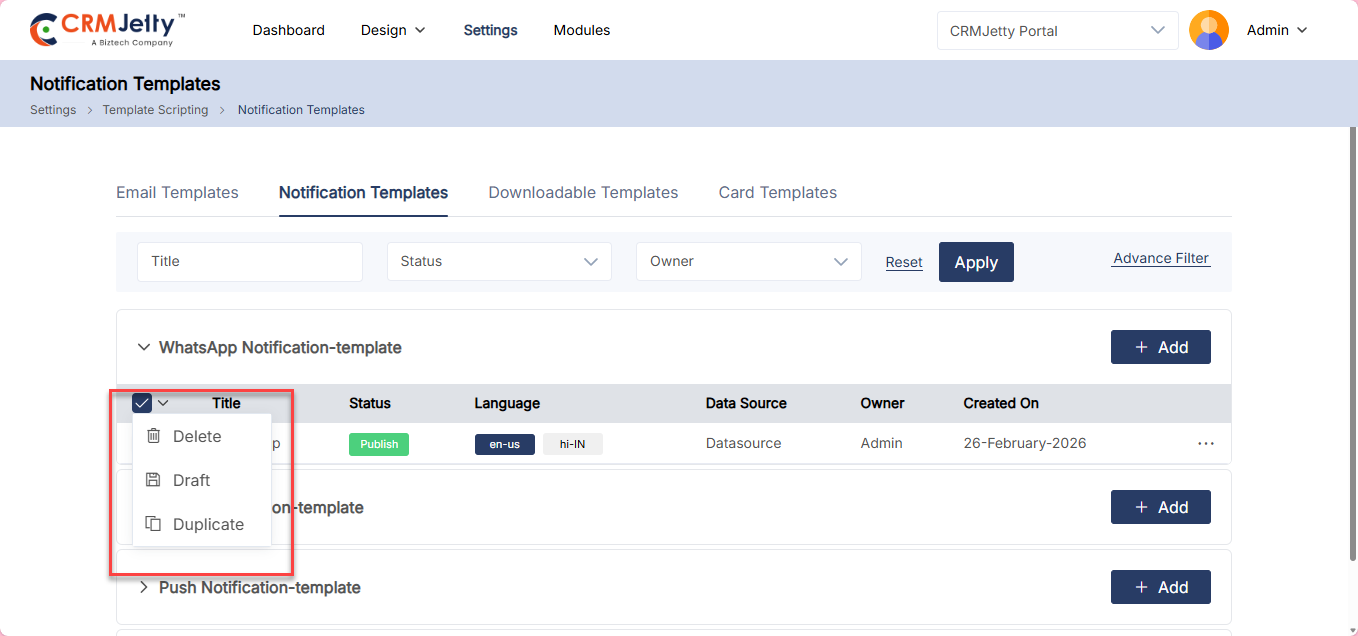
The admin can Edit, Delete, Publish/Draft and Duplicate a template by clicking the three dots (…) on the respective template and selecting the desired action. [1]
Downloadable Templates
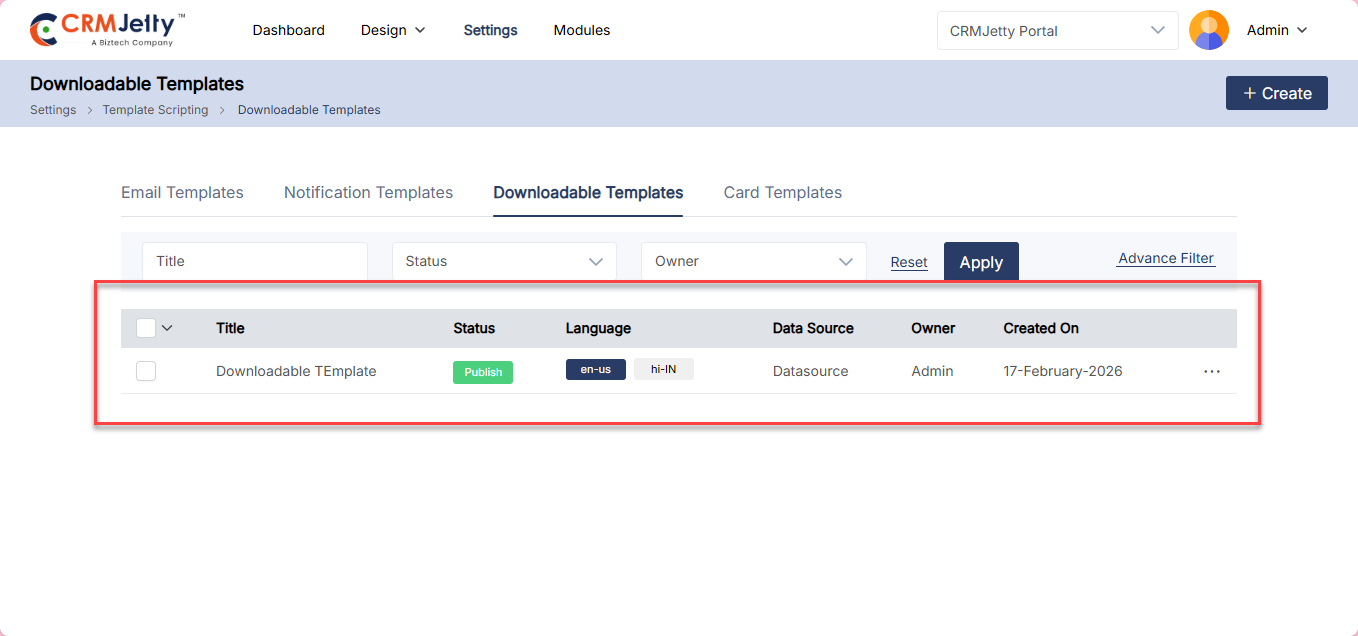
CRMjetty allows the admin to create Downloadable Templates via the Template Scripting section. Navigate to the Downloadable Template section and click the Create button to add a new template.[1]
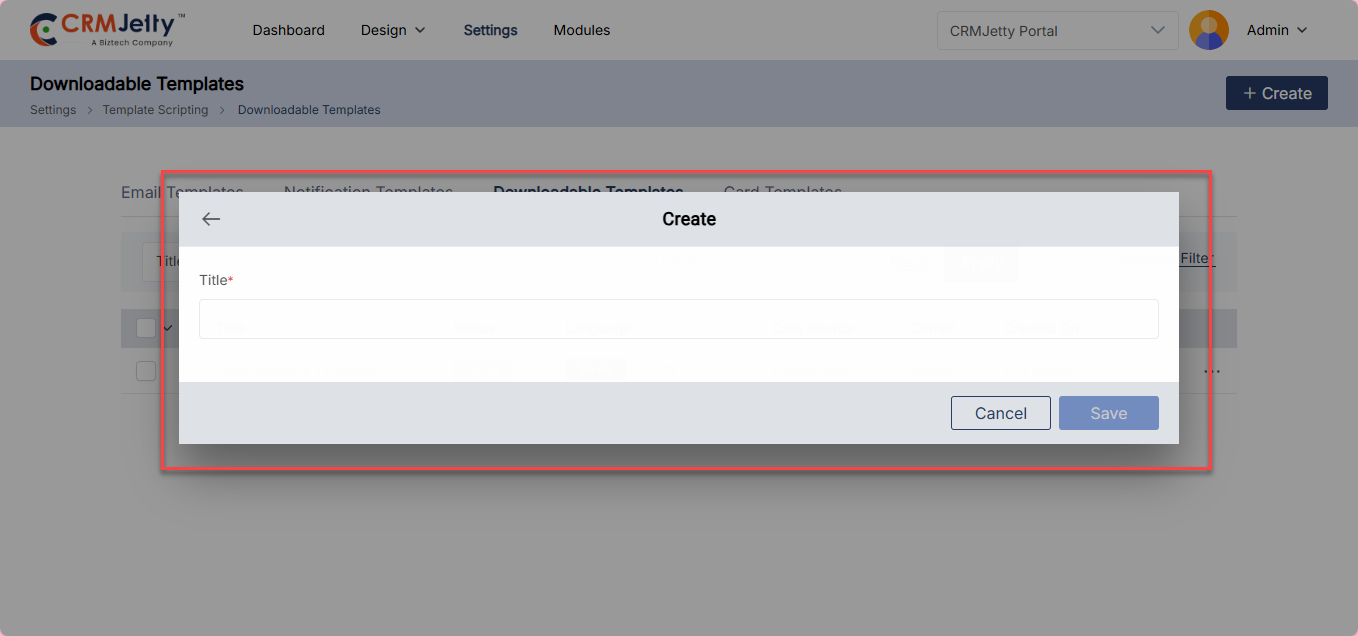
A pop-up will appear, enter the Title and click Save admin will be redirected to the Template Creation page. [2]
The admin can save the template as a Draft or Publish it. Only published templates can be used by the admin.
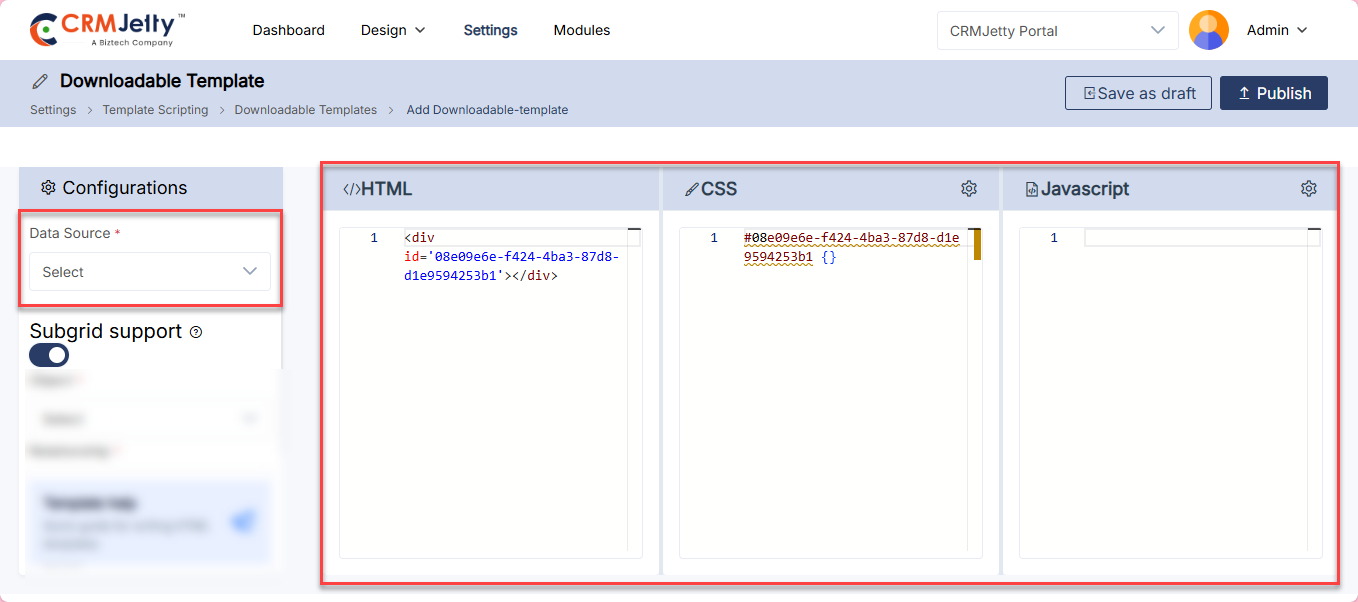
On the template page, configure the following: [3]
– Data Source – Select the appropriate data source for the template.
– HTML, CSS and JavaScript – Enter the required code in their respective sections to build the template as per your need.
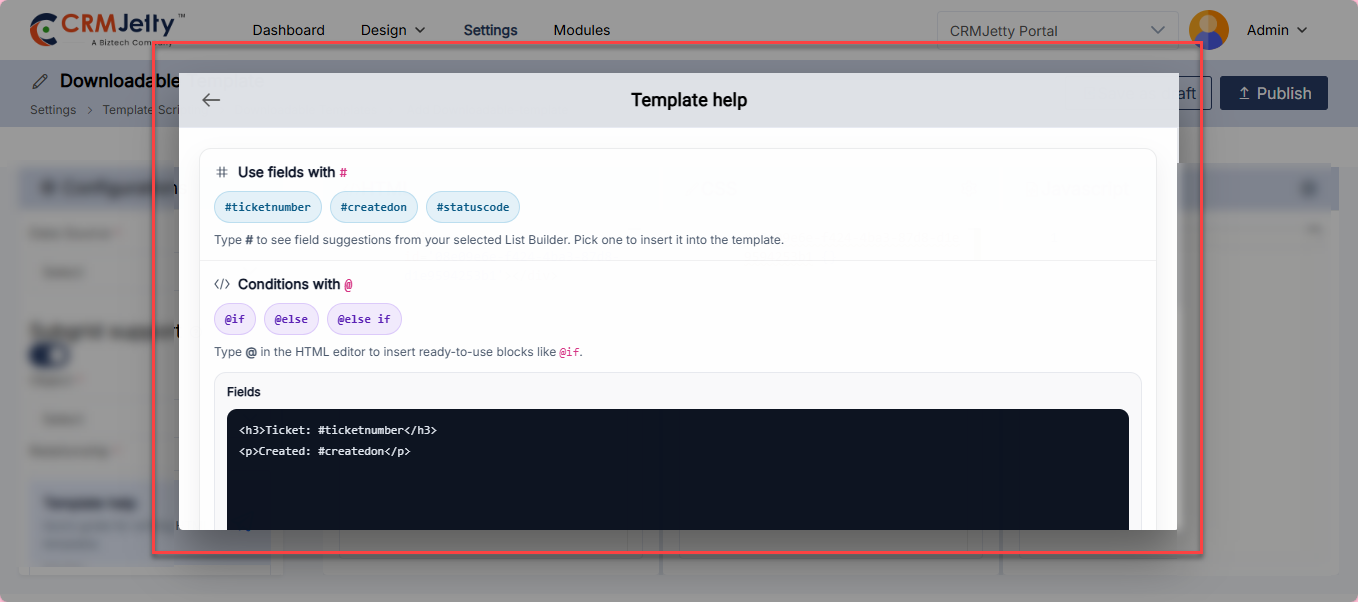
For assistance, click the Template Help button, a quick guide pop-up will appear explaining how to use the Template Builder.[4]
Subgrid Support
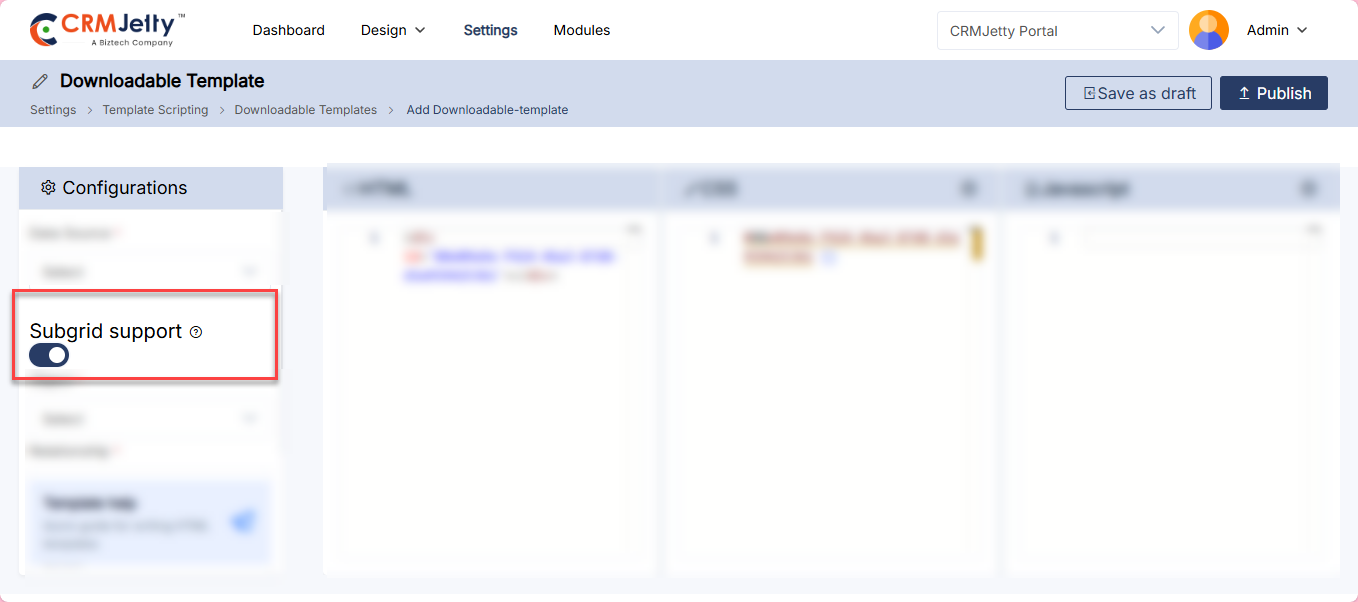
The admin can also enable Subgrid Support for the Downloadable Template by enabling the Subgrid Support toggle and configuring the following:
Once configured, you can either:
– Object– Select the appropriate object.
– Relationship – Select the appropriate relationship.
– Fields – Select the required fields.
Once all configurations are done, click Publish to make the template active or Save as Draft to save it for later use.[1]
Actions
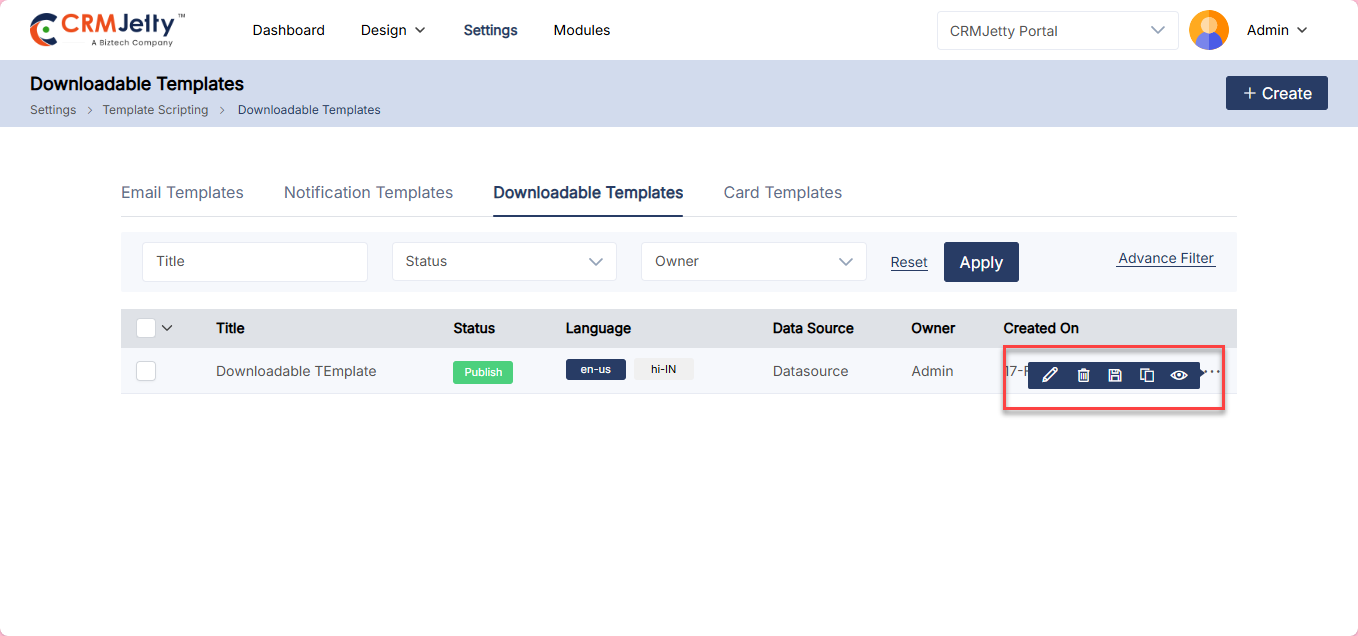
The admin can Edit, Delete, Publish/Draft, Duplicate and Preview a template by clicking the three dots (…) on the respective template and selecting the desired action. [1]
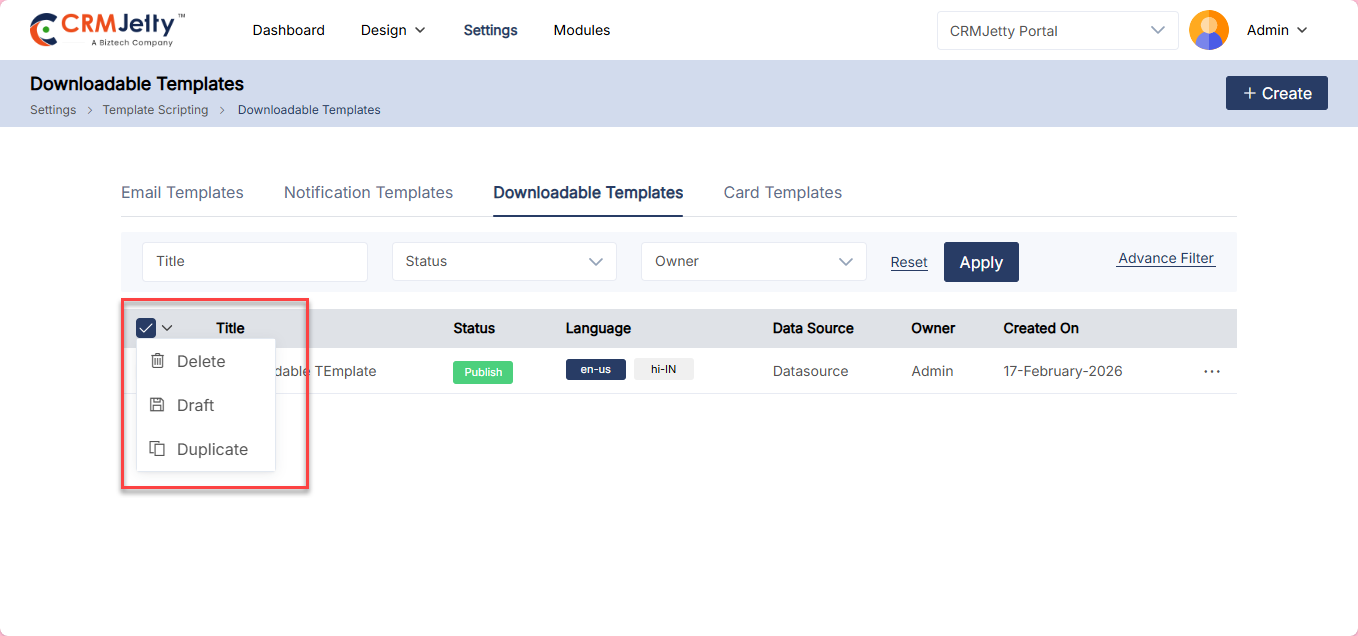
For bulk actions, select the desired templates from the list and click the Bulk Action dropdown to Delete, Publish/Draft or Duplicate all selected templates at once. [2]
Card Template
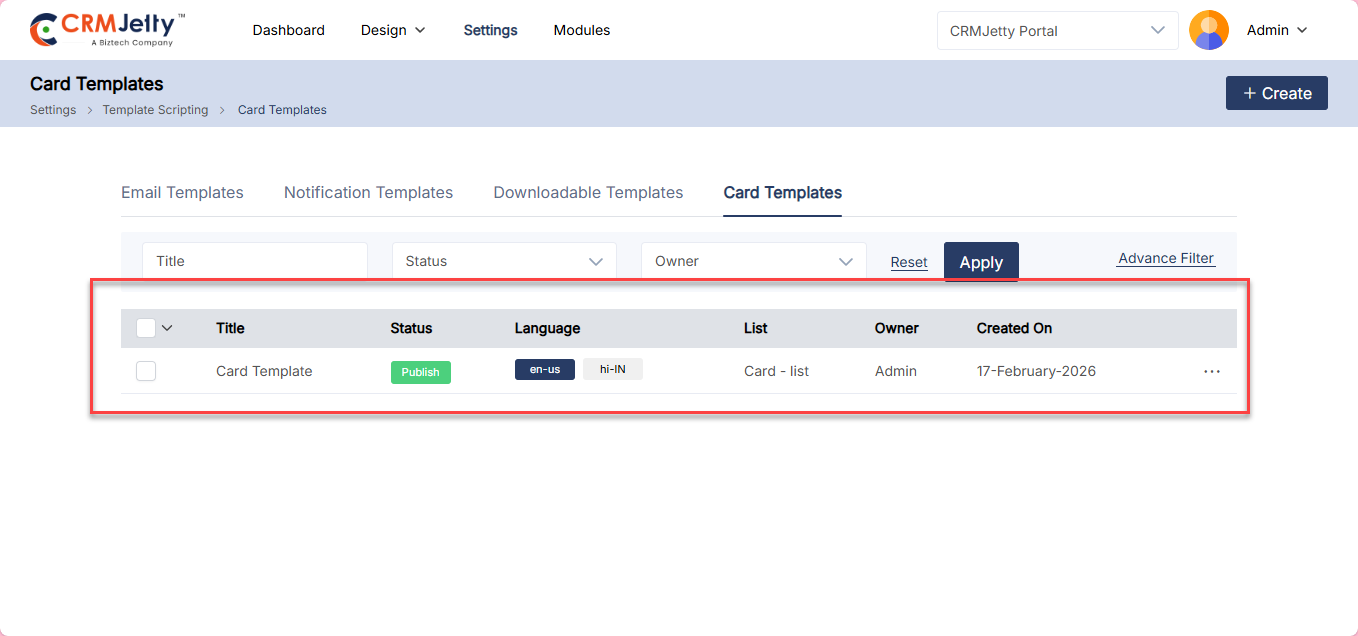
CRMjetty allows the admin to create Card Templates via the Template Scripting section. Navigate to the Card Template section and click the Create button to add a new template. [1]
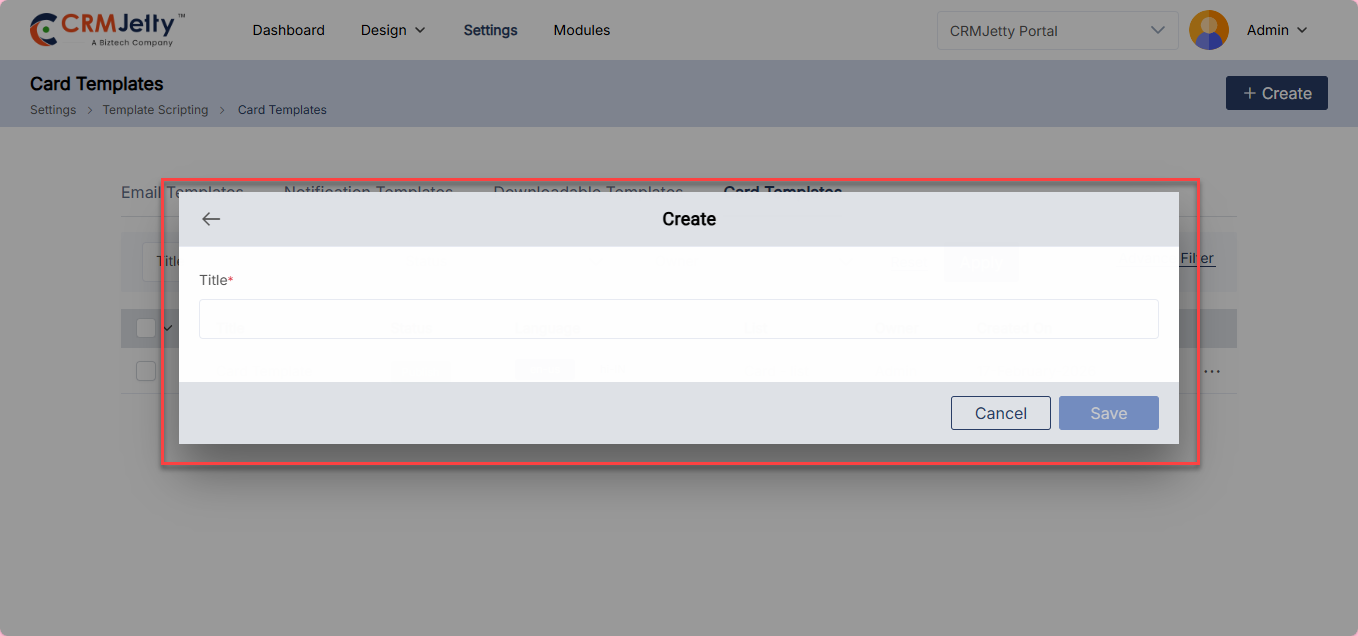
A pop-up will appear, enter the Title and click Save.[2]
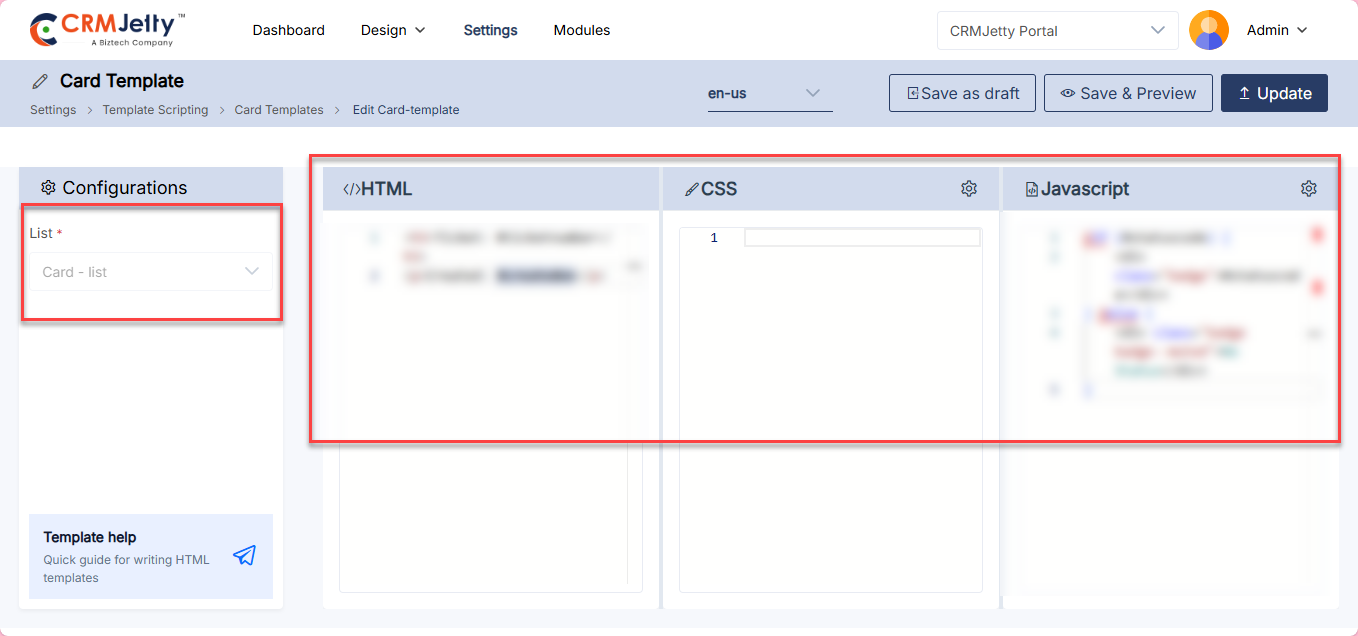
On the template page, configure the following: [3]
– List – Select the appropriate list for the template.
– HTML, CSS and JavaScript – Enter the required code in their respective sections to build the template as per your need.
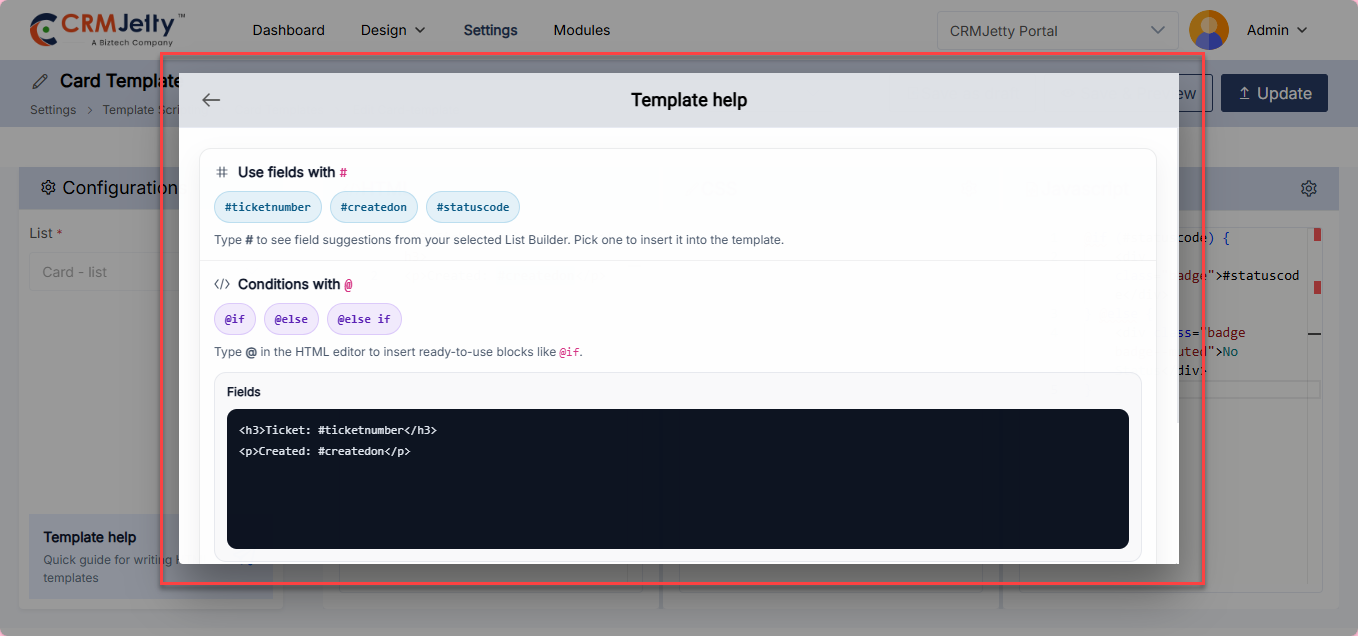
For assistance, click the Template Help button, a quick guide pop-up will appear explaining how to use the Template Builder.
Once all configurations are done, click Publish to make the template active or Save as Draft to save it for later use.
Actions
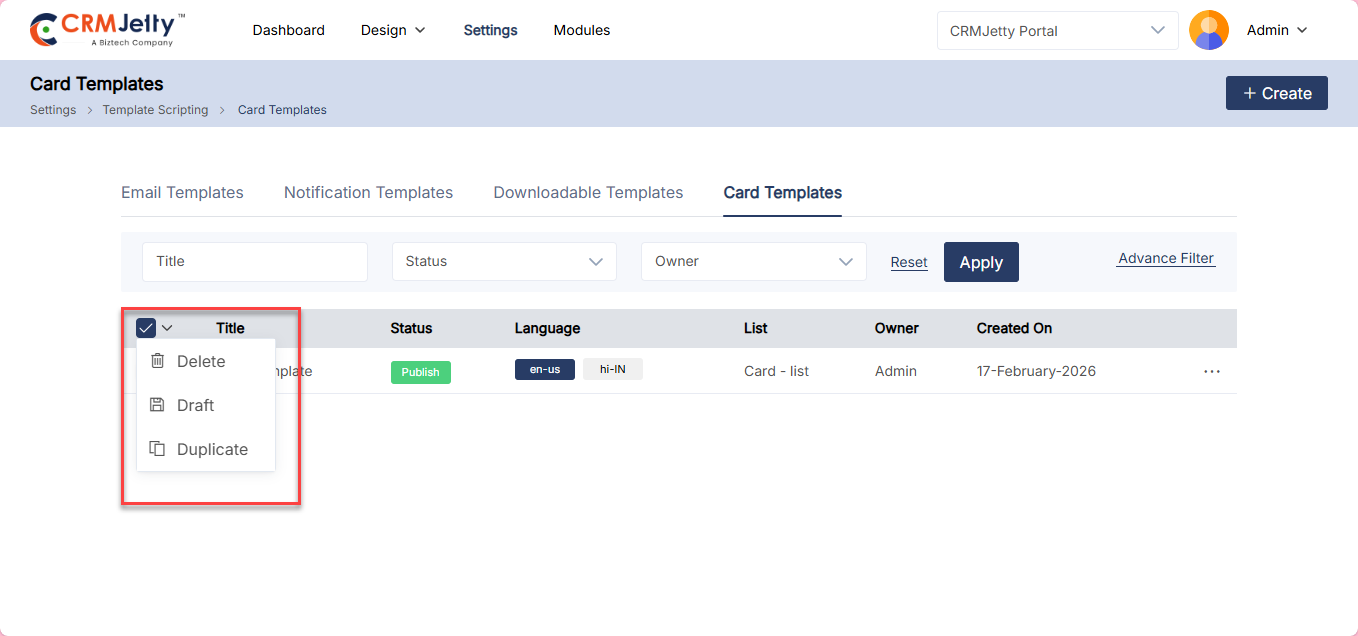
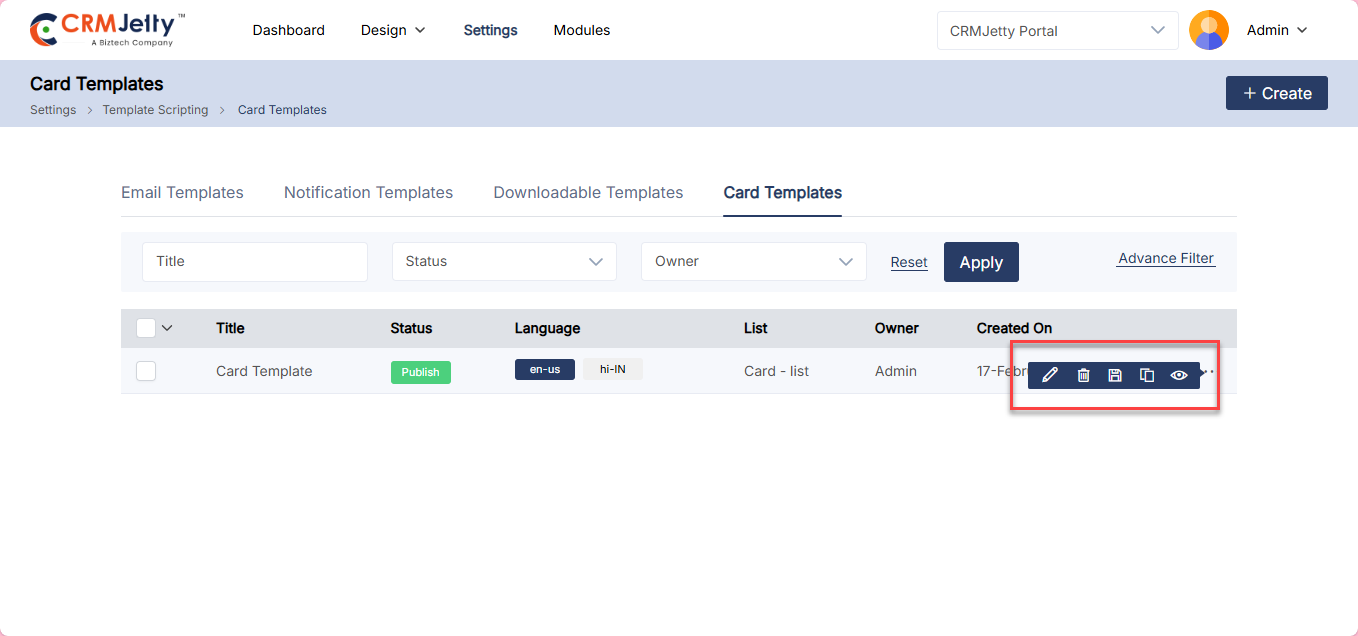
The admin can Edit, Delete, Publish/Draft and Duplicate a template by clicking the three dots (…) on the respective template and selecting the desired action. [1]
For bulk actions, select the desired templates from the list and click the Bulk Action dropdown to Delete, Publish/Draft or Duplicate all selected templates at once. [2]
Trigger Configuration
CRMjetty allows the admin to create triggers for different notifications based on actions and conditions such as Form Submitted and Edited.
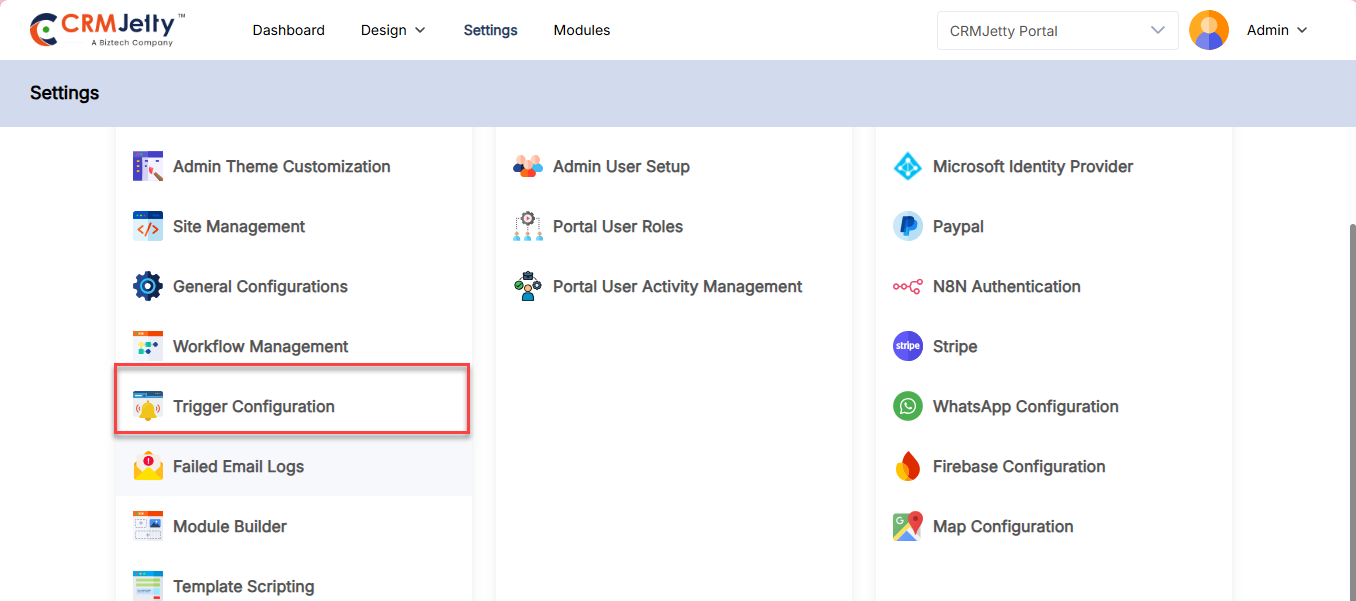
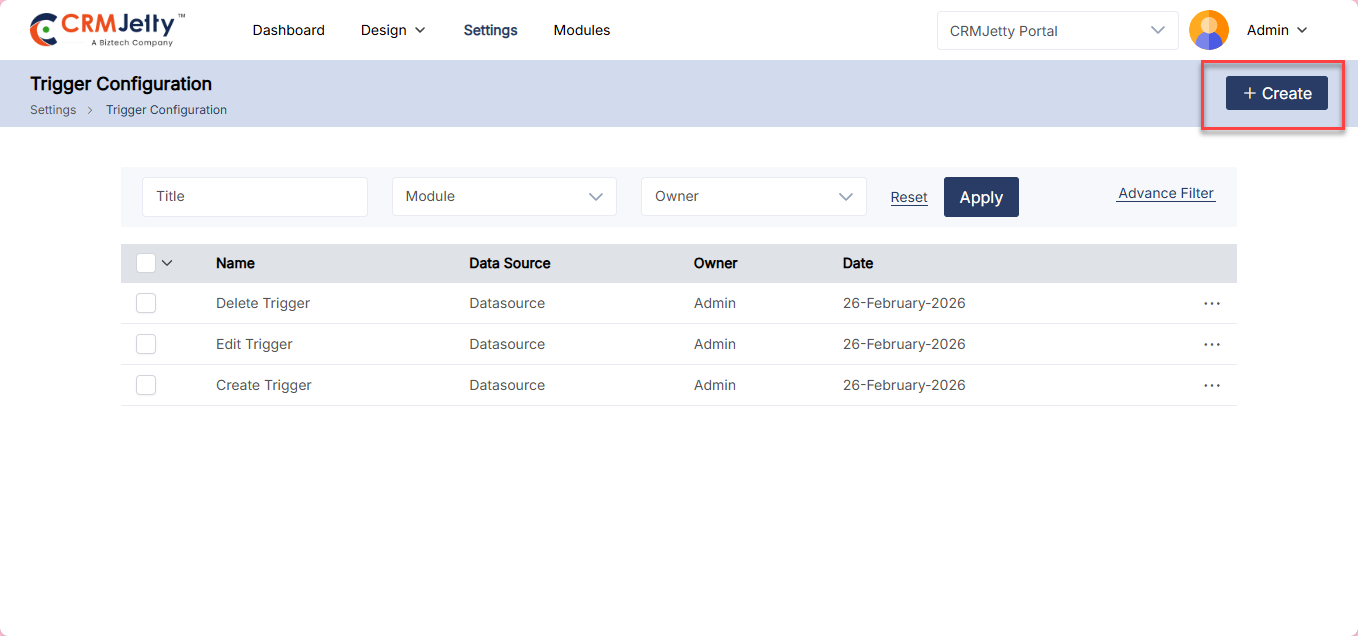
To set triggers, navigate to Settings > Portal Settings > Trigger Configuration.[1]
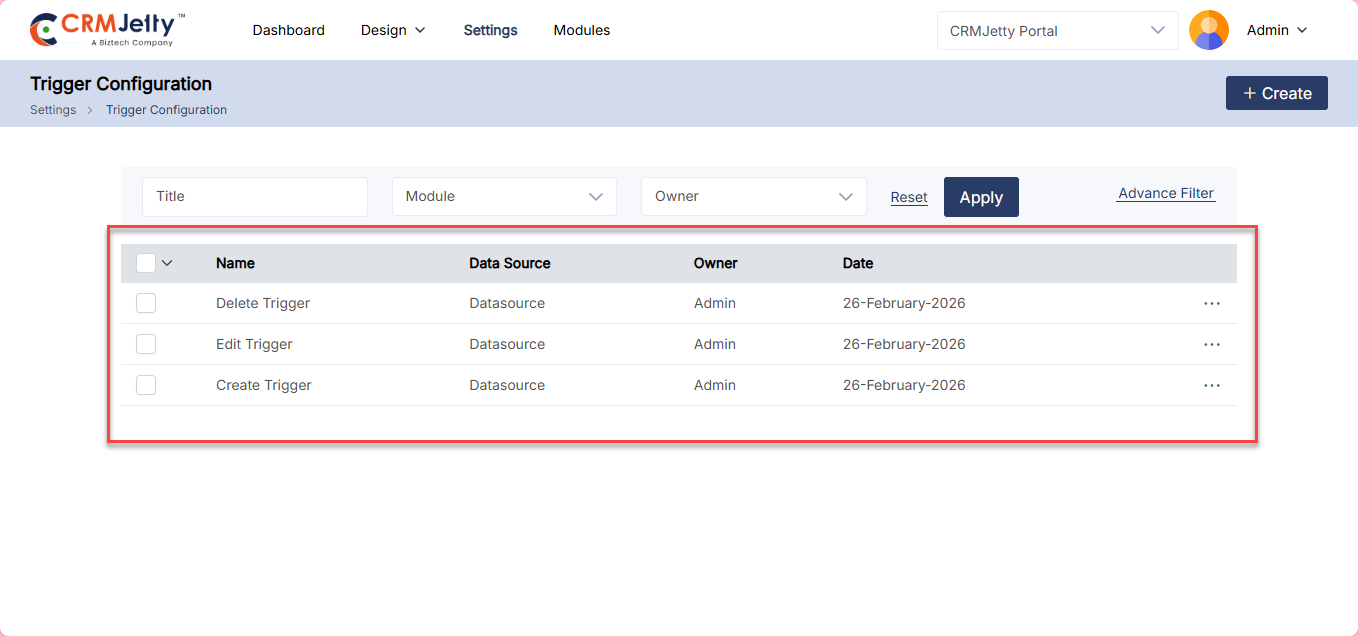
The Trigger list view displays the following columns: [2]
– Name – Displays the name of the trigger.
– Data Source – Displays the data source associated with the trigger.
– Owner – Displays the owner of the trigger.
– Date – Displays the date the trigger was created.
– Actions – Allows the admin to manage the trigger.
To create a new trigger, click the +Create button, which will redirect the admin to the Add Trigger page. [3]
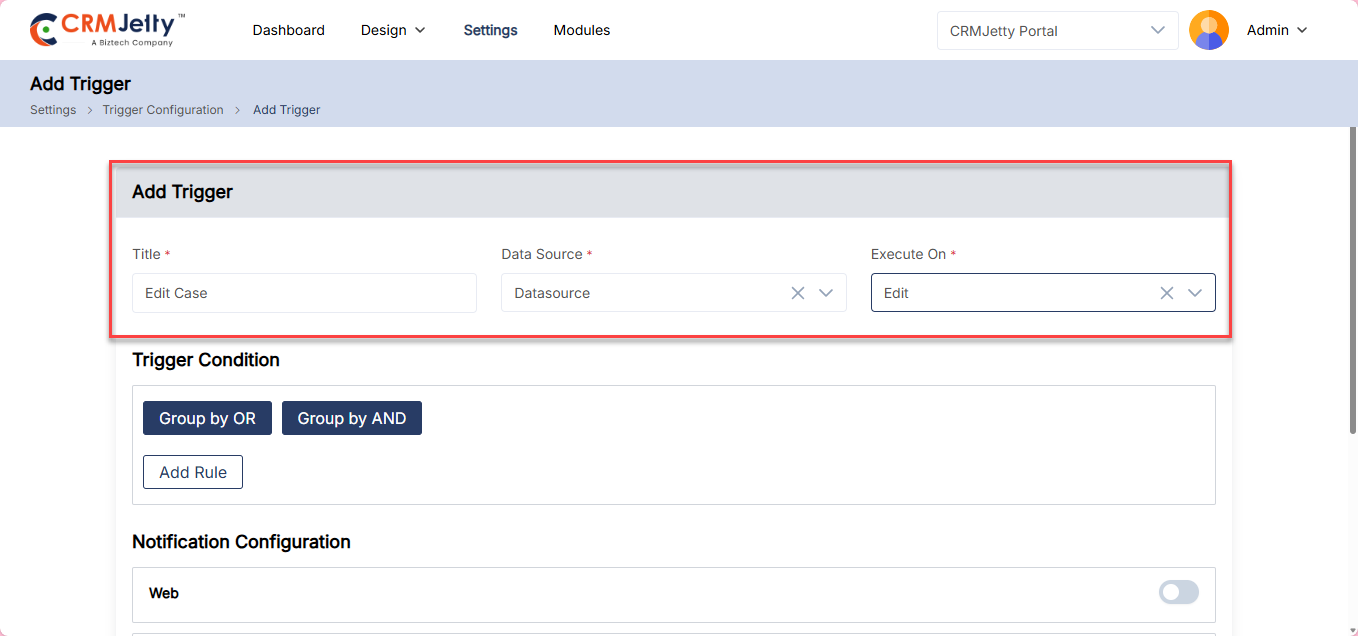
On the Add Trigger page, configure the following: [4]
– Title – Set the label title for the trigger.
– Data Source – Select the data source to create the trigger.
– Execute On – Select the action on which the trigger will be executed.
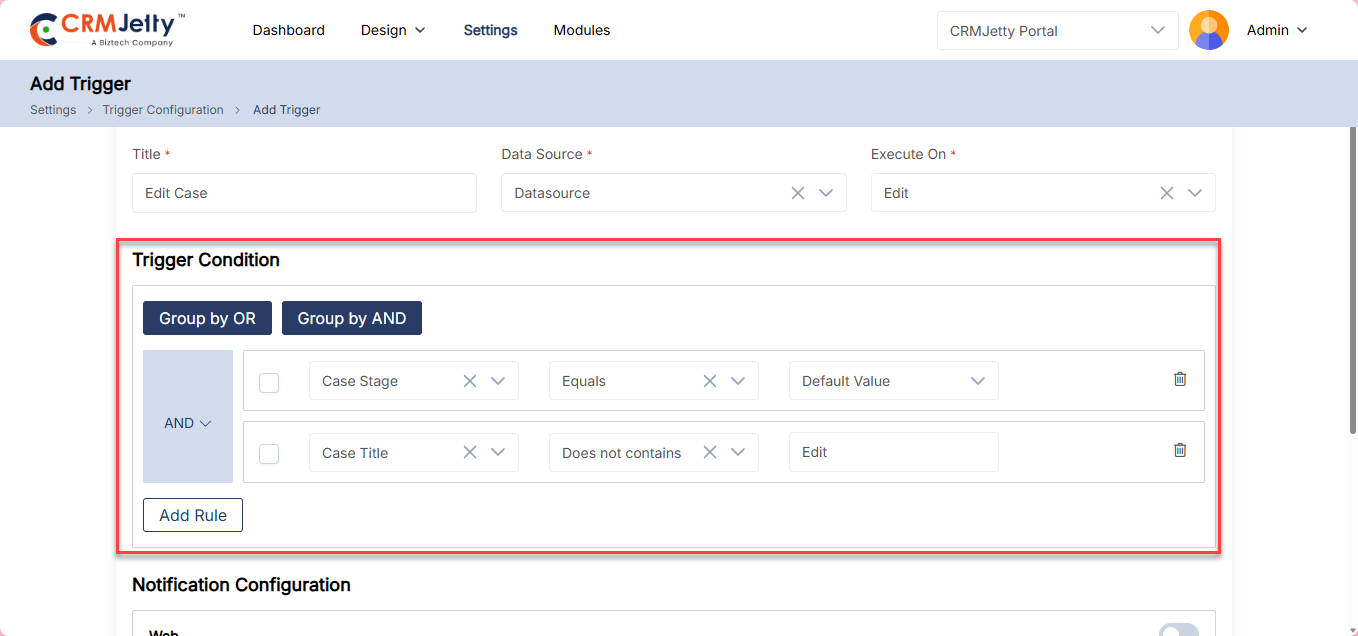
Trigger Condition: The admin can set up triggers based on conditions by adding multiple Rules and grouping them using AND/OR logic. [5]
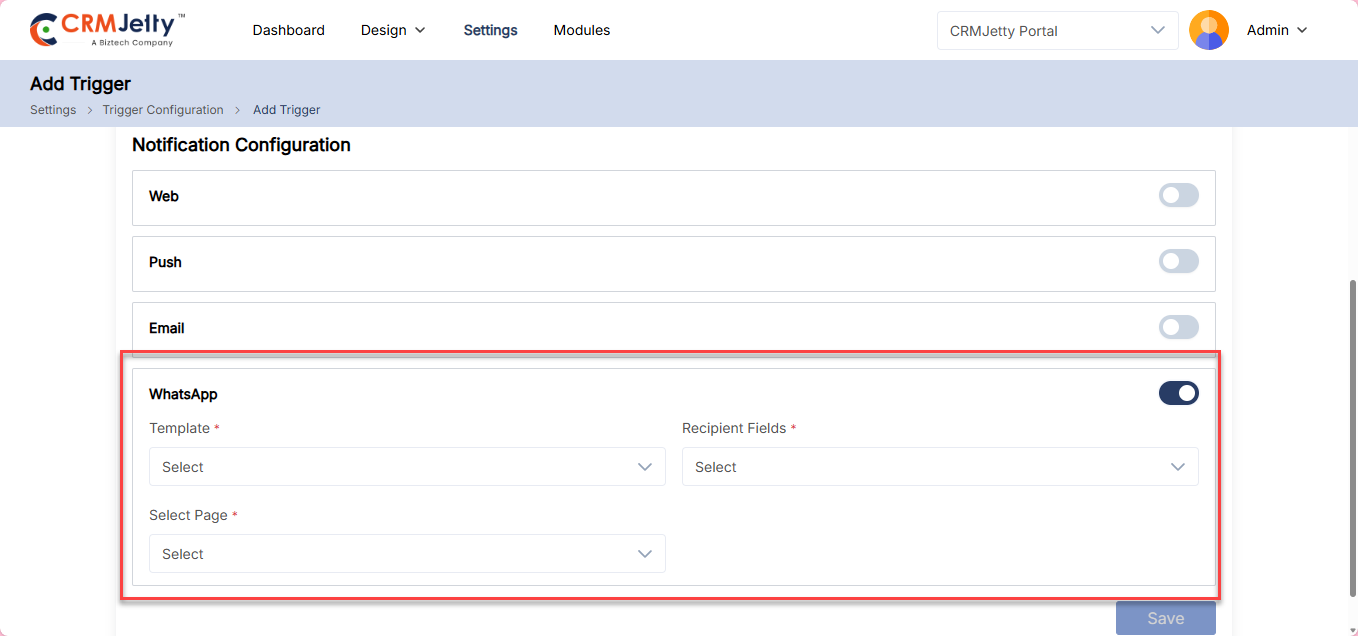
Notification Configuration :The admin can set up notifications for triggers from Web, Push, Email and WhatsApp. Enable the preferred notification type toggle and configure the following: [6]
– Template – Select the notification template for the trigger.
– Recipient Fields – Select the recipient fields for the notification.
– Select Page – Select the page to redirect when the notification is clicked.
Note: Admin can enable multiple notifications mode.
Created Trigger will be listed on the List view page.
Failed Email Logs
The CRMjetty allows admin to view all the failed Email logs
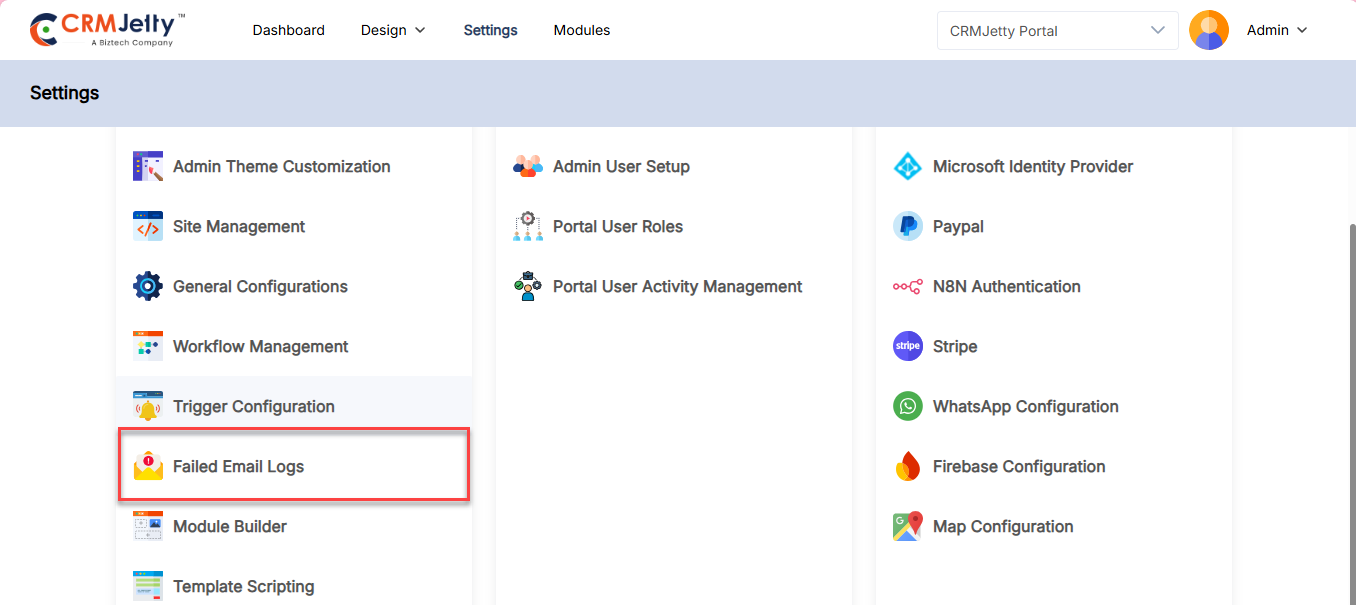
The admin can view all failed email logs in the Failed Email Logs module. To access this, navigate to Settings → Portal Settings → Failed Email Logs. [1]
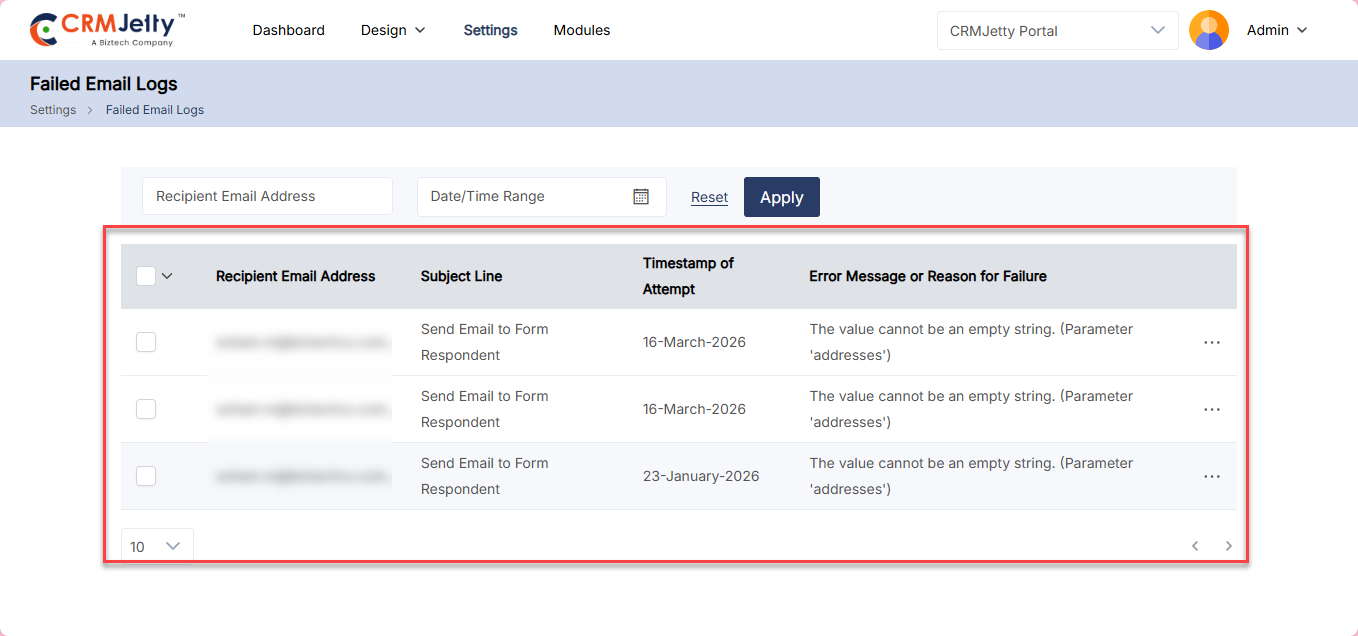
Here admin can view all the failed logs this list view contains following columns:
– Recipient Email
– Subject Line
– Timestamp of Attempt
– Error Message or Reason for failure
Delete Logs
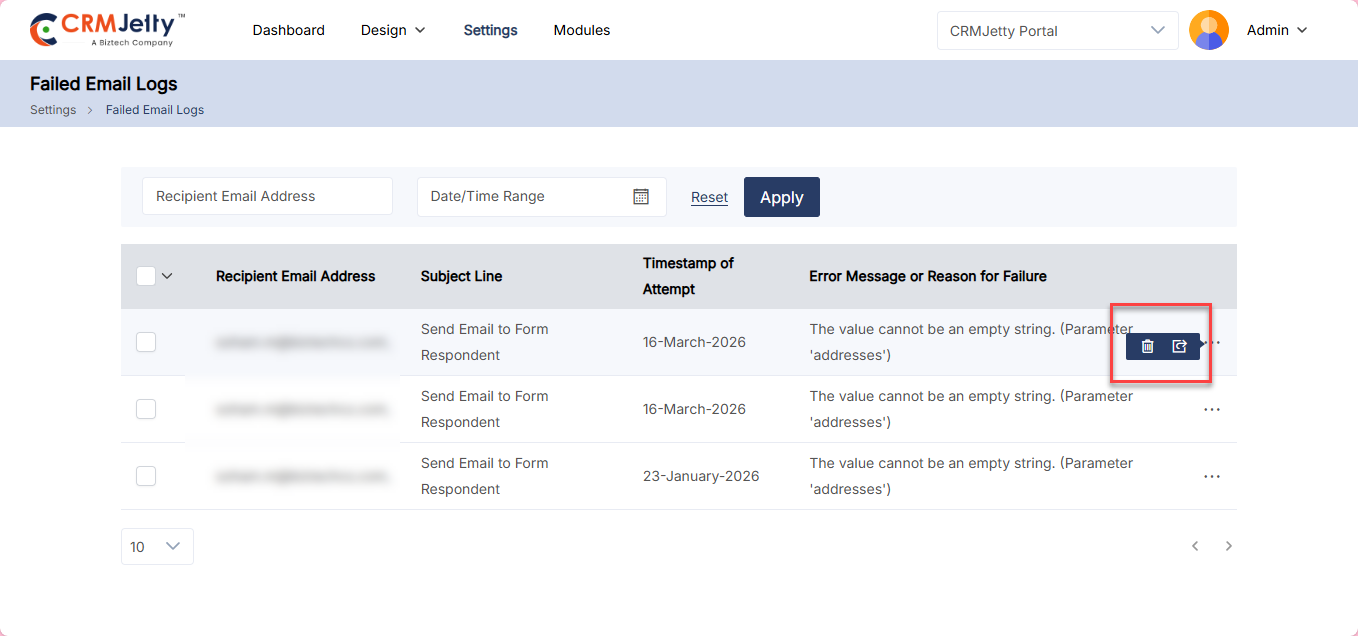
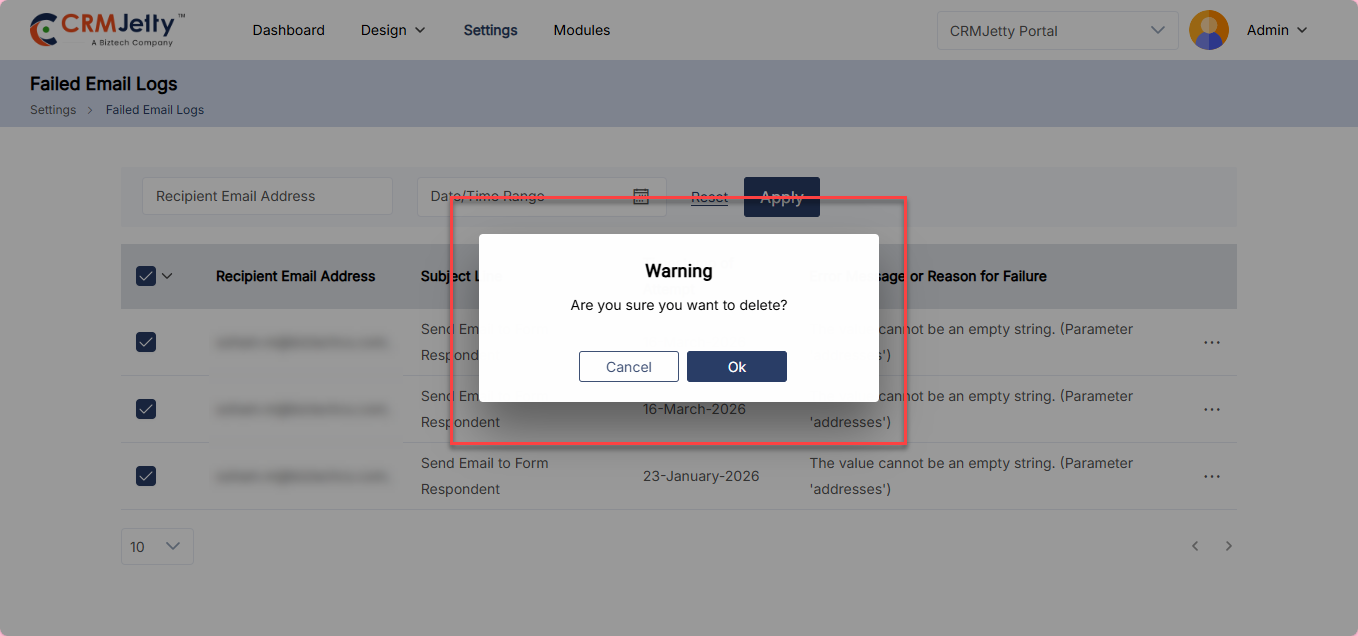
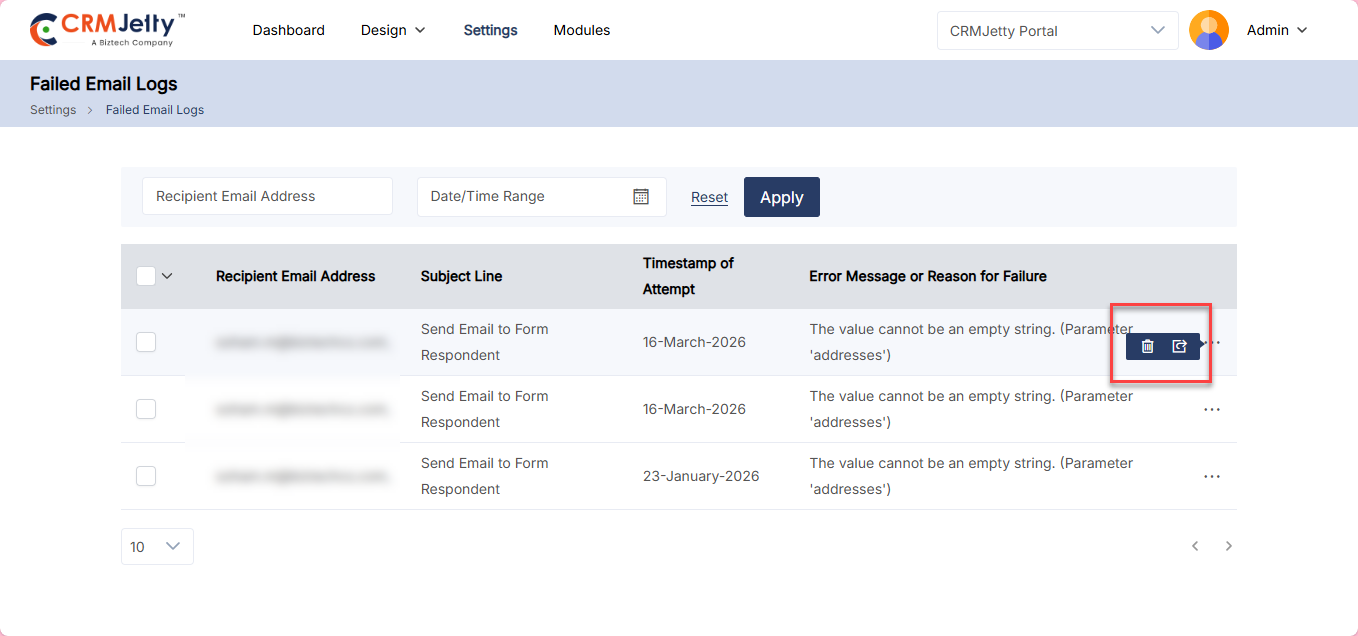
To delete a log, navigate to the logs list and click the three dots (…). Clicking on the dots will reveal the Delete icon. Clicking this will display a warning pop-up message.
Click the OK button to permanently delete the page from the portal. [1]
Bulk Delete Pages
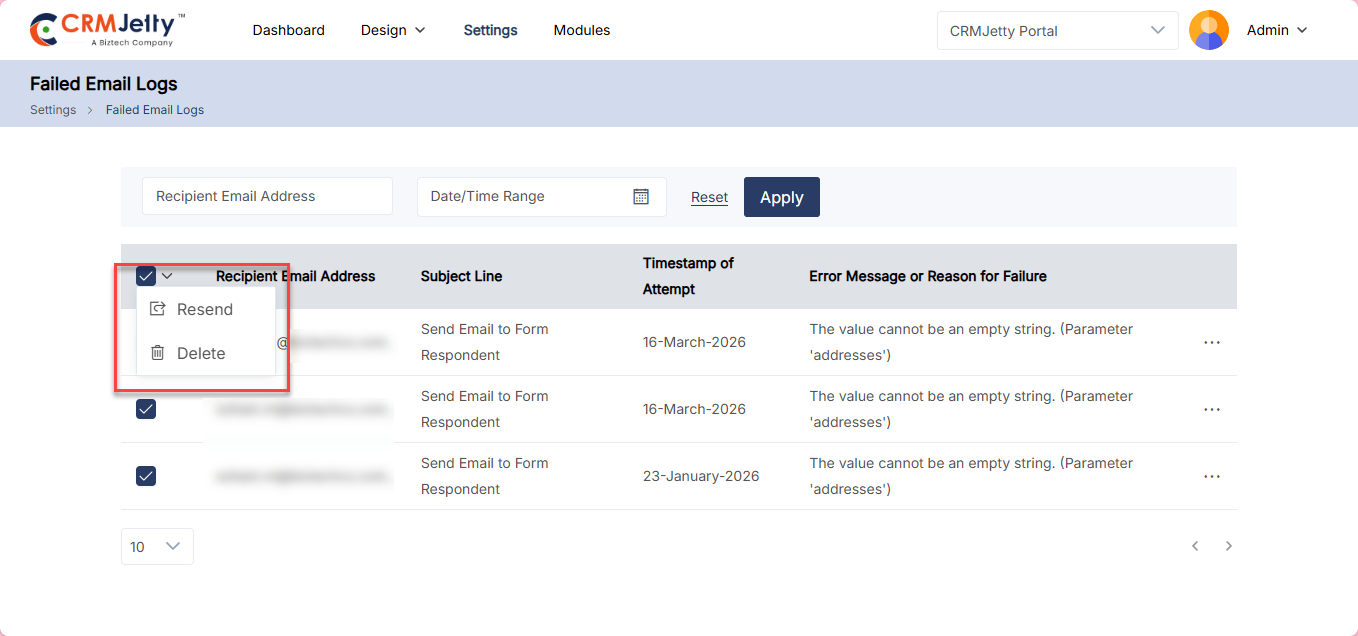
The Admin should start by selecting the logs for deletion. This can be done by clicking the checkboxes beside each log.
After selecting the logs, the Admin needs to click on the bulk action dropdown. From the available options, select the “Delete” option. [2]
Resend Email
To resend a log, navigate to the logs list and click the three dots (…). Clicking on the dots will reveal the Resend icon. This will resend mail and a confirmation message appears. [4]
Module Builder
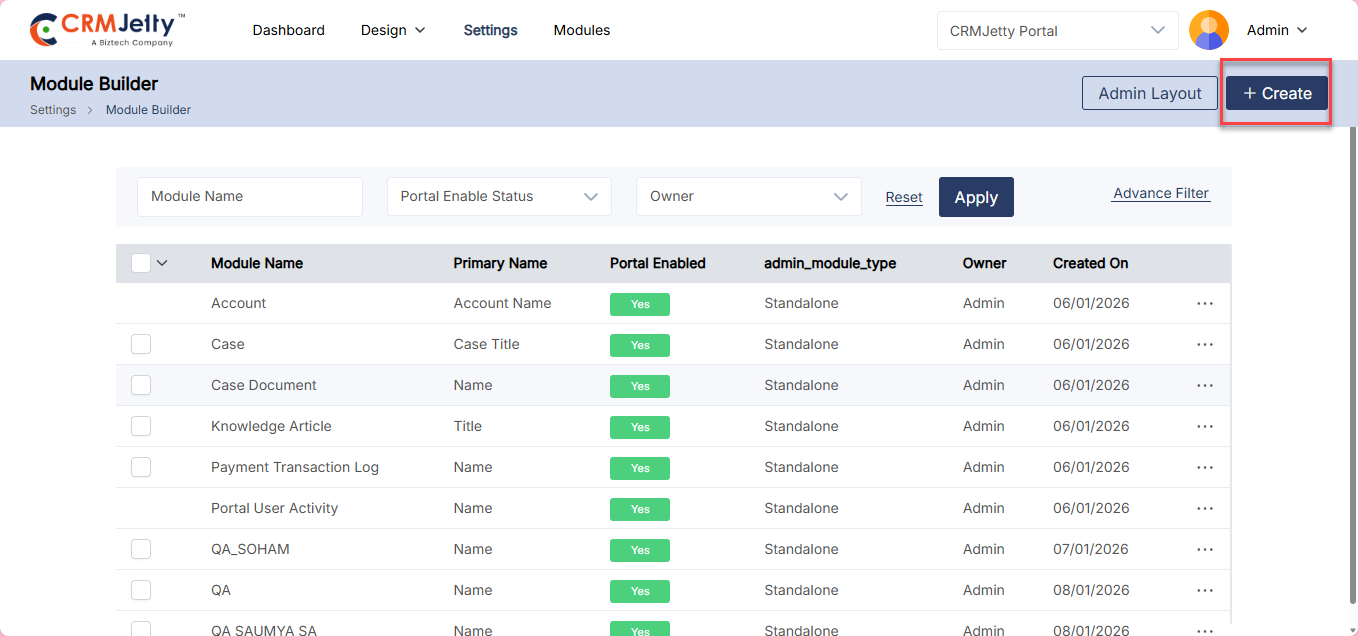
CRMJetty enables Admin to create custom modules directly within the portal using the Module Builder. This feature allows administrators to design and configure modules based on their specific business requirements without relying on external development. Admin can create modules using either Standalone configurations or N8N-based integrations, providing flexibility for both simple setups and advanced automation workflows.
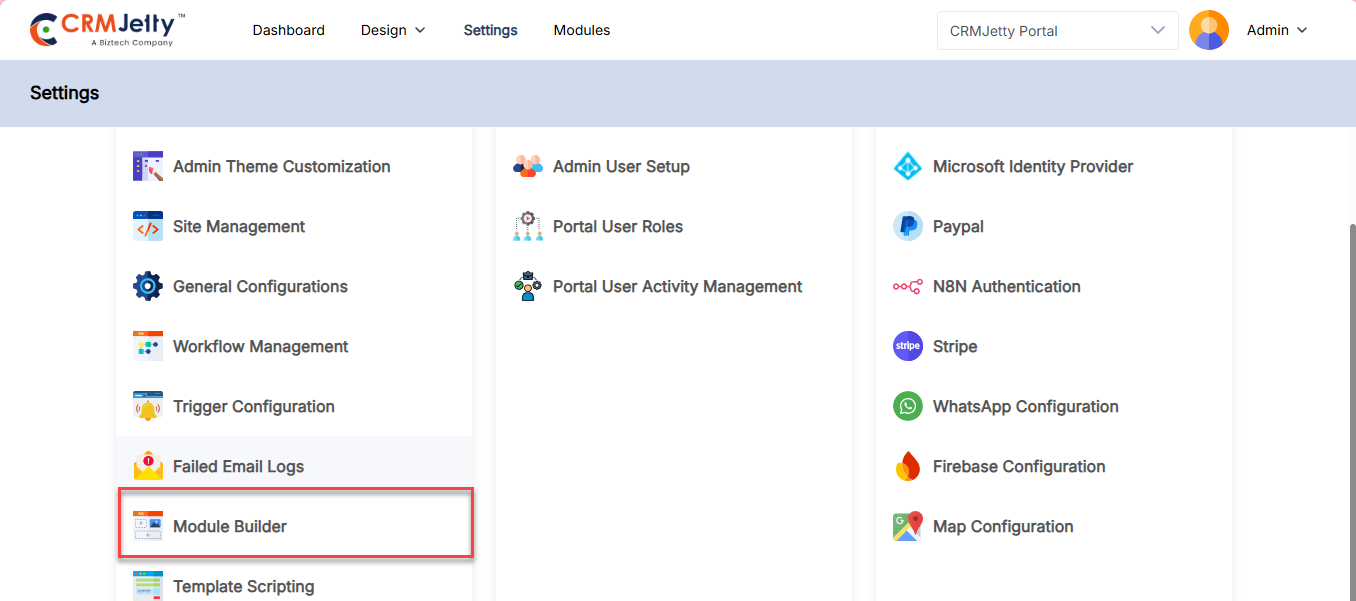
To create a module Navigate to Setting > Portal Setting > Module Builder.[4]
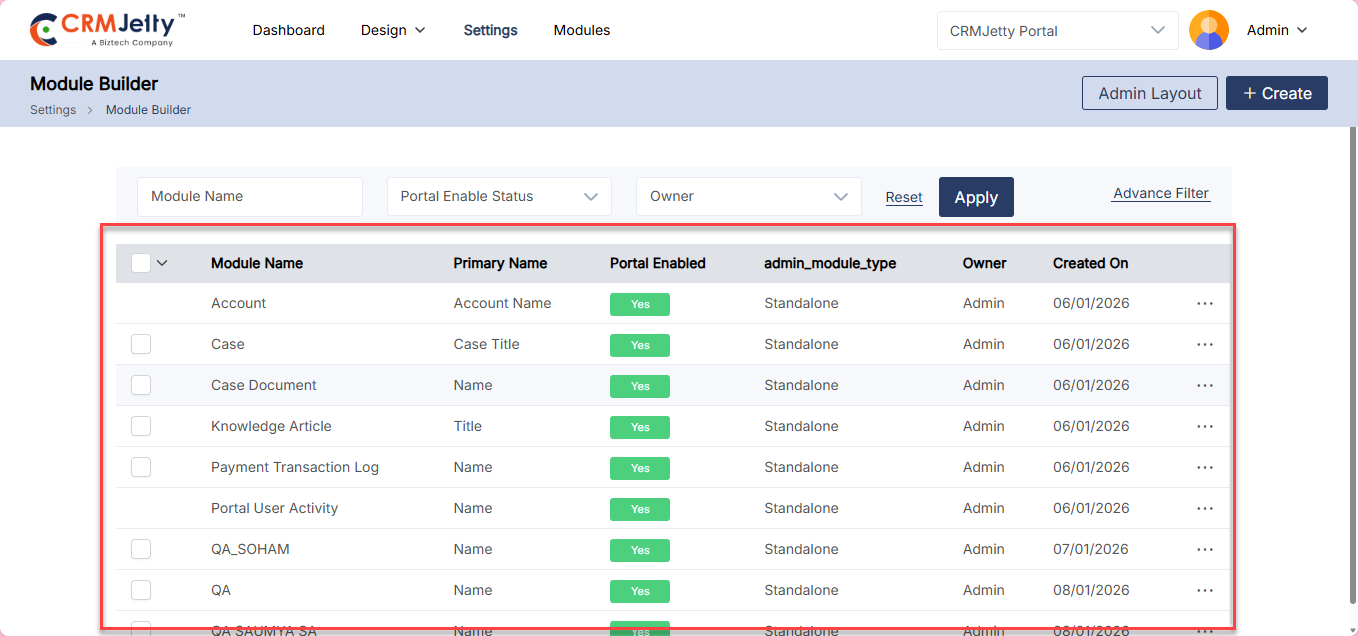
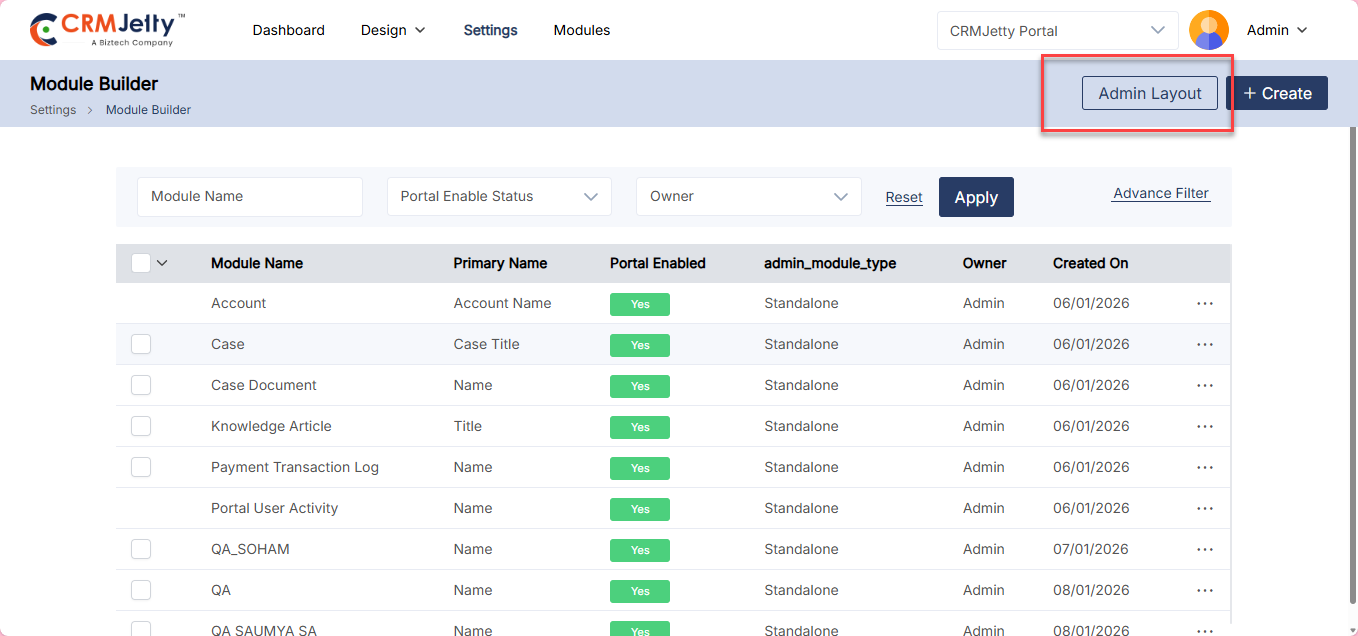
In the Module Builder list view, administrators can see an overview of all created modules along with key details, including: [2]
– Module Name
– Primary Name
– Portal Enabled (status indicating whether the module is active on the portal)
– Module Type (Standalone or N8N)
– Owner
– Created On
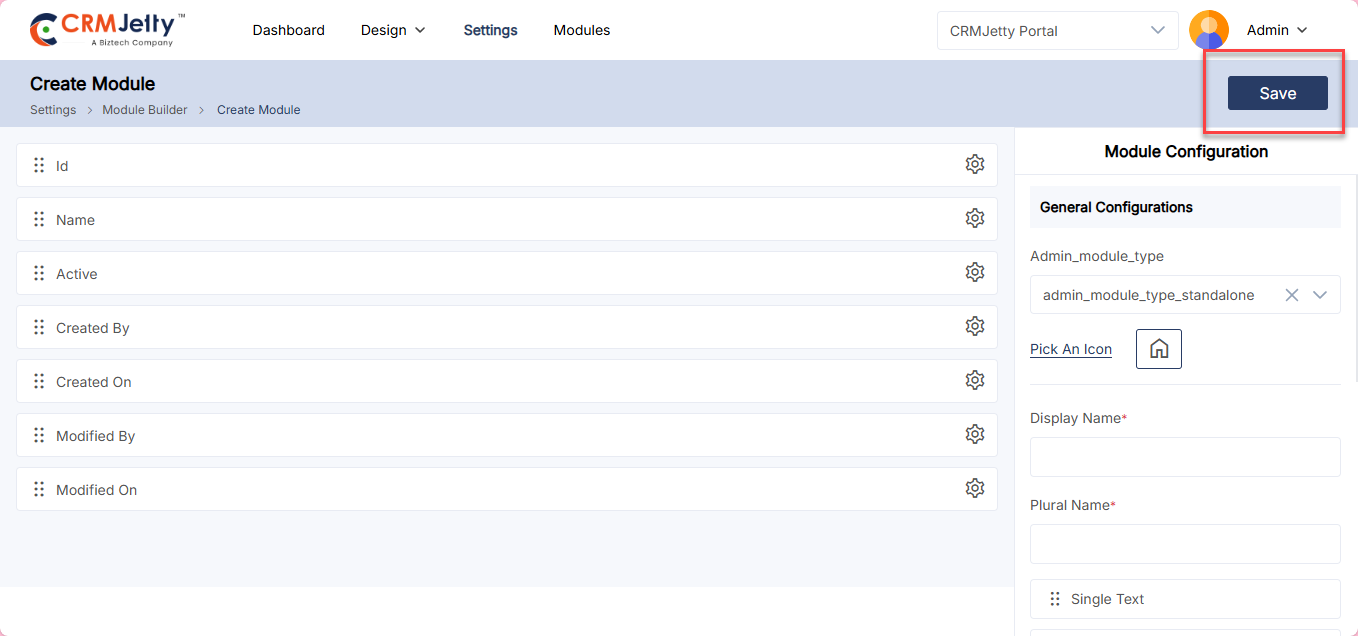
To create a new module, click on the Create button. The admin will then be redirected to the Create Module page. [3]
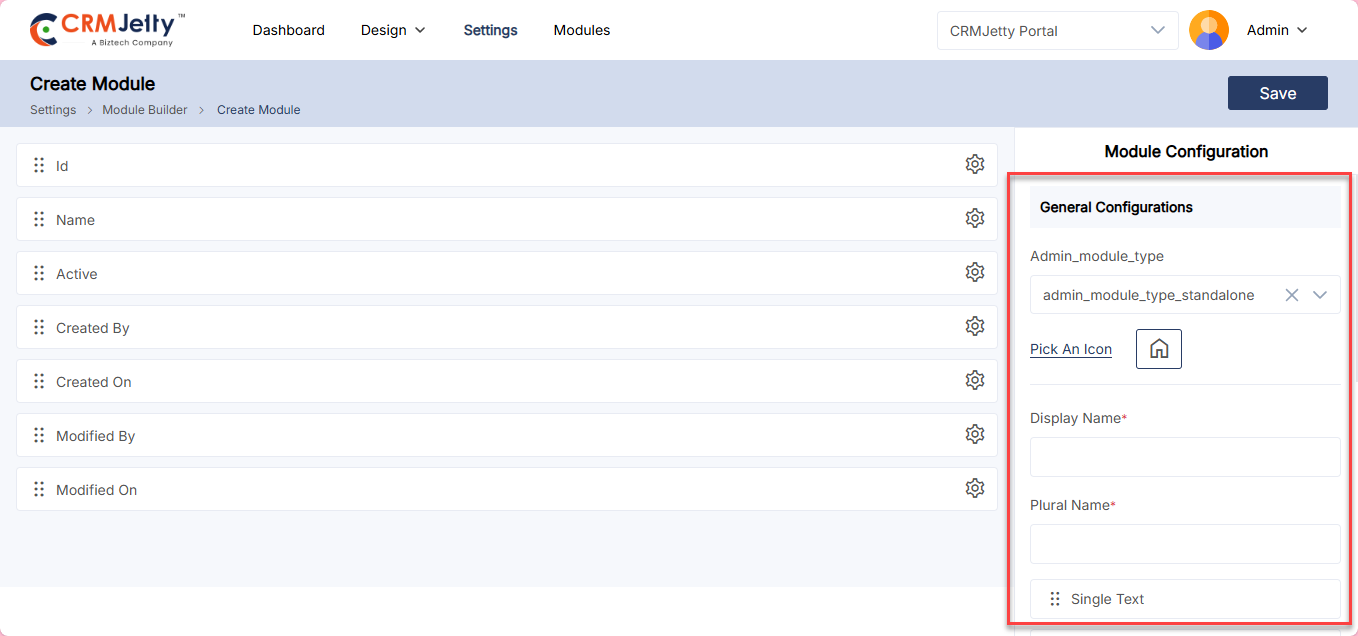
To create a module using the Module Builder, configure the following fields: [5]
– Select Module Type: Choose the module type from the dropdown. Available options are Standalone and N8N.
– Pick an Icon: The admin can select an icon for the module. This icon will be displayed in the Modules section for easy identification.
– Display Name: Enter the name that will be shown for the module in the portal.
– Plural Name: Provide the plural form of the module name.
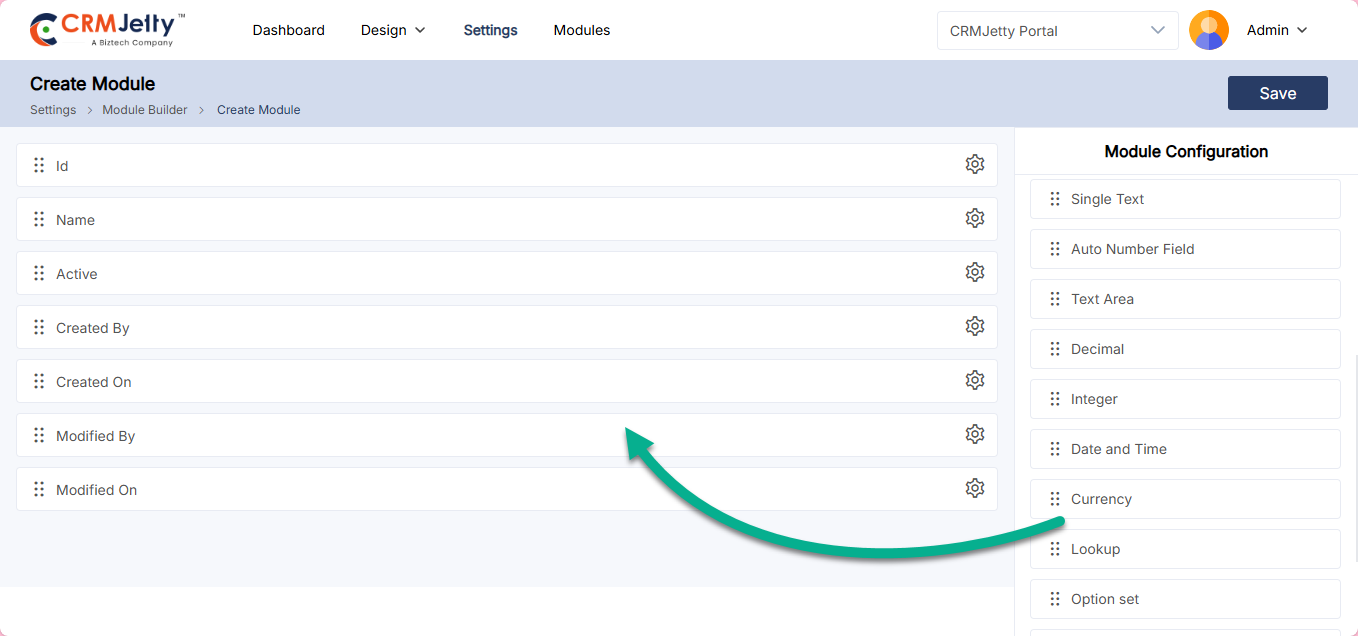
Drag and drop fields from the left panel to the right panel to include them in the module. The available fields will vary depending on the selected module type. [6].
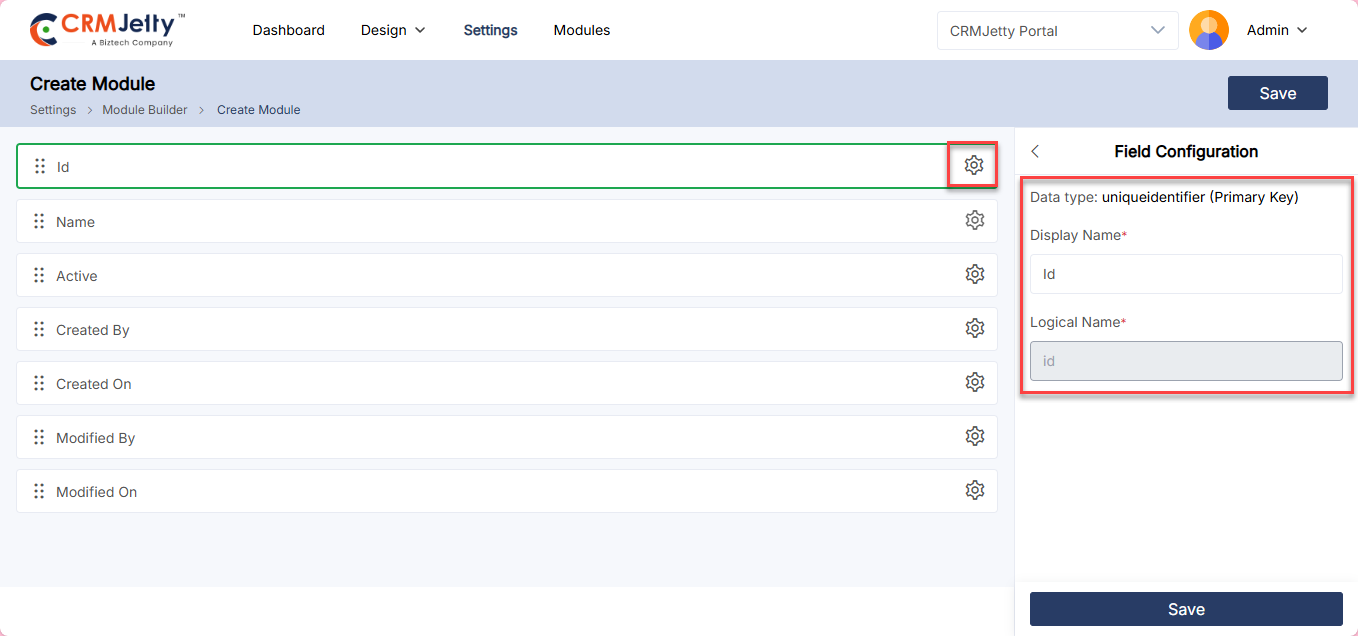
Field Settings : Click on the Settings icon next to a field to view and configure details such as:
– Field Data Type
– Logical Name
– Display Name
Admins can modify the Display Name of each field as needed. [7]
Once all configurations are done click on the “Save” button to save the module.[8]
Admin layout
Admins can create and manage an Admin Layout for modules. This layout determines how the module appears within the admin interface.
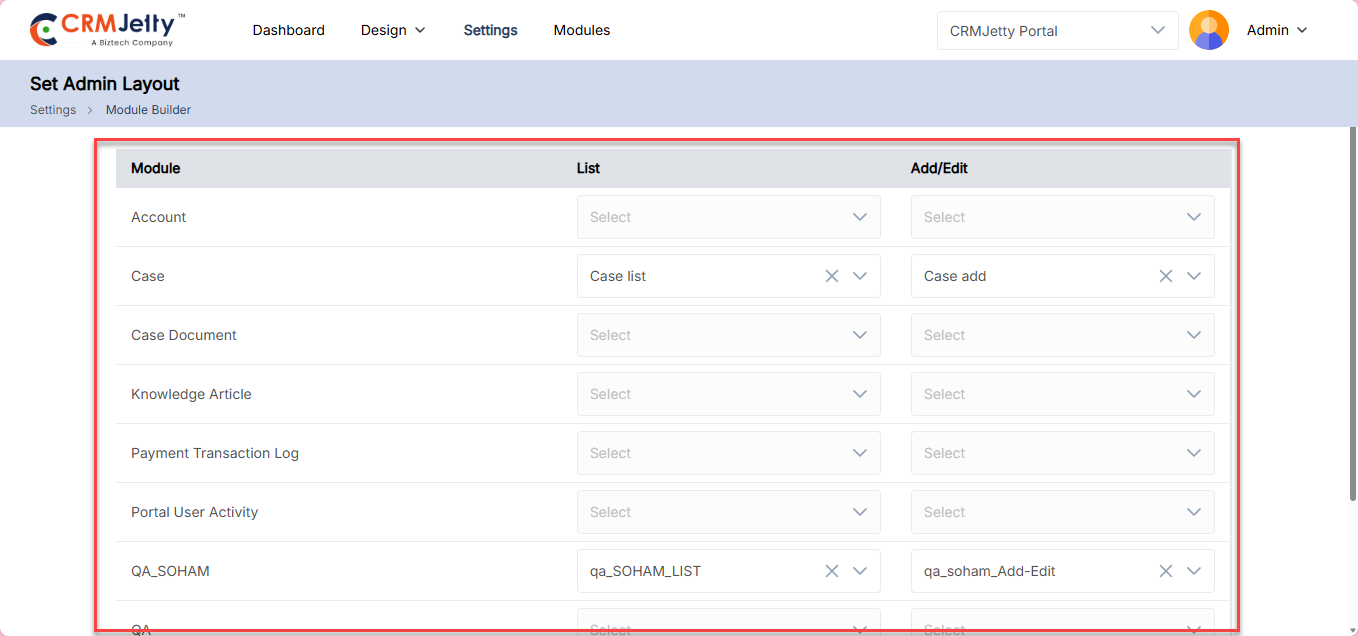
To configure the Admin Layout. Click on the Admin Layout button. [1]
– Select the list created in the Admin List Builder for the admin list view.
– Choose the Add/Edit Form for the admin.
– Once all layout configurations are completed, click on the Save button to apply the changes.
The configured Admin Layout will be visible in the Modules section within the admin panel.
Portal User Settings
The Admin can design a “Form” and “List” for the portal users from the Portal User Settings. This Form and List will be shown to the users who are added by the Admin from the backend.
By using this form, Admin can directly add portal users from the backend.
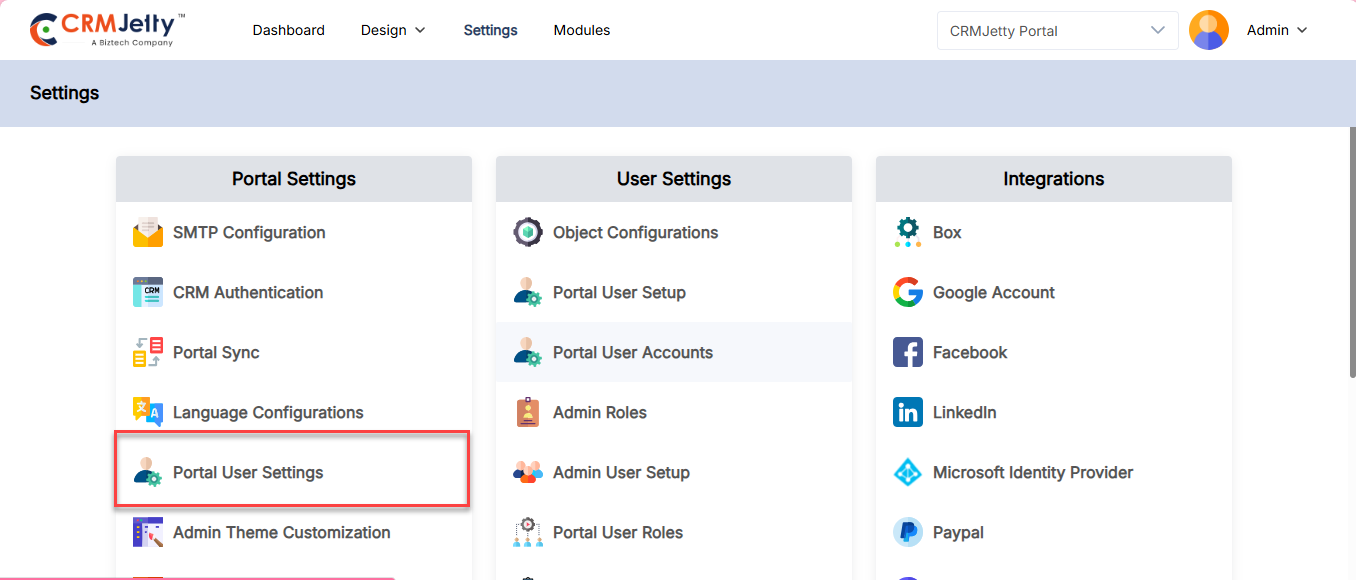
To design a List and Form the Admin will navigate to Settings > Portal Setting > Portal User Settings [1]
First select user type from Account or Contact to create the list and form with the selected user type fields.
Note: The form and list will be displayed in the Admin backend only.
List Page:
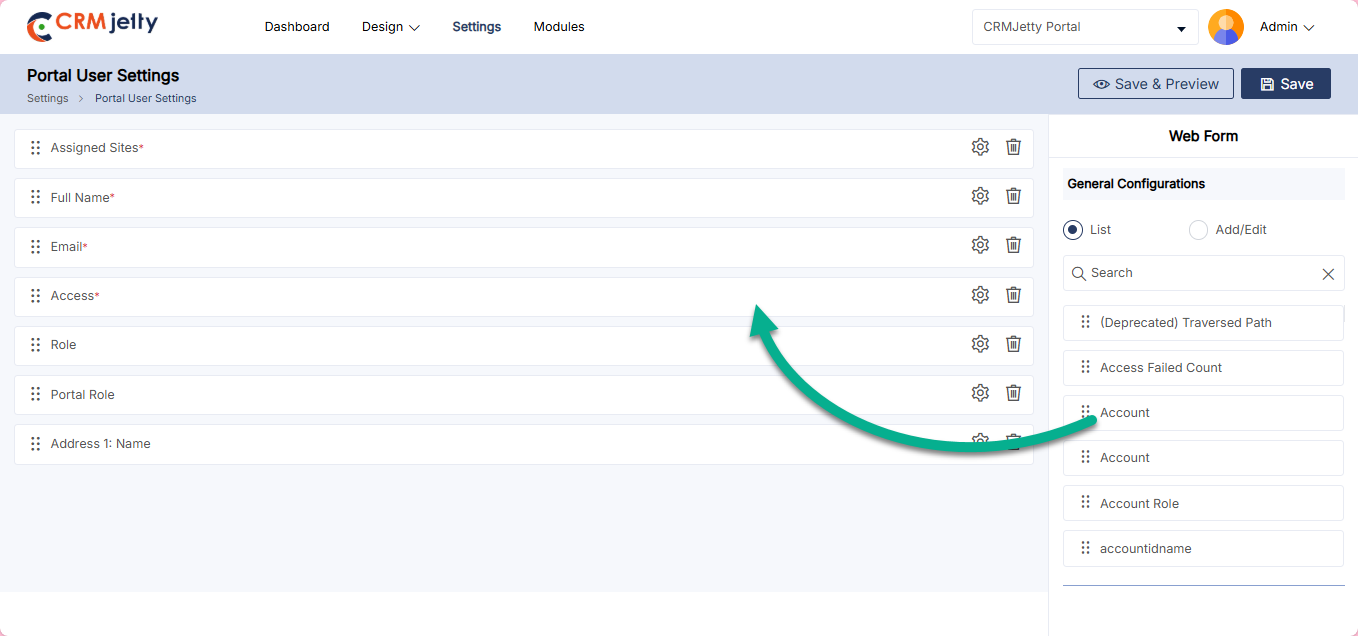
The Admin can see all the “List” fields on the right side of the page, to create a “List” the Admin can search for fields or simply drag and drop them to the page. The Admin only adds the 5 fields to design a list. [2]
Note: The Admin cannot remove the required fields. If the Admin is trying to remove it, they have shown a toggle message on the right side of the page.
Form Page:
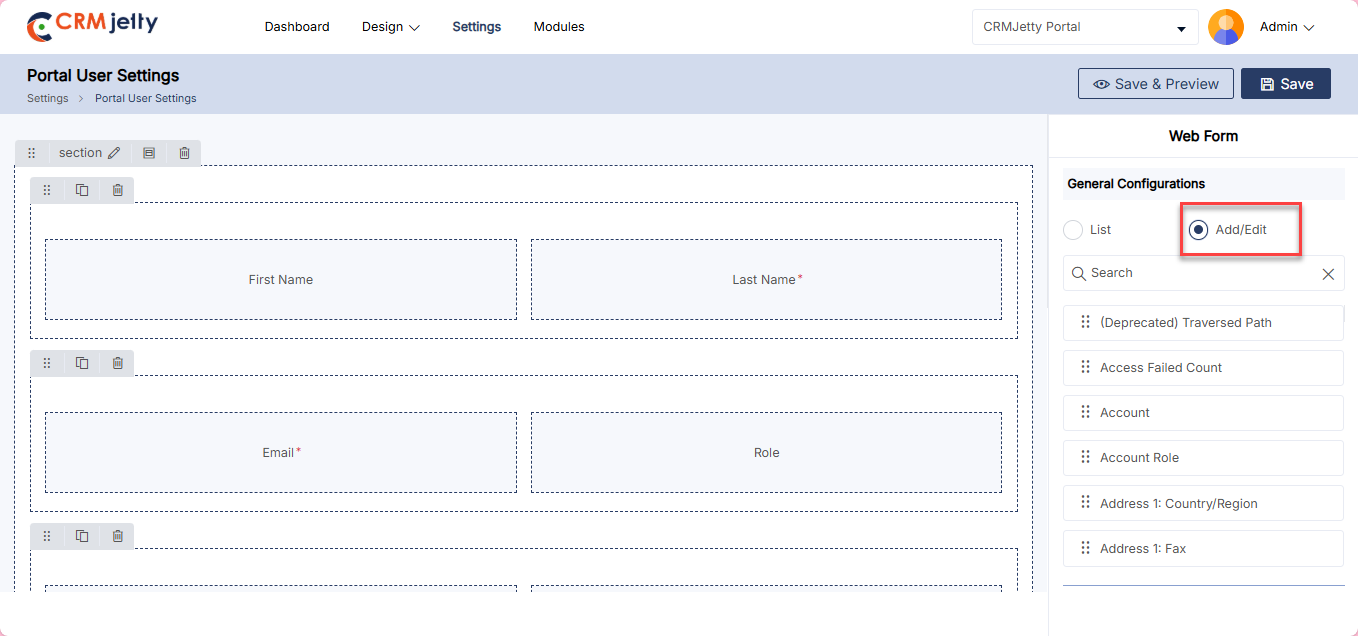
The Admin can add/Edit the portal user form for the customer portal, for that click on the Add/Edit radio button which is highlighted on the image. [3]
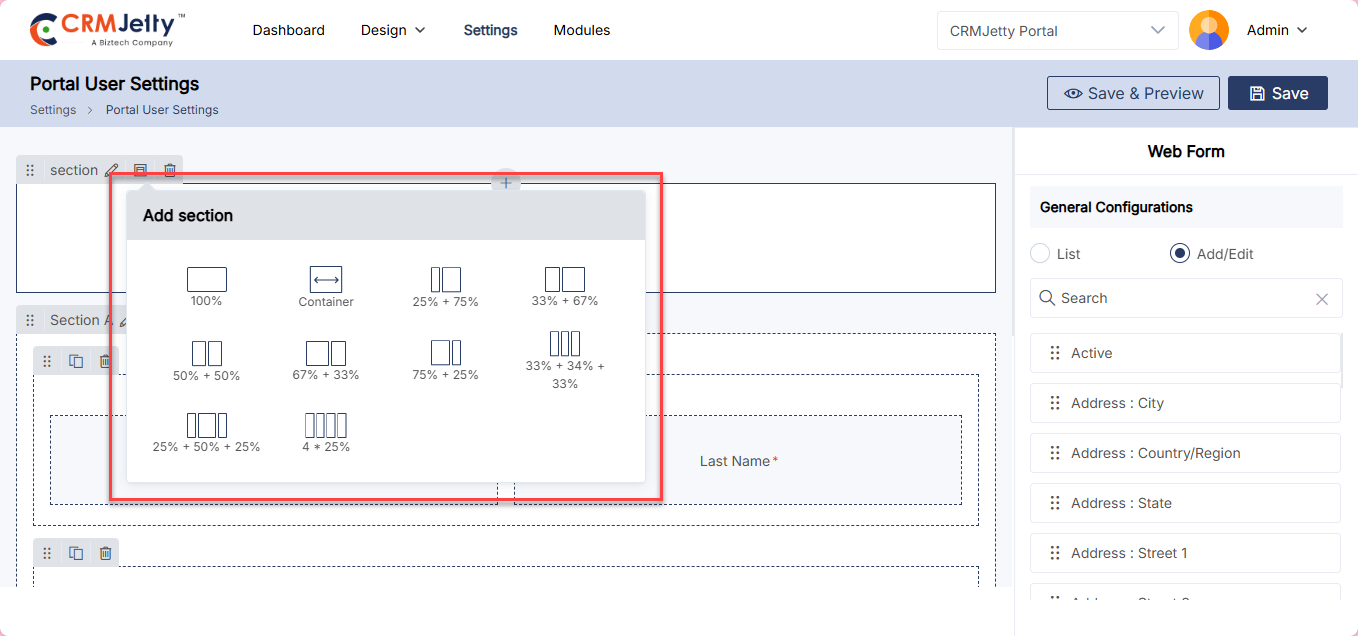
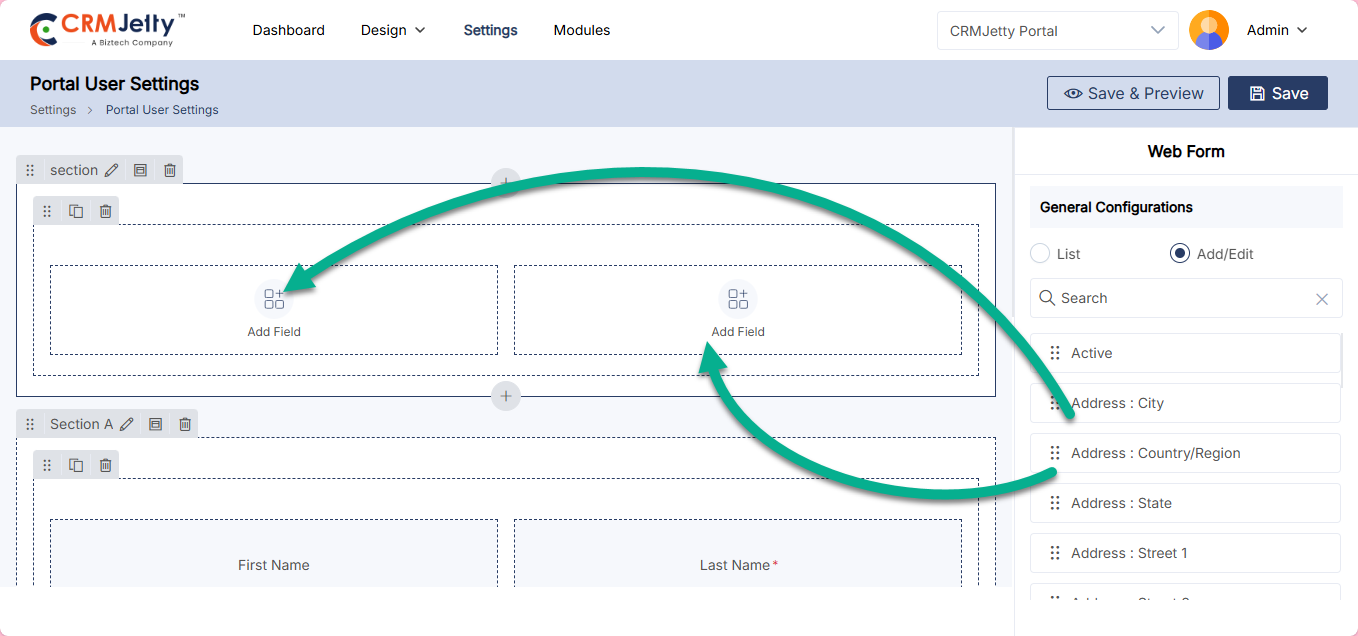
To design a form the Admin can follow Add Section > Add Grid > Add Fields.
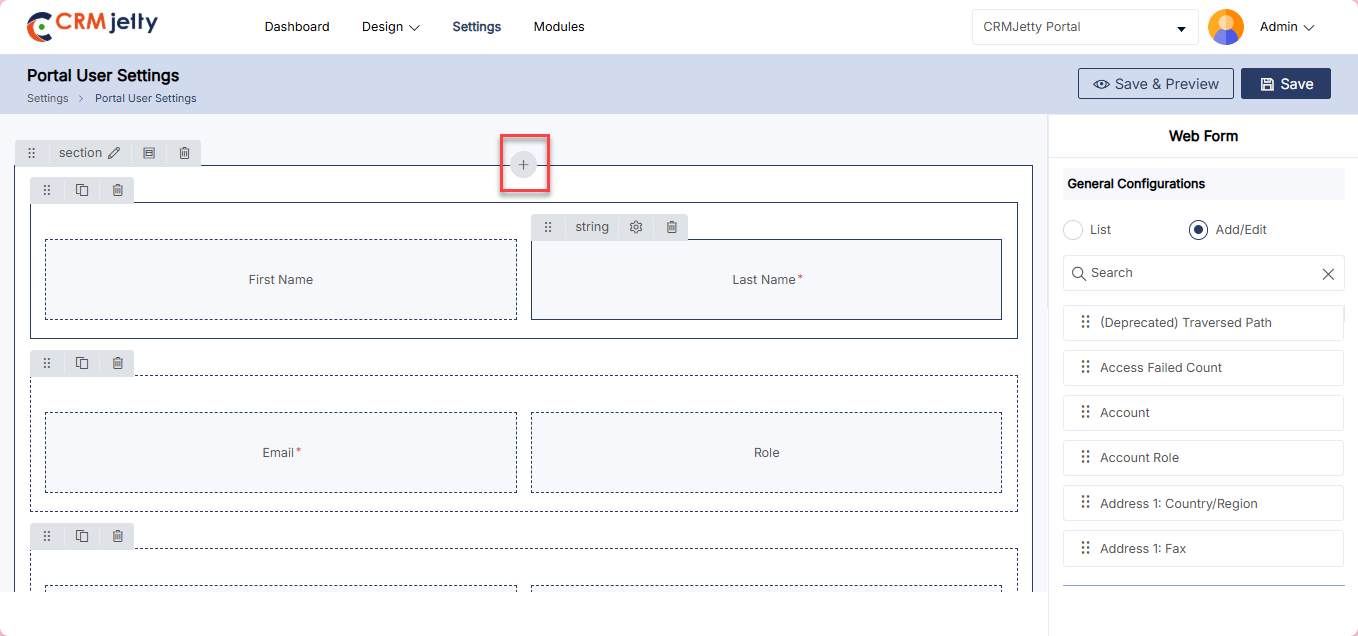
Add Section: On the left side of the page, the Admin can view the sections and by clicking on the “+” icon the Admin can add a new section as shown in the mentioned screenshot. [4]
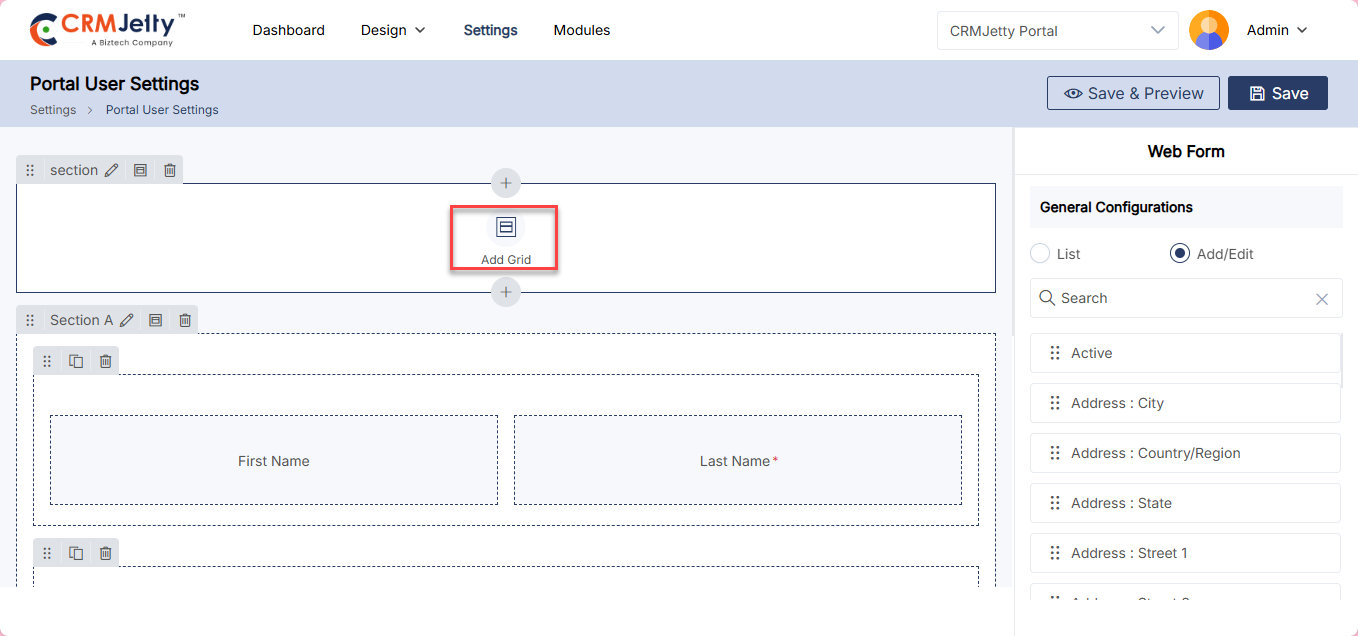
Add Grid: After adding the section the Admin needs to select the grid, for that, the Admin needs to click on the “Add Grid” button as shown in the mentioned screenshot. [5]
By clicking on the button, the Admin can view the different grid options, when selecting the grid it will directly add to the selected section as shown in the below screenshot. [6]
Add fields: After adding the grid the Admin adds fields to the grid, the Admin needs to drag and drop the fields to the section as shown in the screenshot. [7]
Note: The grid supports only one field per box. Admin should ensure the sections are designed accordingly.
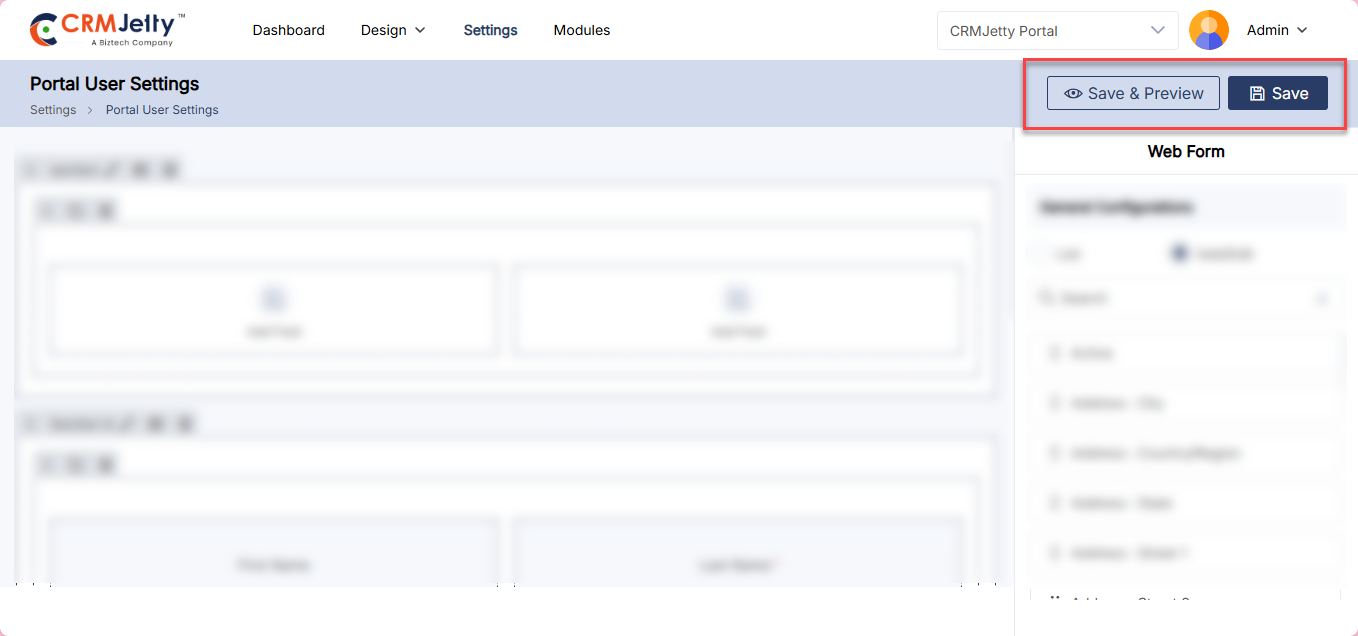
Once the form design is complete the Admin needs to click on the “Save” button. The Admin can also view the form by clicking on the “Preview” button. [8]
Preview:
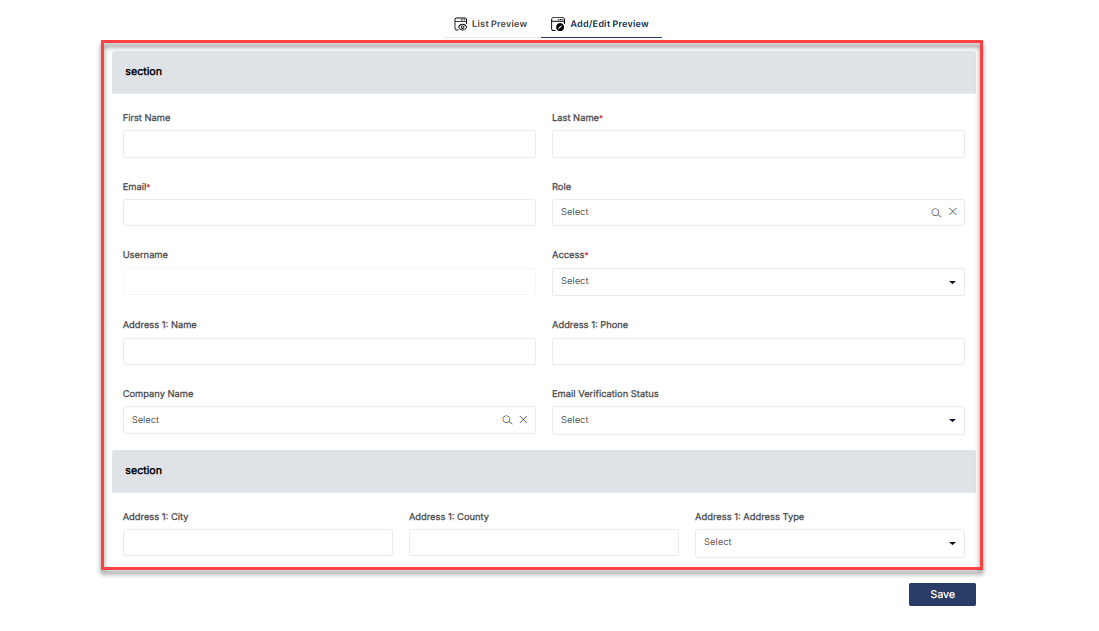
When the Admin adds a portal user through the Admin Portal, the configured form and list will be displayed.
To view form and List Navigate to the Settings > User Setting > Portal User Setup section, where the Admin can view the form and list that have been previously configured. [9] [10]
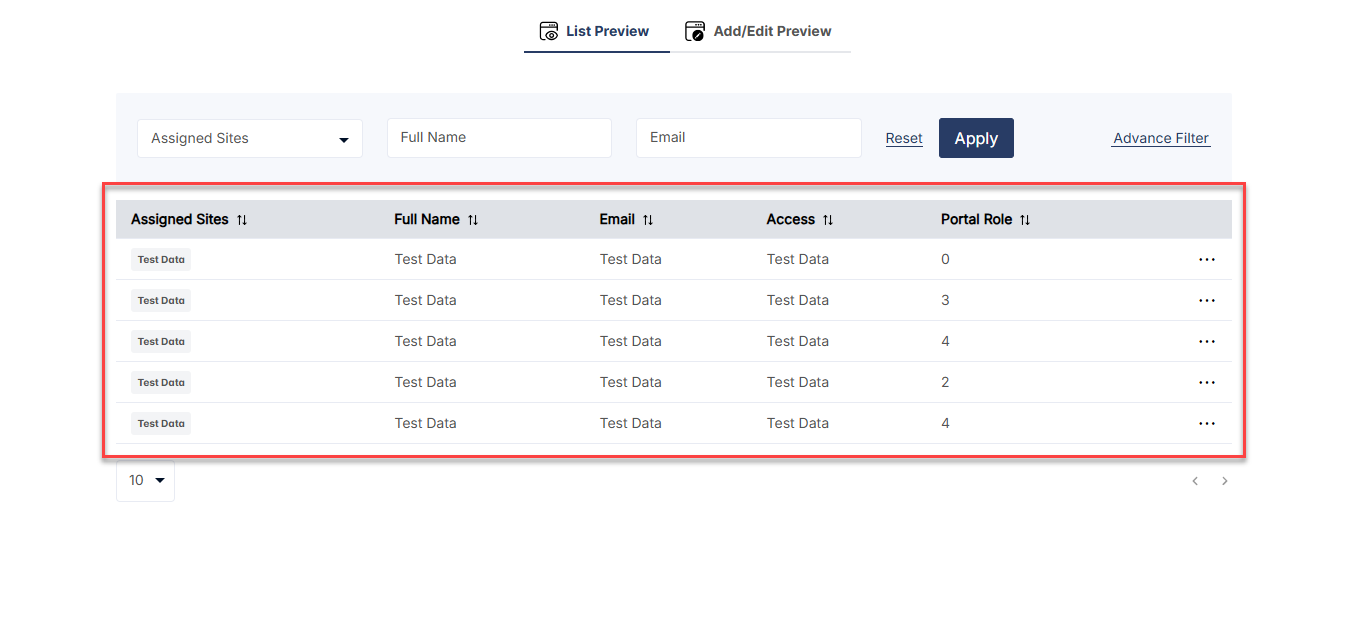
Portal User Roles
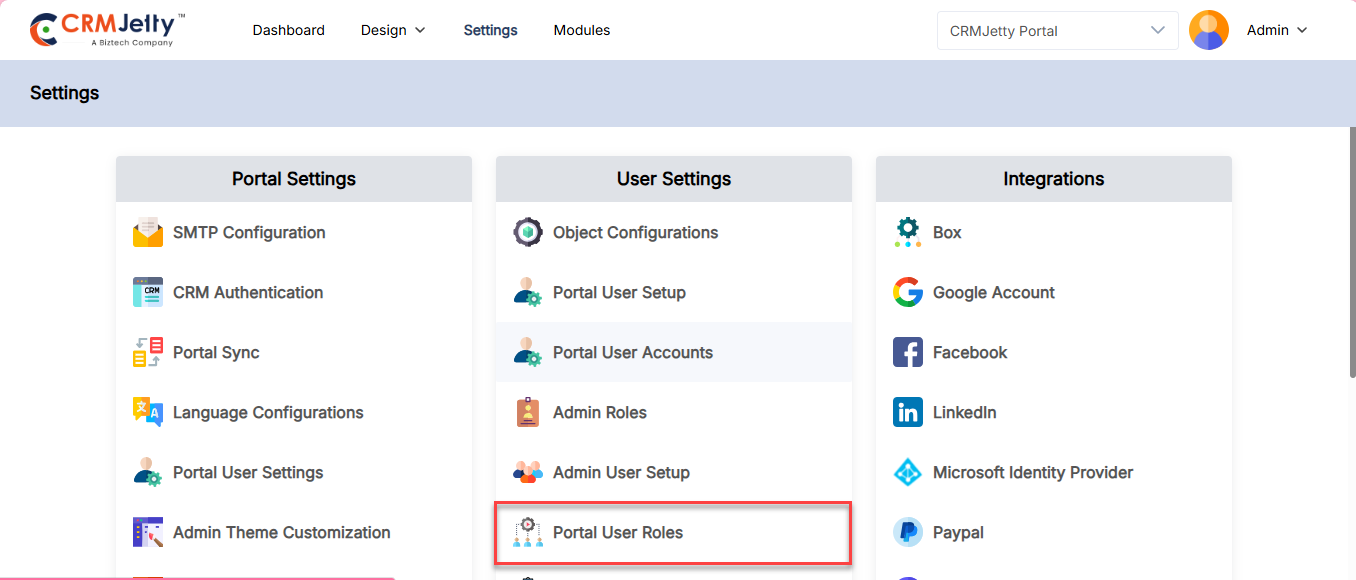
Admin can set permissions that determine what actions portal users can perform and what information they can access within a system.
To role for the portal user navigate to Settings > User Setting > Portal User Roles. [1]
Creating a Role:
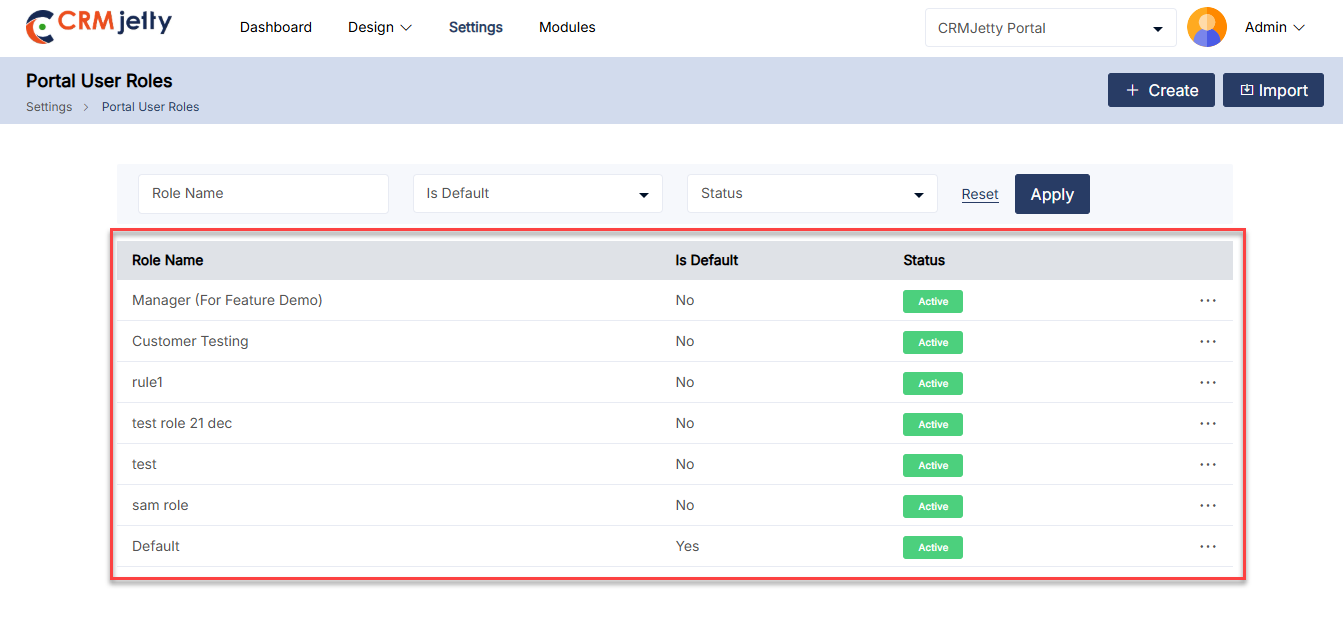
On the portal user role page, the Admin can view the pre-existing “Default” role which is set up with standard permissions and access controls. [2]
Admin can modify that default role or add a new role. To add a new role Admin needs to click on the “Create” button. [3]
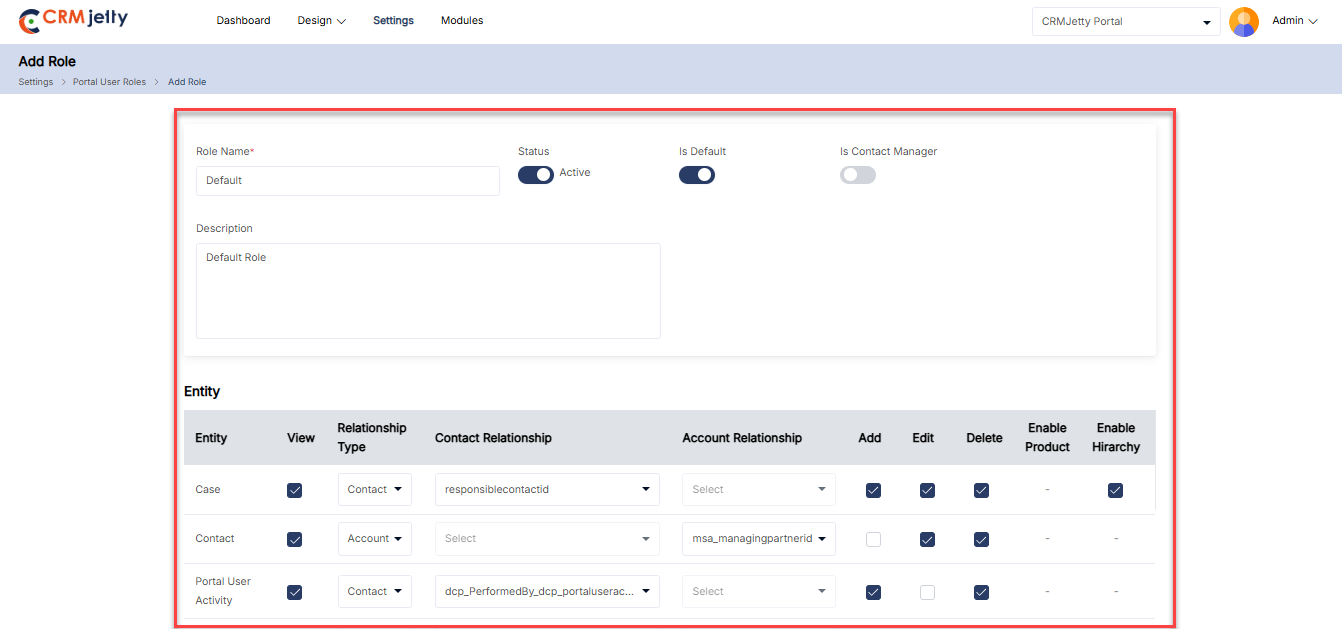
– By clicking on the create button the Admin will be redirected to the “Add Role” page where they can see the below-mentioned fields.
– Role Name: Enter the name for the role.
– Status: Select the status role “active” and “inactive”.
– Is Default: Enable this toggle to set this role as a default.
– Is Contact Manager : Enable the Contact Manager toggle to designate the user as a Contact Manager within the portal.
-Allowed Roles : Select allowed roles for the contact manager. If Contact manager toogolle is on.
– Is Person Account: Set Is person account to true to allow if a role is created for an Account person. Then only the Account Relationship type is bible in the object module.
– Description: Provide a short description for the role.
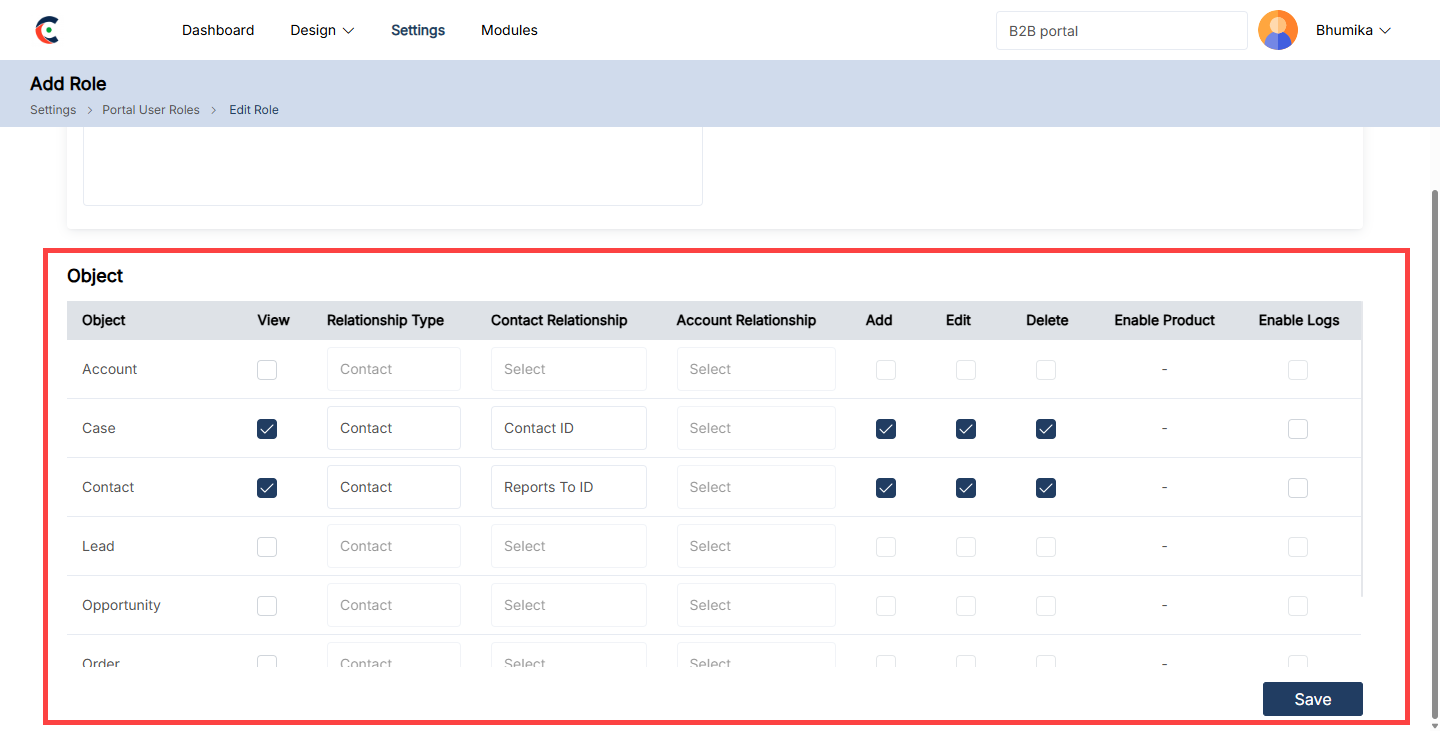
Object Permissions:[4]
After adding basic details, the Admin can manage object permissions for portal users by defining their roles. To define the role the Admin needs to follow below steps:
– Object name: Admin can view the CRM portal object names.
– View: By clicking on the “View” checkbox Admin allowed the portal user to view this particular object .
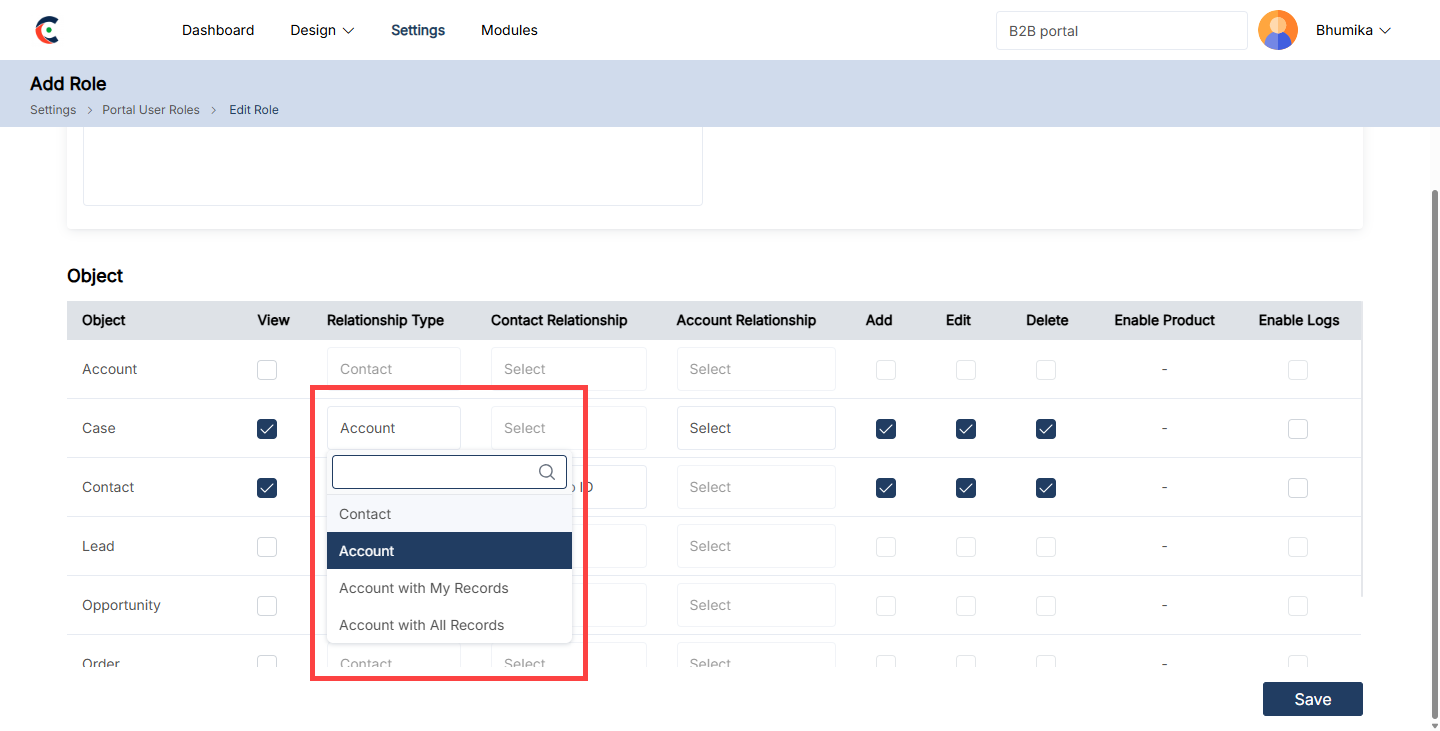
– Relationship Type: A relationship type in CRMJetty defines how a portal user is connected to and interacts with data, such as contacts or accounts, within the system. It determines the level of access and visibility the user has to specific records based on their role and association, such as individual contact records or broader account-based records. [5]
-Contact: Portal users can only access data related to their individual contact profile.
– Account: Portal users can view and manage records tied to their associated account.
-Account with My Records: Portal users can access their individual records within the associated account.
-Account with All Records: Portal users can view and manage all records within their associated account, including other users’ records.
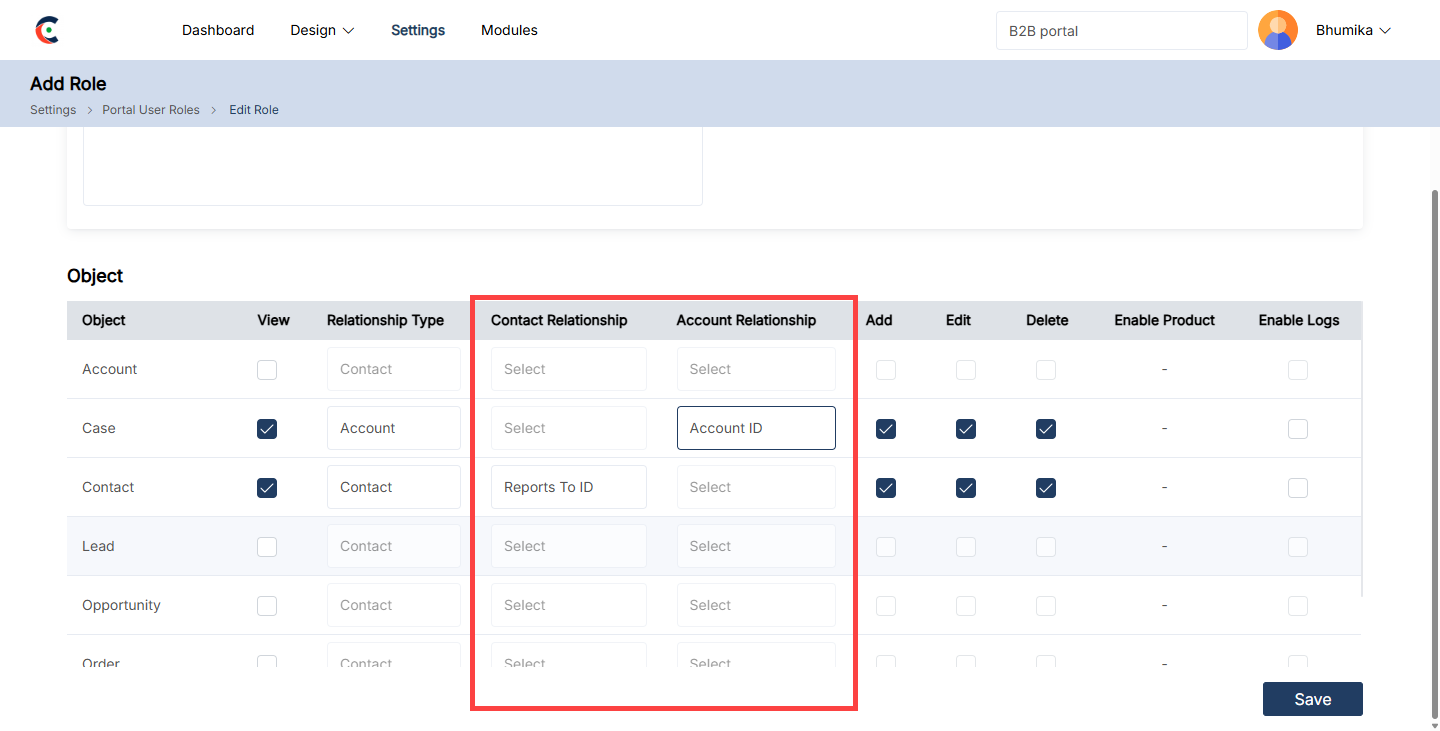
– Contact Relationship: It refers to how a portal user interacts with data based on their individual contact profile. This type of relationship limits access to records or data directly linked to the user’s contact, allowing personalized data access. [6]
– Account Relationship: It defines how a portal user interacts with data based on the organization or account they are associated with. Instead of limiting access to personal contact data, it allows users to access data related to their entire account, which may include other users or records linked to that account. [6]
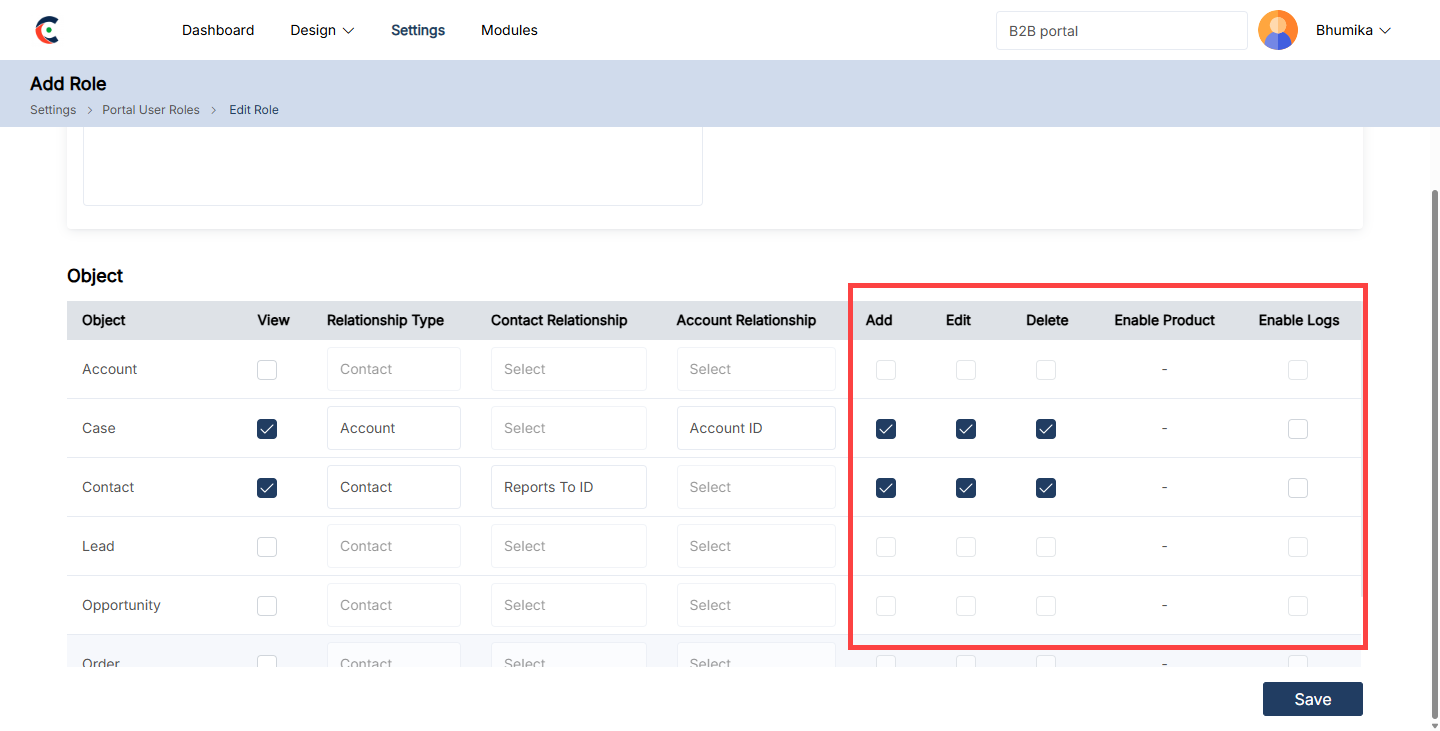
– Add: Click the checkbox to allow portal users to add data.
– Edit: Click the checkbox to allow portal users to edit data.
– Delete: Click the checkbox to allow portal users to delete data.
– Enable Product: Click the checkbox to allow portal users to product-related actions.
– Enable Logs: Click the checkbox to record the logs for the following permission.[7]
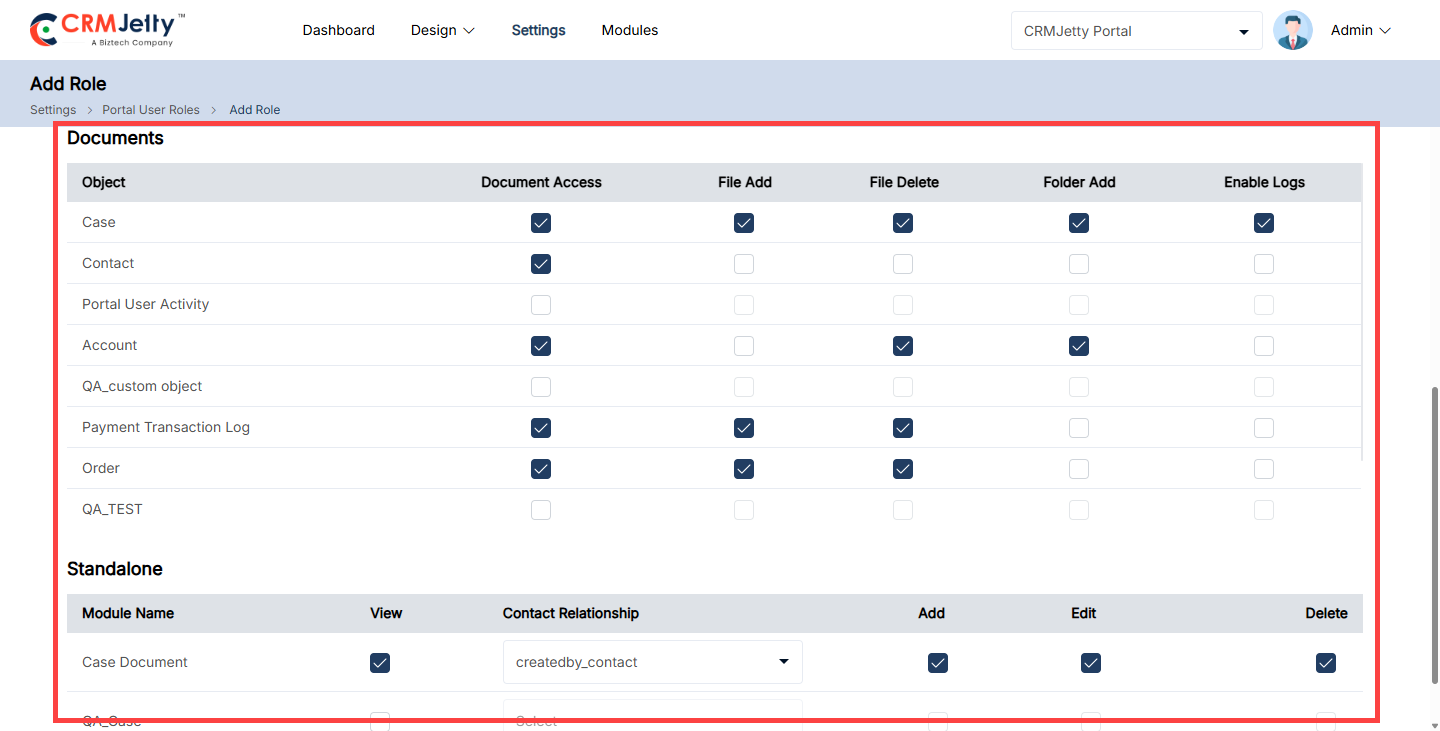
Documents and Standalone Permissions:
– Allow access of the objects document with permission File add, File Delete, Folder add and Enable logs rights.[8]
– Allow the Standalone module permission with Add, Edit and Delete rights.[8]
Editing & Deleting Roles:
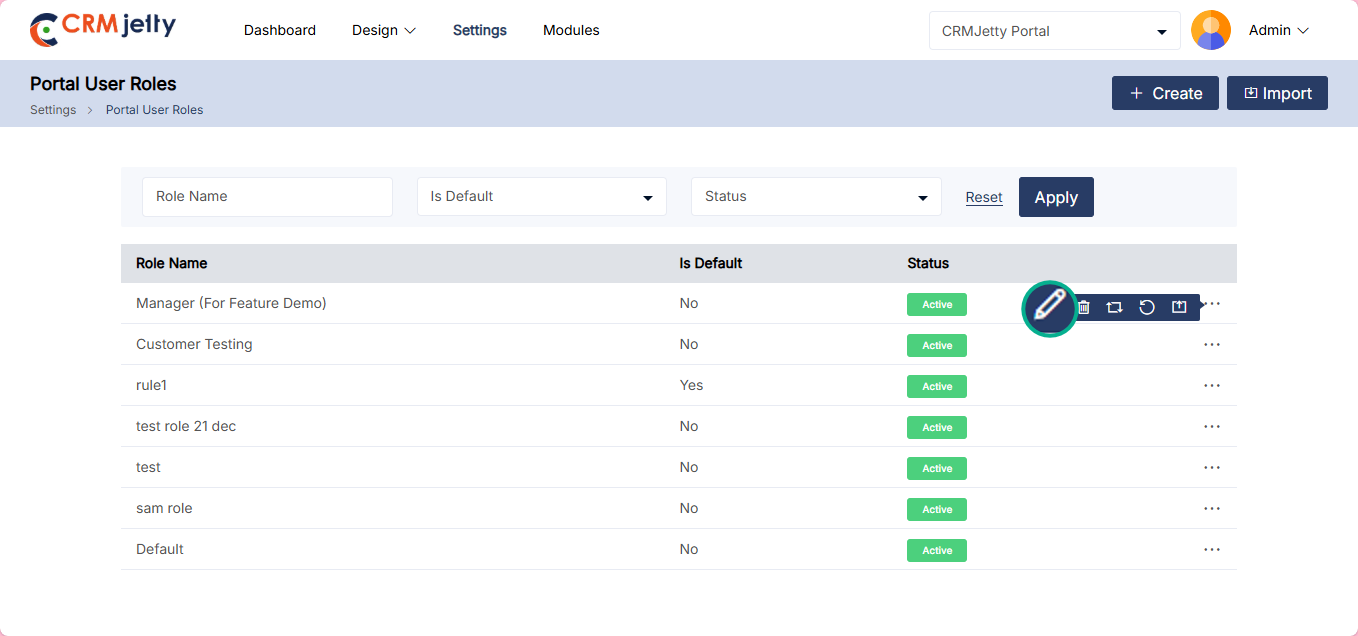
Edit Role:
– To edit a portal role, navigate to the portal role list and click the three dots (…). This will show the Edit icon. Clicking the icon will redirect to the edit role page. [9]
– Admin can update all the details and after updating the details click on the “Save” button.
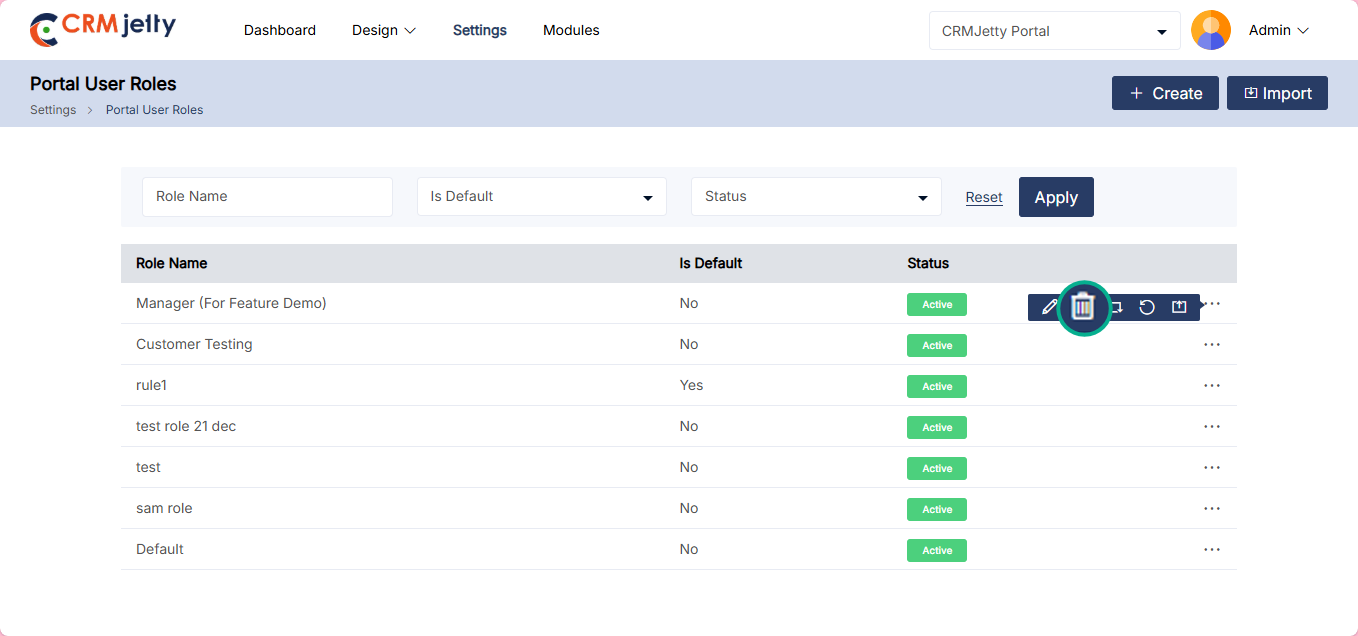
Delete Role:
– To Delete a portal role, navigate to the portal role list and click the three dots (…). [10]
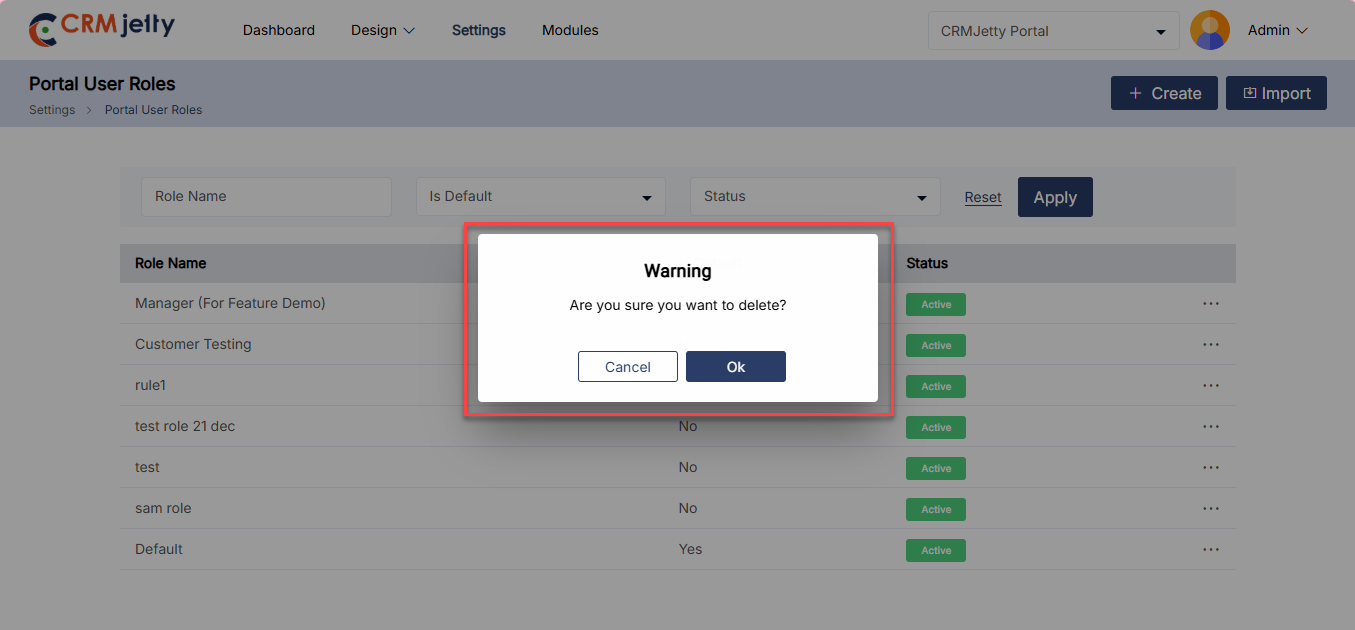
– By clicking on the dots the Admin can see the Delete button and by clicking on that they can see one warning (pop-up) message. [11]
– Click on the “Ok” button and the role will be permanently deleted from the portal.
Note: Default roles cannot be deleted.
Replace Role:
– The Admin can replace a role assigned to users (contacts) with another role from the list of portal user roles.
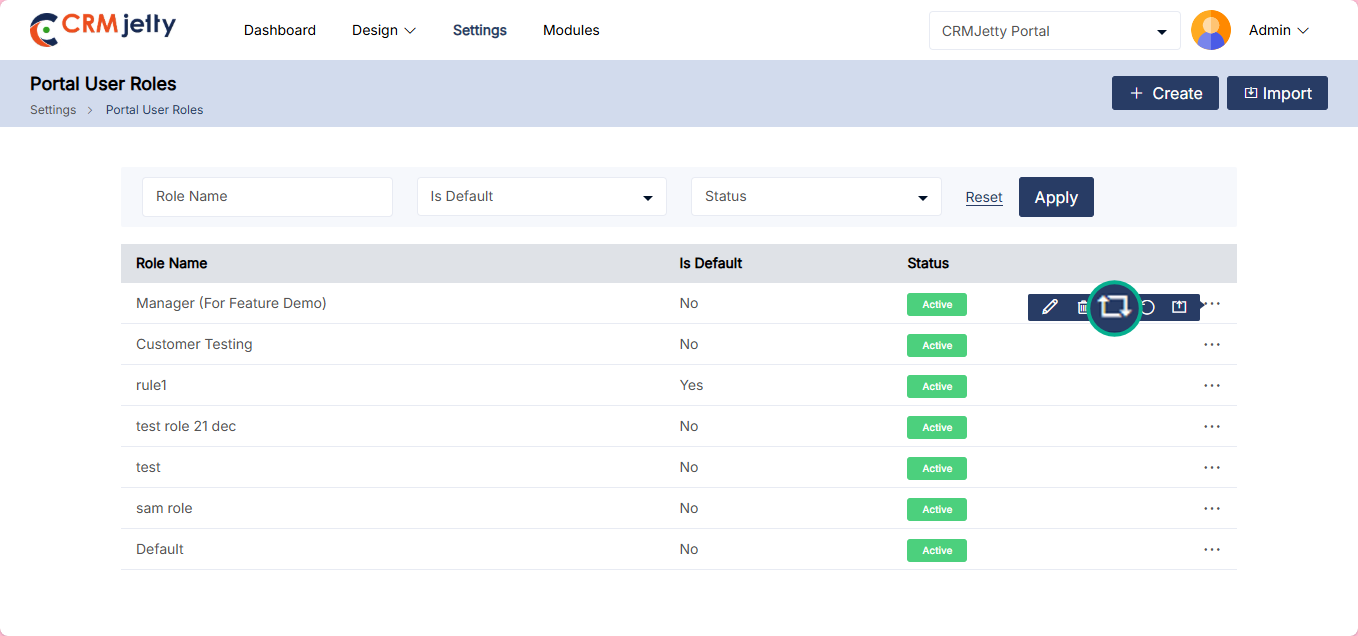
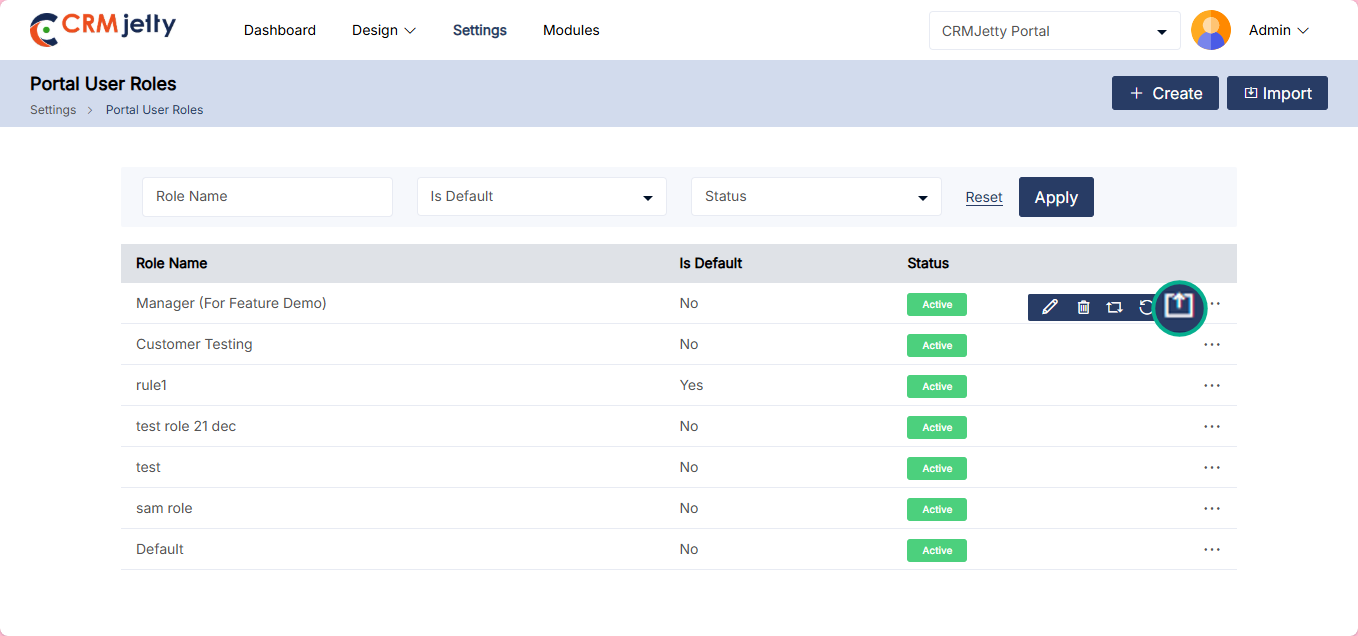
– To replace the role the Admin needs to click on the “Replace Role” icon from the (…) dots. [12]
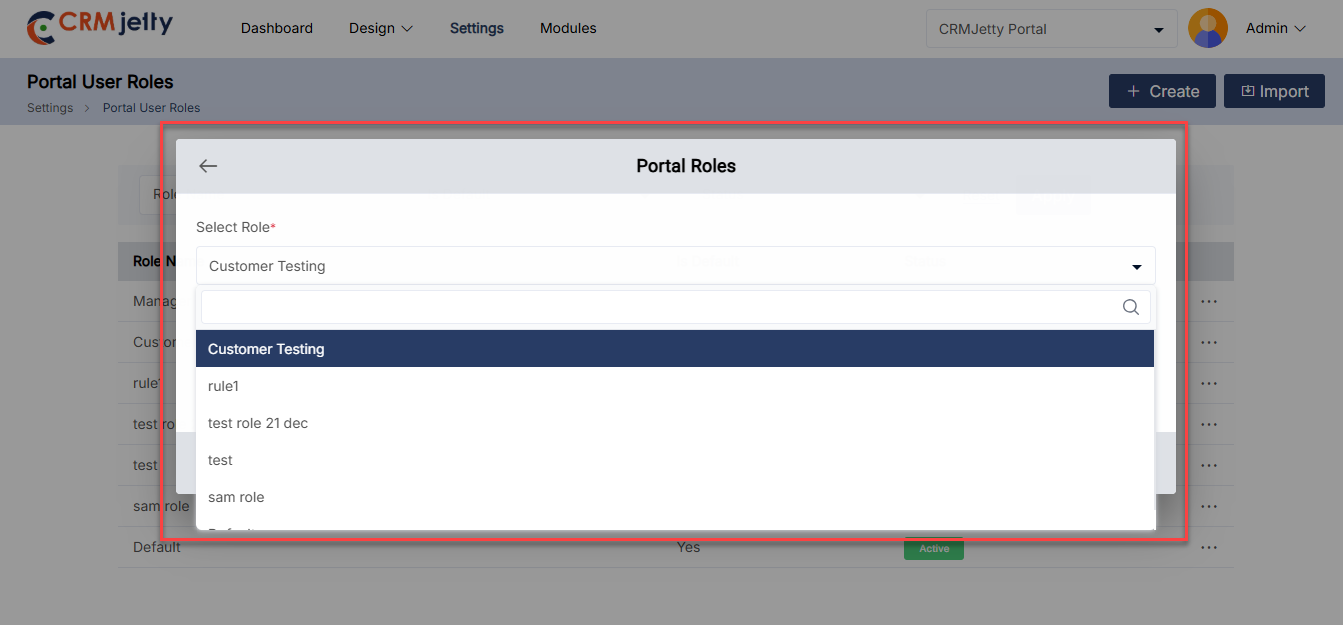
– Then one pop-up will appear that allows the Admin to select a new role from the drop-down list. Once the Admin chooses a new role, it will replace the current role and be assigned to all contacts (portal users). [13]
Set as Default Role:
– The Admin can set the default role with another role from the list of portal user roles.
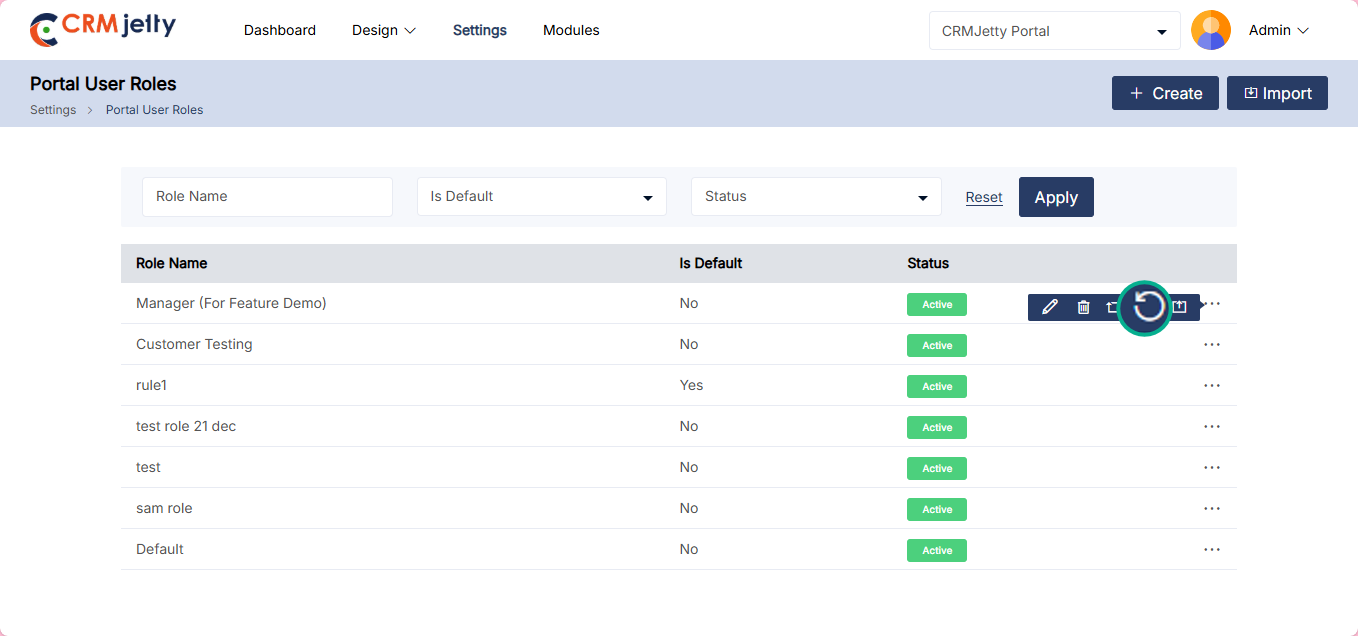
– To set a default role, the Admin needs to click on the “Default Role” icon from the (…) dots. [14]
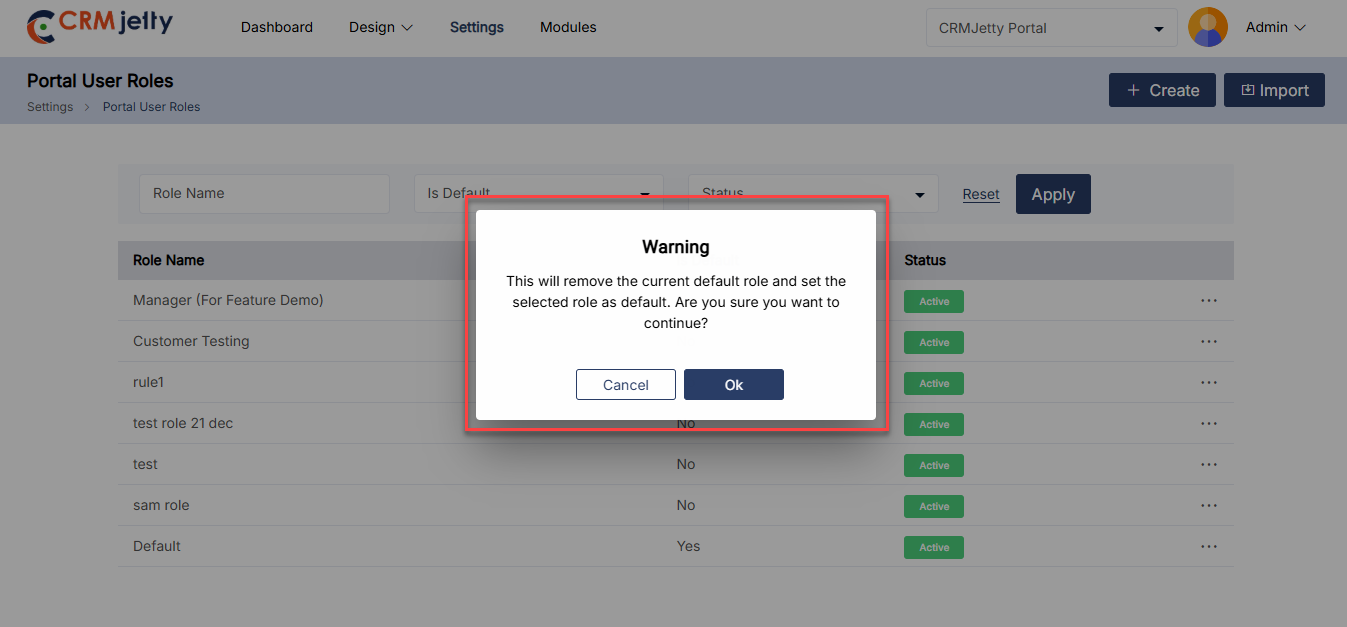
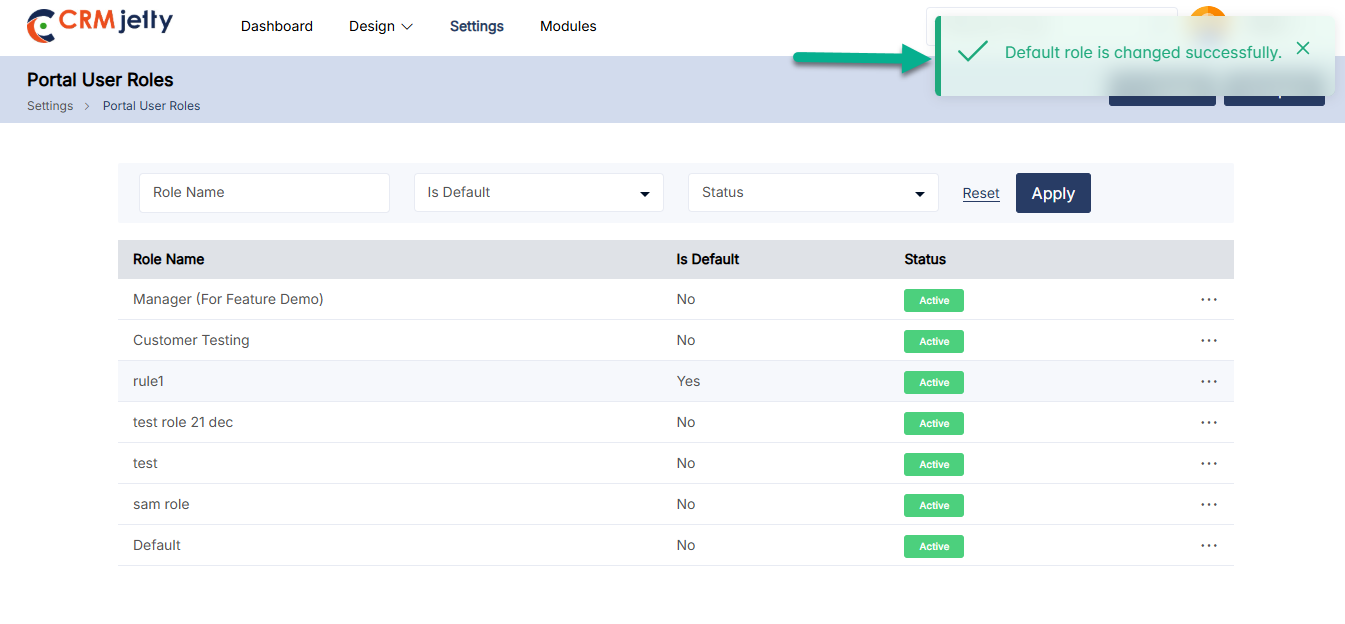
– When the default button is clicked, a warning pop-up will appear with the warring message. Admin can either click “OK” to confirm, which will replace the default role with the selected one, or click “Cancel” to keep the current default role unchanged. [15]
– After the default role is changed, the Admin can view the “Is Default” status set to “Yes”. [16]
Portal User Setup
Portal User Setup involves configuring and managing settings for users who access the portal. This setup ensures that users have the appropriate access, permissions, and functionality needed for their roles within the portal.
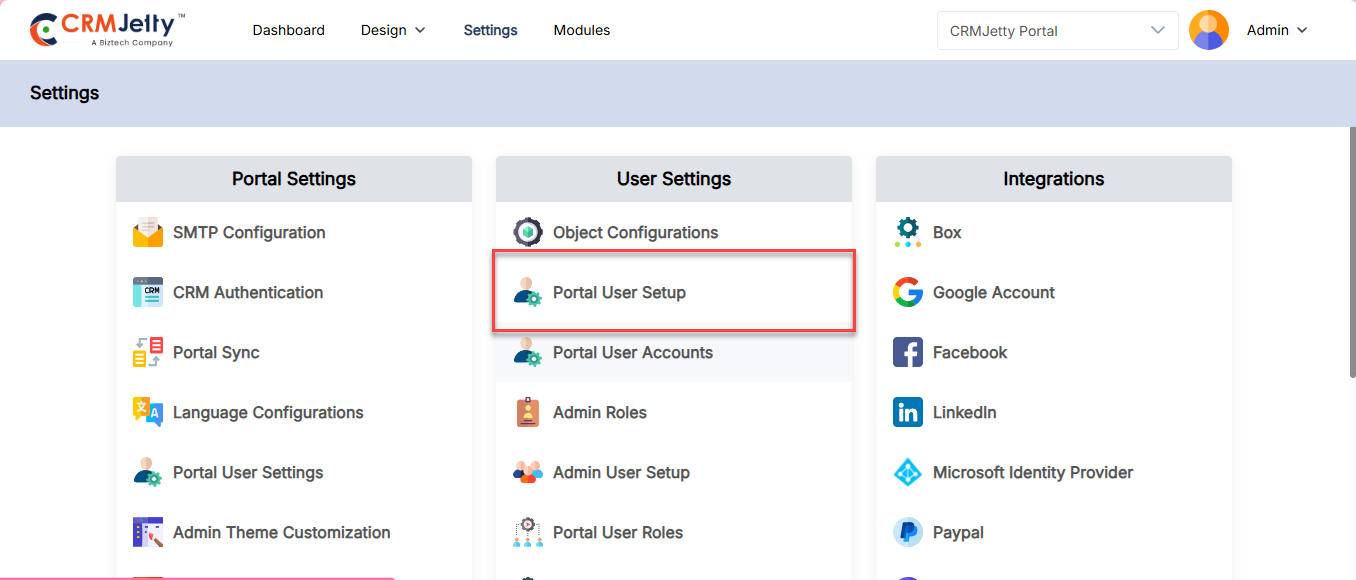
To manage a portal users the admin will navigate to Settings > User Setting > Portal User Setup. [1]
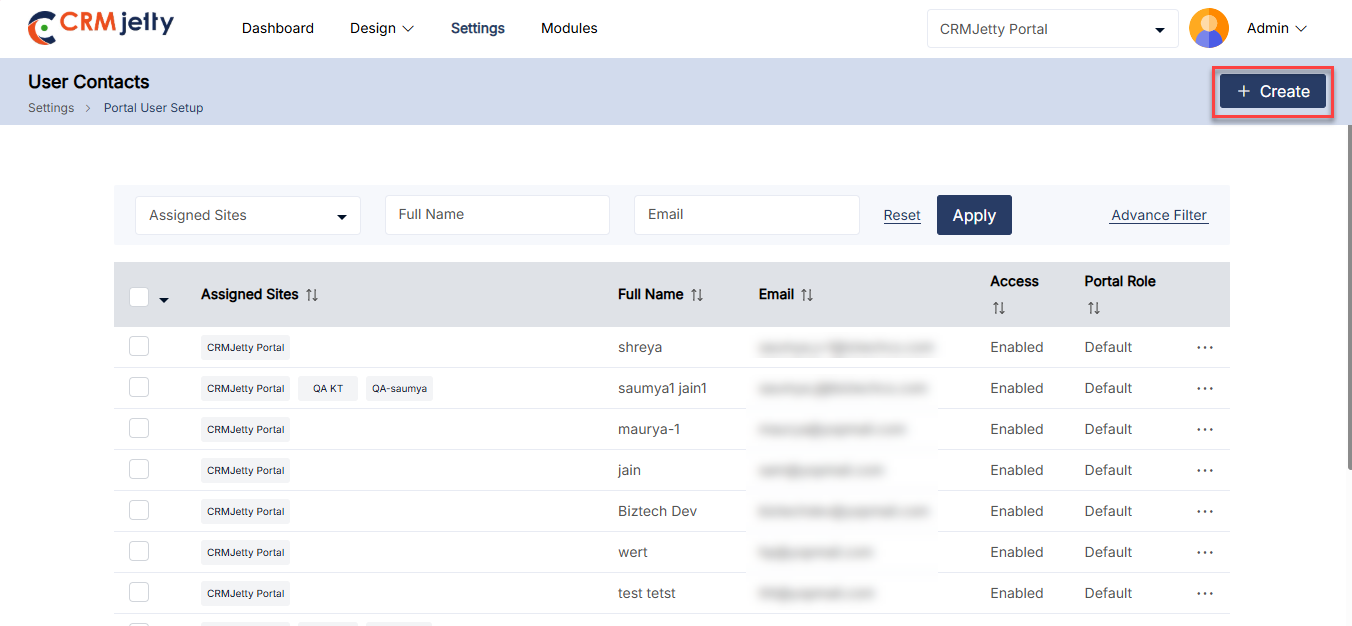
On the Portal user setup page, the admin can view contact information which is created in the below-mentioned ways,
– Contact created from the CRM
– Contact created from the Admin portal
– Contacts that are registered from the Website.
To create a new contact from the Admin portal the admin needs to click on the “Create” button. [2]
Create Contact:
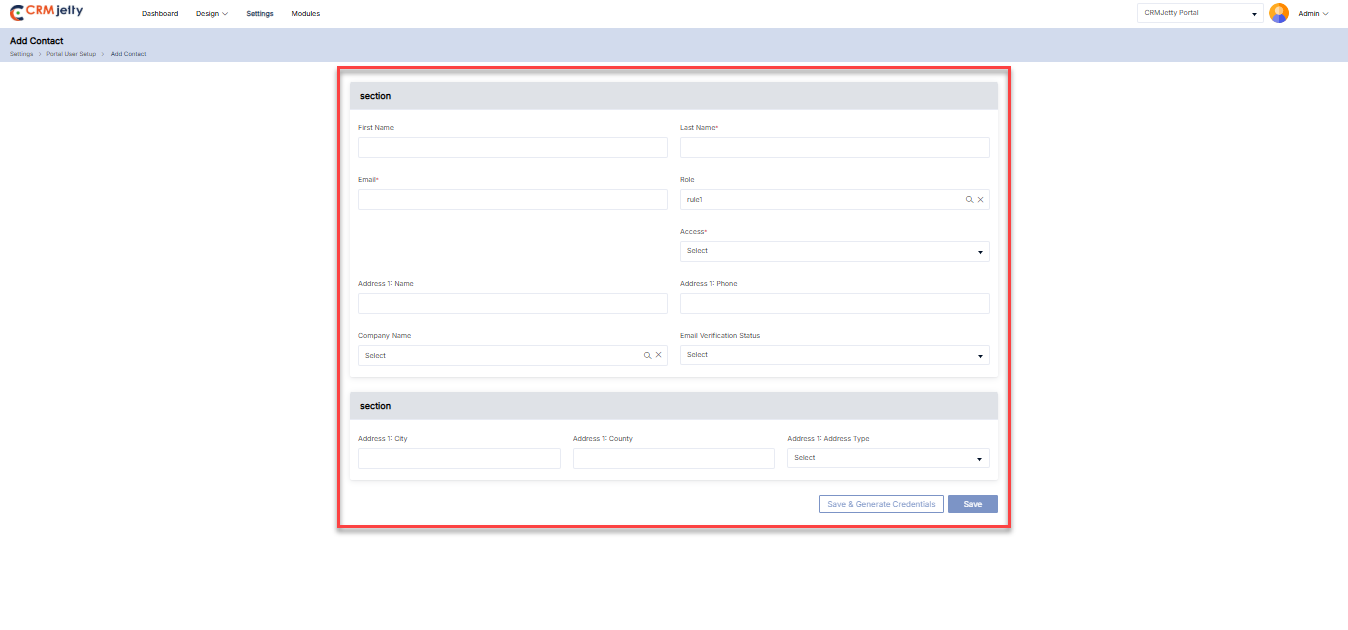
– After clicking on the “Create” button admin will be redirected to the Create Contact page.
– Enter the Portal Contact Details
Note: The “portal contact details” form will be shown as per the admin created in the portal user settings. [3]
– The admin needs to enter all the mandatory details to create a contact.
Note: If the admin won’t select any role from the “Role” lookup list, so the contact will be created as “Default”
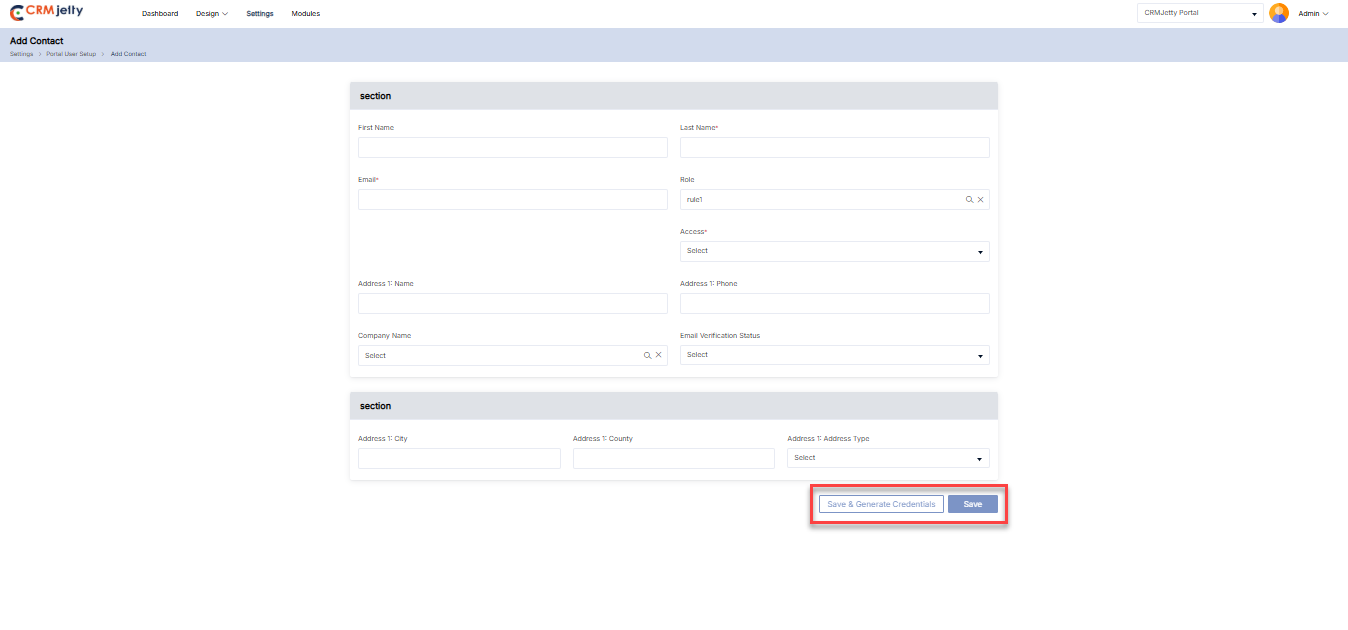
– Once the admin fills all the information then they need to click on the “Save” button. By clicking on the save button the created contact will not receive any verification link.
Note: If saved as Not Approved, the admin can later approve and generate credentials from the contact’s listing page.
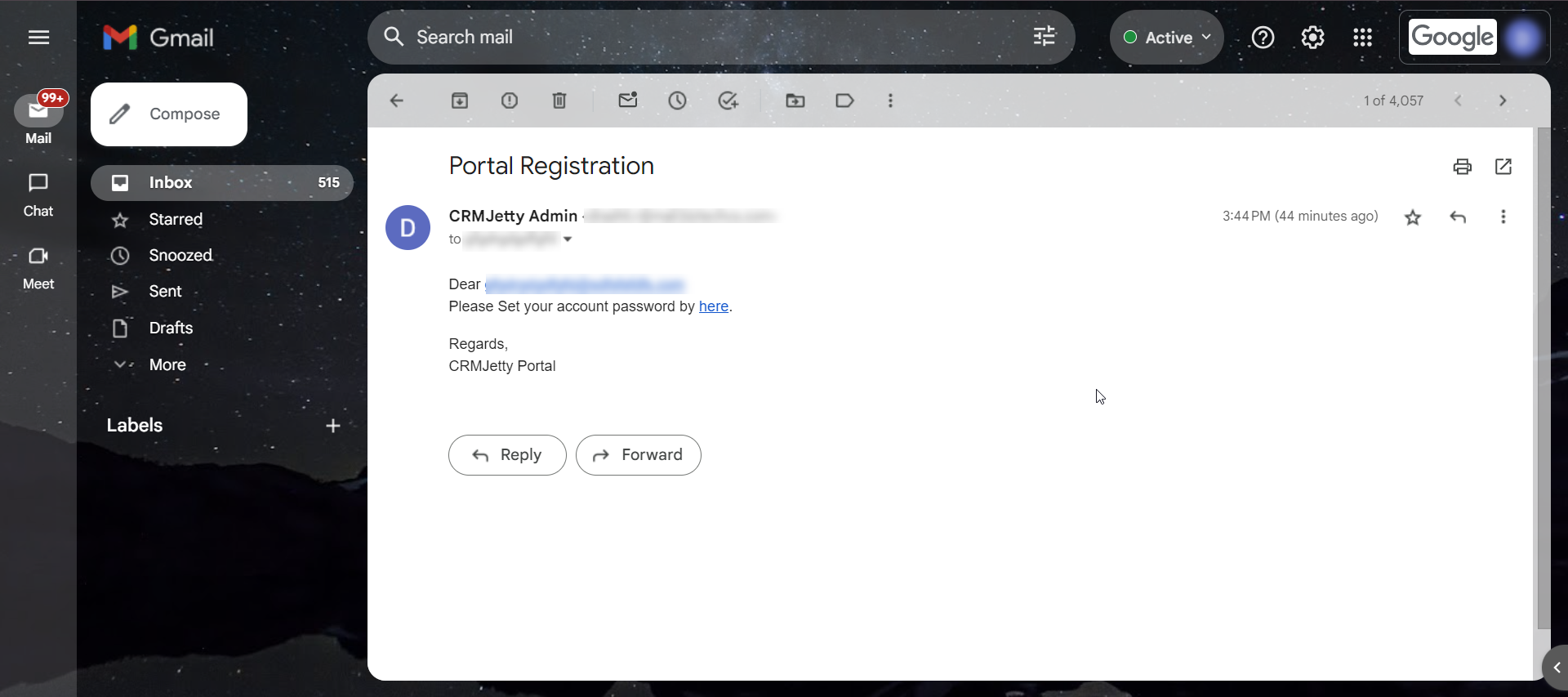
– If the admin clicks on the “Save & Generate credential option”, so the created contact will receive an email with the verification link. [4]
Bulk Update
1. CRMJetty Portal Approval: If the ‘User approval’ flow is enabled then admin approval is required after registration. Consider the below cases for approval.
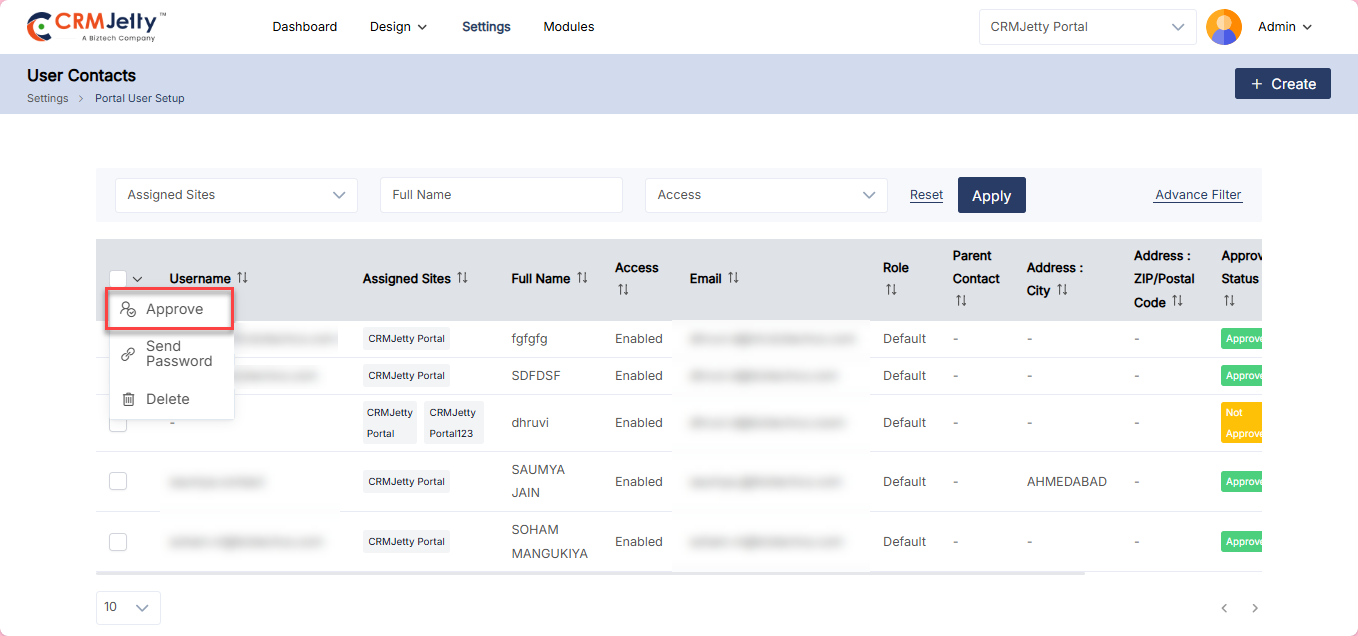
– Case-1: The admin needs to select the Contact from the list manually (they can select one or multiple contacts) and click on the bulk action checkbox so they will be able to see the Approve button to send the verification link the admin needs to click on the approve button. (credentials pending). [5]
– Case-2: Select Approved and click Save & Generate Credentials to approve and generate credentials, sending an access link via email. [6]
Note: Only admin users with access can add contacts.
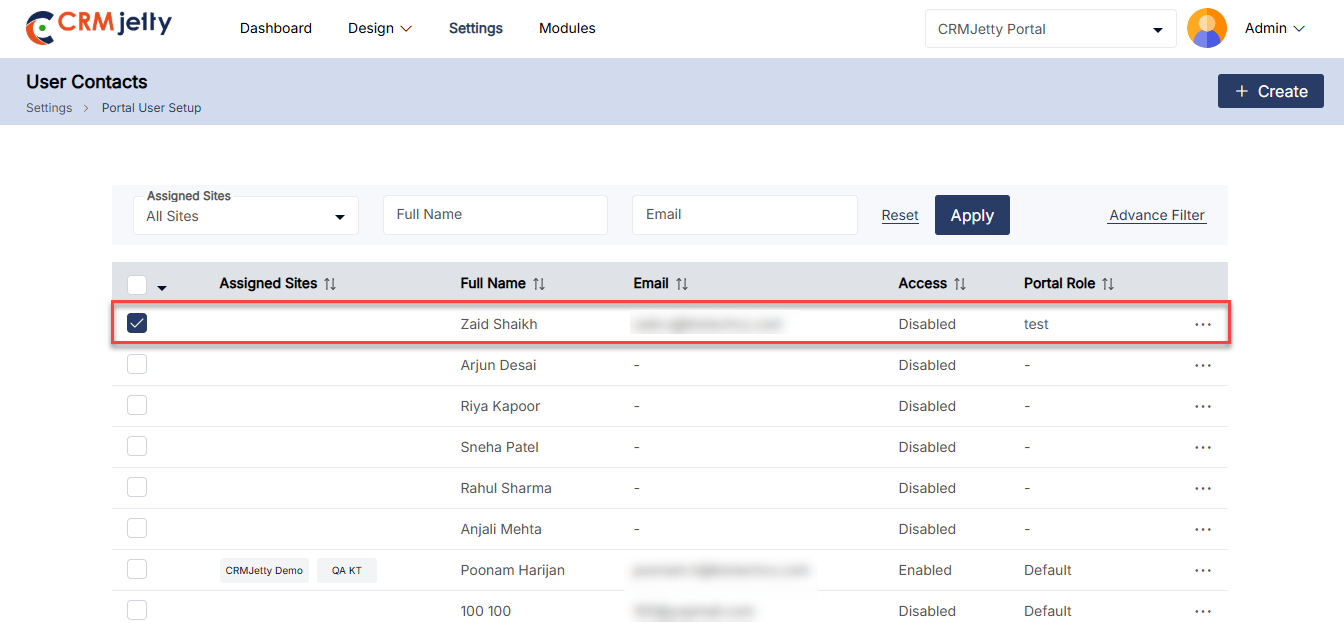
2. Enabling Portal Users: To give contacts access to the portal, the admin can use the ‘Enable’ option to approve the portal user.
Generate Credentials:
– The admin needs to select the Contact from the list manually. [7]
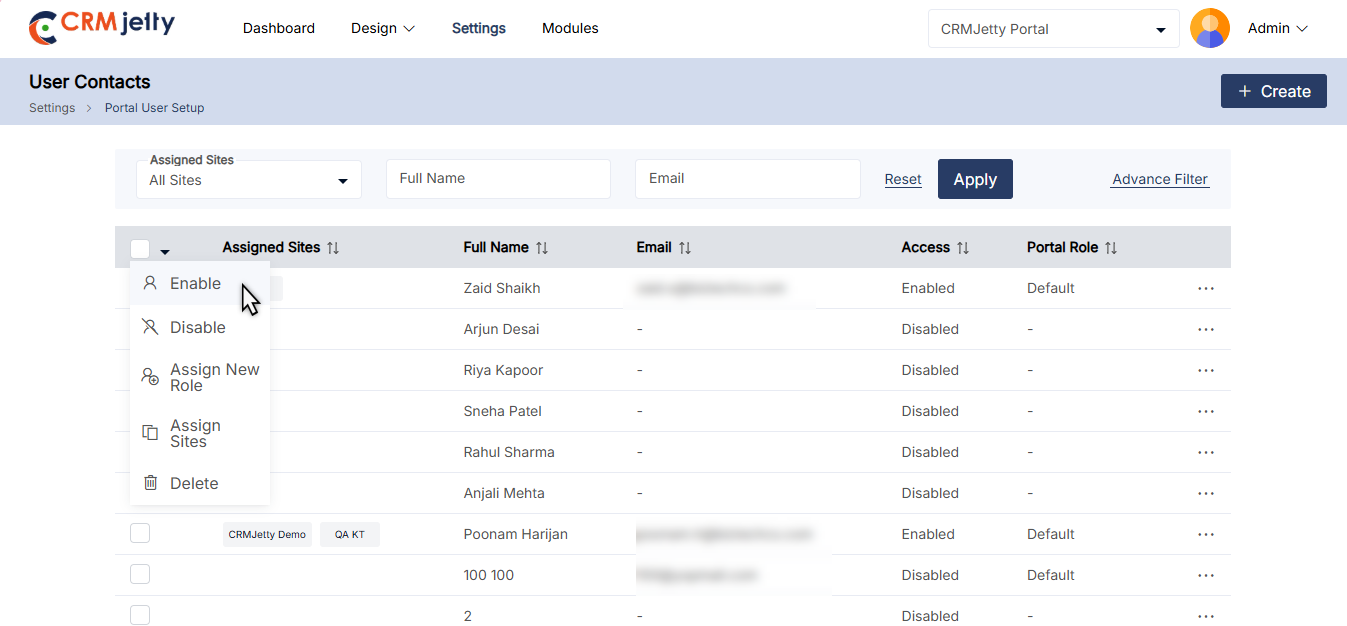
– Use the Bulk Action drop-down menu to select “Enable” for the contacts. This can include both newly added contacts and those previously disabled.
– After clicking the “Enable” button, a pop-up will appear. In this pop-up, the Admin needs to select the role to assign the same role permissions to the user. Once the role is selected, click the “Save” button. [7.2]
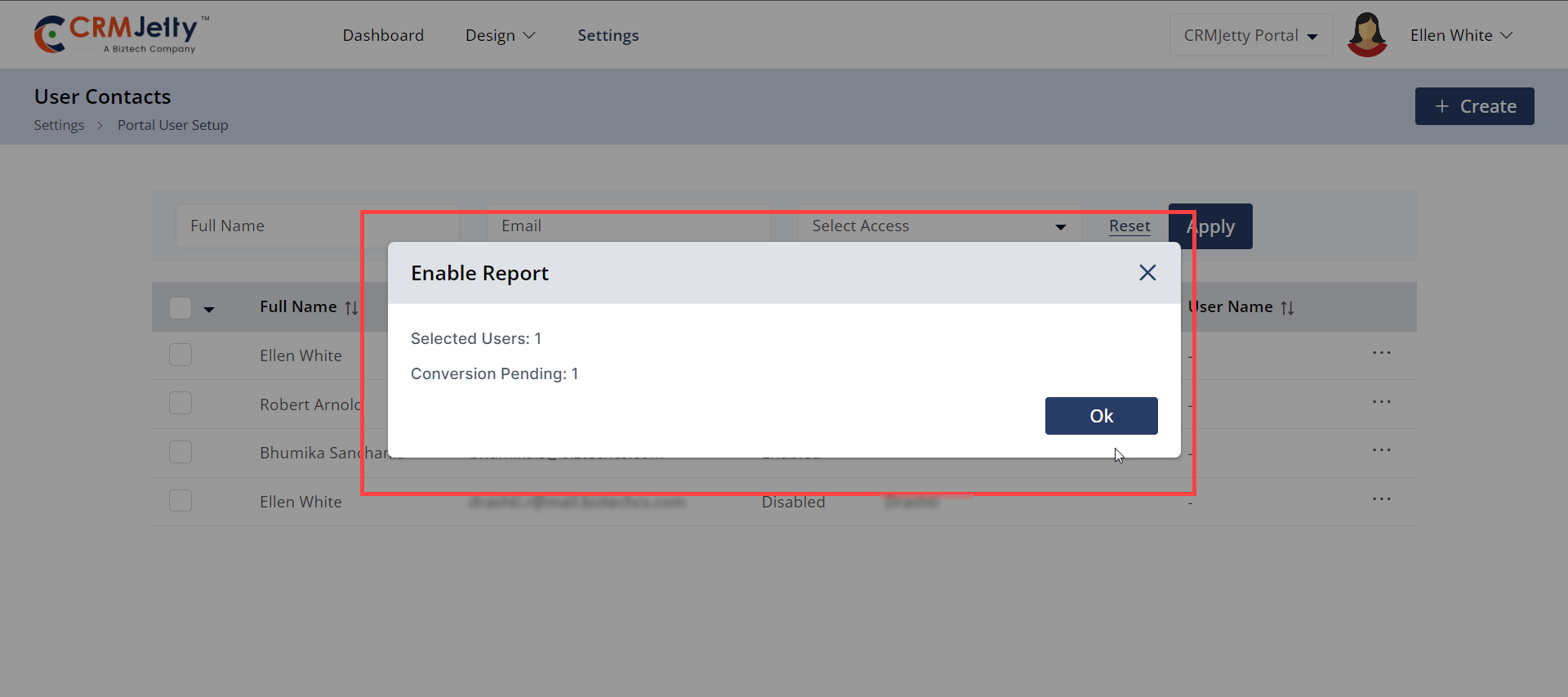
– In the compilation process, a popup will display the summary report for below-mentioned detail. [7.3]
– Selected User
– Disabled Users
– Conversion Pending
– Click Apply to generate credentials or enable access to selected content.
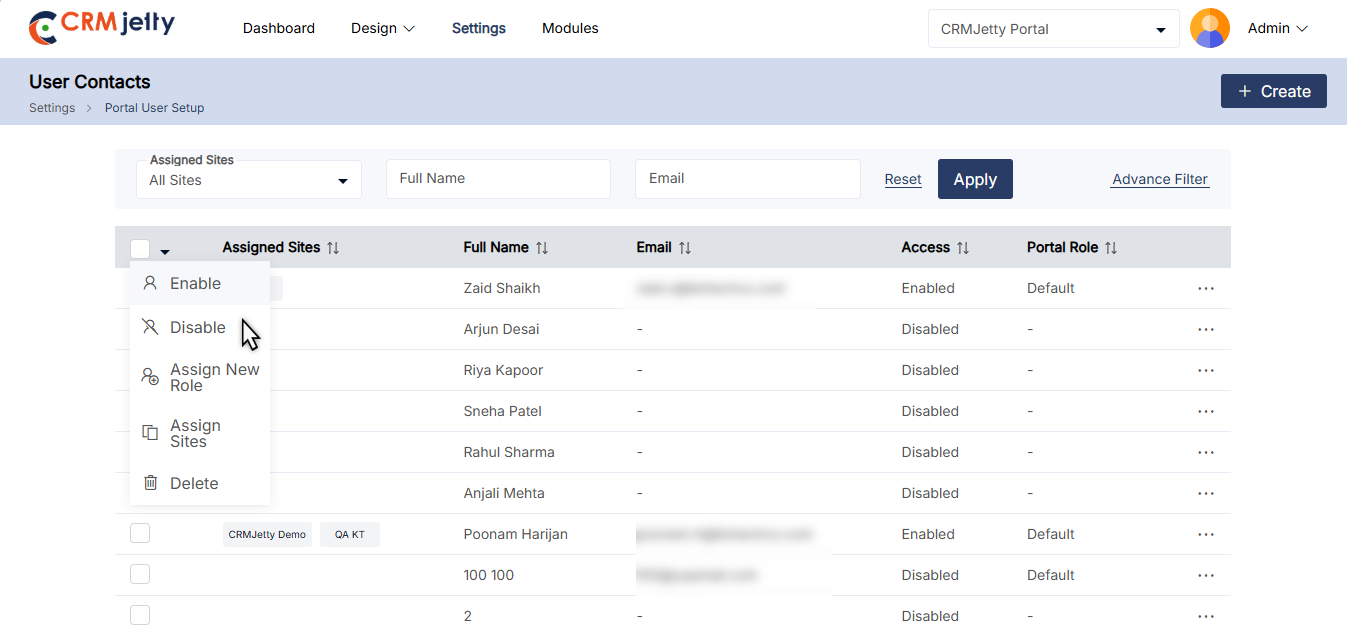
3. Disabling Portal Users: With use of this feature admin can temporarily remove portal access by disabling user accounts.
– To disable the accounts, Admin needs to Select the contacts that need to be disabled from the portal.
– From the Bulk Actions drop-down menu, select “Disable.” button [8]
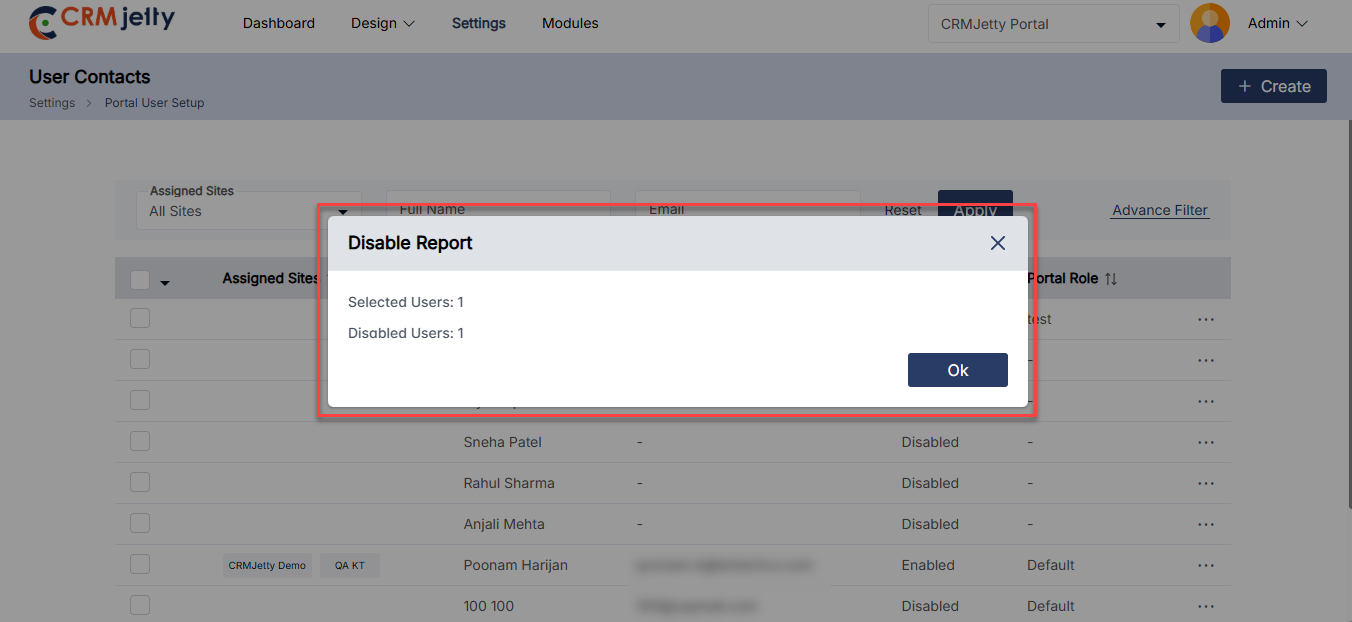
– A popup will display the summary report for below-mentioned detail. [9]
– Selected User
– Disabled Users
– Conversion Pending
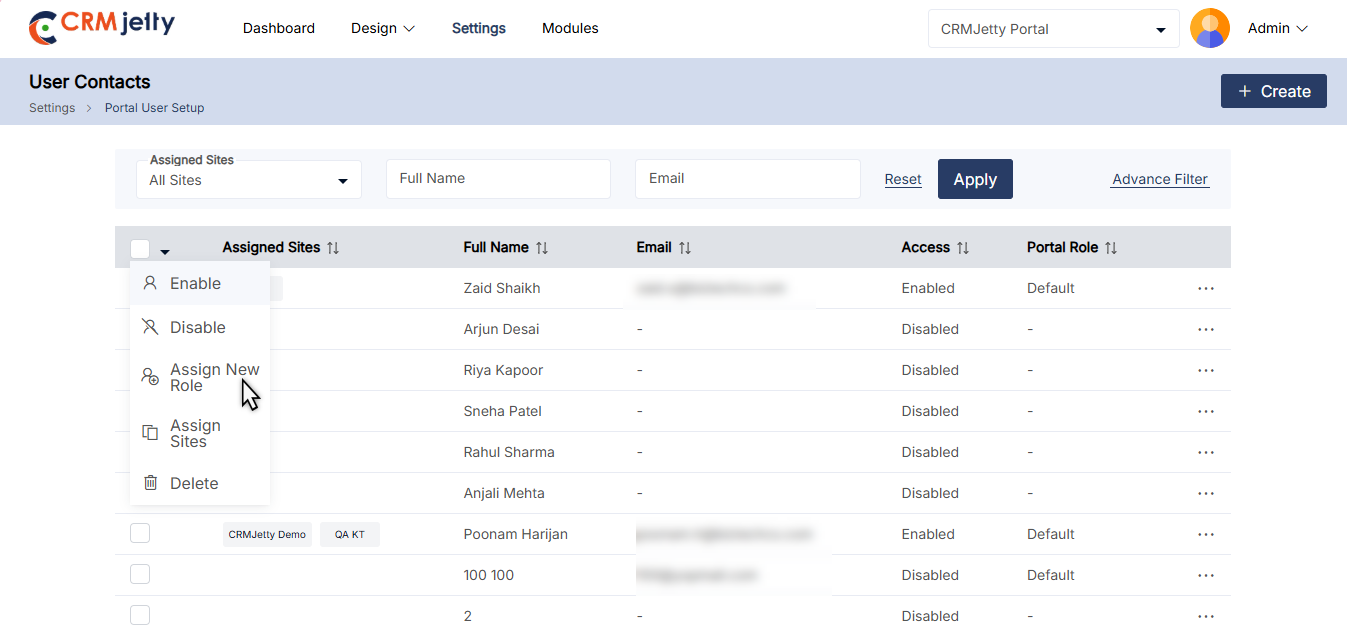
4. Assigning New Roles : If an admin needs to assign a new role to contacts then they can use the “Role New Assign” option.
– The Admin needs to Select the contacts that need to assign a new role.
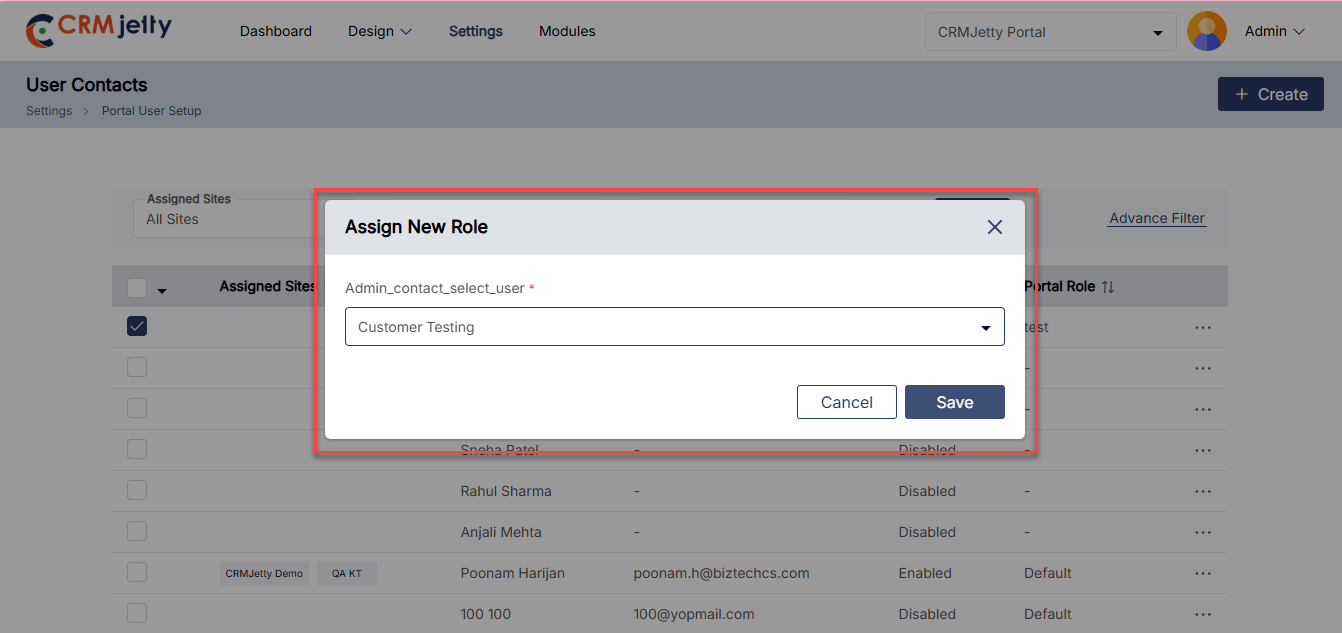
– From the Bulk Actions drop-down menu, select “Assign New Role.” [10]
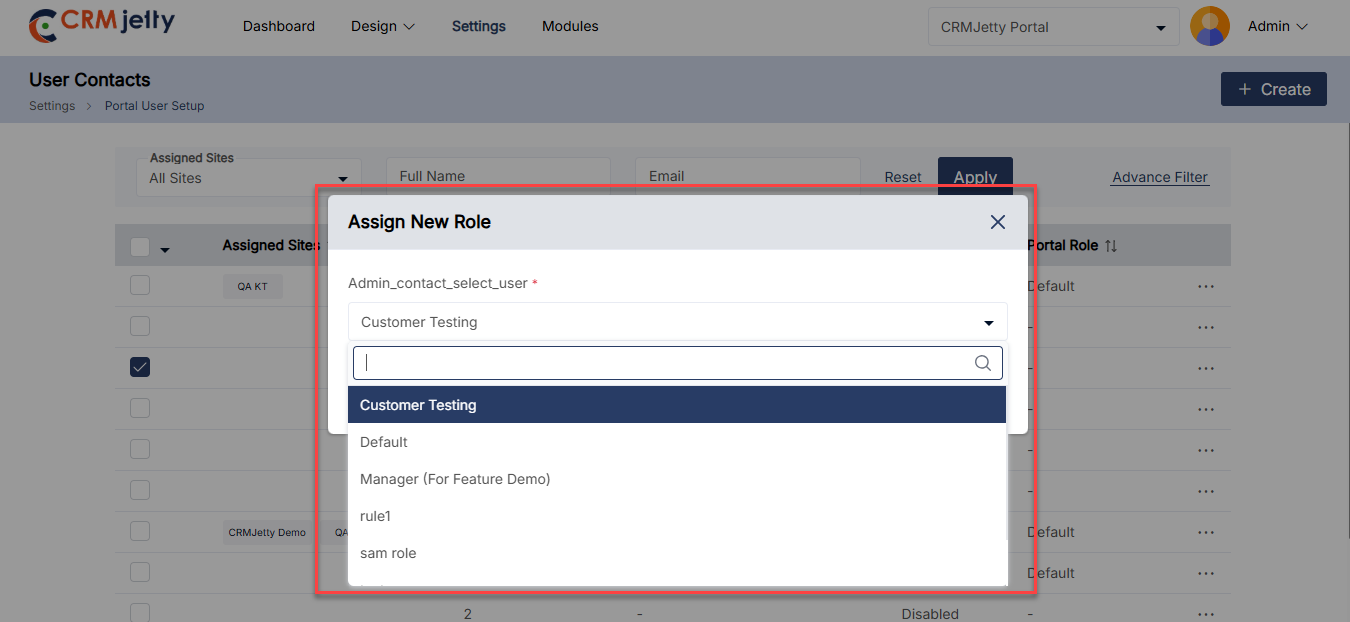
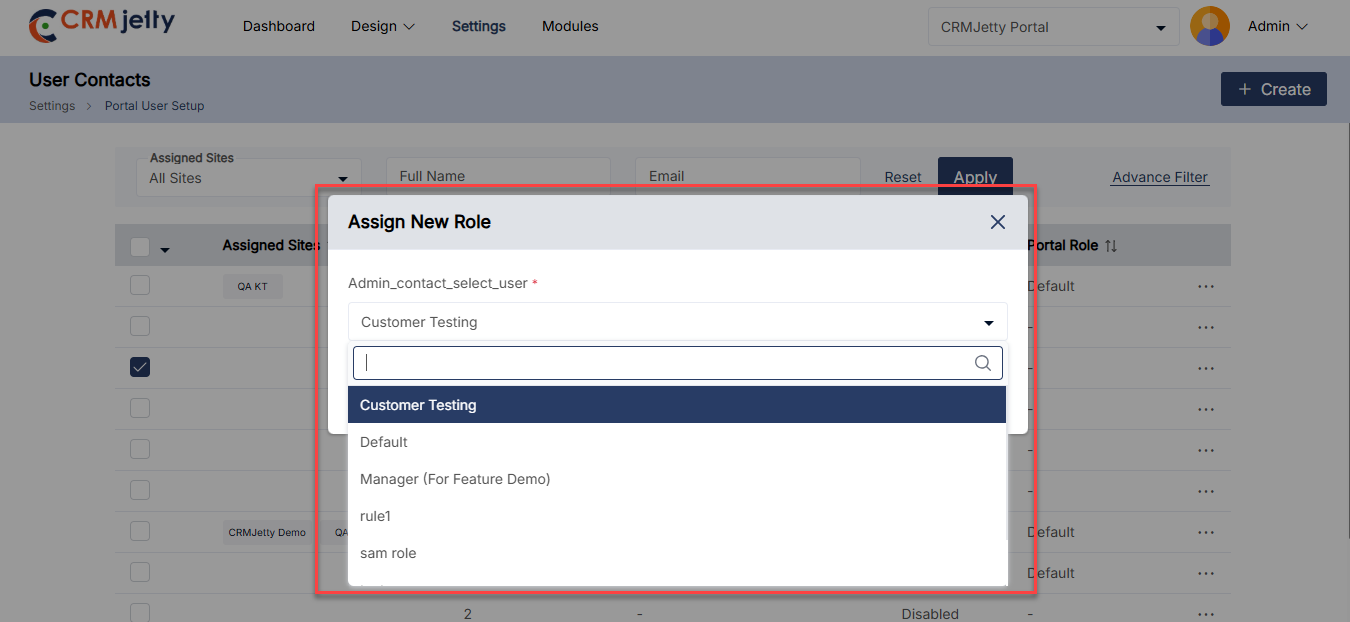
– Click “Apply” to open the Assign New Role popup.
– Choose the new role the admin wishes to assign. [11]
– Click “Save” to assign a role for the selected contact. [12]
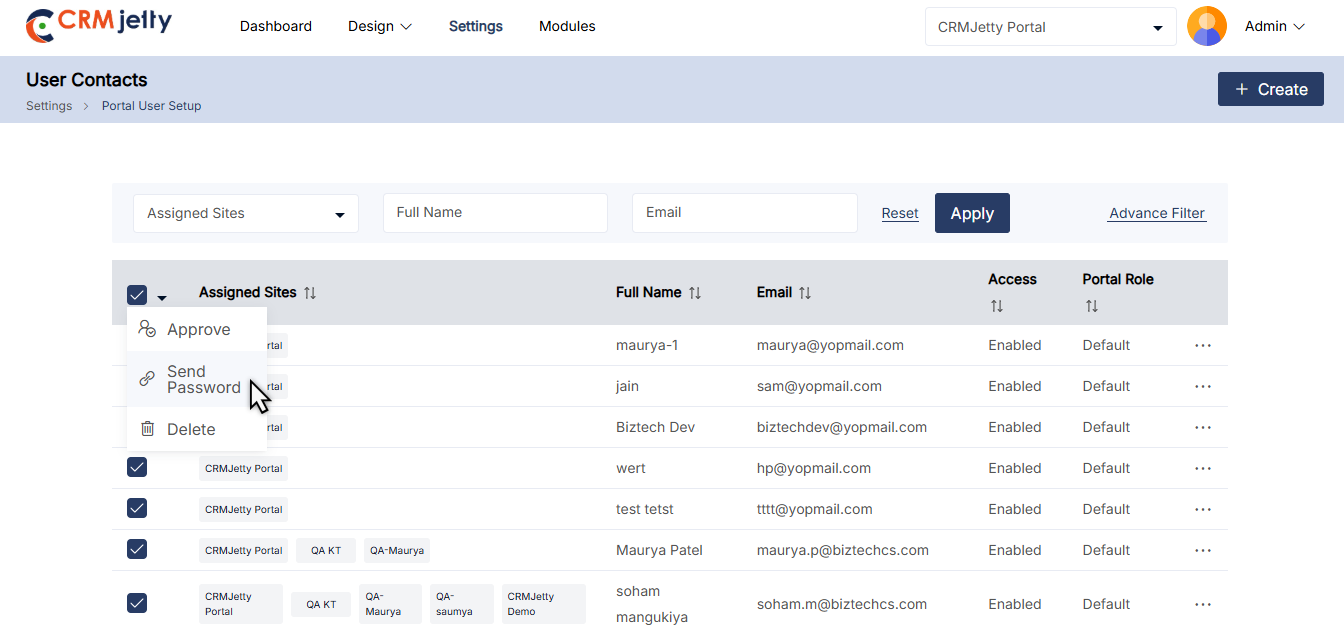
5. Sending Password Link: The admin uses this option to send a password reset link to contacts so they can update their credentials.
– The Admin needs to Select the contacts that need a password reset link.
– From the Bulk Actions drop-down menu, select “Send Password Link.” [13]
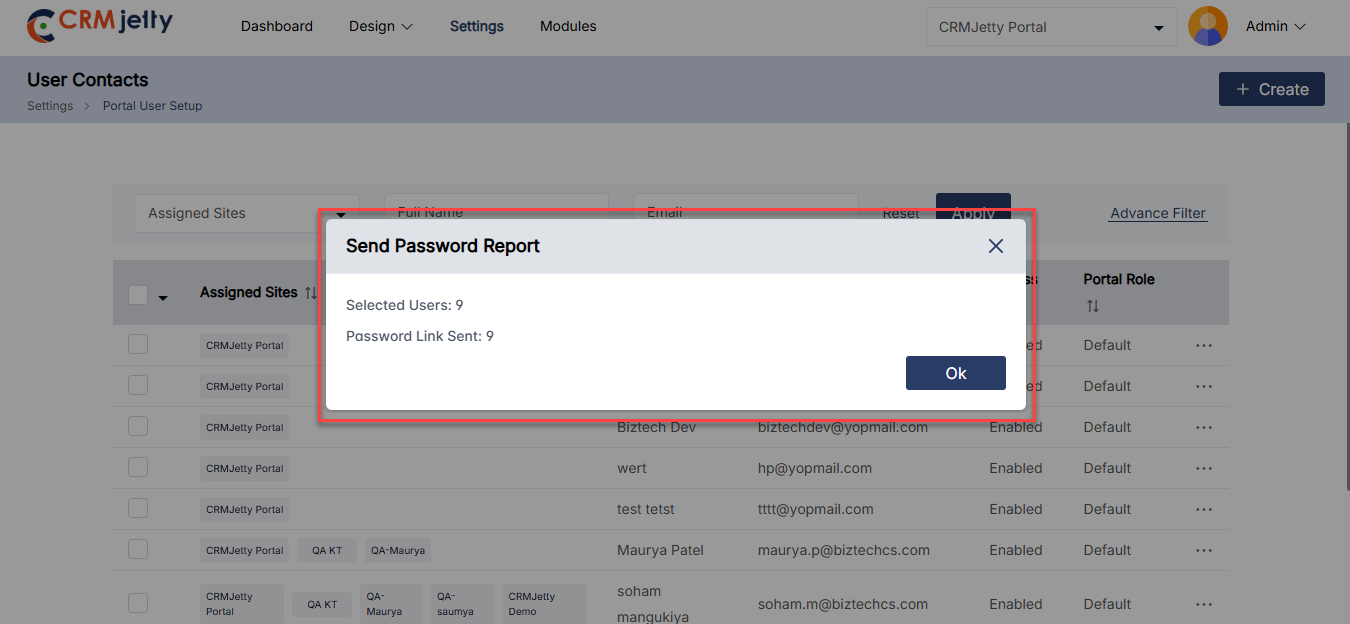
-A popup will appear showing the status of the password link delivery status. [14]
Edit Contact:
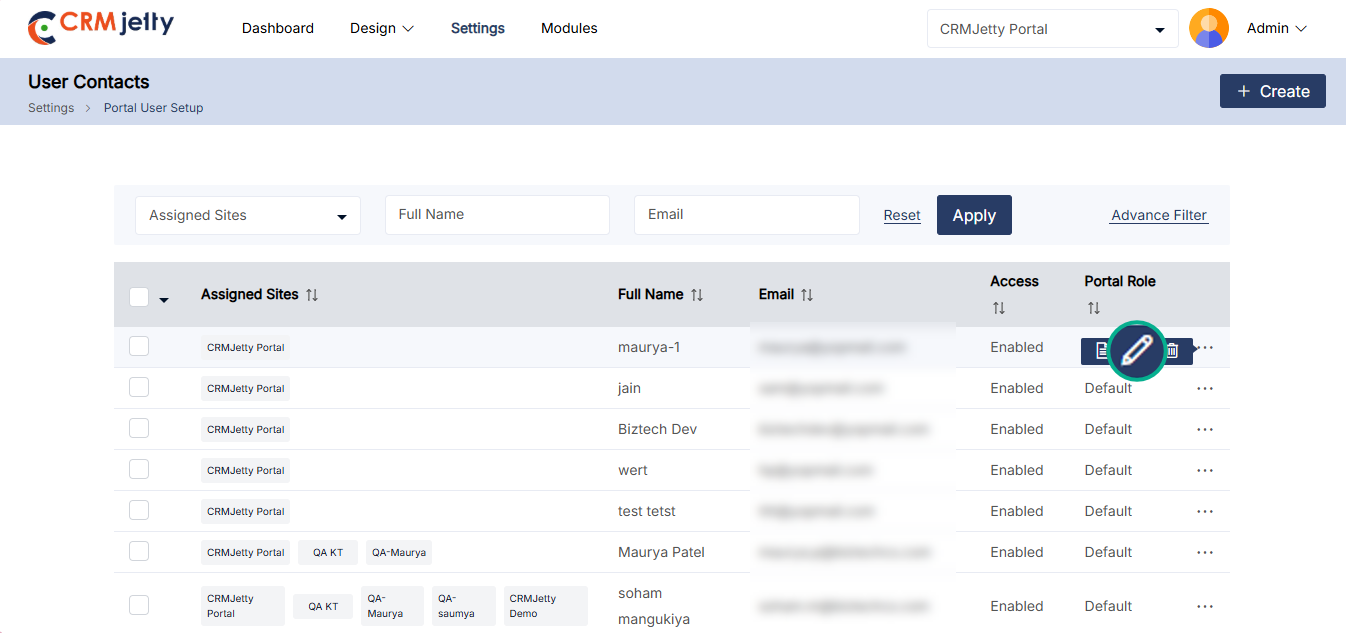
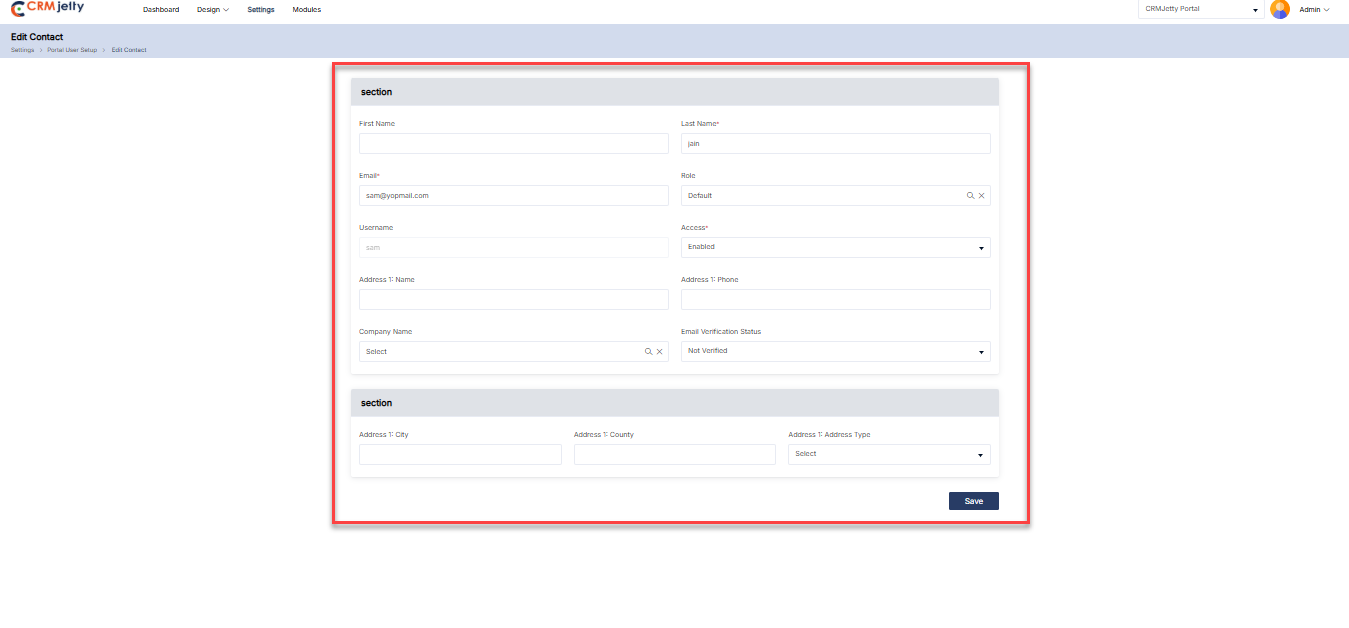
To edit a portal user, navigate to the portal user list and click the three dots (…). This will show the Edit icon. Clicking the icon will redirect to the portal user edit page. [15]
Admin can update all the details and after updating the details click on the “Save” button. [16]
Delete Contact:
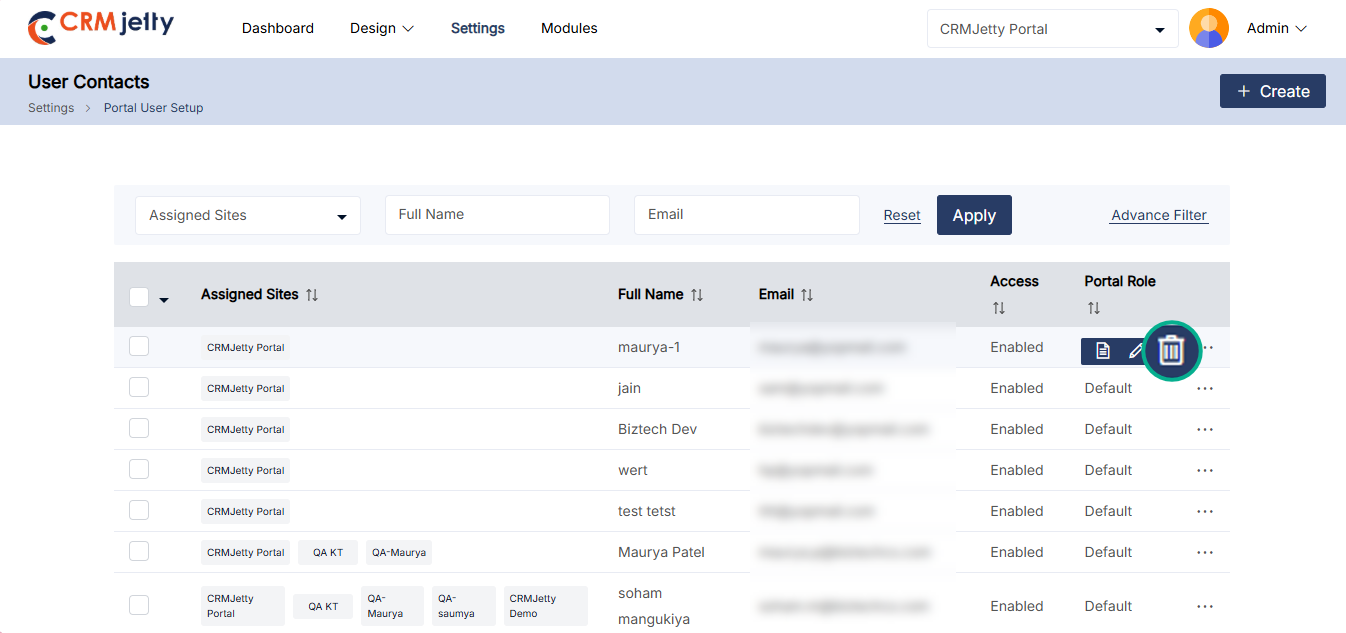
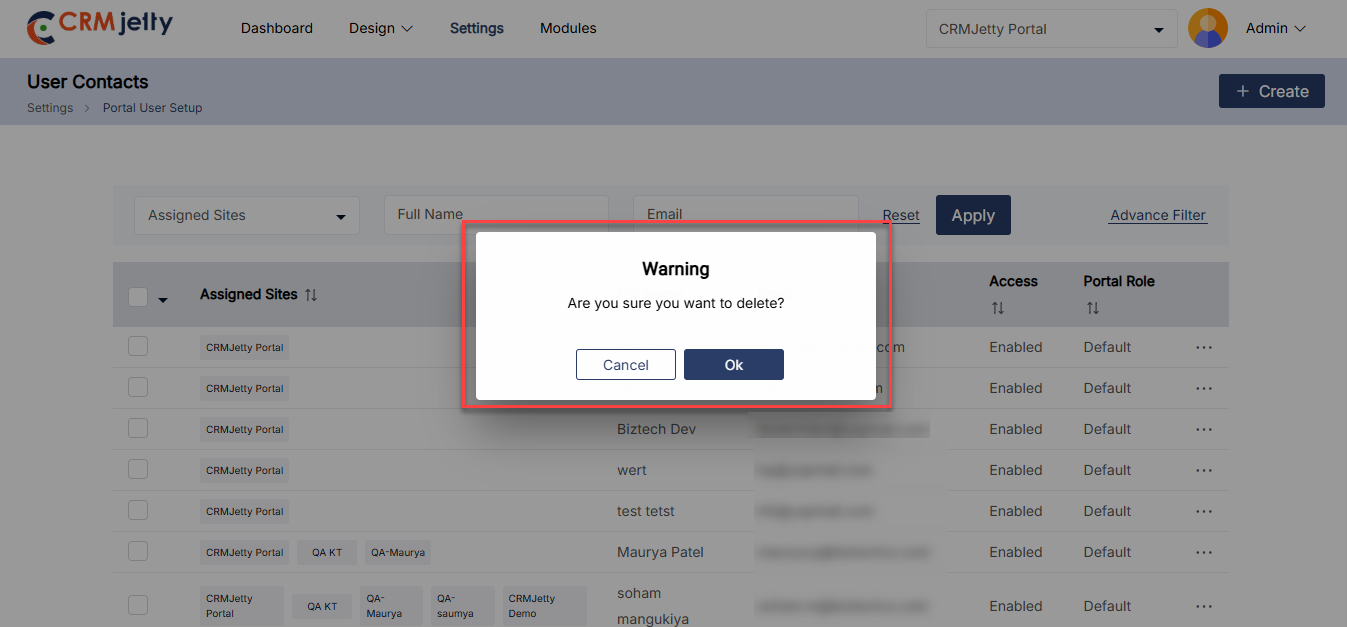
To Delete a portal user, navigate to the portal user list and click the three dots (…). By clicking on the dots the admin can see the Delete icon and by clicking on that they can see one warning (pop-up) message. [17]
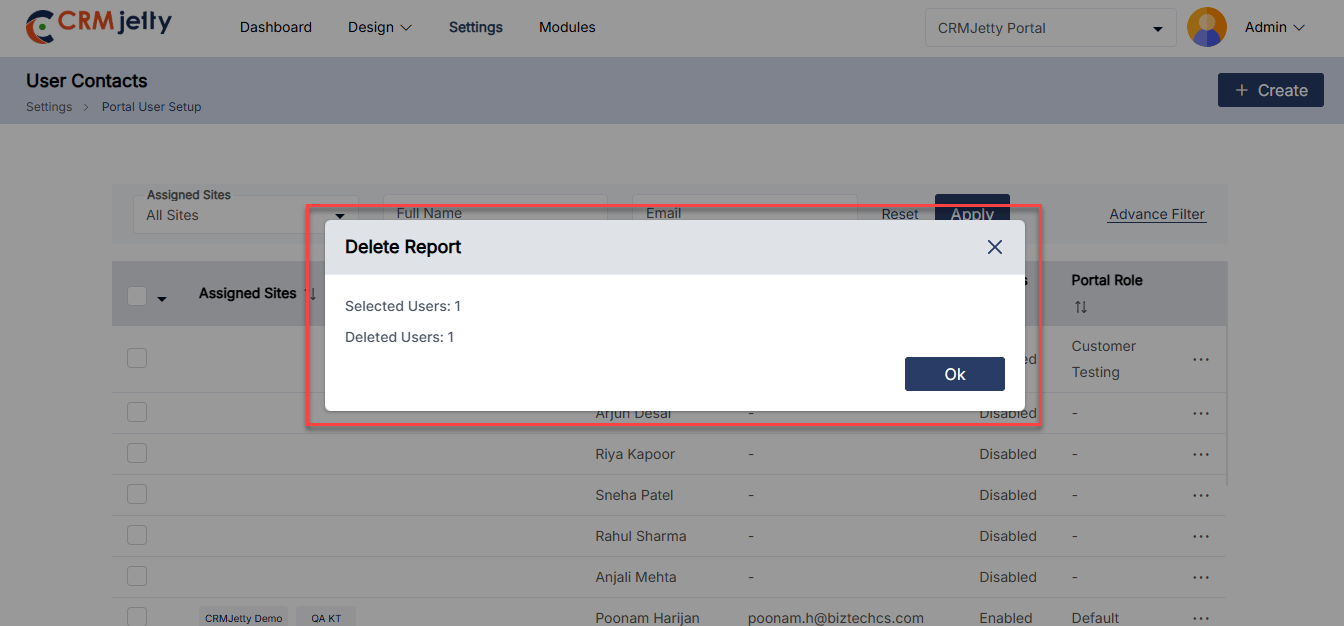
Click on the “Ok” button and the role will be permanently deleted from the portal. [18]
Portal User Activity Management
The User Activity Management feature allows the admin to track, audit, and manage all portal user actions, including logins and logouts, document views, edits, creations, and deletions, through a centralized admin panel. Each activity is logged with timestamps, user IDs, and action types, ensuring accountability, security, and regulatory compliance. The admin can monitor all user actions from a single, fully searchable module, providing quick insights and easy reporting.
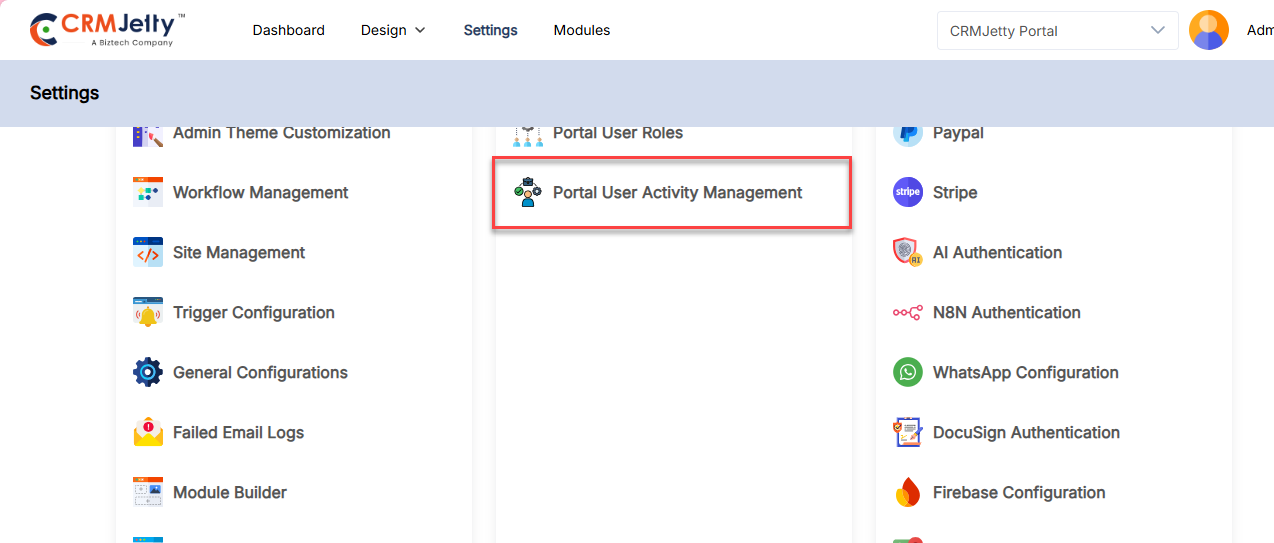
– To manage activities navigate to Settings > User Settings > Portal User Activity Management[1].
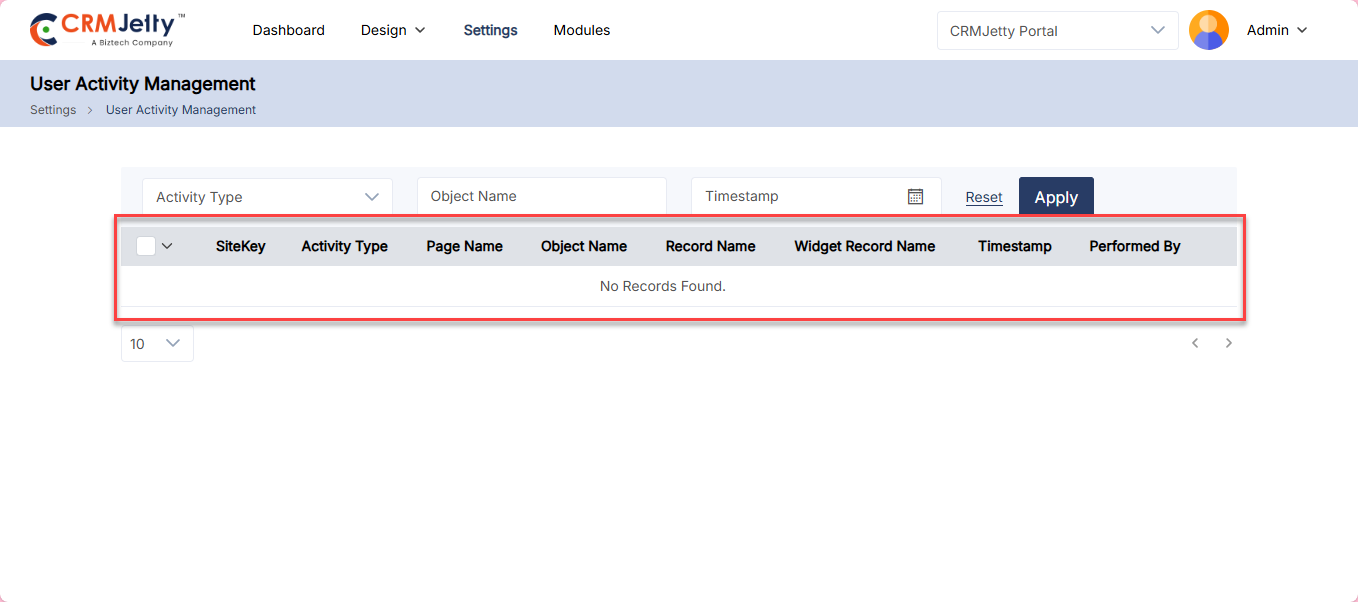
All user activities are displayed in a list view. The columns include:
– Site Key – The Sitekey on which action is performed.
– Activity Type – The action performed by the user.
– Page Name – The page where the activity was performed.
– Object Name – The object accessed by the user.
– Record Name – The name of the record involved in the activity.
– Widget Record – The widget that the user added, removed, or updated.
– Timestamp – The date and time when the activity was performed.
– Performed By – The name of the user who performed the activity.[2]
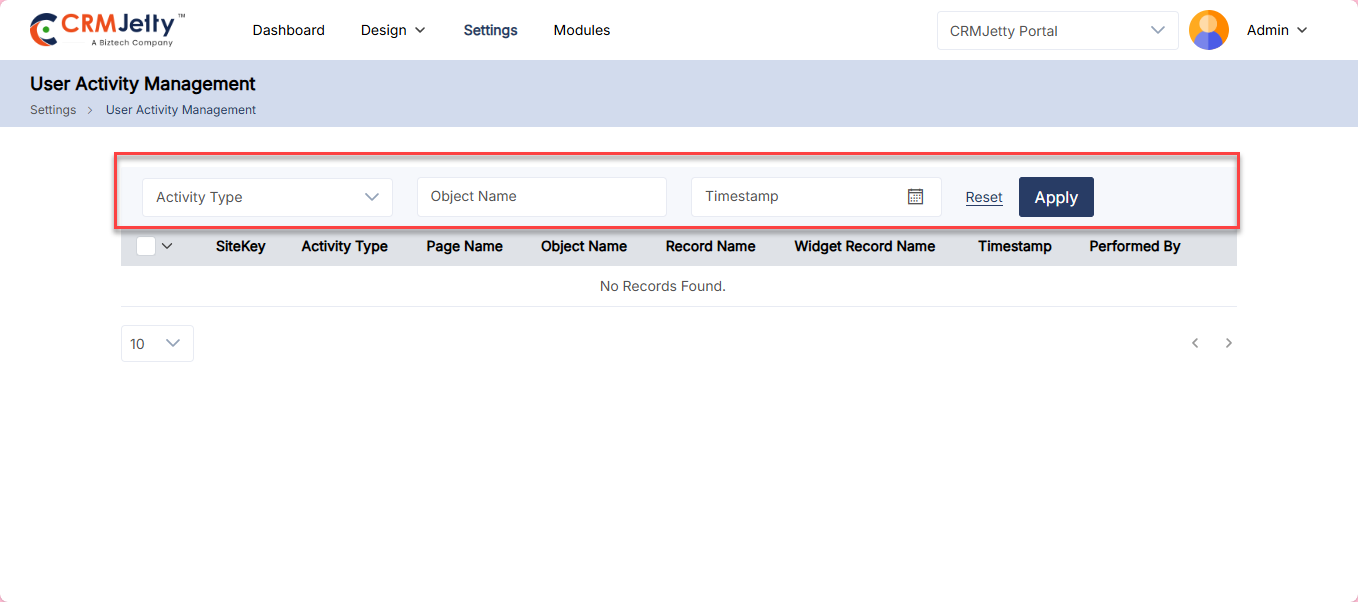
Admin can filter user activities using advanced filter options. Filters are available for Activity Type, Object Name, and Date Range.
– Click Apply to apply the selected filters.
– Click Reset to clear the filters activities.[3]
Delete:
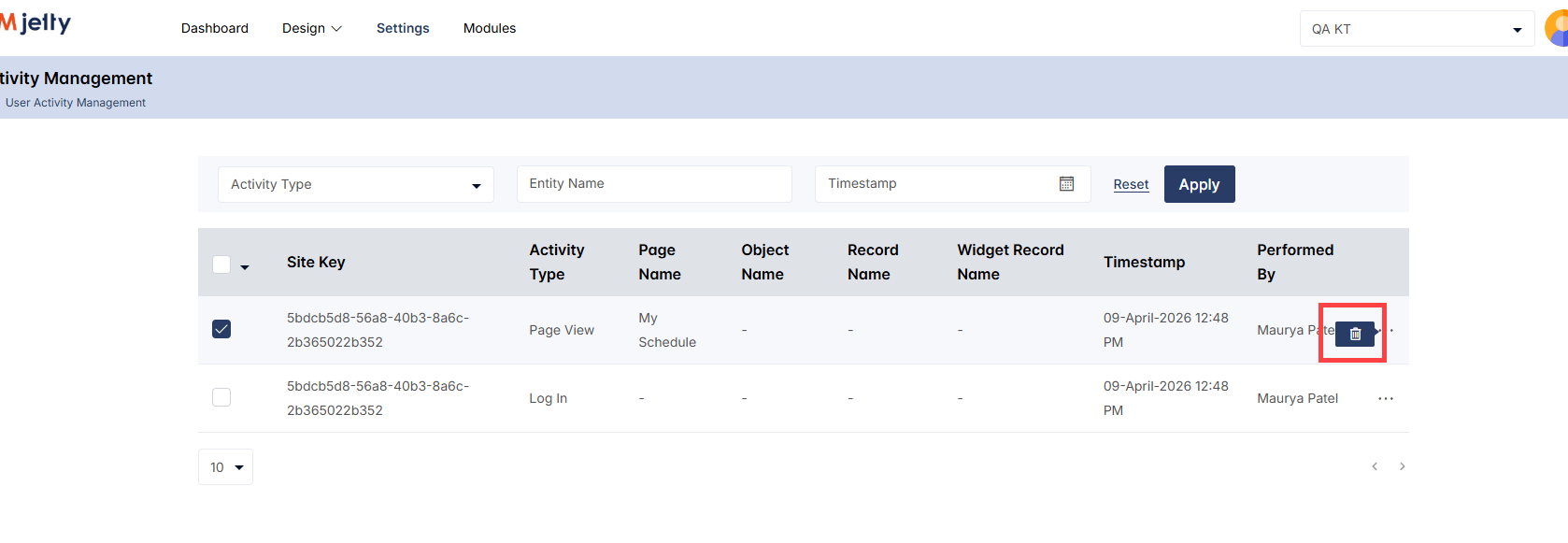
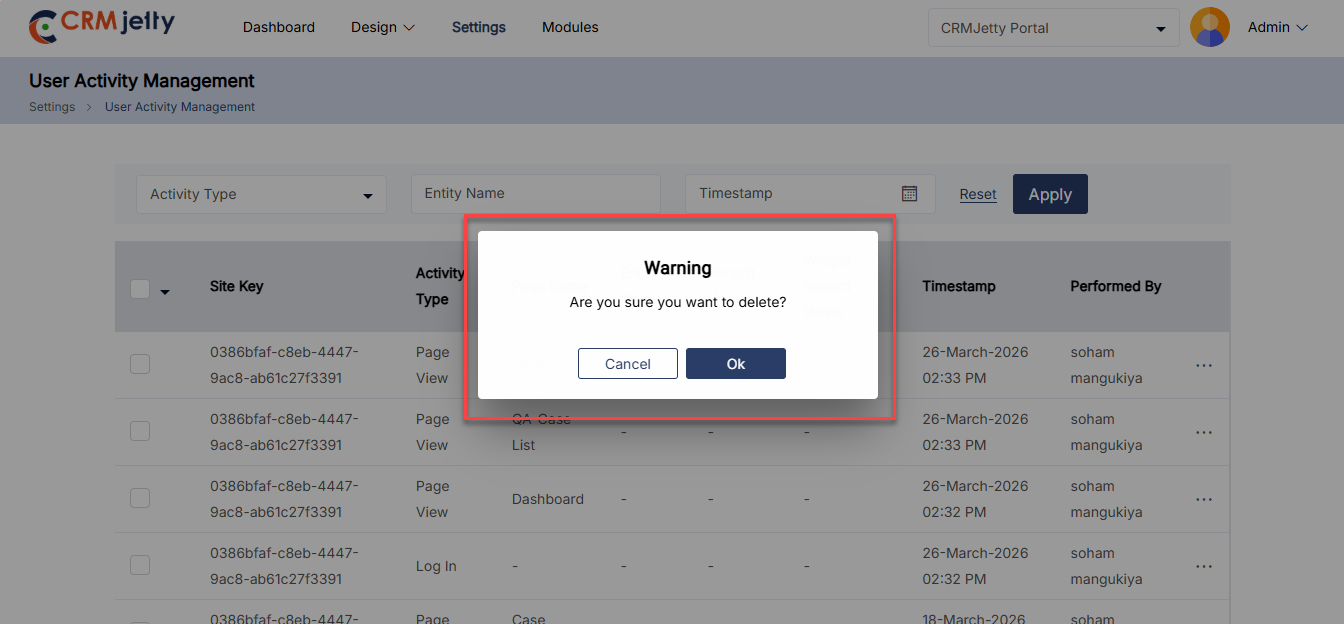
– To delete a record, click the three dots (…) beside the Performed By column, and then select the Delete icon.[4]
– To delete a record, click the three dots (…) beside the Performed By column, and select the Delete icon. In the confirmation pop-up, click OK to delete or Cancel to abort the operation.[5]
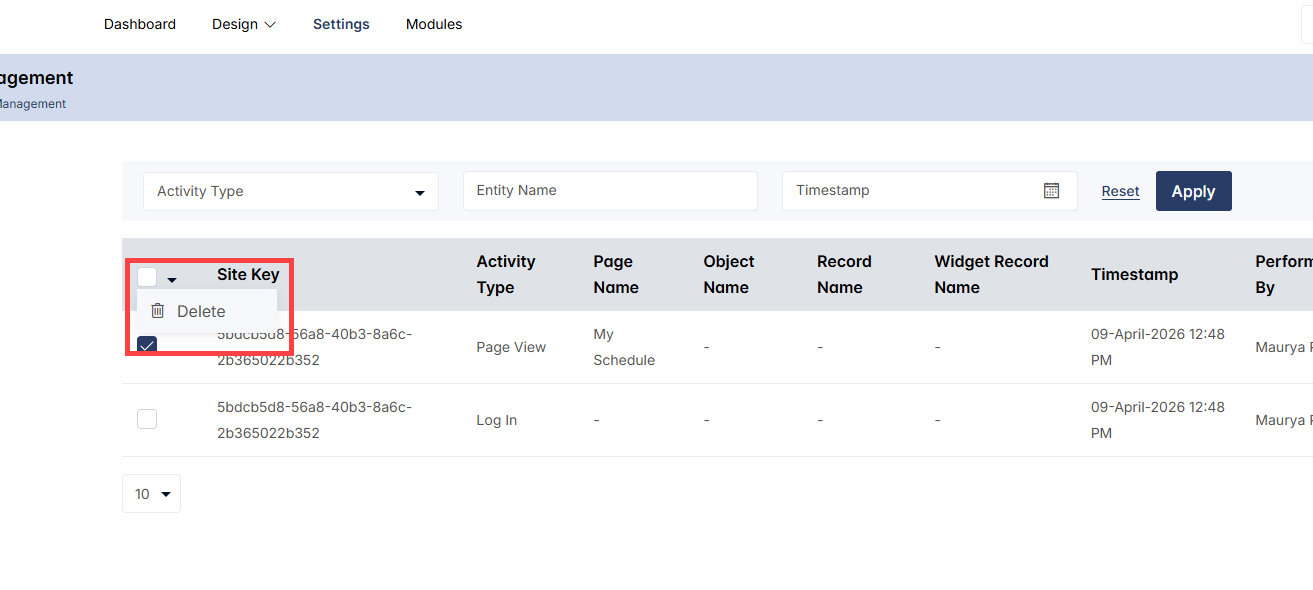
– To delete multiple activities, select the rows and choose Delete from the Bulk Operation dropdown menu. A confirmation pop-up will appear click OK to confirm deletion or Cancel to abort the operation.[6]
Site Management
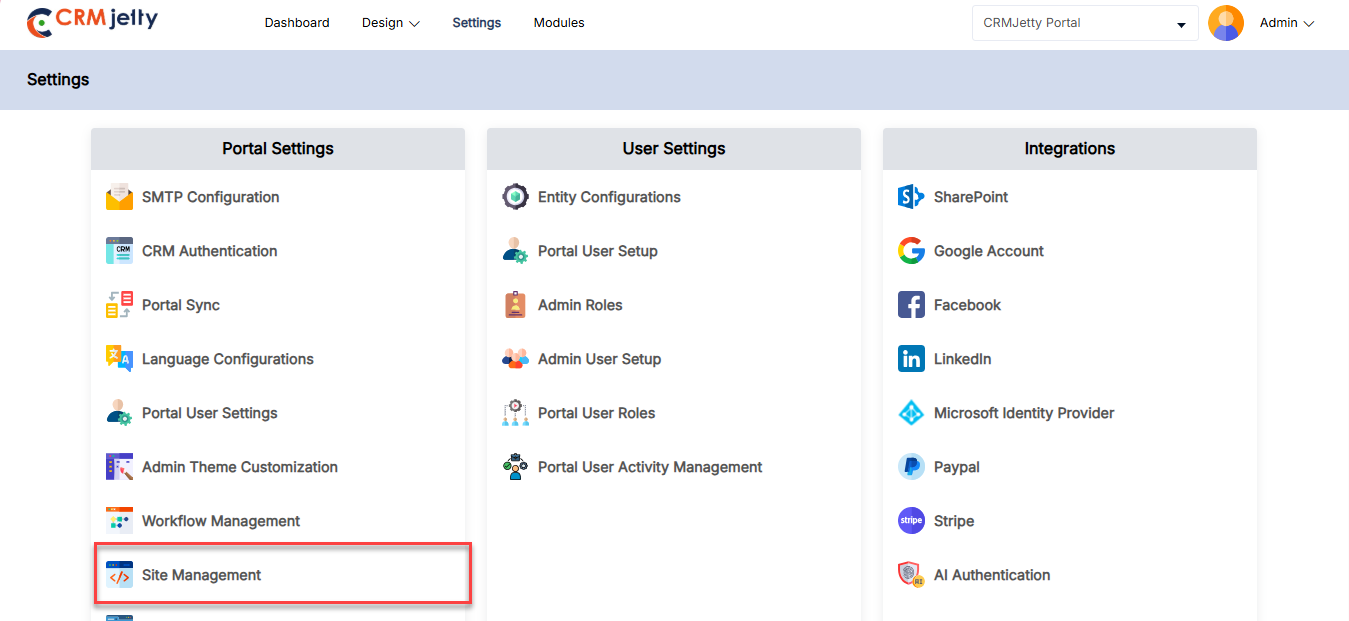
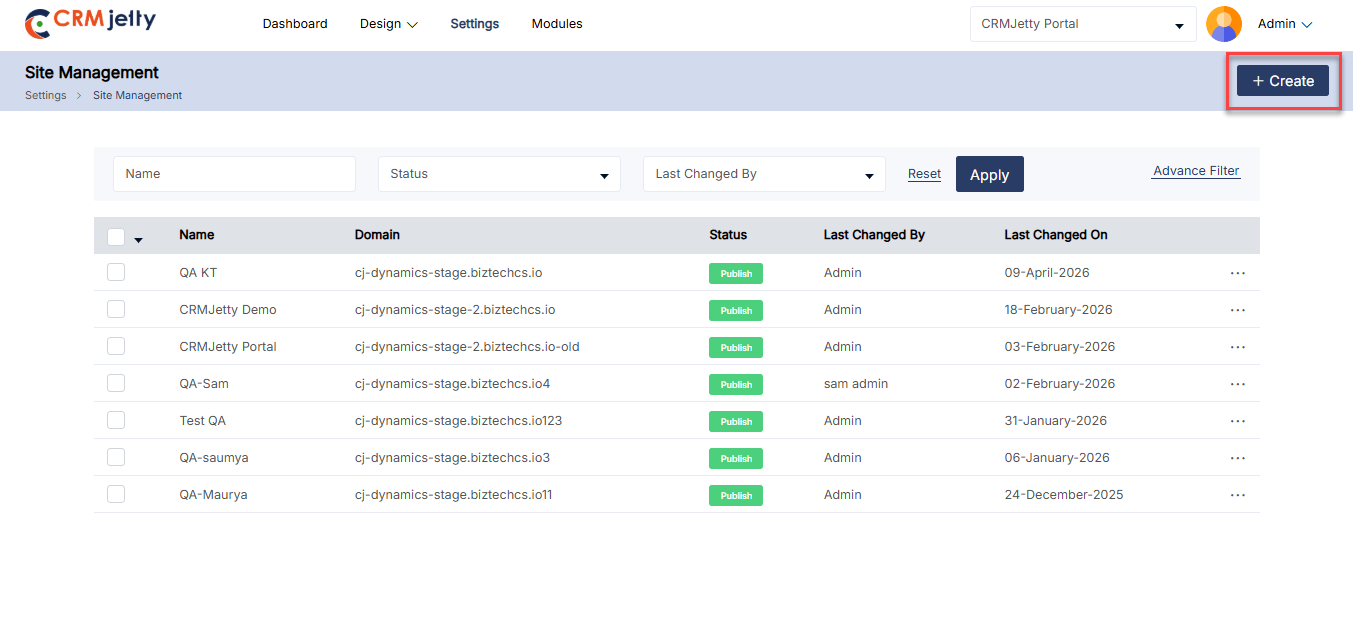
Admin can create and configure multiple sites for the current portal instance. To manage sites, navigate to Settings > Portal Settings > Site Management.[1]
Managing Sites
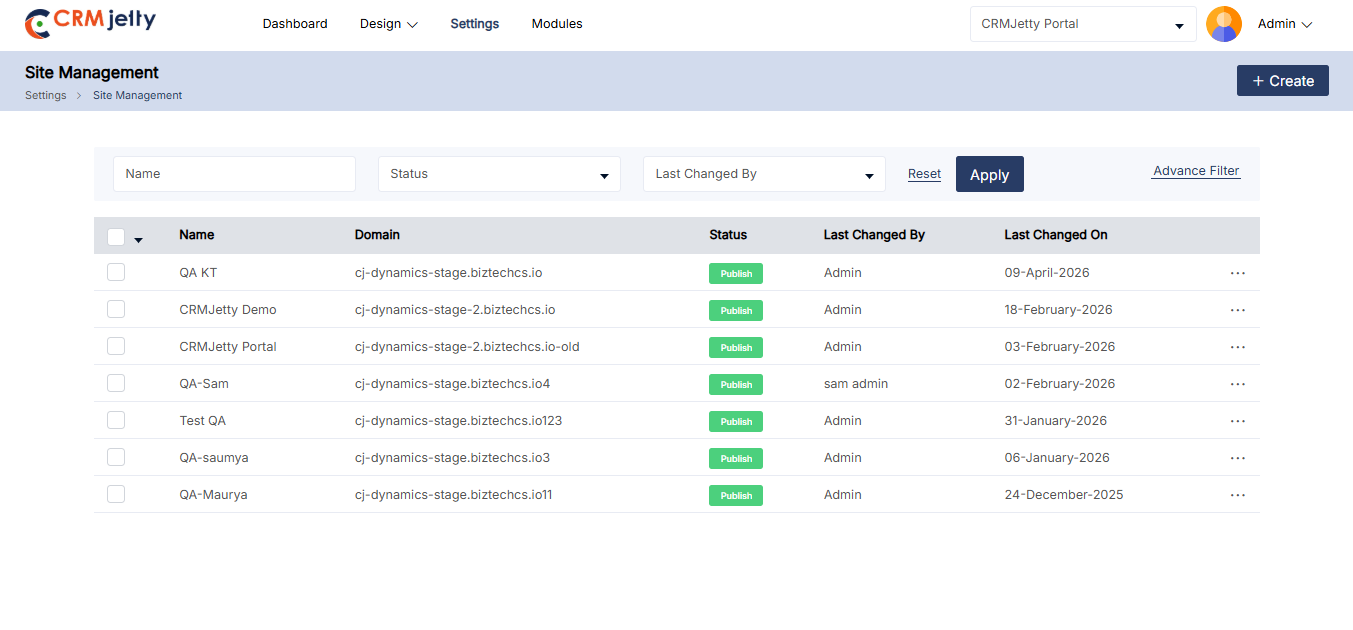
When Admin users log in to the Portal-Admin and authenticate the CRM, they will see the published sites. The Admin can choose to edit the sites or create a new one. [2]
Creating a New Site
1. Click on the “Create” button on the top-right corner of the screen. [3]
2. Configure the following settings in the new site creation form.
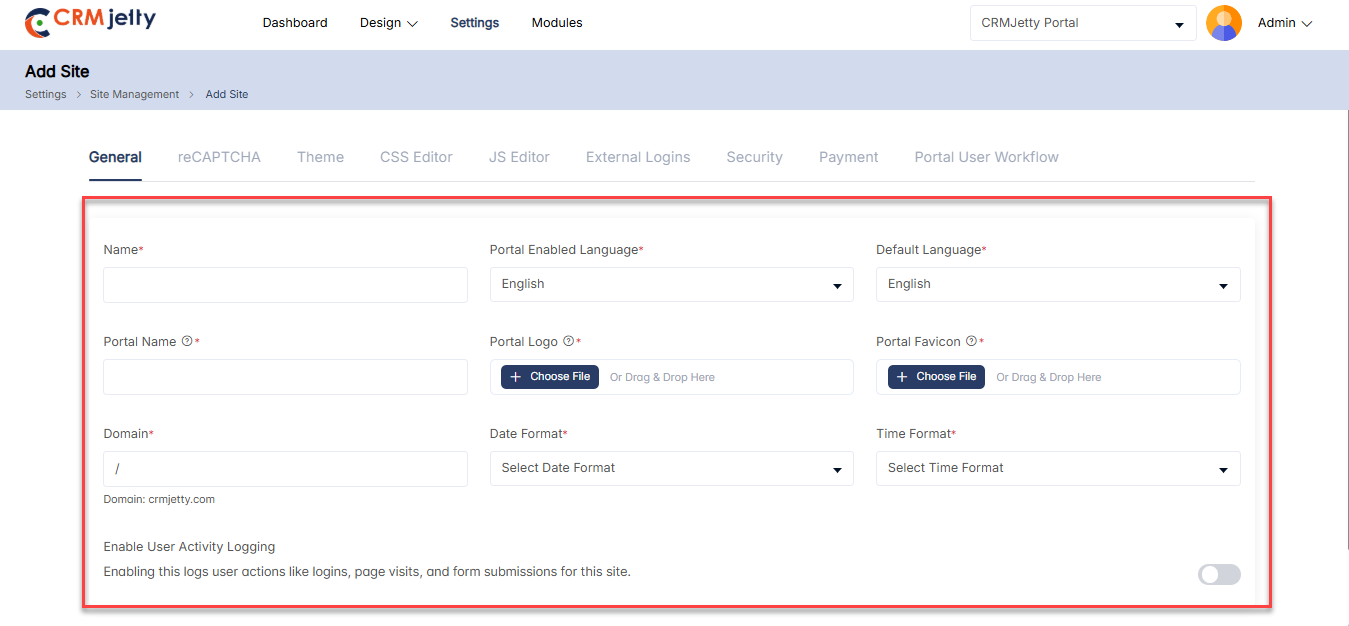
General Settings
In the general settings, the Admin can add basic details such as: [1]
– Name: The name of the portal or system (e.g., CRMJetty).
– Portal Enabled Language: The language in which the portal will be available (e.g., English).
– Default Language: The default language used when no other language preference is set.
– Portal Home Page: The main or landing page of the portal.
– Portal Name: The name of the portal (e.g., Hospital).
– Portal Logo: Upload a logo image for branding, displayed on the portal.
– Portal Favicon: Upload a favicon image that appears in the browser tab.
– Domain: Enter the name of the Domain
– Date Format: The format in which dates will be displayed (e.g., MM/DD/YYYY).
– Time Format: The format in which times will be displayed (e.g., 24-hour or 12-hour).
– Enable User Activity Logging : Enable this to record the logs of user action like logins, page visits and form submission for this site.
– Site Under Maintenance: Enable this option to display a maintenance message while the site is being updated. (Visible only while editing the published site)
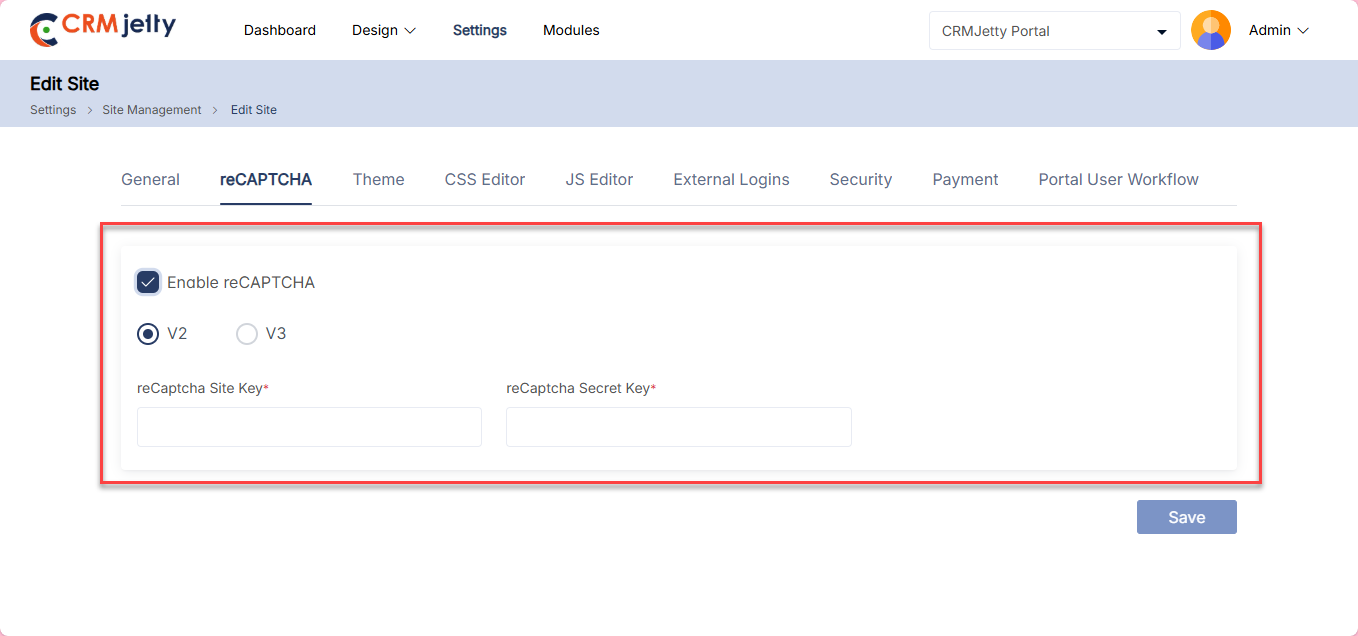
reCAPTCHA Configuration
reCAPTCHA helps protect portal pages, forms, and widgets from spam. Admin can configure either reCAPTCHA V2 or V3 to enhance security.
General Settings
– Enable reCAPTCHA: Check the box to enable reCAPTCHA.
– Choose reCAPTCHA Version: Select between reCAPTCHA V2 or V3 based on the security requirements.
reCAPTCHA V2
– Site Key: Used to render the reCAPTCHA on the page.
– Secret Key: Used for server-side validation.
– Front-View: Displays an “I’m not a robot” checkbox that users must click to validate.
– Applied To:
– Form widget
– Login widget
– Registration widget
– Forgot Password widget
– Subgrid Forms in the Form Builder
– Visible at the end of forms and widgets where reCAPTCHA V2 is enabled.
reCAPTCHA V3
– Site Key: Used to render the reCAPTCHA on the page.
– Secret Key: Used for server-side validation.
– Front-View: Verifies user actions with a score and provides a token automatically.
– Applied To:
– Page
– Form widget
– Login widget
– Registration widget
– Forgot Password widget
– List widget
– Recent Activity widget
– Case Deflection widget
– Chart widget
– Counter widget
– Knowledge Base widget
– Search widget
– Subgrid Forms in the Form Builder
Note: Choose the version that best fits the security needs and apply it to the relevant widgets and pages within the Admin portal.
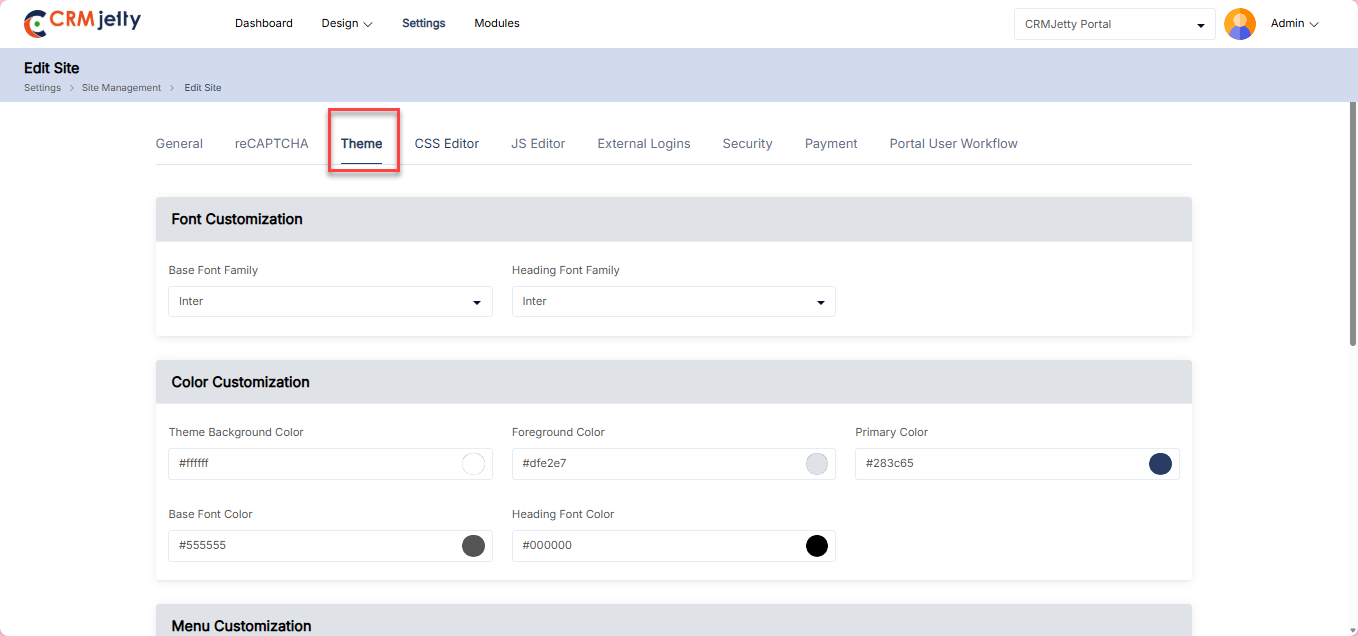
Theme
Admin can customize the site theme according to their requirements.
1. Font Customization:
– Base Font Family: Select the font family for general text.
– Heading Font Family: Select the font family for headings. [1]
2. Color Customization:
– Theme Background Color: Select the overall background color of the theme.
– Foreground Color: Select the color used for text and other foreground elements.
– Primary Color: Select the color for primary buttons, links, and accents.
– Base Font Color: Select the color for general text content.
– Heading Font Color: Select the color for headings. [1]
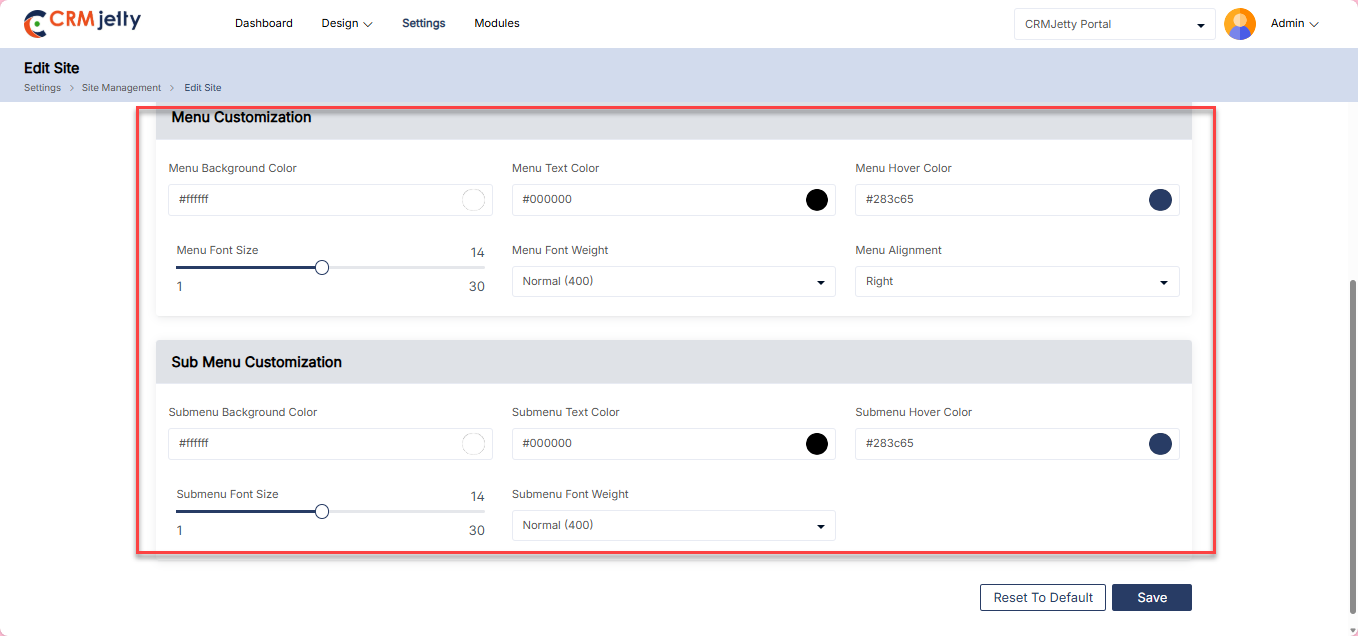
3. Menu Customization:
– Menu Background Color: Select the background color for the menu.
– Menu Text Color: Select the color of the text in the menu.
– Menu Hover Color: Select the color of the menu item when hovered over.
– Menu Font Size: Adjusts the font size for menu items. (Range: 14 to 30)
– Menu Font Weight: Select the font weight for menu items (e.g., normal, bold).
– Menu Alignment: Aligns the menu items (e.g., left, center, right). [2]
4. Submenu Customization:
– Submenu Background Color: Select the background color for the submenus.
– Submenu Text Color: Select the color of the text in the submenu.
– Submenu Hover Color: Changes the color of the submenu item when hovered over.
– Submenu Font Size: Adjust the font size for submenu items. (Range: 14 to 30)
– Submenu Font Weight: Select the font weight for submenu items (e.g., normal, bold). [2]
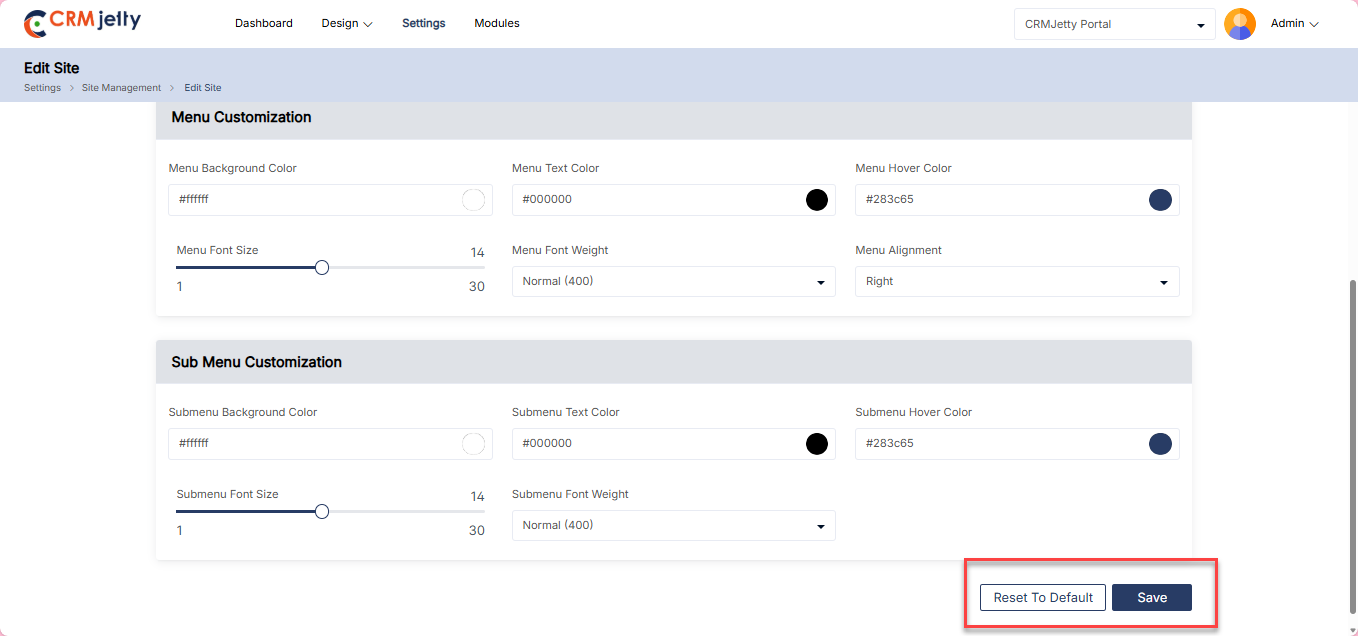
Admin can reset the theme to the default settings using the “Reset to Default” button. [3]
Css Editor
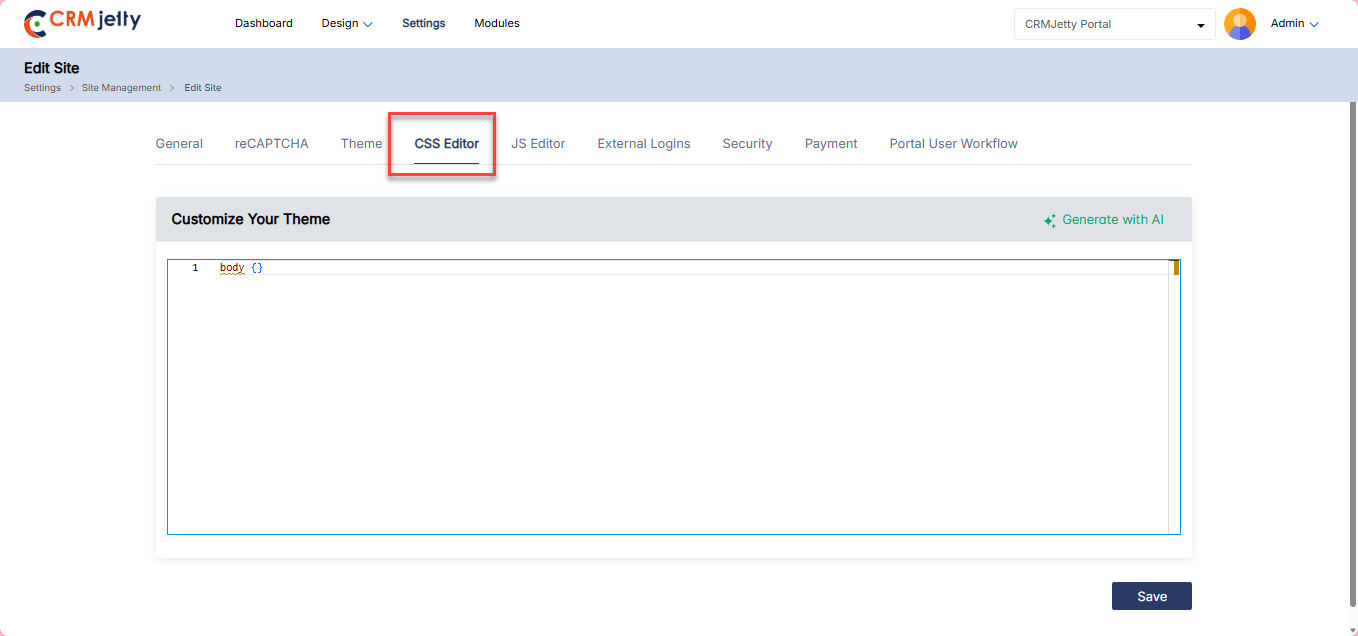
Admin can add custom CSS for the portal and apply styles to various sections. Adjust class names and CSS properties to customize different sections as needed.[1]
Note: Adjust the class names and CSS properties according to Admin -design preferences to customize different sections and weights.
JSS Editor
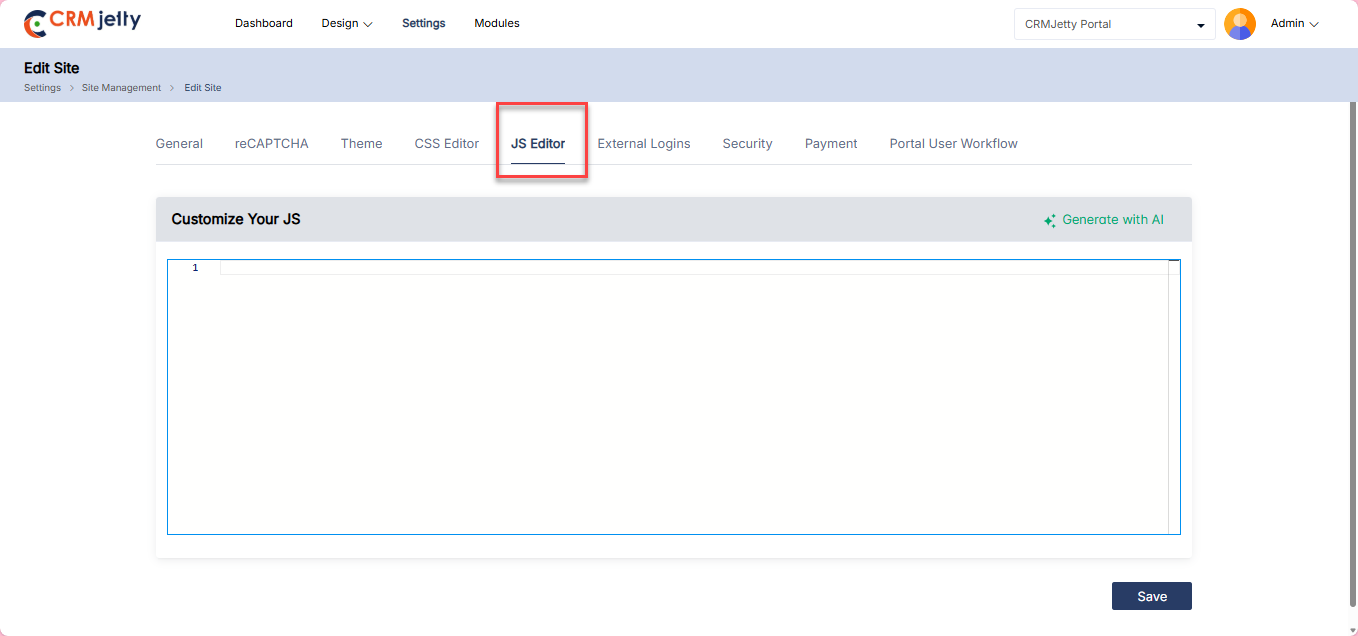
Admin can add custom JSS for the portal and apply styles to various sections. Adjust class names and JSS properties to customize different sections as needed. [1]
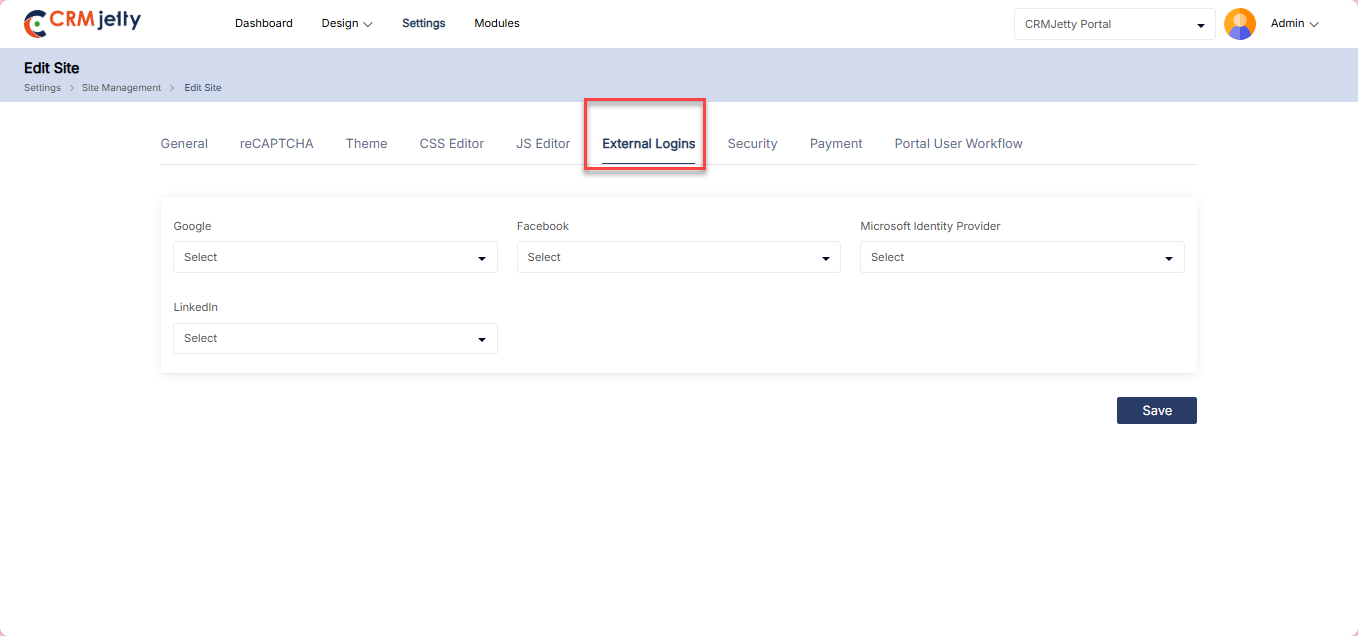
External Logins
Admin can manage external login accounts set up through integrations. The Admin will only see the accounts that have been configured in integrations.
1. Google : Enable Google-based authentication.
2. Facebook : Configure and connect to Facebook for login integration.
3. Microsoft Identity: Link Admin Microsoft Identity account for authentication purposes.
4. LinkedIn : Setup and connect to LinkedIn for login integration.
Security
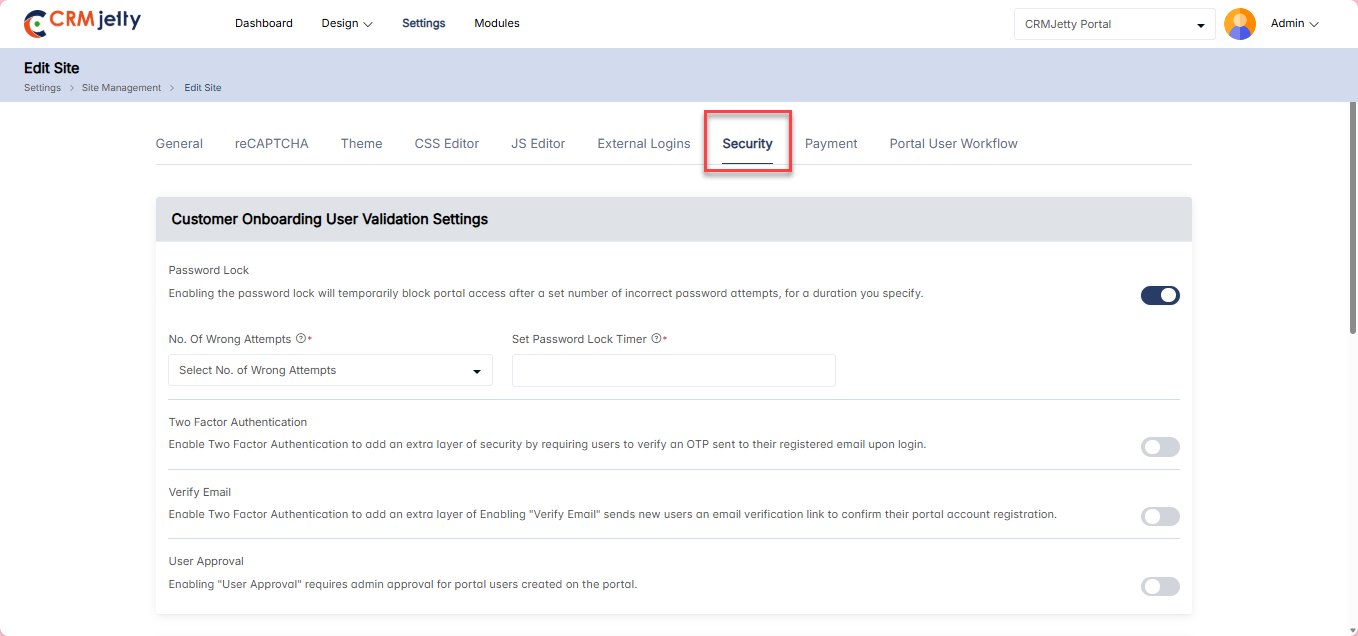
Admin can enhance portal security by configuring various login methods.
1. Password Lock : Temporarily locks portal access after a set number of incorrect password attempts.[1]
Configuration:
– No. of Wrong Attempts: Maximum failed login attempts before locking the user.
– Password Lock Timer: Duration of the lockout period.
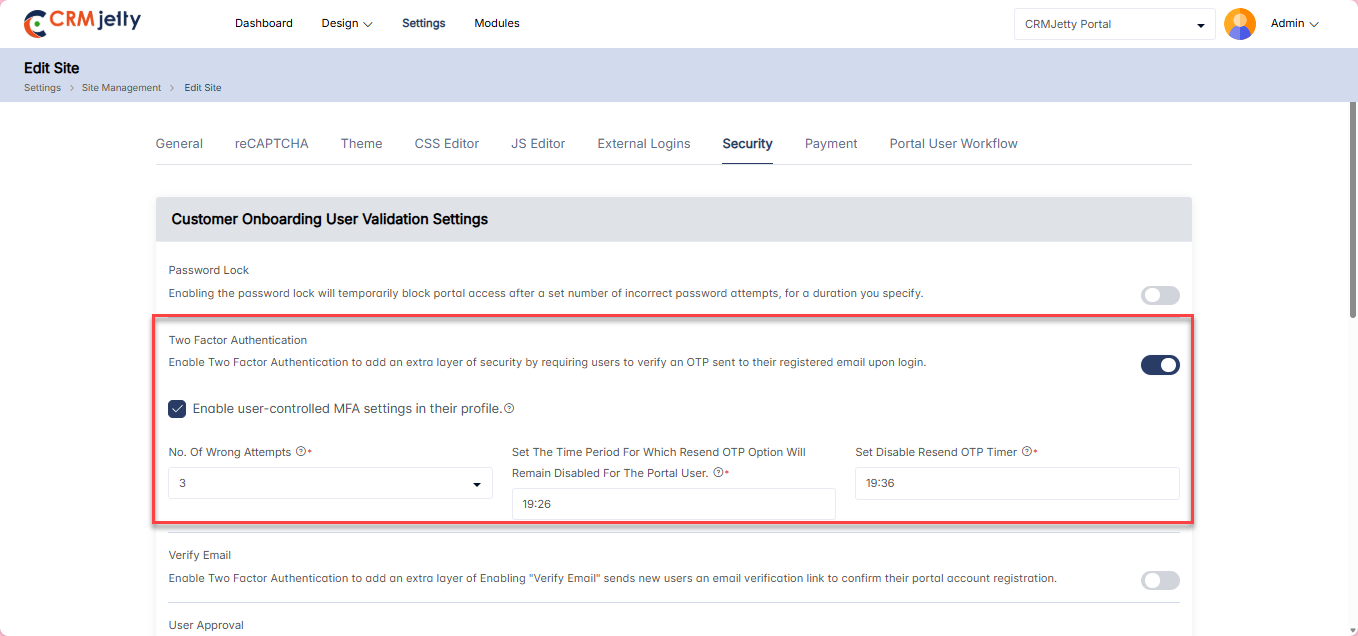
2. Two Factor Authentication (2FA): Adds an extra security layer by requiring users to verify an OTP sent to their registered email upon login. [2]
Configuration:
– OTP Active Duration: Set the time period for which the OTP is valid.
– No. of Wrong OTP Attempts: Define how many times users can enter incorrect OTPs.
– Set OTP Timer: Set the countdown timer displayed with the OTP in the user’s email.
– Disable Resend OTP: Specify the time period during which users cannot request a new OTP.
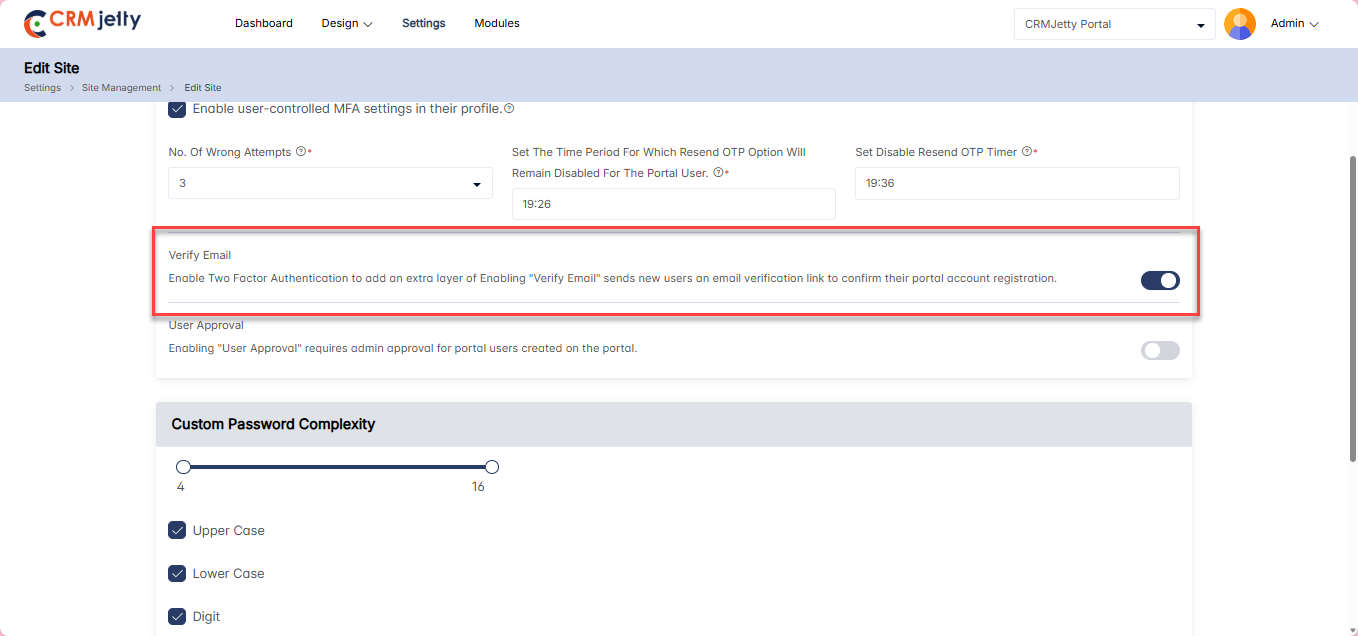
3. Email Verification: Sends an email verification link to new portal users to confirm their registration. [3]
– Users logging in with social media accounts (Google, Facebook, Microsoft) will also receive an email verification.
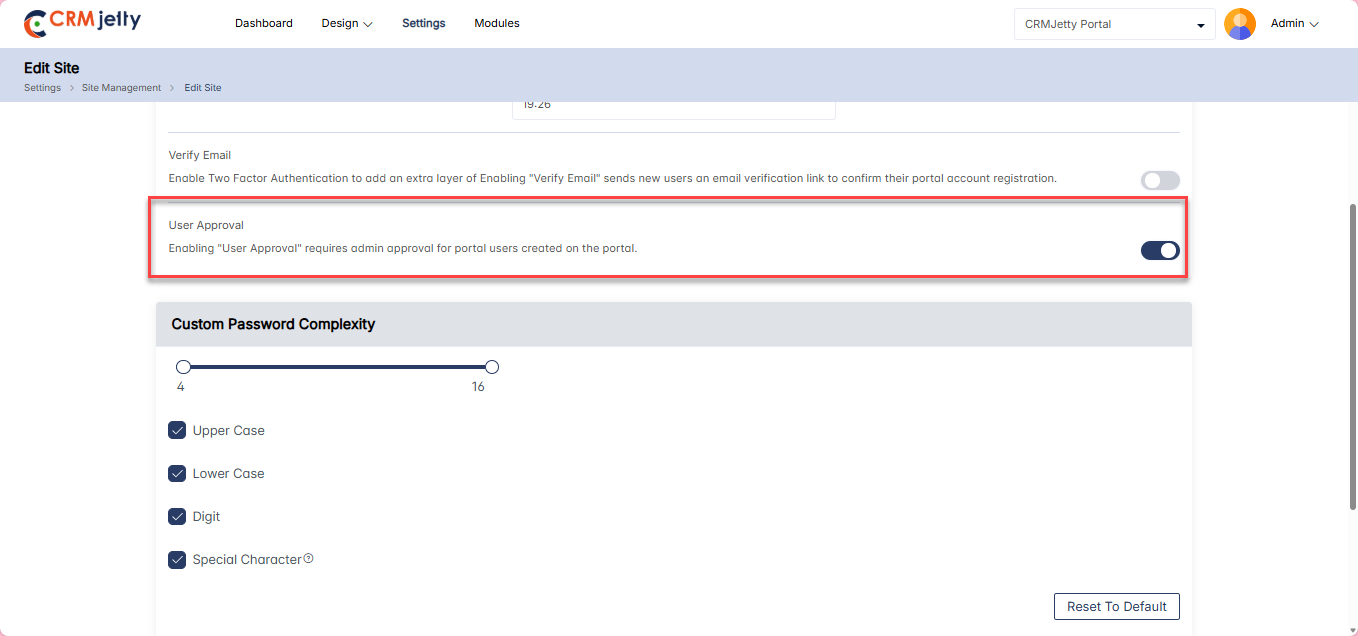
4. User Approval: Requires Admin approval for new portal users, including those authenticated via social media. [4]
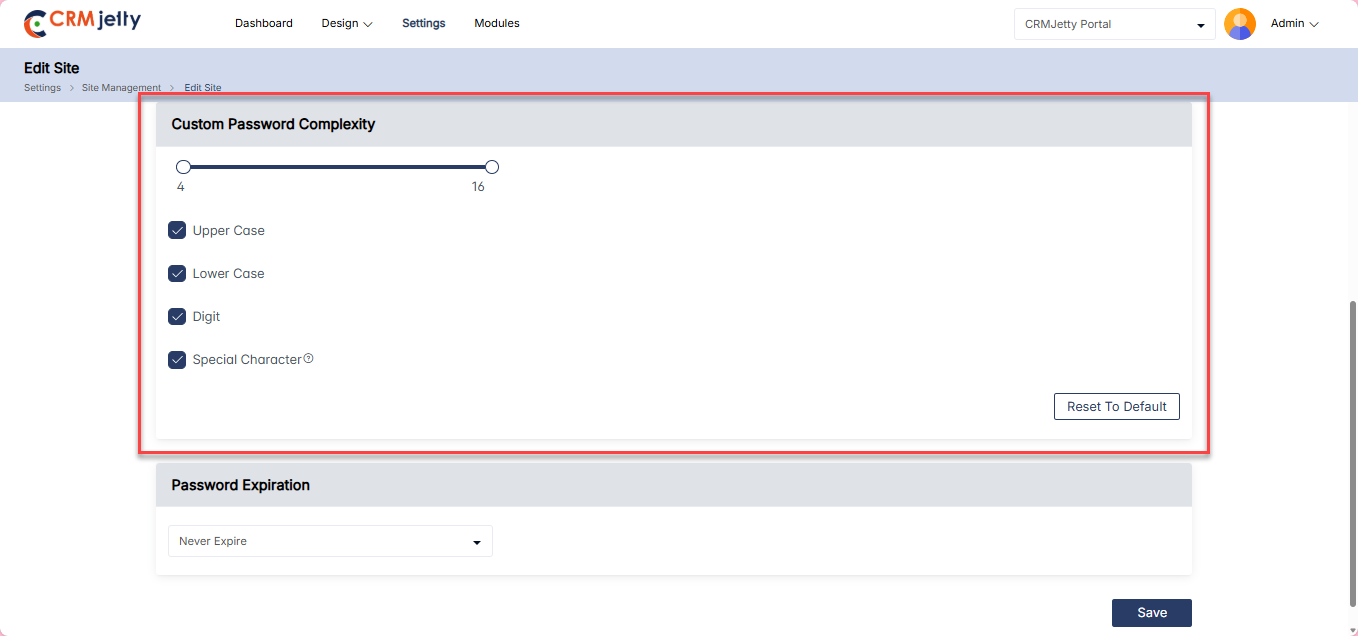
5. Custom Password Complexity: Enforces password complexity rules to enhance security. [5]
Configuration:
– Password Range: Set the minimum and maximum length of passwords.
– Character Requirements: Define required character types (uppercase, lowercase, digits, special characters).
– Reset To Default: Reverts the password complexity settings to default values.
Example Password Requirements:
– Length: 8 to 16 characters.
– Uppercase Letter: At least one.
– Lowercase Letter: At least one.
– Digit: At least one.
– Special Character: At least one from the set (!, @, #, $, %, ^, &, *, (, )).
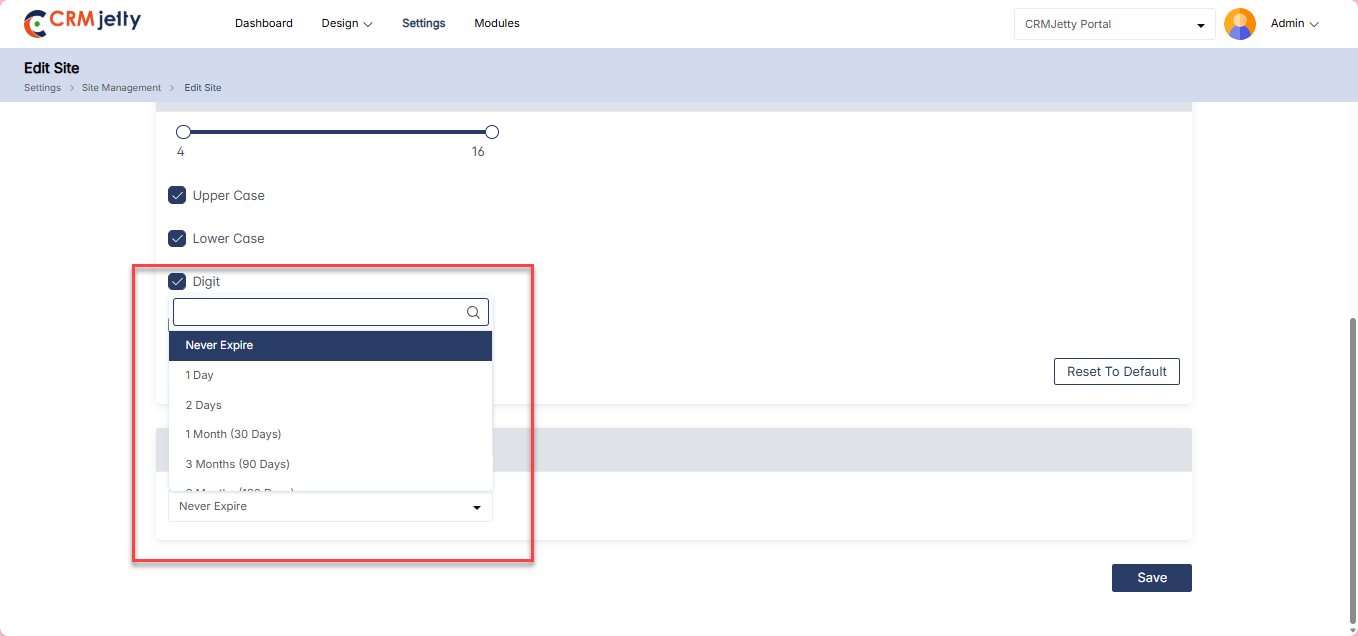
6. Password Expiration: Admin can set password expiration periods. [6]
– Options: Never Expire, 1 Day, 2 Days, 1 Month, 3 Months, 6 Months, 1 Year.
Portal Front-End Behavior
When a new contact is created, the PasswordUpdateDate field is set to null by default. Depending on the selected password expiration setting, the system will handle password updates as follows:
If “Never Expire” is Selected:
No checks related to password expiration will be performed, providing uninterrupted access without any expiration-related prompts. The following scenarios are excluded from expiration checks:
1. User registration via the Register Widget.
2. User login via the Login Widget.
3. When a user sets a new password.
4. During the Forgot Password process.
5. When a user updates their password via the Profile Widget.
6. User Account Profile updates.
If “Never Expire” is Not Selected:
The portal enforces password expiration through the following procedures:
1. Registration via Register Widget:
a. Upon registration, PasswordUpdateDate is set to the current date (UTC).
2. Login via Login Widget:
a. Case 1: If PasswordUpdateDate is null, the system sets PasswordUpdateDate to the current date and time (UTC) in encrypted format for both the contact and CRM user details upon successful login.
b. Case 2: If PasswordUpdateDate is not null, the system decrypts and compares it with the configured password expiry duration.
i. If Valid: The user is redirected to the Dashboard.
ii. If Expired: The user is redirected to the Set Password screen. After the user successfully updates the password, the system updates PasswordUpdateDate to the current date and time (UTC) in encrypted format for the contact.
3. Forgot Password Procedure: The process follows the same flow as Case 1 and Case 2 mentioned above, ensuring PasswordUpdateDate is appropriately set or updated after the password reset.
4. Profile Widget Password Update: After a user successfully updates their password through the Profile Widget, PasswordUpdateDate is updated to the current date and time (UTC) in encrypted format for the contact.
Note: During the password update procedure, the new password must be different from the old password. This is enforced across all scenarios, including when resetting or updating passwords.
Payment
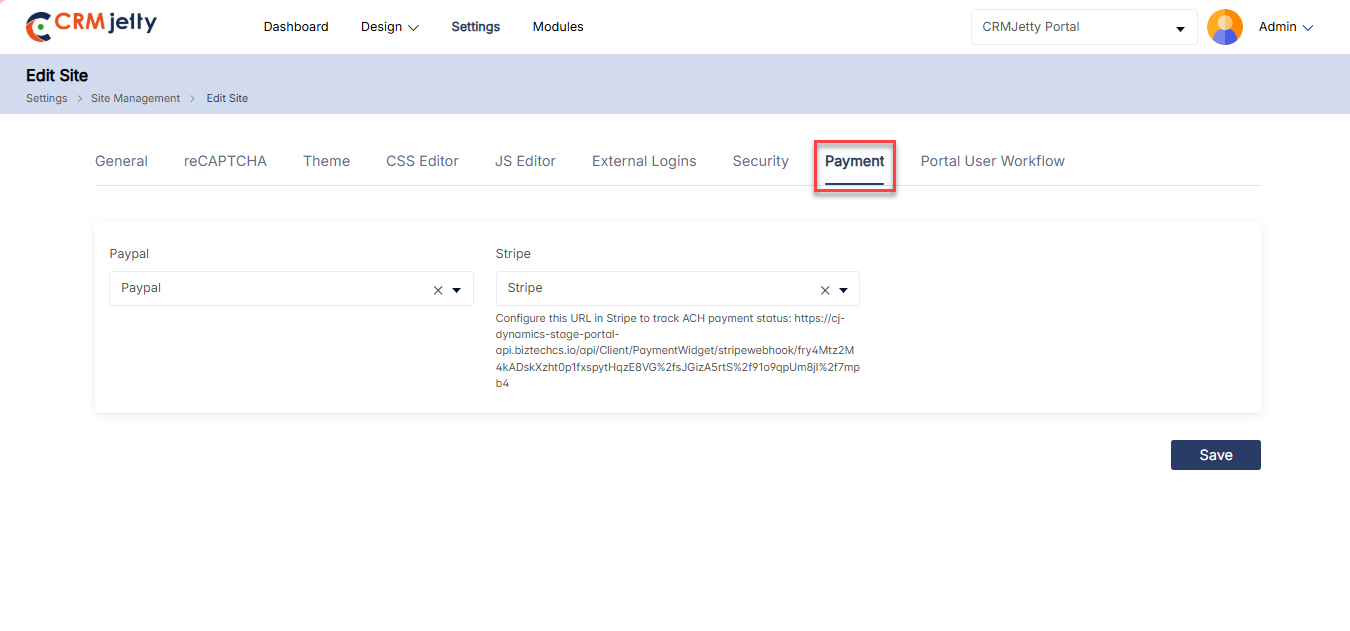
In the Payment Settings, Admin can select from the payment accounts that have been configured through the Integrations section. Only the accounts set up by the Admin will appear in the dropdown list. [1]
To configure a payment account:
1. Open the Payment Settings.
2. Choose a payment account from the dropdown menu.
3. Click the Save button to apply the selected account.
The selected payment account will now be used for processing transactions in the portal.
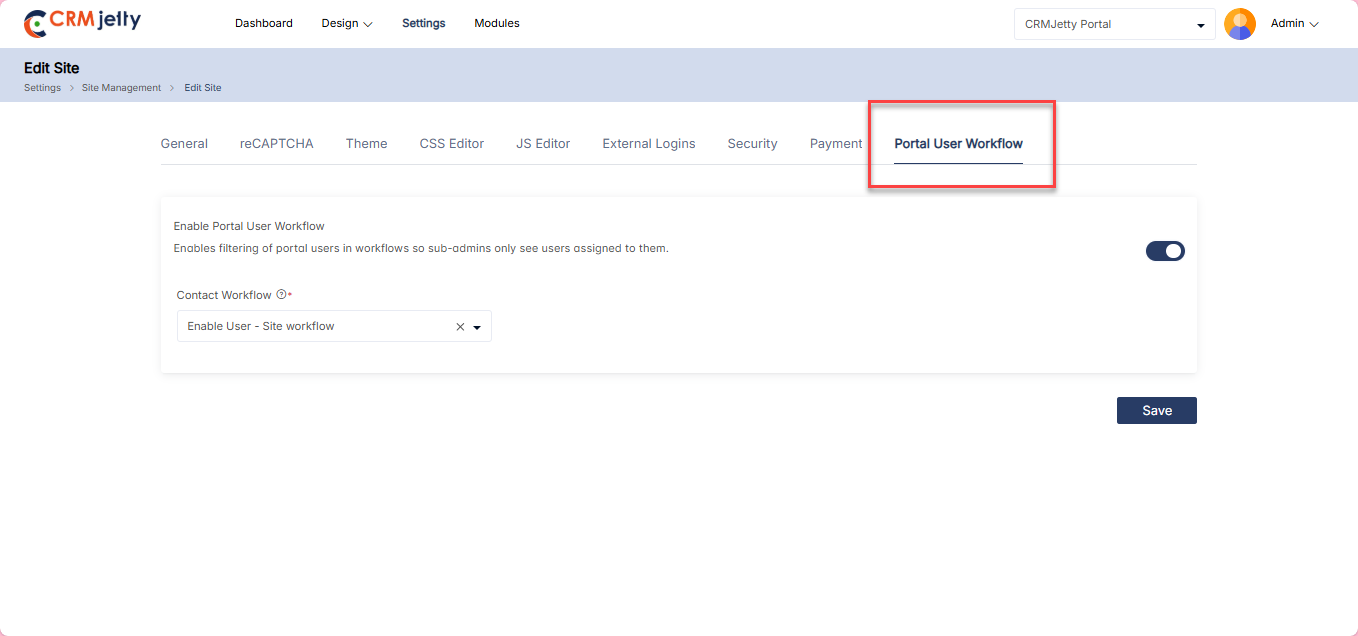
Portal User Workflow
The Workflow Setup enables administrators to control which CRM contacts are associated with a site by applying configurable filter conditions.
1. Navigate to Site Configuration from the admin panel.
2. Select the site for which you want to configure workflow settings.
3. Open the Workflow Setup tab.
4. In the Contact Selection section:
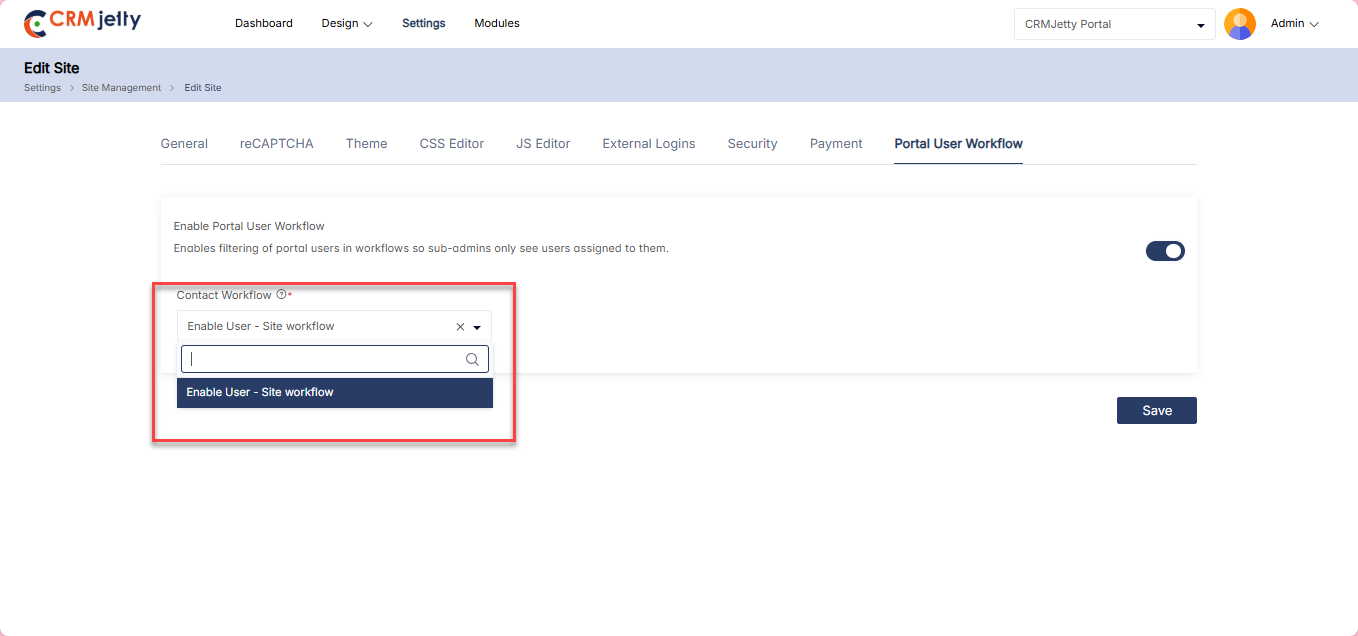
– Enable the portal user work flow
– Choose the contact workflow that should be associated with the selected site.
– These contacts will be used across workflow-related processes for the site.
5. Review the configured filters to ensure the correct contact set is selected.
6. Save the configuration.
– Once saved, the defined workflow rules will be applied to the selected site and used for managing contacts in workflow-related operations.
This flow allows administrators to precisely control CRM contact availability per site using flexible, rule-based filtering.
Multisite Support
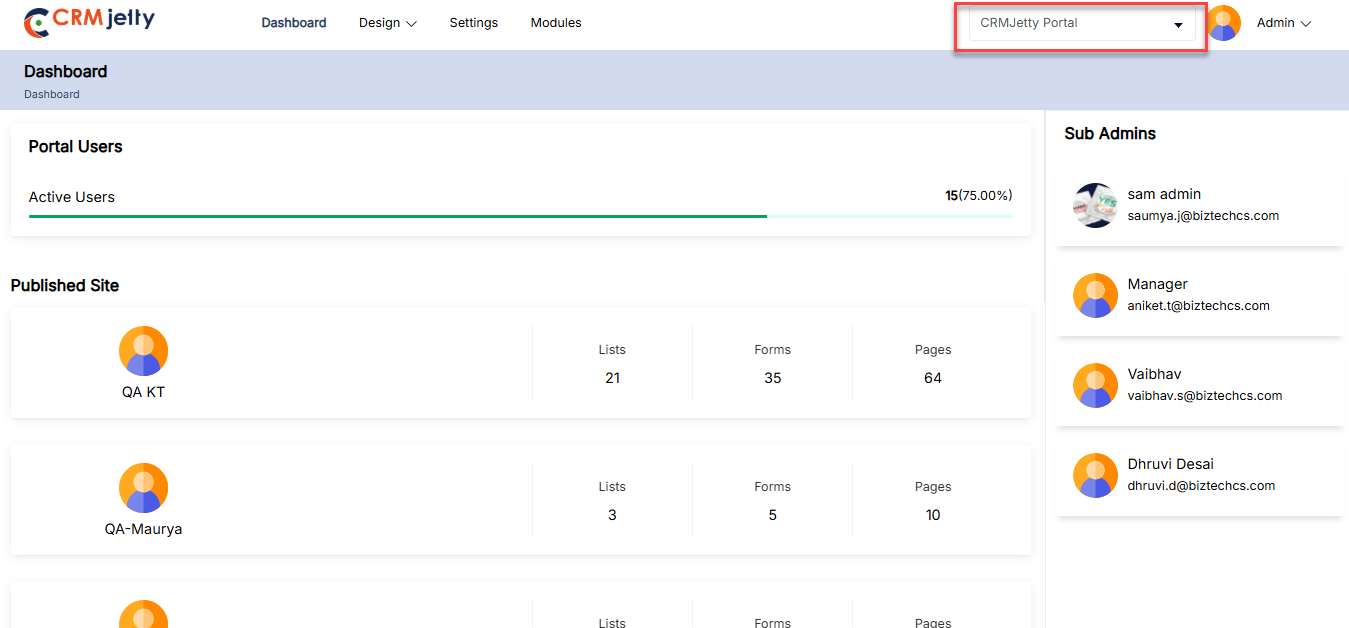
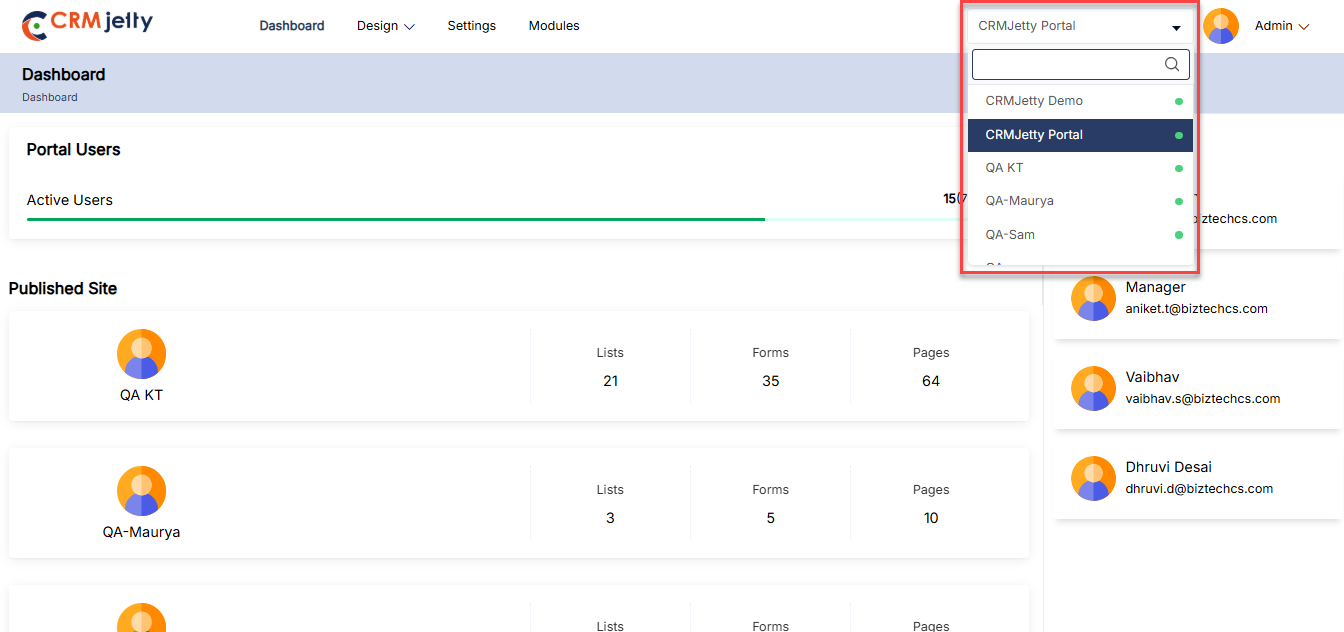
Enable the creation and configuration of multiple branded sites under one portal platform—each with independent content, domain, and access rules. Ideal for managing different partners, regions, or business units from a single centralized admin panel.
– The admin can switch between all associated sites using the dropdown menu in the top-left corner.[1]
– Select the preferred site from the dropdown menu and click on it to switch. When the admin switches between sites, the portal loads the corresponding data accordingly. [2]
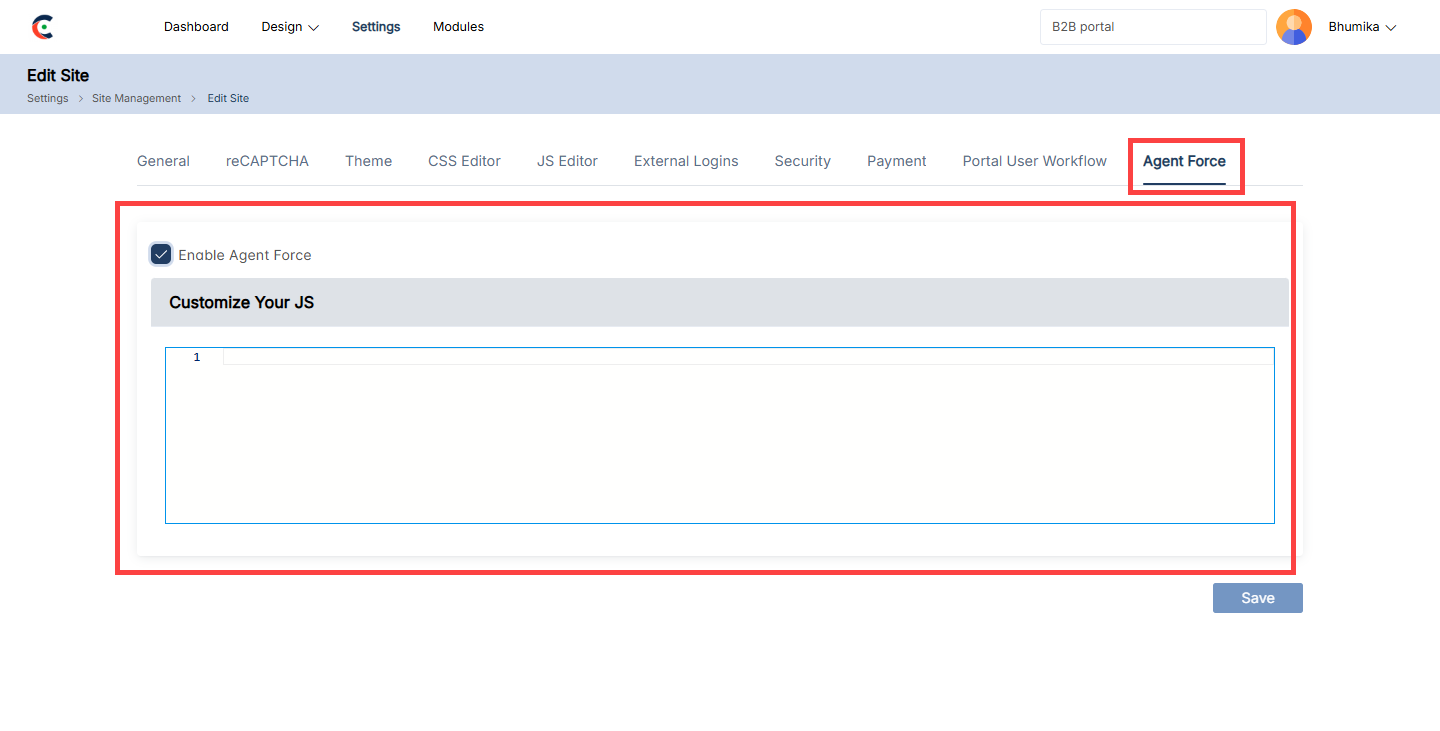
Agent Force
An administrator can enable the Salesforce agent for a Site by navigating to the Agent Force section in the setup. First, ensure that Agent Force is activated for the desired Site. Once enabled, the administrator can configure the chatbot behavior by adding and customizing the required JavaScript (JS) code.
Workflow Management
The CRMJetty allows the Admin to add rules and set conditions to display specific entity data in the front portal or control portal users’ access to certain entity data.
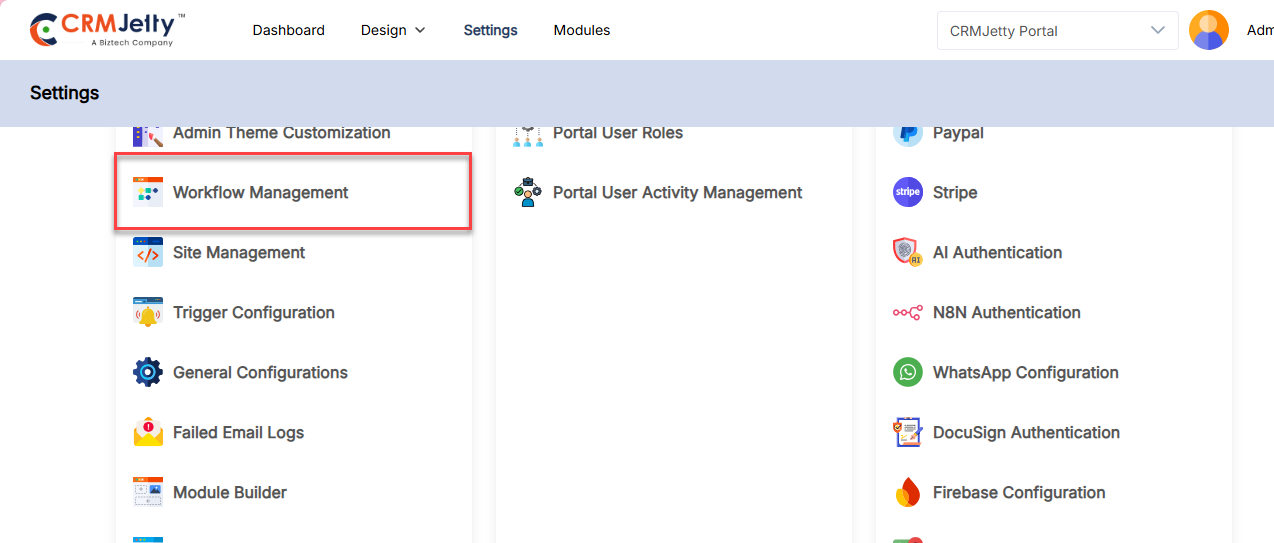
To create a workflow Admin needs to navigate to Settings > Portal Setting > Workflow Management. [1]
Viewing Workflows
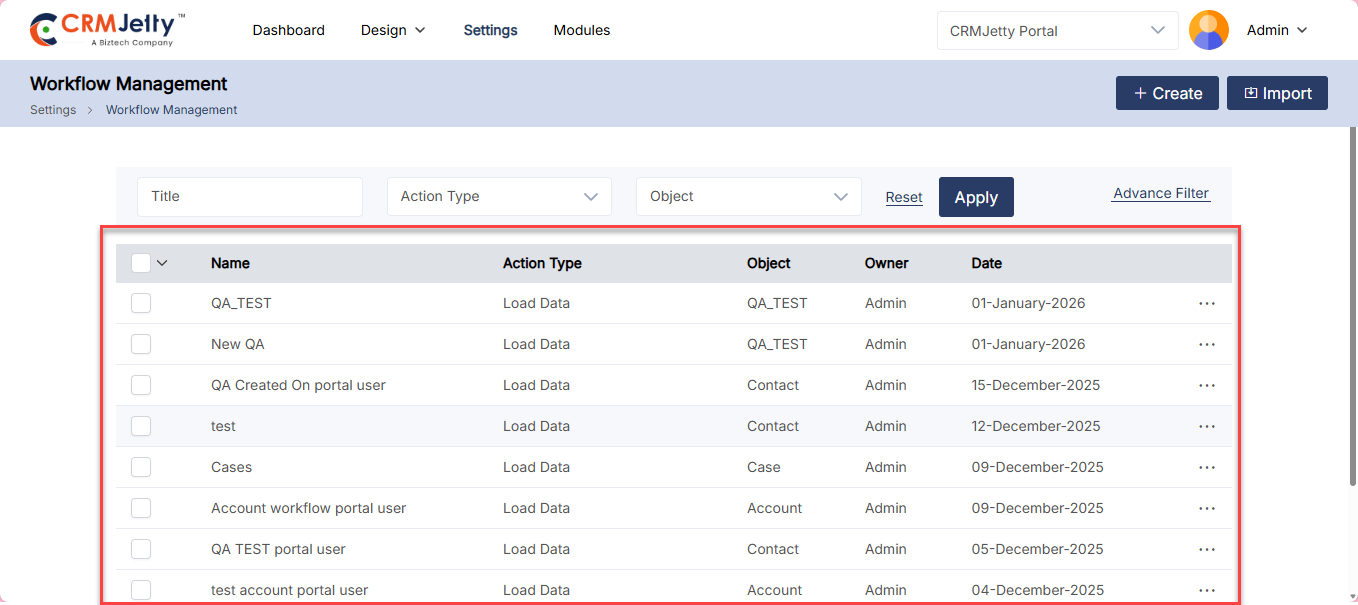
By clicking on “Workflow Management”, the Admin will be navigated to the listing page, where the Admin can view, search, and filter workflows by Action Type, entity, Owner, and Date. [2]
Creating a Workflow:
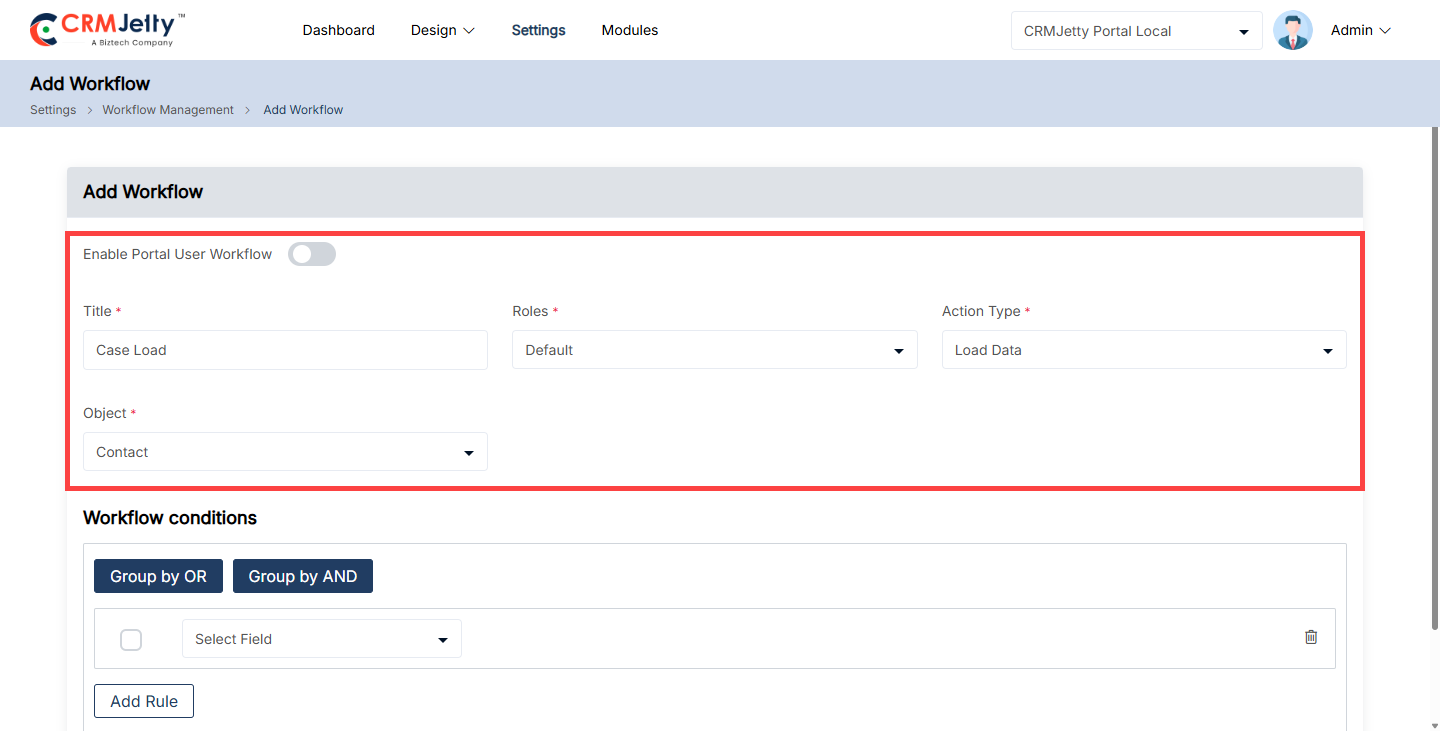
To create a new workflow, click on the “+ Create” button, which will redirect the Admin to the Create Workflow page. On this page, the Admin needs to configure the following details:
– Enable Portal User Workflow: Toggle Enable Portal User Workflow to enable.
– Title: Enter a name for the workflow for easy identification.
– Roles: Choose the roles that this workflow will apply to.
– Object: Select the object to which the conditions will apply.(e.g. Case, Order)
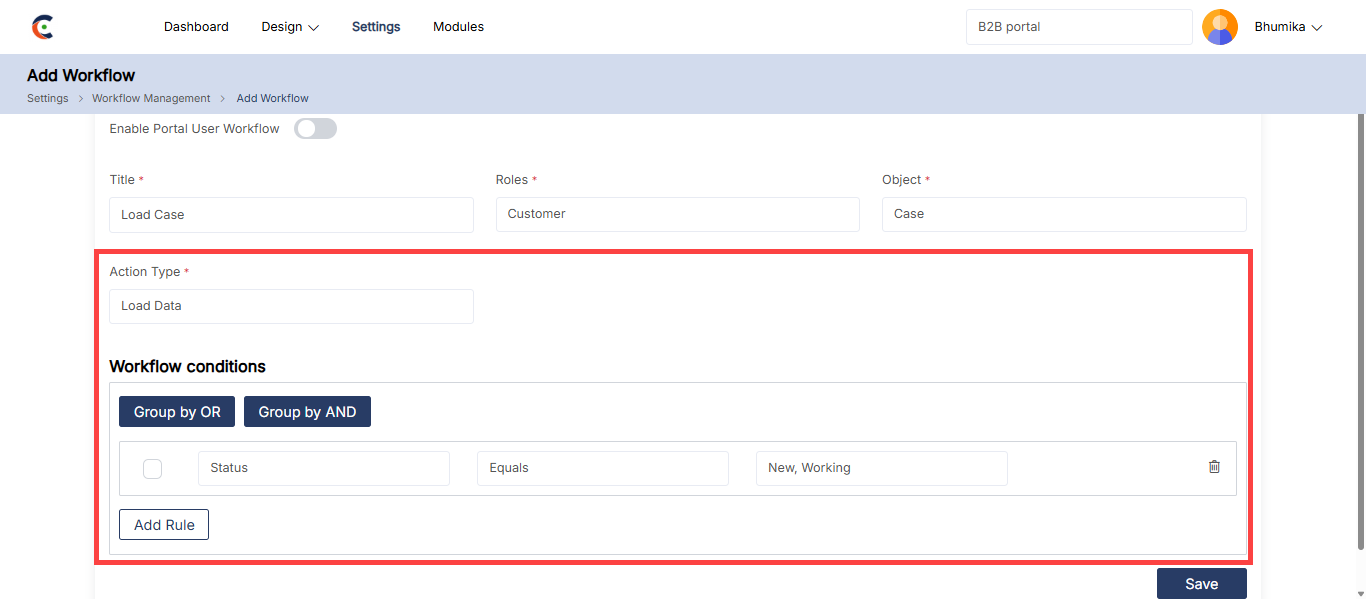
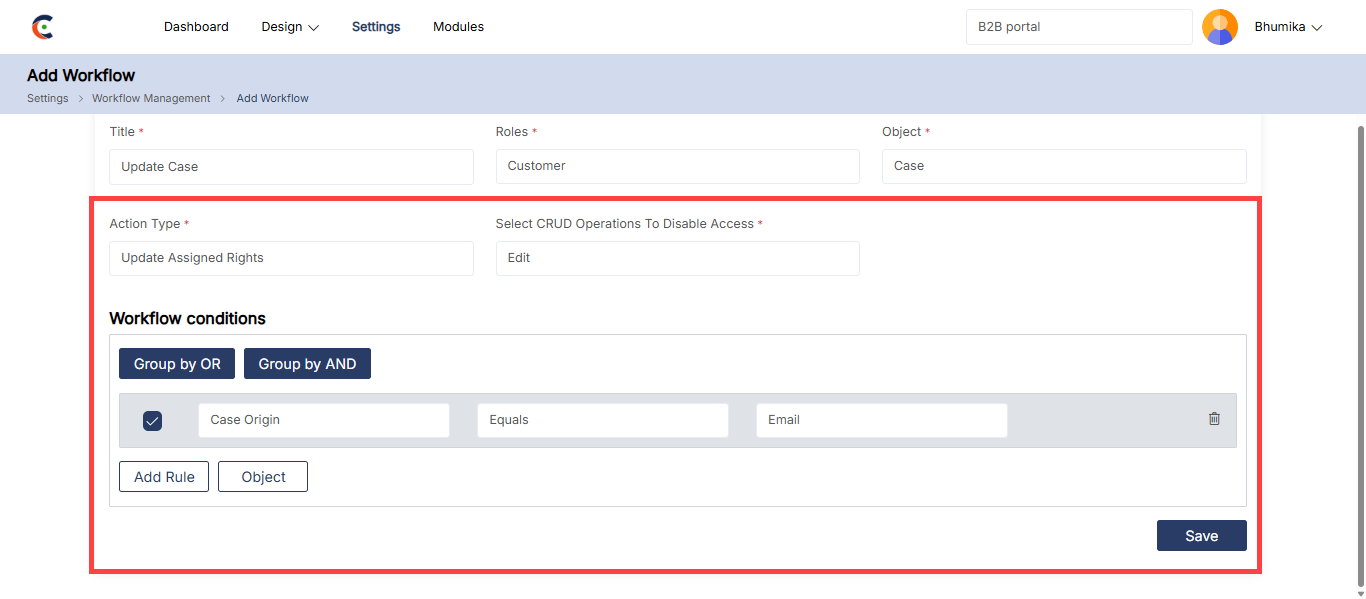
– Action Type: The Admin can choose the action type between Load Data and Update Assign Rights. [3]
Action Types:
1. Load Data: This action allows the Admin to filter and display only specific entity data in the customer portal.
– Data will be sorted and displayed in various formats (e.g., List view, Data card, Recent Activity, etc.) based on the rules Admin set.
– Select the fields, operators, and values to determine the data that portal users can view. [4]
2. Update Assigned Rights: This action type is used to manage portal users access rights (Edit, View, Delete) based on conditions. [5]
– For example: The Admin can restrict delete rights for certain records by setting specific conditions.
Setting Workflow Conditions:
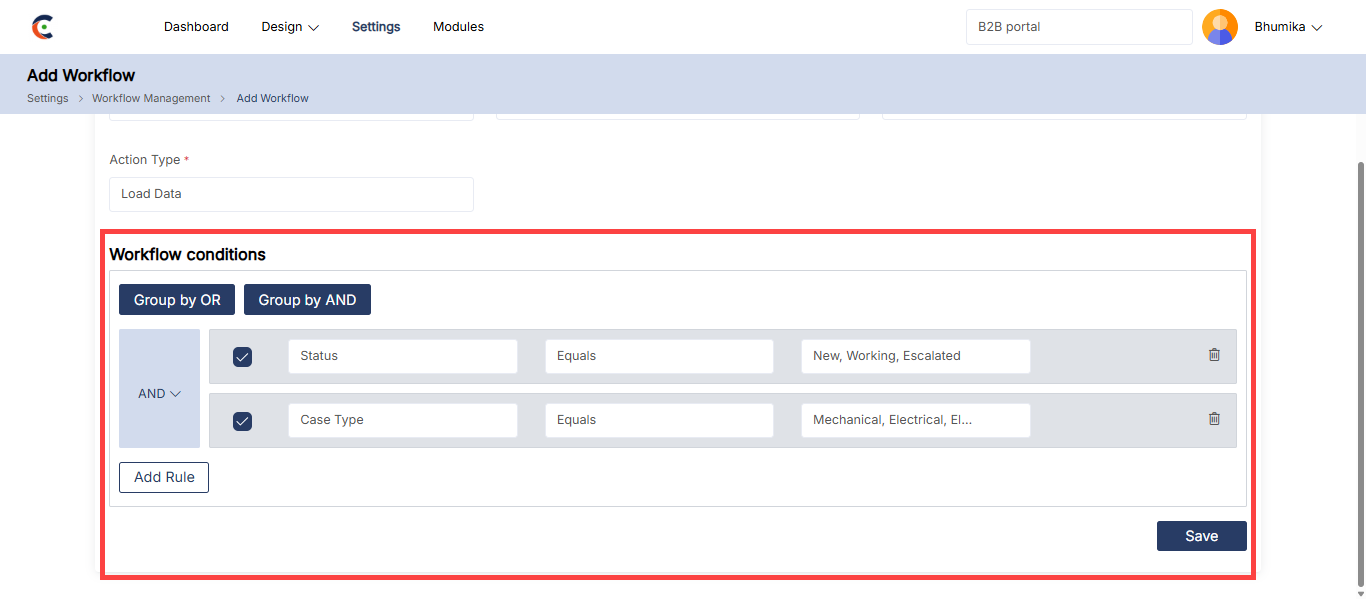
After selecting an action type, the Admin can set conditions based on the specific fields.
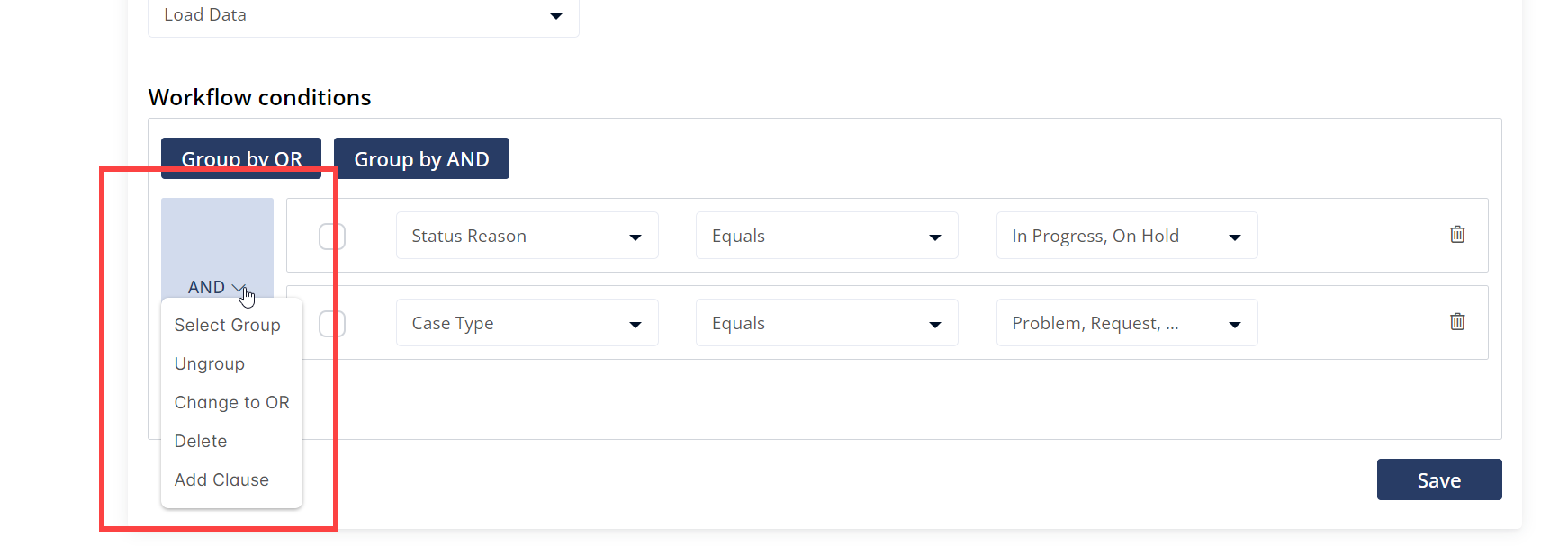
Admin can add multiple conditions and group them as needed. Using the AND/OR options, the Admin can ensure that portal users see data or have access rights only when specific conditions are met. [6]
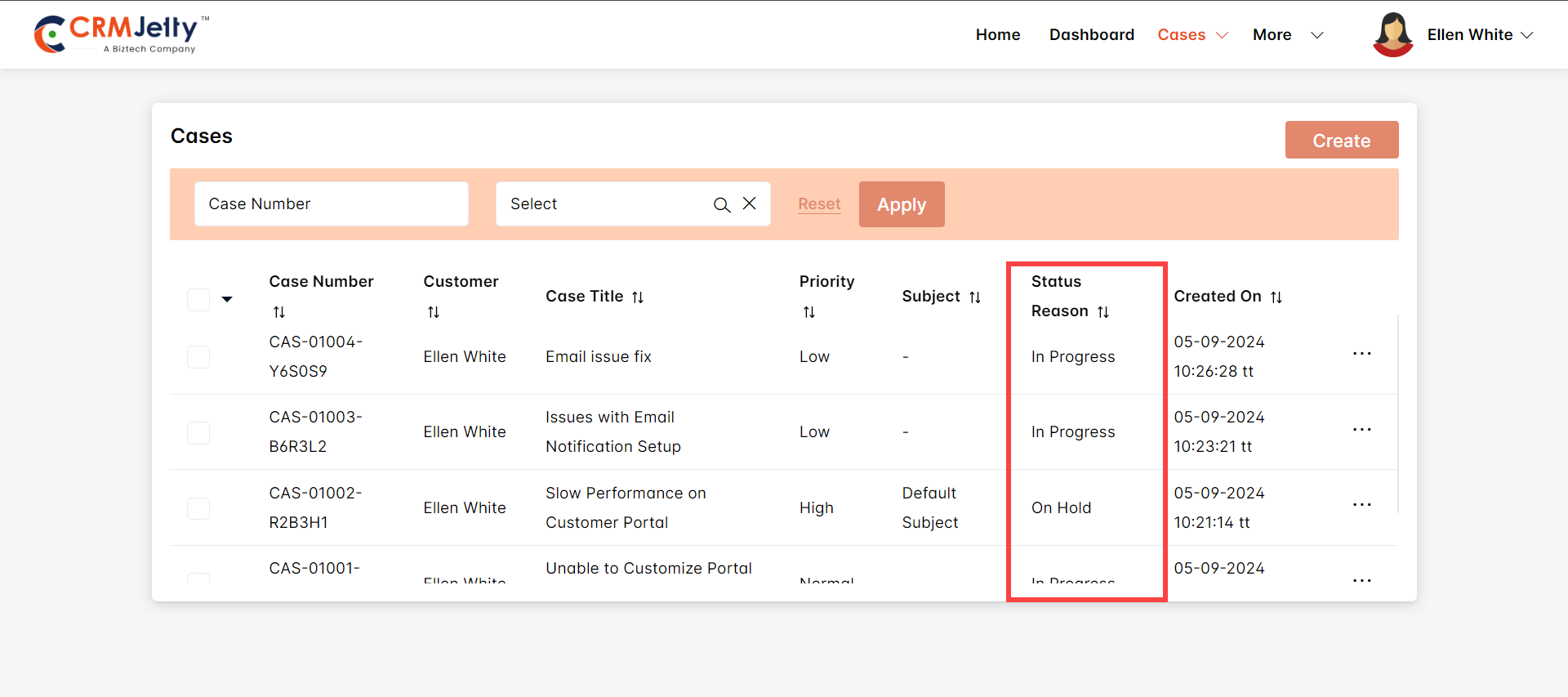
For example, if the Admin sets a condition to show only “In Progress” and “On Hold” cases, portal users will view only those specific records. [7]
Managing Rules with Group Options
Select Group
The Select Group option allows Admin to group multiple conditions together. This feature is useful when Admin wants to combine conditions using either the AND or OR logic, controlling how access rights or data visibility is managed for portal users. [8]
Ungroup
The Ungroup option enables Admin to separate previously grouped conditions. If the Admin no longer needs certain conditions to be treated as a unit, they can use this option to break them apart, allowing individual conditions to be managed independently. [8]
Change to OR
When using the AND logic by default, selecting Change to OR modifies the conditions to be evaluated with an OR relationship instead. This means that if any of the conditions are true, the action (like granting access) will be executed. [8]
Delete
The Delete option allows the Admin to remove any existing condition or group of conditions. This is useful when certain conditions are no longer relevant or need to be changed entirely. [8]
Add Clause
The Add Clause feature provides Admin with the ability to insert a new condition into an existing rule set. This ensures flexibility by allowing new criteria to be added without disrupting the existing rules structure. [8]
Enabling Workflows
– To apply a workflow to a page, navigate to Design > Page, open the page in Edit mode, configure the widget, and enable the workflow.
– Admin can apply workflows to various widgets like Case Deflection, Chart, Counter, Data Card, etc.
– Admin can assign workflows to a page by navigating to Design > Page. First, the Admin should configure the appropriate widget on the page and ensure that the workflow is enabled.
– Workflows can be applied to various widgets, including Case Deflection, Charts, Counters, Data Cards, and more.
Workflows in Forms and List Builders
– Workflows can also be assigned at the field level in forms and list builders, particularly for lookup-type fields. Ensure that the lookup field is related to an entity with an active workflow.
Widget Classification
– Widgets may support either “Load Data Workflow” or both “Load Data” and “Update Assigned Rights” workflows:
– Load Data Only: Supported by Charts, Counters, Knowledge Base, and Case Deflection widgets.
– Both Workflows: Supported by Lists, Data Cards, Recent Activity, and Forms widgets.
Step-by-Step Workflow Example
Scenario: Configuring a Workflow for High-Priority Cases
The Admin needs to configure a workflow that displays only “High Priority” cases on the case details page, ensuring that only these cases are visible to the support team and they cannot be deleted.
1. Create a New Workflow
– Title: “High Priority Case”
– Roles: Assign the workflow to the “Support Team” role.
– Object: Select “Case” as the object .
2. Action Types
Load Data:
– Condition: Select the “Priority” field, set the operator to “Equals,” and choose “High” and “Urgent” as the values. This ensures that only “High Priority” and “Urgent” cases are visible to portal users.
Update Assigned Rights:
– Condition: Set the “Priority” field to “High” and “Urgent.”
– Action: Disable the “Delete” option. This prevents portal users from deleting cases marked as “High Priority” or “Urgent.”
3. Assign the Workflow
To implement the workflow, navigate to Design > Page, edit the relevant page, and enable the workflow in the widget settings.
After configuring this workflow, assign it to the case details page. Once assigned, only “High Priority” cases will be visible to the support team, and the option to delete these cases will be disabled.
Object Configuration
The Admin can enable or disable an object in the portal using the object Configuration feature. Object configuration is necessary when the Admin adds a new object to the CRM. To enable the object for the portal, select specific CRM objects and drag and drop them into the Portal Object section.
Note: Before configuring the object , Admin must first sync the CRM with the portal.
Enabling or Disabling an Object
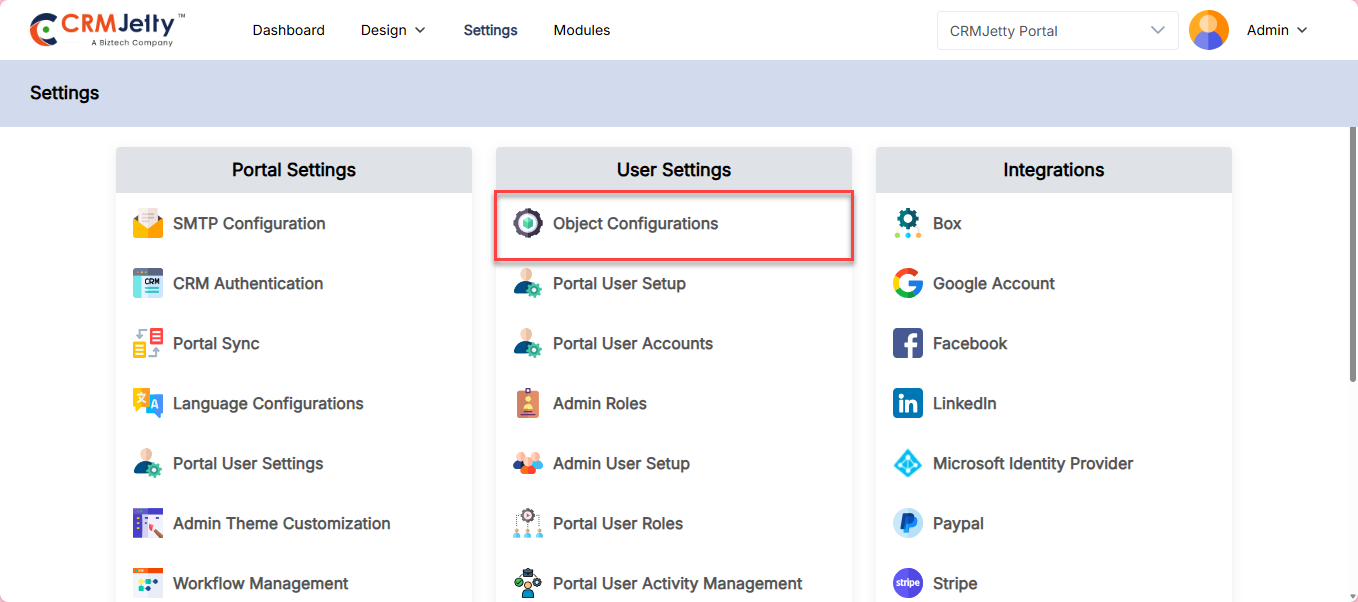
To sync an object , navigate to Settings > User Settings > Object Configurations. [1]
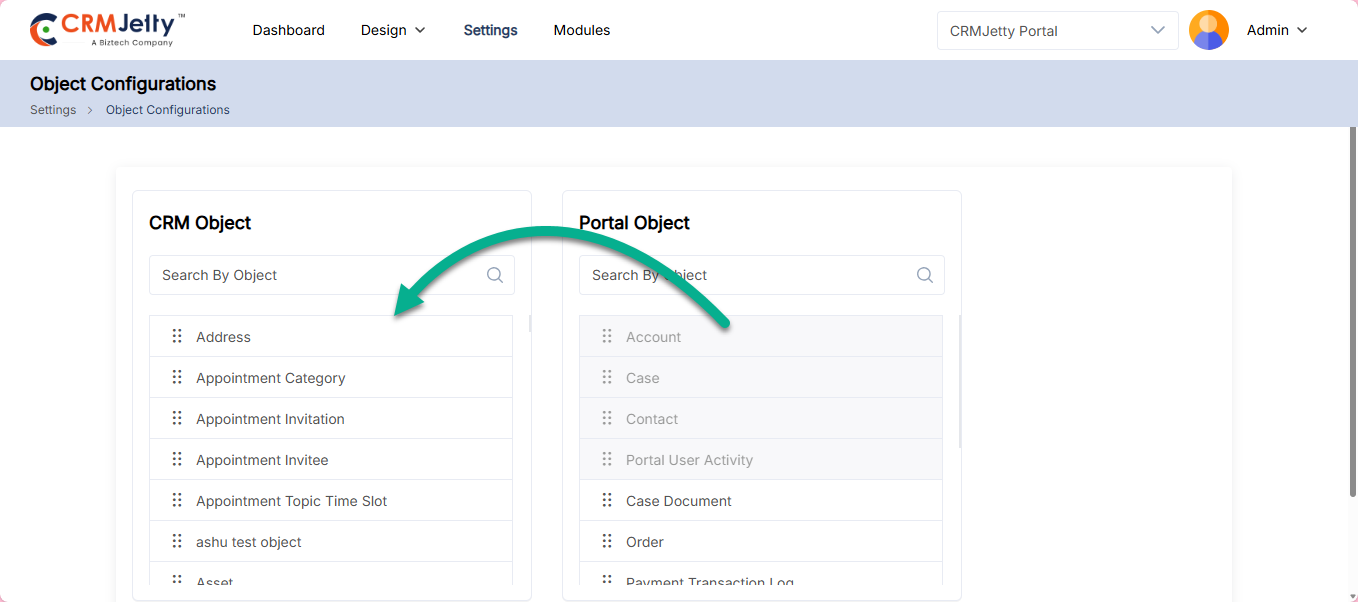
In this section, Admin can drag and drop “CRM Entities” into the “Portal Entities” section to sync them between the CRM and the portal.
Admin can search for a CRM object by name or manually drag and drop it into the portal object section.
Once the configuration is complete, click the “Save” button to add the CRM object to the portal.
Note: If an object does not appear in the CRM object list, Admin should first synchronize the CRM with the portal. Once the synchronization is complete, the object will be visible in the CRM object list.
If an Admin wants to remove an object from the portal, they can simply drag and drop the portal object into the CRM object list. This action will remove access to that specific data through the portal.
Note: If an Admin removes an object from the portal, it will no longer be accessible through the portal. Additionally, this specific object cannot be used in lists, forms, pages, etc. However, certain entities like cases or content cannot be removed, as they are primary entities required to manage the portal.
Language Configurations
Admin can manage and customize the languages used in the portal to ensure it meets users preferences. To set up languages for the customer portal, follow these steps:
1. Navigate to Language Configuration:
Go to Settings > Portal Settings > Language Configuration. [1]
2. Enable Multi-language Support:
On this page, Admin can enable multi-language support for the portal. CRMJetty Portal provides support for 41 languages. [2]
Note: In CRM language only shows the language which is enabled into the CRM system.
The list of available languages includes:
– English
– Arabic
– Basque
– Bulgarian
– Catalan
– Chinese (Hong Kong S.A.R.)
– Croatian
– Czech
– Danish
– Dutch – Netherlands
– Estonian
– Finnish
– French – France
– Galician
– German
– Greek
– Hebrew
– Hindi
– Hungarian
– Indonesian
– Italian (Italy)
– Japanese
– Kazakh
– Korean
– Latvian
– Lithuanian
– Malay – Malaysia
– Norwegian (Bokmål)
– Polish
– Portuguese – Brazil
– Romanian
– Russian
– Serbian (Cyrillic)
– Slovak
– Slovenian
– Spanish – Spain (Modern Sort)
– Swedish
– Thai
– Turkish
– Ukrainian
– Vietnamese
Admin can enable any of these languages in the portal by dragging and dropping the respective language from the CRM Languages section to the CRMJetty portal Languages section. [3]
3. Save Configurations:
After making the necessary changes, click on the Save button. [4]
Note: English is the default language and cannot be disabled.
Multi-Language
Navigating to Multi Language, Admin will be able to configure the labels for multiple languages. [5]
The first step is to Select Language for the respective labels. [6]
Further, choose Portal, CRM or Admin from the dropdown menu of Select Language Label.
– Portal: Select this option in order to change the label in the portal. [7]
– Once Admin selects this option then Admin will get the list of the default text of the message which is currently displaying in the portal. [8]
– On the right side Admin will get the value tab. Admin can insert the translated value of the default text on the left side. [9]
– CRM: If Admin select this option then Admin can change the language for all object text labels present in that CRM. Select the object from dropdown [10]
– For example: we have selected Case CRM.
Now all the default text in the case CRM will be loaded below.
– Admin: If Admin selects this option then Admin can change the language for all the text labels present in that CRM. [11]
Admin can insert the translated value for the default text on the left side.
After configuring the language, click on the ”Save” button. Now multiple languages are enabled in the Admin portal. [12]
Import Text labels:
Admin can also import translated text labels:
1. Export Template
First, the Admin needs to click on the Export Template button. The template file will be downloaded into the Admin system. [13]
2. Add Translations:
The template file will have information like Text Key, Default Text, and Language Specific Text. Admin has to add the translated text in the Language Specific Text column. [14]
3. Import the file:
After adding the details in the sample file, Import the file. The value will be populated with translated labels. Now, the Admin has to “Save” the settings to make it work properly. [15]
Auto Translate:
– Admin can also auto-translate the labels rather than translating each label manually. There is one button on the top right corner of the language setting named Add Google Translate key. [16]
– Once the button is clicked, insert the Google Translation key. [17]
– Click on the “Save” button and Admin Key will be saved successfully.
Note: The Admin must enable the “Translate API” from Google developer console for the website domain (portal domain).
Once Admin have inserted the Translate API key, Admin are able to Auto Translate the Portal labels by selecting the language(s).
Now, click on the ‘Auto Translate’ button, to translate all the labels at once based on the language selection. [18]
Now, save the labels to make it work on the portal. [19]
Admin can as well remove all the labels at once by clicking on the “Clear All” button and then, Admin can see all the fields would be cleared. [20]
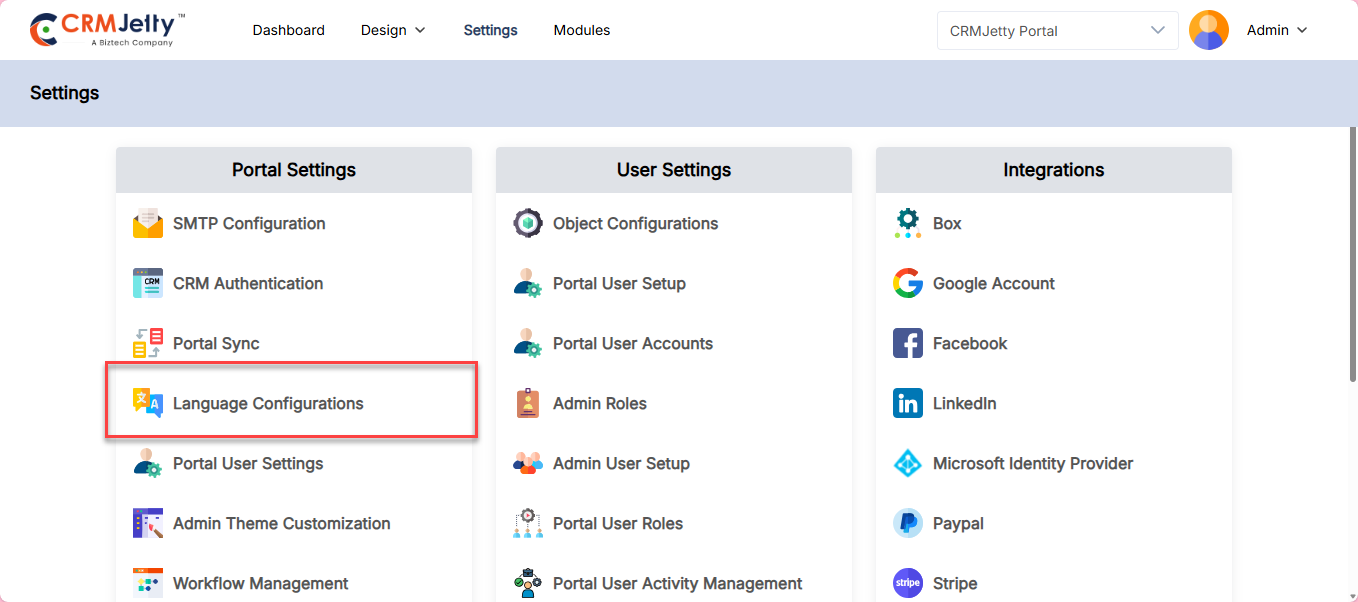
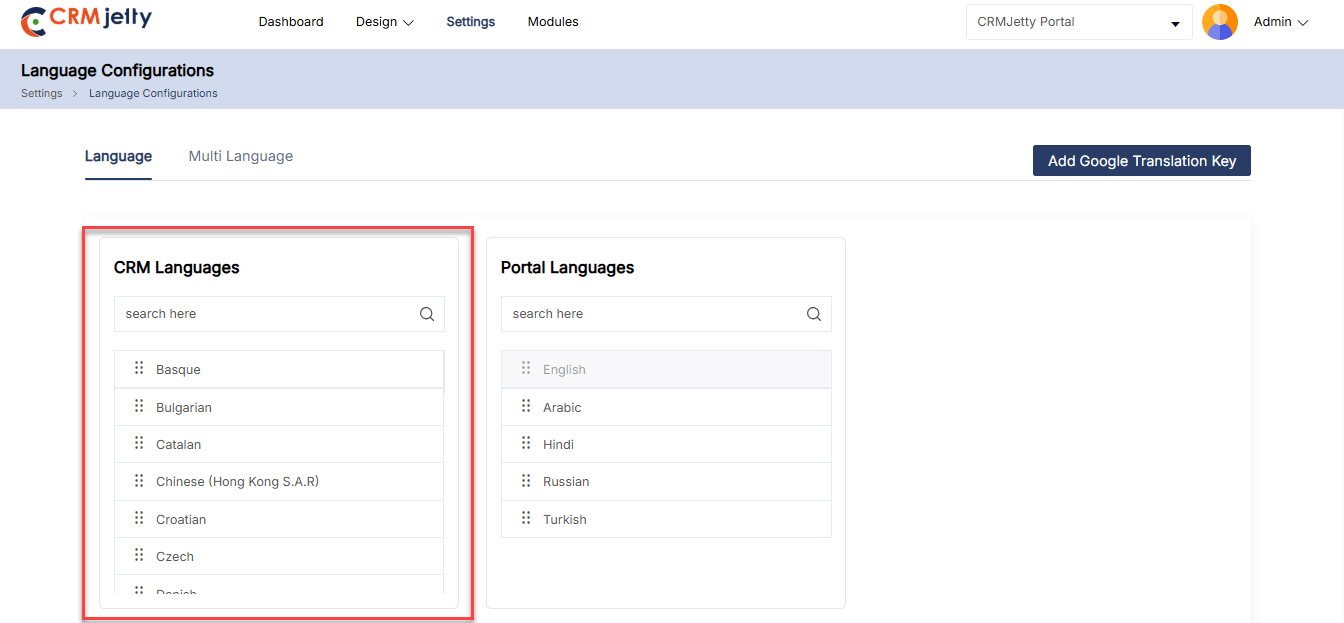
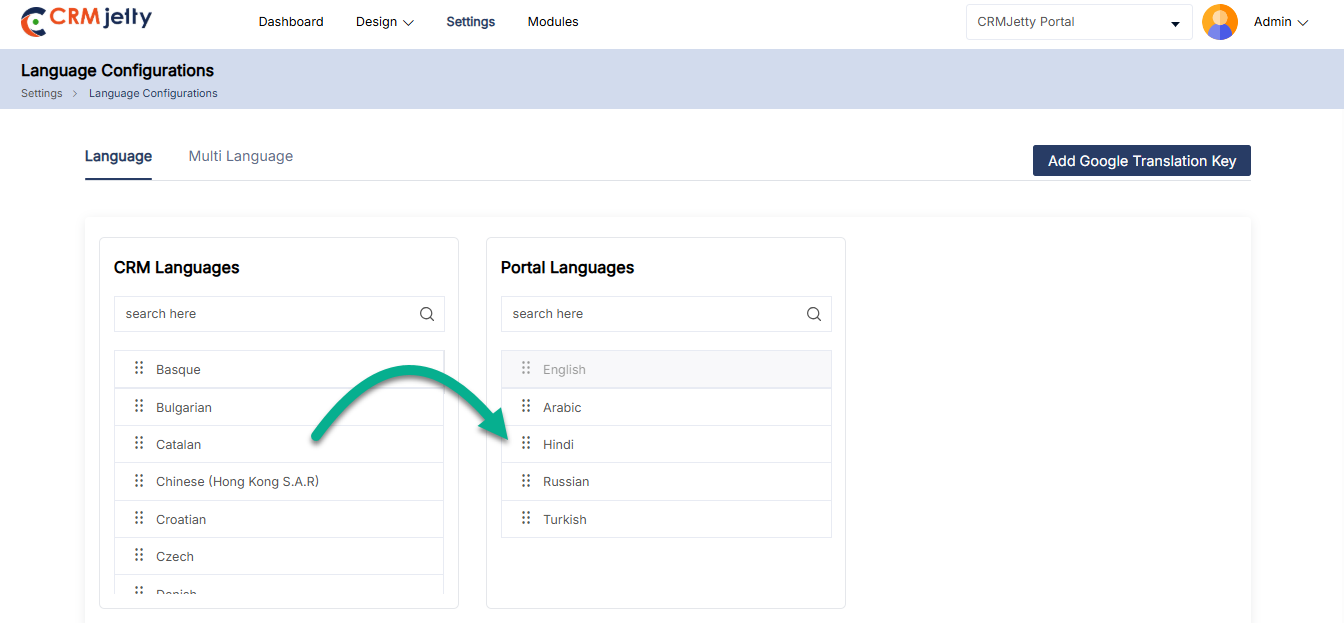
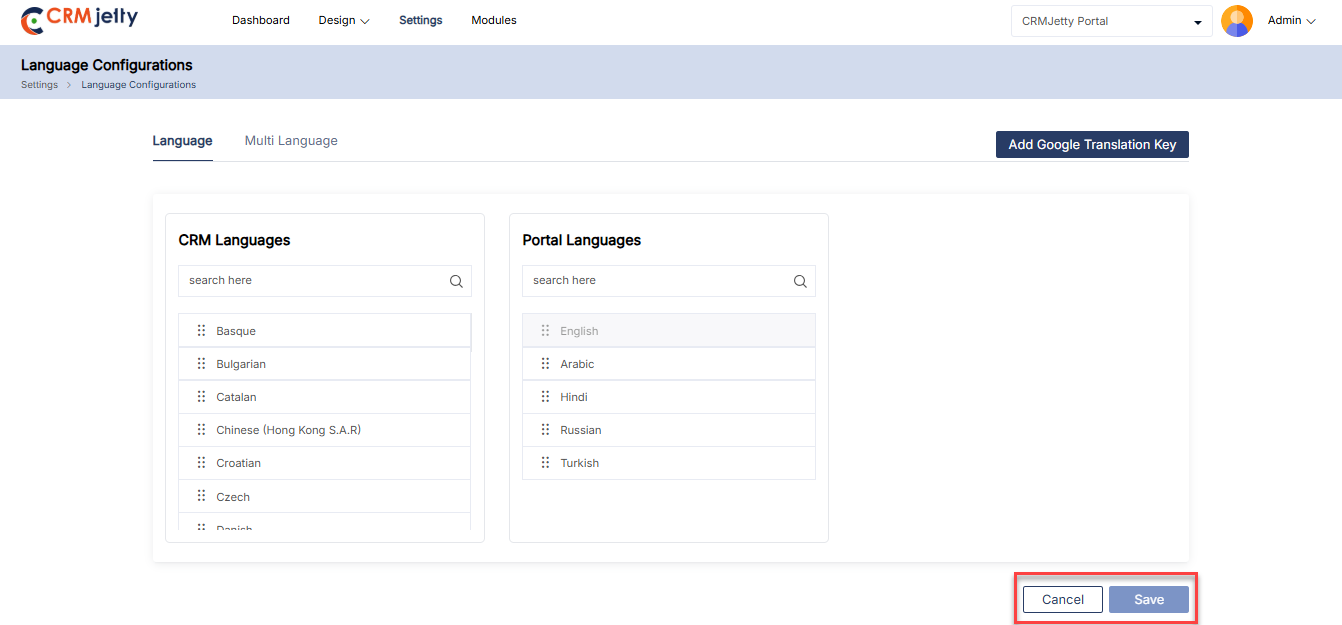
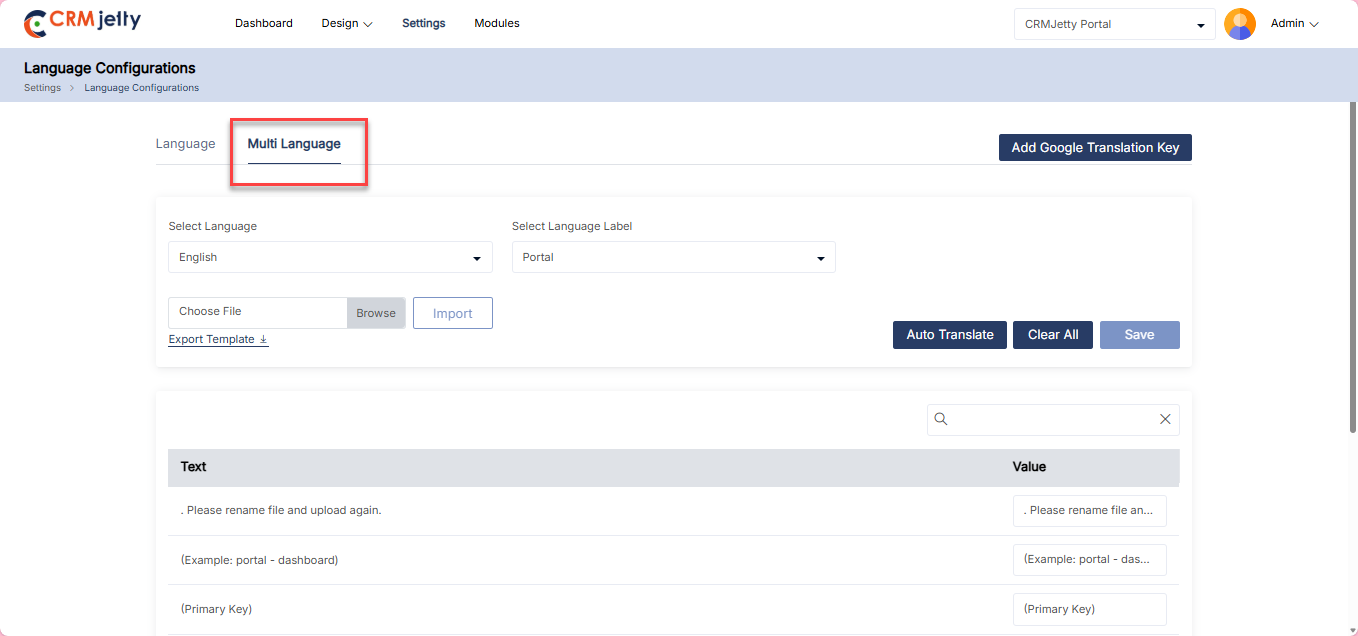
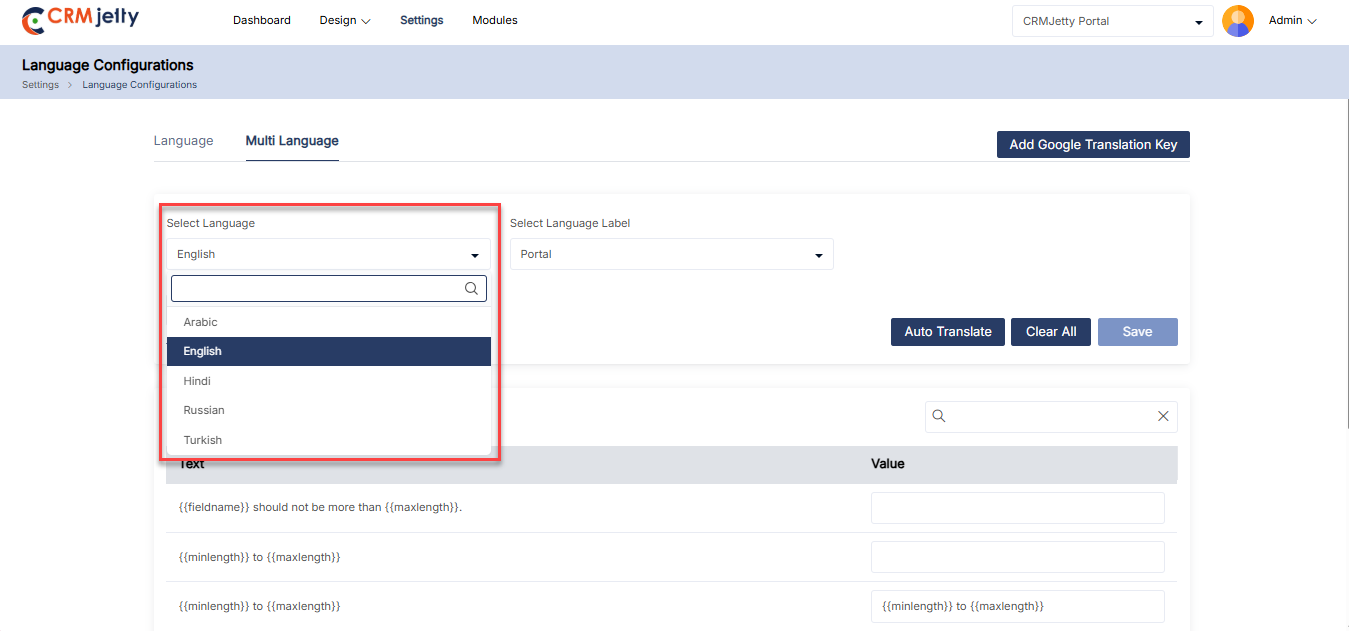
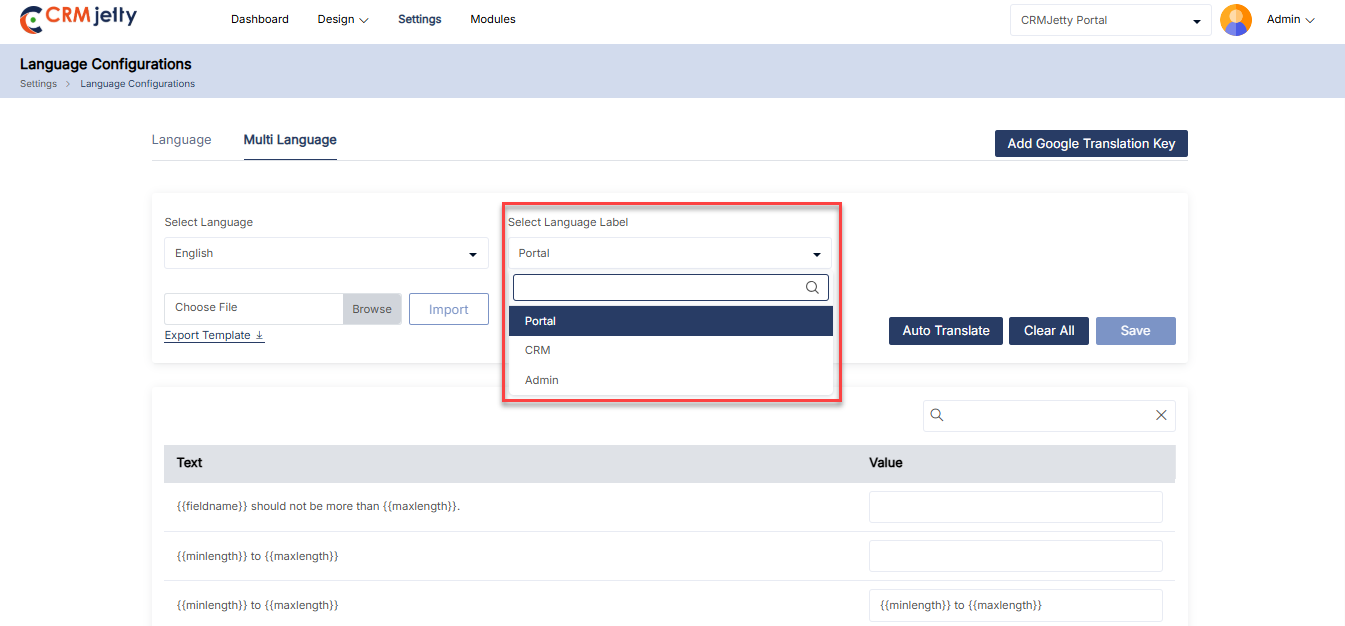
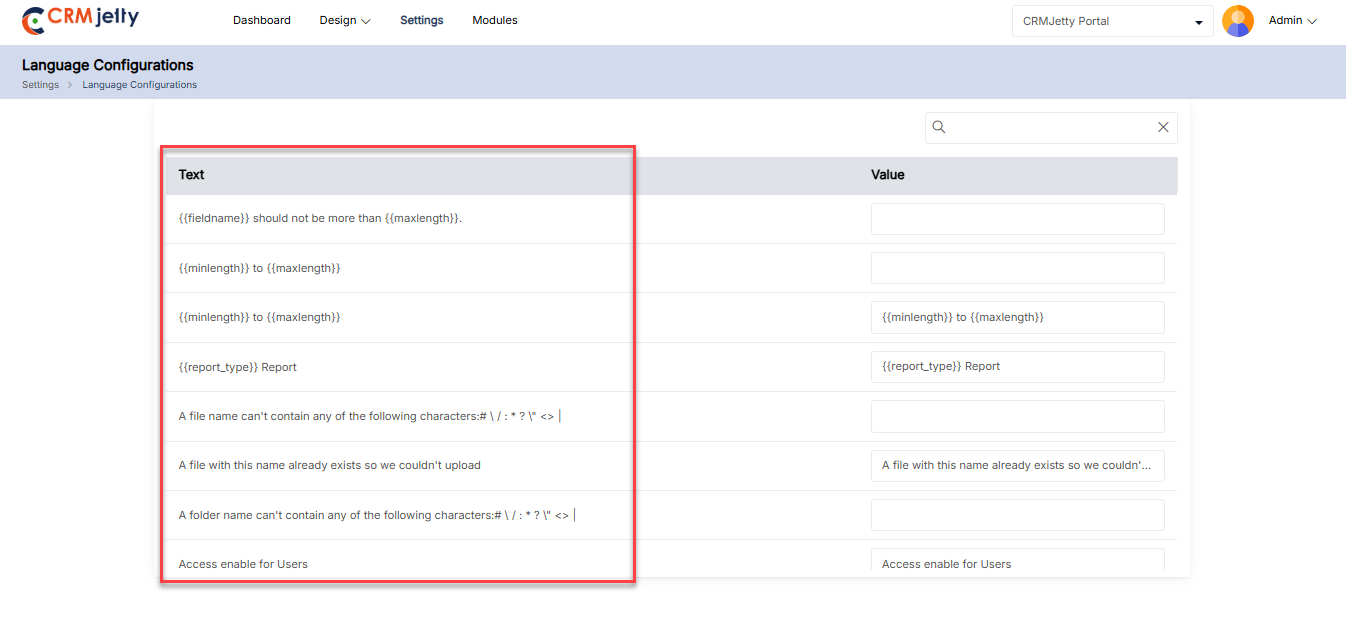
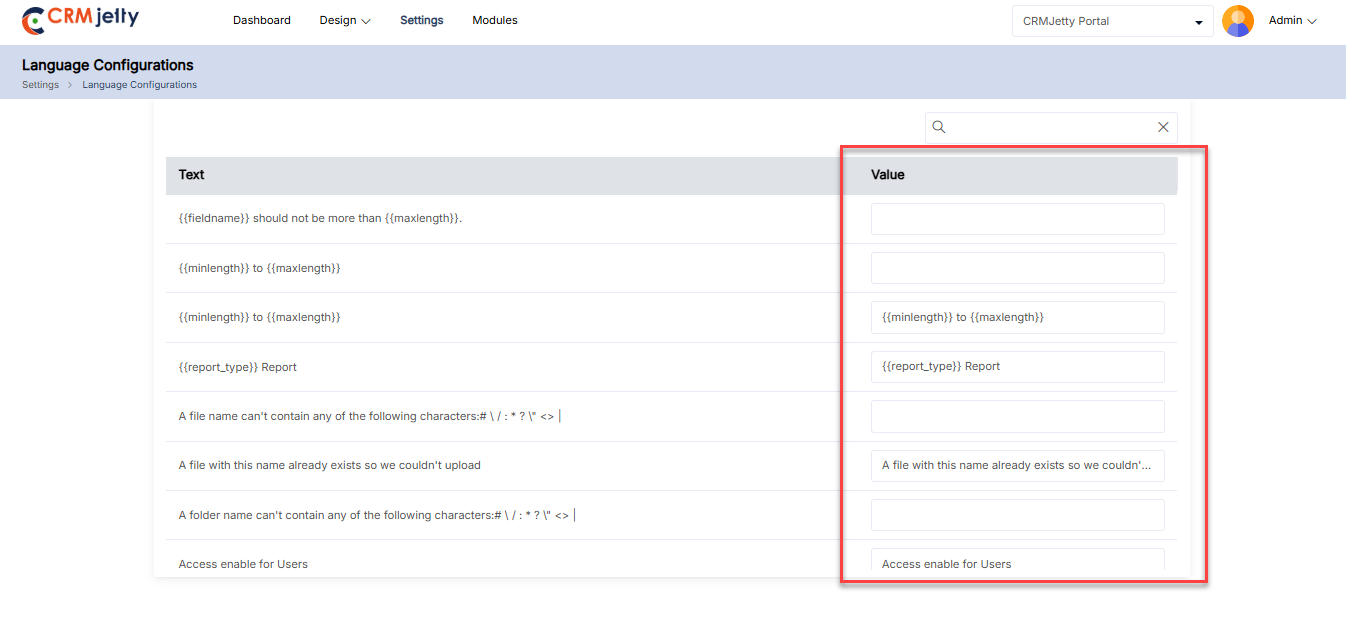
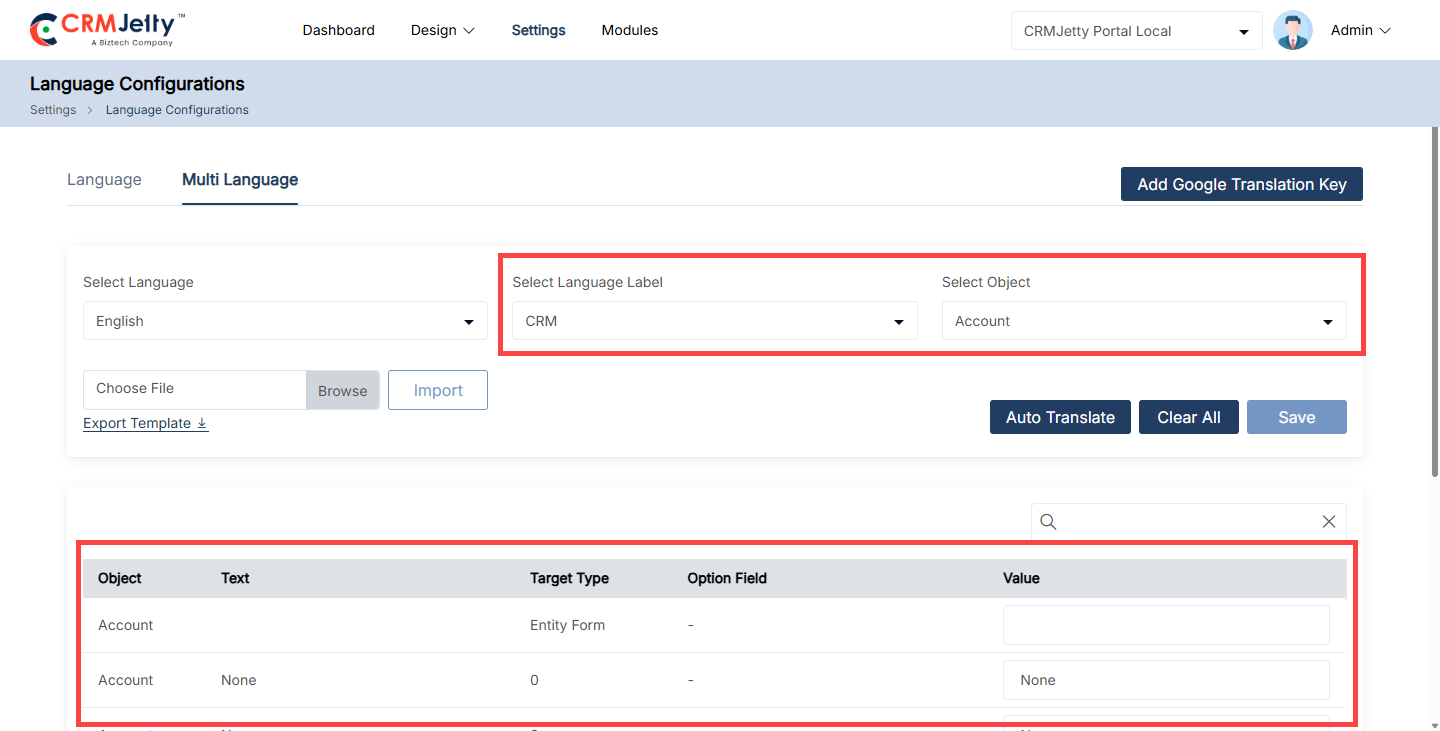
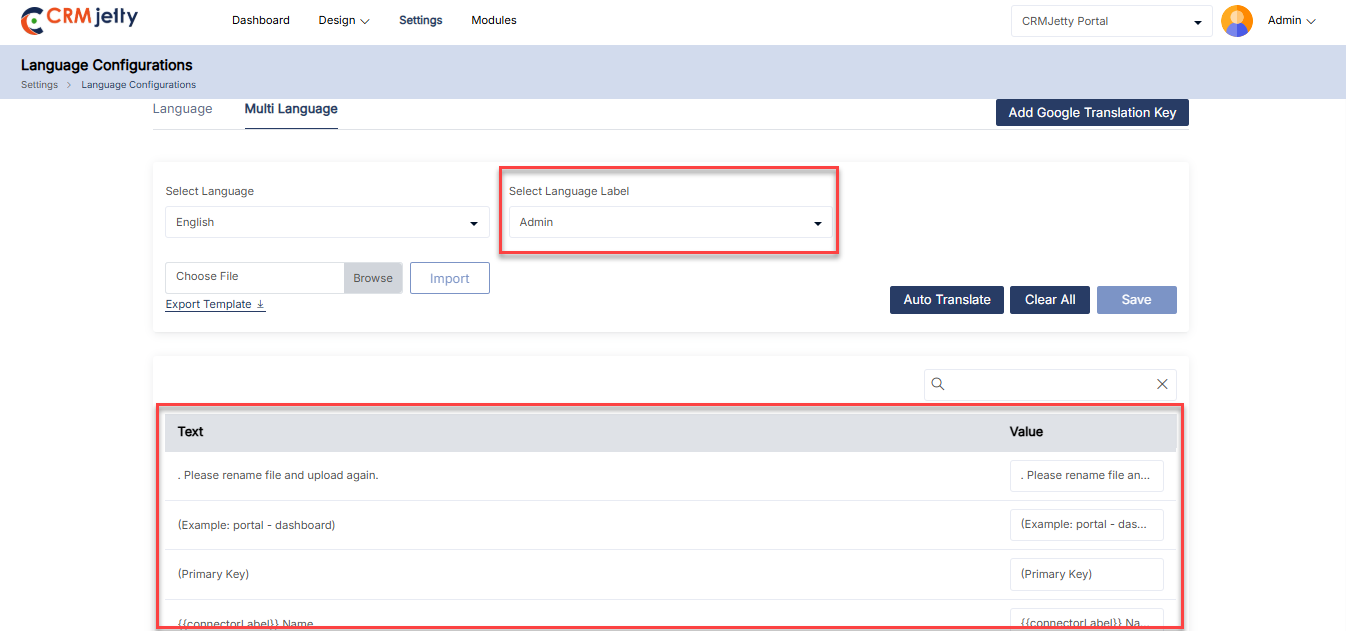
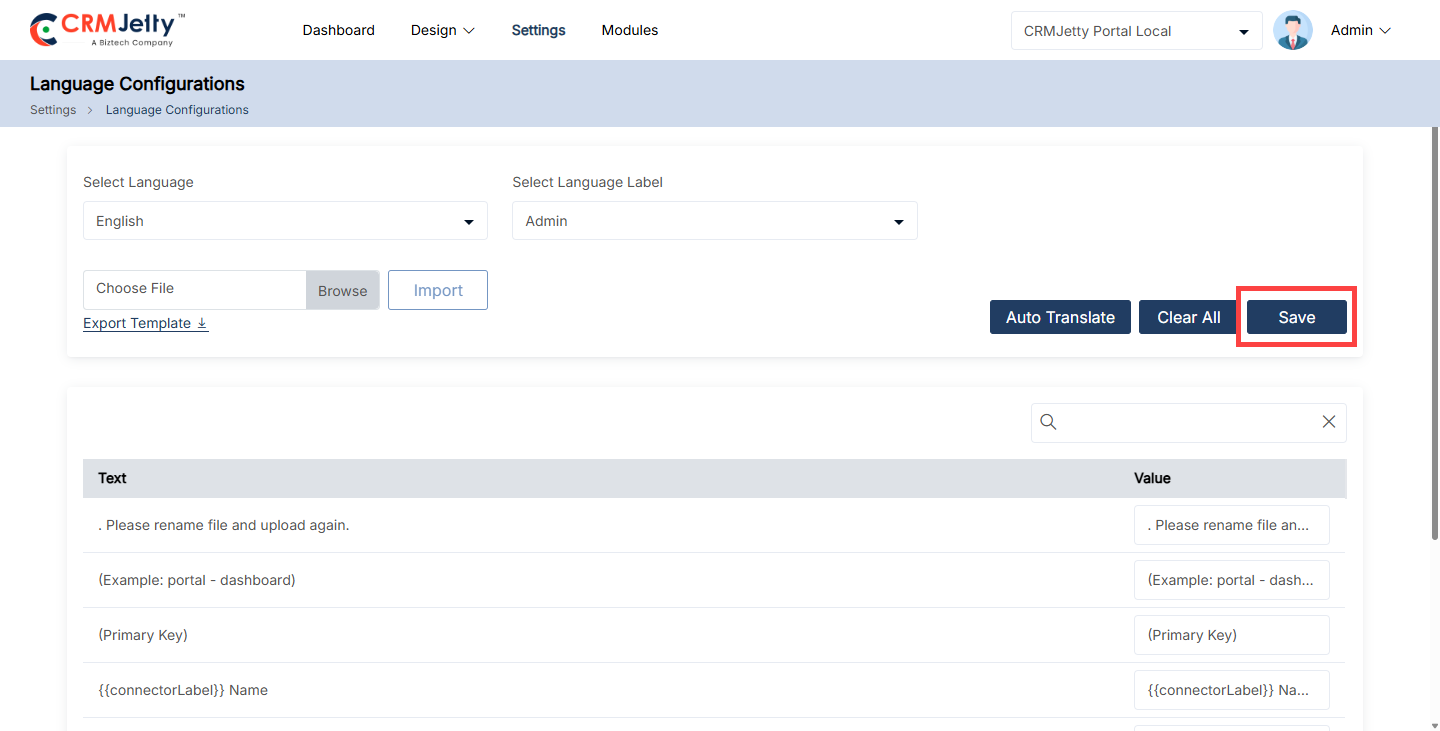
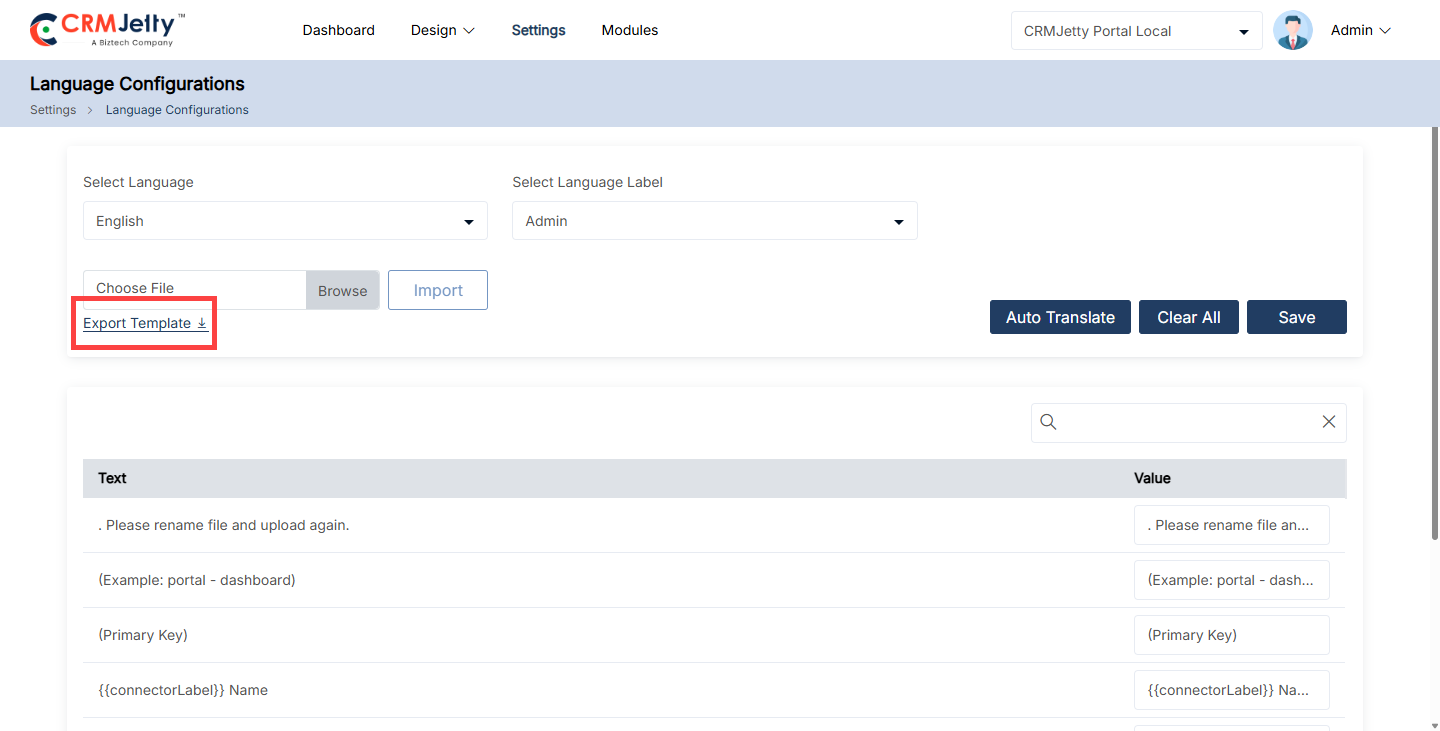
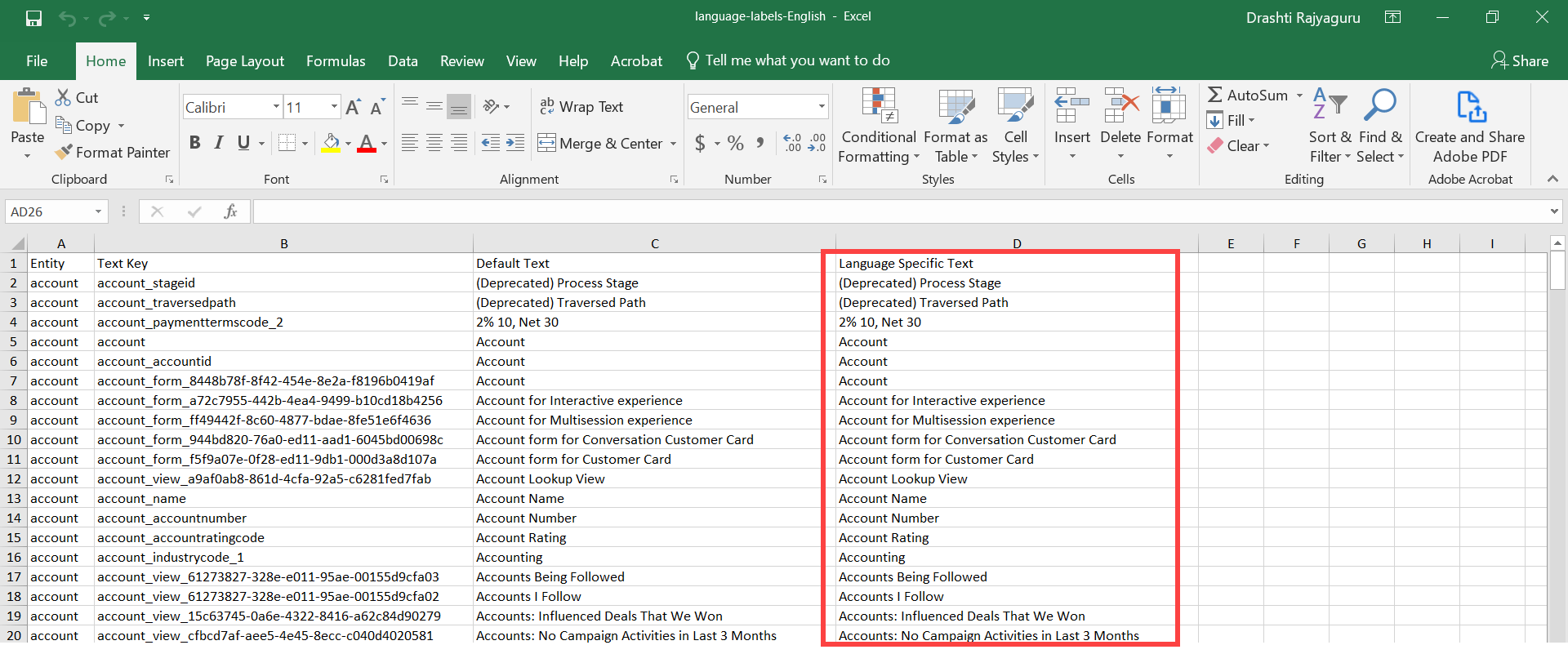
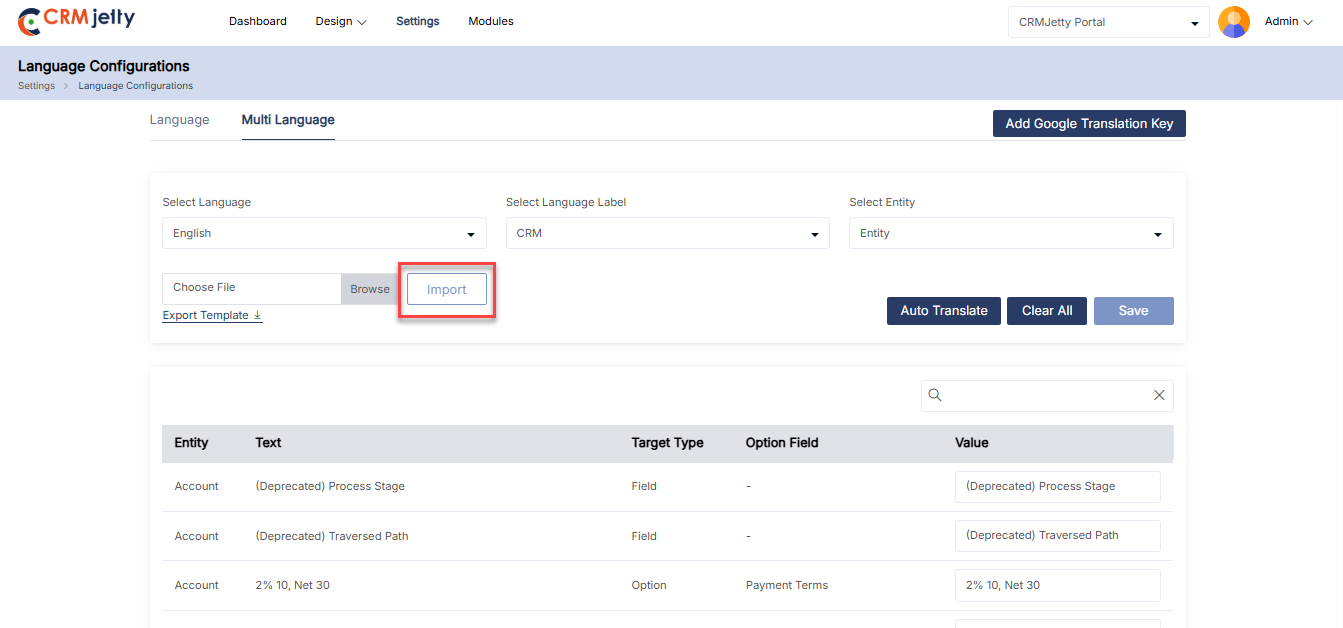
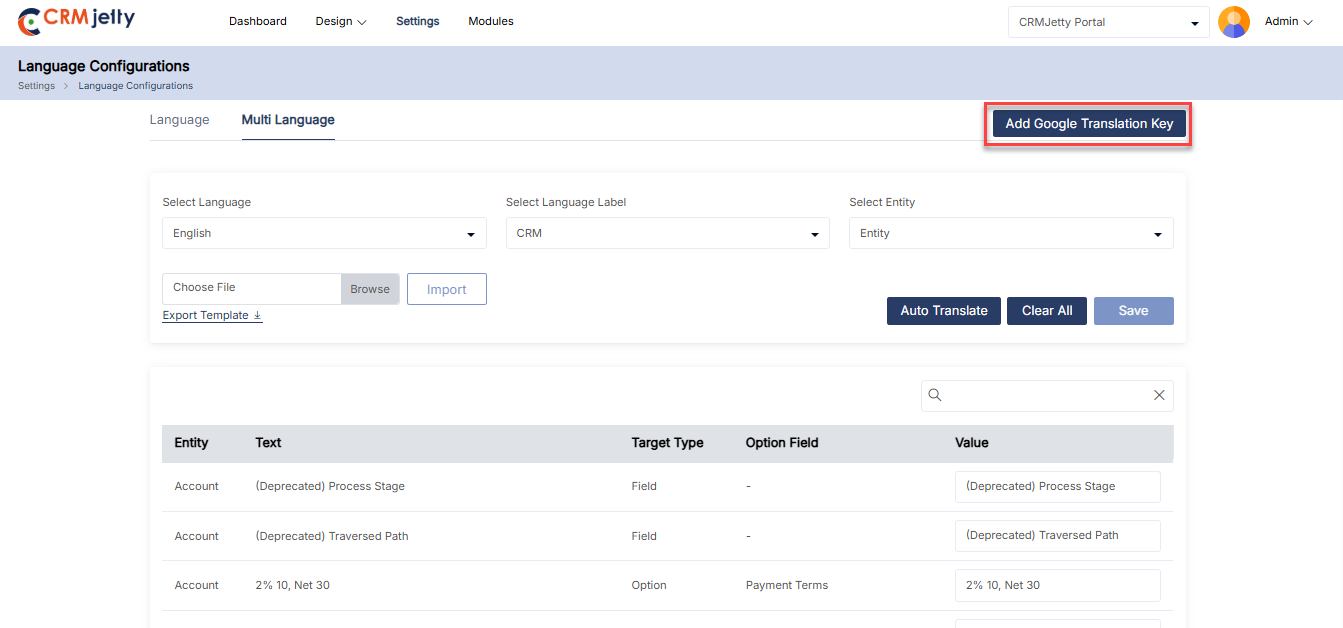
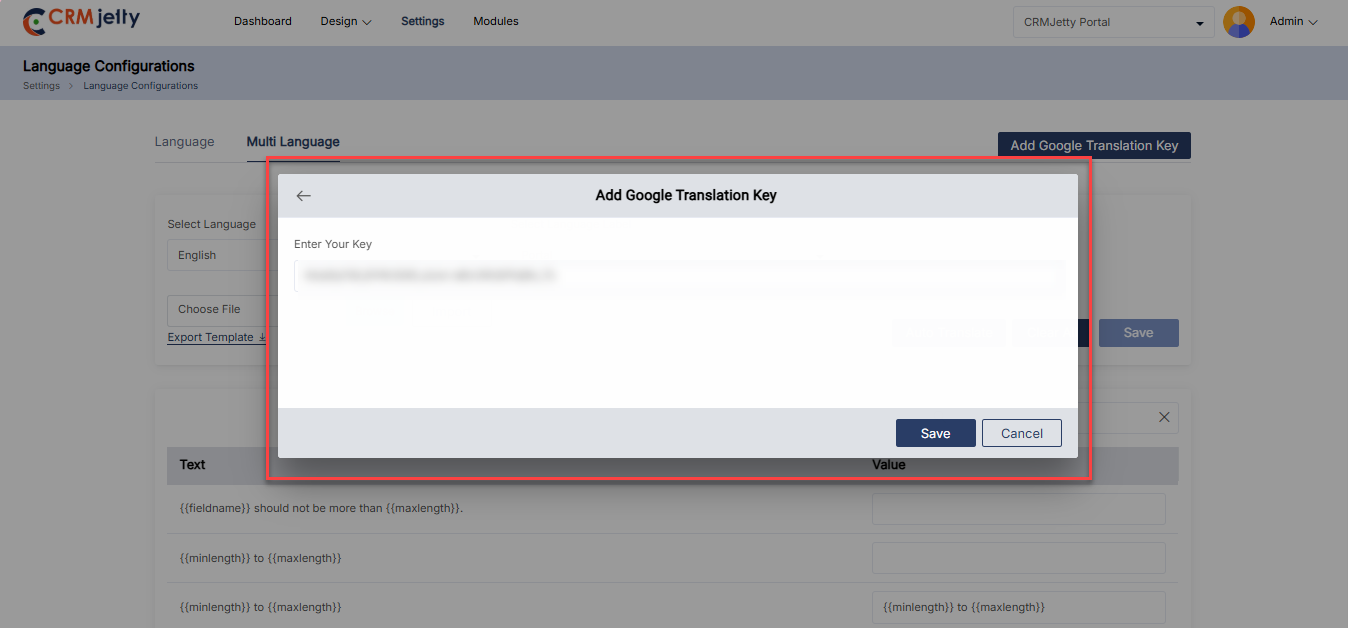
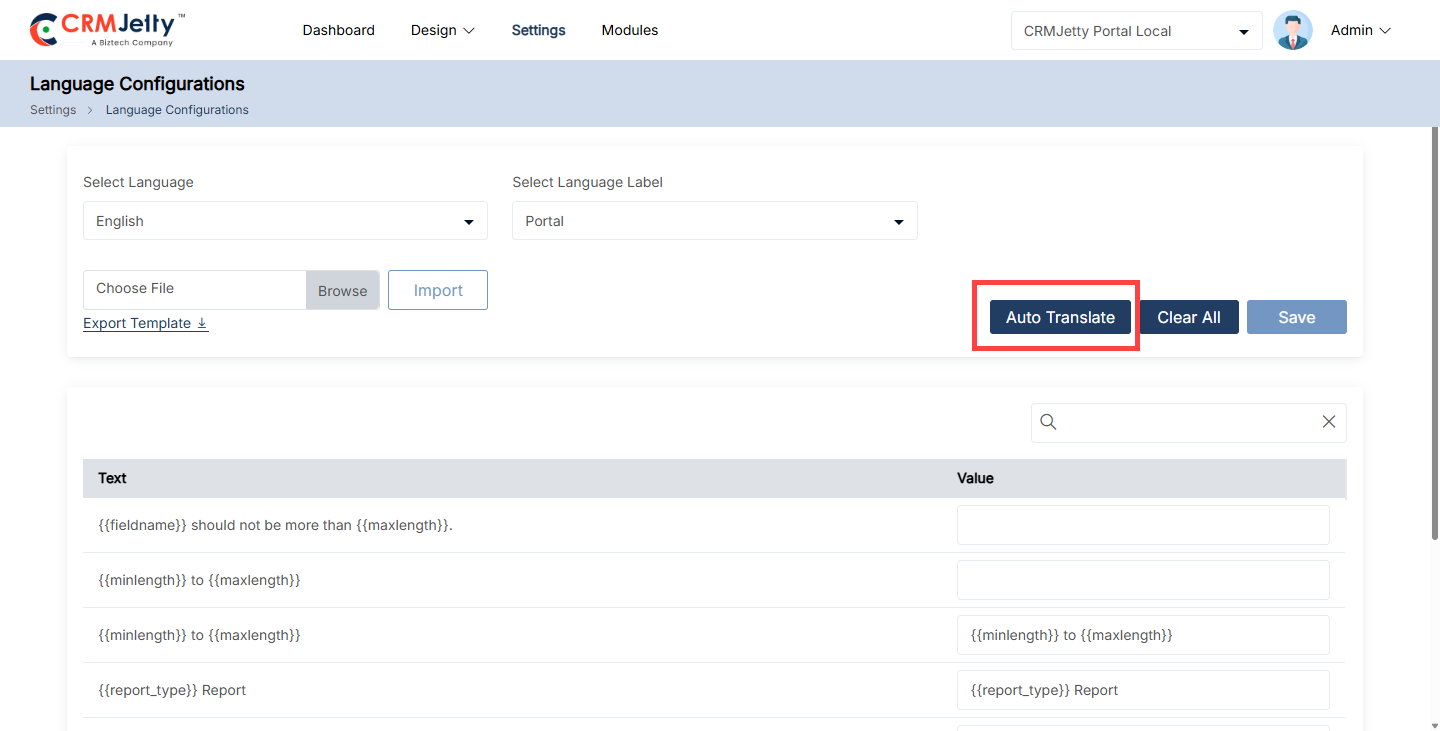
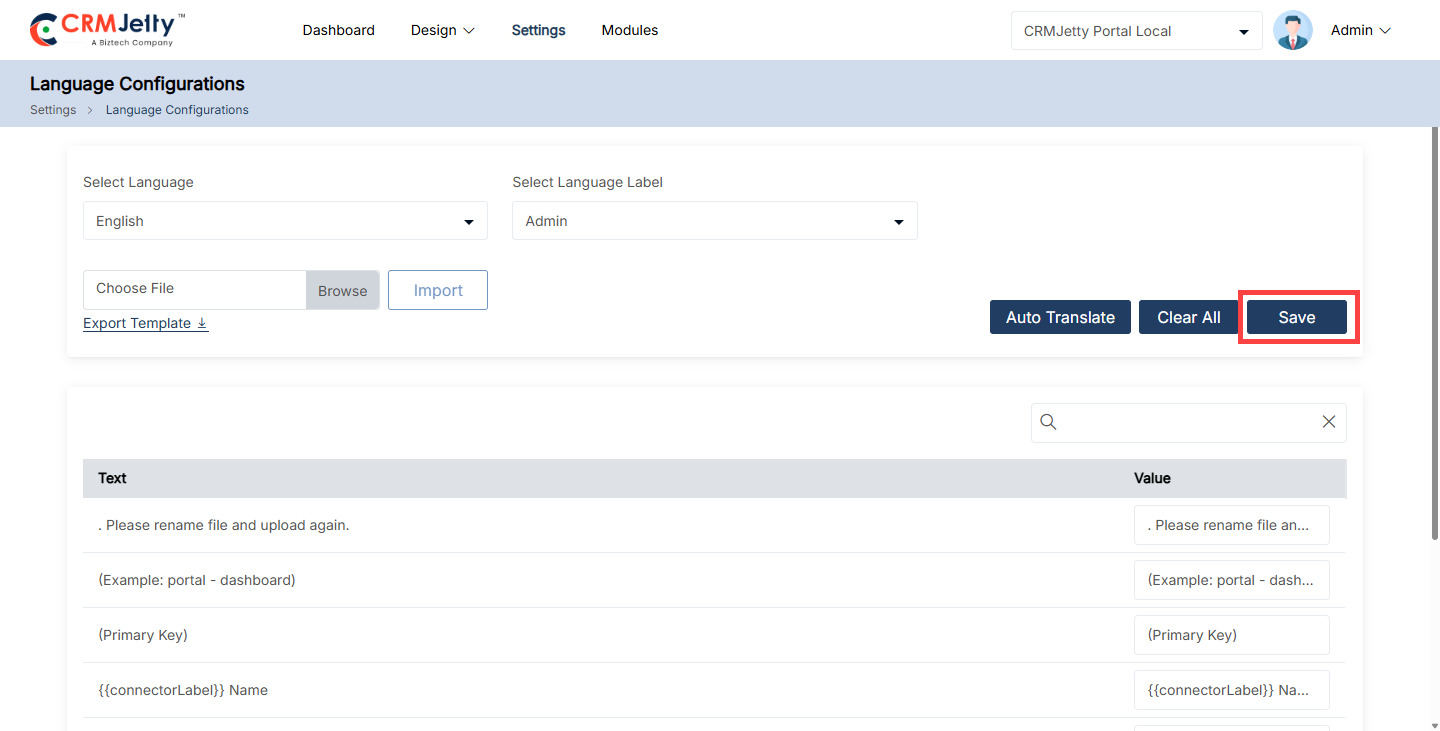
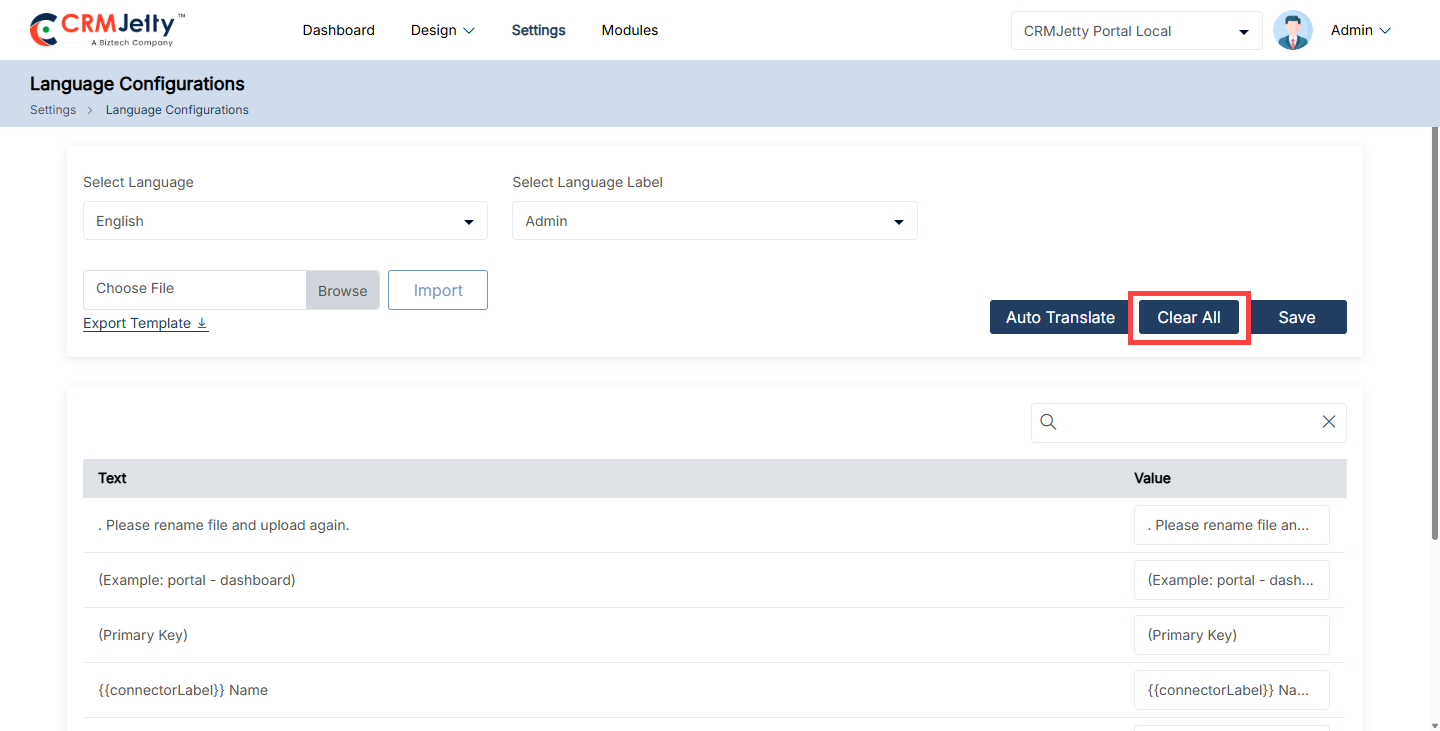
List Builder
CRMJetty allows Admin to design and configure the listing view for various entities. Admin can create, edit, preview, and publish lists that will be used in page builders. The dynamic layout of the list view can be designed using CRM fields.
The List Builder enables Admin to create, duplicate, delete, filter, preview, and translate list views. To access these features, Admin need to navigate to Design > Lists. [1]
On the listing page, Admin can view the following columns: Title, Status, Language, Owner, Object, and Created On dates.
The Admin can apply filters based on Title, Status, and Object. Additionally, the Admin can use Advanced Filters to further refine the list data.
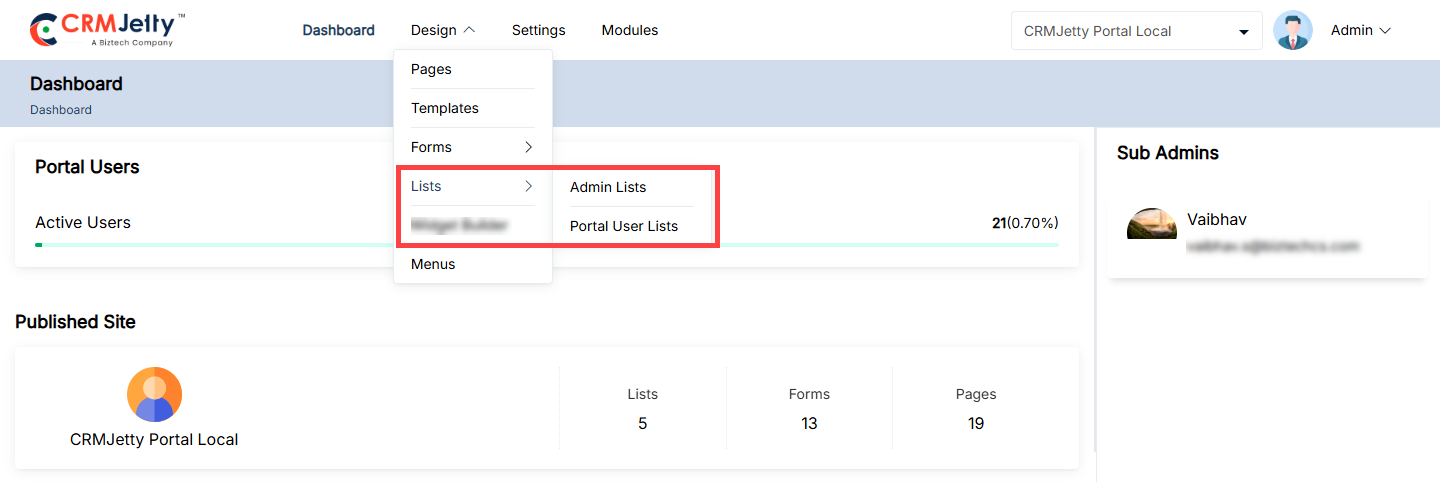
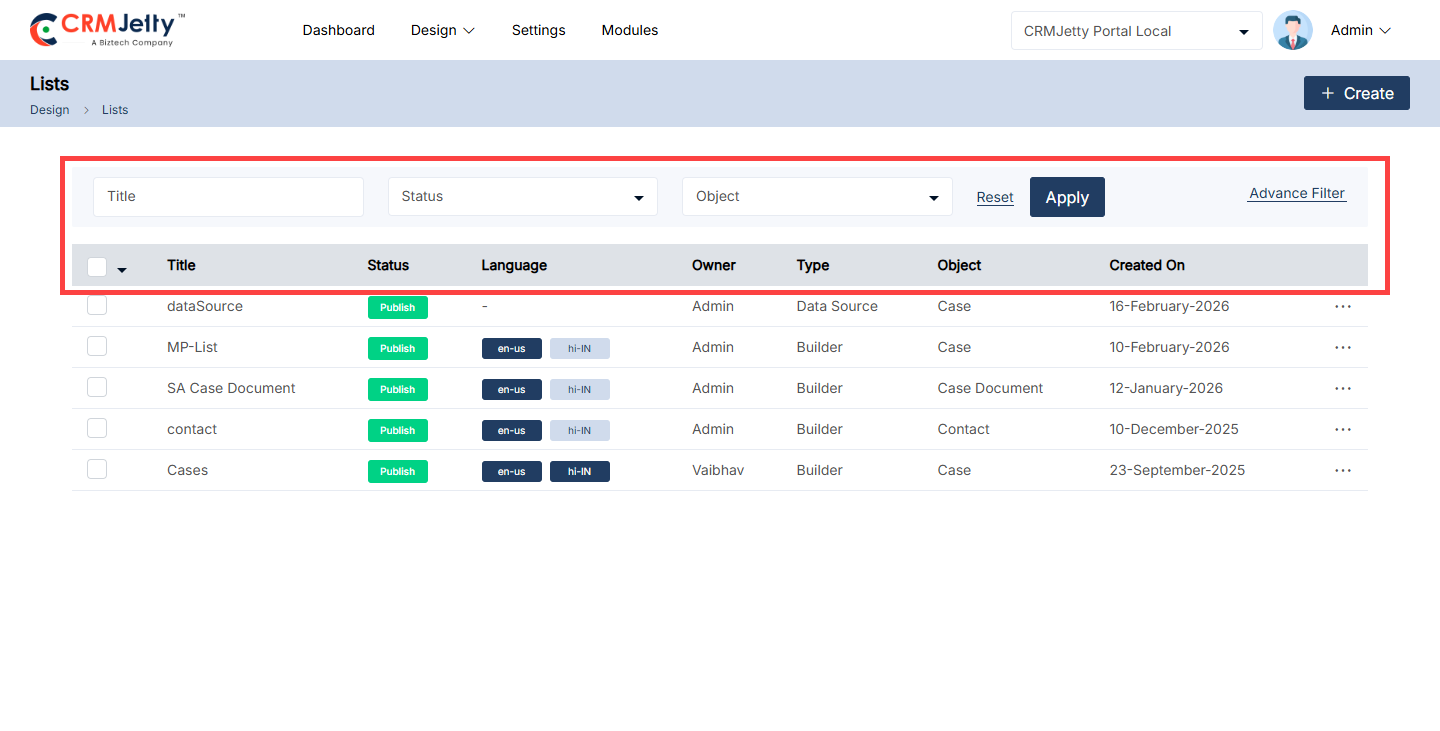
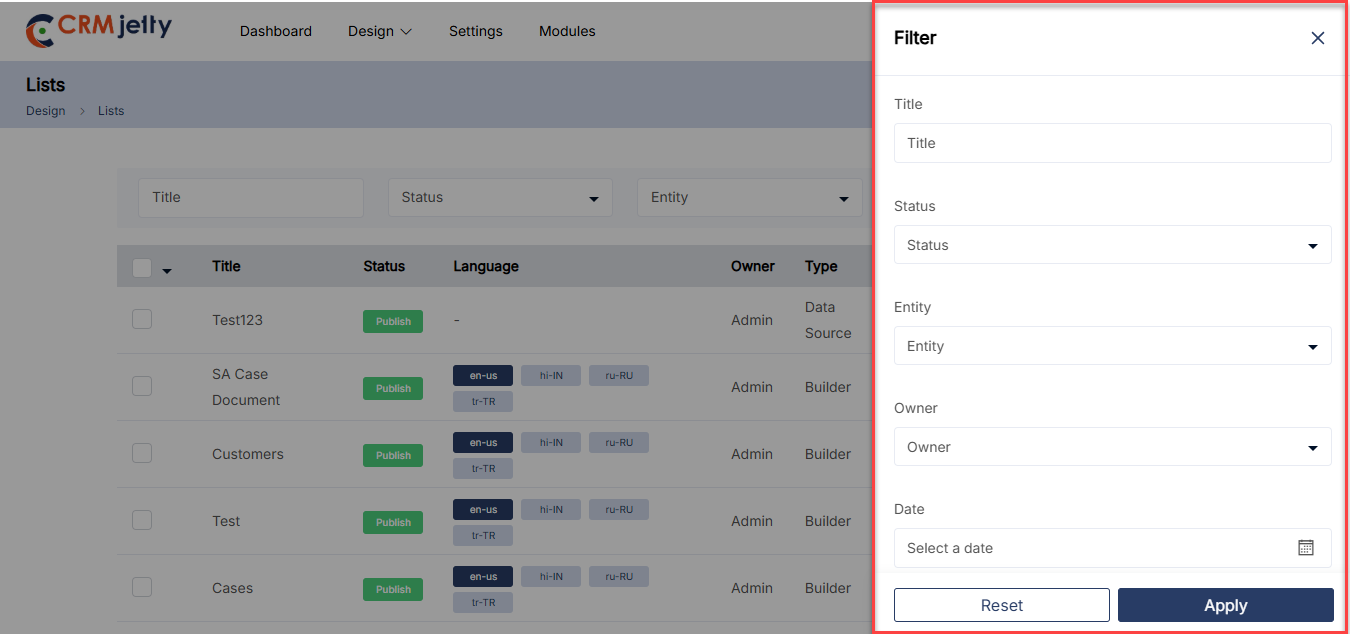
Creating a List Layout
Admin can create a listing page for any object. By clicking on the + Create button, a popup will appear where the Admin needs to insert the ‘Title’ of the list page.
Click on the “Save” button to design the listing page layout. This will redirect the Admin to the List layout design page.
First select the Type from available options Data sources or the Builder. Admin can not configure the fields if the Data sources type is selected.
Select the Object form which admin wants to create the list.
From the right side, Admin can either create a new list view or use an existing ready list from the CRM.
Select the creation method from the dropdown:
– Create New: The Admin can choose the “Create New” option to build a list from scratch.
– Use Existing: The Admin can select the “Use Existing” option to utilize a list that has been already created in CRM.
– Use All: Use All fields form the selected Object. [2]
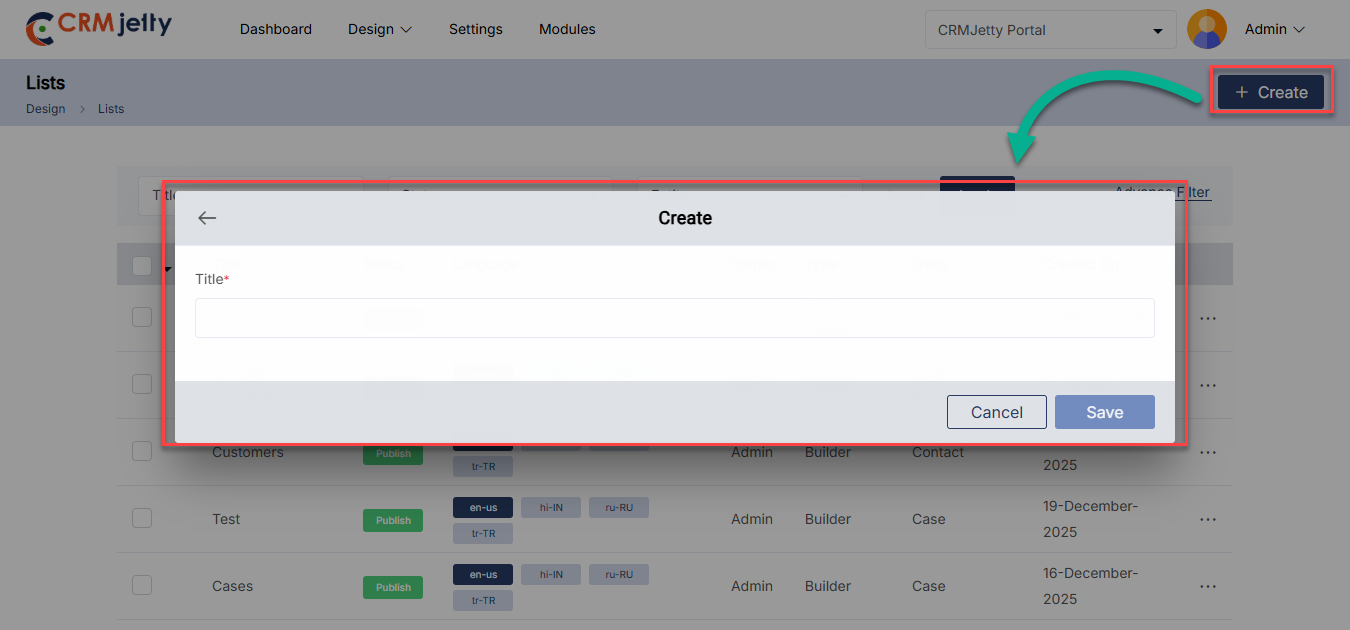
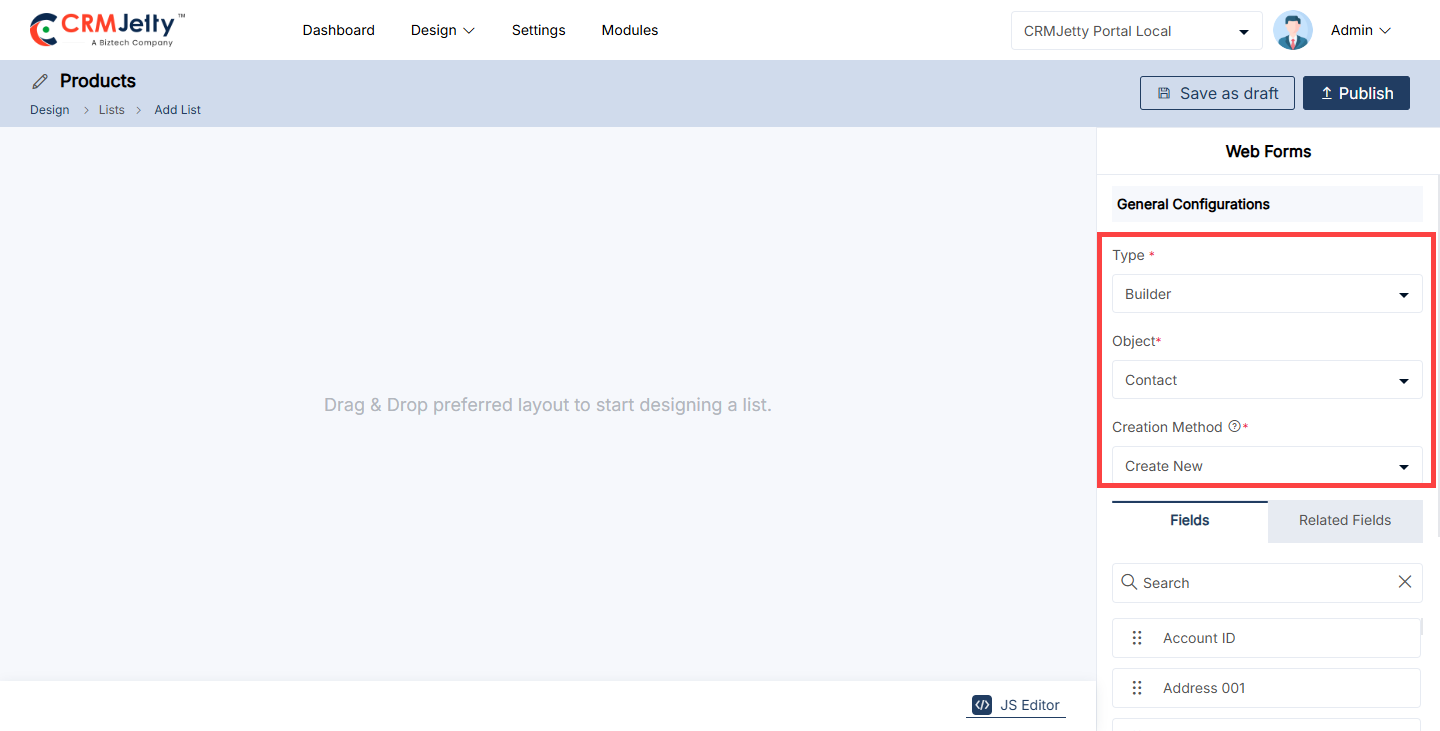
Create New List
After selecting the “Object”, Admin will see a list of fields enabled from CRM. The required fields can be drag and drop from the right to the left to add columns to the list.
The Admin also can add Fields from the Related Fields that relate to the following Object. [1]
By clicking on the Settings icon, the Field Name and Data Type of the field will be displayed. The Admin can also edit the field details. [2]
After configuring the list, Admin can either save it as a “Draft” or “Publish” it.
– Draft: For internal use, editing, and review. Not visible to portal users. [3]
– Publish: Final version; once published successfully, it can be used by Admin while configuring the list widget in the page builder. [4]
Note: Admin cannot use draft lists while configuring the page; the list must be published to be used in the page builder while configuring the “list widget”.
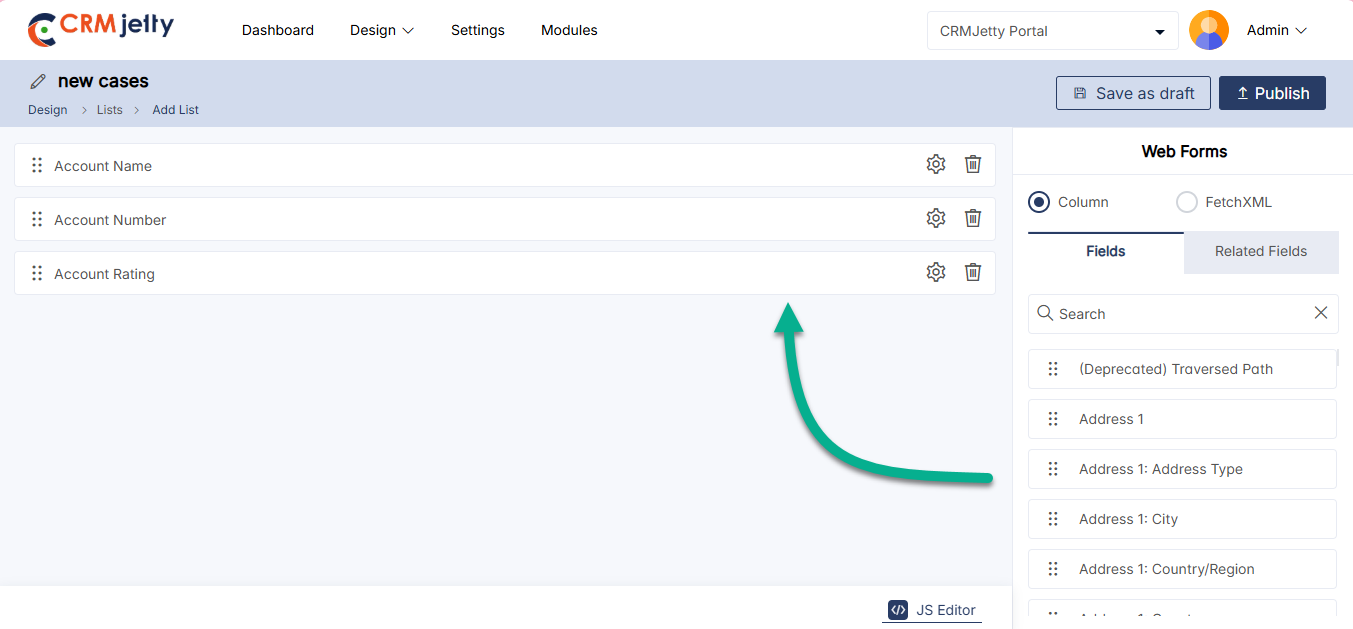
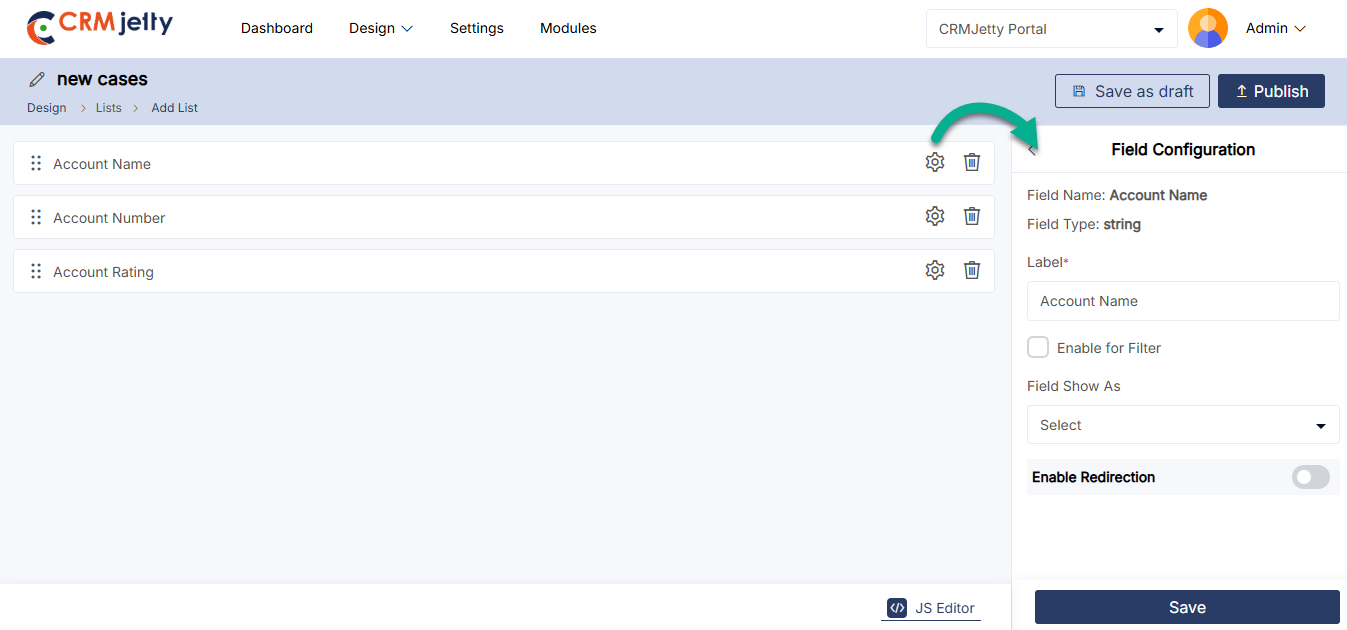
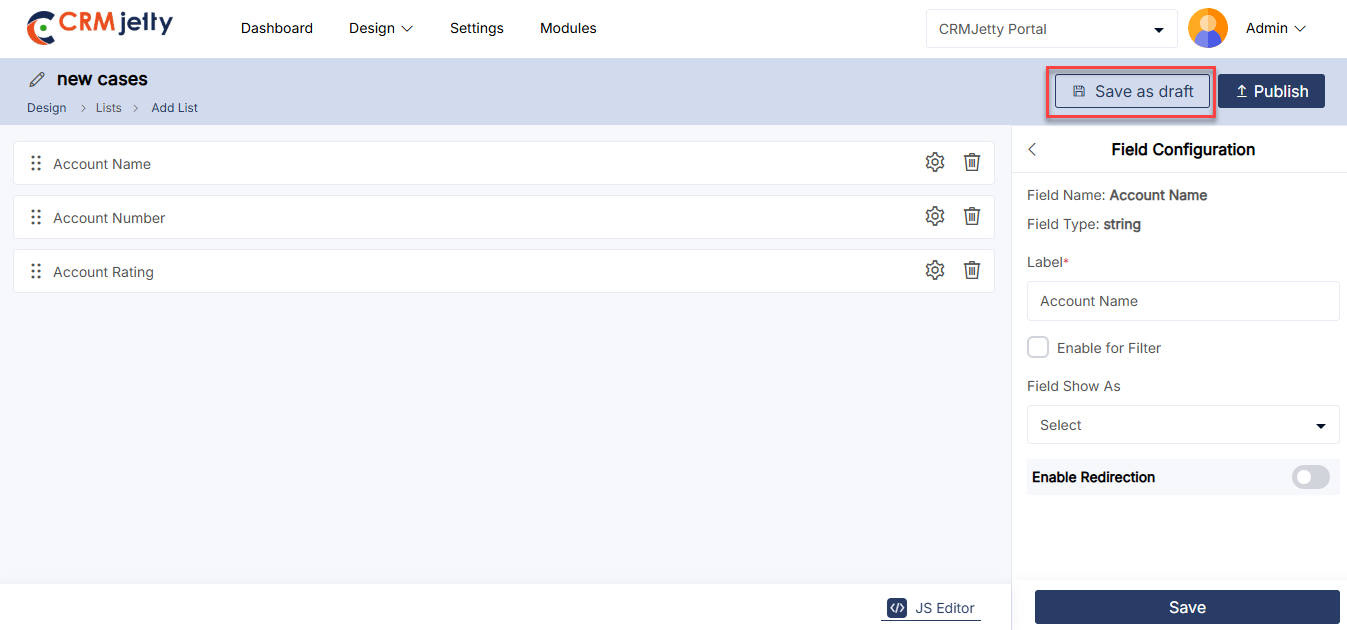
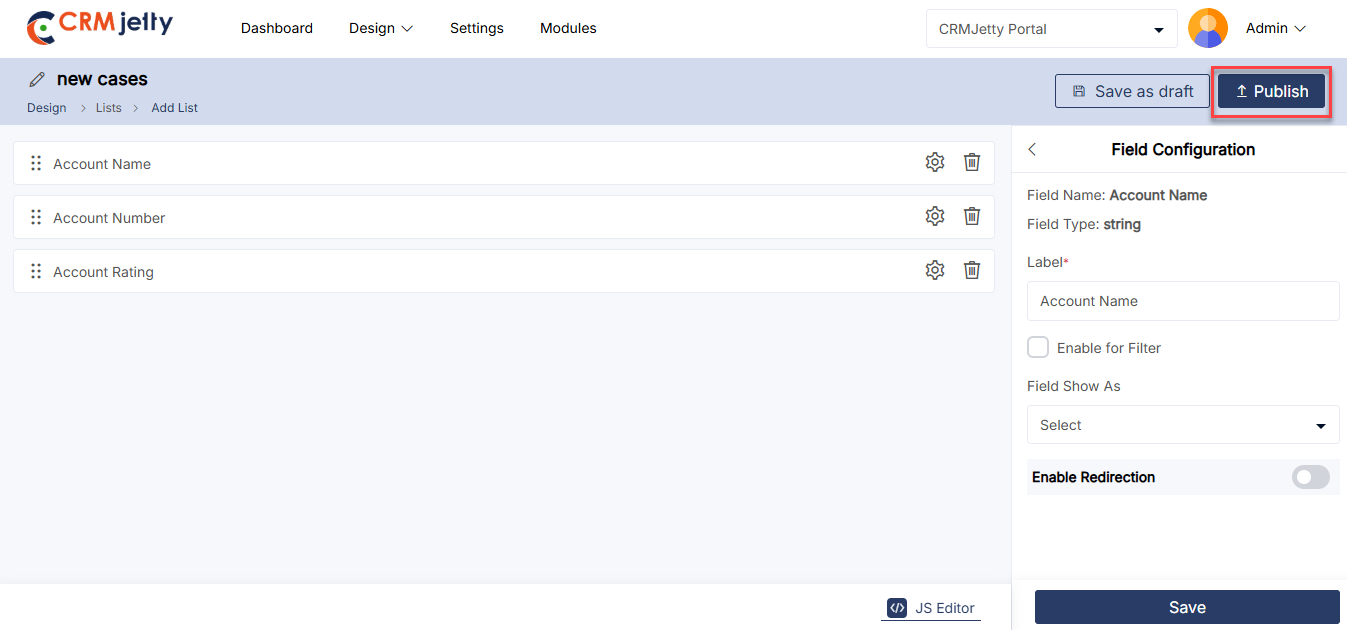
Selecting ‘Use Existing’
Admin have the option to select a pre-configured ‘List view’ layout from CRMJetty. By selecting the “Use Existing” option, all available ready-made list layouts (CRM Object views) will be accessible. [1]
Steps to Configure the List View:
From the View dropdown, select a ‘List view’. The fields associated with that specific list view, as configured in CRM, will be displayed. [2]
When the Admin selects a view, the list fields are automatically added to the fields in the right-side panel.
Note: The fields are added based on the CRM list, and the Admin can modify the list as needed.
Field Customization:
The Admin needs to click on the “Settings” icon to update or change the labels of any field. While editing a field, the data type will be shown. [4]
To remove a field, the Admin needs to click on the ‘delete’ icon. [5]
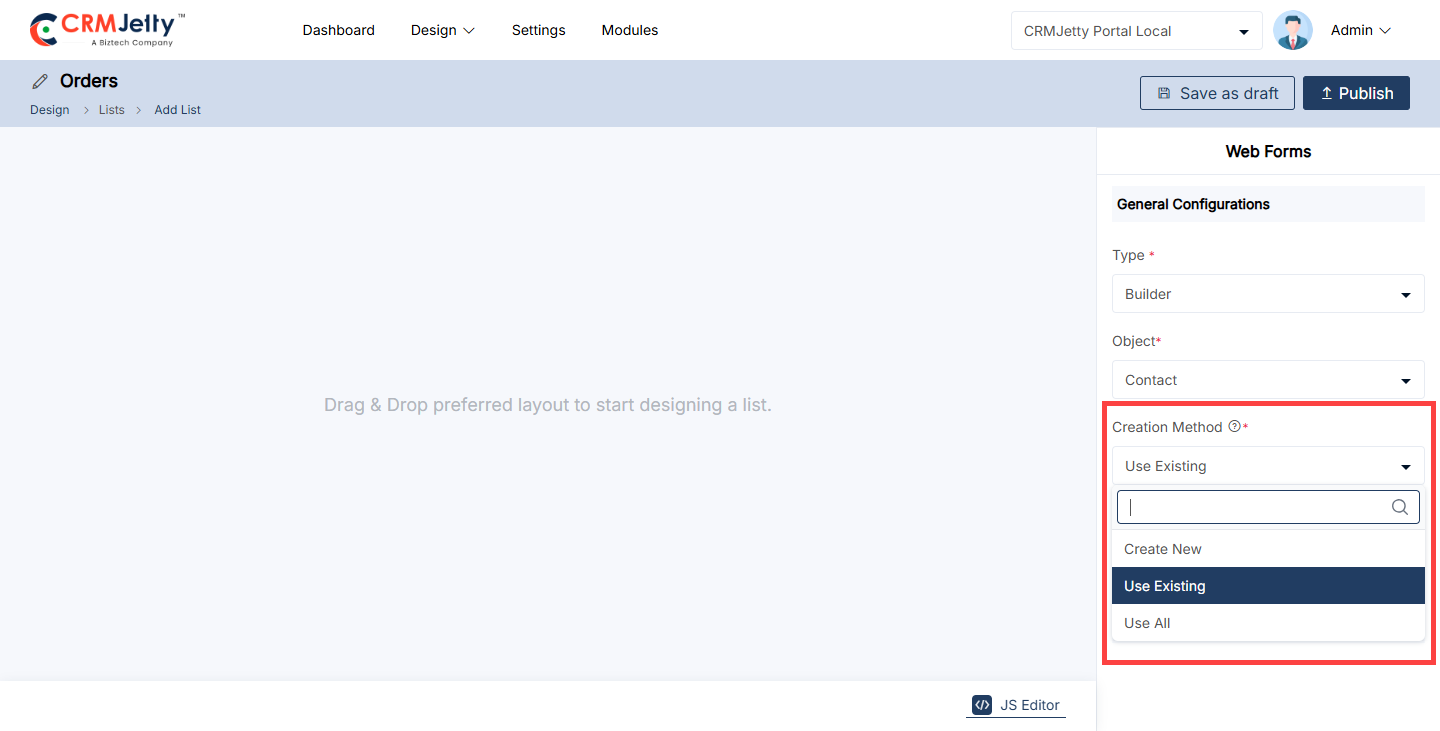
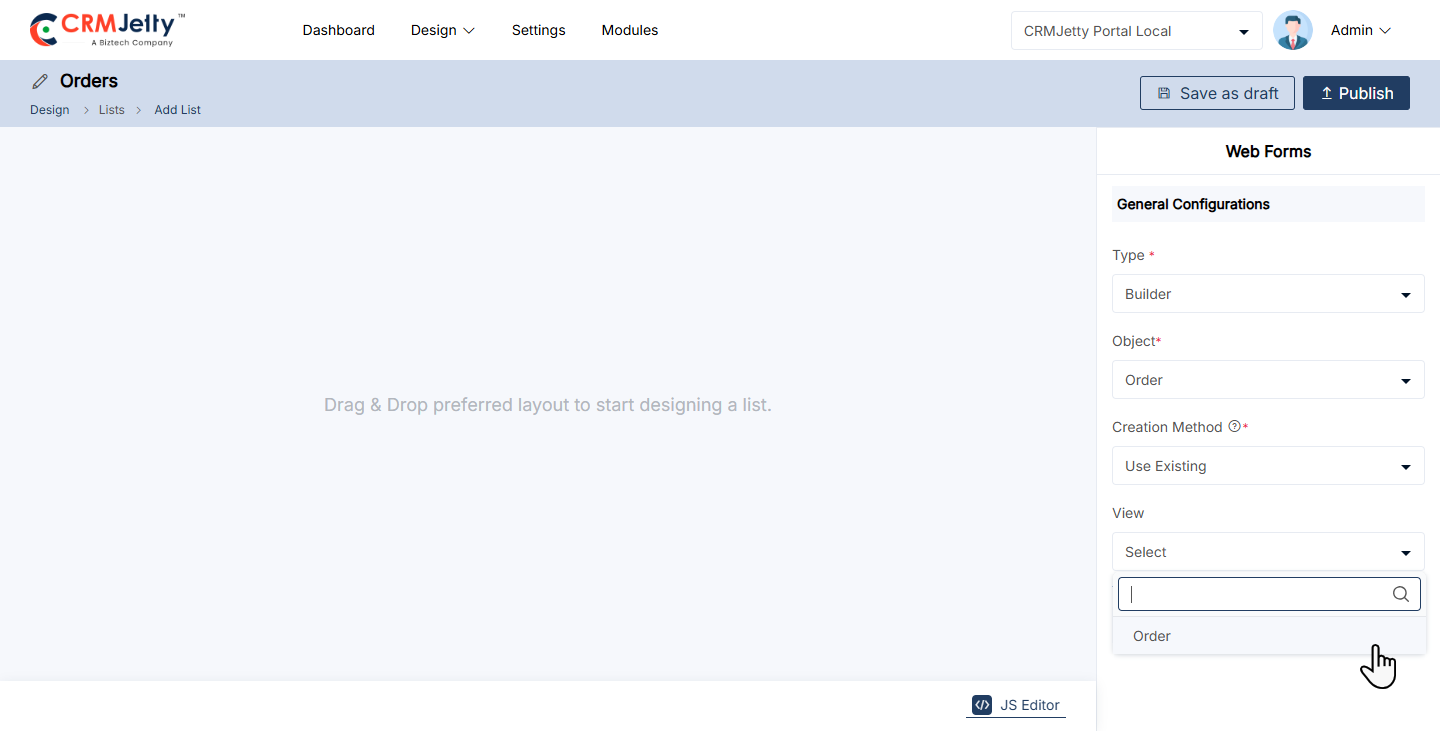
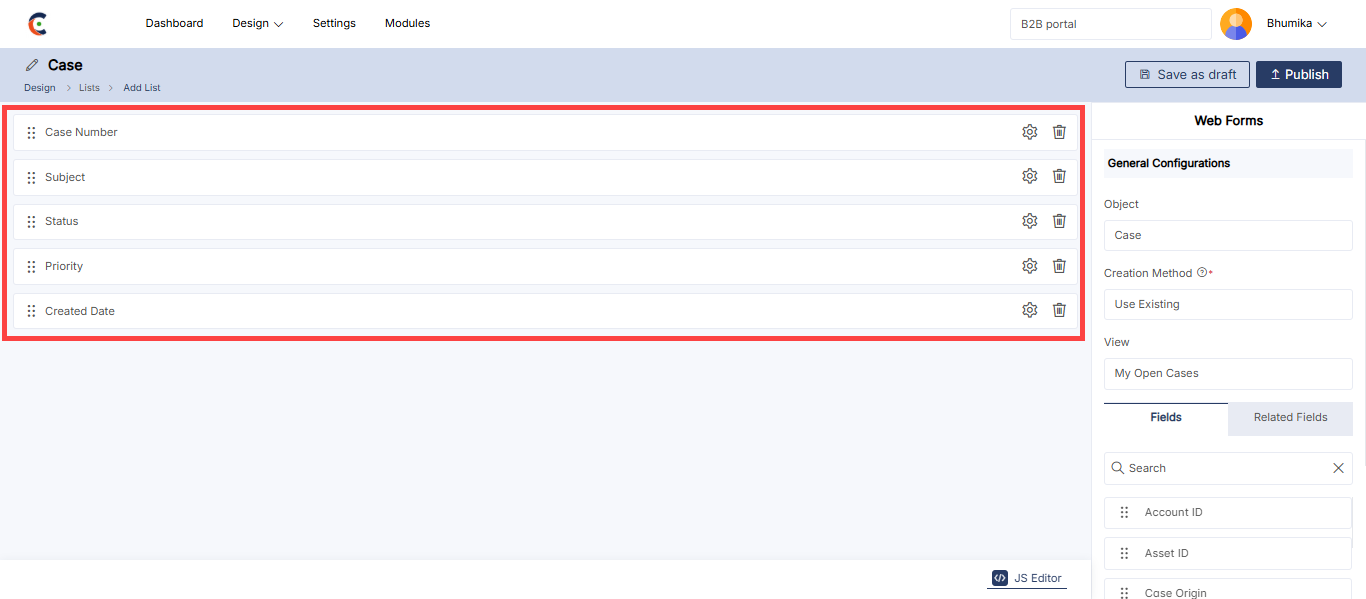
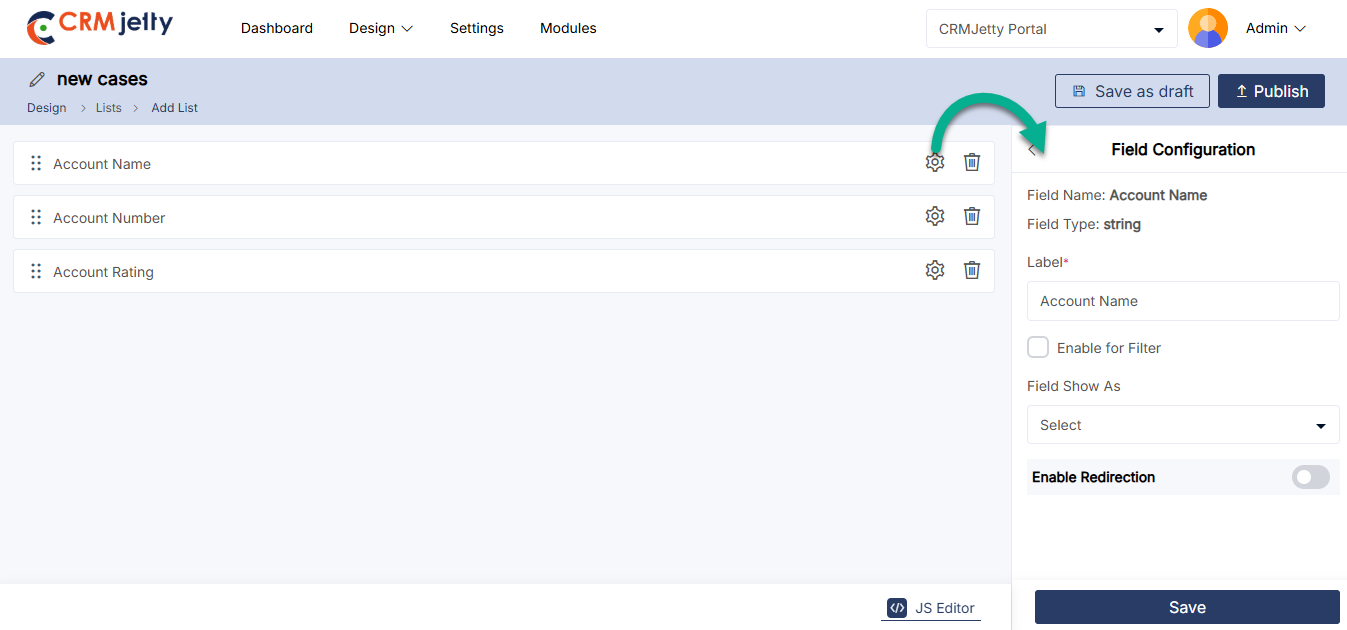
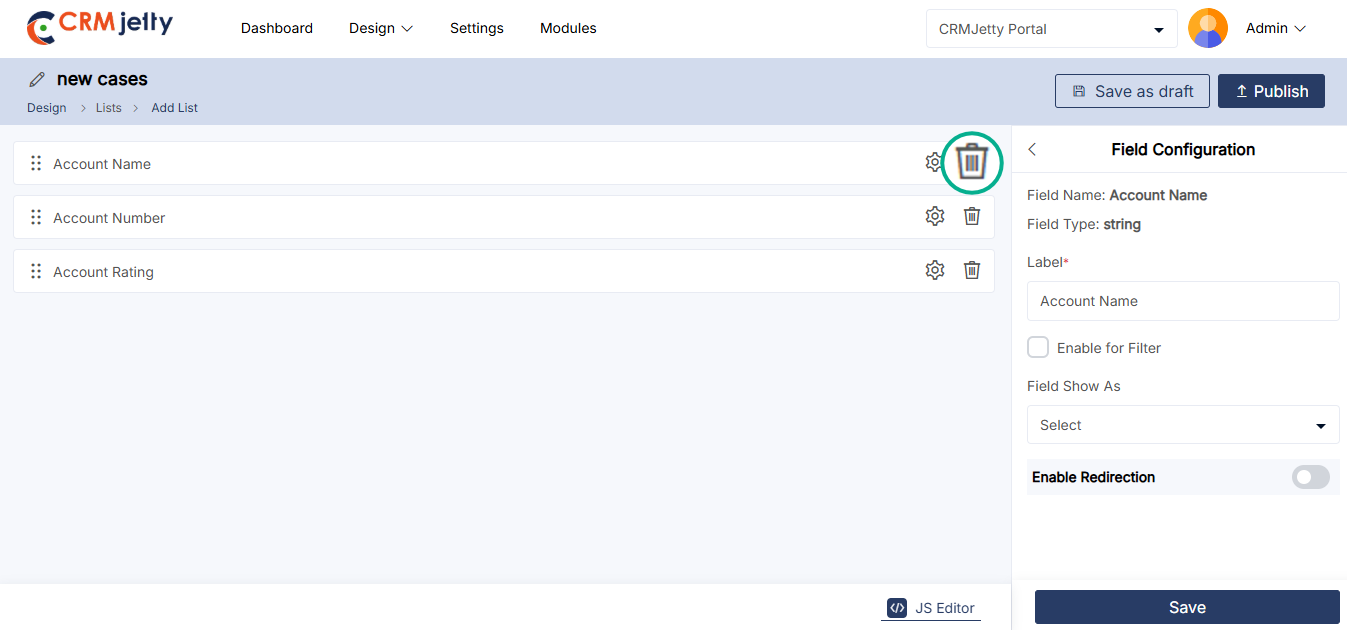
Custom Lookup View
The Custom Lookup View allows you to customize how lookup fields display data in the List Builder.
Steps to Configure
1. Enable the Feature
– Go to the Field Configuration Settings for the lookup field.
– Enable Custom Lookup View [1]
2. Select Fields
– In the Custom Lookup Settings, the Admin can view all the lookup entities enabled from the CRM for the specific field. This allows the Admin to select and configure targeted entities for the lookup, ensuring personalized and relevant data display in the List Builder.
– For example, if the Account object is enabled, the dropdown will display: [2]
– Account Name (primary field, fixed at the top). [2]
– Account Rating (additional field). [2]
Note: The Account Name field is mandatory and is automatically selected as the primary field. Its position is fixed at the top of the field list.
3. Set Sequence
– The Admin can configure these fields and their sequence for a customized lookup view. [3]
– Arrange the fields in the desired order.
– Example sequence:
1. Account Name
2. Account Rating
– After all the configuration, click on the “Save” button to apply changes to the front-end view.
Note:
– Field Limit: Maximum of 5 fields (1 primary + 4 additional).
– Language Support: Names appear in configured languages or default to English.
– This setup streamlines lookups, displaying only relevant fields in your preferred order.
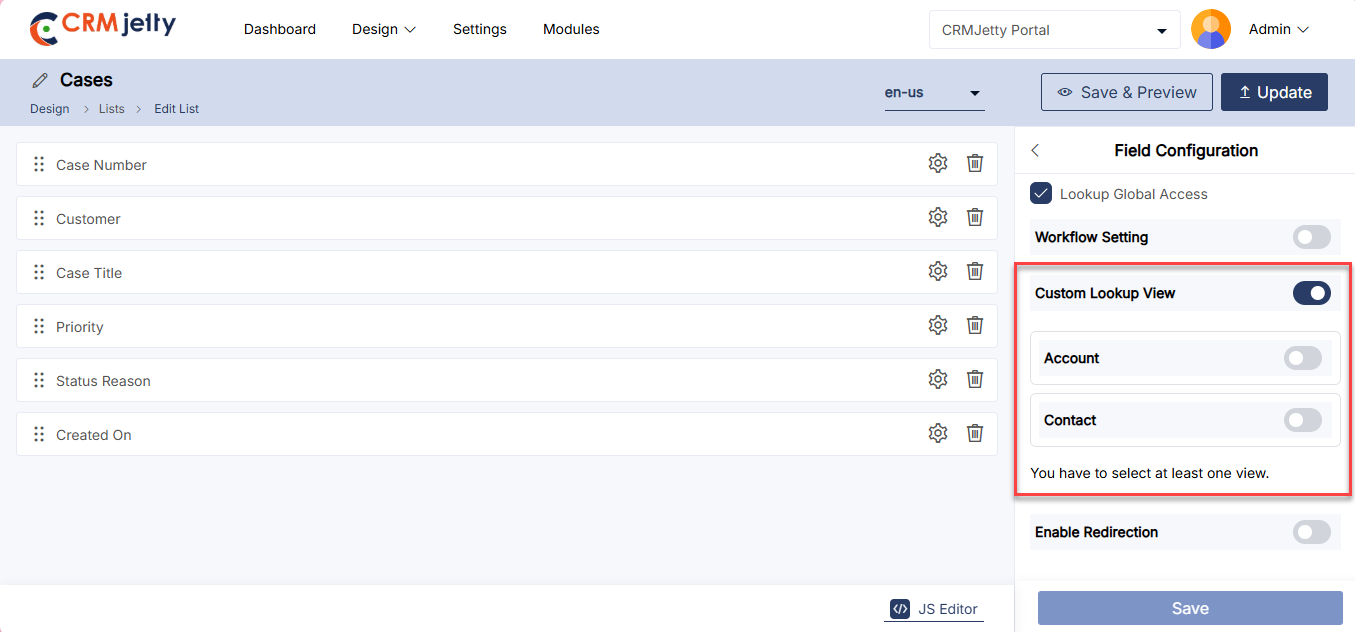
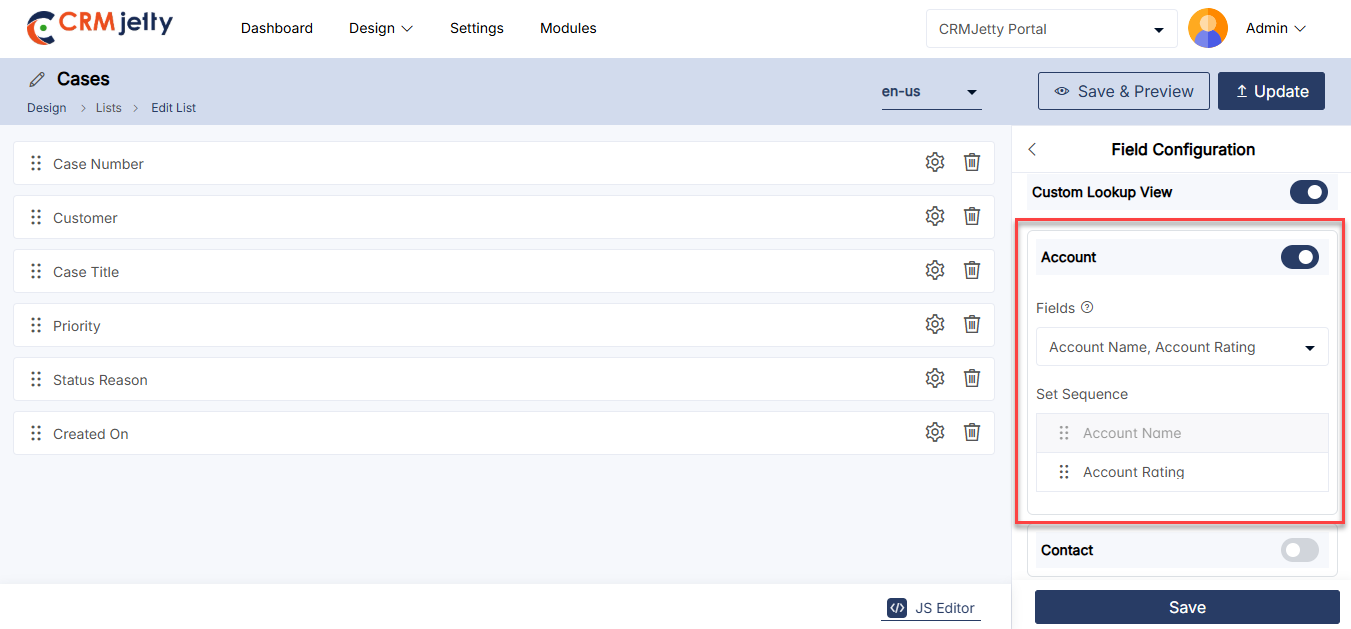
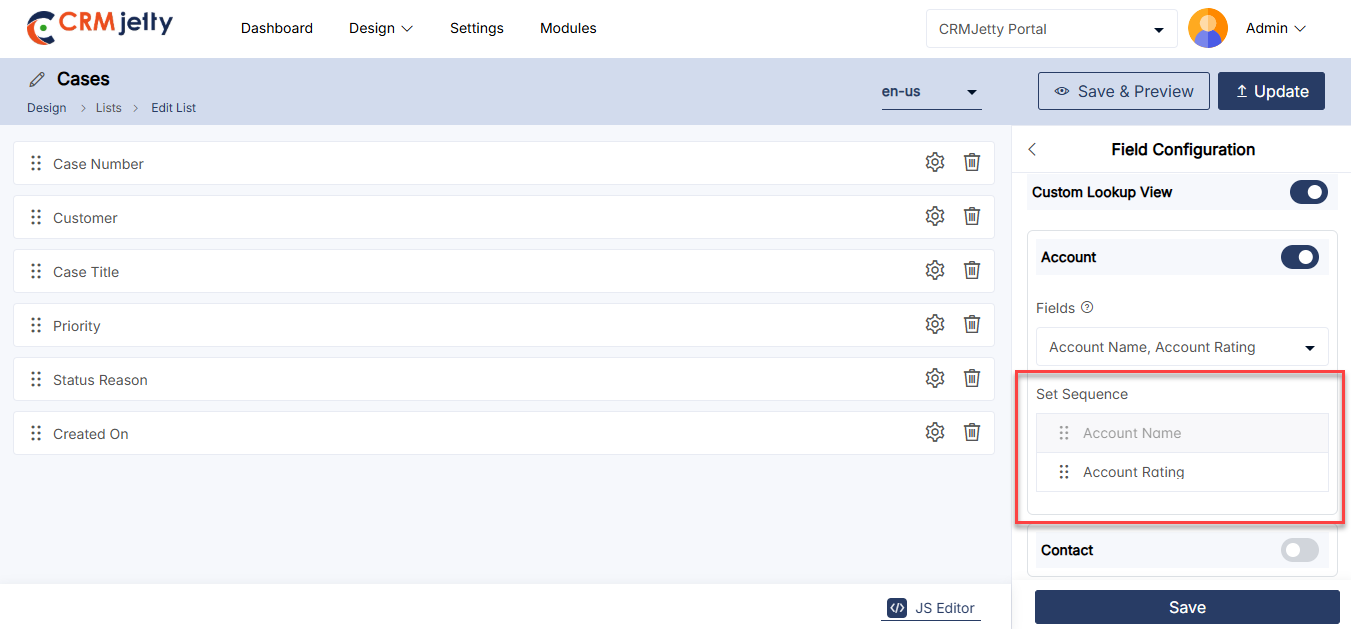
Enabling Redirection using
If the field type is String, the Admin can enable field title redirection in the List/Data Card by turning on the Redirection option.
– Redirection Setting: When the Redirection option is enabled, the Select Redirection Mode field becomes visible. The Admin must choose one of the following modes:[1]
– Internal Redirection: In this mode, the admin can choose any internal page for redirection from the available Internal Redirection Page options. [2]
– Then select the “Account Internal Redirection Page” and “Contact Internal redirection Page”. [3]
– External Redirection: Select this option to redirect users to an external URL or dynamic fields. Then choose the External Redirection Mode from the options below: [4]
– Static Mode: In Static mode, the Admin can enter a fixed URL in the Static Redirection field. This URL may be an internal link or a third-party URL. [5]
– Dynamic Mode: In Dynamic mode, the Admin must select the External Redirection (Dynamic) field to enable redirection based on external redirection configurations.[5]
– Target Object Redirection: Select any target field from the object for redirection. This will direct the user to the specific selected object field.[5]
– Then select the “Account” and “Contact”. [5.1]
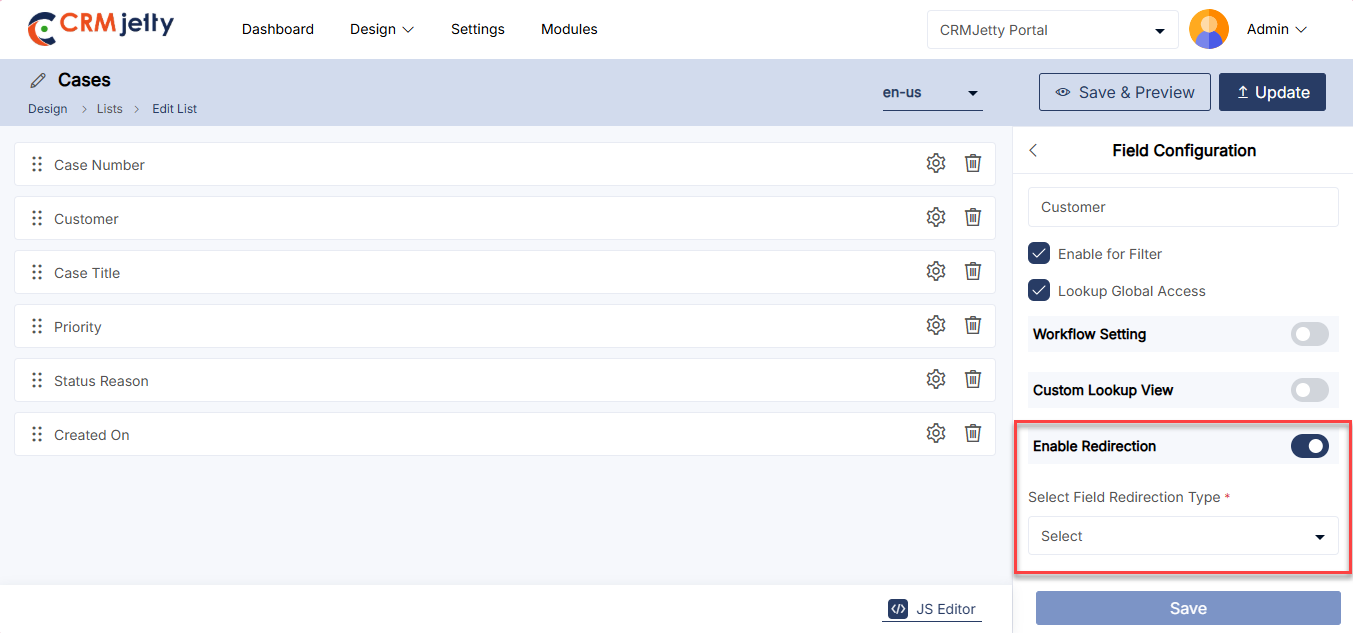
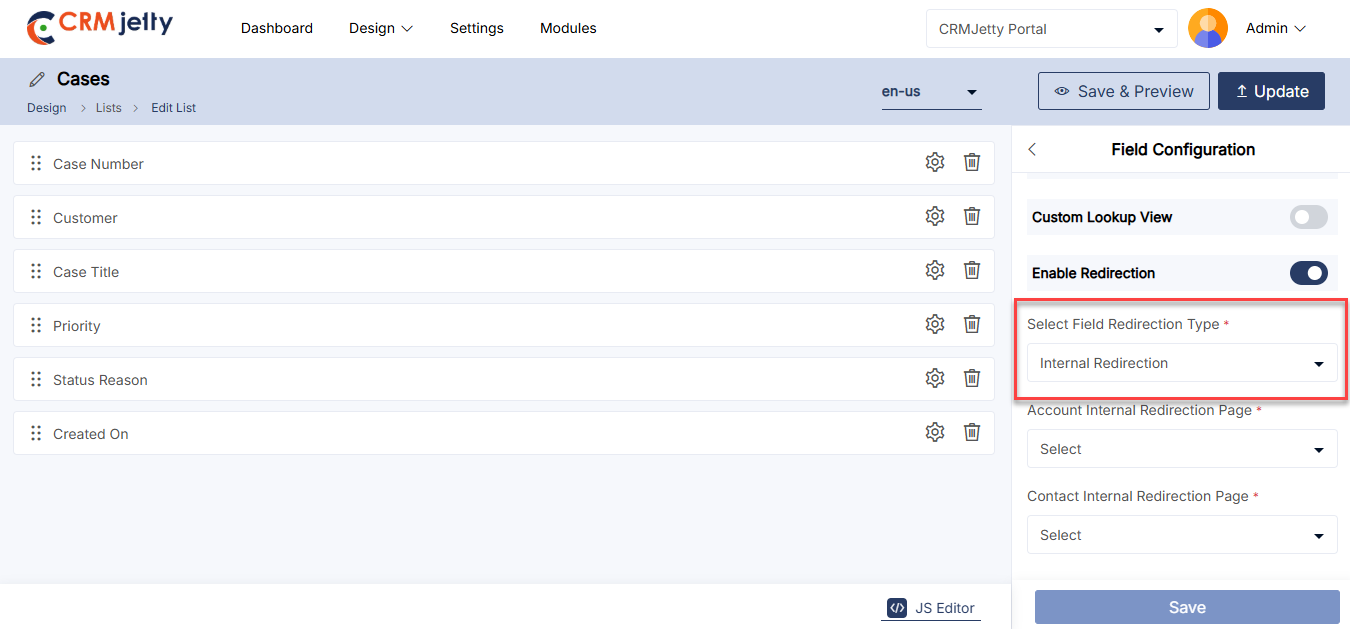
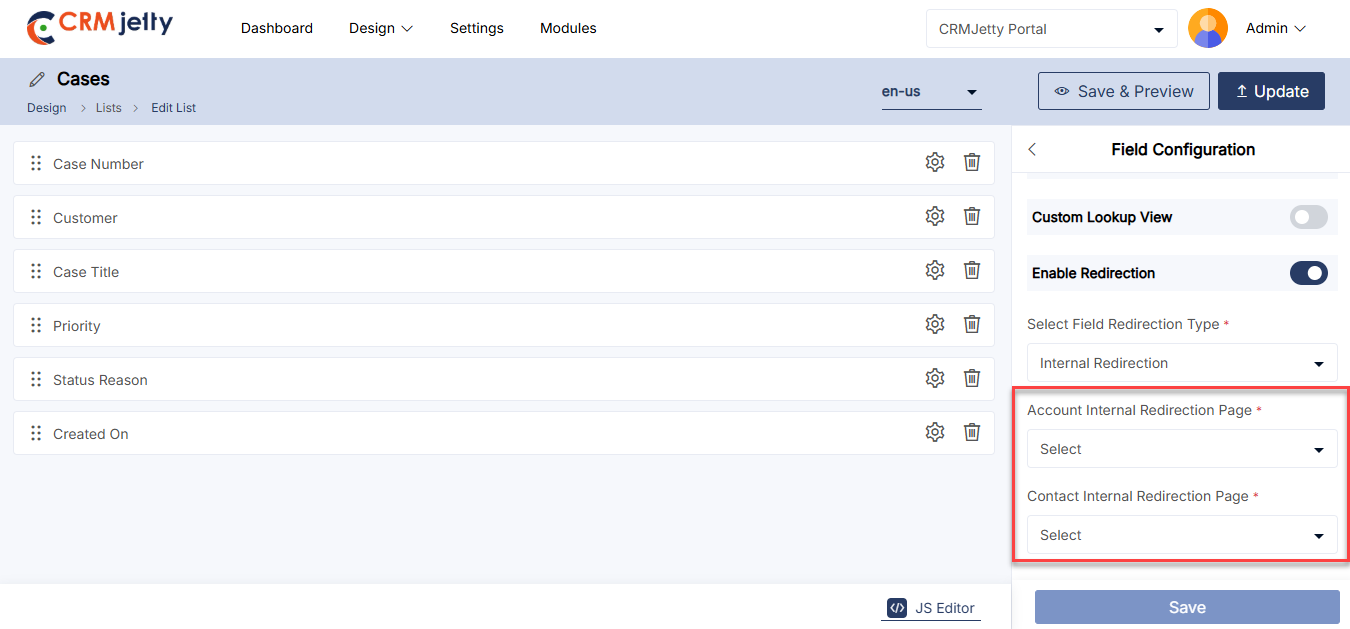
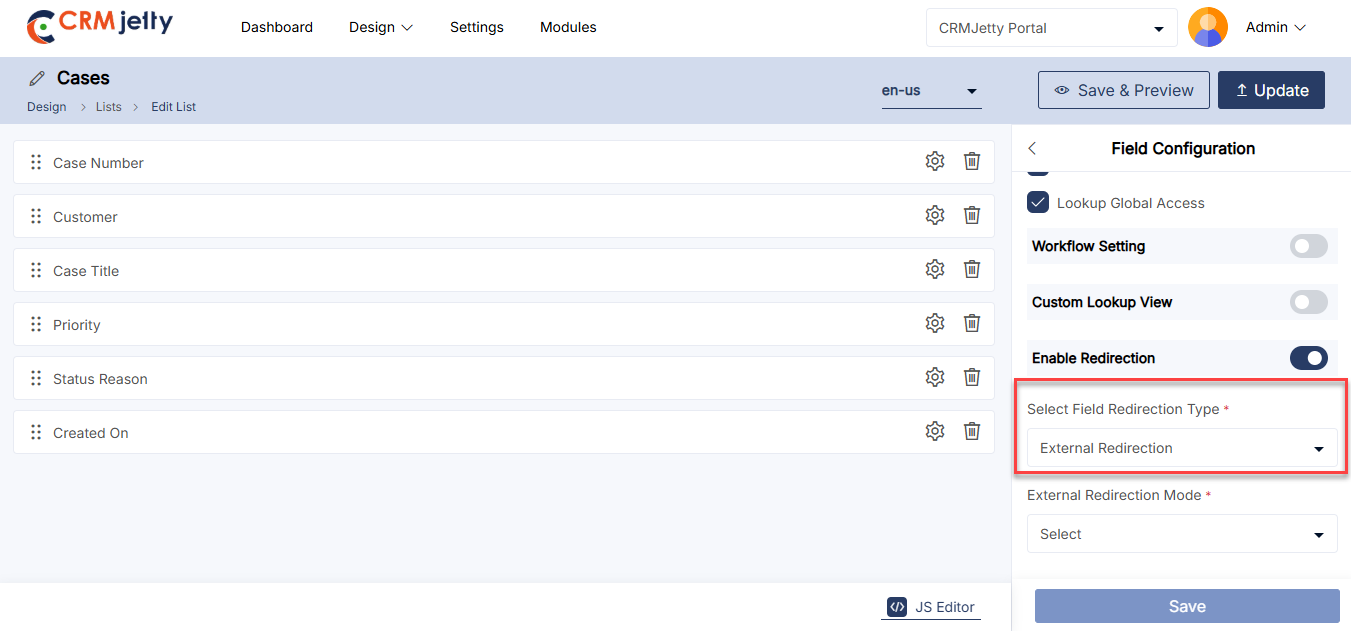
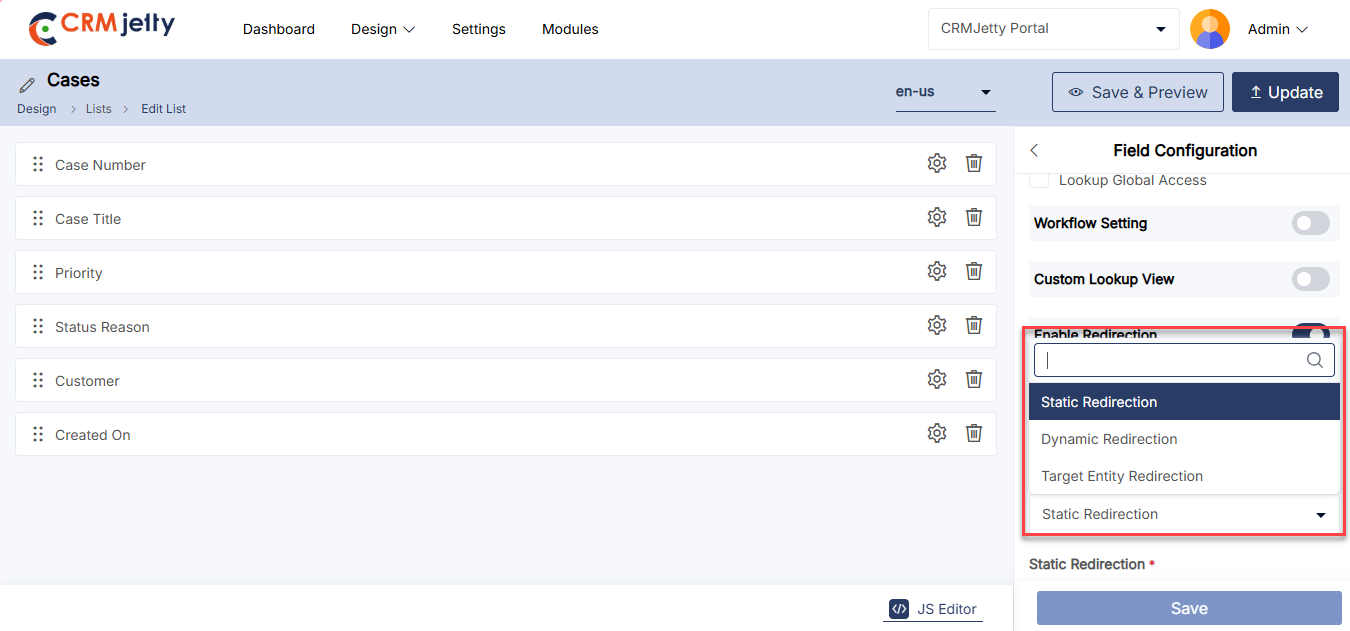
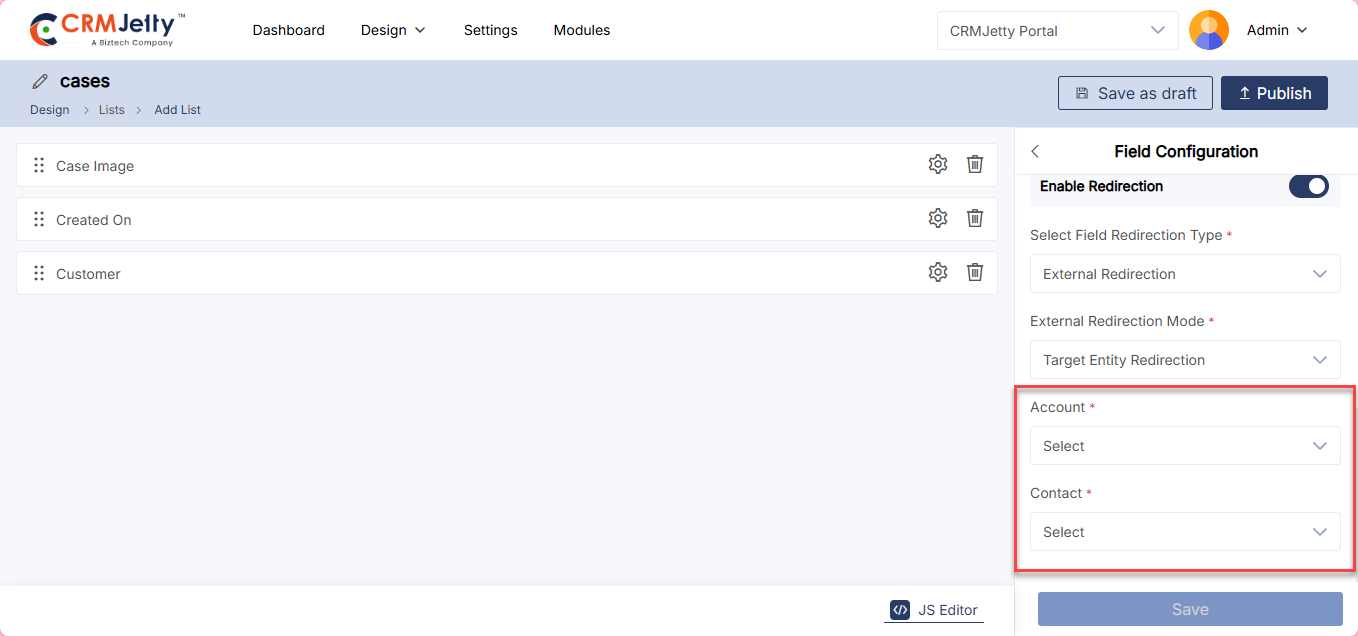
Using the JS Code Editor
Admin can create or update the layout of the list view using the JavaScript Code Editor if custom JS code is available.
By clicking on the JS Editor, an editor will pop up where the Admin can add or paste the JS code. [1]
Once edited or pasted, click the “Apply” button and publish the List Builder record.
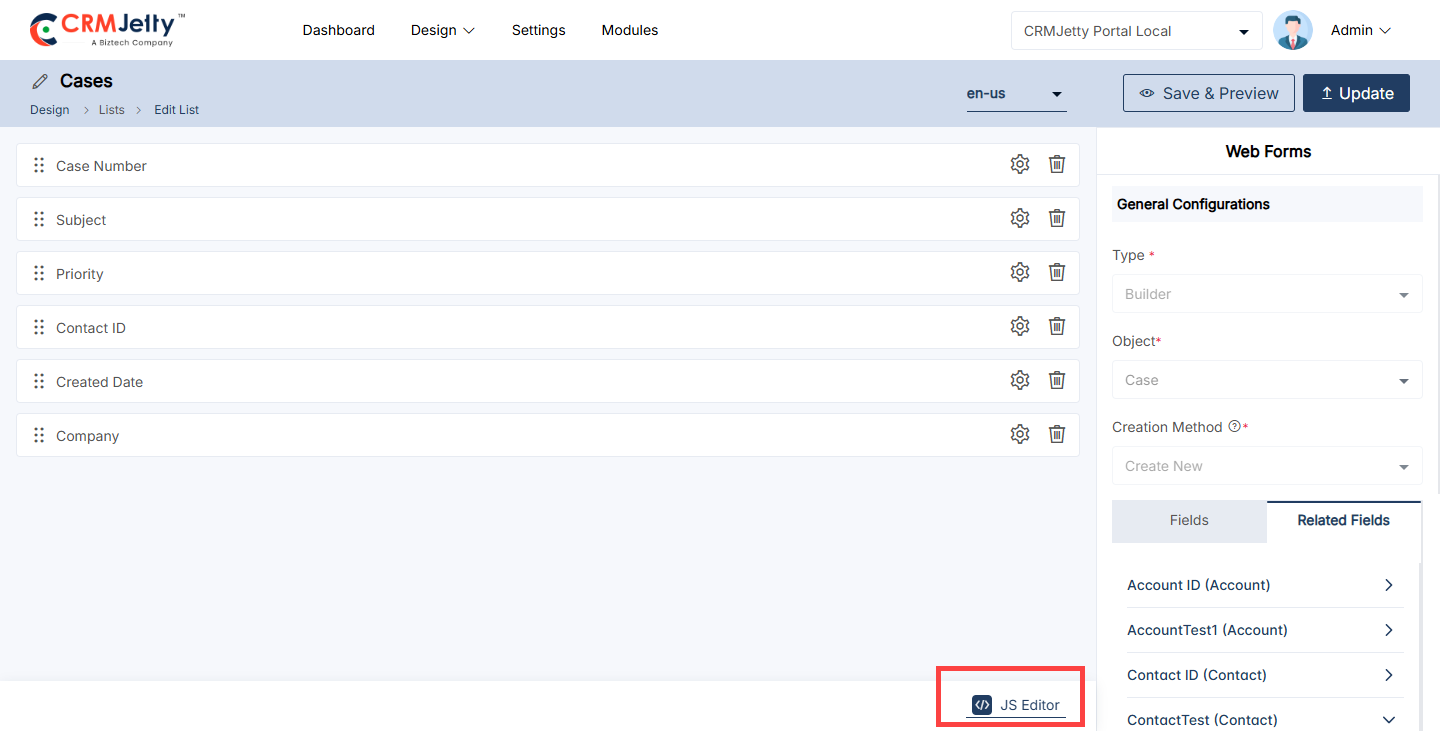
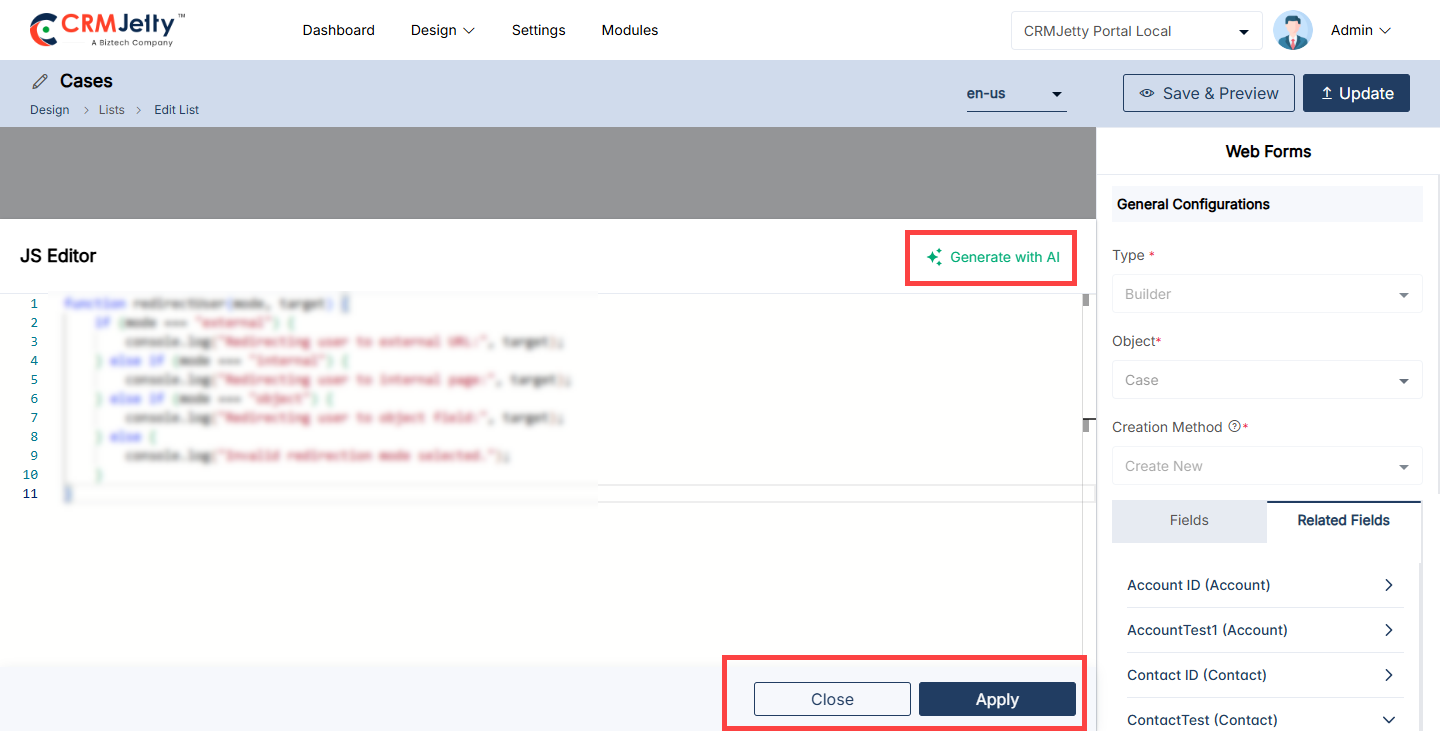
Enable Payment Configuration
The Admin can enable the “Payment Configuration” option to facilitate the integration of payment processing within the list views. This allows the portal users to interact with payment-related fields directly from the list view, making it easier to manage transactions, view payment statuses, and perform payment actions without navigating away from the current page.
Steps to Configure Payment Options:
– Enable Payment Configuration:[1]
-To activate this feature, the Admin must check the “Enable Payment” toggle is active.
– Note: This feature can only be enabled if the object includes an Amount (Currency) type field.
Button Label:
The Admin should enter the text label to be displayed as an option in the record’s context menu. [2]
Select Amount Field:
The Admin should choose the object field to be used as the amount field for processing payments. [2]
Set Conditional Field to Enable Pay Button:
The Admin must select the object field that determines when the Pay button will be displayed. [2]
Set Conditional Field Value to Enable Pay Button:
The Admin should choose the conditional value field that triggers the display of the “Pay” button. Multiple values can be selected as needed. [2]
Transaction Log Settings:
– The Admin should configure the Transaction Log Settings to synchronize transaction data with the CRM.
– Select Transaction object : The Admin must choose the transaction object to record transaction details. [3]
– Select Description Field: The Admin should choose the object field for a short description. [3]
– Select Payment object : The Admin should select the field in the transaction object to use as the payment object field. [3]
– Select Payment Record: The Admin needs to choose the field in the transaction object to use as the payment record field. [3]
– Select Payment Method: The Admin must select the field in the transaction object to use as the payment method field. [4]
– Set Amount Field: The Admin should choose the field in the transaction object for the payment amount. [4]
– Select Payment Transaction Log: The Admin needs to choose the field in the transaction object for the Payment Transaction Log. [4]
– Select Payment Status: The Admin should select the field in the transaction object for the Payment Status. [4]
Charges and Discounts:
– Admin can configure the “Charges and Discounts” section on the basis of their requirements, which contains Card Charge, Card Discount, ACH Charge, ACH Discount, Payment Charge, Payment Discount. [5]
After configuring the payment method, the Admin should “Update” the changes and publish the list. [6]
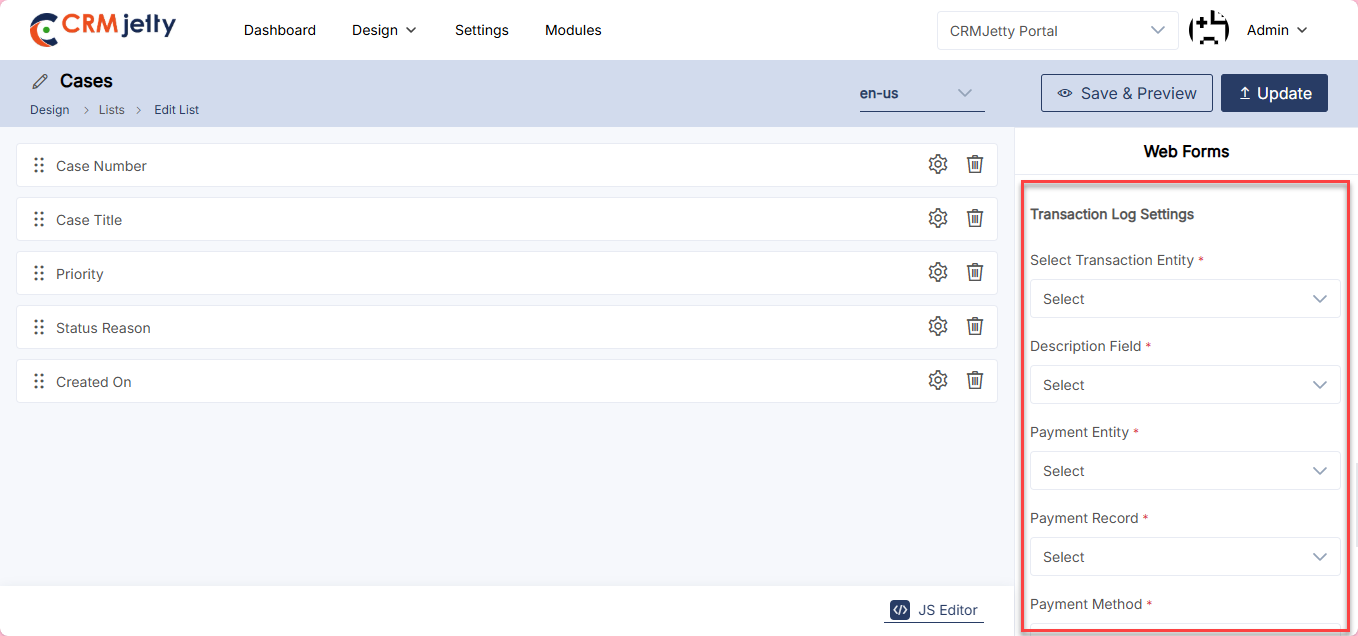
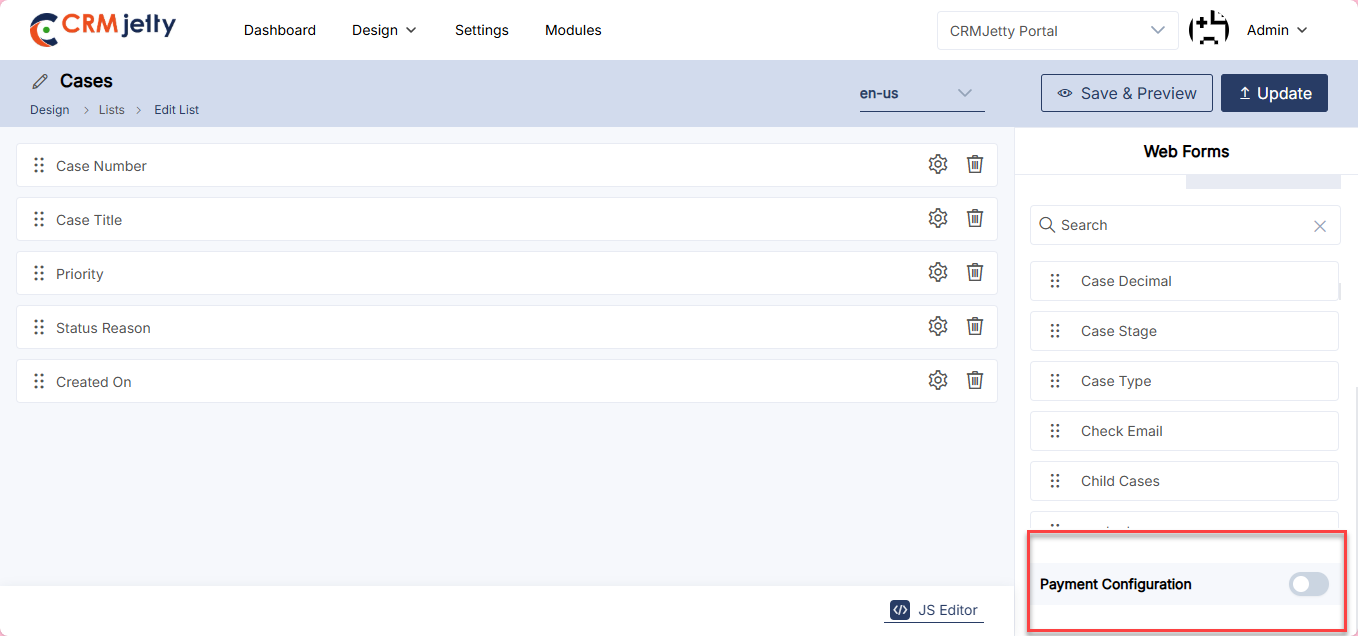
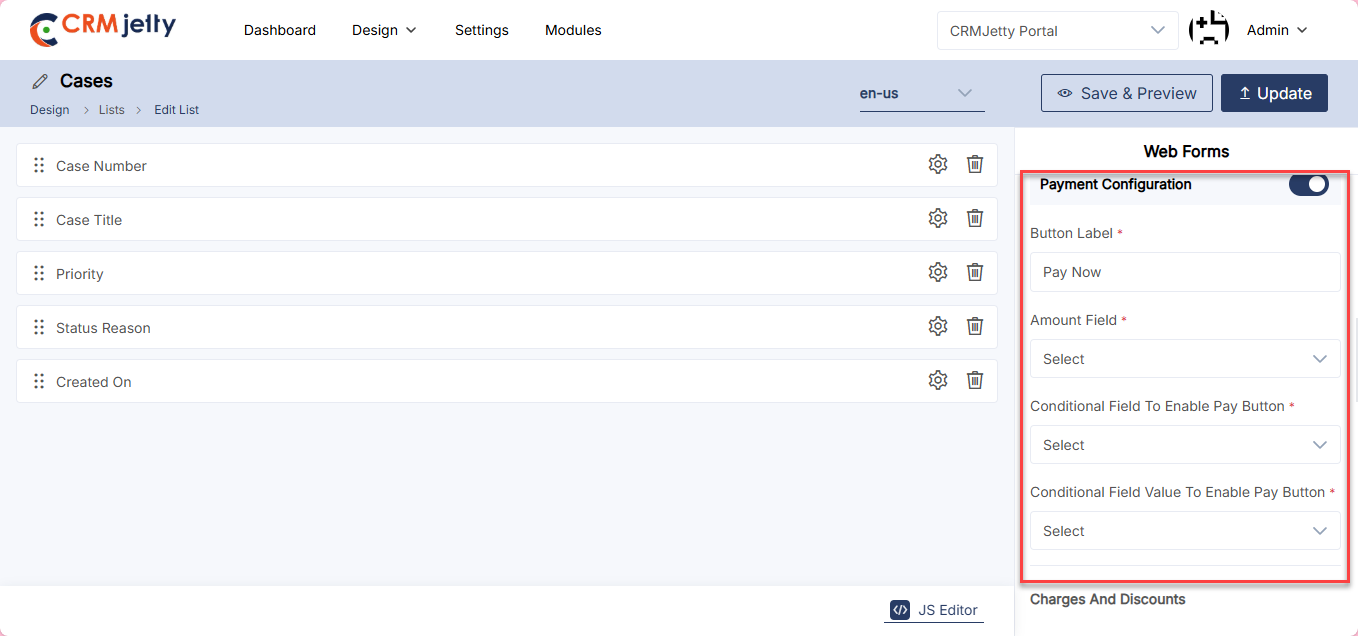
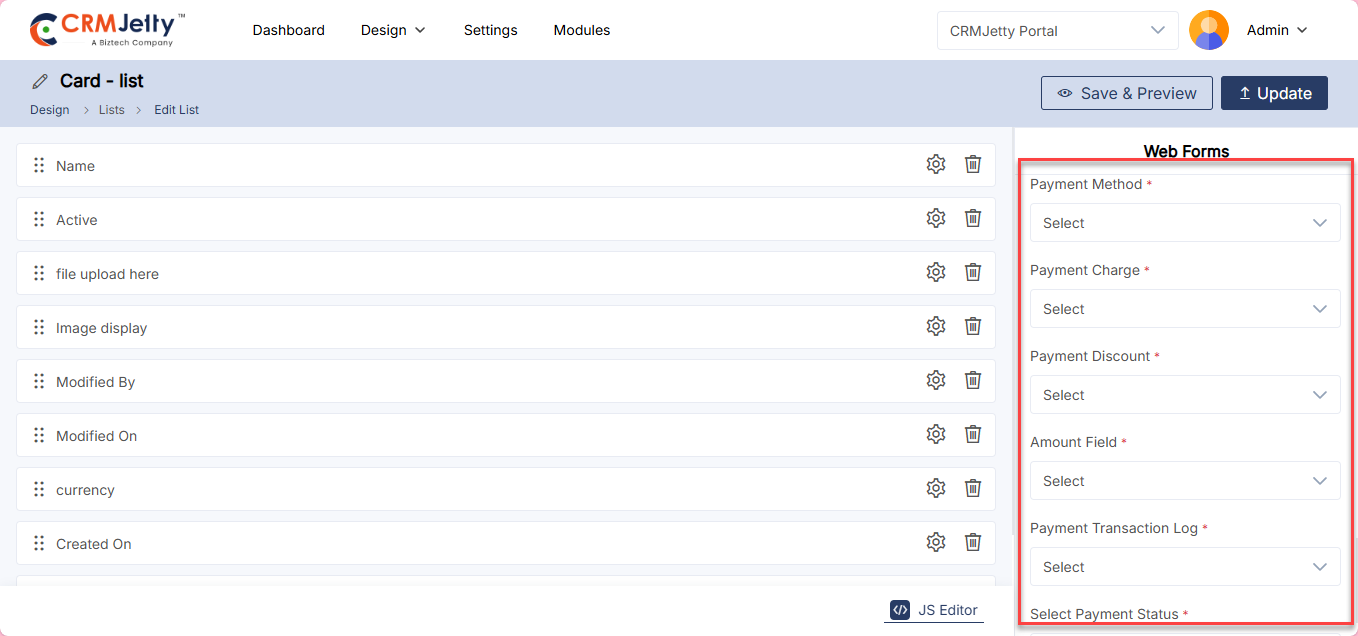
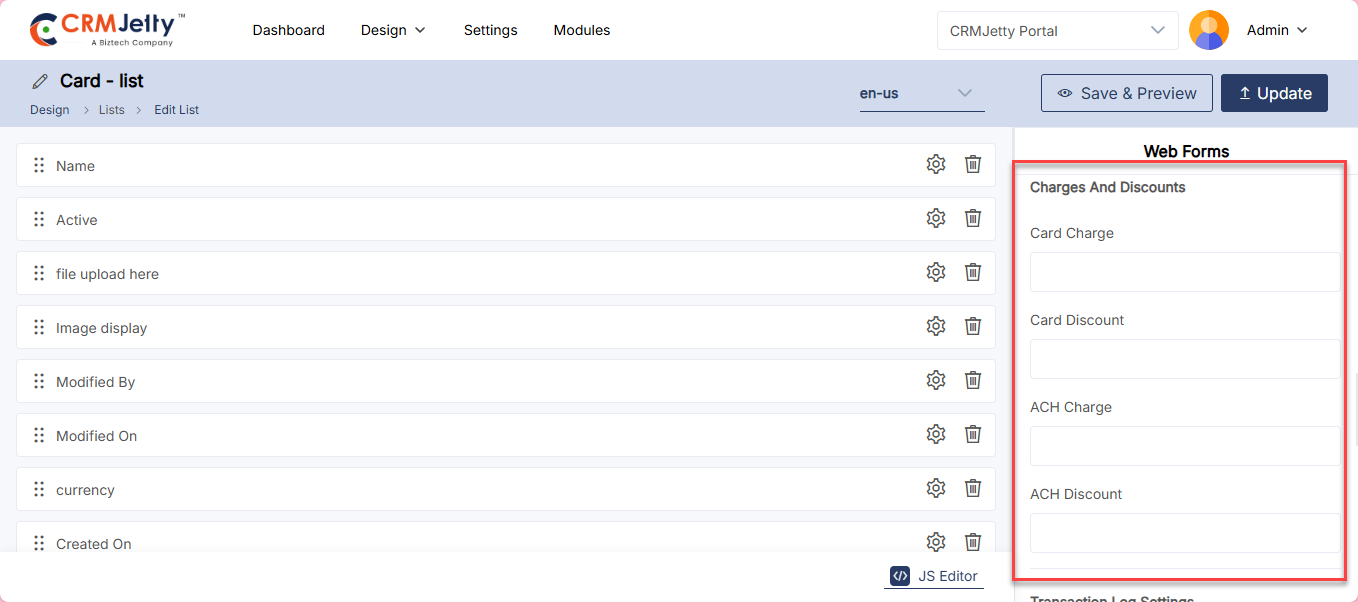
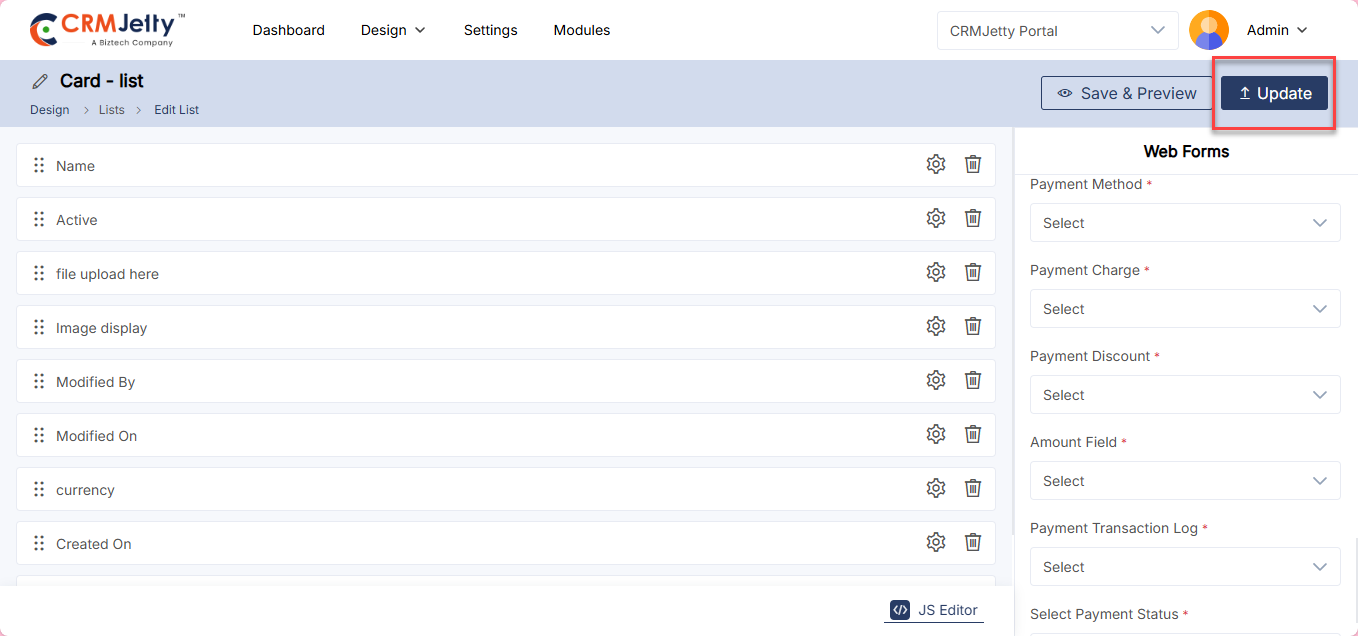
Enable Rating Field for List
CRMJetty provides Admin to configure a list field as a rating field. To initiate this setup, Admin must first activate the “Enable Rating” option. This function allows Admin to designate a specific field to display ratings.
Supported Data Types for Rating Field:
– Integer
– BigInt
– Decimal
– Double
In the rating field configuration, Admin can choose icons from the icon picker, with available options including thumbs and stars. Furthermore, Admin can select various colors using the color picker. [1]
Note: If a field is used in the Datacard widget, it cannot be deleted or have its rating functionality disabled via the List Builder. In the list view, portal users will only see the rating fields. They cannot modify the rating configuration, the icons and colors are only set by the Admin from the backend.
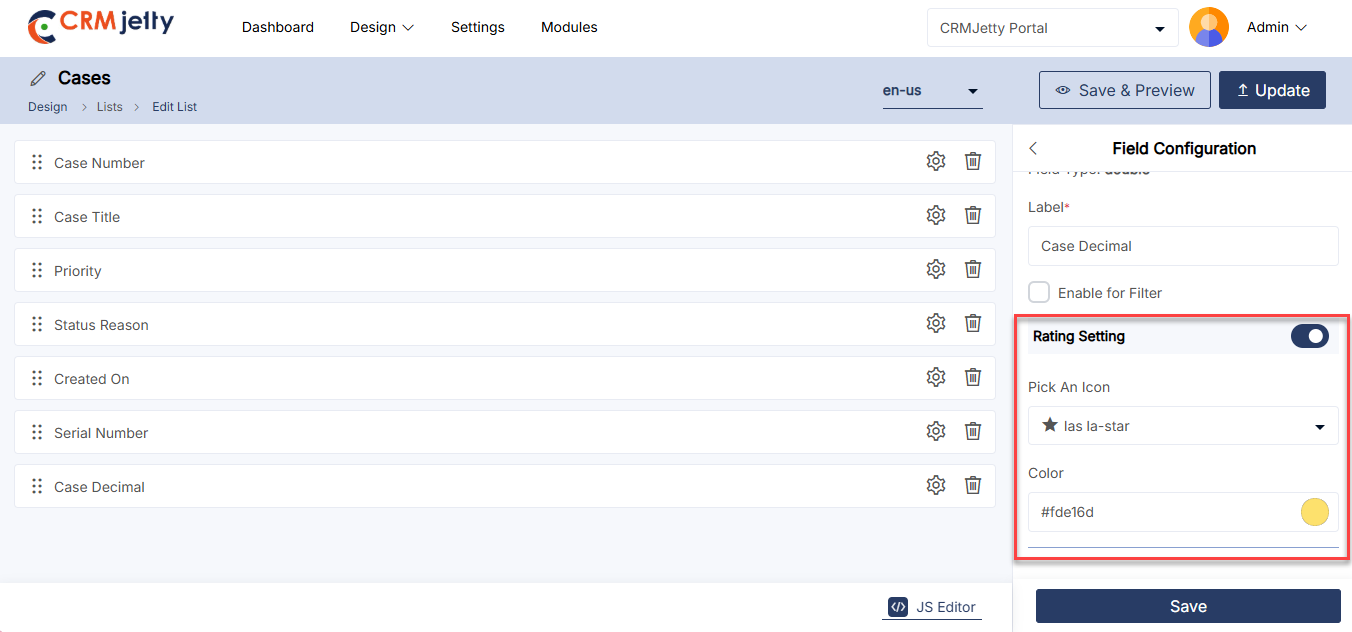
Translating List Records (Multi-Language)
From the listing page of the ‘List’ builder records, all available languages will appear in the Language column.
Translated languages will be shown in dark-coloured buttons, while untranslated languages will appear in light-coloured buttons.
The Admin can translate the list record in two ways, one is by clicking on the light-coloured button and second is by selecting the specific record and clicking the ‘Translate’ icon from the record options.
Once the Admin clicks on the list builder record it will automatically translate to the selected language.
Admin can also translate the list layout records from the edit list. At the top, the Admin can see the“Languages” option and enabled languages will be displayed.
Select the language and click on the “Update” button, it will take a few seconds to translate all the CRM content, such as text labels and messages.
Once the list layout record is translated in a listing page you can view the language in highlighted color, which will ensure that the language is translated successfully.
Multiple List Translation
1. Translating Lists in Bulk:
The Admin can translate multiple list layout records simultaneously by selecting multiple lists. [1]
2. Language Selection:
If multiple languages are enabled, a dropdown menu will appear, allowing the Admin to select one language for translation. [2]
3. Translation Report:
After translating the selected lists, a pop-up will appear on the screen, displaying the translation status of the records/list.
Note: Ensure that all fields are translated in Settings > Portal Settings > Language Settings to guarantee proper translation of the fields.
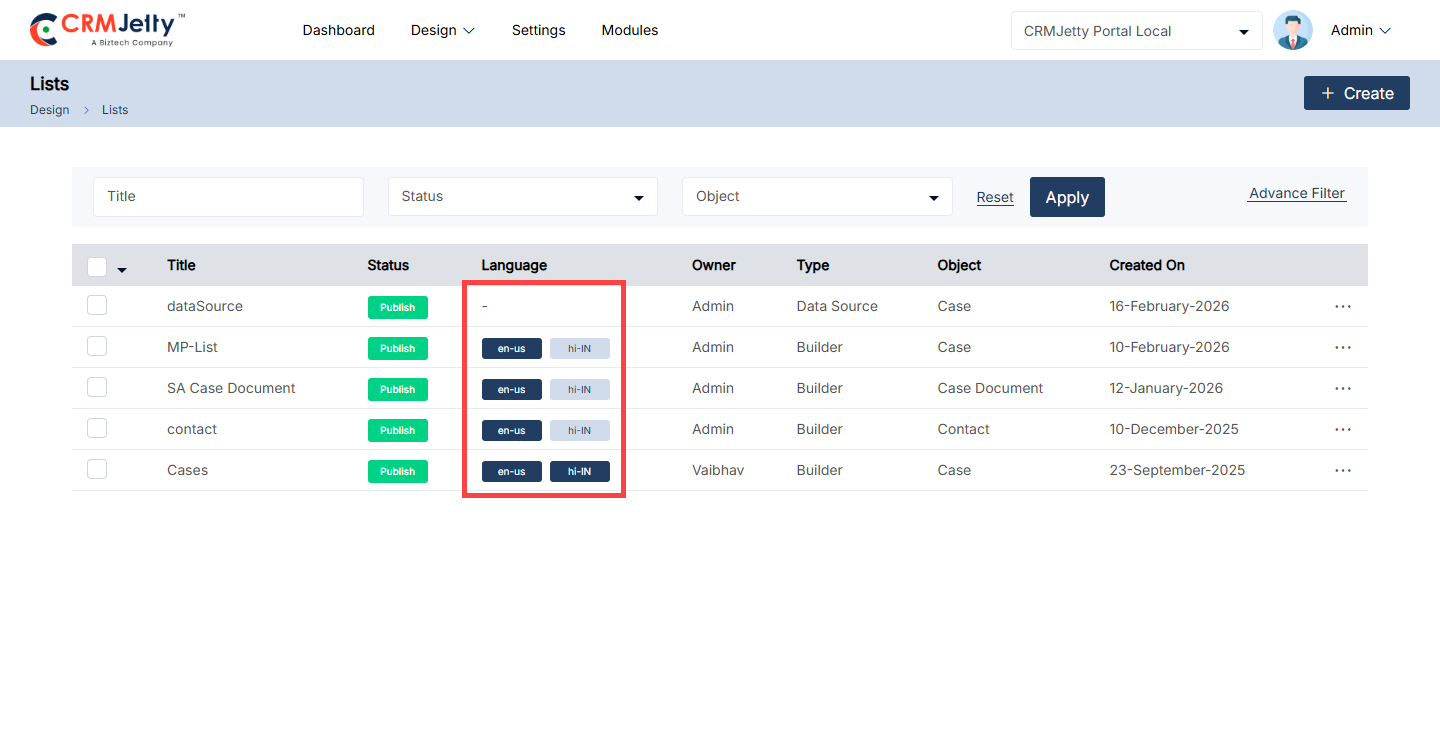
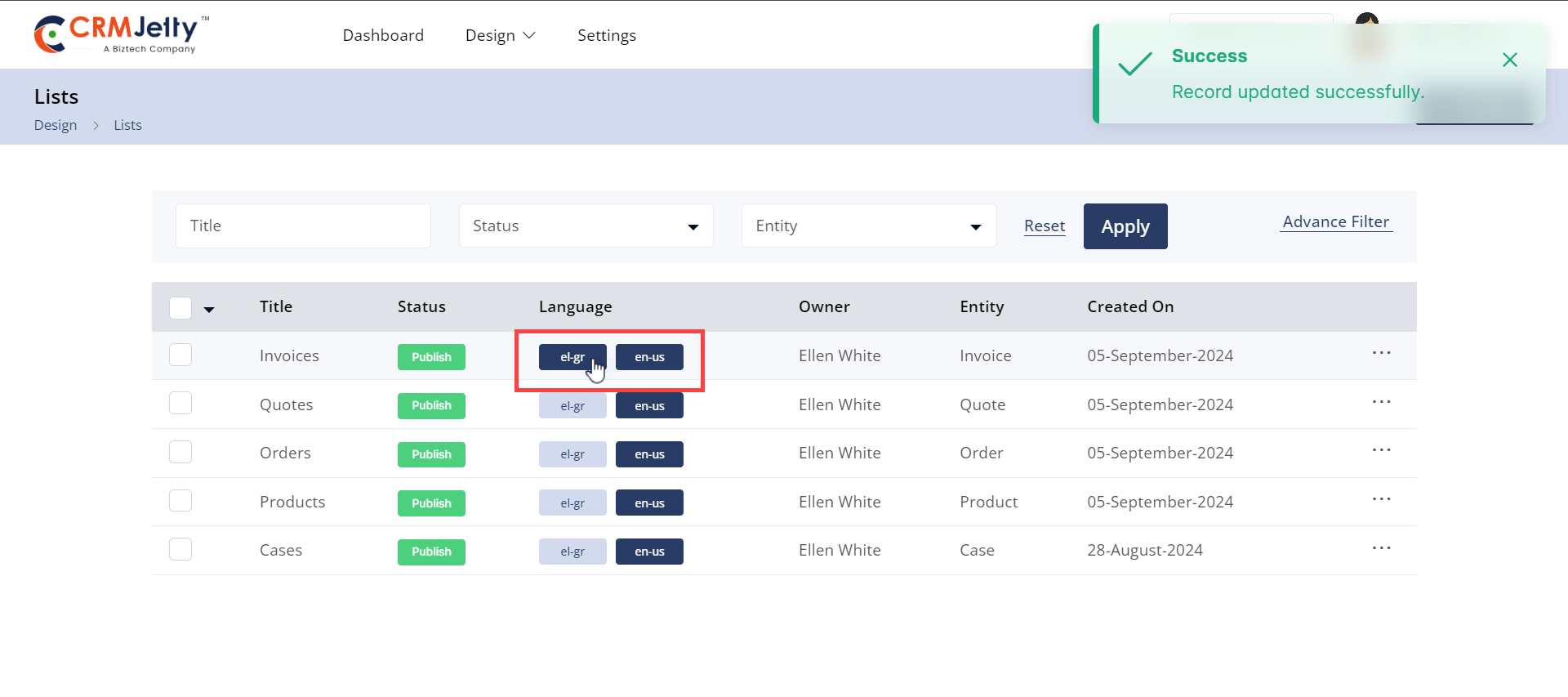
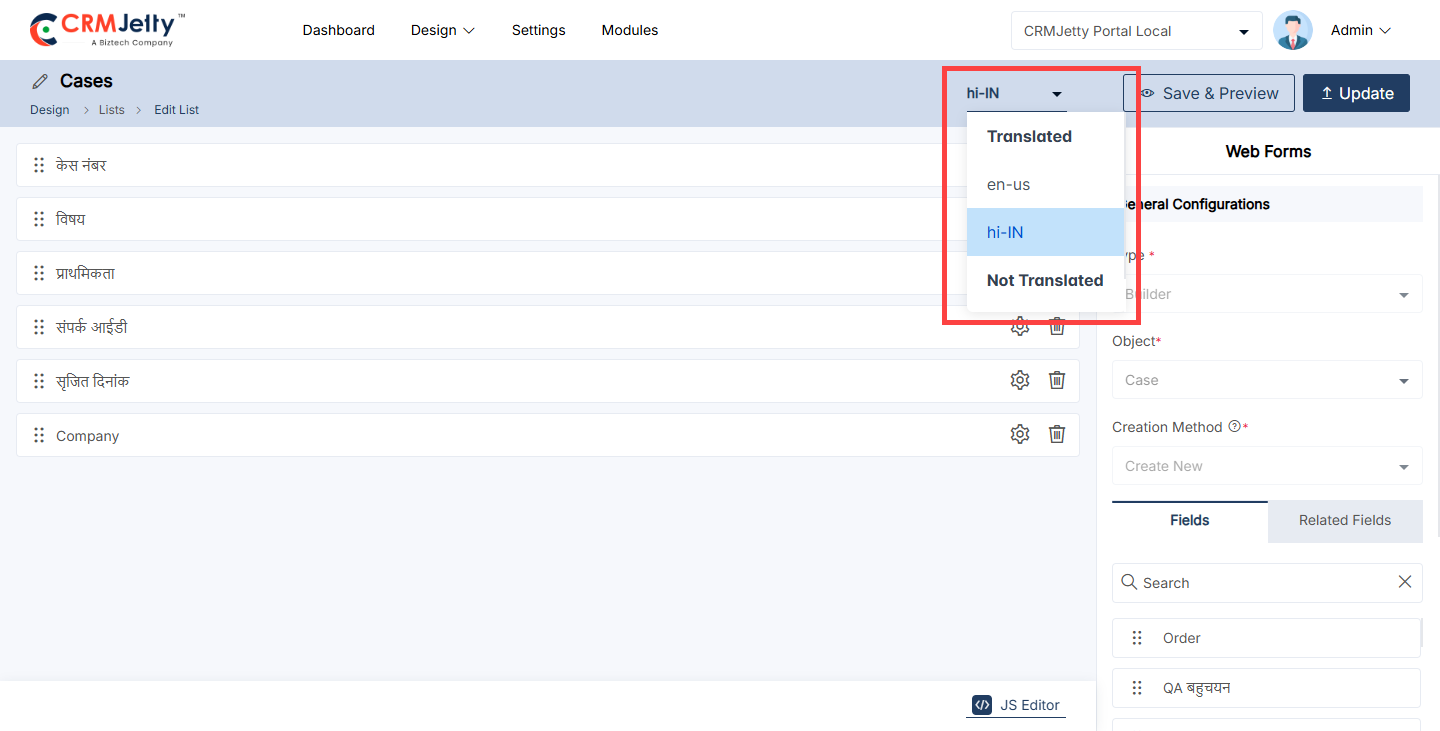
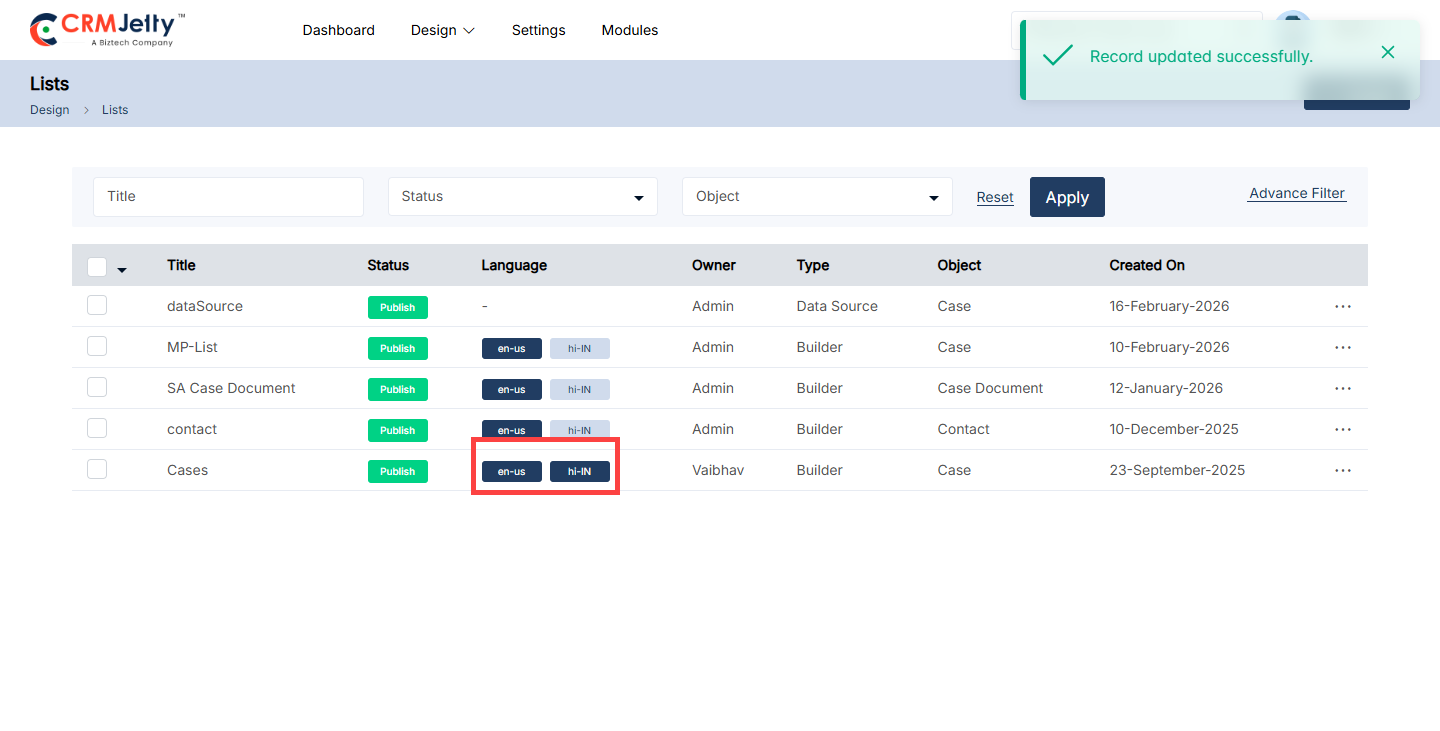
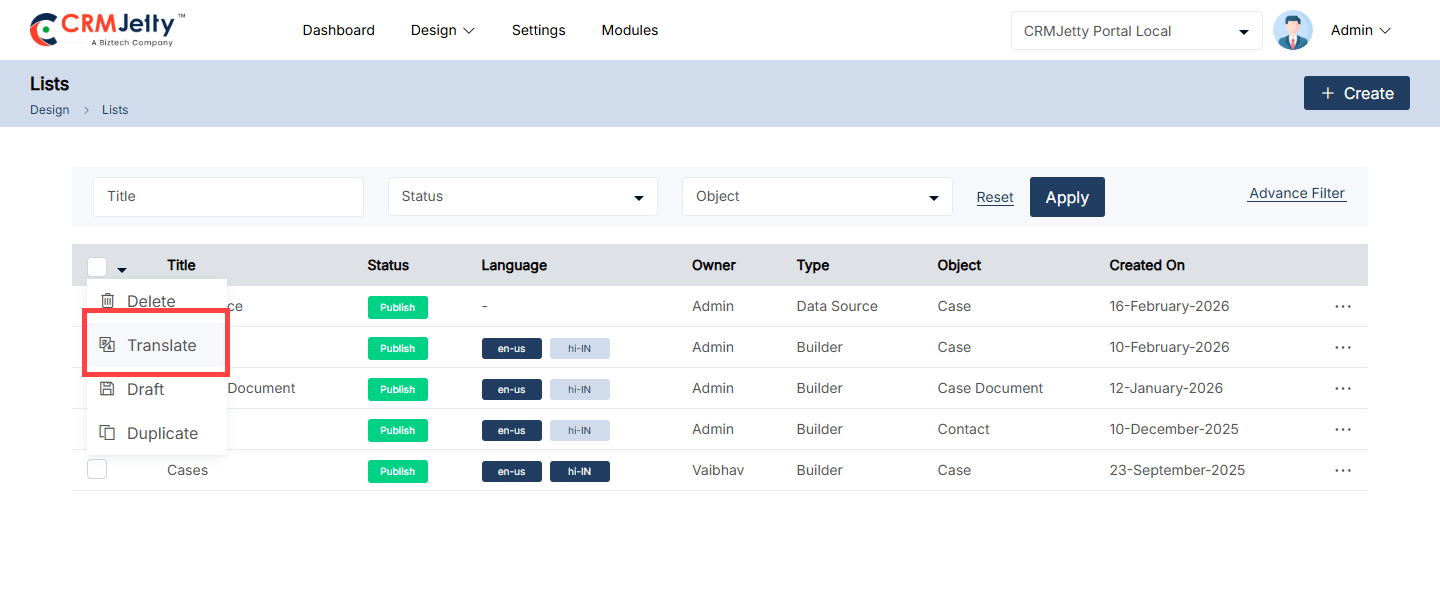
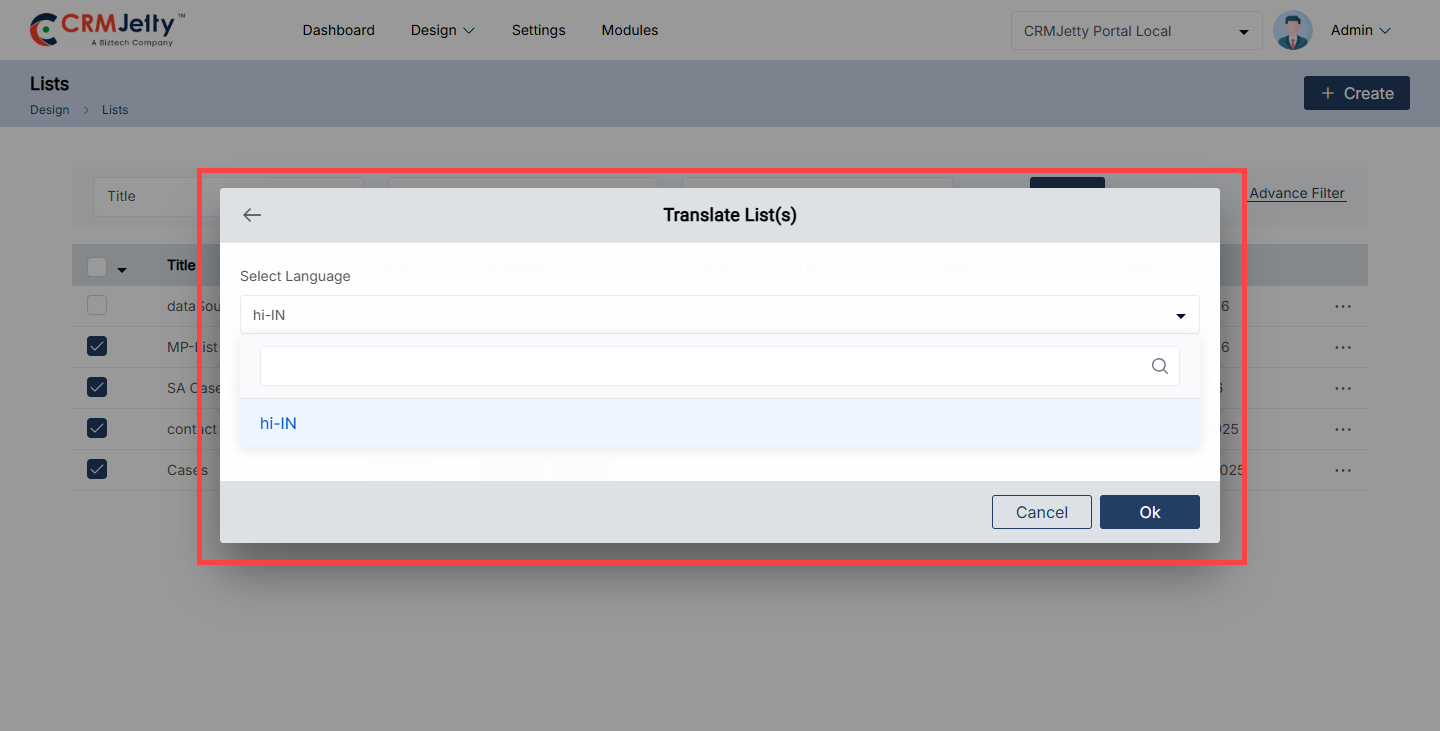
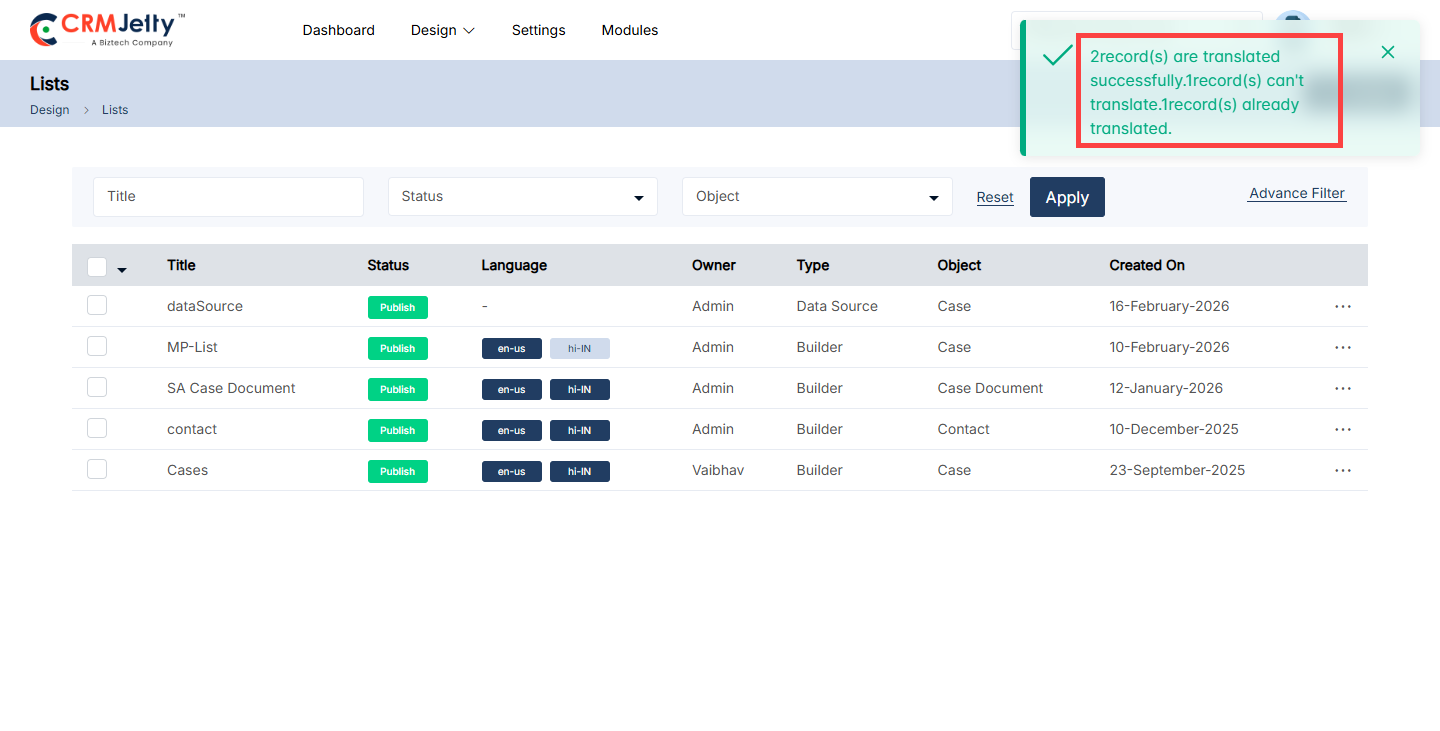
Preview List (View from list page)
To preview the list, Admin needs to either save the list as a draft or publish it. In both scenarios, Admin can preview the list to see how it will appear on the front end.
Note: In preview mode, Admin cannot click on any fields, the preview only displays the layout of the list. [2]
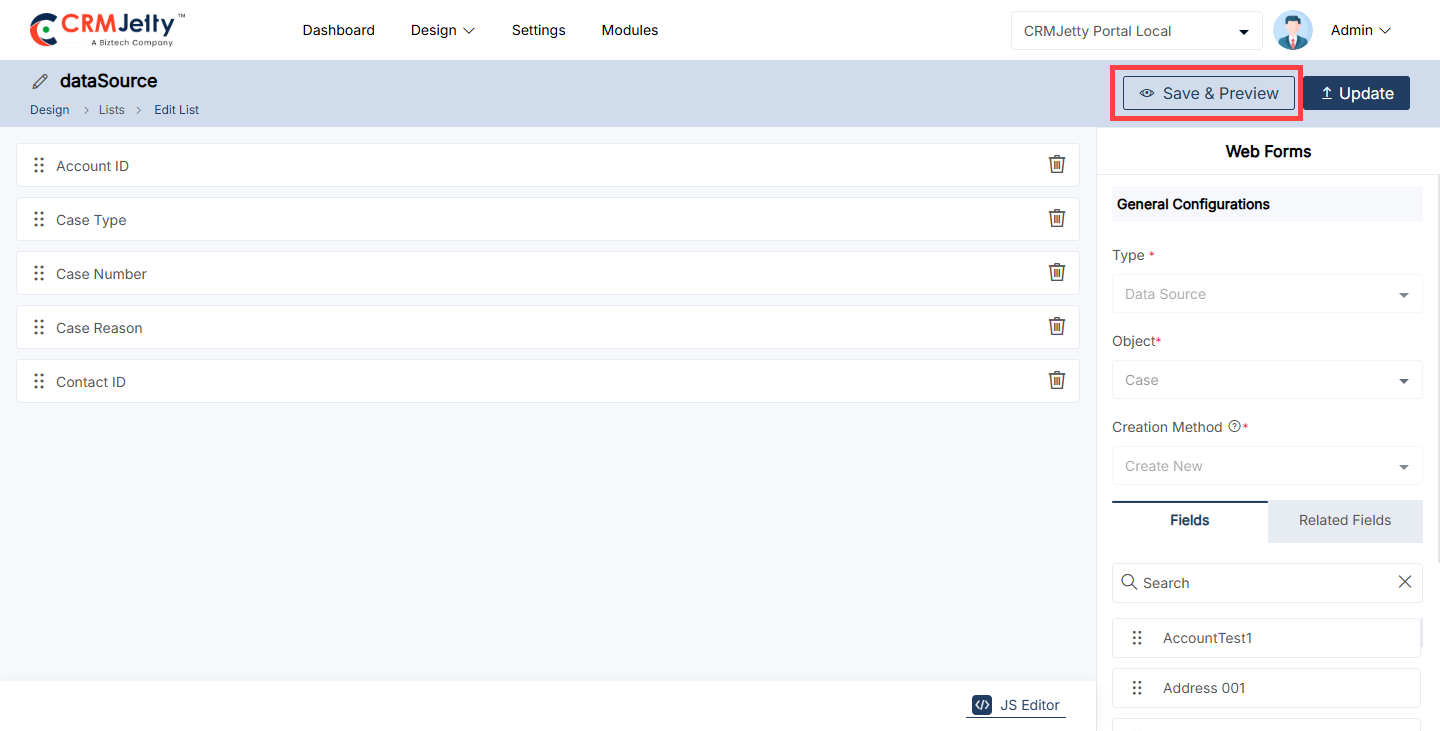
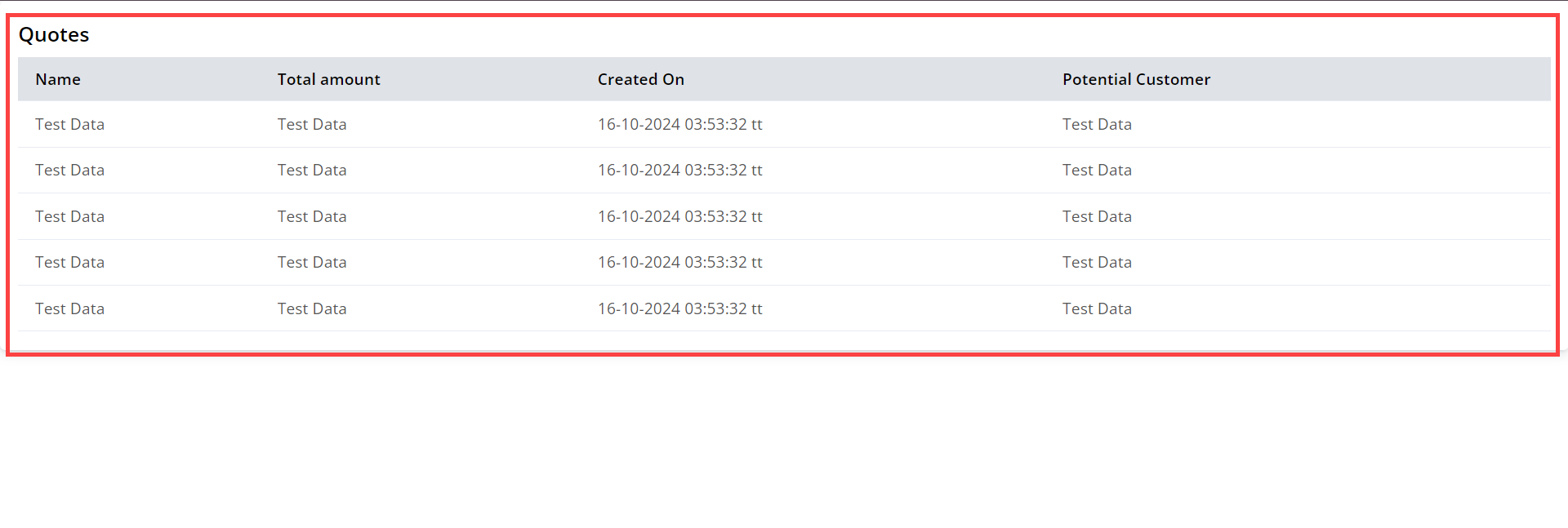
Edit List
To edit a list, navigate to the portal lists and click the three dots (…). This will show the Edit icon. Clicking the icon will redirect to the edit list page. [1]
Admin can update all the details and configurations, after updating the details click on the “Update” button. [2]
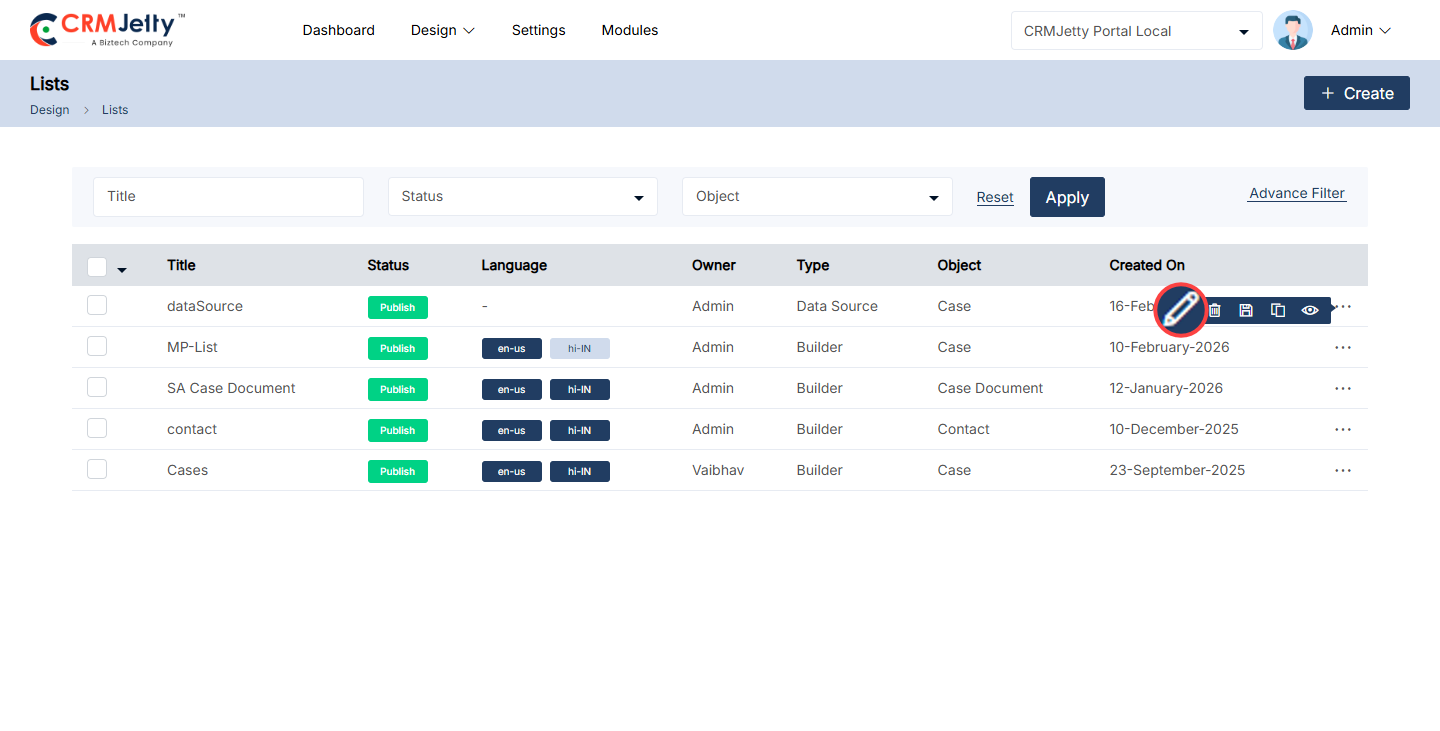
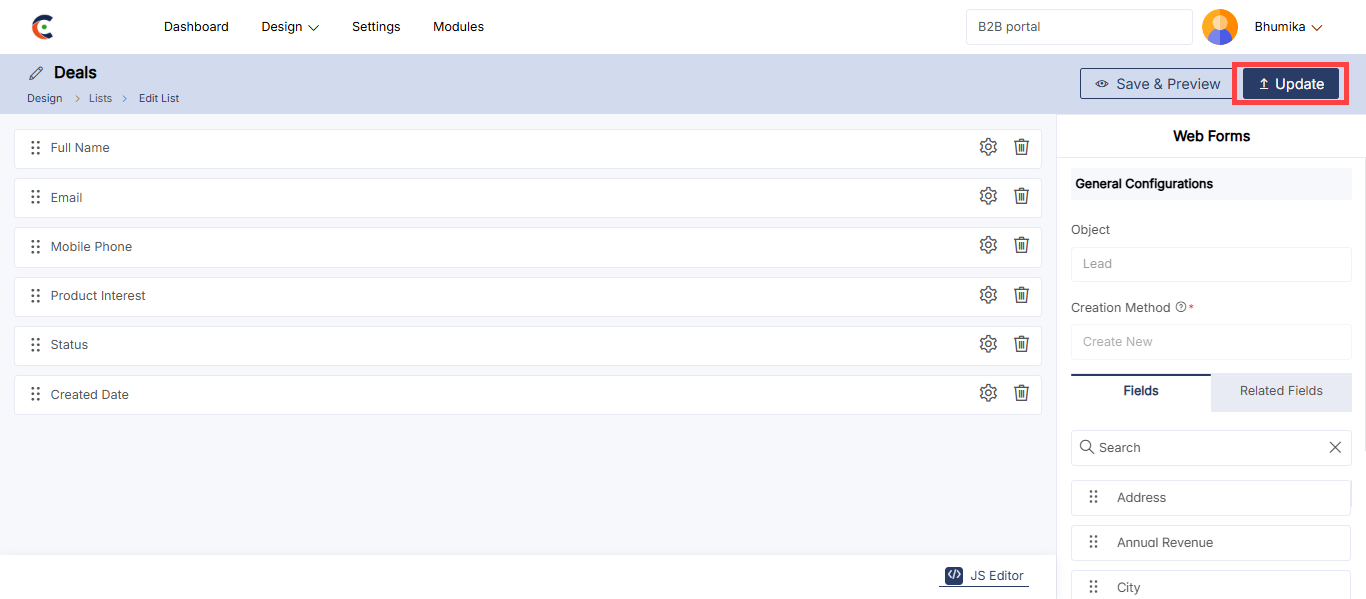
Delete List
To Delete a portal list, navigate to the portal list and click the three dots (…). [1]
By clicking on the dots the Admin can see the Delete icon and by clicking on that they can see one warning (pop-up) message. Click on the “Ok” button and the role will be permanently deleted from the portal. [2]
Bulk Delete lists:
To delete a multiple list at once follow the below steps:
List Selection:
The Admin should start by selecting the lists for deletion. This can be done by clicking on the checkboxes beside each list.
Choosing Bulk Action:
After selecting the lists, the Admin needs to proceed to click on the bulk action checkbox. From the available options, select the “Delete” option. [3]
Confirmation Process:
A confirmation pop-up will appear after selecting the “Delete” option. To finalize and permanently remove the selected lists, the Admin must click the “OK” button. If the deletion is not required then the Admin can simply click the “Cancel” button to exit the process. [4]
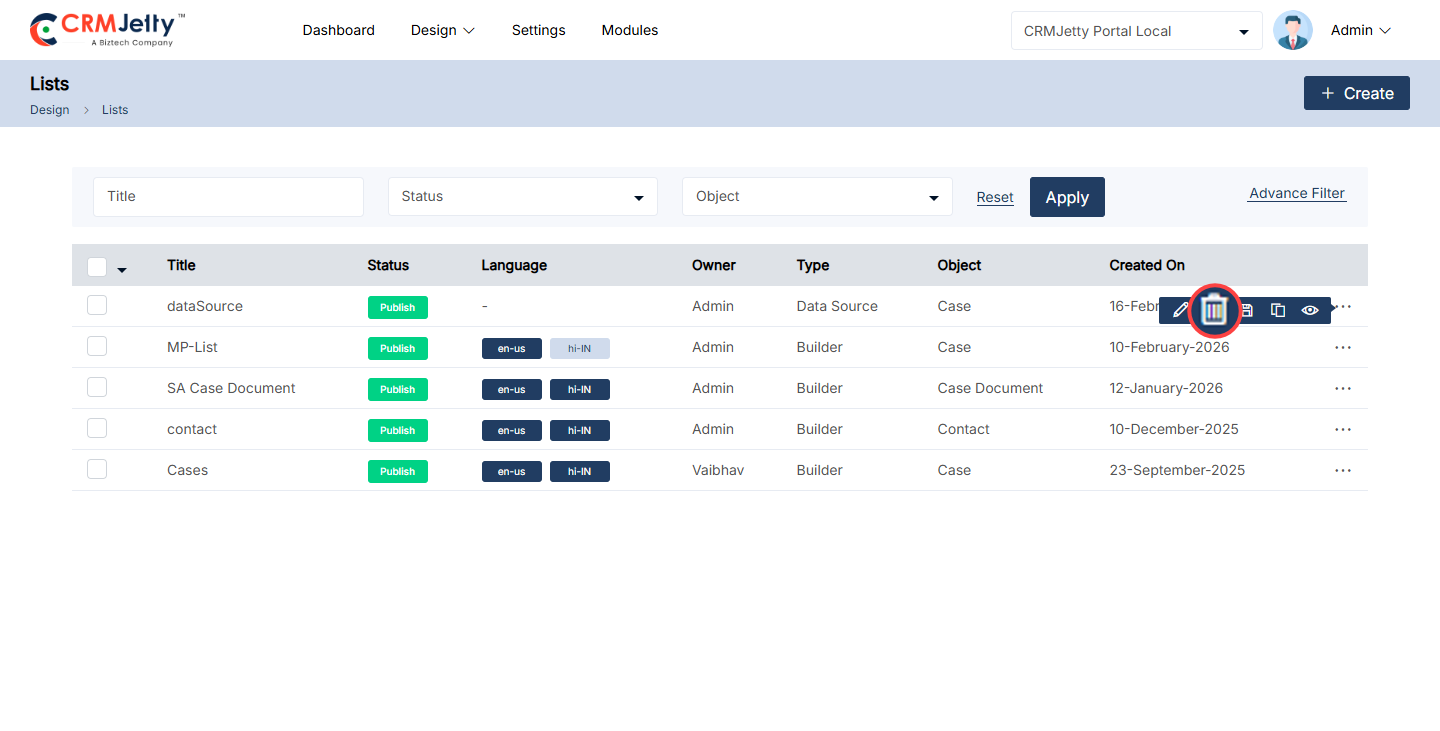
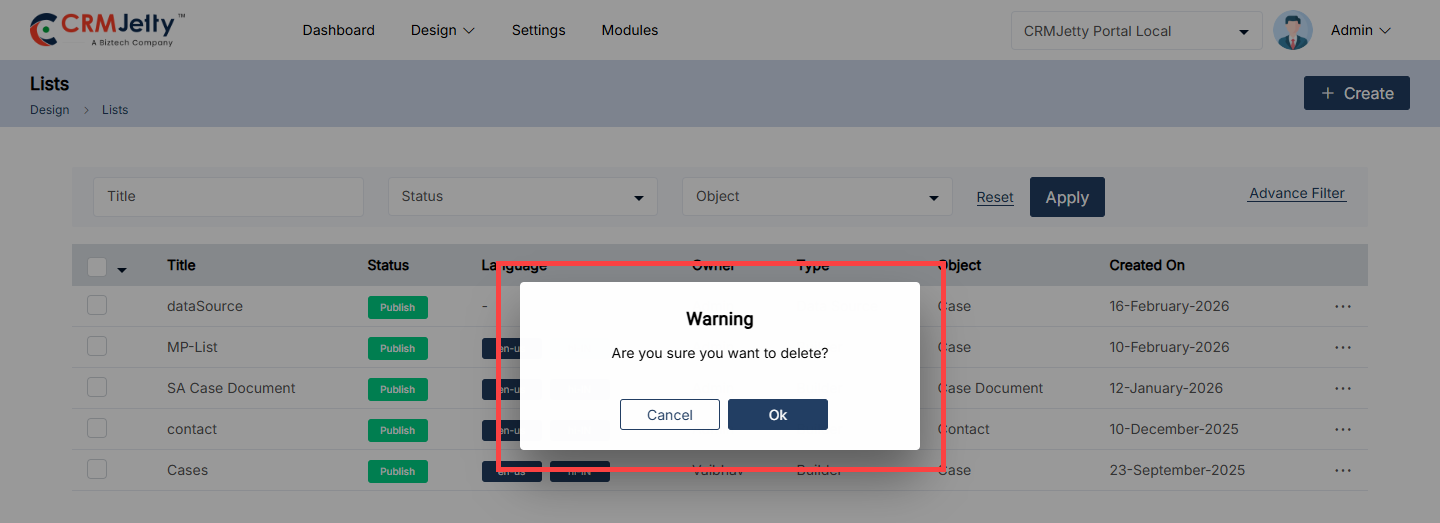
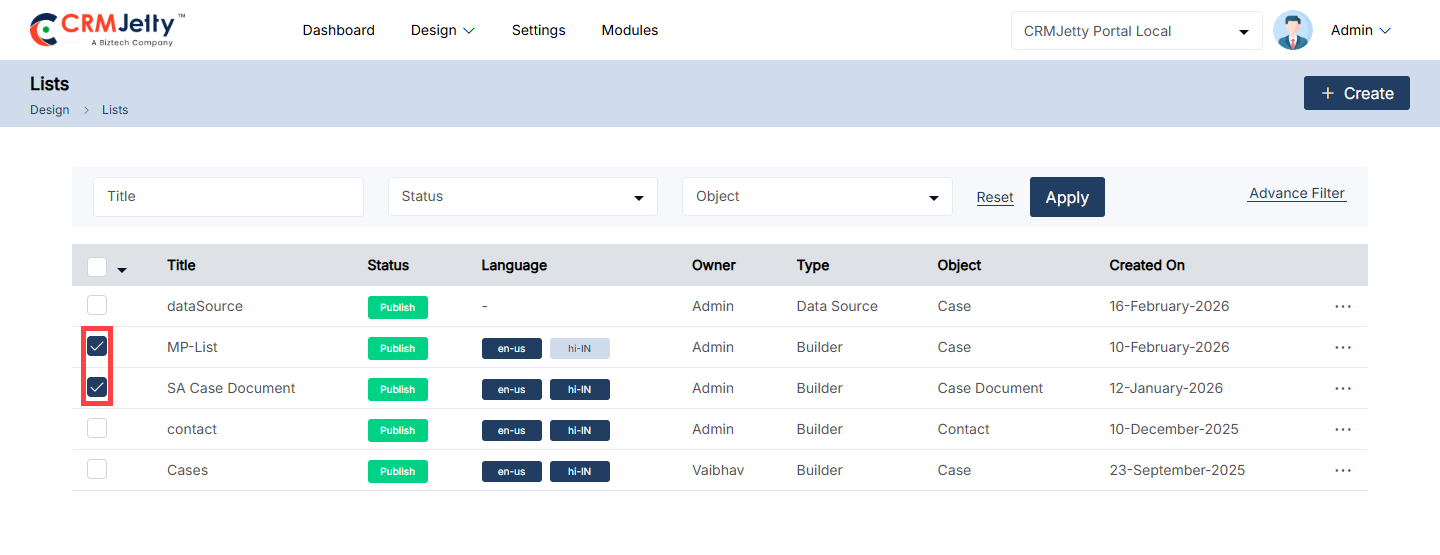
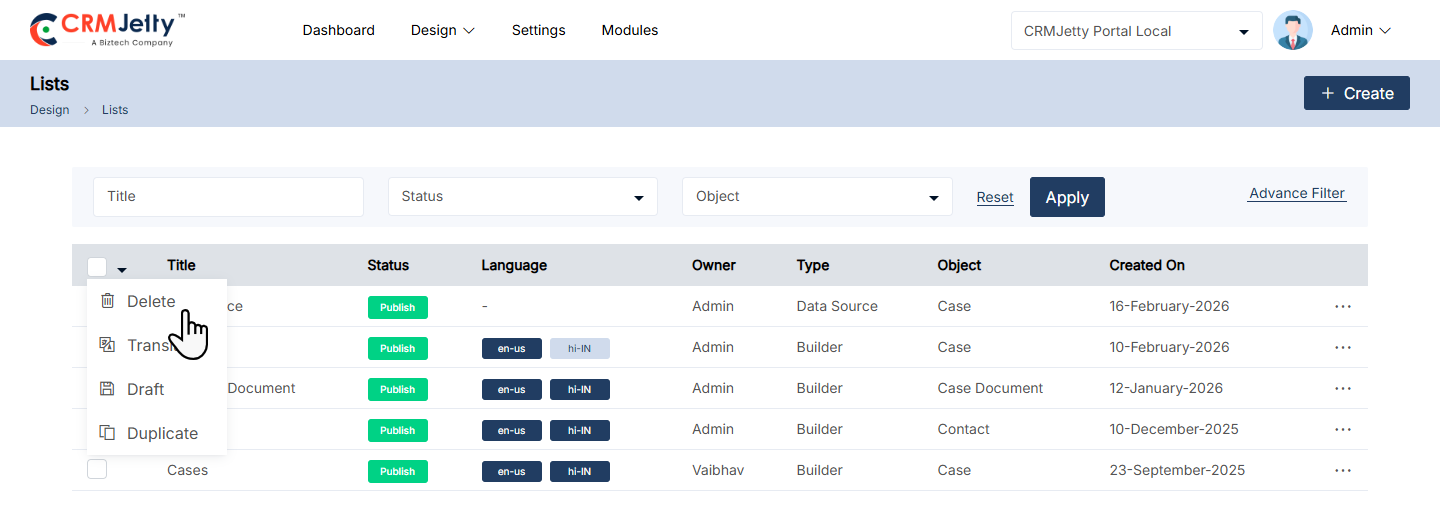
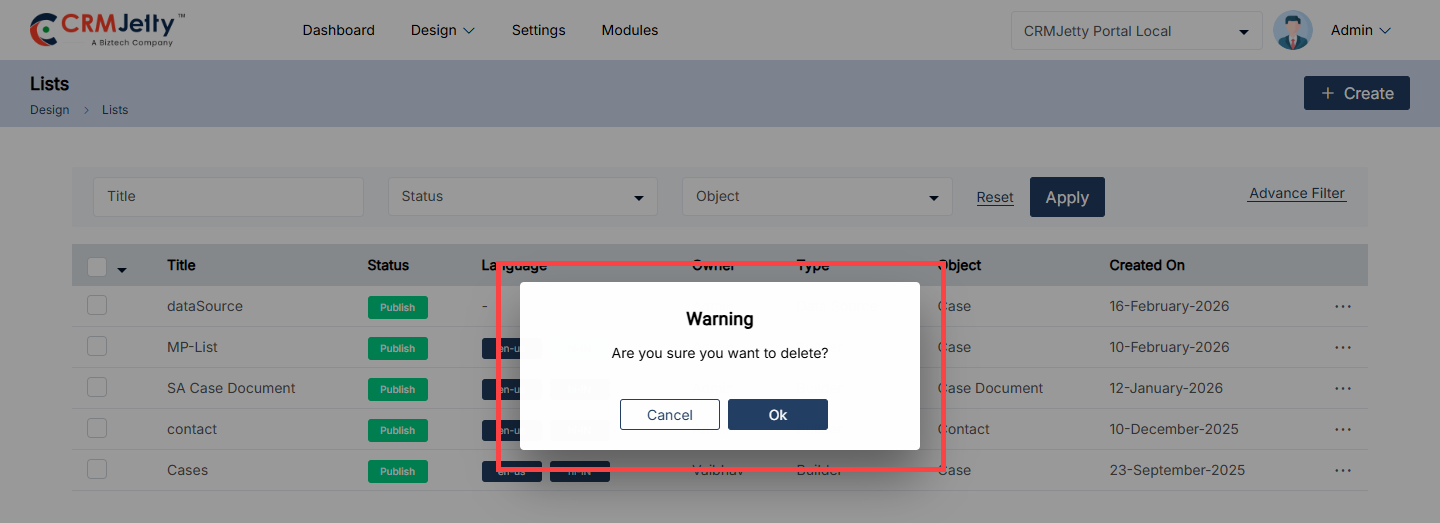
Publish List
1. Publishing a List:
To publish a portal list, navigate to the list and click the three dots (…). Clicking on the dots will reveal the “Publish” Icon. [1]
By clicking on the icon the list will be published and the Admin can view the success message on the right side of the page. [2]
Bulk Publish Lists
1. List Selection:
The Admin should start by selecting the lists to be published. This can be done by clicking on the checkboxes beside each list object.
2. Choosing Bulk Action:
After selecting the lists, the Admin needs to click on the bulk action checkbox. From the available options, select the “Publish” option. [3]
By clicking on the publish option the selected list will be published and the Admin can view the success message on the right side of the page. [4]
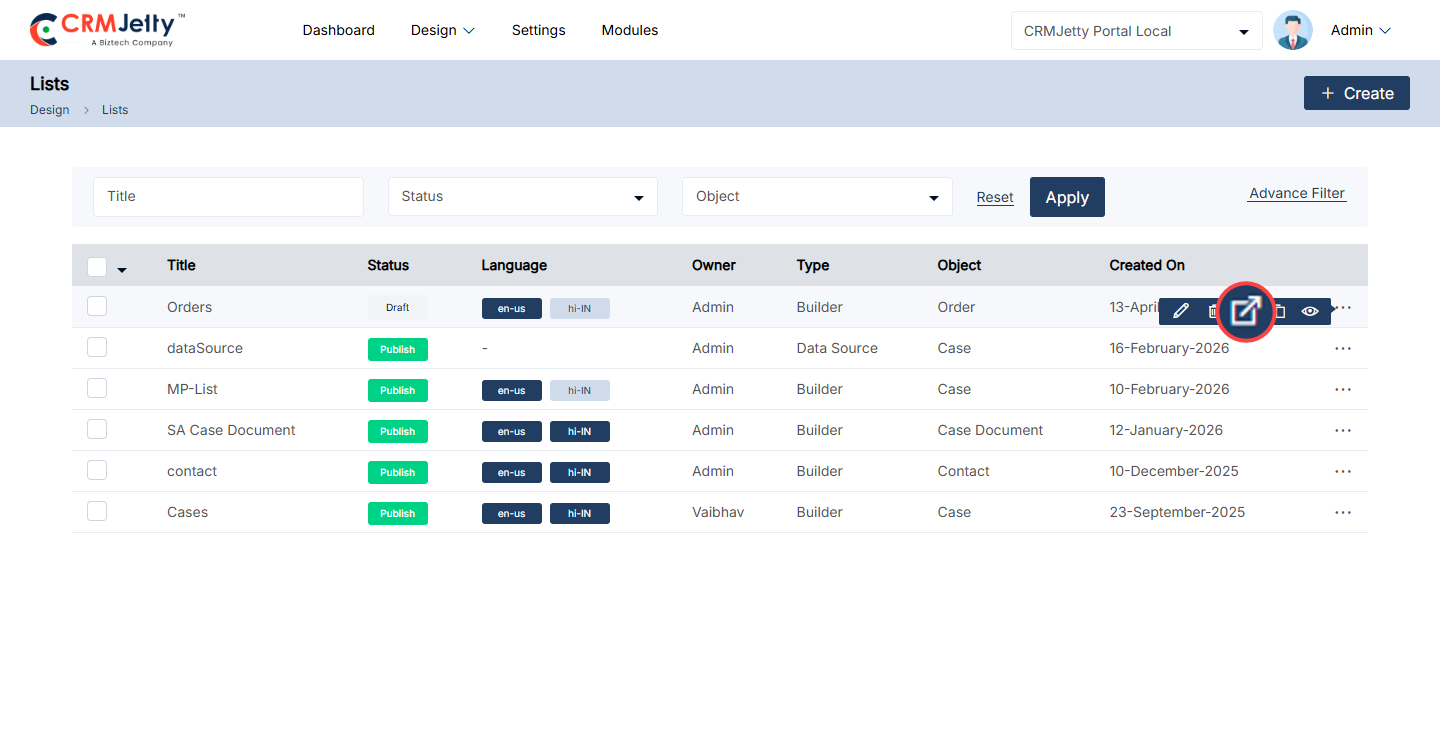
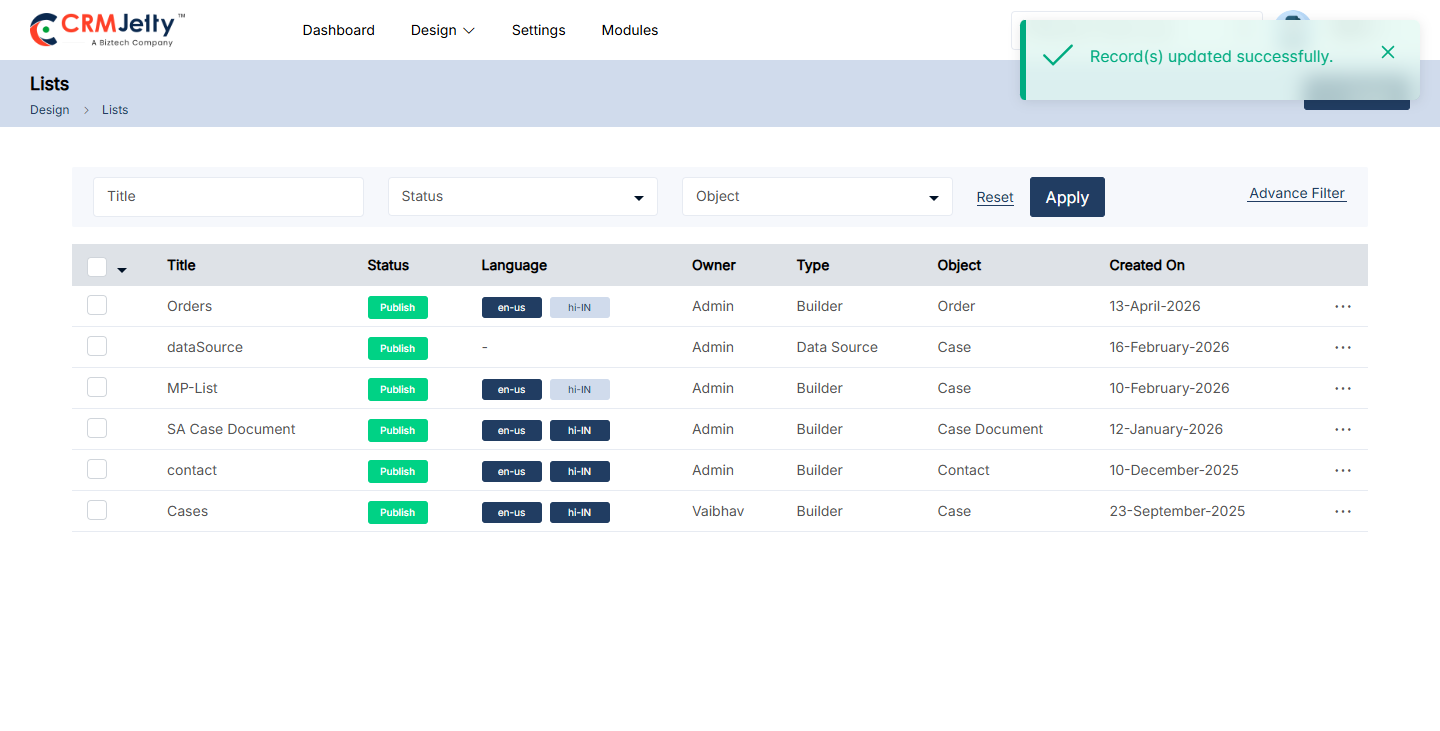
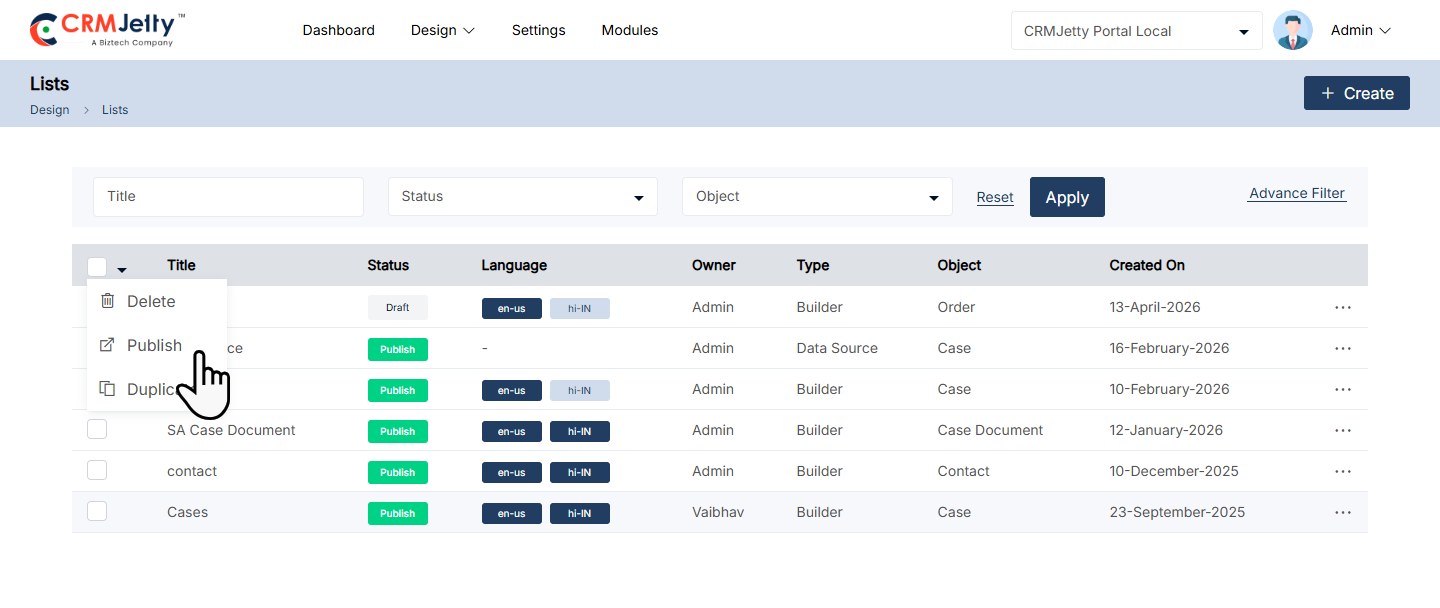
Duplicate List
1. Duplicating a List:
– To duplicate a portal list, navigate to the list and click the three dots (…). Clicking on the dots will reveal the “Duplicate” icon. Selecting this button will initiate the duplication process.
2. Confirmation Process:
– Once the “Duplicate” button is clicked, the list will be copied, and a new duplicate list will appear in the portal.
– By clicking on the duplicate icon the selected list will be duplicated, and added to the list as “List name – Copy”. [2]
– After duplication the Admin can view the success message on the right side of the page. [2]
Bulk Duplicate Lists
1. List Selection:
– The Admin should start by selecting the lists to be duplicated. This can be done by clicking on the checkboxes beside each list object. [3]
2. Choosing Bulk Action:
– After selecting the lists, the Admin needs to click on the bulk action checkbox. From the available options, select the “Duplicate” option.
– By clicking on the duplicate icon the selected list will be duplicated, and added in a list as a “List name – Copy”. (e.g. Orders-Copy)[4]
– After duplication the Admin can view the success message on the right side of the page. [4]
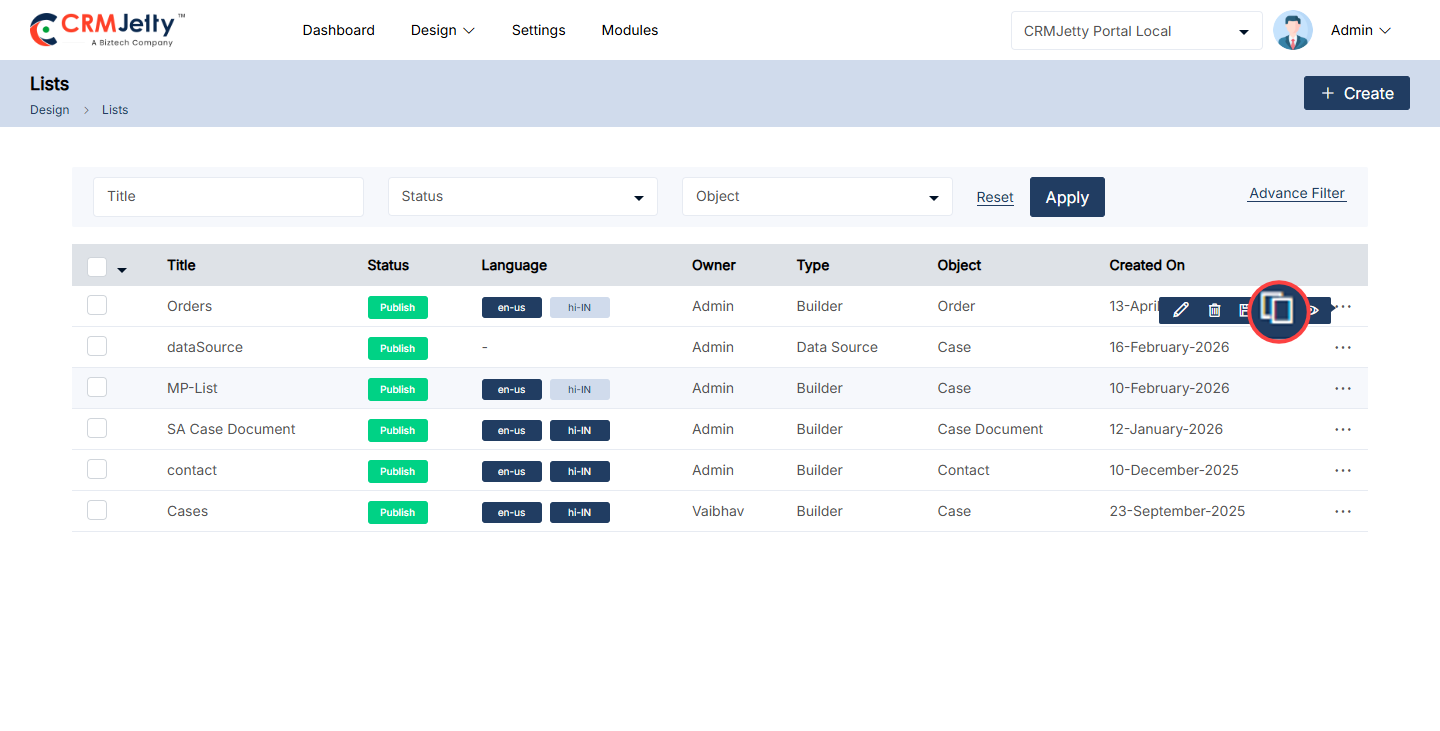
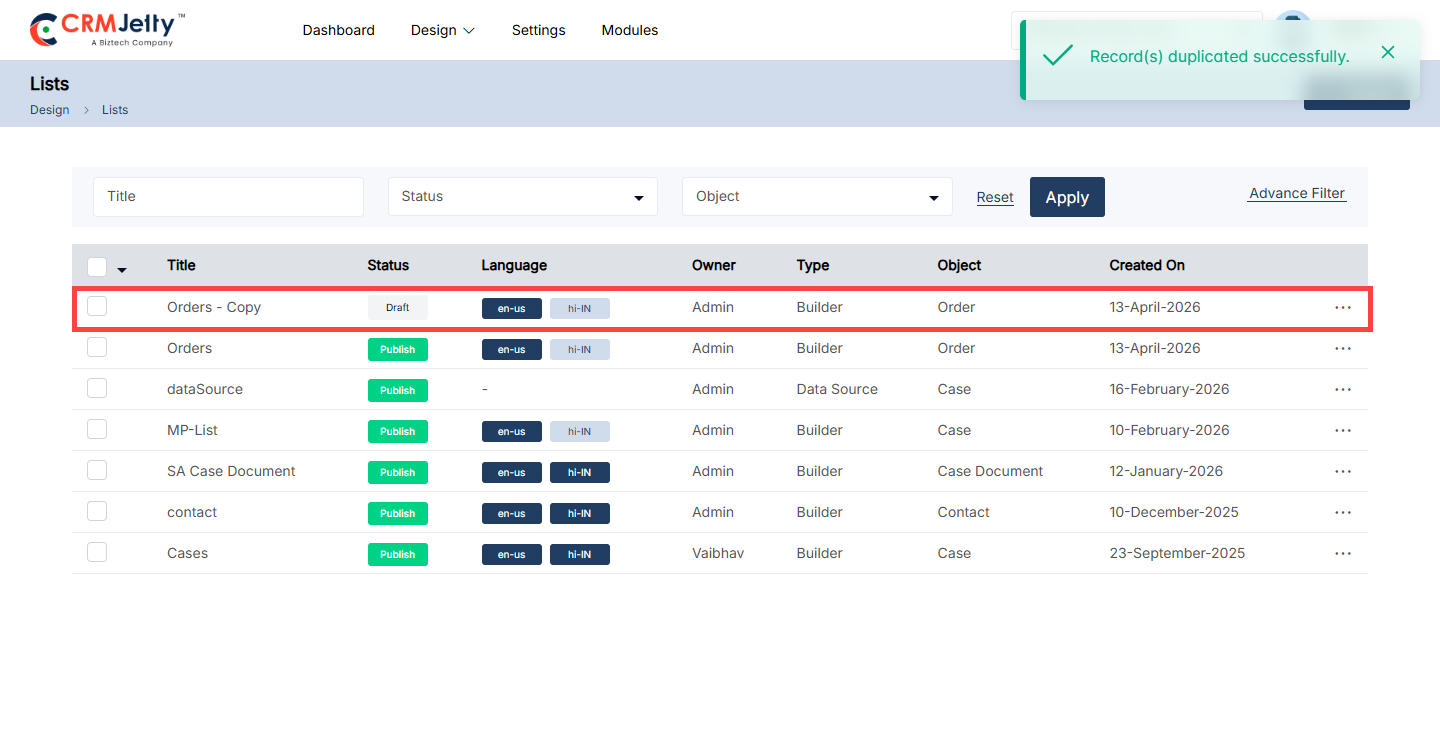
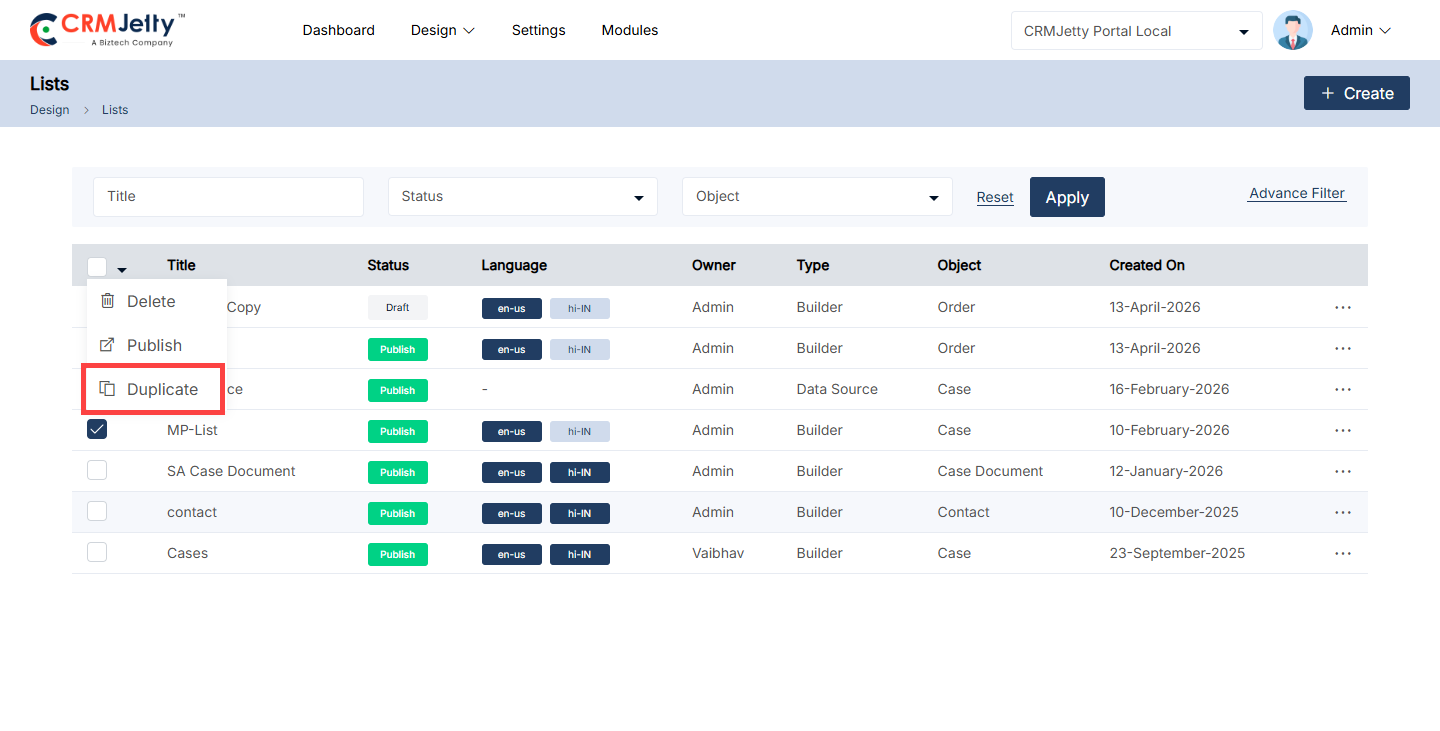
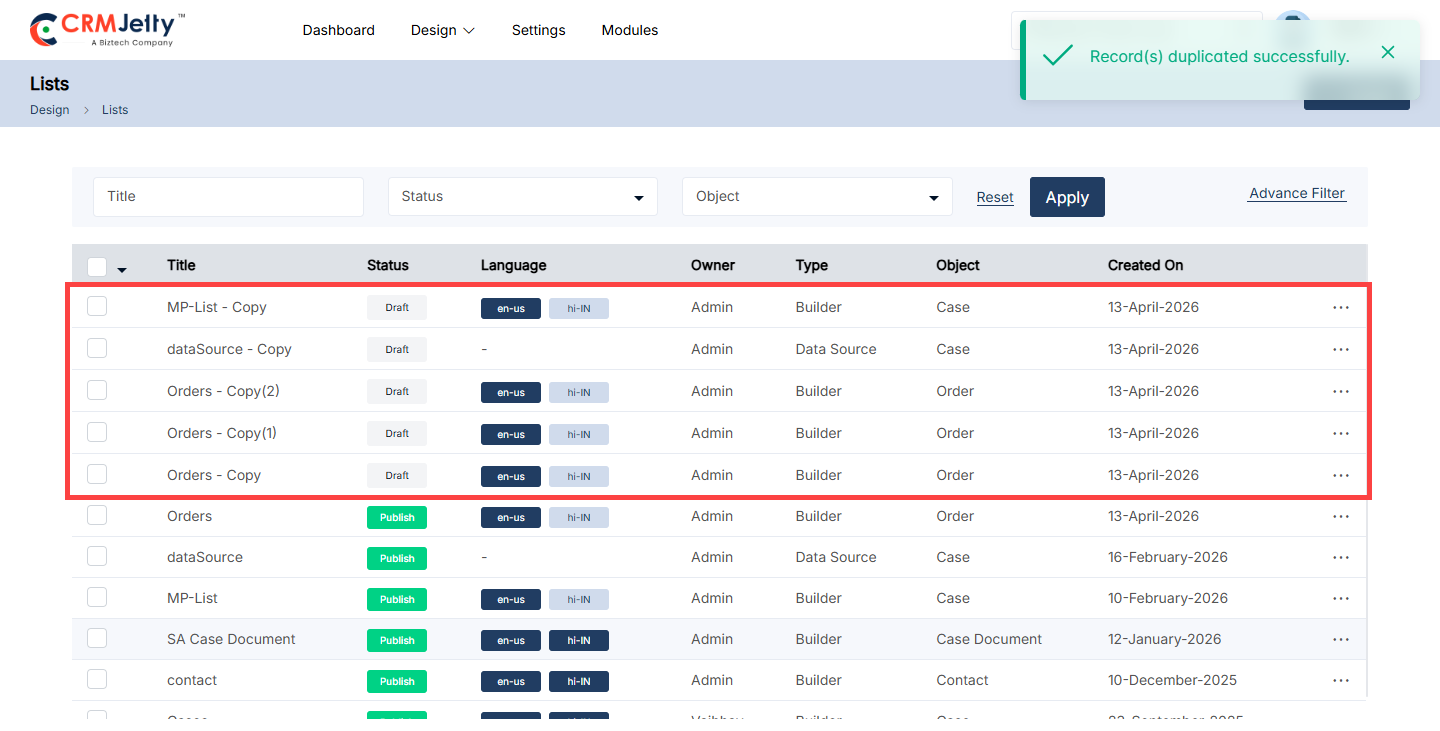
Preview Lists
To preview a portal list, navigate to the list and click the three dots (…). Clicking on the dots will reveal the “Preview” icon. Selecting this button will open a preview window displaying the layout of the list. [1]
Note: The Admin cannot add or modify any content within the list during this preview, it is just a list layout. [2]
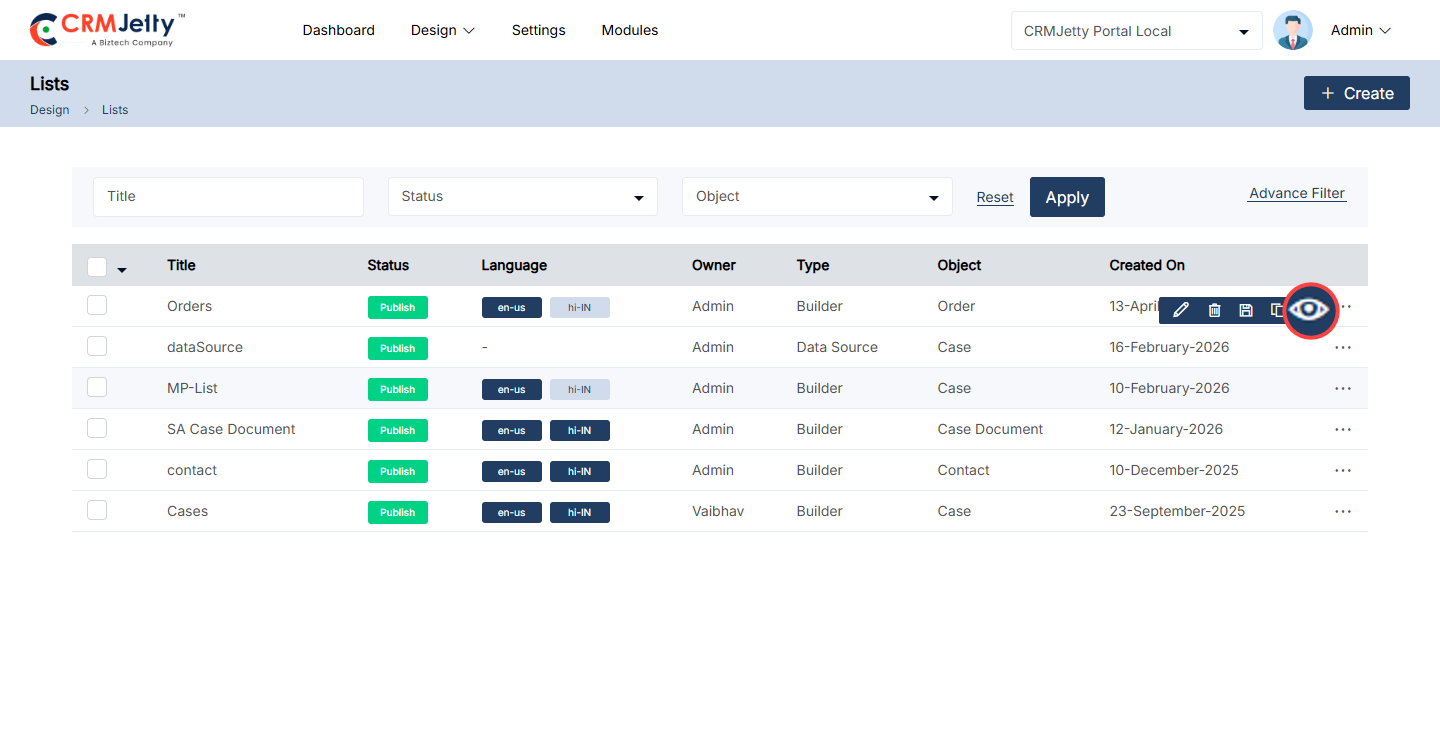
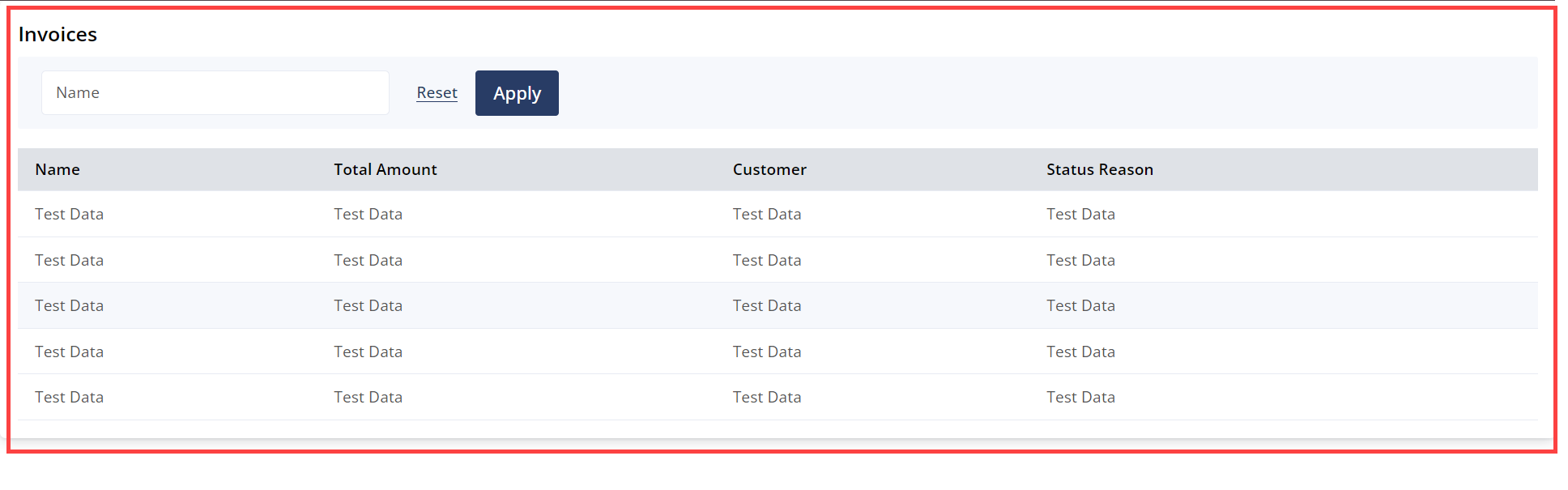
Forms Builder
CRMJetty allows Admin to design and configure forms for various objects. Admin can create, edit, preview, and publish forms that will be used in page builders. The dynamic layout of the form can be designed using CRM fields.
The Form Builder enables Admin to manage forms by creating, duplicating, deleting, filtering, previewing, and translating them. To access these features, navigate to Design > Form Builder. [1]
On the form builder page, Admin can view the following columns: Title, Status, Language, Owner, object, and Created On dates. [2]
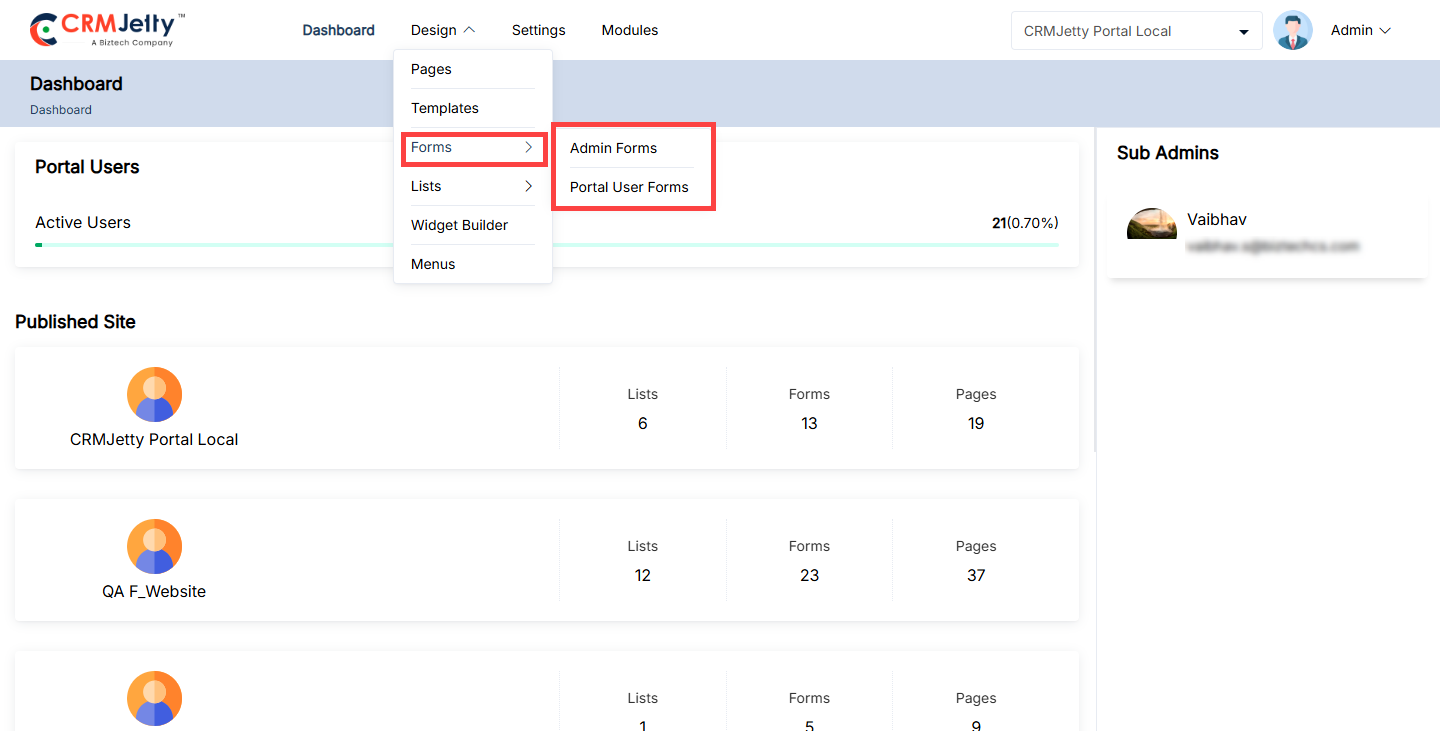
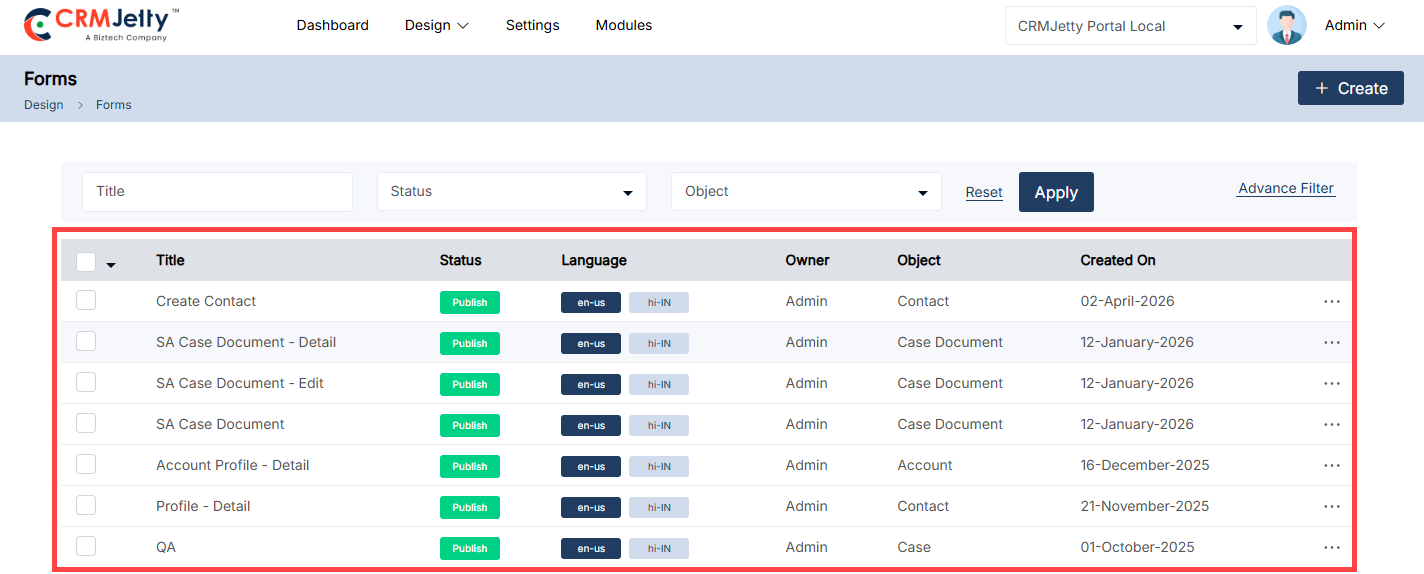
Creating a Form Layout
– Admin can create a form for any object. By clicking on the “+ Create” button, a popup will appear where the Admin needs to insert the ‘Title’ of the form.
– Click on the “Save” button to design the form page layout. This will redirect Admin to the Form layout design page. [1]
– The Admin can create the portal user form for the customer portal. To create the form, the first Admin needs to create a form layout for that Admin can follow: Add Section > Add Grid > Add Fields.
– Add Section: On the left side of the page, the Admin can view the sections and by clicking on the “+” icon the Admin can add a new section. Admin can edit the panel and update the “Panel Title”. After editing, click the Save button. as shown in the mentioned screenshot. [2]
– Add Grid: After adding the section the Admin needs to select the grid, for that, the Admin needs to click on the “Add Grid” button as shown in the mentioned screenshot. [3]
– By clicking on the button, the Admin can view the different grid options, by selecting the grid it will directly add to the selected section as shown in the below screenshot. [4]
– After designing a layout, the Admin first needs to select the Object from the drop-down list. [5]
Note: The Admin can only see Entities that are synced with the portal. If the Admin cannot find the object in the list, they must first sync the “CRM object” to the “Portal object.”
– Add fields: After adding the grid the Admin adds fields to the grid, This can be done in two ways:
1. Create New: The Admin can choose the Create New option to build a form from scratch.
2. Use Existing: The Admin can select the Use Existing option to utilize a form that has already been created in CRM.
3. Use All: Add all the fields from the selected object. To use all the fields. [5]
Note: The grid supports only one field per box. Admin should ensure the sections are designed accordingly.
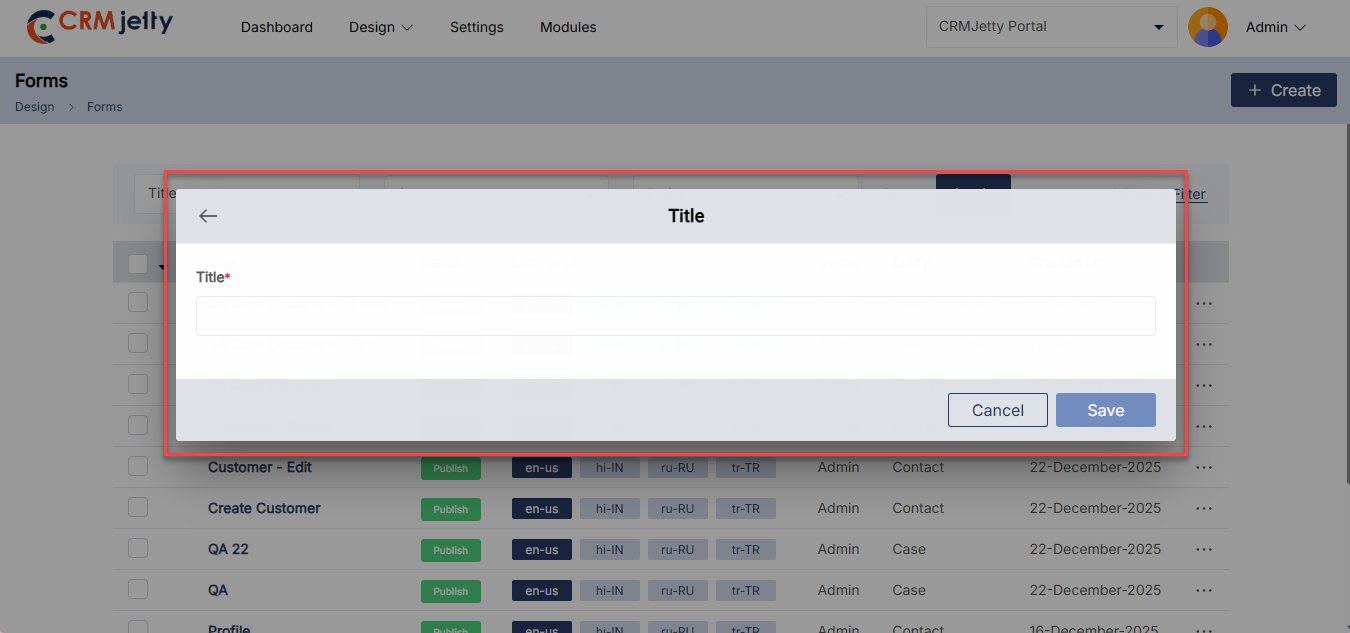
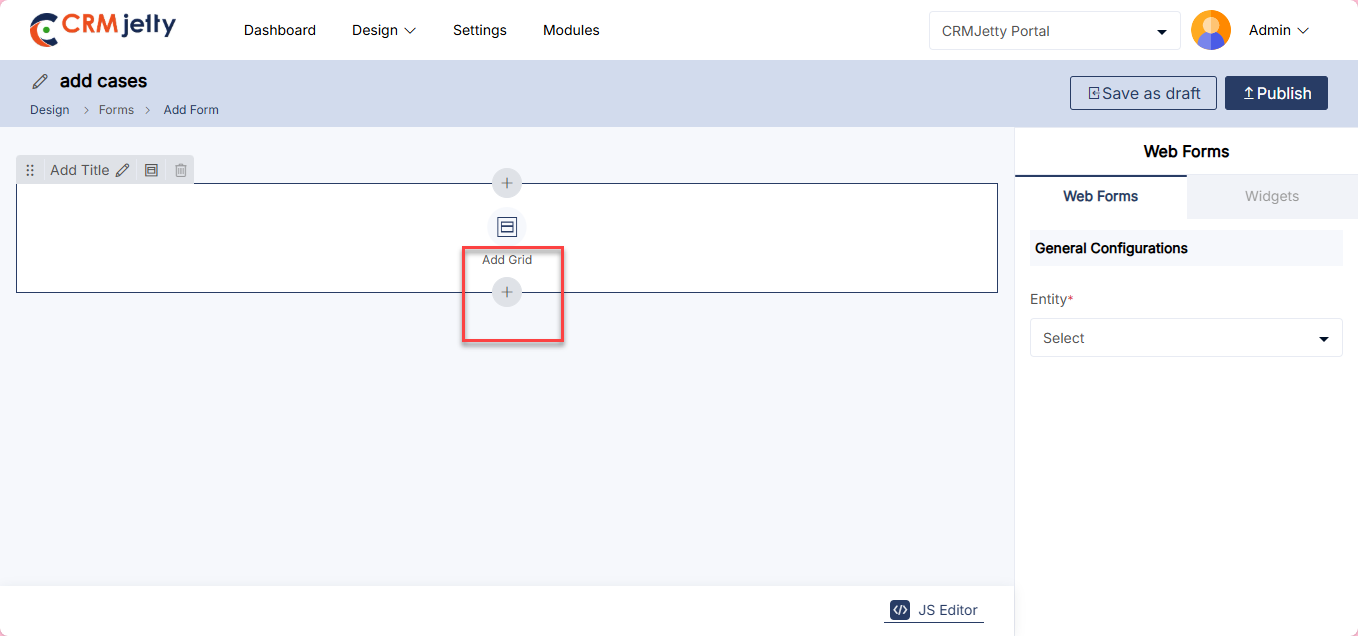
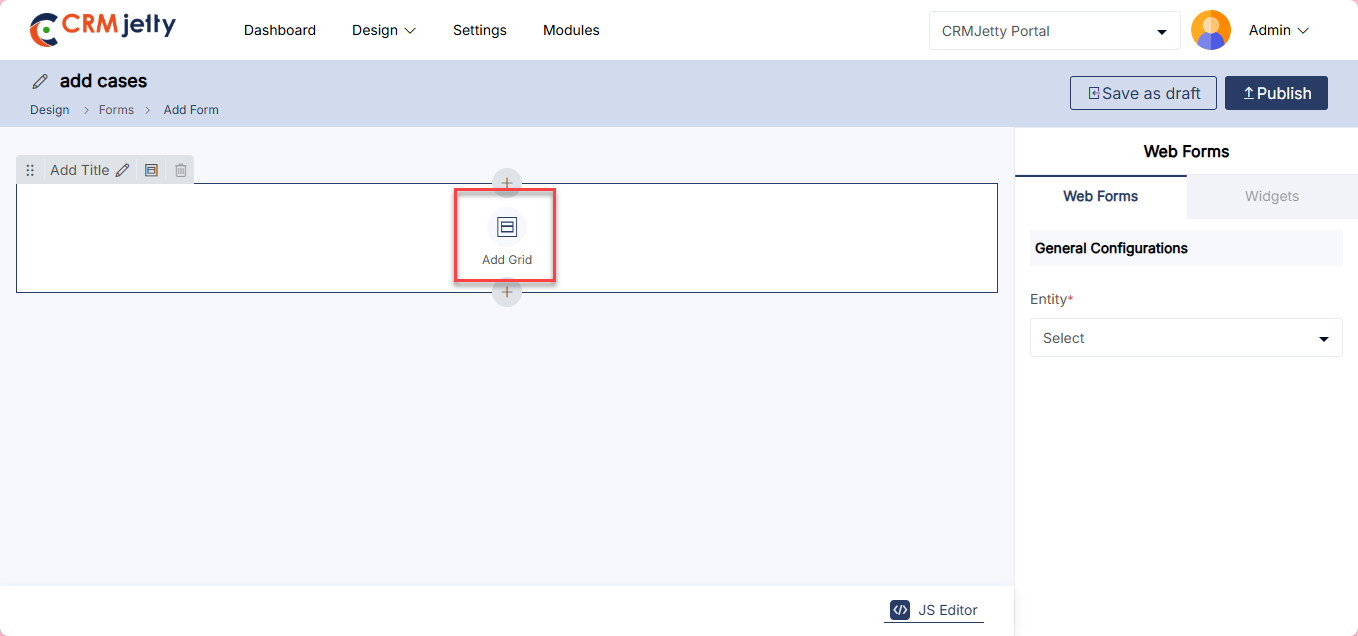
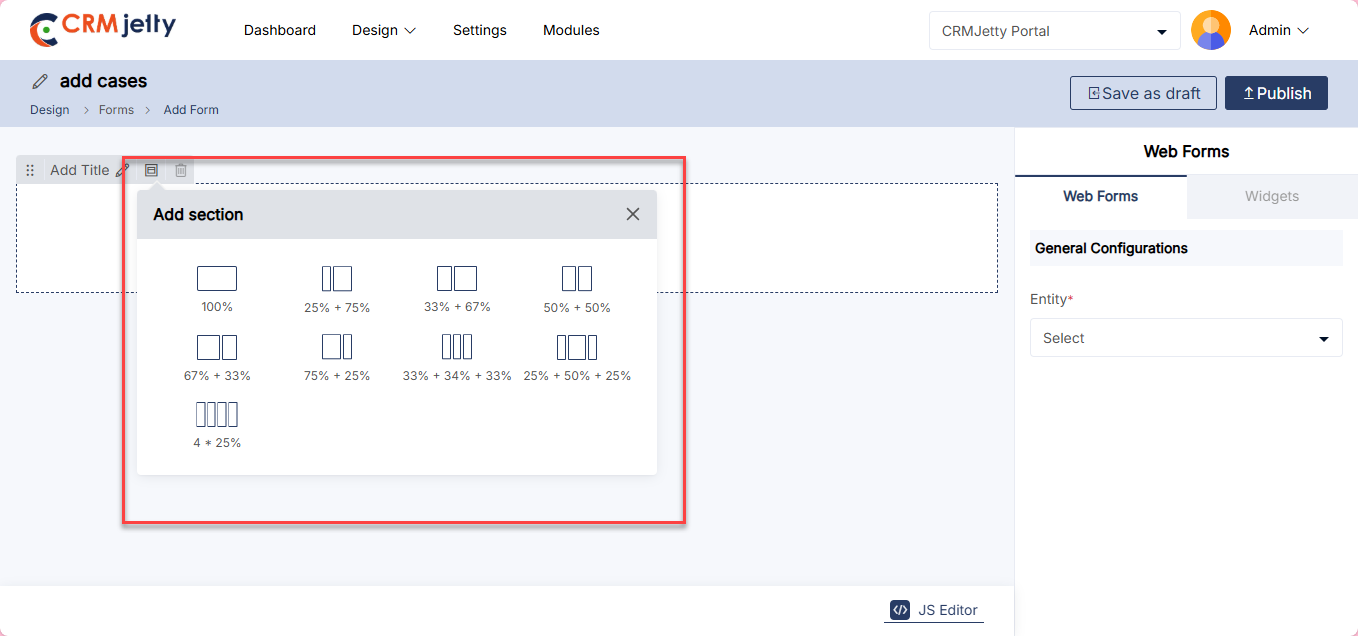
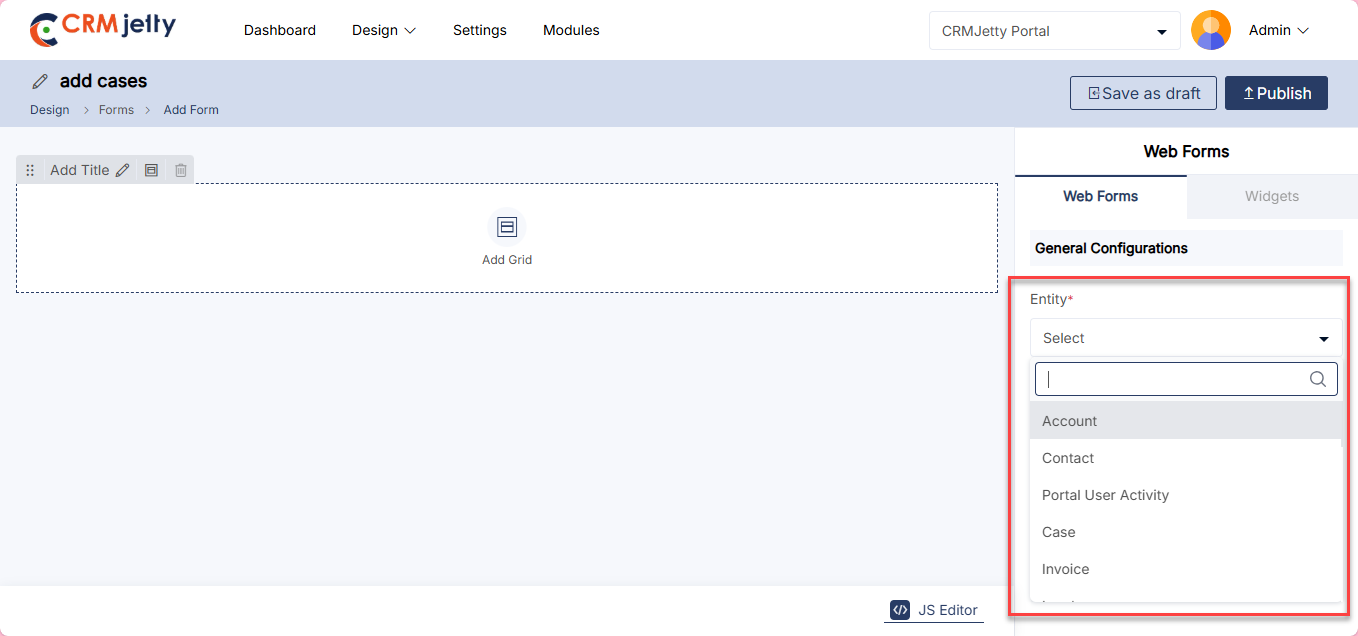
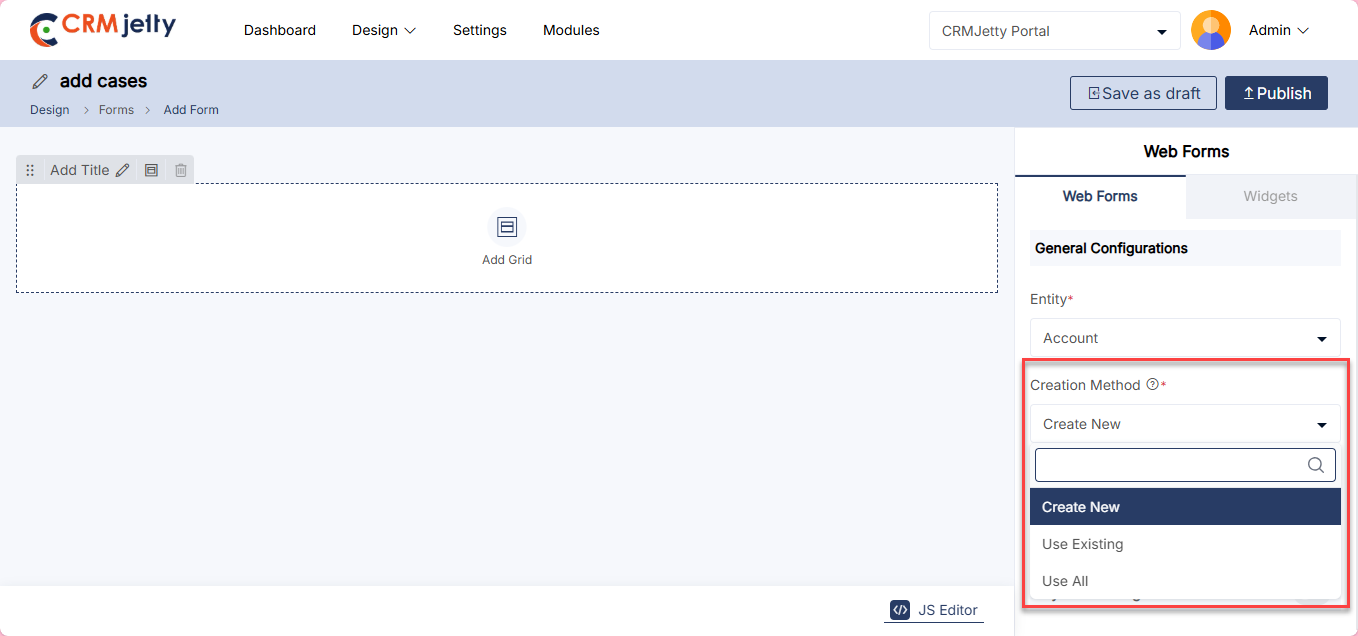
Manual Setup for Creating New Forms
– Once the Object and Creation Method are selected, the Admin can design the layout for the Add, Edit, and Detail pages of the new Form. [1]
There are two Copy options available: “Copy to Edit” and “Copy to Detail”. The Admin can copy the ‘Add’ form design to both the ‘Edit’ form and the ‘Detail’ form. [2]
Note: If the Admin is creating a Detail type form, the options “Copy to Add” and “Copy to Edit” will not be available.
– After selecting the object, the Admin will see a list of fields enabled from CRM. The required fields can be dragged and dropped from the right side to the left side of the grid layout.
– A search functionality is available for the Admin to find specific fields. [3]
To configure the fields, the Admin can perform the following actions:
– Field Settings: By clicking on the Settings icon, the Admin can configure following settings
– Label: Define the field’s name visible to the portal user.
– Placeholder: Insert text that appears inside the field before data entry.
– Help Tip: Provide additional guidance or information about the field.
– Default Value: Set an initial value that populates the field by default. [4]
– Attributes Configuration: The Admin can also set the field attributes such as ReadOnly and Required:
– Read Only: When this checkbox is enabled, portal users will not be able to enter data in the field.
– Required: Enabling this option makes the field mandatory, ensuring that portal users must fill it out before proceeding. [5]
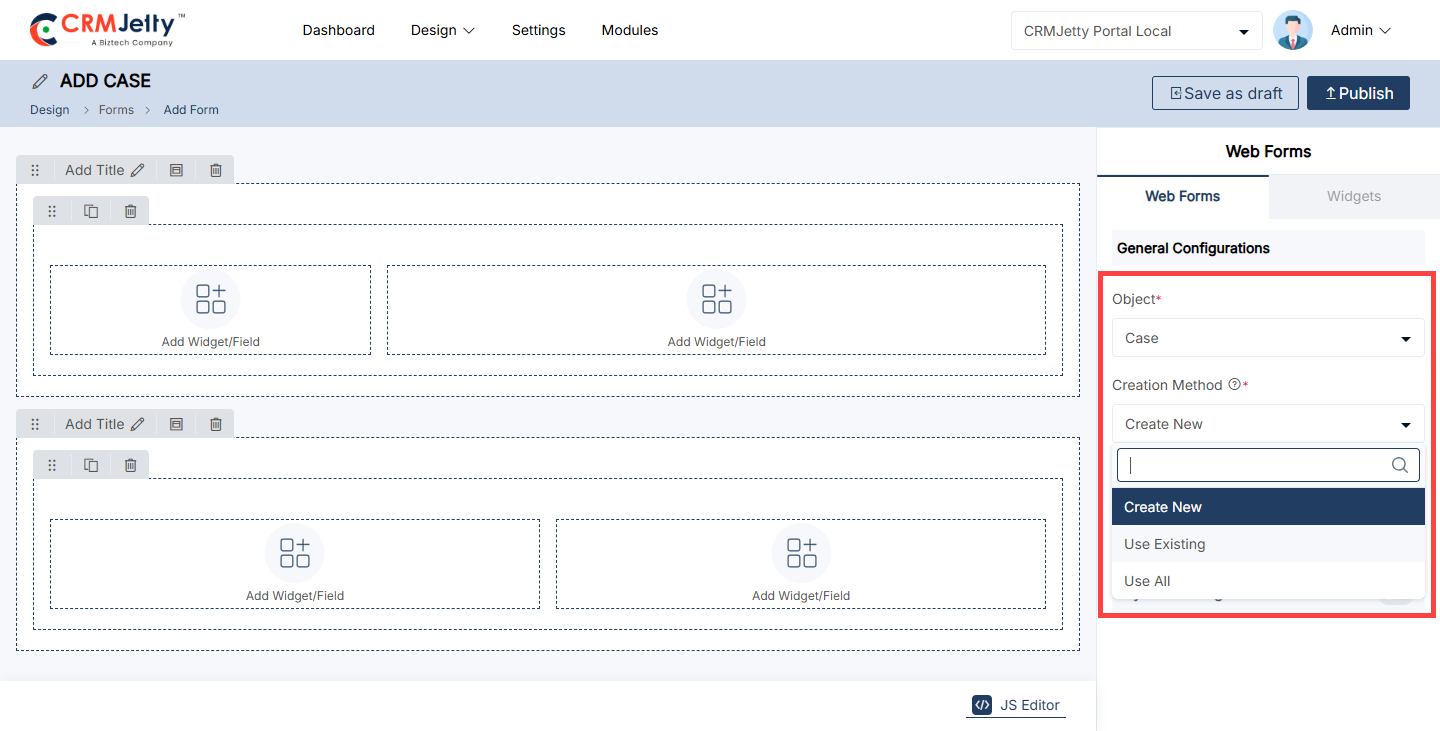
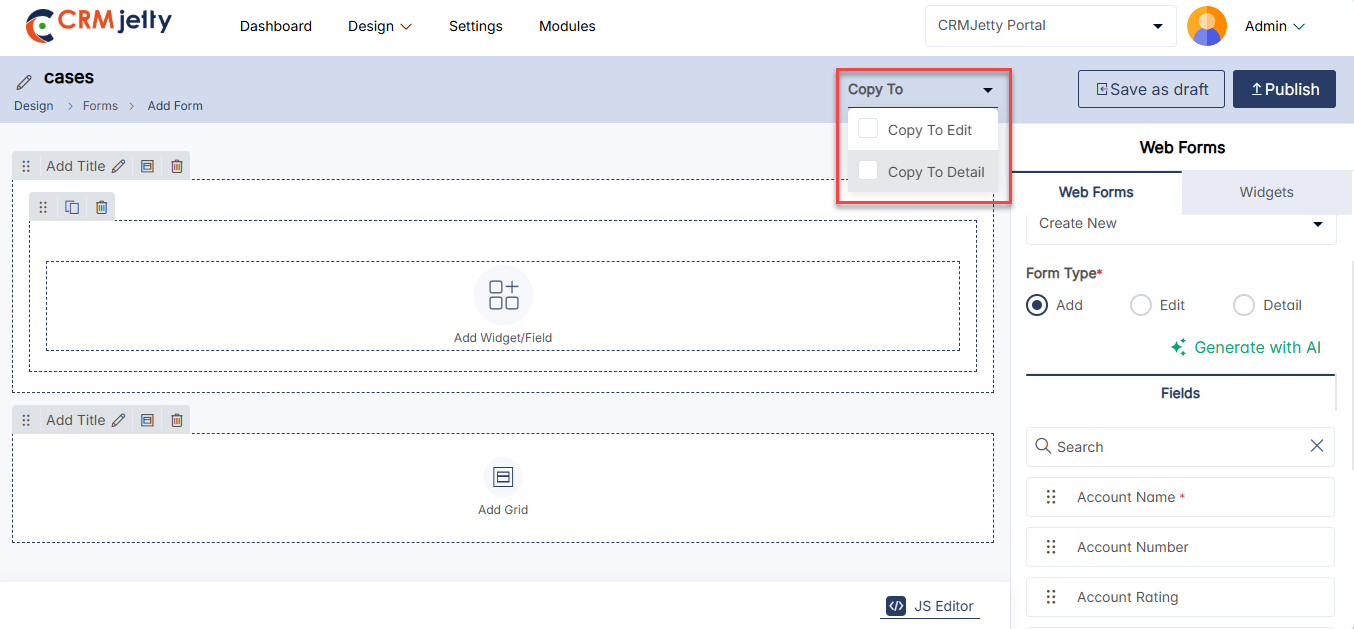
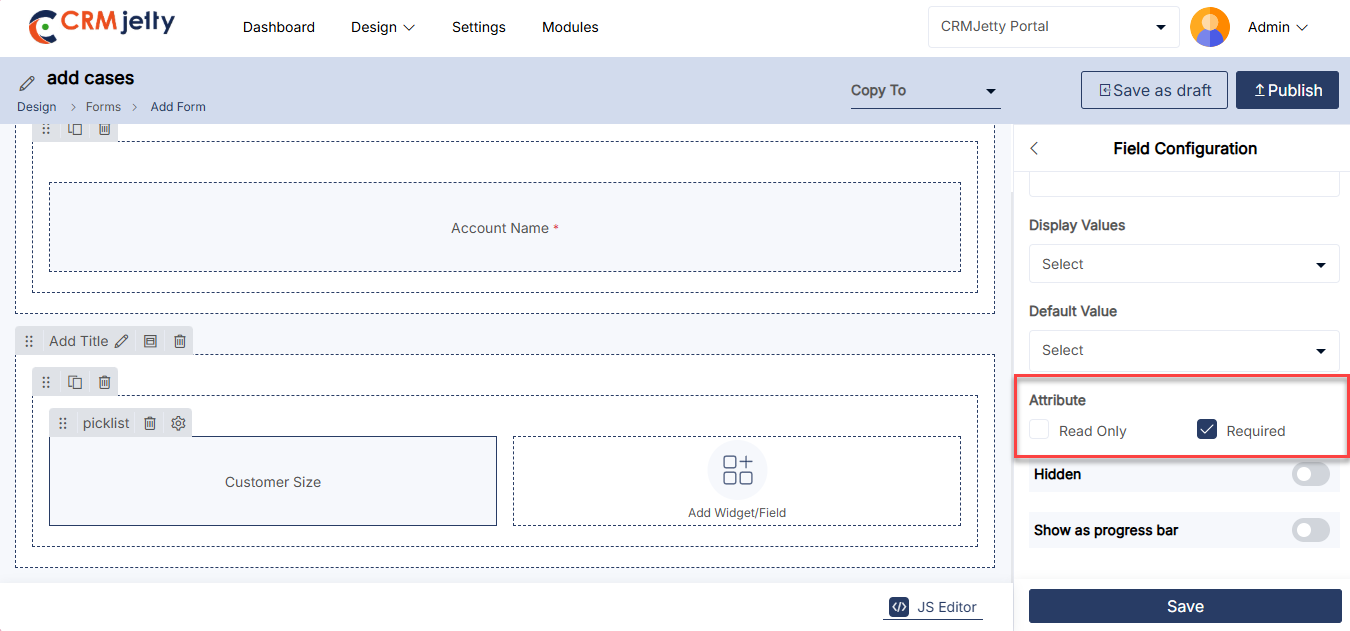
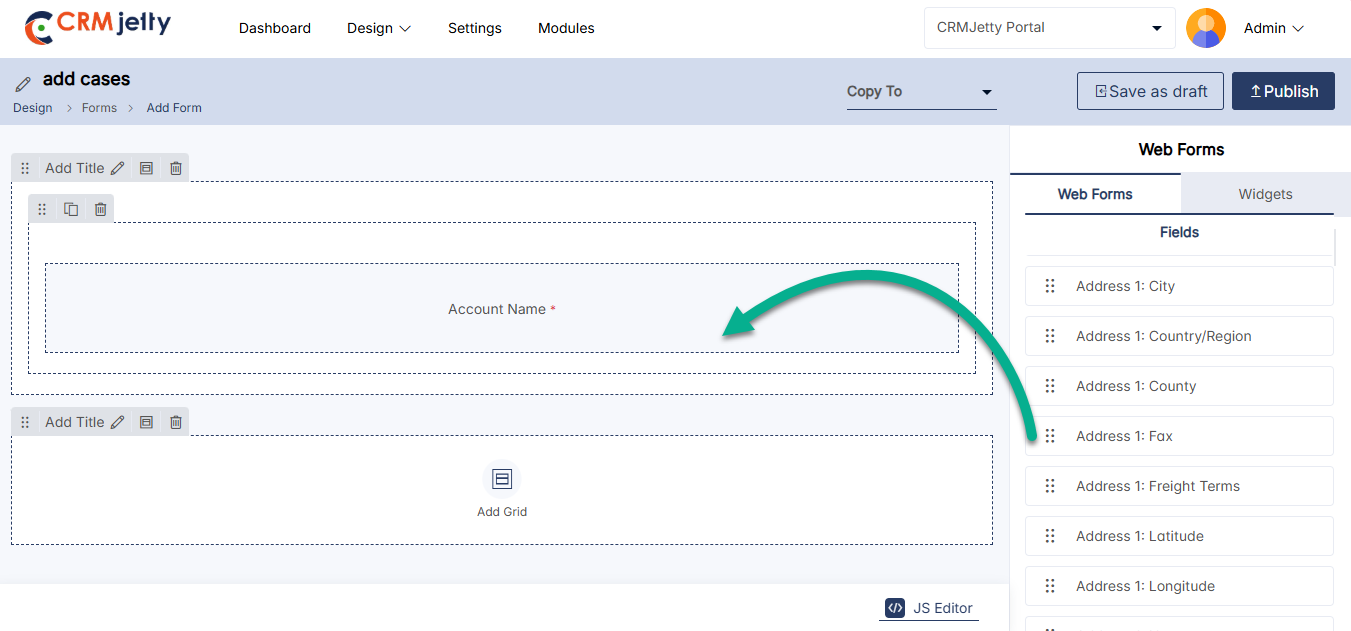
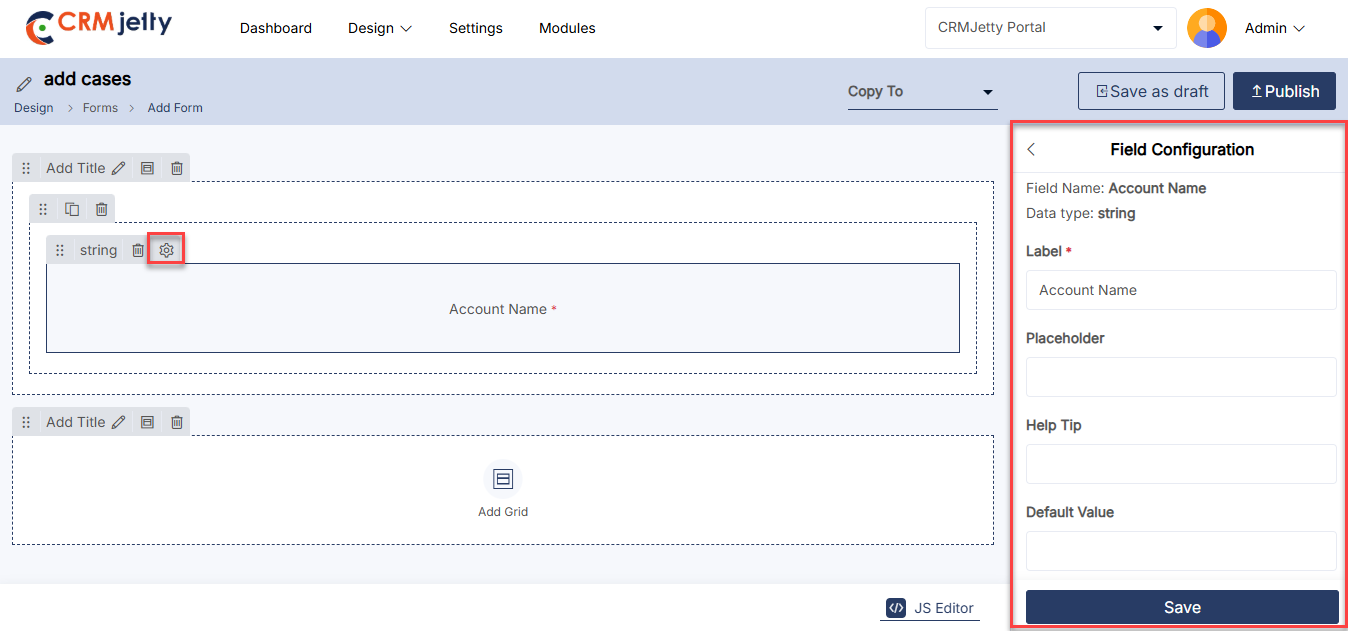
Custom Lookup View Form
The Custom Form View allows you to customize how form fields display data in the Form Builder.
Steps to Configure
1 Enable the Feature
– Go to the Field Configuration Settings for the form field.
– Enable Custom Form View. [1]
2. Select Fields
– In the Custom Form Settings, the Admin can view all entities enabled from the CRM for the specific field. This allows the Admin to select and configure targeted entities for the form field, ensuring personalized and relevant data display in the Form Builder.
– Example:
-If the Account entity is enabled, the dropdown will display: [2]
– Account Name (primary field, fixed at the top). [2]
– Account Rating (additional field). [2]
Note: The Account Name field is mandatory and is automatically selected as the primary field. Its position is fixed at the top of the field list.
3. Set Sequence
– The Admin can configure these fields and their sequence for a customized form view. [3]
– Arrange the fields in the desired order.
Example sequence:
1. Account Name
2 .Account Rating
After completing the configuration, click on the “Save” button to apply changes to the front-end view.
Notes:
– Field Limit: Maximum of 5 fields (1 primary + 4 additional).
– Language Support: Field names appear in configured languages or default to English.
– This setup simplifies form configurations, displaying only relevant fields in your preferred order.
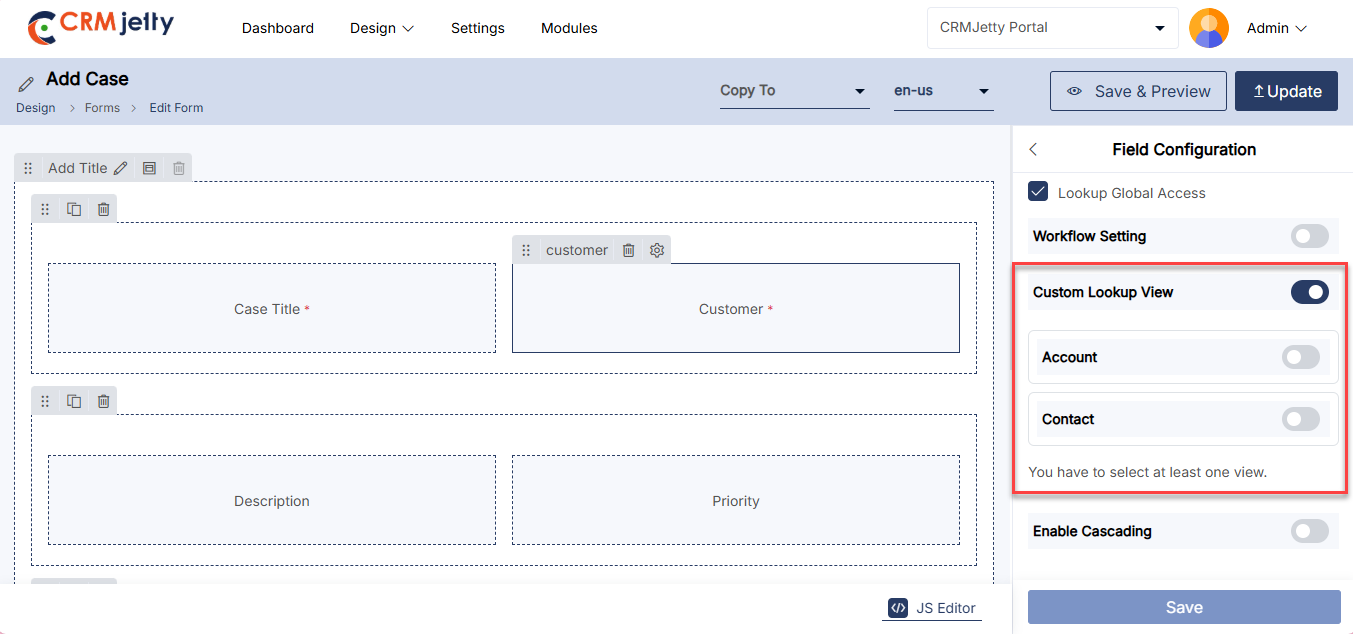
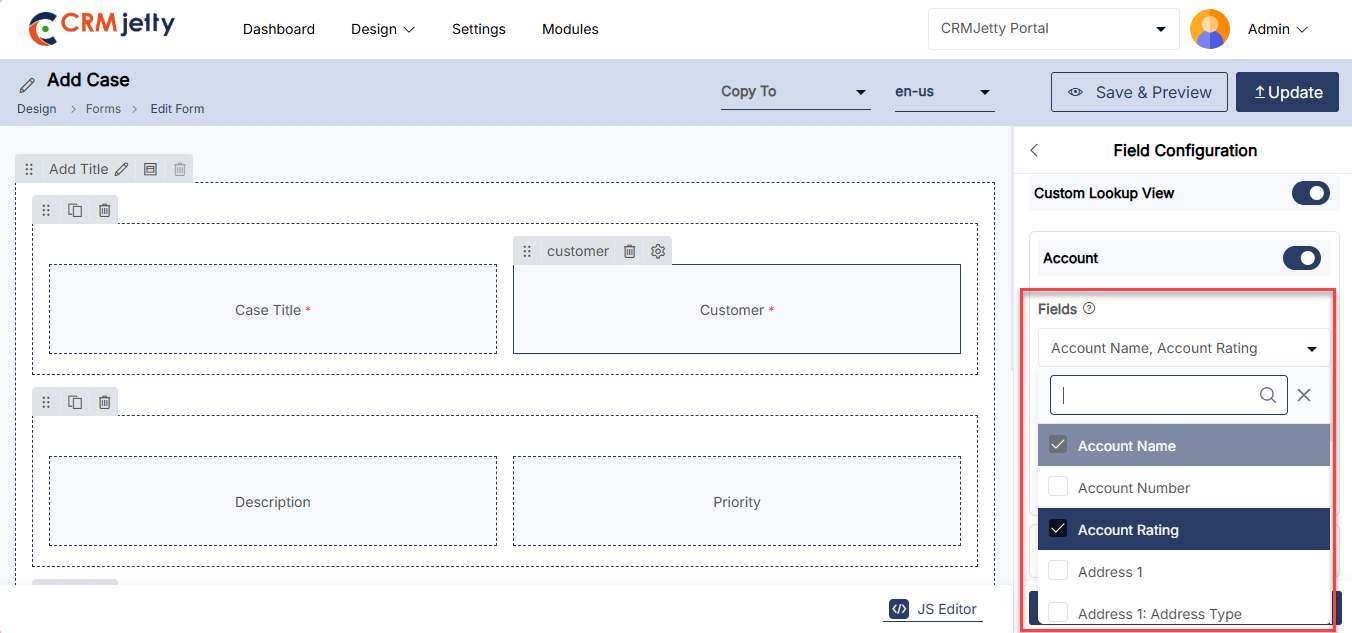
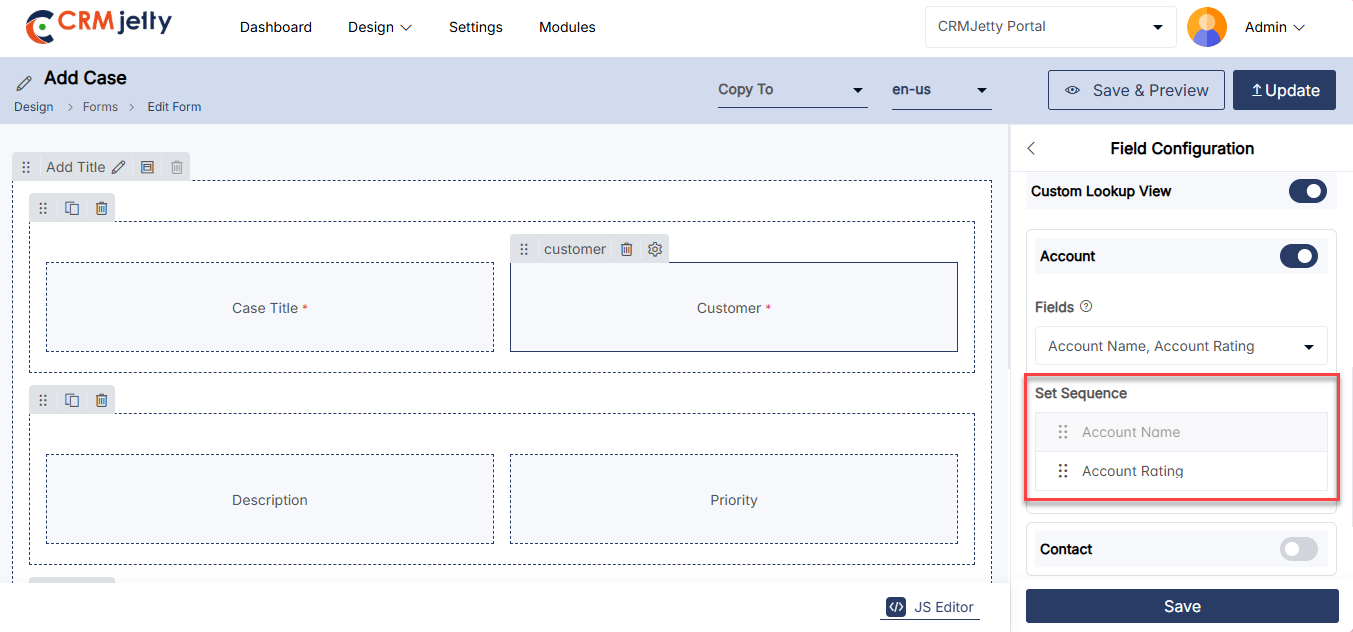
Using Existing Forms
The Admin can access ready-made ‘Form’ layouts that are configured from the CRM. By selecting the Use Existing option, the Admin will see all the available Form layouts (CRM object views) and will have the ability to edit the fields as needed. [1]
Once the Admin selects any ‘Form view’ from the Existing Forms drop-down, the fields of that specific form view, as configured in CRM, will be displayed. The Admin can select existing CRM fields for the Add, Edit, or Detail page, depending on the form type. [2]
The Admin can filter existing forms by selecting specific record types. If no record types are selected, all forms for the chosen object will be displayed. [3]
The Admin can add or remove fields as needed. Fields can be dragged and dropped from the list on the right side, and any field can be removed by clicking on the ‘delete’ icon.
When editing a field, the Admin will have access to field-related options for display to portal users in the customer portal. [4]
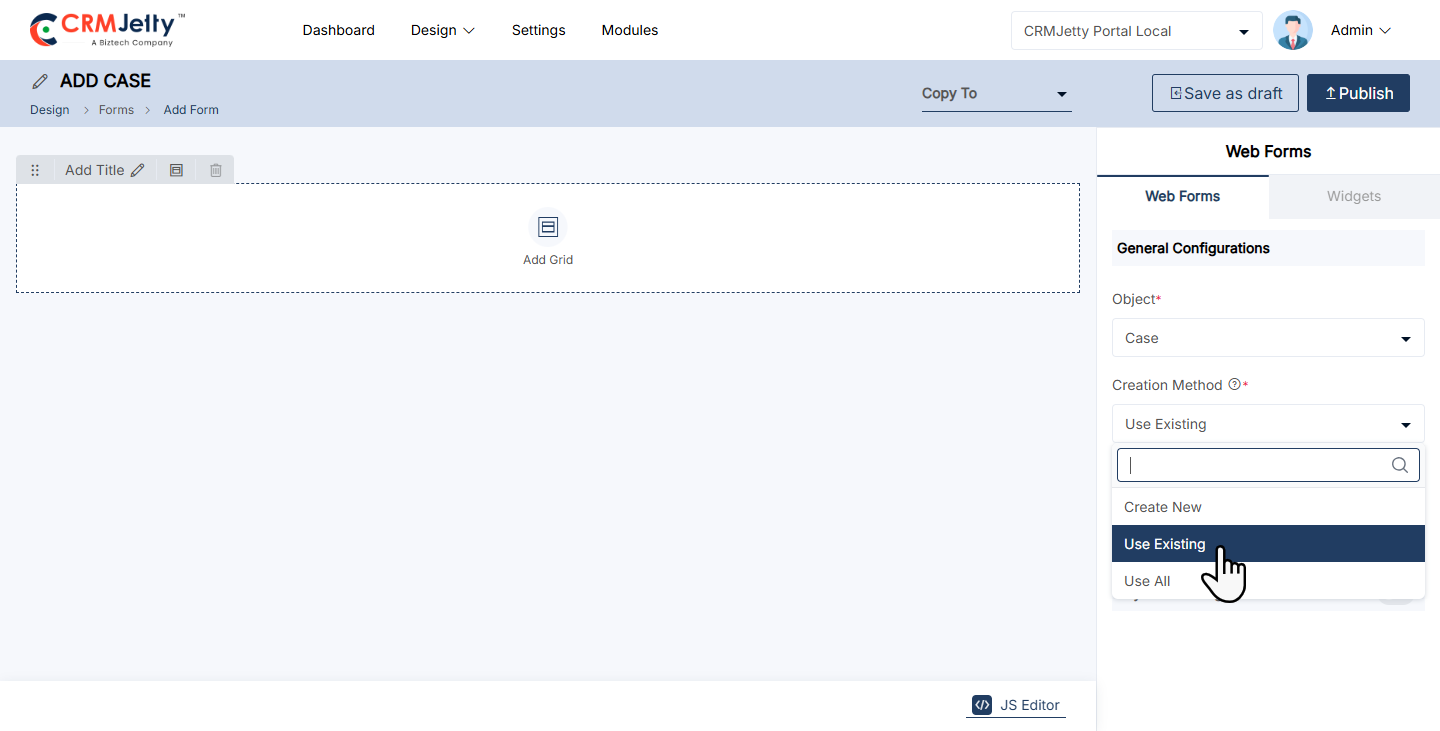
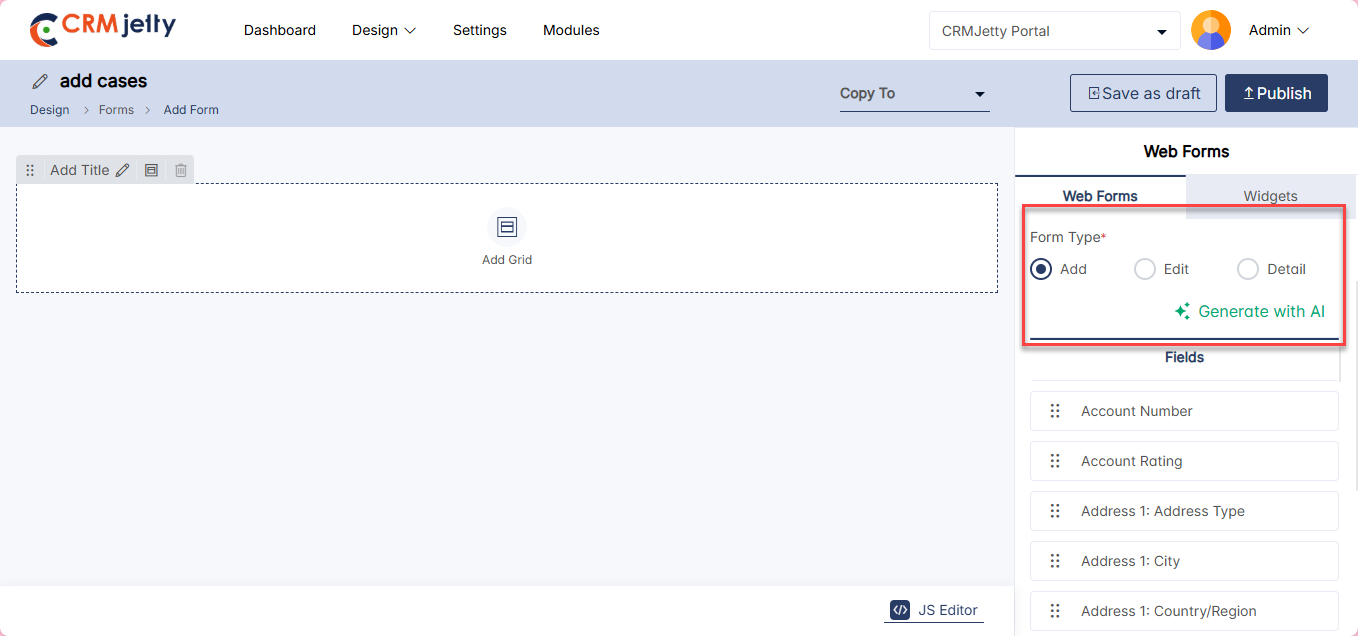
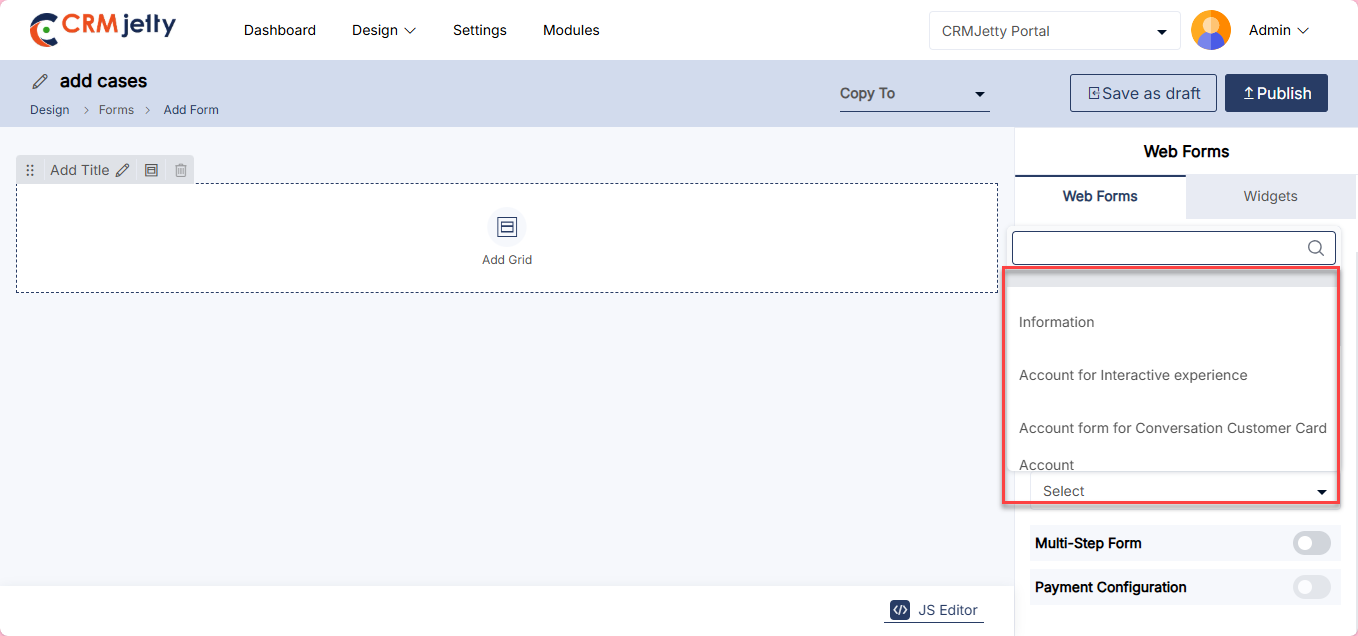
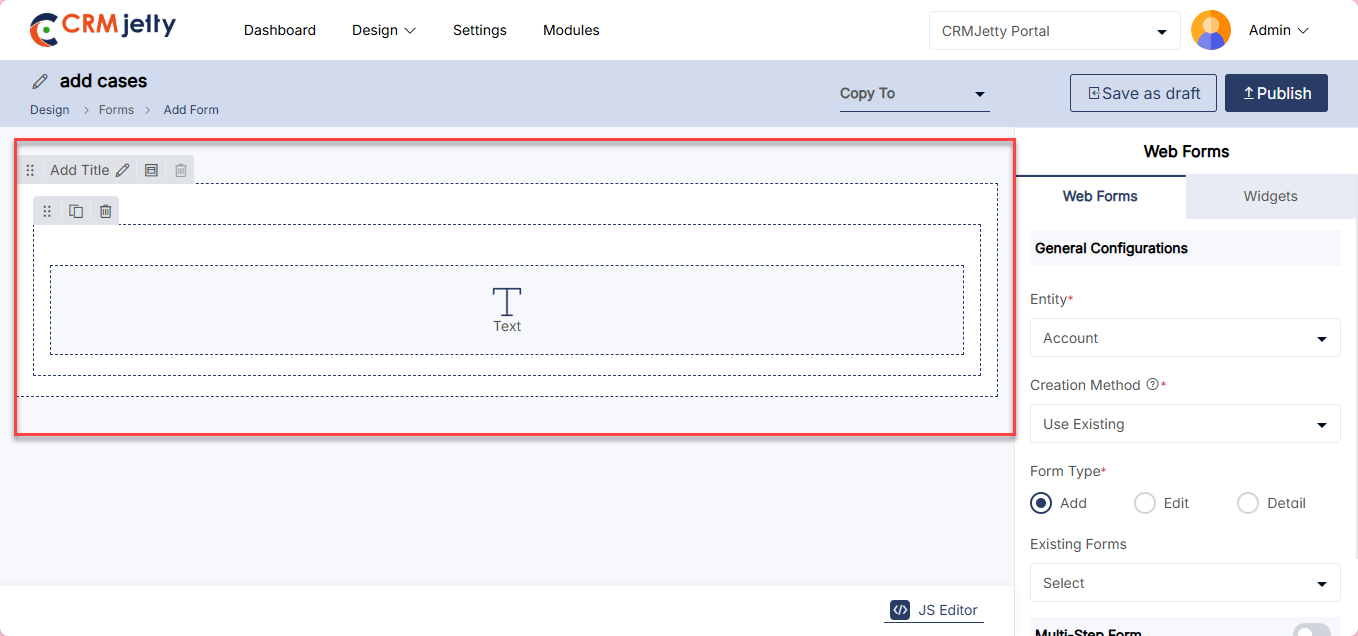
Enabling Lookup Global Actions
The Admin can enable filters globally for form fields by selecting the “Form Global Access” checkbox during configuration. [1]
Enabling Form Global Access ensures the data displayed in the form field is global, representing all data for the associated object. [1]
Example:
If Customer Form Global Access is enabled, the form field will display all customer data, regardless of any specific filters or restrictions.
This feature provides flexibility to access a comprehensive dataset for the selected object.[6]
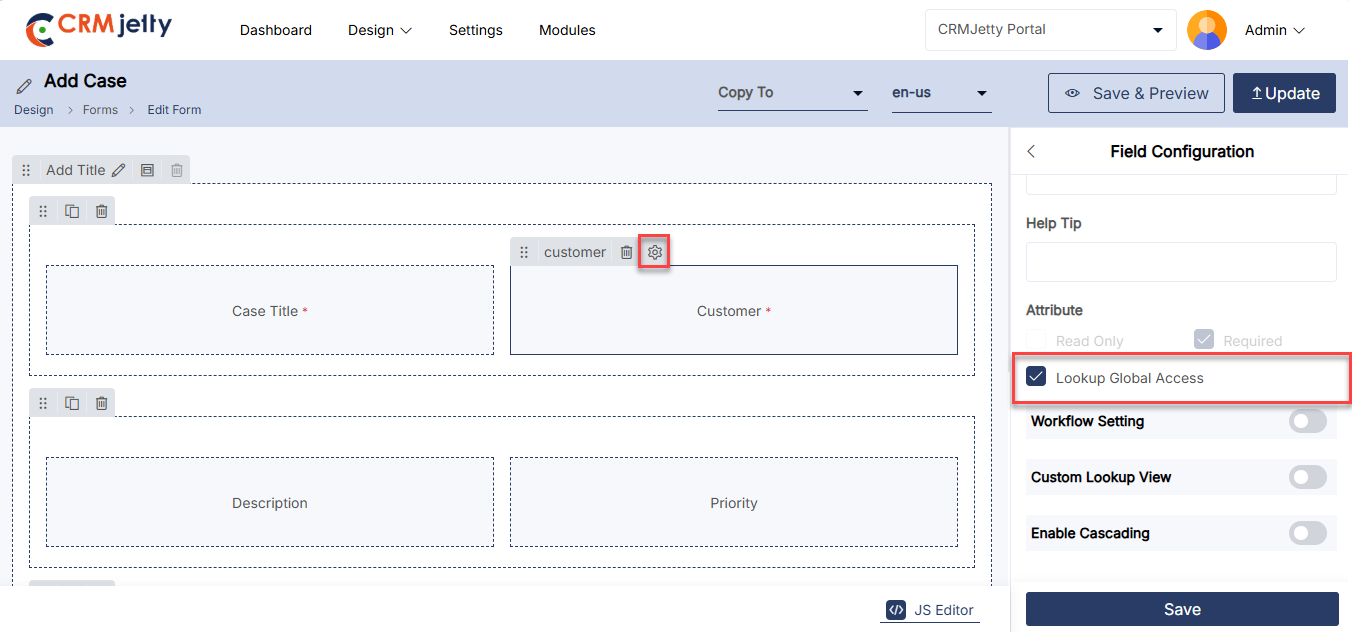
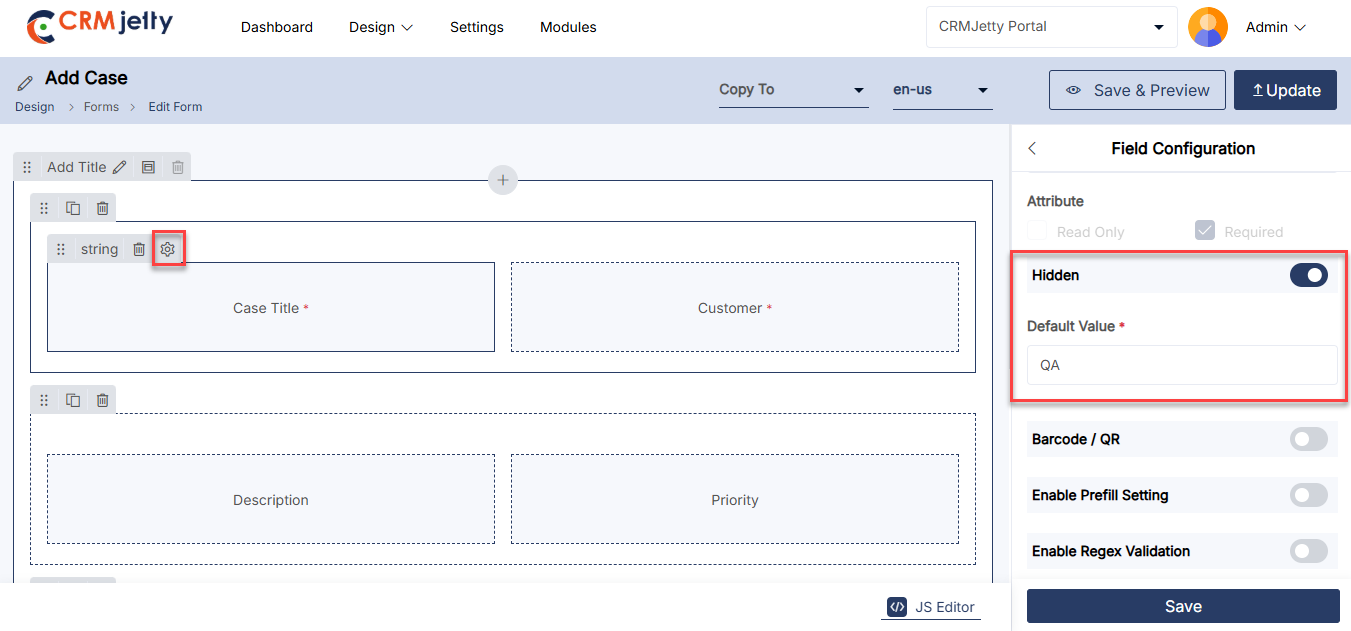
Enable Rating Fields
A rating field allows portal users to provide a numerical rating or feedback for items like products, services, or content.
This functionality can be applied to specific data types like Integer, BigInt, Decimal, and Double.
The rating is visually represented through stars or thumb symbols. Admin can configure the rating fields into various components such as Form (Add, Edit, and Detail views), List, and Data Card widgets.
Note: CRMJetty’s default configuration supports a maximum of 5-star ratings, and this setup is not adjustable by the Admin .
Rating Fields Configuration
In the Form Builder, Admin can configure the rating field by selecting the “Enable Rating” option within the field settings.
Icon Picker: Admin can choose between different icons (e.g., thumbs, stars) for the rating field using the icon picker.
Color Picker: Different colors can be selected for the icons, allowing customization of the rating field’s appearance.
Compatibility: Rating fields can be configured for Add, Edit, and Detail form types.
Note: If the Barcode input feature is enabled, Admin cannot configure the rating feature. It can not be used simultaneously on the same field.
Read-Only Setting: Admin can enable the “Read-Only” attribute to prevent portal users from modifying the rating field. This can be applied to both Add and Edit forms. [2]
Note: If this feature is enabled, the rating field will be disabled for front-end users, displaying only the default value or passing a null value if default is not set.
Front-End View for Rating Field:
On the front-end, portal users can interact with the rating field by assigning both whole and half-star ratings (e.g., 2, 4, 4.5, 1.5).
The icon and color will appear as configured by the Admin , providing a user-friendly visual representation of the rating. [3]
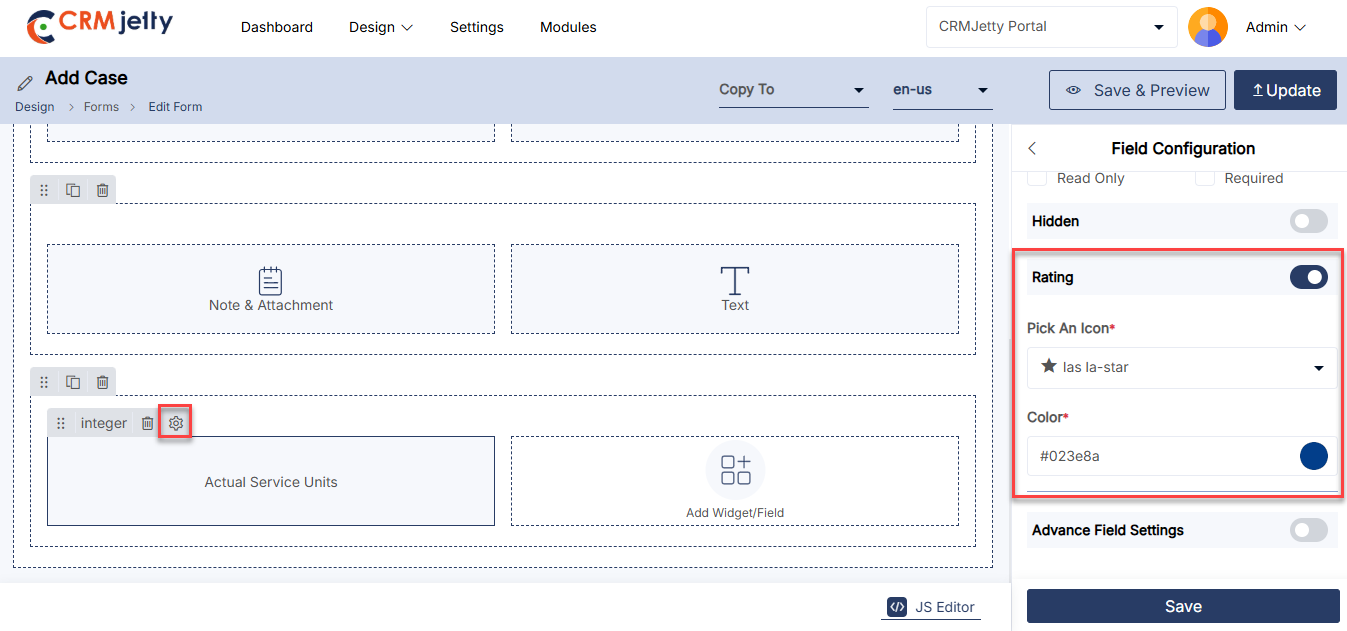
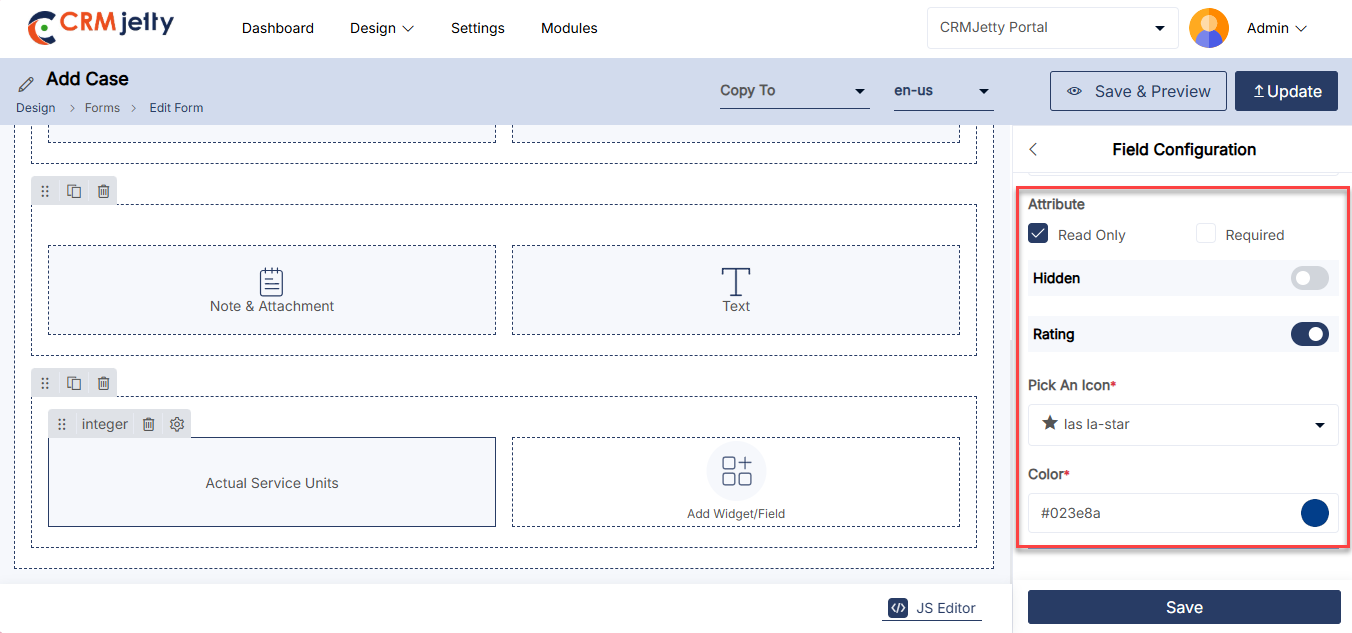
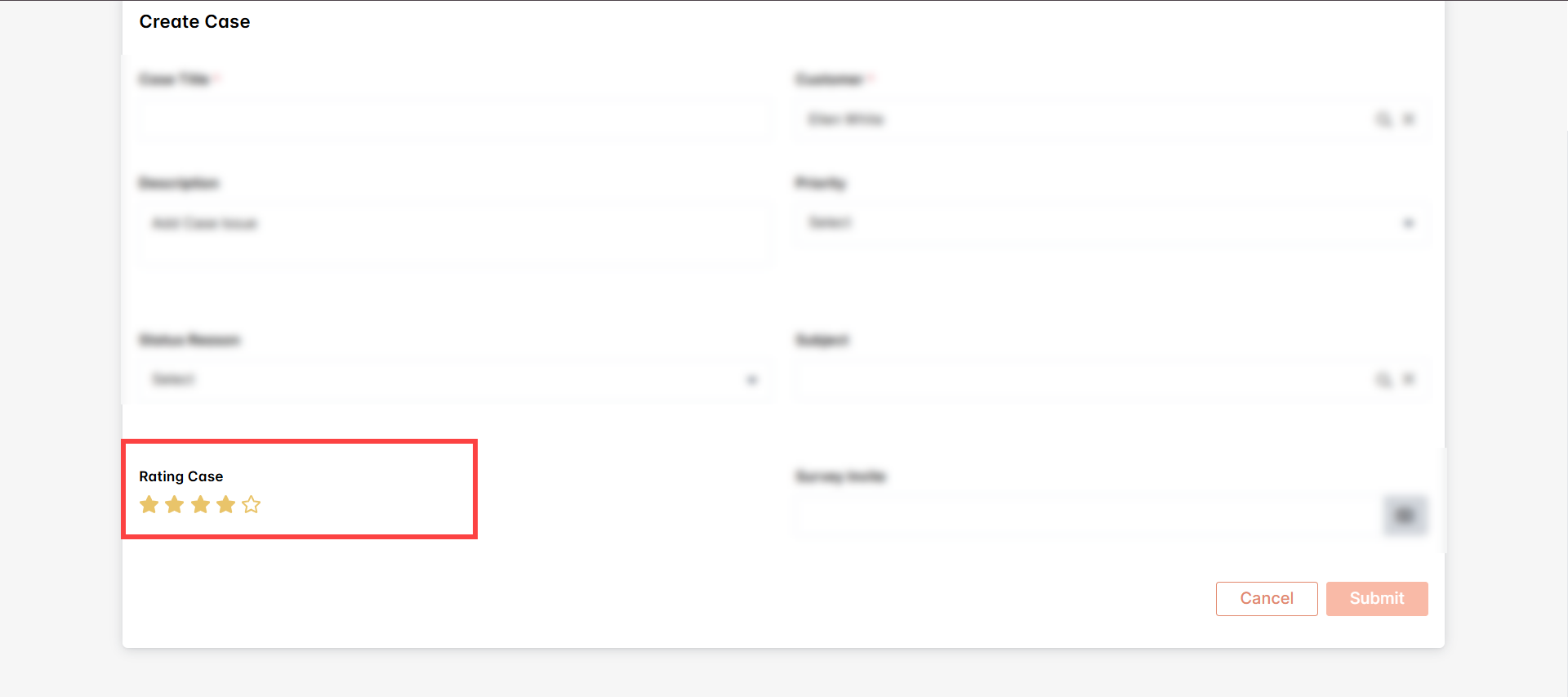
Enable Barcode/QR
Admin can enhance data entry efficiency by enabling barcode or QR input within relevant forms. This feature allows portal users to scan barcodes or QR codes, speeding up data collection and reducing manual input errors.
Form Builder Settings:
In the field settings within the Form Builder, Admin can enable the “Barcode/QR Code Input” option. This setting is applicable to fields with data types such as String, Integer, Decimal, and BigInt.
The barcode/QR code input feature can be configured for Add, Edit, and Detail form types. [1]
Enable Input Text:
If this checkbox is enabled, portal users can enter data manually in addition to scanning barcodes or QR codes. If disabled, the field will be read-only, accepting input only through scanning. [1]
Note: If the rating input feature is enabled, Admin cannot configure the Barcode/QR feature. It can not be used simultaneously on the same field.
Front-End View for Barcode/QR:
When the barcode/QR code input is enabled, a camera icon will appear in the form field.
Portal users can click this icon to activate their device’s camera and scan barcodes or QR codes for efficient data input. [2]
Supported Barcode/QR Formats:
CRMJetty supports a variety of barcode and QR formats, including QR Code, AZTEC, CODE_39, CODE_93, CODE_128, ITF, EAN_13, EAN_8, PDF_417, UPC_A, UPC_E, DATA_MATRIX, MAXICODE, RSS_14, and RSS_EXPANDED.
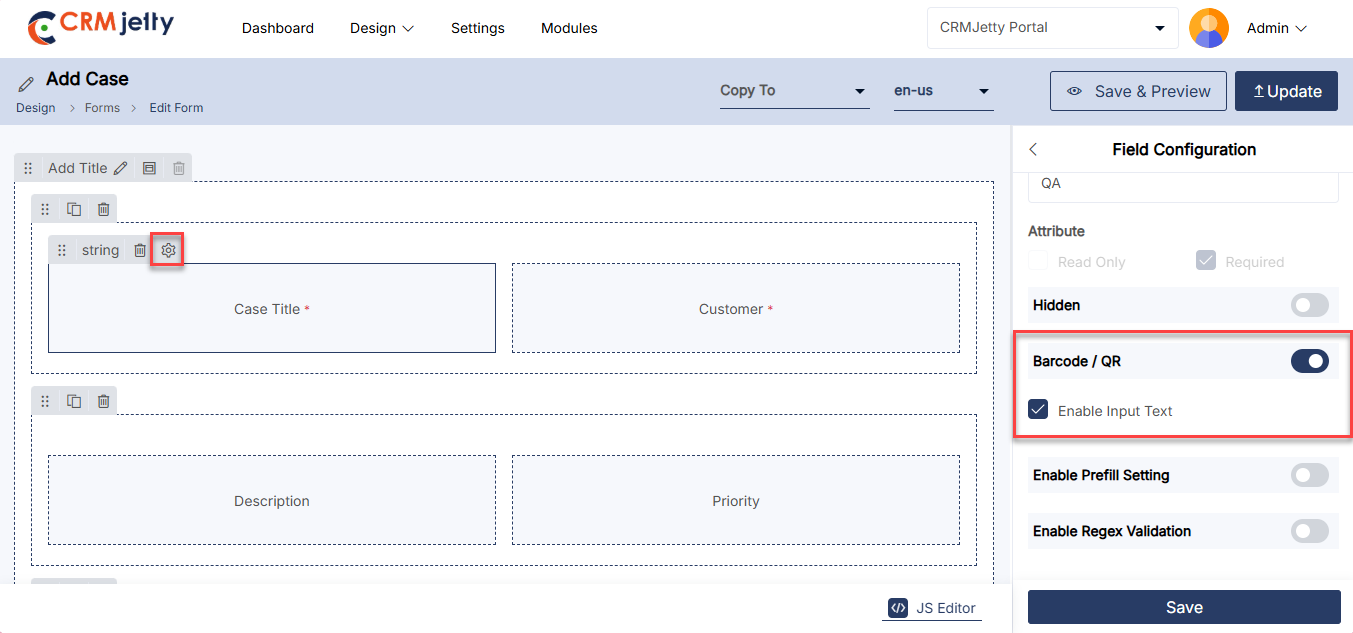
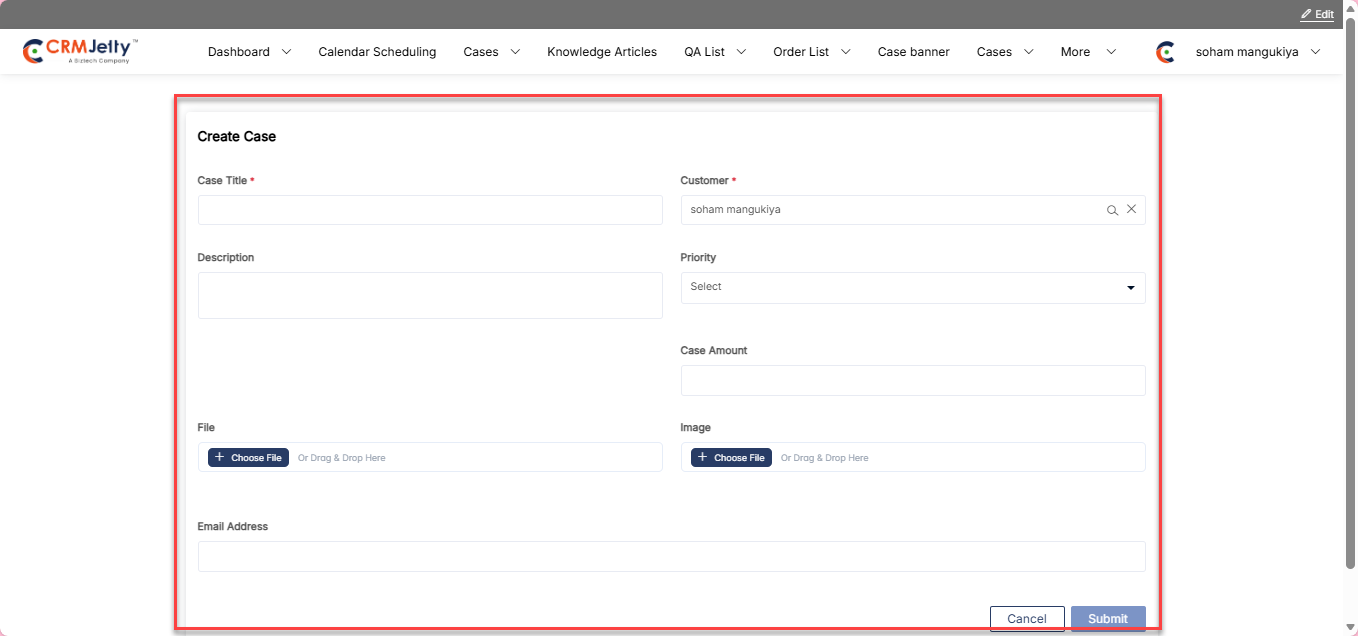
Enable Cascading
Admin can enhance form usability by enabling cascading within relevant forms. This feature allows portal users to dynamically filter and display dependent field values based on prior selections, streamlining data entry and ensuring more accurate and relevant inputs.
In the field settings within the Form Builder, the admin can enable the Cascading option for fields with the Lookup data type.
The Cascading feature can be configured for Add and Edit form types.
Configure the following to set up cascading: [1]
– Parent Field – Select the field that controls this field’s options.
– Field Linked to Parent – Select the field from Contact that links to Account.
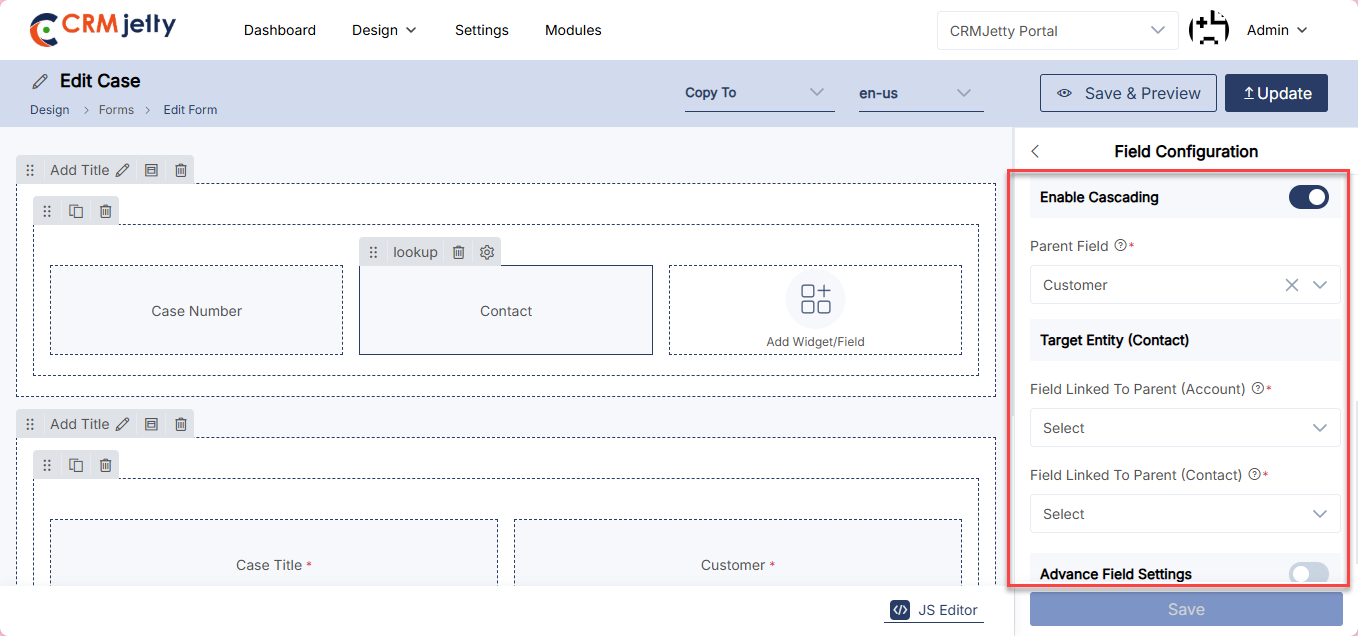
Advanced Field Settings
This feature allows Admin to customize the visibility and behavior of fields based on certain conditions.
Default Field Visibility
Visible: The field is displayed on the form by default.
Hidden: The field is not displayed on the form by default. [1]
Hide Field Based on Conditions
– Admin can hide the fields based on the different conditions:
– Conditional Field: Choose the field that will determine when the current field should be hidden.
– Multi-Select Matching Category: Select categories for fields with multiple options, which will control the condition for hiding.
– Conditional Field Option: Specify the value or option from the conditional field that will trigger the field to be hidden. [2]
For Example: Admin have a form with a field called “Discount Code” that Admin wants to show only when a checkbox “Special Offer” is checked.
– Default Field Visibility: Set the “Discount Code” field to Hidden by default.
– Conditional Field: “Special Offer” (the checkbox).
– Multi-Select Matching Category: Not applicable here.
– Conditional Field Option: Checked (when the checkbox is selected).
By configuring this the “Discount Code” field will only appear when the user selects the “Special Offer” checkbox.
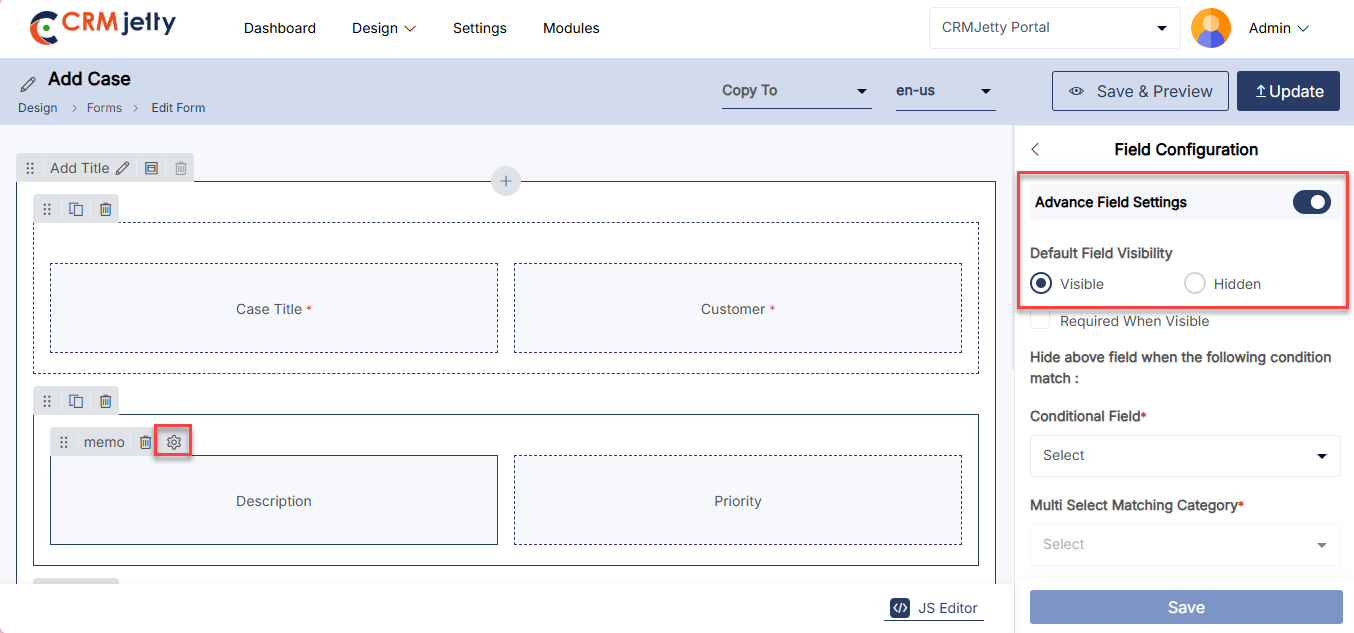
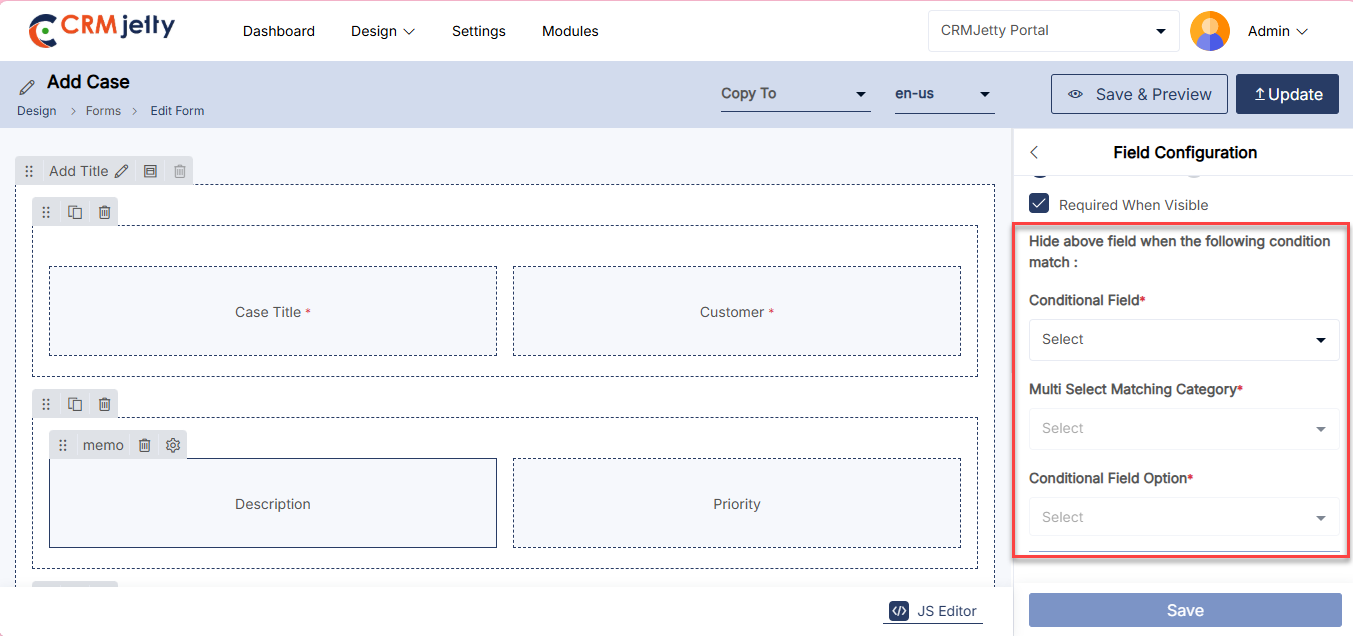
Enable Regex Pattern
Regex validation in a string-type form field of a CRM portal is used to enforce a specific input pattern (e.g., email format, phone number structure, or alphanumeric IDs). It ensures data accuracy by preventing users from submitting improperly formatted or invalid entries. This improves data quality, reduces manual correction, and enables consistent downstream processing and reporting.
Enter Regex Pattern: Specify the regular expression used to validate the field input. This pattern defines the required format (such as email, phone number, or alphanumeric values) that users must follow.[1]
Enter Regex Validation Message: Provide the error message displayed to users when their input does not match the defined regex pattern. This message should clearly guide users on the correct format to enter.[1]
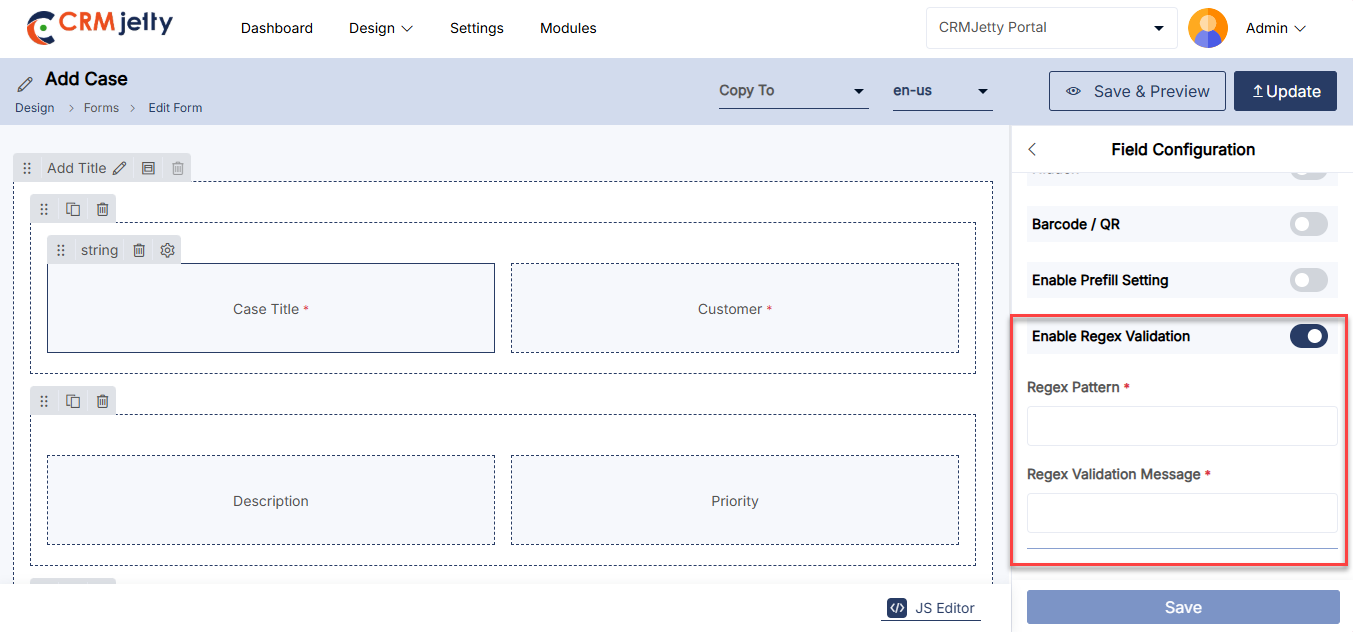
Enable Prefill Field for Add Type of Form
1. Enable Prefill Settings
While configuring an Add Type Form, the Admin has the option to enable Prefill Data.
The Prefill Field feature allows portal users to automatically populate form fields with existing data. To activate this functionality, the Admin must turn on the Enable Prefill Settings toggle. [1]
2. Select Prefill Fields
Once Prefill Settings are enabled, the Admin can select fields from the Contact and Account objects to be used as prefill data. [2]
Available Contact Fields:
– Full Name
– First Name
– Last Name
– Mobile Phone
Available Contact Fields:
– Account Name
– Account Number
– Website
– Account Phone
The Admin selects the appropriate prefill field for each form field.
Only one prefill field can be mapped to one form field.
3. Front-End Behavior (Portal View)
On the portal front end, the selected fields are automatically populated when the form loads.
For example, if the First Name field is selected as the prefill field for Name, the First Name value will be automatically prefilled in the Add Type form for the portal user. [3]
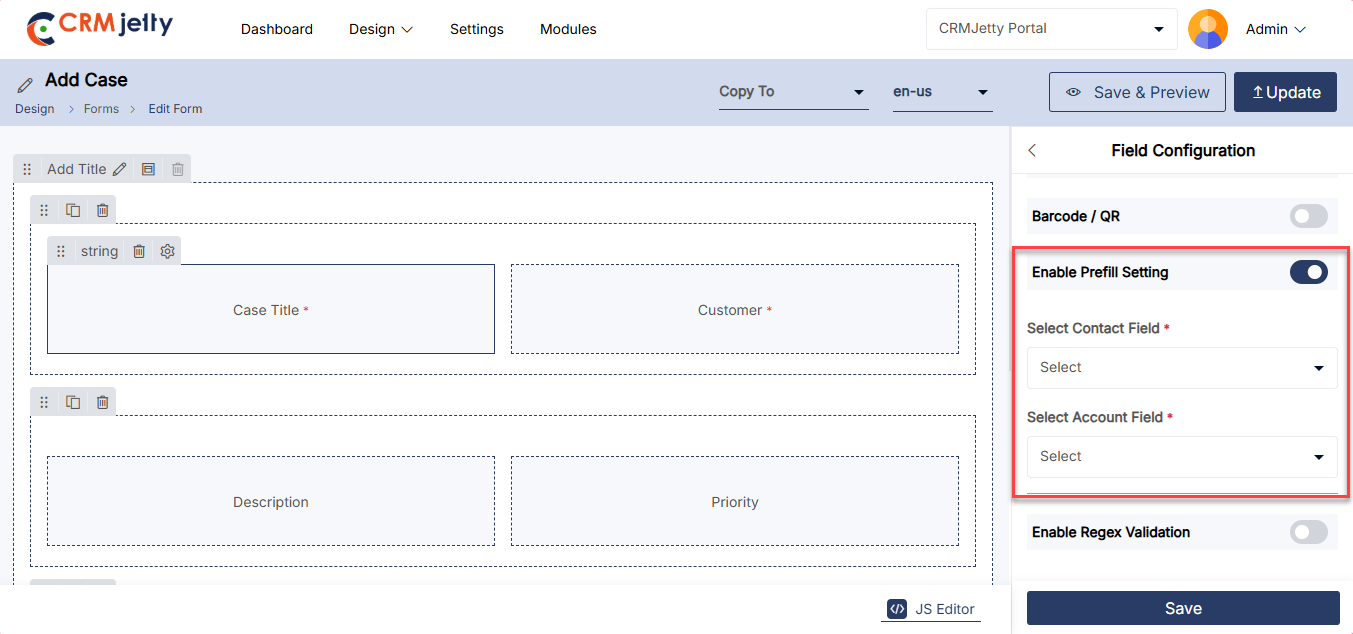
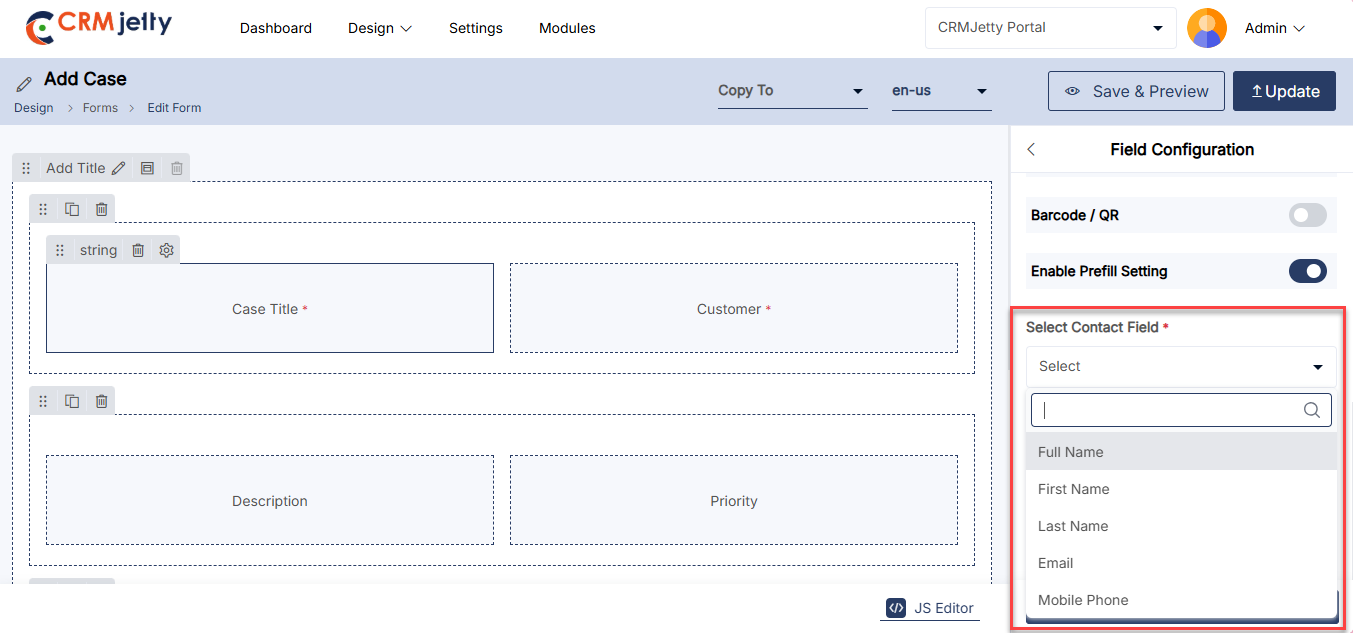
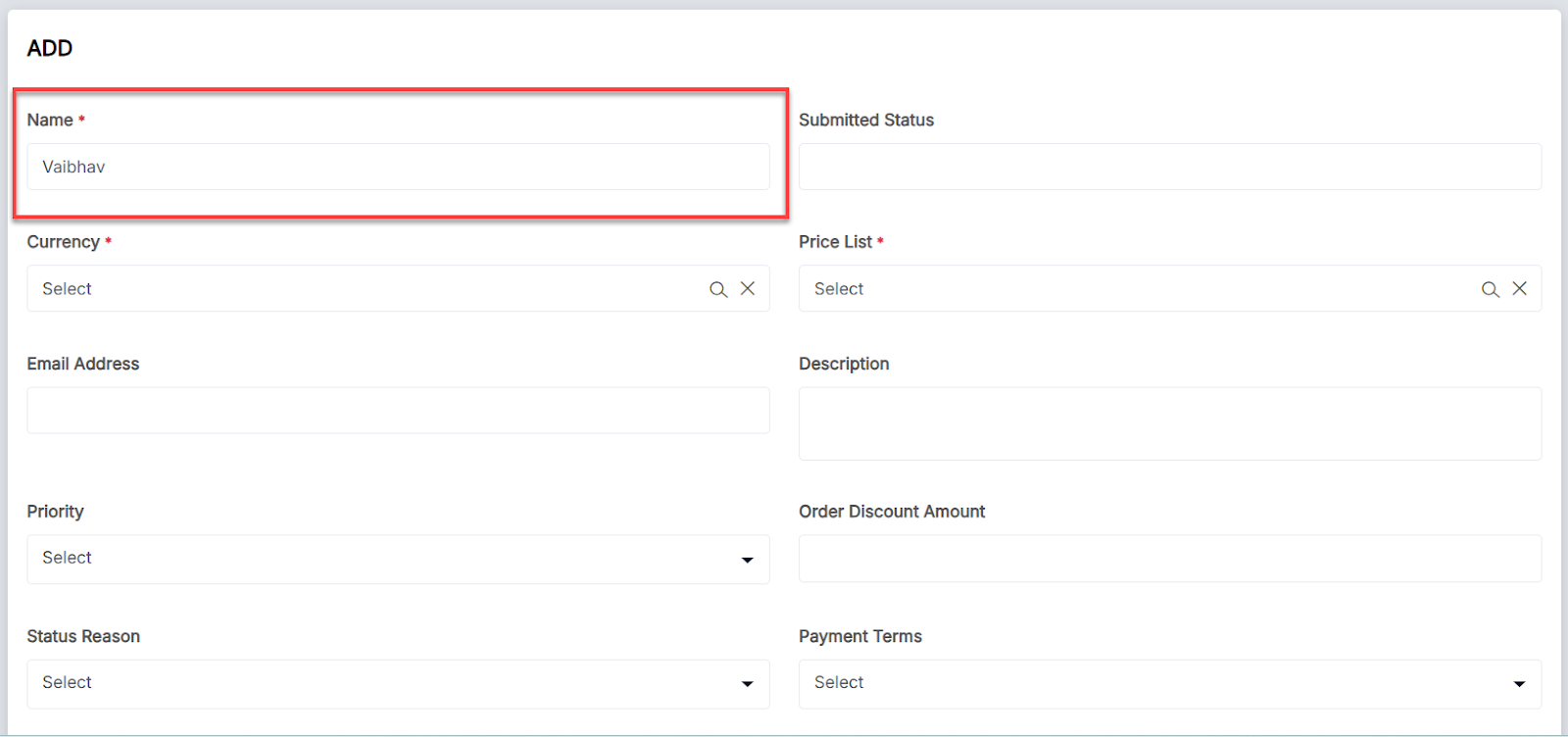
Enabling the Workflow Configuration for Form
In a form builder if the If field’s data type is a lookup then Workflow Setting will become visible. Admin can only configure workflow for Add and Edit forms. [1]
By clicking ‘Workflow Setting’, the “Data Load” dropdown will appear, showing the workflows (with Data Load action type and target object of the field) created in the Workflow Management.
Admin can select the workflow according to the requirement. [2]
Admin can also add a new workflow by clicking on the “+” icon.
After selecting the workflow, click on the Save button.
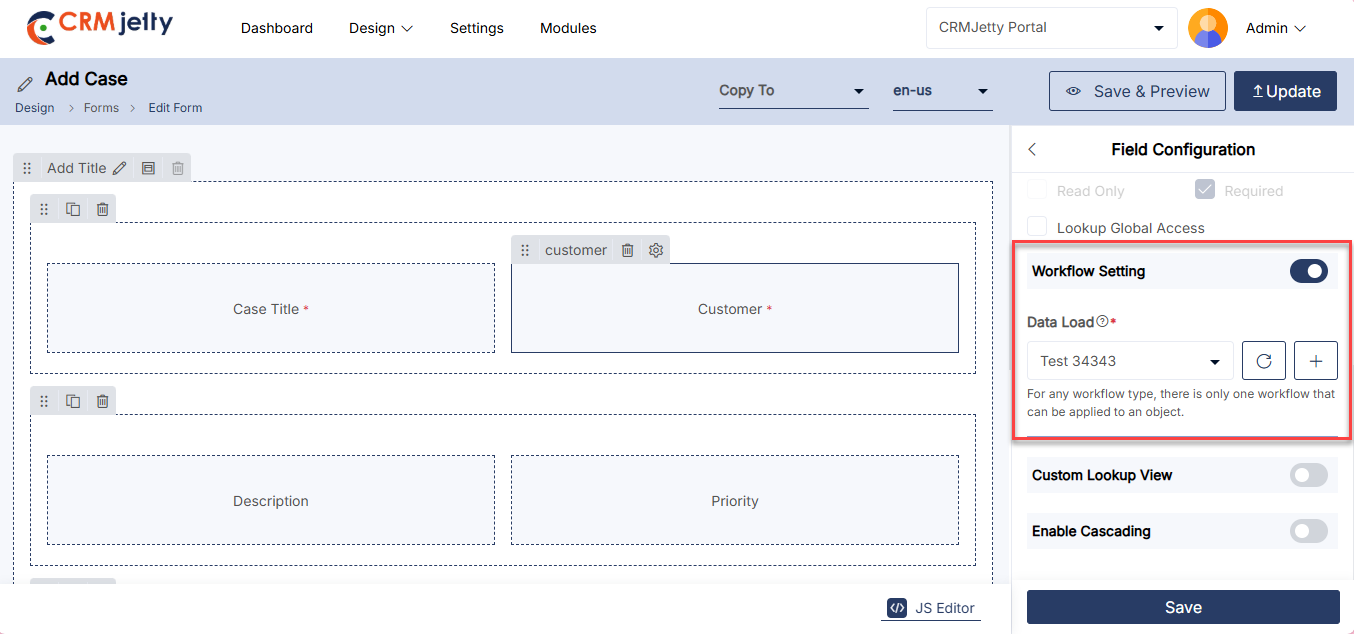
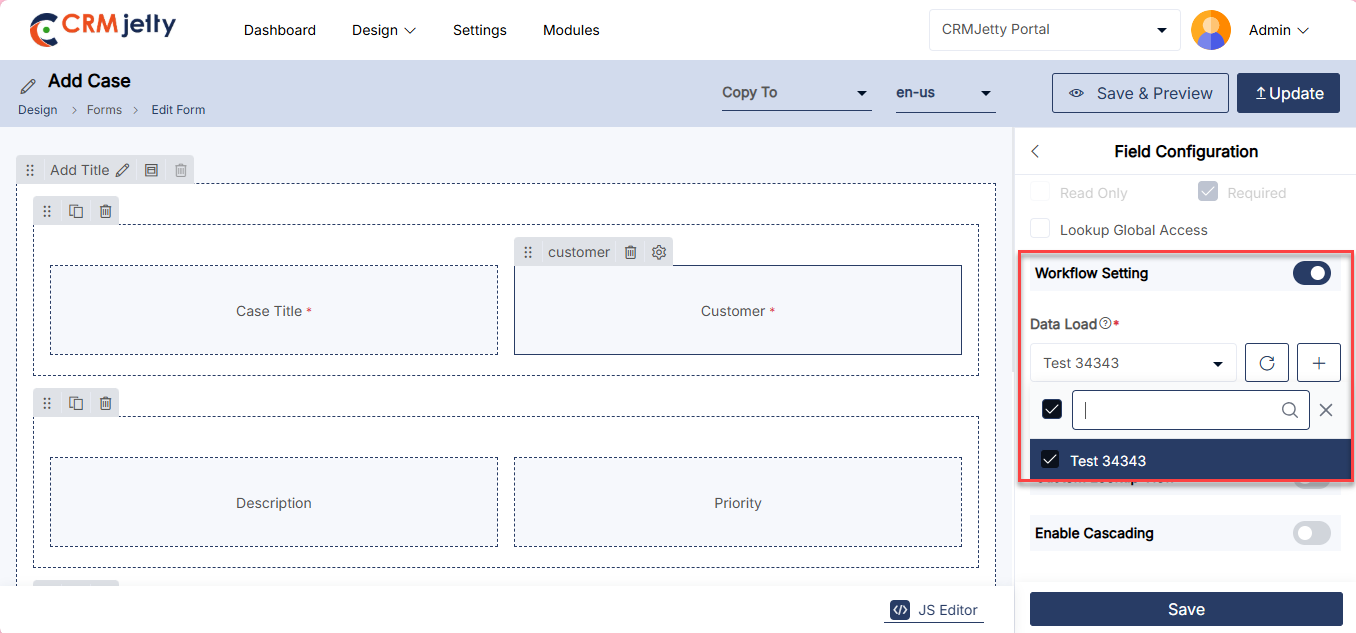
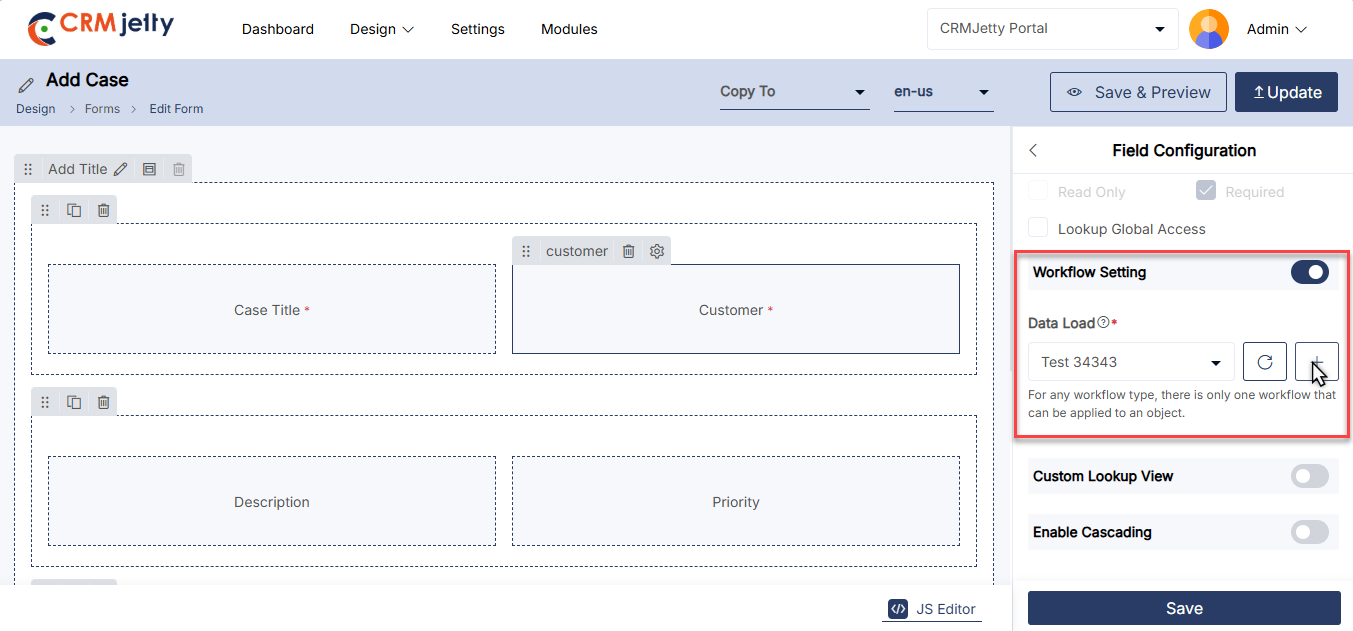
Progress Bar in Field Configuration
Admin can enhance the user experience in the customer portal by configuring a progress bar for specific dropdown fields in any object form. This feature is applicable to dropdown-type fields such as Picklist, State, and Status.
1. Enable Progress Bar:
– In the Field Configuration section, locate the “Show as Progress Bar” option and enable it to display the progress bar to portal users.
2 . Configure Field Options:
– Set the sequence of the available options for the selected dropdown field by dragging the options up or down to rearrange them. [1]
Note: The progress bar status reflects the “Advanced Field Management” settings, which control the field options visible to portal users.
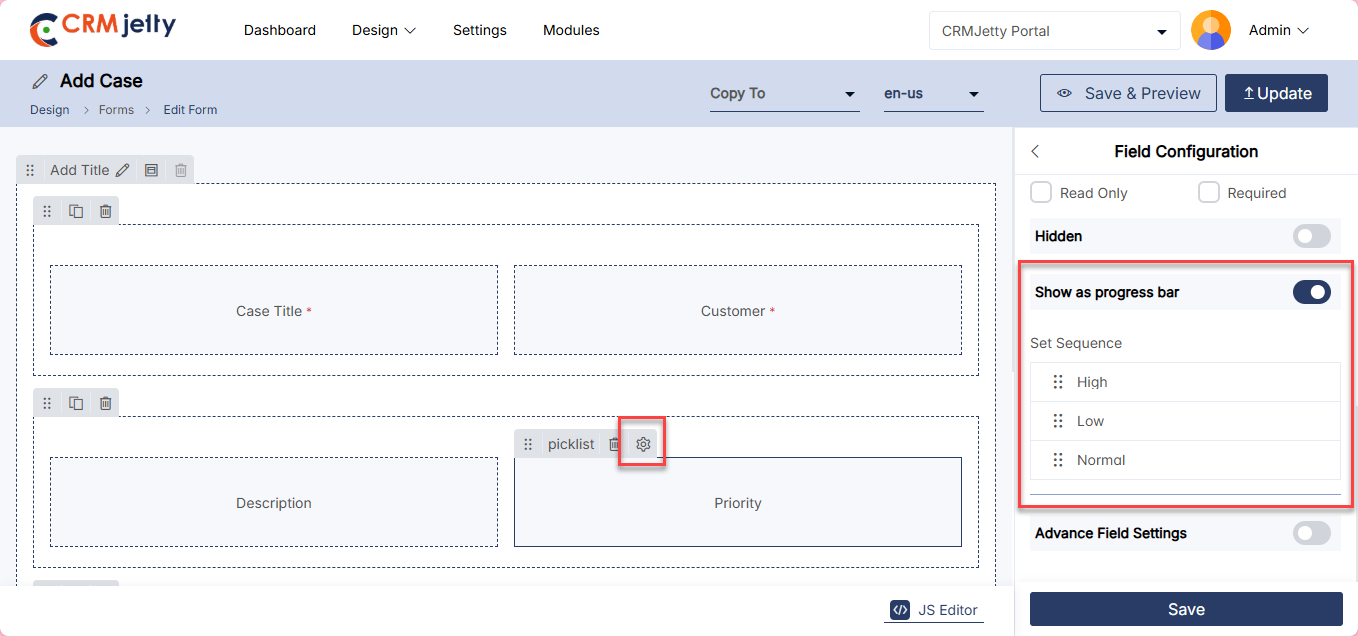
Multi-Step Form Configuration
Admin can display the form content of any object in a step-by-step manner in the customer portal by enabling the “Multi-Step Form” option. This feature allows portal users to navigate through the form in sections, making it easier to manage complex forms.
1. Enable Multi-Step Form: In the Form configuration panel under “Web Forms,” check the “Enable Multi-Step Form” option.
2. Configure Navigation Buttons:
– Previous Button Label: Set the label for the button that allows users to navigate back to the previous section of the form.
– Next Button Label: Set the label for the button that allows users to move to the next section of the form. [1]
3. Layout:
– Set the Layout at your preference. (Horizontal, Right Vertical or Left Vertical).
Once you setup multi step form configuration “Update or Publish” the form.
Note: The Multi-Step Form feature is available for Add/Edit type forms and can be used with both “Create New” and “Use Existing” CRM layouts. Once configured, the form can be placed in the Page Builder, and its multi-step navigation can be previewed.
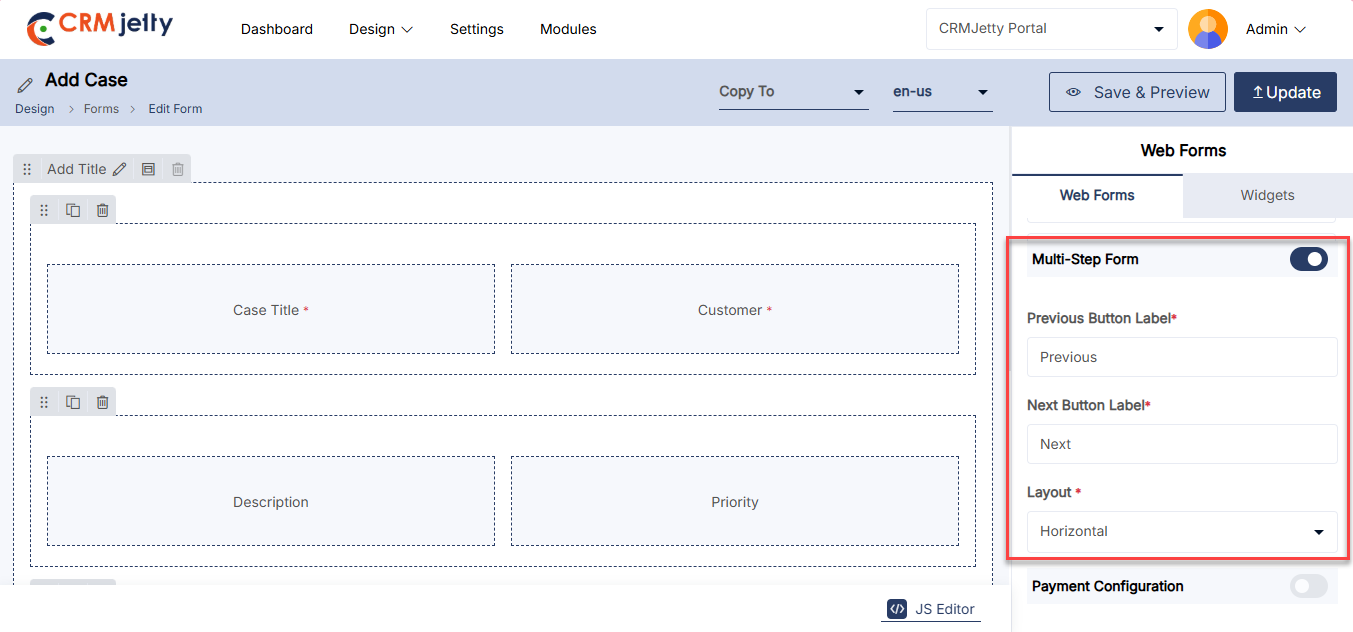
Parent-Child Link
This configuration allows the Admin to link data or records where one object (the parent) is associated with one or more other entities (the children). [1]
Note: The Parent-Child Link feature is only enabled in the Add Form Type. [1]
On the add from configuration, the Admin can view the parent-child link toggle button Admin needs to click on to activate the feature. After that Admin needs to configure the following details:
Child Object: Choose the object that will act as the child in the relationship.
Relationship Type: Select the type of relationship that defines how the parent and child entities will be connected.
Create Unique Records On: Identify the field that will ensure each record is unique.
Fields Display: The fields will be shown based on the selected relationship type.
Step-by-Step Example for Parent-Child Link:
Scenario: Suppose the Admin configuring a Customer Order Management System
Then Admin needs to configure the following fields:
Child Object : The Admin needs to select “Order Items” as the child object, which will be linked to the “Customer Order” parent object.
Relationship Type: The Admin chooses “Order (Customerid)”, indicating that each customer order can have multiple order items.
Create Unique Records On: The Admin identifies the “Order ID” field to ensure each order record is unique.
Fields Display: Based on the Order (Customerid) type, fields like “Item Name,” “Quantity,” and “Price” will be displayed for selection in the form.
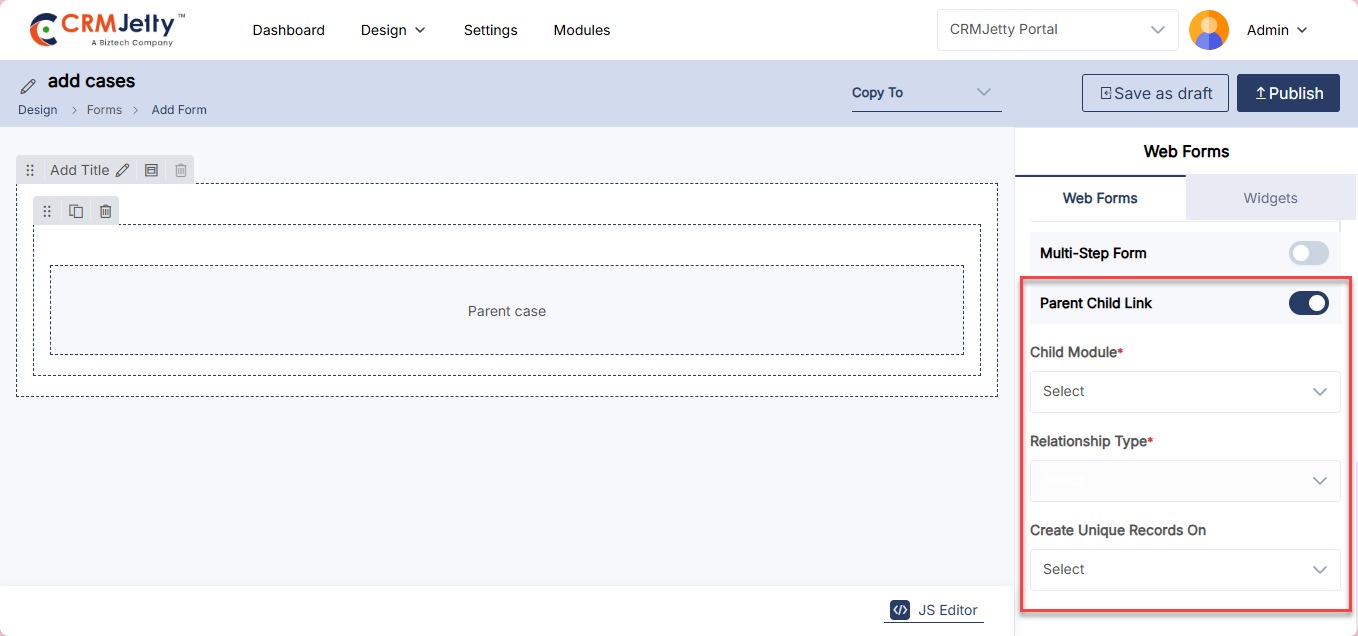
Payment Configuration
The Admin can enable the “Payment Configuration” option to integrate payment processing directly within the form. This setup allows portal users to interact with payment-related fields within the form itself, facilitating easier management of transactions, viewing payment statuses, and performing payment actions without needing to leave the form page.
Note: The payment configuration feature is enabled for the Add -Edit -Detail Form Type.
Steps to Configure Payment Options:
To enable payment functionality for a specific object’s form record, follow these steps:
1. Enable Payment:
Enable the toggle button from the right side of the panel “Payment configuration” to activate payment options. [1]
2. Button Label:[1]
Enter the text the Admin wants to display as a title of the field.
3. Set Amount Field:[1]
The Admin should choose the field that represents the payment amount.
4. Set Conditional Field to Enable Pay Button:[1]
The Admin must select the conditional field that will control when the Pay button gets enabled.
5. Set Conditional Field Value to Enable Pay Button:[1]
The Admin needs to select the conditional value that will trigger the Pay button. Multiple values can be chosen if needed.
6. Transaction Log Settings: [2]
The Admin should configure settings for syncing transaction data with the portal.
7. Select Transaction Object: [2]
The Admin must choose the object where transaction details will be stored.
8. Select Description Field: [2]
The Admin should select the field to be used for a short description of the transaction.
9. Select Payment Object: [2]
The Admin must pick the field from the transaction object that will serve as the payment object.
10. Select Payment Record: [2]
The Admin should choose the field in the transaction object to be used as the payment record.
11. Select Payment Method: [2]
The Admin needs to select the field that represents the payment method.
12.Charges and Discounts: [3]
Admin can configure the “Charges and Discounts” section on the basis of their requirements, which contains Card Charge, Card Discount, ACH Charge, ACH Discount, Payment Charge, Payment Discount.
13. Set Amount Field: [4]
The Admin should identify the field where the payment amount will be recorded.
14. Select Payment Transaction Log: [4]
The Admin must choose the field that will act as the Payment Transaction Log.
15. Select Payment Status: [4]
The Admin needs to select the field that will display the Payment Status.
Once all configurations are complete, the Admin should click the Save button at the end of the process. Finally, Publish the page to apply these changes in the customer portal.
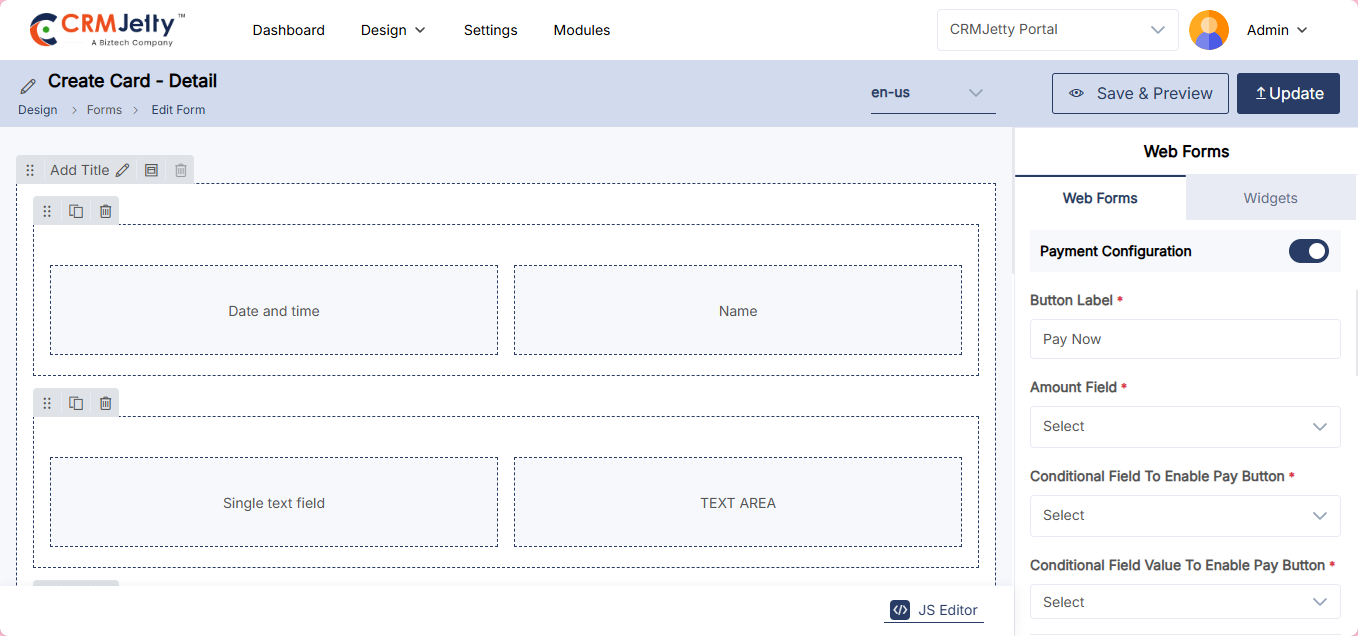
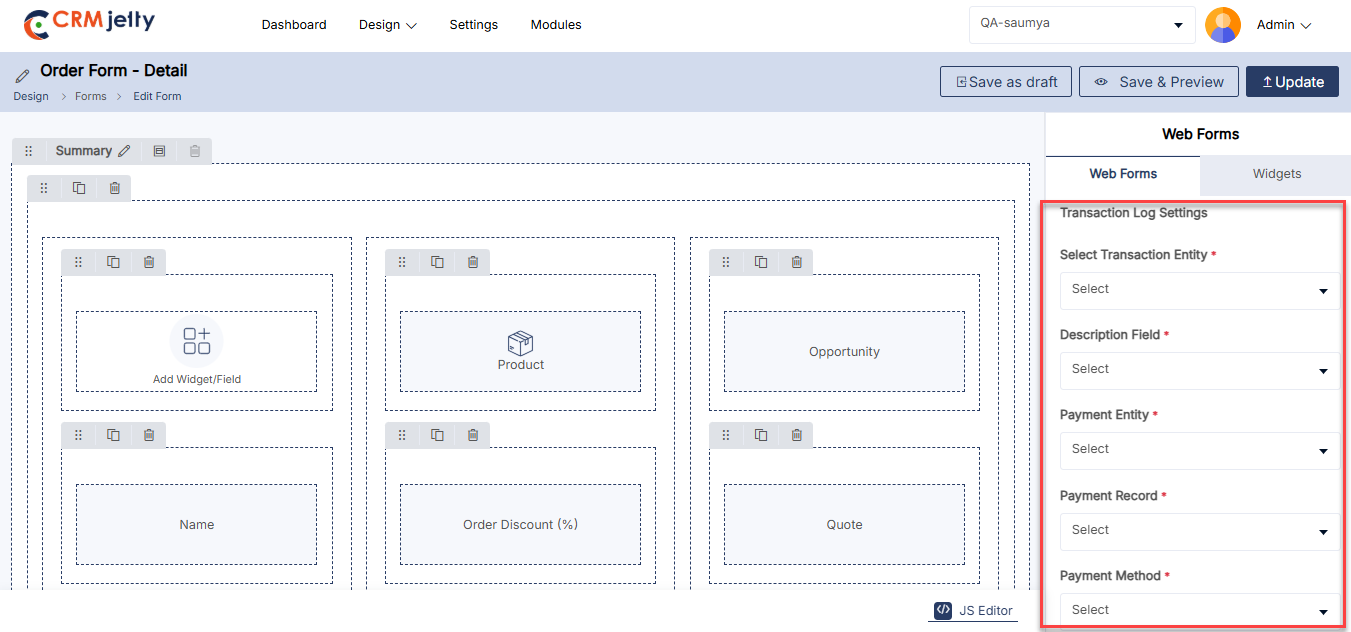
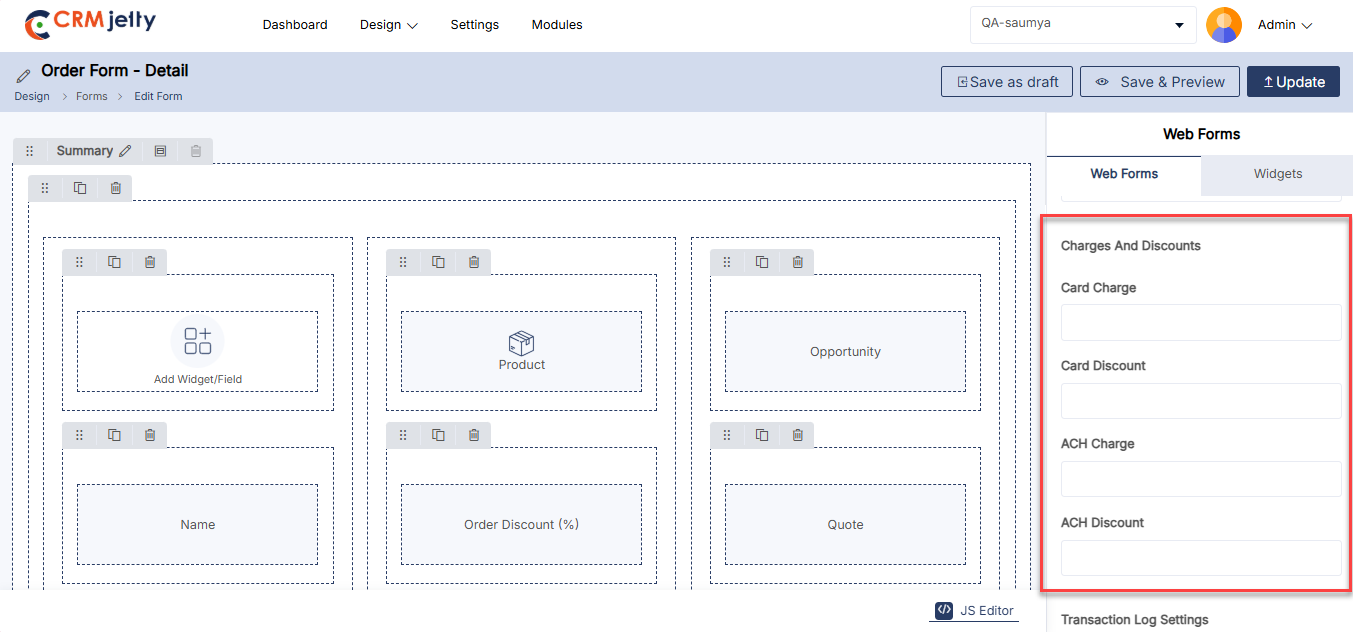
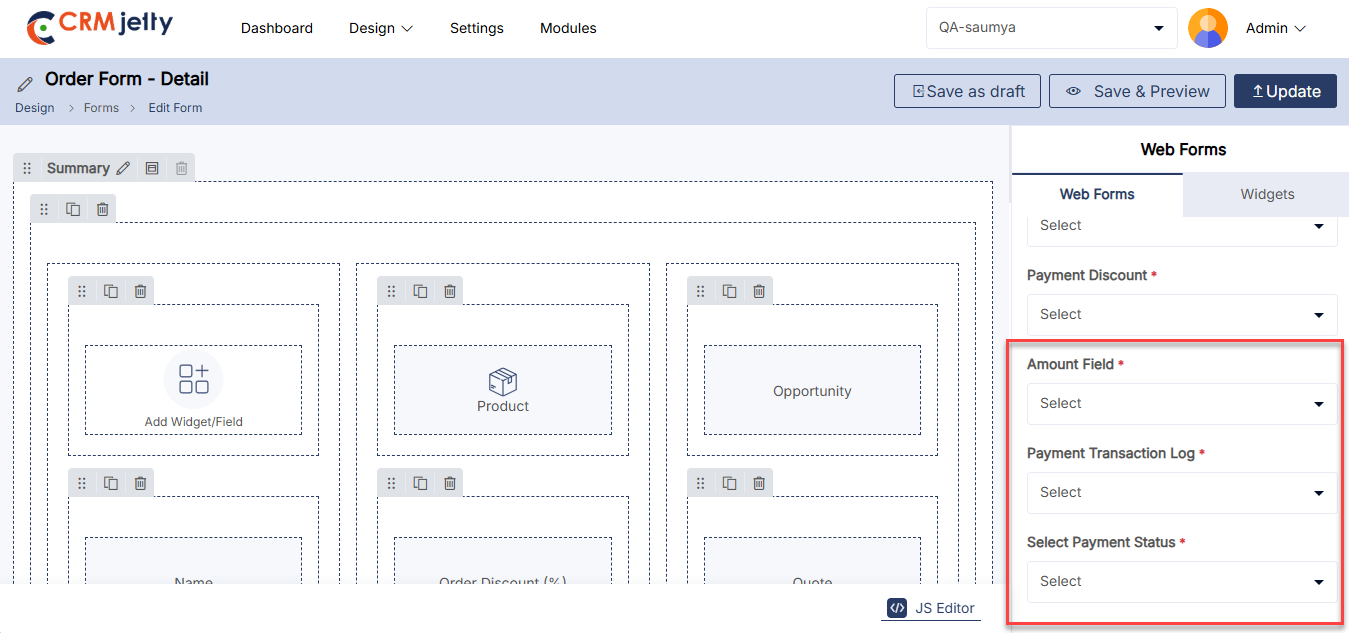
Using JS Code Editor
The Admin can create or update the layout of the form view using the JavaScript Code Editor if there is any custom JS code. [1]
By clicking on the Code Editor, an editor will pop up where the Admin can edit or paste the JS code. Once the code is edited or pasted, the Admin should click the Apply button and publish the Form builder record. [2]
Additionally, the Admin can edit or paste JavaScript code to modify the UI and appearance to match preferences or align with the portal’s theme.
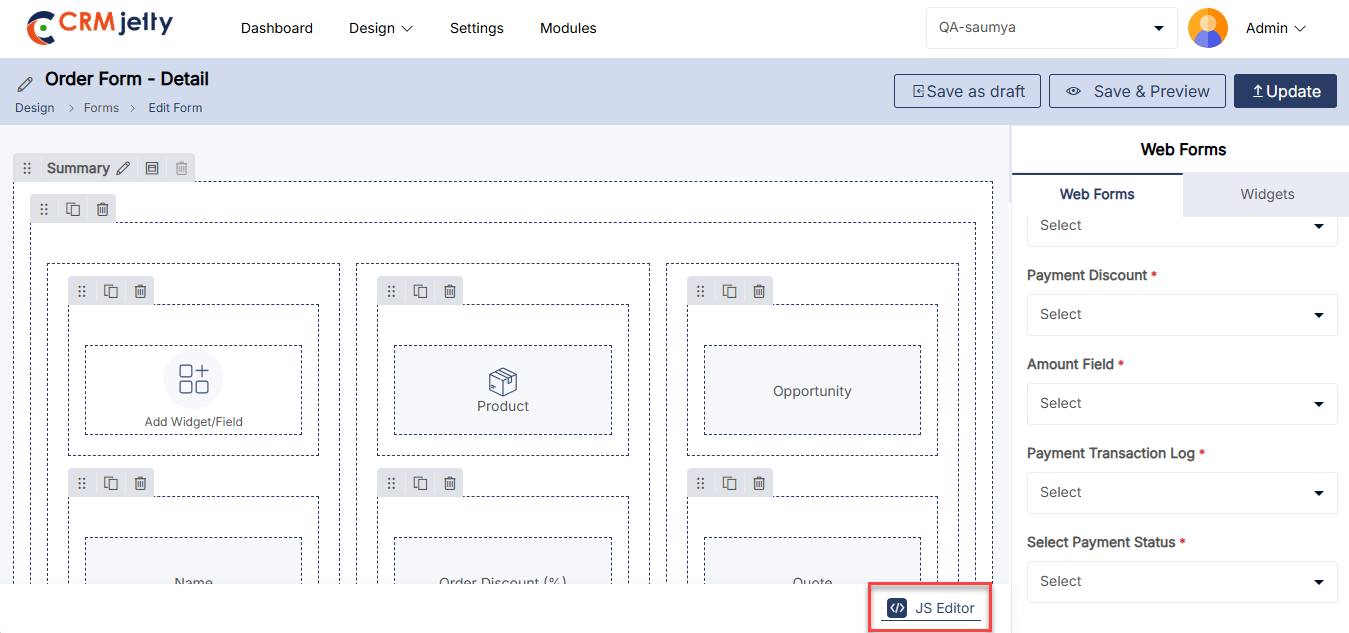
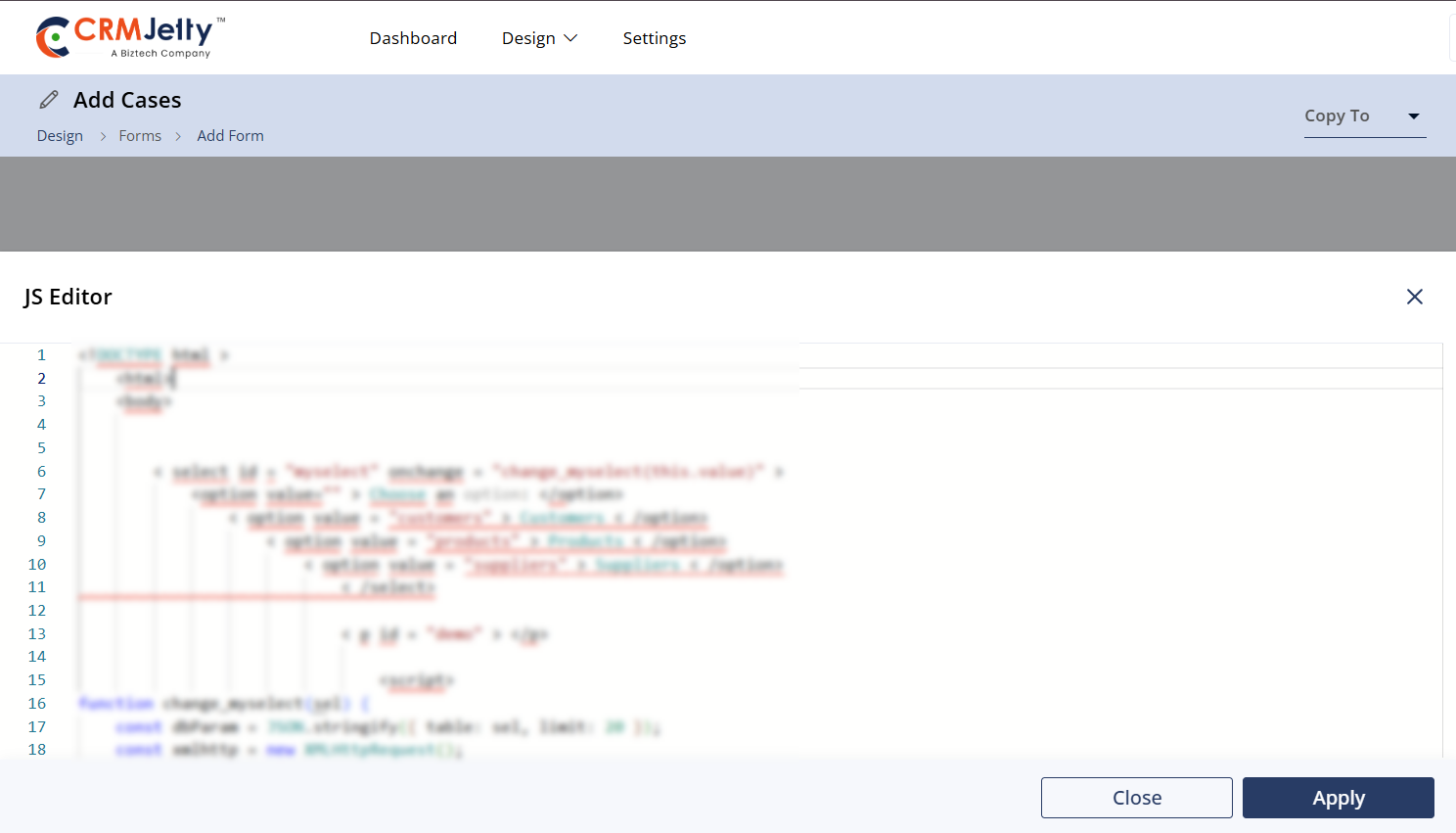
Translating Form Records (Multi-Language)
From the listing page of the ‘Form’ builder records, all available languages will appear in the Language column. Translated languages will be shown in dark-coloured buttons, while untranslated languages will appear in light-coloured buttons. [1]
Admin can translate the Form record by clicking on the light-coloured button. Once clicked, the Form builder record will automatically translate to the selected language. [1.1]
Admin can also translate the form layout records from the edit form page. At the top, the “Languages” option and enabled languages will be displayed.
Once the form layout record is translated from the listing page or the page layout edit page, it will take a few seconds to translate all the CRM content, such as text labels and messages. [2]
Multiple Form Translation
1. Translating Forms in Bulk:
– Admin can translate multiple form layout records simultaneously by selecting multiple forms. [3]
2. Language Selection:
– If multiple languages are enabled, a dropdown menu will appear, allowing the Admin to select one language for translation. [4]
3. Translation Report:
– After translating the selected forms, a pop-up will appear on the screen, displaying the translation status of the records/forms. [5]
Note: Ensure that all fields are translated in Settings > Portal Settings > Language Settings to guarantee proper translation of the fields.
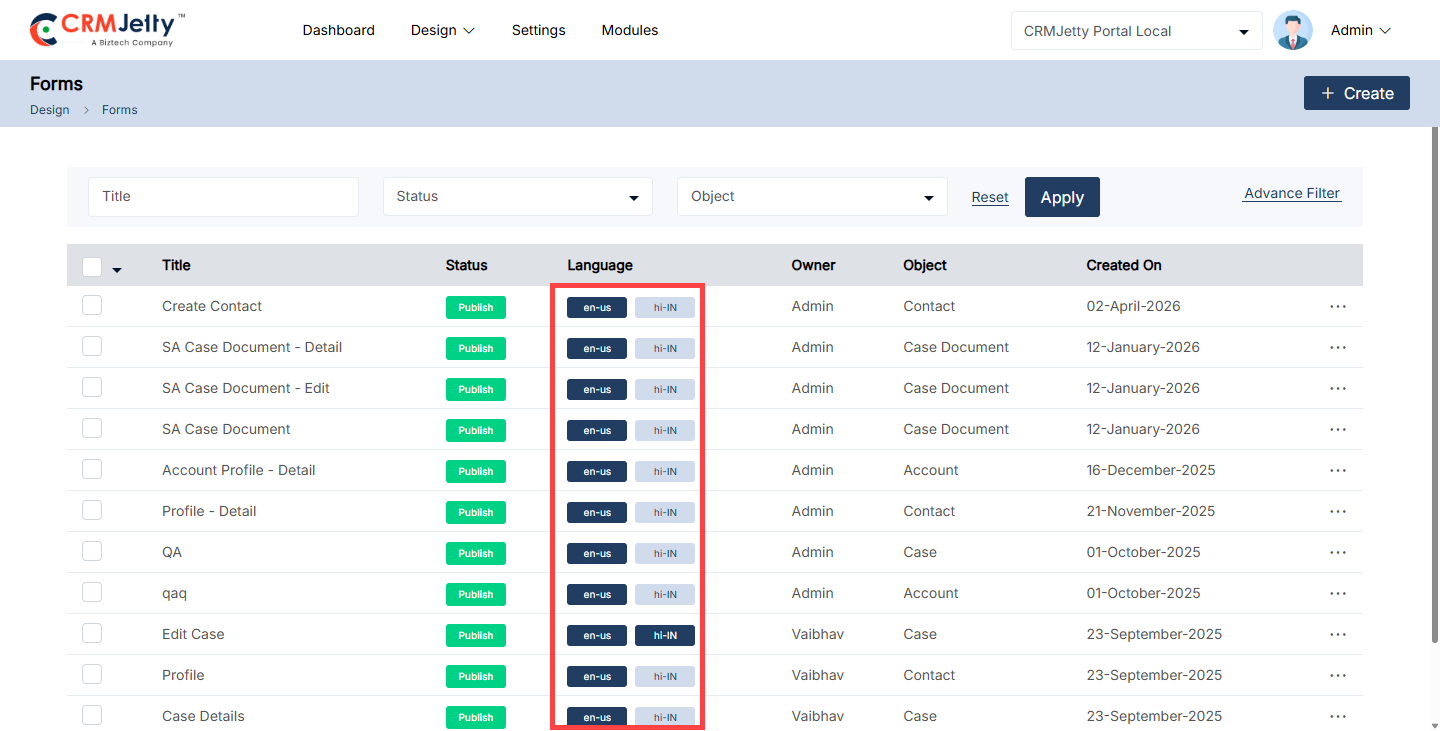
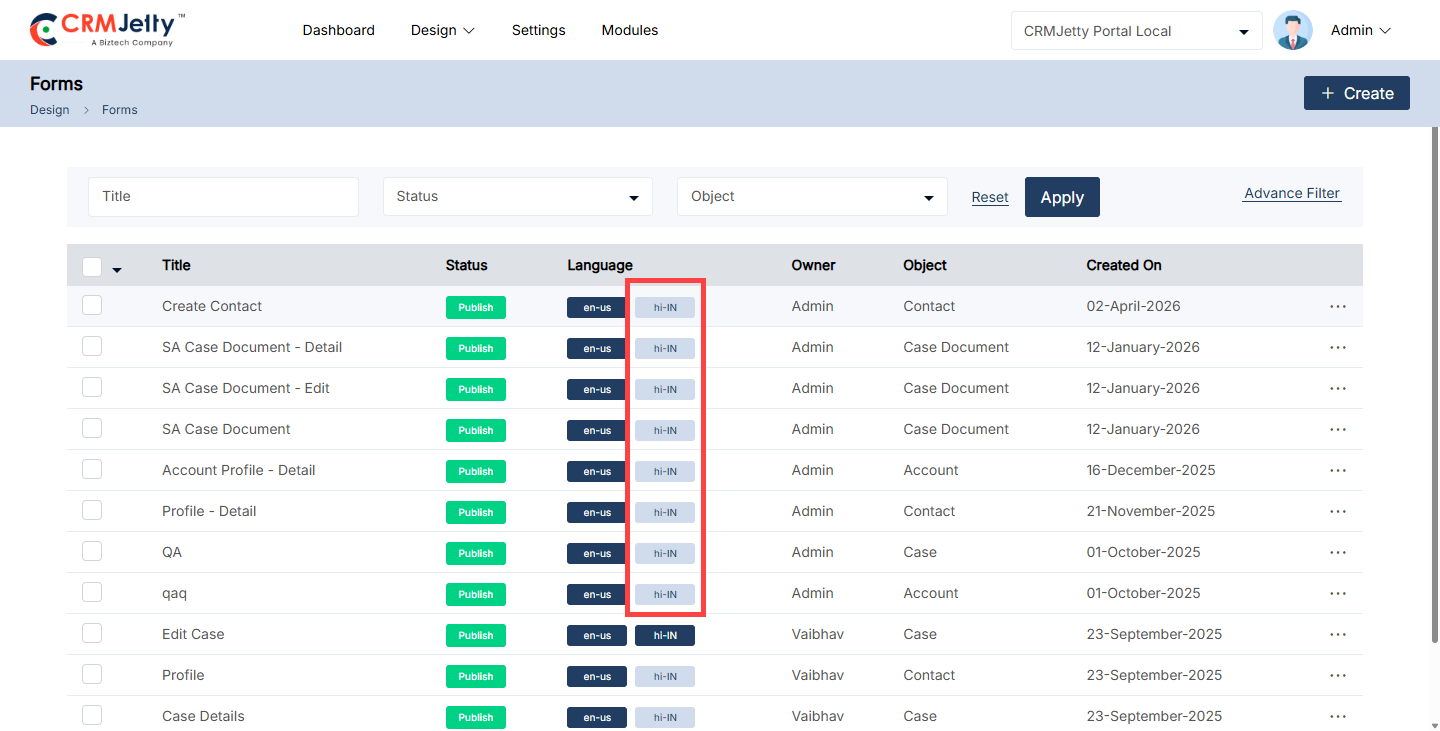
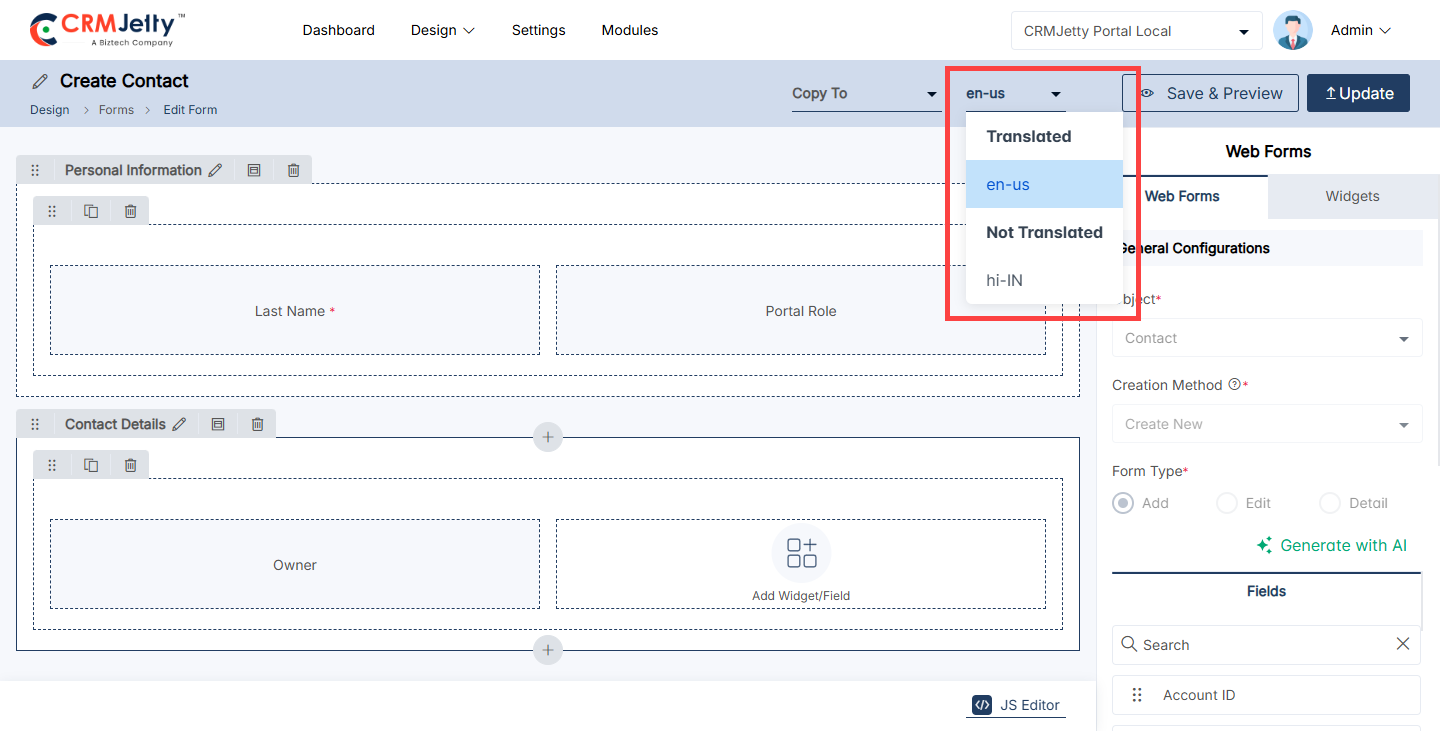
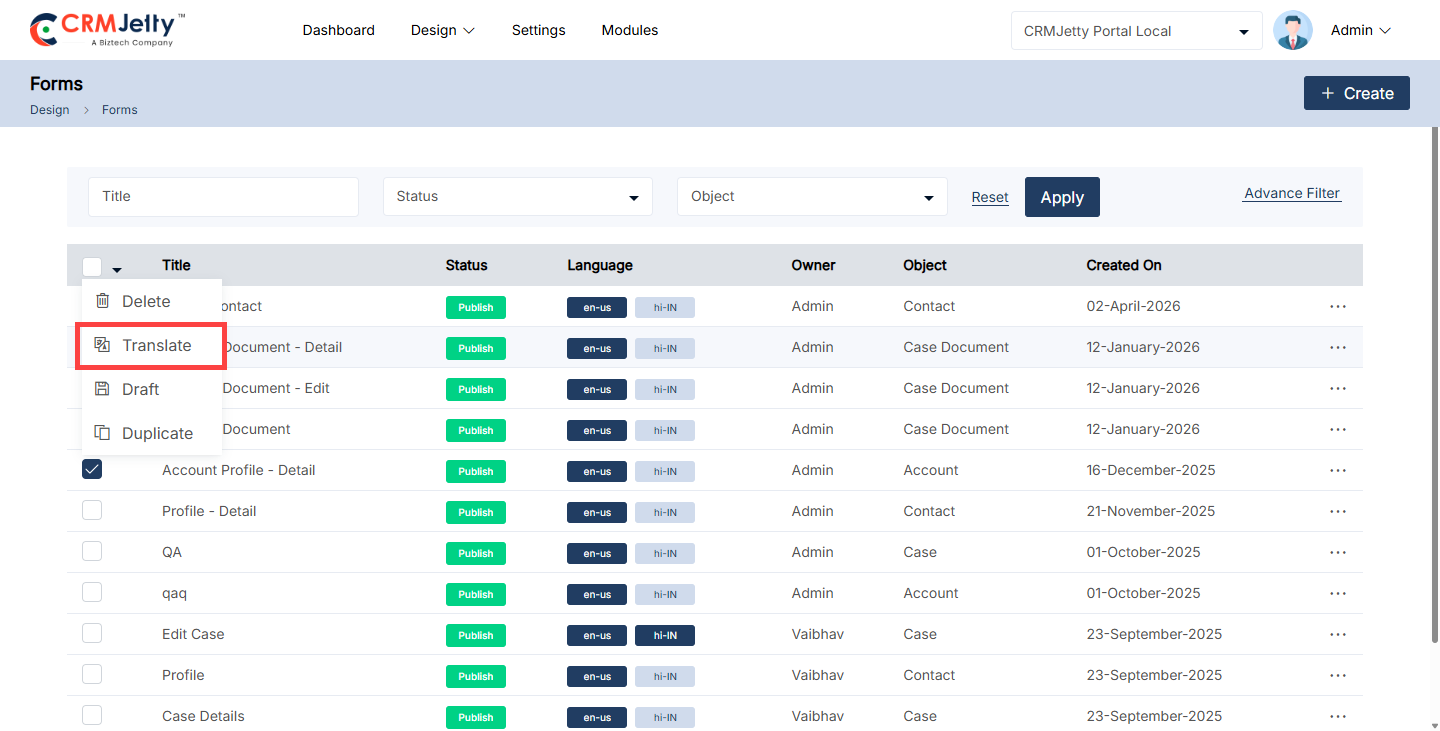
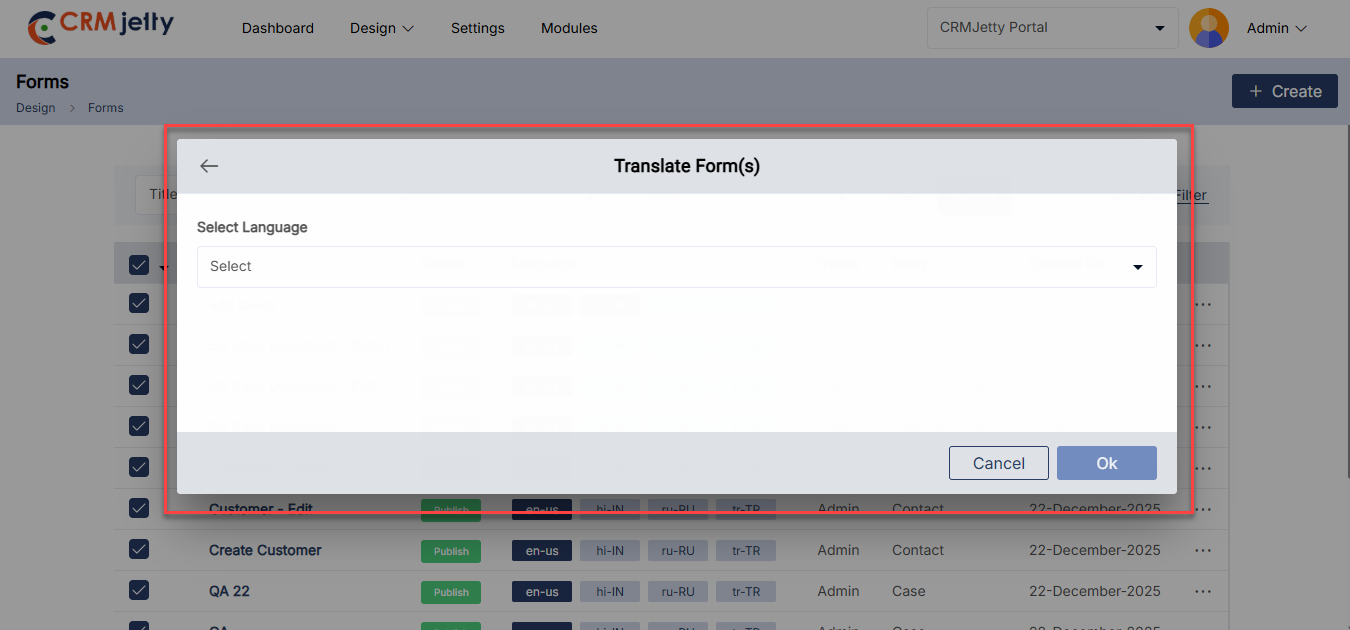
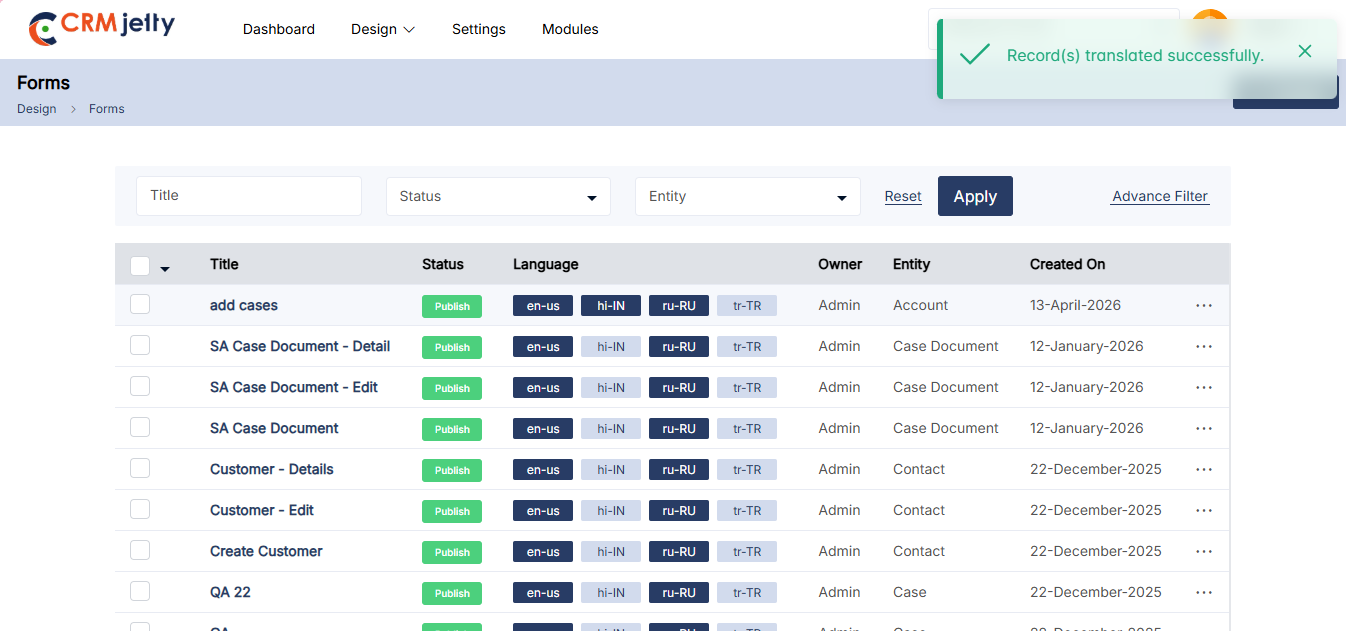
Edit Form
To edit a form, navigate to the portal forms list and click the three dots (…). This will show the Edit icon. Clicking the icon will redirect the Admin to the edit form page.
The Admin can update all the details and configurations. After updating the details, click the Update button. [2]
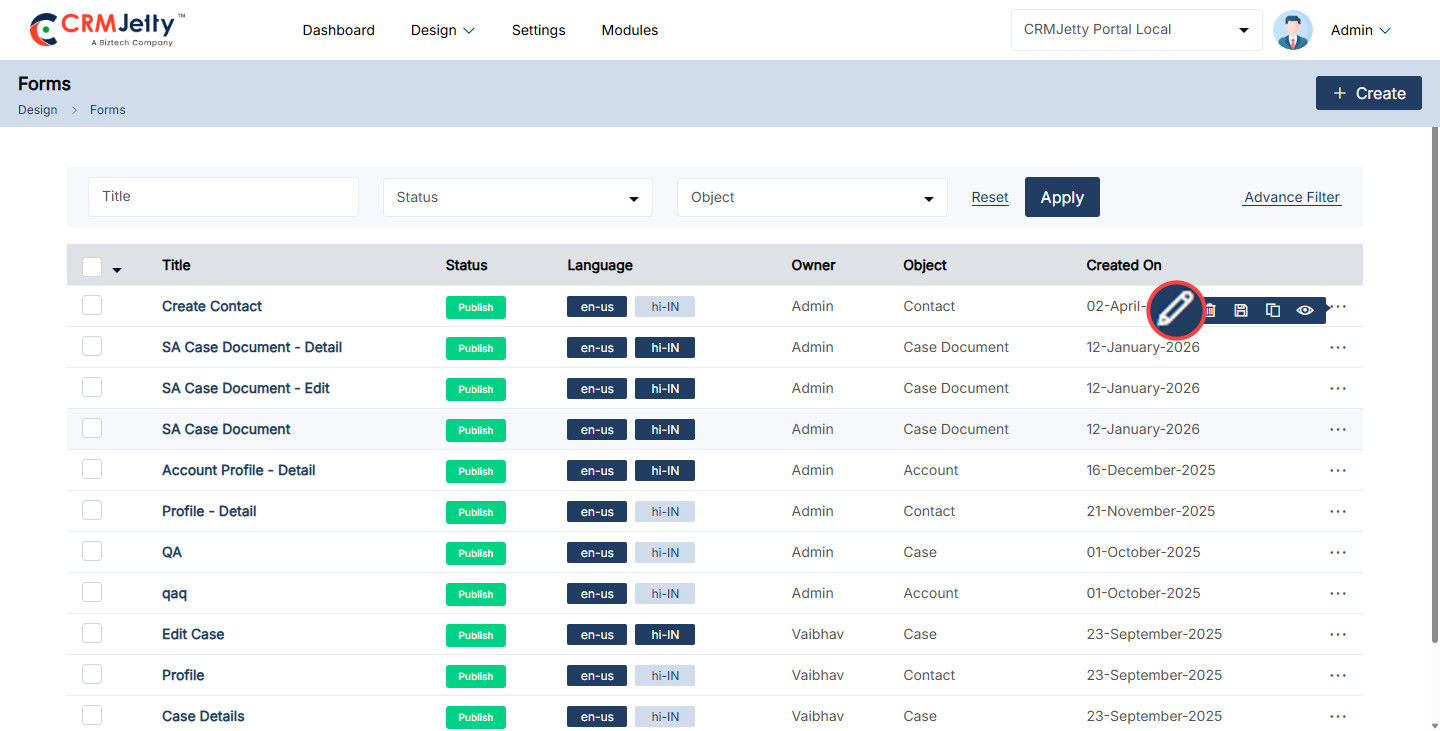
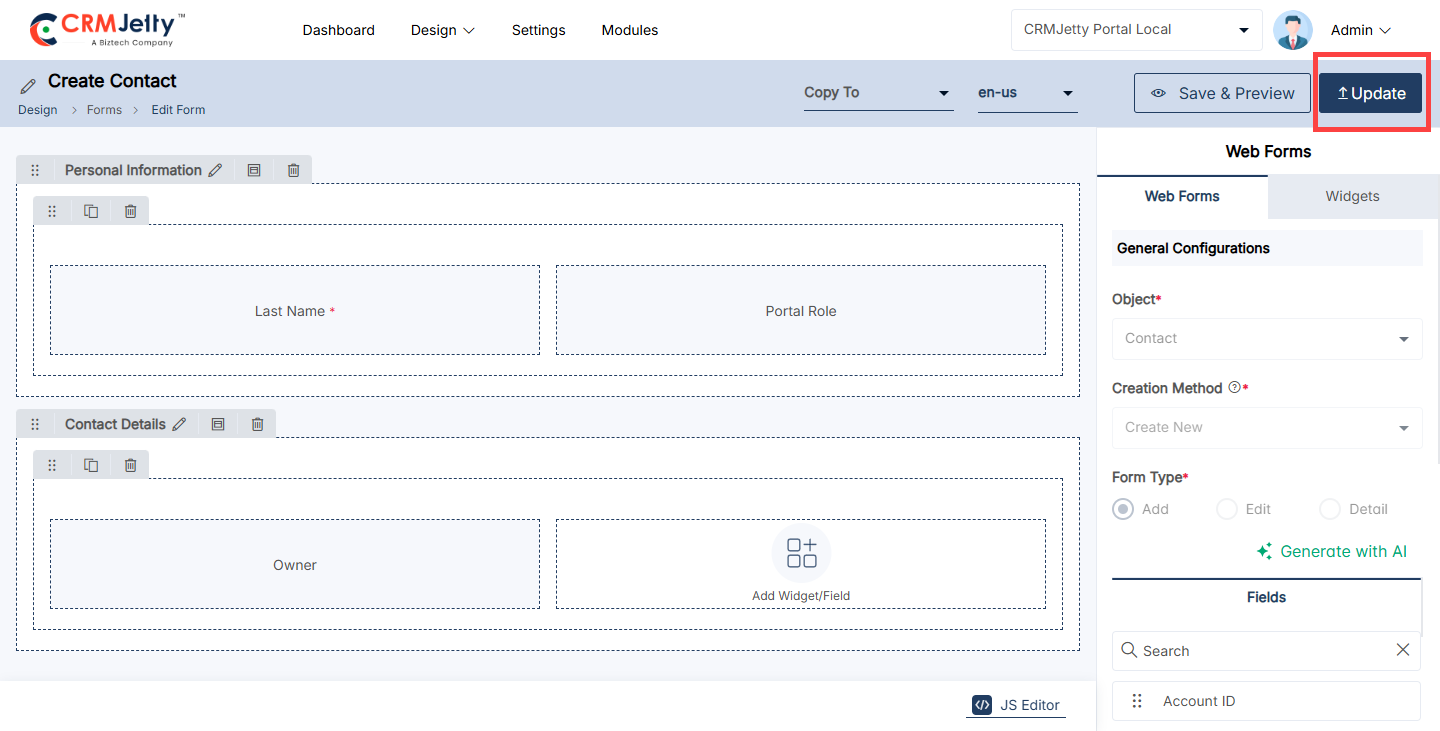
Delete Form
To delete a portal form, navigate to the portal form list and click the three dots (…). Clicking on the dots will reveal the Delete icon. Clicking on this will display a warning (pop-up) message.
Click the “Ok” button, and the form will be permanently deleted from the portal. [1]
Bulk Delete Forms
1. Form Selection:
To delete multiple forms, the Admin needs to select multiple forms using the checkboxes beside each form.
2. Choosing Bulk Action:
After selecting the desired forms, click the bulk action checkbox, then choose the “Delete” option from the available actions.[2]
3. Confirm Deletion:
A confirmation pop-up will appear. To finalize and permanently delete the selected forms, click OK. To cancel the deletion, click Cancel. [3]
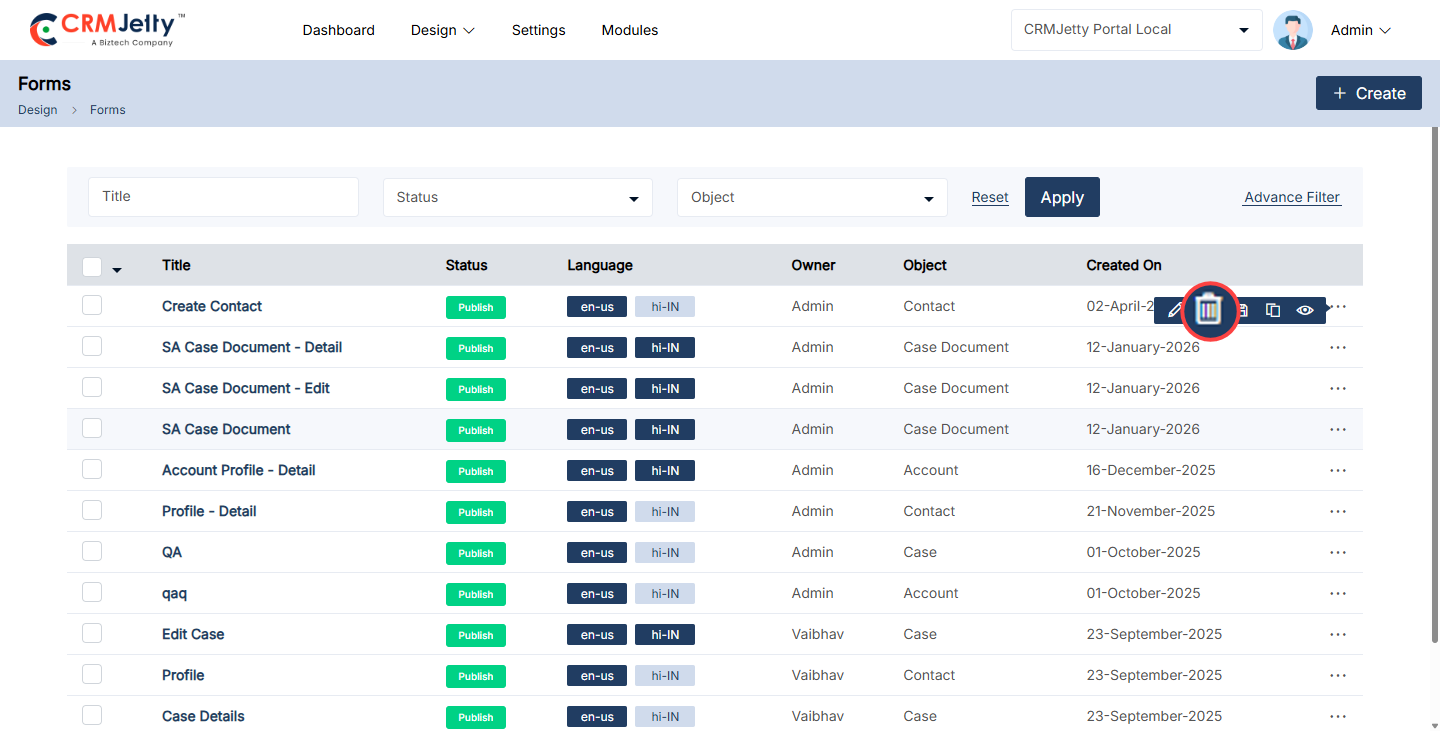
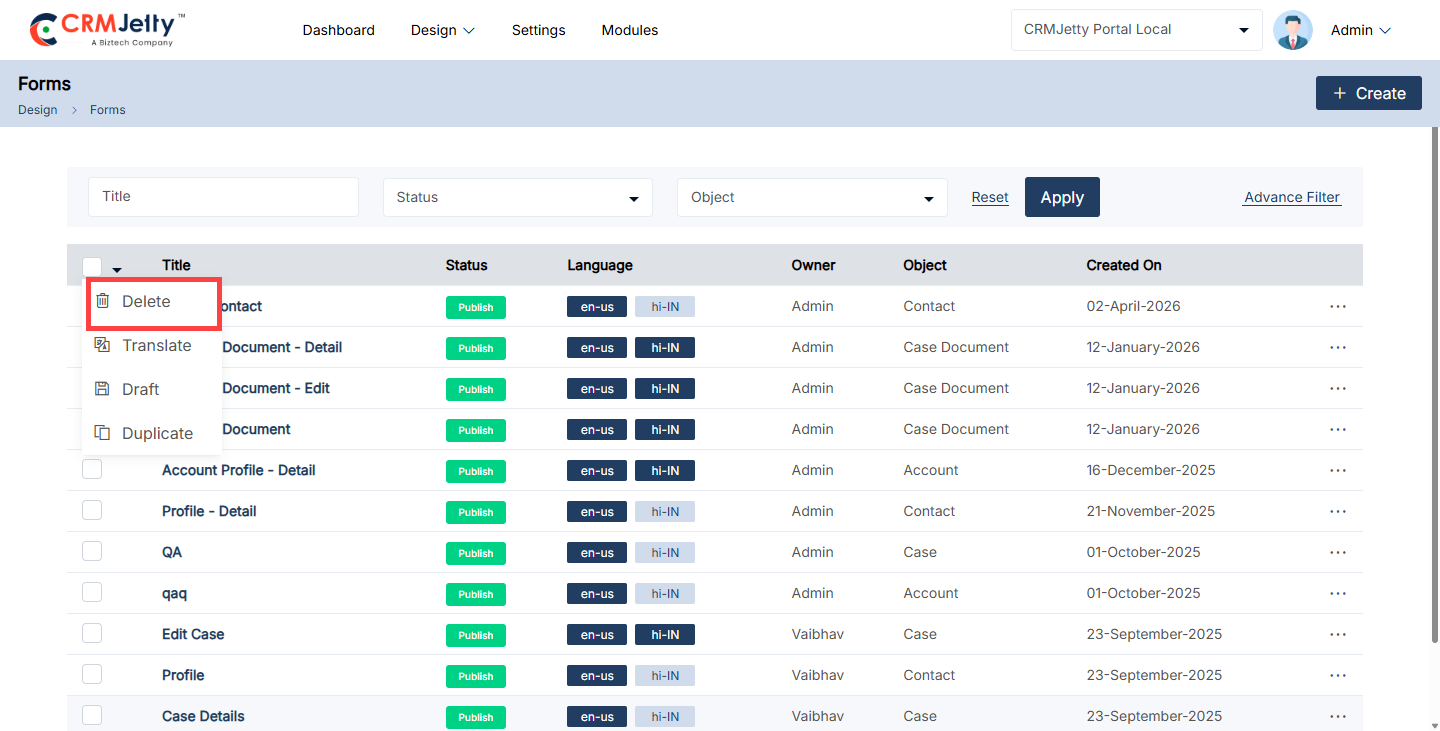
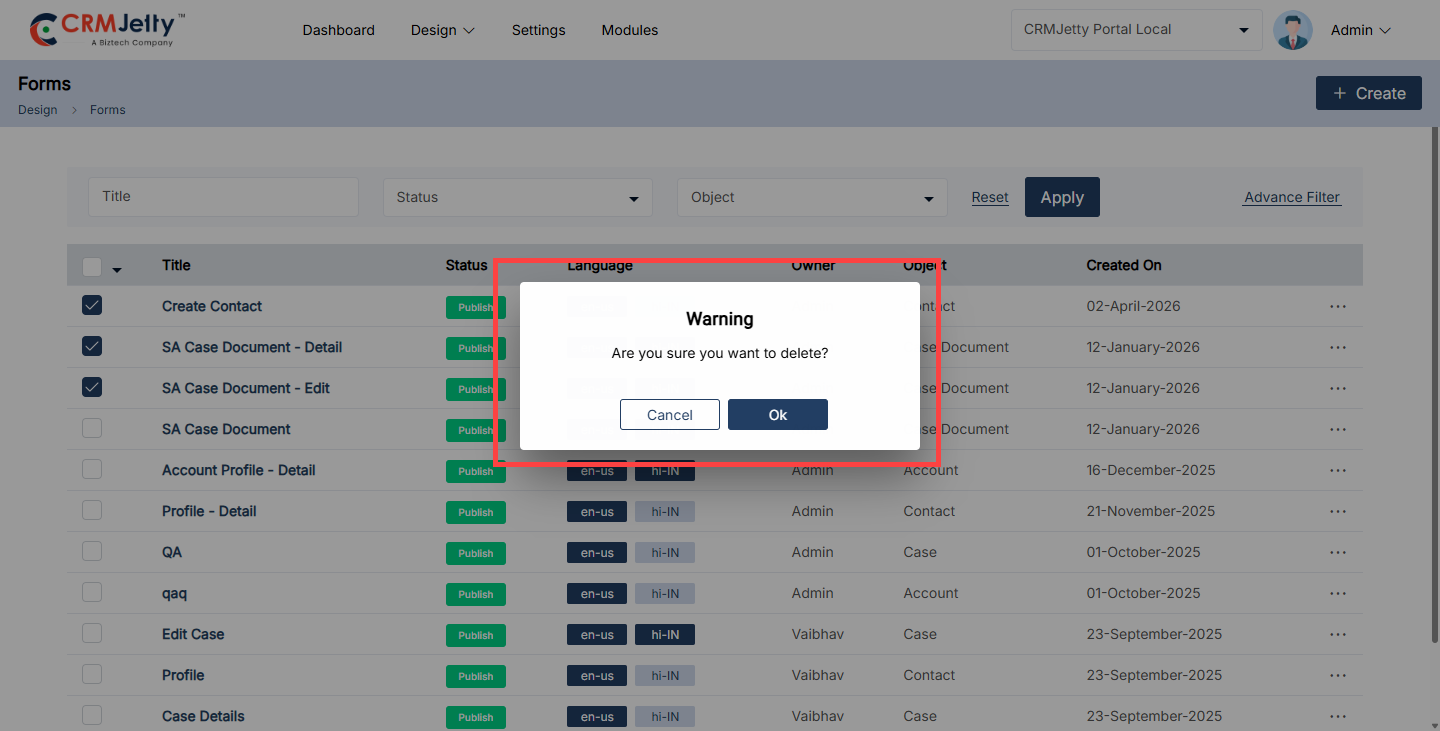
Duplicate Forms
1. Duplicating a Form:
– To duplicate a portal form, navigate to the form list and click the three dots (…). Clicking on the dots will reveal the “Duplicate” icon. Selecting this button will initiate the duplication process. [1]
– Once the “Duplicate” button is clicked, the form will be copied, and a new duplicate form will appear in the portal. The duplicated form will be named “Form Name – Copy” (e.g., Add Orders-Copy). [2]
– After duplication, the Admin can view a success message on the right side of the page.
2. Bulk Duplicate Forms
– The Admin should start by selecting the forms to be duplicated. This can be done by clicking on the checkboxes beside each form object.
– After selecting the forms, the Admin needs to click on the bulk action checkbox. From the available options, select the “Duplicate” option. [3]
– The selected forms will be duplicated and added as “Form Name – Copy” (e.g., Add Orders-Copy). After duplication, the Admin can view a success message on the right side of the page. [4]
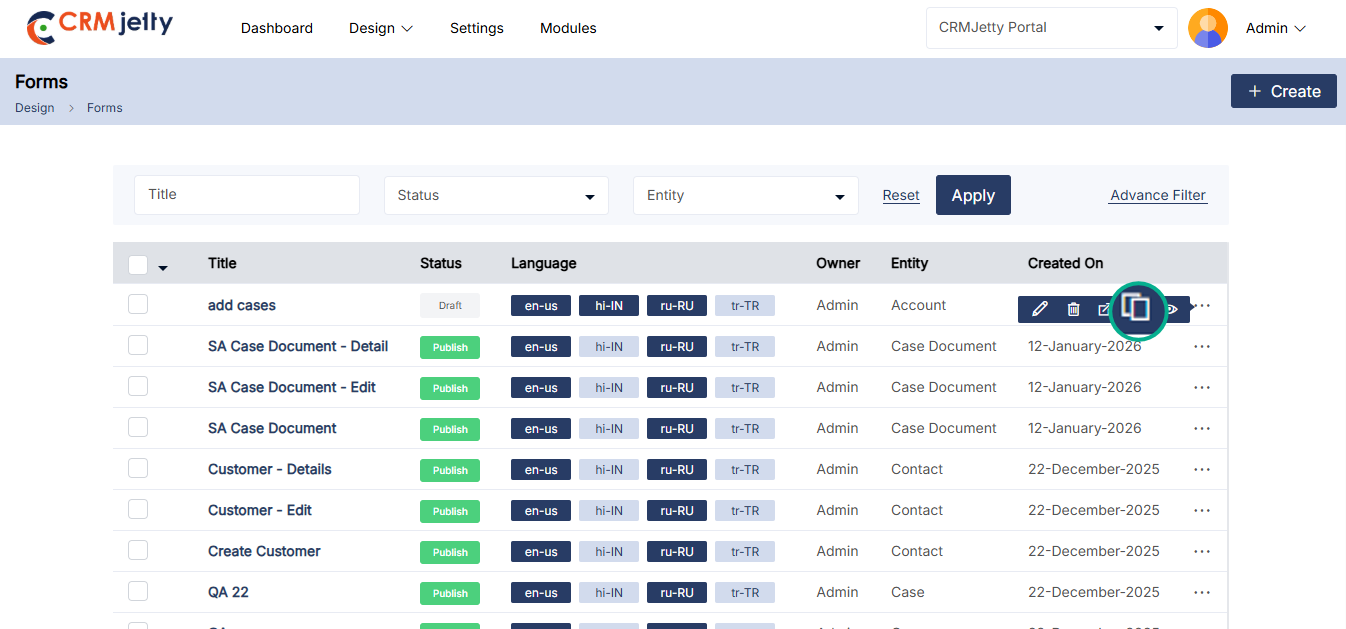
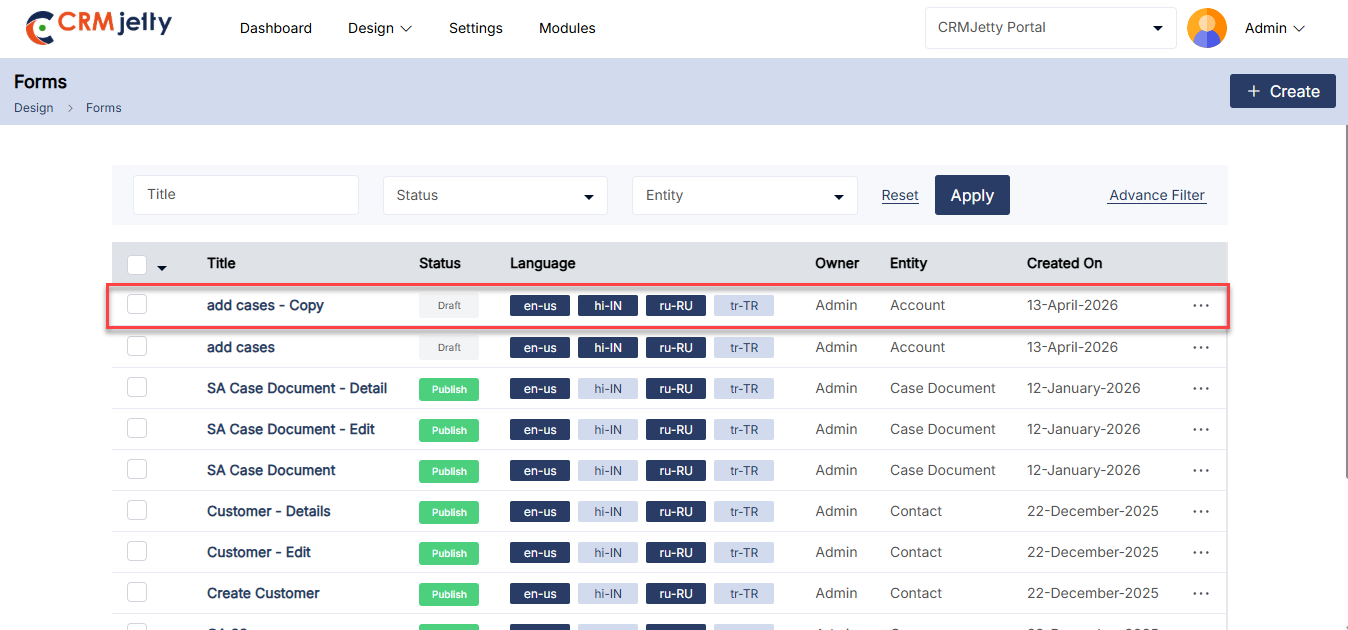
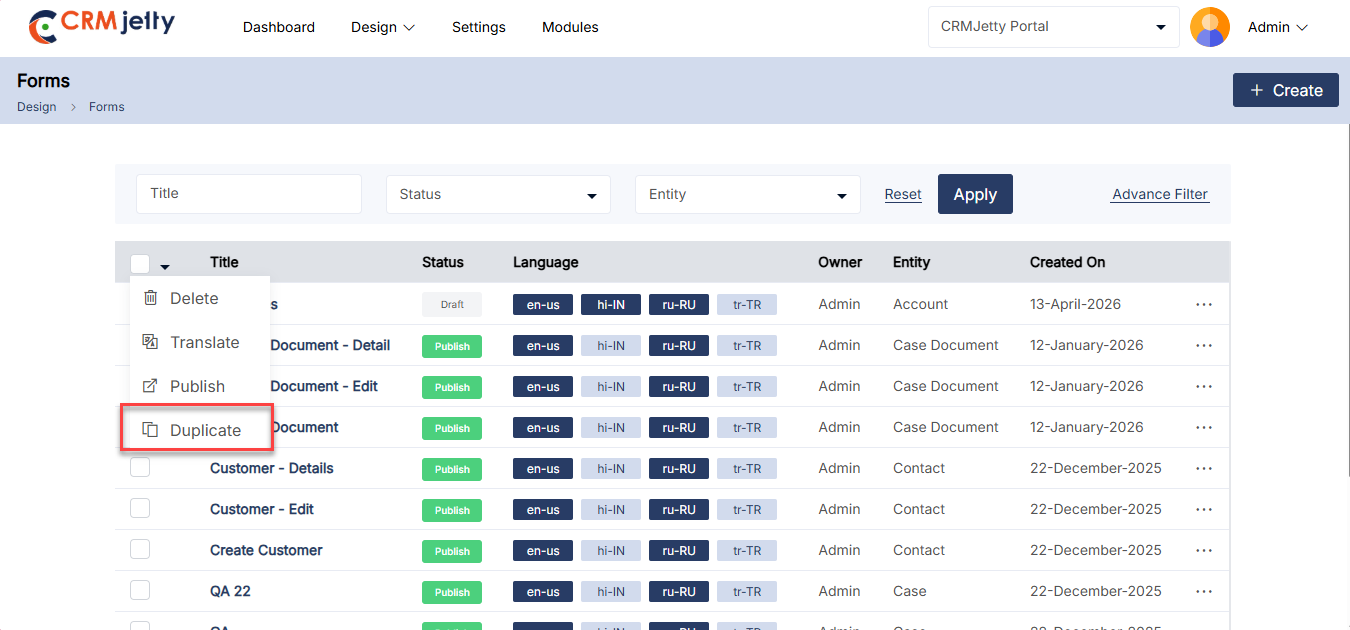
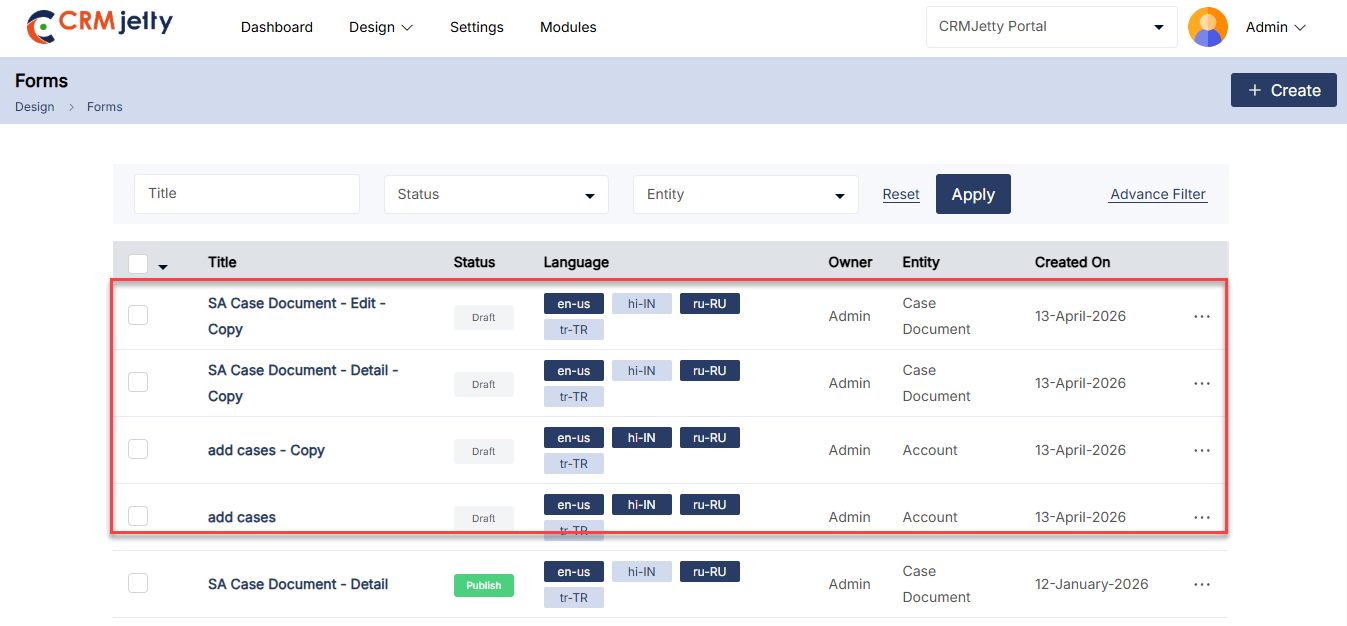
Preview Forms (View Form Page)
To preview the form, the Admin needs to either save the form as a draft or publish it. In both scenarios, the Admin can preview the form to see how it will appear on the front end. [1]
Note: In preview mode, the Admin cannot click on any fields; the preview only displays the layout of the form.
Publish Forms
1. Publishing a Form:
– To publish a portal form, navigate to the form list and click the three dots (…). Clicking on the dots will reveal the “Publish” icon. By clicking on this icon, the form will be published, and the Admin can view the success message on the right side of the page. [1]
2. Bulk Publish Forms:
– The Admin should start by selecting the forms to be published. This can be done by clicking on the checkboxes beside each form entity.
– After selecting the forms, the Admin needs to click on the bulk action checkbox. From the available options, select the “Publish” option.
– By clicking on the publish option, the selected forms will be published, and the Admin can view the success message on the right side of the page.
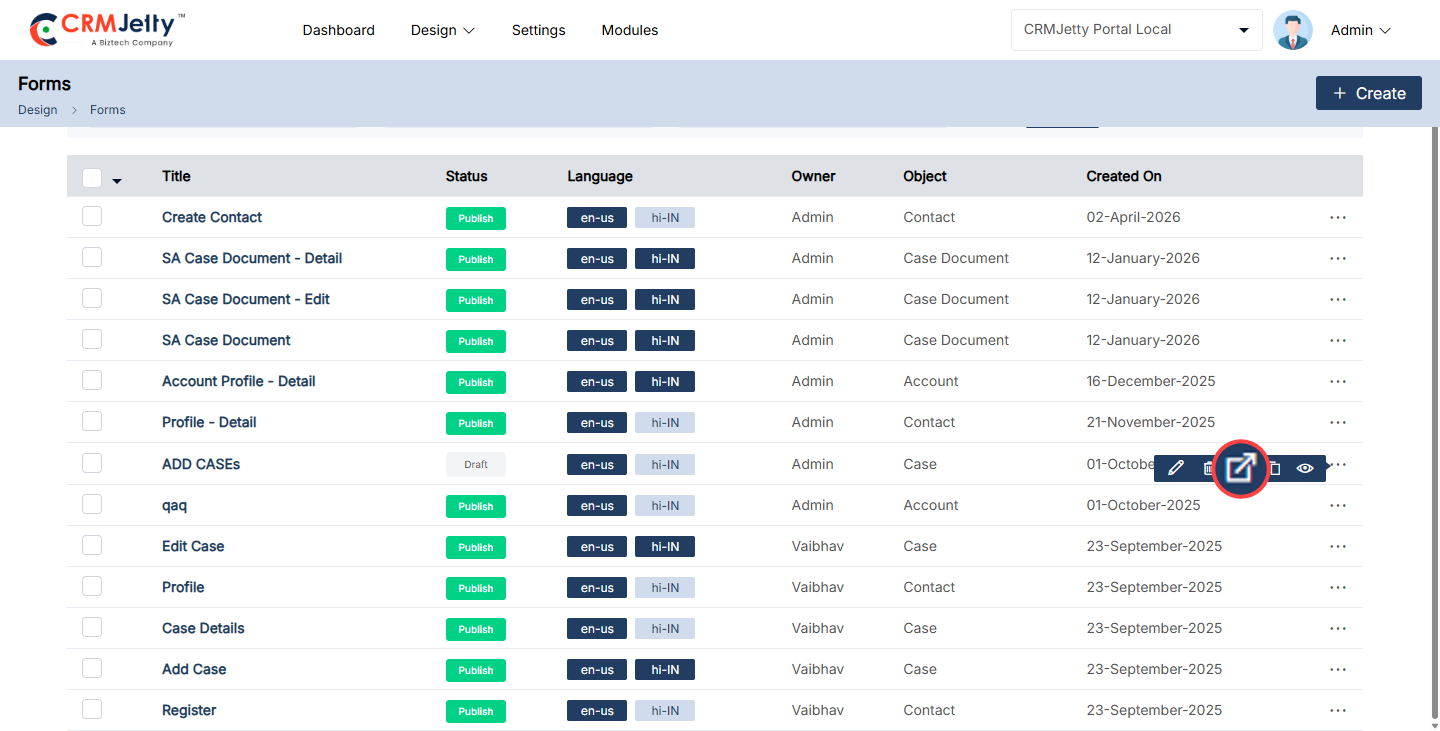
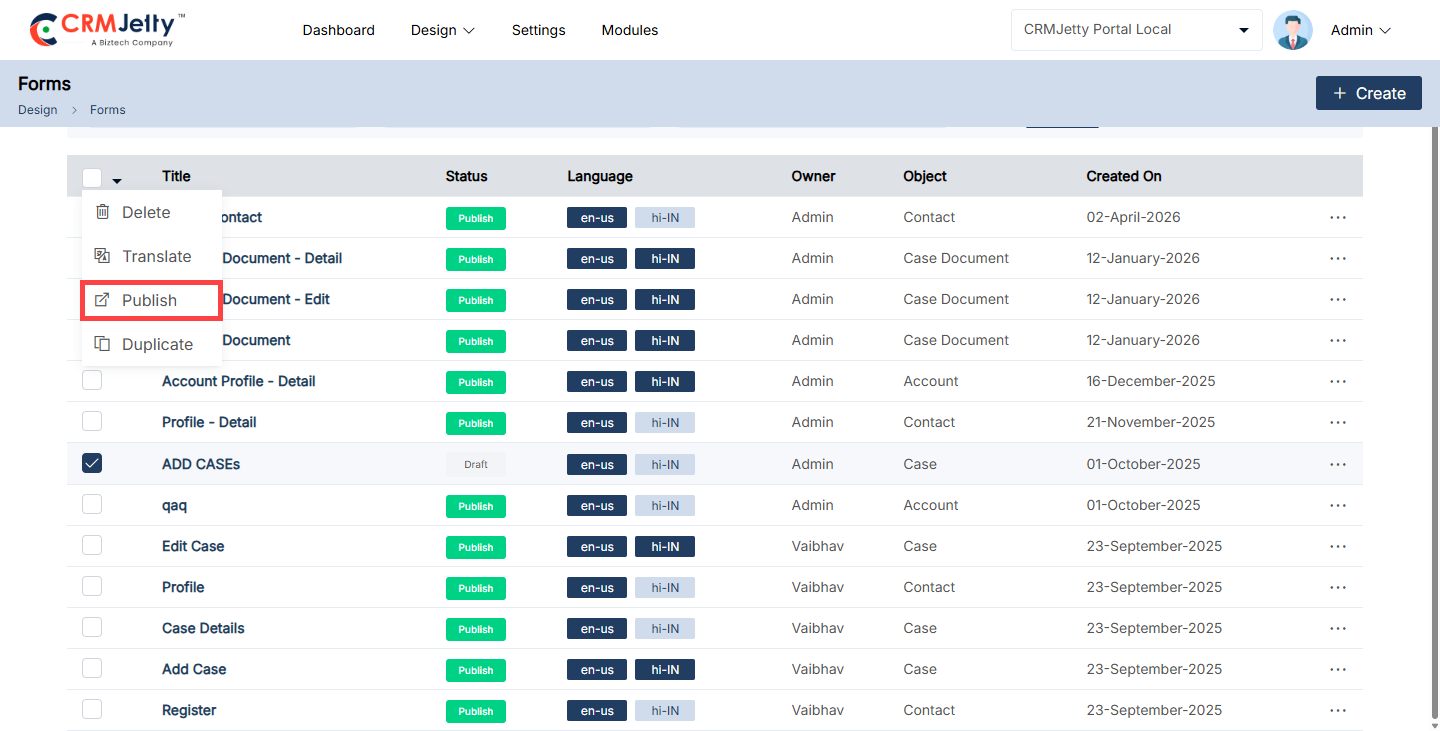
Widgets
The admin can add and configure widgets in the grid, including options like Subgrid, Note & Attachment, Product, and Text. [1]
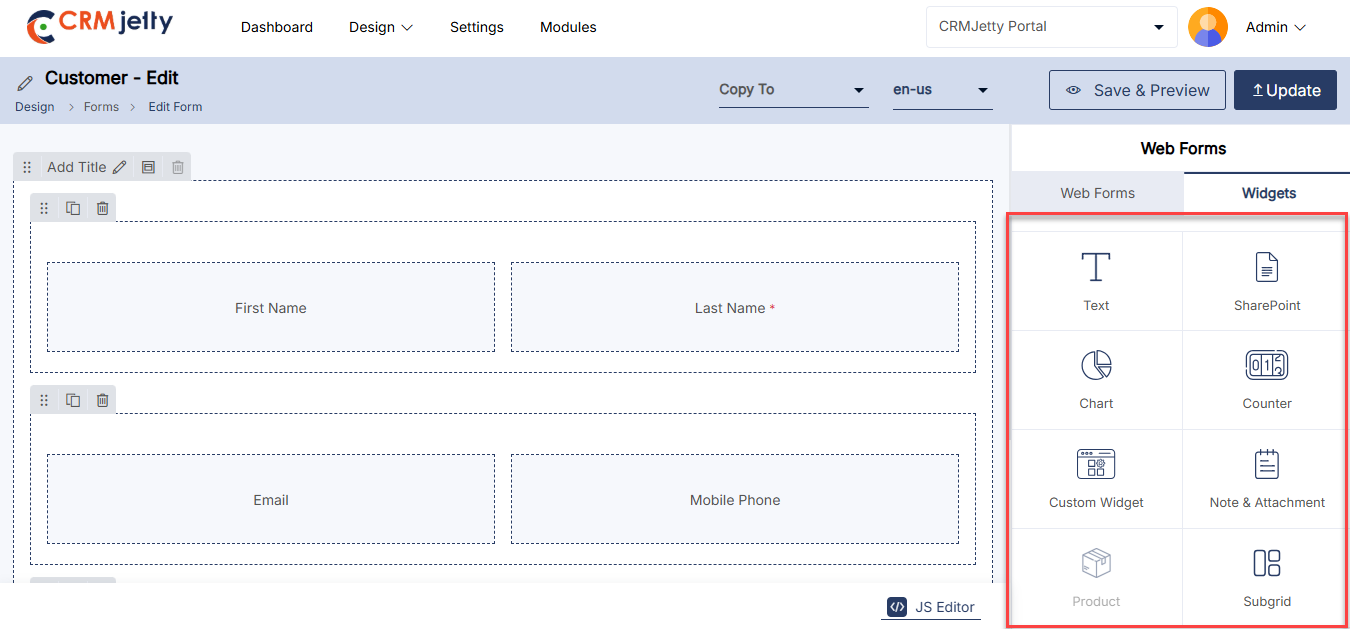
Chart Widget
Chart widget visualizes CRM data through customizable graphs and charts, helping users to analyze and understand data more easily. Simply drag and drop the chart widget onto the designated grid area. [1]
Note : Admin can Only configure the Chart Widget in Edit and Detail type Form.
Chart Widget Configuration:
– Title: Admin Insert title for the section (“Chart”).
– Select Object: Choose the object for which the chart section will be created.
– Select Relationship: Select the relationship (object) to associate with the chosen entity form.
– Select Chart Type: Select the chart type from the available options. (Doughnut, Vertical Bar, Horizontal Bar and Line).
– Select Field: Select the field admin wants to show in the Chart.
– Select Field Value: Select the field values to show in the chart.
– Select Option color : Select the preferred color for the field values shown in the chart.[2]
WorkFlow Settings:
– Select Data Loading Workflow: Select the Data loading workflow to load data want to attach for data loading.[3]
Frontend View
The chart provides a clear visual comparison of key data points to quickly highlight trends and patterns.It simplifies complex information, making relationships and changes over time easy to understand at a glance.This visualization supports informed decision-making by presenting insights in a concise, accessible format. [4]
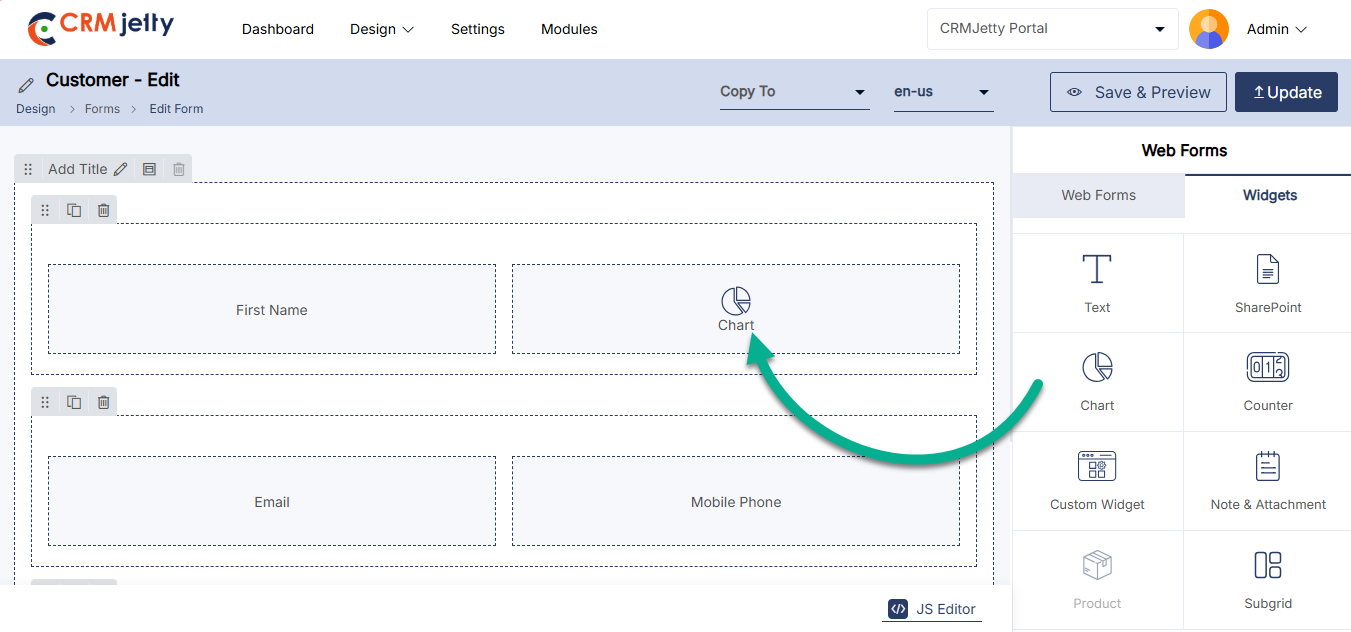
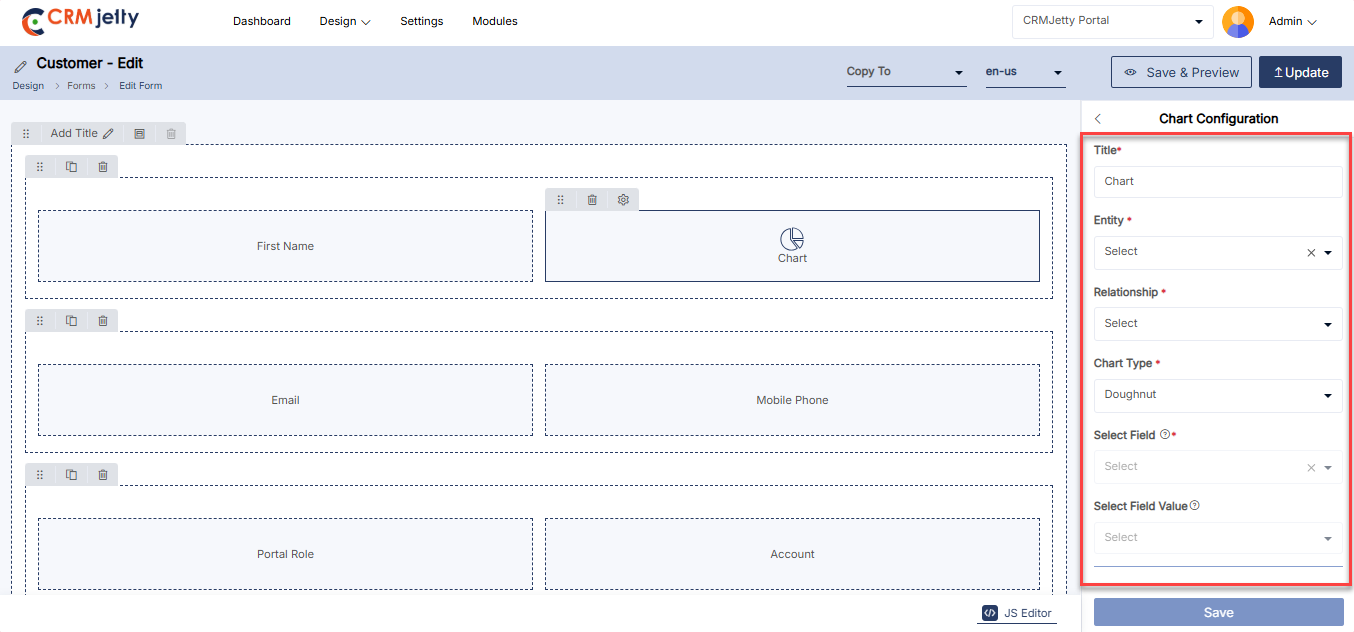
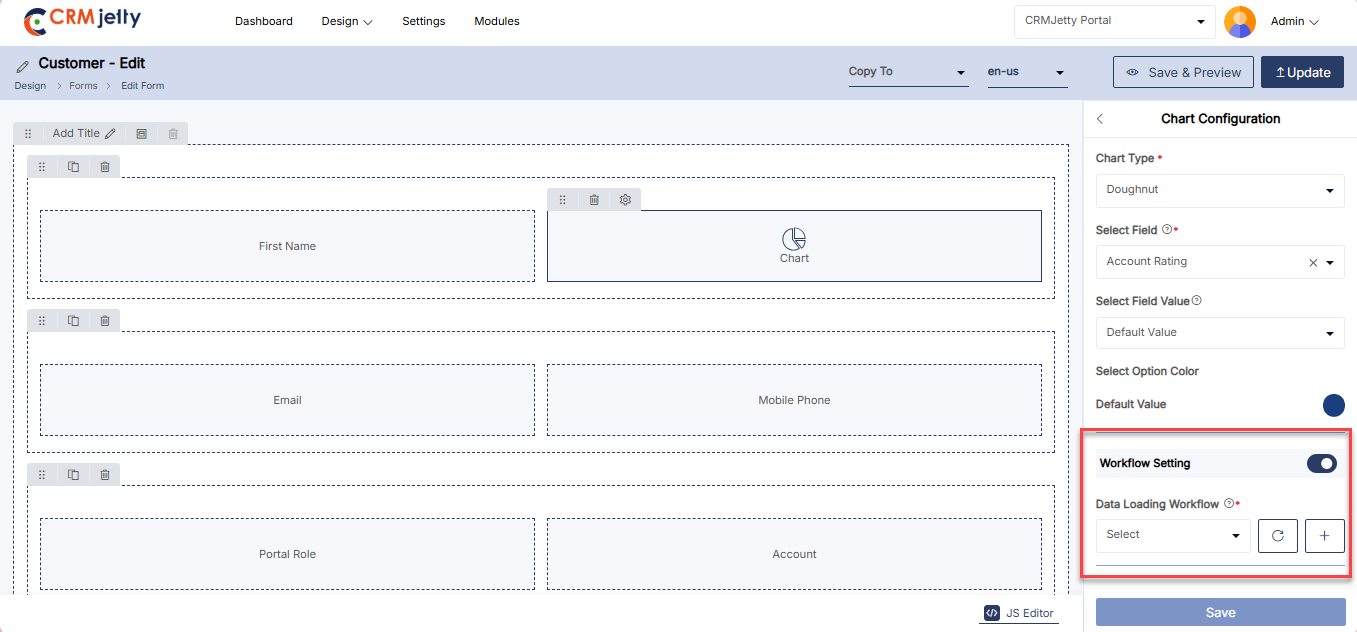
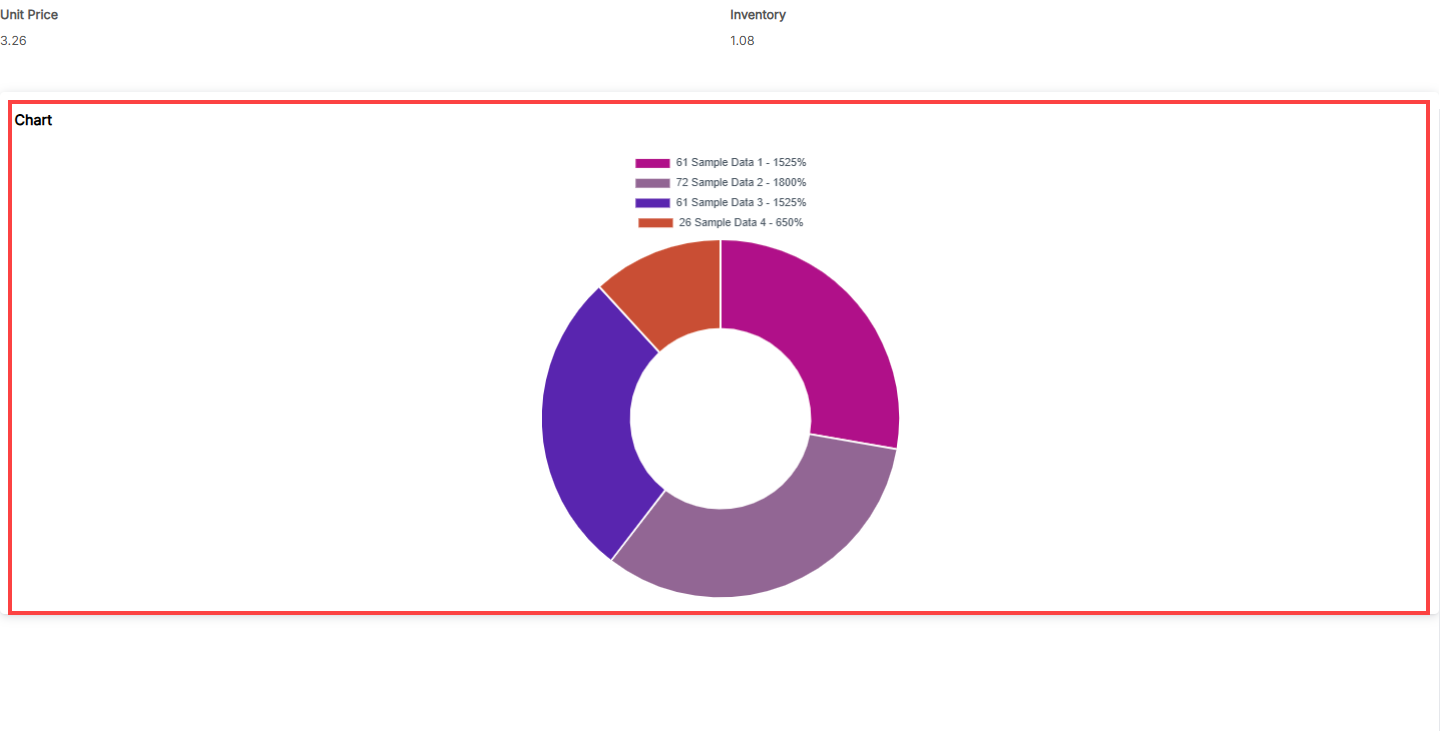
Counter Widget
Admin can use “Counter Widget” to provide counter support in the Form. Simply drag and drop the counter widget onto the designated grid area.[1]
Note : Admin can configure counter widget only in Edit and Detail type forms.
Counter Widget Configurations:
– Title: Admin Insert title for the section (“Counter”).
– Select Object: Choose the object for which the counter section will be created.
– Select Relationship: Select the relationship (entity) to associate with the chosen entity form.
– Select Field: Select the field admin wants to show in the counter.
– Select Field Value: Select the field value to show in the counter.
– Select Option Color : Select the option color to display on the counter.
– Pick An Icon: Pick icon to display for counter widget.[2]
Redirection Settings:
– Select Indicator: Choose Redirection Indicator to provide the redirection option on the counter widget from Clickable or Hyperlink options.
– Select Redirection Page: Select the page user will be redirected to when clicking on the indicator. [3]
WorkFlow Settings:
– Select Data Loading Workflow: Select the Data loading workflow to load data want to attach for data loading.[4]
Frontend View:
The counter widget displays real-time numerical values to track progress or key metrics at a glance. It highlights changes instantly, making it easy to monitor performance or activity levels. This simple visualization keeps users informed with clear, up-to-date counts in an accessible format.[6]
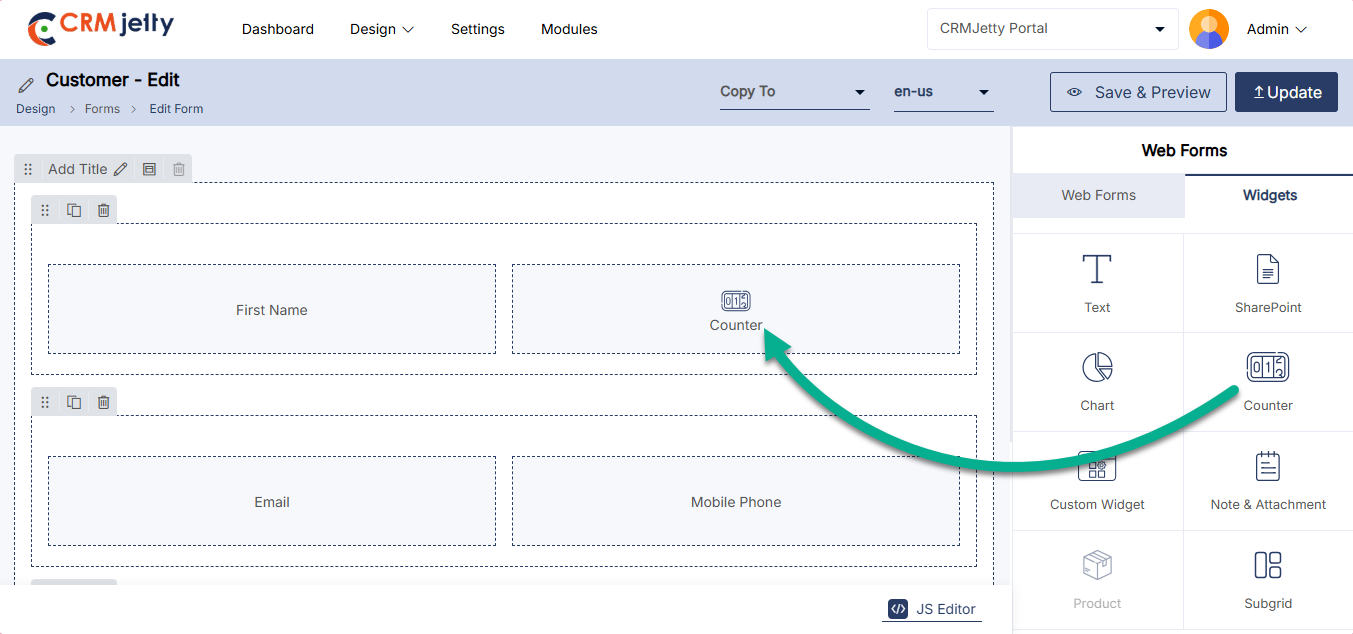
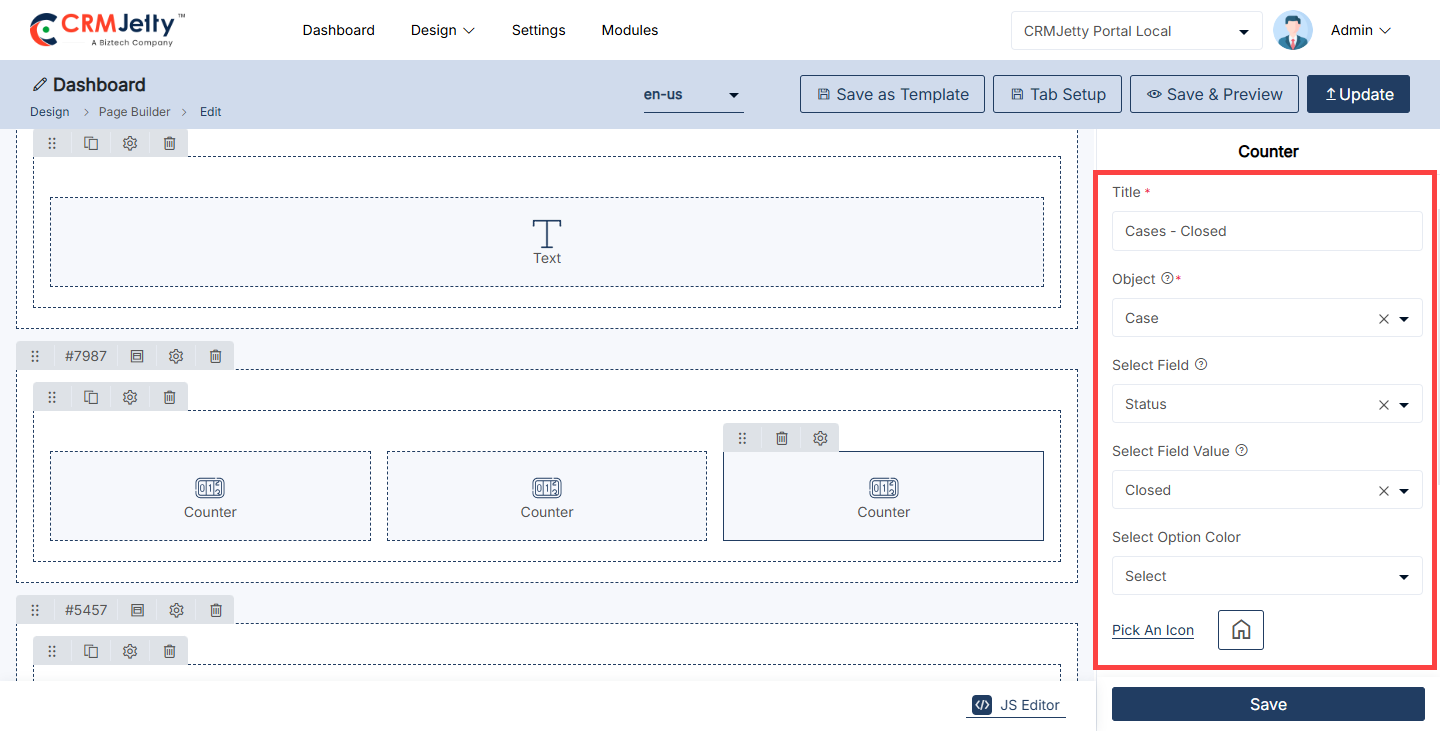
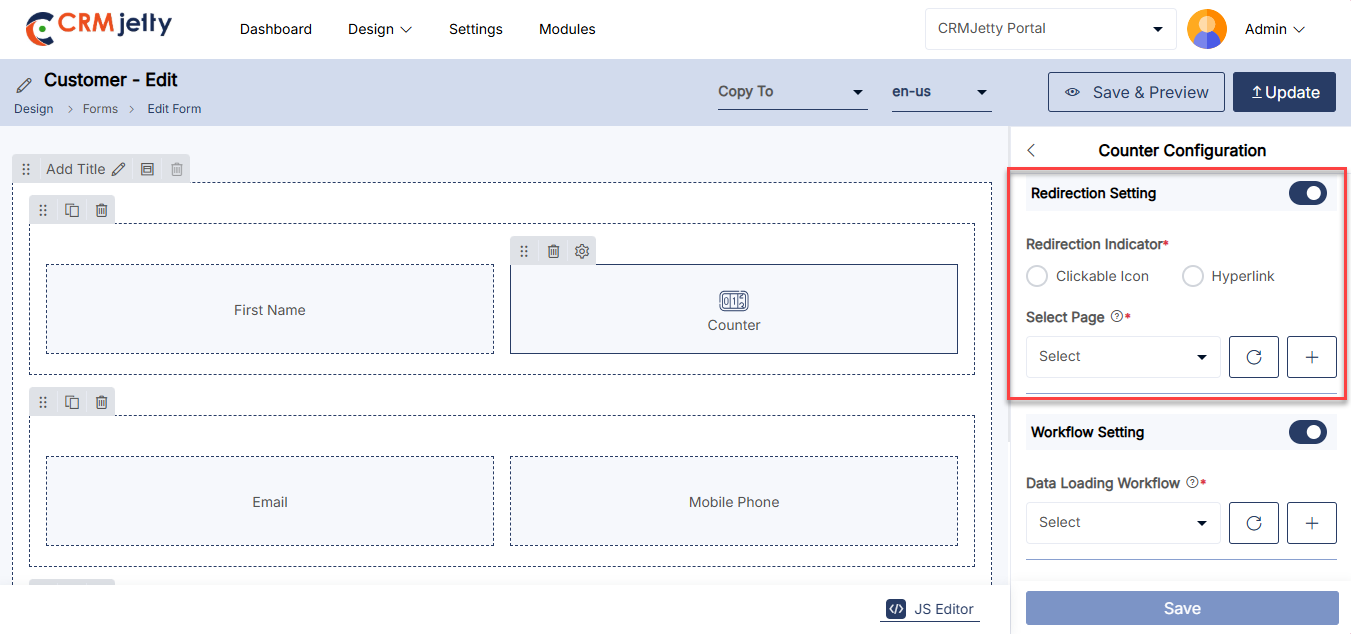
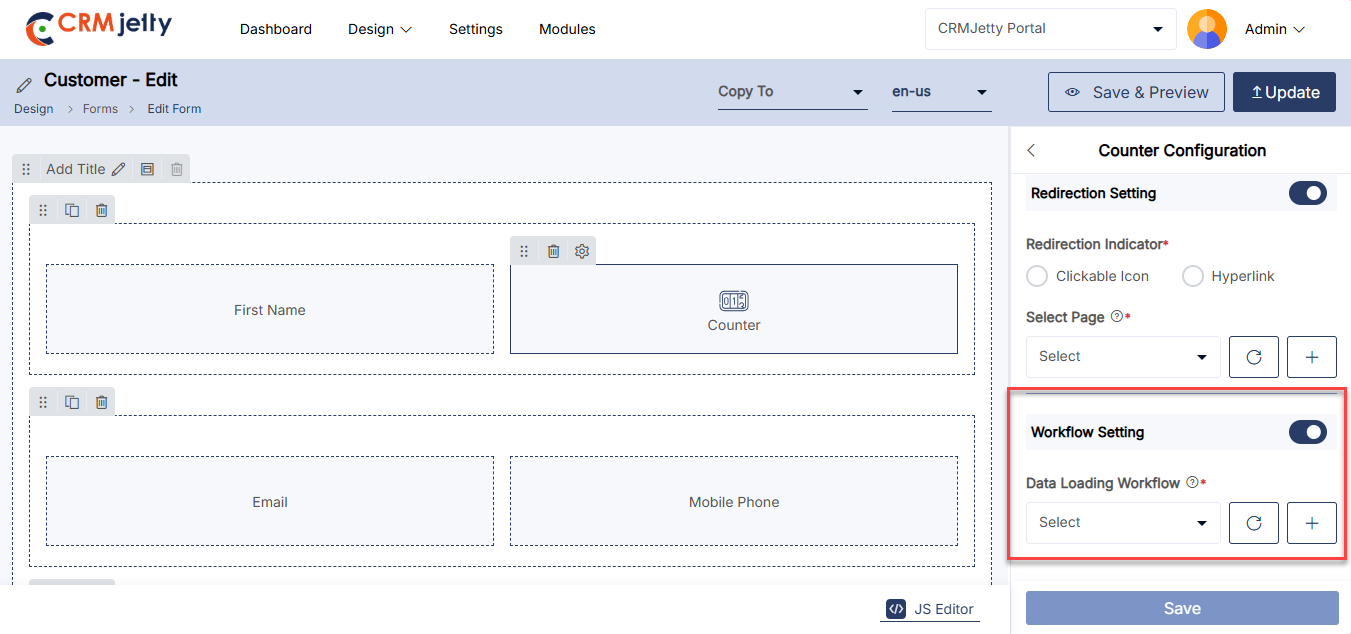
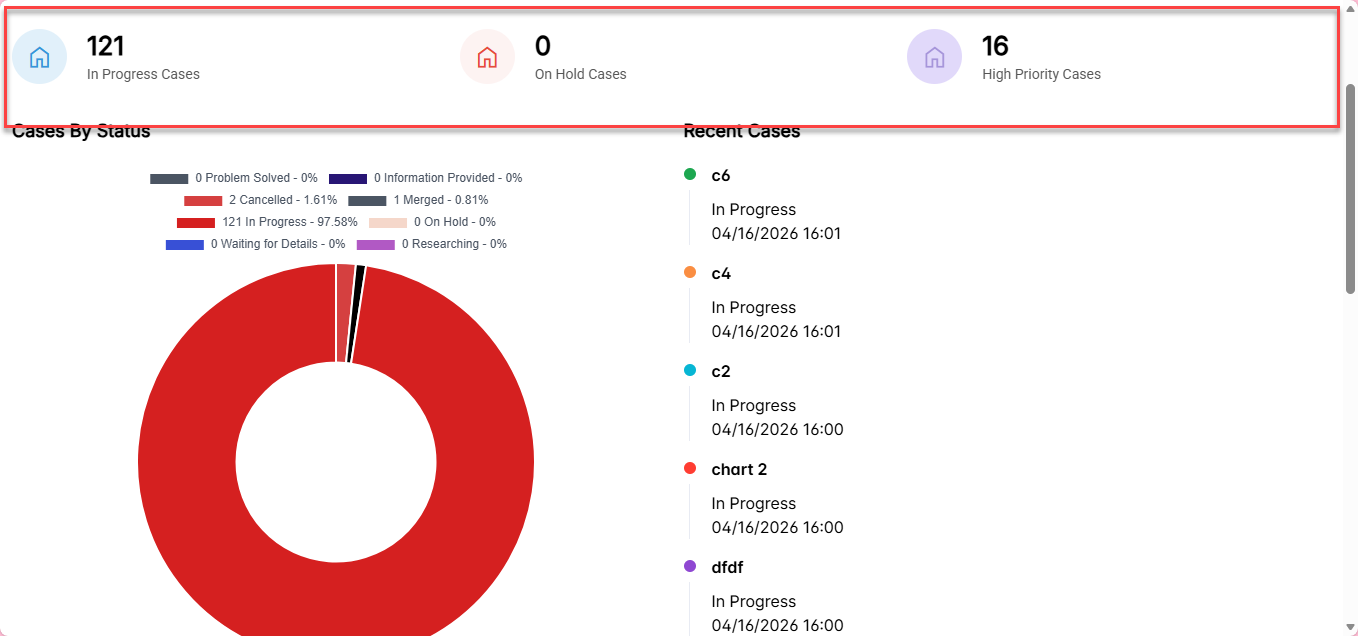
Subgrid
The admin can use the Sub-Grid widget to display forms in a sub-grid view by simply dragging and dropping the Sub-Grid widget onto the designated grid area. [1]
Sub-Grid Configuration
By clicking on the field Settings icon, the Sub-Grid Configuration panel will open up.
– Label: Enter the label for the sub-grid section.
– Select Object: Choose the object for which the sub-grid section will be created.
– Select Relationship: Select the relationship (table) to associate with the chosen table form.
– Enable Floating Label: Checkmark to enable the floating label for the subgrid. [2]
– Select Workflow Restriction: Select a parent workflow to control access rights for child records
– View Type: Select how the list should be displayed as a Data Card or a List view.
– Default View Type: Select how the list should be displayed as Default. (List, Data Card, Dynamic Card, Calendar, Map).
– Select List: Select the list to display in subgrid selected list will display in sub grid.[3]
– Record Per Page : Select number of records to display on one page.
– Select Ordering Field: Select type of order to short records in subgrid. [3.1]
Managing Sub-Grid Access
Admin can manage sub-grid access through Access Settings by enabling or disabling the options for creating, editing, and deleting records.
Create Action Settings:[4]
– Button Label: Insert the label to display for creating records on the portal.
– Select Form: Choose the form that will appear on the portal when creating records.
– Select Trigger : Select the trigger configuration to execute when the action is performed.
Edit Action Settings:
– Select Form: Choose the form that will appear on the portal when editing a record.
– Select The Trigger: Select the trigger configuration to execute when the action is performed.[5]
Details Action Settings:
– Select Page: Choose the page to which users will be redirected when they click the “Detail” button. [6]
Allow Deleting Records:
– Enable the Deleting toggle to allow users to delete records from subgrid.[7]
– Select Trigger: Select the trigger configuration to execute when the action is performed. [7]
Enable Global Access:
– Enable this feature to allow portal users to access global data. If unchecked, portal users will only access their records within the sub-grid. [8]
– Note: If global access is enabled, users will have a filter option to show either “My Records” or “All Records”.
Workflow Setting:
– Data loading Workflow: Select the data loading workflow to load the data.
– Update Assign Rights Workflow: Select the Workflow or update and assign the rights [9]
Enable reCAPTCHA:
– Enable reCAPTCHA for subgrid allowing secure browsing.[10]
Enable Export:
– Enable Export: Enable Export toggle to allow access to export subgrid records.
– Select Export Formats: Select exports formats for subgrid records available options are CSV,Excel and PDF. [11]
Enable Top N Records:
– Enter the number of records to show in the top record between 1 to 20. [12]
Template Download:
– Turn on this option to allow users to download documents such as invoices and quotes
– Select Template: Select the template that will be used to generate the downloadable document.[13]
View Type Configurations: Configuration for different View Types are listed at the bottom as per-selected types.
List View
– Select Action Display Type: Select the Action Type from Display Under 3 Dot or Display As Action Button on the Portal. [14]
Data Card View
Image Configuration [14.1]
– Image: Select an object field this will display as the Image field.
– Image layout: Select layout for image to display in portal
Rating Field Configuration [14.1]
– Select rating Field : Select an object field for rating to display in the portal.
Header Configuration [14.2]
– Enable Field Label : Check this option to show labels for fields in the header.
– Text: Enter the text for the header section.
Sub-Header Configuration [14.2]
– Enable Field Label: Check this option to show labels for fields in the sub-header
– Text: Enter the text for the sub-header section.
Supporting Configuration [14.2]
– Enable Field Label: Check this option to show labels for supporting fields.
– Text: Enter the text for the supporting information section.
Tags Configurations [14.3]
– Enable Field Label: Check this option to show labels for supporting fields.
-Select: Choose tag options or categories.
Tabs Configurations [14.3]
– Enable Field Label: Check this option to show labels for fields in the tabs section.
– Select Tab Fields: Check this option which fields will be included in the tabs.
Enable Download [14.3]
– Enable Download: Enable the download option for the data card. This allows users to download the data card attachment. If the image view is selected for the list.
– File: Select the file that users are allowed to download from the Data Card.
Dynamic Card View [14.4]
– Select Template Card: Select the Card template to display in the view type.
– Columns Per Row: Select the Columns per Row between 2-6.
Calendar View
–View Type : Select the calendar view types that will be available to users.
–Default View: Select the Default view to display when calendar loads.
-Title Field: Select a field to disp;lay as calendar event title .
-Start Date Field : Select the field that contains the start date for calendar events.
-End Date Field: Select the field that contains the end date for calendar events [15]
Map Configuration
–Title Field: Select the CRM field to use as the map marker title.
-Latitude field: Select the CRM field to use as latitude.
-Longitude Field: Select the CRM field to use as longitude.
-Default Zoom Level: Set the default zoom level for the map (1–21).
-Enable Center Location and enter the default Center Latitude and longitude coordinates. [16]
Note: The sub-grid option is only available for edit and detail form types.
Example: In the Project form, users will see a “Project Tasks” section where they can view, add, edit, or delete tasks associated with the project. If Global Access is enabled, a filter option appears, allowing users to toggle between “My Tasks” and “All Tasks”. This configuration ensures that users can manage related tasks directly within the context of the project they’re working on, making it easier to keep track of project progress.
Front-side view subgrid:
The Subgrid Form View provides a streamlined, interactive interface, displaying associated records or related entities in a table format within the main object form. This subgrid view enables users to quickly access, review, and manage linked data without navigating away from the main form. [17]
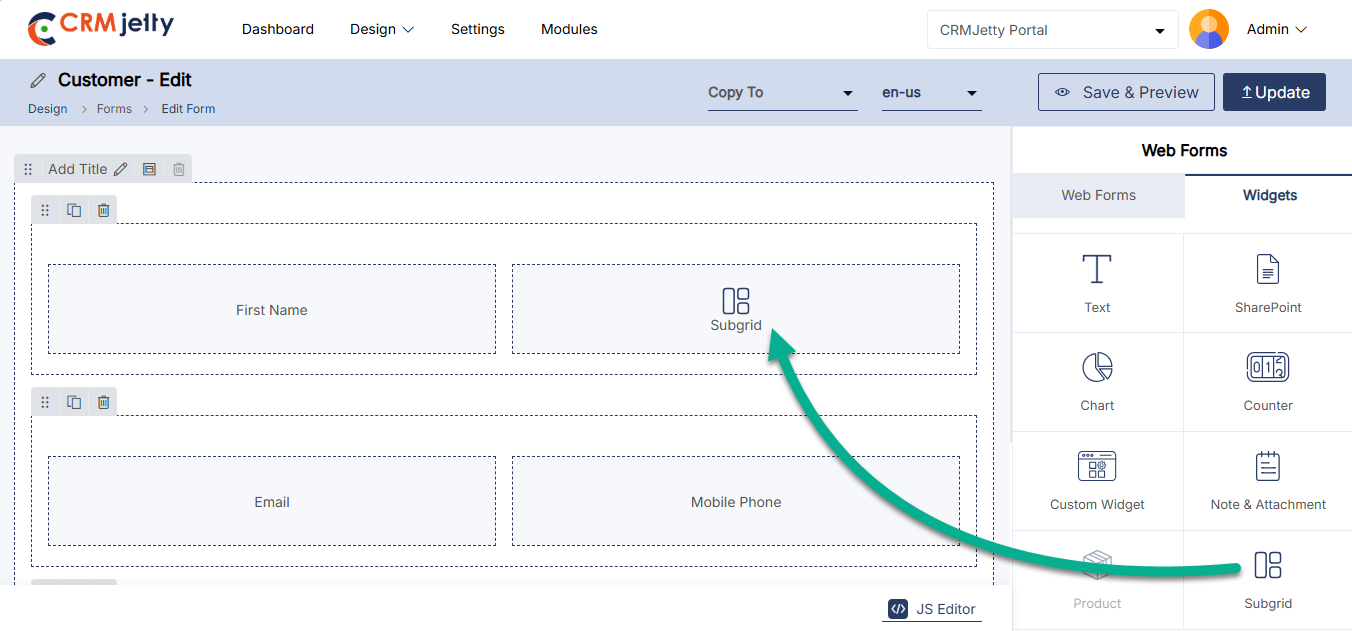
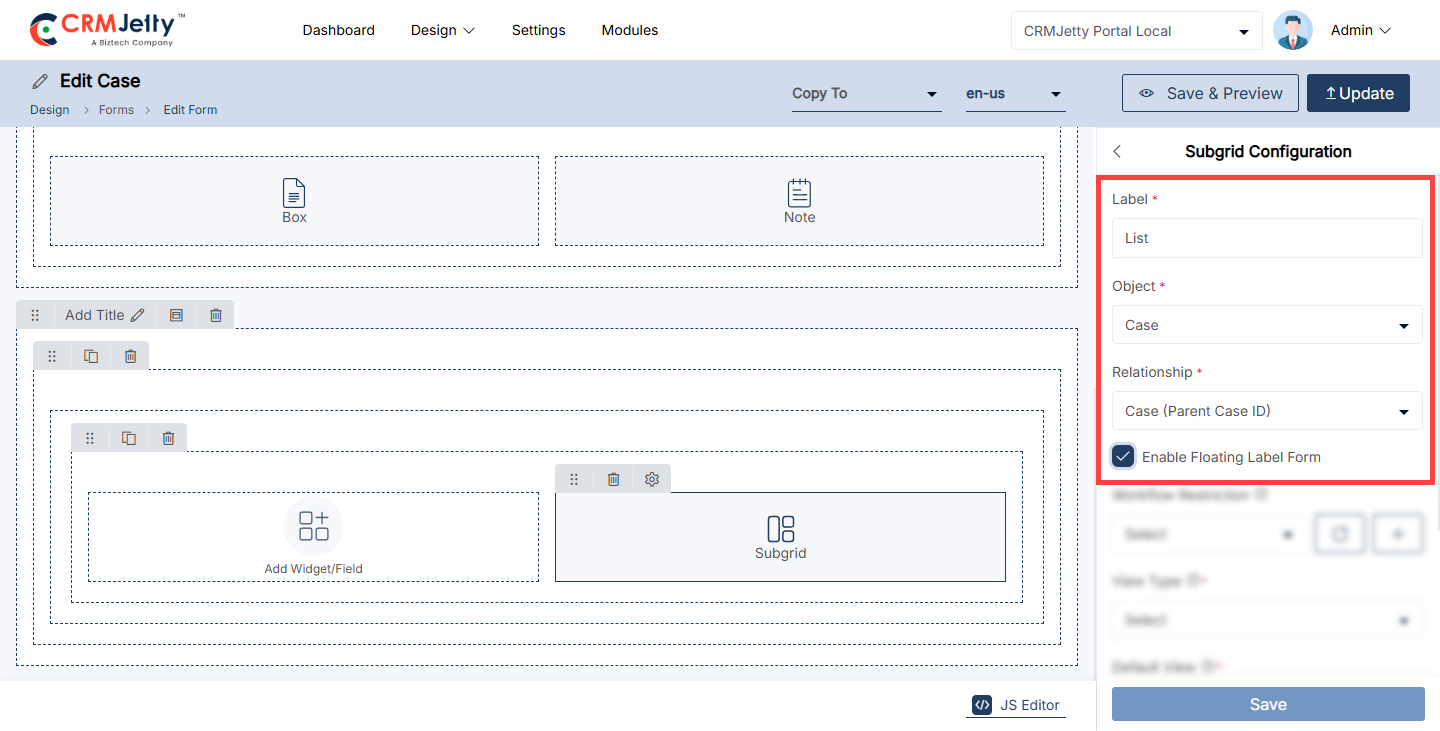
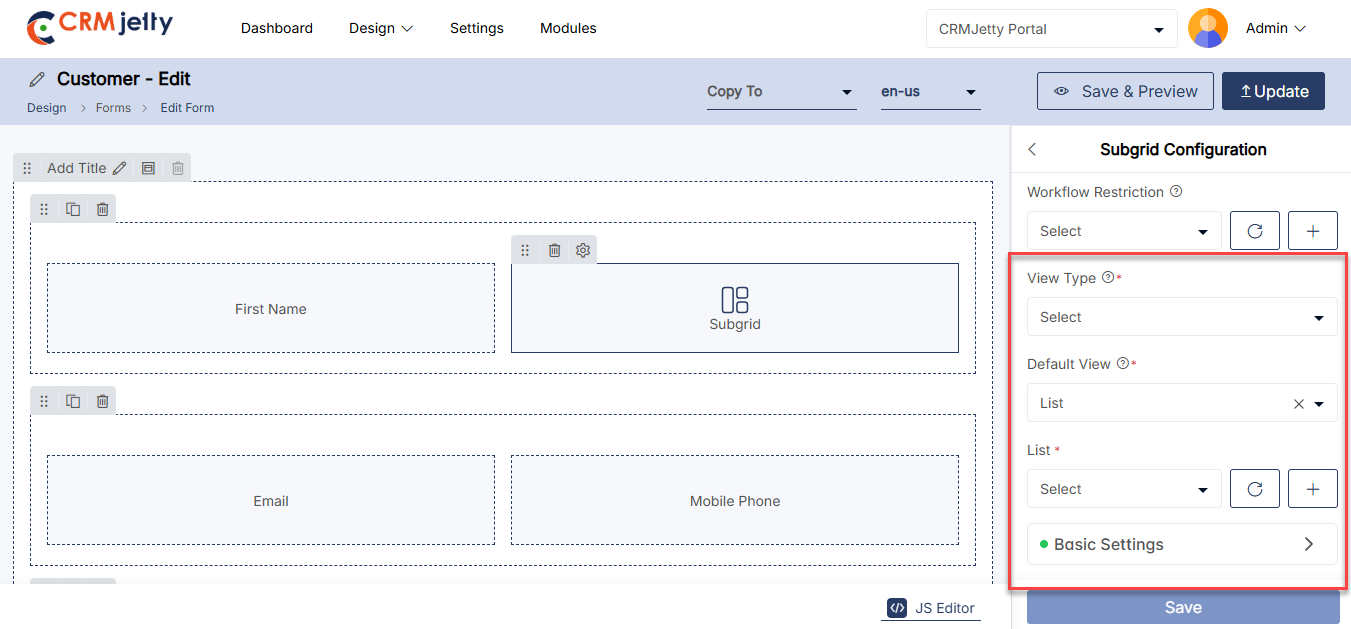
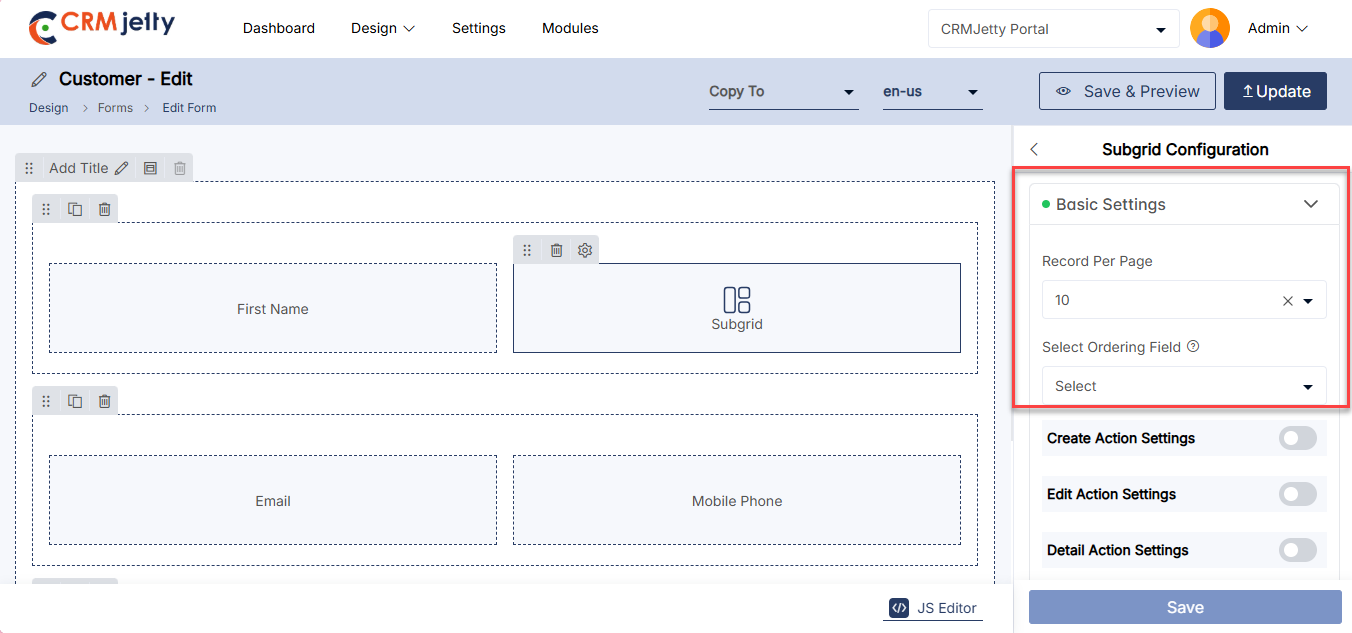
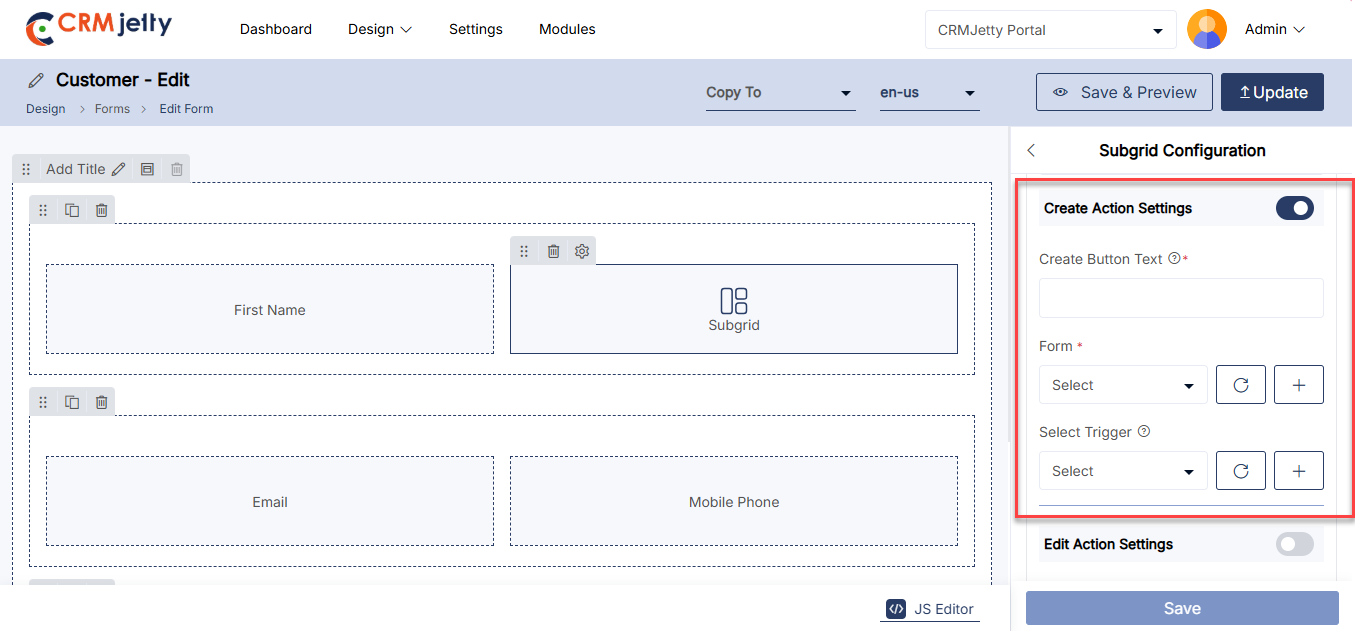
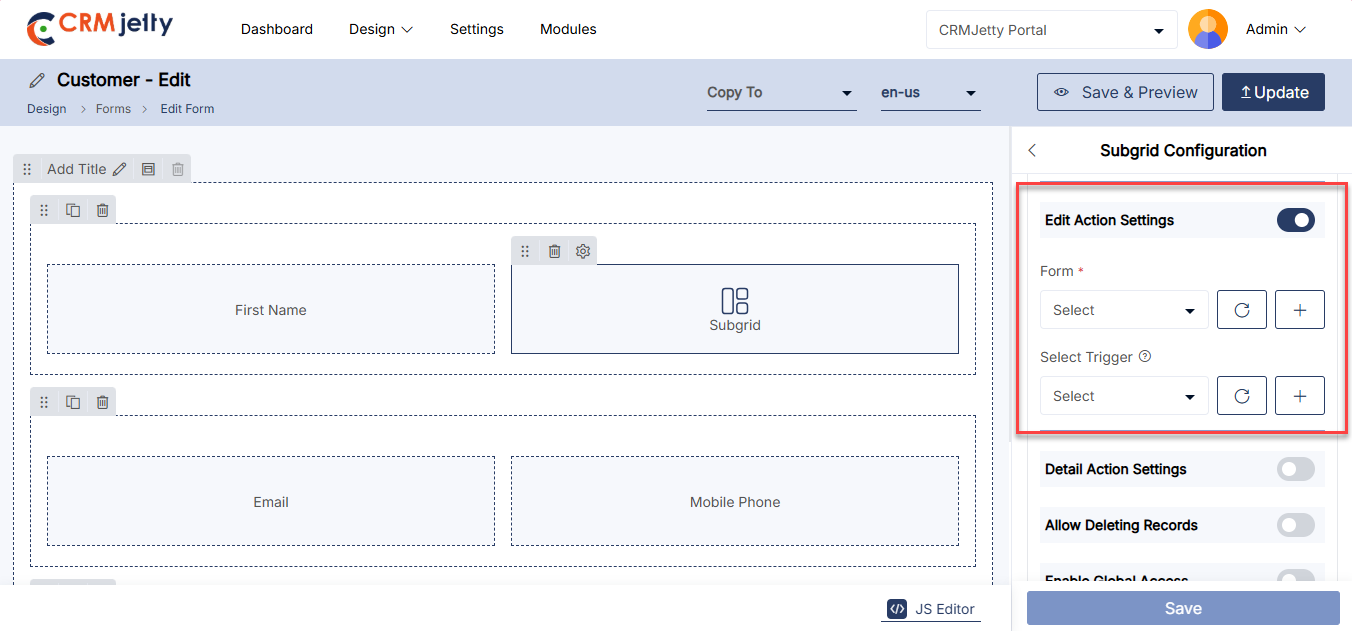
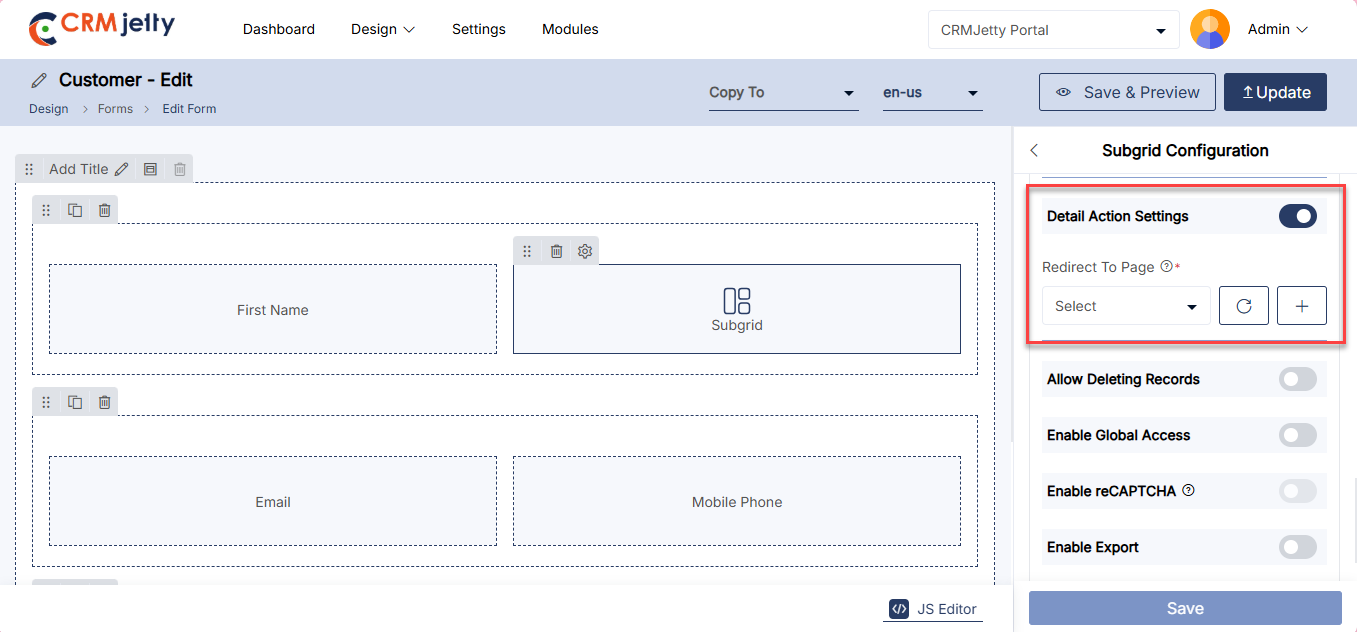
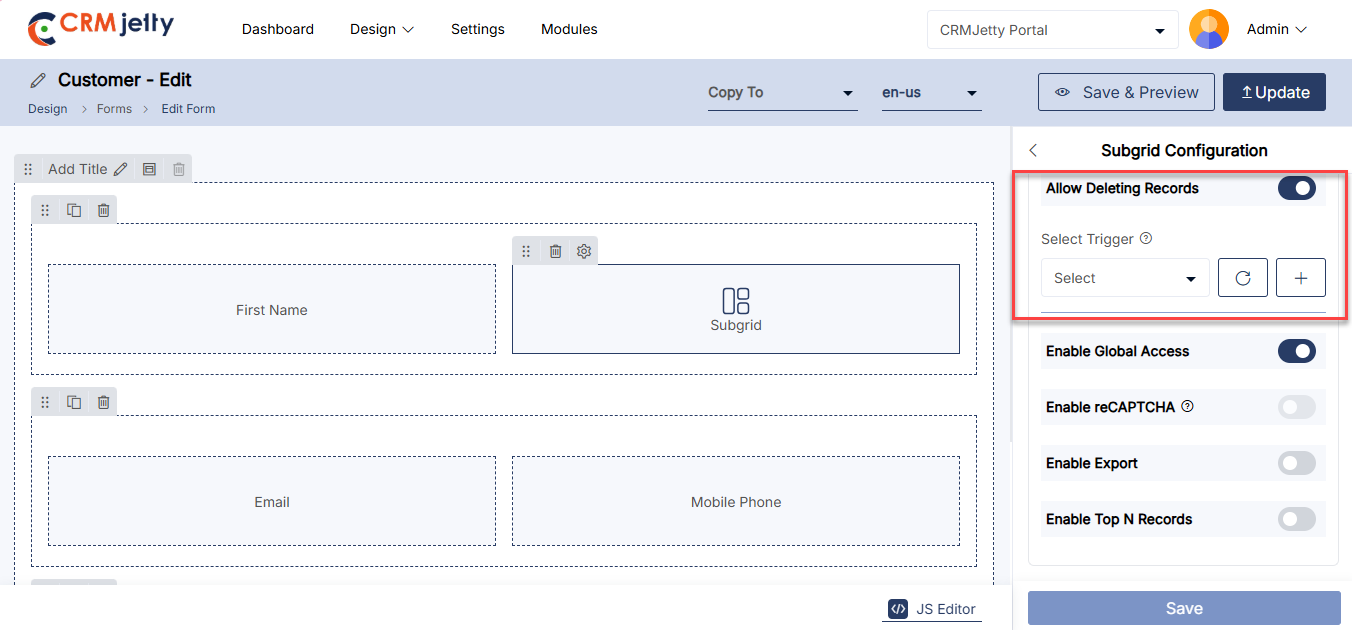
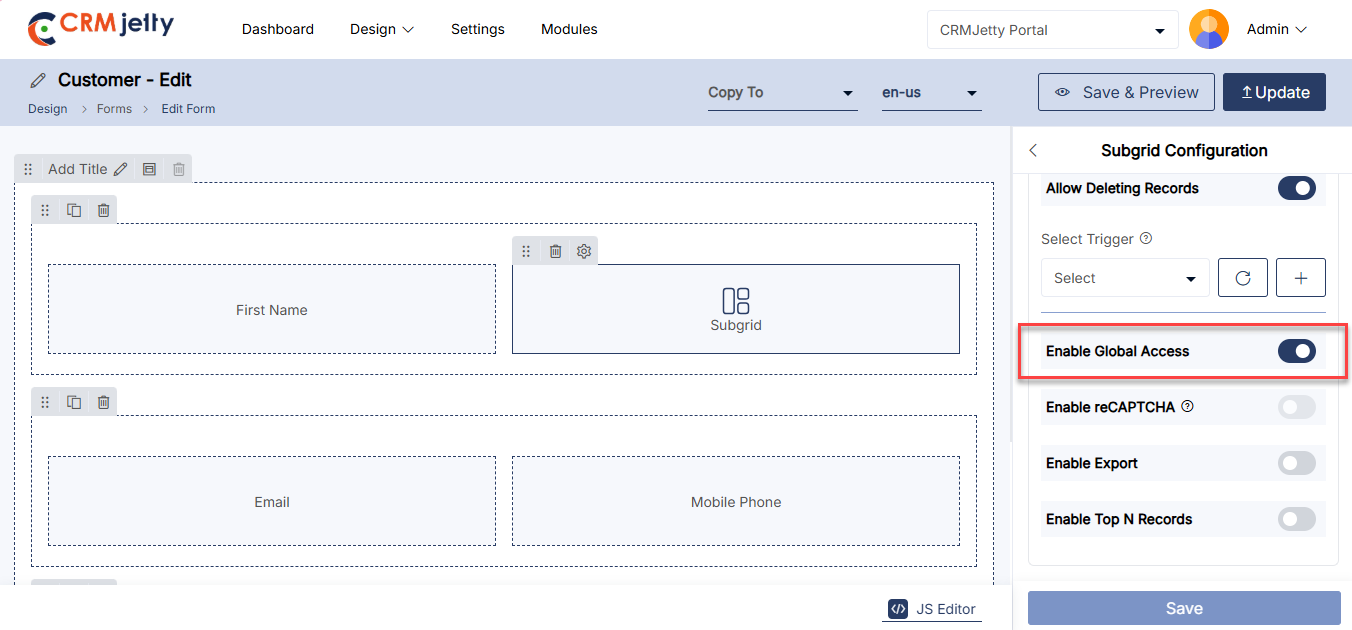
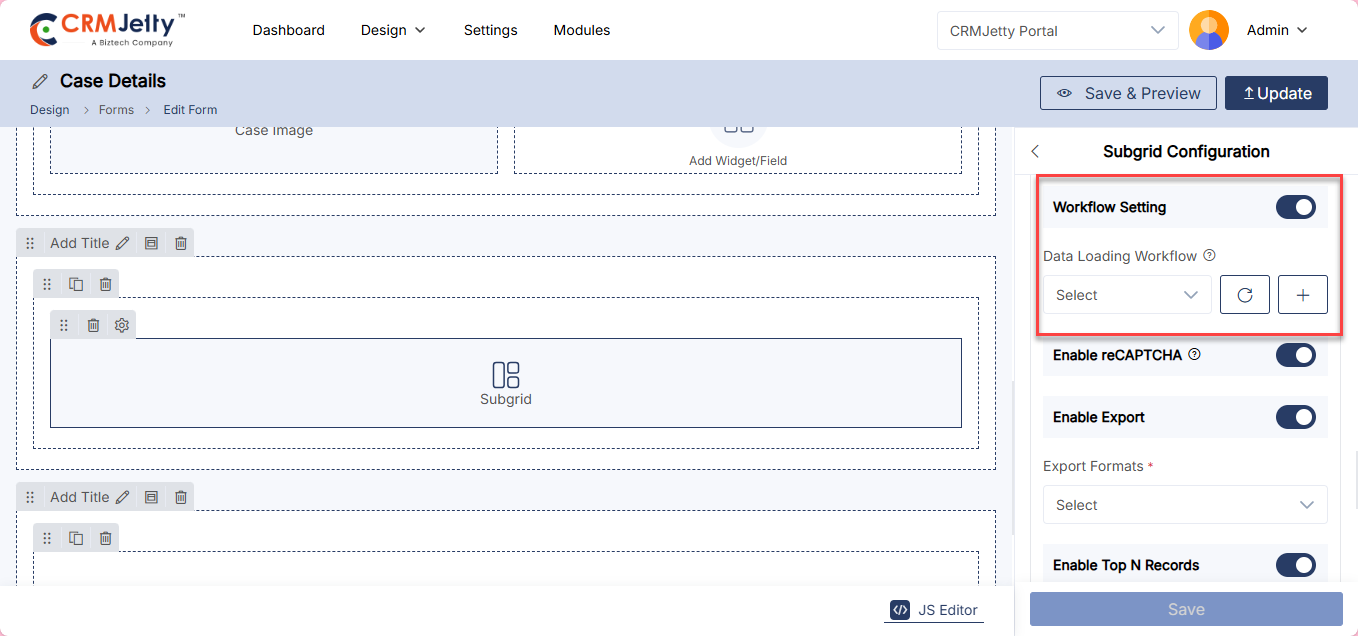
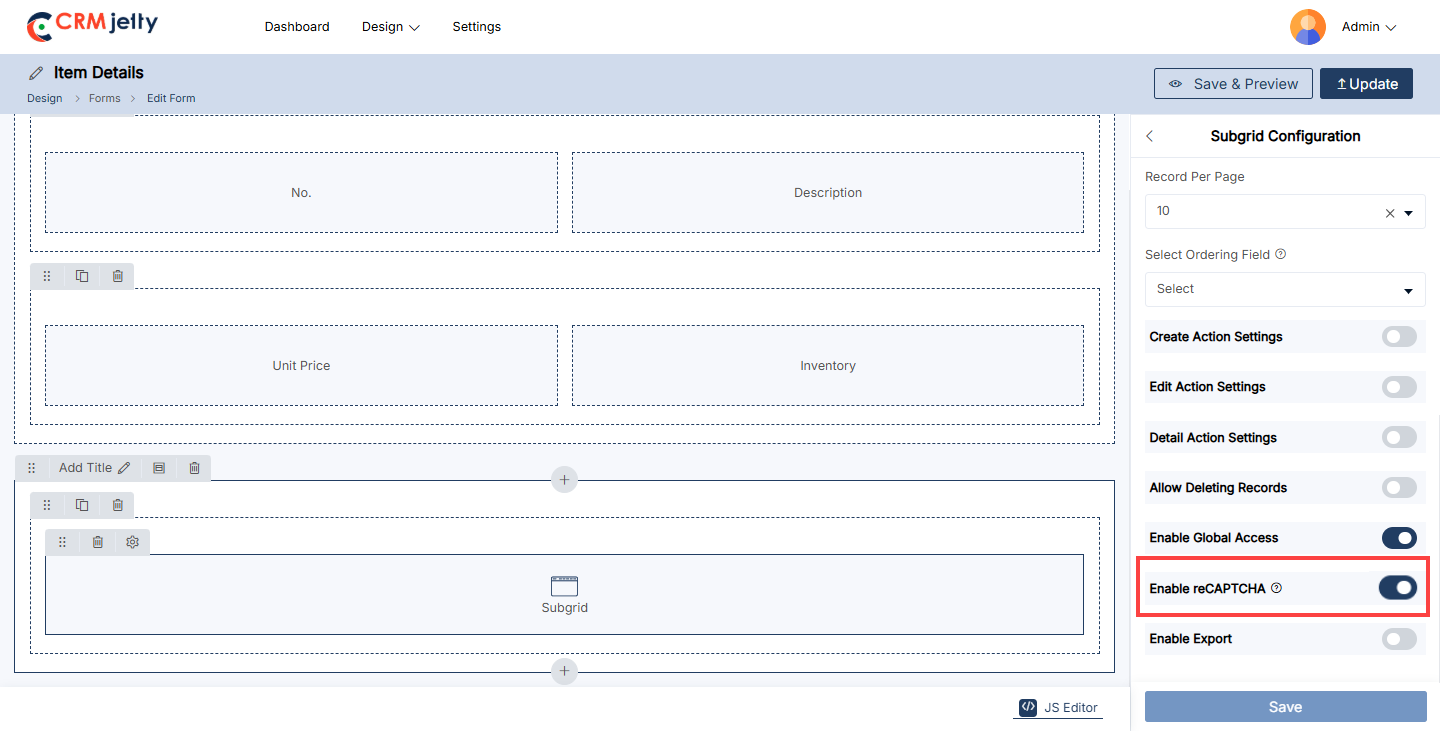
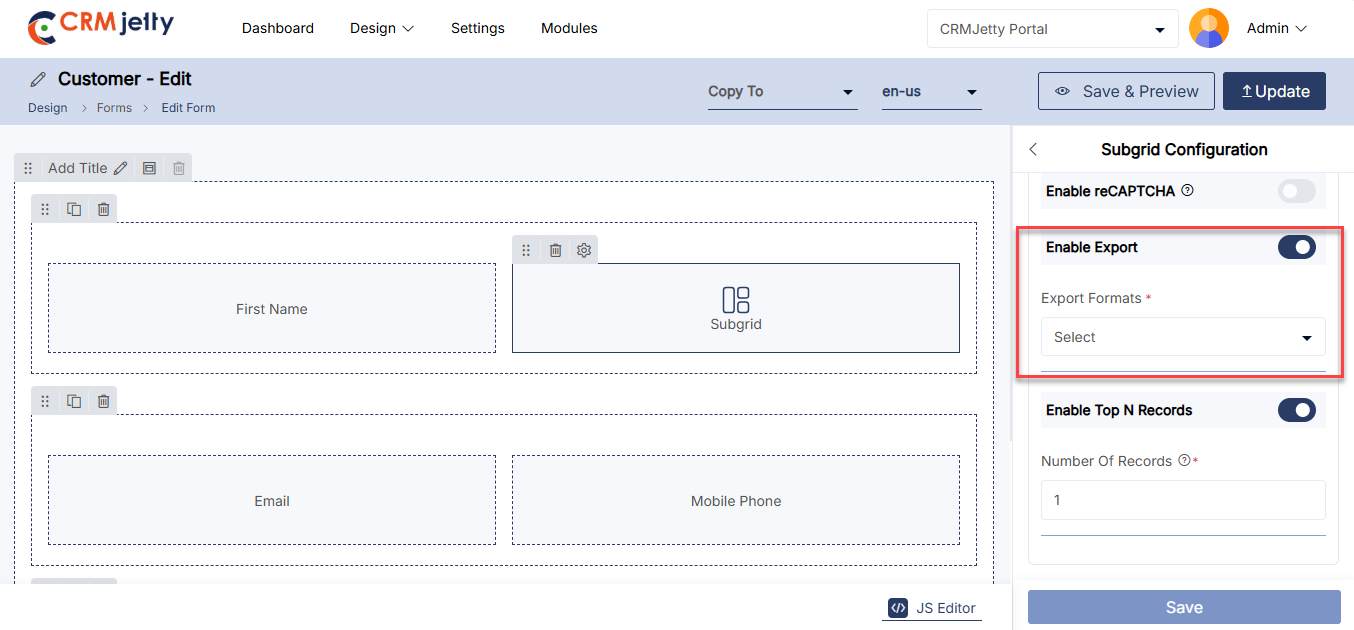
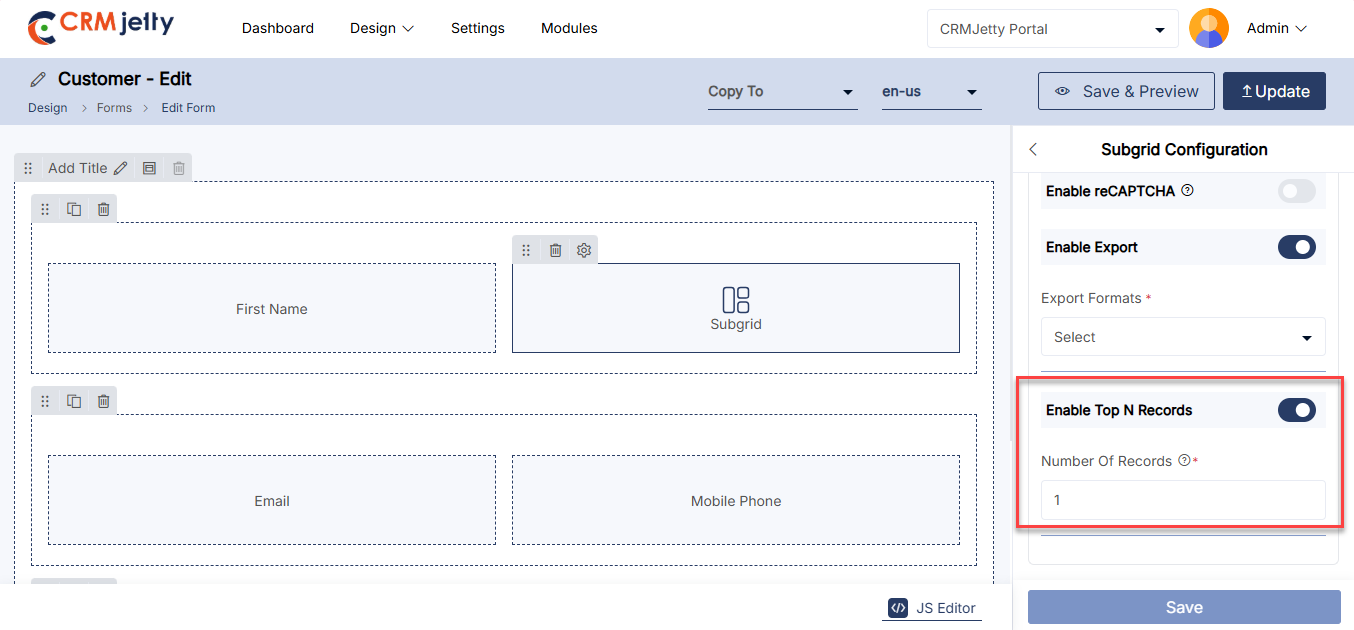
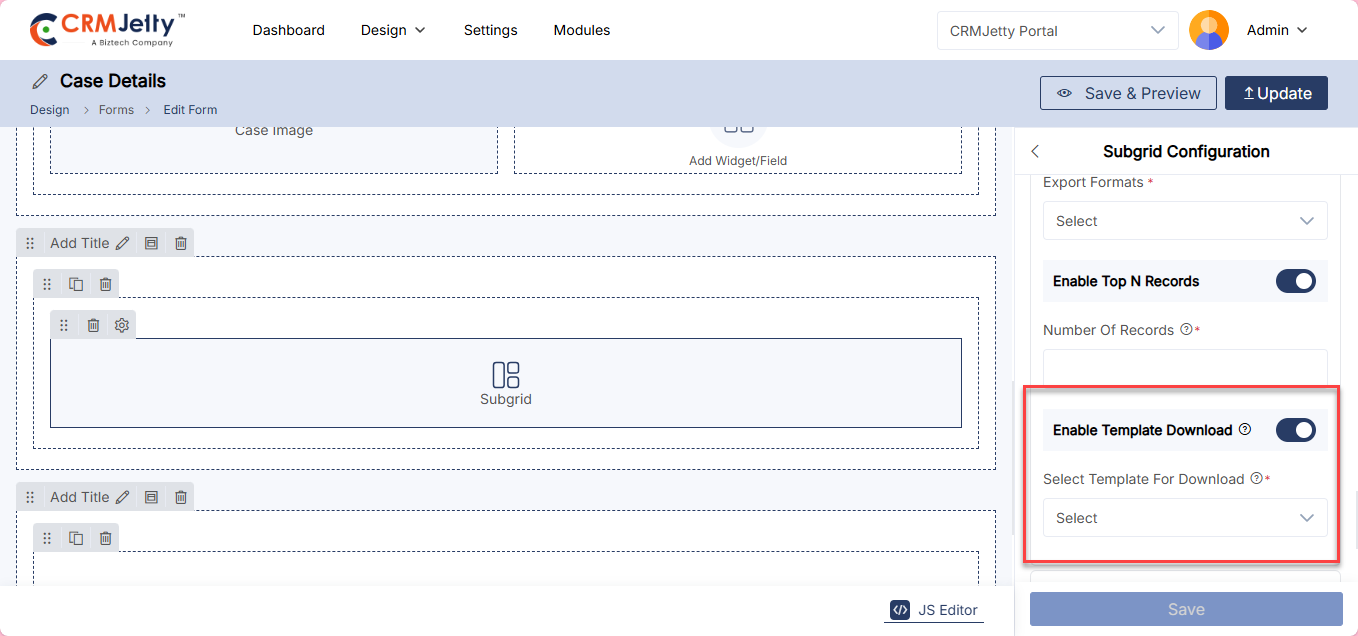
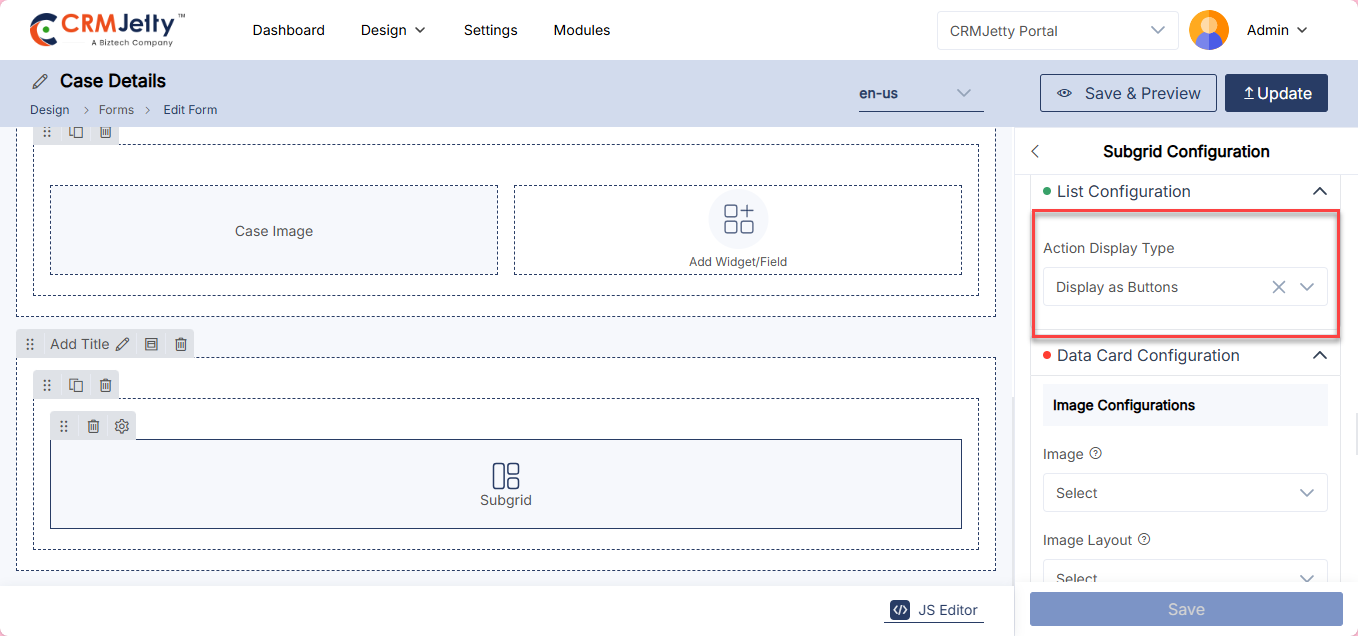
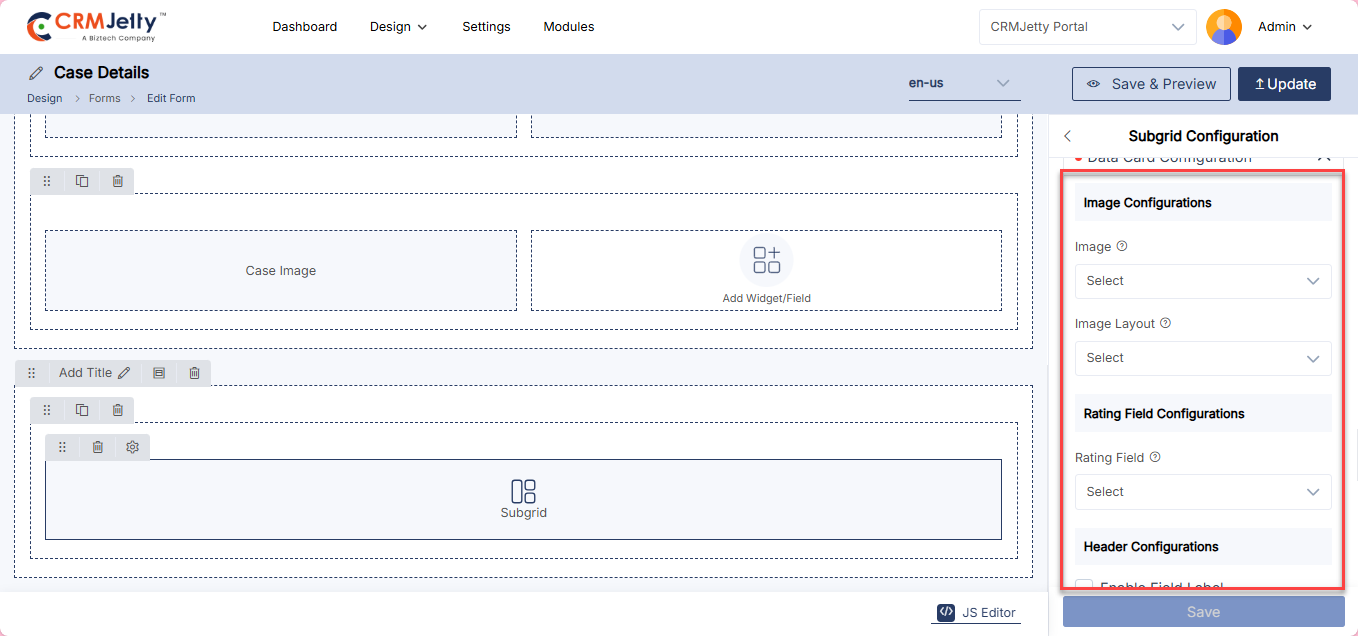
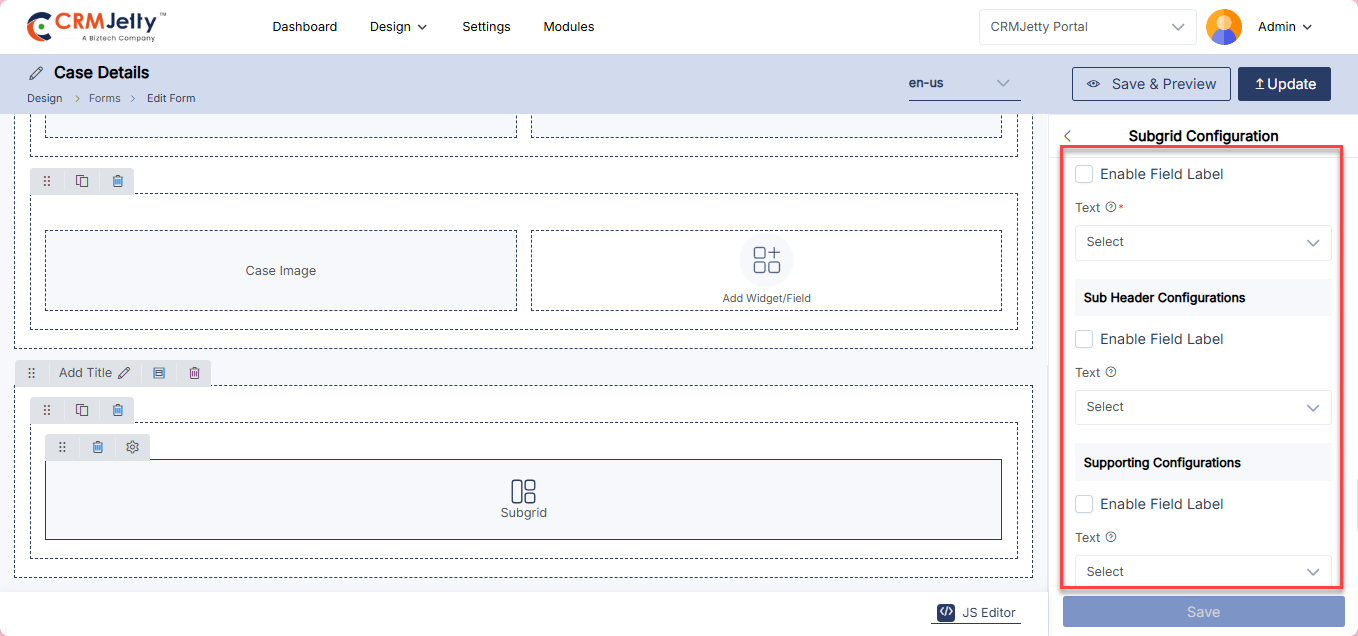
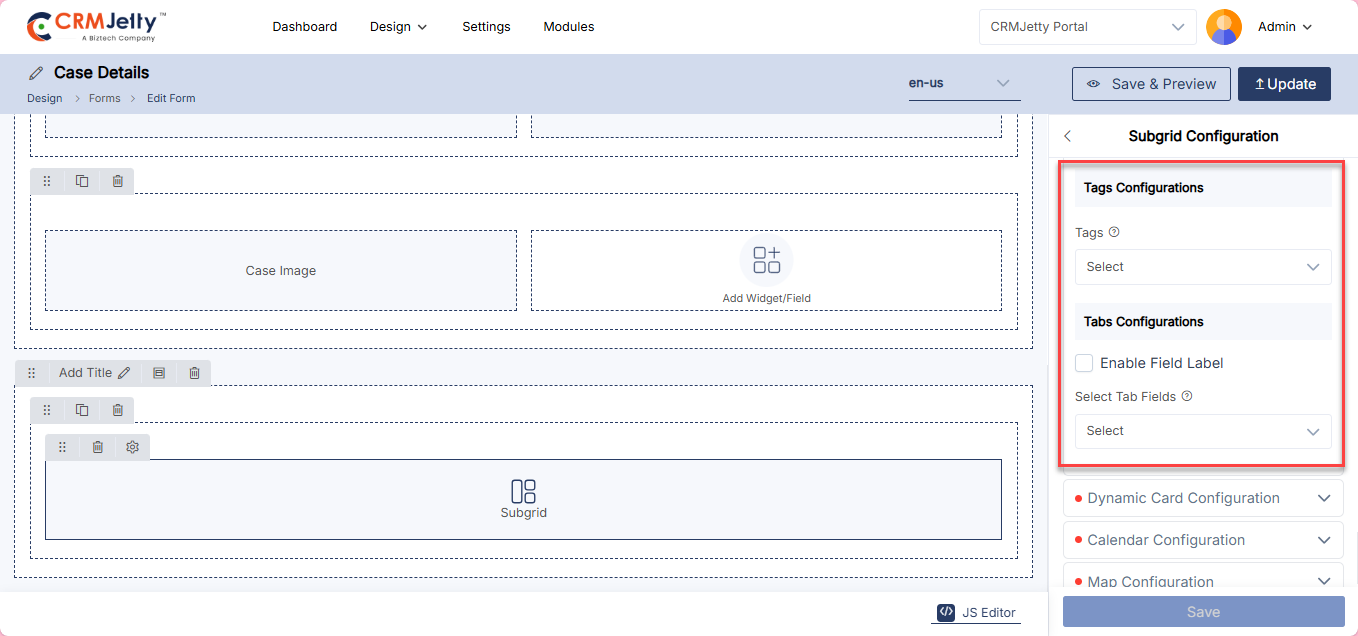
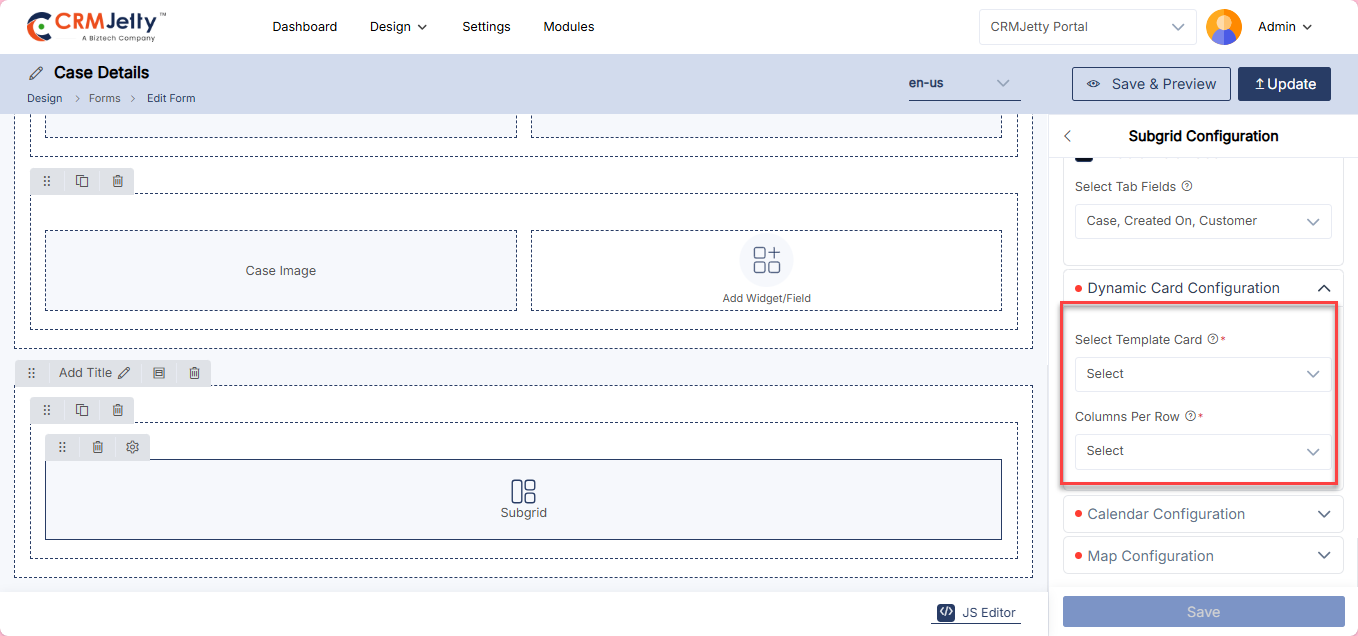
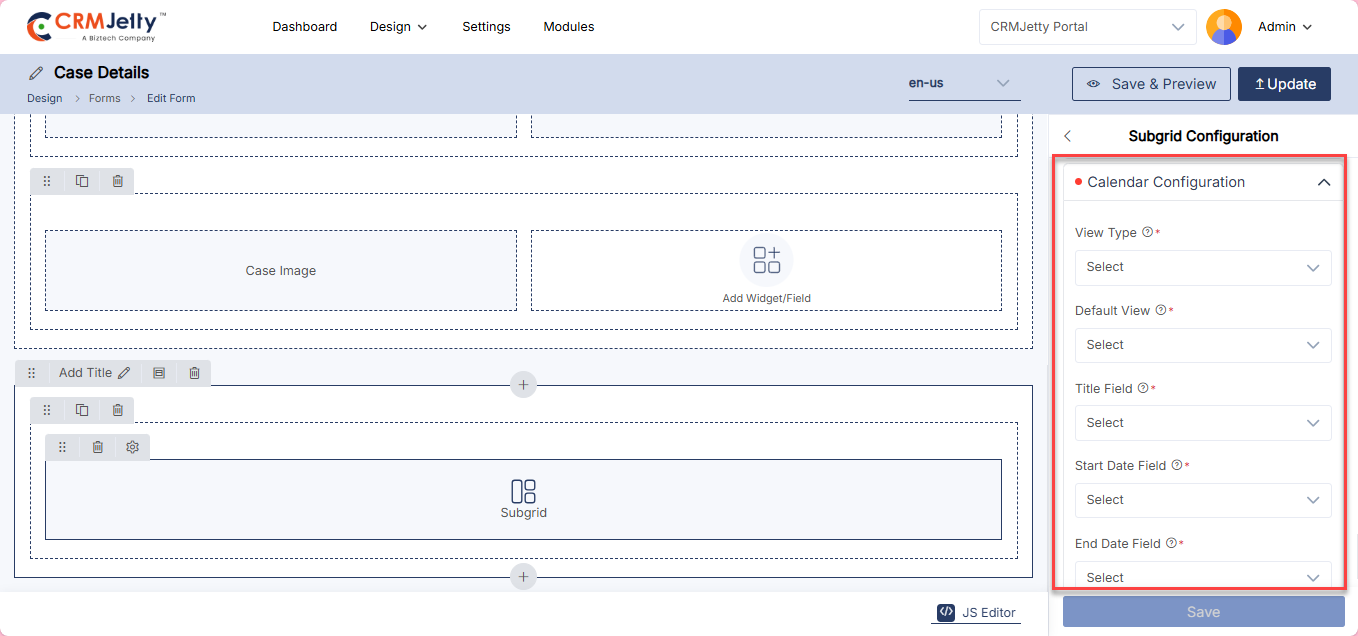
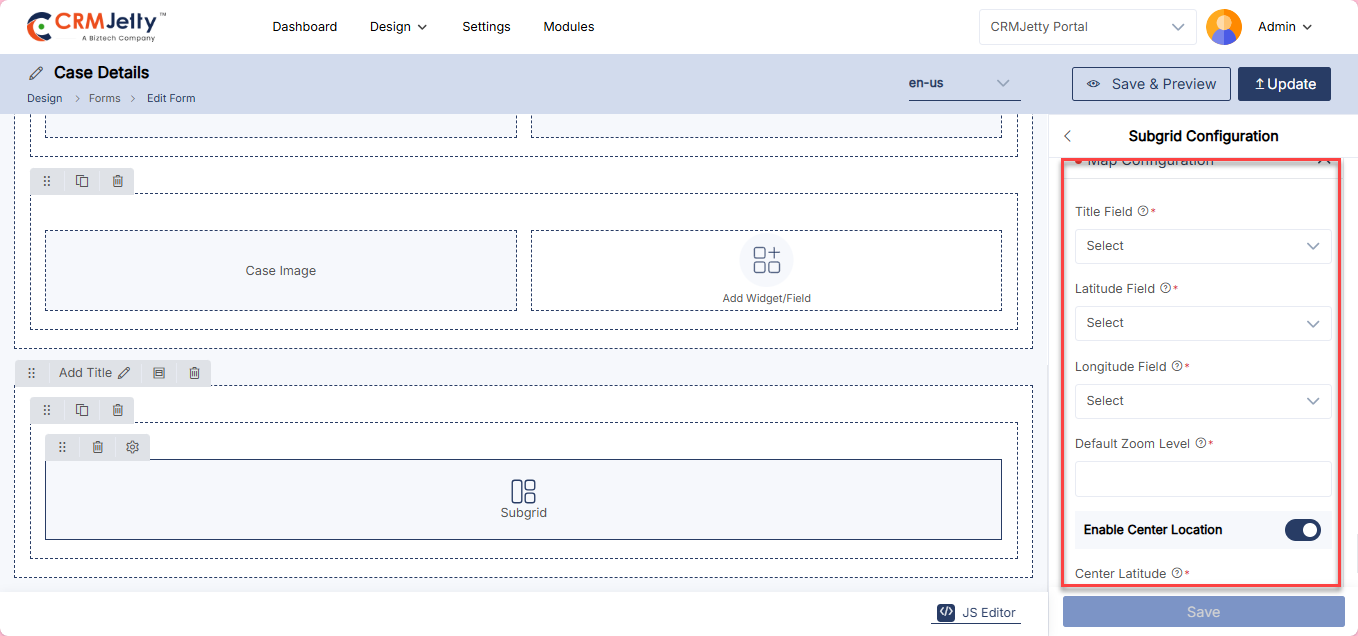
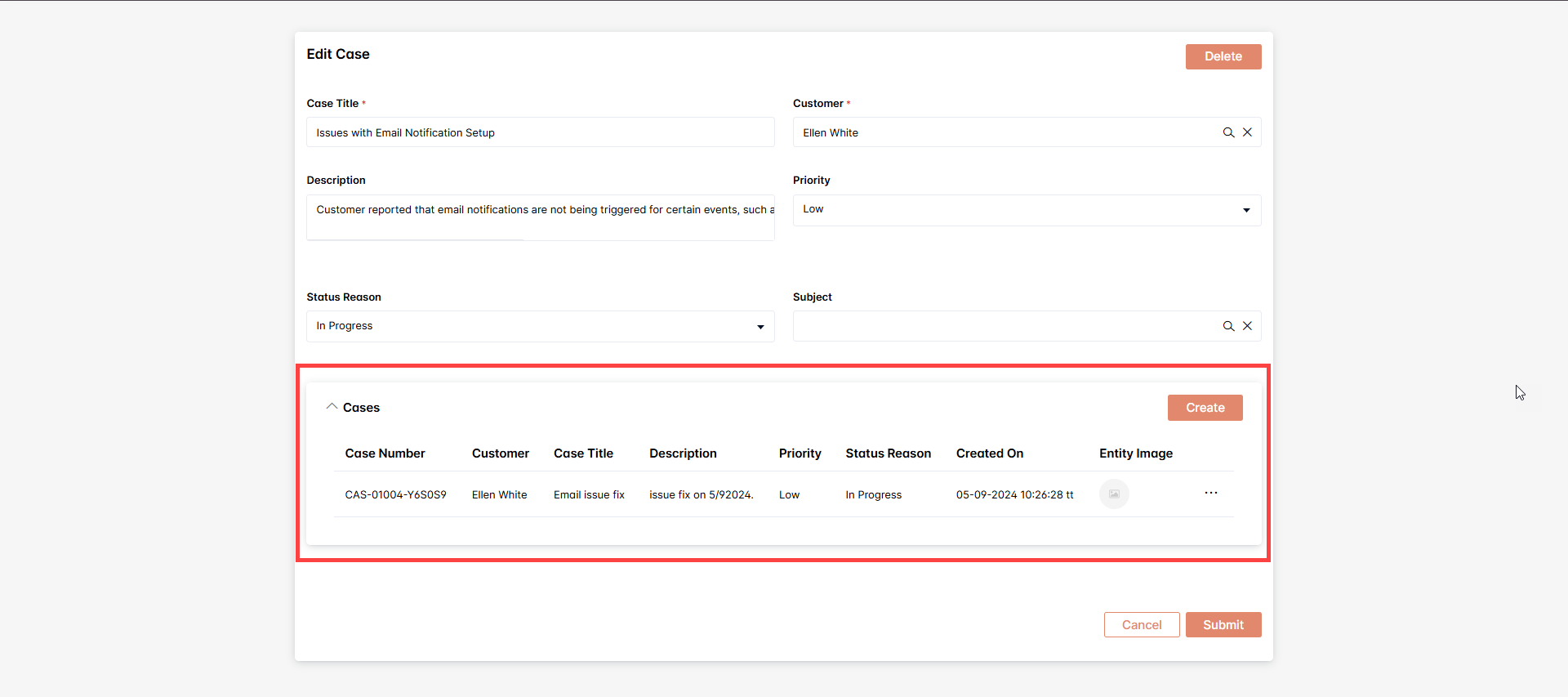
Attachment
Admin can use the Attachment Widget to display notes and attachments in a form view. Simply drag and drop the Attachment widget onto the designated grid area.
Configuration Settings:
– Label: Admin insert the label for the section
– Allow Creating Records: Admin enable this option to allow portal users to create records.
– Button Label: Admin insert the label for the create button (e.g., “Create”).
– Allow Deleting Records: Admin enable this option to allow portal users to delete records.
– Default Accordion Behavior: Admin select between Expanded or Collapsed view.
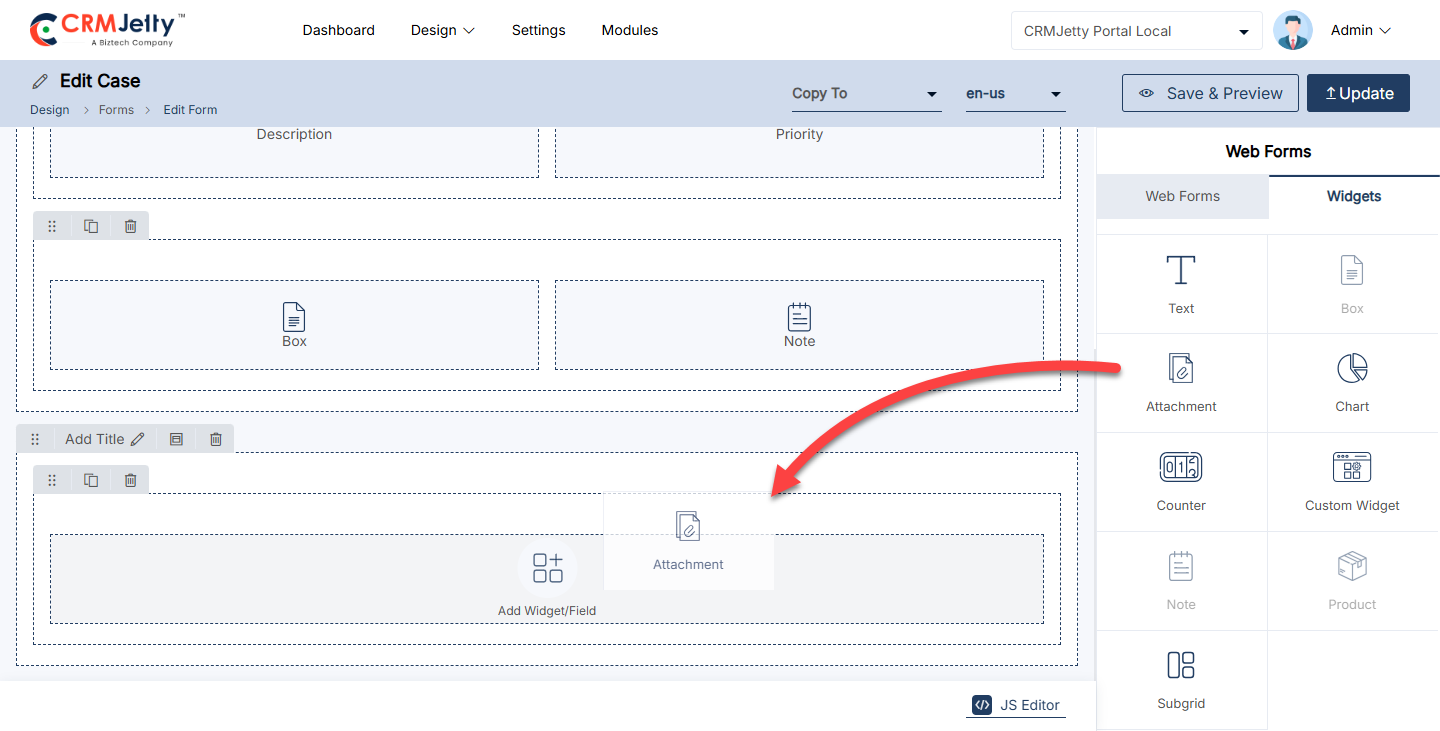
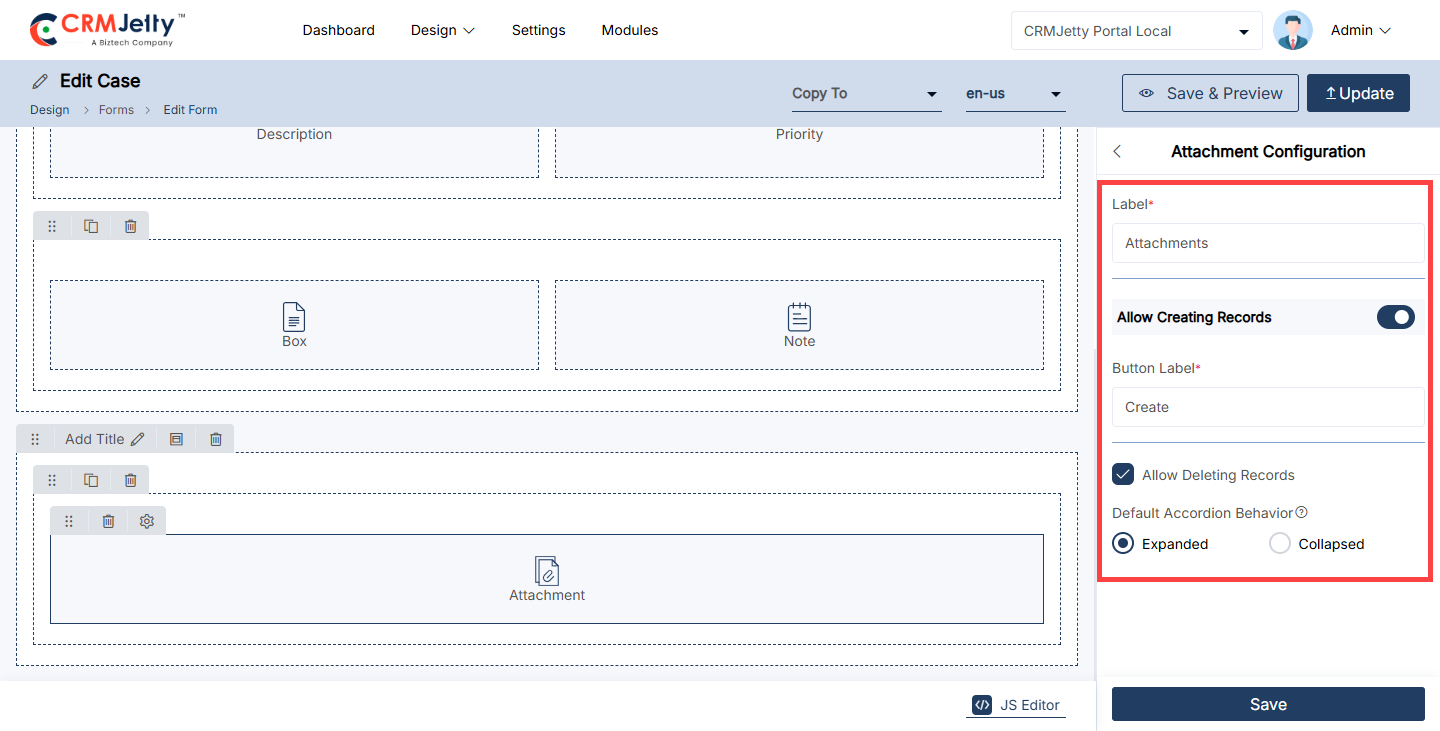
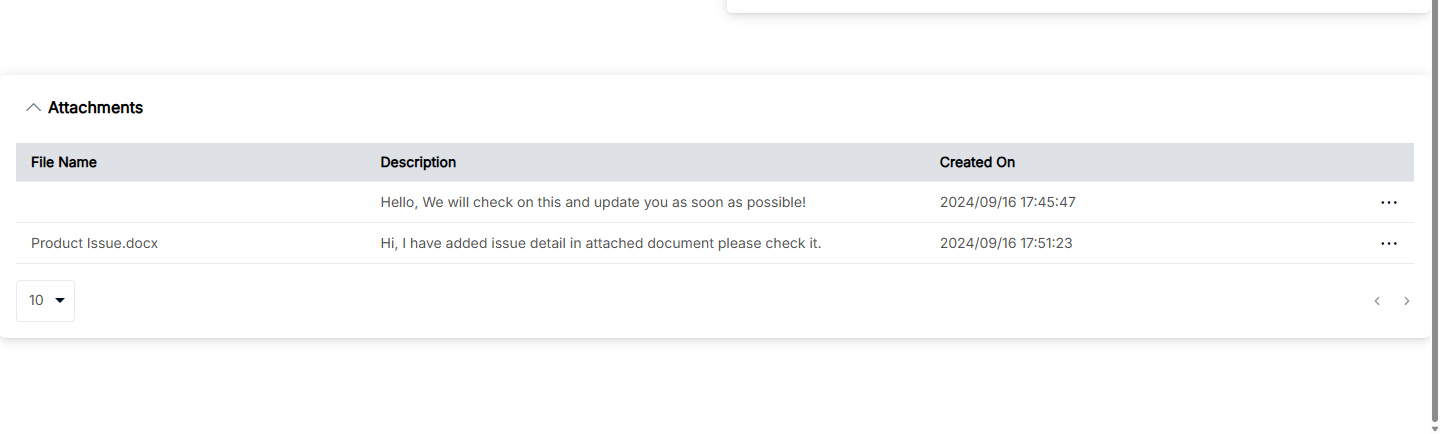
Note
Admin can use the Note Widget to display notes and attachments in a form view. Simply drag and drop the Note widget onto the designated grid area.
Configuration Settings:
– Label: Admin insert the label for the section (e.g., “Notes”).
– Allow Creating Records: Admin enable this option to allow portal users to create records.
– Button Label: Admin insert the label for the create button (e.g., “Create”).
– Allow Deleting Records: Admin enable this option to allow portal users to delete records.
– Default Accordion Behavior: Admin select between Expanded or Collapsed view.
– Enable AI: Admin can enable AI for the Portal Users. [2].
– Select Design Layout: Admin select the layout between “Chat Style” or “Grid Style”.
The Design Layout option determines how notes and attachments are shown on the portal:
1. Chat Style:
Look: Notes and attachments appear like chat messages.
Example: Imagine a support portal where users can leave comments or notes about an issue. Using the Chat Style, each note would appear as a message, making it easy to follow the discussion. [3]
2. Grid Style:
Look: This layout organizes notes and attachments in a grid or table format, with rows and columns.
Example: In a management portal, where users upload documents and notes related to tasks, the Grid Style allows users to see all files and notes in a structured, side-by-side view. [4]
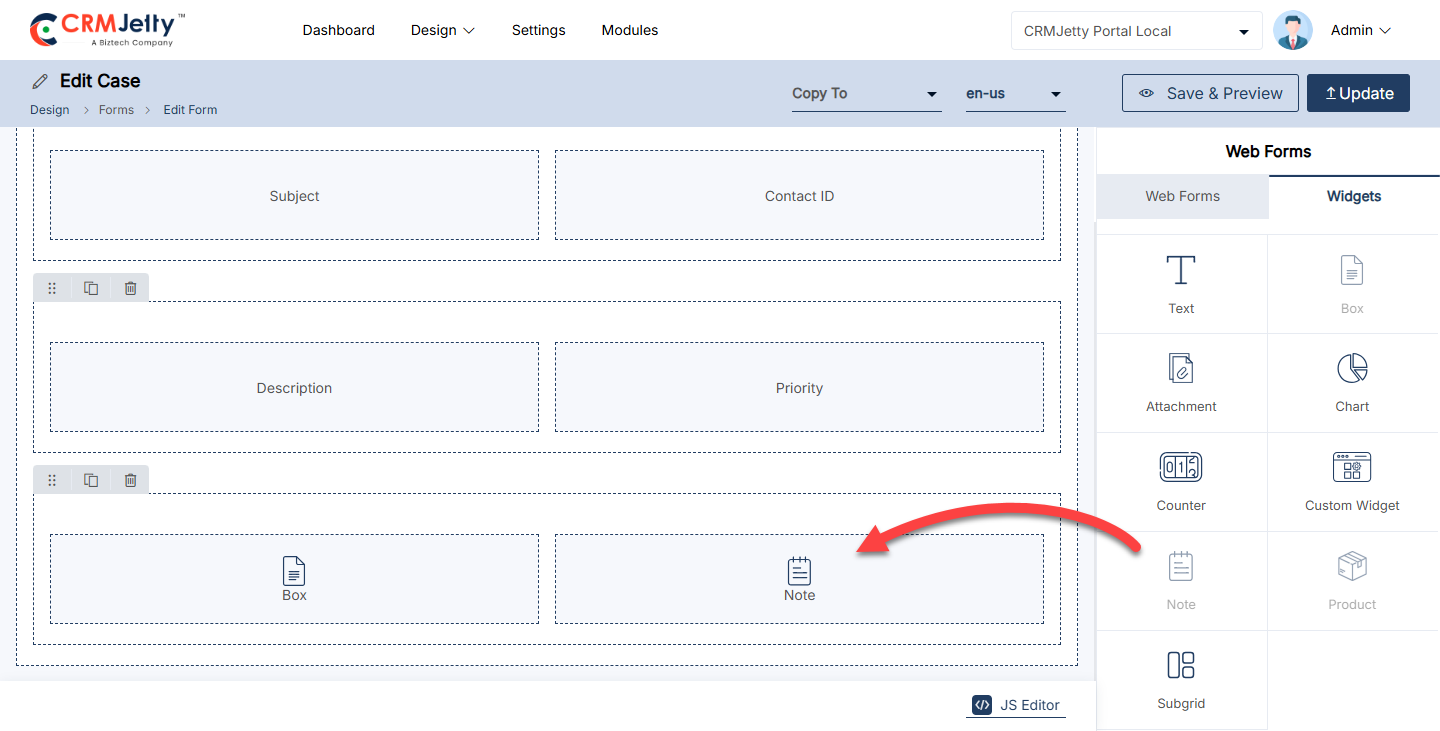
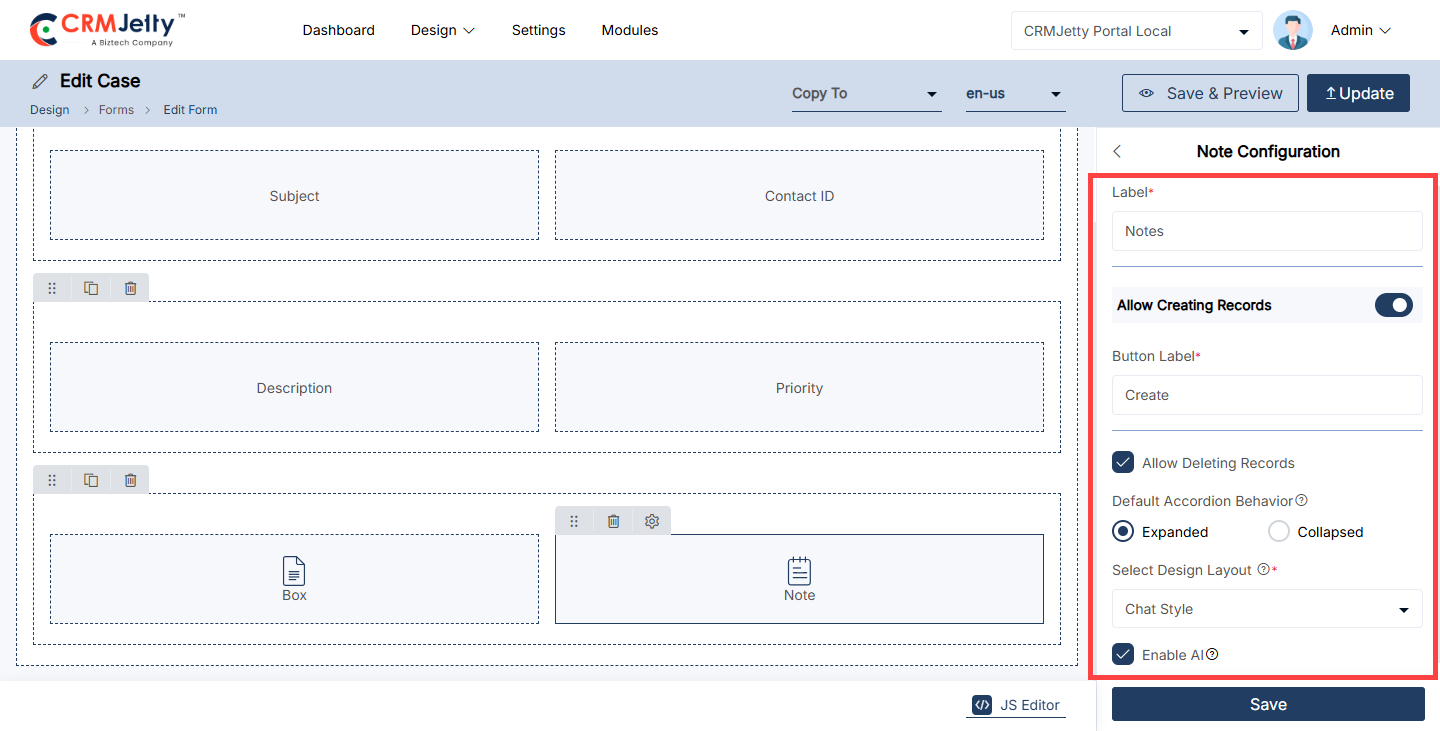
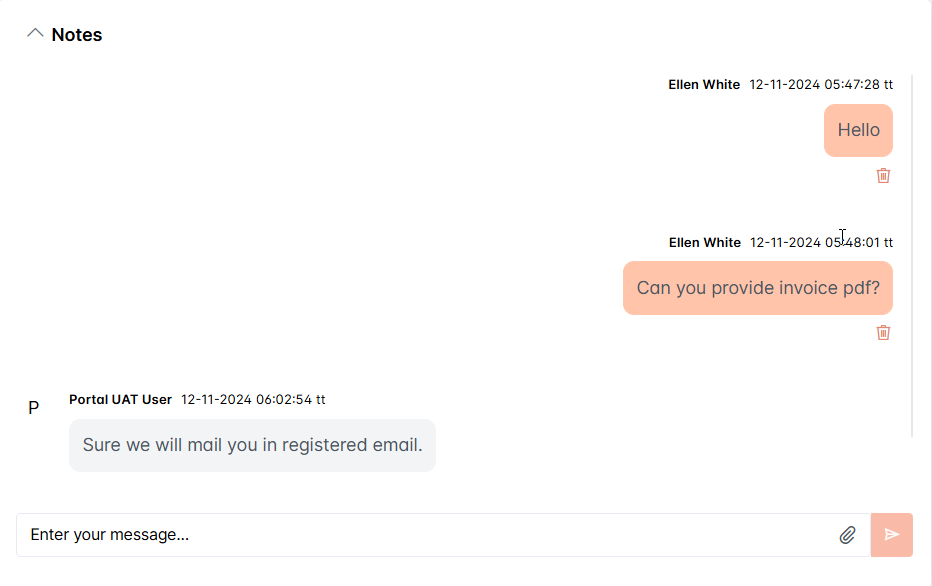
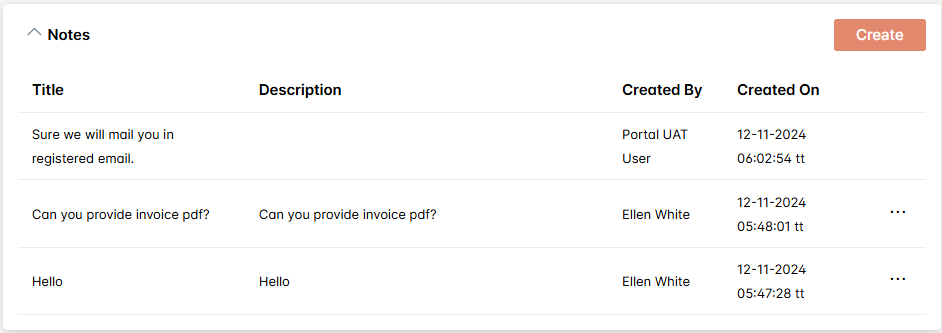
Text
Admin can use the Text widget to add and customize text content within any form layout. This widget allows Admin to insert and design text with various settings to enhance the appearance and functionality of the portal pages.
Steps to Configure the Text Widget:
1. Adding the Text Widget:
– Simply drag and drop the Text widget onto the designated grid area.
2. Configuring the Text:
– After placing the widget, click on the Settings icon to open the Text Configuration panel.
– Text Content:Insert the desired text that should appear in this section.
– Styling Options: Admin can apply various styling options to the text, such as font size, color, alignment, and formatting (bold, italic, underline).
– Advanced Options: Admin may also have options to add hyperlinks, bullet points, or numbered lists to structure the content effectively. [2]
– Available Parameters: Click on preferred parameter to interest in editor. [2]
Example: If Admin creates an “About Us” page, Admin can use the Text widget to add a detailed company description. By using the settings, Admin can make certain parts of the text bold to highlight key points, adjust the font size for readability, and align the text to center it on the page.
Front view text widget
The Text Widget front-side view is a flexible, content-rich widget designed to present text-based information attractively and accessibly. This widget can be used for announcements, descriptions, updates, or any textual content within a webpage or portal. [3]
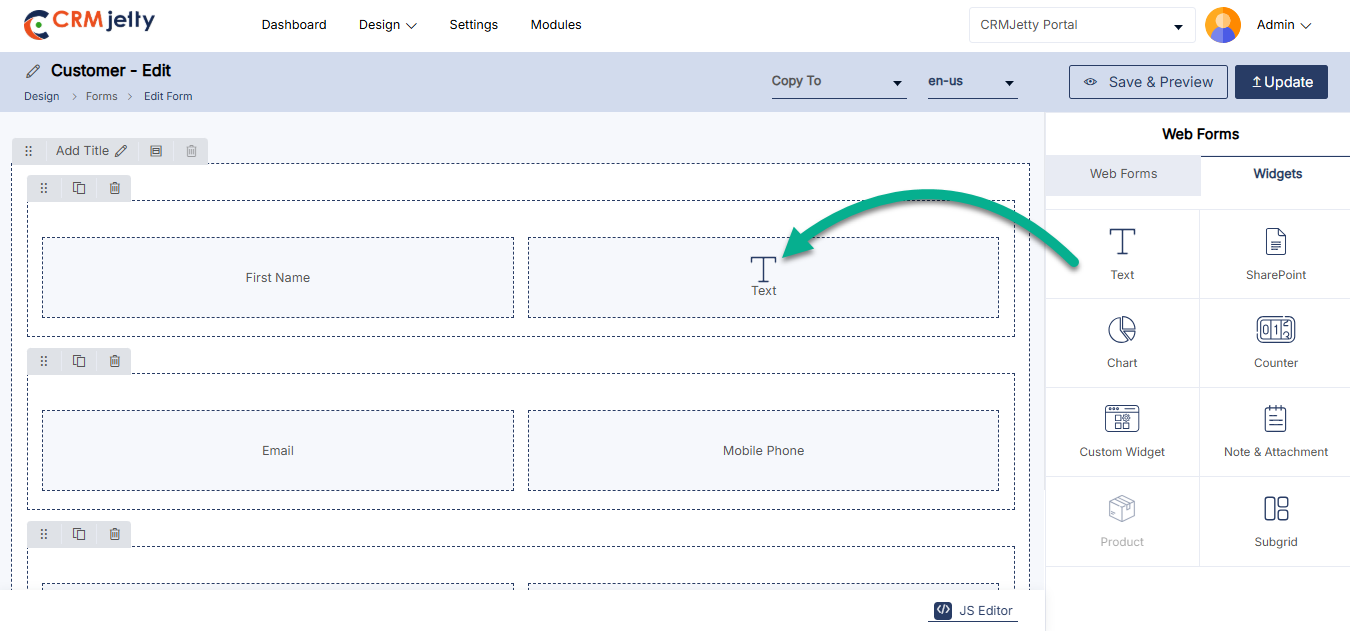
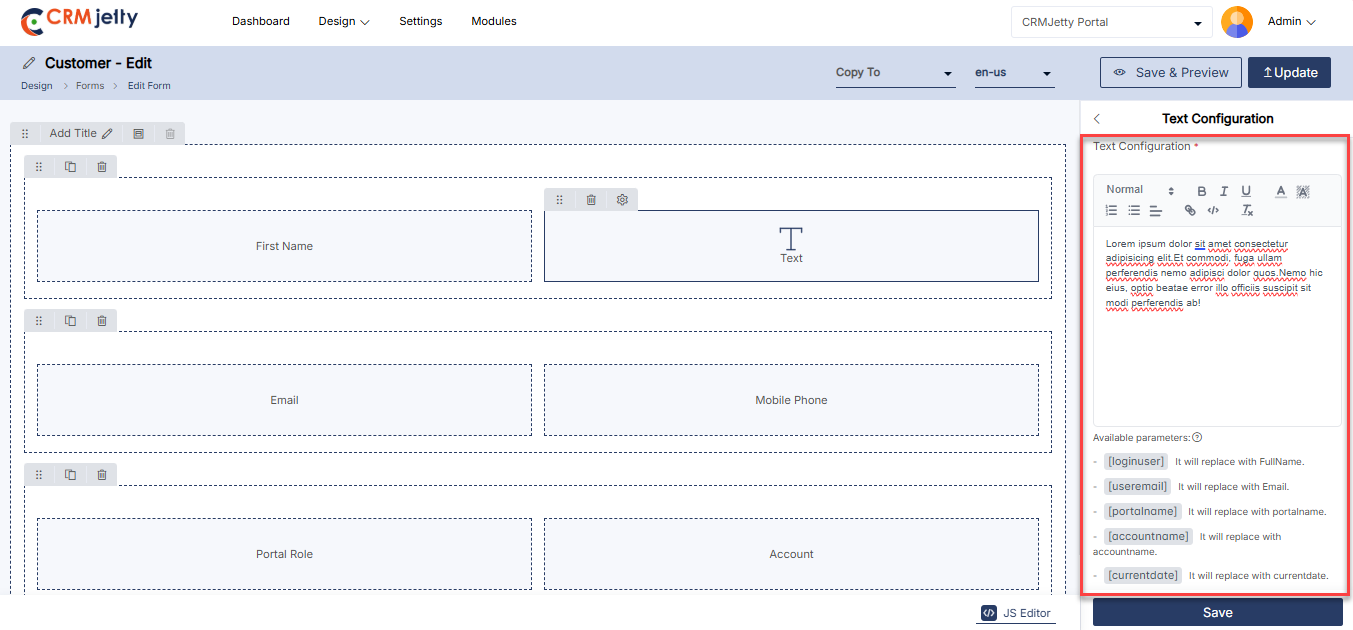
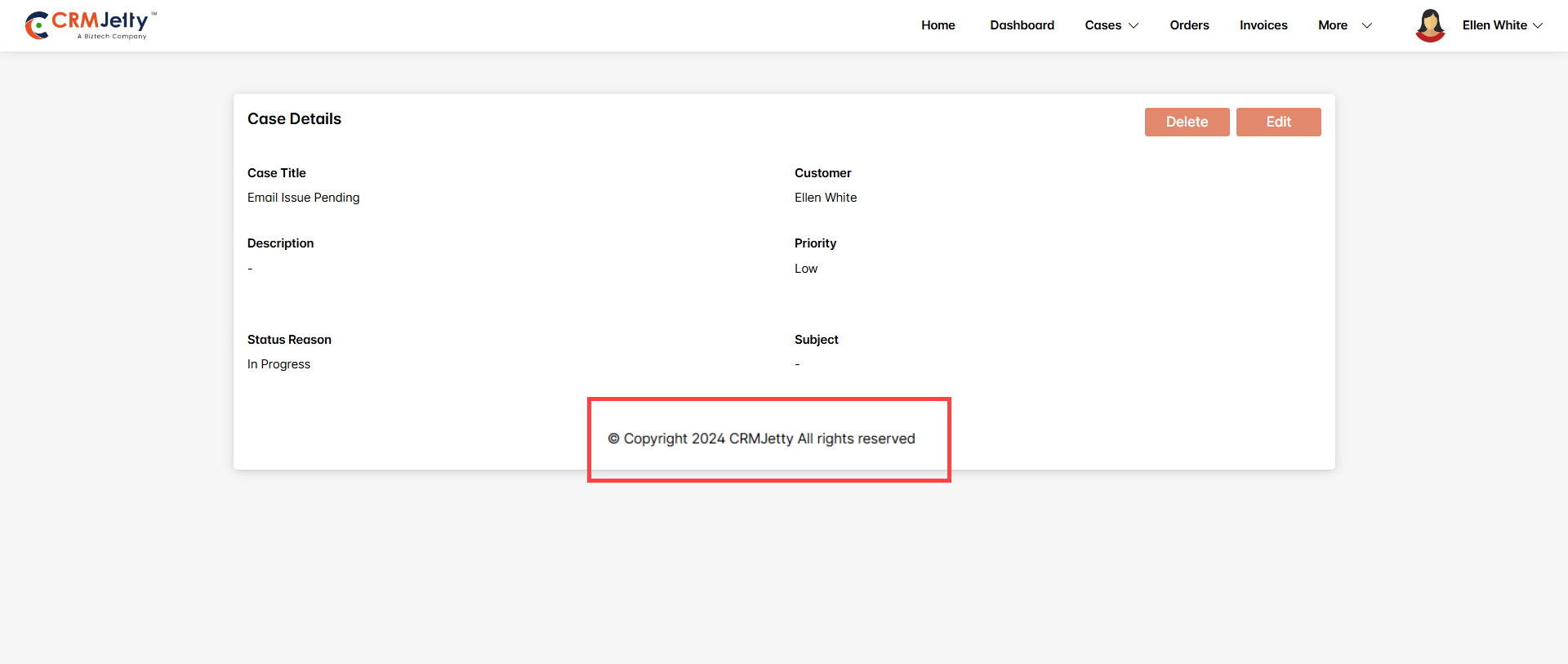
Product
If Admin is designing a form for an object that includes products, Admin can enable the Product widget for any form type in the customer portal. Simply drag and drop the Product widget onto the designated grid area. [1]
Steps to Configure the Product Widget:
1. Accessing the Product Widget:
– When designing a form for an object with associated products, the Product widget will be available.
– Click on the field’s Settings icon to open the Product Configuration panel.
2. Configuration Options:
– Label: Enter the label that will be displayed for the product section on the portal. [2]
– Allow Creating Records: Enable this option to allow portal users to create new product records.
– Button Label: Enter the label for the create button (e.g., “Add Product”).
– Allow Deleting Records: Enable this option to allow portal users to delete existing product records.
– Quantity Update: Allow users to update product quantities directly from the portal.
– Default Accordion Behavior: Choose how the list view data appears to portal users:
– Expanded: The section will be open by default.
– Collapsed: The section will be closed by default.
Example: If Admin are creating an order form where users can add products, Admin would enable the Product widget, label it as “Order Items,” and configure it so users can add or delete items and adjust quantities directly from the portal. The product section might be set to Expanded so that users see their order items as soon as they open the form.
Front-view Product widget:
The Product Widget front-side view provides a compact yet comprehensive display for showcasing product details, designed for easy browsing and quick actions by users. This widget is ideal for displaying products in a grid or list format within a larger page, such as a product catalog or dashboard. [3]
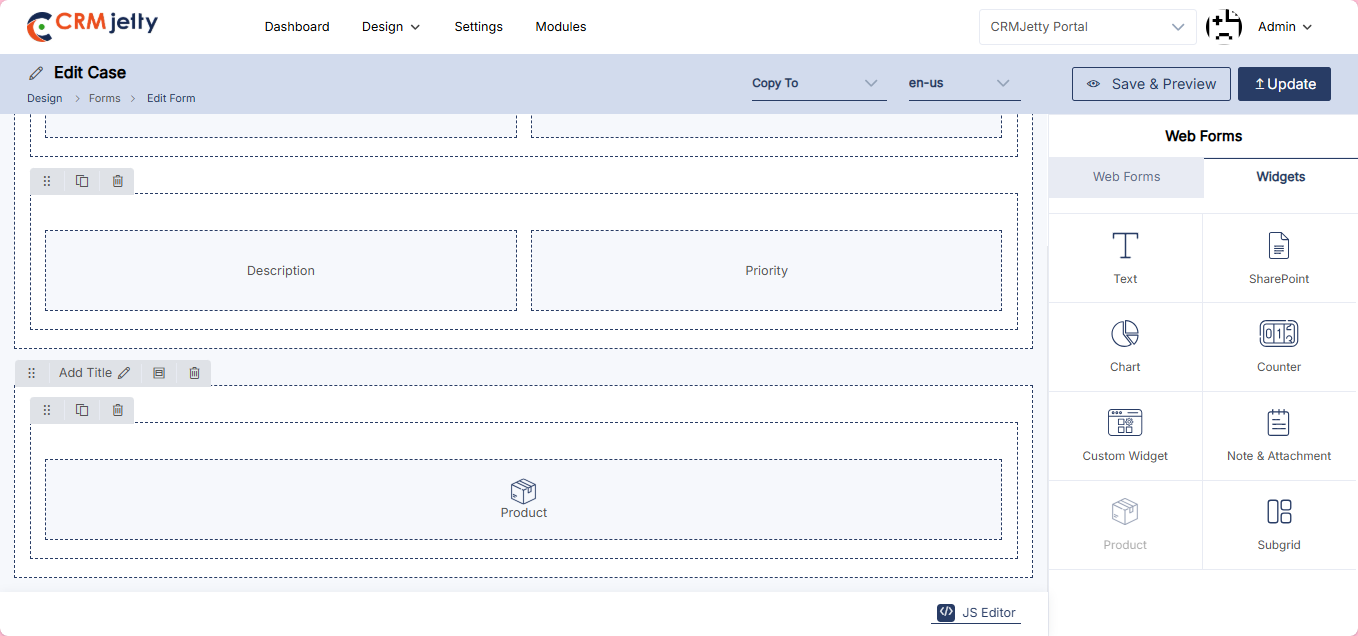
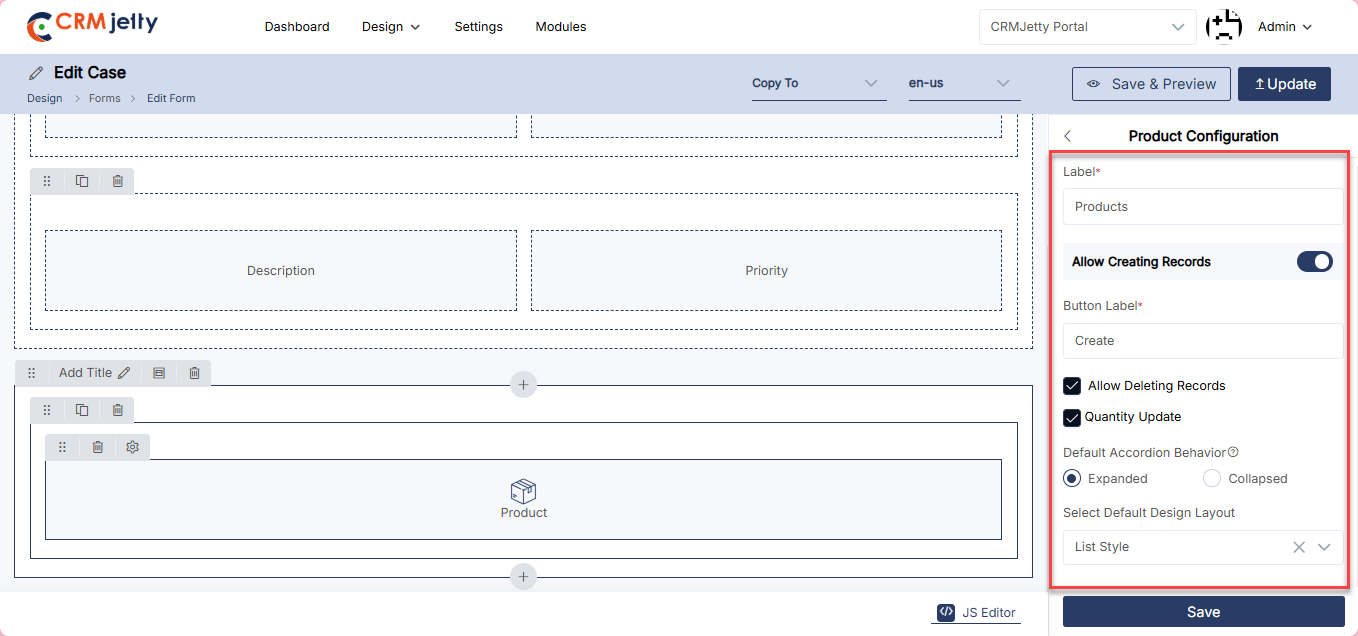
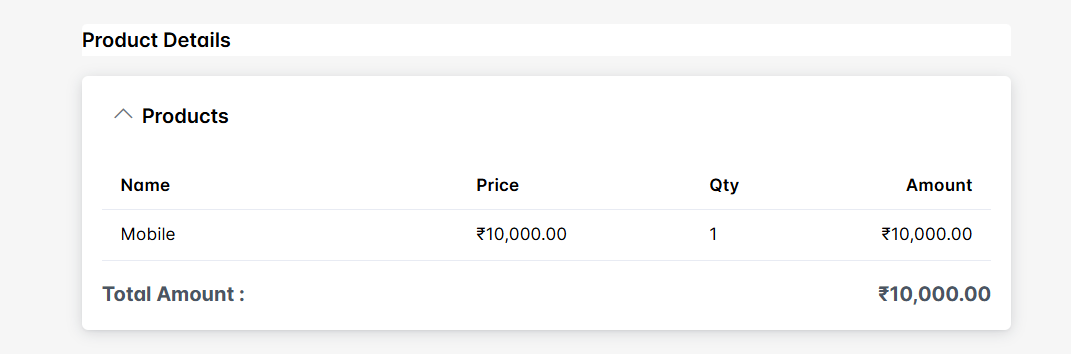
Box
The Box widget integrates document management into the portal, allowing users to upload files, create new folders, and organize documents directly. Admin can configure titles, labels for upload and folder creation buttons, and set the default display behavior for ease of use. [1]
Steps to Configure the Box Widget:
– Title: Set to “Documents” to display a label for document management.
– Upload Button Label: Label as “Upload File” for user-uploaded documents.
– New Folder Button Label: Label as “New Folder” to allow folder creation in Box.
– Default Accordion Behavior:
– Expanded: Accordion is open by default.
– Collapsed: Accordion is closed by default.
– Select Design Layout: Select Design Layout from the options available, File Style or Grid Style.
Front-view Box widget:
The “Documents” title is displayed at the top, followed by buttons for uploading files and creating new folders. The accordion section shows folders and documents, allowing users to navigate and manage their Box files easily. The accordion is expanded by default, so users can immediately see the contents. [3]
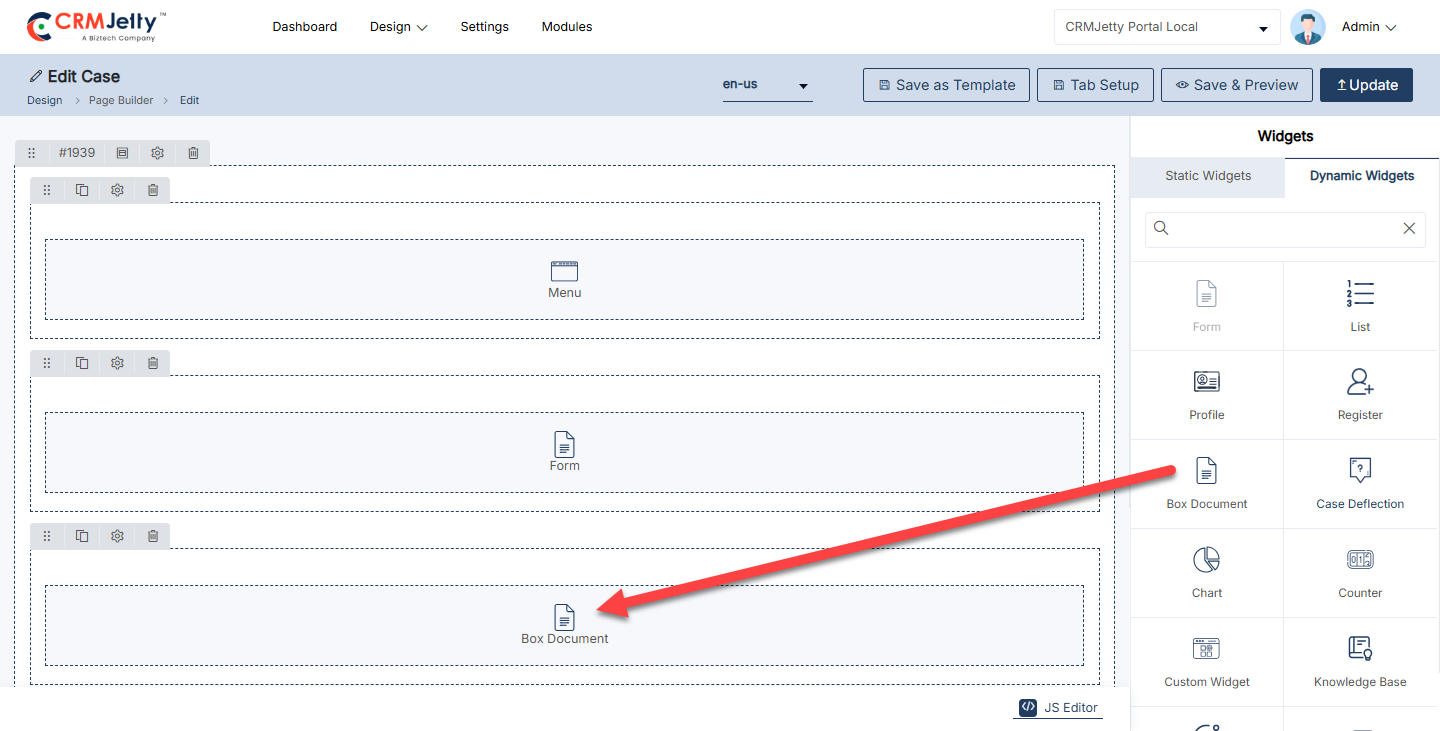
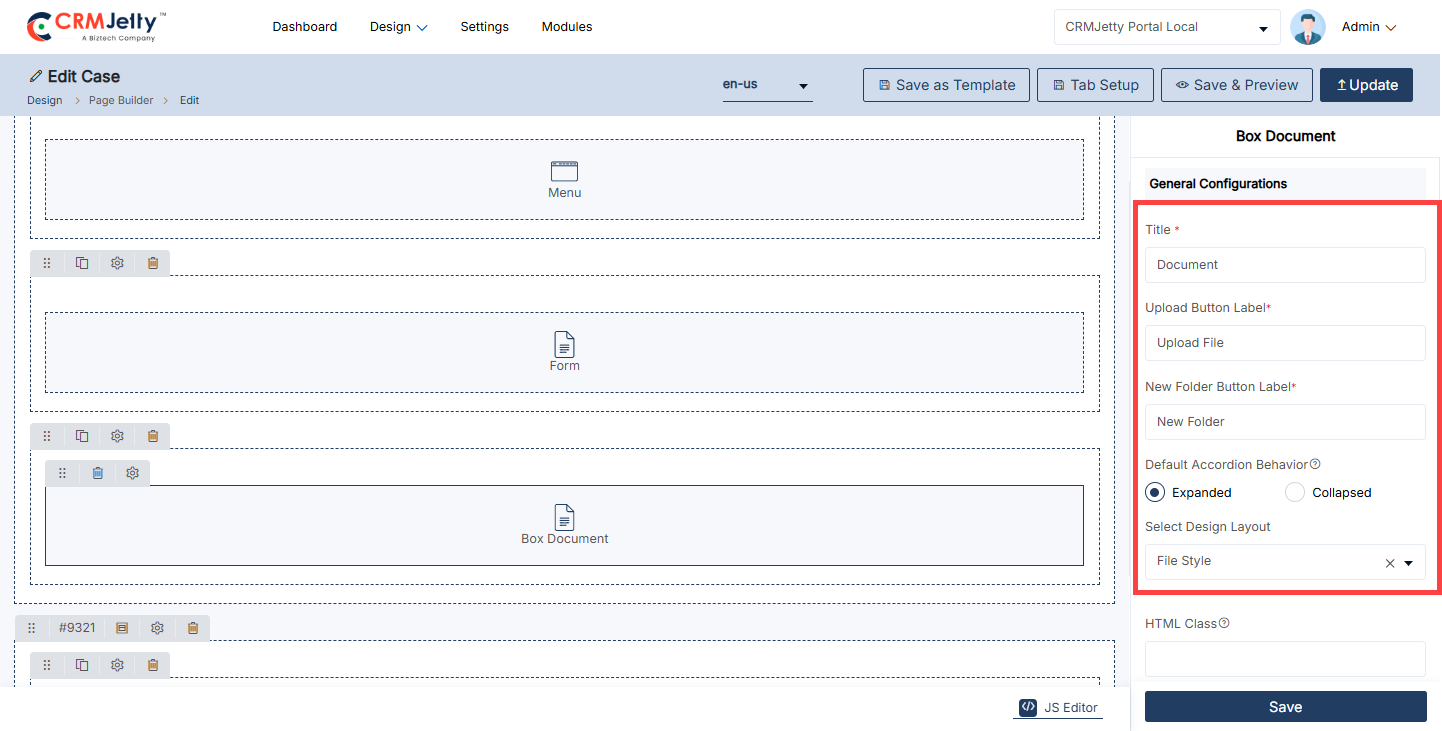
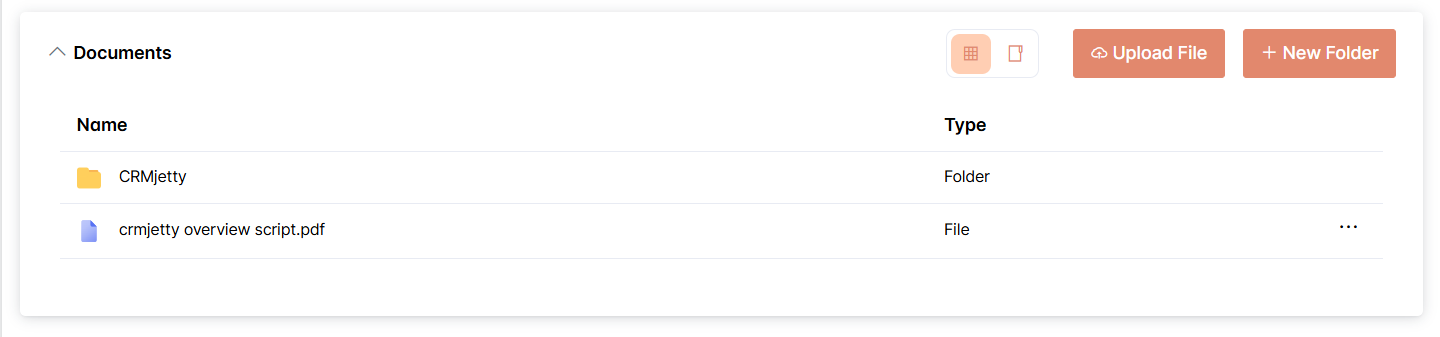
Custom Widget
Adding customizable HTML/CSS/JS widgets with real-time CRM data enables admins to deliver multilingual, role-based, and highly tailored user experiences enhancing flexibility and usability without requiring full development cycles. Simply drag and drop the chart widget onto the designated grid area. [1]
Custom Widget Configuration
Select Widget Type: Select the widget type from following options:
Statics Widget : Displays predefined content or a selected view.
Select Widget View: Select a widget view which you want to display on the portal.[2]
Dynamic Widget: Displays live CRM data linked to entities and relationships.
Select Object: select the object to add in the widget.
Select the Widget View: Select a widget view which you want to display on the portal.
Select Relationship: Select the relationship between widget and form entity.
Enable Workflow
– Select Data Loading Workflow: Select the Data loading workflow to load data admin wants to attach for data loading.
– Enable Global Access: Enable this option to allow the dynamic widget to be accessed and used globally across the portal. [3]
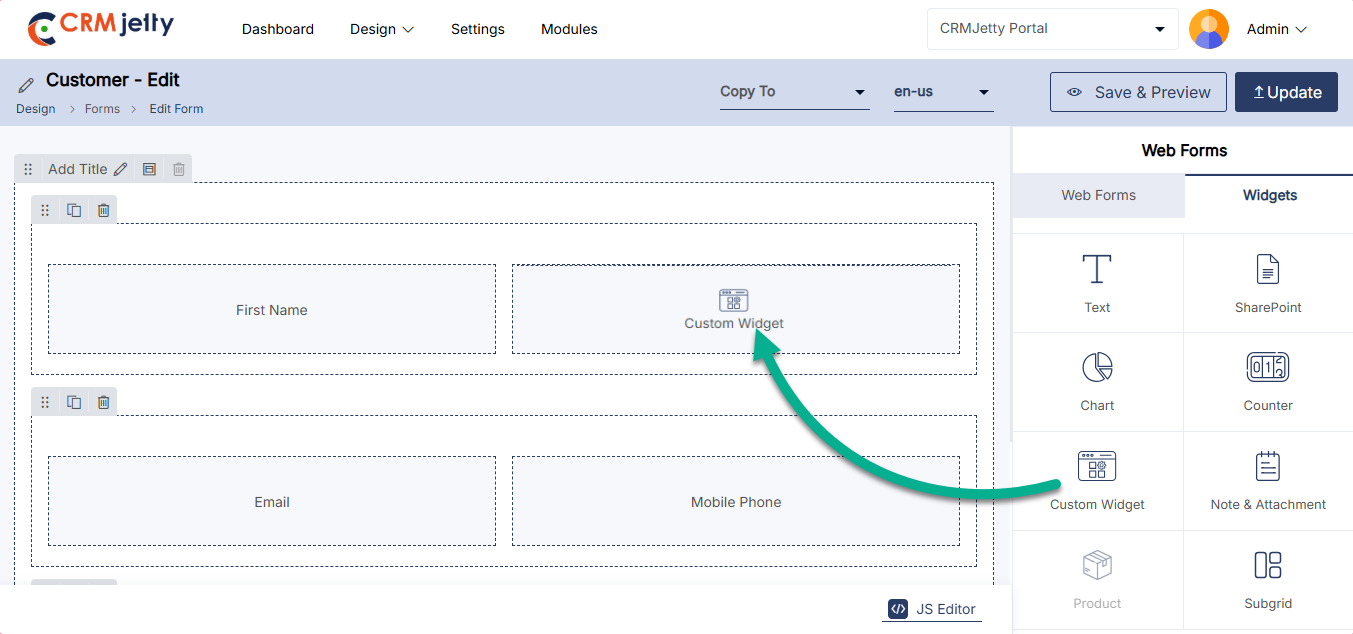
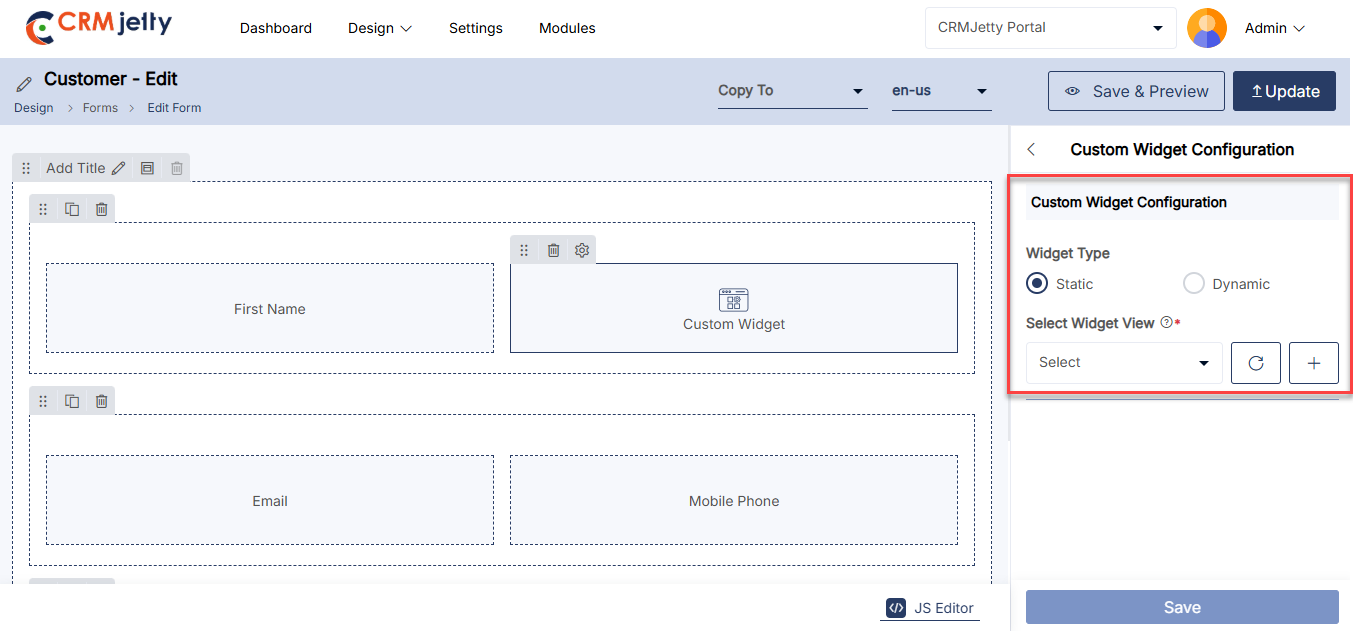
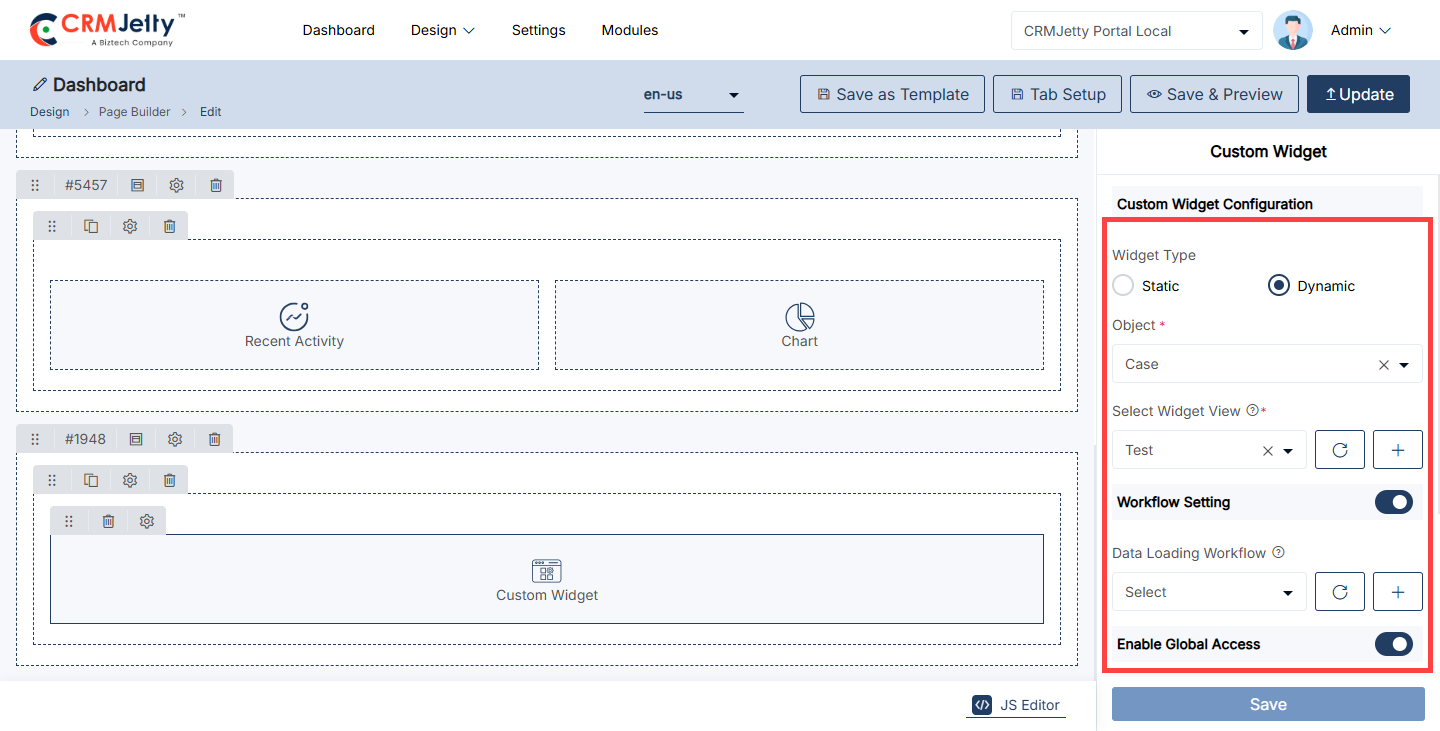
Pages Builder
CRMJetty allows Admin to design and configure pages for various purposes. Admin can create, edit, preview, and publish pages that will be used within the customer portal. The layout of each page can be customized using a variety of widgets and design elements.
The Page Builder enables Admin to manage pages by creating, duplicating, deleting, filtering, previewing, and translating them. To access these features, navigate to Design > Page Builder. [1]
On the Page Builder interface, Admin can view the following columns:
– Title: The name of the page.
– Status: Indicates whether the page is active or inactive.
– Language: The language in which the page is created.
– Owner: The Admin responsible for the page.
– URl : The URl slug determines the page’s address and should be unique and descriptive.
– Access: The access for a page (Public or Authenticated).
– Created On: The date the page was created.
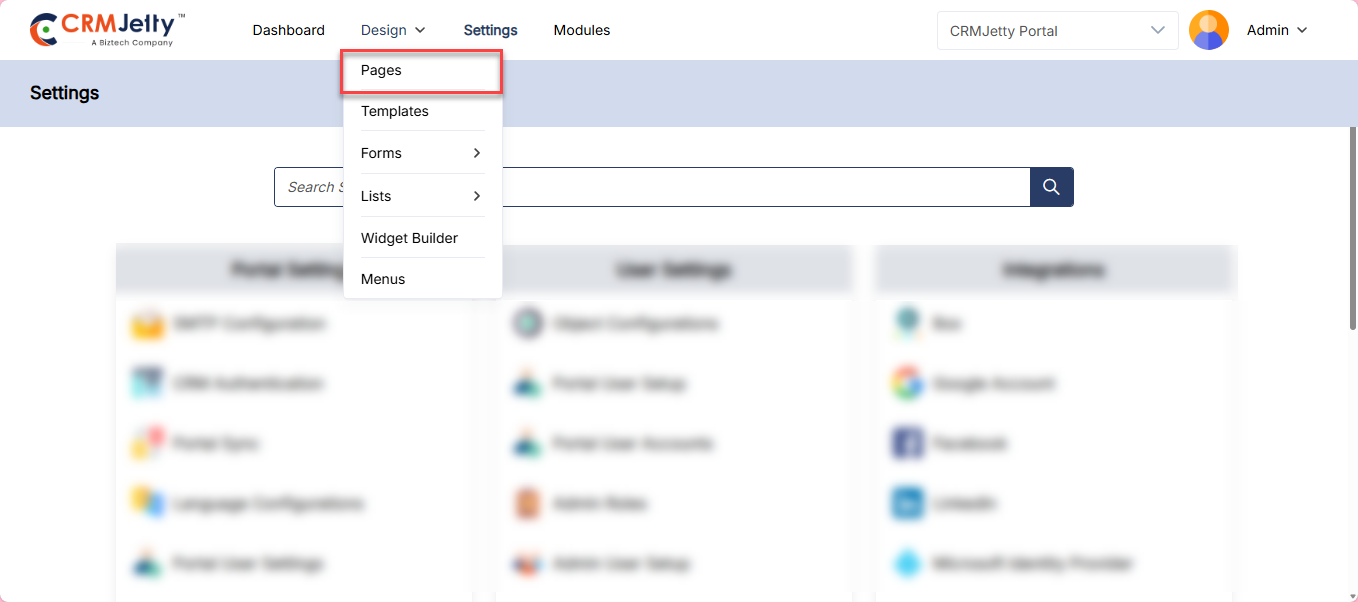
Create New Page
To initiate the creation of a new page, follow these steps:
– Page Title: Enter a descriptive and relevant title for the page. [1]
– Page URL Slug: Enter the URL slug determines the page’s address and should be unique and descriptive. Example: portal-dashboard [1]
– Page Display Name: This label will be shown in menus and breadcrumbs to represent the page name.[1]
– Page Access: Admin can create a page in two ways:
– Authenticate: Select this option if the page should be accessible only to users who have logged in. [1]
– Public: Choose this option if the page should be visible to everyone without requiring a login. [1]
– Shareable: Choose this option if the page should be shareable to everyone with the view only rights user can’t perform any action in the shared page . [1]
– Page Layout: Admin can choose from different layouts which is mentioned below:
– Default Layout: Select this to use the standard layout configuration.
– 1 Column, Header, Footer: This layout includes a single column, with a header and footer. Ideal for simple page designs. [1]
– Left Sidebar, Header, Footer: This layout features a left sidebar along with a header and footer, useful for pages that require additional navigation or content sections. [1]
– Right Sidebar, Header, Footer: Similar to the left sidebar layout, but with the sidebar positioned on the right side. [1]
– Select Template: Alternatively, the Admin can choose from pre-designed templates that offer predefined layouts and styling options. [2]
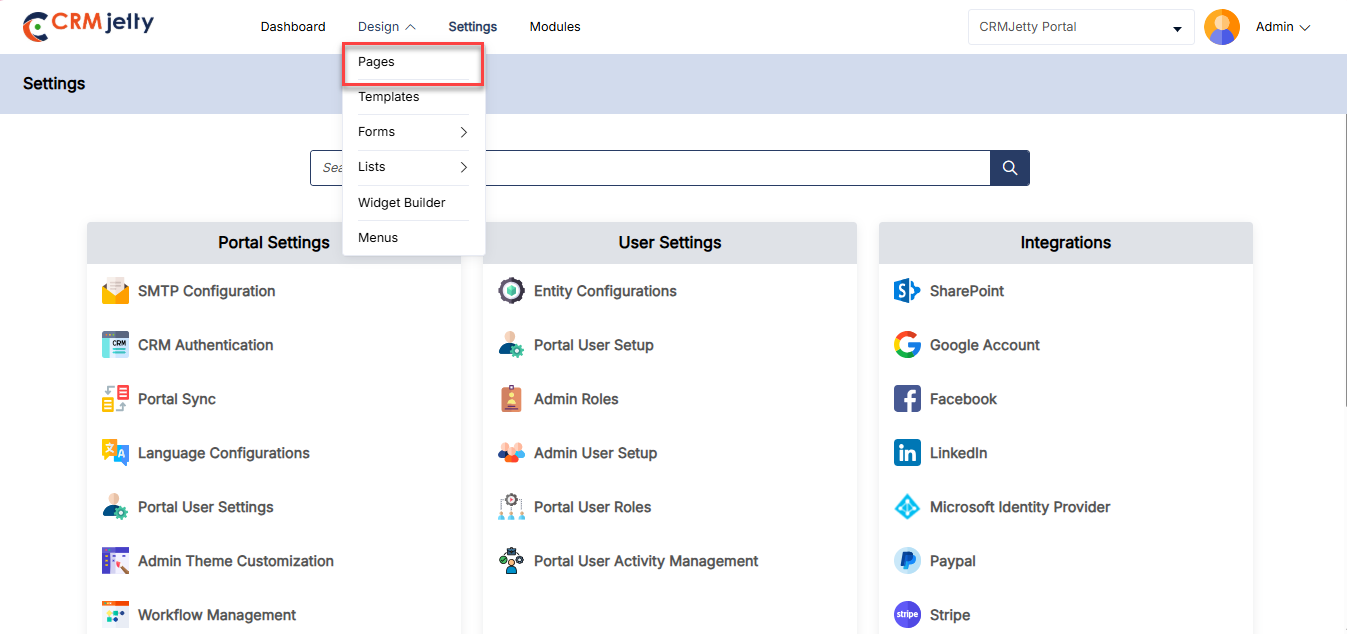
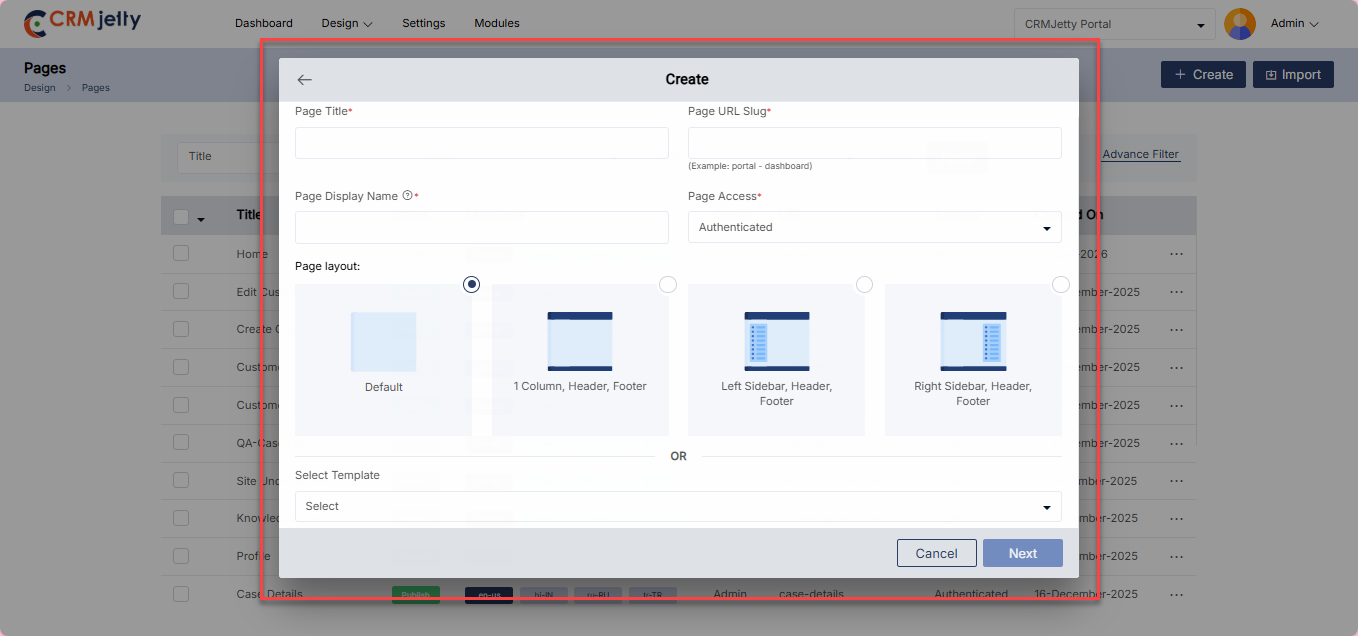
Create Page Using Template
Admin can quickly create a page by utilizing pre-designed templates. This method ensures consistency and saves time. To create a page using template Admin needs to follow the below steps:
Step 1: Select a Template
The First Admin needs to select the template from the drop-down. After choosing a template, click the “Next” button to proceed to the pre-designed page layout. [1]
Step 2: Customize the Page Layout
If modifications are needed, the Admin can edit the page layout, adjusting sections, widgets, and other elements to meet specific requirements.
Once finalized, the page Admin either “Save as Template” or directly publish the page by clicking on the “Publish” button. [1]
Step 3: Save and Manage Templates
If the Admin saves the page as template then Admin can view the new template in the ‘Templates’ section, where it will be listed as a new record. [1]
Note: If Admin saves a designed page as a template with a name that already exists, the new template will be saved with the same name followed by a ‘copy’ suffix. (eg: page – copy).
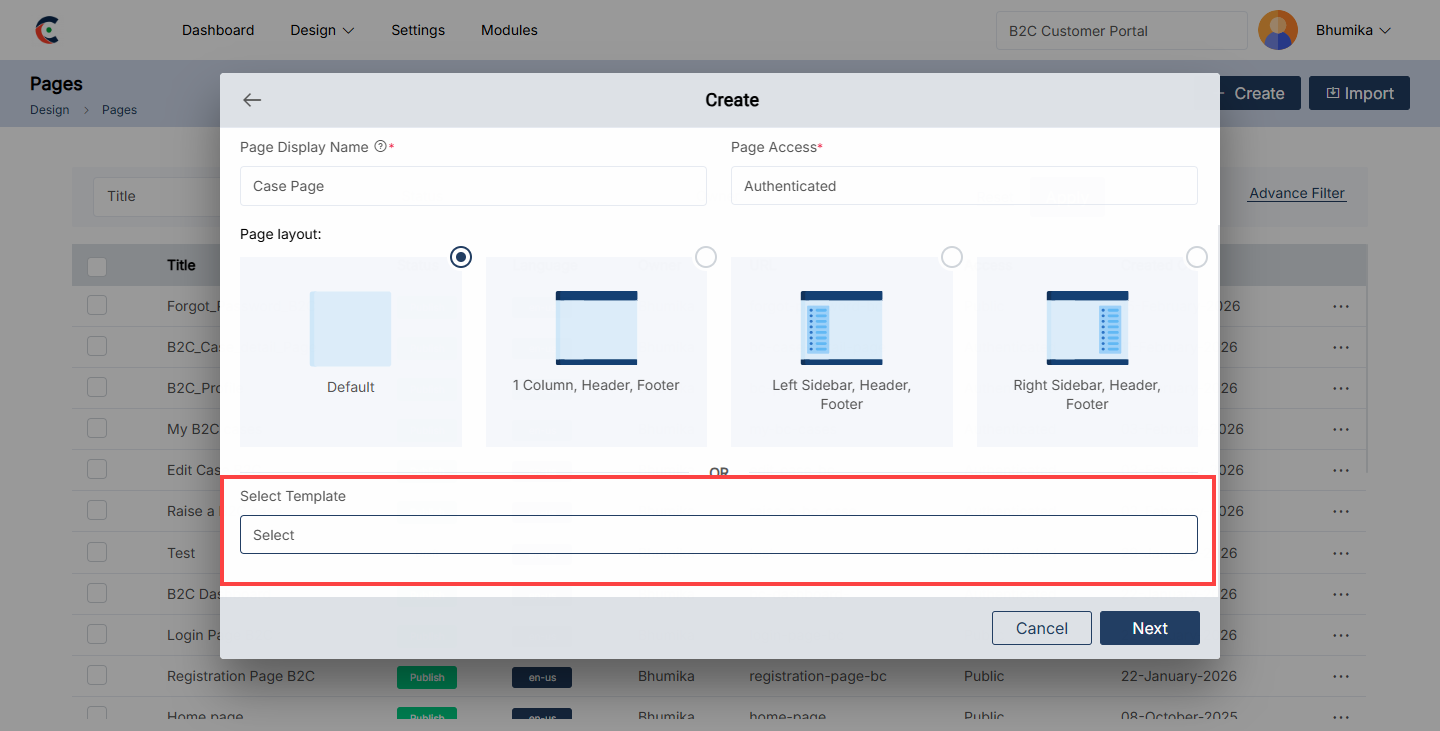
Create a New Page Layout
After setting up the page, Admin can create a page layout for the customer portal by following these steps:
1. Add Section: On the left side of the page, click the “+” icon to add a new section.
– Edit Panel: Update the “Panel Title” as needed and click the Save button to apply the changes.
2. Add Grid: After adding a section, click the “Add Grid” button.
– Grid Options: A selection of grid options will be displayed. Choose a grid layout to add to the selected section. [2]
3. Add widget: After adding the grid, the Admin can enhance the page by adding widgets. There are two categories of widgets available: [3]
| Static Widgets | Dynamic Widgets |
|
|
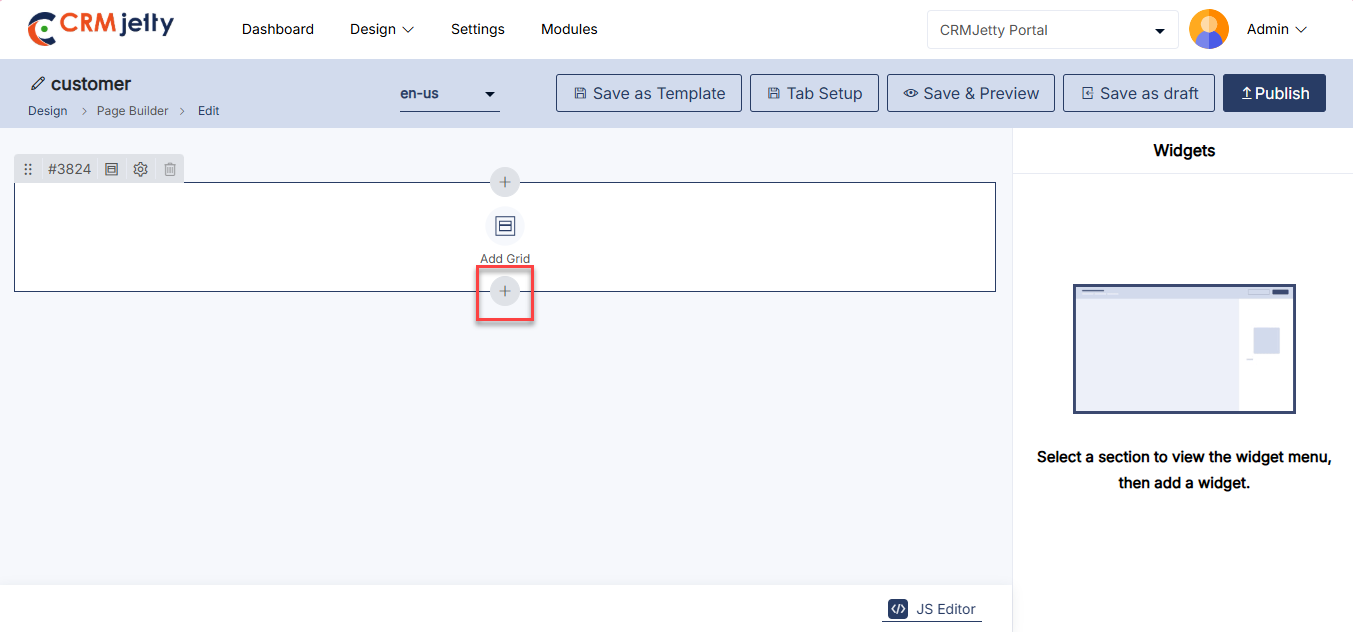
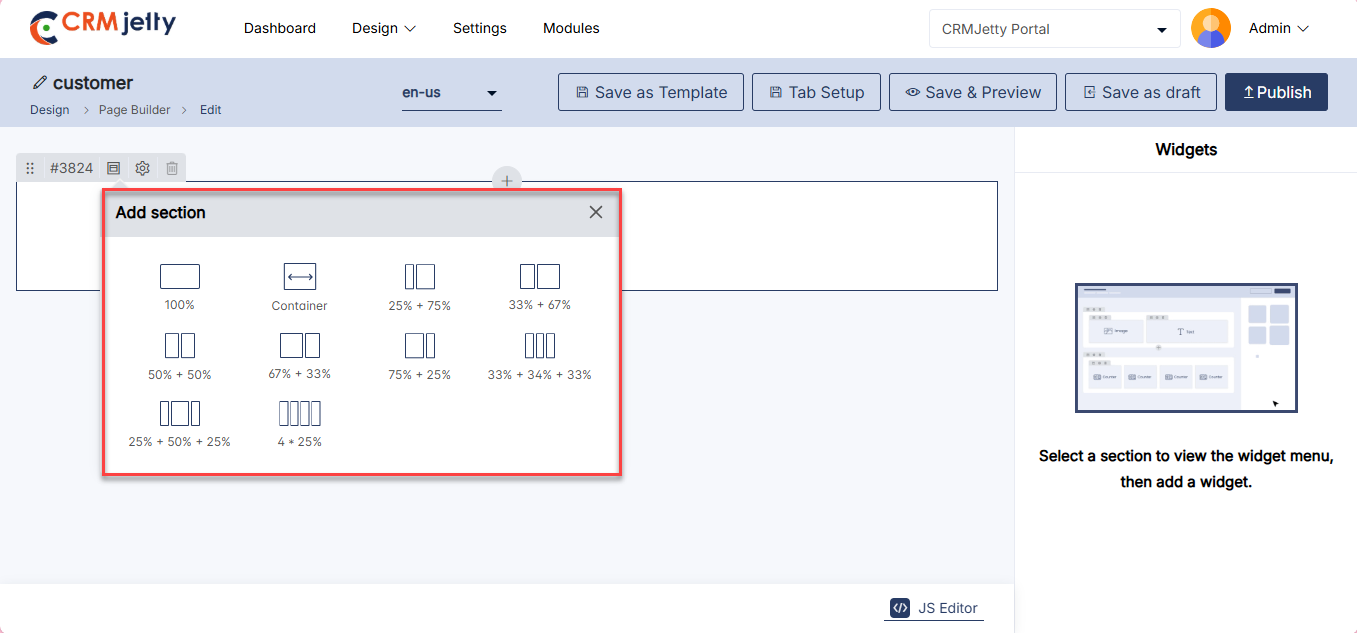
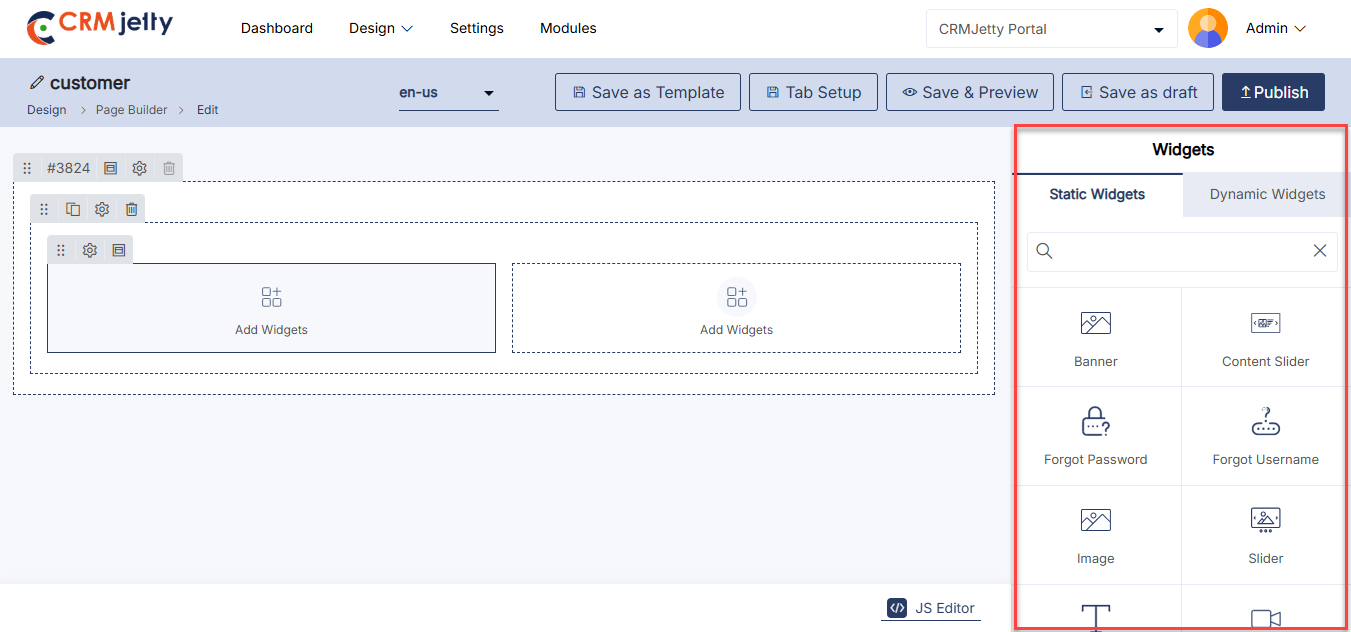
Using JS Code Editor
Admin can create or update the layout of the Page view using the JavaScript Code Editor for custom JS code.
To access the editor, click on the Code Editor button. This will open a popup where the Admin can edit or paste JavaScript code. After making the desired changes, click the Save button, and then publish the Page. [2]
Additionally, the Admin can edit or paste JavaScript code to modify the UI and appearance to match preferences or align with the portal’s theme.
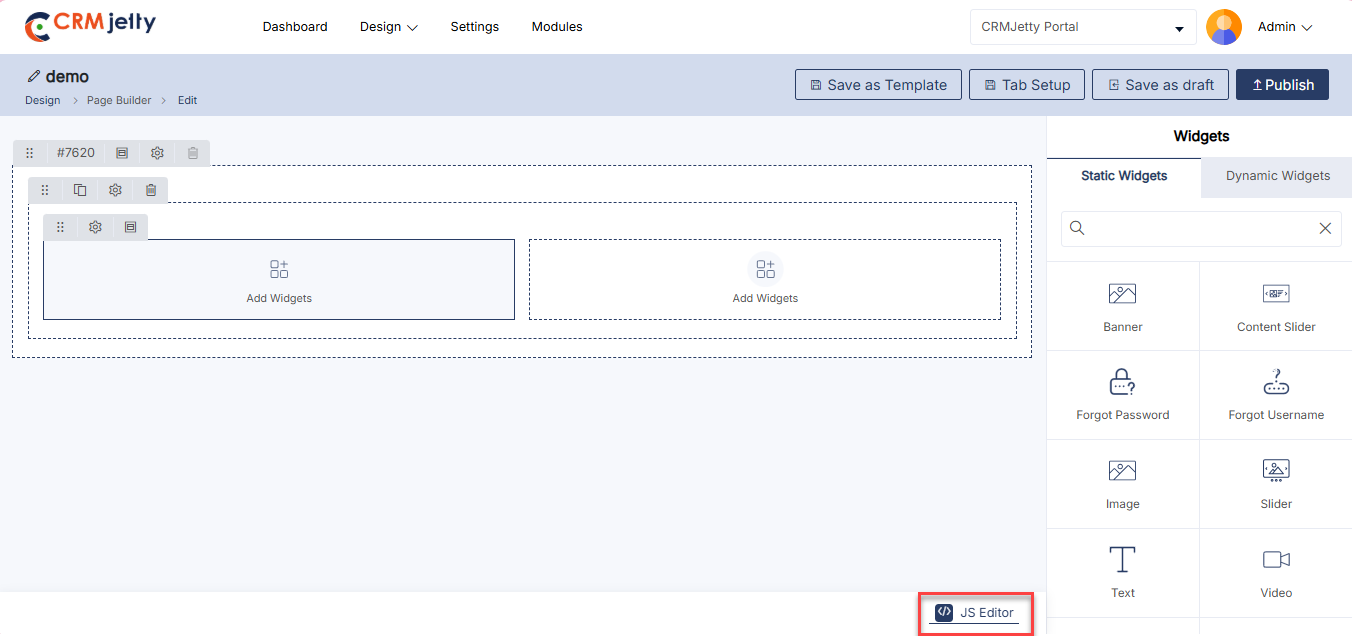
Tab Setup
The Tab Setup feature allows the Admin to organize page content into structured tab sections within the Page Builder. This functionality improves content segmentation and enhances the user experience on the front portal by displaying grouped sections under selectable tabs. [1]
To create a tab configuration, click the Tab Setup button located at the top of the Page Builder interface. Then select Add Tab to initiate a new tab group configuration.
Within the Tab Group Configuration panel, the Admin must define the following settings: [2]
Tab Name: Enter tab name. This name will be displayed on the front portal as the tab label and should clearly represent the content grouped within the tab.
Tab Layout: This option allows selection of the structural arrangement for the tab section. The selected layout determines how tab content will be presented on the page.
Tab Template Type :The Admin must choose the display format for the tab selector. Available options include Title, Icon, Image, Title with Icon, and Title with Image. The selected template type controls how the tab appears in the navigation area.
To assign content to a tab, click Select Section. This action opens the tab selection pop-up window. From the Select Sections dropdown list, choose the page sections that should be grouped under the tab.[3]
Note : A minimum of two sections must be selected in order to create a valid tab group configuration.
HTML Class: Add custom CSS classes to style the widget. [4]
HTML ID: Assign a unique ID to the widget, prefixed with “custom-.” [4]
Card View: Display the Image widget in a card-style layout. [4]
Admin should click “Save” to apply the settings, then publish the page live on the customer portal.
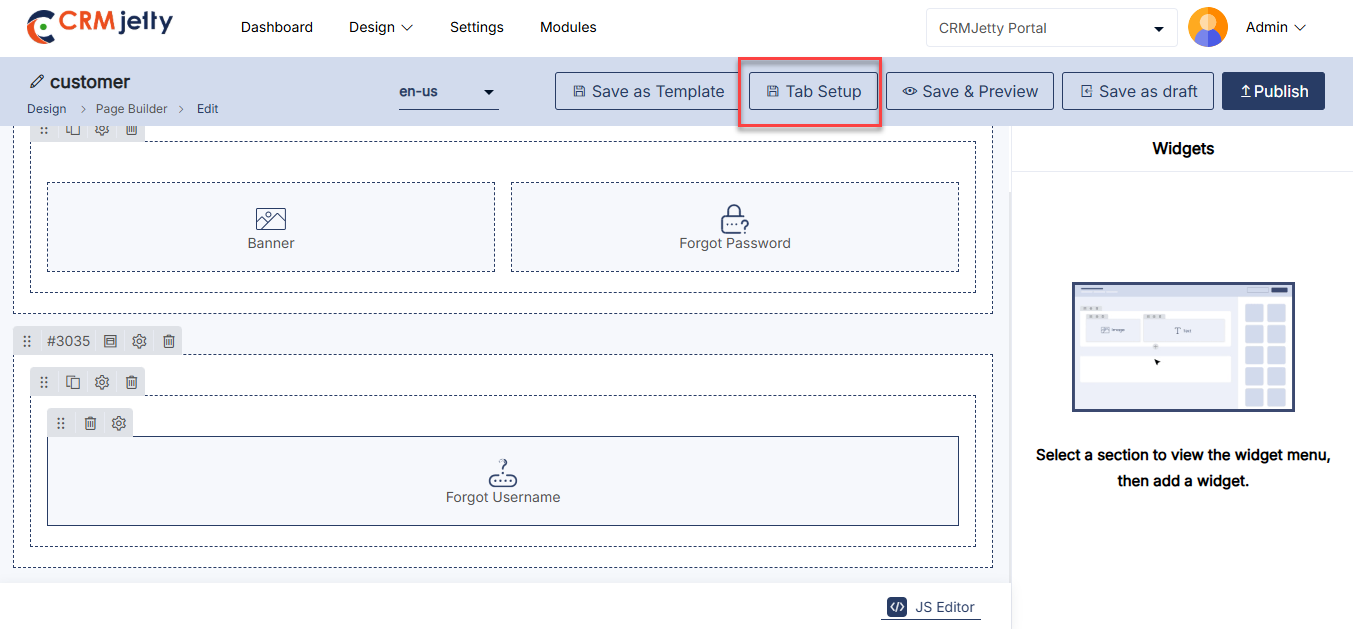
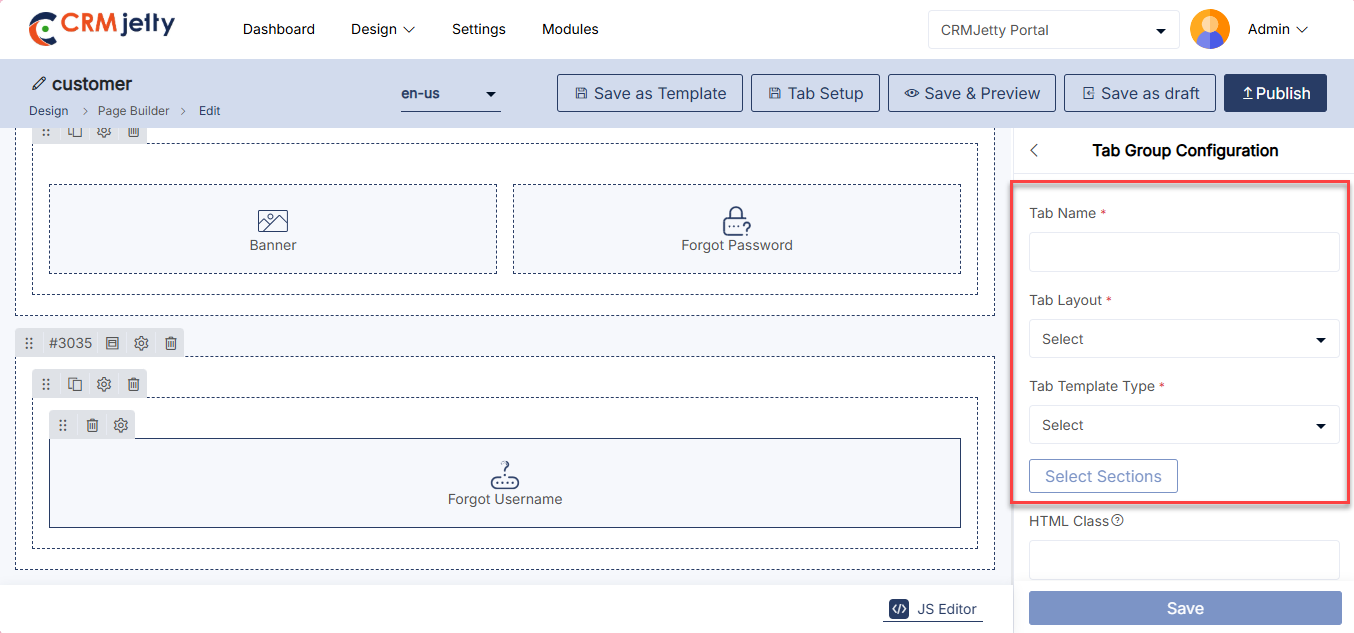
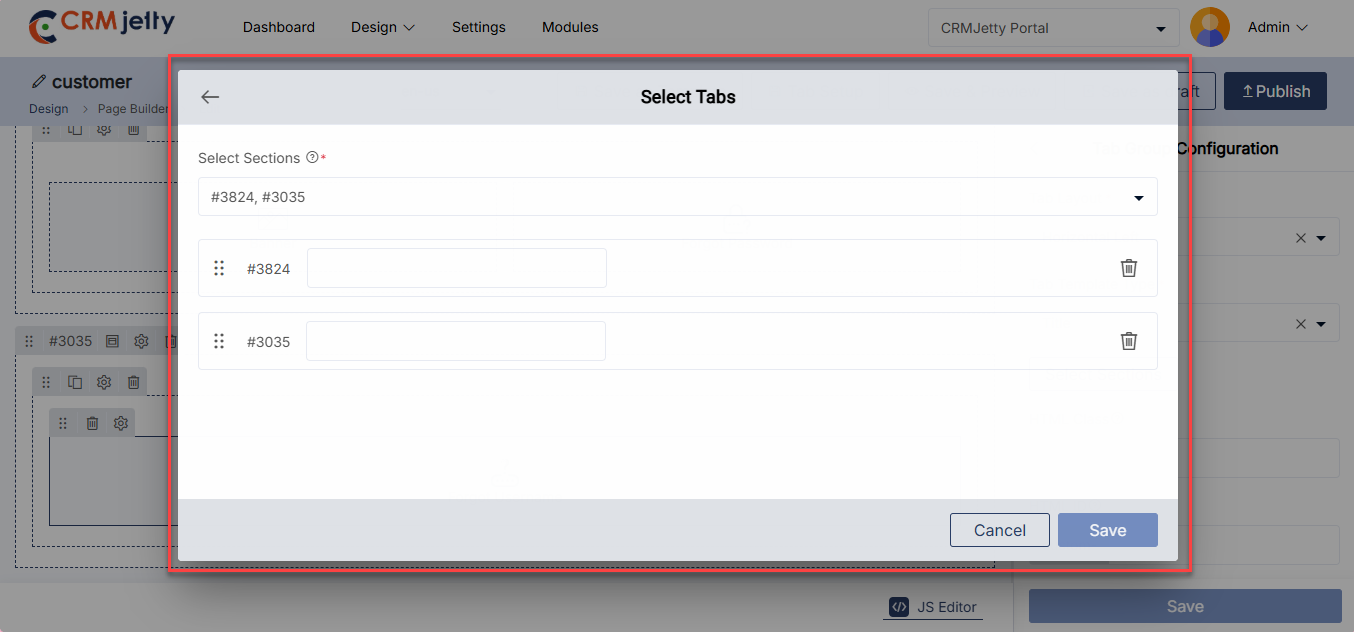
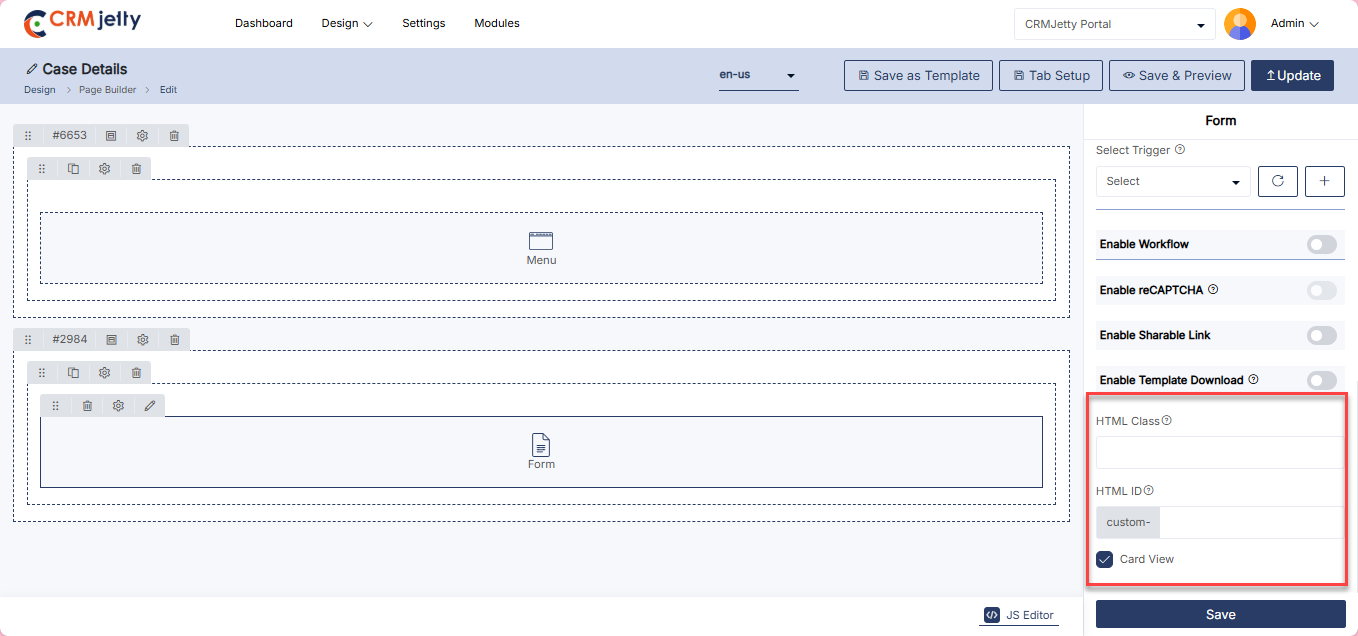
HTML Class & ID
Admin can further customize page sections and widgets by adding custom HTML IDs and Classes. [1]
To begin customization, locate the ‘Settings’ icon at the top right corner of the section, next to the delete icon. Clicking on this icon opens the “Section Configuration” panel on the right side of the screen. [1]
Within the panel, two controls are available:
– HTML Class: Add multiple classes separated by commas (,). These classes can be applied to multiple elements, allowing for repeated usage on a single page. [1]
– HTML ID: Add a unique ID for the section. The ID will automatically be prefixed with “custom-”. An ID is unique and can only be applied to one element on a page. [1]
– Card View: Enable the “Card View” option if you prefer the banner to be displayed as a card, providing a structured and compact appearance. [1]
Important Notes:
– Ensure that classes and IDs are added without spaces. If special characters are needed, use only hyphens (-) or underscores (_).
– After clicking the Save button, the custom HTML Class and ID will be saved.
– Admin can apply these custom classes and IDs in JavaScript to further customize the page sections.
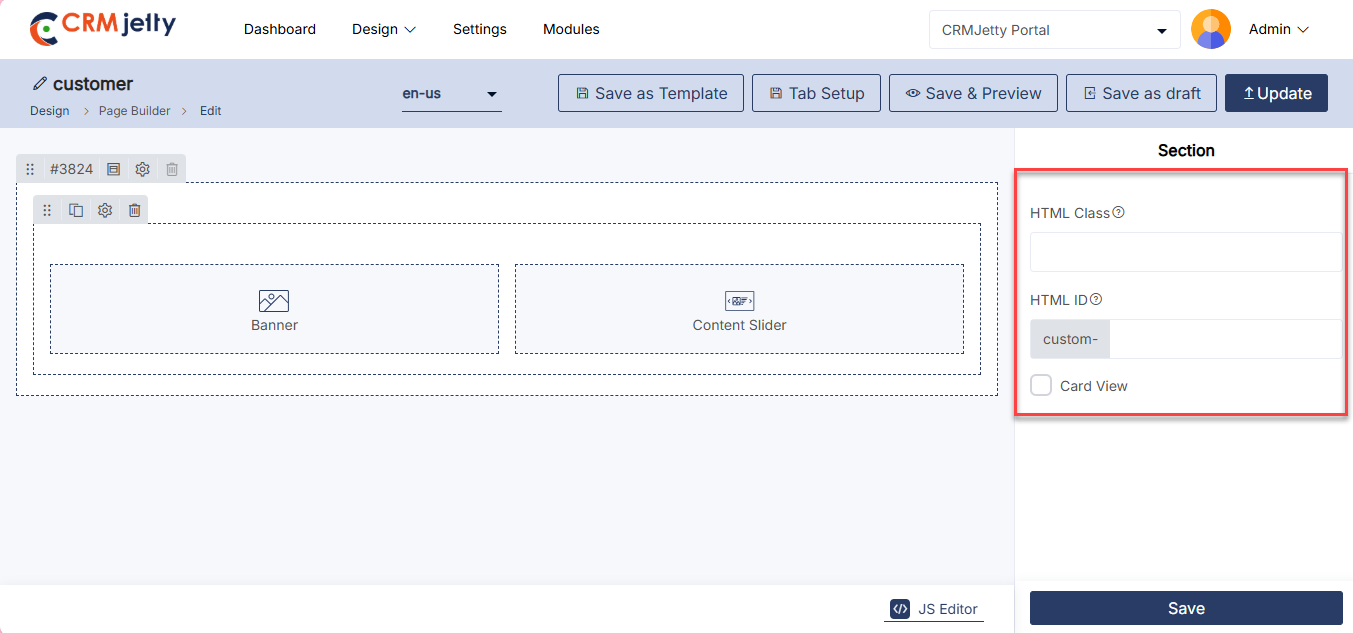
Translate Page records (Multi-language)-yd
From the listing page of the ‘Page’ builder records, all available languages will appear in the Language column.
Translated languages will be shown in dark-coloured buttons, while untranslated languages will appear in light-coloured buttons.
Admin can translate the Page record by clicking on the light-coloured button. Once clicked, the Page builder record will automatically translate to the selected language. [2]
Admin can also translate the page layout records from the edit page. At the top, the “Languages” option and enabled languages will be displayed. [3]
Once the page layout record is translated from the listing page or the page layout edit page, it will take a few seconds to translate all the CRM content, such as text labels and messages.
Multiple Page Translation
1. Translating Pages in Bulk:
Admin can translate multiple page layout records simultaneously by selecting multiple pages. [4]
2. Language Selection:
If multiple languages are enabled, a dropdown menu will appear, allowing the Admin to select one language for translation. [5]
3. Translation Report:
After translating the selected pages, a pop-up will appear on the screen, displaying the translation status of the records/pages.
Note: Ensure that all fields are translated in Settings > Portal Settings > Language Settings to guarantee proper translation of the fields.
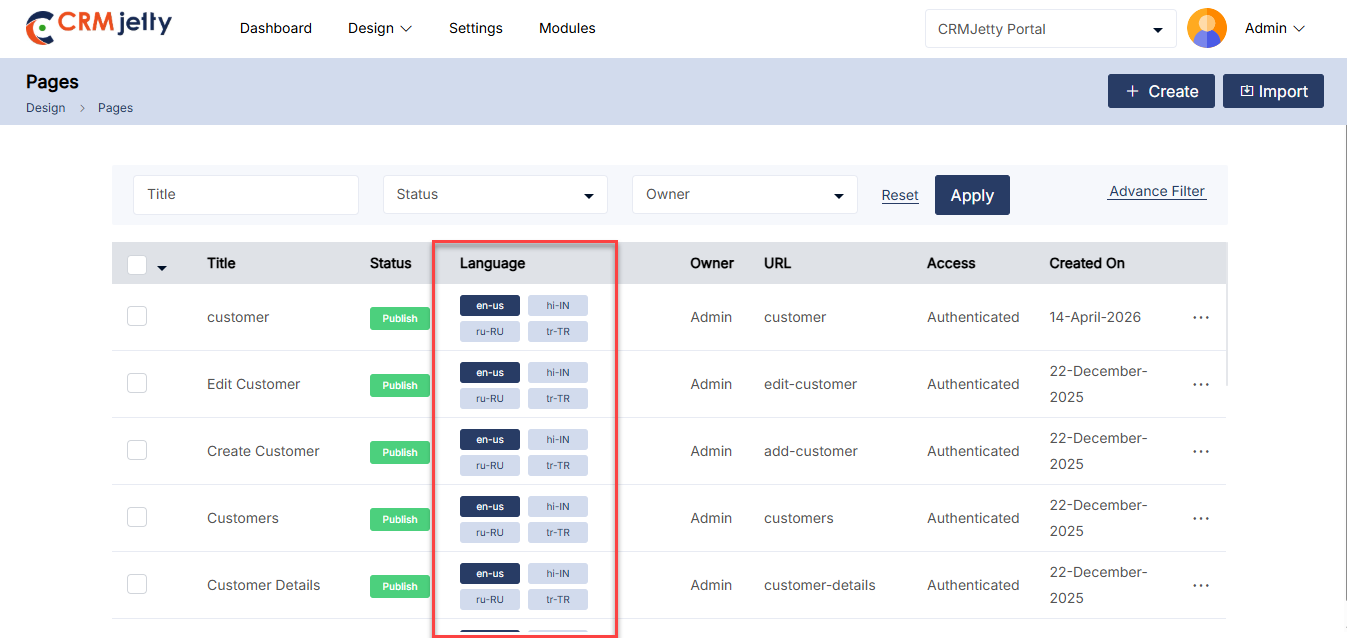
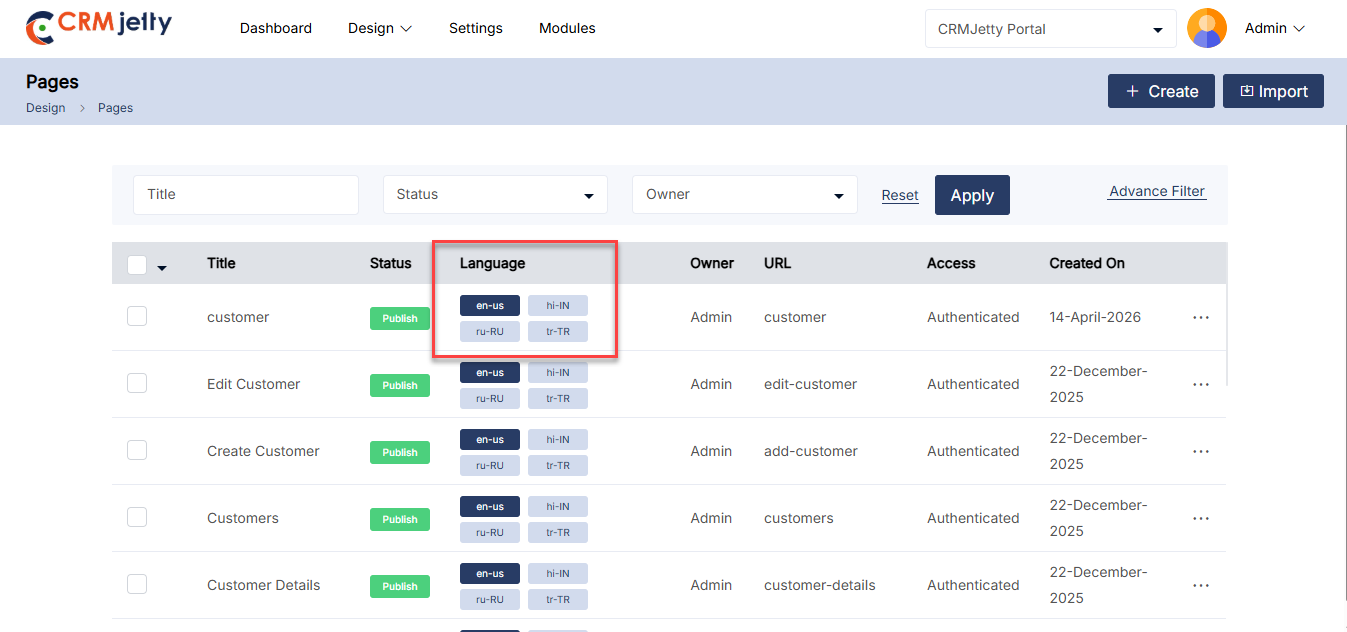
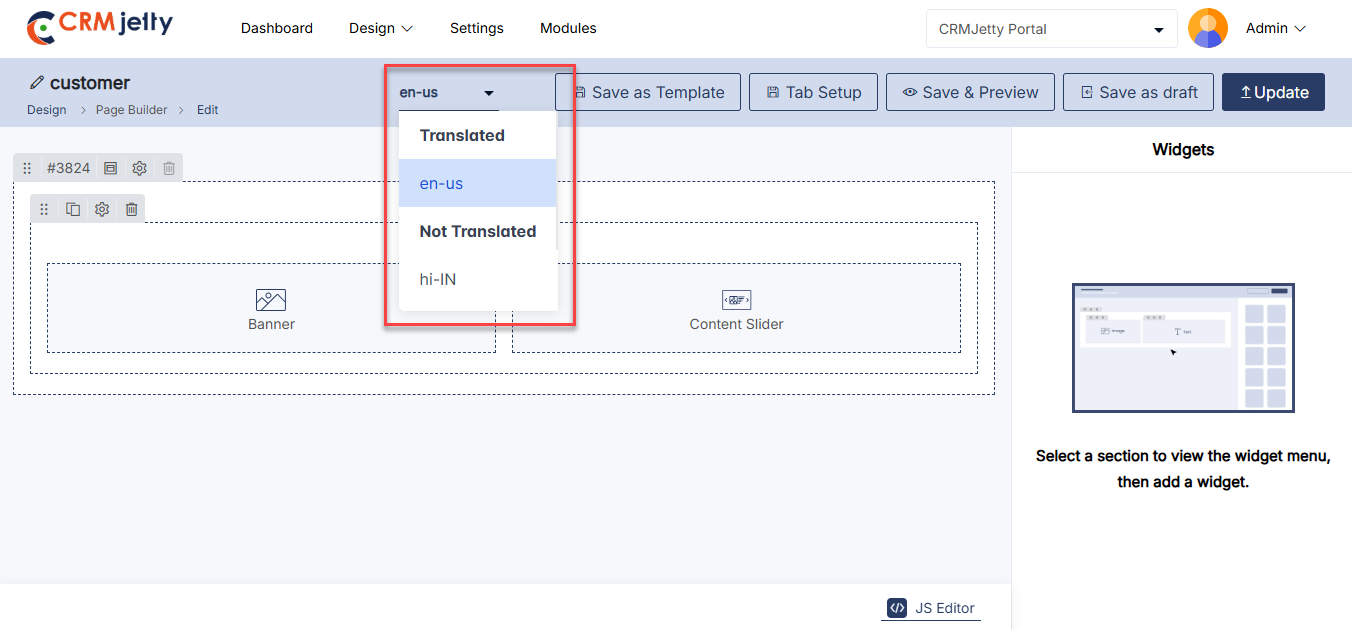
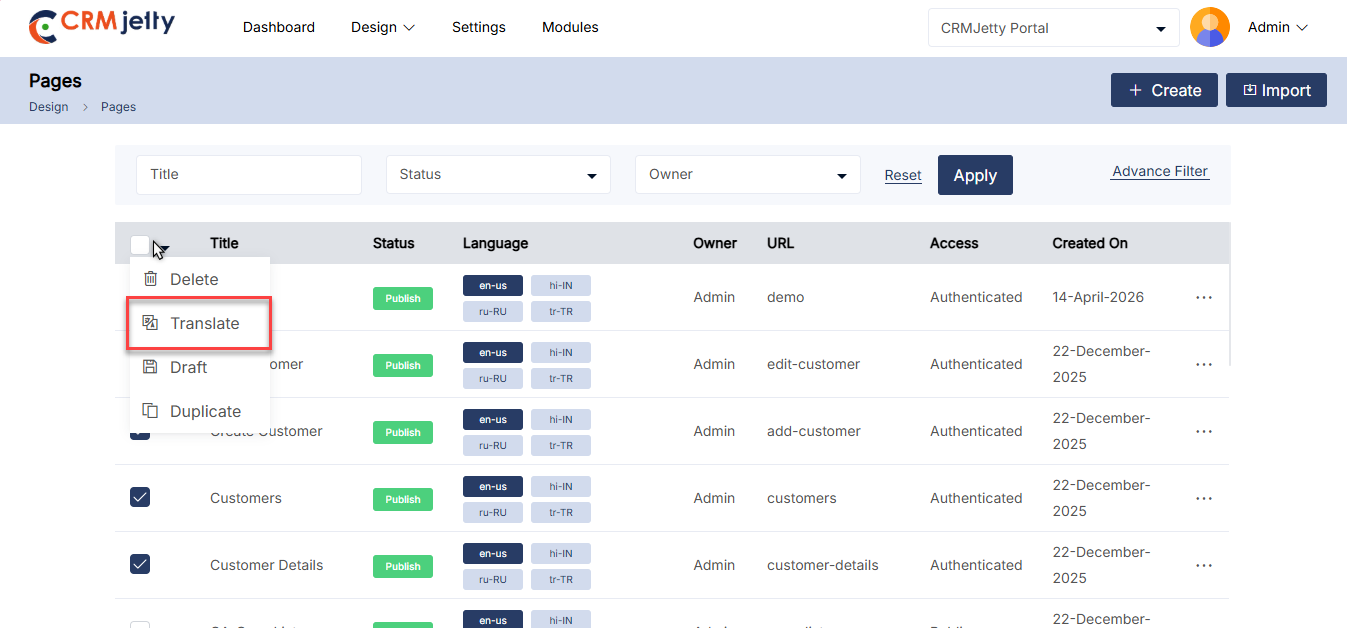
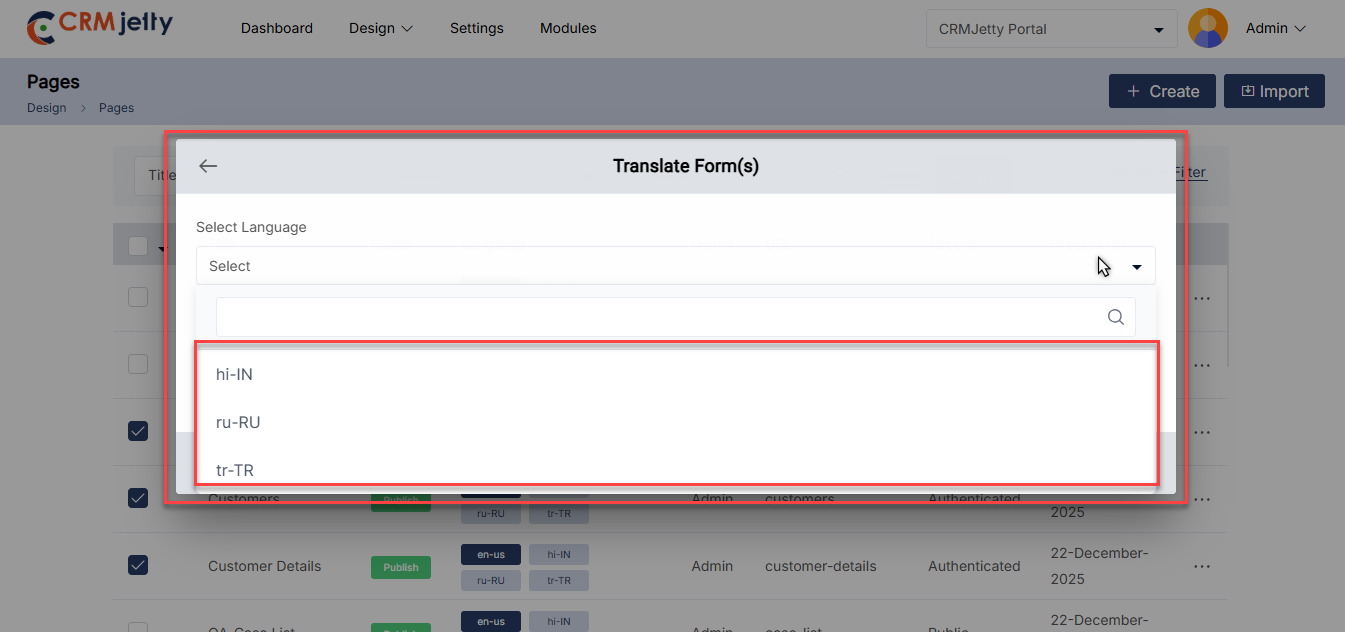
Edit Page
To edit a page, navigate to the portal pages list and click the three dots (…). This will show the Edit icon. Clicking the icon will redirect the Admin to the edit page. [1]
The Admin can update all the details and configurations. After updating, click the “Update” button. [2]
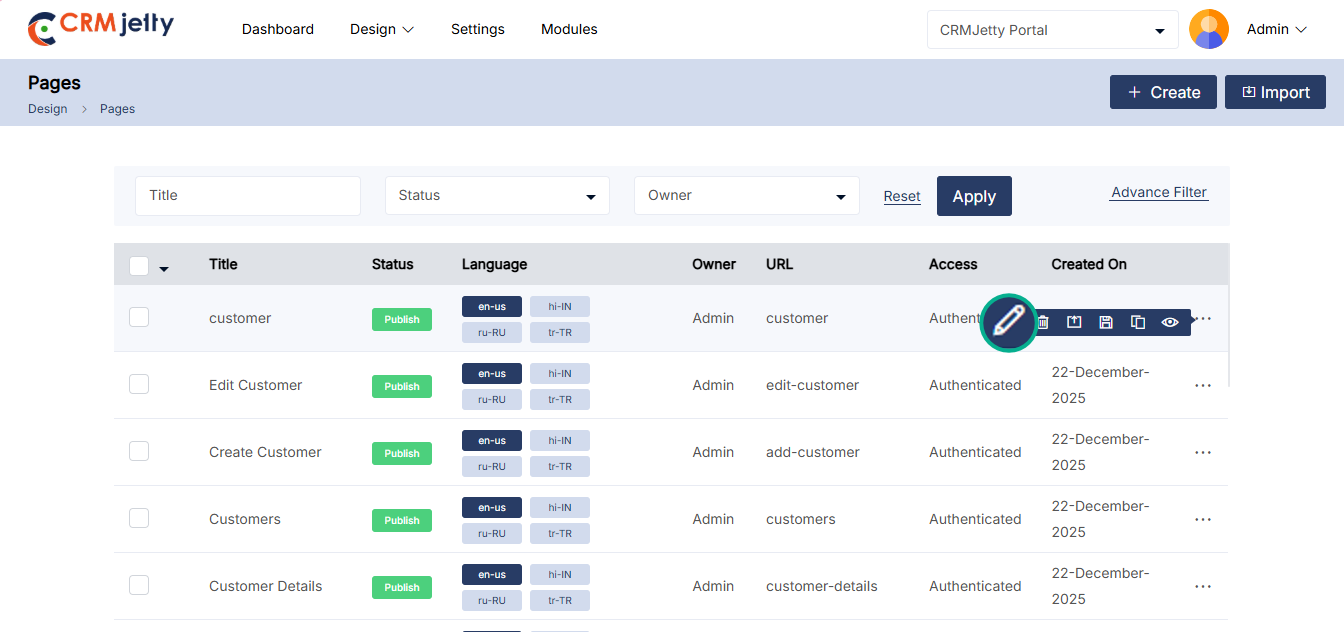
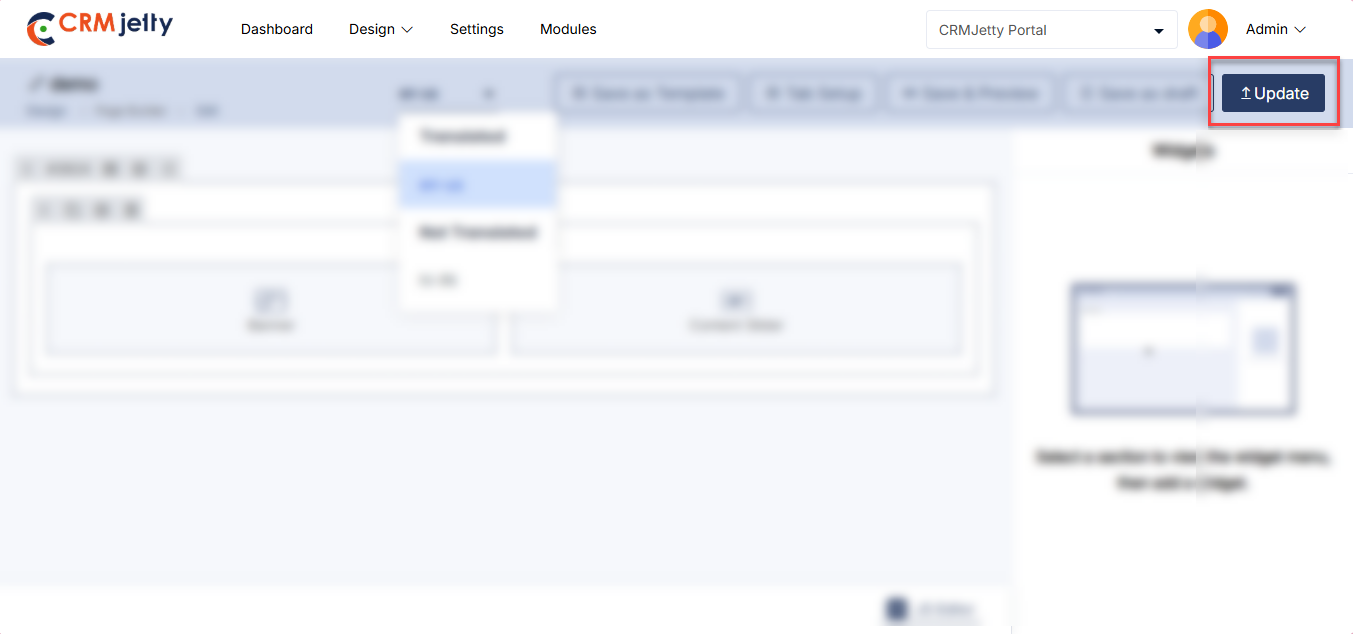
Delete Page
To delete a portal page, navigate to the page list and click the three dots (…). Clicking on the dots will reveal the Delete icon. Clicking this will display a warning pop-up message.
Click the OK button to permanently delete the page from the portal. [1]
Bulk Delete Pages
The Admin should start by selecting the pages for deletion. This can be done by clicking the checkboxes beside each page.
After selecting the pages, the Admin needs to click on the bulk action checkbox. From the available options, select the “Delete” option. [2]
A confirmation pop-up will appear after selecting the “Delete” option. To finalize and permanently remove the selected pages, click the “OK” button. If deletion is not required, click the Cancel button to exit the process. [3]
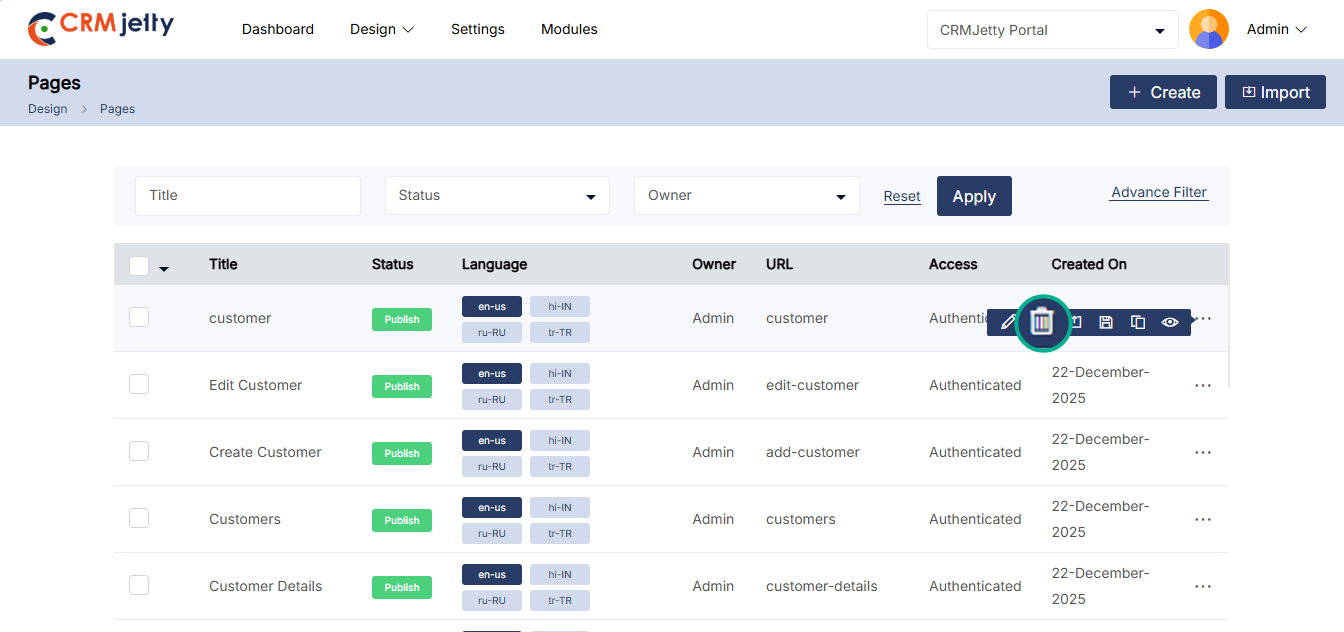
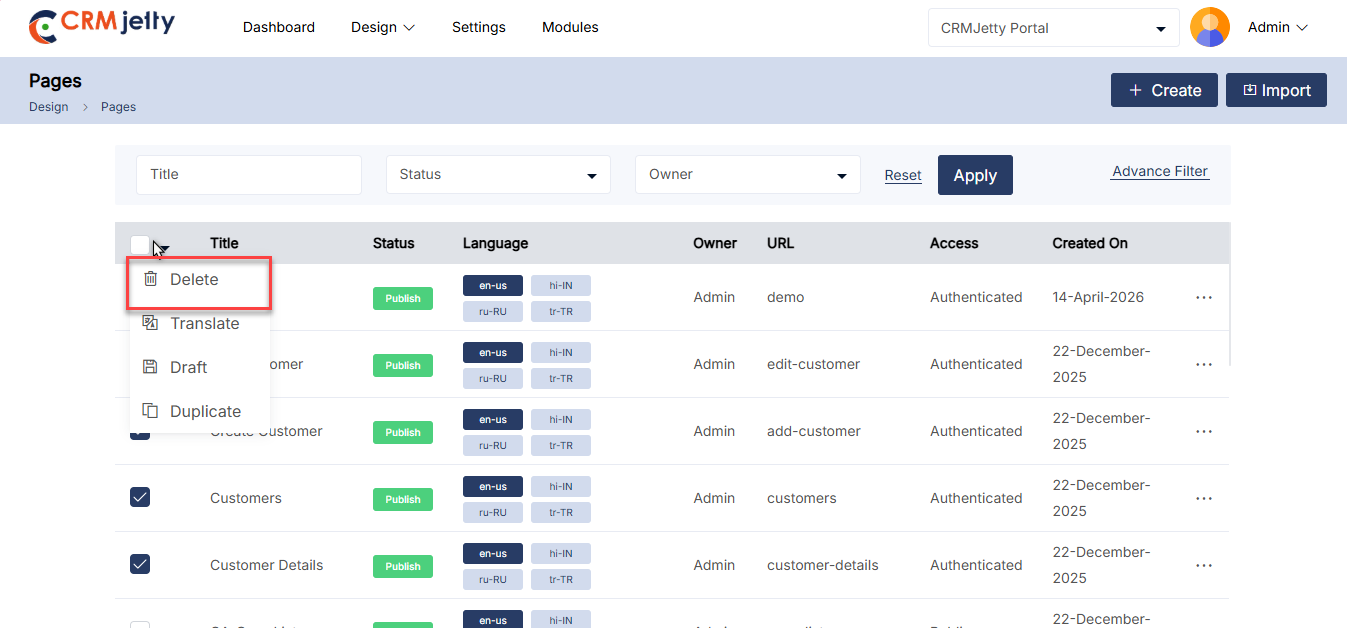
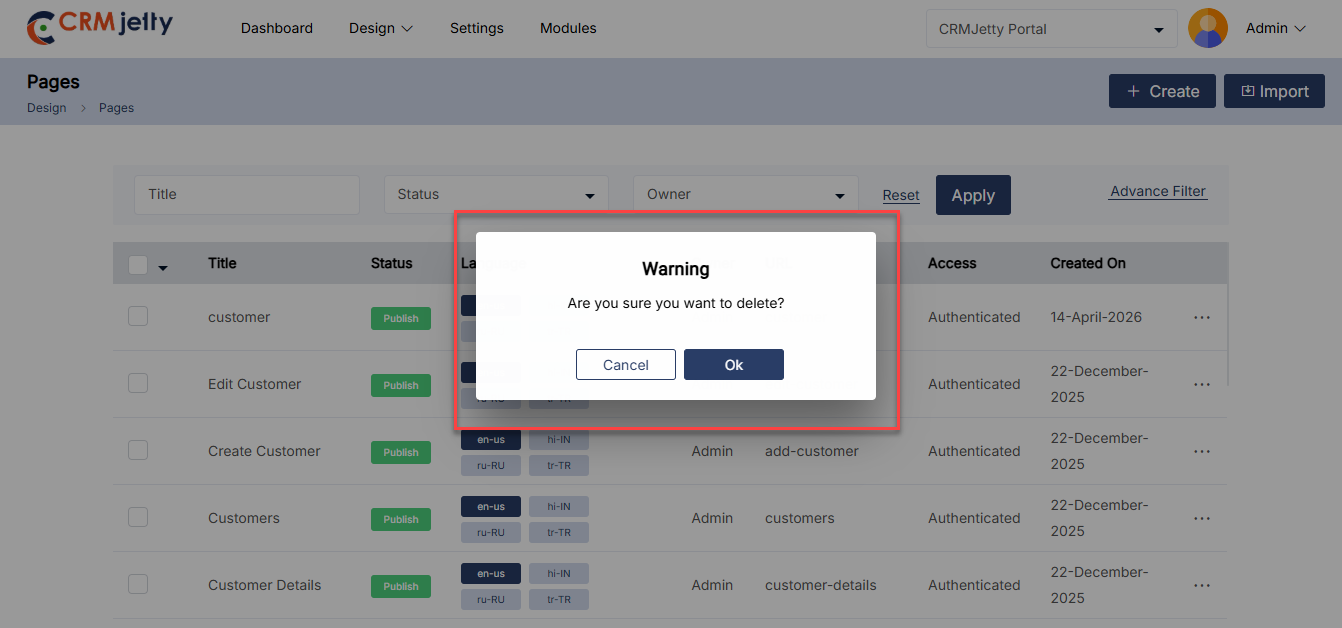
Draft Page-yd
To draft a portal page, navigate to the page list and click the three dots (…). Clicking on the dots will reveal the “Draft” icon. By clicking this icon, the page will be saved as a draft, and the Admin will see a success message on the right side of the page. [1]
Note: Draft pages are disabled for the customer portal. To use these pages, the Admin must publish them.
Bulk Draft Pages:
The Admin should start by selecting the pages to be drafted. This can be done by clicking the checkboxes beside each page entity.
After selecting the pages, click on the bulk action checkbox. From the available options, select the “Draft” option. [2]
By clicking on the draft option, the selected pages will be saved as drafts, and the Admin will see a success message on the right side of the page. [3]
Note: When drafting pages in bulk, Admin ensures that only the published pages are selected.
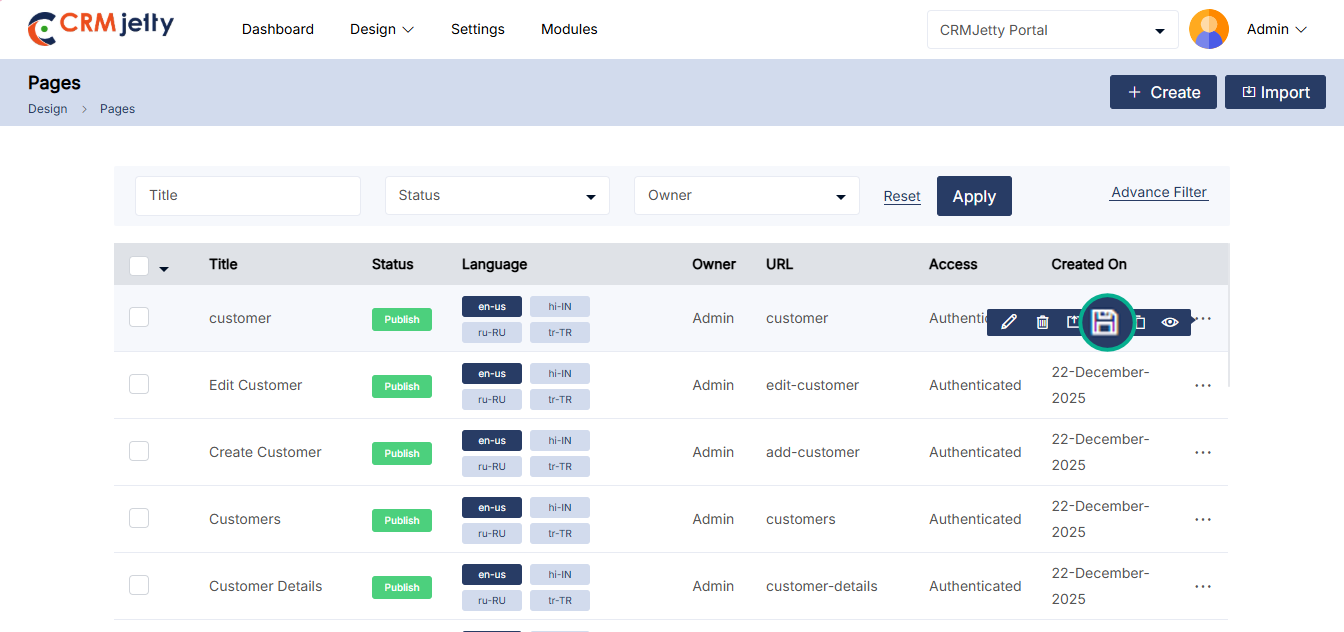
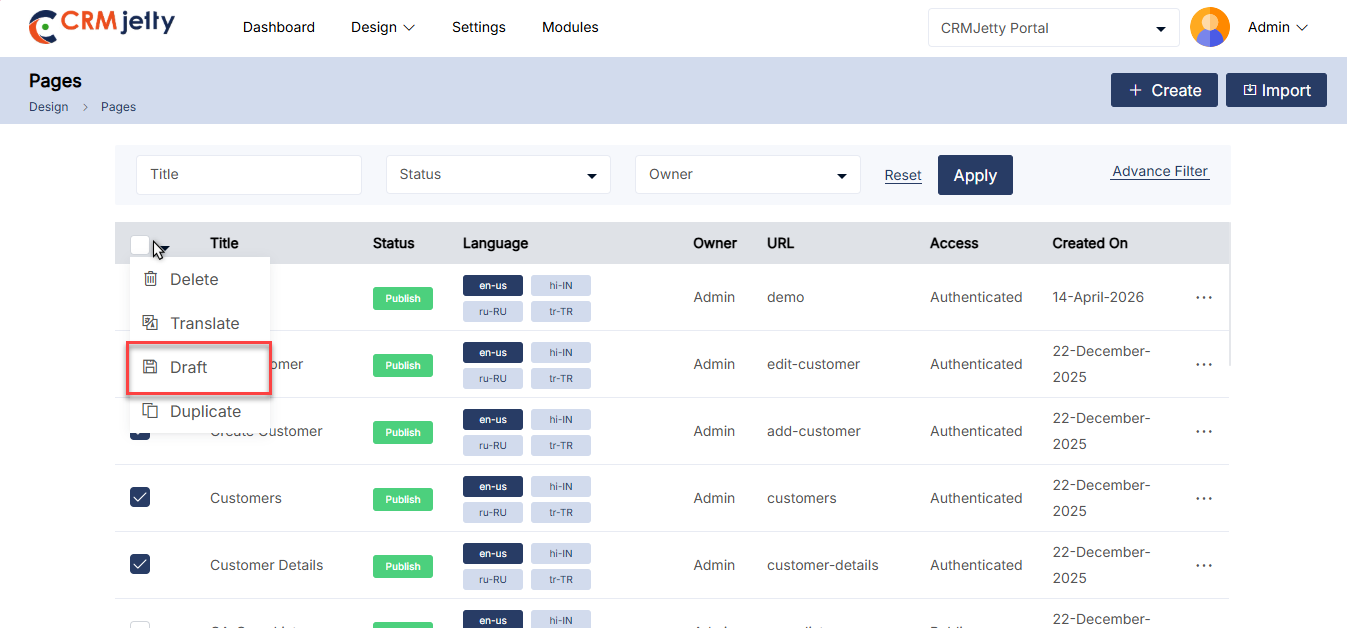
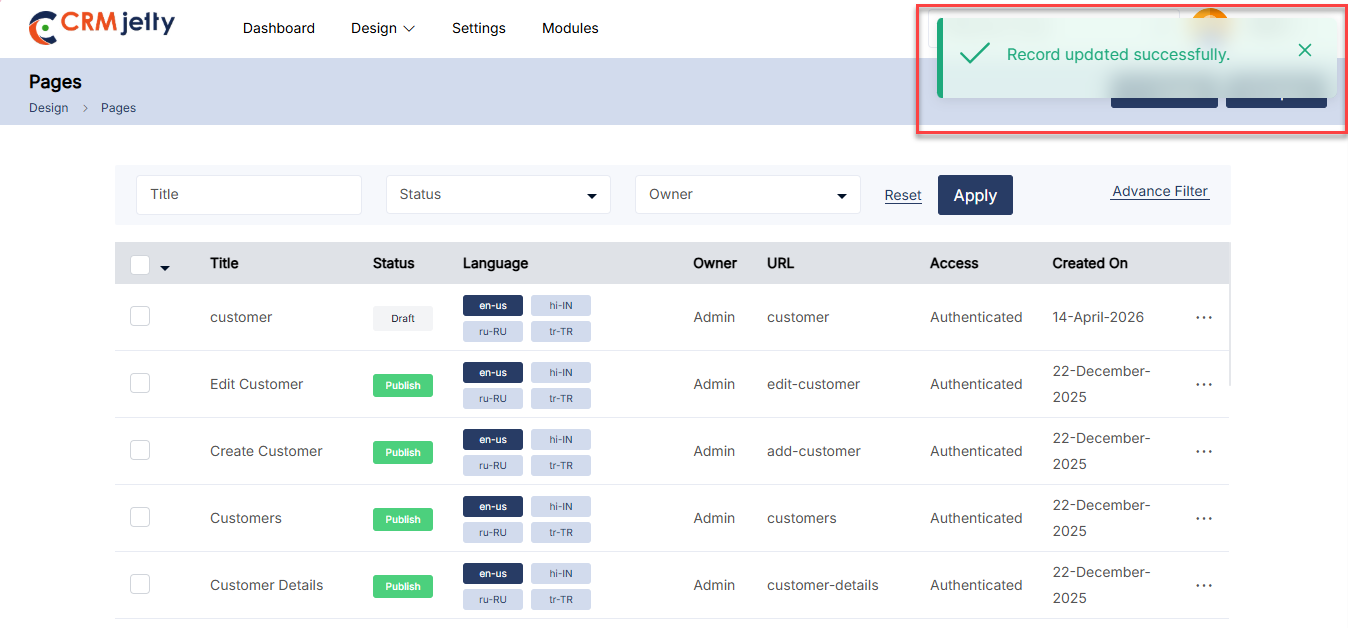
Publish Page
To publish a portal page, navigate to the page list and click the three dots (…). Clicking on the dots will reveal the “Publish” icon. By clicking this icon, the page will be published, and the Admin will see a success message on the right side of the page. [1]
Bulk Publish Pages:
The Admin should start by selecting the pages to be published. This can be done by clicking the checkboxes beside each page entity.
After selecting the pages, click on the bulk action checkbox. From the available options, select the “Publish” option. [2]
By clicking on the publish option, the selected pages will be published, and the Admin will see a success message on the right side of the page. [3]
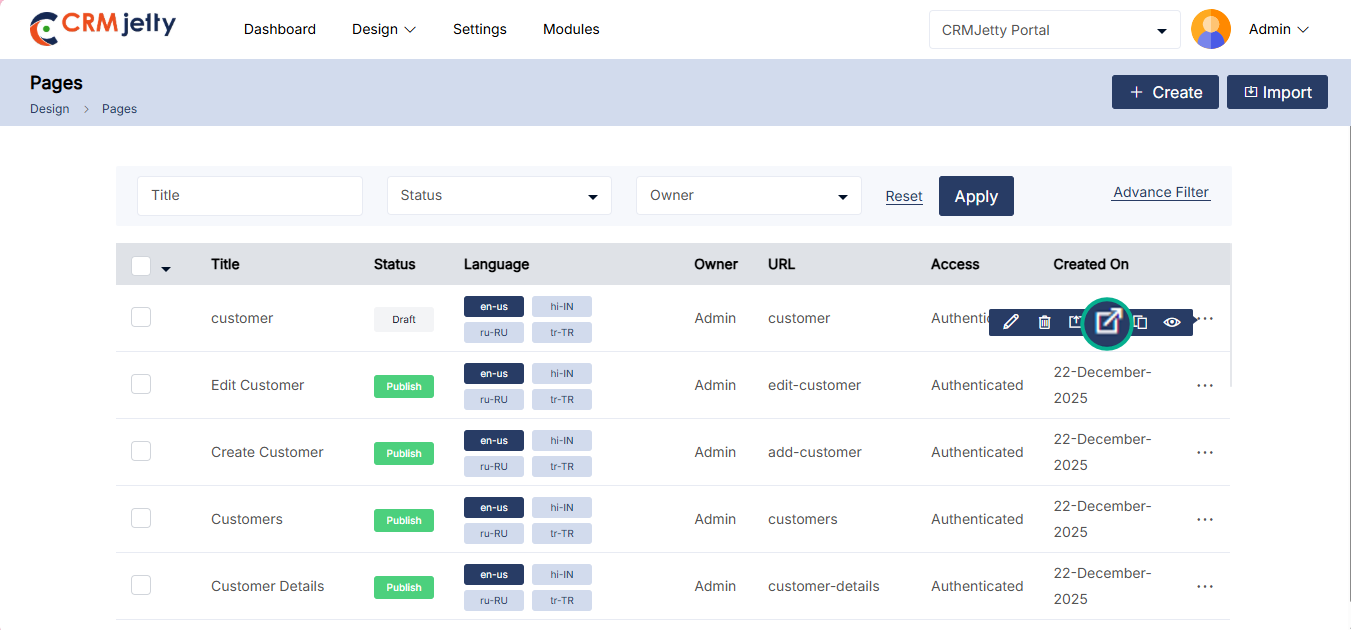
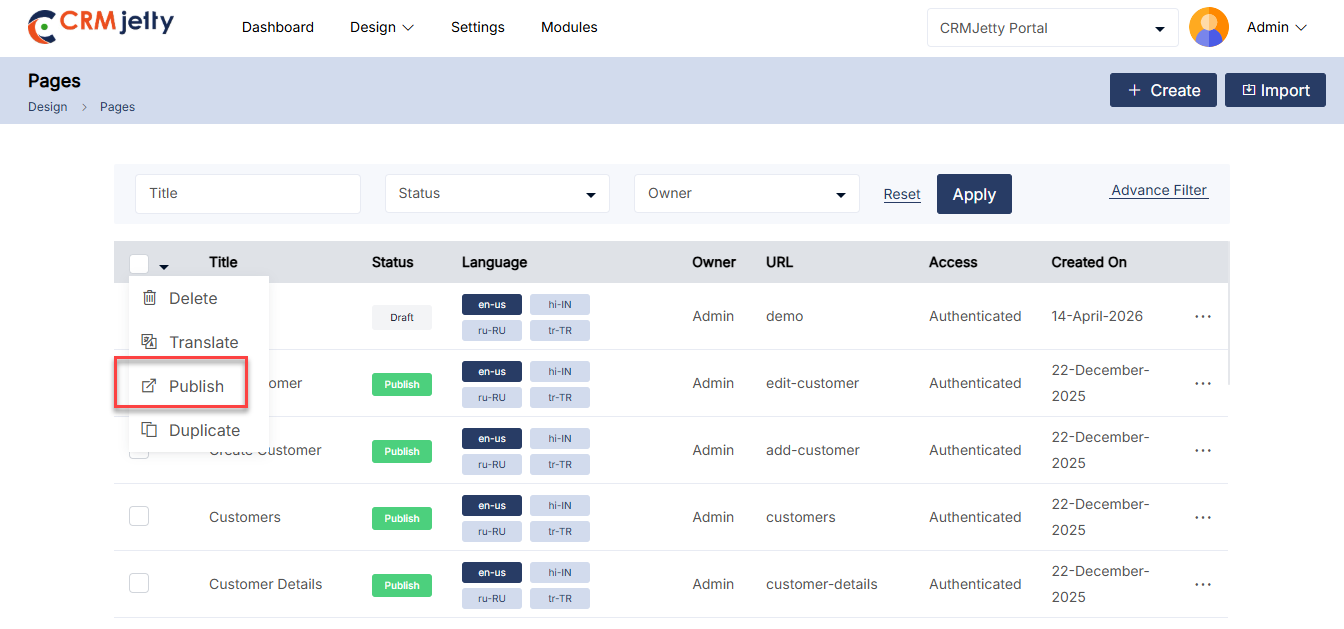
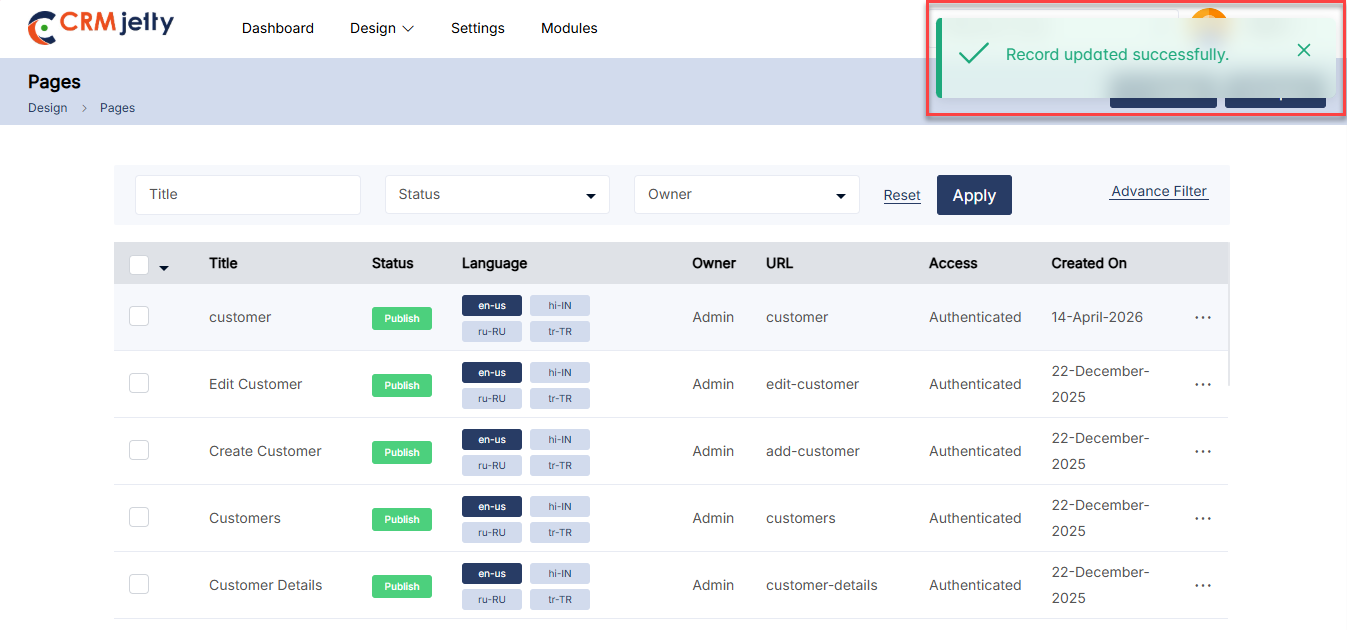
Duplicate Page
To duplicate a portal page, navigate to the page list and click the three dots (…). Clicking on the dots will reveal the “Duplicate” icon. Selecting this button will initiate the duplication process. [1]
Once the “Duplicate” button is clicked, the page will be copied, and a new duplicate page will appear in the portal. The duplicated page will be named “Page Name – Copy” (e.g.,Orders-Copy). [2]
After duplication, the Admin will see a success message on the right side of the page.
Bulk Duplicate Pages:
The Admin should start by selecting the pages to be duplicated. This can be done by clicking the checkboxes beside each page entity.
After selecting the pages, click on the bulk action checkbox. From the available options, select the “Duplicate” option. [3]
The selected pages will be duplicated and added as “Page Name – Copy” (e.g., Orders-Copy). After duplication, the Admin will see a success message on the right side of the page. [4]
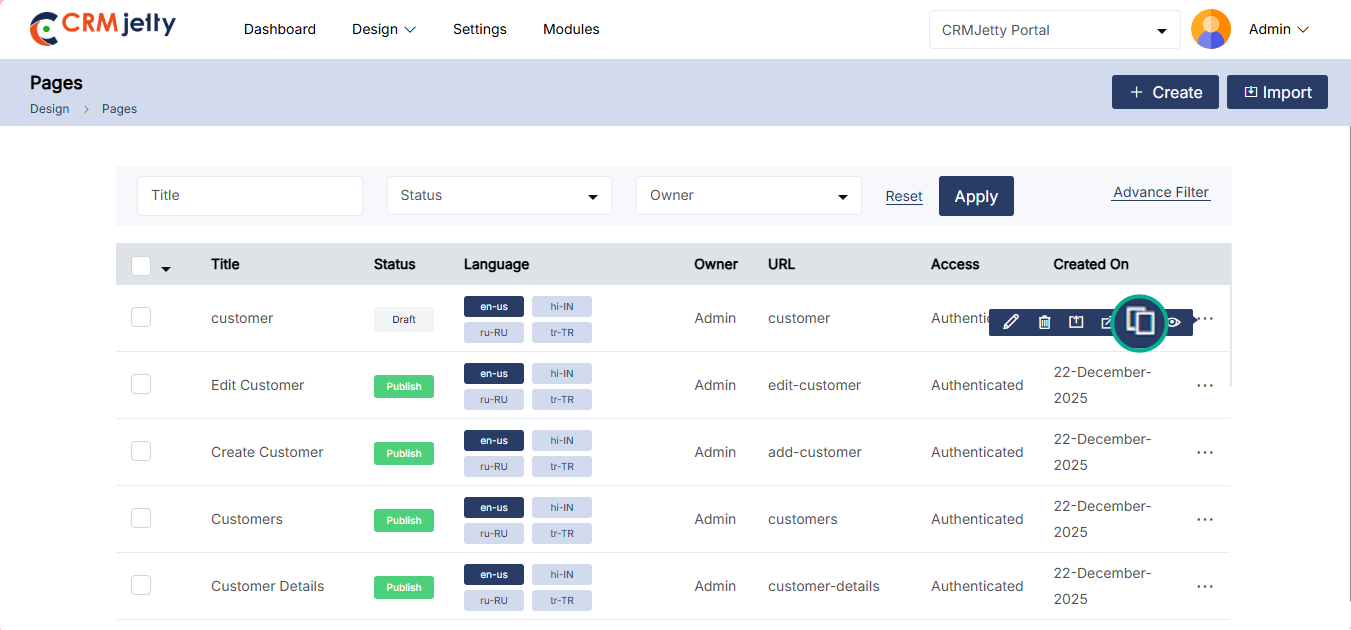
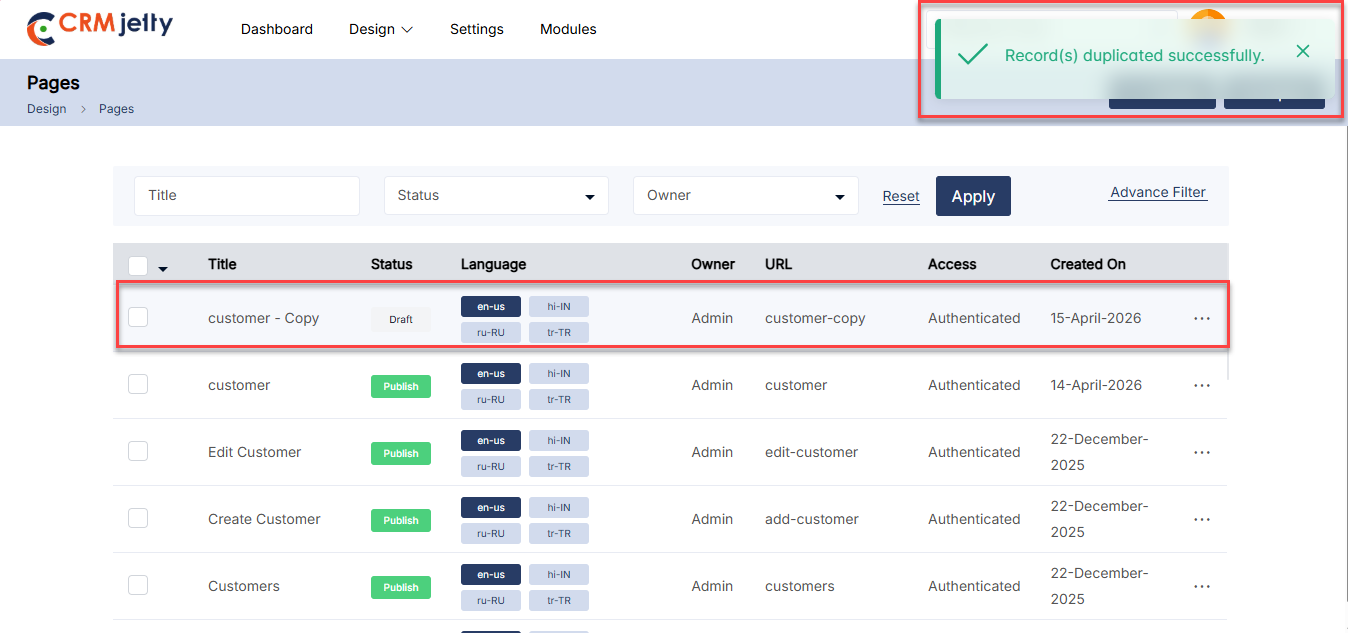
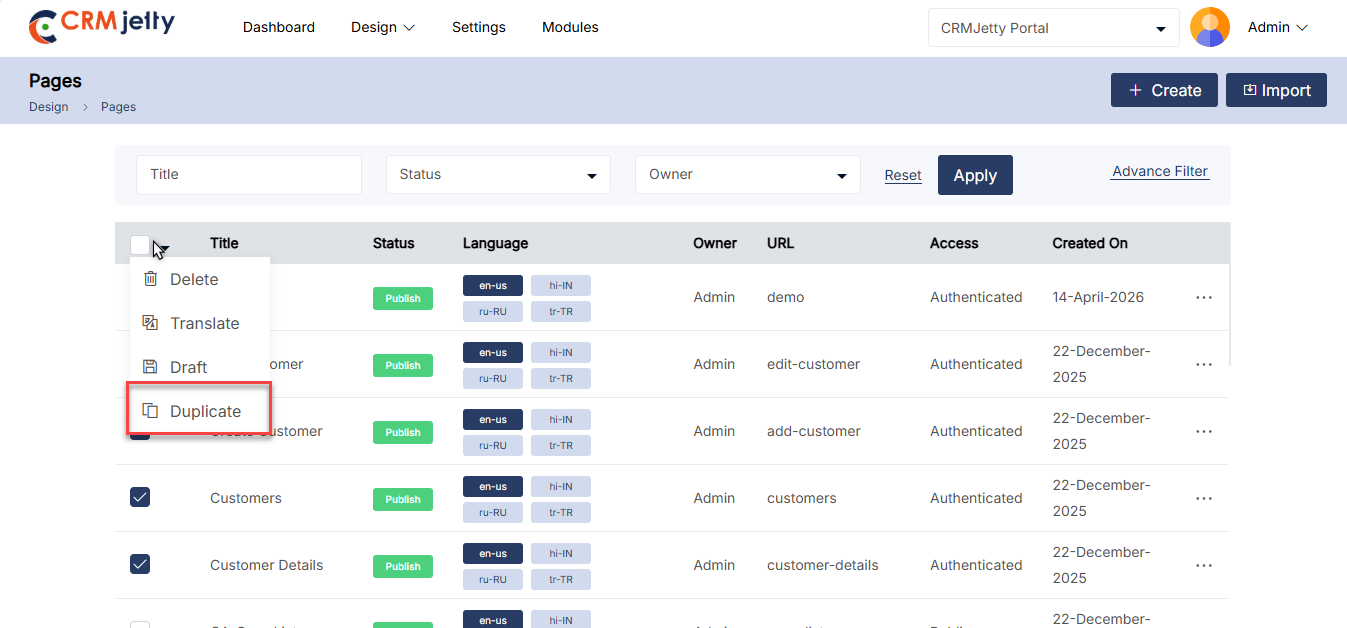
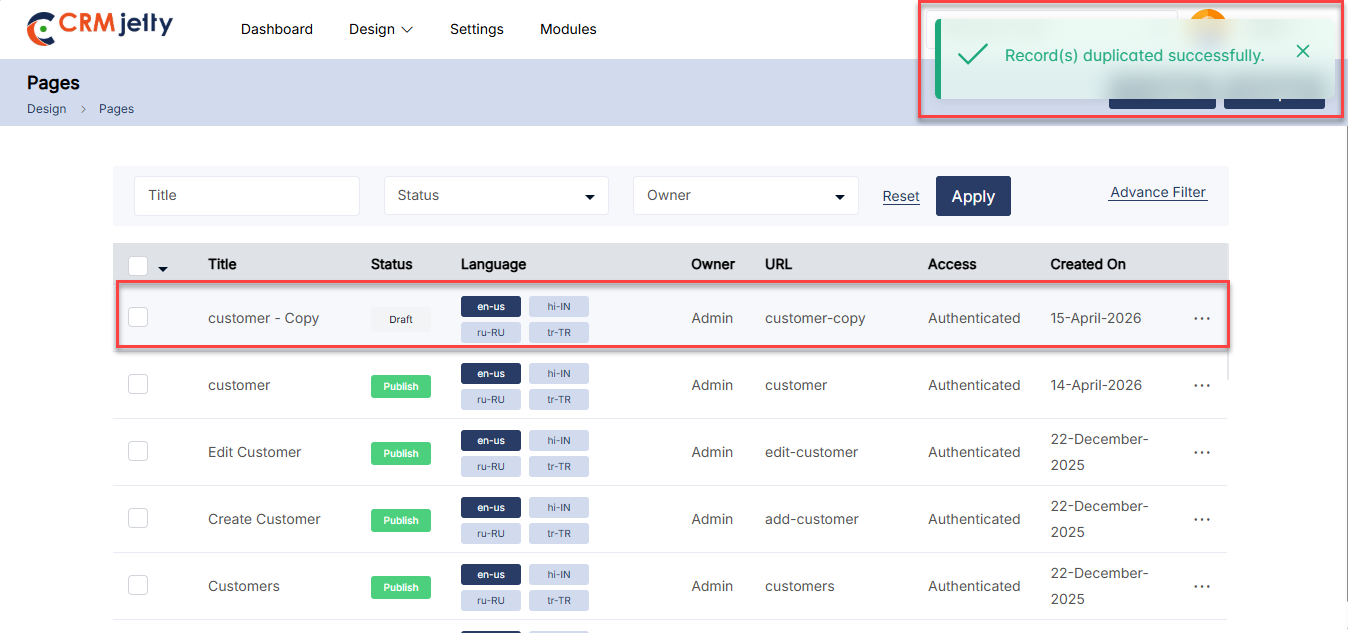
Preview Page
To preview a portal page, navigate to the page list and click the three dots (…). Clicking on the dots will reveal the “Preview” icon. Selecting this button will open a preview window displaying the layout of the page.
Note: The Admin cannot add or modify any content within the page during this preview; it is just a view of the page layout.
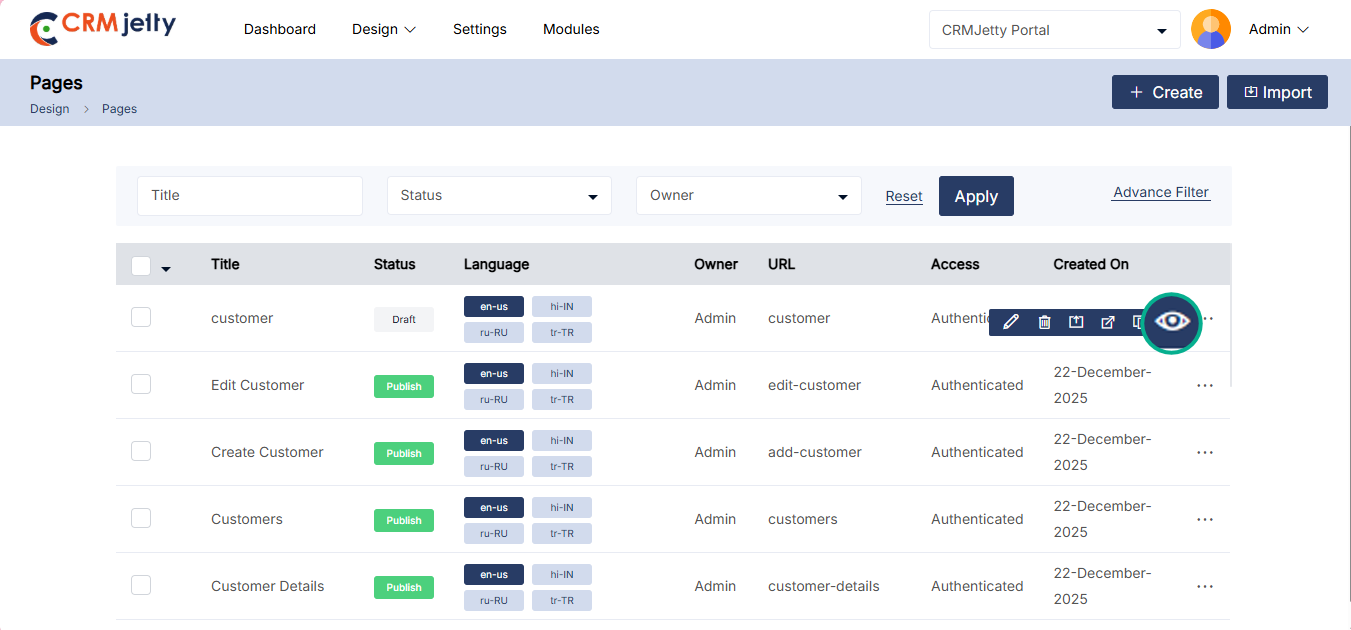
Export Page
Export Page
To export Pages, navigate to Design > Pages. Click the three dots (…) next to the respective page and select the Export option. The system will automatically include the details for the selected email template. [2]
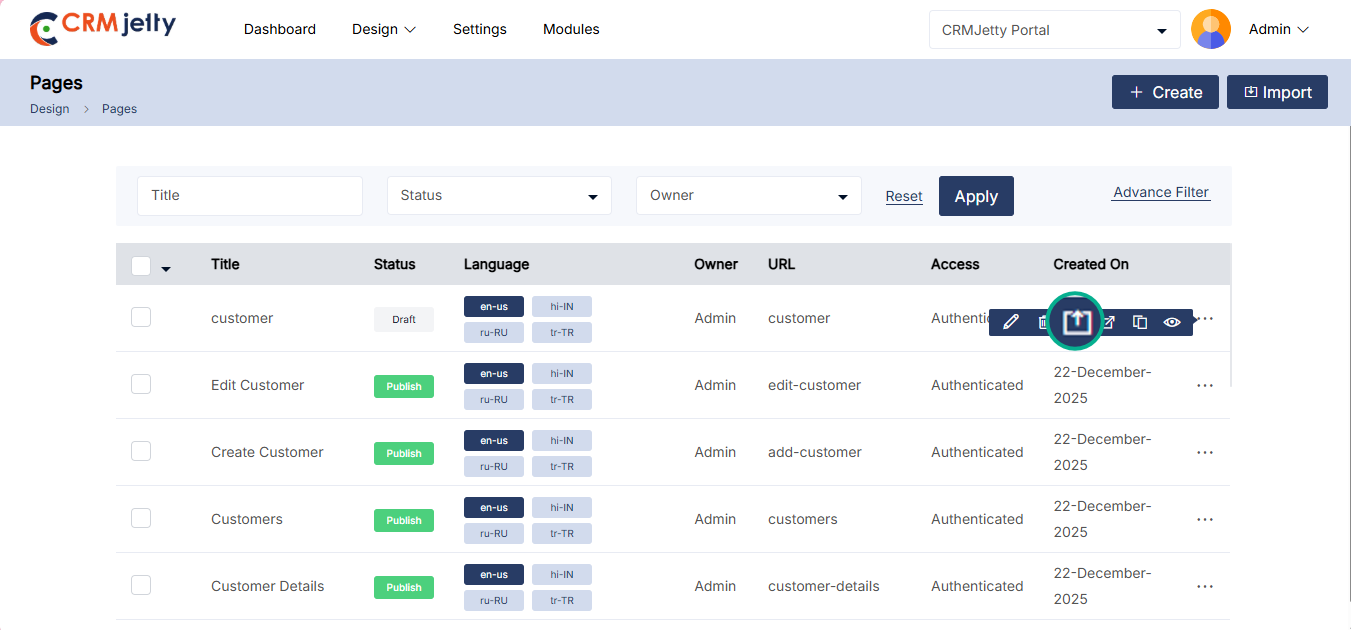
Static Widgets
CRMJetty static widgets are predefined elements that Admin can use to build and customize pages within a CRMJetty-powered portal. These widgets allow Admin to add specific functionalities or content to a page without needing to code from scratch. Some of the static widgets include: [1]
– Banner: Add visual banners to the page for highlighting key information or promotions.
– BreadCrumb: Display navigation breadcrumbs to help users keep track of their location within the portal.
– Button: Insert clickable buttons that can trigger various actions or navigate users to different parts of the portal.
– Content Slider: Showcase rotating content or images in a slider format, ideal for featured content or announcements.
– Forgot Password: Provide a widget for users to reset their password if forgotten.
– Forgot Username: Allow users to retrieve their username through this widget.
– IFrame: Embed external web content within a portal page using an iframe.
– Image: Insert images to visually enhance the page content.
– Menu: Add a navigation menu to help users access different sections of the portal.
– Slider: Similar to the content slider, this widget focuses on showcasing images in a rotating format.
– Testimonial: Display customer testimonials in a dedicated section to build trust and credibility.
– Text: Add simple text blocks to the page for conveying information.
– Video: Embed videos to provide multimedia content to portal users.
– Global Filter: Enable a single, consistent filter that applies across the entire page for a unified viewing experience.
– PowerBI:The PowerBI Widget allows Admin to embed Power BI reports or dashboards into a webpage.
– Shareable Page: Add a shareable widget to allow the page to be shared with view-only access.
To add a widget to your page layout, click on the widget you want to use. Then, drag and drop it onto the page layout grid. You can customize it by adding HTML IDs and classes, ensuring a consistent design across different pages. This approach improves user experience by allowing you to reuse commonly needed functionalities.
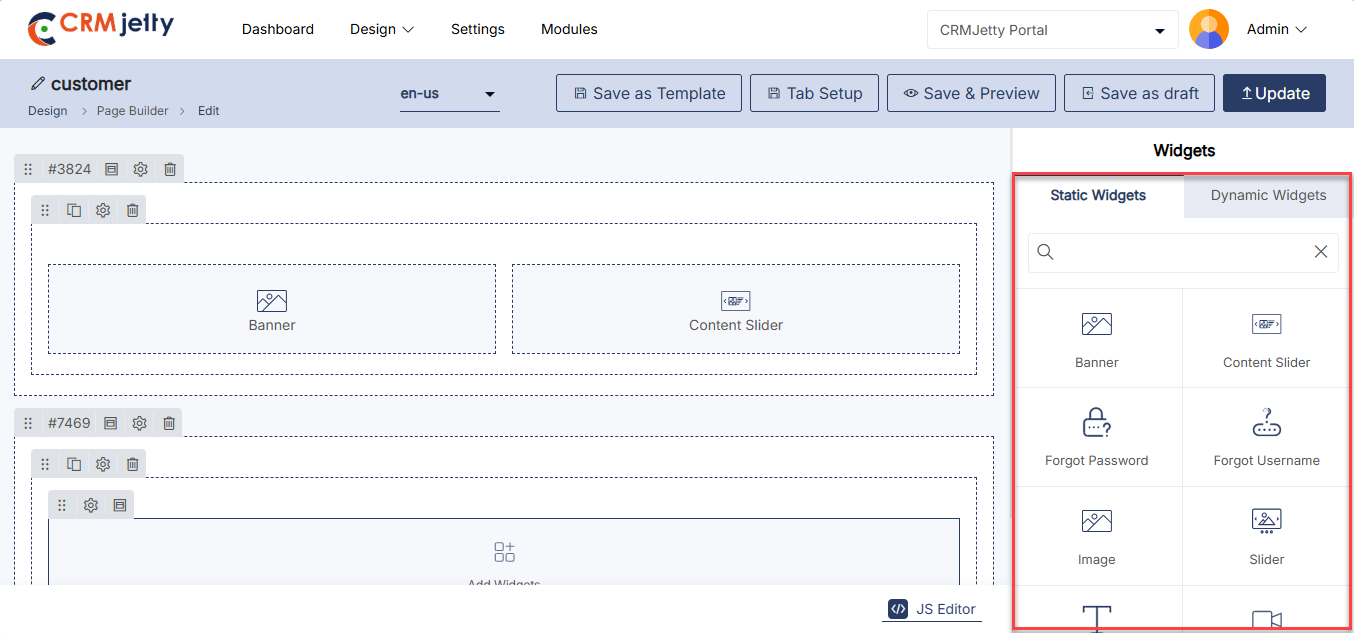
Banner
Admin can create a page banner aligned with the organization’s theme by using the Banner widget within CRMJetty.
Add Banner Widget:
To add a Banner, click on the ‘Banner’ widget, then select the desired “Add Widgets” section in the page layout where you want to place it. This action will insert the widget into the layout. [1]
Configure the Banner: Click on the ‘Settings’ icon of the Banner widget to open its configuration panel. [2]
Banner Configuration:
General Configuration
– Select Template: Admin Choose from three available templates to determine the layout of banner: [3]
– Only Content
– Content (left) & Image (right)
– Image (left) & Content (right)
Header
Banner’s Header:
– Text: Input the text to be displayed as the header.
– Color: Use the custom color picker to choose the desired color for the header text.
Banner’s Subheader:
– Text: Input the text to be displayed as a subheader.
– Color: Choose the color for the subheader text using the custom color picker.
Enable Button: [4]
– Label: Set the text label that will appear on the button.
– Label Color: Choose the color for the button label using the custom color picker.
– Background Color: Set the background color for the button.
– Border Color: Choose a color for the button’s border.
– Border Radius: Specify the border radius in pixels to create rounded corners for the button.
Redirect to:
– Page: Redirect users to a specific portal page when they click the banner button.
– Select Page: Choose the page where the user will be redirected.
– URL: Input a URL to navigate users to an external site.
– Enter URL: Enter the Url where admin will be redirects
Background of Banner: Select the background type for banner: (Color – Image – Video) [5]
– Color: Choose between Solid or Gradient options.
– Solid: Select a single color.
– Gradient: Choose a primary and secondary color, and set the gradient degree (0 to 360).
– Image: Upload an image to serve as the background.
Video:
– Upload: Upload a local video file (max 2MB, formats: MP4, M4V, MPG, WMV, MOV).
– External Link: Input a URL for an external video.
– Banner Height (px): Specify the height of the banner in pixels.
Banner Settings [6]
– HTML Class: Assign a custom HTML class to the banner for additional styling or scripting.
– HTML ID: Set a unique HTML ID for the banner, useful for targeting specific elements with CSS or JavaScript.
– Custom: Use the (custom-) field to add any specific attributes or classes that are unique to an organization’s needs.
– Card View: Enable the “Card View” option if Admin prefers the banner to be displayed as a card, providing a structured and compact appearance.
After configuring the banner, click the “Save” button to apply settings. Publish the page to make banners live on the customer portal.
Admin can also delete a widget by clicking on the ‘Delete Icon’, as highlighted in the screenshot. [7]
Front View Banner
The Front View Banner displays a prominent image or message at the top of the page, creating a visually engaging entry point for users. It can include text, buttons, and other elements to highlight key information. [8]
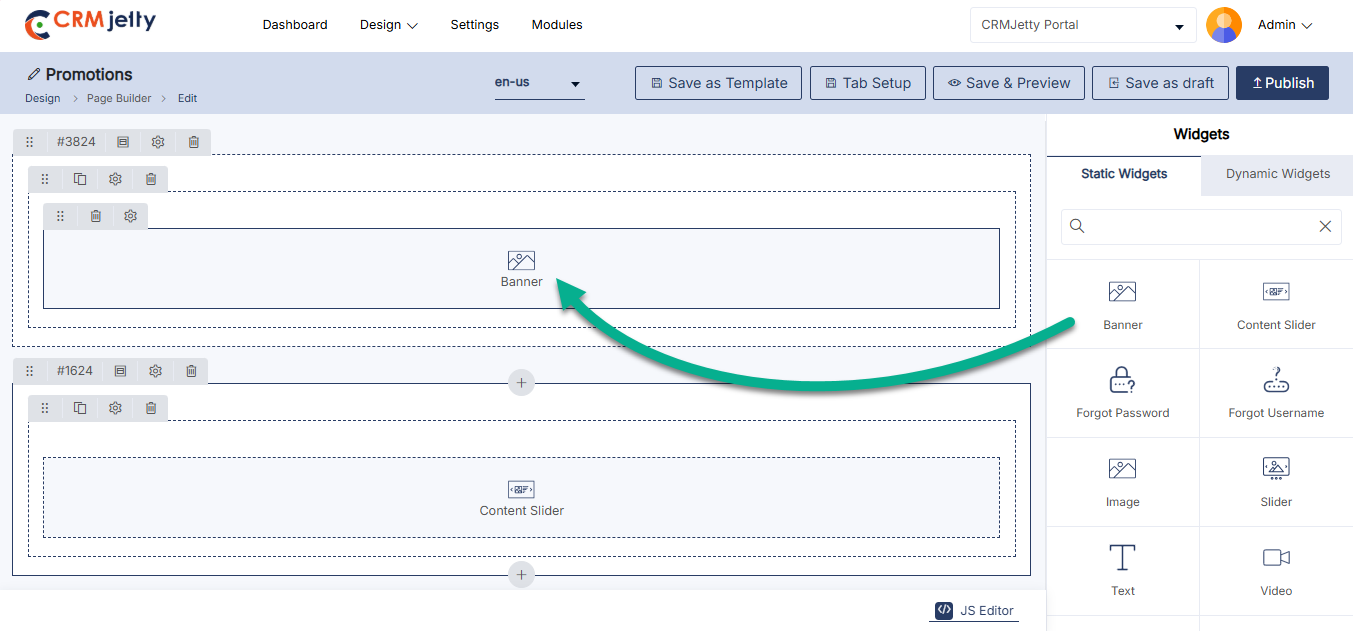
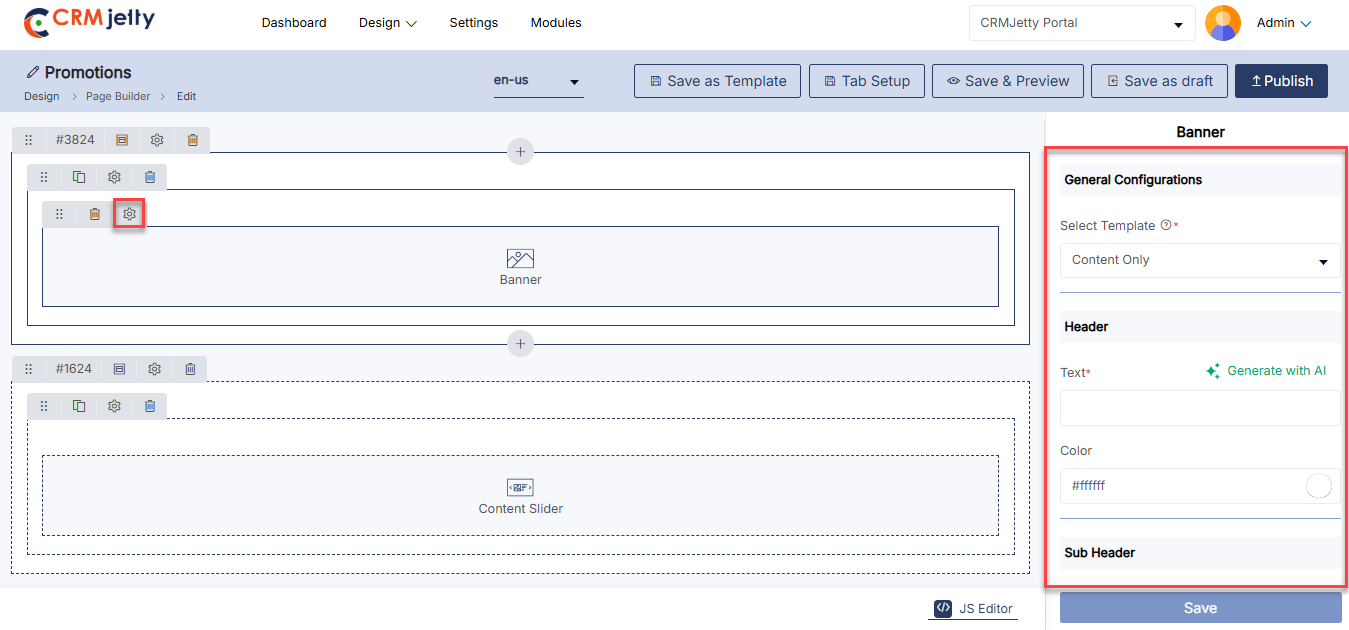
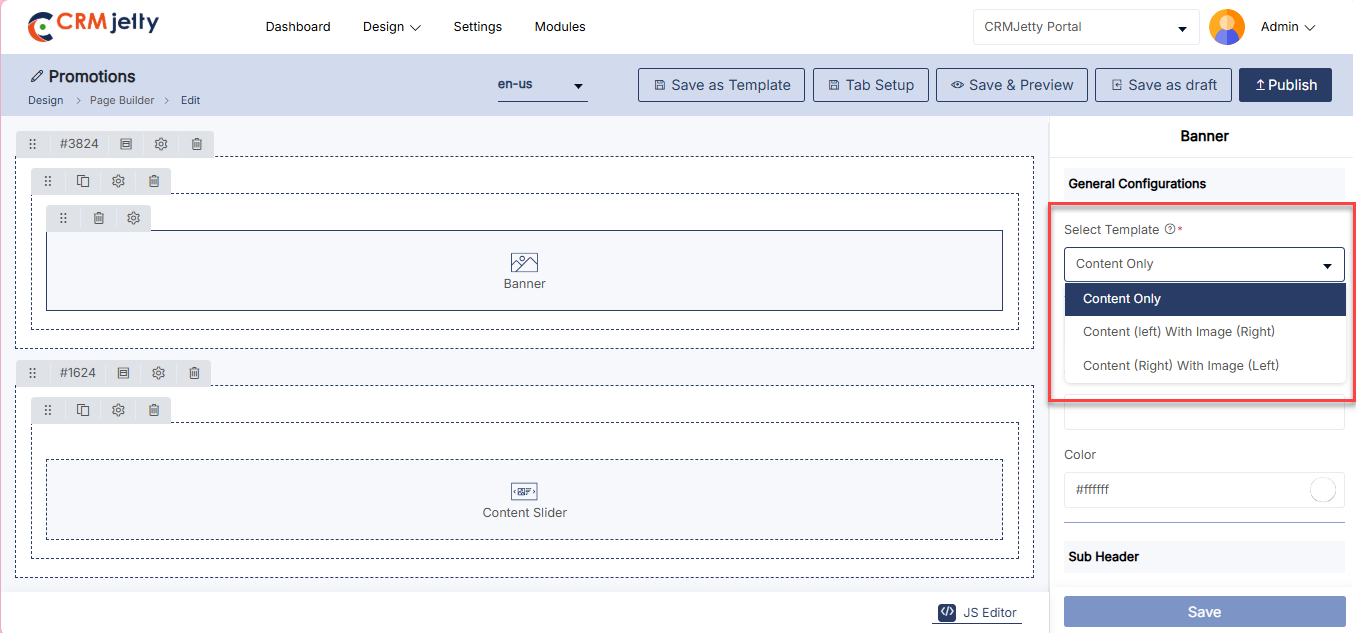
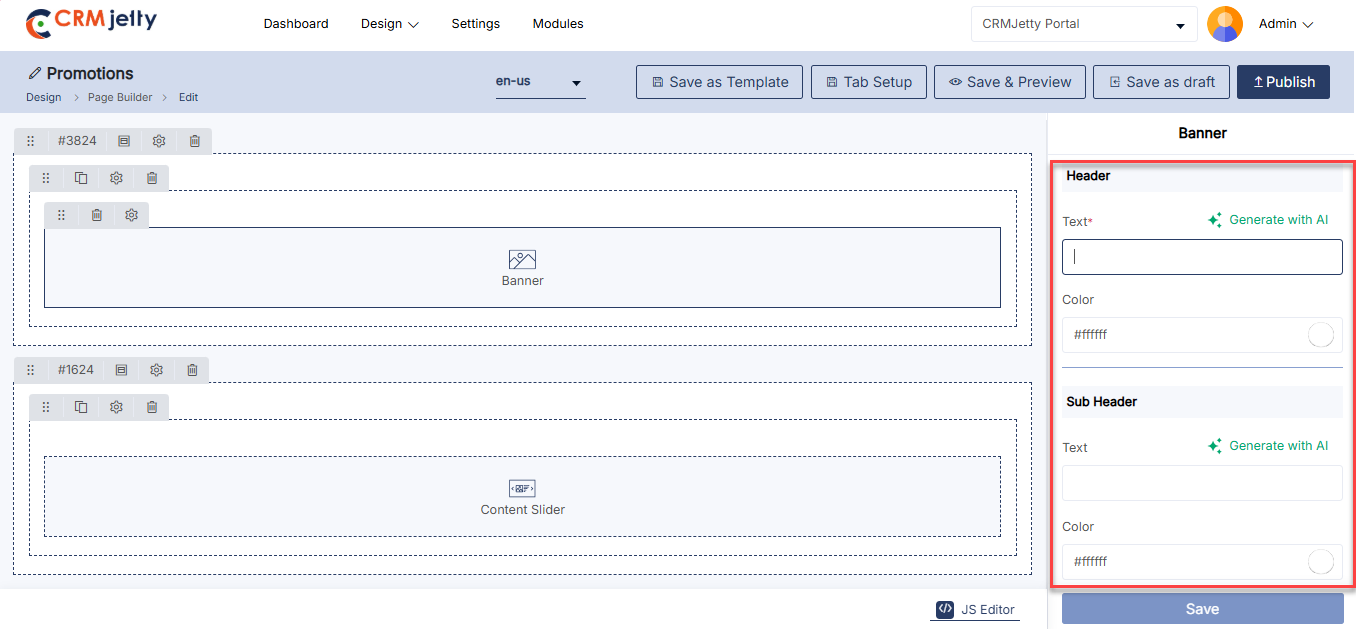
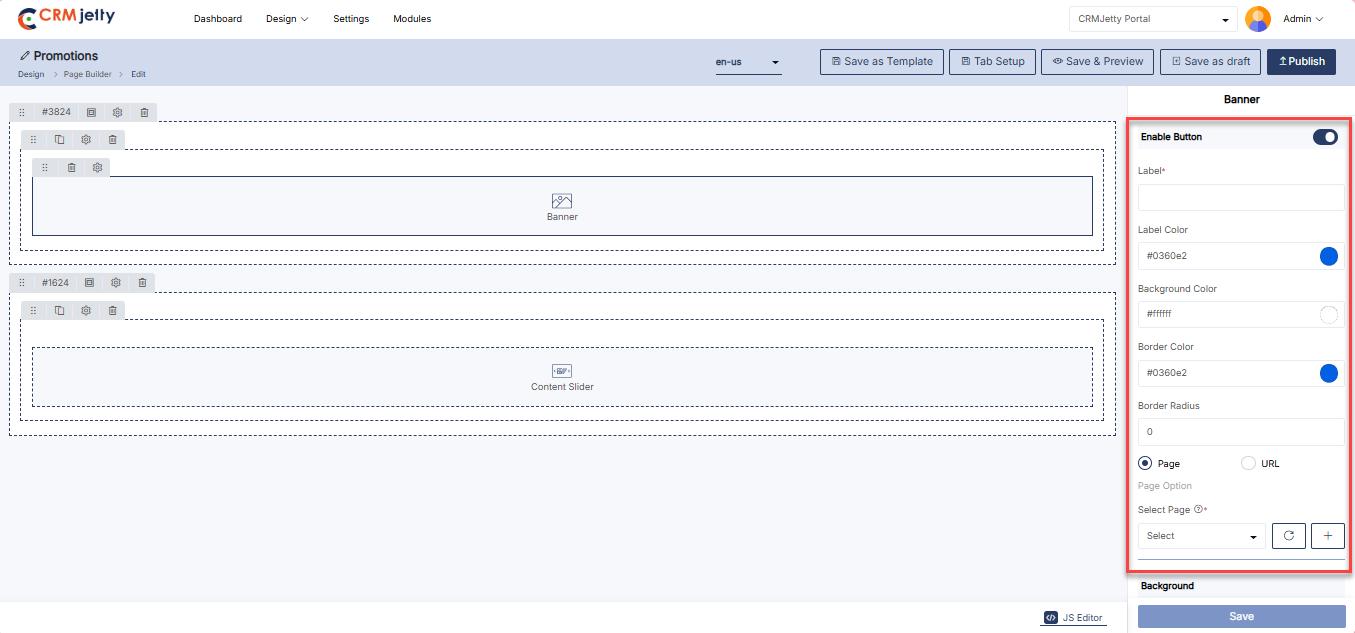
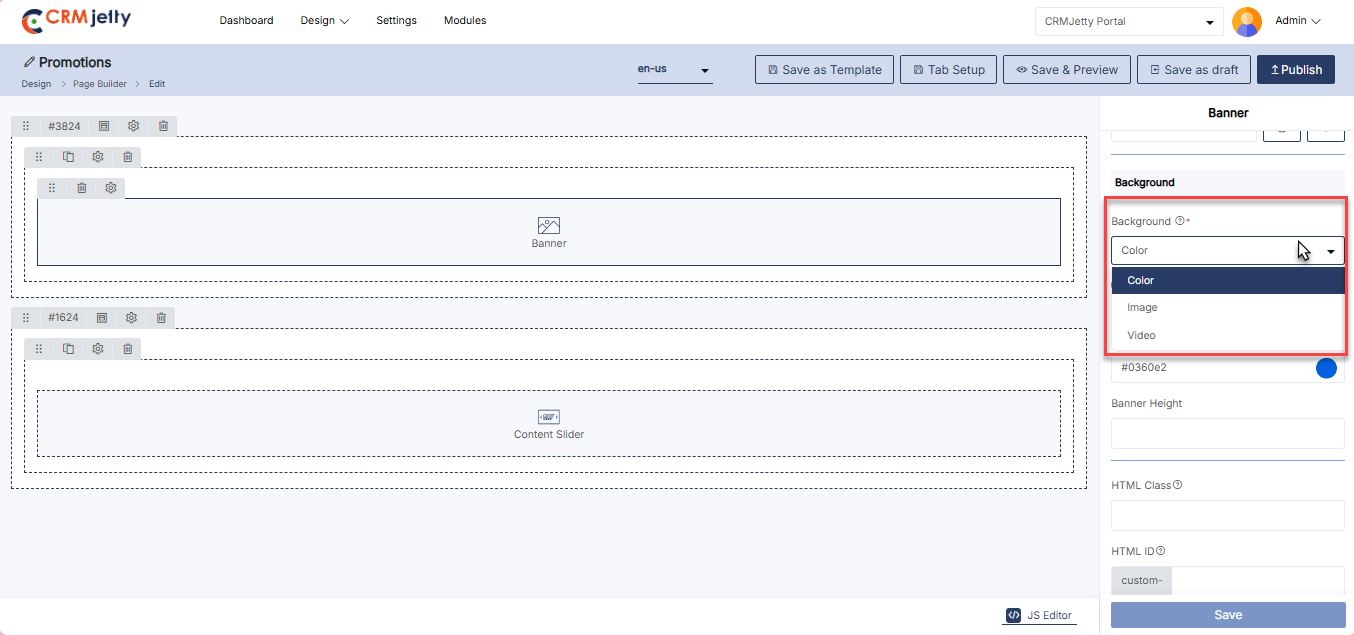
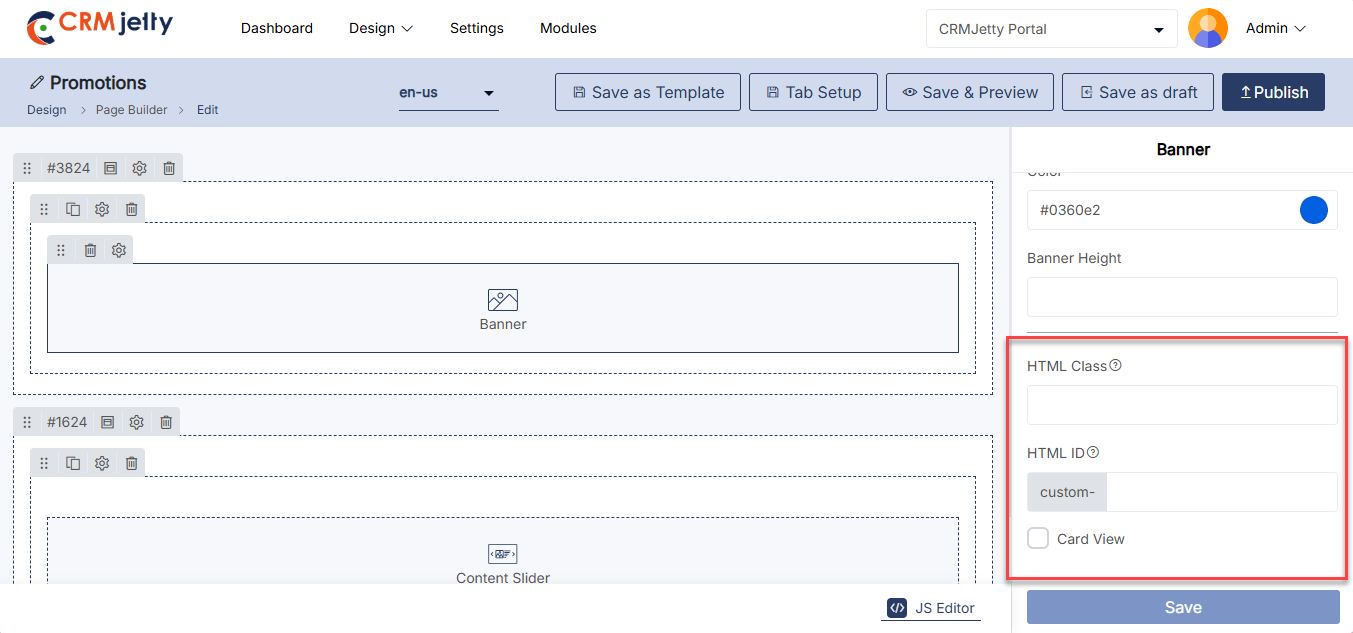
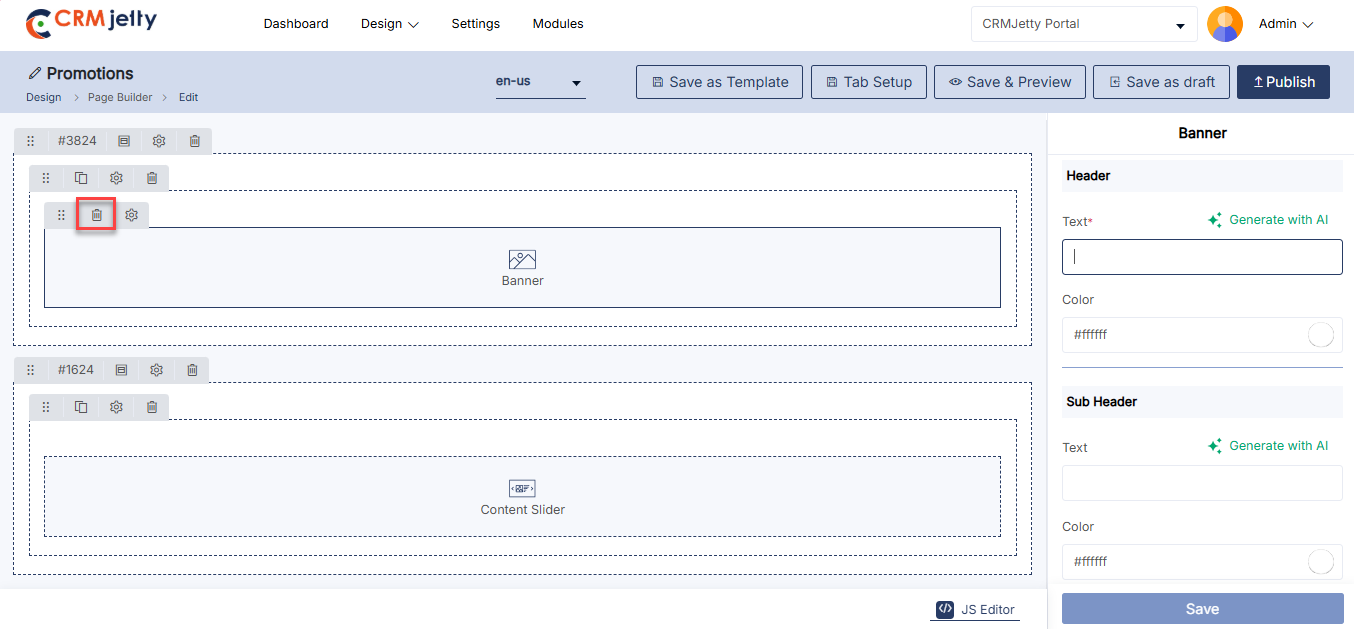
BreadCrumb
Admin can use the Breadcrumb widget to show a clear navigation path for portal users. This widget helps users easily track their location within the portal, enhancing their navigation experience. (eg. Design > Page Builder > Edit) [1]
To provide navigation, click on the ‘Breadcrumb’ widget. “Add widgets” section of page layout, then publish the page to make the breadcrumb live on the customer portal.
Front view Breadcrumb
The Front View Breadcrumb provides a navigational trail at the top of the page, helping users understand their current location within the site hierarchy and easily return to previous pages.[2]
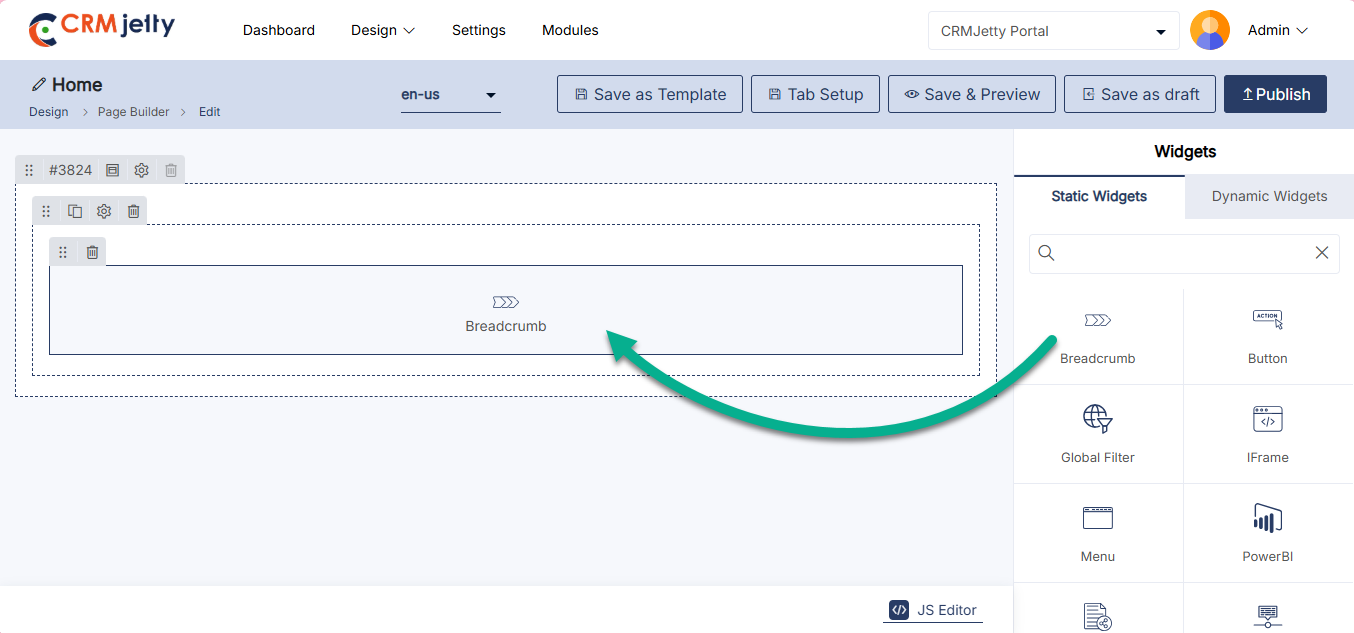
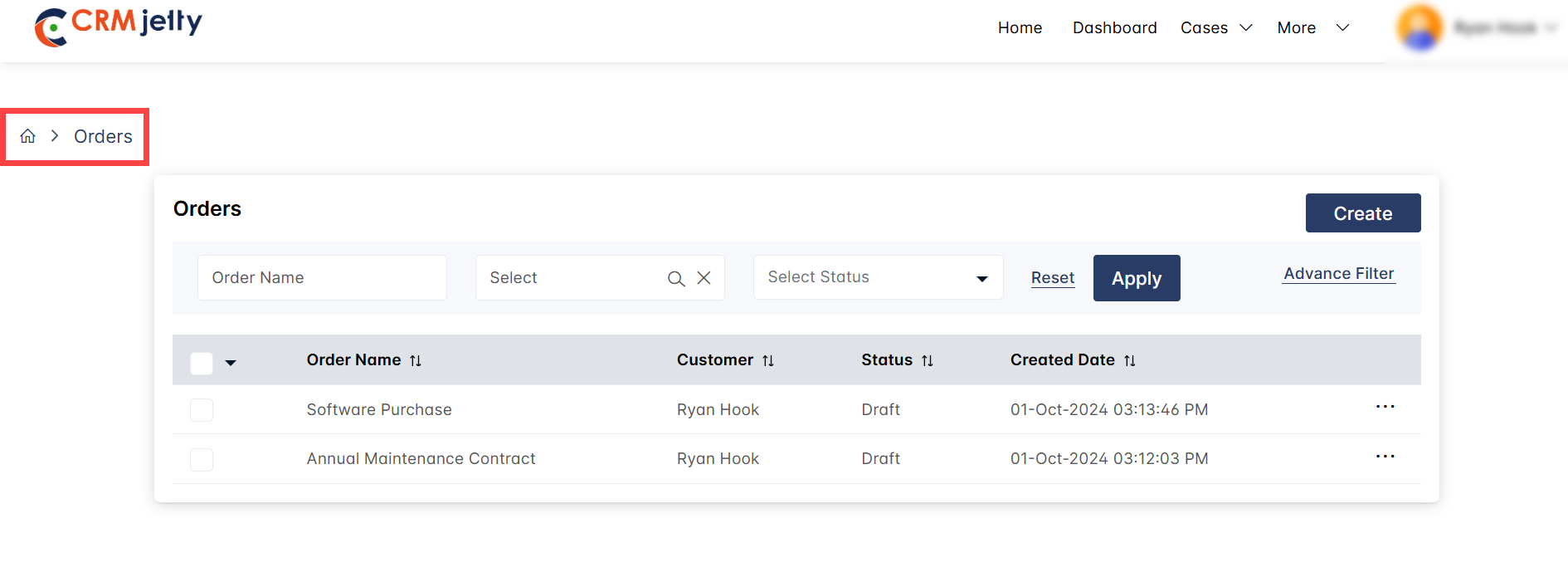
Button
Admin can use the Button Widget to customize actions like redirecting users to other pages or external links, with options to adjust the label, alignment, URL type, and more.
Add the Button Widget:
– Click on the button widget, and it will directly add onto the grid. [1]
-Click on the ‘Settings’ icon of the button widget to open its configuration panel.
Button Configuration:
– Button Label: Enter the text that will appear on the button.
– Help Tip: Provide a brief description to help portal users understand the button’s action.
– Open in a New Tab: Check this box to have the button open the linked page in a new tab. If left unchecked, the page will open in the same tab.
– Select Alignment: Admin choose the alignment of the button on the page left, center, or right. [2]
– Select Icon Alignment: Select the icon alignment option from the dropdown the available options are:
– Only Text in Button.
– Button with Text on Right and Icon on Left.
– Button with Text on Left and Text on Right.
– Pick an Icon: Choose the icon for the button widget by clicking the selection option. A pop-up will appear, allowing admin to select the desired icon for the button. [2]
– Select URL Type: Choose the URL for the button’s action. There are two types of URLs available: [3]
– Internal: Select a page that is created within the Page Builder of the portal.
– Select Page: Select a page that is created within the Page Builder of the portal.
– External:
– External Links:Manually enter or Copy/Paste an external URL to direct portal users to a different website.
– Button Settings: [3]
– HTML Class: Add custom CSS classes for styling. Multiple classes can be added, separated by commas.
– HTML ID: Assign a unique ID to the button. This ID will be prefixed with “custom-”.
– Card View: Admin chooses whether to display the button in a card view layout.
After configuring the button, click the “Save” button to apply settings. Publish the page to make buttons live on the customer portal.
Admin can also delete a widget by clicking on the ‘Delete Icon’, as highlighted in the screenshot.
Front-view button Widget
The Front View Button serves as a clickable element on the page, guiding users to take specific actions like submitting a form, navigating to another page, or opening a link. It can be customized for style and purpose to enhance user engagement. [4]
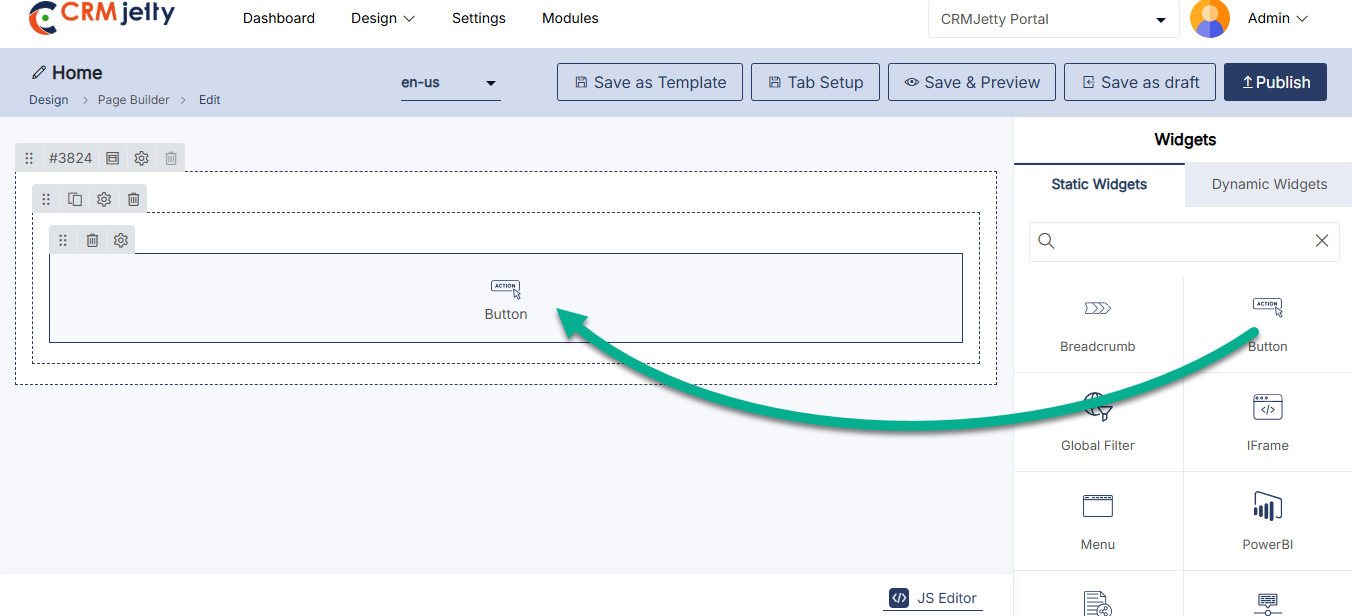
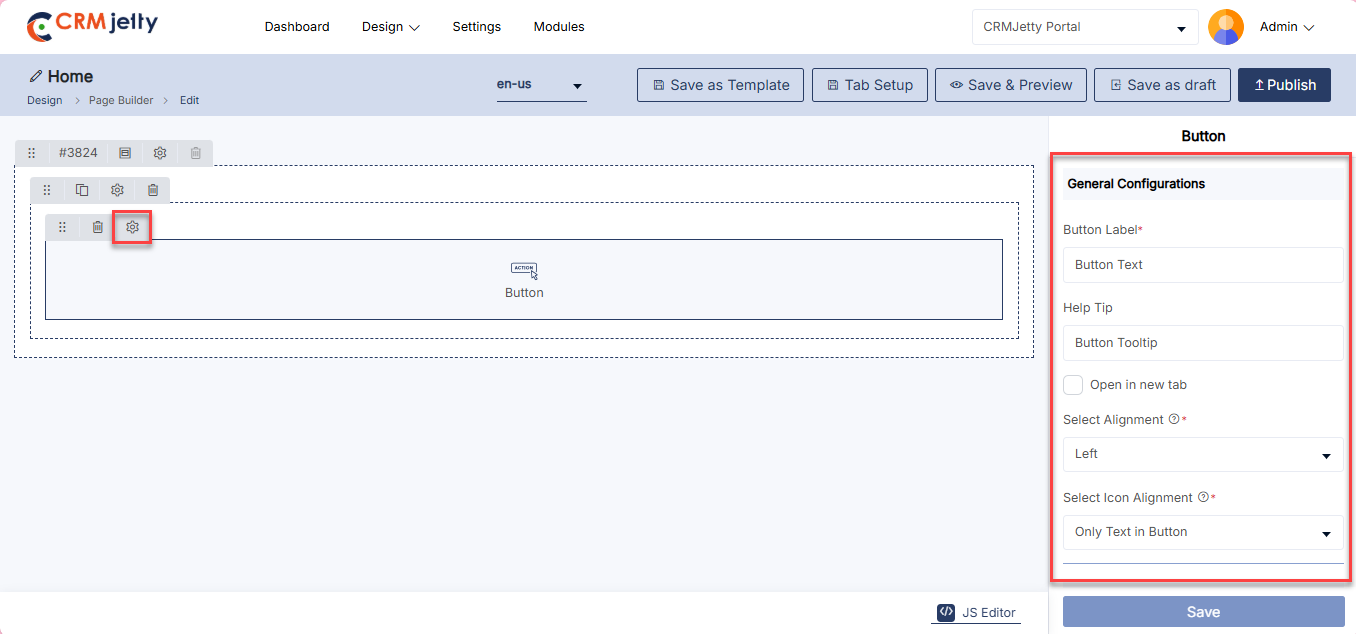
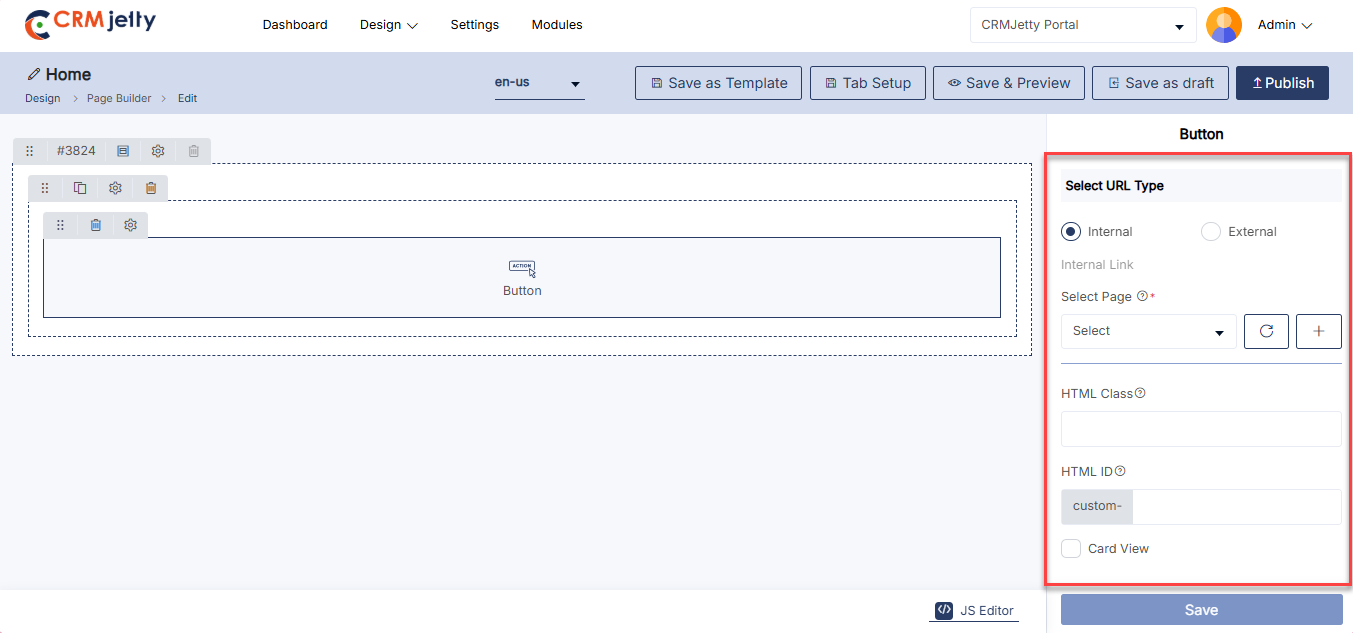
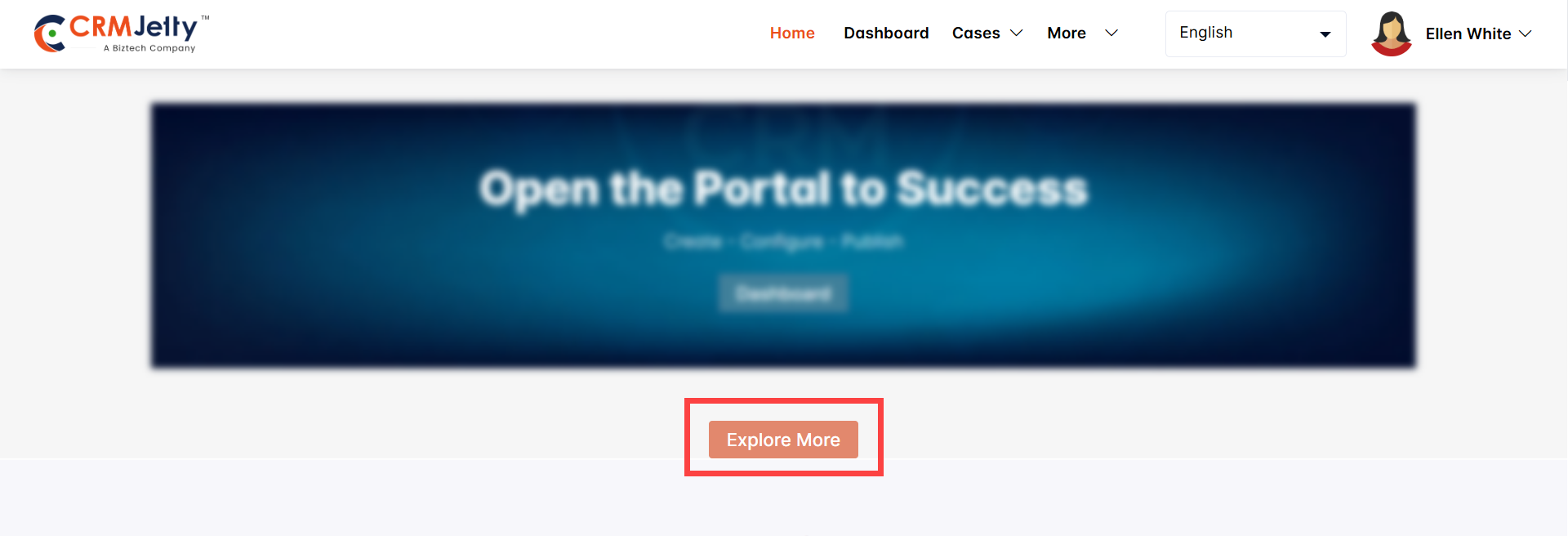
Content Slider
A Content Slider is a widget that allows Admin to display multiple pieces of content, like images or text, in a sliding format on a web page. Admin use it to showcase key information or products in an engaging and interactive way.
Add the Content Slider Widget:
– Admin click on the Content Slider widget and it will be directly added to the grid.
– Click on the ‘Settings’ icon of the Content Slider widget to open its configuration panel. [1]
Content Slider Widget Configuration:
General Configuration
– Slider Title: The title that will appear at the top of the content slider.
– Select Slider Template: Choose a predefined template to determine the layout and design of the slider.
Configure Slides
– Content Slides: Add and manage slides for the content slider. [3]
– [+ Add Slide]: Click to create a new slide. [3]
– Text: Enter the text for the slide.
– Color: Choose the text color (e.g., #000000).
– Background Color: Select the background color for the slide: [3]
– Solid: Choose a single background color (e.g., #ffffff).
– Gradient: Select primary and secondary colors for a gradient background.
– After configuring the slider setting click on the “Save” button.
– Enable Auto Slider: Automatically rotate through the slides without user interaction, based on a set timer. [3]
Navigation
– Arrow: Display navigation arrows on the slider, allowing users to manually move between slides. [4]
– Pagination: Enable pagination indicators, typically dots or numbers, showing the user which slide they are on. [4]
Content Slider Settings
– HTML Class: Apply custom CSS classes to the slider for additional styling. [4]
– HTML ID: Assign a unique ID to the slider for specific targeting in custom code, prefixed with “custom-“. [4]
– Card View: Choose to display the content slider within a card-style layout, affecting its appearance. [4]
Admin should click “Save” to apply the settings, then publish the page to make the content slider live on the customer portal.
Admin can also delete a widget by clicking on the ‘Delete Icon’, as highlighted in the screenshot. [5]
Front side view Content slider:
The Front View Content Slider displays rotating content, such as images or text, in a sliding format to highlight featured information. It enhances visual appeal and engagement by allowing users to scroll through various sections without leaving the page.[6]
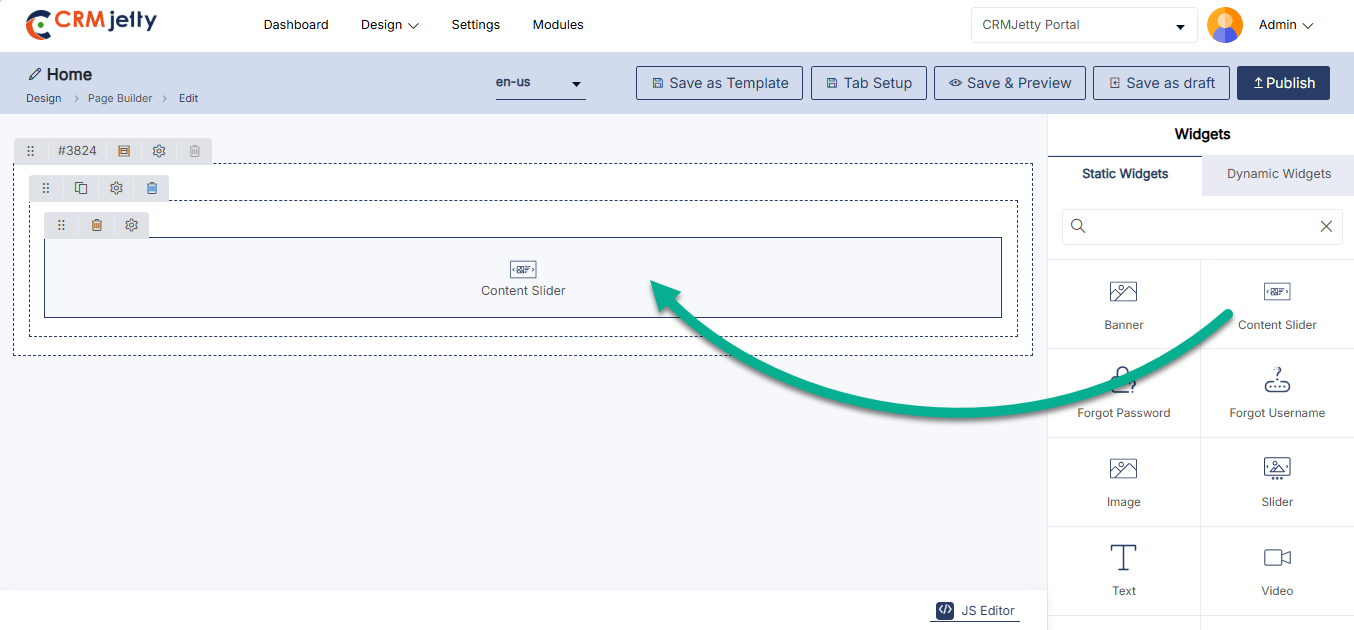
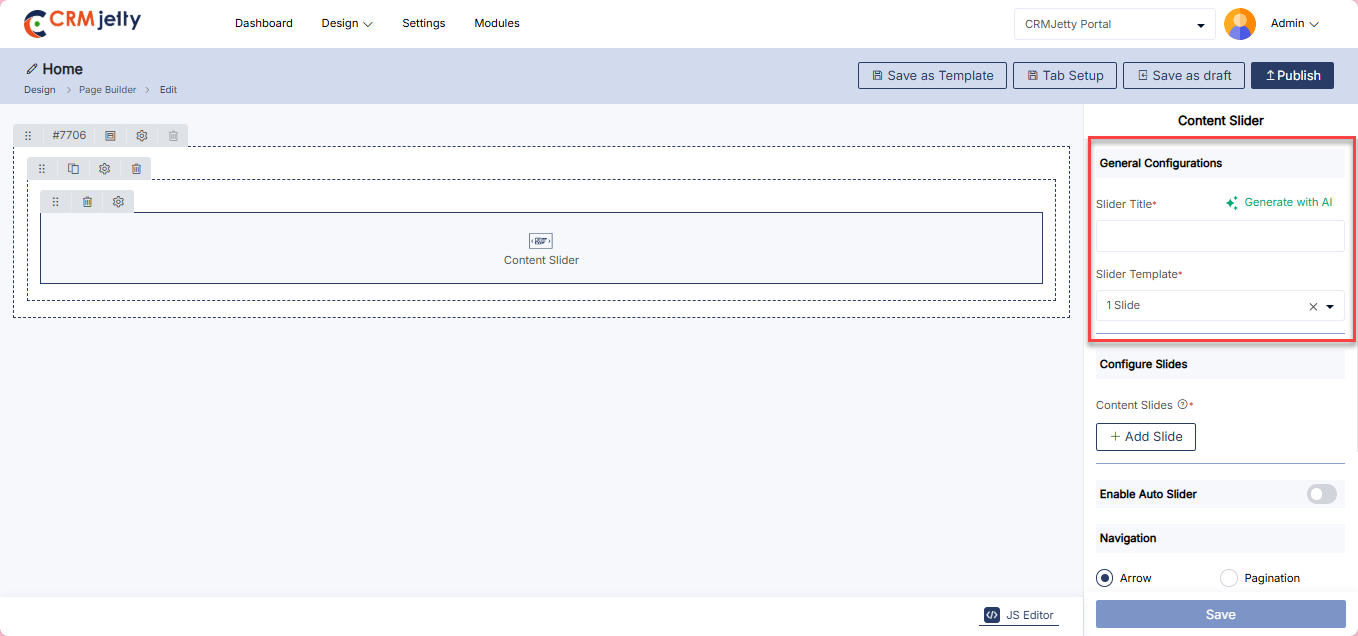
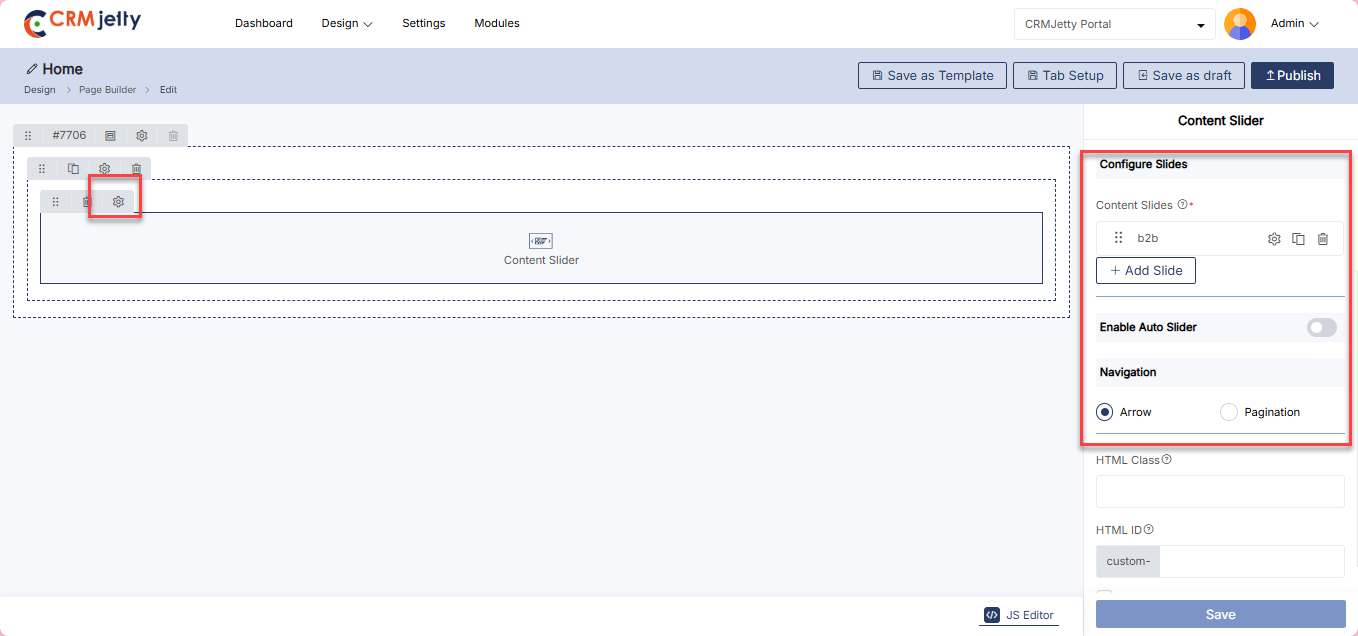
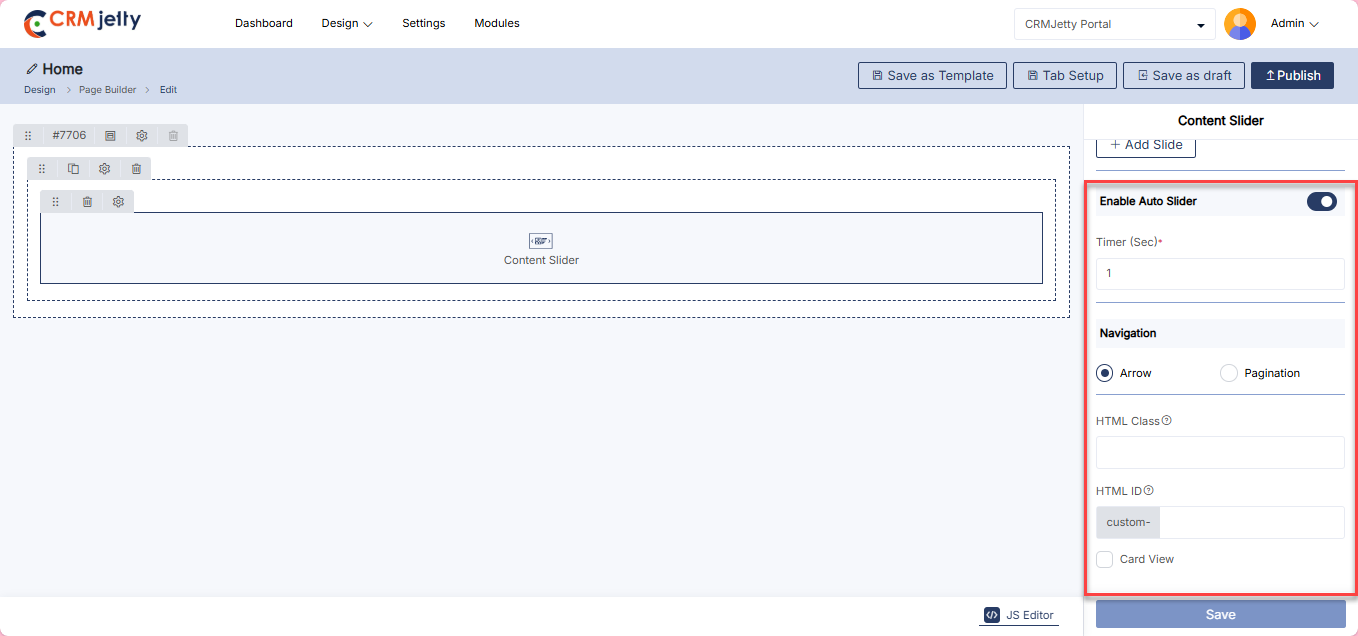
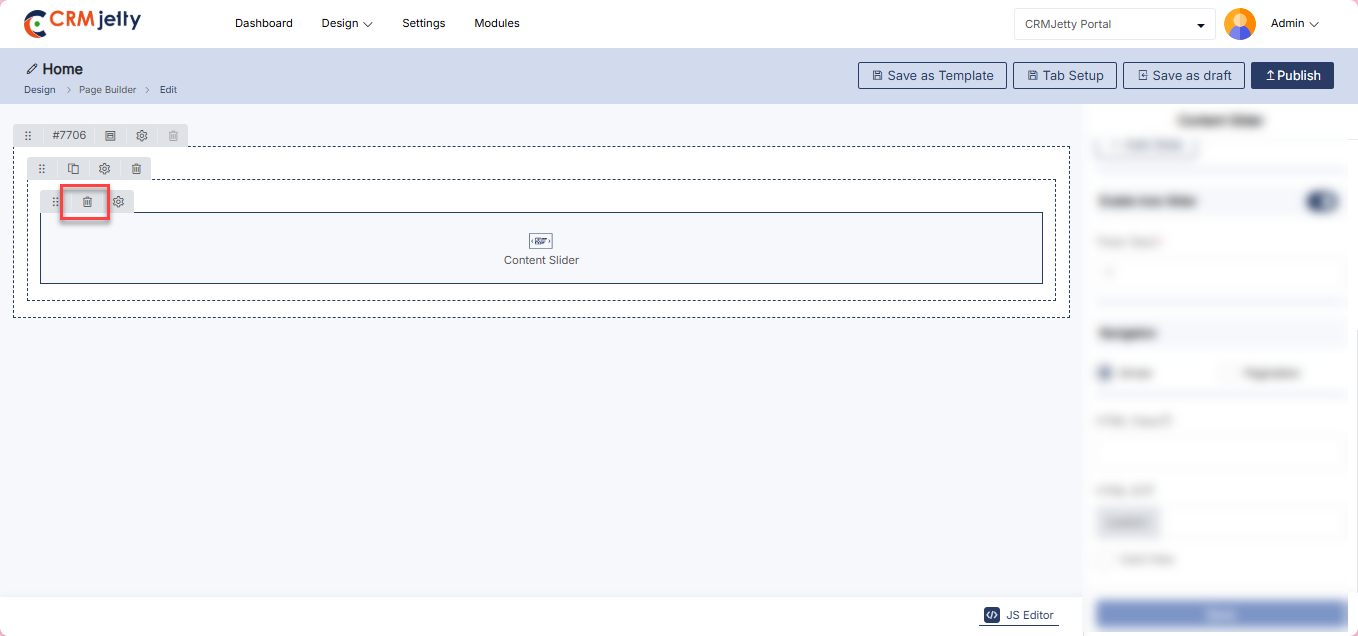
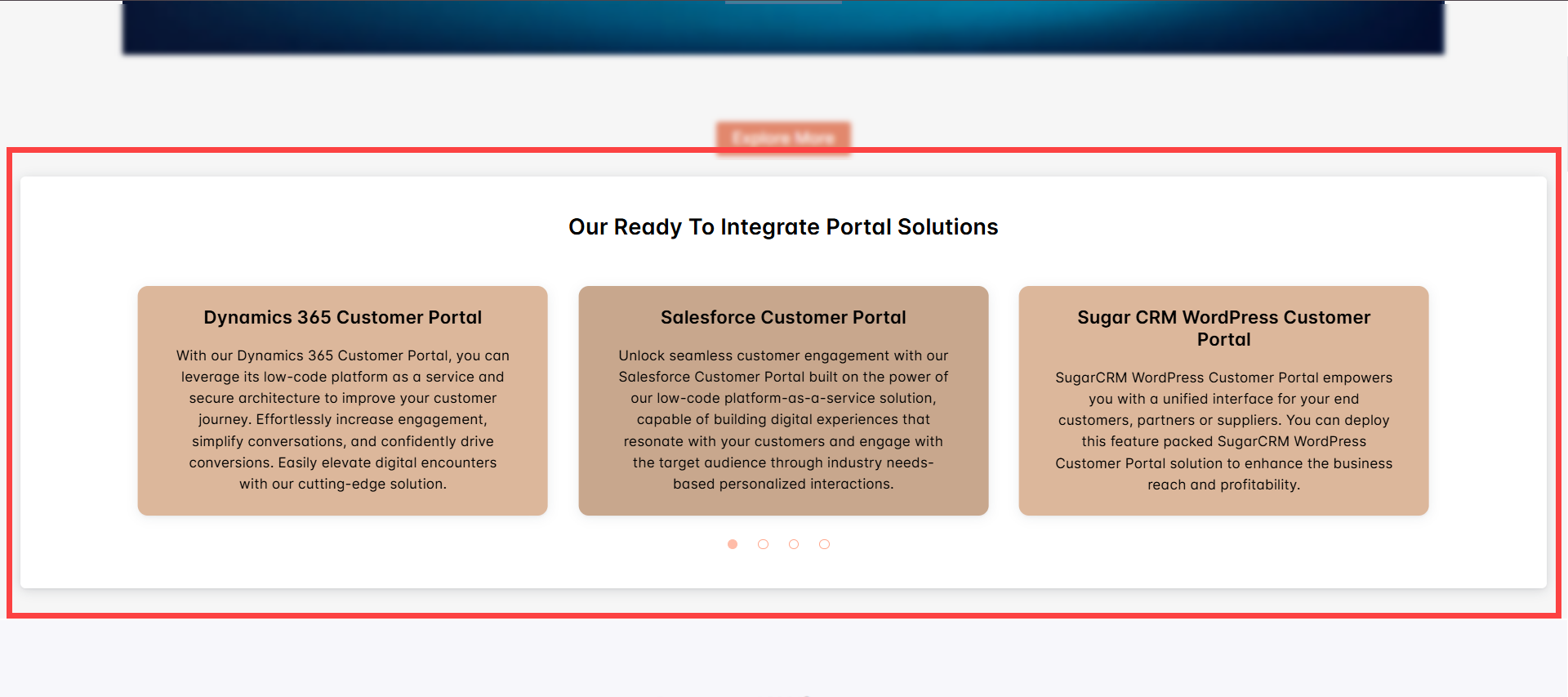
Forgot Password
The Forgot Password widget allows Admin to provide functionality for resetting passwords for registered users. The widget includes the following configuration options:
Add the Forgot Password Widget:
– Admin click on the Forgot Password widget and it will directly add to the grid.
– Click on the ‘Settings’ icon of the forgot password widget to open its configuration panel. [1]
Forgot Password Widget Configurations
General Configurations [2]
– Title: Set the label for the forgot password section (e.g., “Forgot Password”).
– Forgot Password Button Text: Enter the text for the button that sends the password reset link (e.g., “Send Reset Password Link”).
– Enable reCAPTCHA: Toggle to activate reCAPTCHA for spam protection. The type (V2 or V3) is determined by the configuration in Settings > Portal Settings > Site Management > reCAPTCHA.
Forgot Password Settings [2]
– HTML Class: Assign a custom HTML class for additional styling or scripting needs.
– HTML ID: Set a unique HTML ID, typically starting with “custom-,” for specific targeting with CSS or JavaScript.
– Card View: Optionally enable the Card View to display the Forgot Password section as a structured card layout.
Admin should click “Save” to apply the settings, then publish the page to make the forgot password widget live on the customer portal.
Admin can also delete a widget by clicking on the ‘Delete Icon’, as highlighted in the screenshot.
Front view forgot password:
The Front View Forgot Password feature provides users with an option to reset their password. When clicked, it initiates a secure process to help users regain access to their account by sending a password reset link to their registered email. [4]
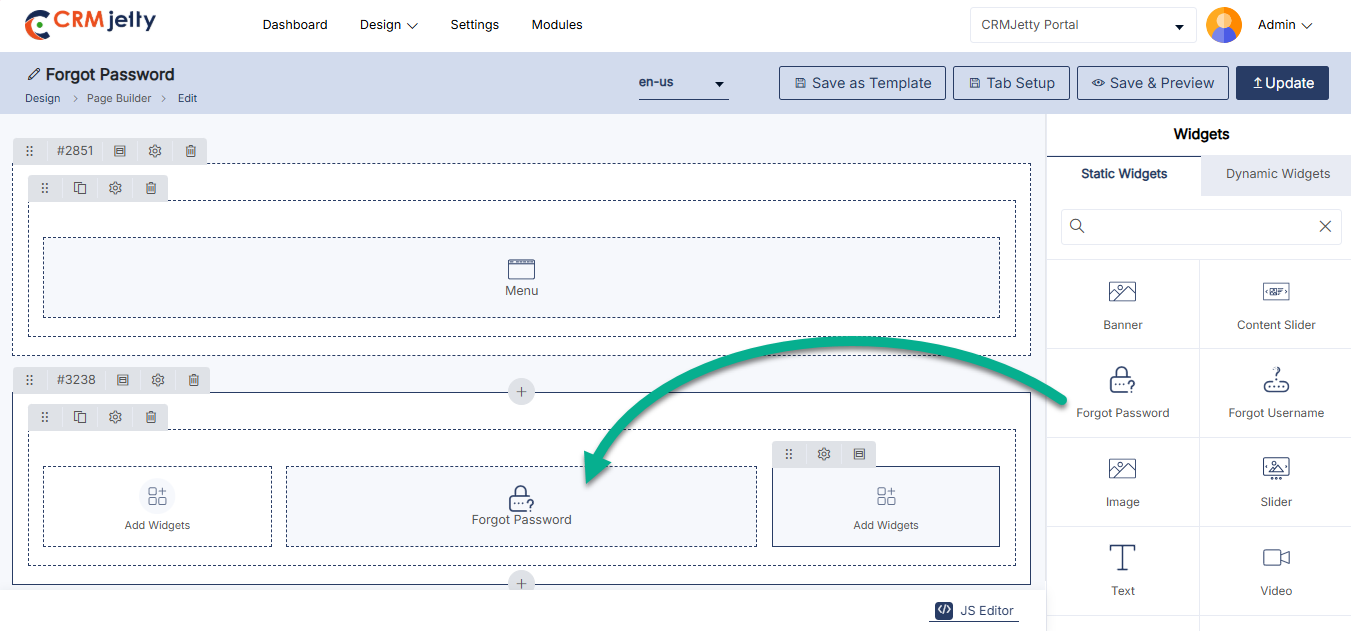
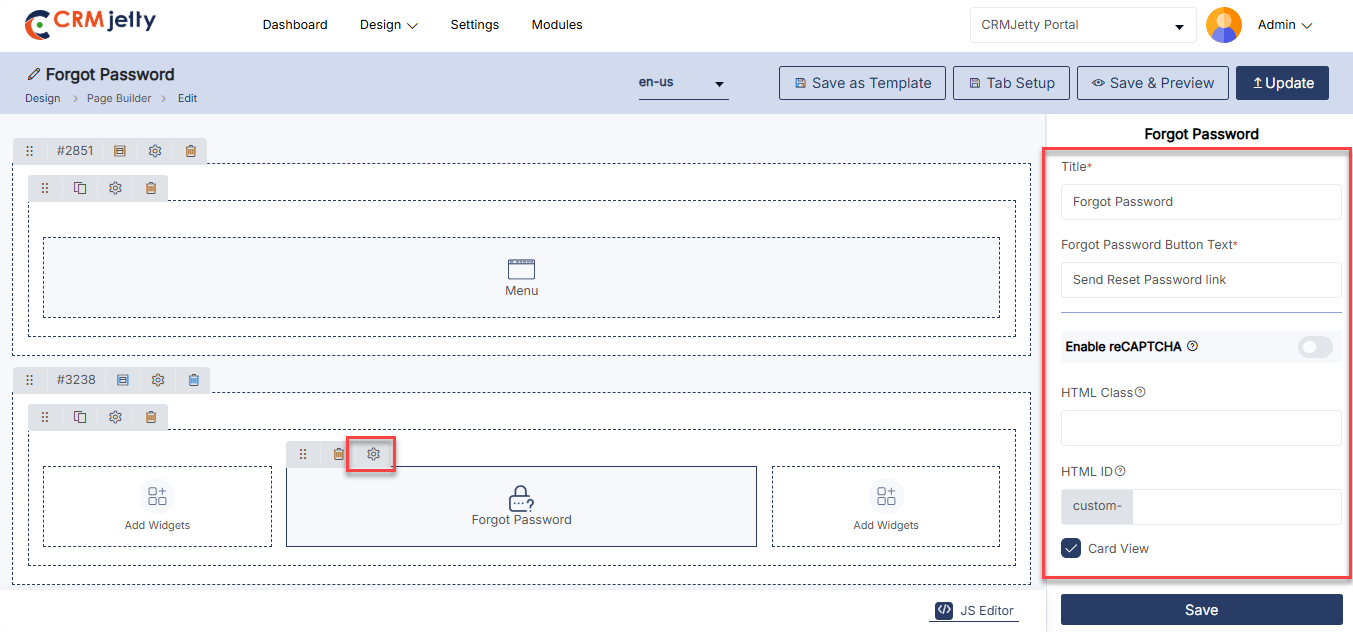
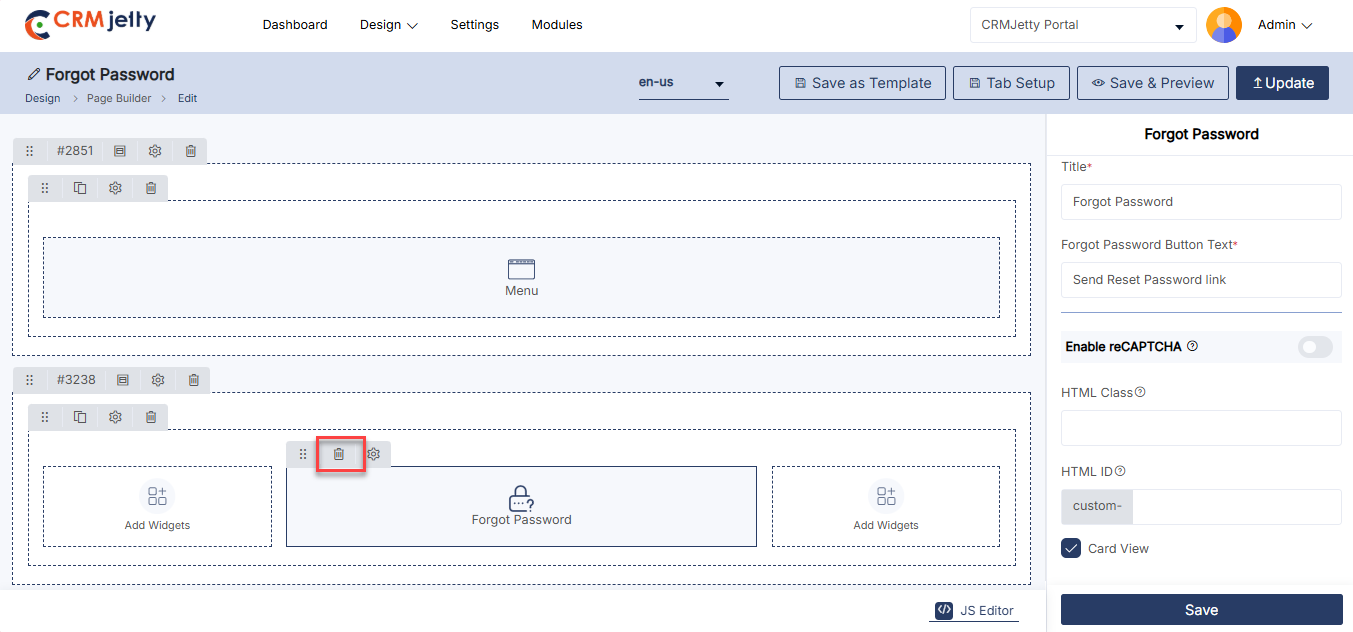
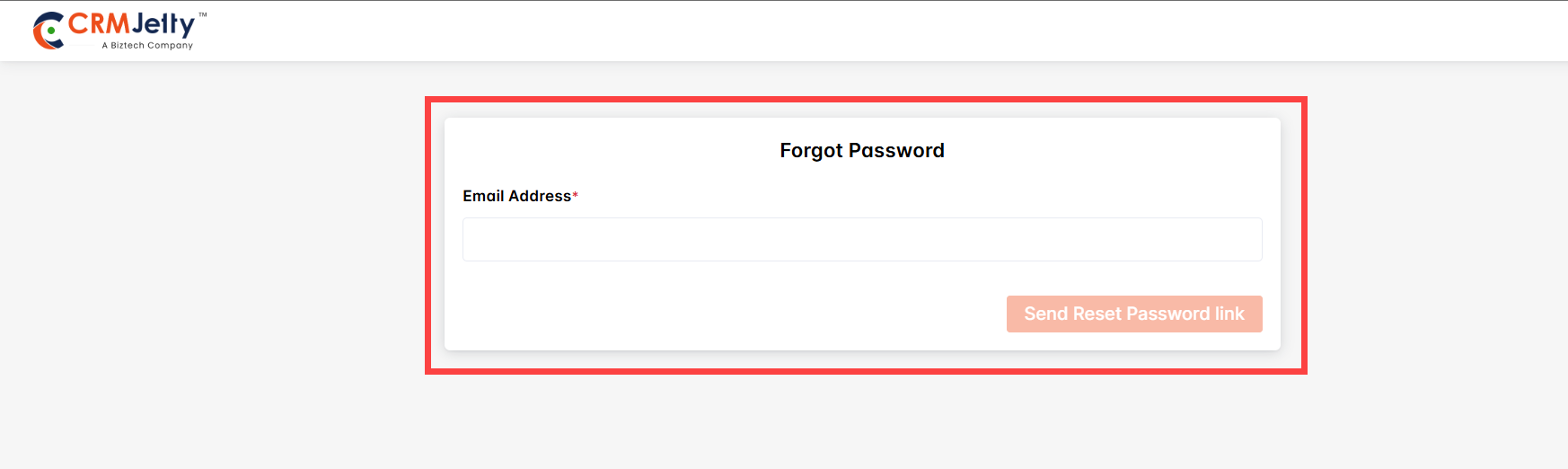
Forgot Username
The Forgot Username Widget helps users recover their forgotten usernames by sending it to their registered email. Admin can customize the title, button text, and enable reCAPTCHA for spam protection.
Add the Forgot Username Widget:
– Admin click on the Forgot username widget and it will directly add to the grid.
– Click on the ‘Settings’ icon of the forgot username widget to open its configuration panel. [1]
Forgot Username Configuration:
General Configurations
– Title: Set the label for the Forgot Username feature.
– Forgot Username Button Text: Customize the label on the button (e.g., “Send Username”).
– Enable reCAPTCHA: Activate reCAPTCHA to prevent spam, based on the settings configured in “Portal General Settings.”
Forgot Username Settings
– HTML Class: Add custom CSS classes to style the widget.
– HTML ID: Assign a unique ID to the widget, prefixed with “custom-.”
– Card View: Display the Forgot Username widget in a card-style layout.
Admin should click “Save” to apply the settings, then publish the page to make the forgot username widget live on the customer portal. [2]
Admin can also delete a widget by clicking on the ‘Delete Icon’, as highlighted in the screenshot. [3]
Front view Forgot Username:
The Front View Forgot Username feature assists users who have forgotten their username. By clicking this option, users can receive their username via their registered email, ensuring quick and secure access recovery. [4]
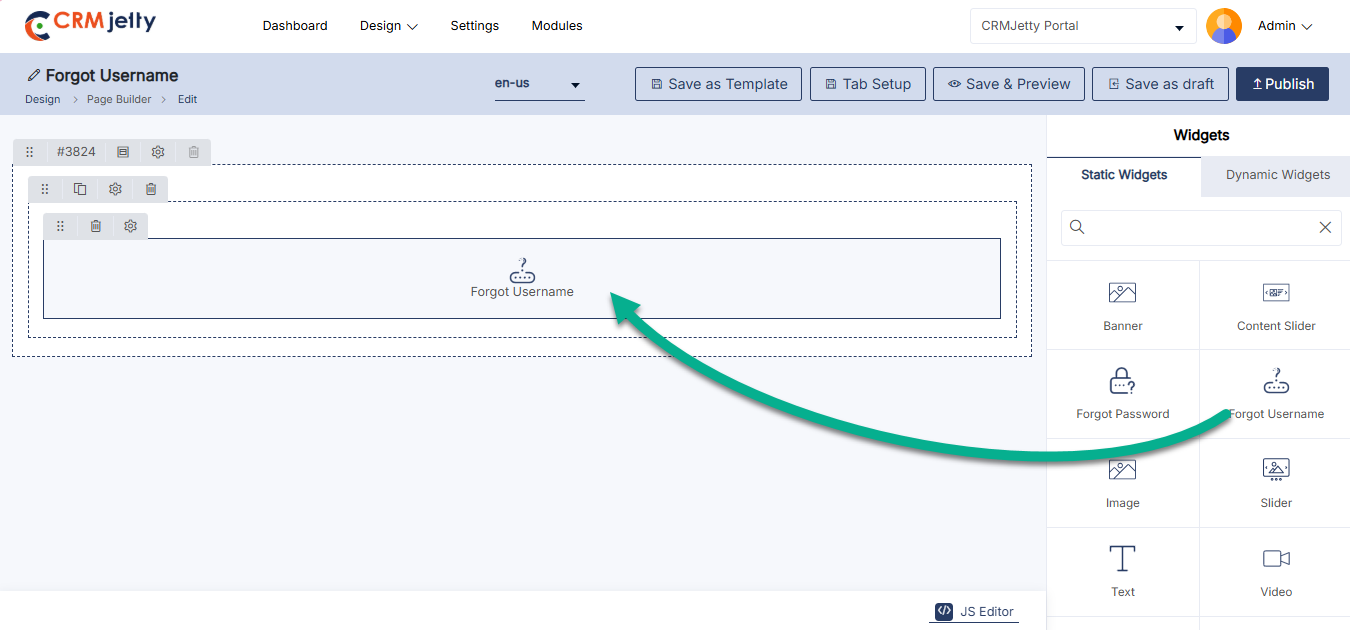
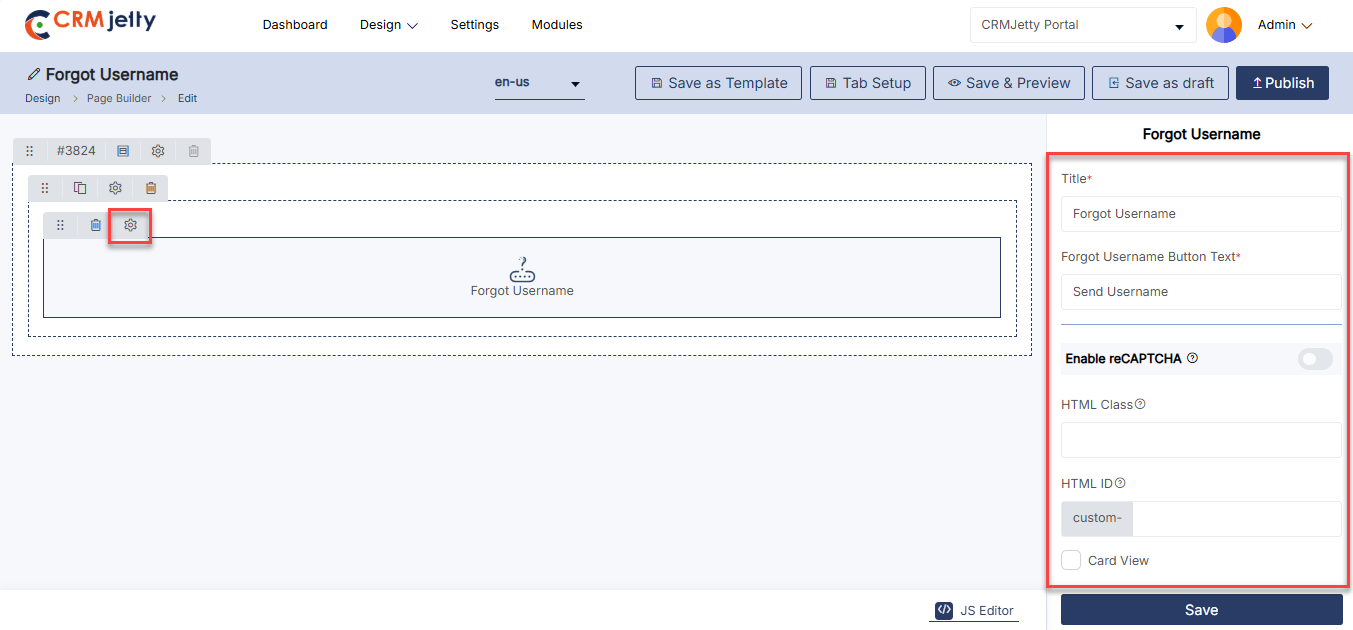
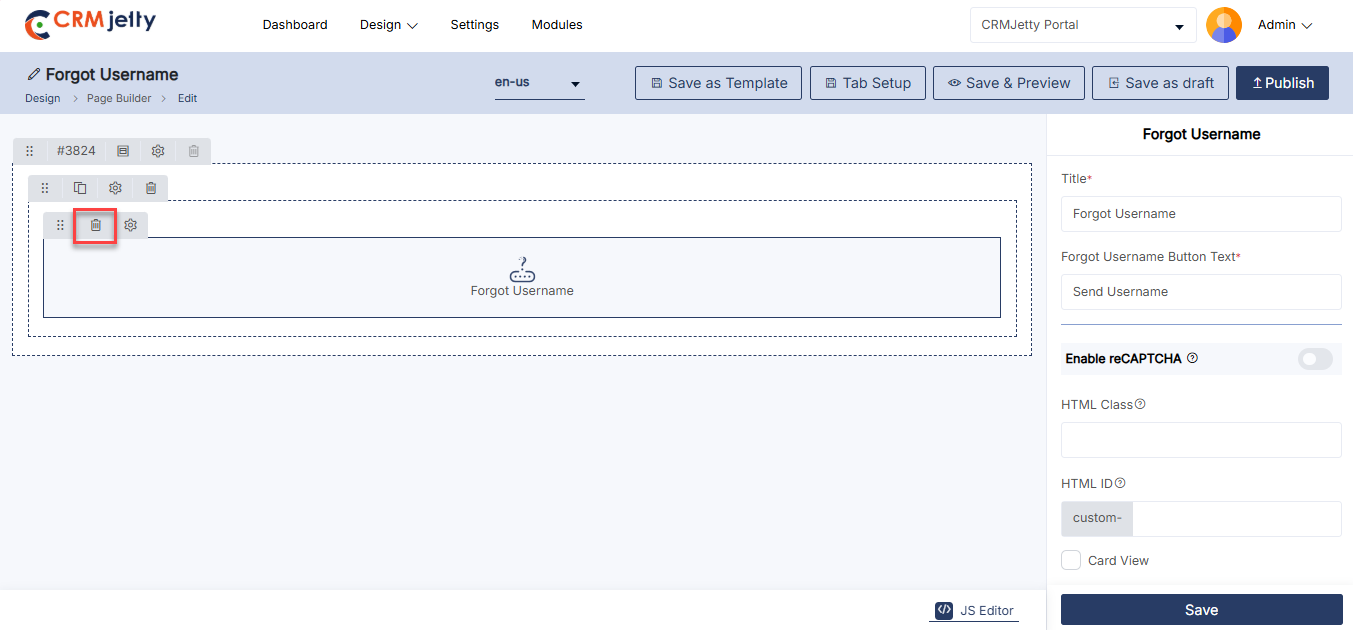
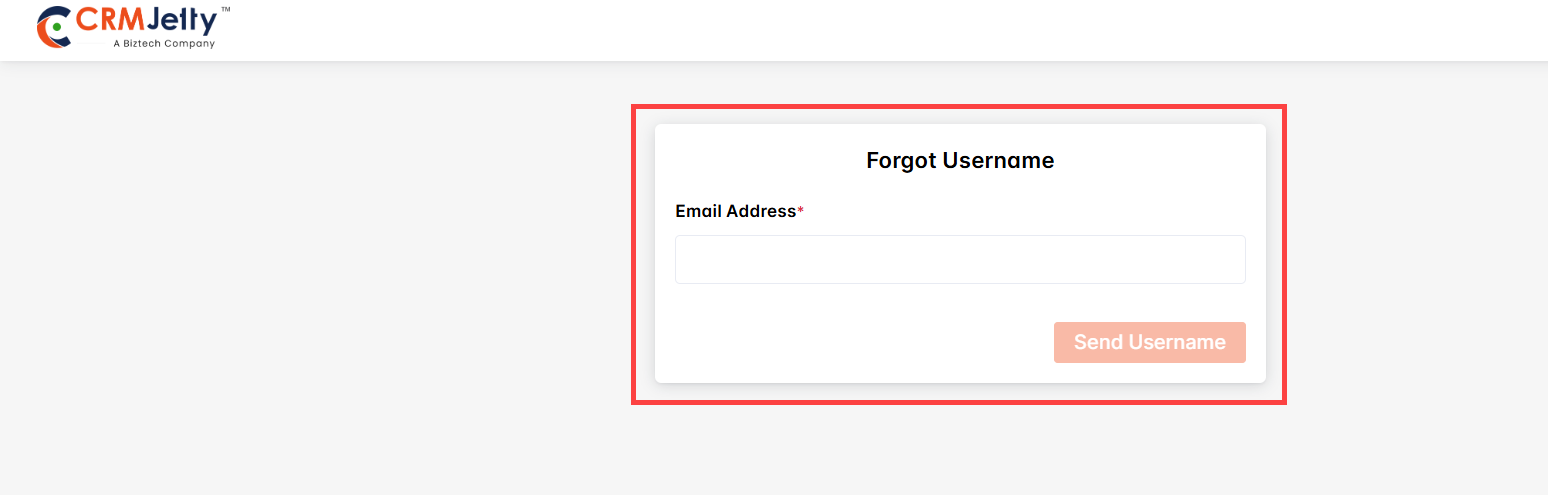
IFrame
An IFrame (inline frame) is an HTML element that Admin uses to embed another HTML page within the current page. It allows Admin to display content from an external source, such as another website or web application, directly on the portal. This can include videos, maps, forms, or any other type of content.
Add the IFrame Widget:
– Admin click on the IFrame widget and it will directly add to the grid. [1]
– Click on the ‘Settings’ icon of the IFrame widget to open its configuration panel. [1]
IFrame Configuration:
General Configuration [2]
– Embedded Code: Enter or copy-paste the iframe’s embedded code in the configuration settings.
IFrame Settings [2]
– HTML Class: Add custom CSS classes to style the widget.
– HTML ID: Assign a unique ID to the widget, prefixed with “custom-.”
– Card View: Display the IFrame widget in a card-style layout.
Admin should click “Save” to apply the settings, then publish the page to make the IFrame widget live on the customer portal.
Admin can also delete a widget by clicking on the ‘Delete Icon’, as highlighted in the screenshot. [3]
Front view Iframe:
The Front View iFrame allows the embedding of external content within a page, such as videos, maps, or web pages. It seamlessly integrates third-party resources, enhancing user experience by displaying additional content without navigating away from the site. [4]
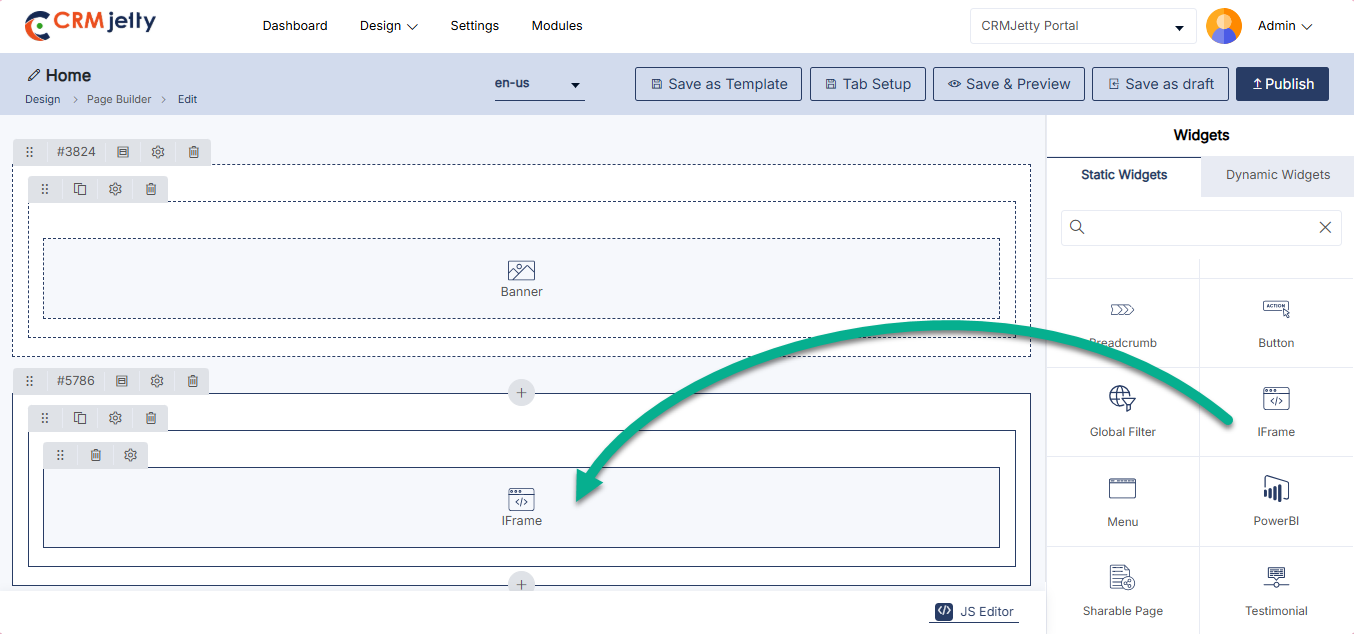
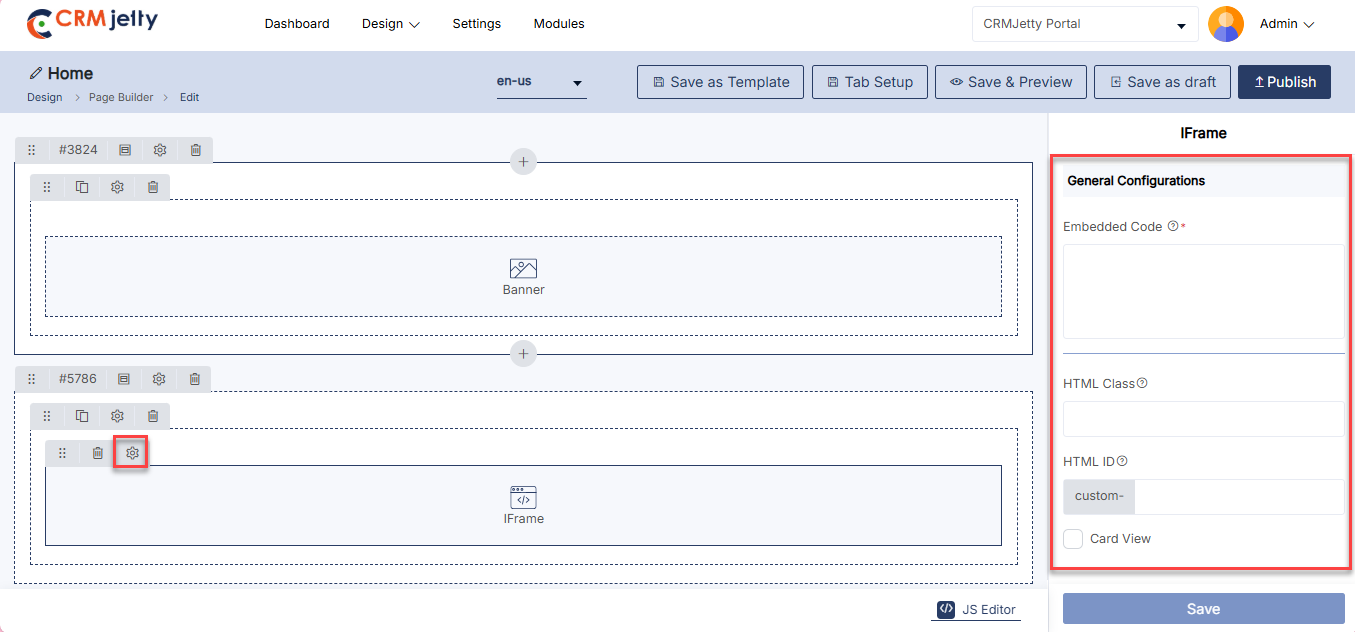
Image
The Image Widget is a feature that allows Admin to add and display images on a webpage. It includes options to set the image’s dimensions, select the image file, and provide alternative text. This widget is used to enhance visual content on the customer portal, such as logos, banners, or other graphical elements.
Add the Image Widget:
– Admin click on the Image widget and it will directly add to the grid. [1]
– Click on the ‘Settings’ icon of the Image widget to open its configuration panel. [1]
Image Configurations:
General Configurations [2]
– Choose File: Select an image from local drive.
– Alt Text: Enter alternative text for the image.
Image Settings [2]
– HTML Class: Add custom CSS classes to style the widget.
– HTML ID: Assign a unique ID to the widget, prefixed with “custom-.”
– Card View: Display the Image widget in a card-style layout.
Admin should click “Save” to apply the settings, then publish the page to make the Image widget live on the customer portal.
Admin can also delete a widget by clicking on the ‘Delete Icon’, as highlighted in the screenshot. [3]
Front view image widget:[4]
The Front View Image Widget displays images on the page, allowing Admin to add visuals to enhance engagement and convey information. It can be customized for size, alignment, and style to fit seamlessly within the page layout.
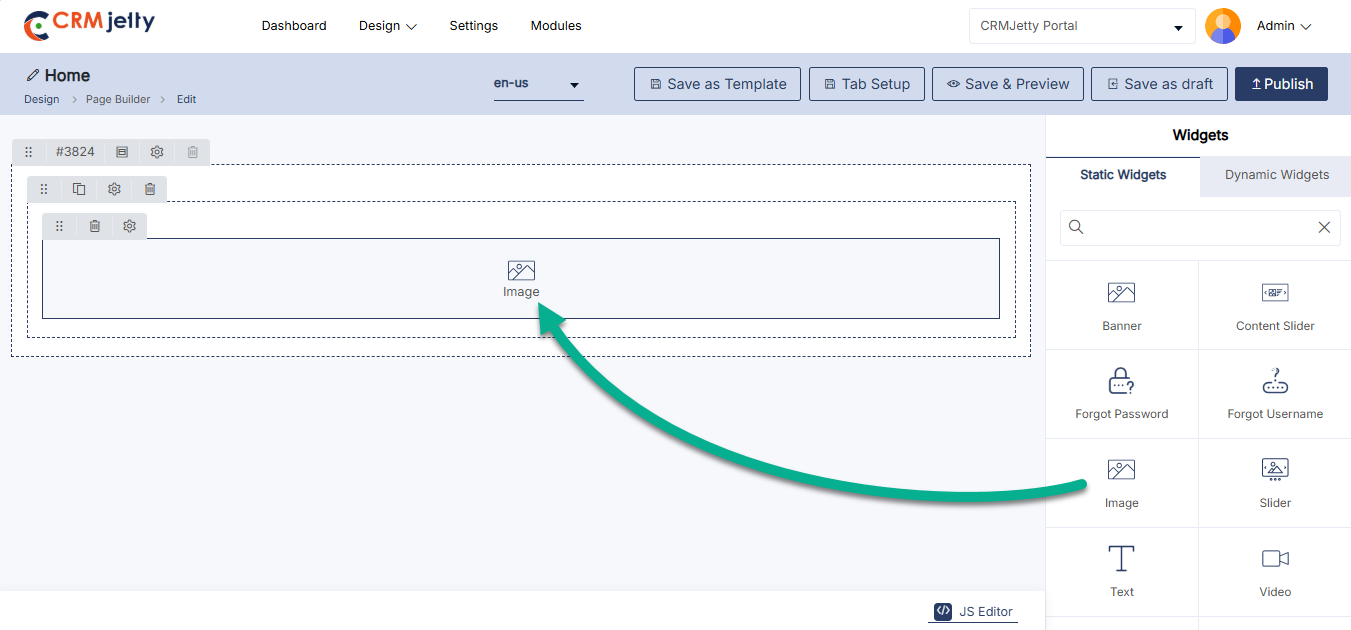
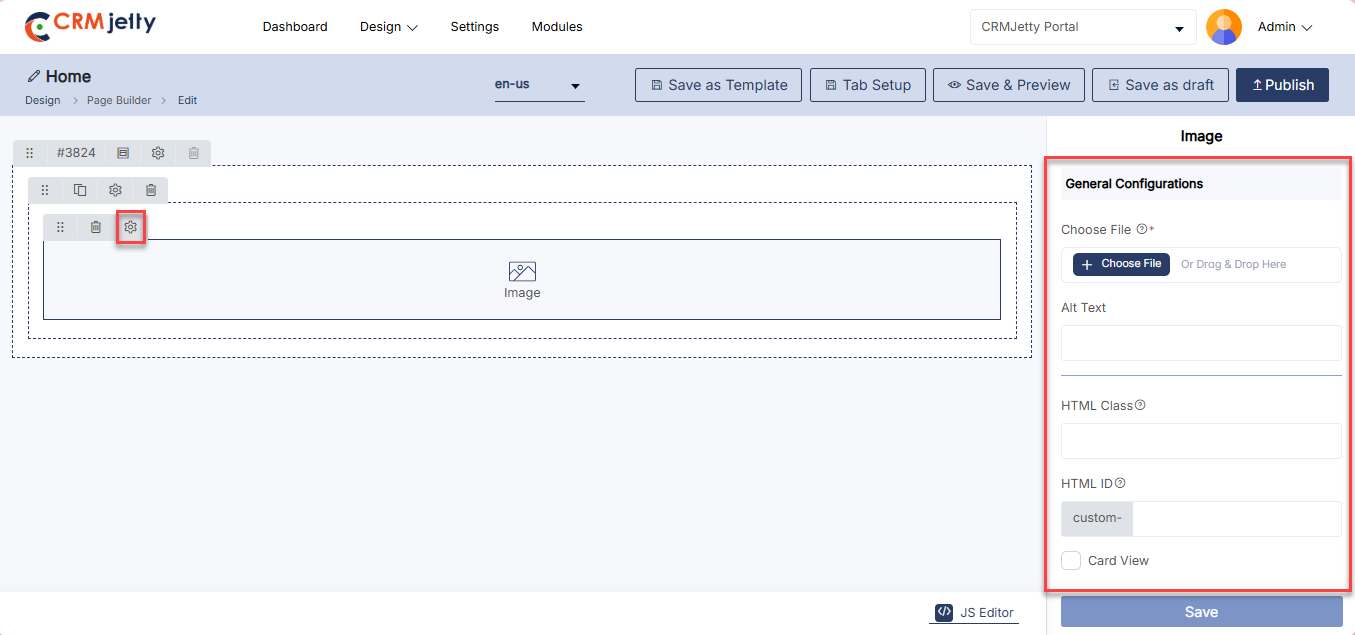
Menu
The Menu Widget allows Admin users to add and configure navigation menus on a webpage. It supports options for including a logo, profile navigation, language switcher, and selecting the menu layout (vertical or horizontal).
Add the menu Widget:
– Admin clicks on the Menu widget, and it is directly added to the grid. [1]
– Click on the Settings icon of the Menu widget to open its configuration panel. [1]
Menu Configuration:
General Configuration
– Select Menu: Admin select which menu to display from available options.
– Select Menu Location: Admin selects the layout for the menu:
– Vertical: Display the menu vertically on the page.
– Horizontal: Display the menu horizontally on the page.
– Note: Logo, Profile, and Language options can be added to only one menu per page.
– Enable Logo: Allows the Admin to display the portal logo in the menu.
– Enable Language: Allows the Admin to add a language switcher to the menu.
– Profile Navigation: Allows the Admin to enable profile navigation for portal users.
– Redirect To: Admin selects the page where users will be redirected when clicking the profile menu.
Vertical Menu Configuration
– When Menu Layout is set to Vertical, additional configuration options are available.
– Enable Collapsible Menu: Allows the Admin to enable collapsible behavior for the vertical menu.
– Default State:
– Collapsed: Menu items are collapsed by default.
– Expanded: Menu items are expanded by default.
– The preview updates automatically to reflect the collapsible behavior in the Menu Builder. [2]
Menu Settings
– HTML Class: Allows adding custom CSS classes for styling the menu widget.
– HTML ID: Allows assigning a unique ID to the widget, prefixed with custom-.
– Card View: Displays the menu widget in a card-style layout.
After completing the configuration, the Admin must click Save to apply the settings and then Publish the page to make the menu widget live on the customer portal.
The Admin can also remove the Menu widget by clicking on the Delete icon, as highlighted in the screenshot. [3]
Front view menu widget:
The Front View Menu Widget provides a structured and user-friendly navigation menu, allowing portal users to easily navigate between different sections of the site. It enhances usability by presenting clear and accessible links to key pages.[4]
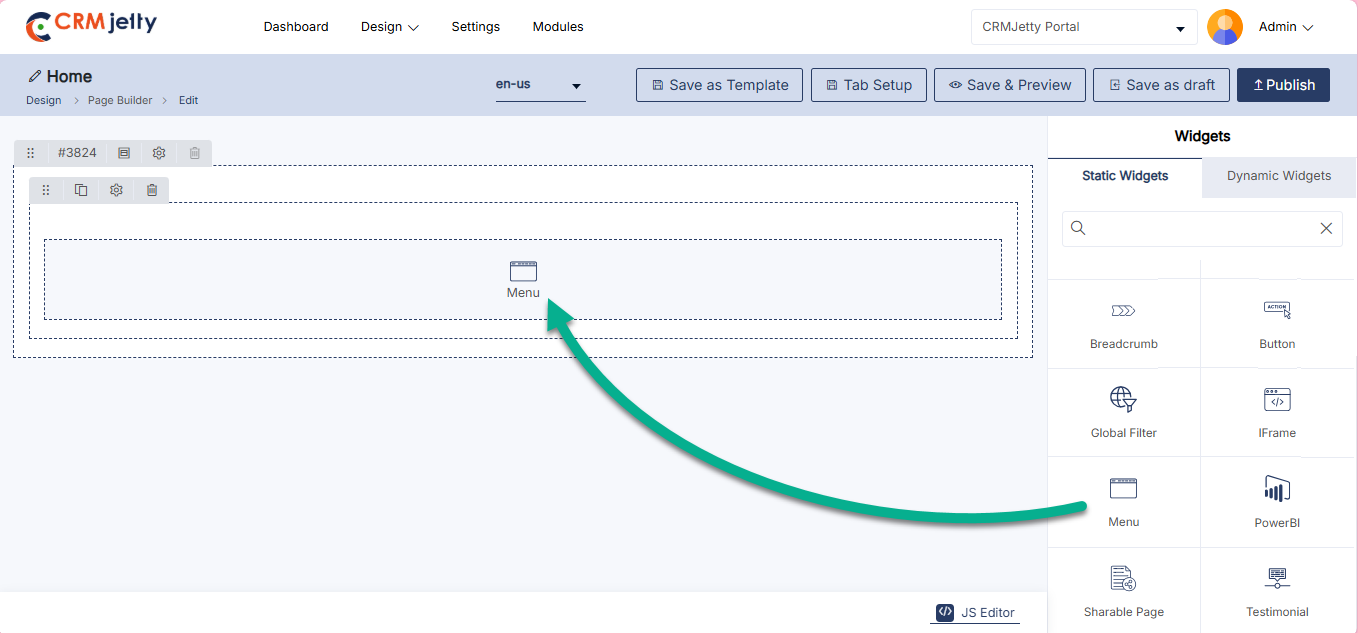
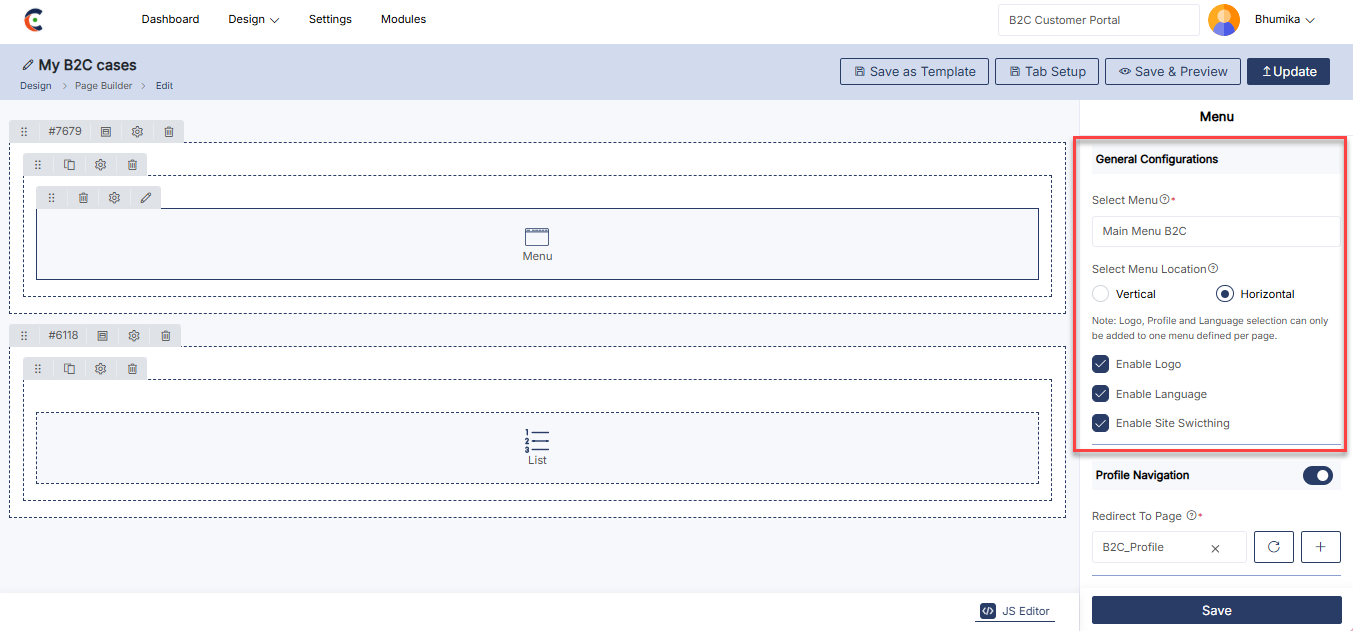
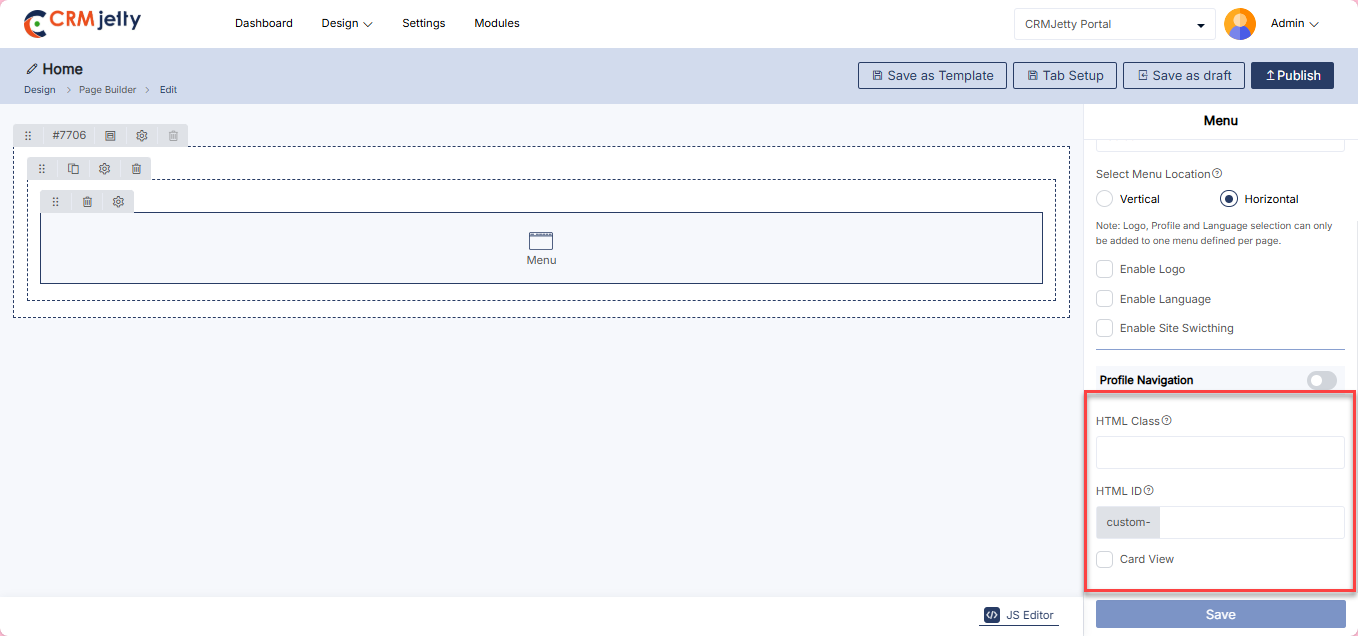
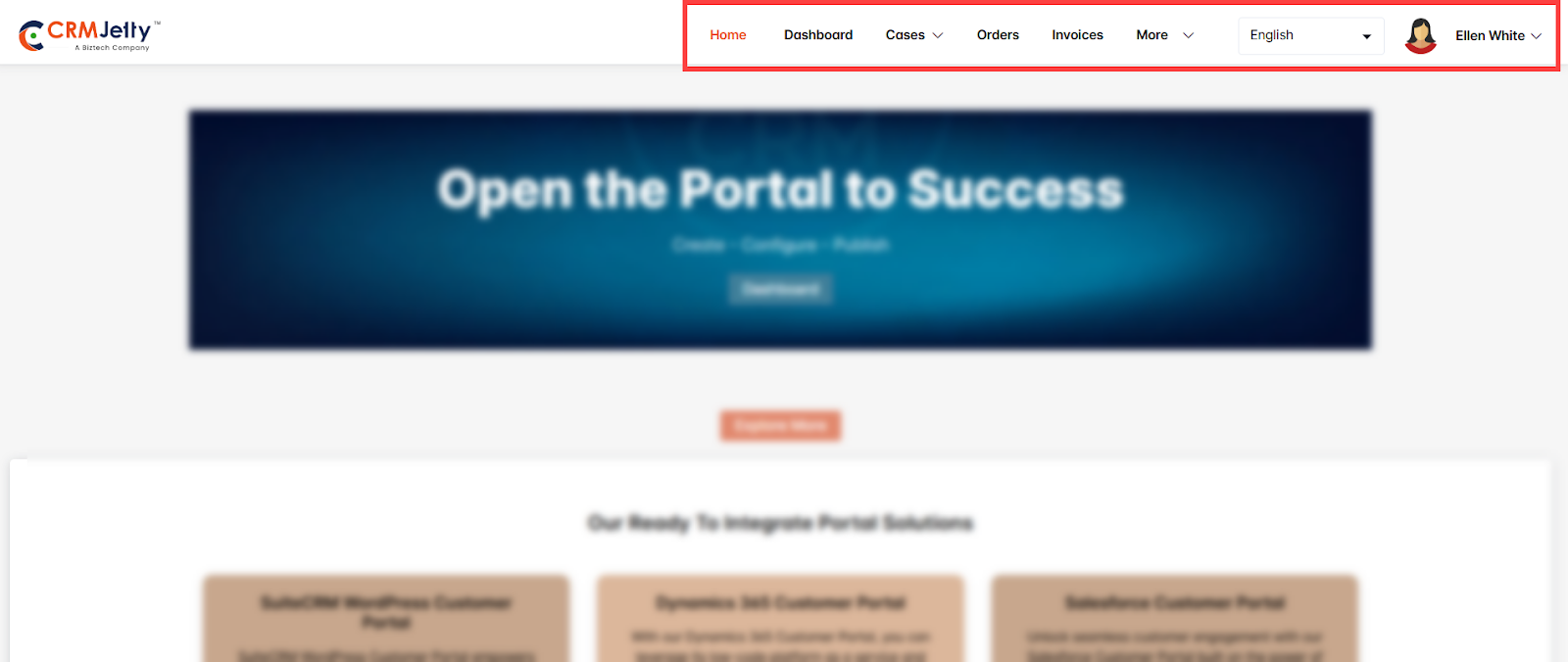
Slider
The Slider widget allows Admin to create and display a series of content slides with configurable settings for visual effects and navigation.
Add the Slider Widget:
– Admin click on the Slider widget and it will directly add to the grid. [1]
– Click on the ‘Settings’ icon of the Slider widget to open its configuration panel. [1]
Slider Configuration
– Slides: Click on + ADD SLIDER to create and configure individual slides. [2]
– Enable Auto Slider: Automatically rotate through the slides without user interaction based on a set timer. [2]
General Configuration
– Select Template: Choose a template for the slider layout.
Header:
– Text: Enter the header text.
– Color: Choose the header text color (e.g., #ffffff).
Sub Header:
– Text: Enter the sub-header text.
– Color: Choose the sub-header text color (e.g., #ffffff).
– Enable Button: Option to include a button on the slider.
– Select Background: Choose between Solid or Gradient.
– Solid: Choose a single color (e.g., #0360e2).
– Gradient: Select primary and secondary colors for a gradient effect.
– After configuring the slide click on the “Save” button.
Transition:
– Select Transition Effect: Choose the effect for transitioning between slides.
Navigation:
– Arrow: Option to display navigation arrows.
– Pagination: Option to display pagination indicators.
Slider Settings
– HTML Class: Add custom CSS classes to style the widget.
– HTML ID: Assign a unique ID to the widget, prefixed with “custom-.”
– Card View: Display the Slider in a card-style layout.
Admin should click “Save” to apply the settings, then publish the page to make the slider widget live on the customer portal.
Admin can also delete a widget by clicking on the ‘Delete Icon’, as highlighted in the screenshot. [5]
Front view slider widget
The Front View Slider Widget displays a rotating carousel of images, text, or content blocks on the page. It’s ideal for highlighting multiple features, announcements, or promotions in a compact space, enhancing user engagement through visually dynamic content. [6]
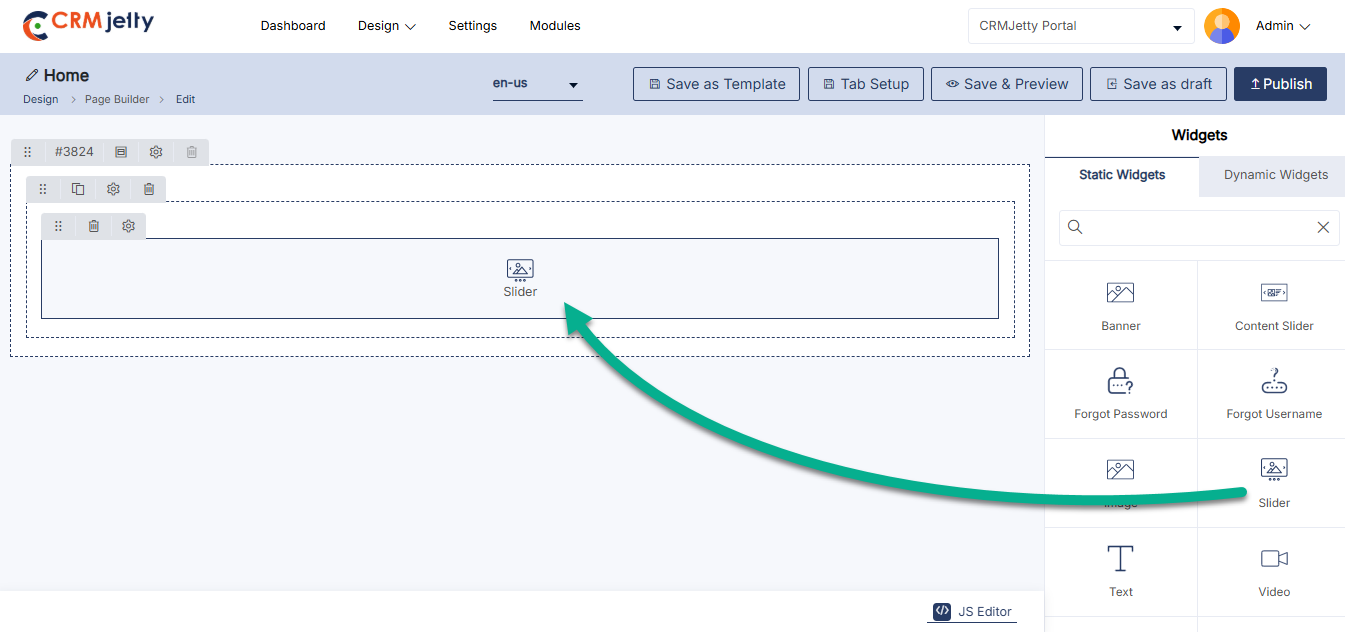
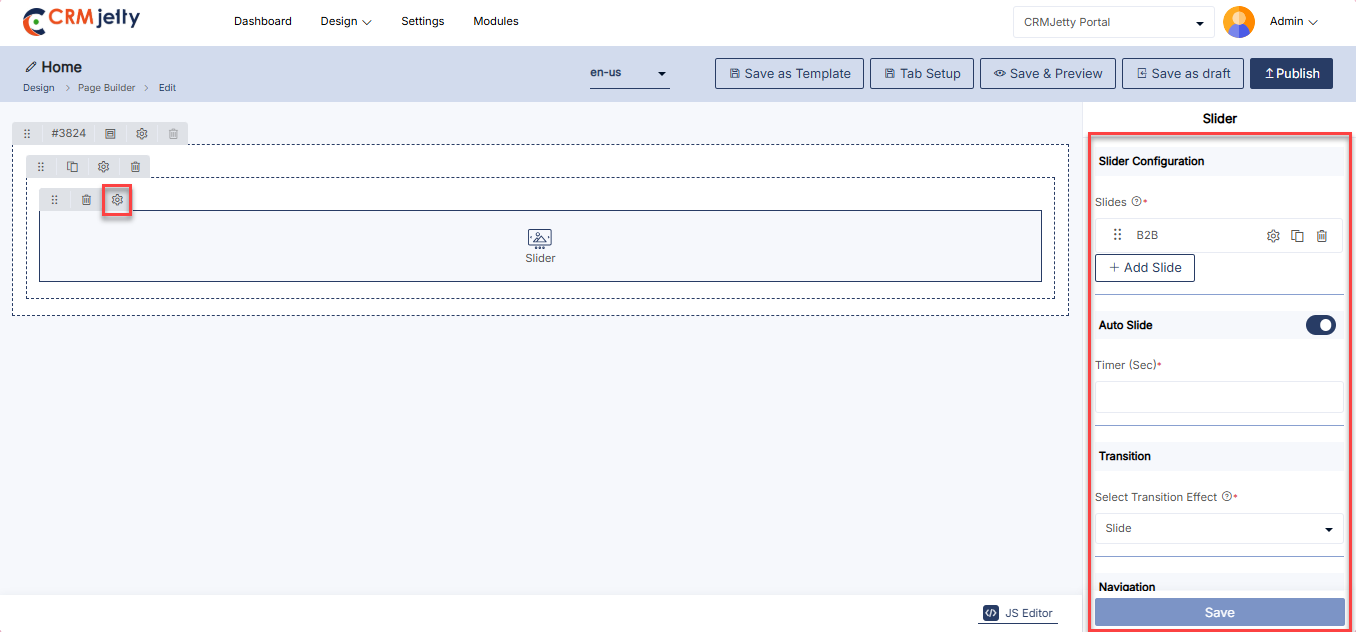
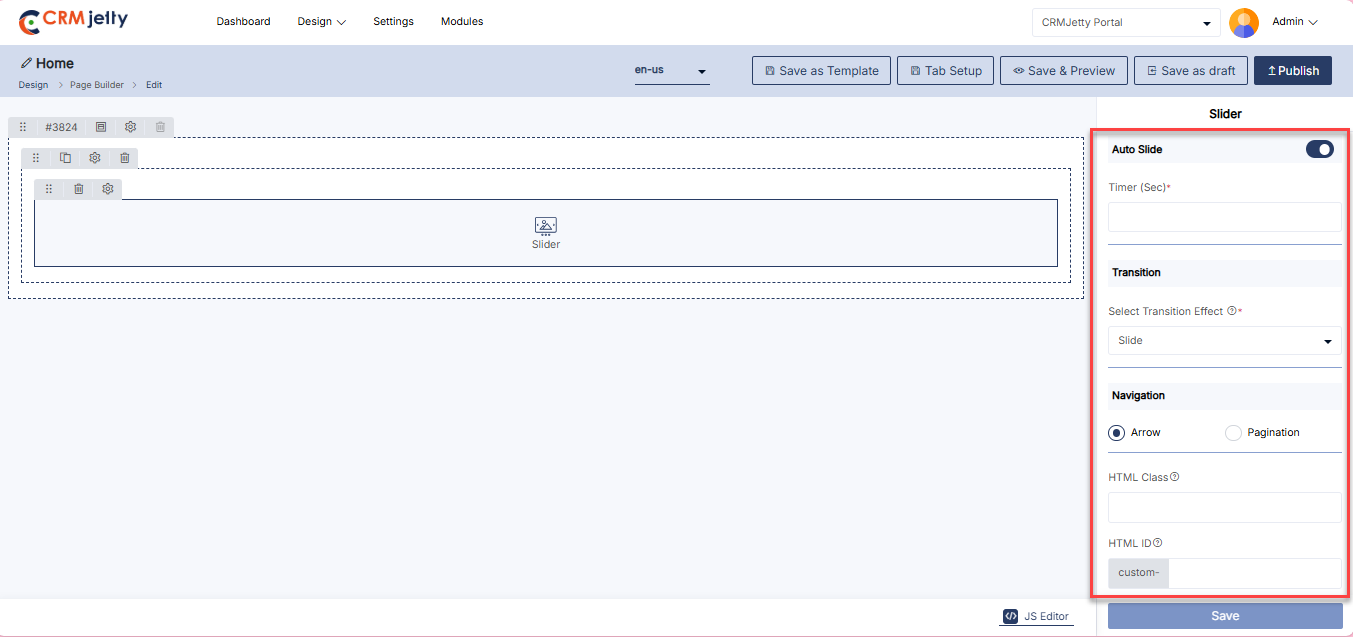
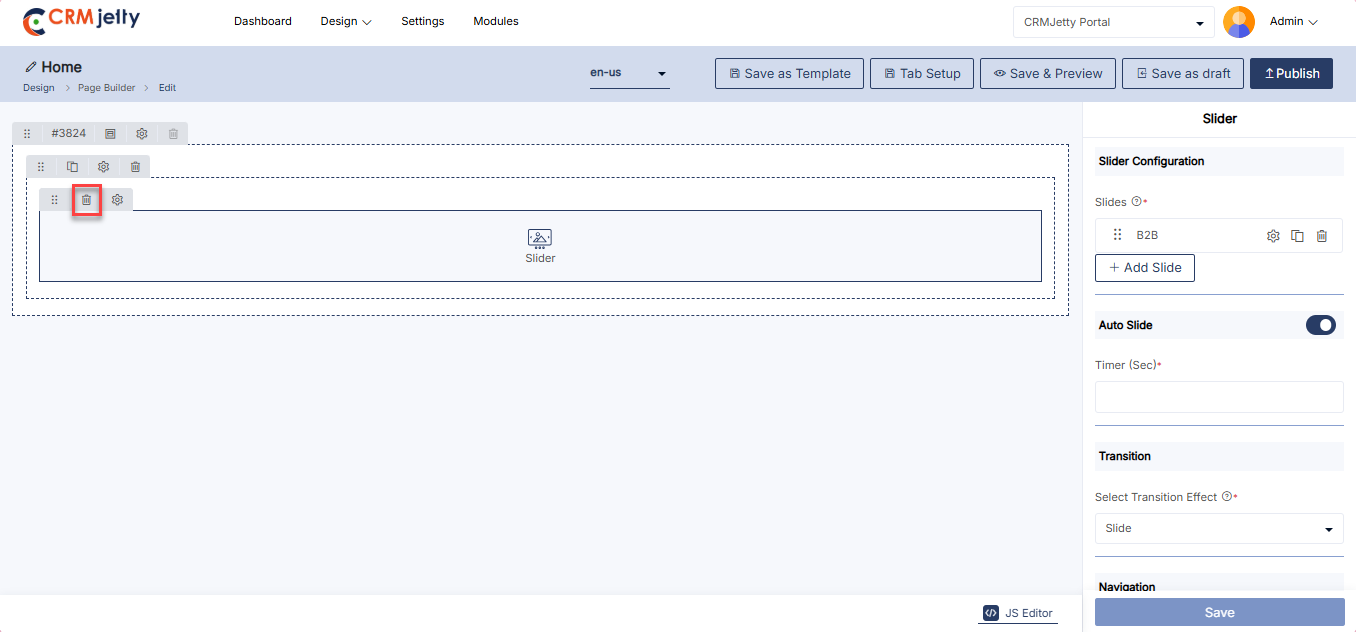
Testimonial
The Testimonial Widget is used to display customer testimonials in a slider format on a webpage.
Add the Testimonial Widget:
– Admin click on the Testimonial widget it will directly add to the grid. [1]
– Click on the ‘Settings’ icon of the Testimonial widget to open its configuration panel. [1]
Testimonial Configuration
General Configuration
– Slider Title: Enter the title for the testimonial slider.
– Select Slider Template: Choose a template for the testimonial slider layout.
– Rating Color: Set the color for rating stars (e.g., #fde16d).[2]
Configure Slides:
– Slides: Click on [+ Add Slide] to add individual testimonials. [3]
– Author Name: Enter the name of the person giving the testimonial (e.g., customer name).
– Text: Add the main testimonial text.
– Color: Choose the text color for the testimonial (e.g., #000000).
– Designation: Enter the designation or position of the author.
– Color: Choose the text color for the designation (e.g., #000000).
– Description: Add additional description or details.
– Photo: Upload a photo of the author or a relevant image.
– Alt Text: Add alternative text for the image if it fails to load.
– Rating: Specify the rating given by the author, if applicable.
– After entering the Author details click on the “Save” button. [4]
– Enable Auto Slider: Allow testimonials to automatically slide with a set timer. [5]
Navigation: [5]
– Arrow: Display navigation arrows.
– Pagination: Display pagination indicators.
Testimonial Settings [5]
– HTML Class: Add custom CSS classes to style the widget.
– HTML ID: Assign a unique ID to the widget, prefixed with “custom-.”
– Card View: Display the testimonial in a card-style layout.
Admin should click “Save” to apply the settings, then publish the page to make the testimonial widget live on the customer portal.
Admin can also delete a widget by clicking on the ‘Delete Icon’, as highlighted in the screenshot. [6]
Front view testimonial widget
The Front View Testimonial Widget showcases customer feedback or reviews on the page. It helps build trust and credibility by displaying positive experiences, enhancing user confidence in your product or service.[7]
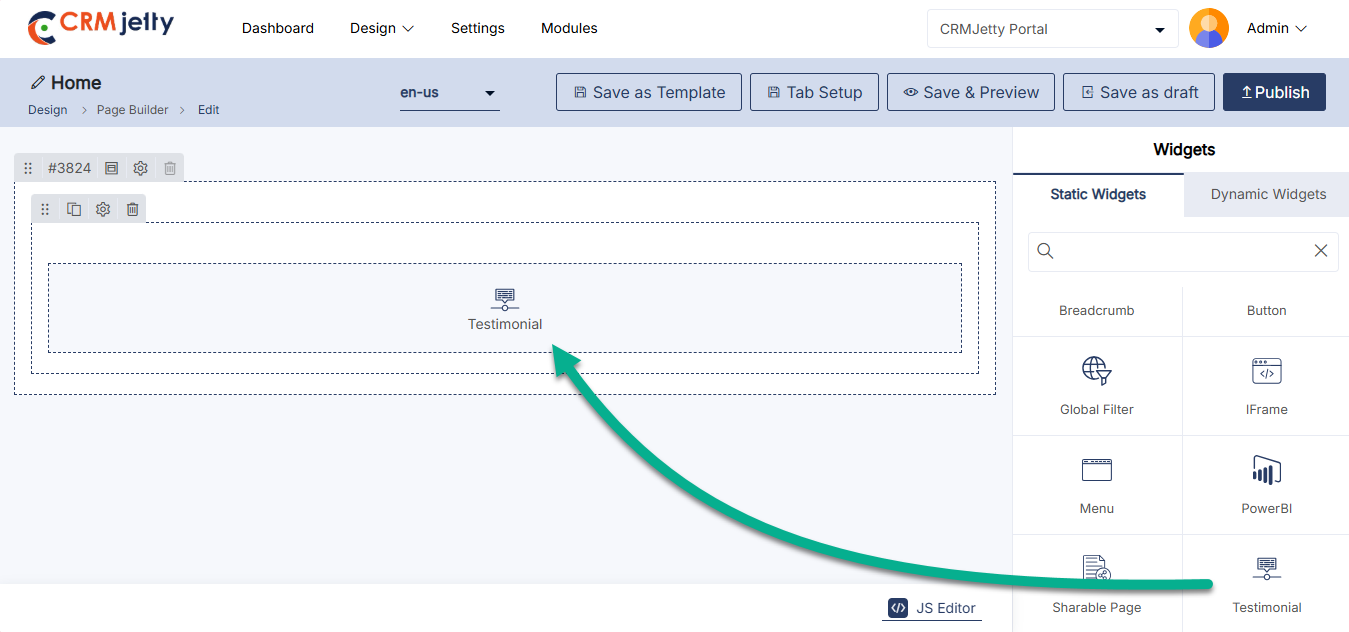
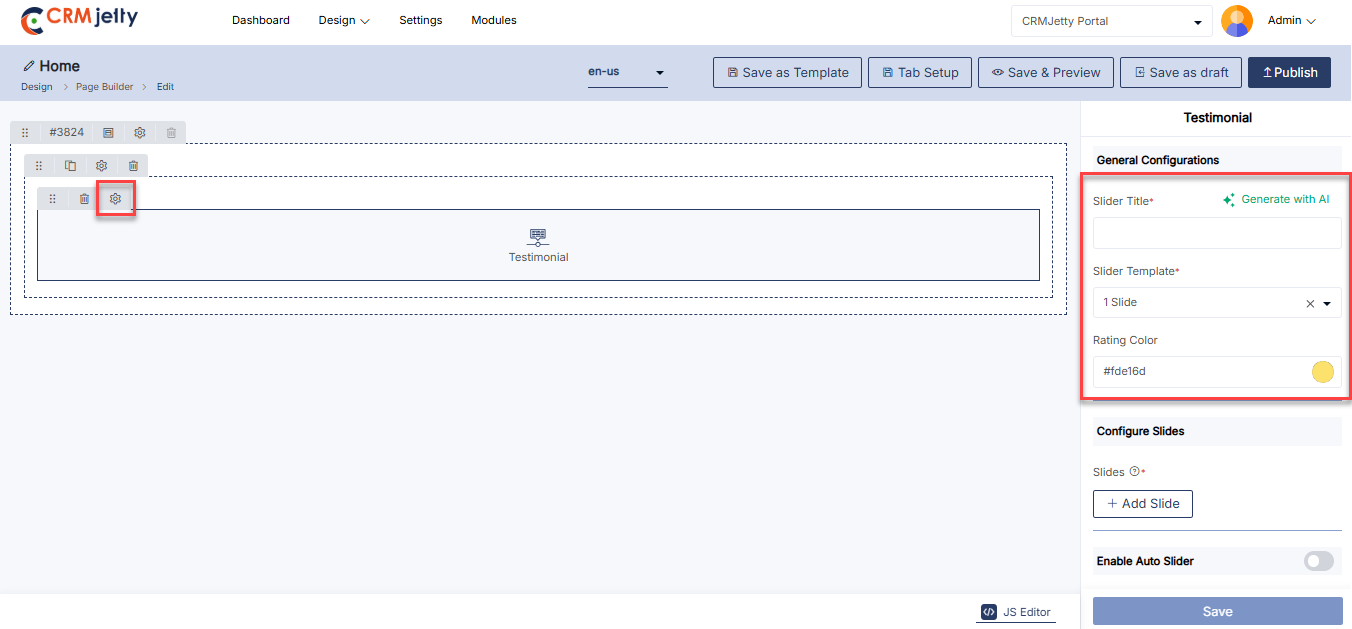
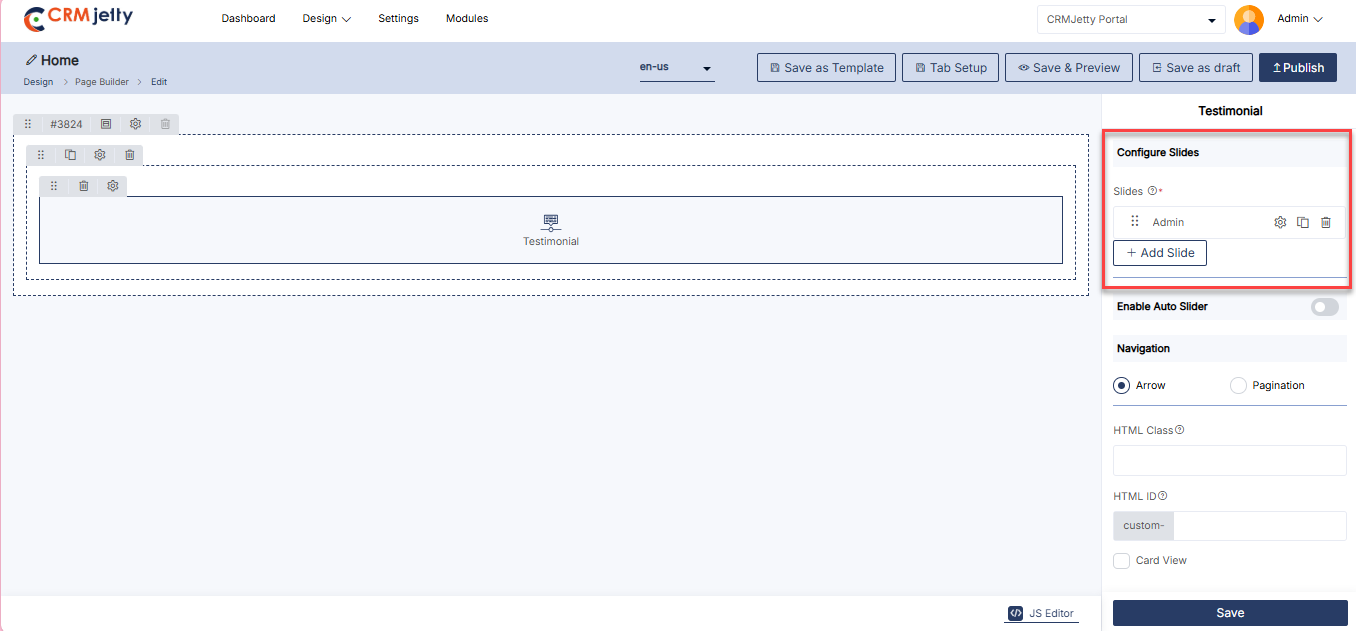
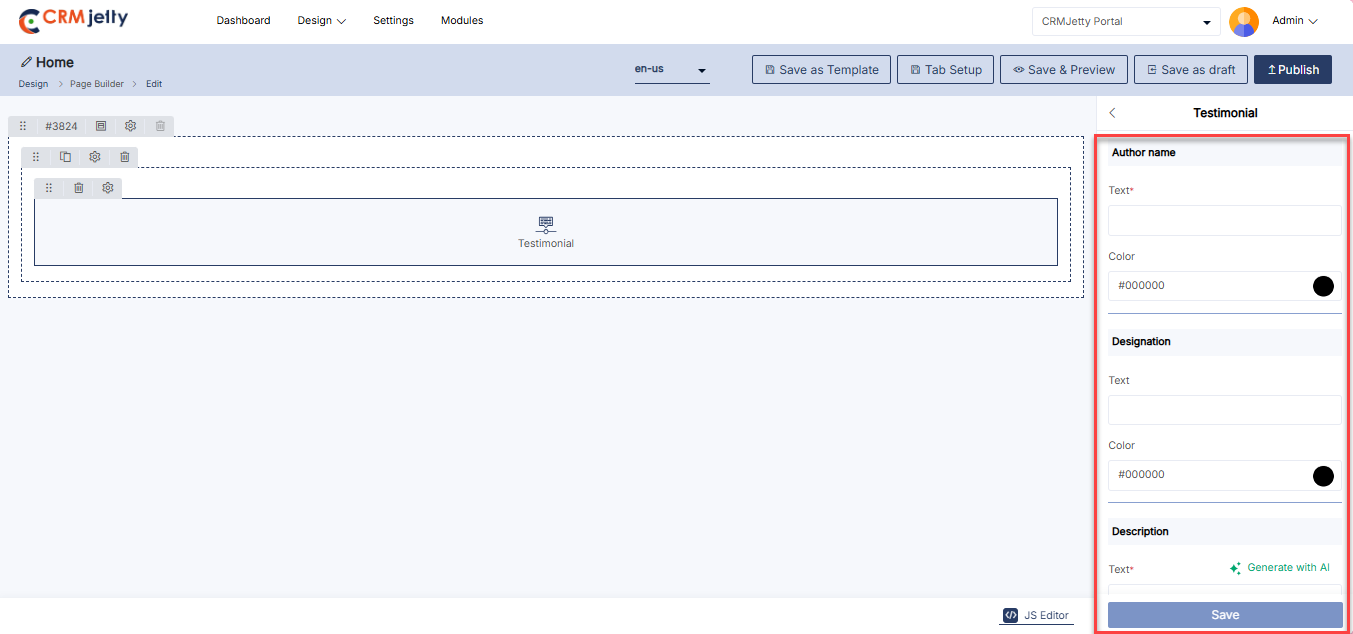
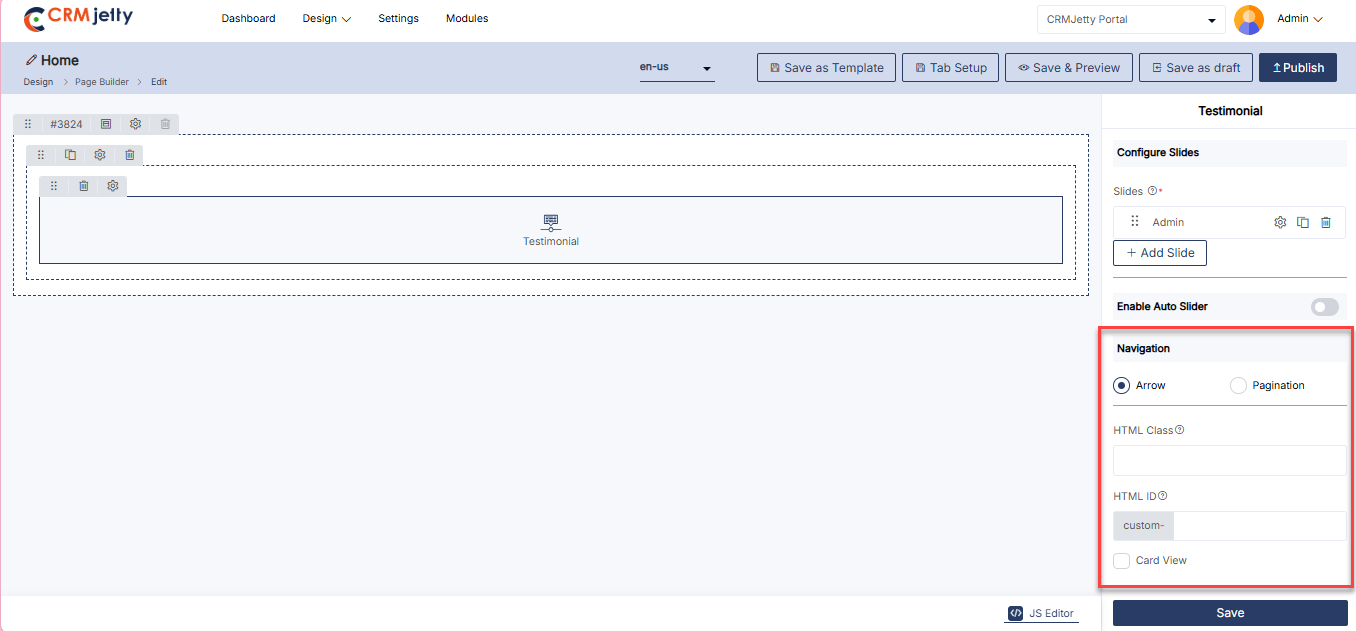
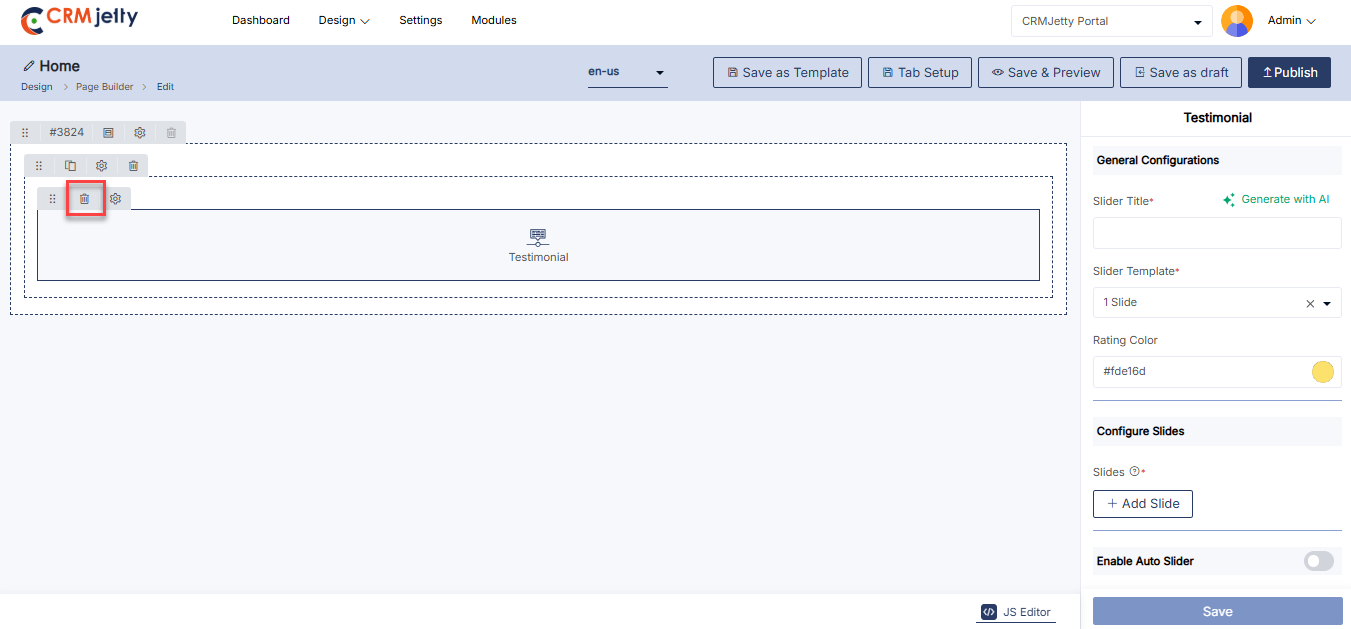
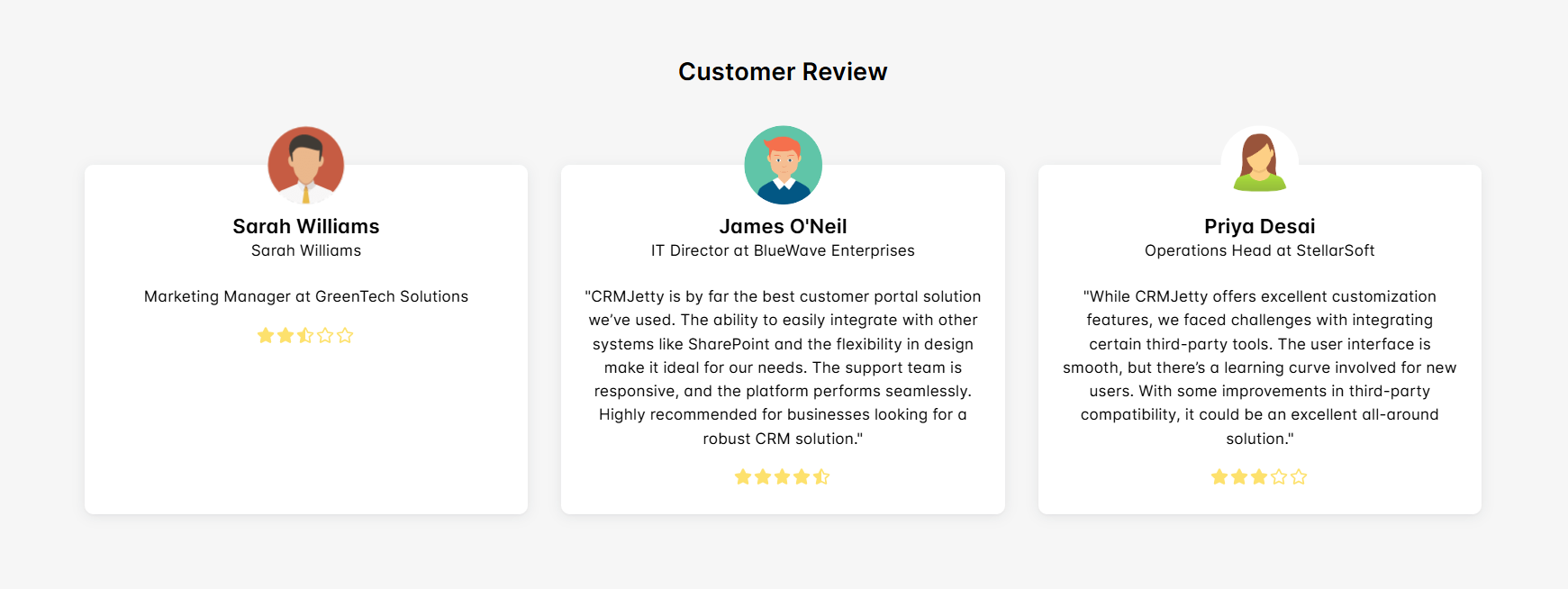
Text
The Text Widget allows Admin to add and display textual content on a webpage.
Add the Text Widget:
– Admin click on the Text widget onto directly add on the grid. [1]
– Click on the ‘Settings’ icon of the Text widget to open its configuration panel. [1]
Text Configuration
General Configuration [2]
– Text Configuration: Use the rich text editor to enter and format text. Admin can add various types of content, including text, links, images, and other rich media.
– Available Parameters: Click on preferred parameter to interest in editor.
Text Settings [2]
– HTML Class: Add custom CSS classes to style the widget.
– HTML ID: Assign a unique ID to the widget, prefixed with “custom-.”
– Card View: Display the text in a card-style layout.
Admin should click “Save” to apply the settings, then publish the page to make the text widget live on the customer portal.
Admin can also delete a widget by clicking on the ‘Delete Icon’, as highlighted in the screenshot. [3]
Front view text widget:
The Front View Text Widget allows you to add and display custom text on the page. It can be styled and formatted to convey messages, headings, or descriptions, enhancing content presentation and communication. [4]
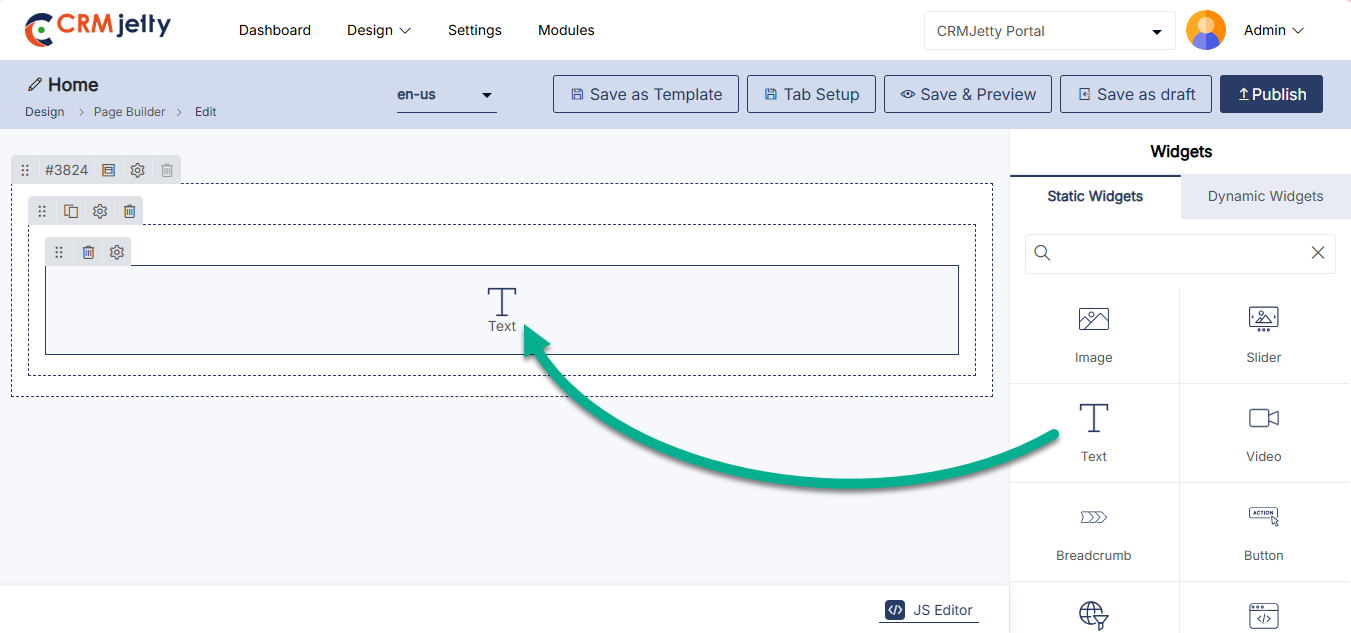
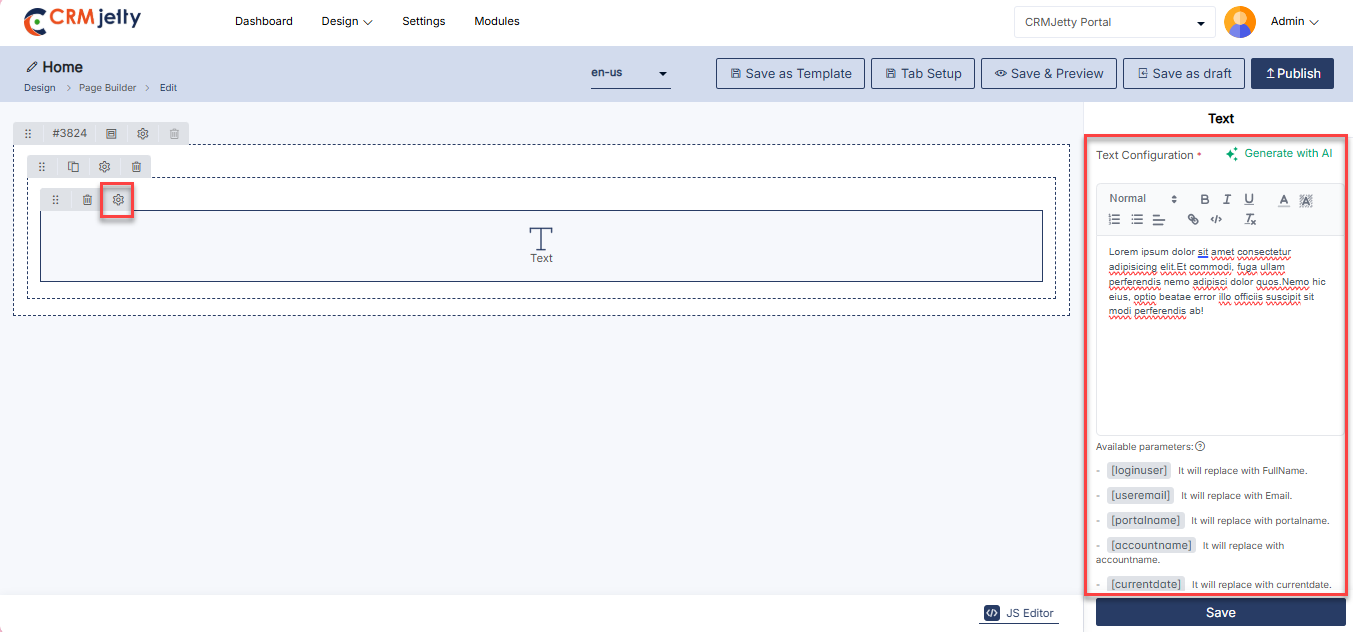
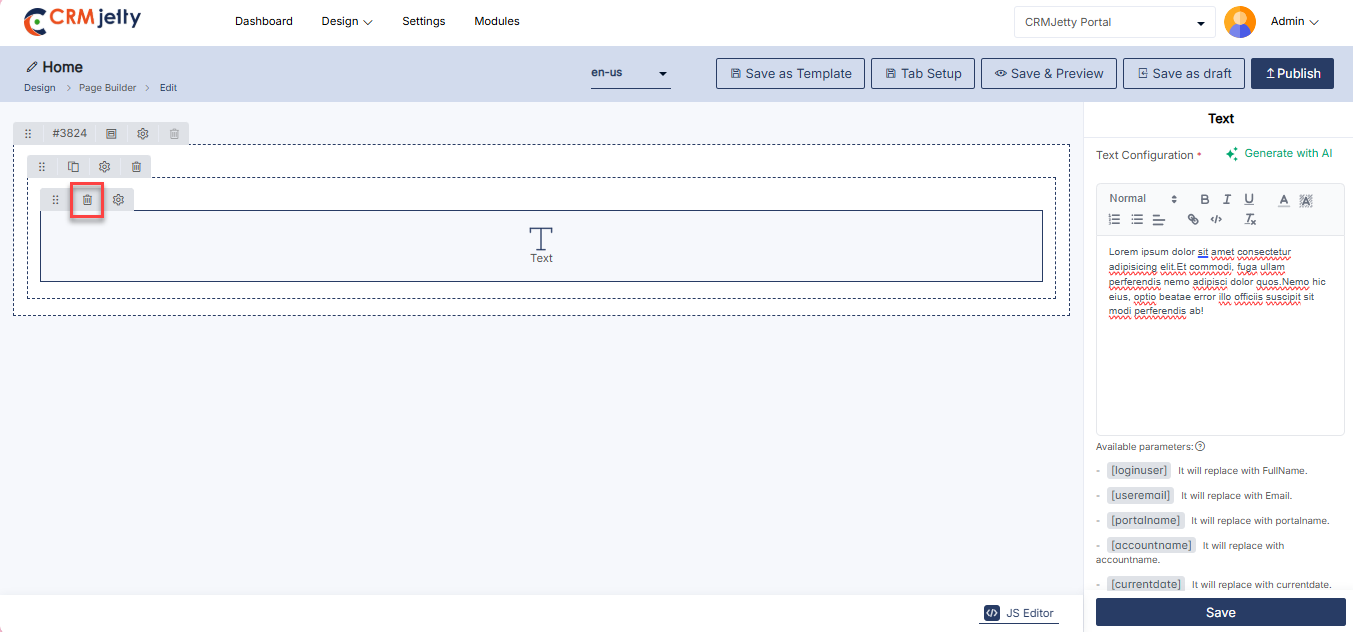
Video
The Video Widget enables Admin to embed and display videos on a webpage.
Add the Video Widget:
– Admin click on the video widget and it will directly add to the grid. [1]
– Click on the ‘Settings’ icon of the video widget to open its configuration panel. [1]
Video Configuration
General Configuration
– Video Title: Enter a title for the video.
– Autoplay: Option to automatically start the video when the page loads.
Video Type
– YouTube URL: Enter the URL of the YouTube video.
– Embedded Code: Paste the embed code for videos from other sources.
Video Settings
– HTML Class: Add custom CSS classes to style the widget.
– HTML ID: Assign a unique ID to the widget, prefixed with “custom-.”
– Card View: Display the Video in a card-style layout.
Admin should click “Save” to apply the settings, then publish the page to make the video widget live on the customer portal.
Admin can also delete a widget by clicking on the ‘Delete Icon’, as highlighted in the screenshot.
Front view video widget
The Front View Video Widget enables embedding and displaying videos directly on the page. It supports various formats and platforms, providing an engaging way to share information, tutorials, or promotional content with users. [4]
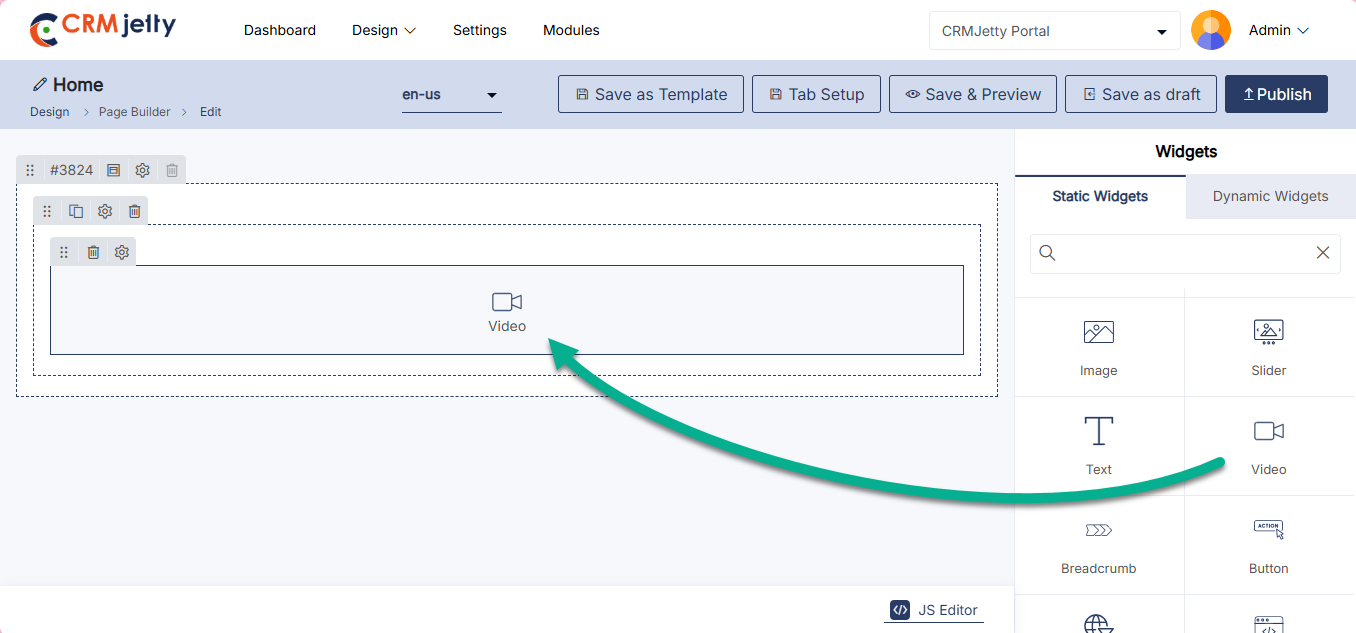
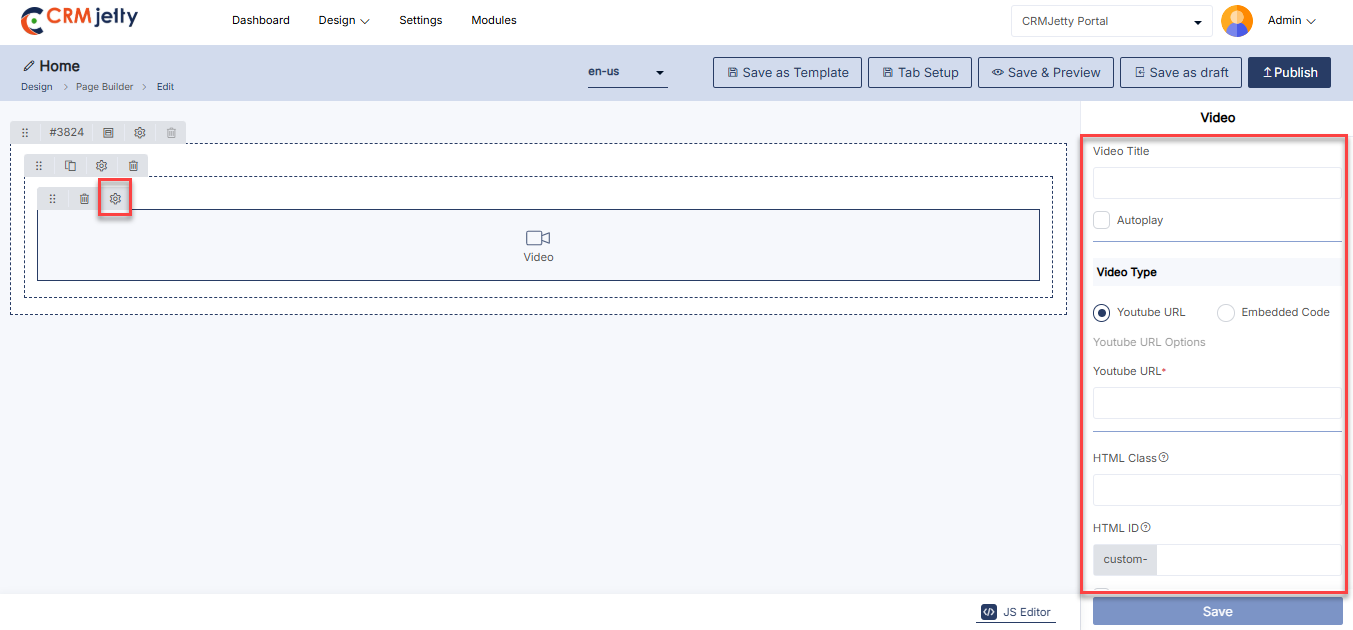
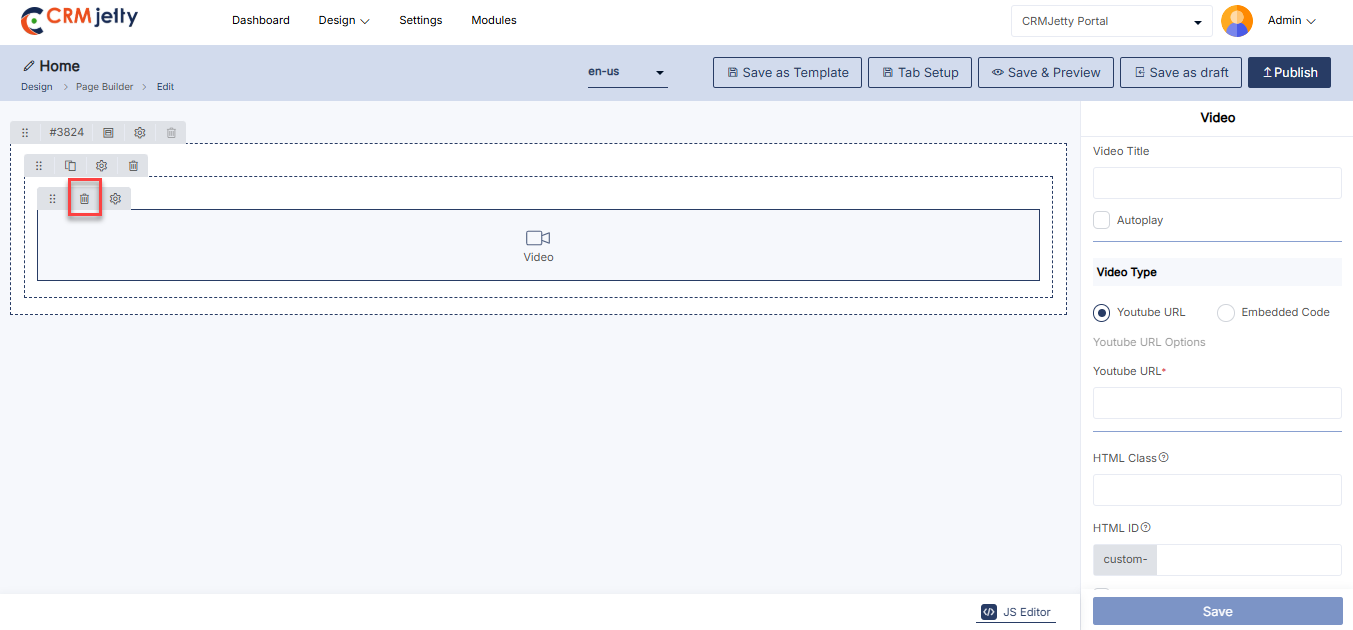
Global Filter
Add a Global Filter to dashboards that syncs across all connected components lists, charts, KPIs, and counters. It delivers a unified view of filtered data, enhancing decision-making and improving the UX of data-heavy pages.
Add Global Filter:
To add the Global Filter, select the desired “Add Widgets” section in the page layout where you want to place it and click on the Global Filter widget.
Note: Only one Global filter can be used in a single page. There is no need to configure the global filter.[1]
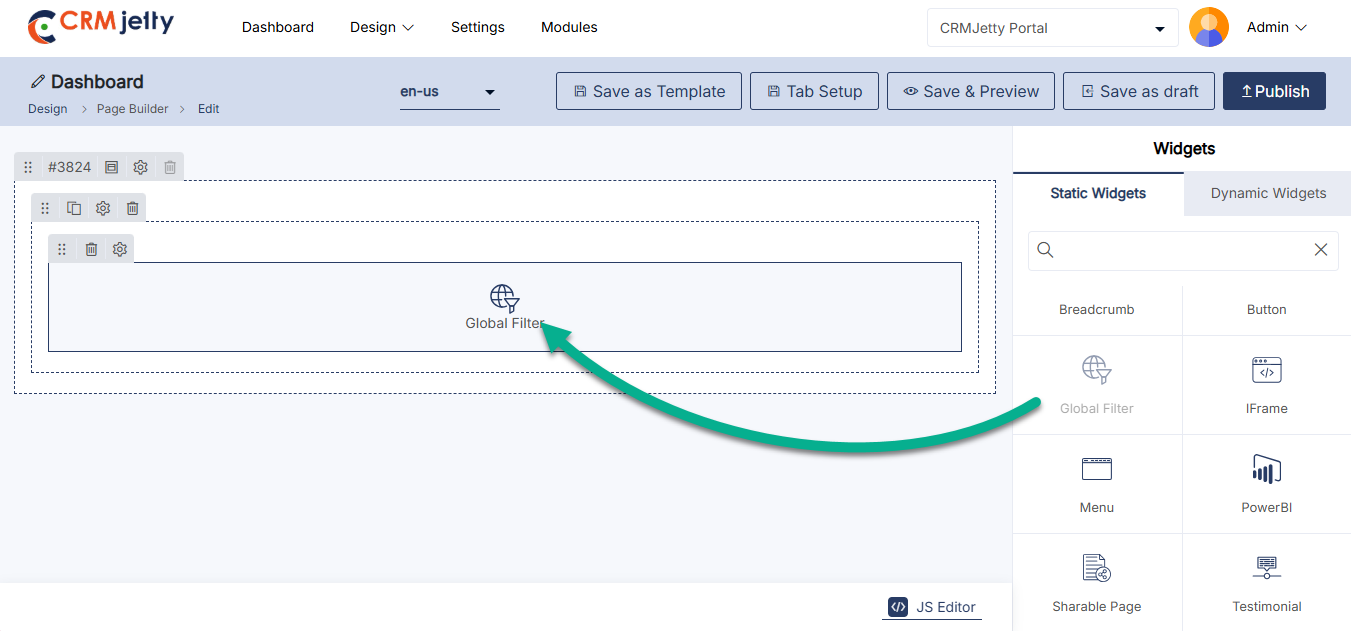
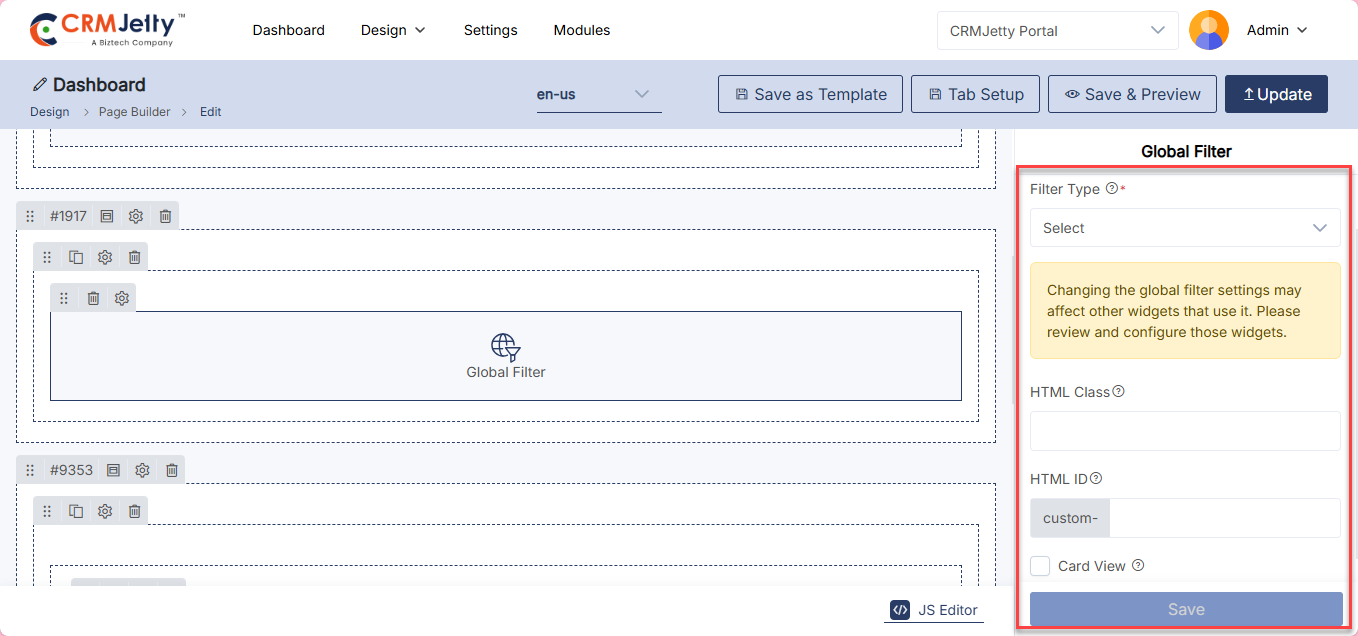
Sharable Page
The Shareable Page widget enables the admin to share forms in a view-only mode without granting full access. By adding and configuring this widget, admins can generate a secure, read-only version of any detail from on any page, making it easy to share important information externally. This is particularly useful for sharing data such as invoices, documents, or records with users while ensuring that no edits or unauthorized changes can be made.
Add Widget
Admin can add directly the widget to the page.[1]
While Configuring the Detail only form admin can select this page to show as the View only. Admin can add only one Shareable widget per page.
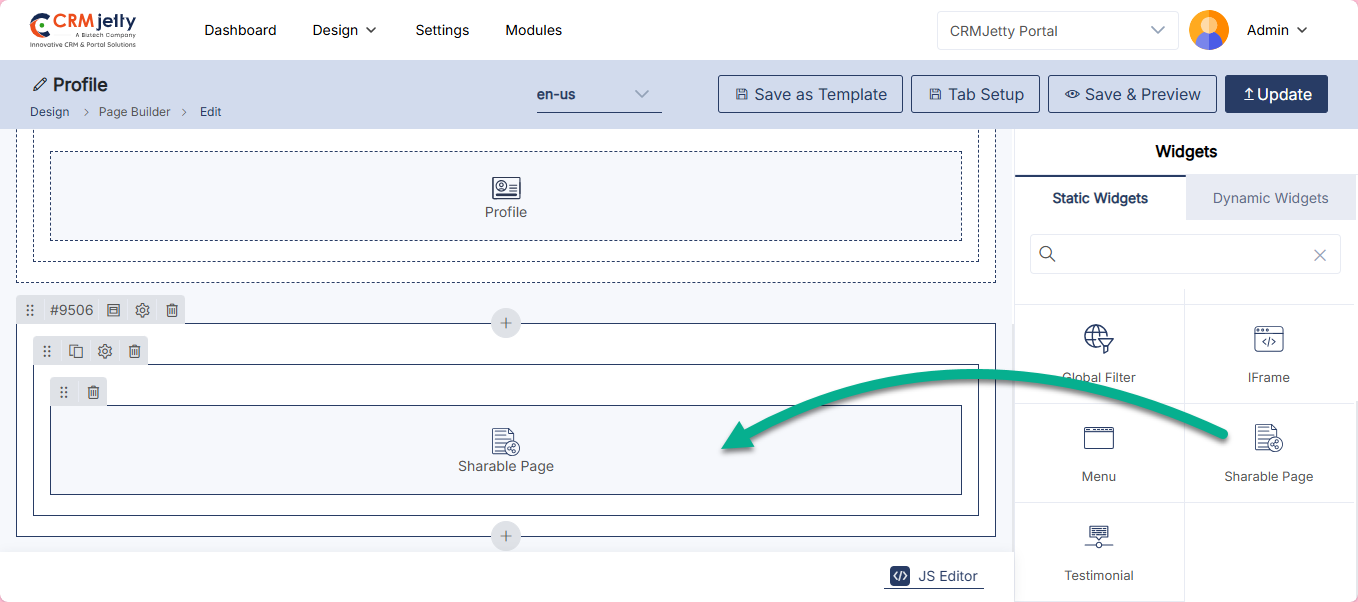
Dynamic Widgets
Dynamic widgets in CRMJetty are easy-to-use tools that allow Admin to add interactive features and live data to a portal. These widgets help create a more customized and responsive experience for portal users, all without needing to code. [1]
– Case Deflection: Guides portal users to self-help resources to minimize support requests.
– Chart: Displays CRM data through customizable graphs and charts.
– Counter: Shows real-time metrics, like the number of completed tasks or cases.
– Data Card: Provides CRM data in a compact, card-style format for easy viewing.
– Form: Captures and submits portal user information directly to the CRM.
– Knowledge Base: Offers access to a searchable collection of articles and FAQs.
– List: Organizes data in a structured, filterable list format.
– Login: Manages secure access to the portal with authentication features.
– Profile: Allows portal users to view and update their personal and account details.
– Recent Activity: Displays a log of the most recent interactions or updates.
– Registration: Handles new user sign-ups and account creation.
– Box Document: Integrates with Box for seamless document
Custom Widget
Adding customizable HTML/CSS/JS widgets with real-time CRM data enables admins to deliver multilingual, role-based, and highly tailored user experiences enhancing flexibility and usability without requiring full development cycles. Simply drag and drop the chart widget onto the designated grid area. [1]
Custom Widget Configuration
Select Widget Type: Select the widget type from following options:
Statics Widget : Displays predefined content or a selected view.
Select Widget View: Select a widget view which you want to display on the portal.[2]
Dynamic Widget: Displays live CRM data linked to entities and relationships.
Select Entity: select the entity to add in the widget.
Select the Widget View: Select a widget view which you want to display on the portal.
Select Relationship: Select the relationship between widget and form entity.
Enable Workflow
– Select Data Loading Workflow: Select the Data loading workflow to load data admin wants to attach for data loading.
– Enable Global Access: Enable this option to allow the dynamic widget to be accessed and used globally across the portal. [3]
Custom Widget Setting [4]
– HTML Class: Assign a CSS class to style the counter according to your design preferences.
– HTML ID: Provide a unique identifier for the counter to facilitate specific customizations or interactions.
– Card View: Choose to display the counter in a card-style layout for a more organized and visually appealing presentation.
Admin should click “Save” to apply the settings, then publish the page to make the custom widget live on the customer portal.
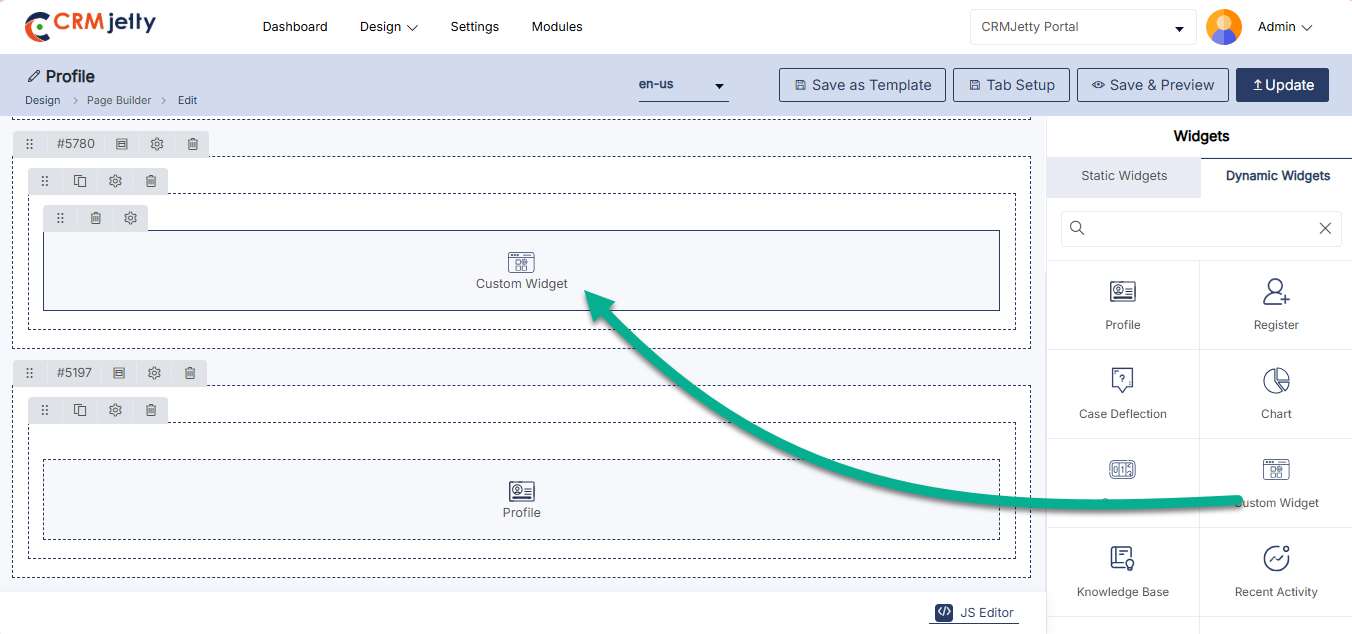
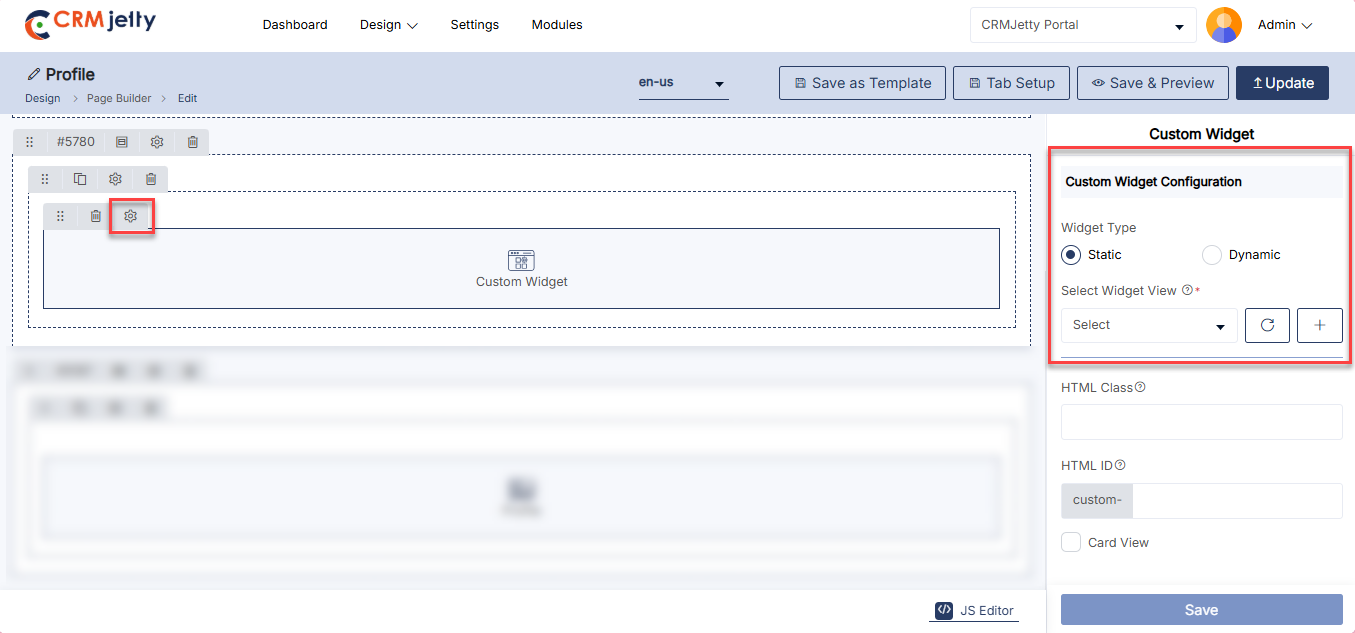
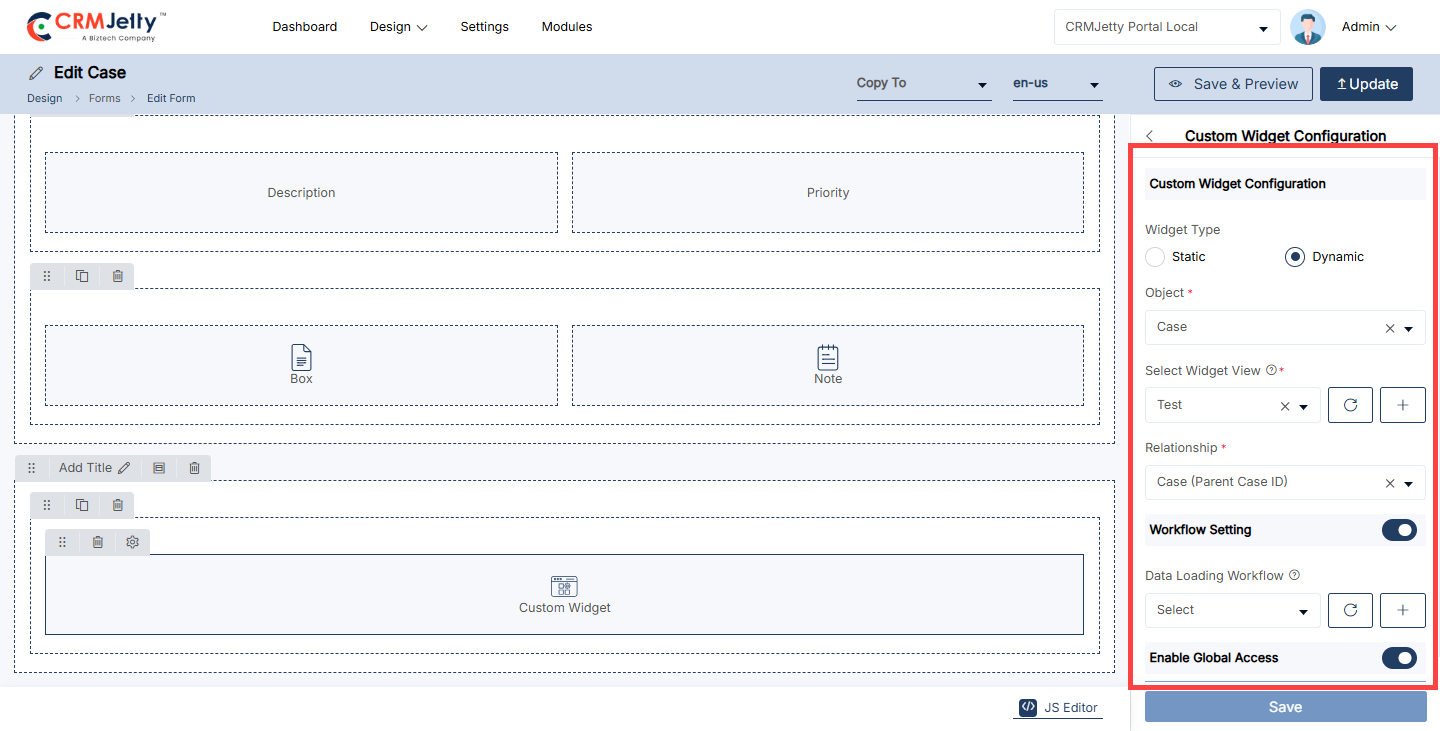
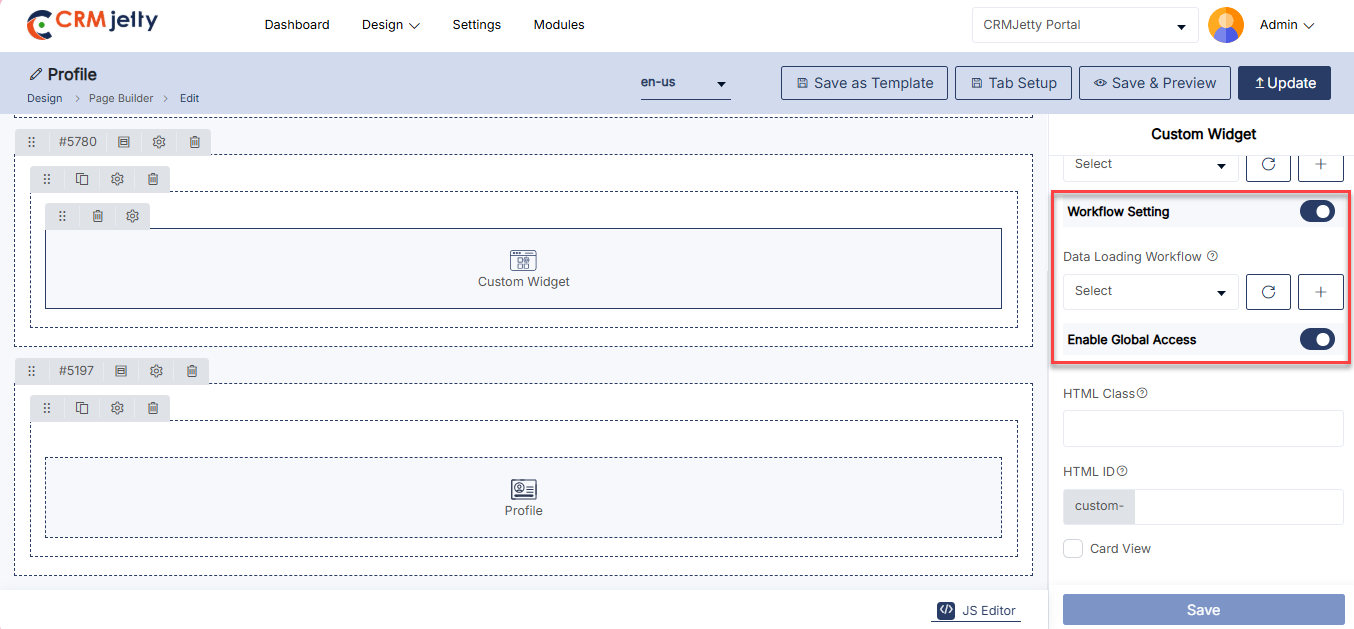
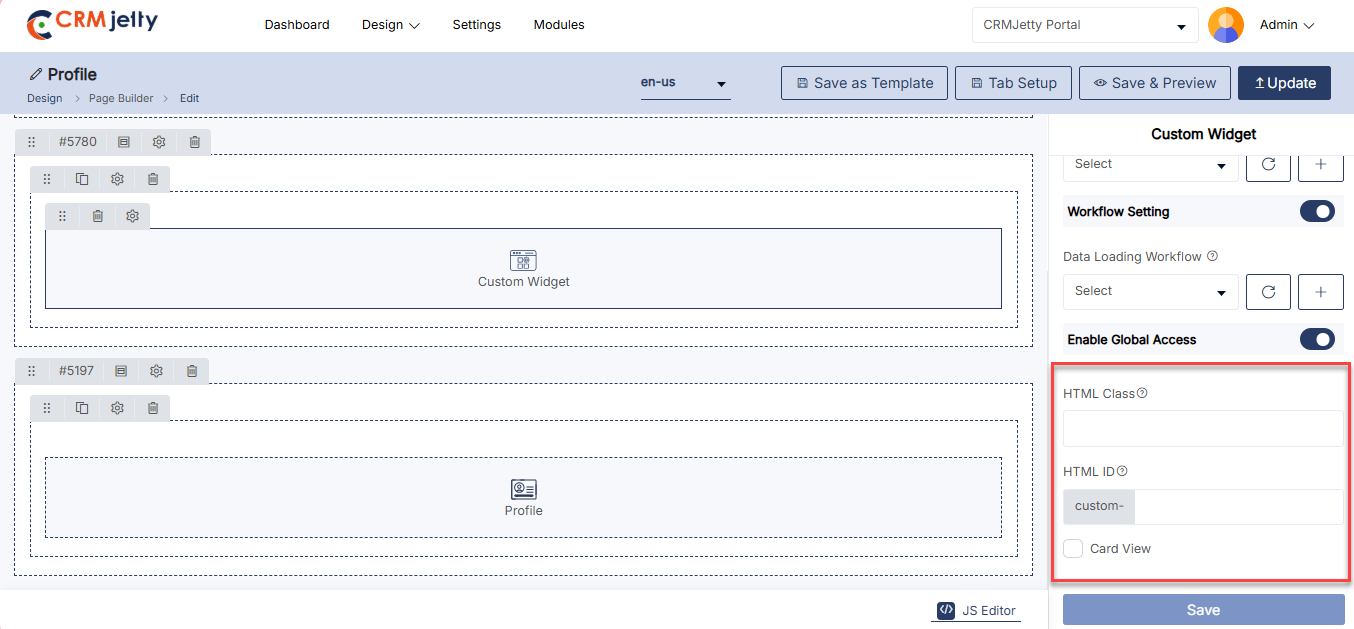
Case Deflection
Case Deflection is a feature that helps users find solutions on their own, reducing the need for direct support by guiding them to relevant self-help resources.
Add the Case Deflection Widget:
– Admin click on the Case Deflection and it will directly add to the grid.
– Click on the ‘Settings’ icon of the Case Deflection widget to open its configuration panel.
General Configuration [2]
This section includes the basic settings for configuring the Case Deflection widget.
– Select Page: Choose the specific page where users will be redirected.(e.g. “Create Case” page).
– Records Per Page: Set the number of records that will be shown on each page of the widget.
– Enable Workflow: Enable the toggle button to apply a workflow to the Case Deflection widget.
– Select Workflow: Assign a workflow to the case deflection to determine how data should be loaded and processed. Select the appropriate workflow from the available options.
Case Deflection Setting [2]
– Additional settings for fine-tuning how the Case Deflection feature works.
– HTML Class: Assign a CSS class to customize the styling of the widget.
– HTML ID: Provide a unique identifier for the widget to facilitate specific customizations or interactions.
– Custom- Any custom settings or options specific to implementation that need to be configured.
– Card View: Choose to display the records in a card-style format for a more compact and visually appealing layout.
Admin should click “Save” to apply the settings, then publish the page to make the Case Deflection widget live on the customer portal.
Admin can also delete a widget by clicking on the ‘Delete Icon’, as highlighted in the screenshot.
Front view Case Deflection widget
The Front View Case Deflection Widget assists users by suggesting relevant articles or solutions based on their queries, helping them resolve issues independently before submitting a case. This enhances self-service efficiency and reduces support requests.[4]
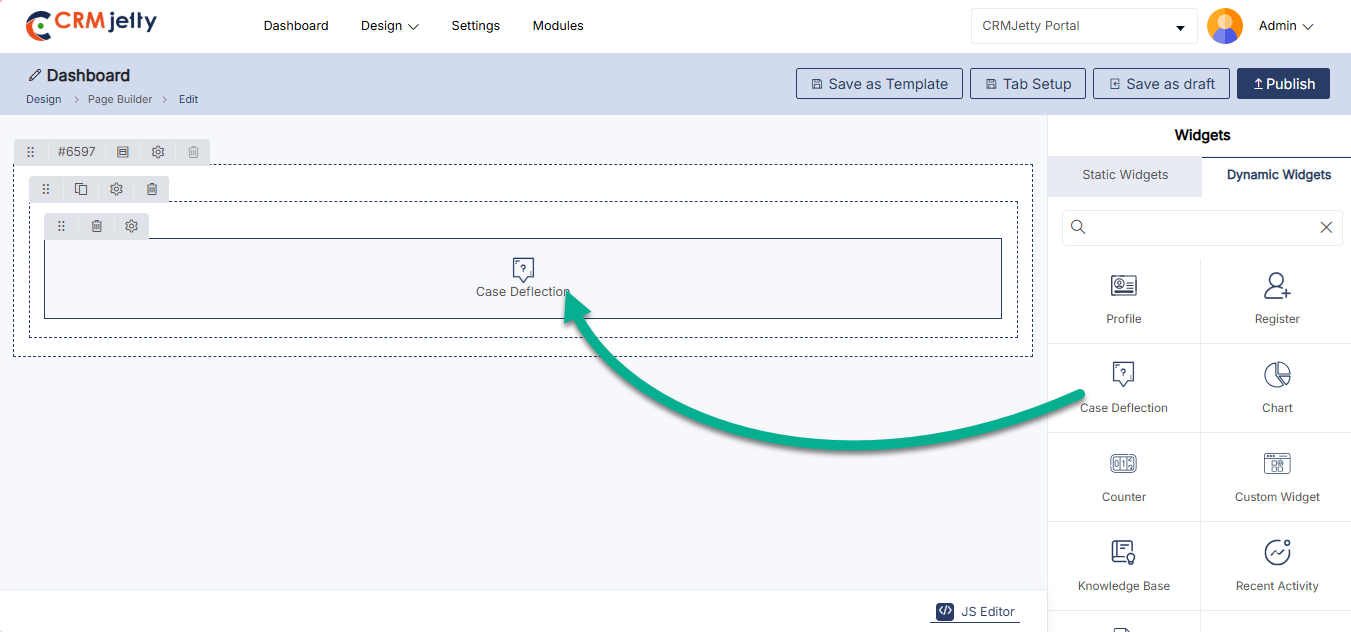
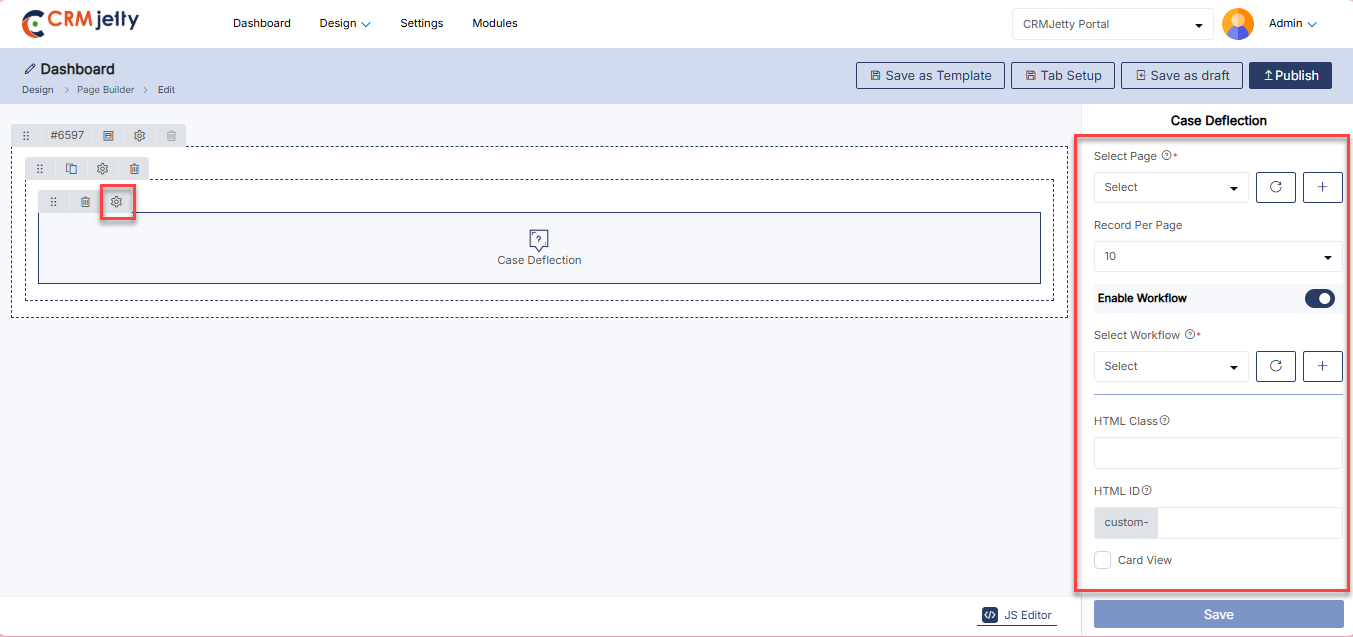
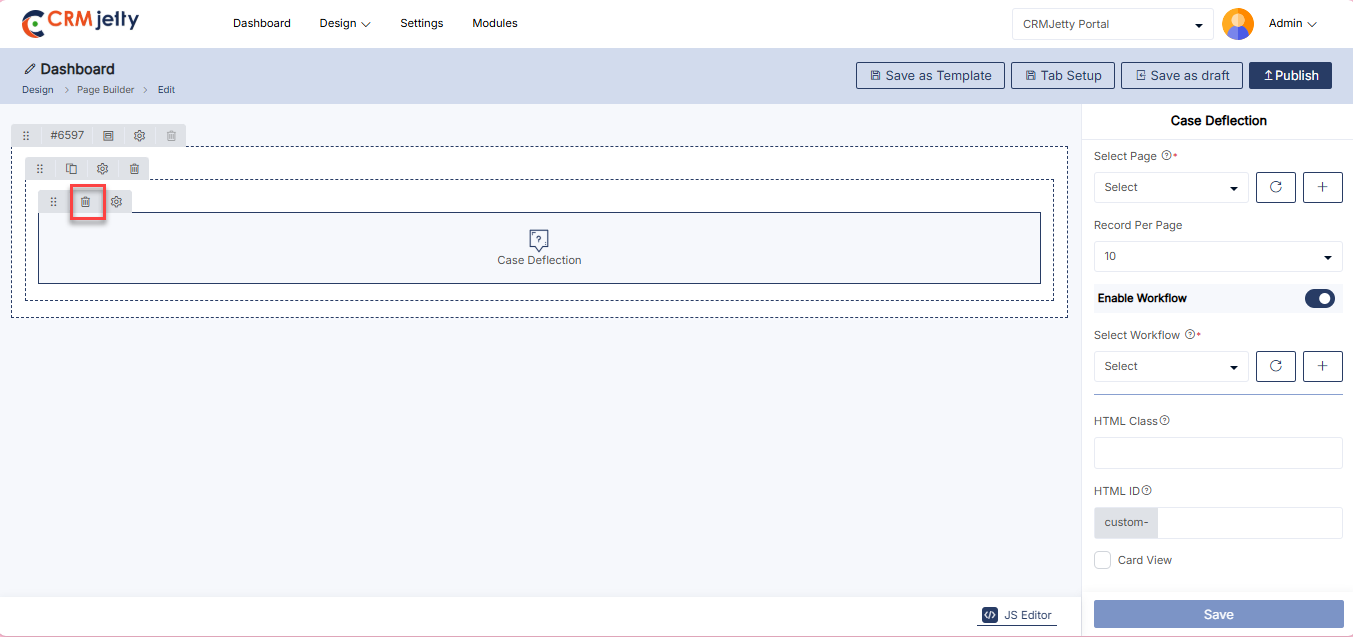
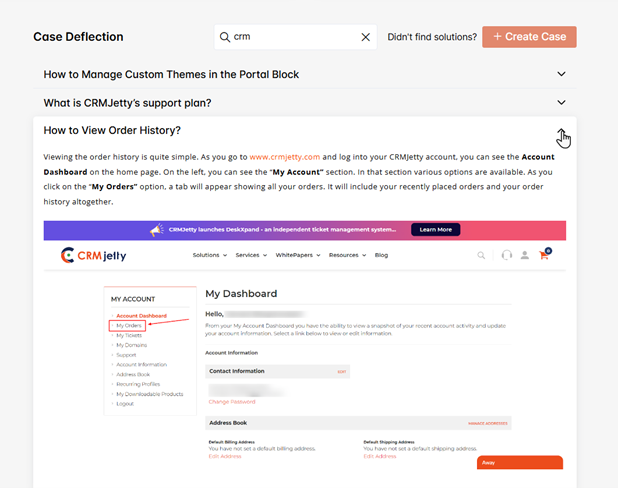
Chart
Chart widget visualizes CRM data through customizable graphs and charts, helping users to analyze and understand data more easily. [1]
Add the Chart Widget:
– Admin click on the Chart widget and it will directly add to the grid.
– Click on the ‘Settings’ icon of the Chart widget to open its configuration panel.
General Configuration [2]
This section includes the basic settings for setting up the Chart widget.
– Title: Enter a title for the chart to describe its purpose or content.
– Chart Type: Select the Chart Type from the dropdown menu. The available options are:
– Doughnut
– Vertical Bar
– Horizontal Bar
– Line
– Select Object: Choose the CRM object(e.g., cases, opportunities) that the chart will display data from.
– Select Field: Select the specific field within the chosen object that will be used to generate the chart.
If the chart type is selected as Vertical Bar, Horizontal Bar and Line configure this following section.[3]
– Dataset Label: Enter a label for the data line or group. This label clearly indicates what the data represents in the chart.
– X–Axis Label: Enter a custom label to display on the horizontal axis. This label typically represents categories, dates, or other groupings.
– Y–Axis Label: Enter a custom label to display on the vertical axis. This label usually represents values, quantities, or measurements.
– Calculation Field: Select the calculation field from the dropdown menu.
– Aggregation Types: Choose the aggregation type to apply to the chart values.
– Select Field Value: Define the values to be displayed on the chart, such as different categories or metrics (e.g., DHL, FedEx, Full Load).
Workflow Setting [4]
Configuration options for applying workflows to the chart.
– Data Loading Workflow: Assign a workflow to the chart to determine how data should be loaded and processed. Select the appropriate workflow from the available options.
Chart Setting [4]
Additional settings for customizing the appearance and functionality of the chart.
– HTML Class: Assign a CSS class to style the chart according to preferences.
– HTML ID: Provide a unique identifier for the chart to facilitate specific customizations or interactions.
– Custom-: Any additional custom settings or options specific to the implementation.
– Card View: Choose to display the chart in a card-style layout for a more organized and visually appealing presentation.
Admin should click “Save” to apply the settings, then publish the page to make the chart widget live on the customer portal.
Admin can also delete a widget by clicking on the ‘Delete Icon’, as highlighted in the screenshot. [5]
Front view chart widget
The Front View Chart Widget displays interactive charts or graphs to visualize data effectively. It supports various chart types, helping users interpret information quickly and enhancing data-driven insights. [6]
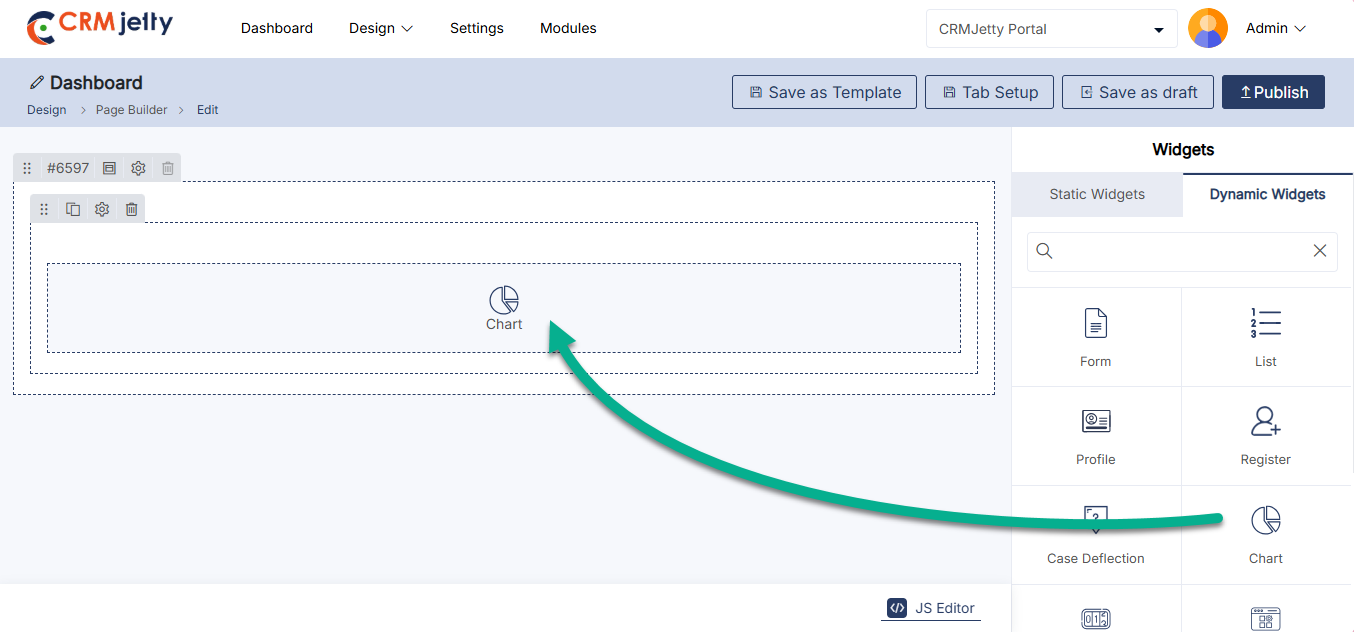
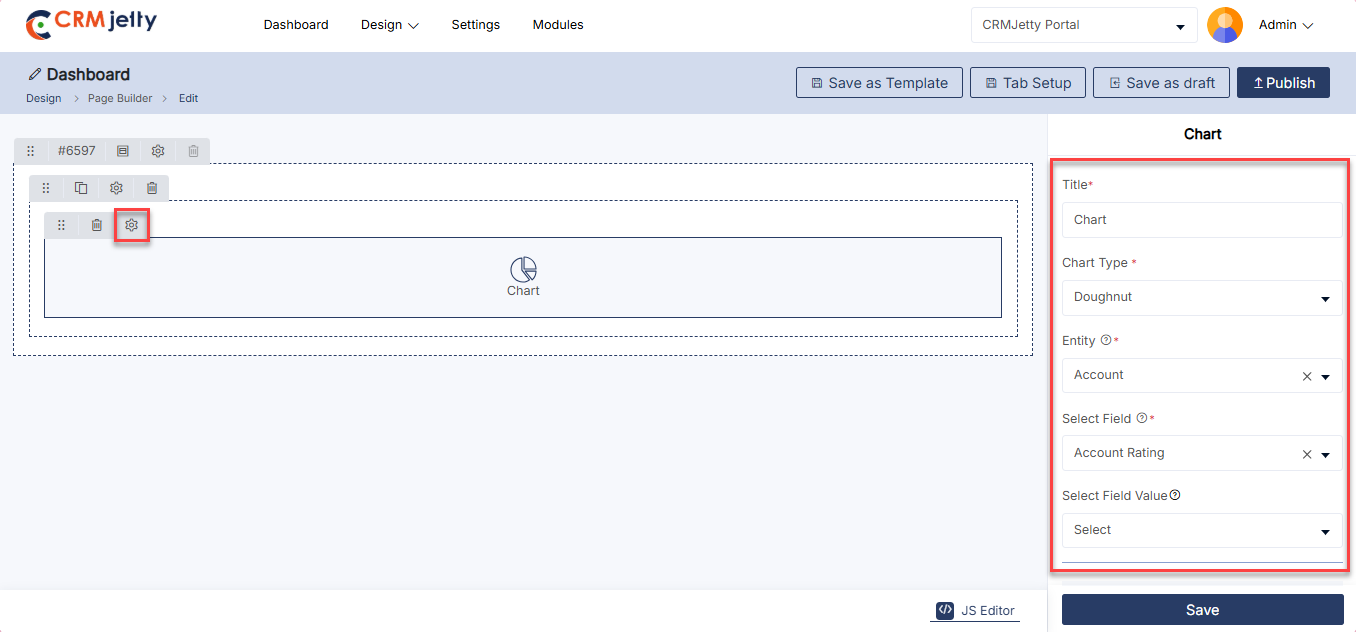
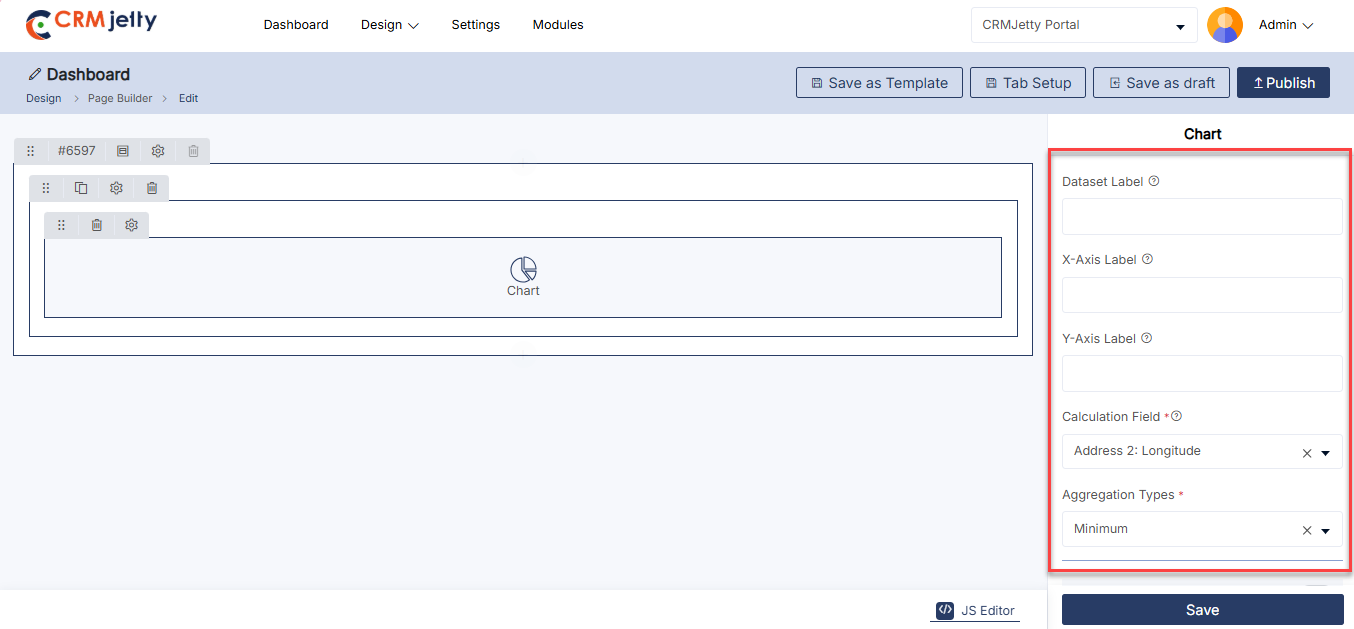
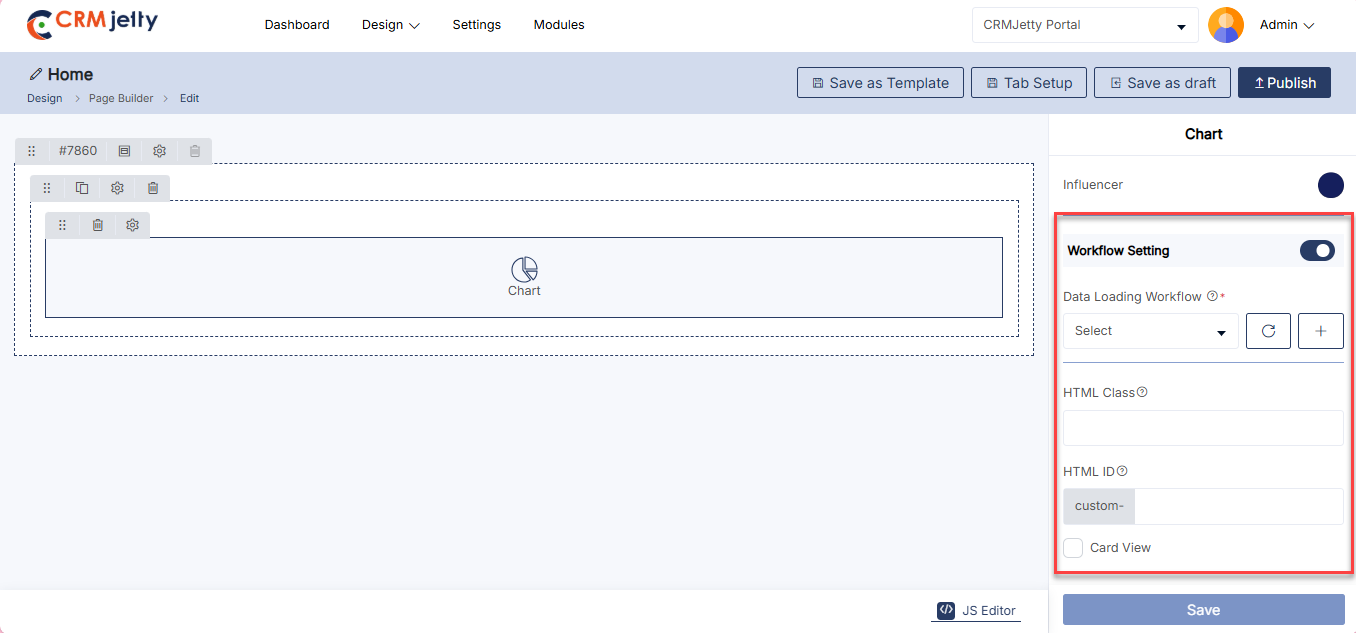
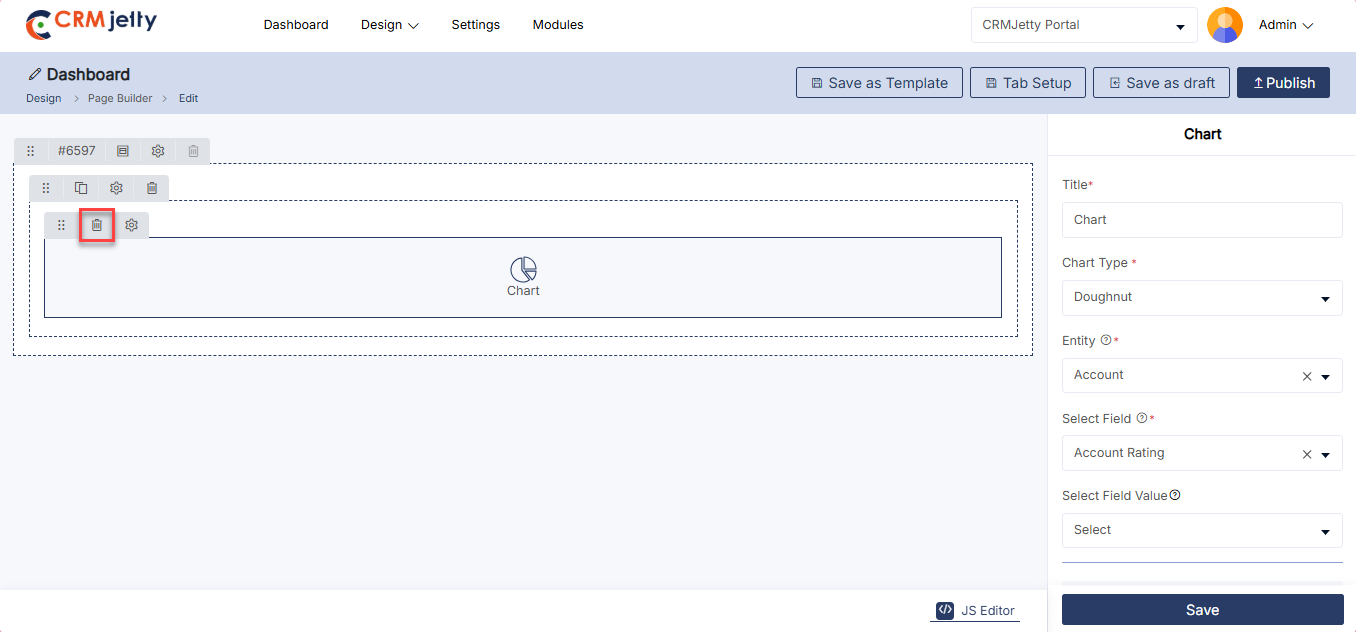
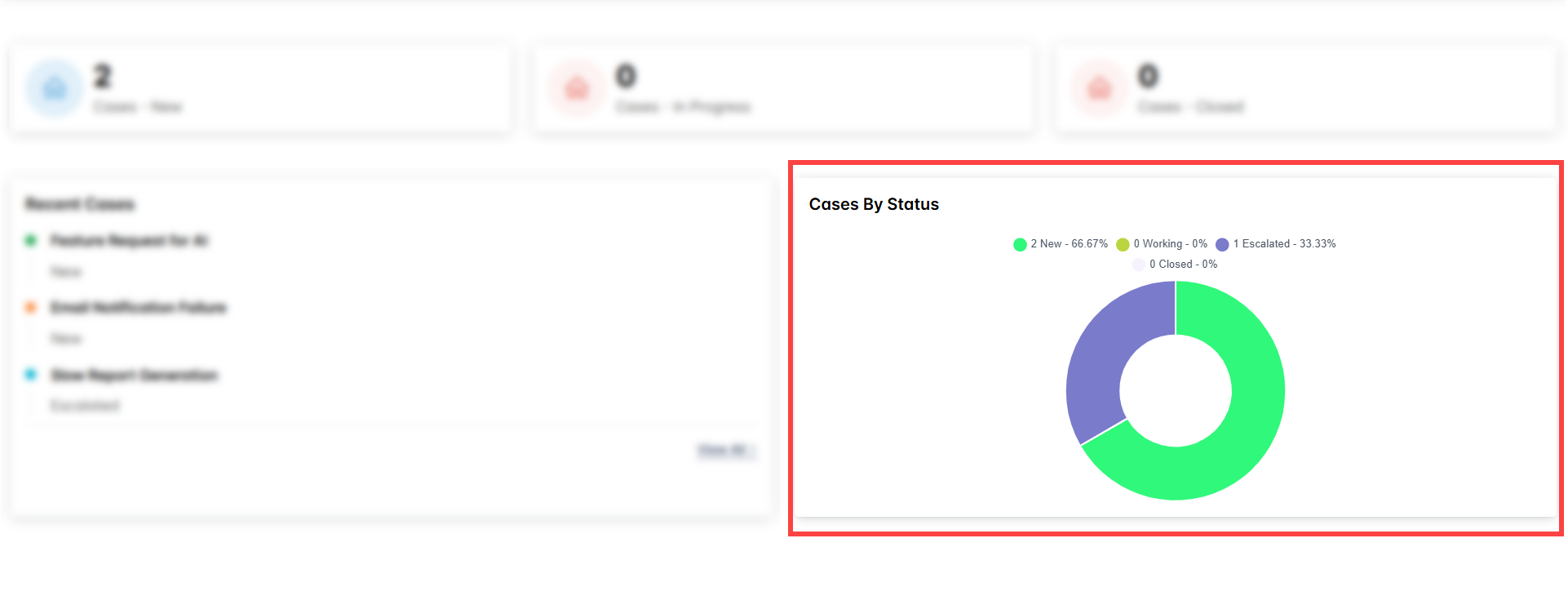
Counter
The Counter widget displays real-time metrics or counts, such as the number of completed tasks or cases, providing users with instant numerical insights.
Add the Counter Widget:
– Admin click on the Counter widget and it will directly add to the grid.
– Click on the ‘Settings’ icon of the Counter widget to open its configuration panel. [1]
General Configuration [2]
This section covers the basic settings for setting up the Counter widget.
– Title: Enter a title for the counter to describe what it represents.
– Select Object: Choose the CRM object (e.g., cases, opportunities) that the counter will monitor.
– Select Field: Select the specific field within the chosen object that will be used to generate the count.
– Select Field Value: Specify the values or criteria that the counter will use to display data (e.g., completed, pending).
– Select Option Color: Select the option color to display on the counter.
– Pick an Icon: Pick icon to display for counter widget
Redirected Settings : To configure redirection for the counter widget, enable the Redirection Setting option. Once enabled, select the preferred redirection indicator: [3]
– Clickable Icon: Makes the entire counter widget clickable.
– Hyperlink: Displays a hyperlink beneath the counter widget.
Select Page: Select the Redirection page from the menu. The User will be redirected to the respective selected page.[3]
Workflow Setting [4]
Configuration options for applying workflows to the counter.
– Data Loading Workflow:
Assign a workflow to the counter to determine how data is loaded and processed. Select the appropriate workflow from the available options.
Counter Setting [4]
– HTML Class: Assign a CSS class to style the counter according to your design preferences.
– HTML ID: Provide a unique identifier for the counter to facilitate specific customizations or interactions.
– Card View: Choose to display the counter in a card-style layout for a more organized and visually appealing presentation.
Admin should click “Save” to apply the settings, then publish the page to make the counter widget live on the customer portal.
Admin can also delete a widget by clicking on the ‘Delete Icon’, as highlighted in the screenshot. [5]
Front view counter widget
The Front View Counter Widget displays animated counters to showcase key metrics, such as statistics, achievements, or milestones. It adds a dynamic element to the page, engaging users with real-time numerical updates. [6]
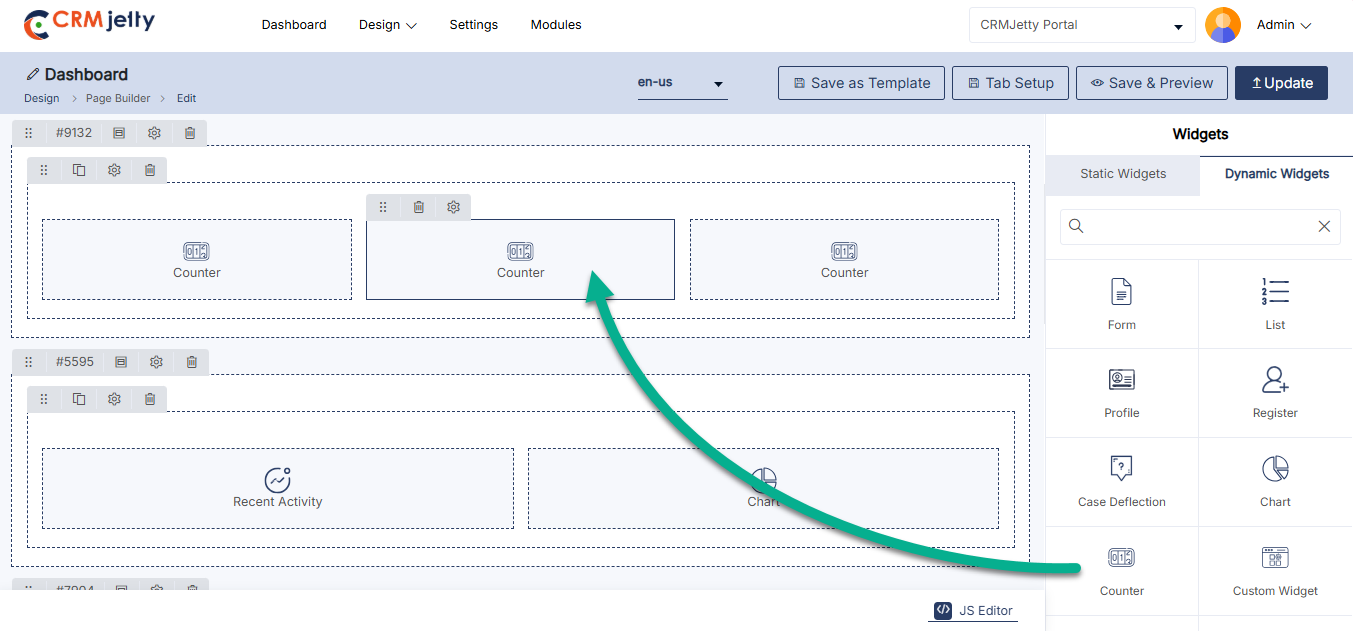
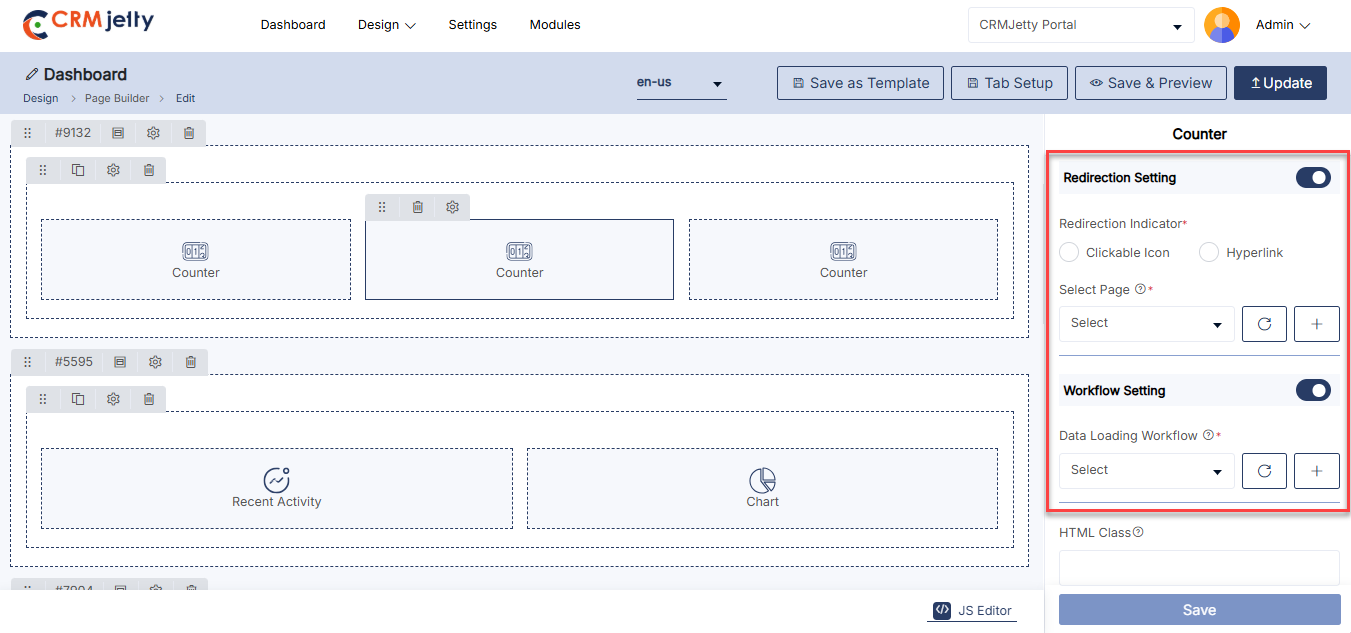
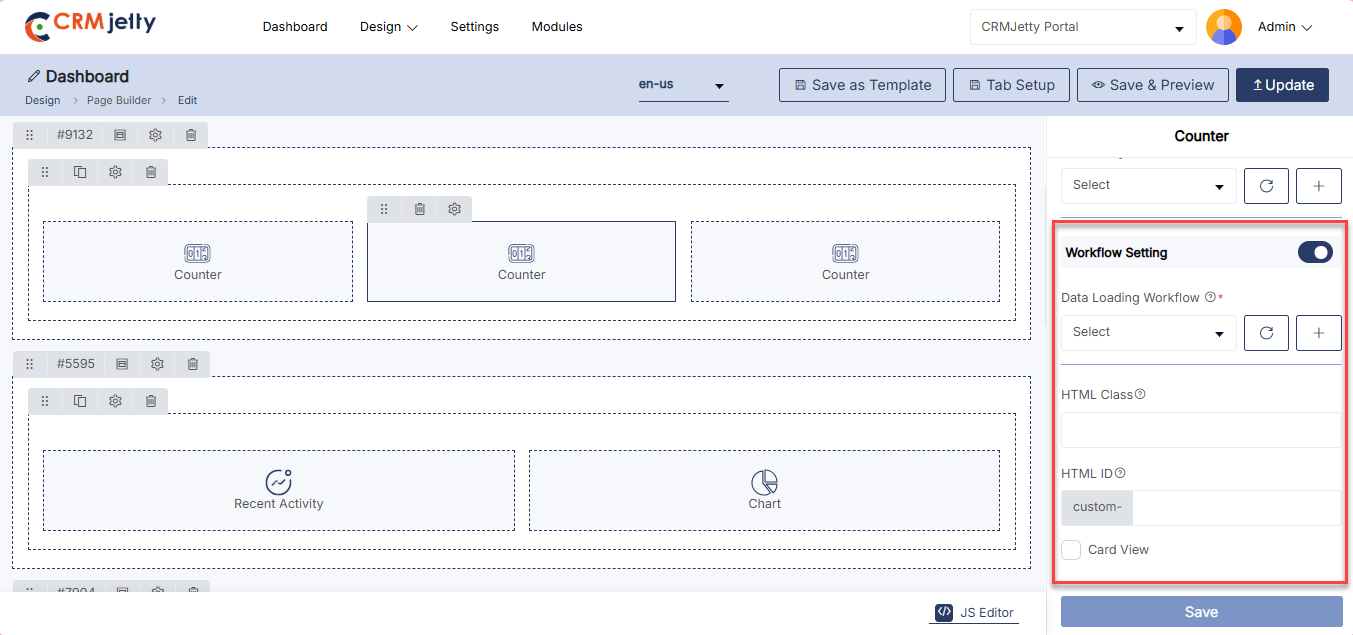
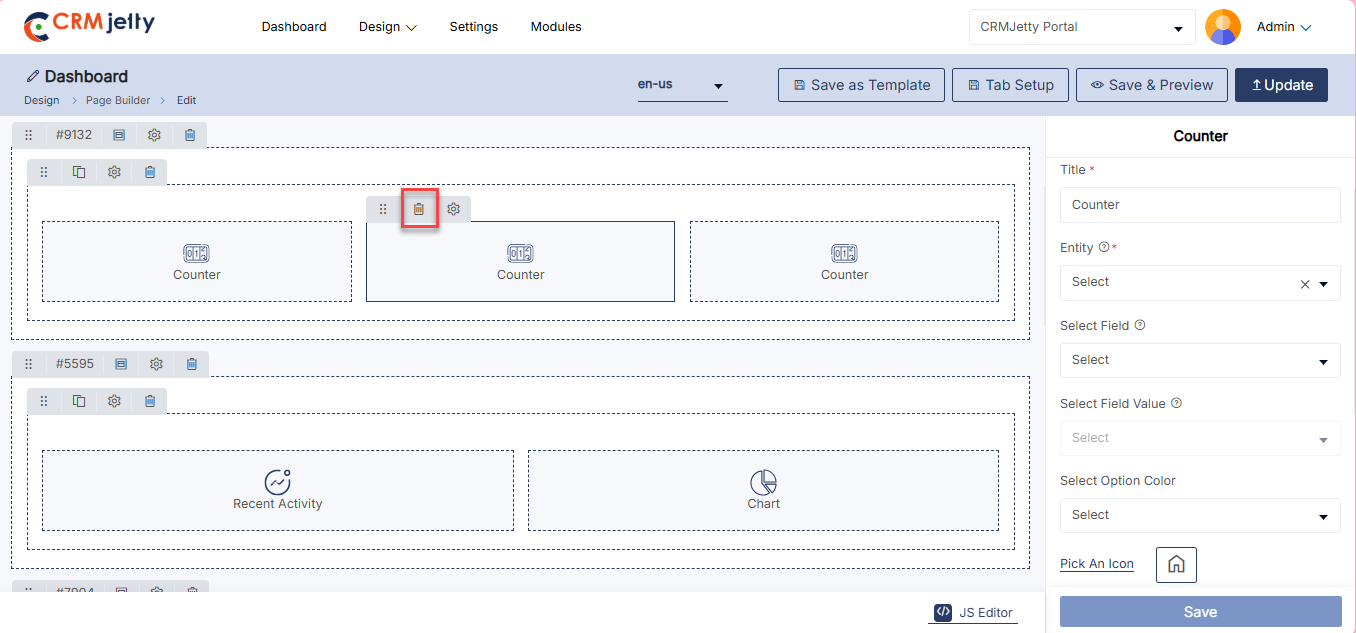

Form
The ‘Page’ widget allows Admin to choose created pages within the Page Builder to display the add/edit or detail view for specific entities.
Add the Form Widget:
– Admin click on the Form widget and it will directly add to the grid. [1]
– Click on the ‘Settings’ icon of the Form widget to open its configuration panel. [1]
General Configuration [2]
– Form Title: Provide the title for the form.
– Select Form View: Choose “Add” from the drop-down list to display the form creation page.
– Select Record Type: Select record type Admin wants to display.
Success Settings [2]
– On Success: Select the page where the portal user will be redirected after successfully submitting the form.
– Submit Button Text: Enter the text caption for the Submit button (e.g., “Submit”)
– Submit Trigger: Select Trigger configuration to execute when the action is performed.
Exit Settings [3]
– Cancel Button Text: Enter the text caption for the Cancel button (e.g., “Cancel”).
– Redirect To: Select the page where portal users will be redirected upon clicking Cancel.
– Enable Floating Label Form: Enable Floating label for the widget.
Enable Email Settings [3]
– Select Page: Choose the page to include in the email link sent to the form respondent.
– Select Email Template: Choose the email template to use when sending the form response.
– Email Recipient: This setting allows you to select the field that stores the email address of the primary recipient. The selected recipient will receive all email communications associated with this record.
Enable reCAPTCHA [4]
– Option: Enable this to protect the form submission from spam using reCAPTCHA.
Form Setting [4]
– HTML Class: Define the HTML class for the form.
– HTML ID: Define the HTML ID with the prefix “custom-“.
– Card View: Choose the card view layout for the form display.
Additional Notes:
– If the form page is of the “Add” type (for creating a new record), the “Email respondent setting” will appear in the form widget configuration.
– If the page is selected for “Before Login,” the email field must be included in the form details to send the email.
– For “After Login,” portal users will receive the form respondent email containing the form details using the email associated with the logged-in account.
Admin should click “Save” to apply the settings, then publish the page to make the Form widget live on the customer portal.
Admin can also delete a widget by clicking on the ‘Delete Icon’, as highlighted in the screenshot. [5]
Front view form widget
The Front View Form Widget allows users to interact with customizable forms for tasks like data submission, inquiries, or registrations. It enhances user engagement by providing a seamless way to collect and process information directly on the page.[6]
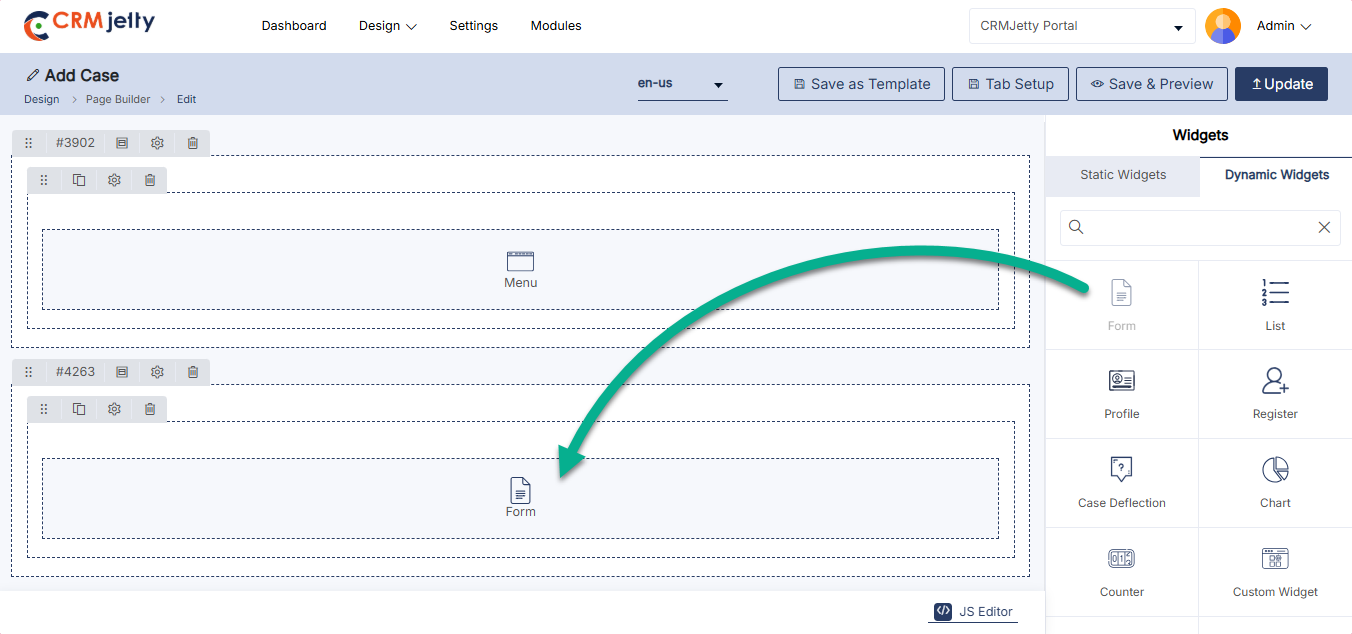
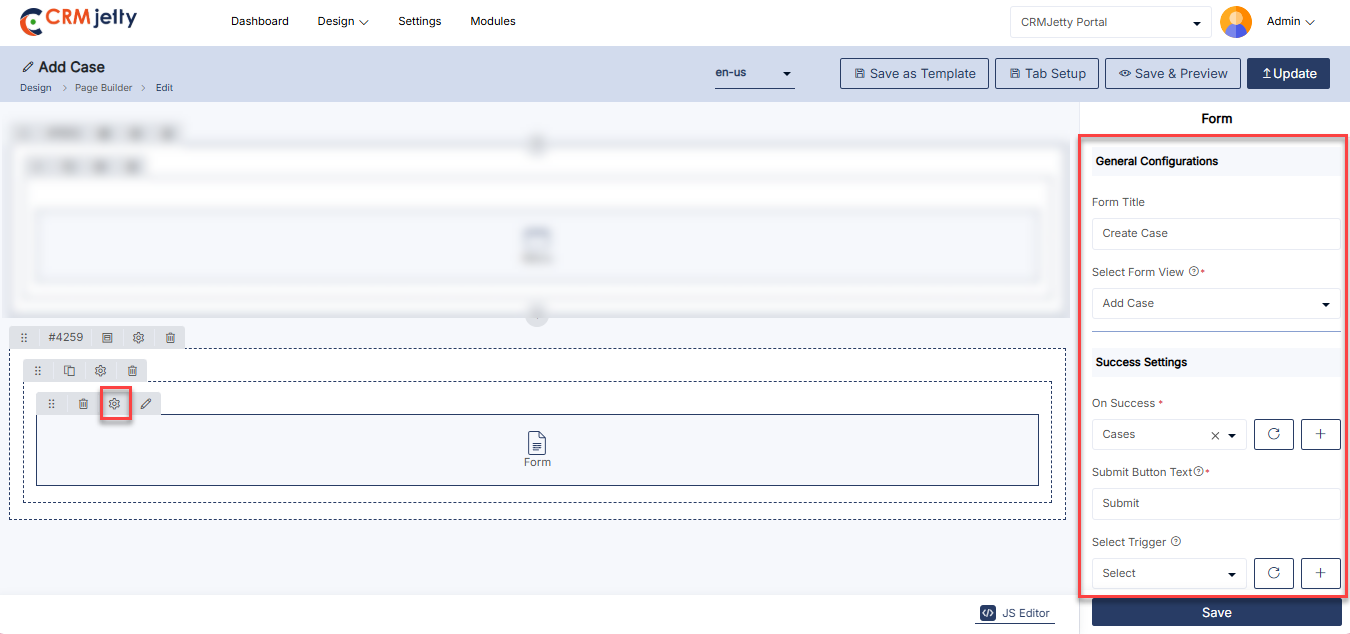
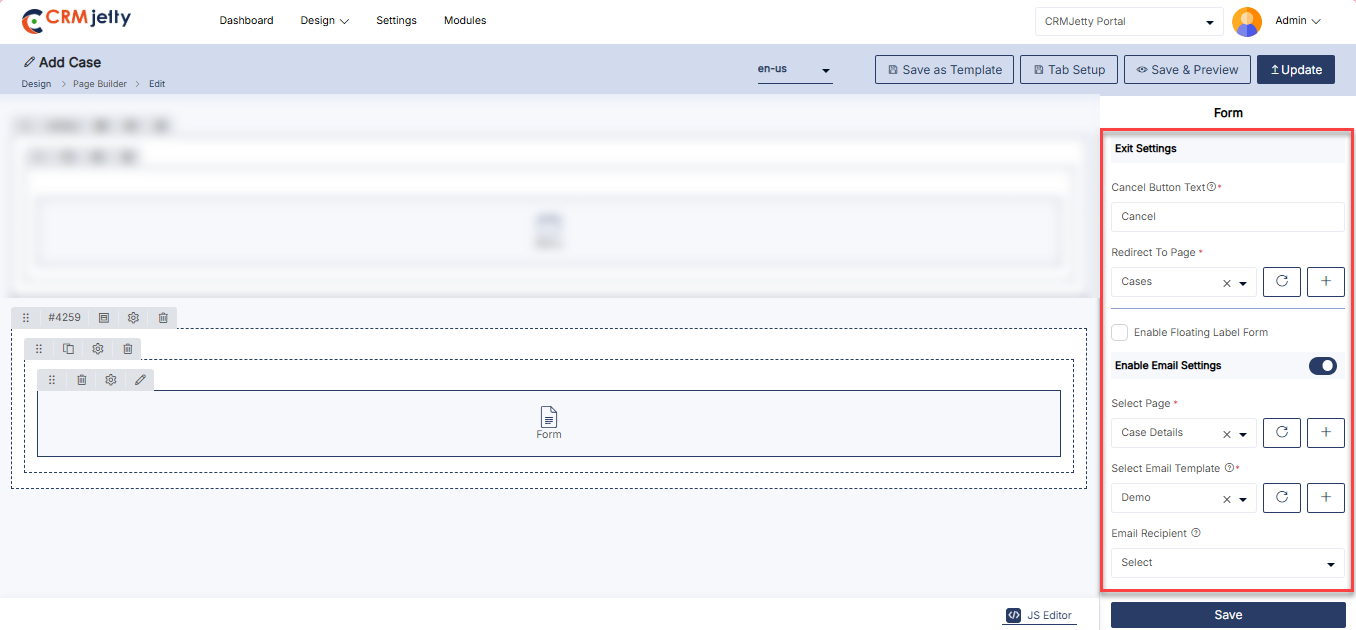
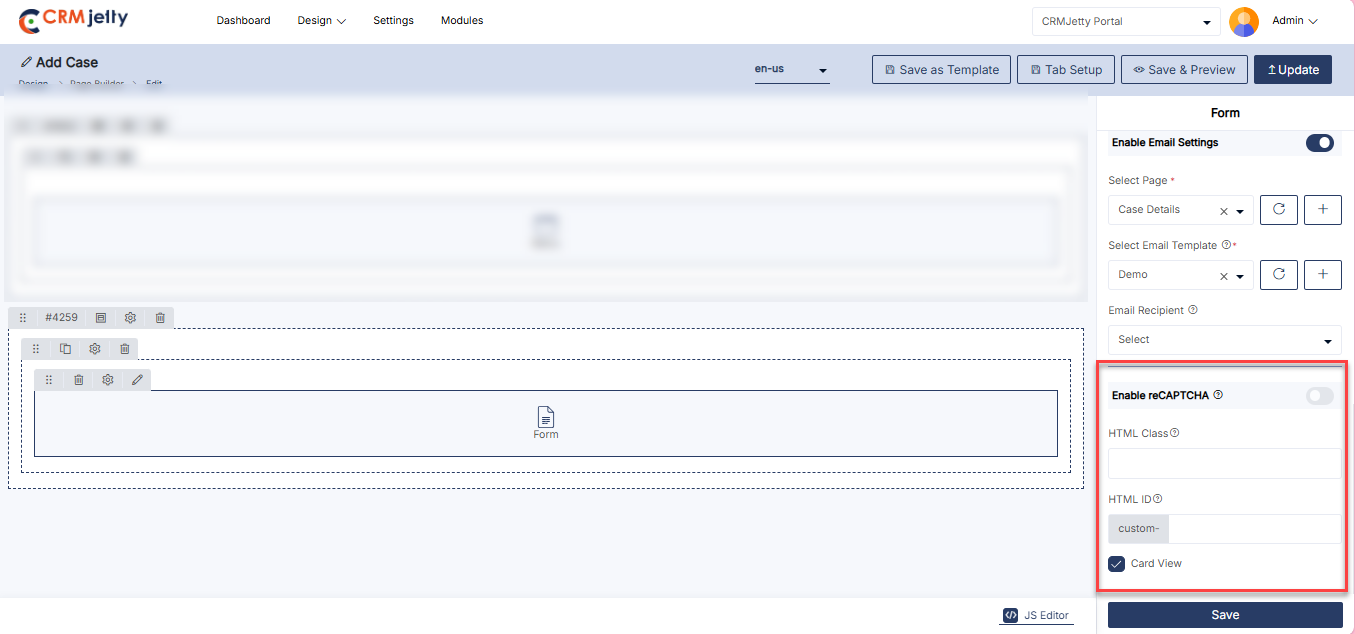
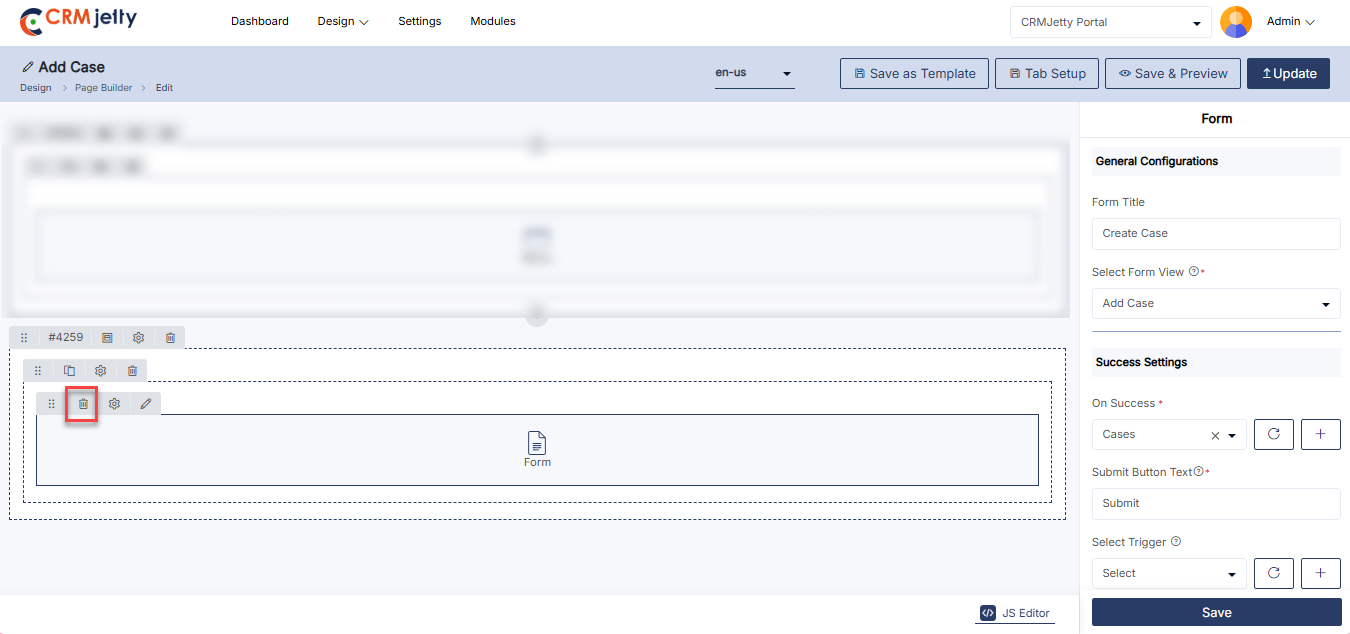
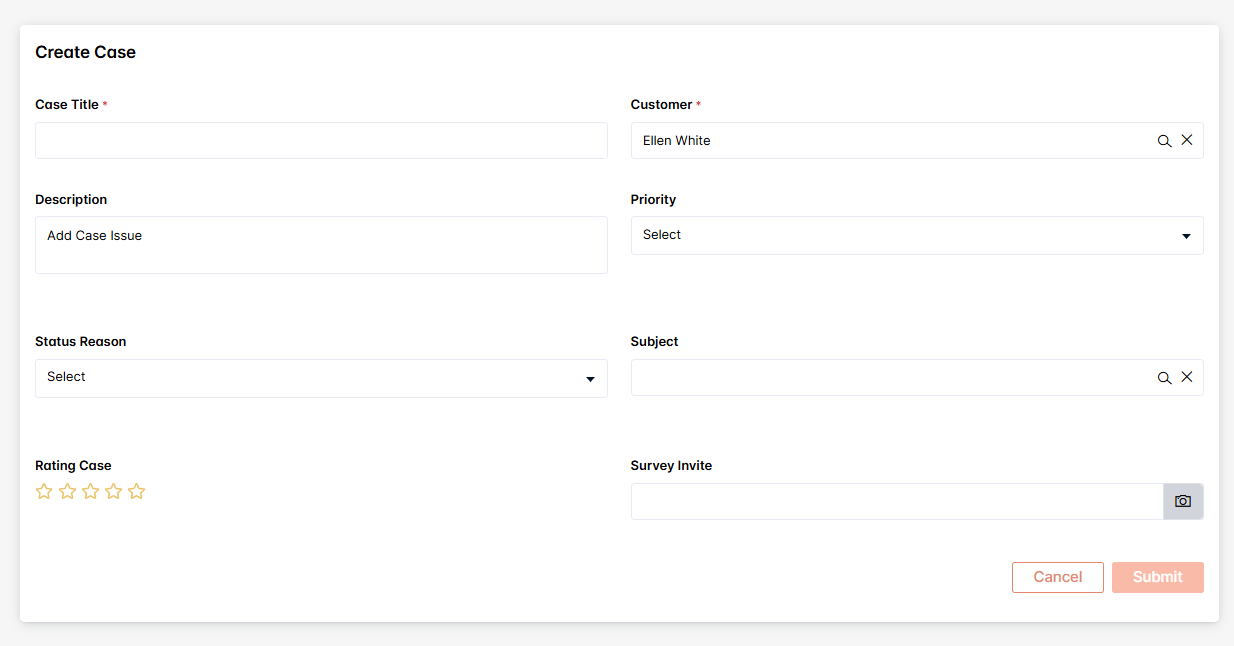
Knowledge Base
The Knowledge Base widget in CRMJetty lets Admin display and manage articles and FAQs within the CRM. It offers configurable settings like title, records per page, role-based access, and workflow integration, along with customization options for styling and layout.
Add the Knowledge based Widget:
– Admin click on the Knowledge based widget and it will directly add to the grid.
– Click on the ‘Settings’ icon of the Knowledge based widget to open its configuration panel. [1]
General Configuration [2]
– Knowledge Base Title: Set the title for the Knowledge Base.
– Records Per Page: Define the number of records displayed per page.
– Select Role Type: Choose the appropriate role type for access and permissions.
– Enable Workflow: Toggle to enable or disable workflow settings.
– Select Workflow: Choose a workflow from the available options. Please ensure you select a workflow.
Knowledge Base Settings [2]
– HTML Class: Assign a custom HTML class for styling.
– HTML ID: Assign a unique HTML ID for identification.
– Card View: Check the card view mode for the knowledge based presentation.
Admin should click “Save” to apply the settings, then publish the page to make the Knowledge Base widget live on the customer portal.
Admin can also delete a widget by clicking on the ‘Delete Icon’, as highlighted in the screenshot. [3]
Front view knowledge based widget
The Front View Knowledge Base Widget provides access to helpful articles, FAQs, and guides. It empowers users to find solutions independently, improving self-service support and reducing the need for direct assistance. [4]
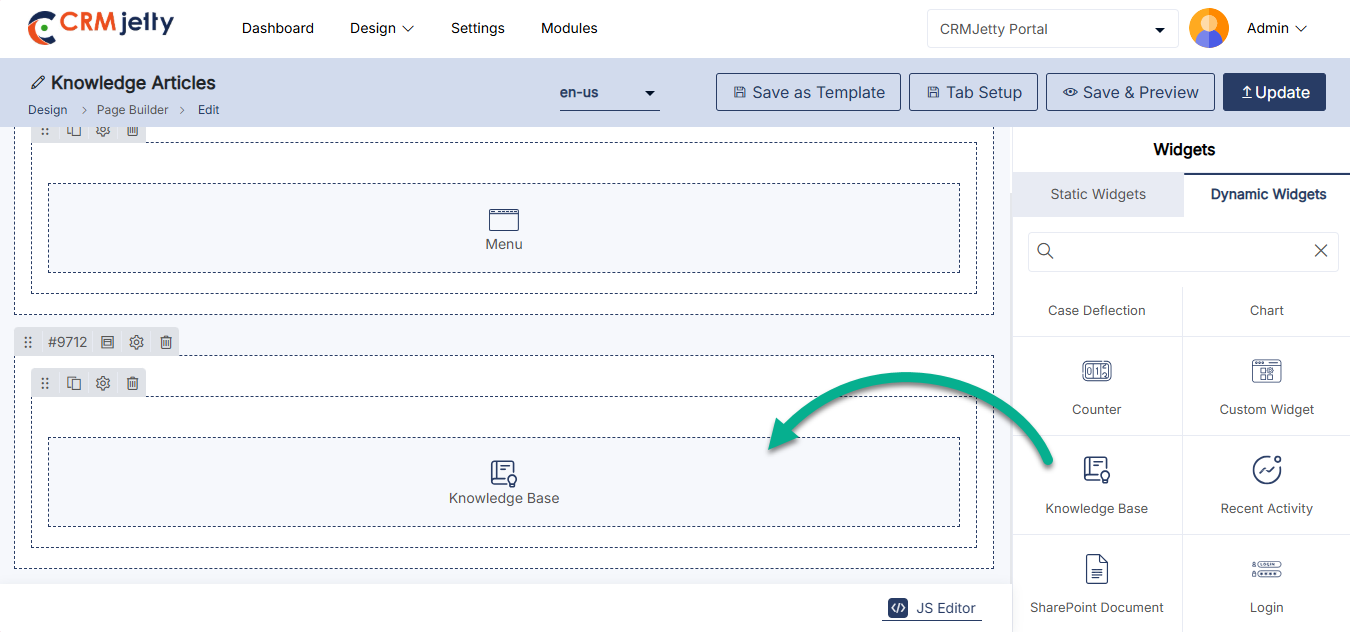
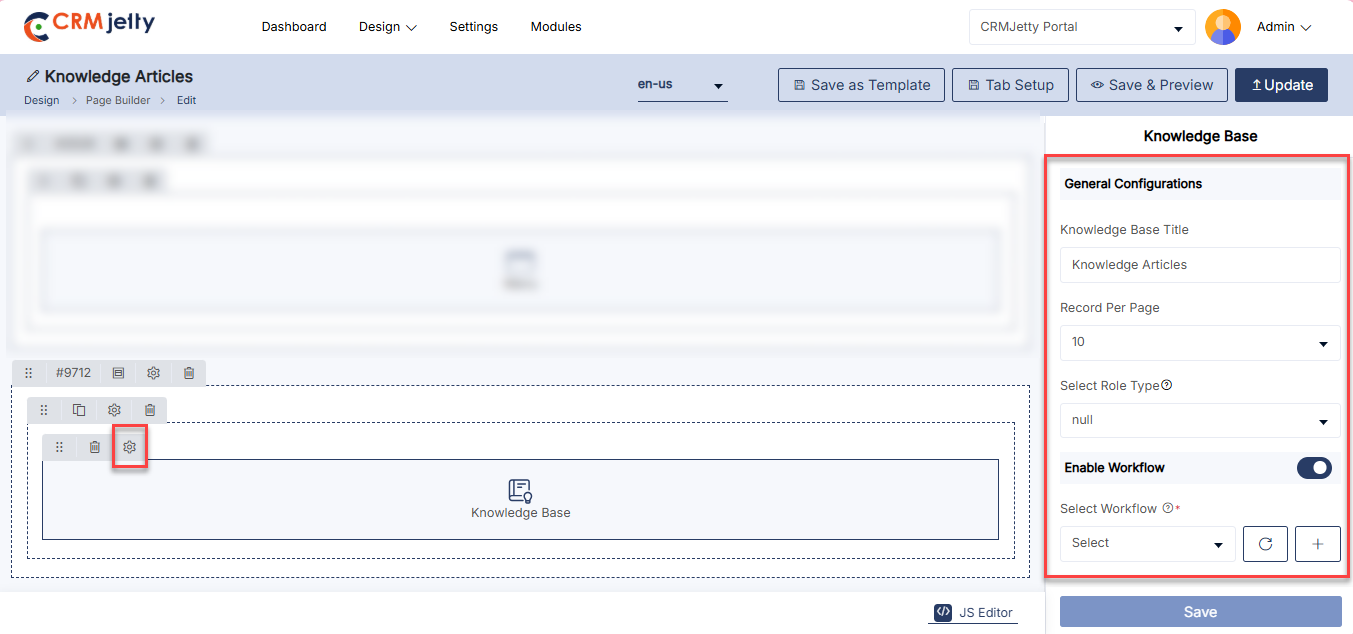
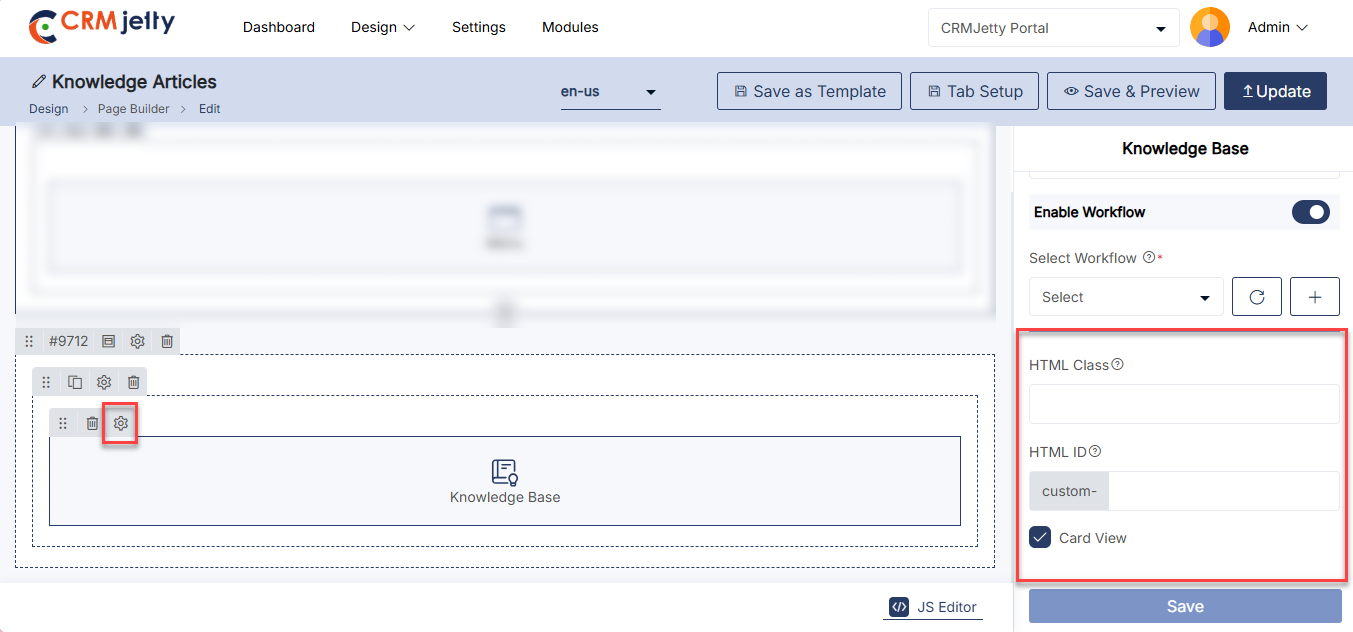
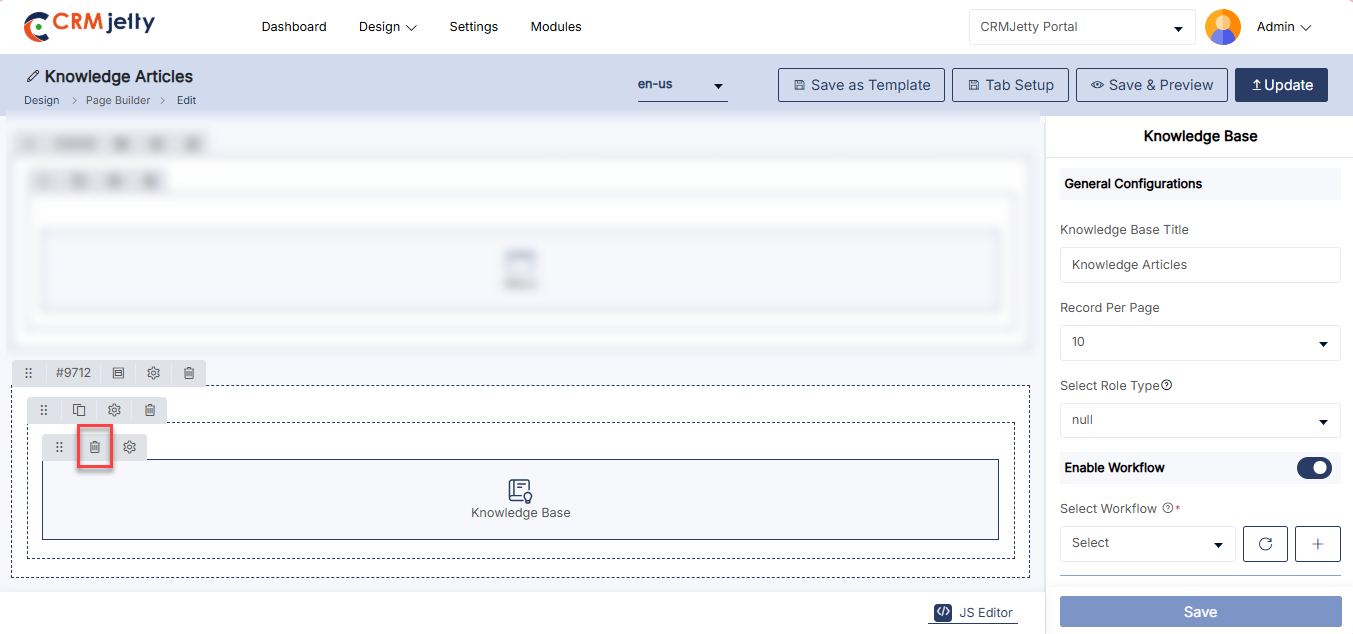
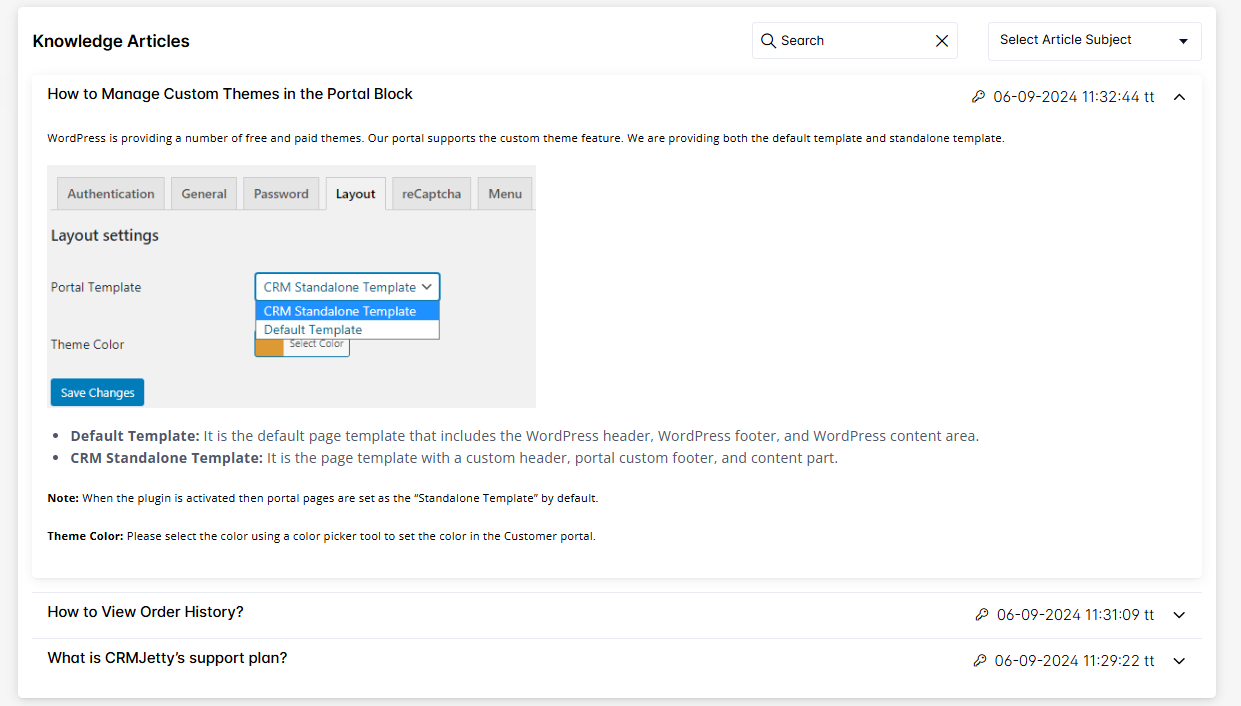
List
The List Widget allows Admin to display and manage object data in a list format. It offers a range of configuration options to customize the list’s appearance and functionality.
Add the List Widget:
– Admin click on the List widget and it will directly add to the grid.
– Click on the ‘Settings’ icon of the List widget to open its configuration panel. [1]
General Configuration: [2]
– List Title: Enter a title for the list.
– View Type: Select the list view type from the dropdown available options as List, Data Card, Dynamic Card, Calendar or Map View.
– Select Default View: Select default view from the available options, List, Data Card, Dynamic Card, Calender, Map.
– Select List Object:Select the list to display in the subgrid selected list will display in the sub grid.
Basic Settings
– Admin can manage sub-grid access through Access Settings by enabling or disabling the options for creating, editing, and deleting records.
– Record Per Page : Select number of records to display on one page.
– Select Ordering Field: Select type of order to short records in list.[3]
Create Action Settings:[4]
–Select Display Type: Select the Display type for how the form will be open.
-Show as page
-Button Label: Insert the label to display for creating records on the portal.
-Select Redirection page: Select the page where user will be redirect when action is performed.
– Show as Module
-Button Label: Insert the label to display for creating records on the portal.
-Configure Form: Click on Configure Form button to configure the form.
-Email Trigger Workflow: Select the required email triggered workflow.
Edit Action Settings:[5]
–Select Display Type: Select the Display type for how the form will be open.
-Show as page
-Select Redirection page: Select the page where user will be redirect when action is performed.
– Show as Module
-Configure Form: Click on Configure Form button to configure the form.
Details Action Settings:[6]
–Select Display Type: Select the Display type for how the form will be open.
-Show as page
-Select Redirection page: Select the page where user will be redirect when action is performed.
– Show as Module
-Configure Form: Click on Configure Form button to configure the form.
Allow Deleting Records:[7]
– Enable the Deleting toggle to allow users to delete records from subgrids.
– Select Trigger: Select the trigger configuration to execute when the action is performed. [7]
Enable Global Access:
– Enable this feature to allow portal users to access global data. If unchecked, portal users will only access their records within the sub-grid. [8]
– Note: If global access is enabled, users will have a filter option to show either “My Records” or “All Records”.
Workflow Setting:
– Data loading Workflow: Select the data loading workflow to load the data.
– Update Assign Rights Workflow: Select the Workflow or update and assign the rights [9]
Enable Export:
– Enable Export: Enable Export toggle to allow access to export subgrid records.
– Select Export Formats: Select exports formats for subgrid records available options are CSV,Excel and PDF. [10]
Enable Global Filter:
– Data Field: Select Data Field (Created On, Modified On).
– Lookup Field: Select required Lookup Fields.[10]
Enable reCAPTCHA:
– Enable reCAPTCHA for subgrid allowing secure browsing.[11]
Template Download:
– Turn on this option to allow users to download documents such as invoices and quotes
– Select Template: Select the template that will be used to generate the downloadable document.[12]
View Type Configurations: Configuration for different View Types are listed at the bottom as per-selected types.
List View
– Select Action Display Type: Select the Action Type from Display Under 3 Dot or Display As Action Button on the Portal. [13]
Data Card View
Image Configuration [13.1]
– Image: Select an object field this will display as the Image field.
– Image layout: Select layout for image to display in portal
Rating Field Configuration [13.1]
– Select rating Field : Select an object field for rating to display in the portal.
Header Configuration [13.2]
– Enable Field Label : Check this option to show labels for fields in the header.
– Text: Enter the text for the header section.
Sub-Header Configuration [13.2]
– Enable Field Label: Check this option to show labels for fields in the sub-header
– Text: Enter the text for the sub-header section.
Supporting Configuration [13.2]
– Enable Field Label: Check this option to show labels for supporting fields.
– Text: Enter the text for the supporting information section.
Tags Configurations [13.3]
– Enable Field Label: Check this option to show labels for supporting fields.
-Select: Choose tag options or categories.
Tabs Configurations [13.3]
– Enable Field Label: Check this option to show labels for fields in the tabs section.
– Select Tab Fields: Check this option which fields will be included in the tabs.
Enable Download [13.3]
– Enable Download: Enable the download option for the data card. This allows users to download the data card attachment. If the image view is selected for the list.
– File: Select the file that users are allowed to download from the Data Card.
Dynamic Card View [13.4]
– Select Template Card: Select the Card template to display in the view type.
– Columns Per Row: Select the Columns per Row between 2-6.
Calendar View
–View Type : Select the calendar view types that will be available to users.
–Default View: Select the Default view to display when calendar loads.
-Title Field: Select a field to disp;lay as calendar event title .
-Start Date Field : Select the field that contains the start date for calendar events.
-End Date Field: Select the field that contains the end date for calendar events [14]
Map Configuration
–Title Field: Select the CRM field to use as the map marker title.
-Latitude field: Select the CRM field to use as latitude.
-Longitude Field: Select the CRM field to use as longitude.
-Default Zoom Level: Set the default zoom level for the map (1–21).
-Enable Center Location and enter the default Center Latitude and longitude coordinates. [15]
List Settings:[16]
– HTML Class: Assign a custom HTML class for styling.
– HTML ID: Assign a unique HTML ID for identification.
– Card View: Check the card view mode for the list presentation.
Admin should click “Save” to apply the settings, then publish the page to make the List widget live on the customer portal.
Admin can also delete a widget by clicking on the ‘Delete Icon’, as highlighted in the screenshot. [17]
Front view list widget
The Front View List Widget displays dynamic lists of data, such as records, items, or entries, from the system. It offers customization options for filtering, sorting, and formatting, ensuring users can easily view and manage relevant information. [18]
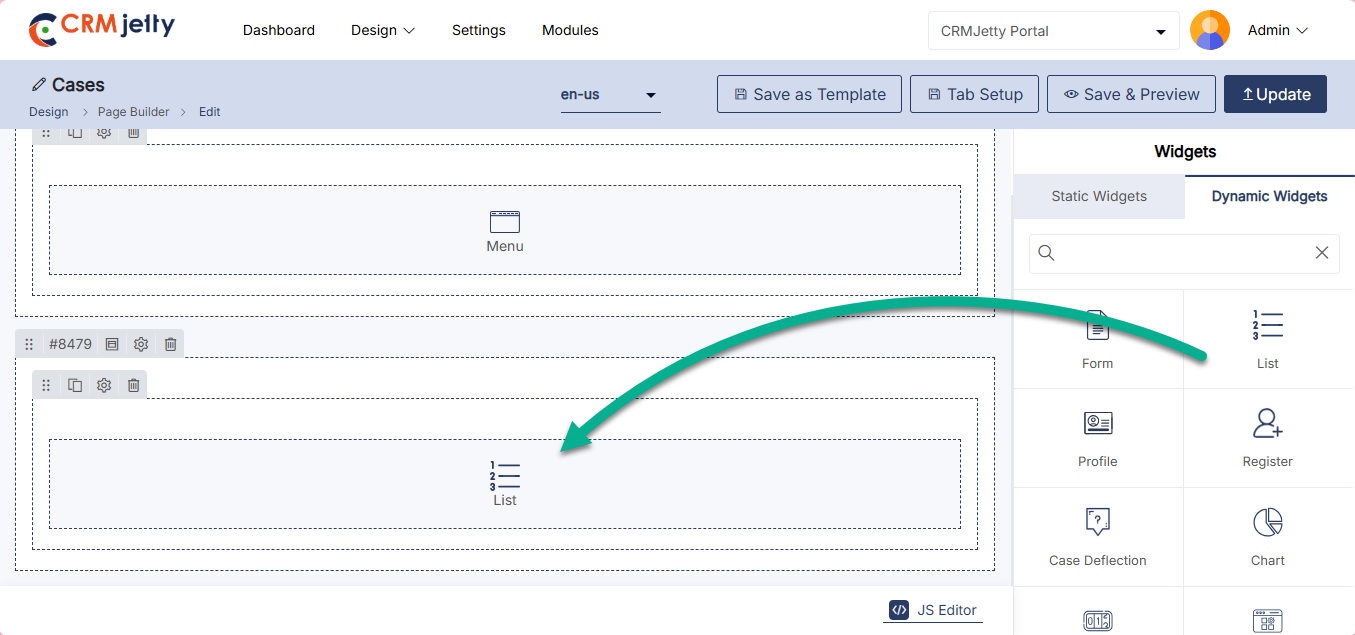
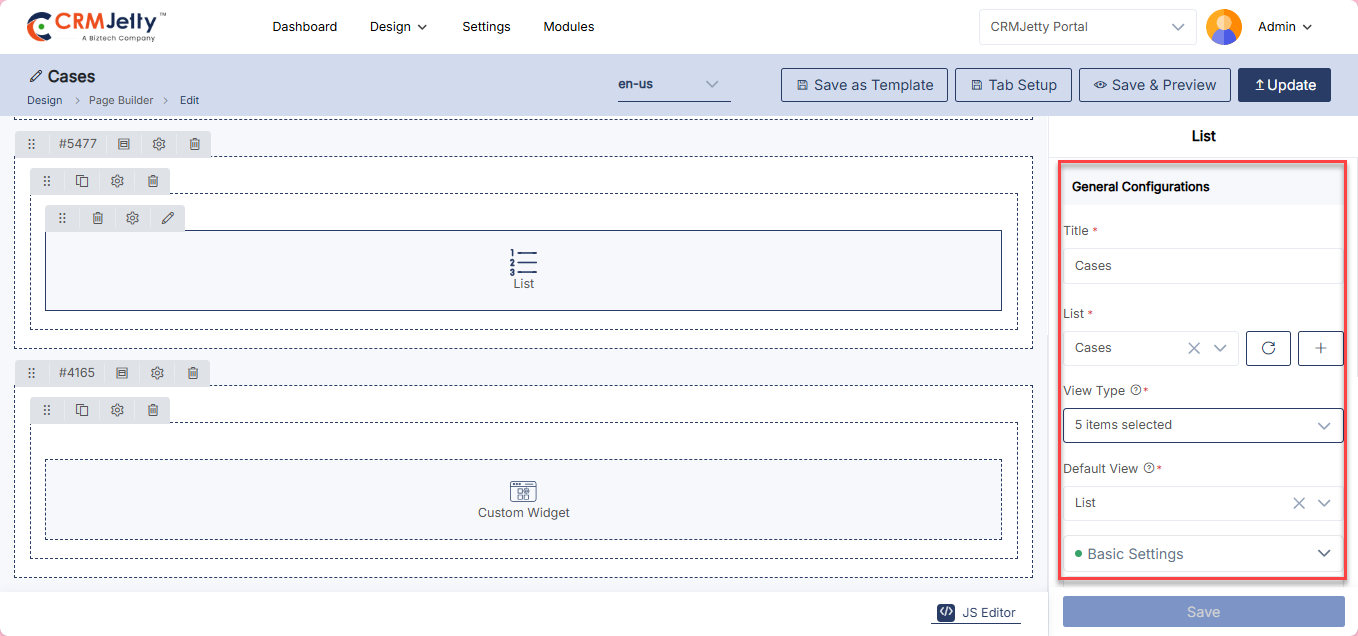
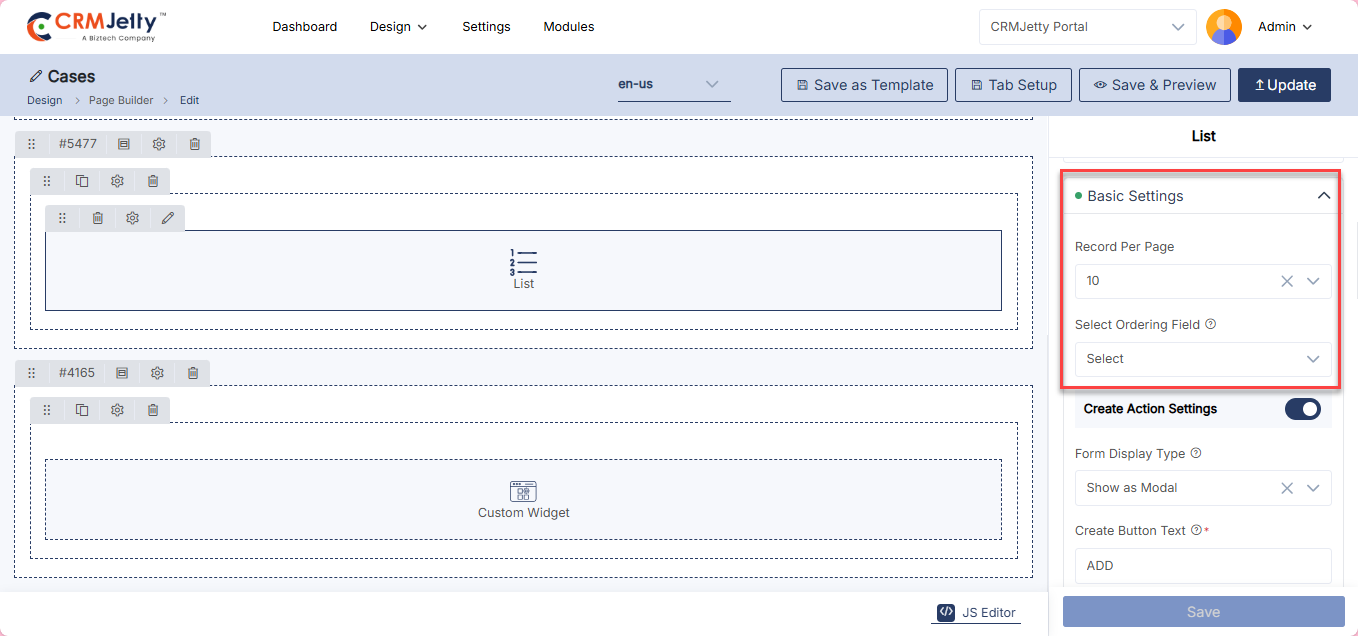
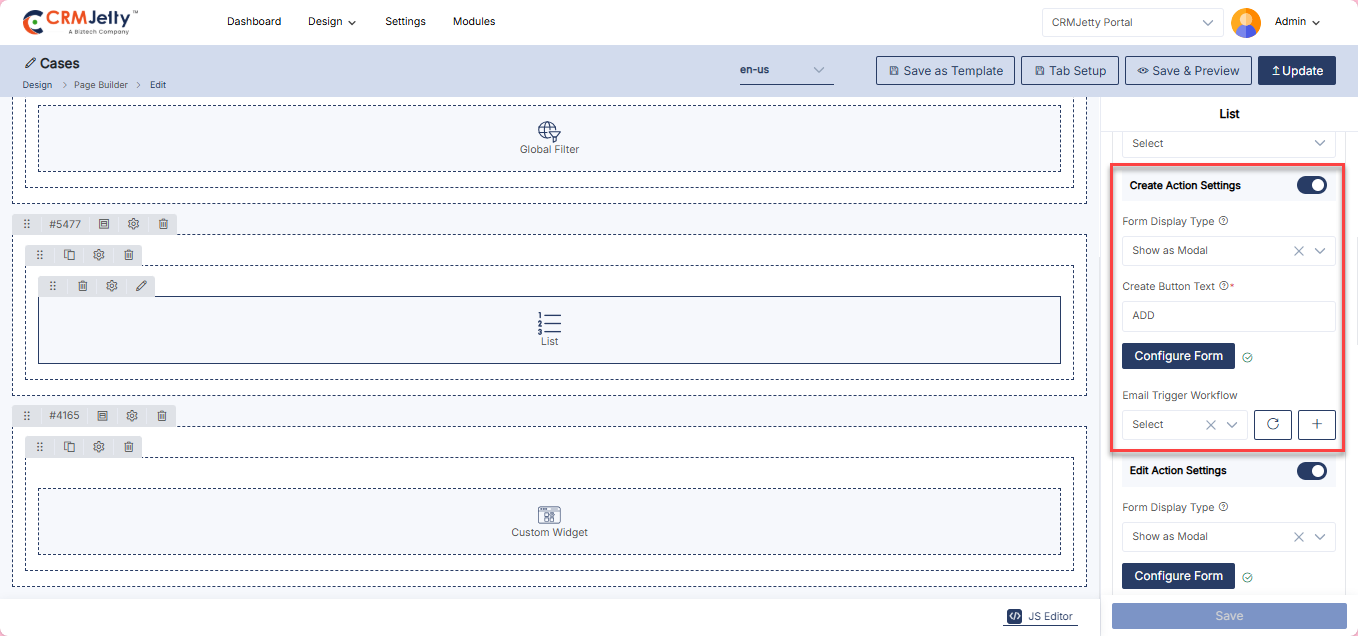
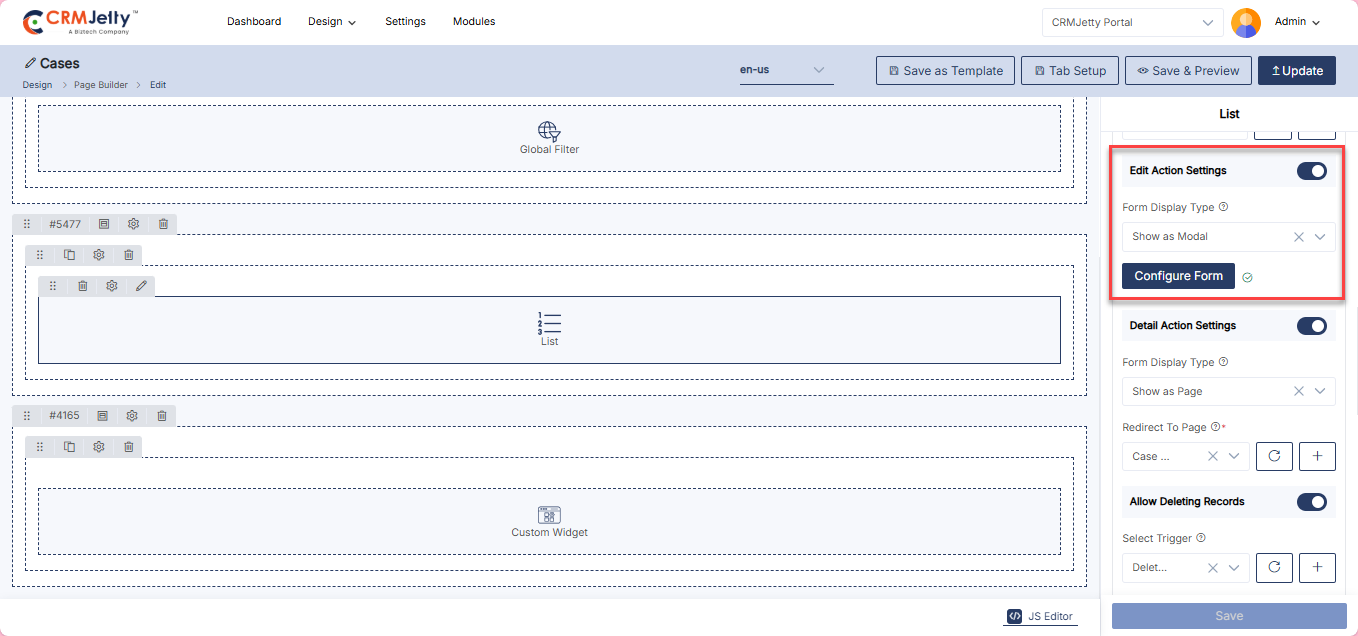
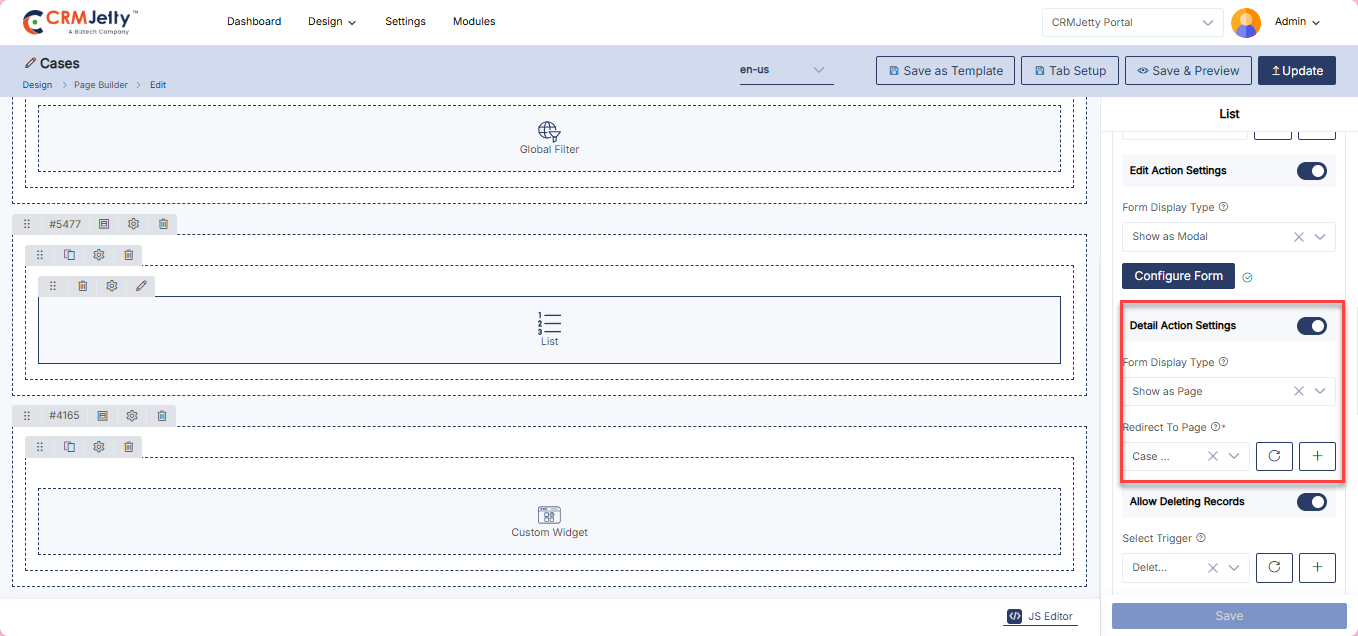
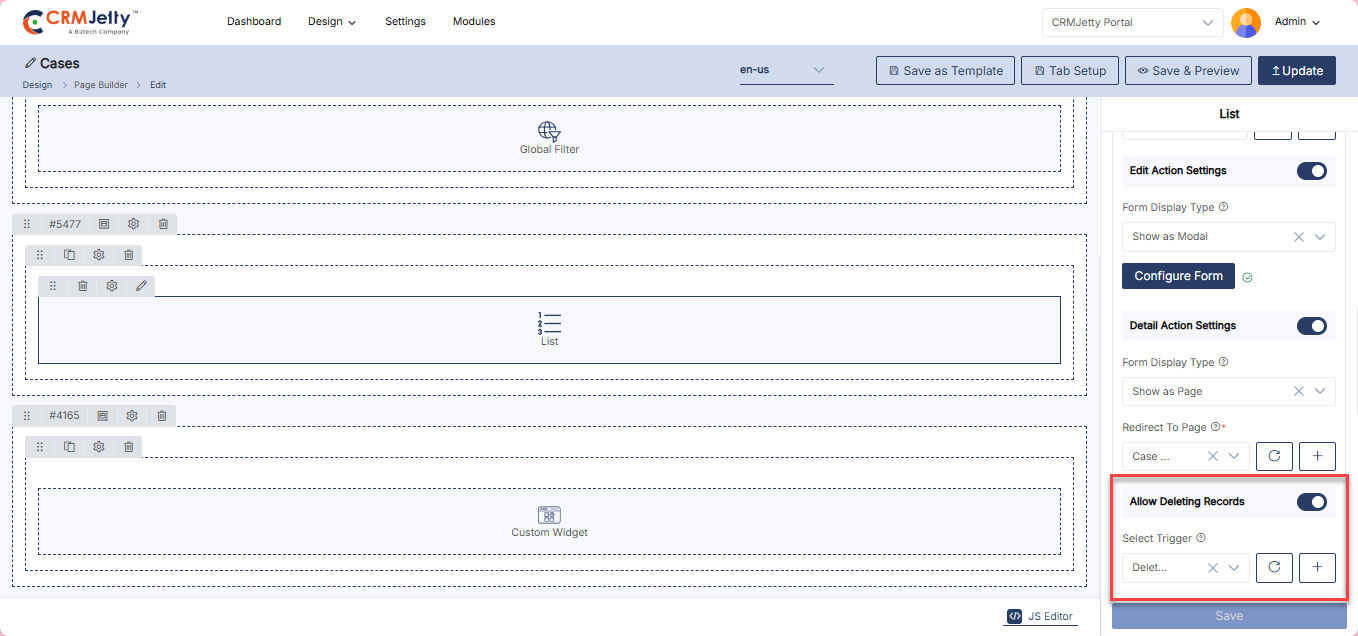
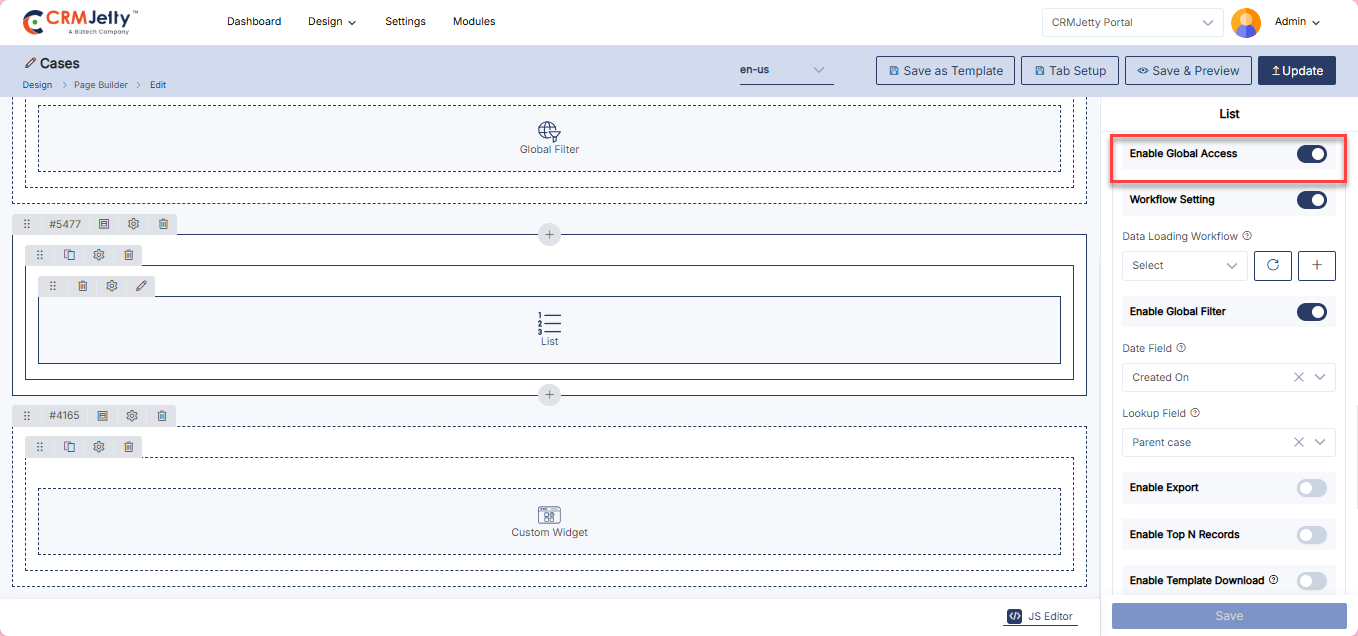
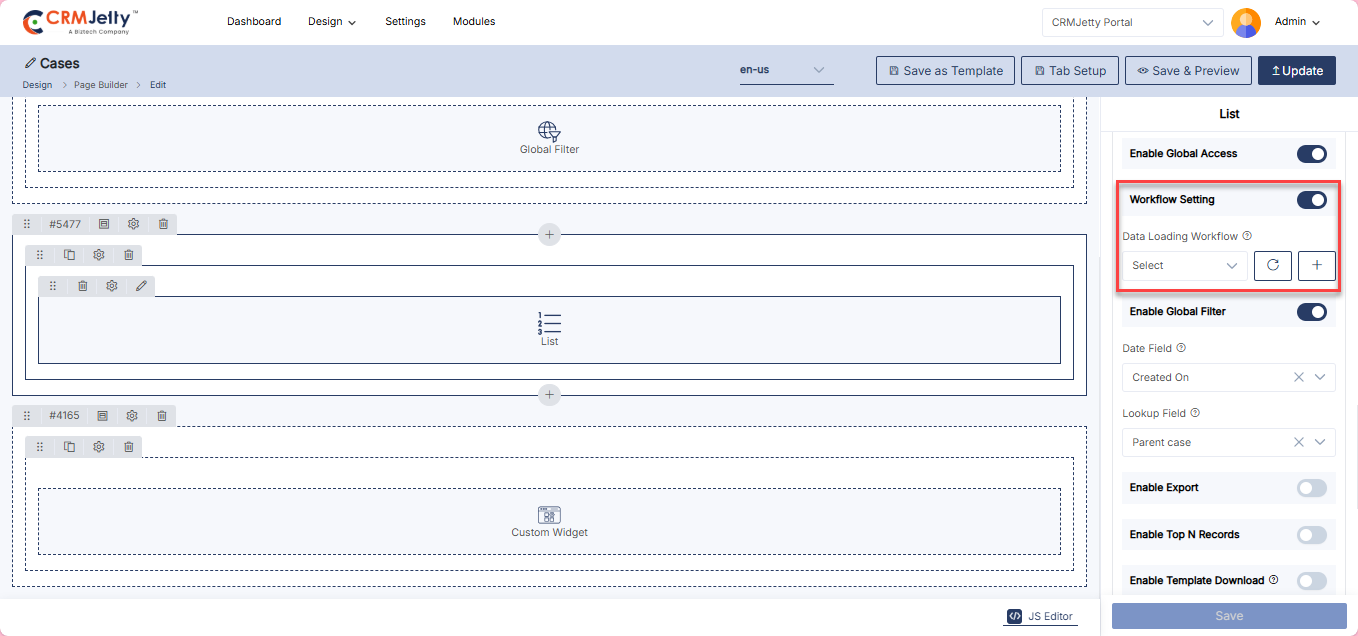
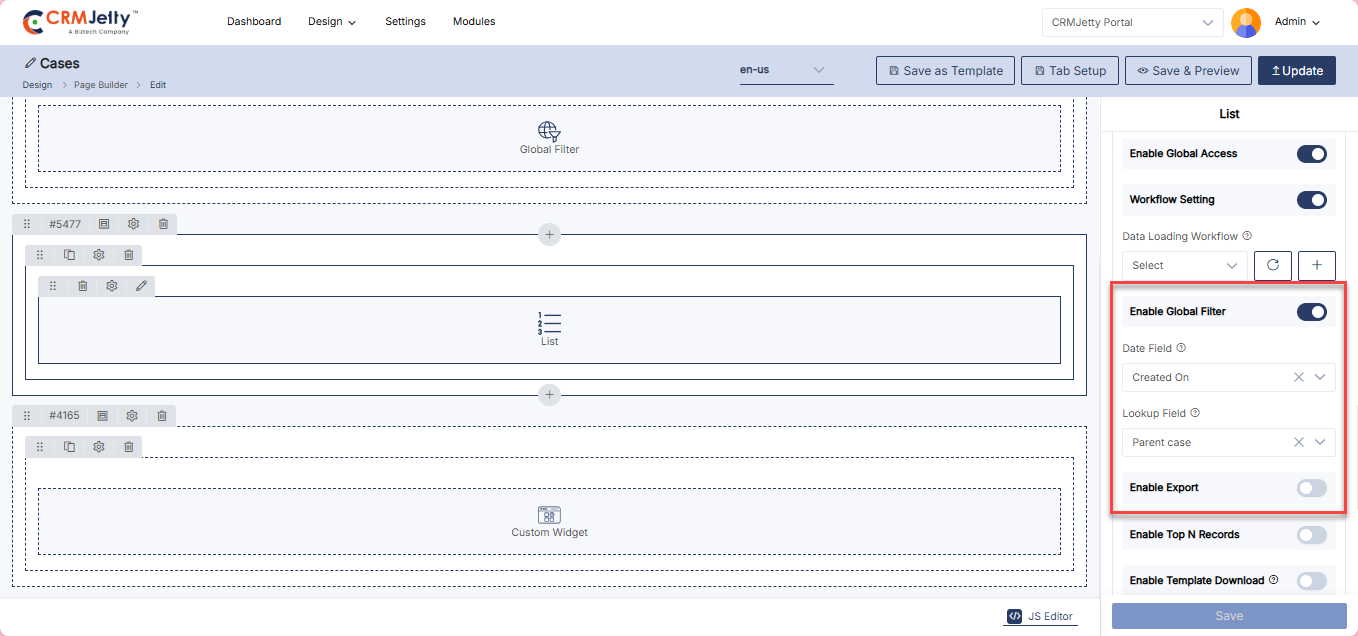
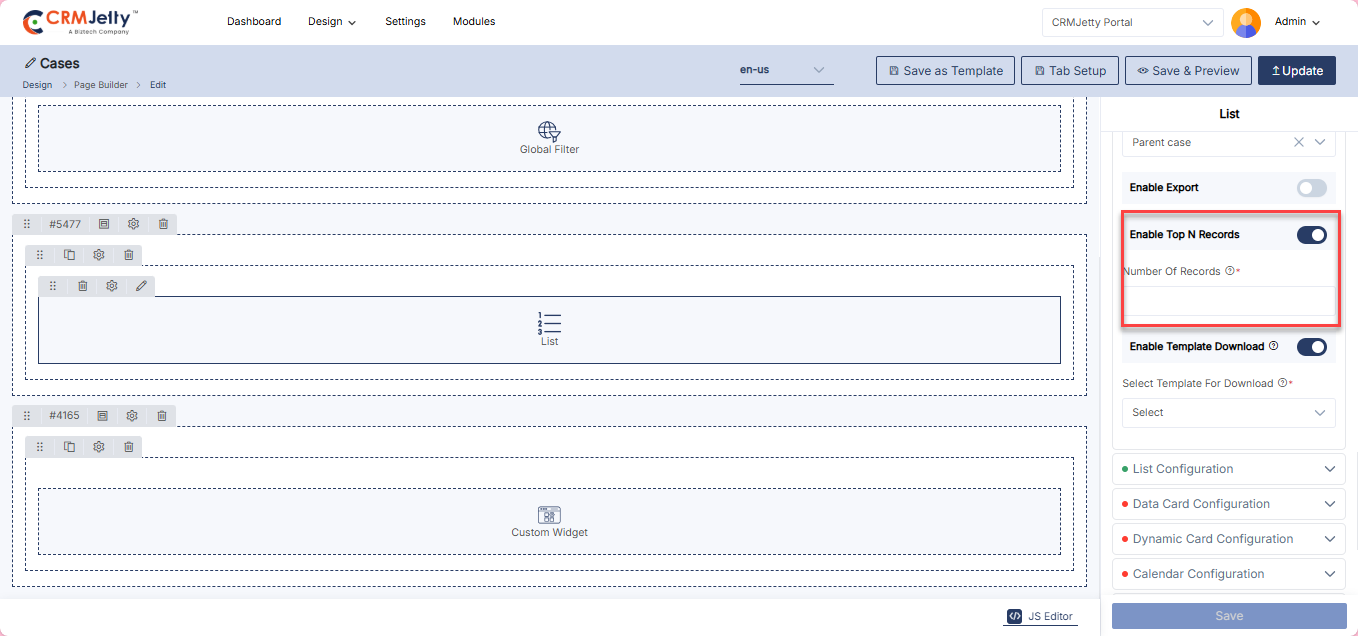
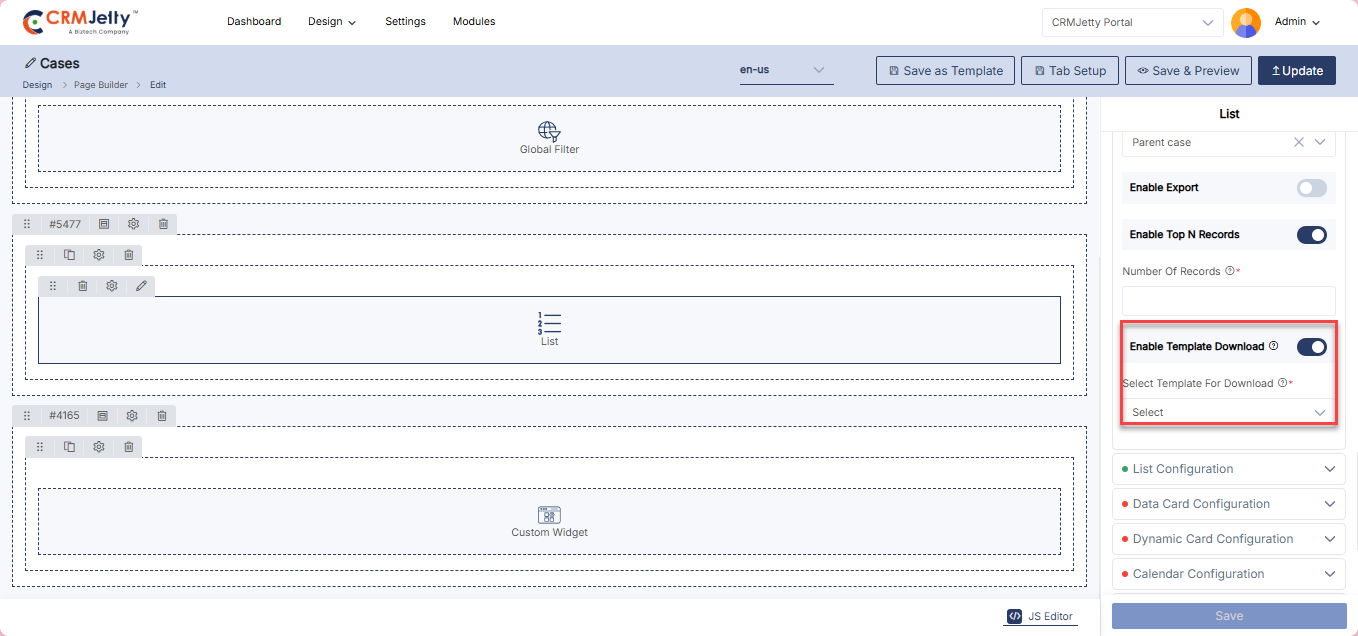
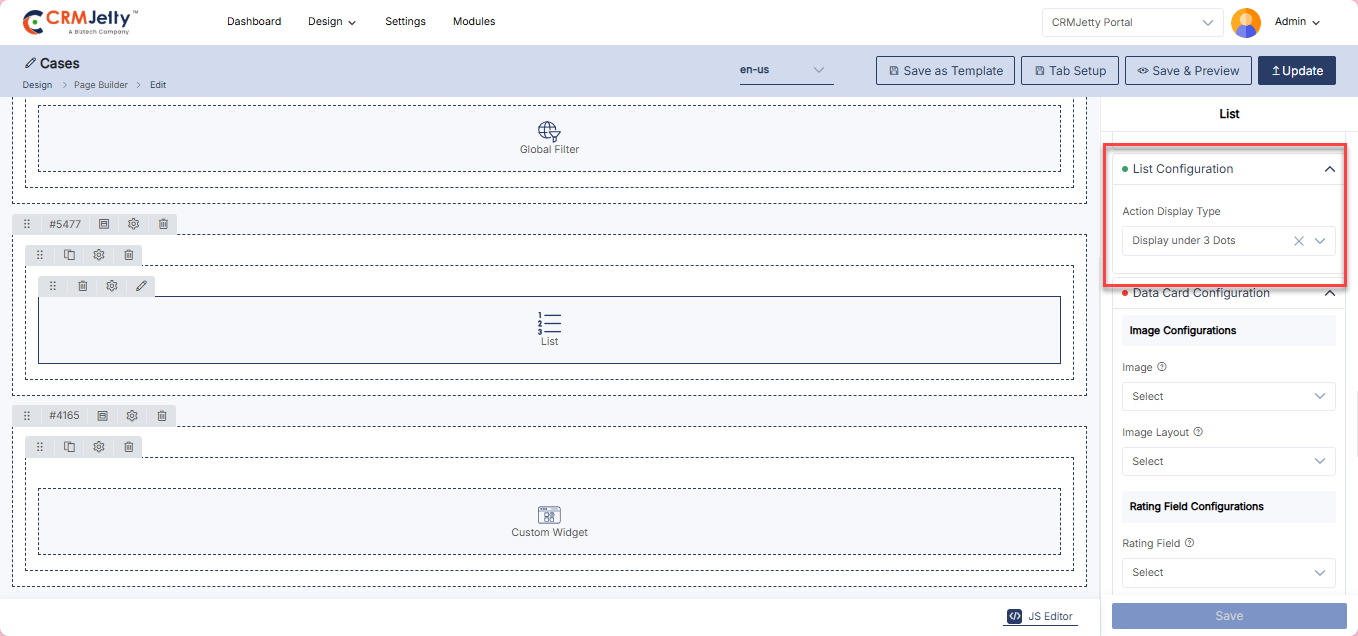
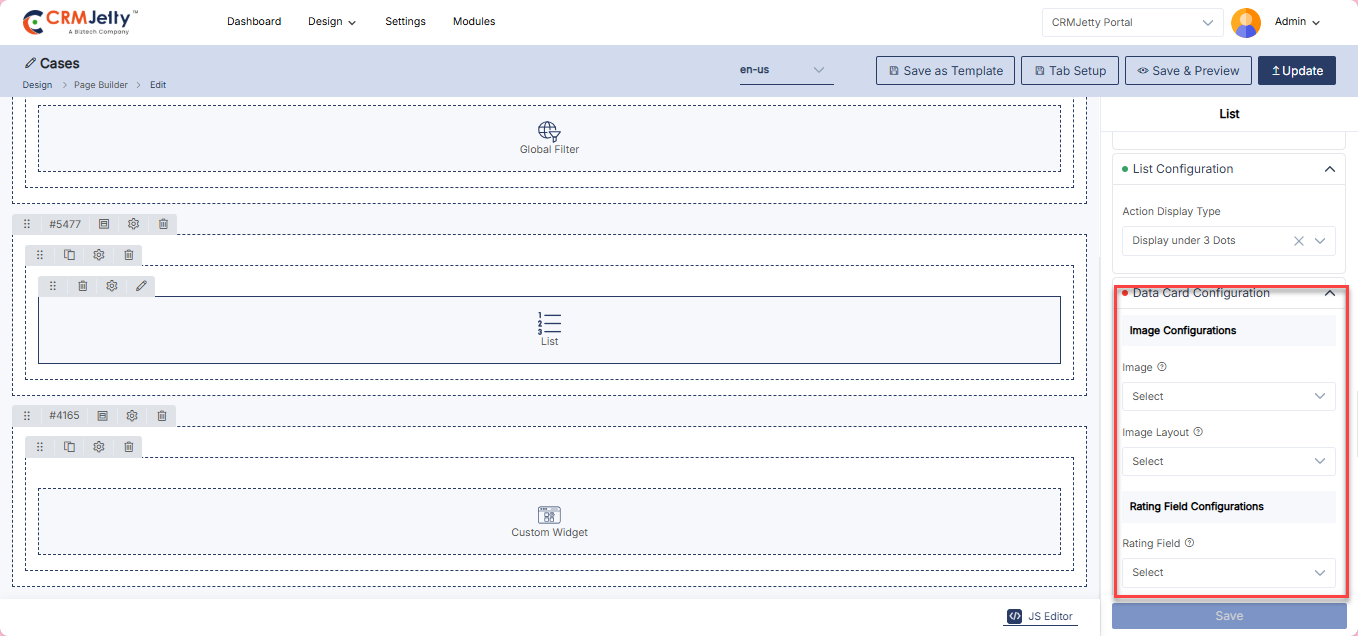
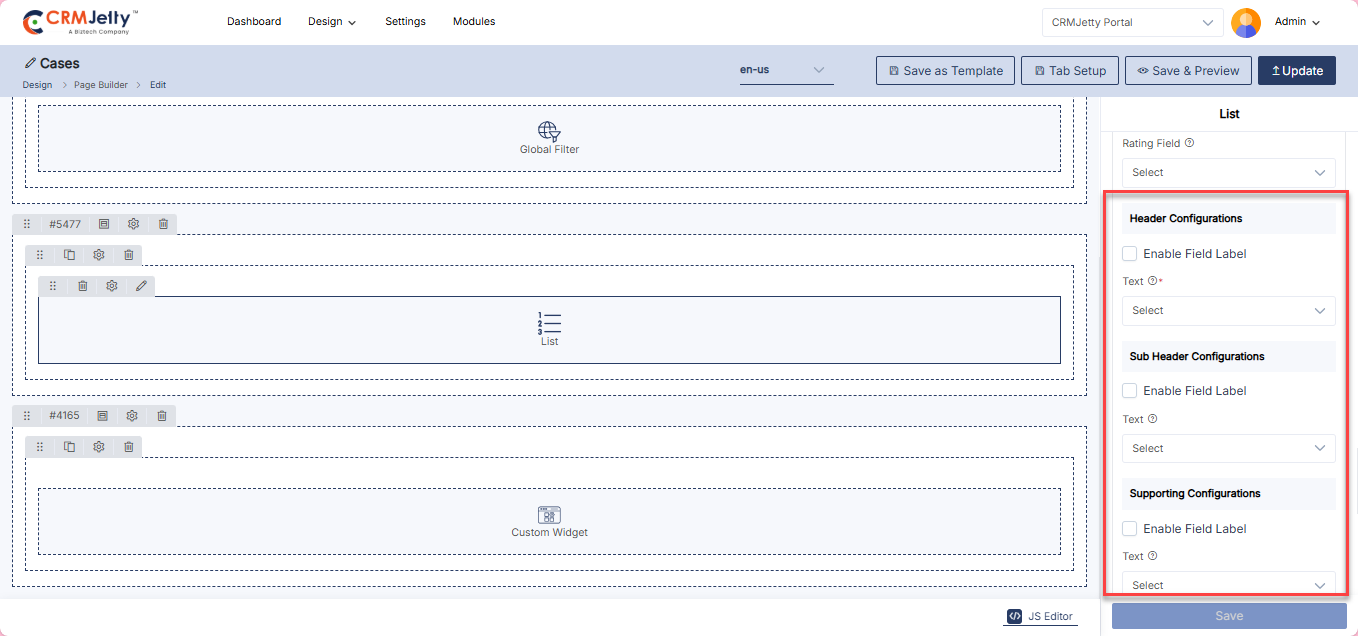
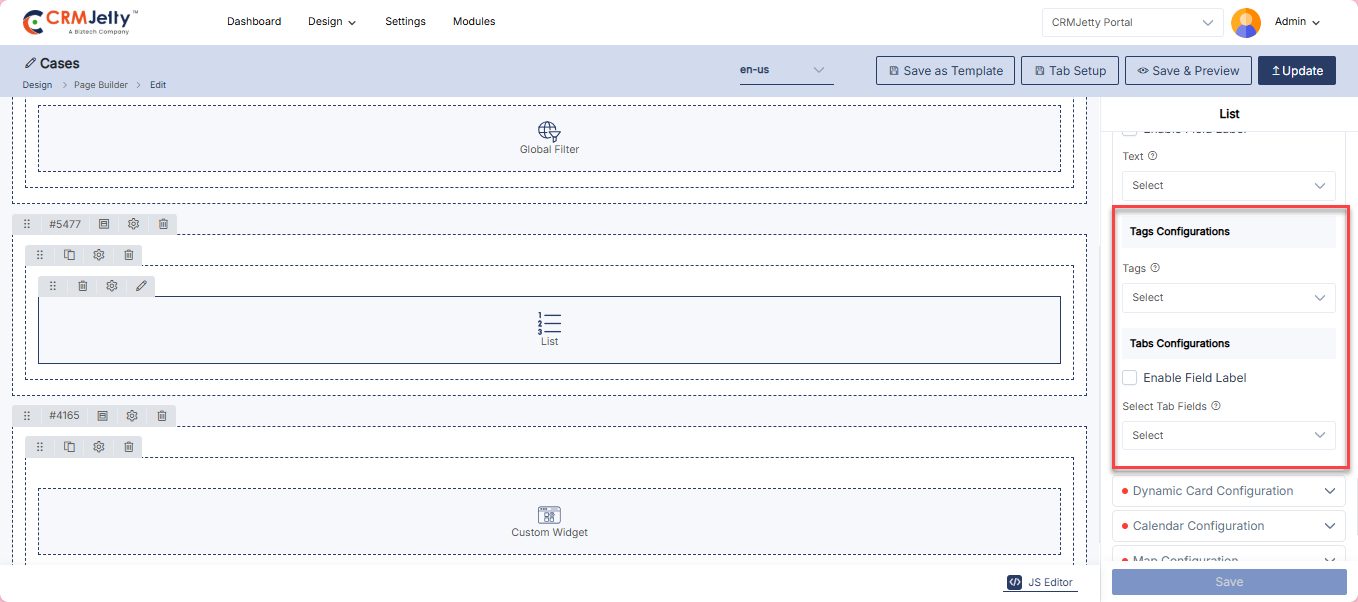
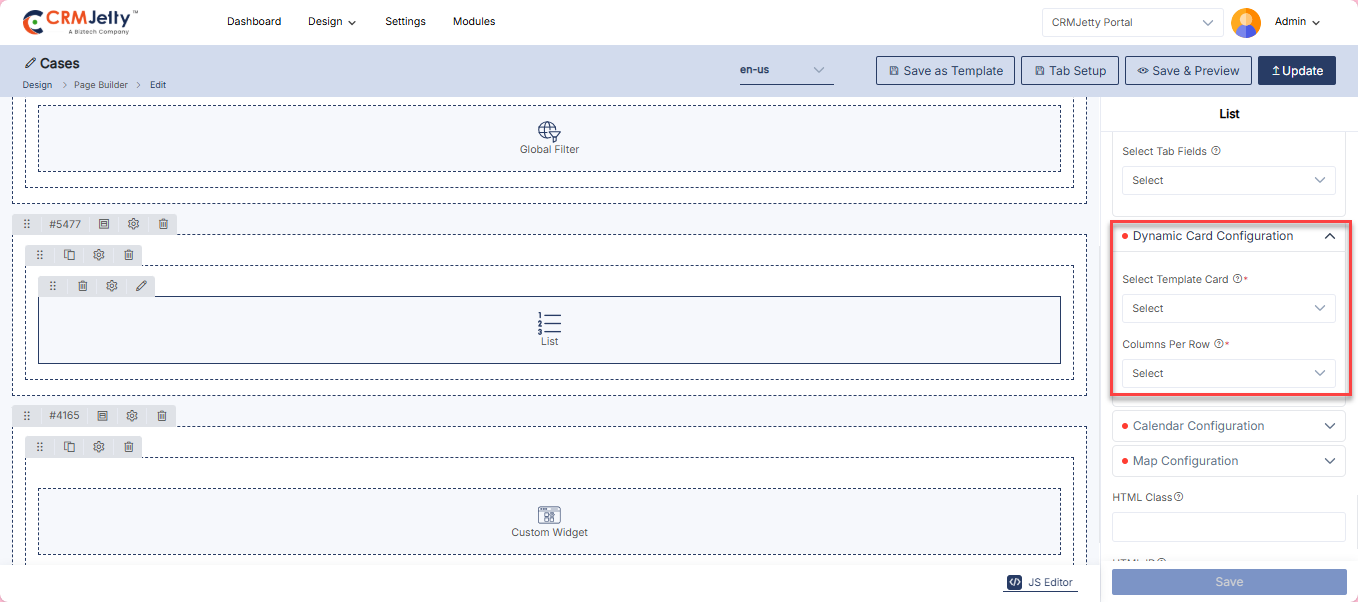
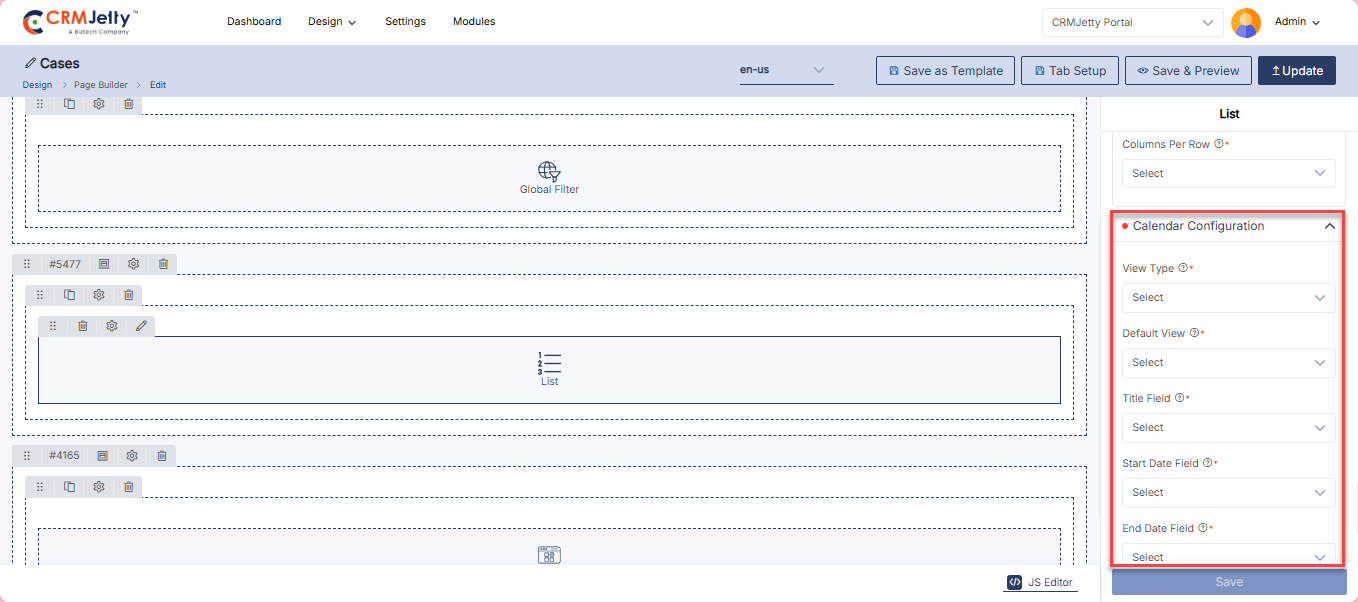
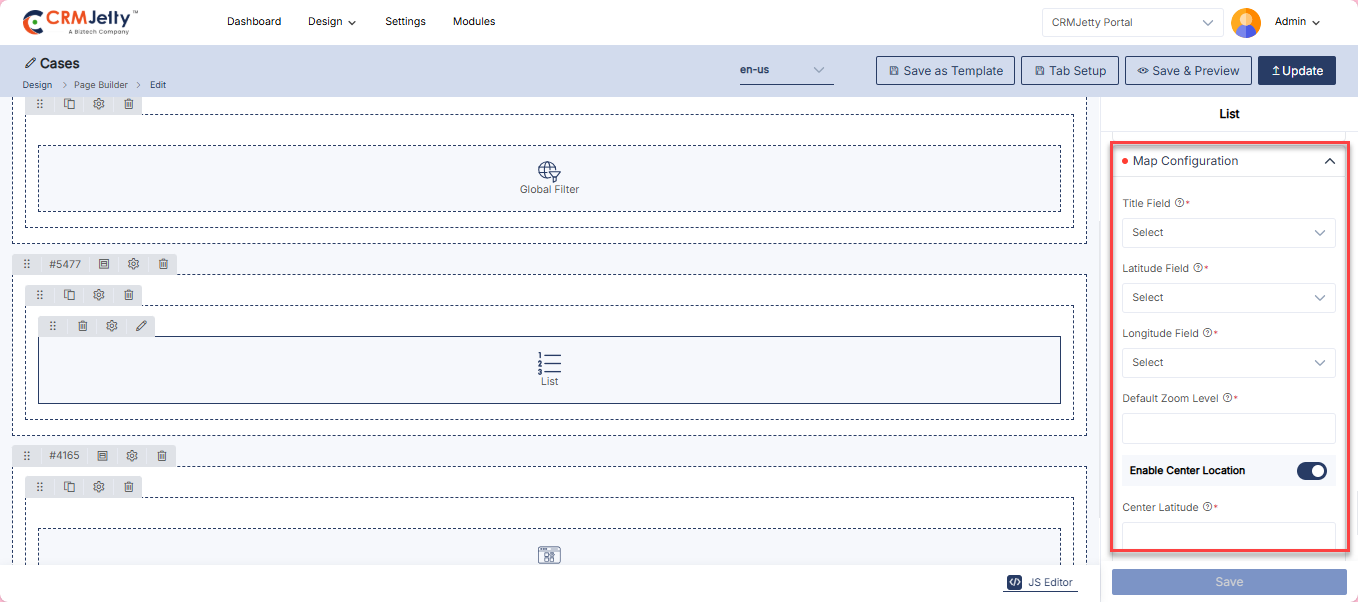
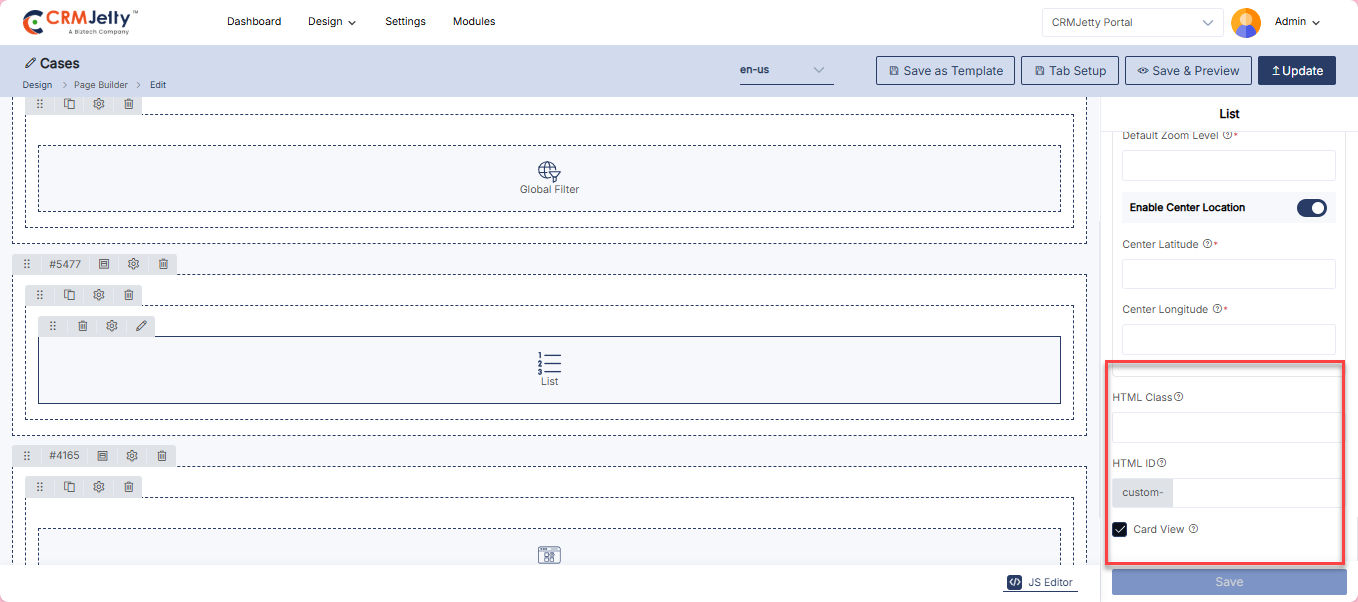
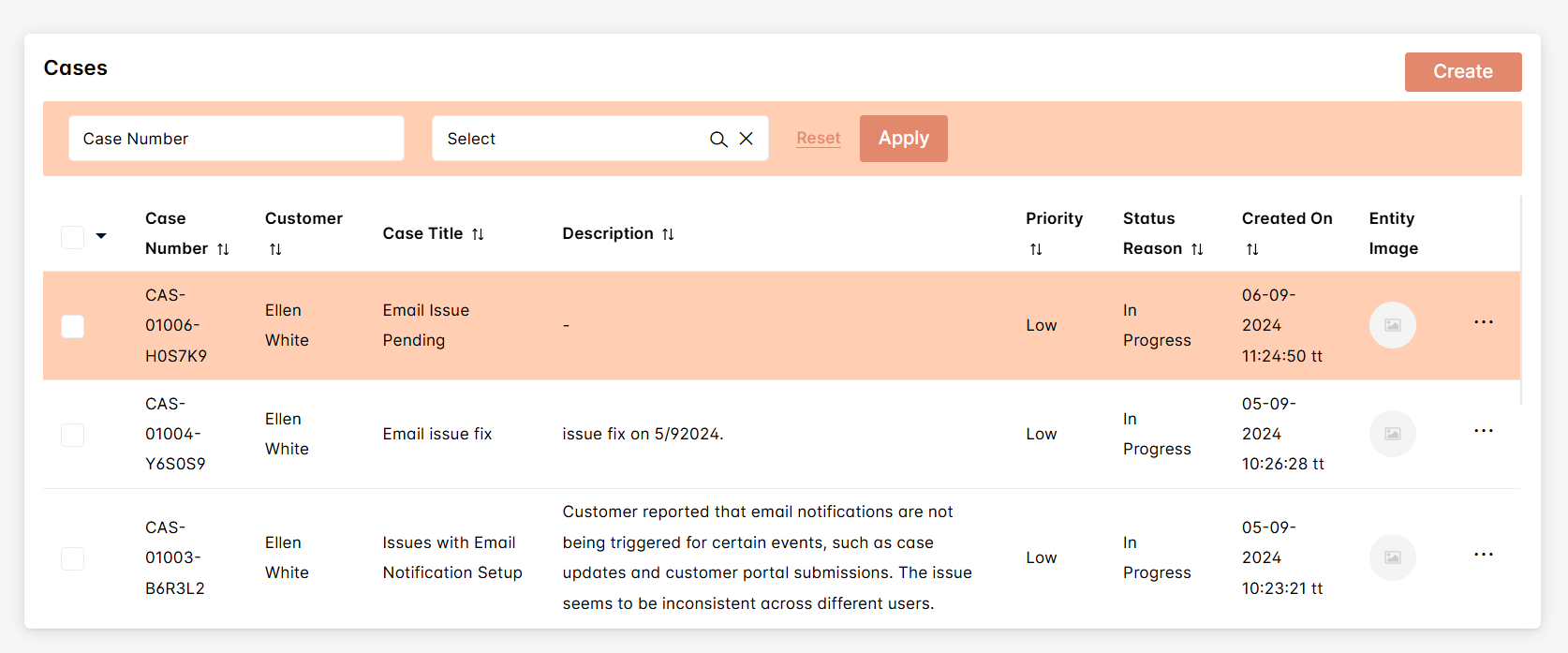
Login
The Login Widget provides Admin with the tools to configure the login interface for portal users. It includes options for customizing the login form and its associated settings.
Add the Login Widget:
– Admin click on the Login widget and it will directly add to the grid. [1]
– Click on the ‘Settings’ icon of the Login widget to open its configuration panel. [1]
General Configuration: [2]
– Title: Set the title for the login form (e.g., “Login”).
– Email Or Username: Choose between using email or username for login.
– Login Button Label: Specify the label for the login button (e.g., “Submit”).
– Remember Me: Enable or disable the “Remember Me” option for user sessions.
– Enable Floating Label: Enable Floating label as the admin wants to display.
– Select Login Redirection Page: Choose the page to which users will be redirected after a successful login.
– Role-wise Redirection: Automatically redirect users to their role-specific landing page (Customer, Vendor, or Admin) after login to ensure quick access to relevant features and enhance overall efficiency and satisfaction.
– Select the User: Choose the user from the dropdown who will be redirected after login.[3]
– Select the Redirection Page: Choose the page where the user will be redirected post-login.[3]
– Add Another User: To add another user, click the Add button.[3]
– Forgot Password: Include a link for users to recover their password.[4]
– Select Forgot Password Redirection Page: Choose the page to which users will be redirected for password recovery.[4]
– Forgot Username: Include a link for users to recover their username.[4]
– Select Forgot Username Redirection Page: Choose the page to which users will be redirected for username recovery.[4]
– Allow Registration: Enable or disable the option for new user registration.[4]
– Select Registration Redirection Page: Choose the page to which new users will be redirected after registration. [4]
– Enable reCAPTCHA: Enable or disable reCAPTCHA for added security during login. [4]
Login Setting: [5]
– HTML Class: Define custom CSS classes for styling the login form.
– HTML ID: Assign a unique ID for the login form for customization and integration purposes.
– Card View: Check the card view mode for the login form presentation.
Admin should click “Save” to apply the settings, then publish the page to make the Login widget live on the customer portal.
Admin can also delete a widget by clicking on the ‘Delete Icon’, as highlighted in the screenshot. [6]
Front view login widget
The Front View Login Widget enables users to securely access their accounts by entering their credentials. It serves as the primary gateway for authenticated access to the portal’s features and personalized content. [7]
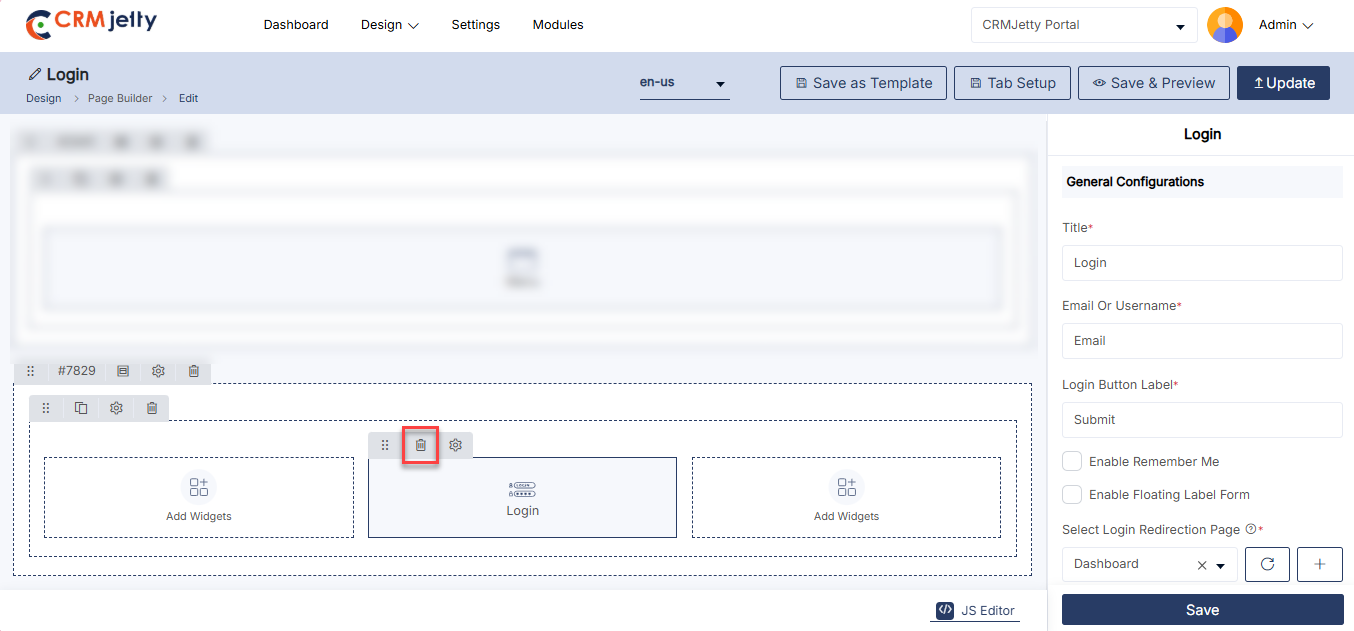
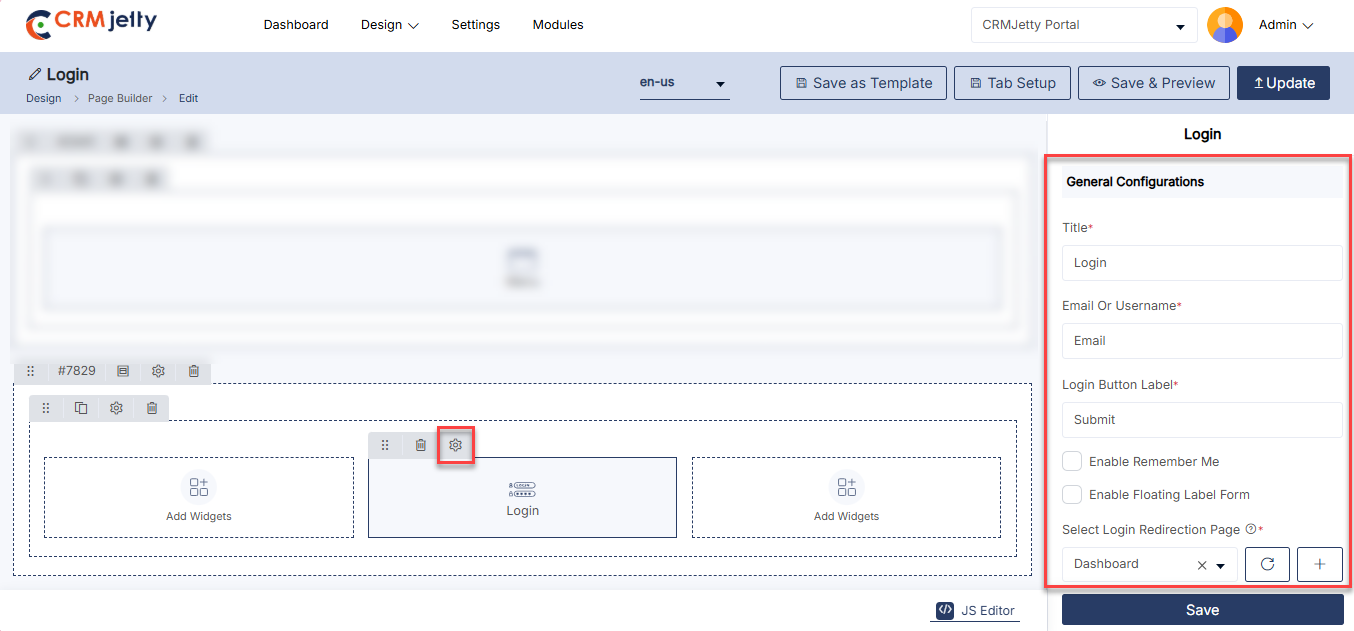
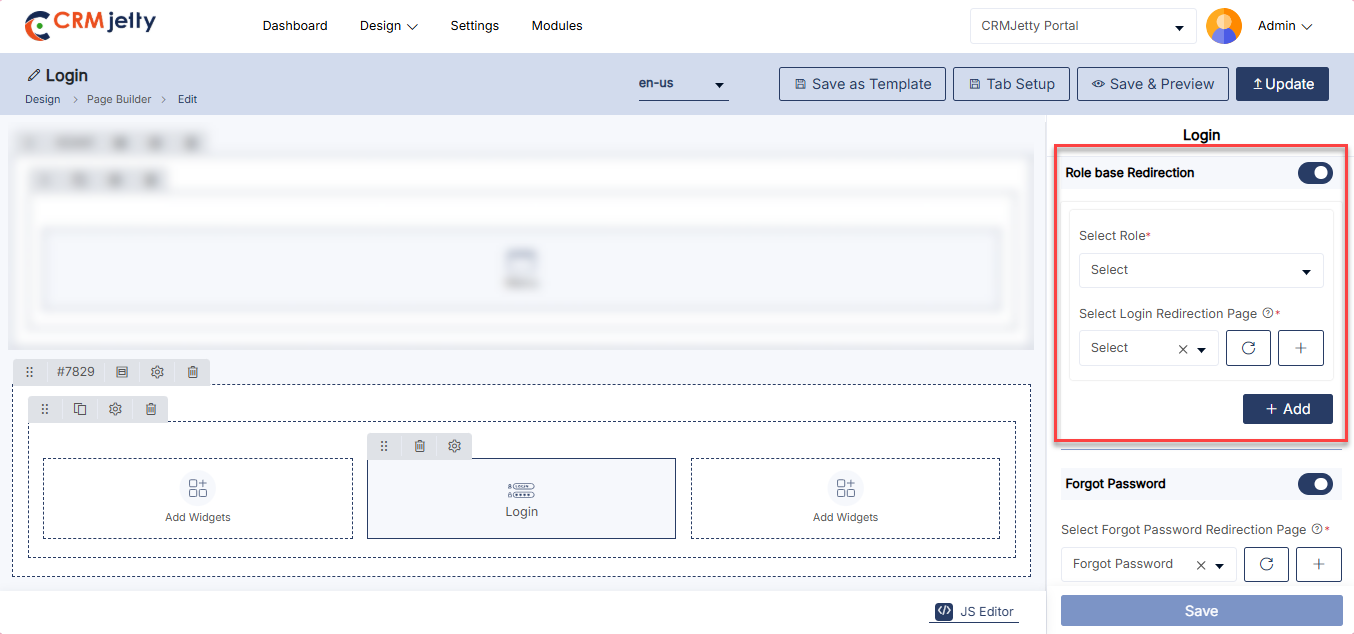
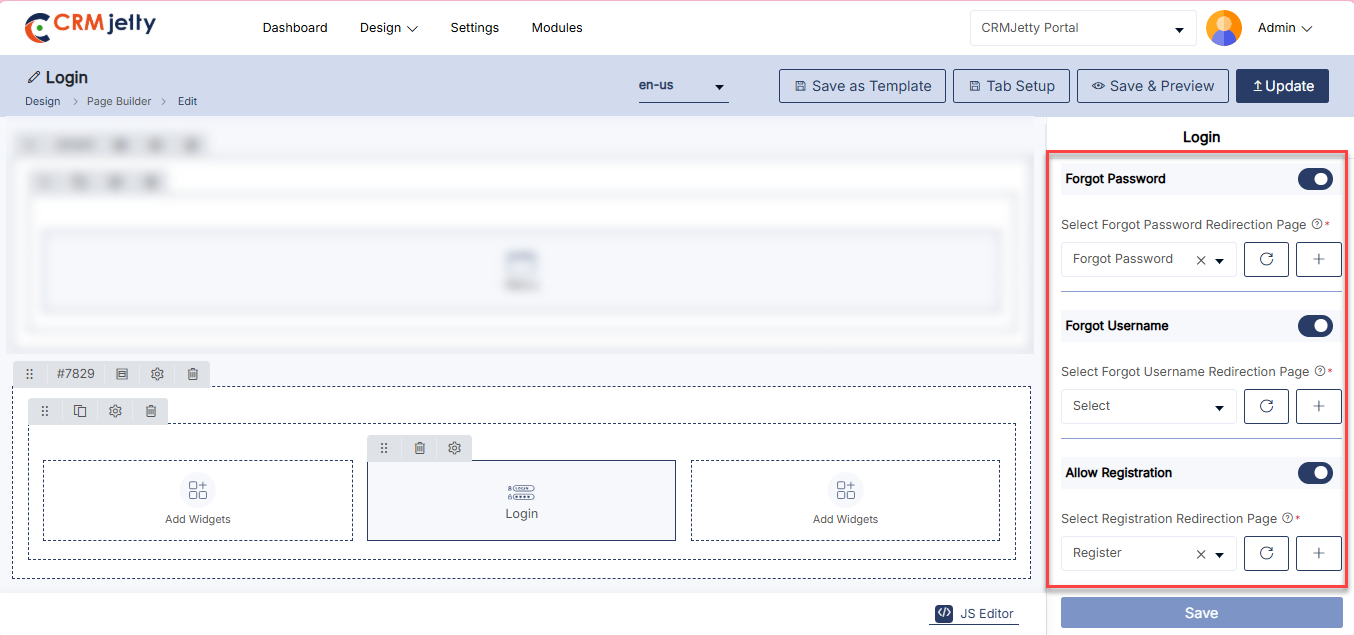
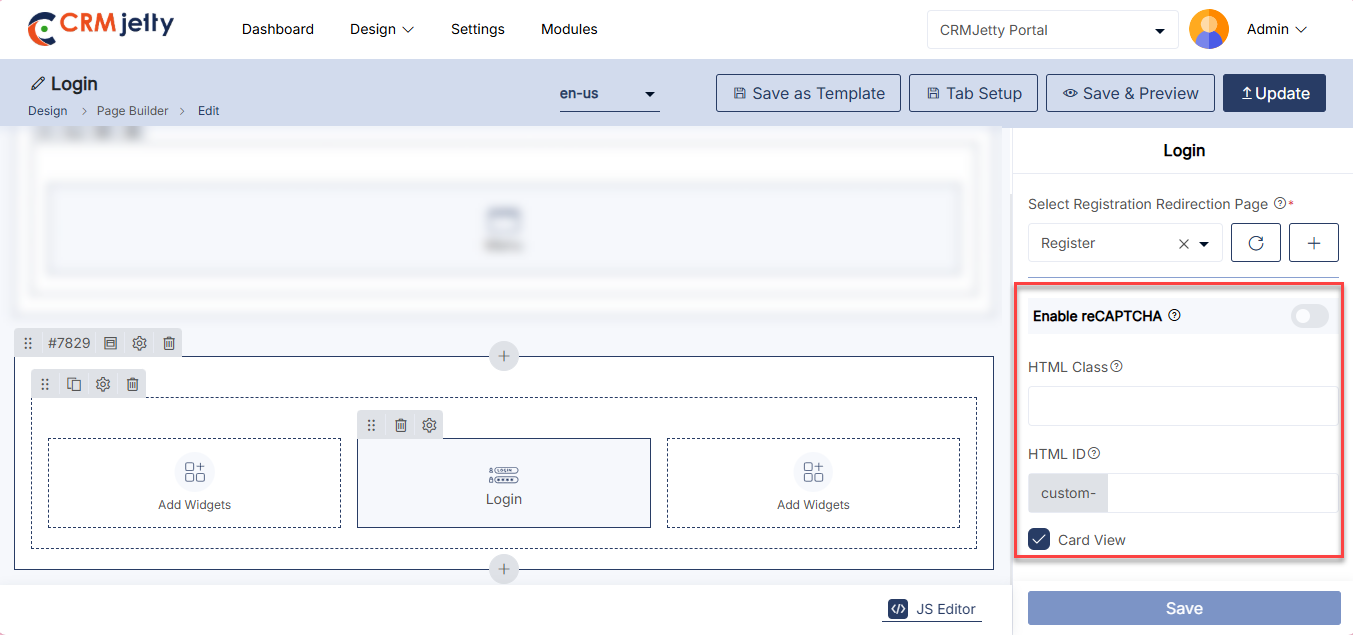
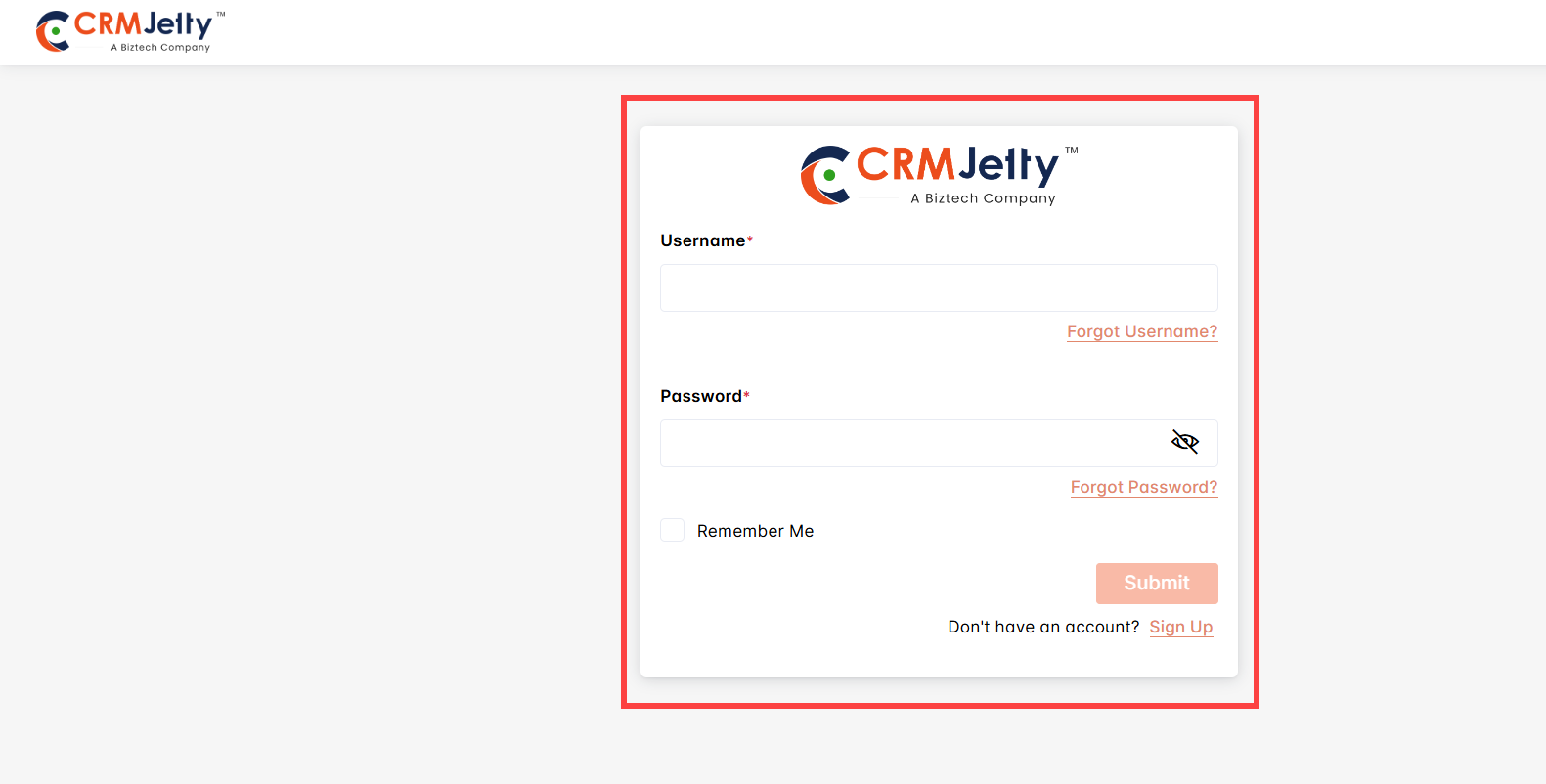
Profile
The Profile Widget allows Admin users to configure the user profile management interface, including contact forms and password settings.
Add the Profile Widget:
– Admin clicks on the Profile widget, and it is directly added to the grid. [1]
– Click on the Settings icon of the Profile widget to open its configuration panel. [1]
General Configuration:
– Display Mode: Select how the profile information should be displayed:[2]
– Show as Edit: Displays the profile in editable mode.[2]
– Edit Form: Select the form to be used for editing profile details.[2]
– Show as Detail: Displays the profile in read-only mode.[2]
– Detail Form: Select the detail form to be used for displaying profile information.[2]
– Select Contact Form: Select the contact form to be used within the profile management.[2]
– Title: Define the title for the profile section (e.g., Profile).[2]
– Profile Button Text: Define the label for the profile update button (e.g., Update Profile).[2]
– Change Password Label: Define the label for the change password option (e.g., Change Password).[2]
– Change Password Button Text: Define the label for the password update button (e.g., Update Password).[3]
– Enable Floating Label Form: Enable or disable floating labels for form fields.[3]
– Enable Delete User Button: Enable this button to allow delete users.[3]
– Enter User Confirmation Description: Enter the Confirmation description.
– Enable reCAPTCHA: Enable or disable reCAPTCHA for additional security during profile updates.[3]
Profile Setting: [4]
– HTML Class: Define custom CSS classes for styling the profile widget.
– HTML ID: Assign a unique ID to the profile widget for customization and integration.
– Card View: Enable card view for the profile widget layout.
Save and Update (Edit Mode)
– When a portal user updates their profile and clicks Save, the data is validated based on the form rules.
– Upon successful validation:
– The updated data is synchronized with the CRM.
– A success message is displayed to the user.
Admin must click Save to apply the configuration and Publish the page to make the Profile widget available on the customer portal.
The Admin can also remove the Profile widget by clicking the Delete icon, as shown in the screenshot. [5]
Front view profile widget
The Front View Profile Widget displays user-specific information such as name, profile picture, and account details. It allows portal users to view and manage their profile information directly from the page, based on the configured display mode.[6]
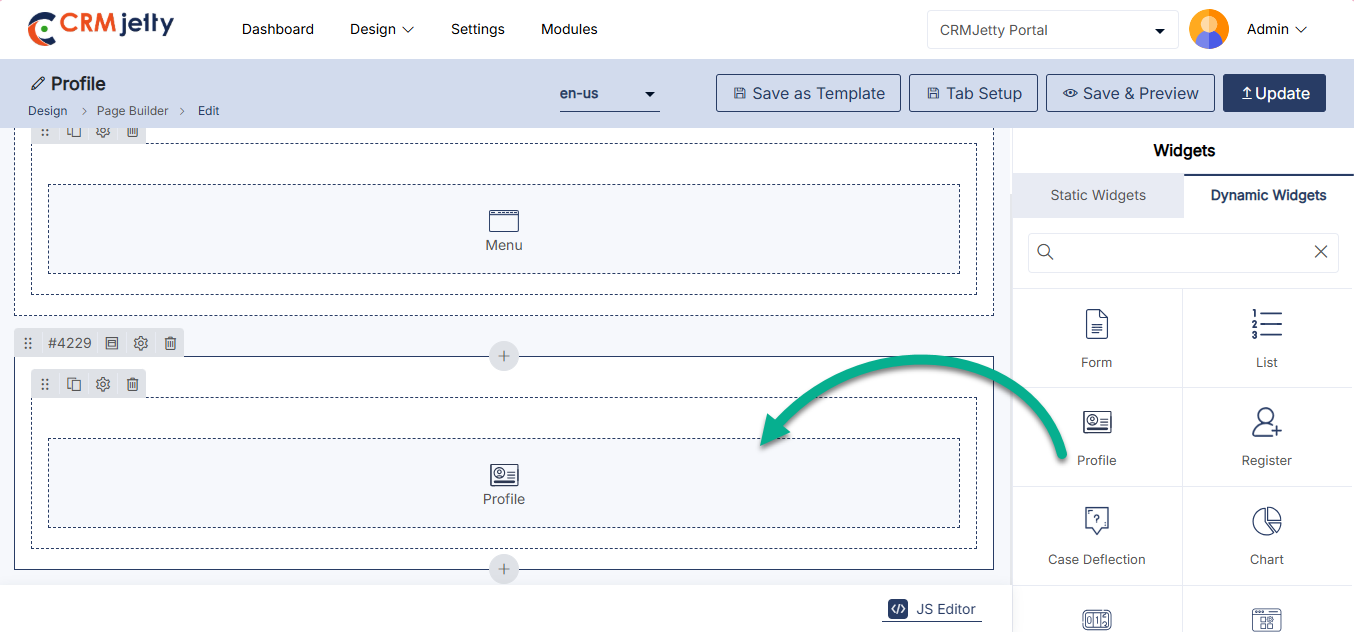
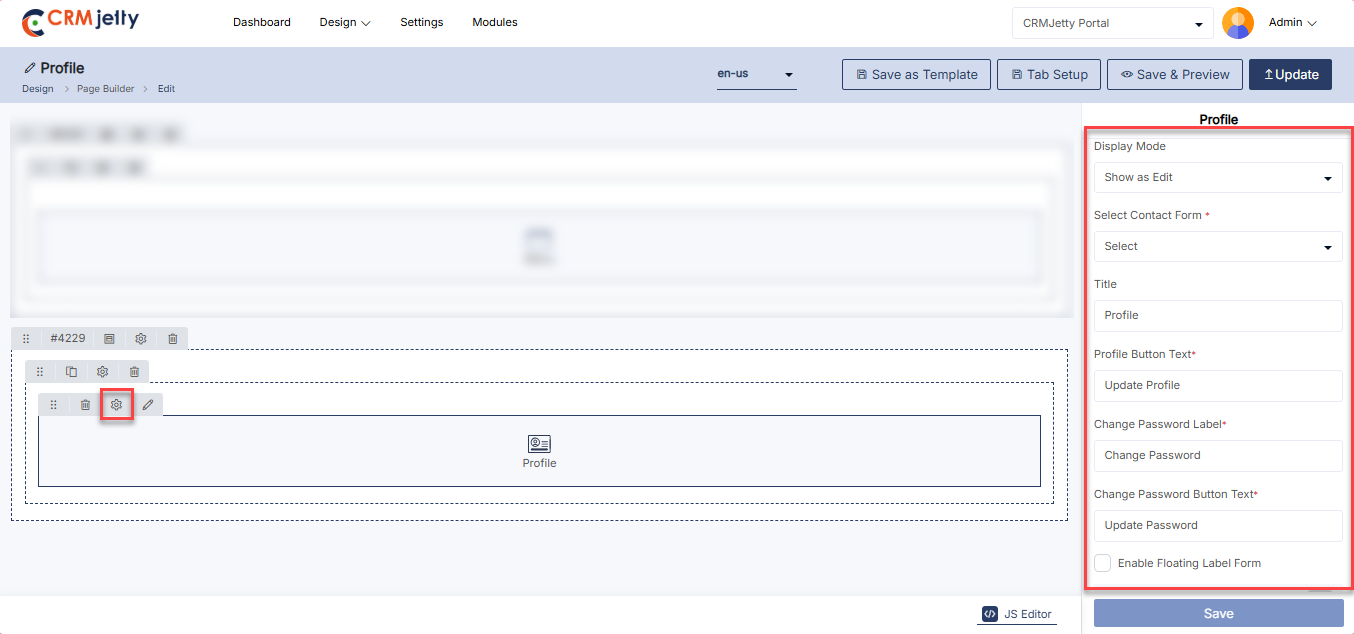
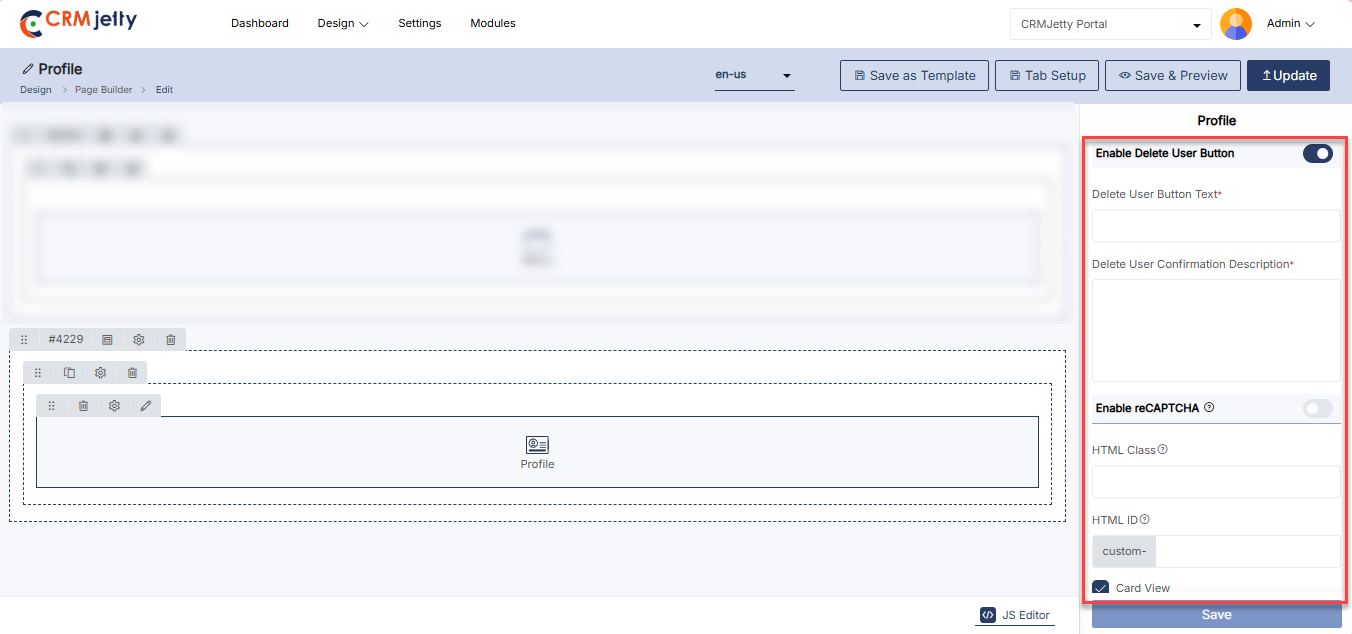
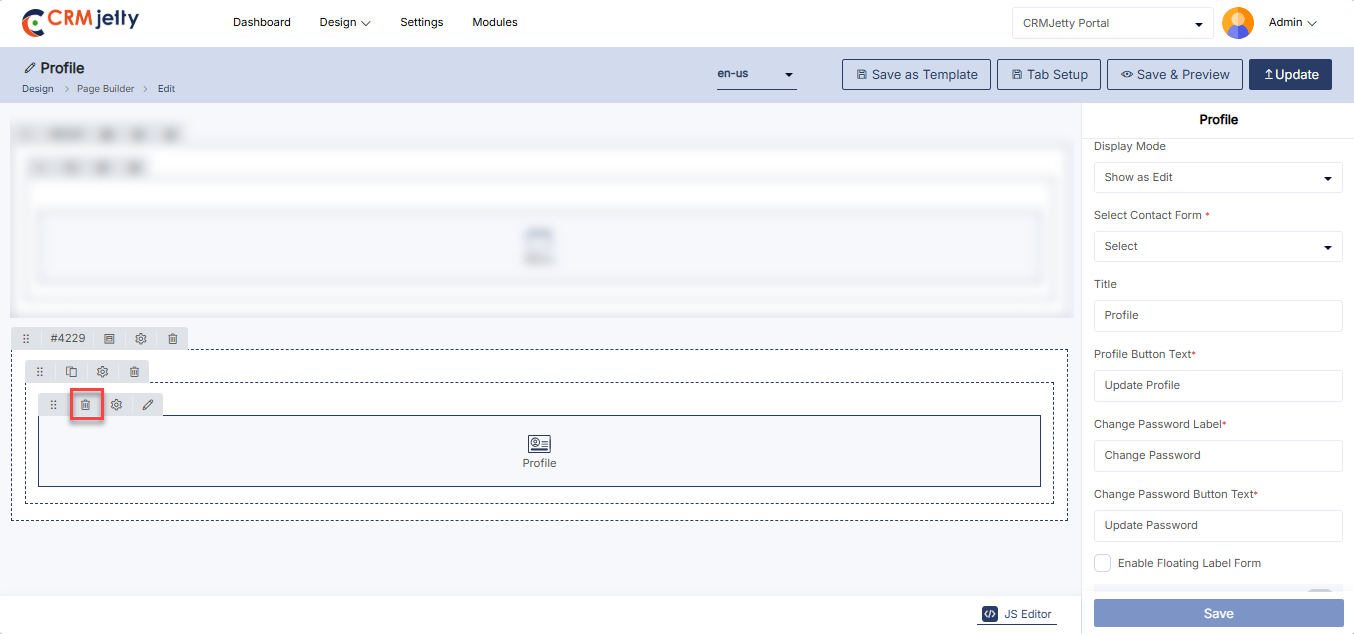
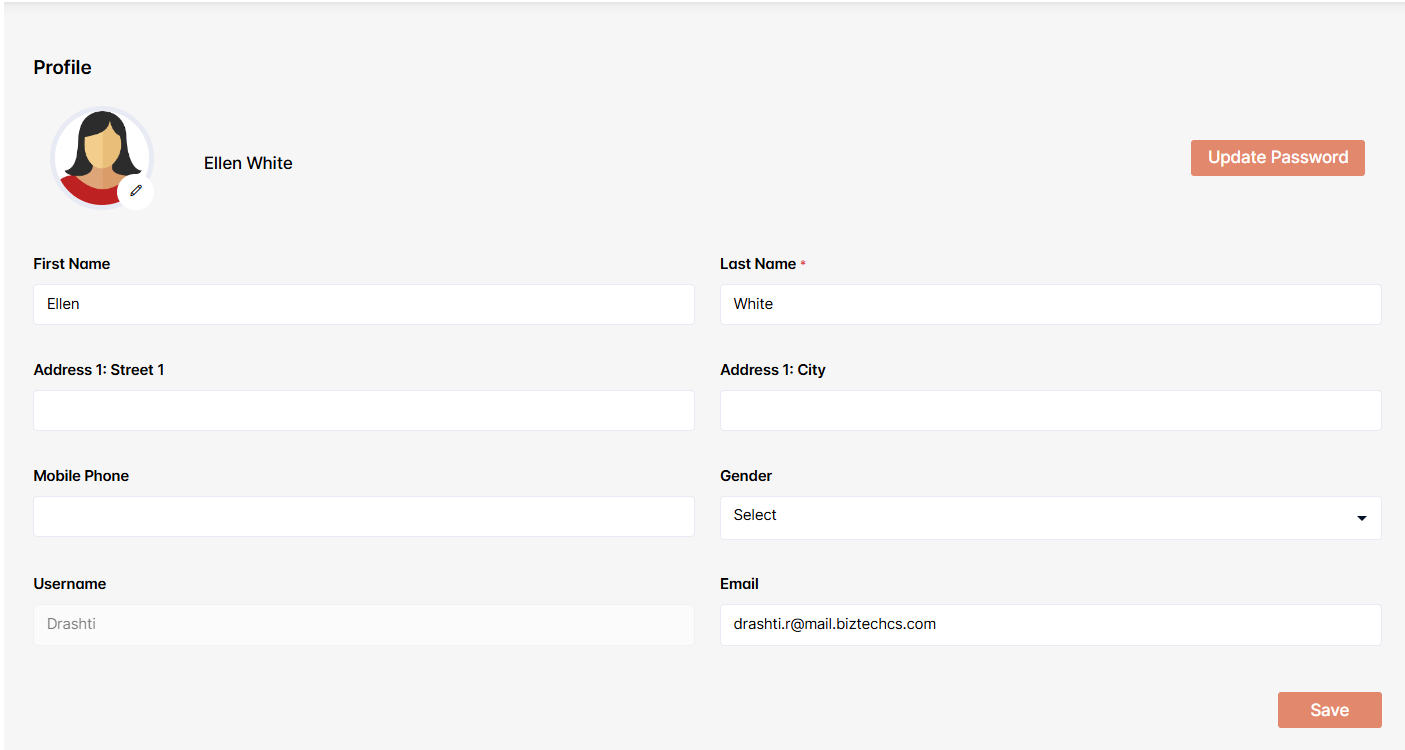
Recent Activity
The Recent Activity Widget allows Admin to display and manage a log of recent user activities or interactions.
Add the Recent Activity Widget:
– Admin click on the Recent Activity widget and it will directly add to the grid. [1]
– Click on the ‘Settings’ icon of the Recent Activity widget to open its configuration panel. [1]
Recent Activity Configuration:
– Title: Set the title for the recent activity section (e.g., “Recent Activity”). [2]
– Select Object: Choose the type of object or activities to display (e.g., user logins, transactions). [2]
– Select Redirection Page: Choose the page to which users will be redirected when interacting with recent activity items. [2]
– Select Detail Page: Choose the page that provides detailed information about a specific activity. [2]
Enable Workflow Settings:[3]
– Data Loading Workflow: Select the data loading workflow to load the data.
– Update Assign Rights workflow: Select the workflow or update and assign the rights.
Recent Activity Setting:[3]
– HTML Class: Define custom CSS classes for styling the recent activity interface.
– HTML ID: Assign a unique ID for the recent activity interface for customization and integration purposes.
– Card View: Toggle card view mode to present recent activities in a card-based layout.
Admin should click “Save” to apply the settings, then publish the page to make the Recent Activity widget live on the customer portal.
Admin can also delete a widget by clicking on the ‘Delete Icon.
Front view Recent Activity
The Recent Activity widget on the front view displays a summary of the latest actions or updates, such as form submissions, case updates, or messages. It helps users stay informed about ongoing interactions and keep track of recent portal activities at a glance. [4]
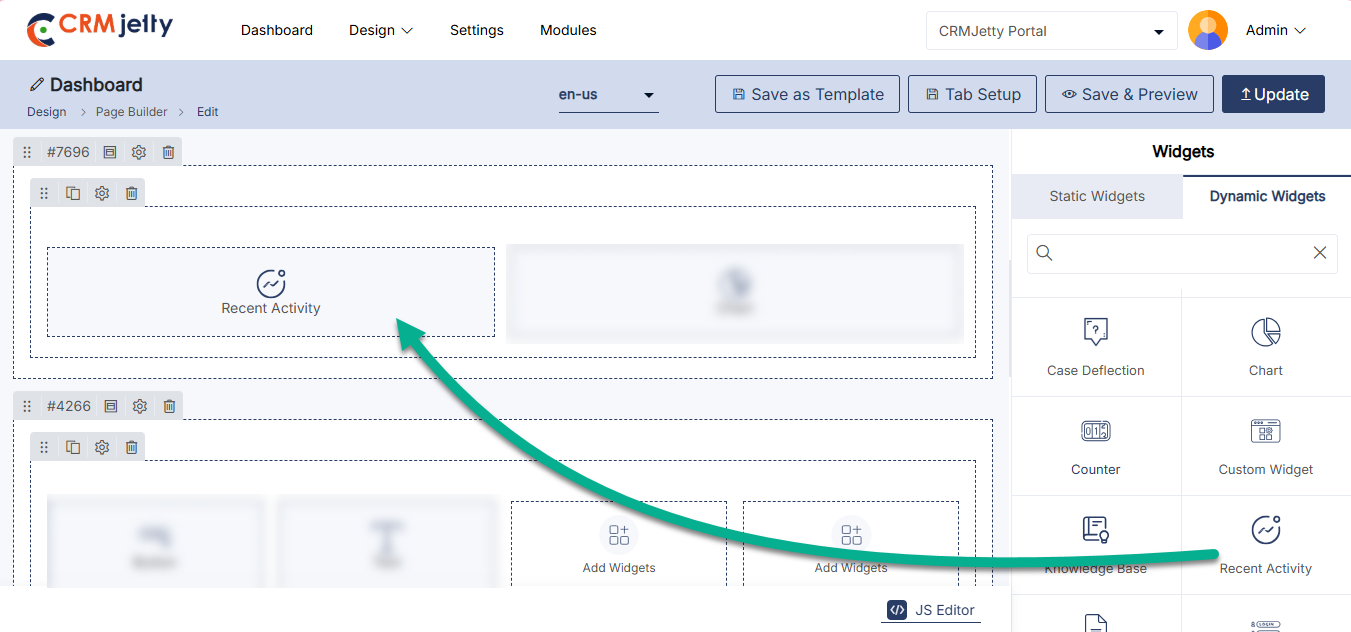
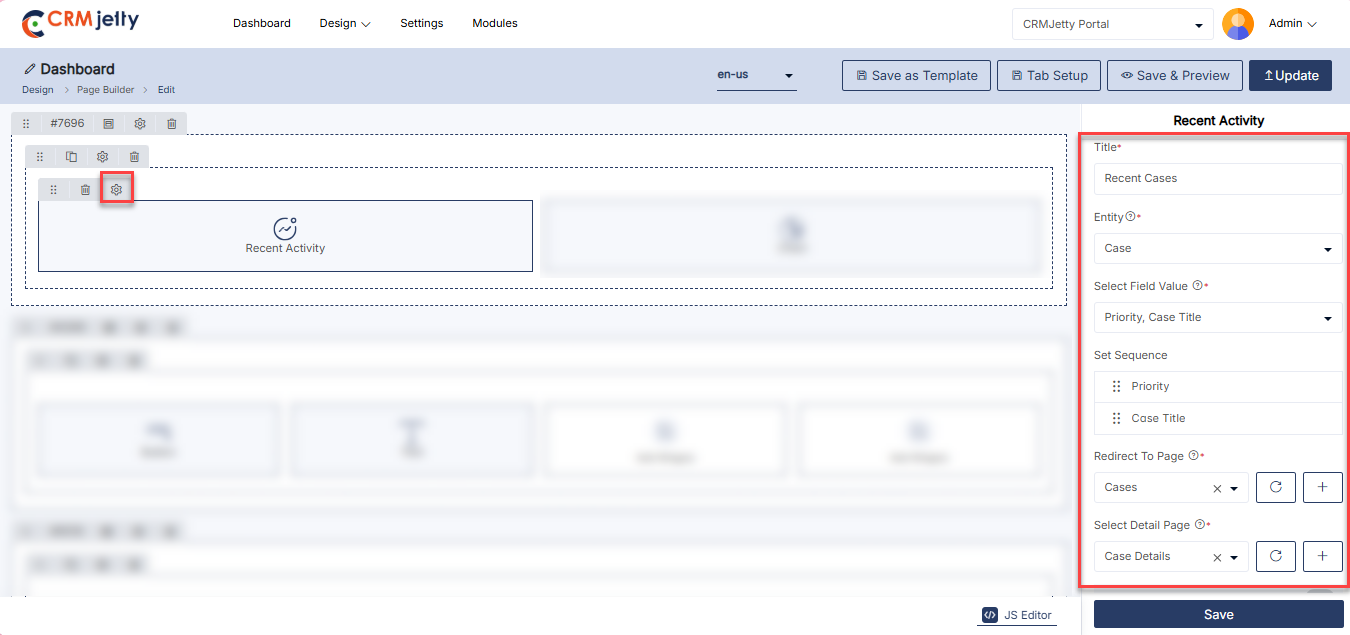
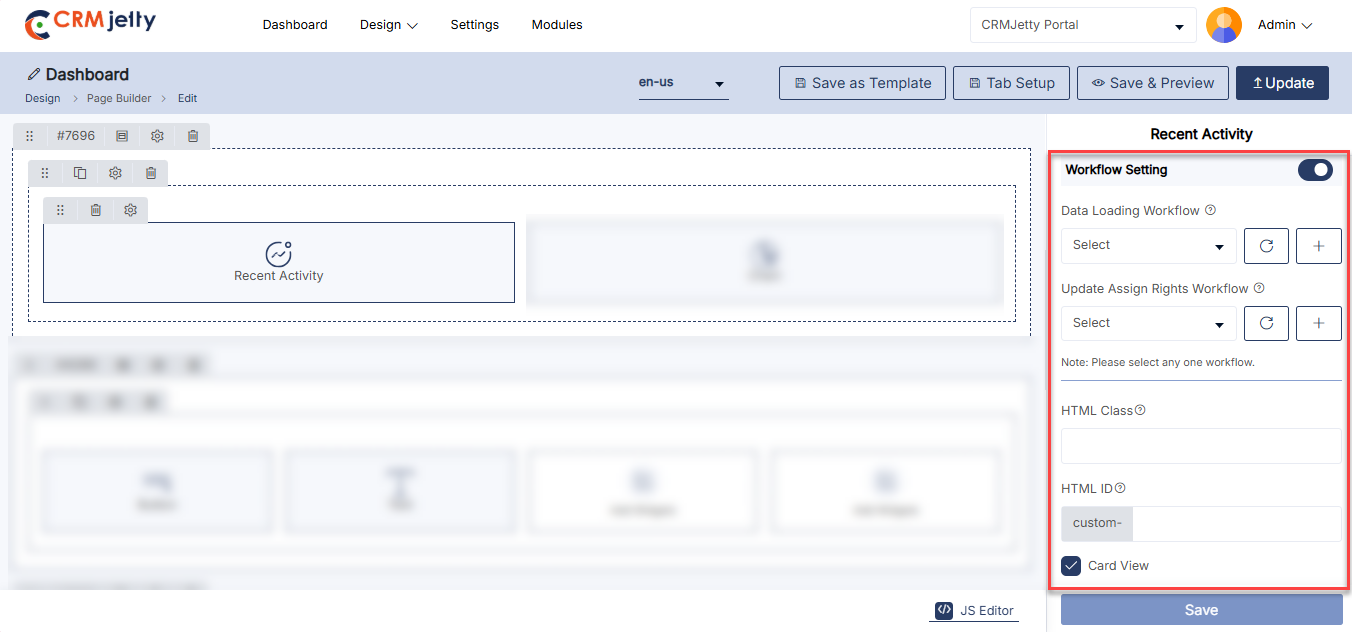
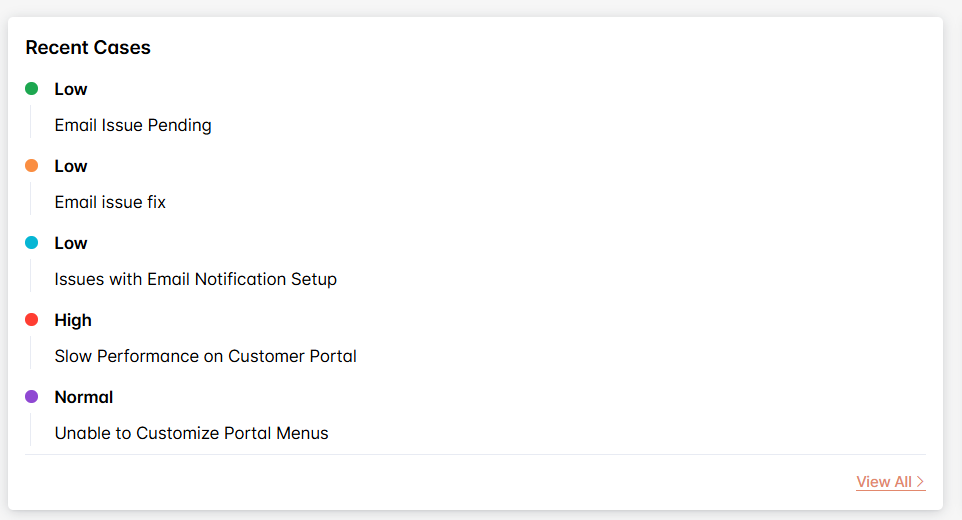
Registration
The Registration Widget enables Admin to configure the user registration interface, including form selection, roles, and layout options.
Add the Registration Widget:
– Admin click on the Registration widget and it will directly add to the grid. [1]
– Click on the ‘Settings’ icon of the Registration widget to open its configuration panel. [1]
General Configurations: [2]
– Select Registration Form: Choose the registration form to be used for new user sign-ups.
– Select Role: Assign a default role to new users upon registration.
– Title: Set the title for the registration section (e.g., “Register”).
– Register Button Text: Specify the text for the registration button (e.g., “Register”).
– Redirect To: Choose the page to which users will be redirected after successful registration.
– Enable Floating Label: Enable or disable floating labels within the registration form fields.
– Enable reCAPTCHA: Enable or disable recaptcha for added security during login.[3]
Registration Setting:
– HTML Class: Define custom CSS classes for styling the registration interface.
– HTML ID: Assign a unique ID for the registration interface for customization and integration purposes.
– Card View: Toggle card view mode to present the registration form in a card-based layout.
Admin should click “Save” to apply the settings, then publish the page to make the Registration widget live on the customer portal.
Admin can also delete a widget by clicking on the ‘Delete Icon’.
Front view registration widget
The Registration widget on the front view allows users to easily sign up for the portal by providing their required details. It simplifies the onboarding process and ensures a seamless user experience for new registrations. [4]
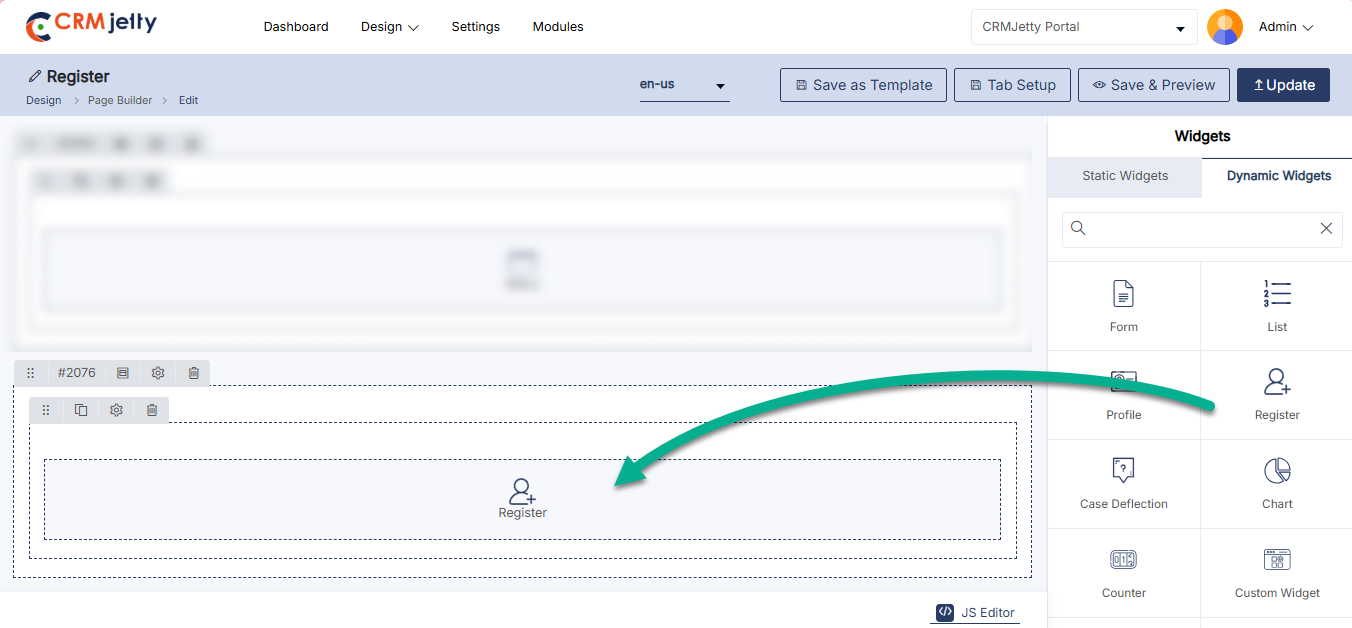
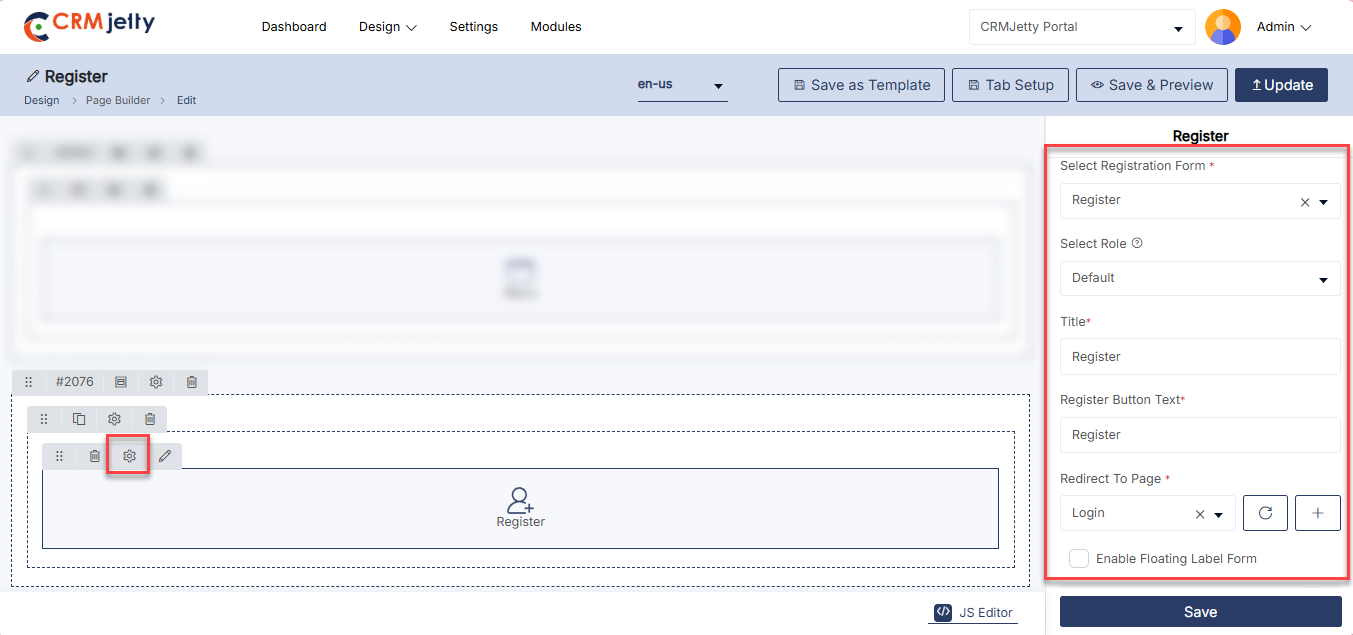
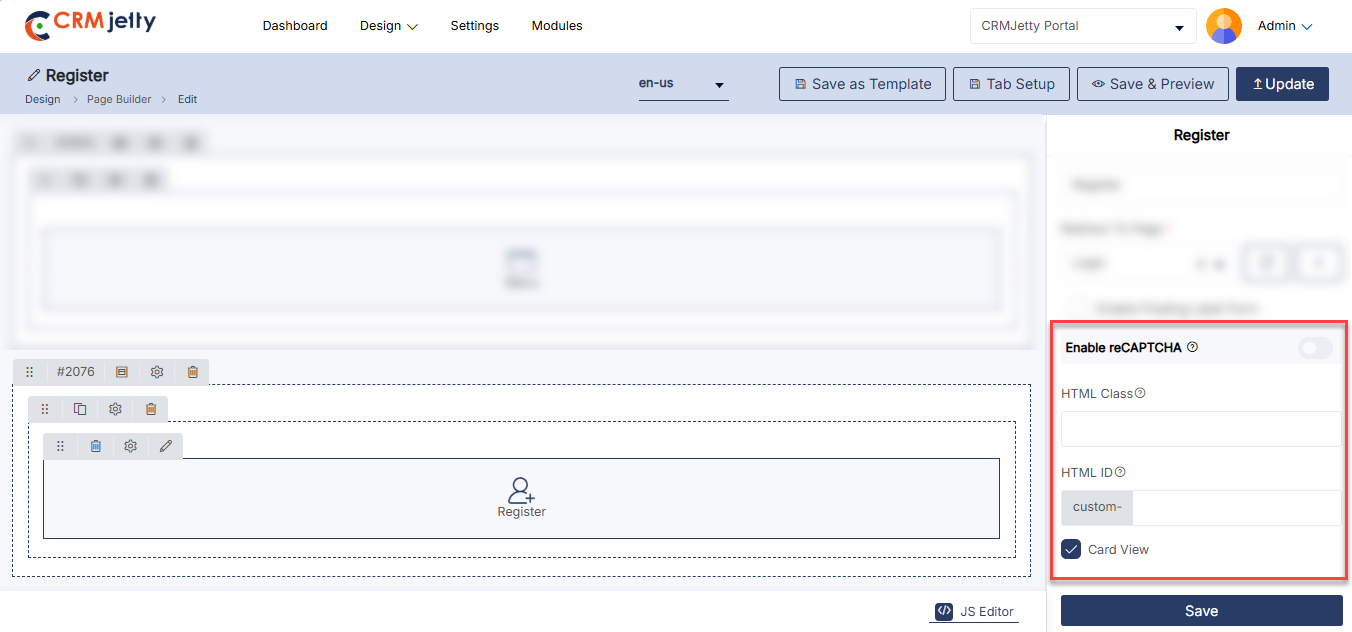
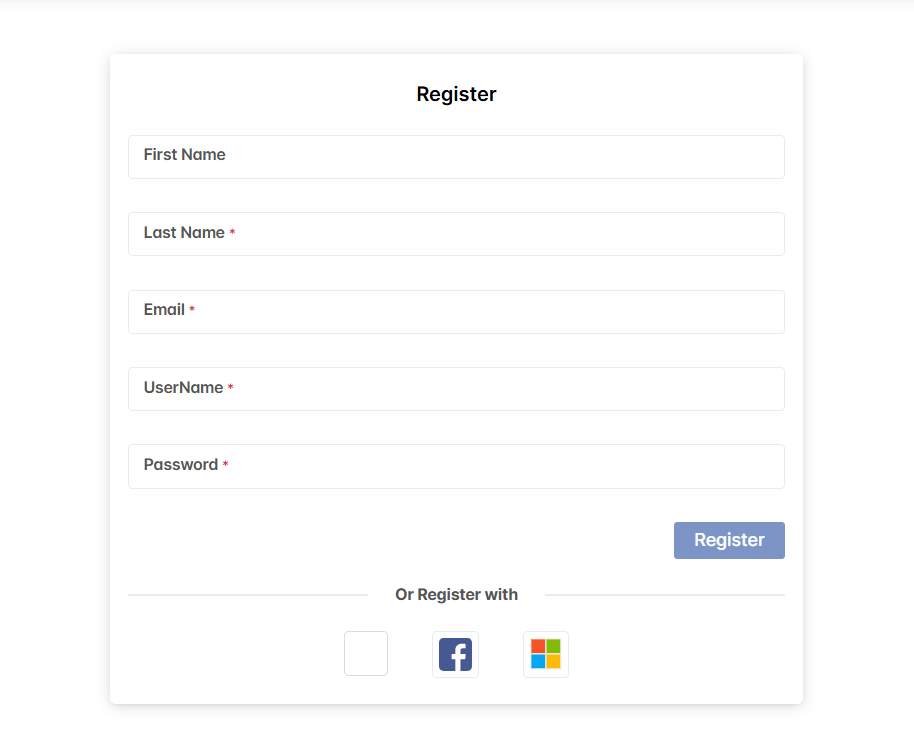
Box Widget
The Box Widget enables the Admin to configure and integrate Box features, including document access, storage, and layout options.
Add the Box Widget:
– The Admin clicks on the Box widget, and it will directly add to the grid. [1]
– Click on the ‘Settings’ icon of the Box widget to open its configuration panel. [1]
General Configurations:
– Title: Set the title for the Box section (e.g., “Document”).
– Upload Button Label: Specify the text for the upload button (e.g., “Upload File”).
– New Folder Button Label: Specify the text for the button to create a new folder (e.g., “New Folder”).
– Default Accordion Behavior: Choose the default behavior for the accordion (e.g., Expanded or Collapsed).
Box Settings:
– HTML Class: Define custom CSS classes for styling the Box interface.
– HTML ID: Assign a unique ID for the Box interface for customization and integration purposes.
– Card View: Toggle card view mode to present Box documents in a card-based layout.
The Admin should click “Save” to apply the settings, then publish the page to make the Box widget live on the customer portal.
The Admin can also delete a widget by clicking on the ‘Delete Icon’ .
Front View Box Document Widget
The Box Document widget on the front view allows users to seamlessly access, view, and manage documents stored in Box directly from the portal. It enhances collaboration by integrating Box content with the portal’s interface, making document sharing and management more efficient. [3]
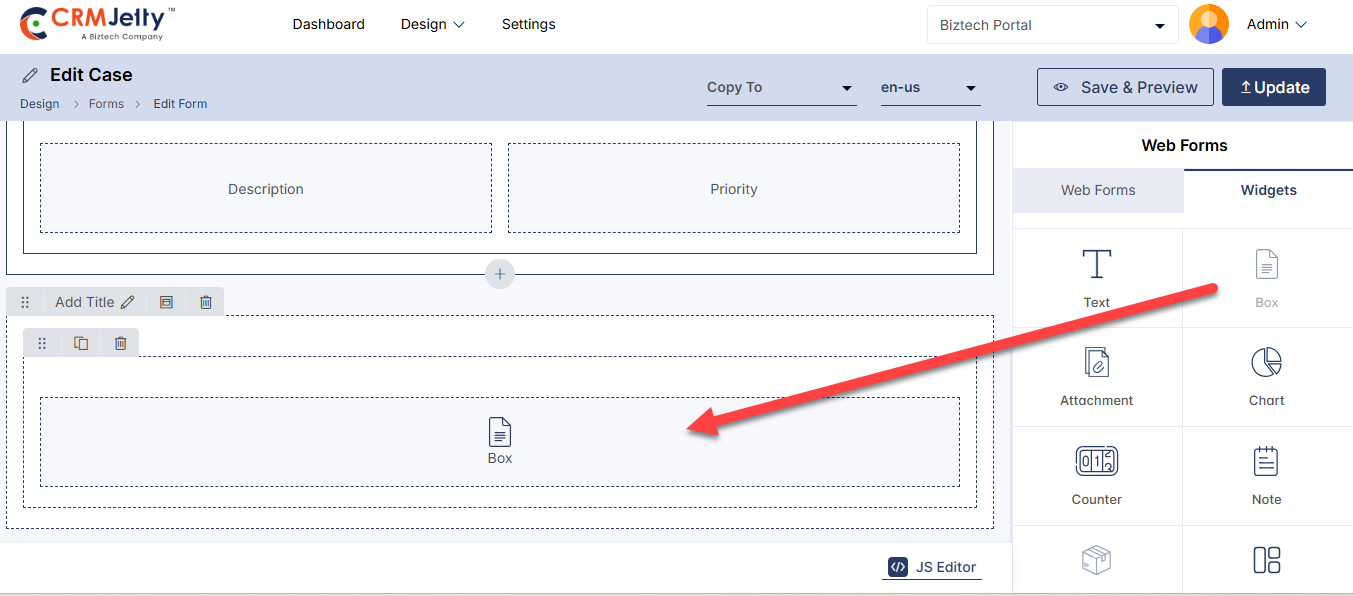
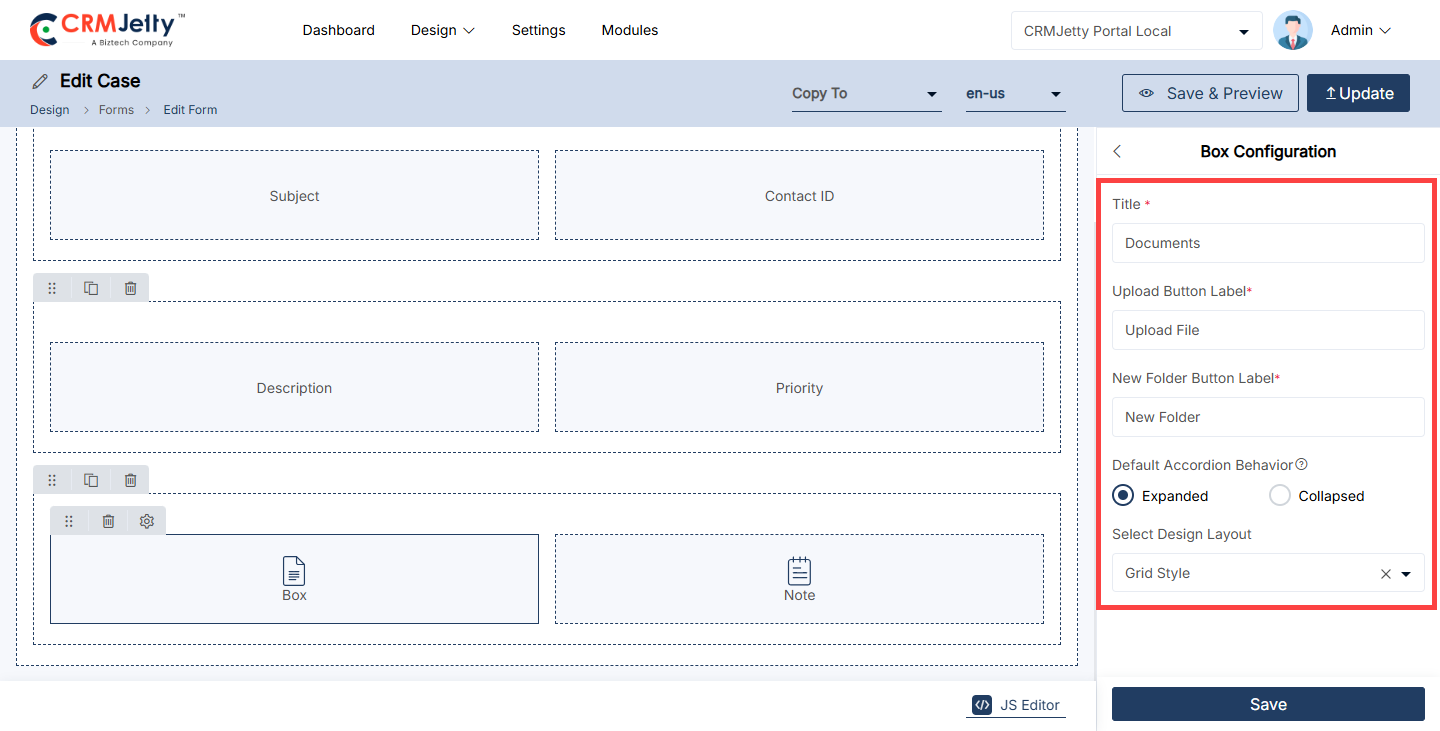
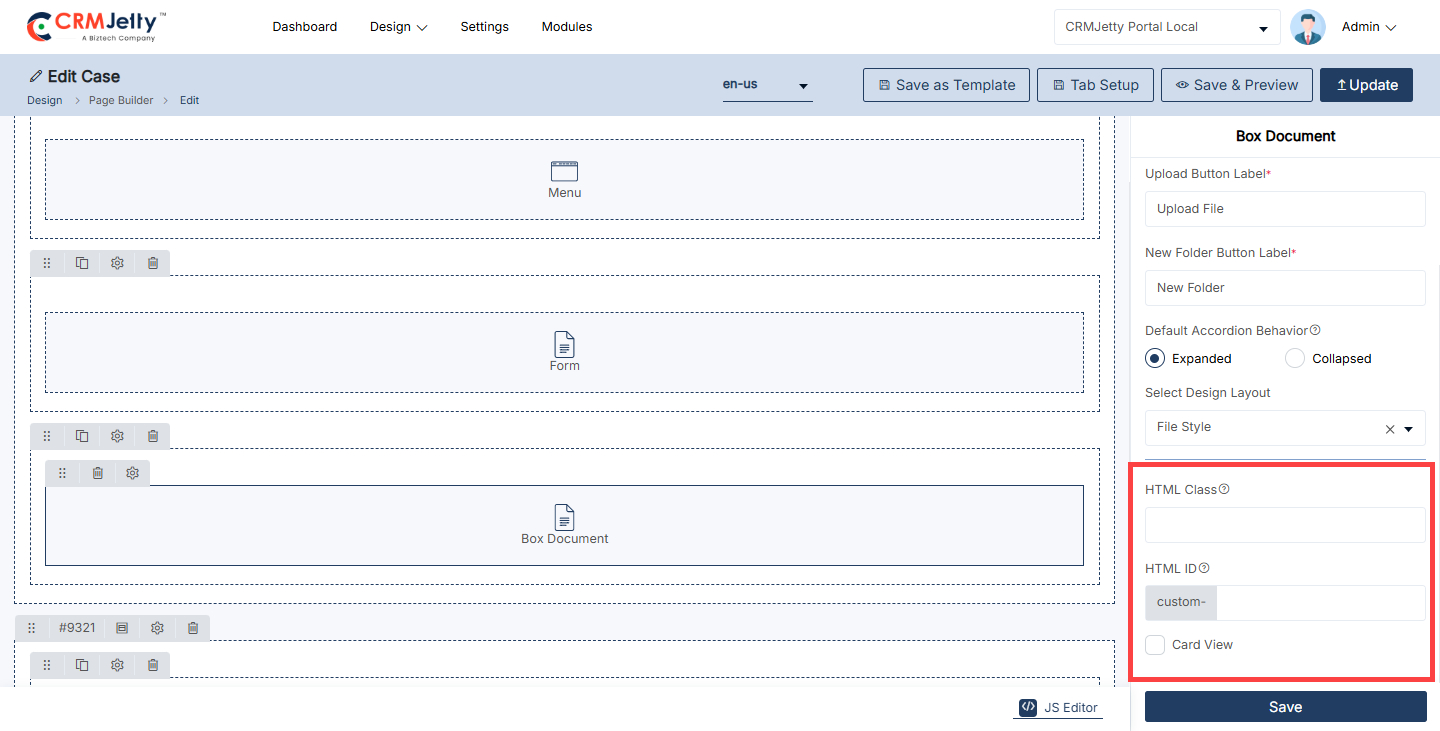
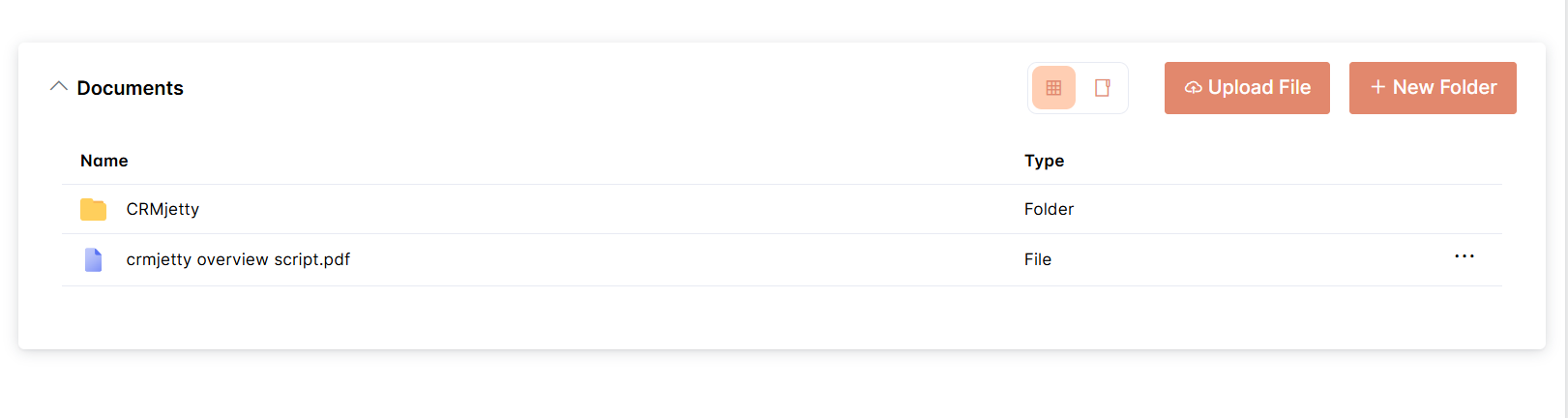
HTML Class & ID for widgets
To customize the appearance and functionality of widgets, you can add a custom HTML ID and Class. These attributes are applied to the surrounding <div> element of the widget.
HTML Class: [1]
– Definition: Add one or more CSS classes separated by commas. Multiple classes can be applied to the same element, allowing for flexible styling.
– Format: Use classes without spaces, and include valid special characters like hyphens (-) or underscores (_).
– Example: class1,class2,special-class
HTML ID: [1]
– Definition: Add a unique ID for the widget’s <div> element. This ID should be prefixed with “custom-” to ensure uniqueness across the page.
– Format: Use a single unique ID for each widget, and avoid spaces. Special characters such as hyphens (-) or underscores (_) are allowed.
– Example: custom-widget123
Note:
– The classes and ID are not directly applied to the widget itself but to the <div> that contains the widget.
– Admin users can leverage the custom class and ID within JavaScript code to further tailor the widget’s behavior and styling.
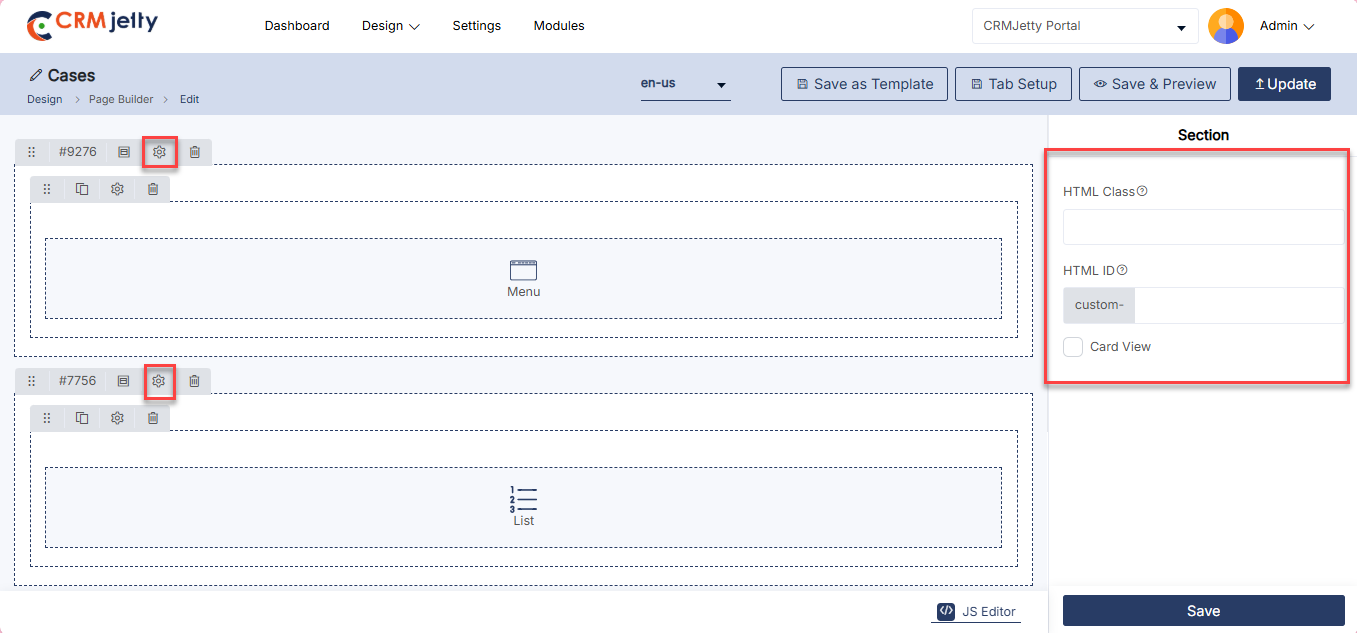
Widget Builder
Empower admins to design custom widgets using HTML, CSS, and JavaScript with real-time CRM data integration. Supports multilingual content and role-specific views, enabling tailored experiences and flexible UI enhancements without full development cycles.
To configure the custom widget navigate to Design > Widget Builder[1].
In the Widget Builder module, all custom widgets are listed. The list view contains the following columns:
– Title: The title of the custom widget.
– Status: The current status of the widget (e.g., Published, Draft).
– Language: The language of the widget content.
– Owner: The owner of the widget.
– Created On: The date the widget was created.[2]
– The admin can refine the list of widgets by using the filter options, which include Title, Status, and Owner. After selecting the desired criteria, click the Apply button to execute the filter.[3]
– The admin can filter widget values using the Advanced Filter options. Clicking the Advanced Filter button opens a slider containing Title, Status, Owner, and Date fields. After selecting the desired criteria, click the Apply button to execute the filter.[4]
Create Widget
– To add a new custom widget, click the Create button. A pop-up will appear in which enter the Title of the custom widget. Click Save to create the widget or Cancel to abort the operation.[5]
– In the Configurations section, first select the entity to include in the widget from the Entity dropdown.[6]
– Static: Admin creates widgets manually without using internal data or entities.
– Dynamic: Widgets are created using internal entities and their associated fields.
Dynamics Type
– First select the entity to include in the widget from the Entity dropdown.[6]
– Enter the Data Loader Function Name. This name will be used as the function identifier in the JS editor and should be defined as async function_name(pageNumber: number, pageSize?: number). The pageSize parameter is optional, defaults to 10, and is limited to a maximum of 500 records.[7]
– In the External Stylesheet section, enter the URL of the stylesheet. Any URLs added here will be included as <link> elements in the specified order and will load before the CSS in the editor. Click Add External Stylesheet to add a new URL field, use the Delete icon to remove a field, and drag the fields to set their display order.[8]
– In the External Script section, enter the URL of the script. Any URLs added here will be included as <script> elements in the specified order and will execute before the JavaScript in the editor. Click Add External Script to add a new URL field, use the Delete icon to remove a field, and drag the fields to set their order.[9]
– The admin can add the JSON Visualizer script to enhance the visual presentation within the portal and Data Loader Function Request Payload. [10]
– Add Your </> HTML, CSS and Javascript code in the respective section to build the Custom Widget. [11]
– After completing all configurations, click the Publish button to publish the custom widget. To save it as a draft, click the Draft button. [12]
– The added widget will appear in the list. The admin can Edit, Delete, Preview, or Publish/Draft the widget directly from the list by clicking the three dots (…) beside the Created On column. [13]
– Click on the Widget Snippets button to access predefined snippets. This will open the widget snippet pop-up. Hover over any snippet to preview it before selection. [14]
– Click the Use Widget button to add the selected widget to the builder and create a new widget using the chosen snippet. [15]
Edit Widget
– Clicking the Edit icon will redirect the admin to the Edit Custom Widget page.[16]
Delete:
–To delete a widget, click the Delete icon. A confirmation pop-up will appear; click OK to confirm and delete the widget. [17]
– The admin can delete multiple widgets simultaneously. Select the desired widgets and choose the Delete option from the Bulk Action dropdown menu. A confirmation pop-up will appear, prompting the admin to click OK to confirm and complete the deletion.[18]
Publish/Draft:
– To change the status of a widget, click the Publish/Draft icon. If the widget is in Draft status, the Publish icon will appear; if the widget is Published, the Draft icon will appear. Click the icon to update the widget’s status accordingly.[19]
– To update the status of multiple widgets, select the desired widgets and choose the Publish/Draft option from the Bulk Action dropdown menu.[20]
Preview:
– To preview the custom widget click on the preview icon will redirect the admin to the new preview tab.[21]
Duplicate:
– To duplicate a widget, navigate to the widget list and click the three dots (…). Clicking on the dots will reveal the “Duplicate” icon. Selecting this button will initiate the duplication process. [22]
– Once the “Duplicate” button is clicked, the widget will be copied, and a new duplicate widget will appear in the portal. The duplicated widget will be named “Widget Name – Copy” (e.g.,Custom Widget-Copy). [23]
– After duplication, the Admin will see a success message on the right side of the page.
Bulk Duplicate Widgets:
– The Admin should start by selecting the widgets to be duplicated. This can be done by clicking the checkboxes beside each widget entity.
– After selecting the widget, click on the bulk action checkbox. From the available options, select the “Duplicate” option. [24]
– The selected widgets will be duplicated and added as “Widget Name – Copy” (e.g., Custom Widget-Copy). After duplication, the Admin will see a success message on the right side of the Widget. [25]
Frontend:
– Front Preview of the custom widget builder.[26]
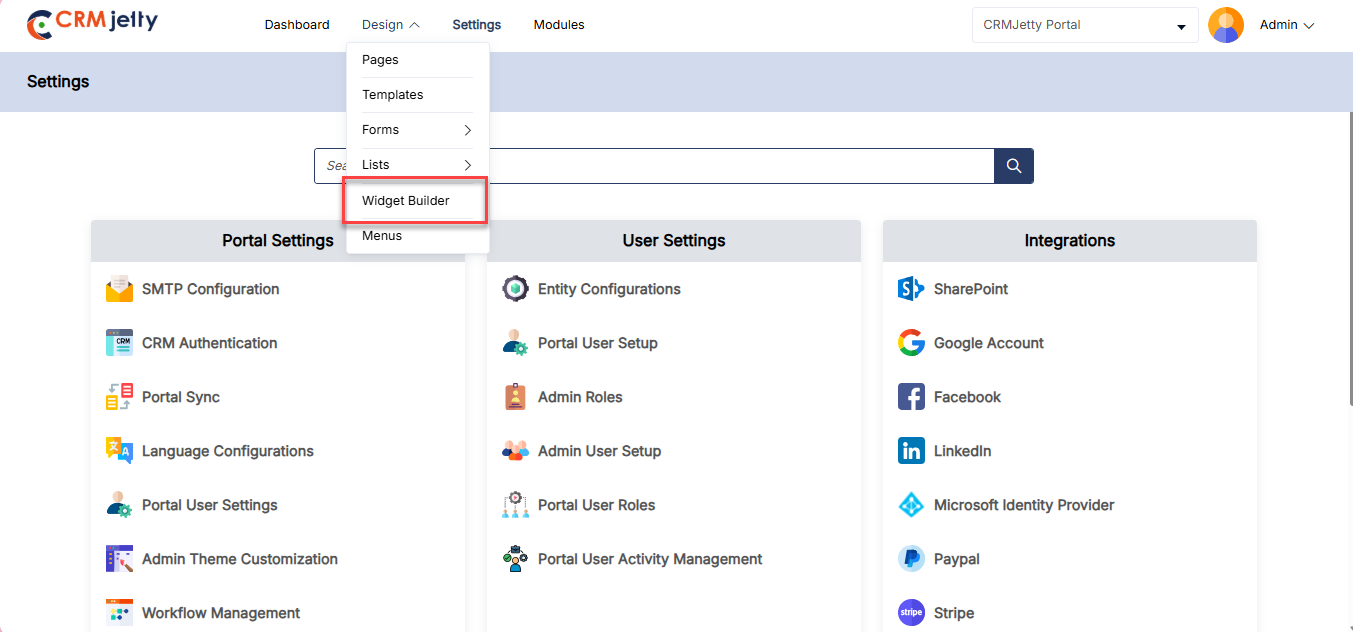
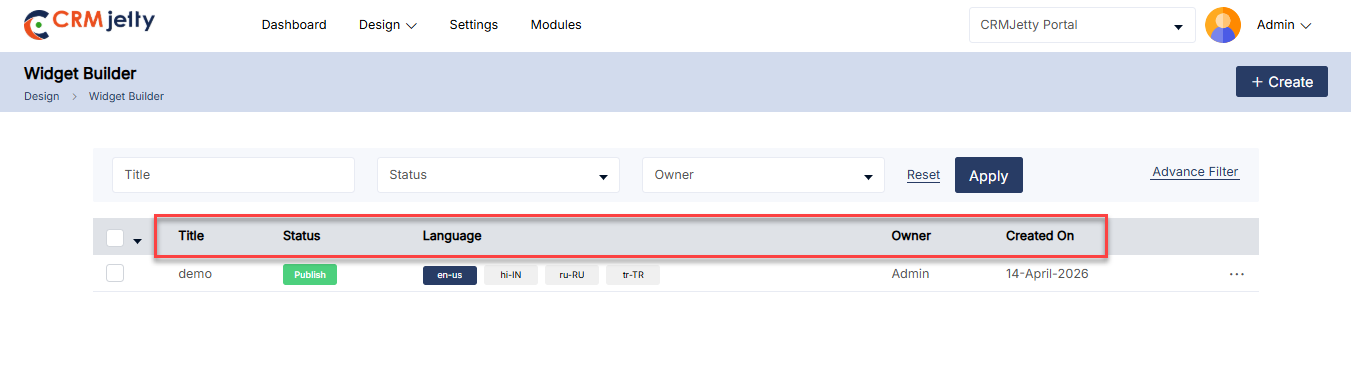
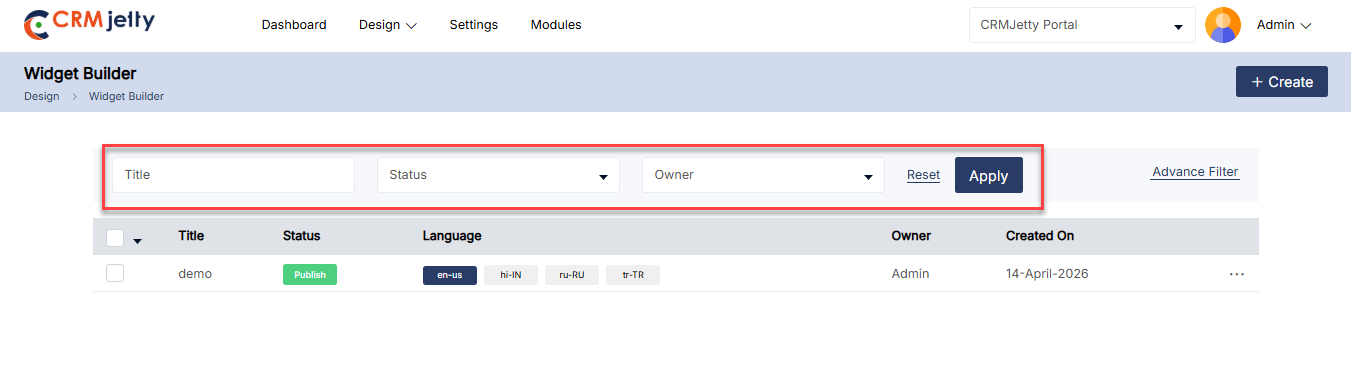
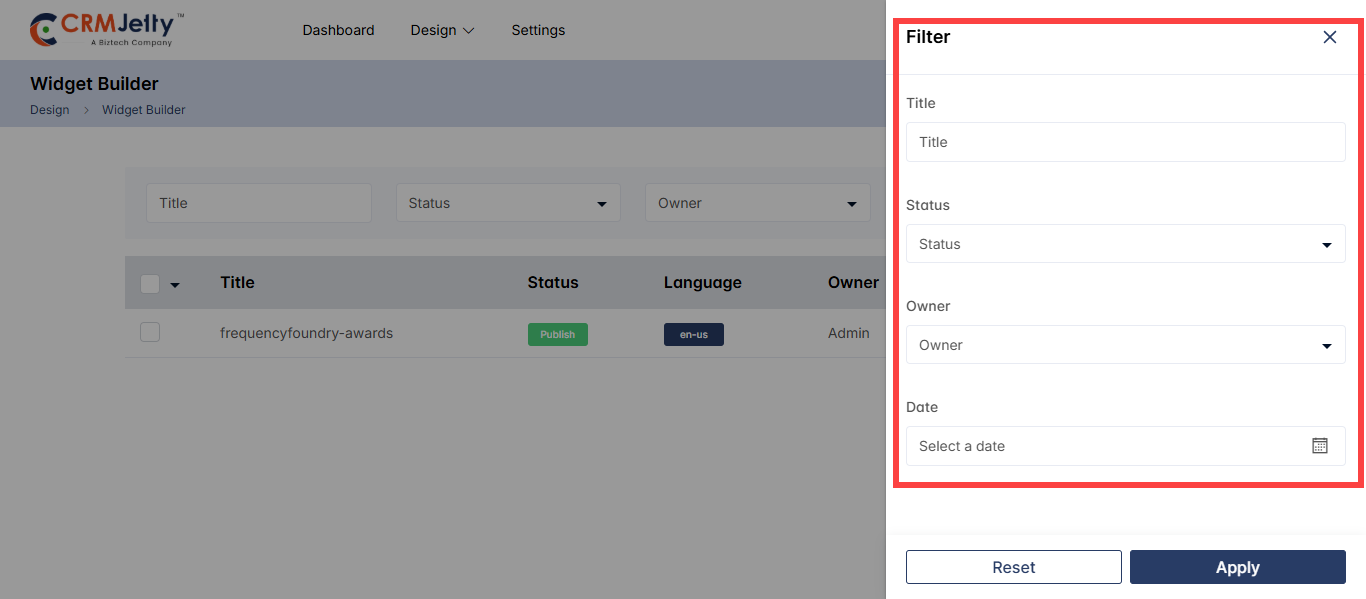
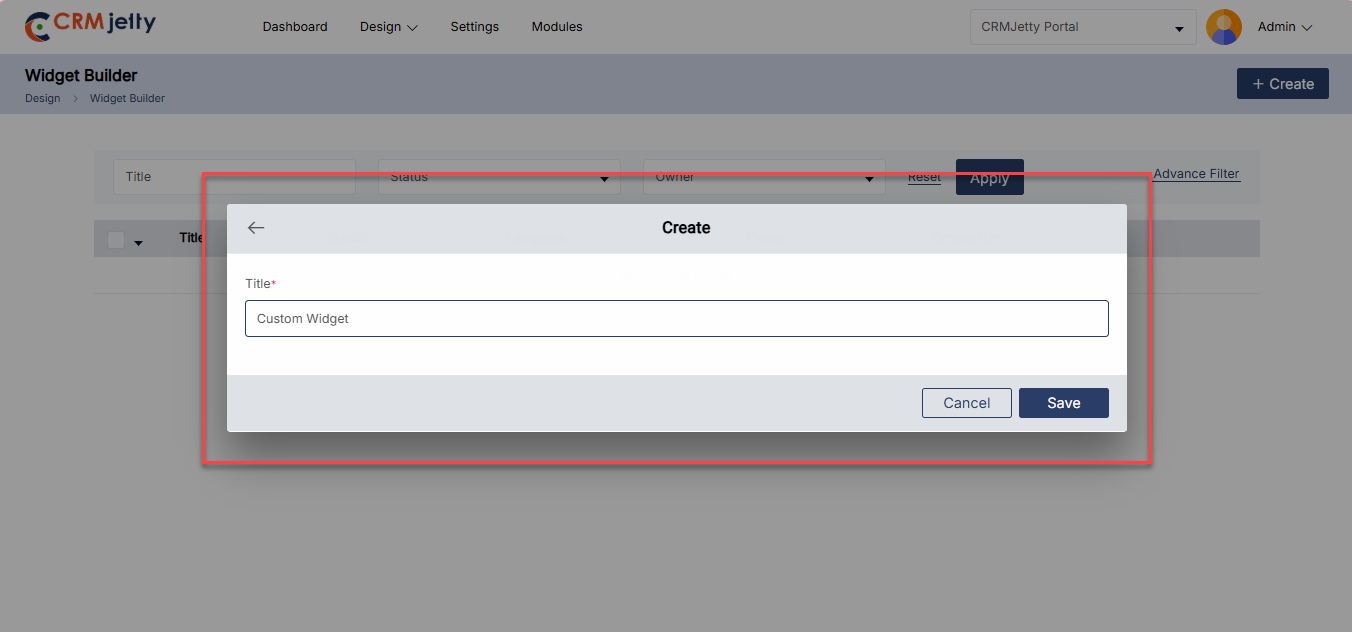
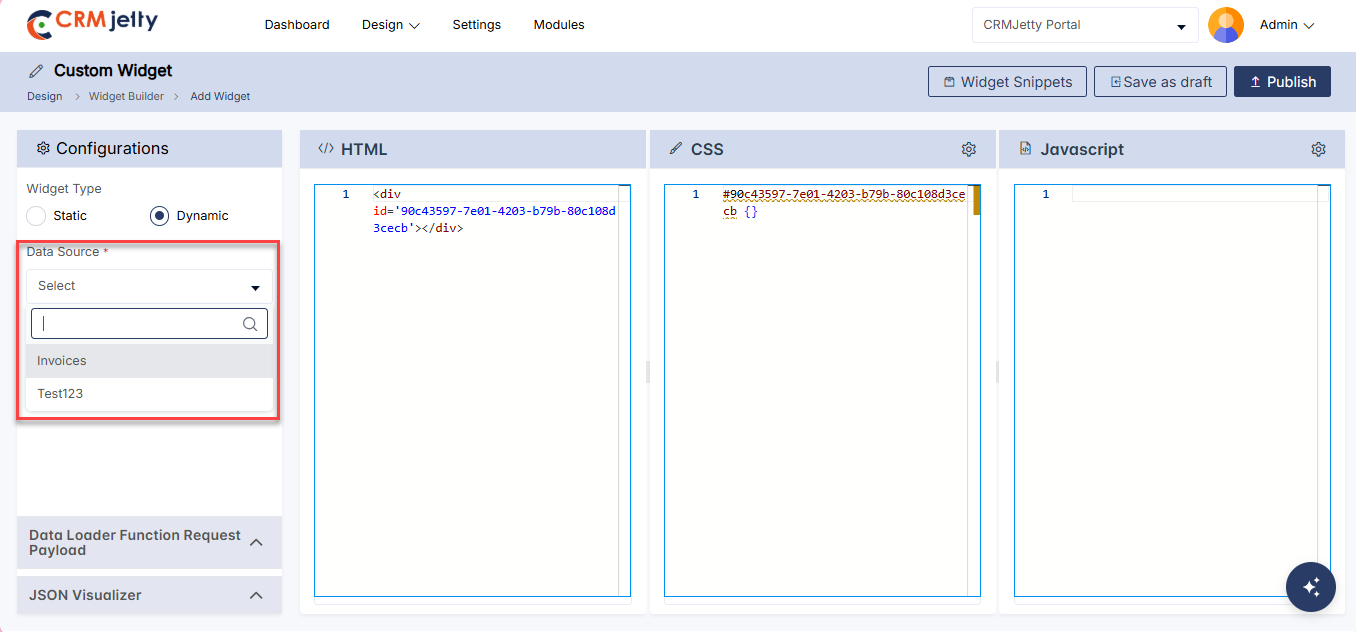
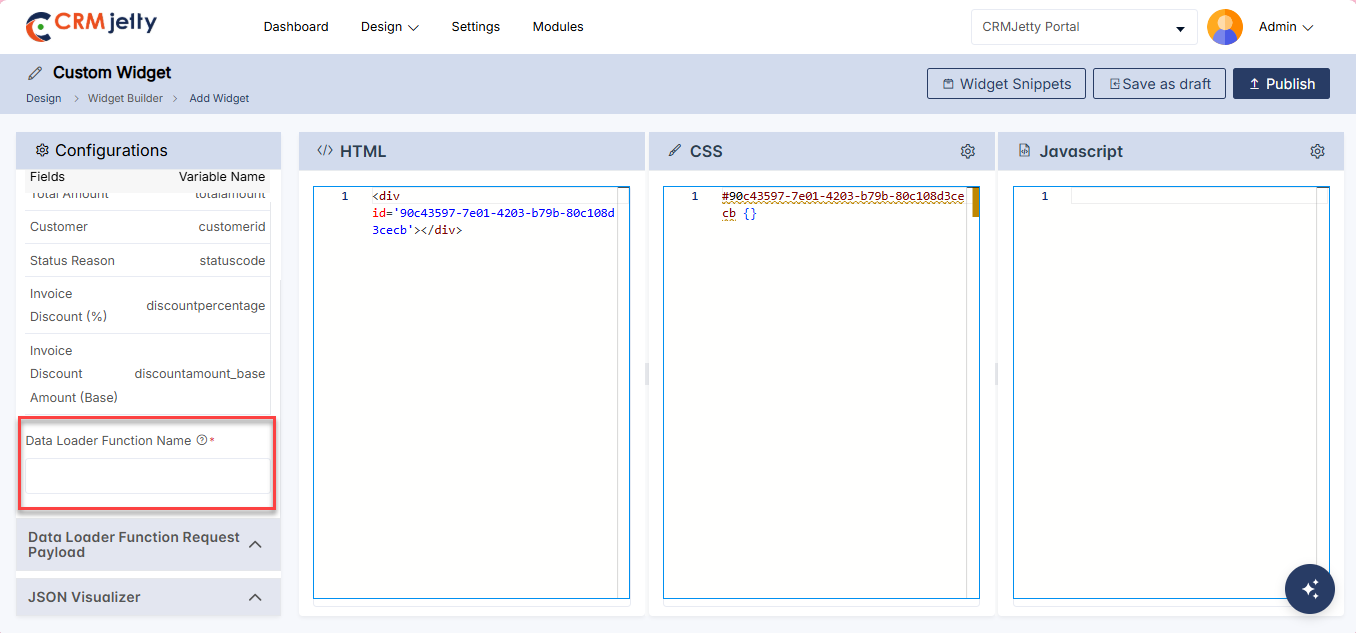
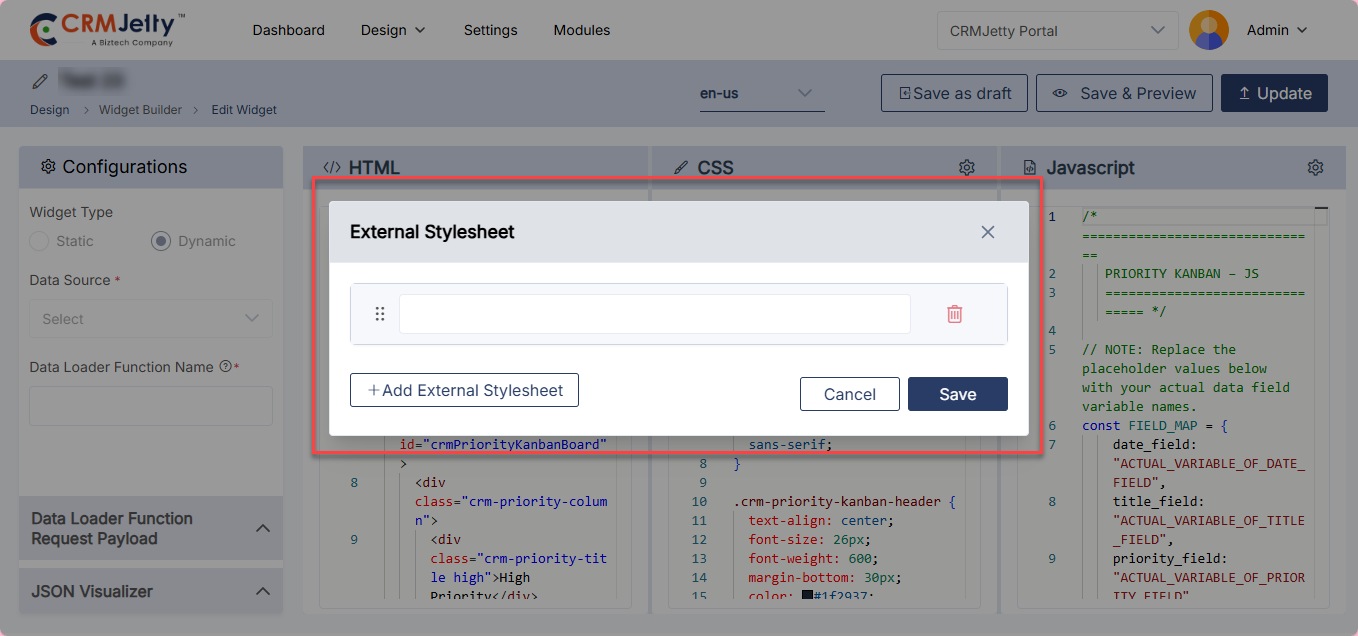
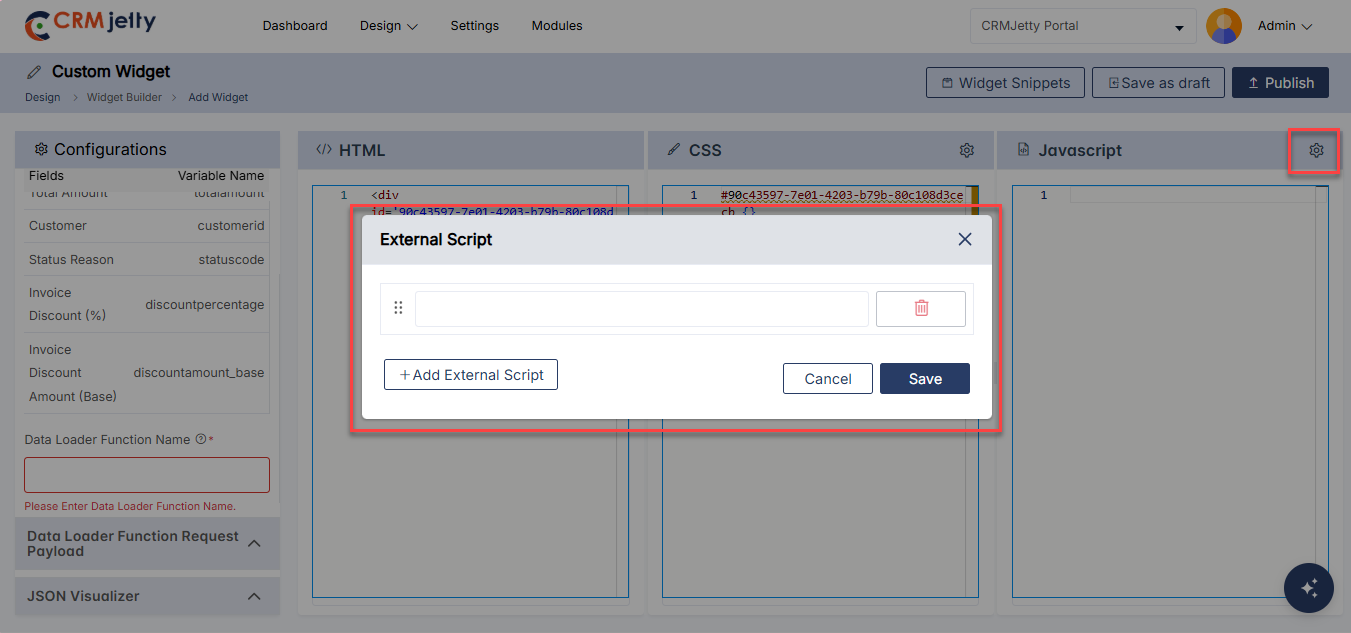
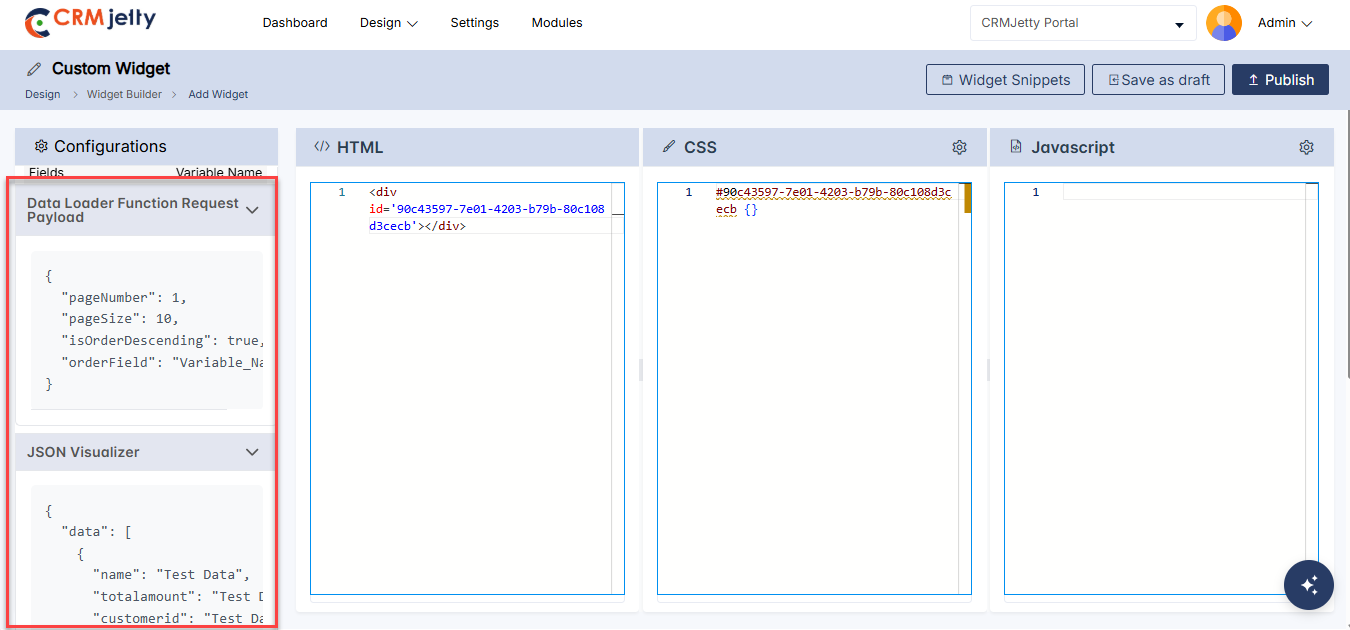
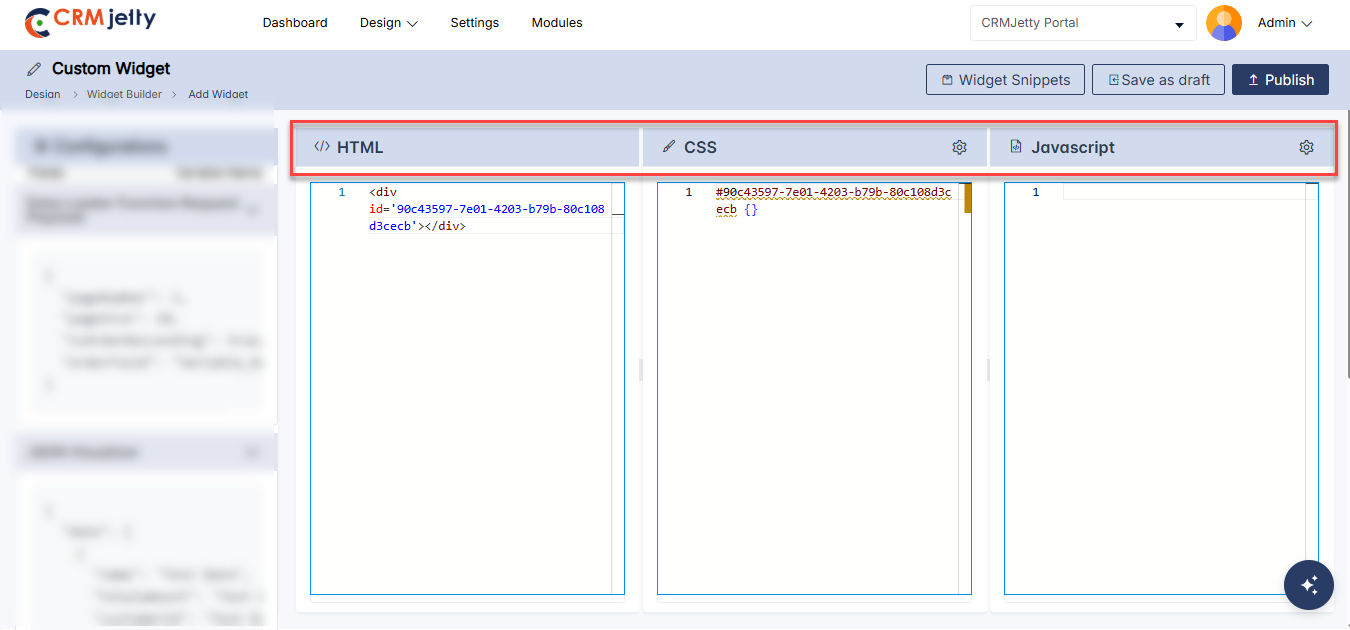
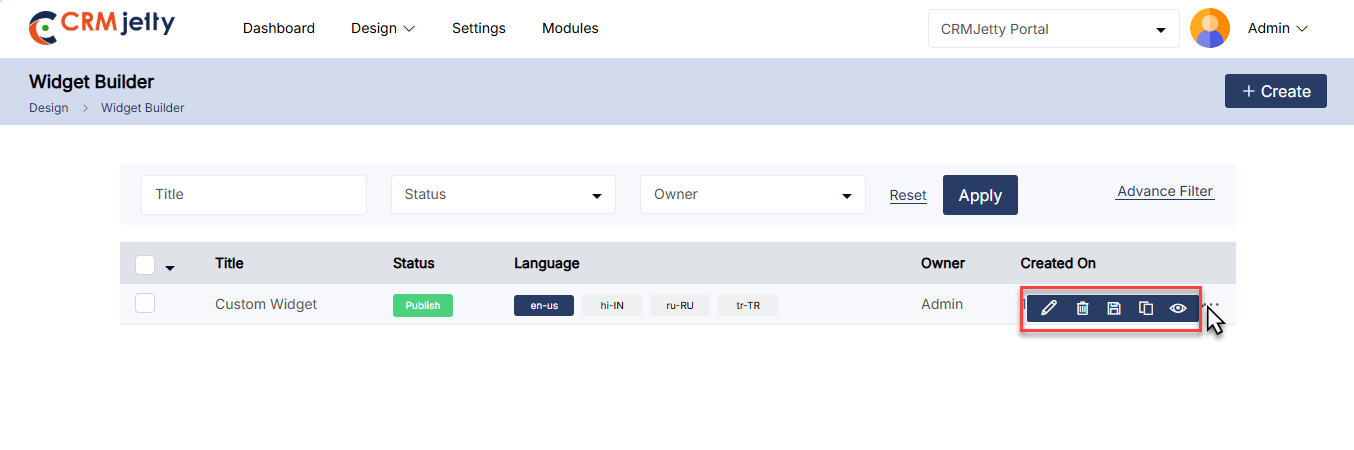
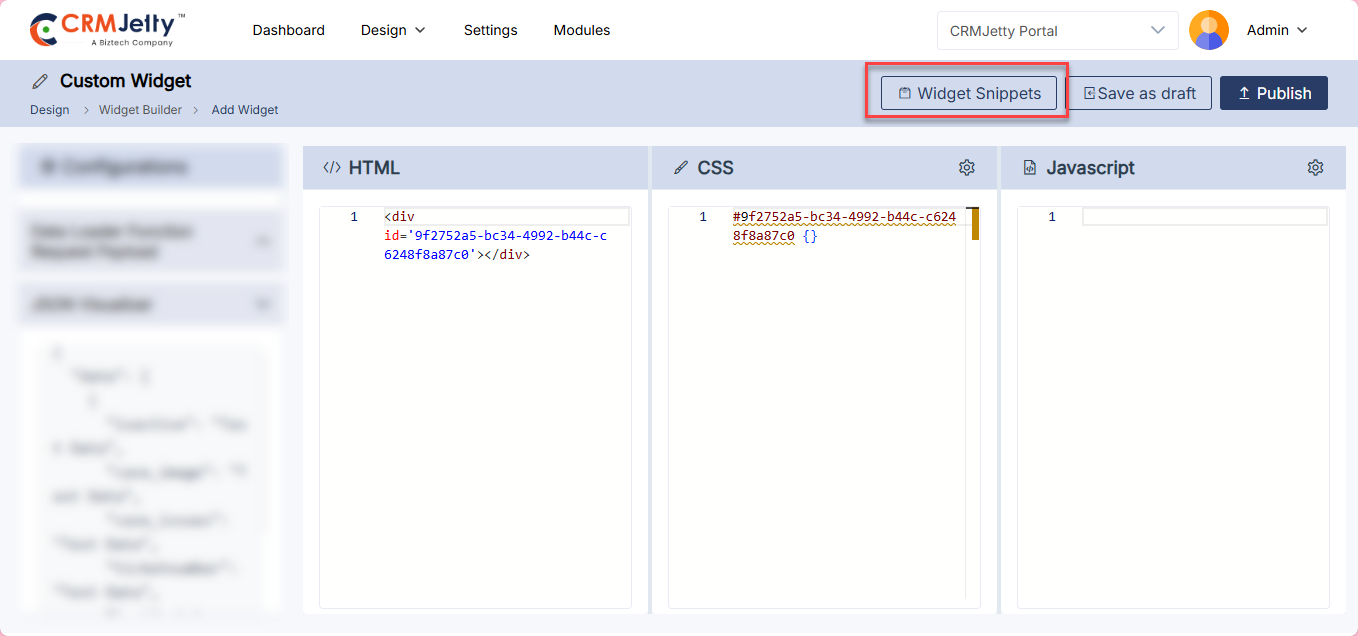
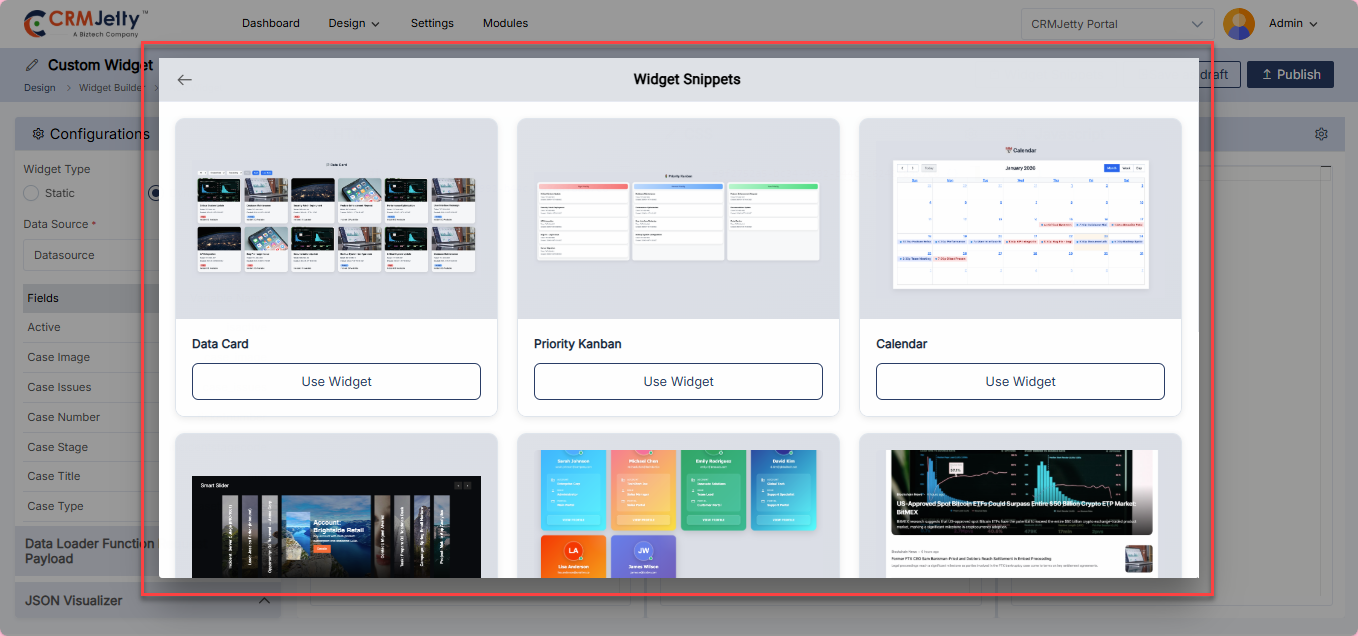
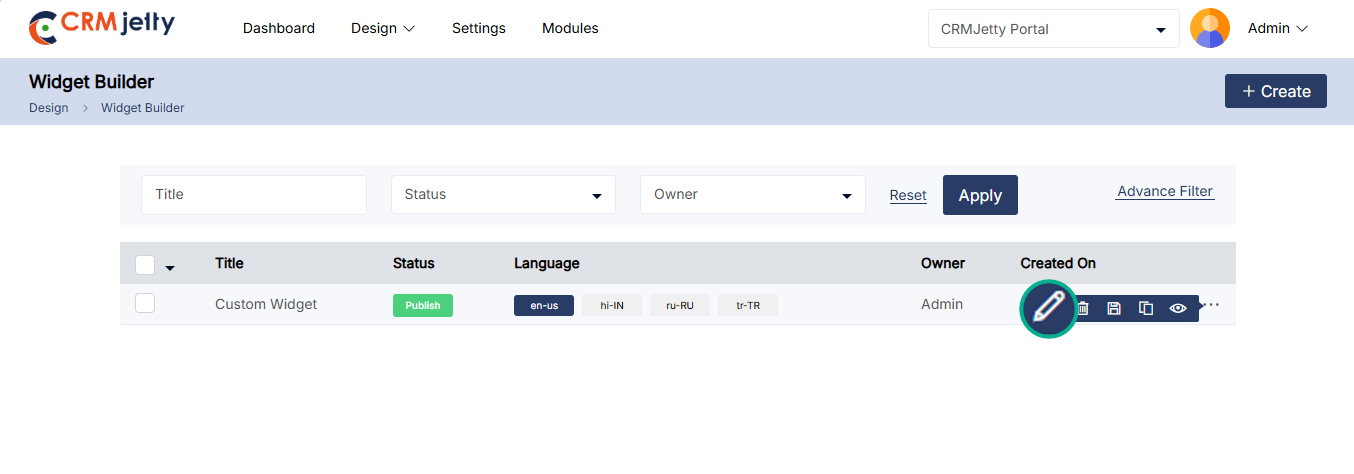
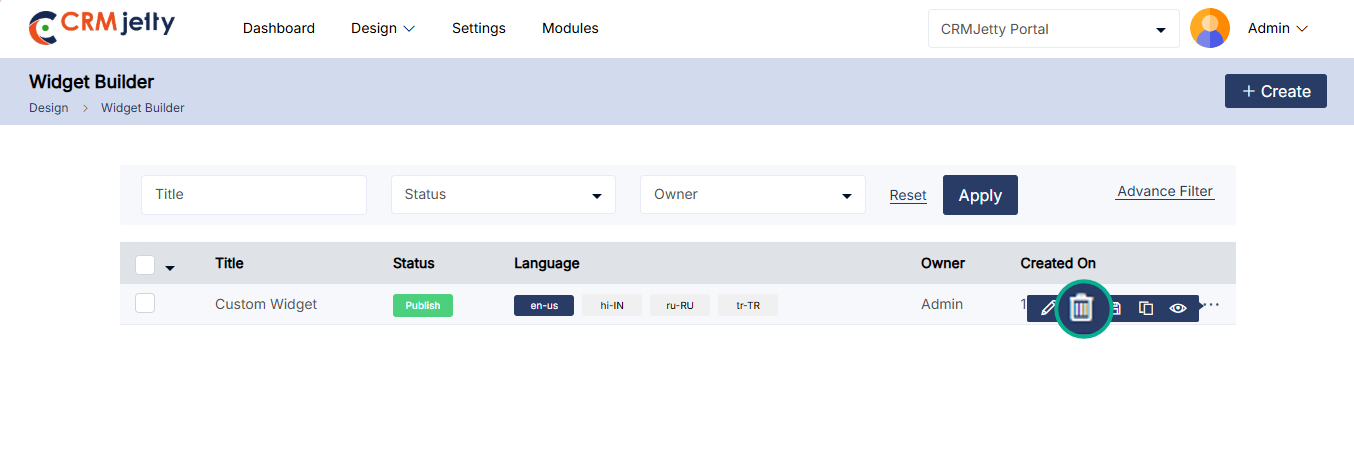
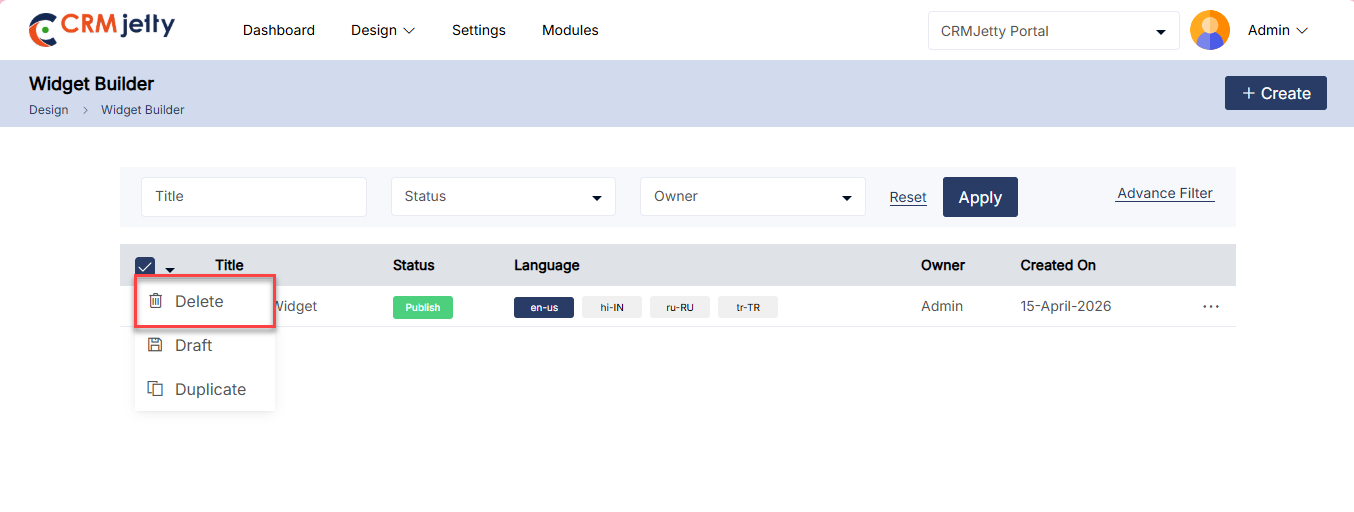
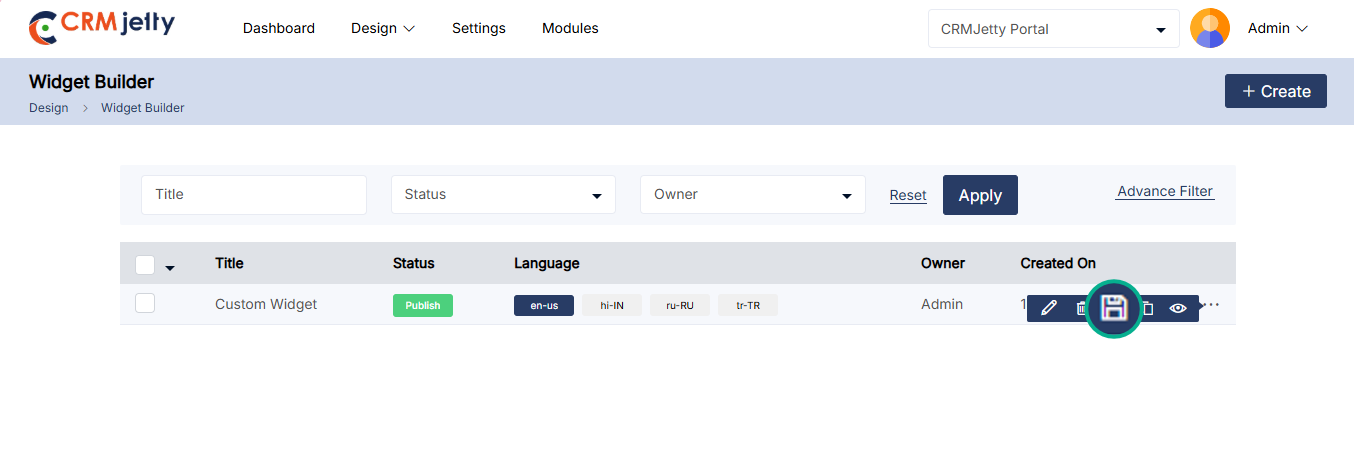
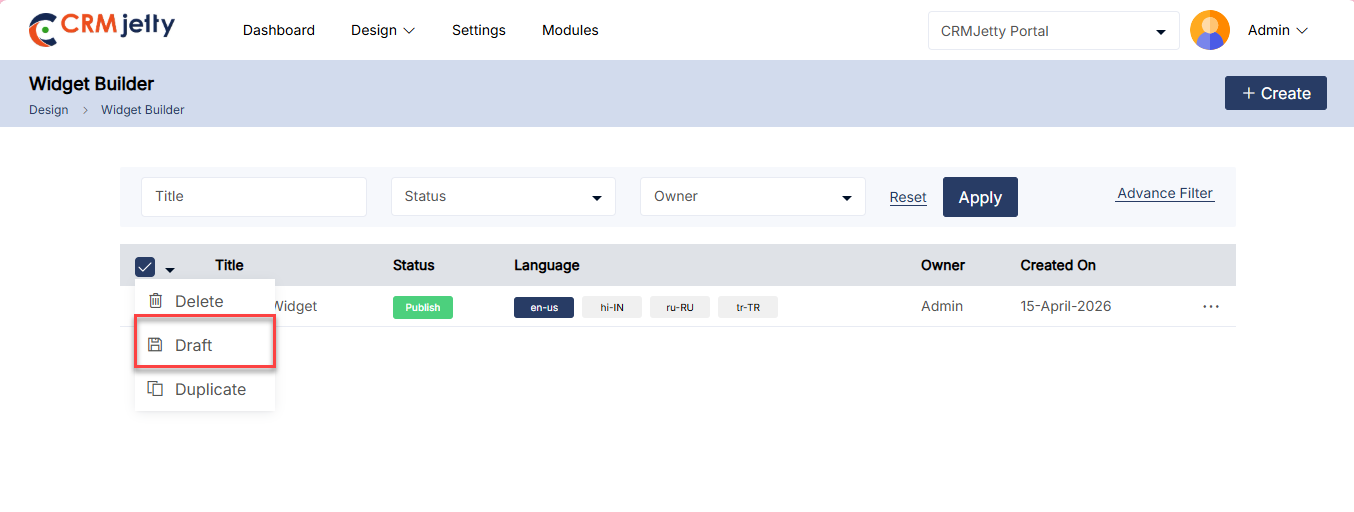
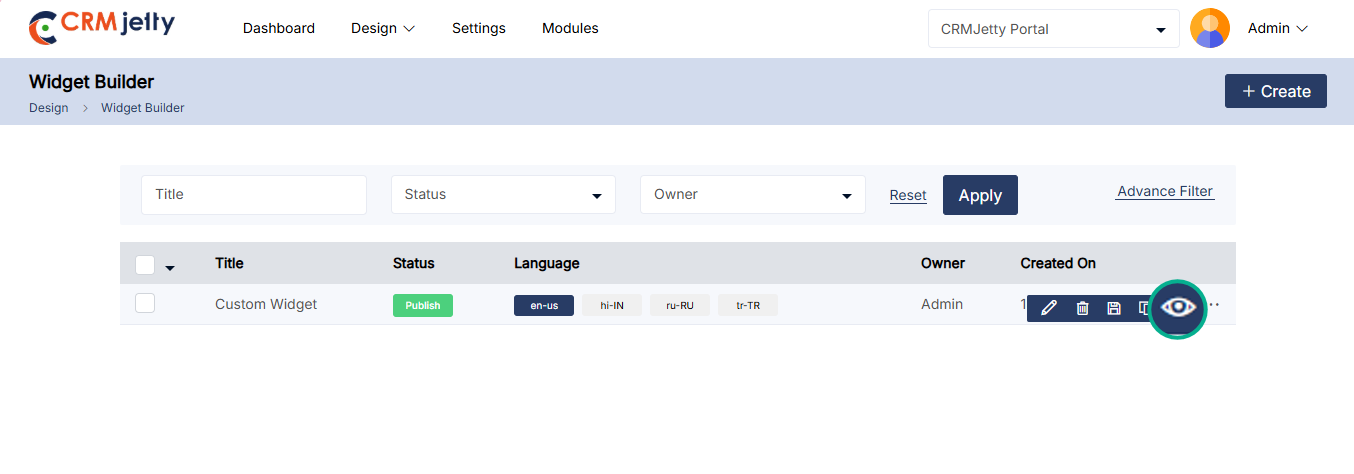
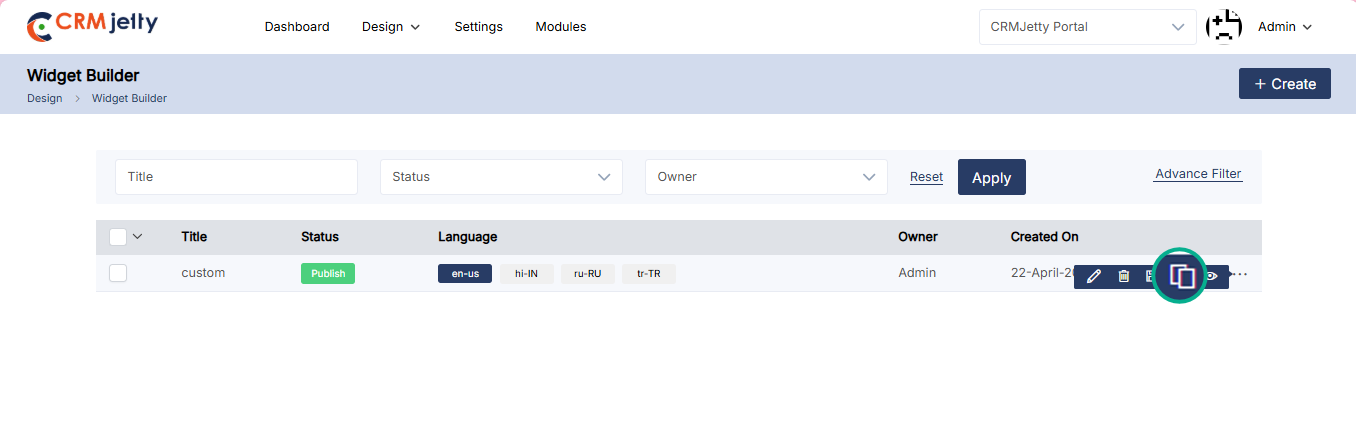
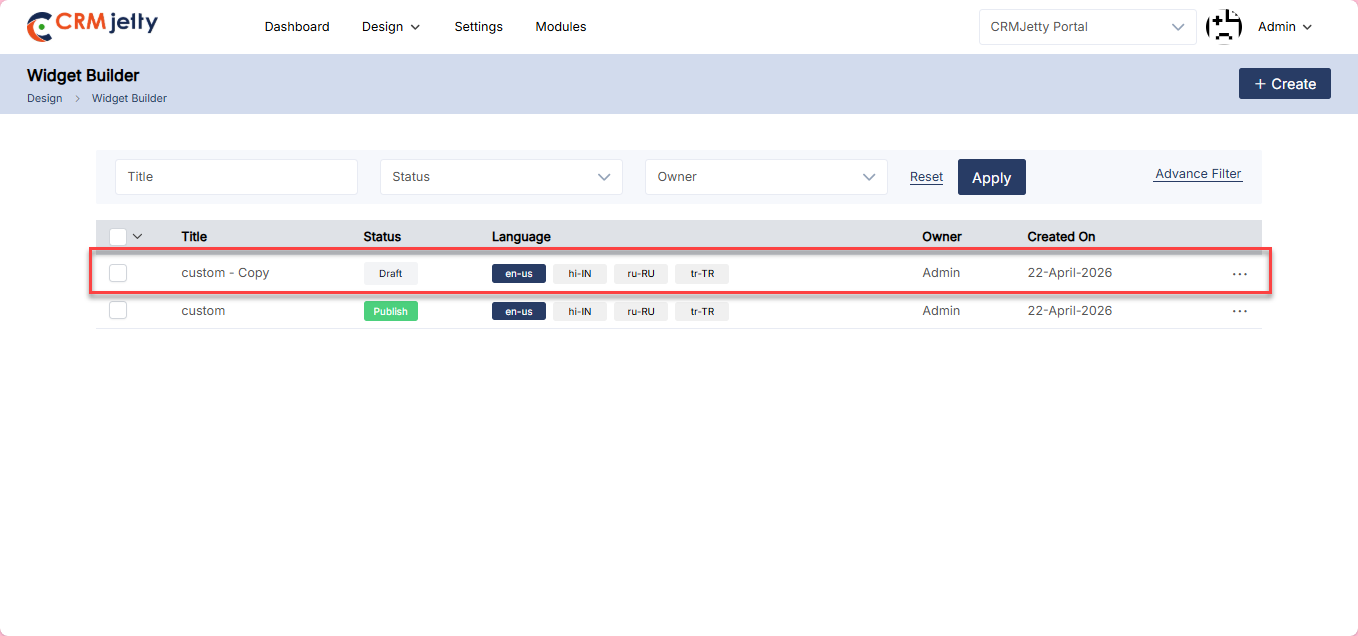
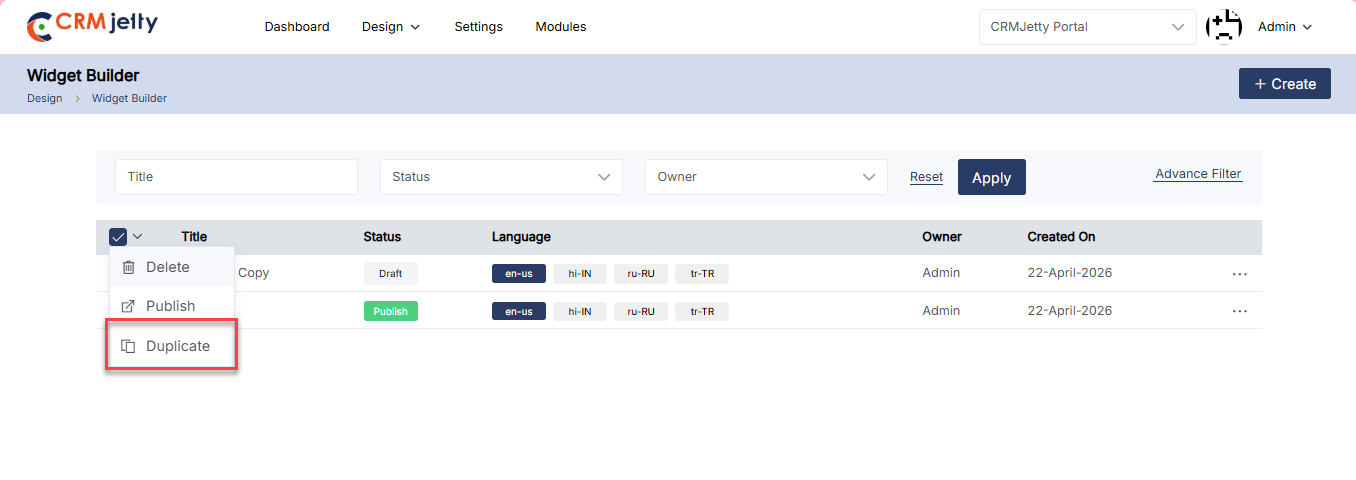
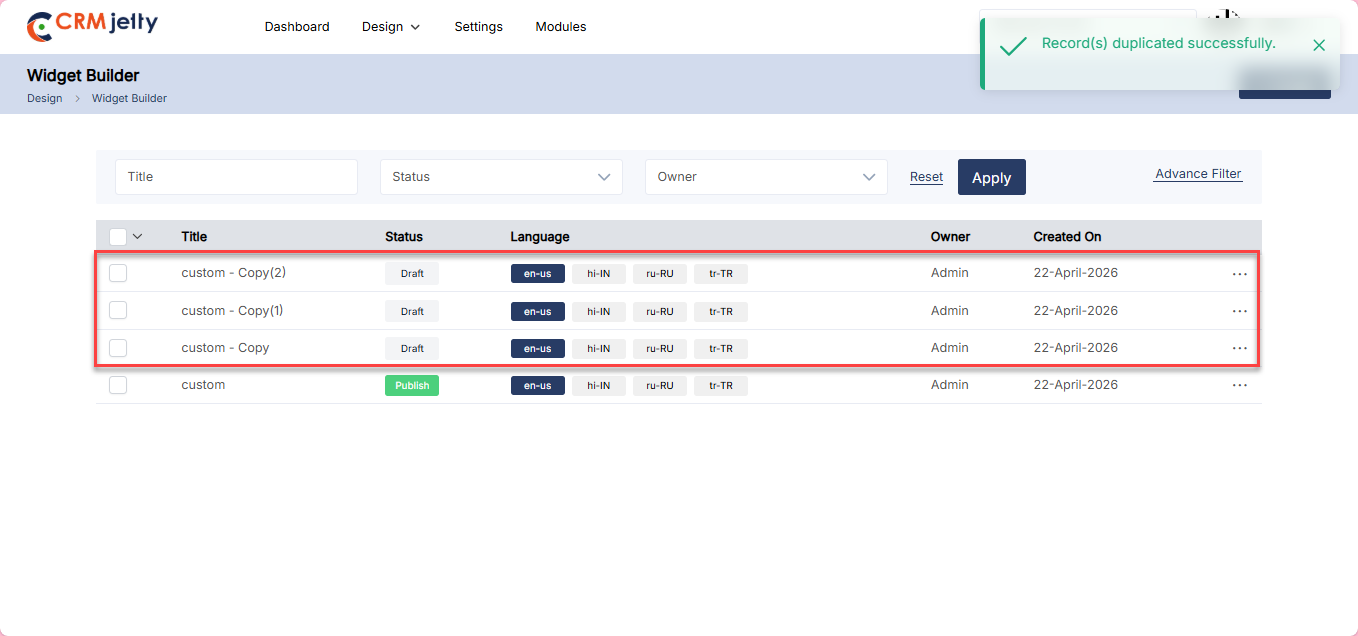
Menus Builder
CRMJetty provides Admin access to the creation of new menus from scratch, selecting specific pages or adding custom links. To create a menu navigate to the Design > Menu Builder.
On the Menu Builder page, the Admin can view and manage existing menus with the following details: [2]
– Title: Displays the name of the menu.
– Owner: Shows who created or owns the menu.
– Date: Indicates when the menu was created or last modified.
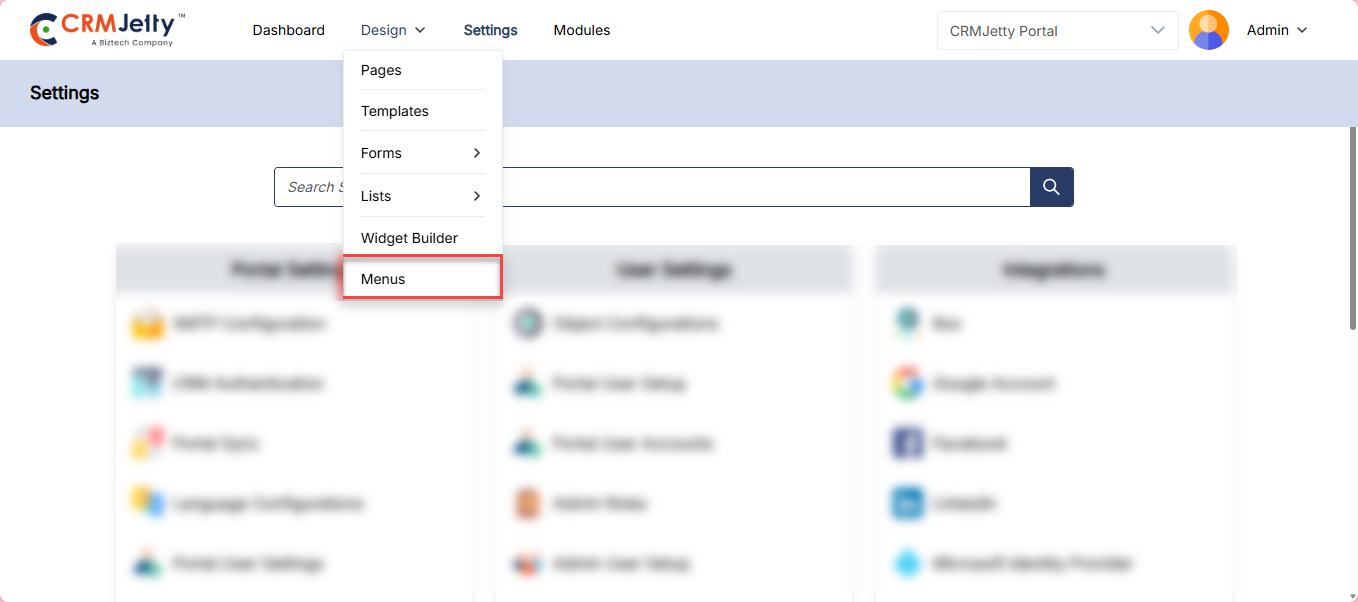
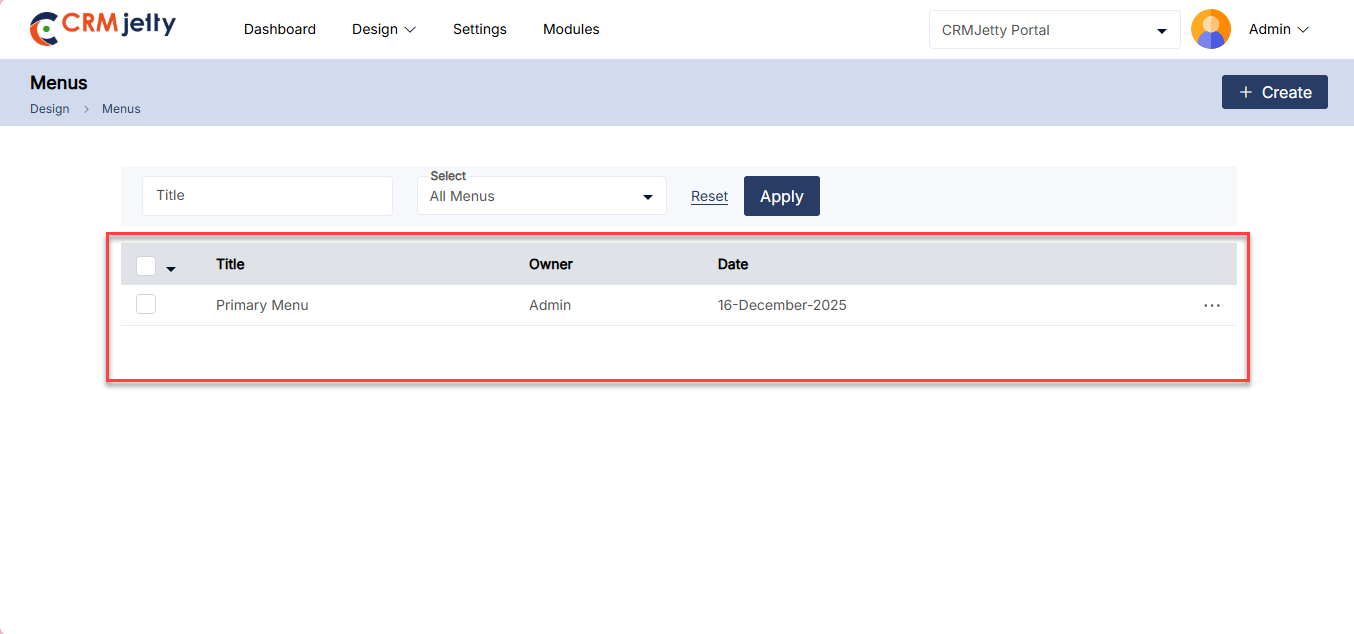
Create Menu
1. To create a new menu click on the “+Create” button. [1]
2. Enter the desired Title for the menu.
3. Click on the “Save” button.
1. Adding Menu Items
– On the right side of the page Admin can view the pages and custom link.[2]
2. Pages:
– Select the desired pages by clicking the checkbox next to each page.
– Click the Add Menu button to include the selected pages as menu items. [3]
3. Custom Links:
– Admin can directly add custom links to the menu by filling out the following fields:
– Menu Title: Enter the title you want to display for the menu item. [4]
– URL: Enter the destination URL where users will be directed. [4]
Configure the following Setting after adding the page into menu: [4.1]
– Menu Item Label: Enter the Menu label that will be displayed on the portal.
– A Select Template option is displayed on the Menu Label.
– Select from Following options:
– Only Title.
– Title with icon.
– Title with image.
– Select Role: Select Roles which you want to make this Menu item visible on Portal.
– Is Active: Checkmark this option to the active menu on the portal.
– Along with this admin can view the Languages and URL of the menu.
Menu Icon / Image Configuration
– While adding or editing a menu item, Admin users can configure an icon or image for each menu item.
Title With Icon. [5]
– Clicking the Select Icon opens the Google Icon Picker.
– Admin users can select an icon and confirm the selection.
– The selected icon is displayed next to the menu label in the preview.
– The icon can be changed or removed at any time before publishing the menu.
Title With Image.[6]
– Clicking the Upload Image and upload image from local device.
– The uploaded image will be displayed next to the menu label in the preview.
– The image can be changed or removed at any time before publishing the menu.
Design Menu
– Click-on Functionality: The click-on functionality allows for easy organization of menu items, including the creation of sub-menus under the main menu items.
Note: The Menu Builder allows you to create nested menus with up to three levels.
Level 1 – Main Menu:
– Example: “Cases”.
– Description: These are the top-level items visible in the main navigation.
– To add these menus, simply select the pages and click on the “Add to menu” button. [7]
Level 2 – Sub-Menu:
– Example: Under “Cases,” there are options like “Add Case” and “Edit Case”.
– Description: These items are nested under a Level 1 item and provide more specific actions or categories related to the parent menu item.
– To create a Level 2 sub-menu, select the menu item and simply drag and drop it under the Level 1 item. [8]
Level 3 – Sub-Sub-Menu:
– Example: “Edit Case” under “Add Case”.
– Description: This is the most specific level, nested under a Level 2 item. It represents detailed actions or pages that are directly related to the Level 2 category.
– To create a Level 3 sub-menu, select the menu item and drag and drop it under the appropriate Level 2 item. [9]
Example
– Cases (Level 1): Opens a submenu with options to add, edit, or view case details.
– Add Case (Level 2): Leads to a page where a new case can be created.
– Edit Case (Level 3): Leads to a page where existing cases can be modified.
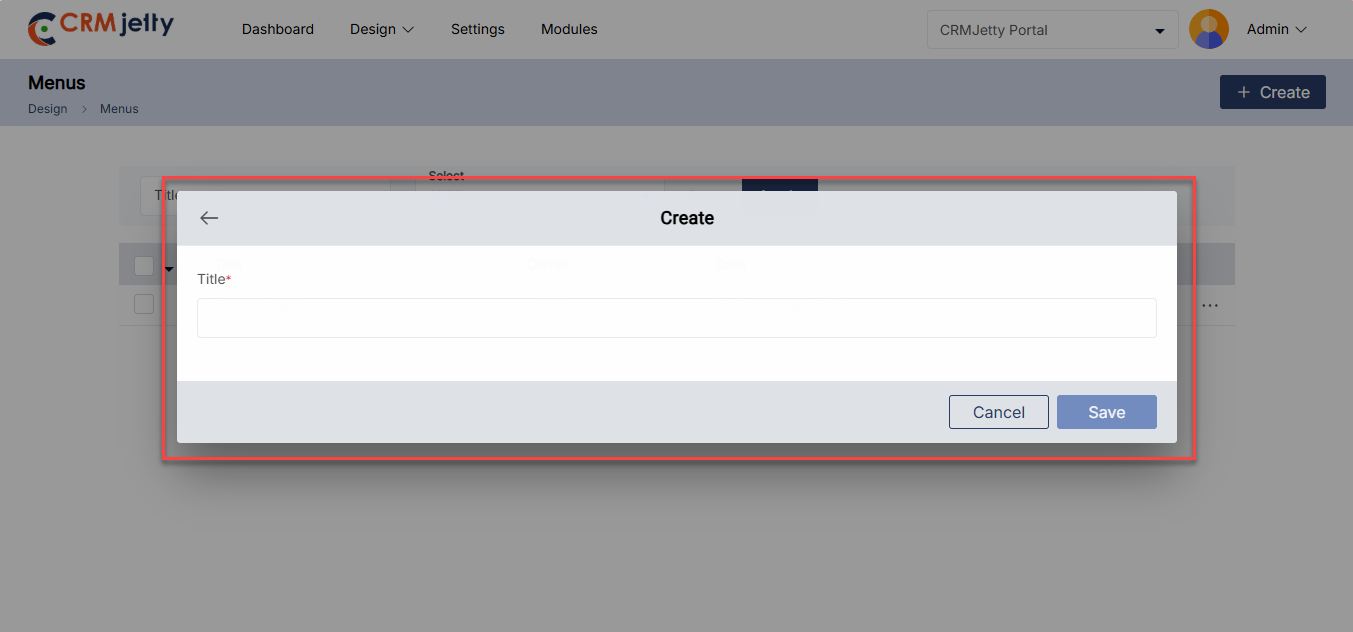
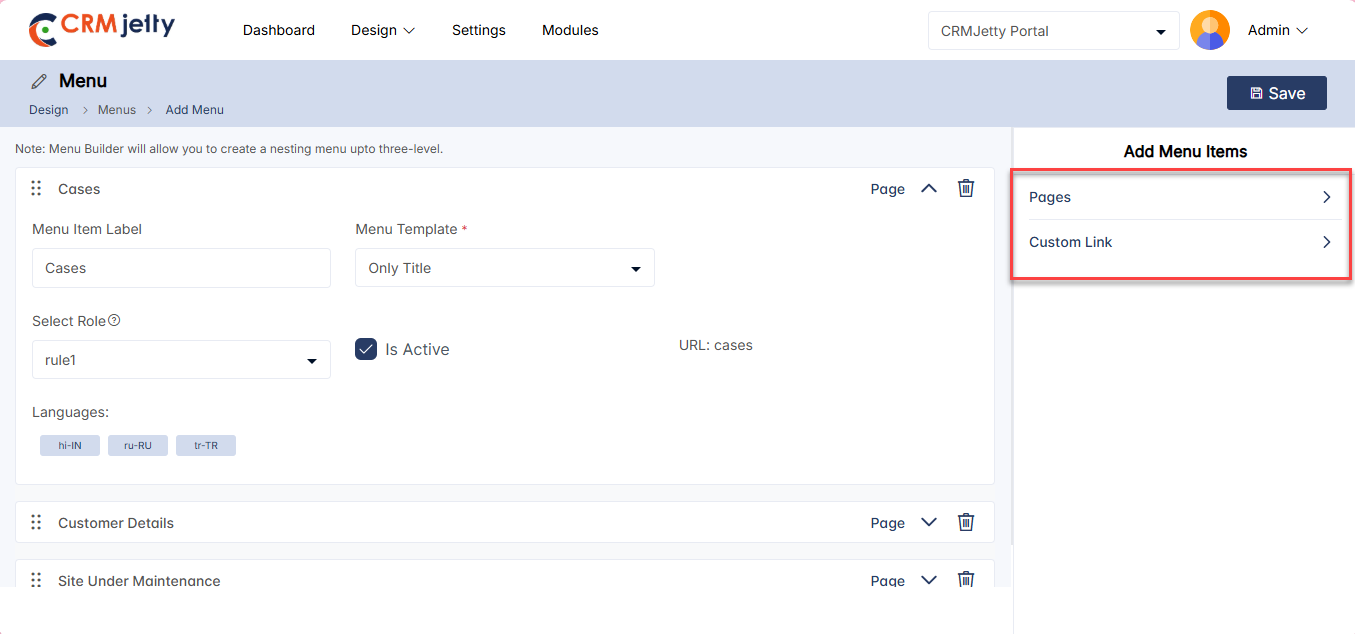
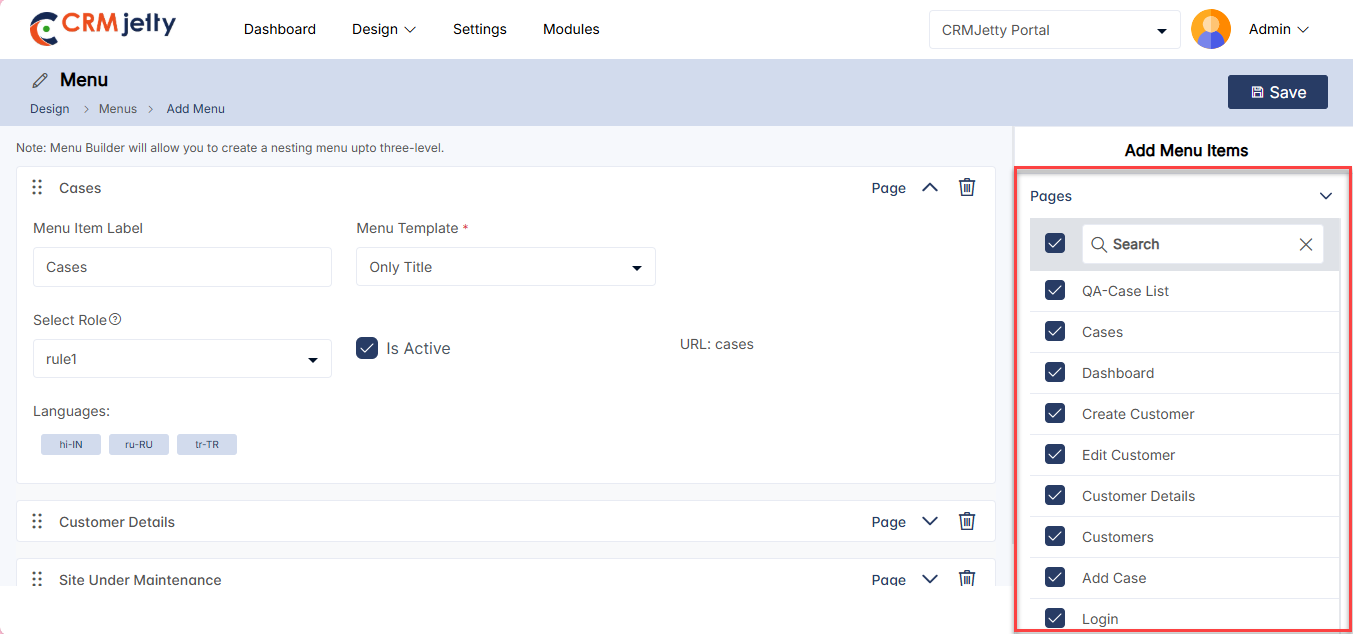
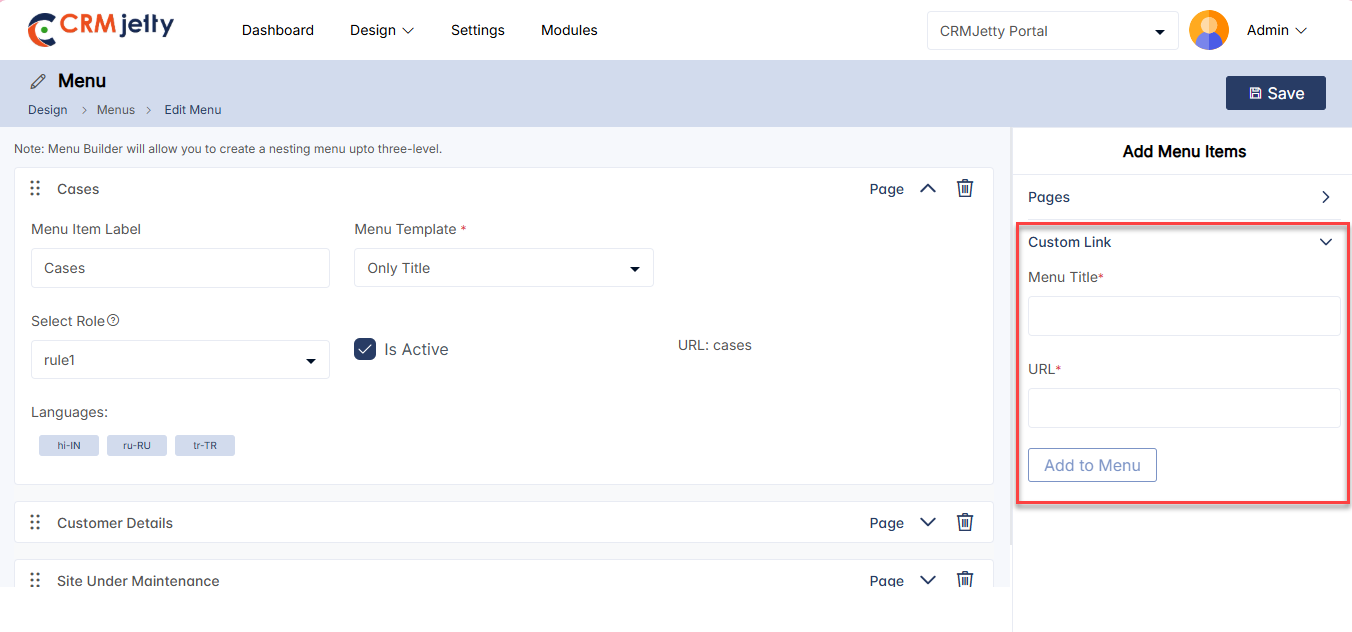
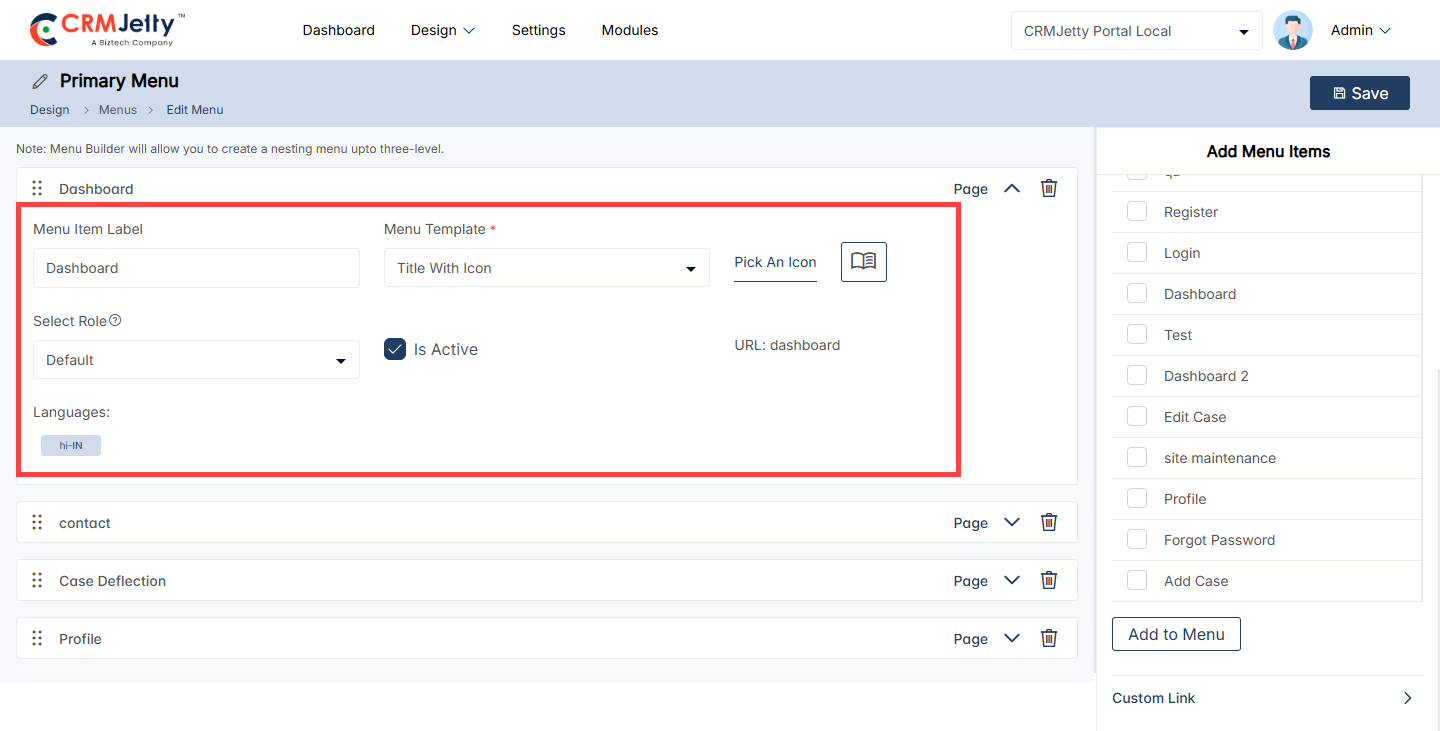
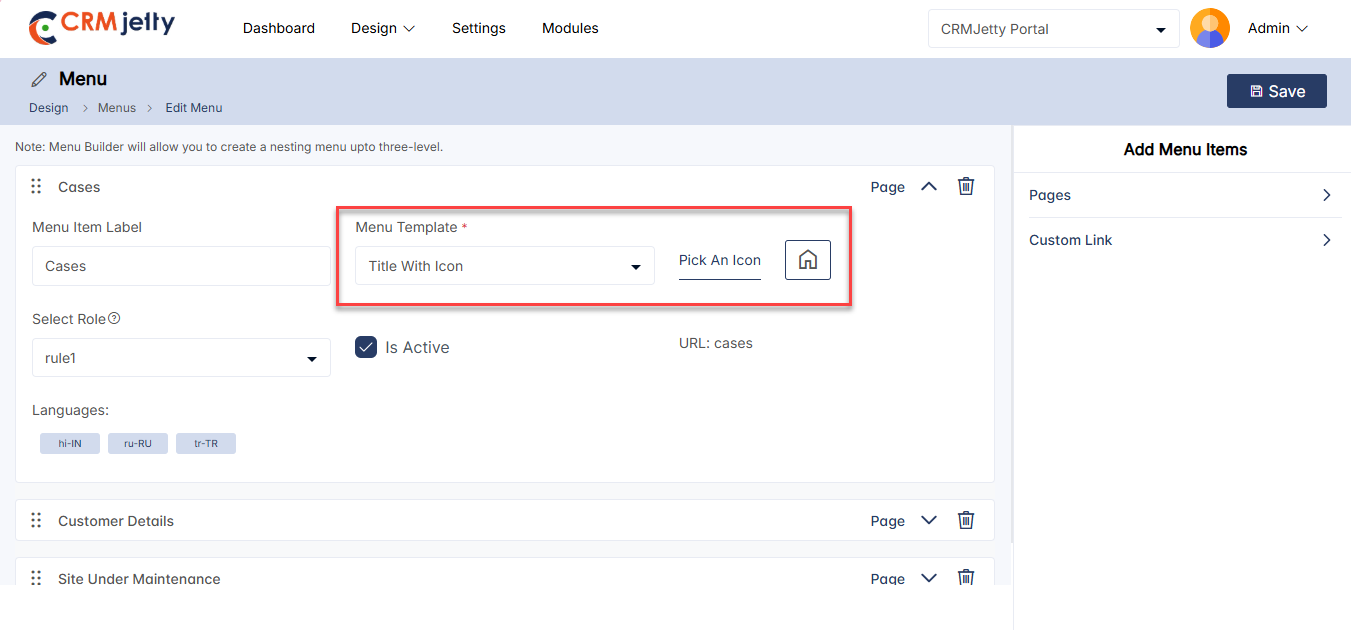
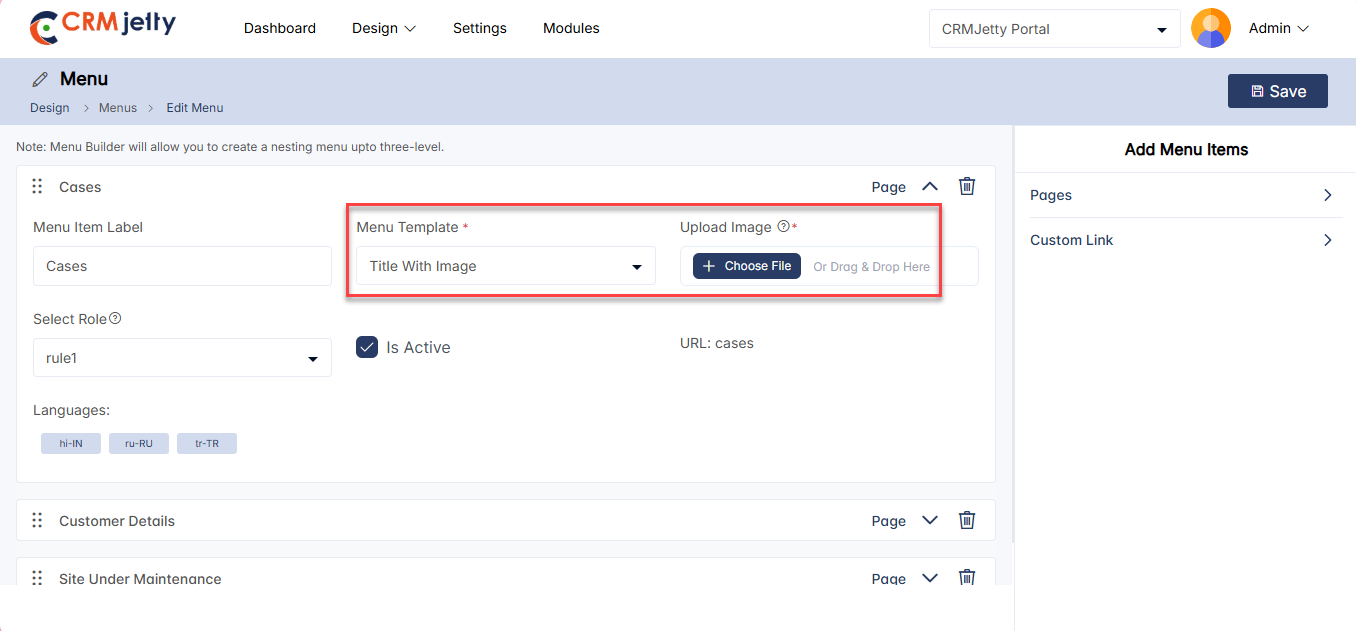
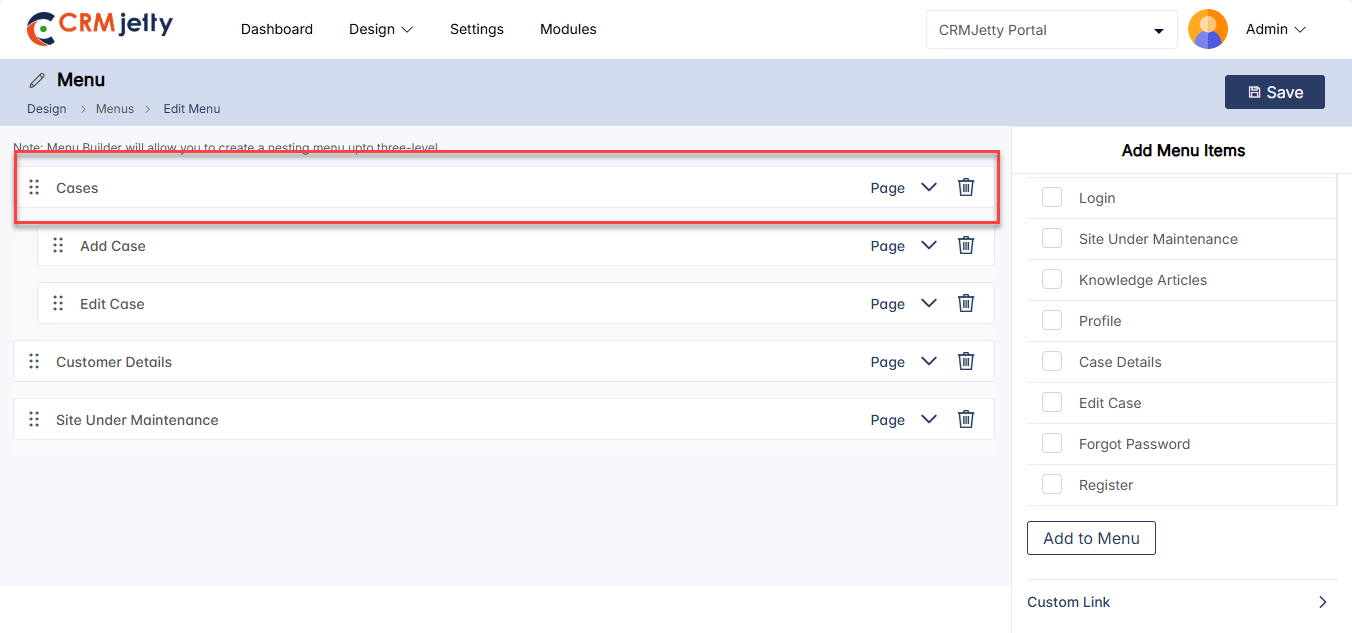
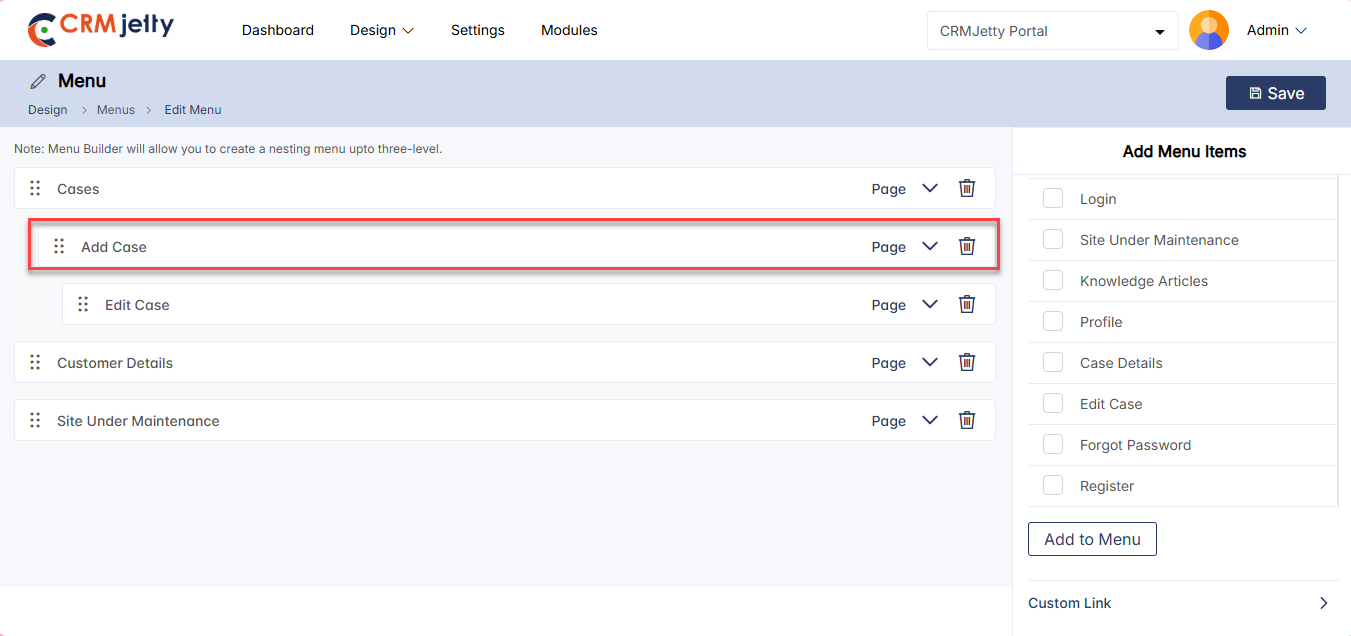
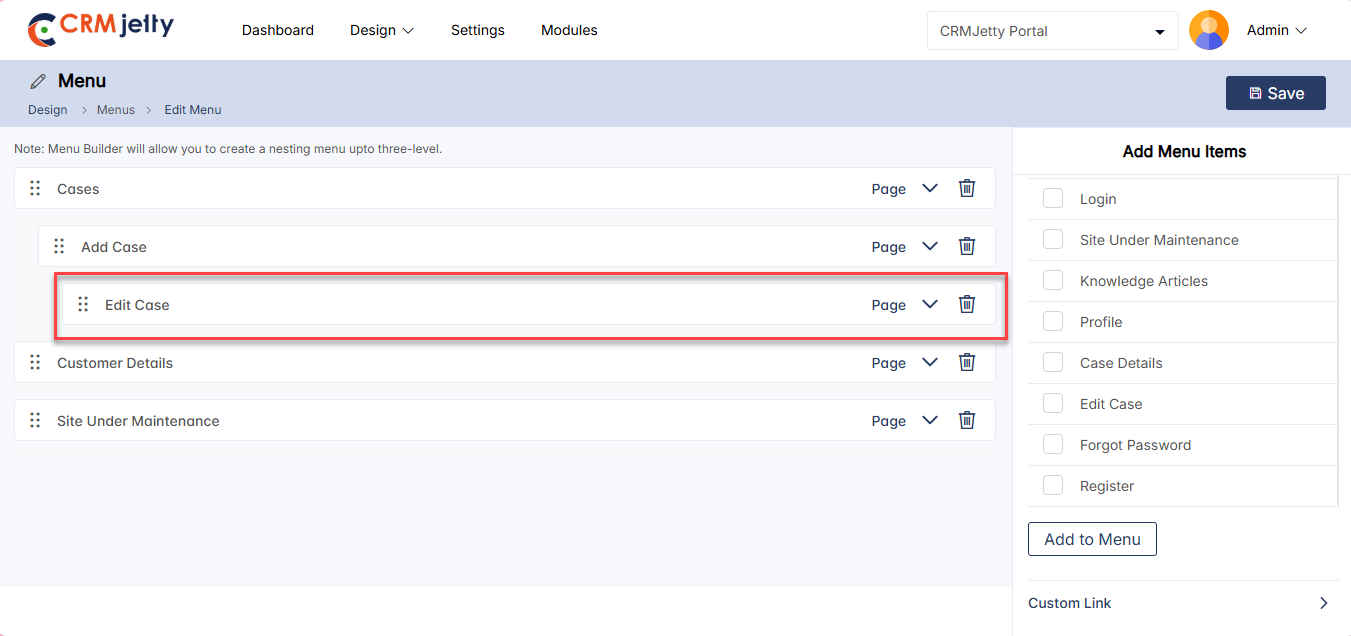
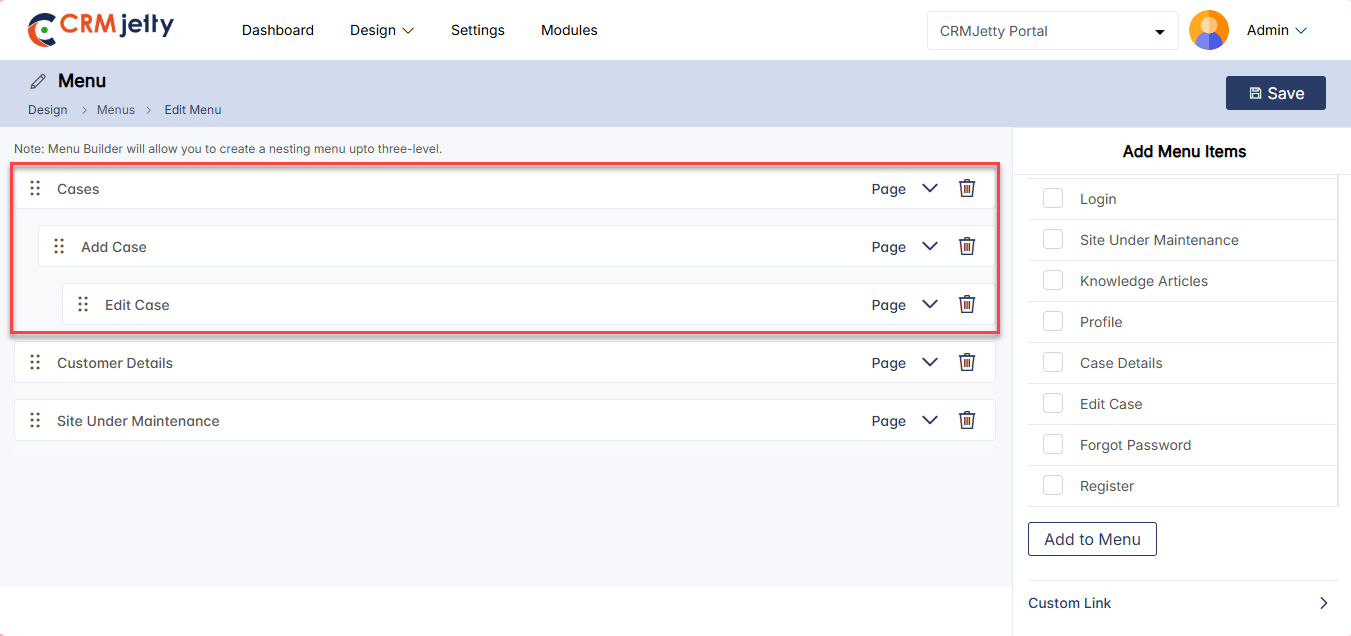
Edit Menu
To edit a menu, navigate to the portal menus list and click the three dots (…). This will show the Edit icon. Clicking the icon will redirect the Admin to the edit menu. [1]
The Admin can update all the details and configurations. After updating, click the “Save” button. [2]
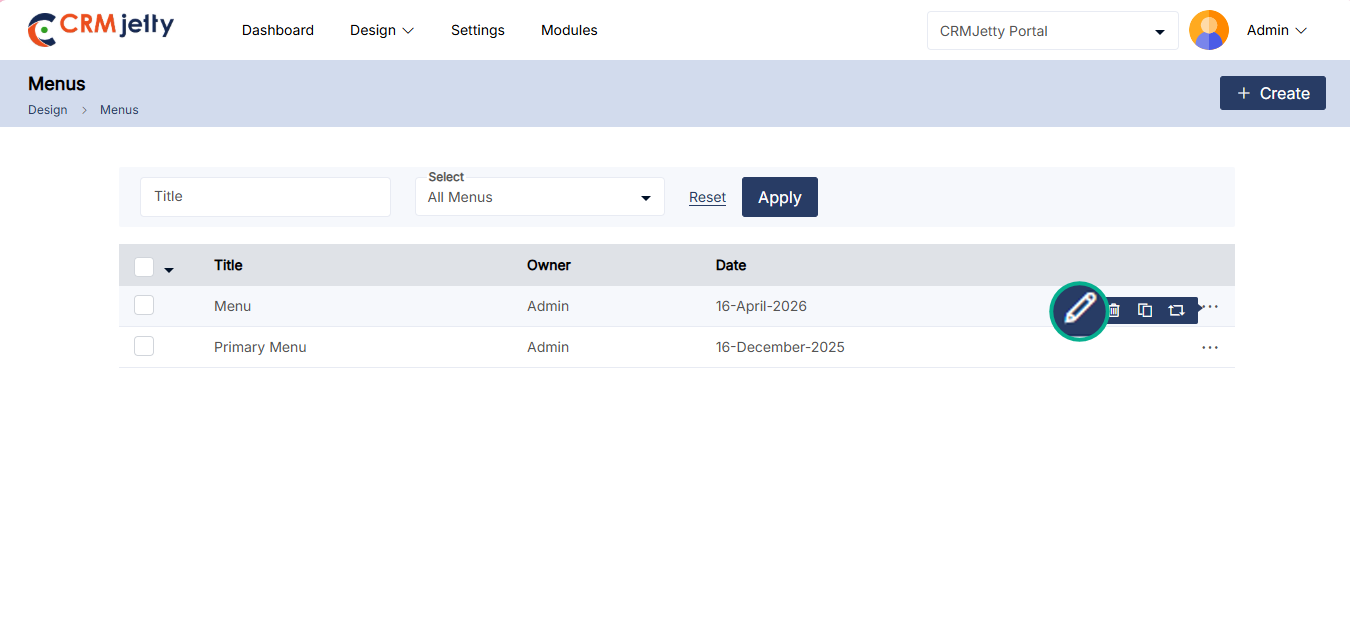
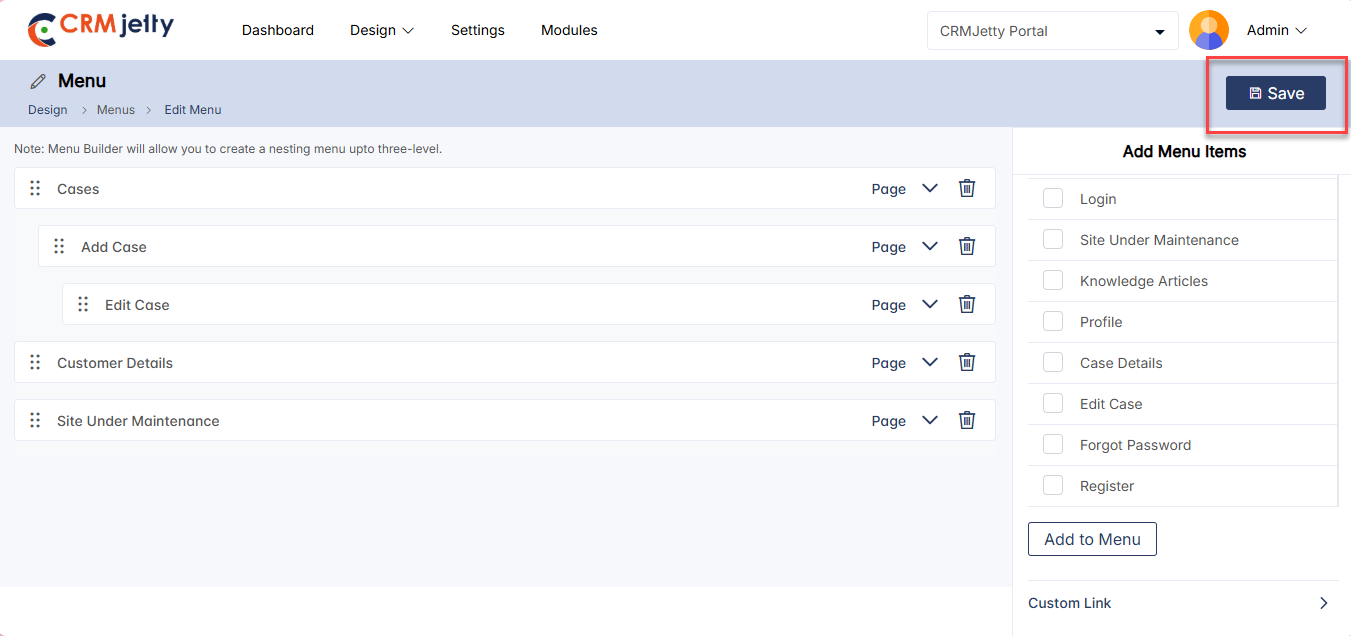
Replace Menu
– To Replace a menu, navigate to the portal menus and click the three dots (…). This will show the replace icon. Clicking the icon will redirect the Admin to the edit menu. [1]
– By clicking the icon, the Admin can view a pop-up. In this pop-up, the Admin needs to select the desired menu from the “Replace With” dropdown. [2]
– After selecting the menu, the Admin can also add additional pages by checking the checkbox next to “Pages.” [3]
Note: The Admin must select at least one page.
– First Replacement: When the Admin replaces a menu for the first time, all pages are visible for selection in the pop-up window.
– Subsequent Replacements: After the initial replacement, only the pages that were recently added to the menu will be visible during future replacements.
– Once the configuration is complete, click the “Replace” icon.
– After completing the configurations, the Admin can view the updated menu. Only the selected pages will be changed.
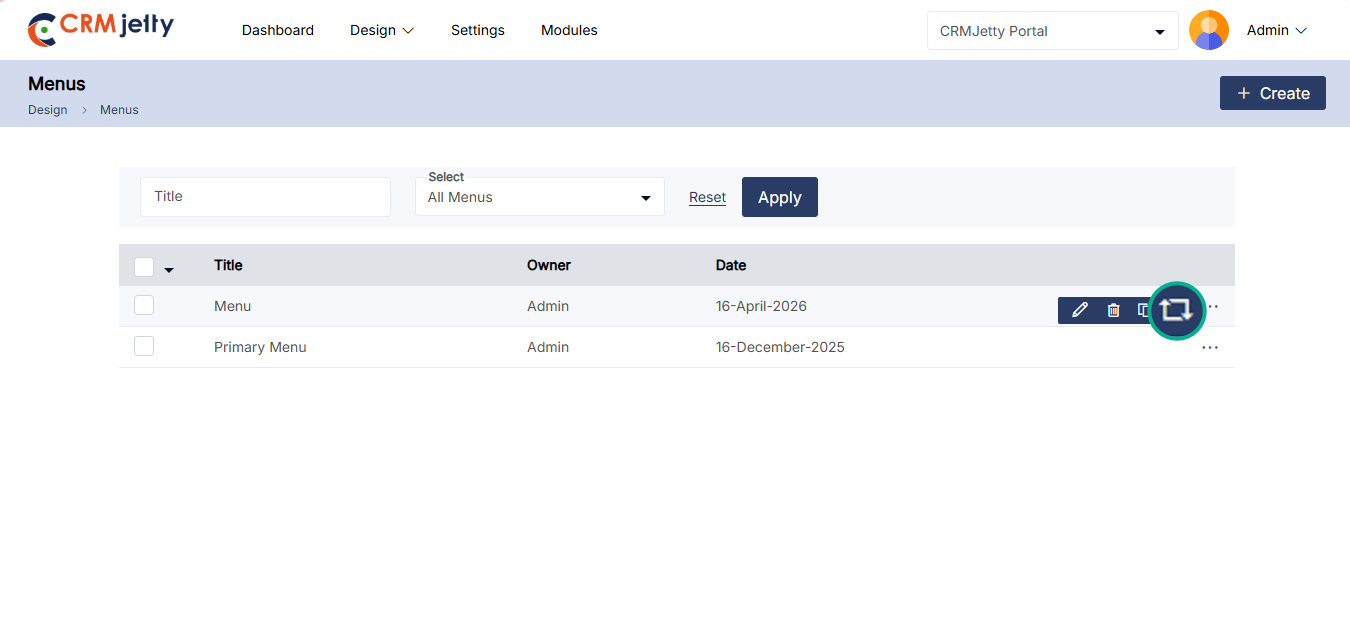
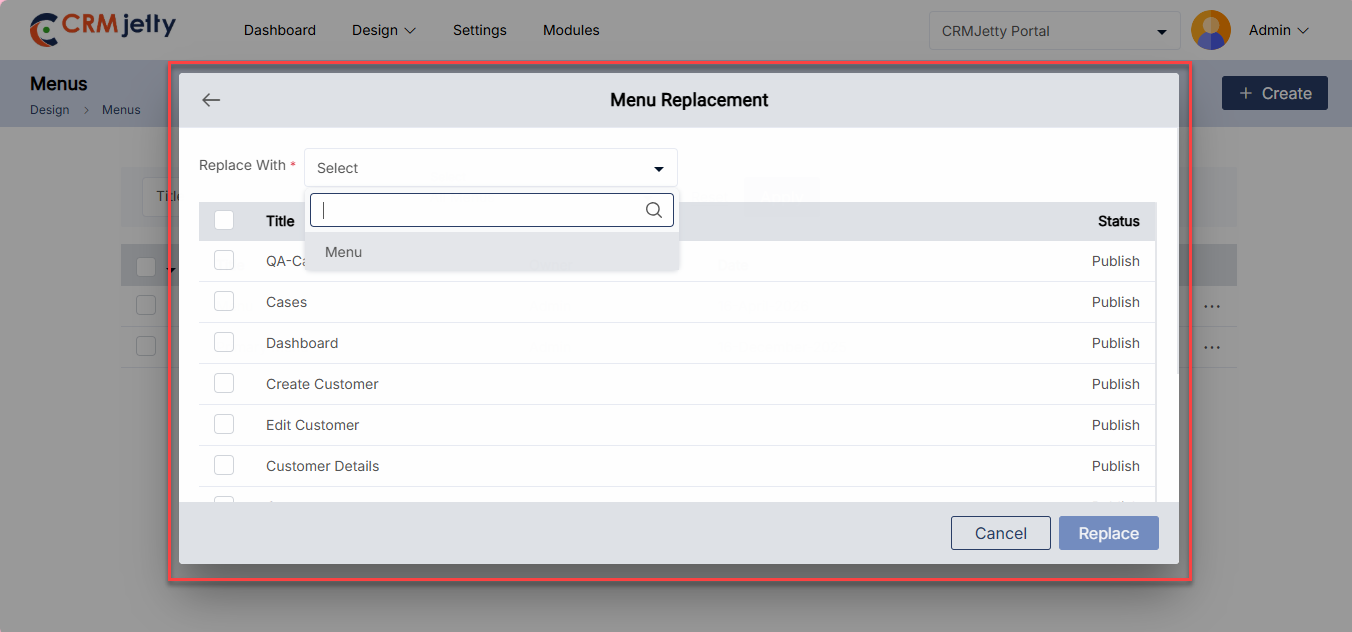
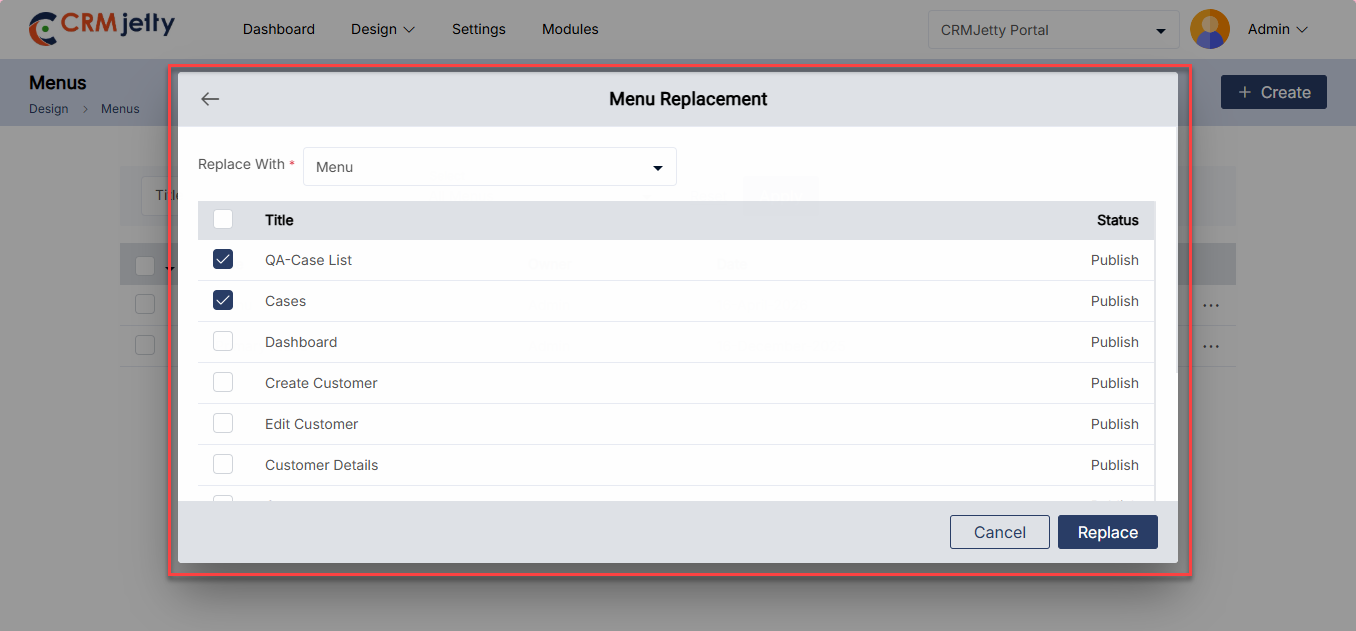
Duplicate Menu
To duplicate a portal menu, navigate to the menu list and click the three dots (…). Clicking on the dots will reveal the “Duplicate” icon. Selecting this button will initiate the duplication process. [1]
Once the “Duplicate” button is clicked, the menu will be copied, and a new duplicate menu will appear in the portal. The duplicated menu will be named “Menu Name – Copy” (e.g., Primary Menu – Copy). [2]
After duplication, the Admin will see a success message on the right side of the menu. [2]
Bulk Duplicate Menus
The Admin should start by selecting the menus to be duplicated. This can be done by clicking the checkboxes beside each menu entity. [3]
After selecting the menus, click on the bulk action checkbox. From the available options, select the “Duplicate” option. [3]
The selected menus will be duplicated and added as “Menu Name – Copy” (e.g., Primary Menu – Copy). After duplication, the Admin will see a success message on the right side of the menu. [4]
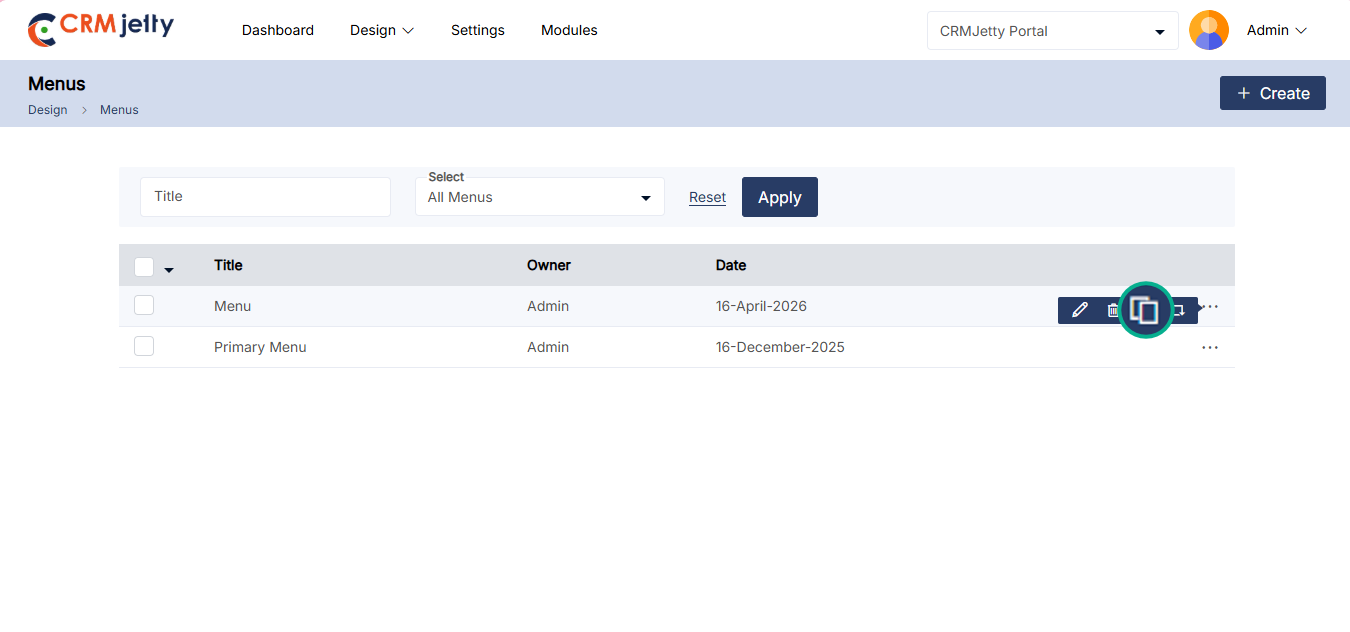
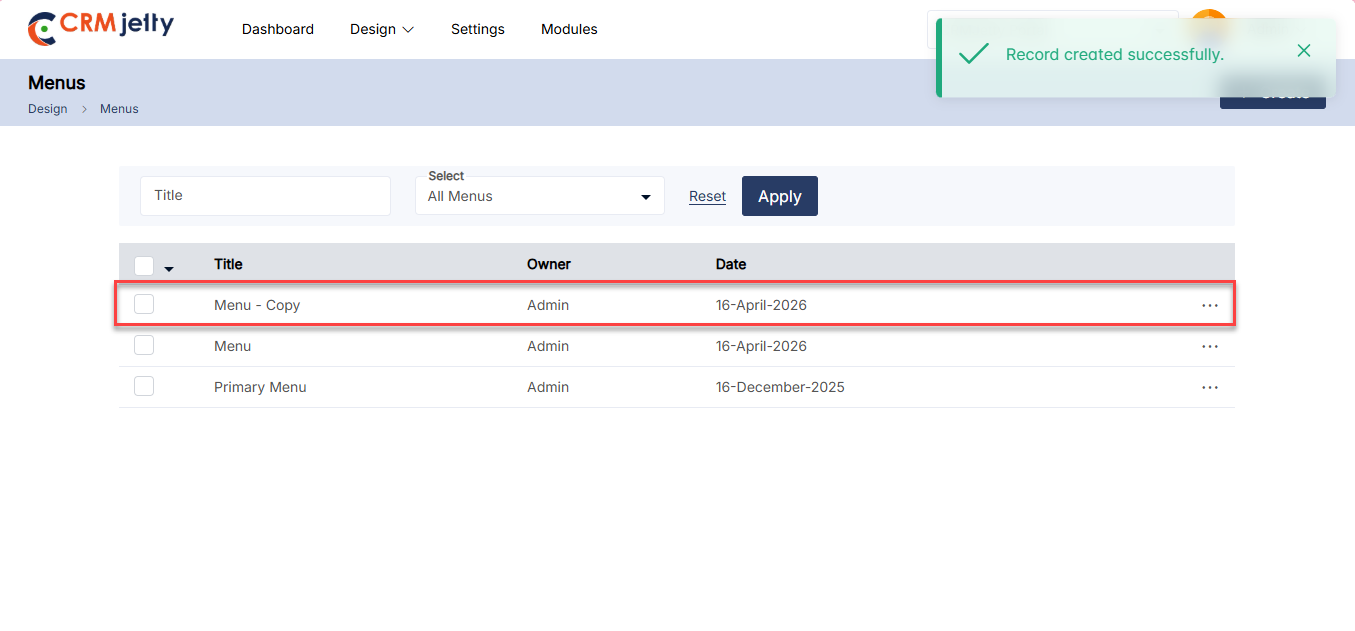
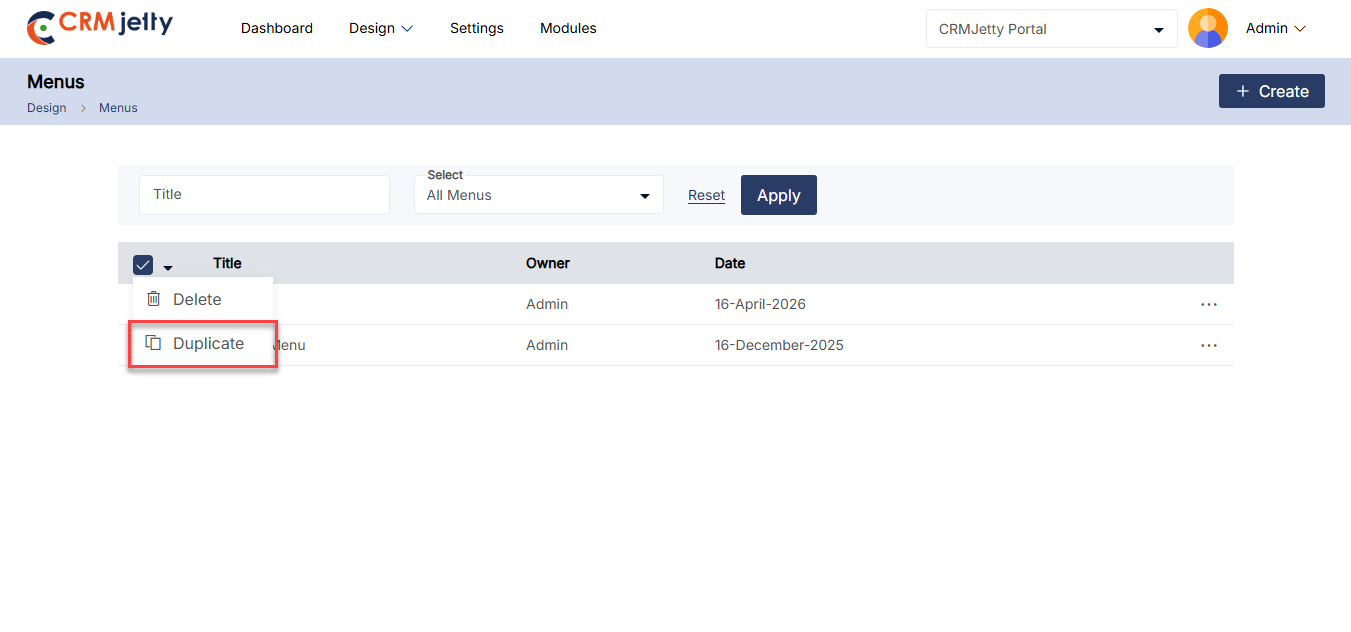
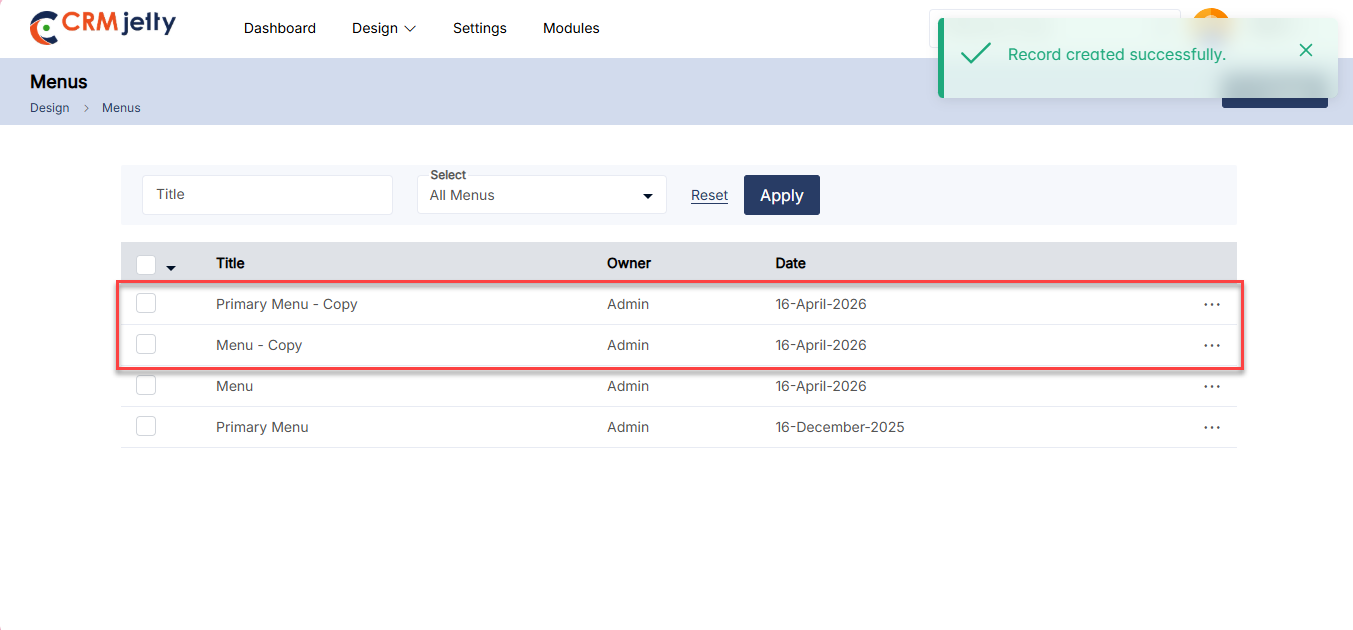
Delete Menu
To delete a portal menu, navigate to the menu list and click the three dots (…). Clicking on the dots will reveal the Delete icon. Clicking this will display a warning pop-up message. [1]
Click the OK button to permanently delete the menu from the portal. [1]
Bulk Delete Menus
The Admin should start by selecting the menus for deletion. This can be done by clicking the checkboxes beside each menu. [2]
After selecting the menus, the Admin needs to click on the bulk action checkbox. From the available options, select the “Delete” option. [2]
A confirmation pop-up will appear after selecting the “Delete” option. To finalize and permanently remove the selected menus, click the “OK” button. If deletion is not required, click the Cancel button to exit the process. [3]
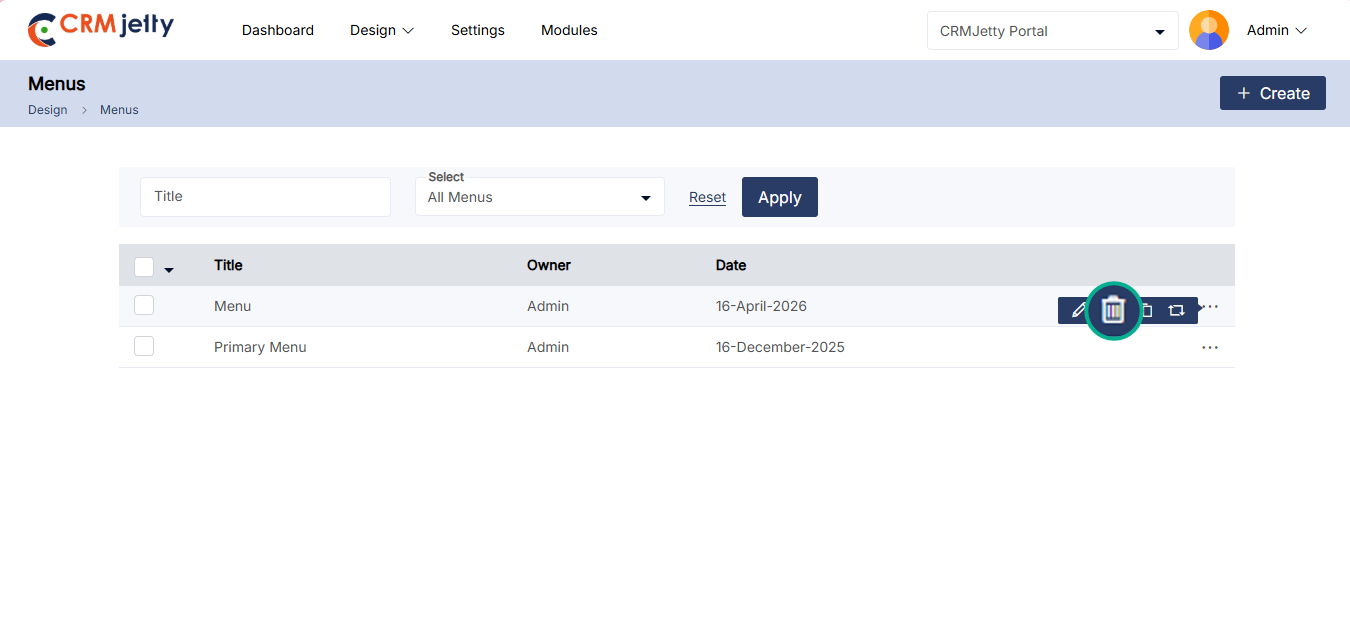
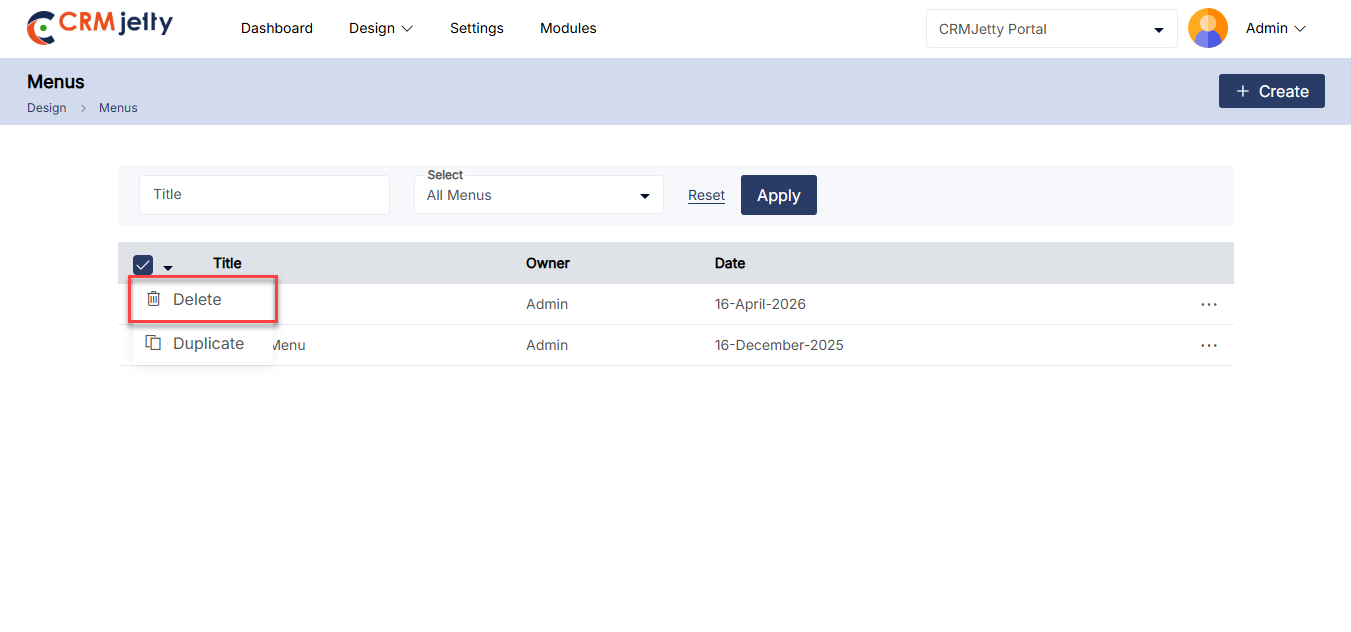
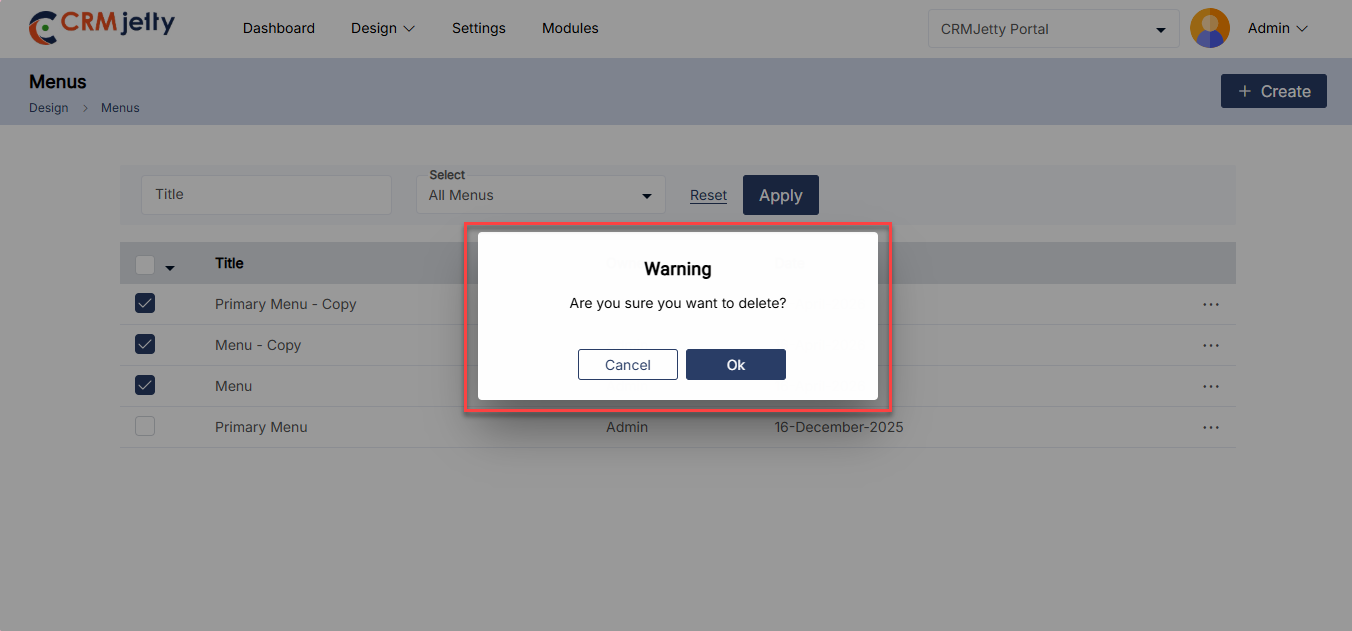
Templates Builder
CRMJetty allows the Admin to create a fully customized template that can be reused across different pages, ensuring consistency and efficiency in design. To create a new template navigate to the Design > Template Builder. [1]
– On the Template Builder screen, the Admin can view the following details:
– Title: The name of the template.
– Owner: The person who created or owns the template.
– Date: The date when the template was created or last modified.
– Used in Pages: Inform action on which pages the template is used.
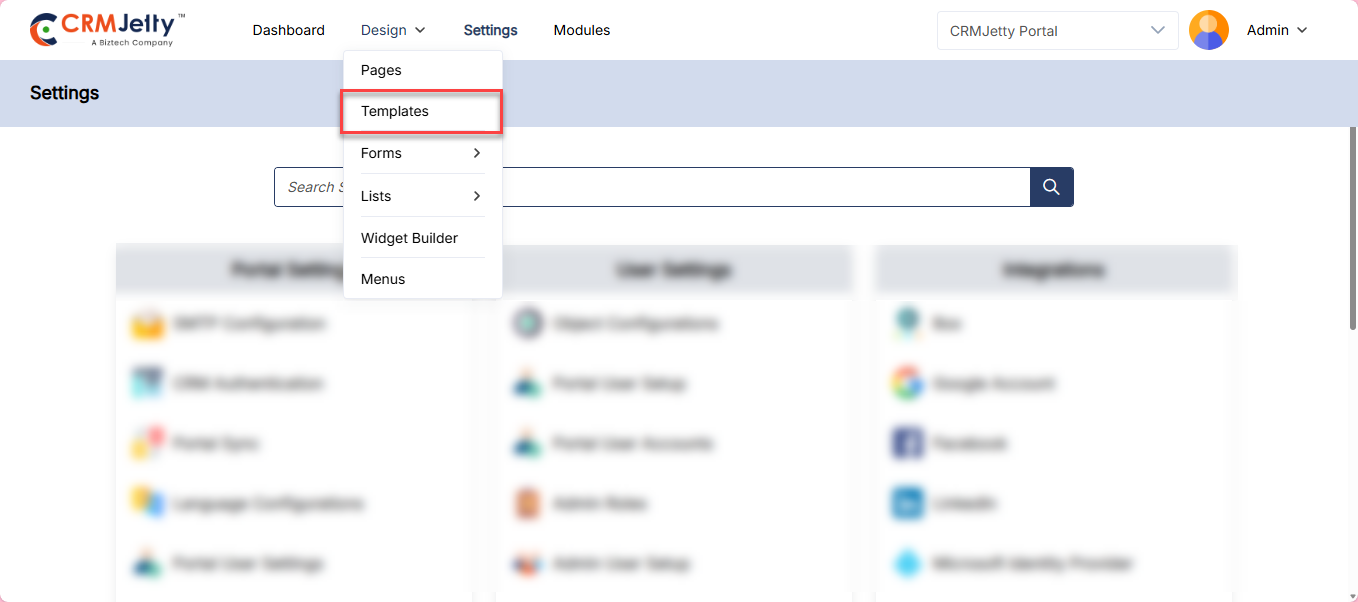
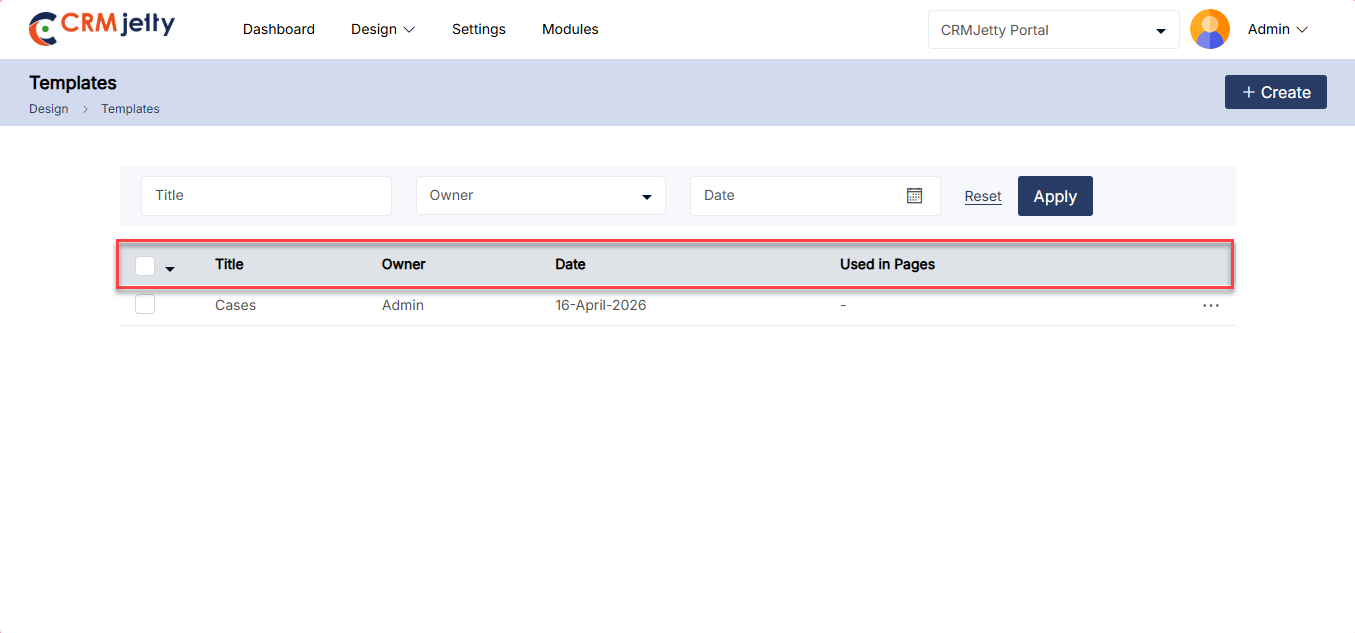
Create New Template
Start a New Template:
– Click on the “+ Create” button to begin designing a new template. [1]
– Enter the desired Title for the template. [1]
Design the Template:
– Click on the necessary widgets to design the template layout. [2]
– Note: While configuring the template, the Admin cannot configure the widgets at this stage.
Save the Template:
– Once the design is complete, click the Save button to finalize and save the template. [3]
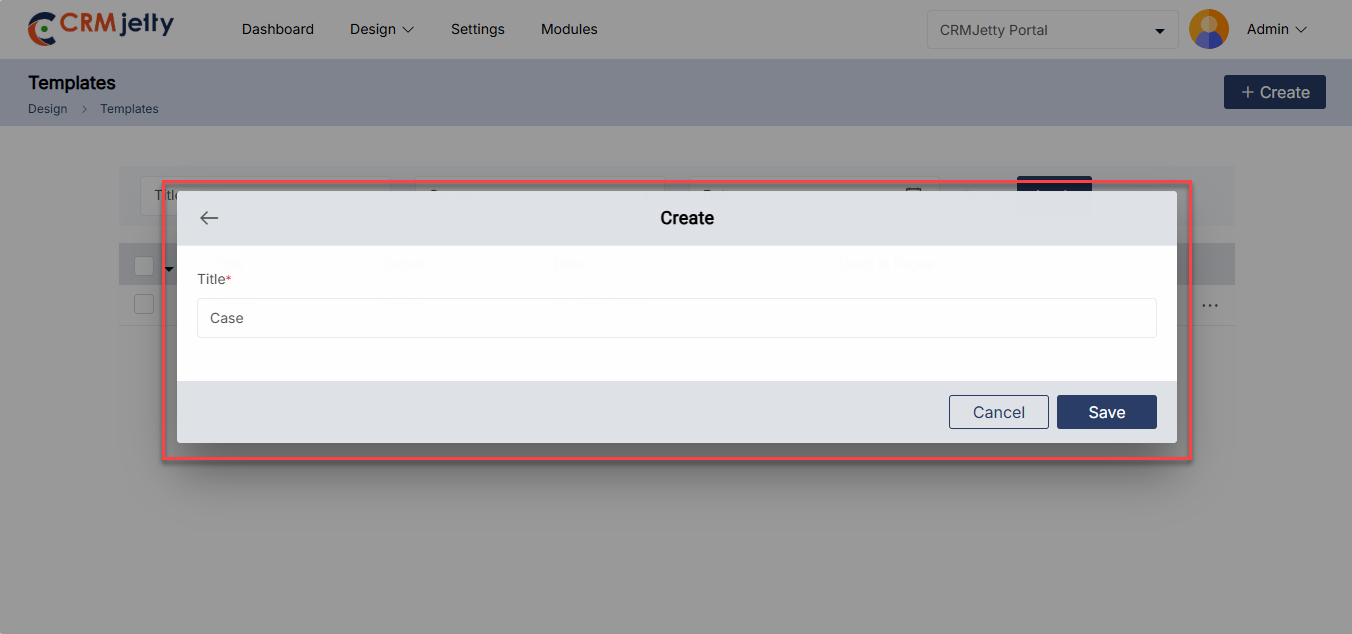
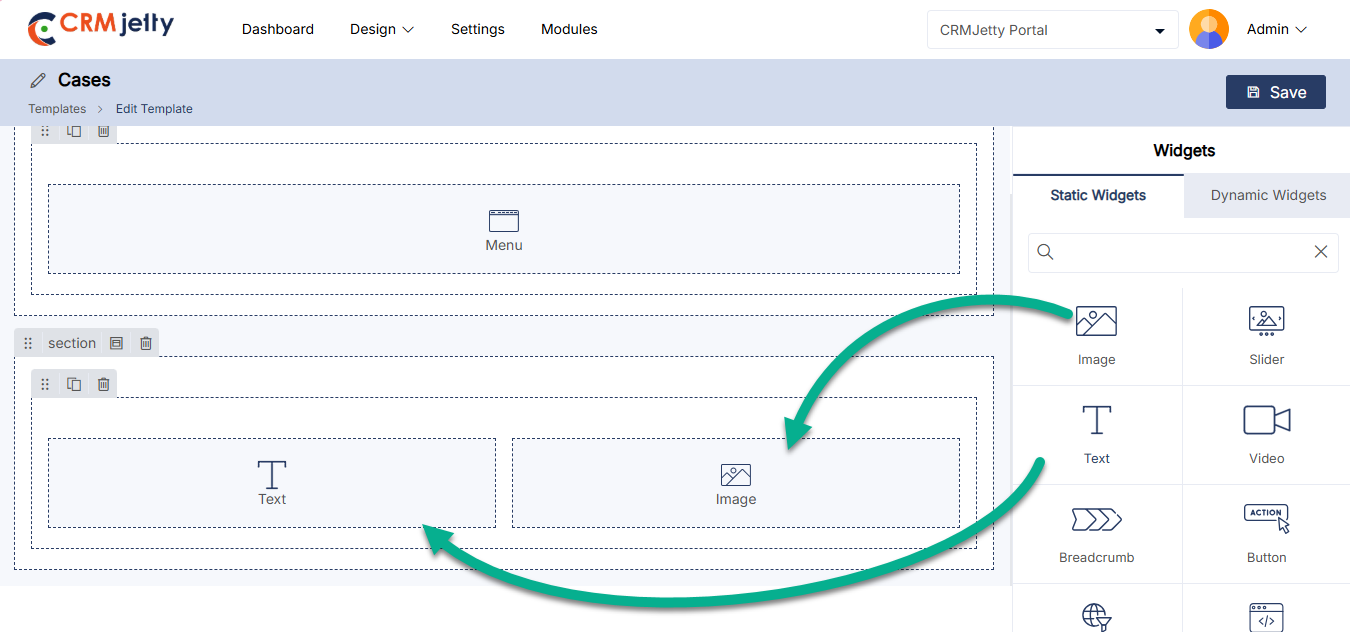
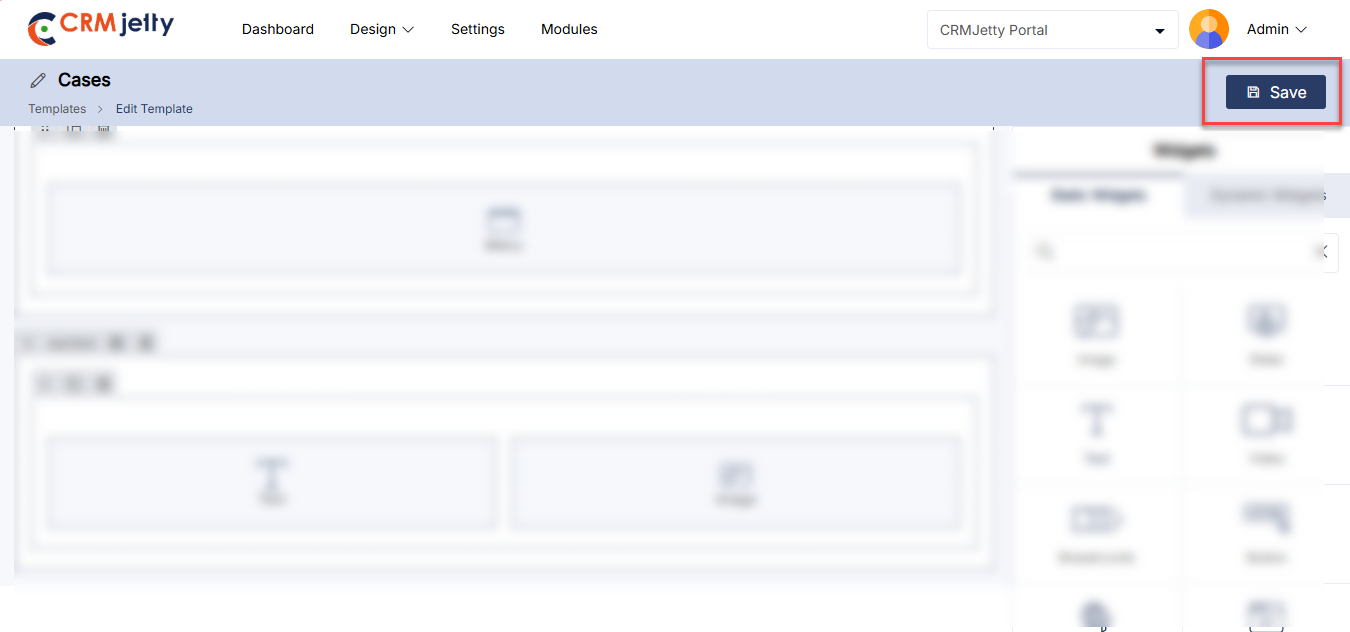
Directly Save the Page as a Template
The Admin can also create a template directly from the Page Builder. While creating a page, the Admin will see a “Save as Template” option.
By clicking this button, the current page layout will be saved as a template and will immediately appear in the template list. [2]
This functionality allows for flexibility in creating and saving templates, whether starting from scratch or using an existing page design.
Admin can perform different actions on the listing page. Click on three dots(…) admin will following action to preform: [3]
– Edit
-Delete
– Duplicate
Admin can bulk Delete or Duplicate templates using the bulk action dropdown. Select the Templates and click on the preferred action. [4]
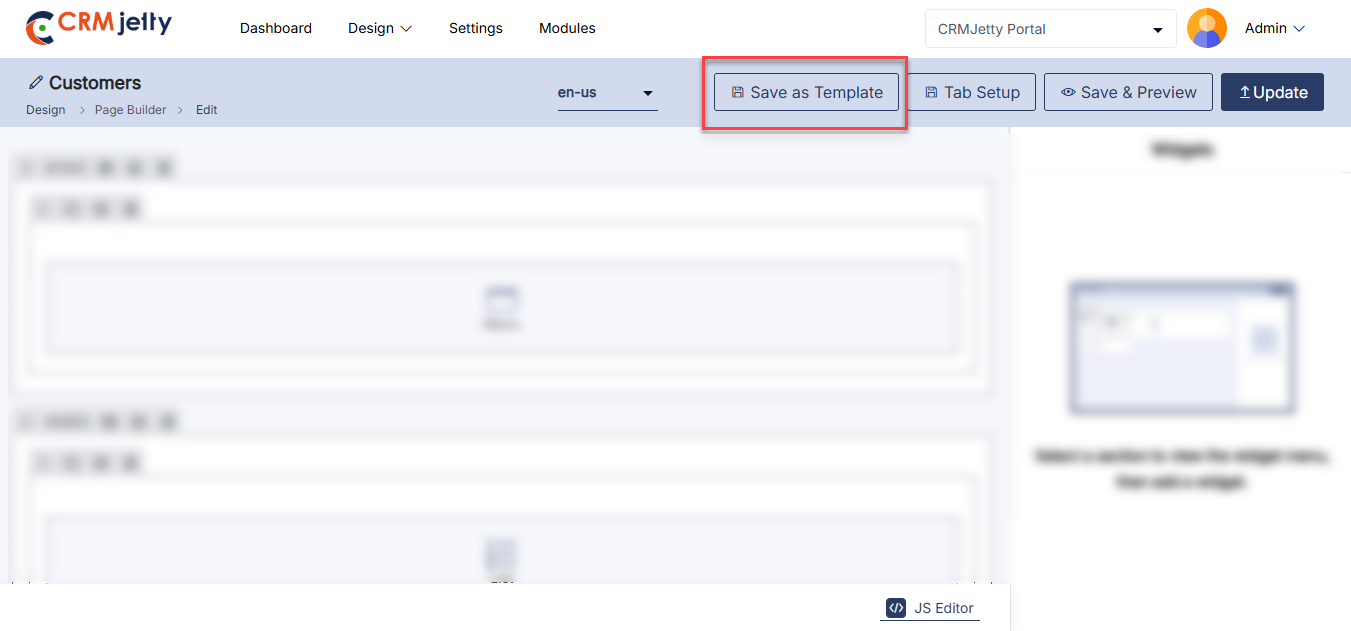
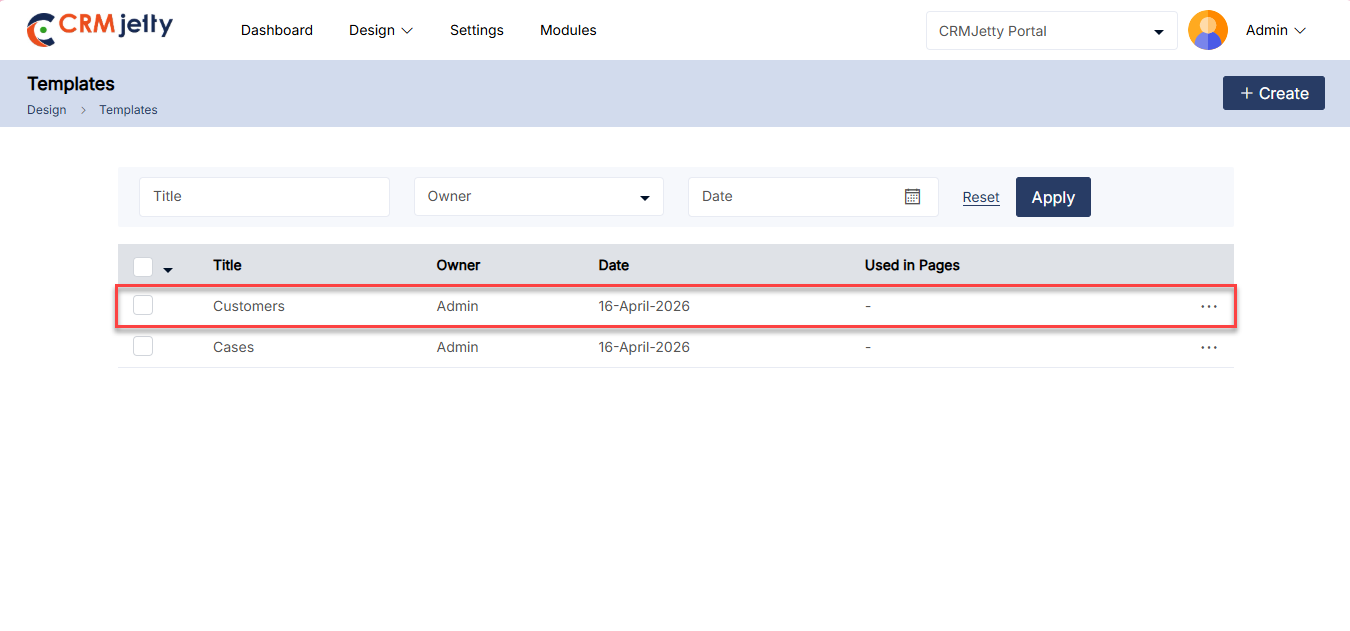
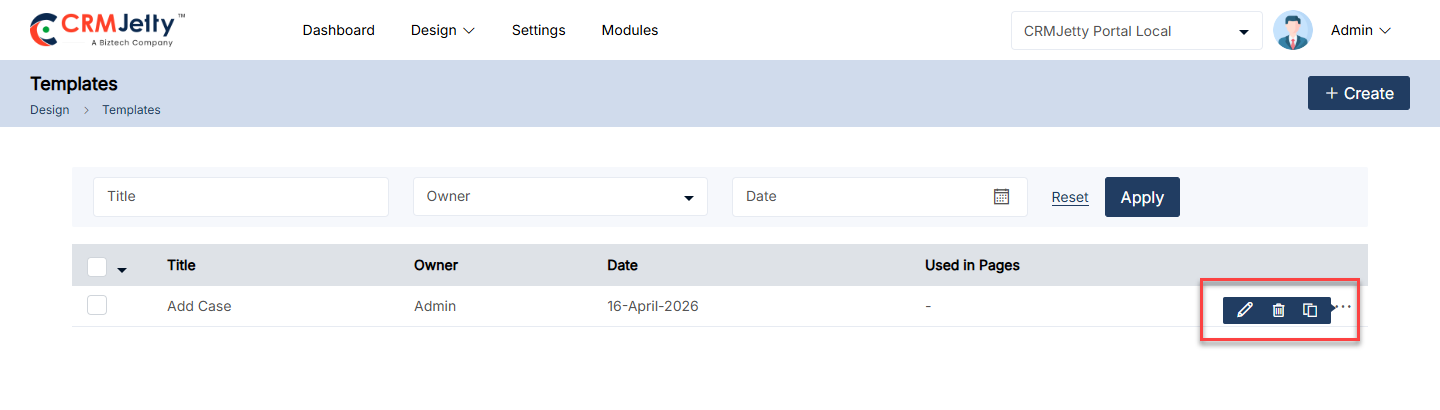
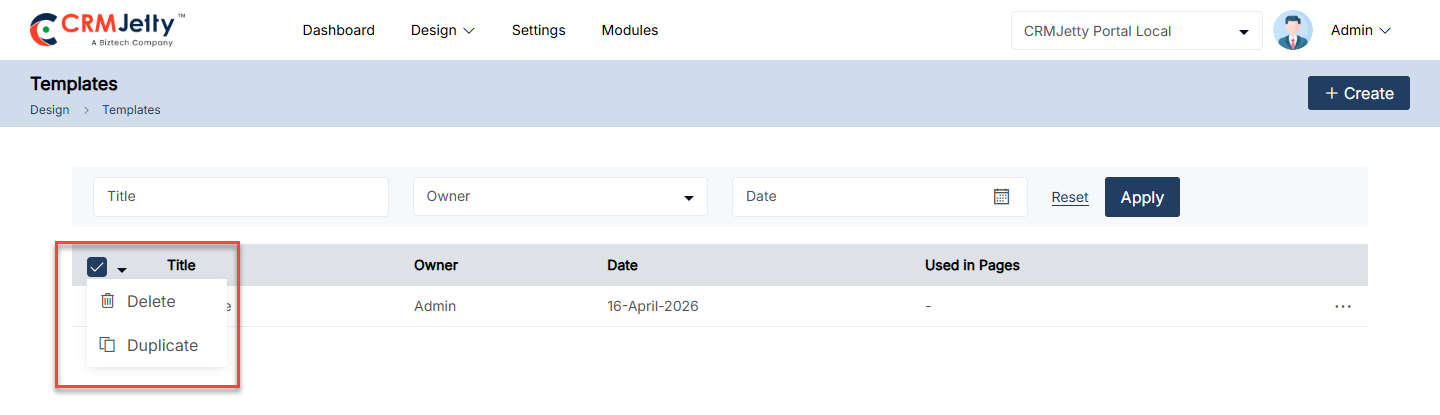
Integrations
In CRMJetty, “Integrations” refer to the connection and synchronization of CRMJetty with various third-party platforms and services. These integrations allow the Admin to enhance the functionality of CRMJetty by linking it with tools and services they already use, streamlining processes, and ensuring data consistency across platforms.
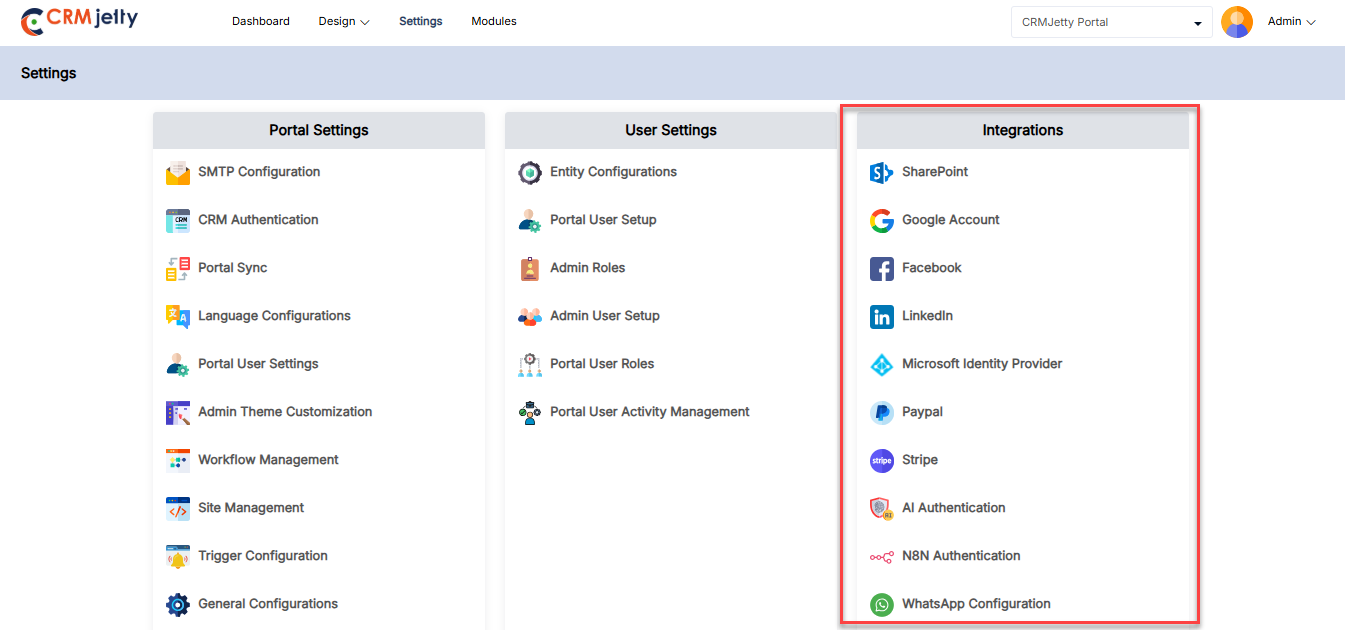
Box
Integrates CRMJetty with Microsoft Box, enabling document management and collaboration directly from within CRMJetty. Admin can manage documents, share files, and collaborate with team members seamlessly.
Note: To use Box in the CRMJetty portal, the Admin first needs to enable Box for the entity from the CRM. For example, if the Admin needs to enable Box for cases and contacts, they must enable Box for these specific entities.
To integrate box to portal, the Admin should navigate to Settings > Integration > Box . [1]
OTP Verification: On the box page Admin will see an OTP verification screen. The Admin needs to enter the OTP received on the registered email ID.[2]
Note: Only super Admin receives the OTP, on their registered mail Id.
Once the verification process is complete then the Admin needs to configure the box by entering the following details:
– Box Site: Enter the URL of the box site that will be connected to CRMJetty. [3]
– Environment: Enter the specific box environment (e.g., production, development) that CRMJetty will interact with. [3]
– Application (client) ID:Enter the unique identifier for the application in Azure AD that CRMJetty uses to authenticate with box . [3]
– Client Secret: Enter the secret key generated in Azure AD used in conjunction with the Application ID to authenticate CRMJetty’s access to box . [3]
These fields are essential for establishing a secure and functional connection between CRMJetty and box .
Test Box Connection
Test connection: By clicking on the “Test Connection” button the portal verifies whether the entered credentials are correct or not. [4]
Connection Status:
Connected: If the connection is successful, then the Admin can see the success token message on the right side of the page.
Not connected: If the connection is unsuccessful, the Admin should verify that all details – such as the Environment, App ID and Client Secret – are entered correctly. If the issue persists, the Admin should contact the CRM authorized person for further assistance.
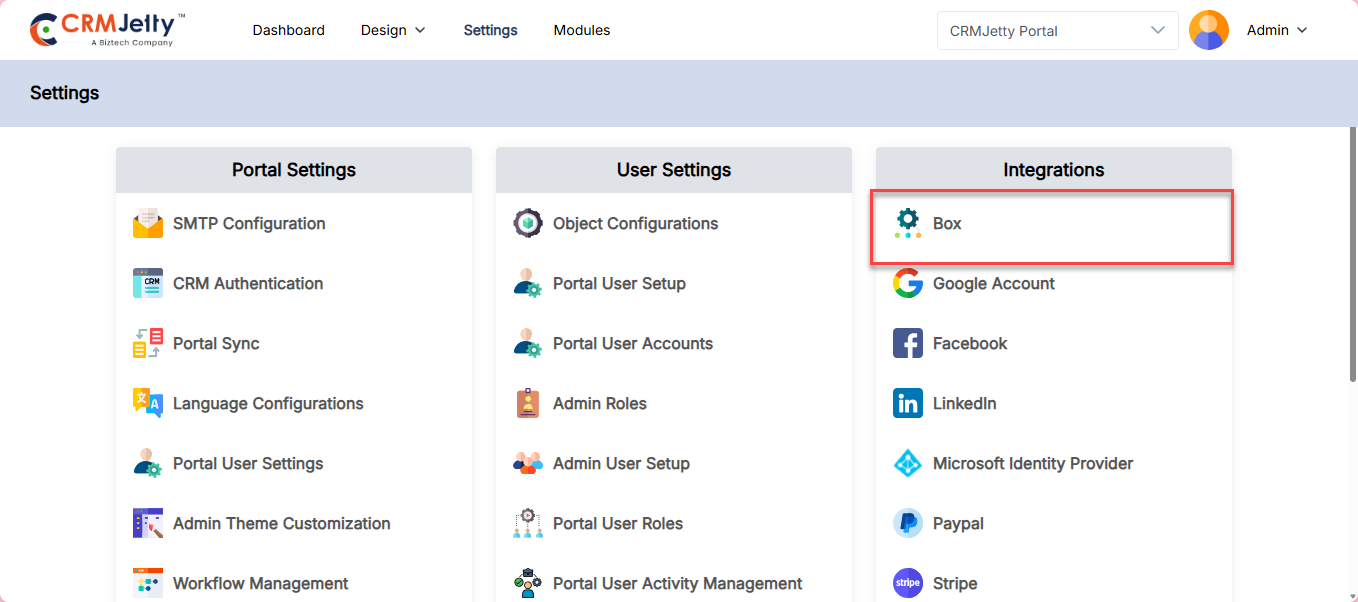
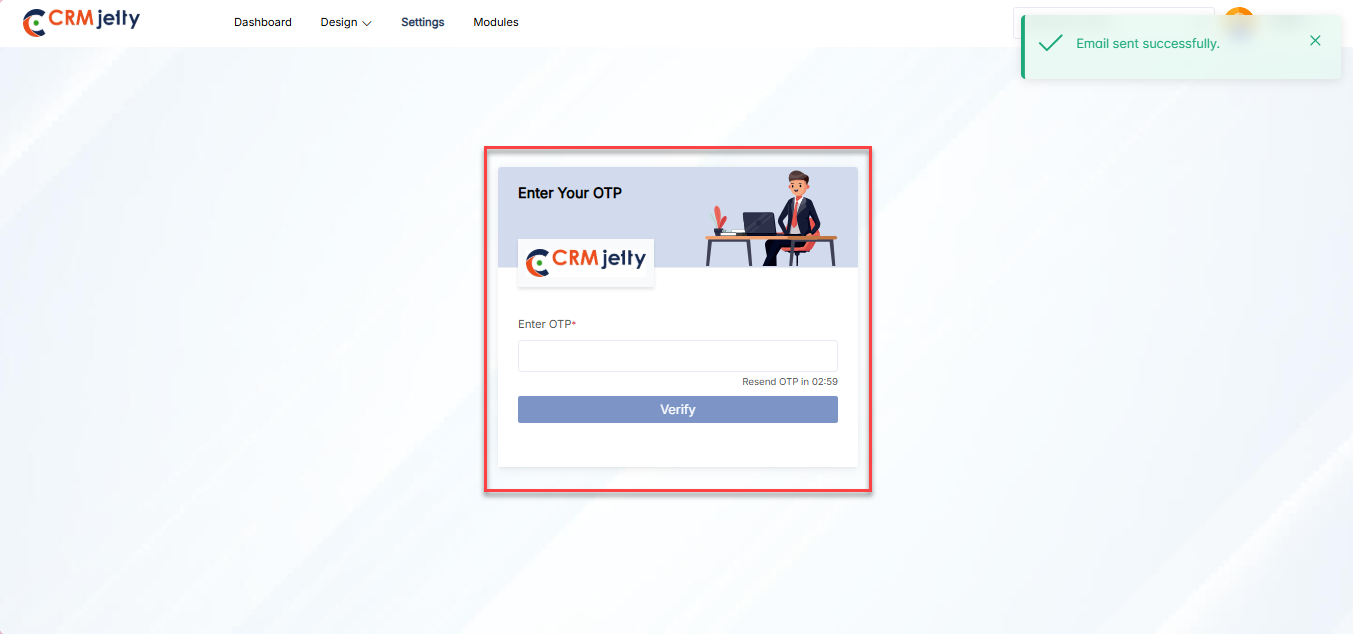
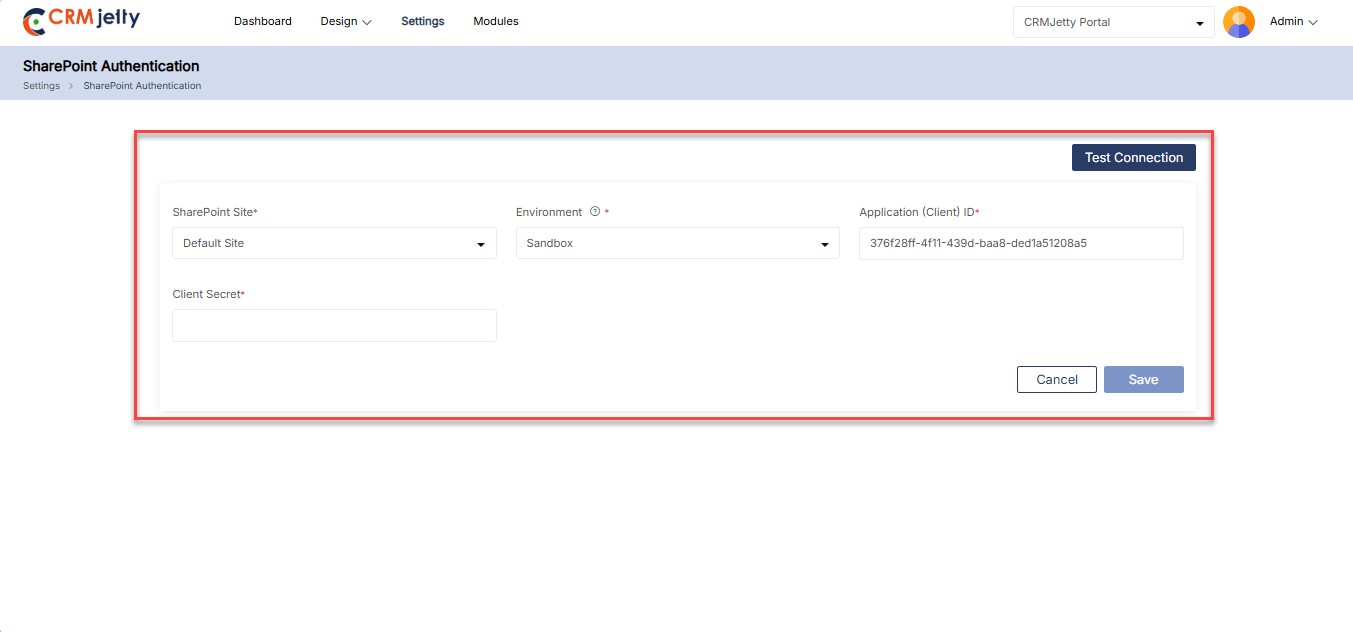
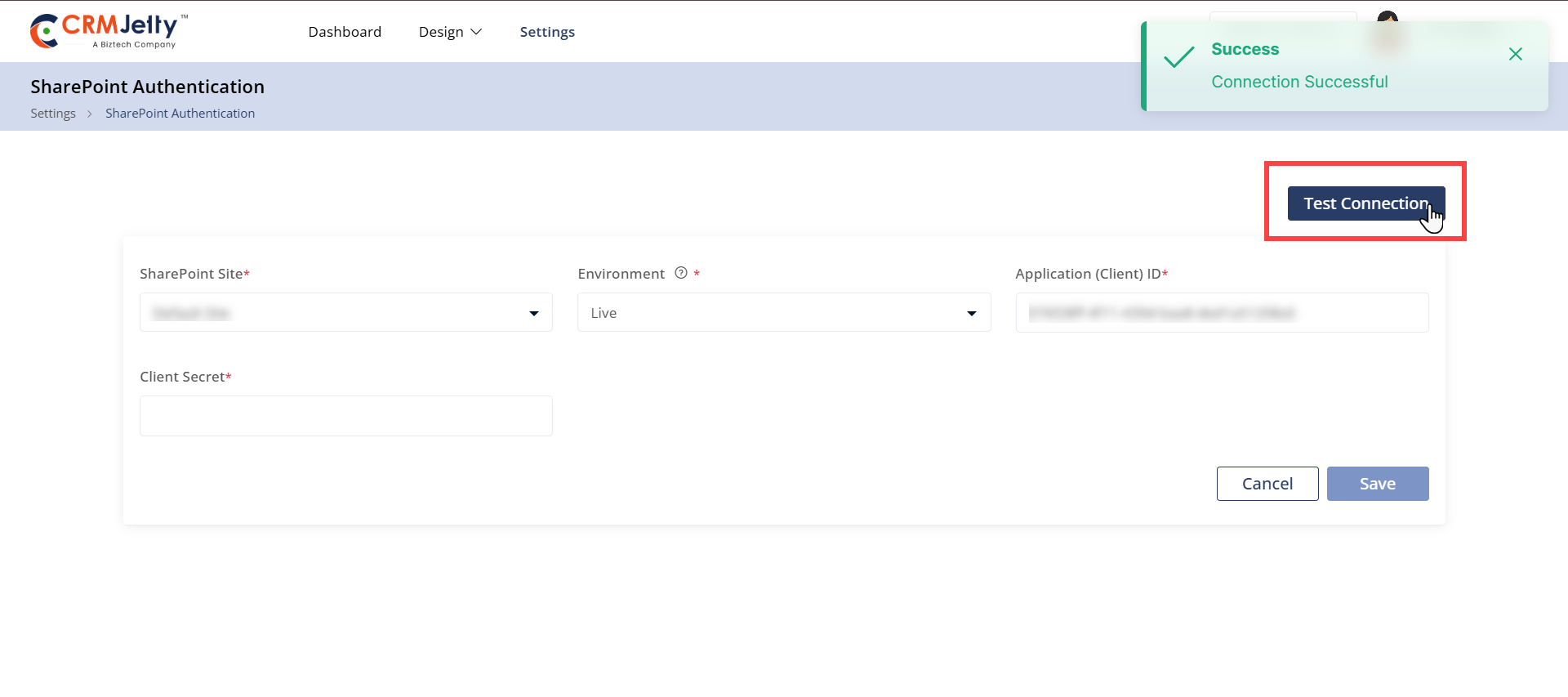
Google Account
This integration allows CRMJetty to connect with Google services such as Gmail, Google Calendar, and Google Drive. Admin can sync contacts, manage schedules, and store files with ease, directly from CRMJetty.
– To integrate a google account to a portal, the Admin should navigate to Settings > Integration > Google Account. [1]
– Click the “Create” button to initiate the process of adding a new Google account. [2]
Fill the below details to connect goggle account to portal :
– Account Name: Enter a name to identify the Google account within CRMJetty. [3]
– Google Client ID: Input the unique Client ID associated with your Google API project. [3]
– Google Client Secret: Enter the Client Secret generated in your Google API project, used for secure authentication. [3]
After creating a Google account for SSO integration, the Admin can view it on the SSO Integration Google page. The account name, Google logo, and timestamp are displayed, with an options menu available for further actions like editing or deleting the account.
Editing Account Details:
When the Admin clicks the Edit icon, a side panel will slide open. This panel allows the Admin to modify the account details as needed. After making the necessary updates, the Admin can save the changes by clicking the “Save” button. [4]
Deleting an Account:
To delete an account, the Admin can click on the delete icon. This action will trigger a warning pop-up, prompting the Admin to confirm the deletion. By selecting “Ok,” the account will be permanently removed. If the Admin decides not to proceed, clicking the “Cancel” button will close the pop-up and retain the account. [5]
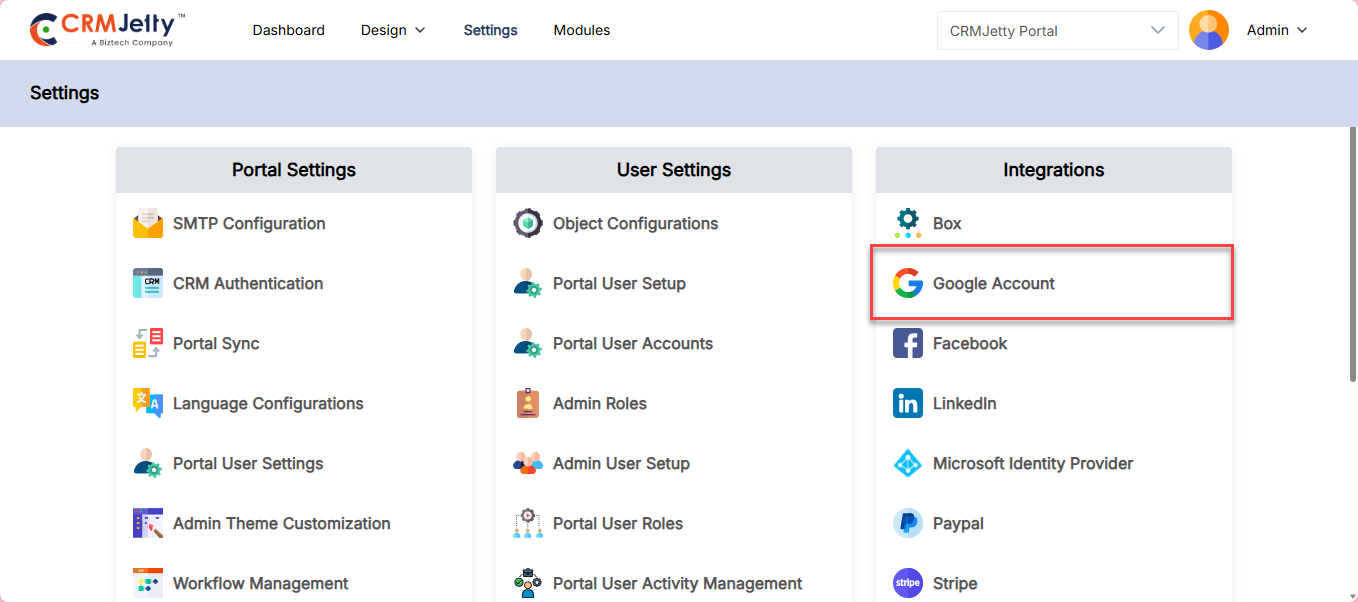
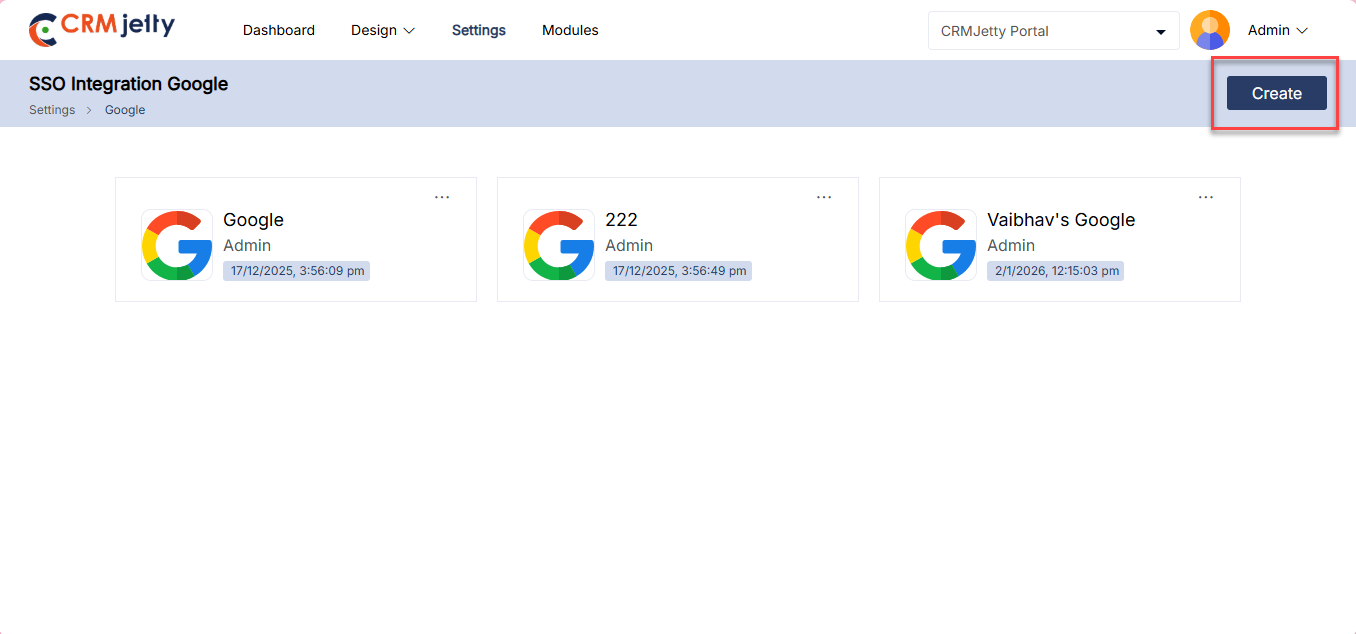
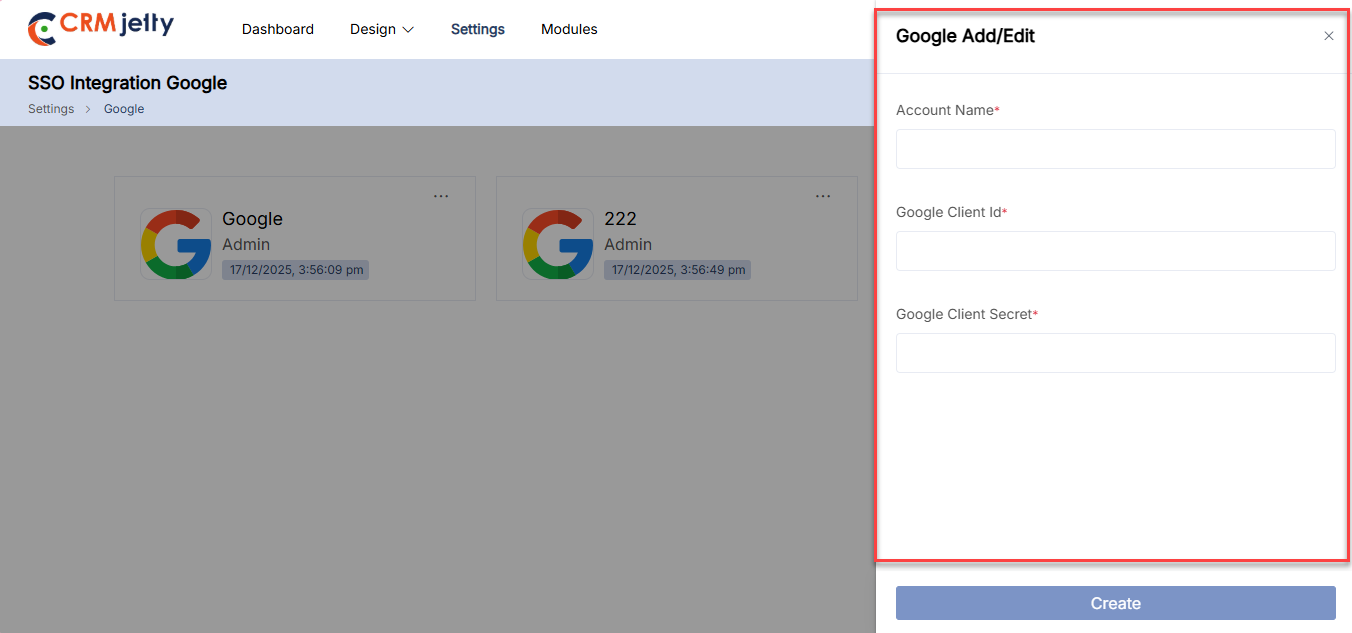
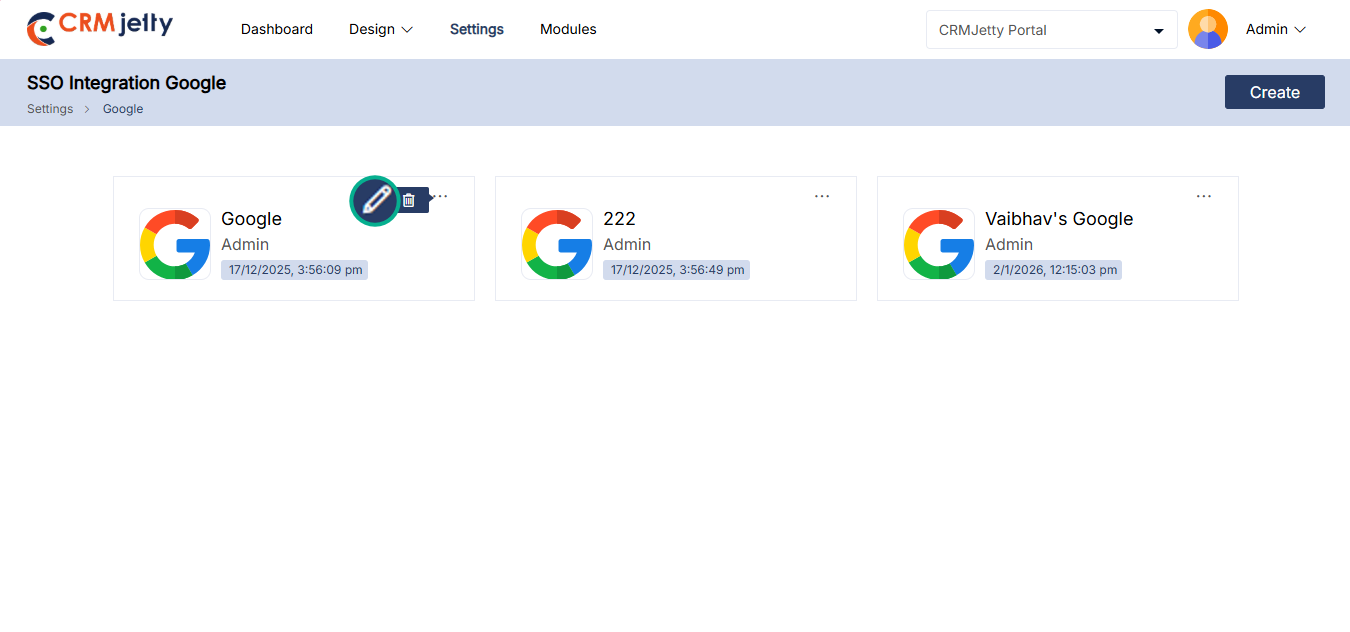
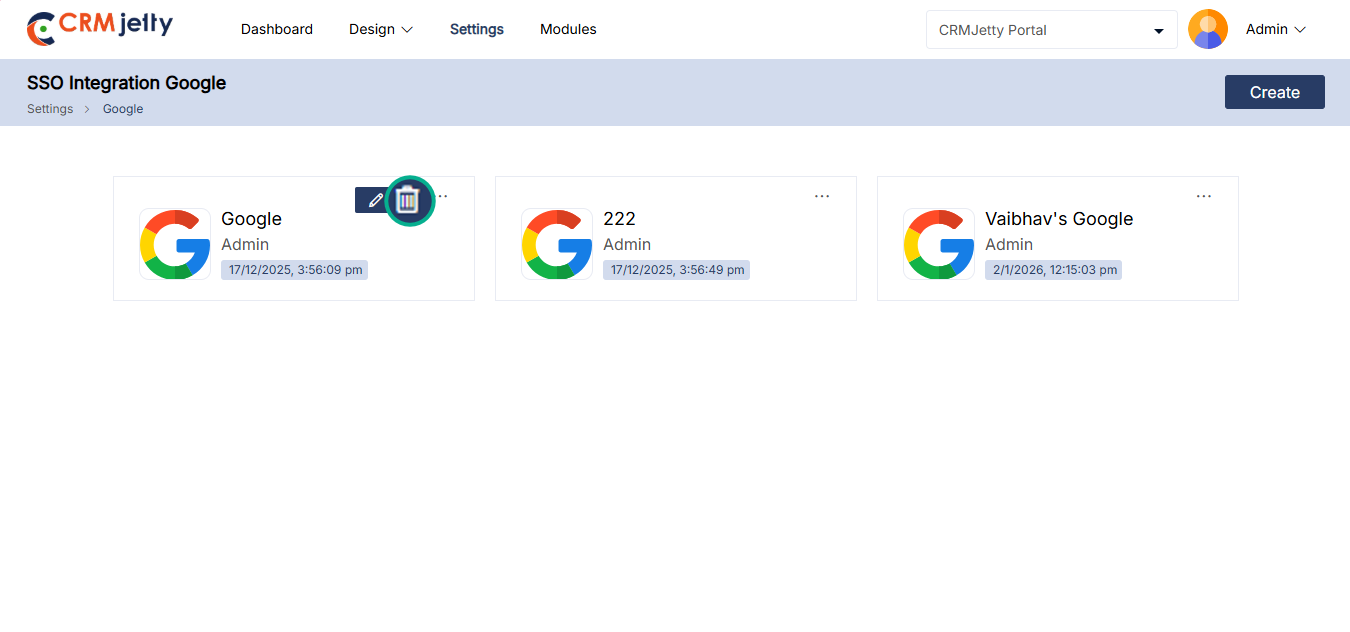
Integrates CRMJetty with Facebook to enhance social media management. Admin can track interactions, manage customer inquiries, and run targeted marketing campaigns through CRMJetty.
– To integrate goggle account to portal, the Admin should navigate to Settings > Integration > Facebook. [1]
– Click the “Create” button to initiate the process of adding a new Facebook account. [2]
Fill the below details to connect goggle account to portal :
– Account Name: Enter the name of the account associated with the Facebook integration. [3]
– Facebook Client Id: Enter the unique identifier provided by Facebook for API access. [3]
– Facebook Client Secret: Enter the secret key provided by Facebook, used in conjunction with the Client Id for secure API communication. [3]
After creating a Facebook account for SSO integration, the Admin can view it on the SSO Integration Facebook page. The account name, Facebook logo, and timestamp are displayed, with an options menu available for further actions like editing or deleting the account.
Editing Account Details:
When the Admin clicks the Edit icon, a side panel will slide open. This panel allows the Admin to modify the account details as needed. After making the necessary updates, the Admin can save the changes by clicking the “Save” button. [4]
Deleting an Account:
To delete an account, the Admin can click on the delete icon. This action will trigger a warning pop-up, prompting the Admin to confirm the deletion. By selecting “Ok,” the account will be permanently removed. If the Admin decides not to proceed, clicking the “Cancel” button will close the pop-up and retain the account. [5]
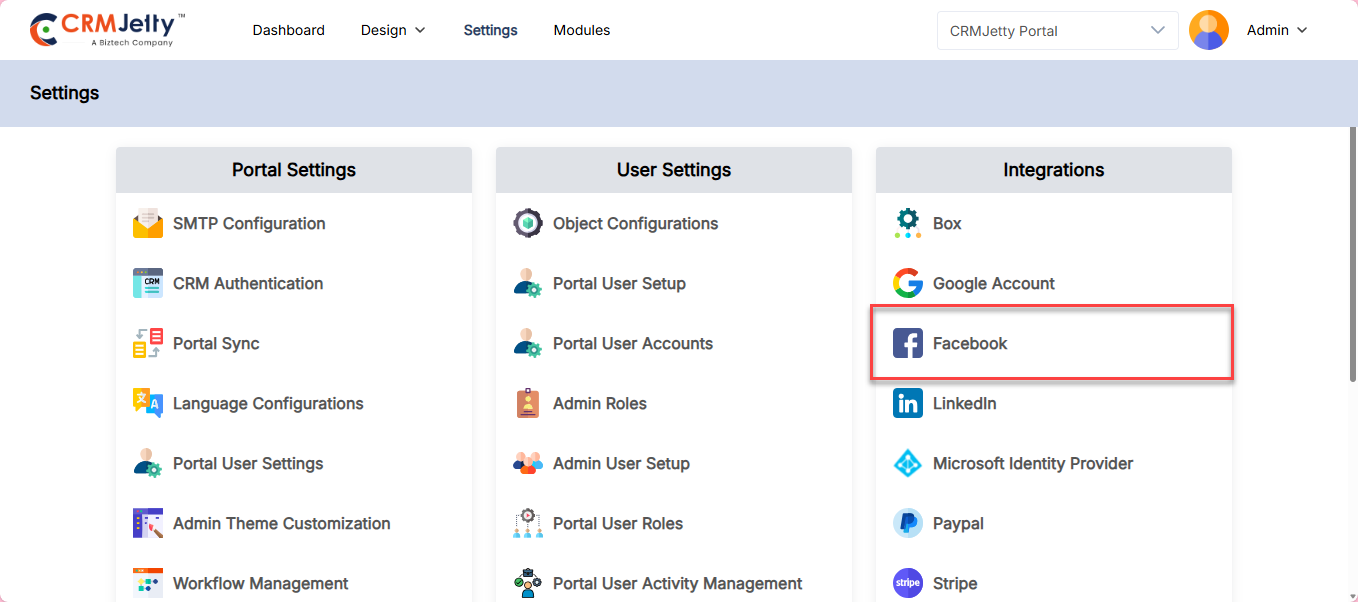
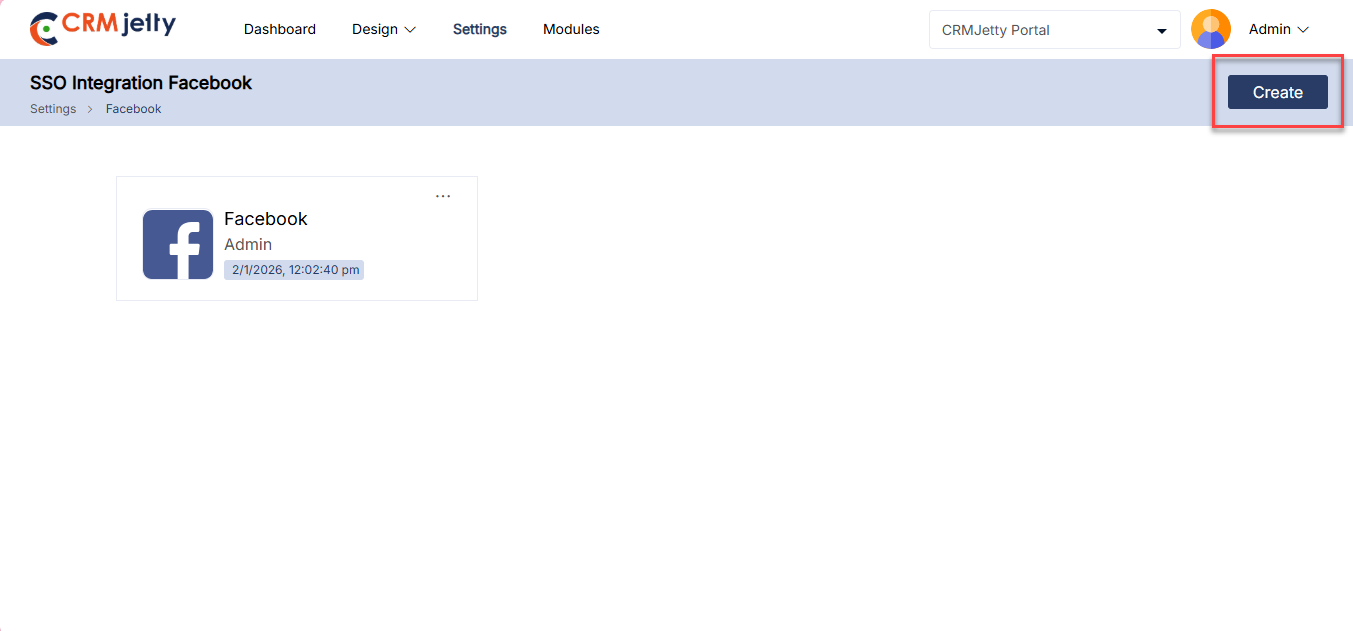
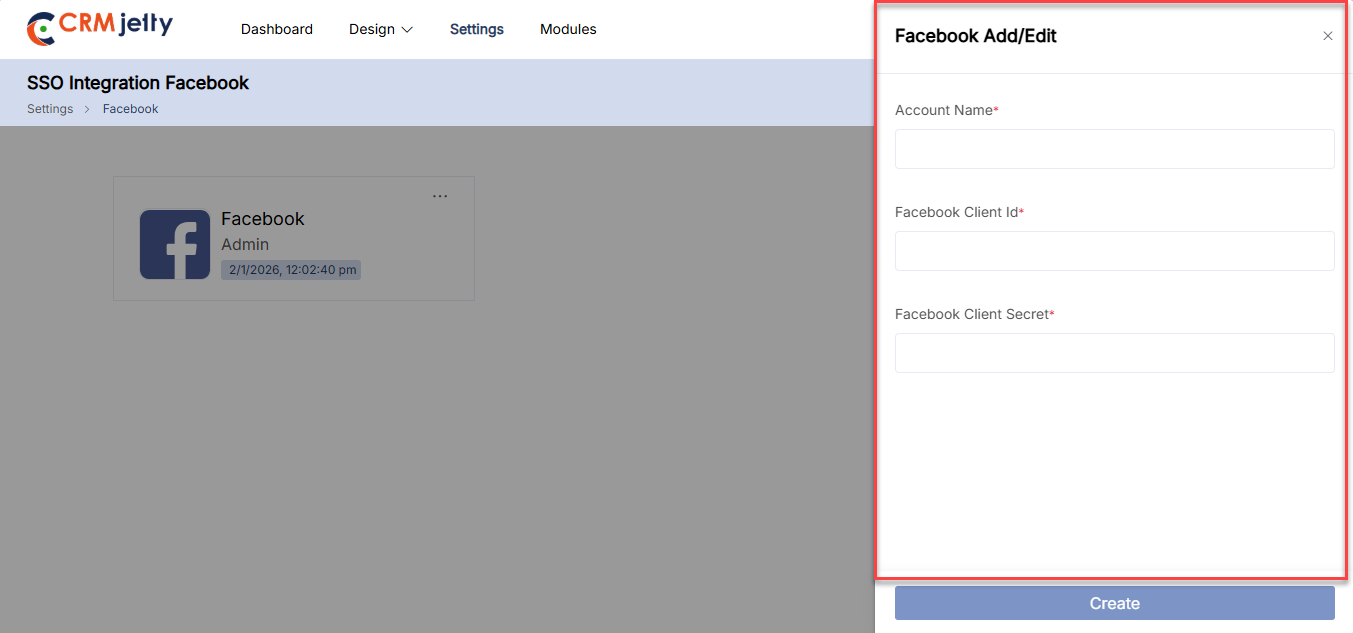
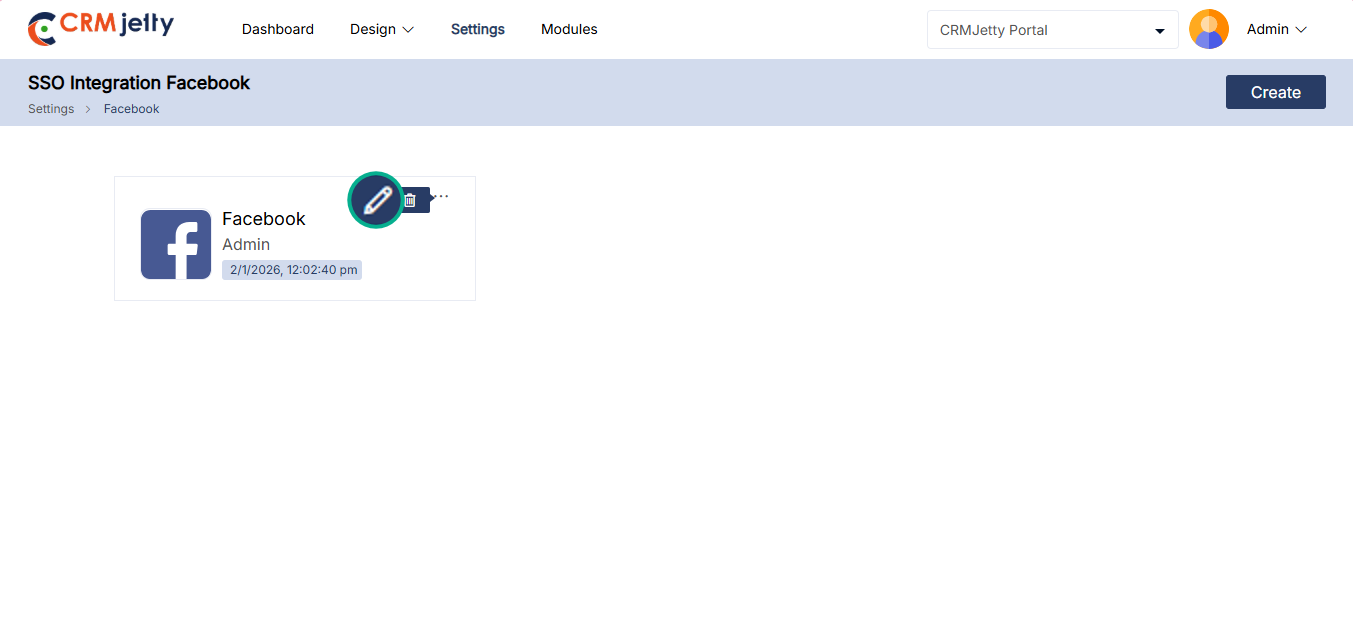
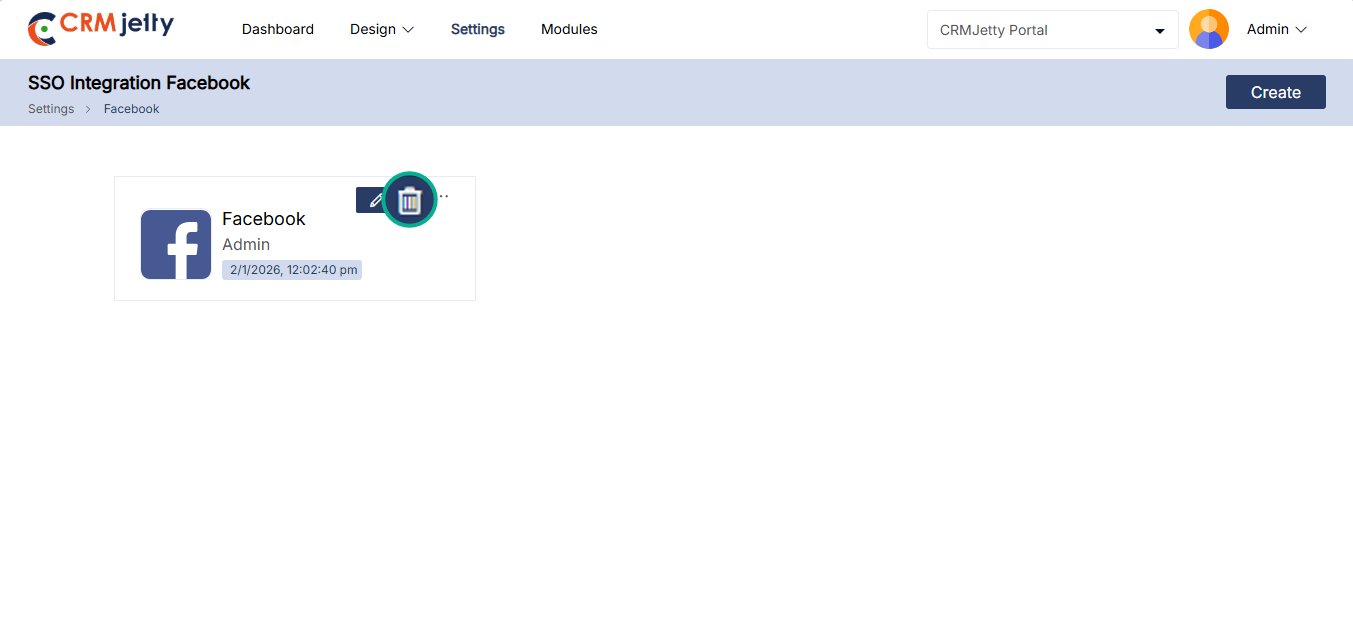
This integration enables CRMJetty to connect with LinkedIn, allowing Admin to manage professional networking activities. Admin can import contacts, manage connections, and engage with leads directly within CRMJetty.
– To integrate a LinkedIn account into the portal, the Admin should navigate to Settings > Integration > LinkedIn. [1]
– Click the “Create” button to initiate the process of adding a new LinkedIn account. [2]
Fill in the following details to connect the LinkedIn account to the portal:
– Account Name: Enter the name of the account associated with the LinkedIn integration. [3]
– LinkedIn Client Id: Enter the unique identifier provided by LinkedIn for API access. [3]
– LinkedIn Client Secret: Enter the secret key provided by LinkedIn, used in conjunction with the Client Id for secure API communication. [3]
After creating a LinkedIn account for SSO integration, the Admin can view it on the SSO Integration LinkedIn page. The account name, LinkedIn logo, and timestamp are displayed, with an options menu available for further actions like editing or deleting the account.
Editing Account Details:
When the Admin clicks the Edit icon, a side panel will slide open. This panel allows the Admin to modify the account details as needed. After making the necessary updates, the Admin can save the changes by clicking the “Save” button. [4]
Deleting an Account:
To delete an account, the Admin can click on the delete icon. This action will trigger a warning pop-up, prompting the Admin to confirm the deletion. By selecting “Ok,” the account will be permanently removed. If the Admin decides not to proceed, clicking the “Cancel” button will close the pop-up and retain the account. [5]
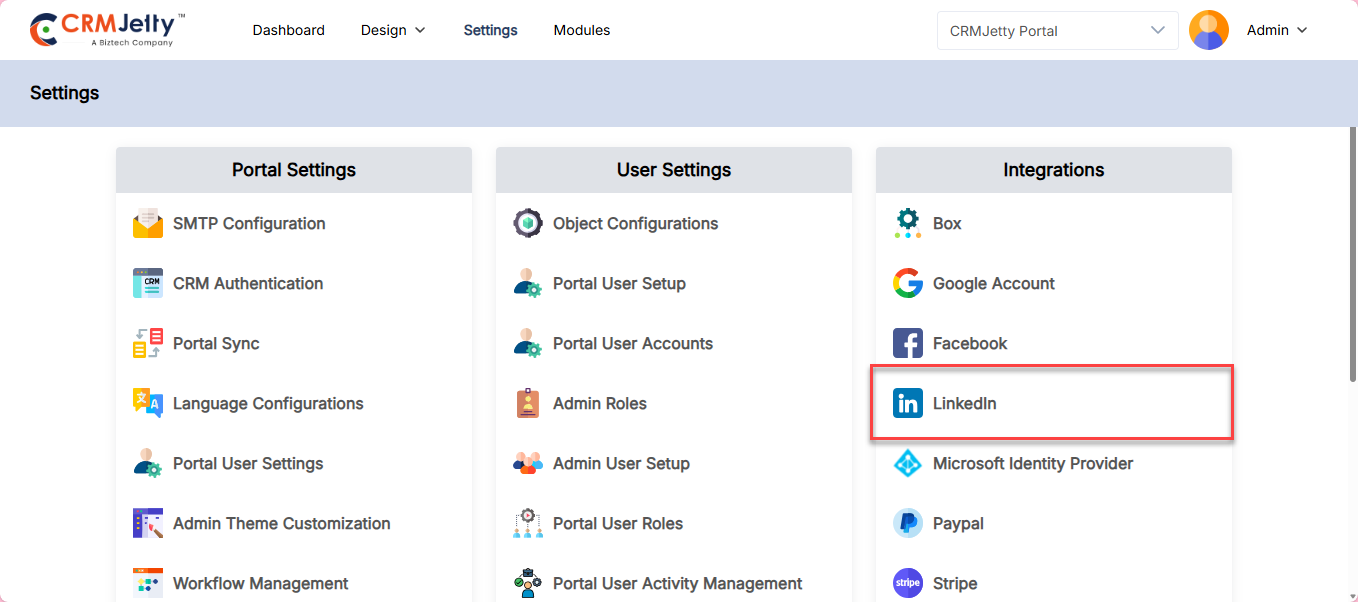
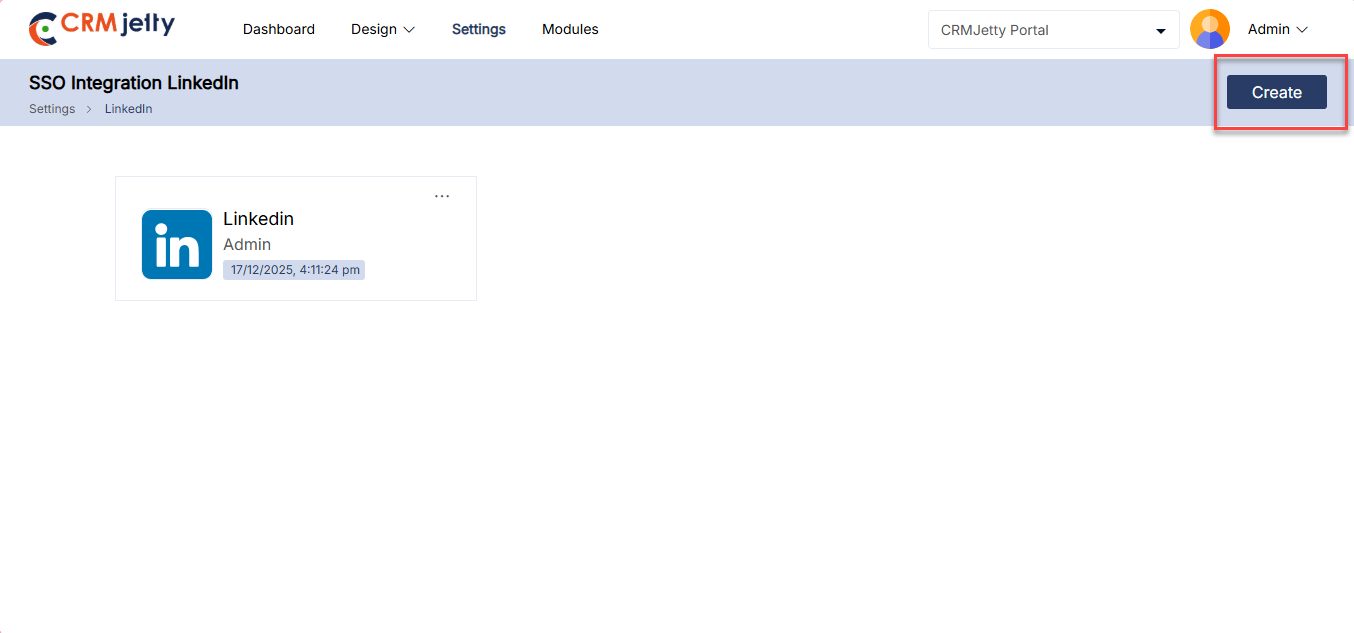
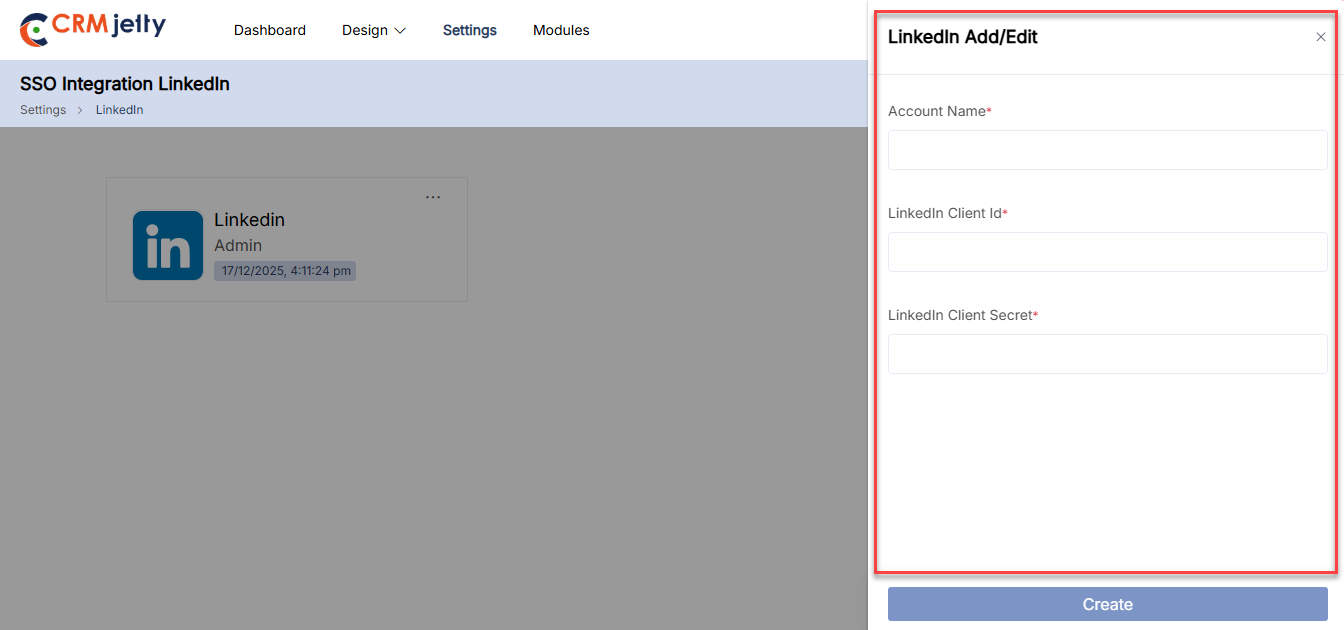
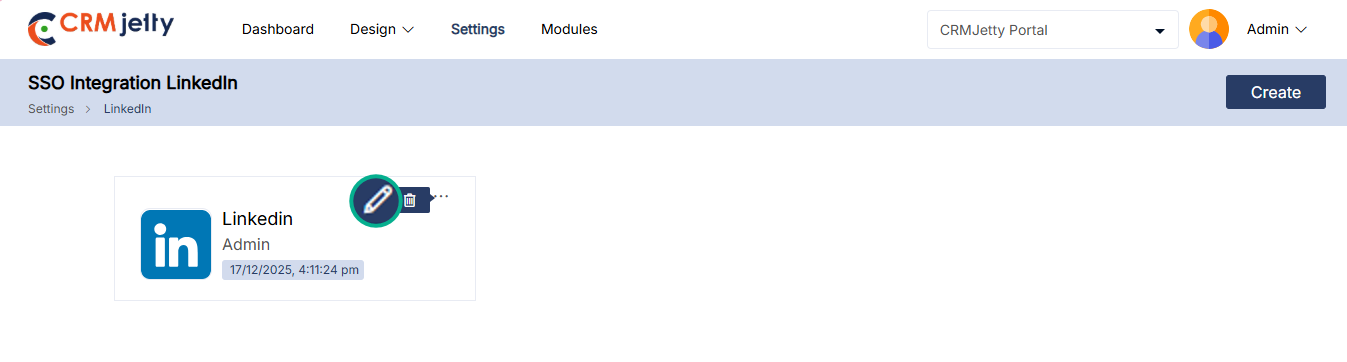
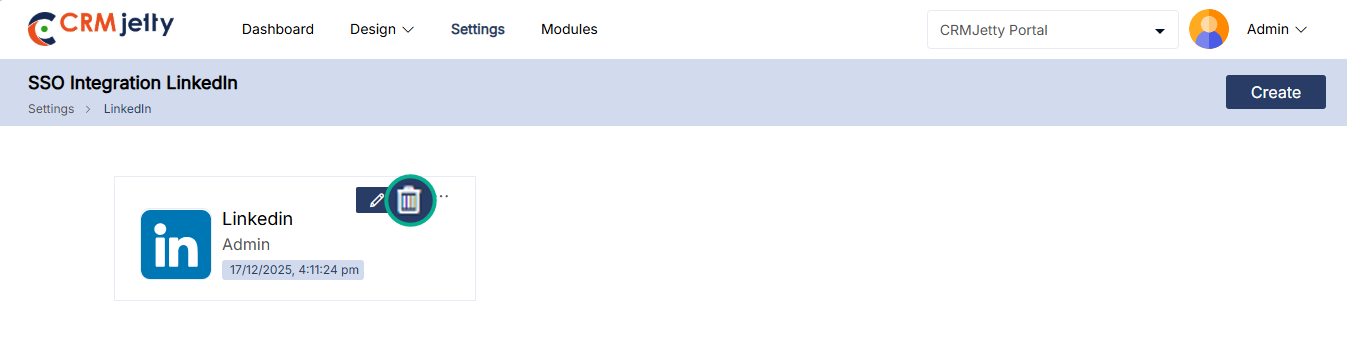
Microsoft Identity Provider
Integrates CRMJetty with Microsoft’s identity management services, allowing for secure, single sign-on (SSO) access. Admin can manage user authentication and ensure secure access to CRMJetty.
– To integrate a Microsoft Identity Provider account into the portal, the Admin should navigate to Settings > Integration > Microsoft Identity Provider.[1]
– Click the “Create” button to initiate the process of adding a new Microsoft Identity Provider account. [2]
Fill in the following details to connect the Microsoft Identity Provider account to the portal:
– Account Name: Enter the name of the account associated with the Microsoft Identity Provider integration. [3]
– Microsoft Identity Provider Client Id: Enter the unique identifier provided by Microsoft for API access. [3]
– Microsoft Identity Provider Client Secret: Enter the secret key provided by Microsoft, used in conjunction with the Client Id for secure API communication. [3]
After creating a Microsoft Identity Provider account for SSO integration, the Admin can view it on the SSO Integration Microsoft Identity Provider page. The account name, Microsoft Identity Provider logo, and timestamp are displayed, with an options menu available for further actions like editing or deleting the account.
Editing Account Details:
When the Admin clicks the Edit icon, a side panel will slide open. This panel allows the Admin to modify the account details as needed. After making the necessary updates, the Admin can save the changes by clicking the “Save” button. [4]
Deleting an Account:
To delete an account, the Admin can click on the delete icon. This action will trigger a warning pop-up, prompting the Admin to confirm the deletion. By selecting “Ok,” the account will be permanently removed. If the Admin decides not to proceed, clicking the “Cancel” button will close the pop-up and retain the account. [5]
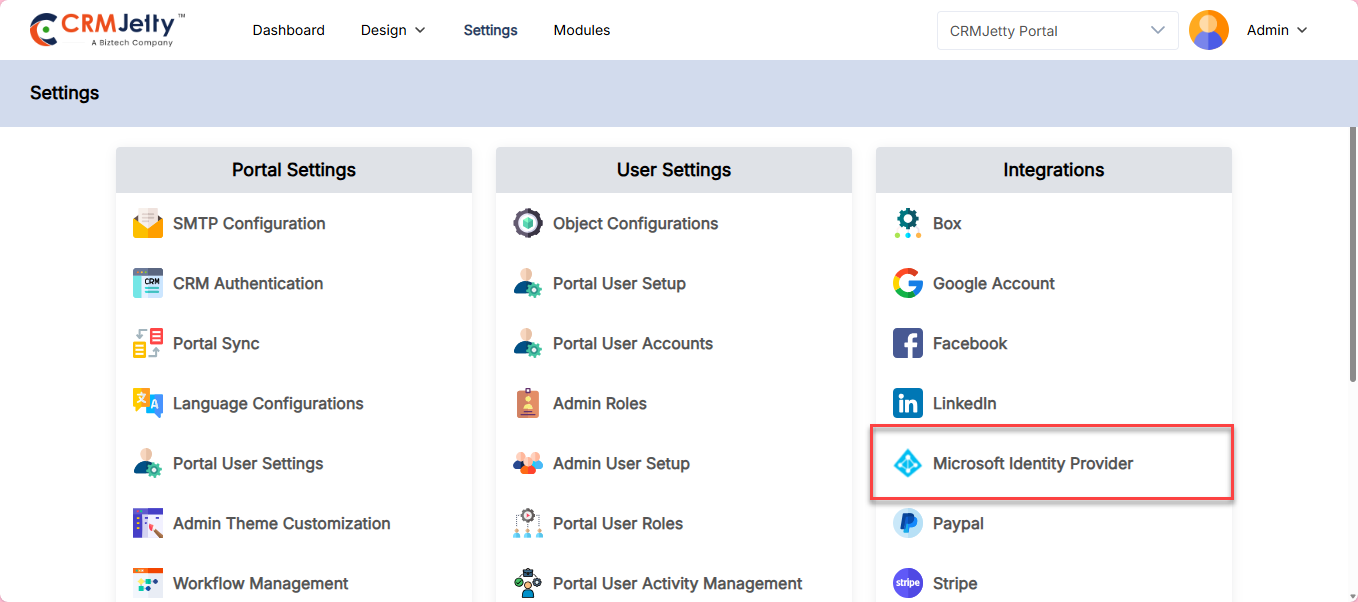
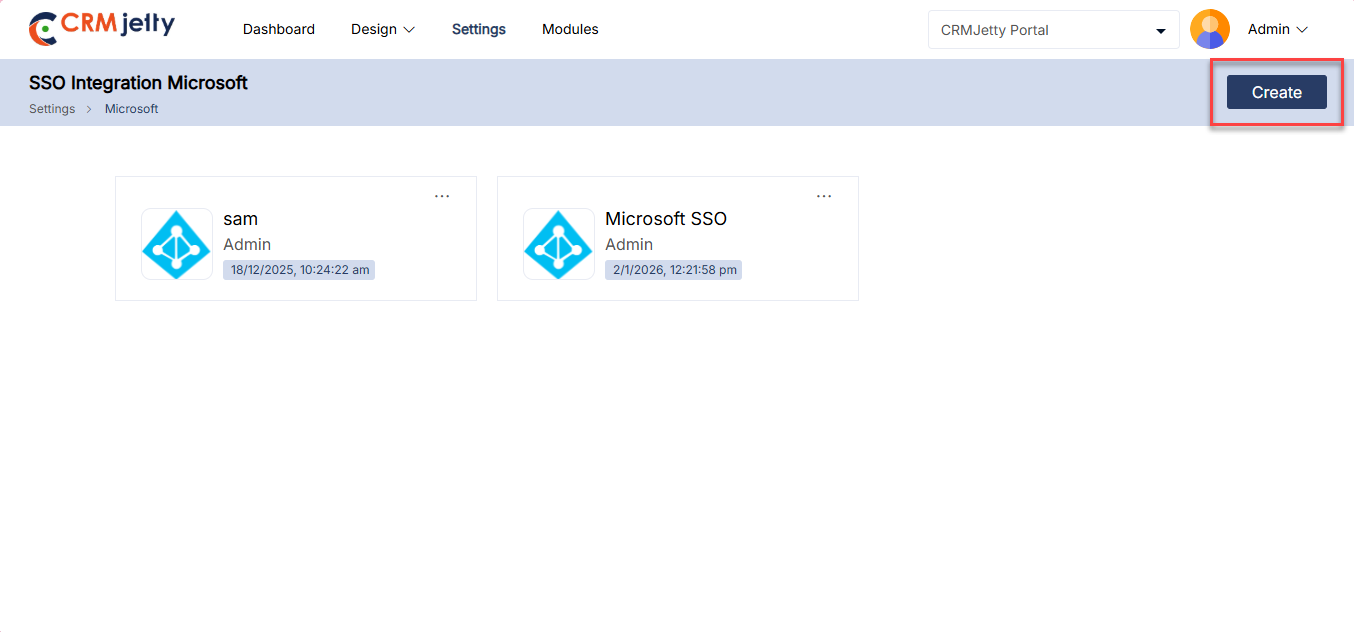
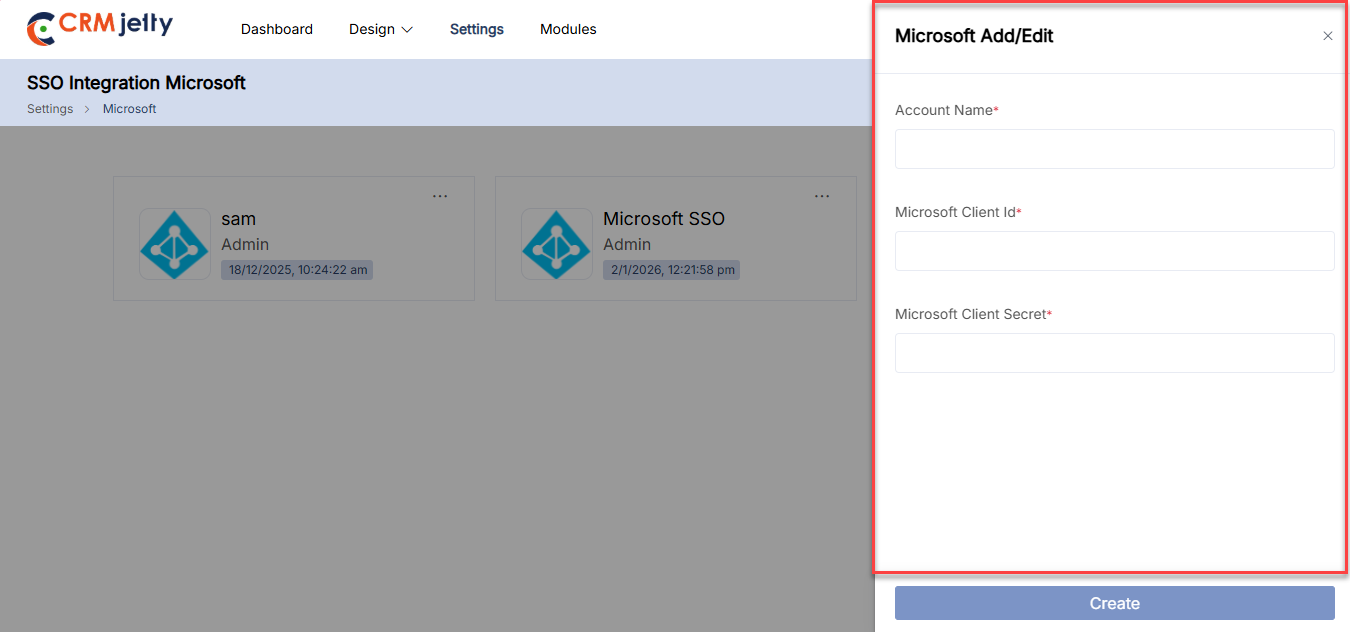
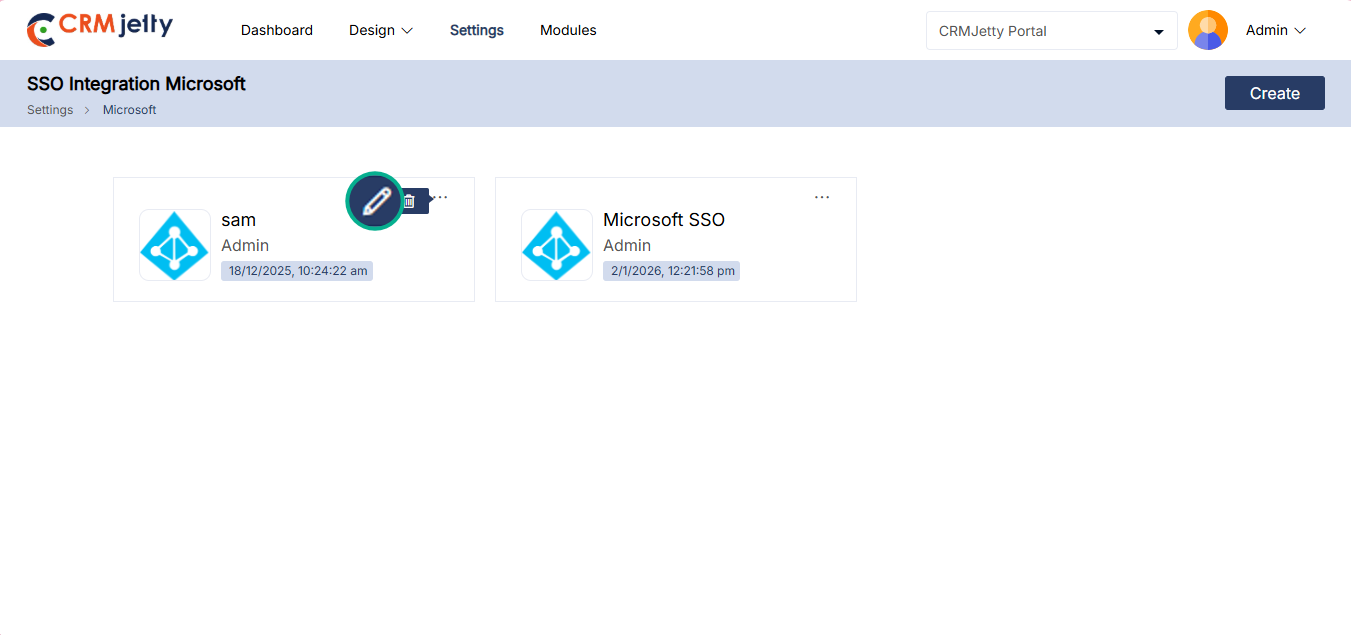
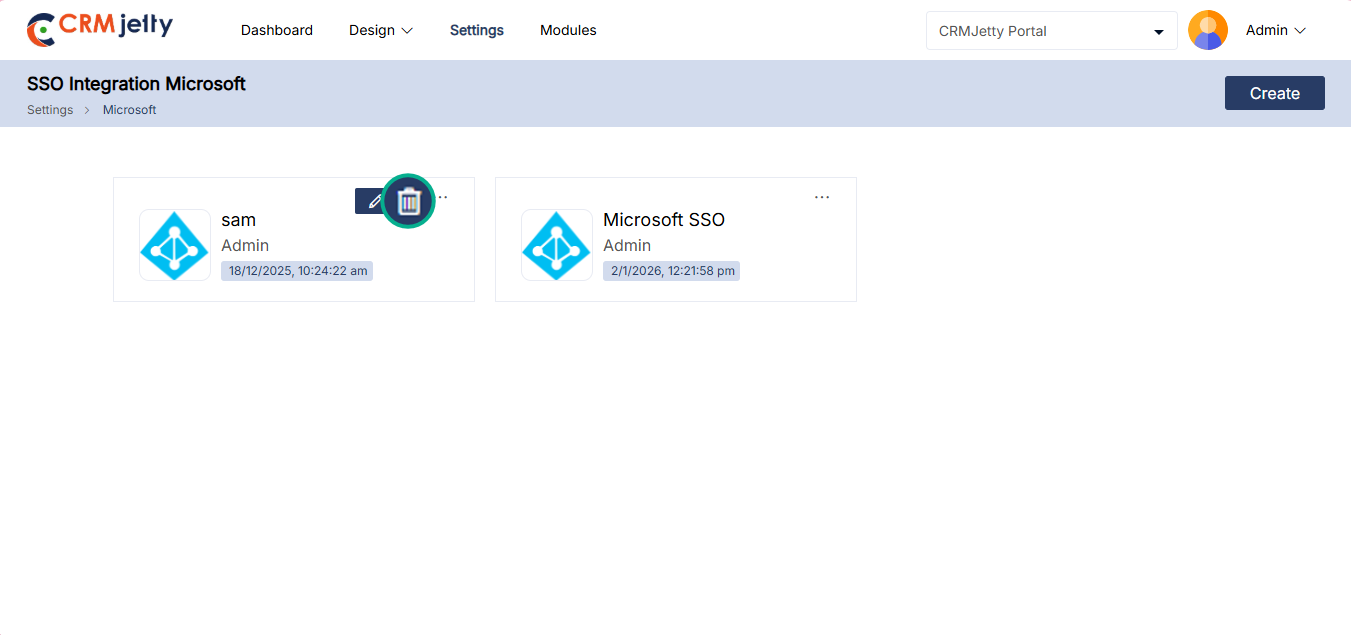
Paypal
This integration allows CRMJetty to process payments through PayPal. Admin can manage transactions, track payment history, and integrate financial data into CRMJetty.
– To integrate paypal to portal, the Admin should navigate to Settings > Integration > Paypal. [1]
– OTP Verification: On the Paypal page Admin will see an OTP verification screen. The Admin needs to enter the OTP received on the registered email ID. [2]
Note: Only super Admin receives the OTP, on their registered mail Id.
Once the verification process is complete then the Admin needs to configure the paypal by entering the following details:
– Exchange Rate API Key: Enter the API key used to access exchange rate data for payment transactions. [3]
– Refresh Rate Timer: Set the interval at which the exchange rate data is refreshed.
For example, a value of “3600” will set the refresh interval to one hour. [3]
Create New Account
By Clicking on the “create” button, the Admin can configure payment integration by providing the following details: [4]
– Account Name: Enter the name of the account to identify the integration.
– Client ID: Provide the client ID for the payment gateway.
– Secret ID: Enter the secret key associated with the client ID.
– Payee Email ID: Add the email address where payments will be directed.
– Select Environment: Choose the environment, such as Sandbox or Live, for the integration.
– Merchant ID: Input the merchant ID provided by the payment gateway.
Editing Account Details
When the Admin clicks the Edit icon, a side panel will slide open. This panel allows the Admin to modify the account details as required. After making the updates, the Admin can save the changes by clicking the “Save” button. [5]
Deleting an Account
To delete an account, the Admin can click the Delete icon. This action will trigger a warning pop-up, prompting the Admin to confirm the deletion. By selecting “Ok”, the account will be permanently removed. If the Admin chooses not to proceed, clicking the “Cancel” button will close the pop-up and retain the account. [6]
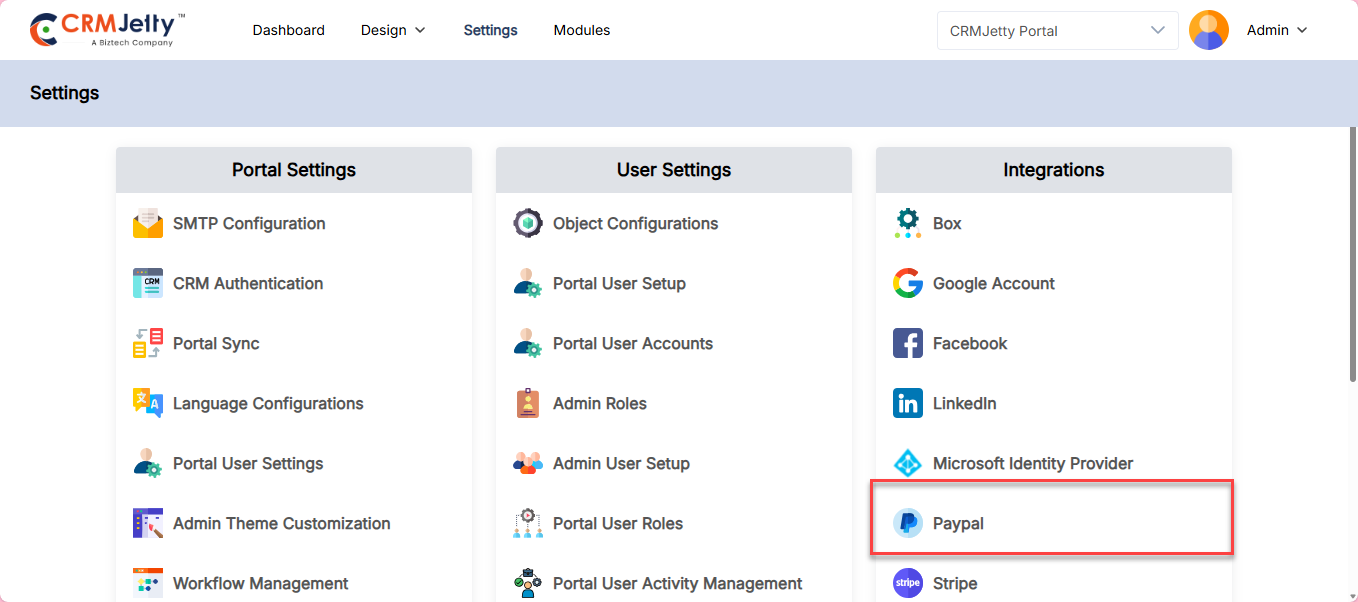
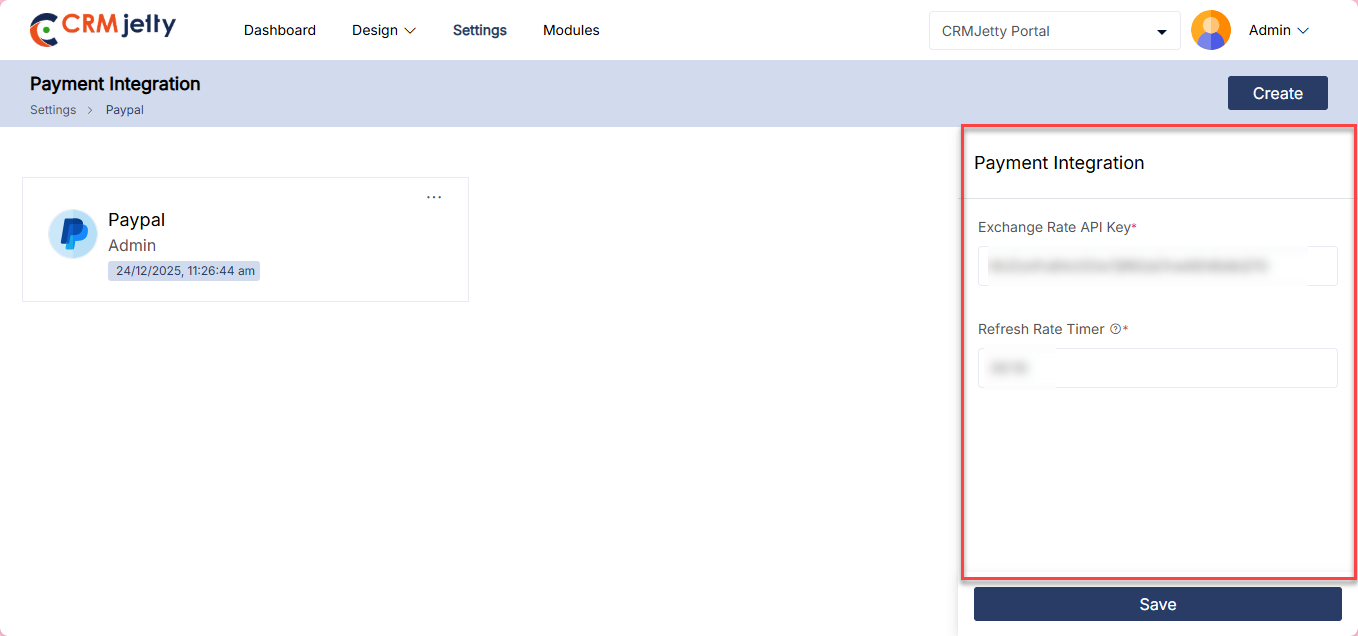
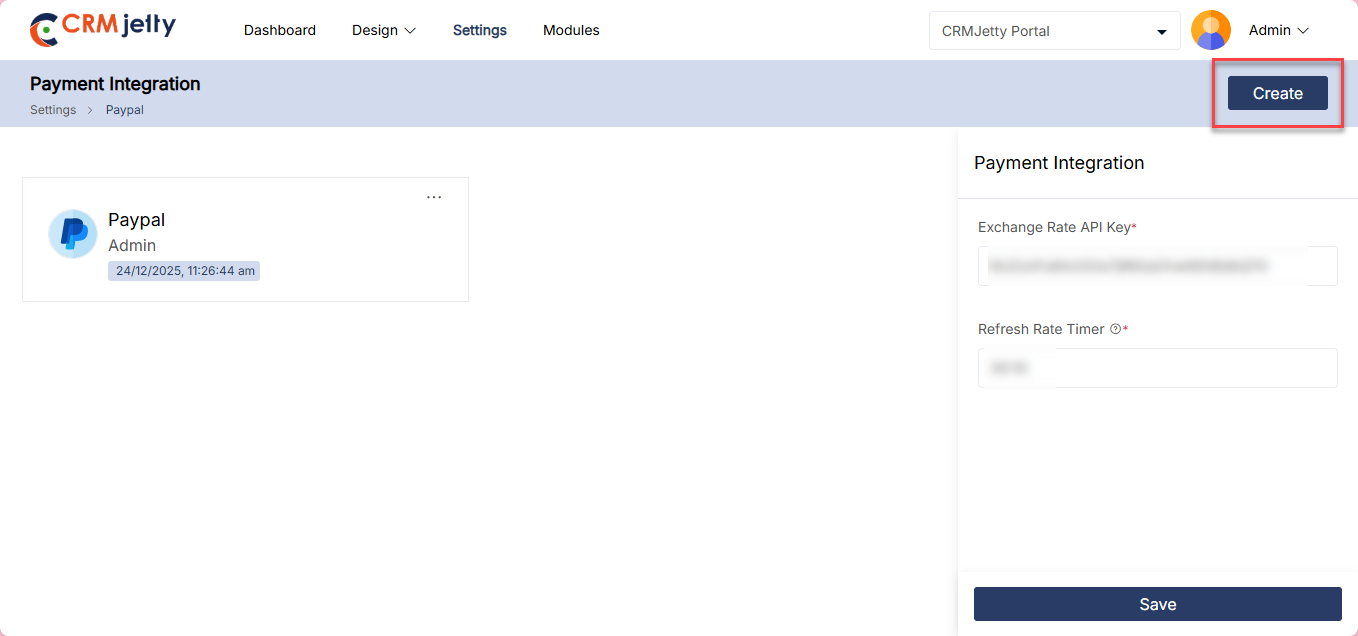
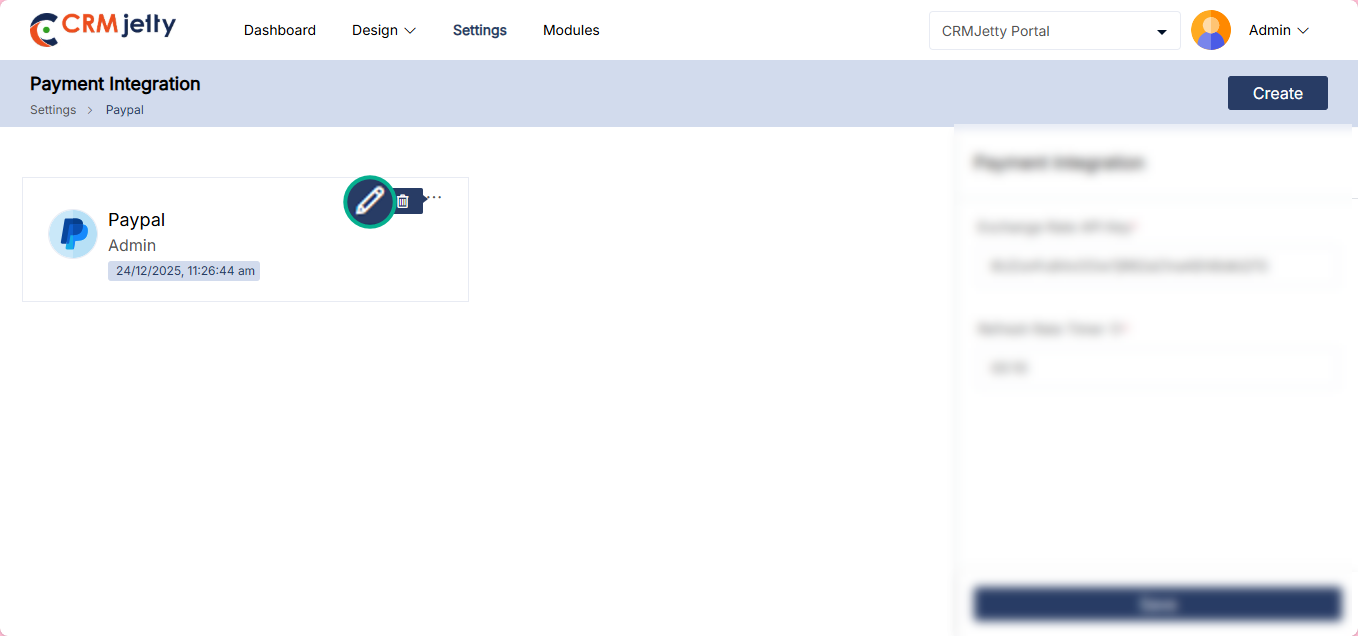
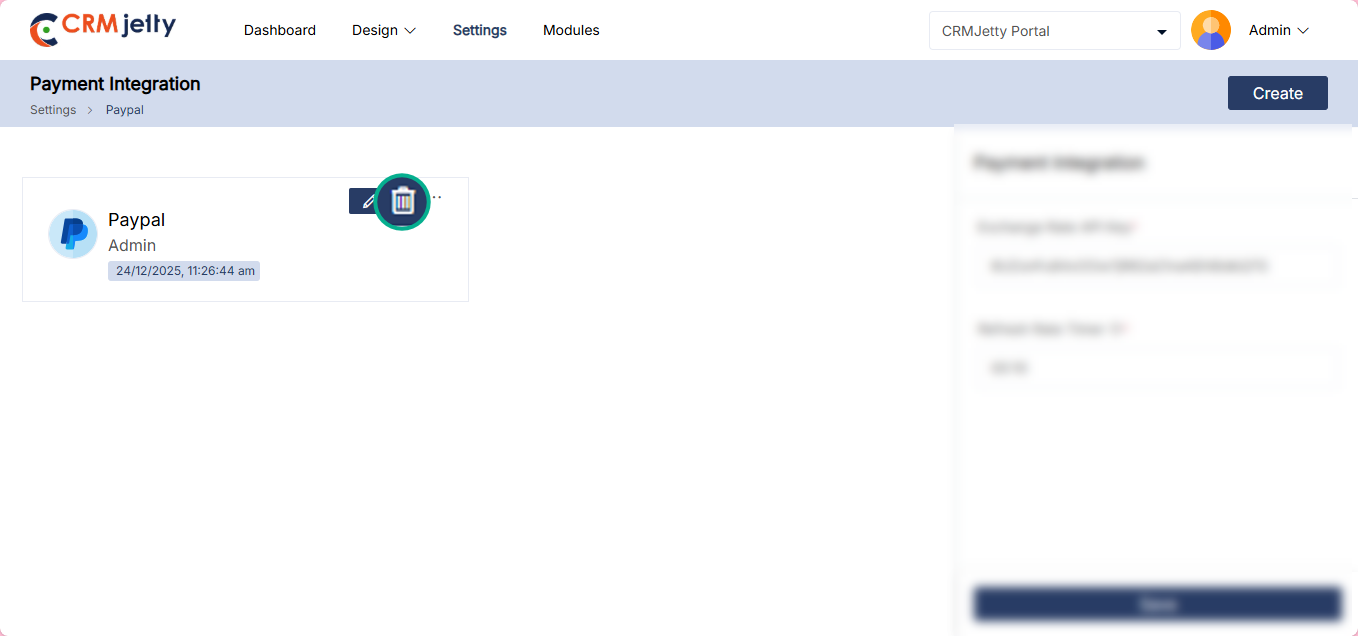
Stripe
Integrates CRMJetty with Stripe for seamless payment processing. Admin can handle billing, manage subscription services, and integrate payment data with CRMJetty.
– To integrate Stripe into the portal, the Admin should navigate to Settings > Integration > Stripe. [1]
– OTP Verification: On the Stripe page, the Admin will see an OTP verification screen. The Admin needs to enter the OTP received on the registered email ID. [2]
Note: Only the super Admin receives the OTP on their registered email ID.
Once the verification process is complete, the Admin needs to configure Stripe by entering the following details:
– Exchange Rate API Key: Enter the API key used to access exchange rate data for payment transactions. [3]
– Refresh Rate Timer: Set the interval at which the exchange rate data is refreshed. For example, a value of “3600” will set the refresh interval to one hour. [3]
Create New Account
By clicking on “Create” button, the Admin can configure Stripe payment integration by providing the following details:
– Account Name: Enter the name of the account to identify the integration. [4]
– Secret Key: Provide the secret key associated with your Stripe account. [4]
– Publishable Key: Enter the publishable key provided by Stripe. [4]
– Select Environment: Choose the environment, such as Test or Live, for the integration. [4]
– Enable ACH Payment : Allow users to pay directly from a bank account through stripe. [4]
– Add Webhook Secret Key : Enter Secret key to verify the payment [4]
Editing Account Details
When the Admin clicks the Edit icon, a side panel will slide open. This panel allows the Admin to modify the Stripe account details as required. After making the updates, the Admin can save the changes by clicking the “Save” button. [5]
Deleting an Account
To delete a Stripe account, the Admin can click the Delete icon. This action will trigger a warning pop-up, prompting the Admin to confirm the deletion. By selecting “Ok”, the account will be permanently removed. If the Admin chooses not to proceed, clicking the “Cancel” button will close the pop-up and retain the account. [6]
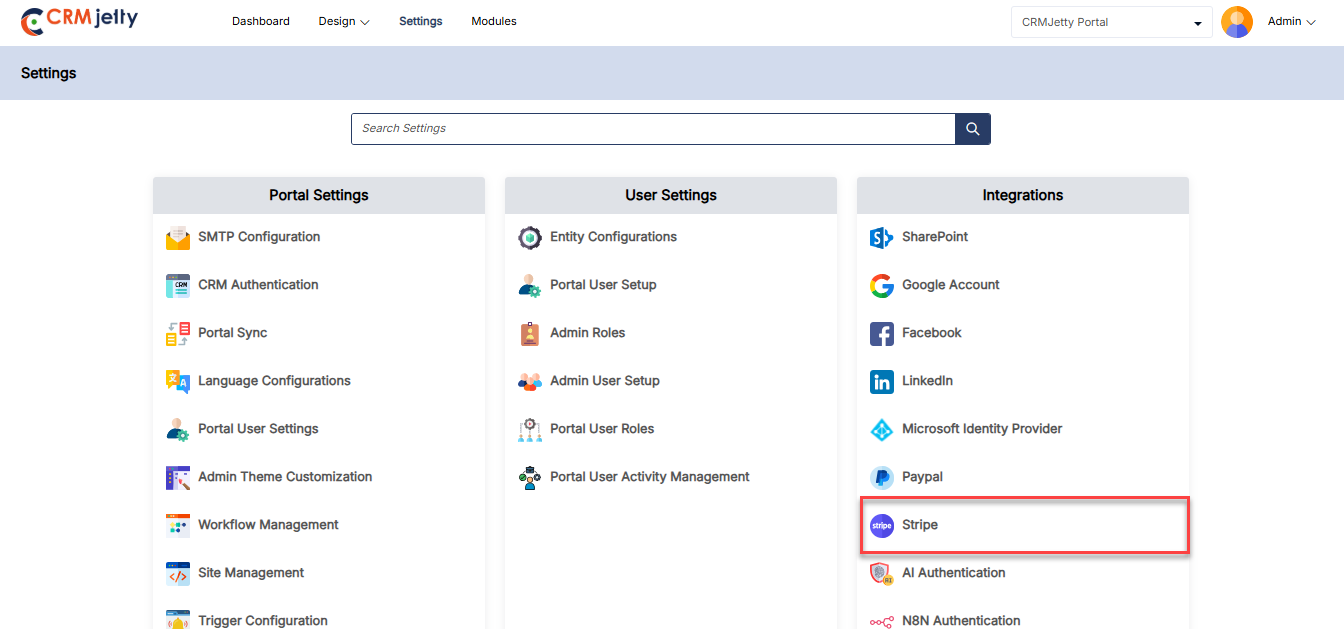
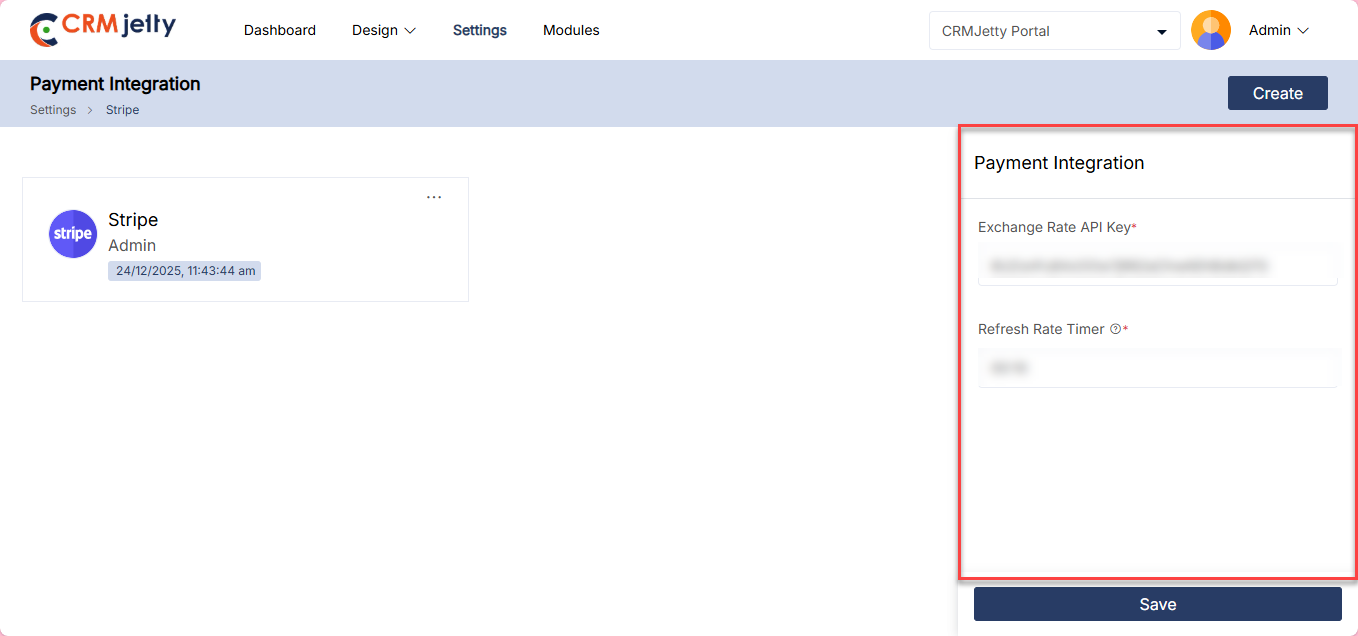
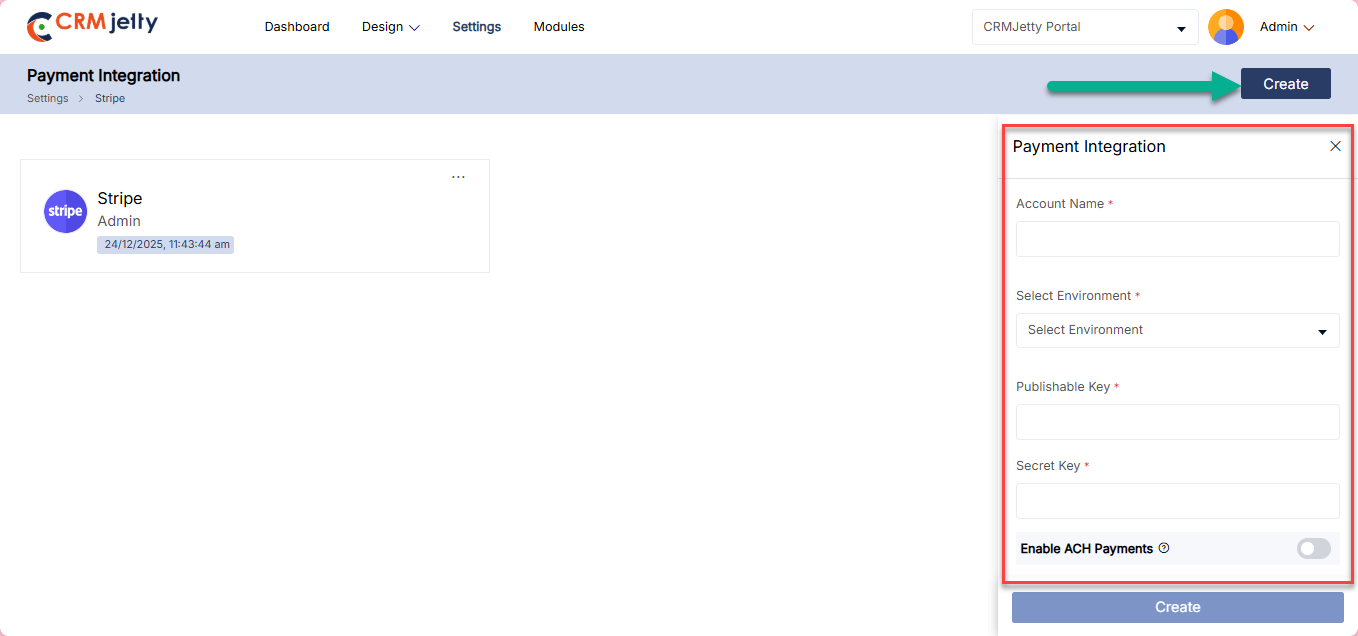
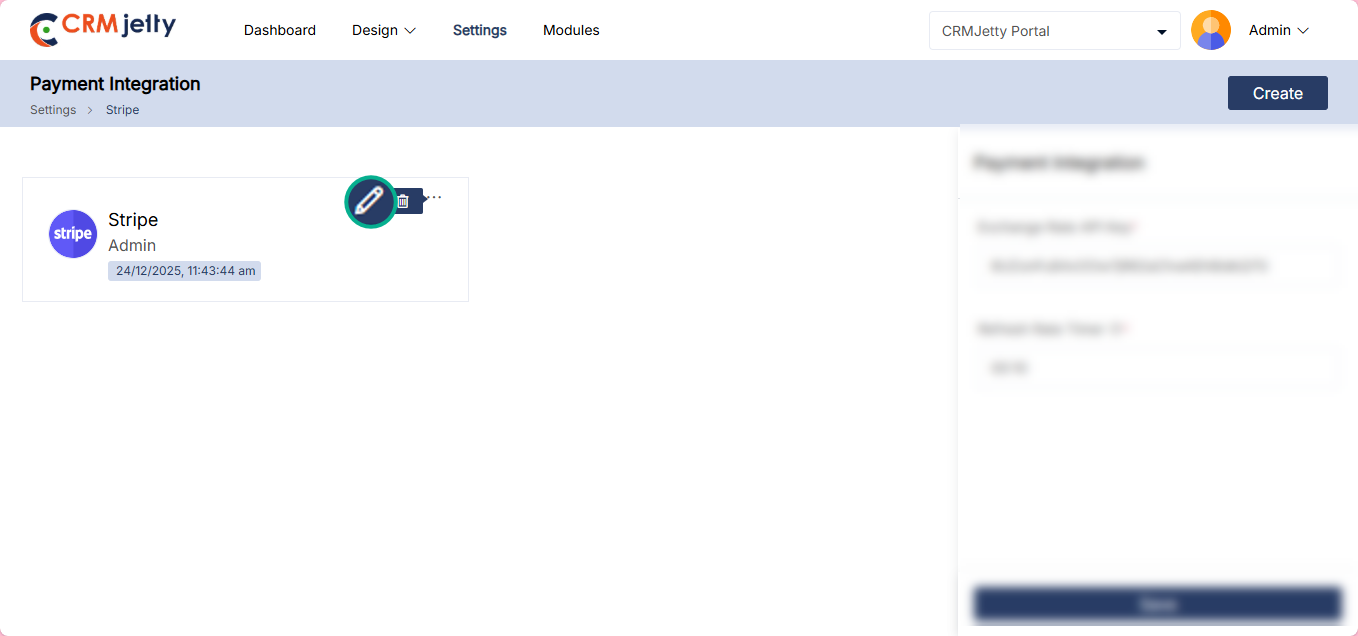
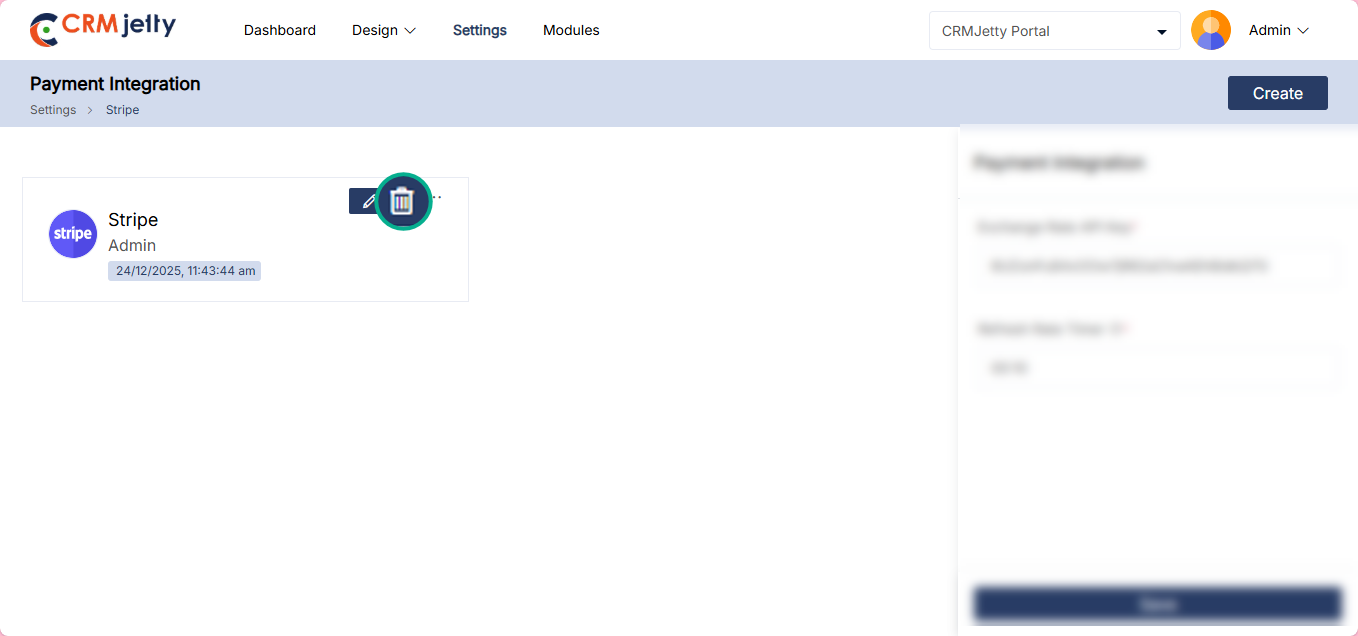
N8N Authentication
Authenticates CRMJetty with n8n to enable module creation using any third party source data.
To integrate Stripe into the portal, the Admin should navigate to Settings > Integration > N8N Authentication. [1]
OTP Verification: On the Stripe page, the Admin will see an OTP verification screen. The Admin needs to enter the OTP received on the registered email ID. [2]
Note: Only the super Admin receives the OTP on their registered email ID.
Here Configure the following fields: [3]
– Secret Key: Add a secret key for JWT token generation.This secret key will be used with the HS256 algorithm to sign and verify your token
– Webhook Base URL: Enter Base URl for the N8N webhooks.
Test connection: By clicking on the “Test Connection” button the portal verifies whether the entered credentials are correct or not. [4]
Connection Status:
Connected: If the connection is successful, then the Admin can see the success token message on the right side of the page.
Not connected: If the connection is unsuccessful, the Admin should verify that all details – such as the Secret Key and Webhook URLt – are entered correctly. If the issue persists, the Admin should contact the CRM authorized person for further assistance.
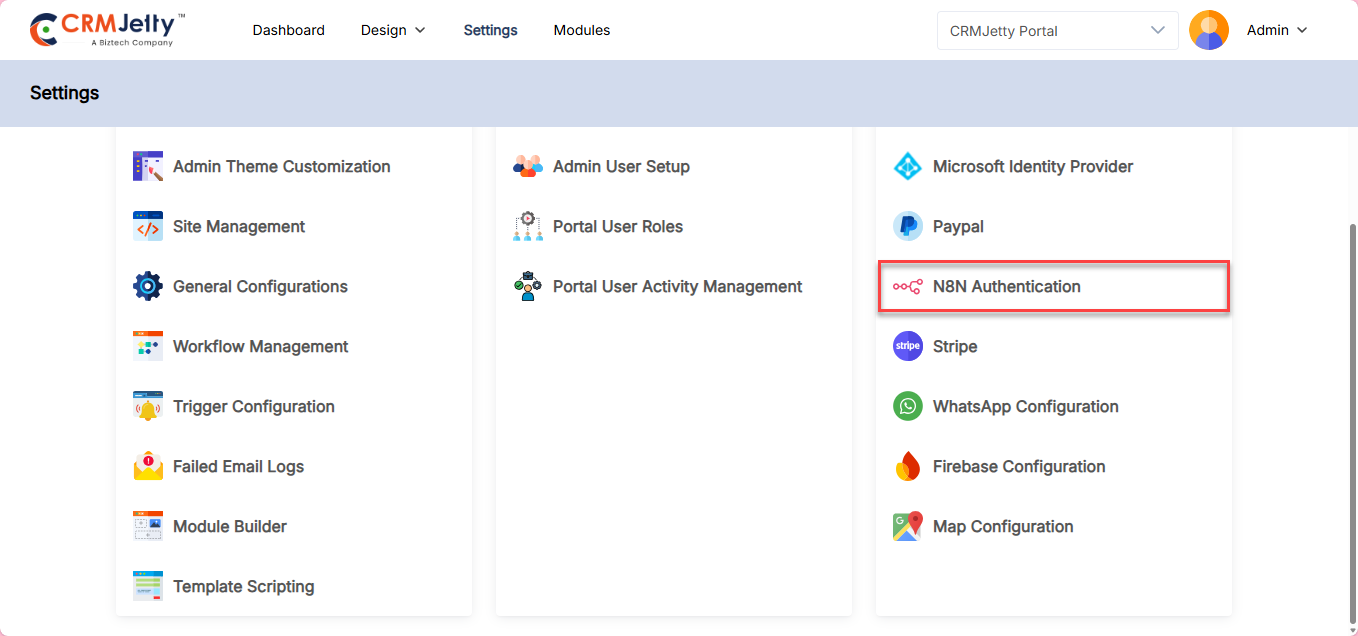
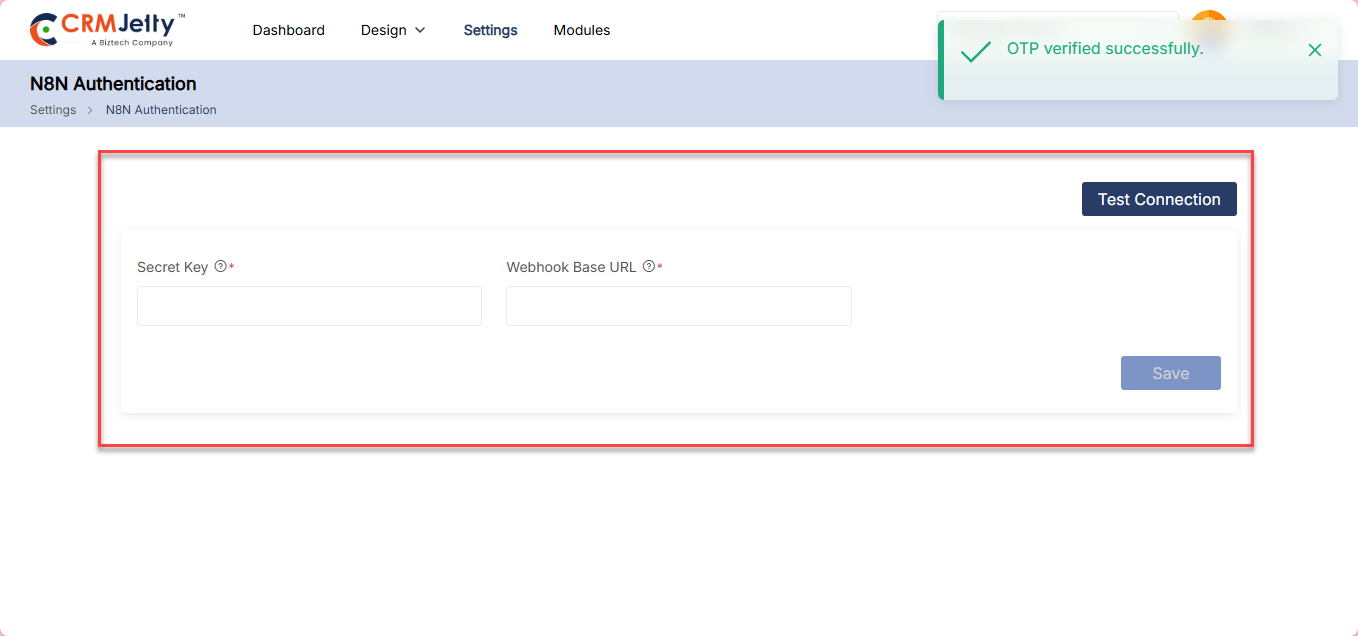
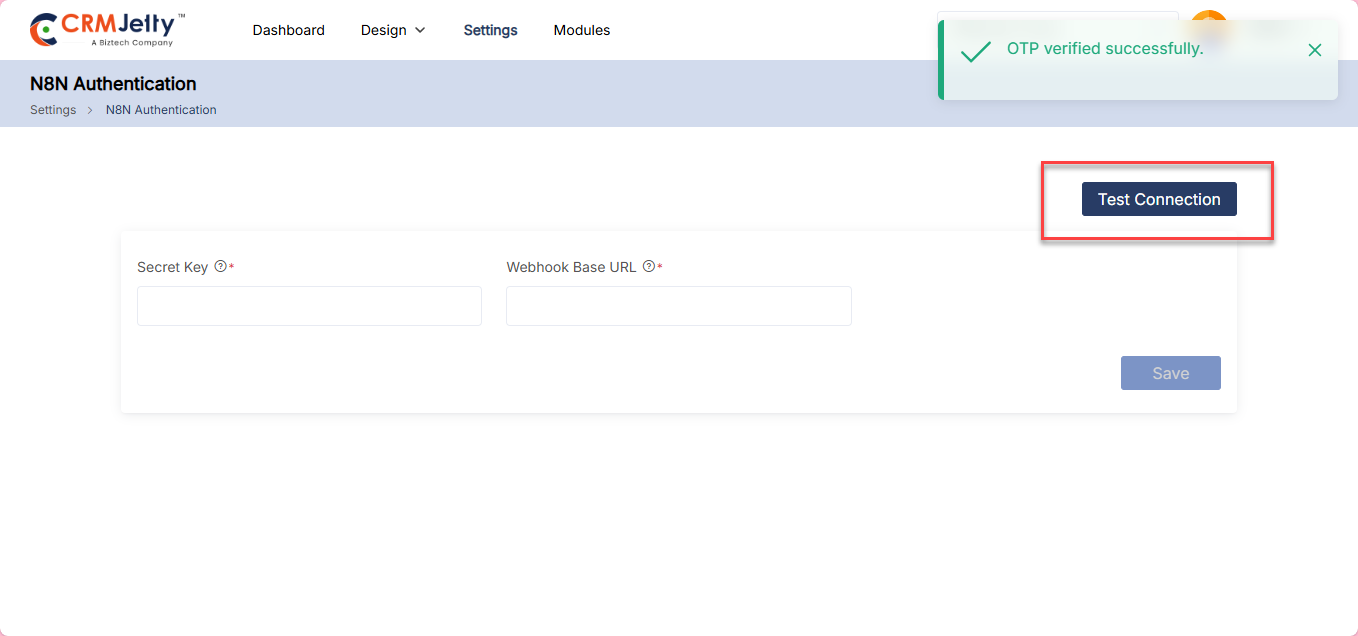
WhatsApp Configuration
Configures WhatsApp in CRMJetty to send notifications when forms are submitted or other actions are performed. Administrators can manage notification settings, automate alerts, and ensure timely communication through WhatsApp.
To integrate Stripe into the portal, the Admin should navigate to Settings > Integration > WhatsApp Configuration. [1]
OTP Verification: On the Stripe page, the Admin will see an OTP verification screen. The Admin needs to enter the OTP received on the registered email ID. [2]
Note: Only the super Admin receives the OTP on their registered email ID.
Here Configure following fields to setup the WhatsApp configuration: [3]
– Phone Number ID: Enter the WhatsApp Business Phone Number ID from Meta Business Suite.
– API Version: Enter the WhatsApp API version (e.g., v21.0, v22.0).
– Access Token: Enter the access token from Meta Business Suite.
Test connection: By clicking on the “Test Connection” button the portal verifies whether the entered credentials are correct or not. [4]
Connection Status:
Connected: If the connection is successful, then the Admin can see the success token message on the right side of the page.
Not connected: If the connection is unsuccessful, the Admin should verify that all details – such as the Secret Key and Webhook URLt – are entered correctly. If the issue persists, the Admin should contact the CRM authorized person for further assistance.
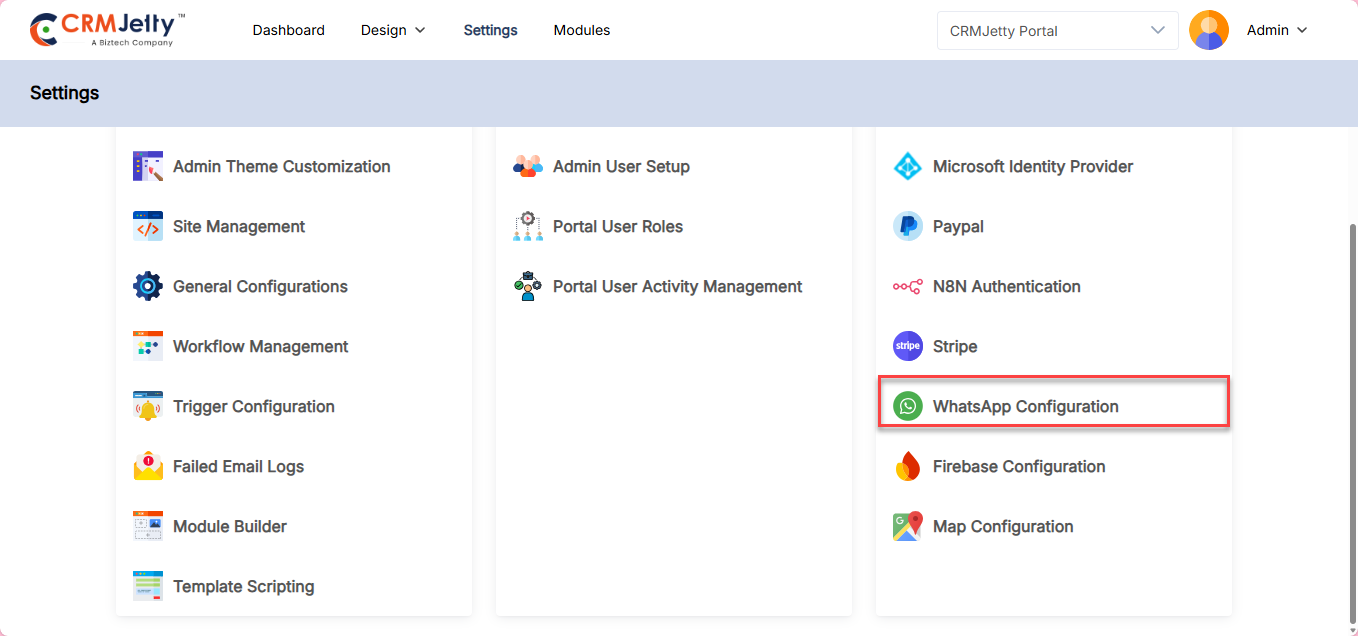
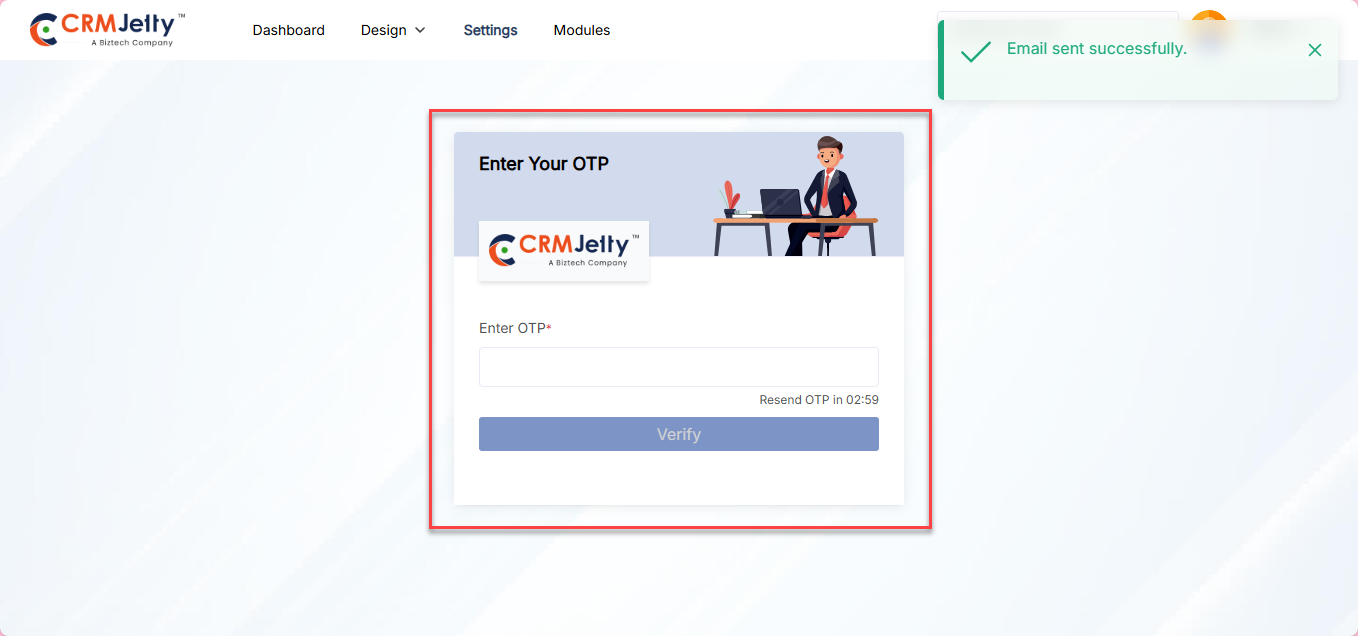
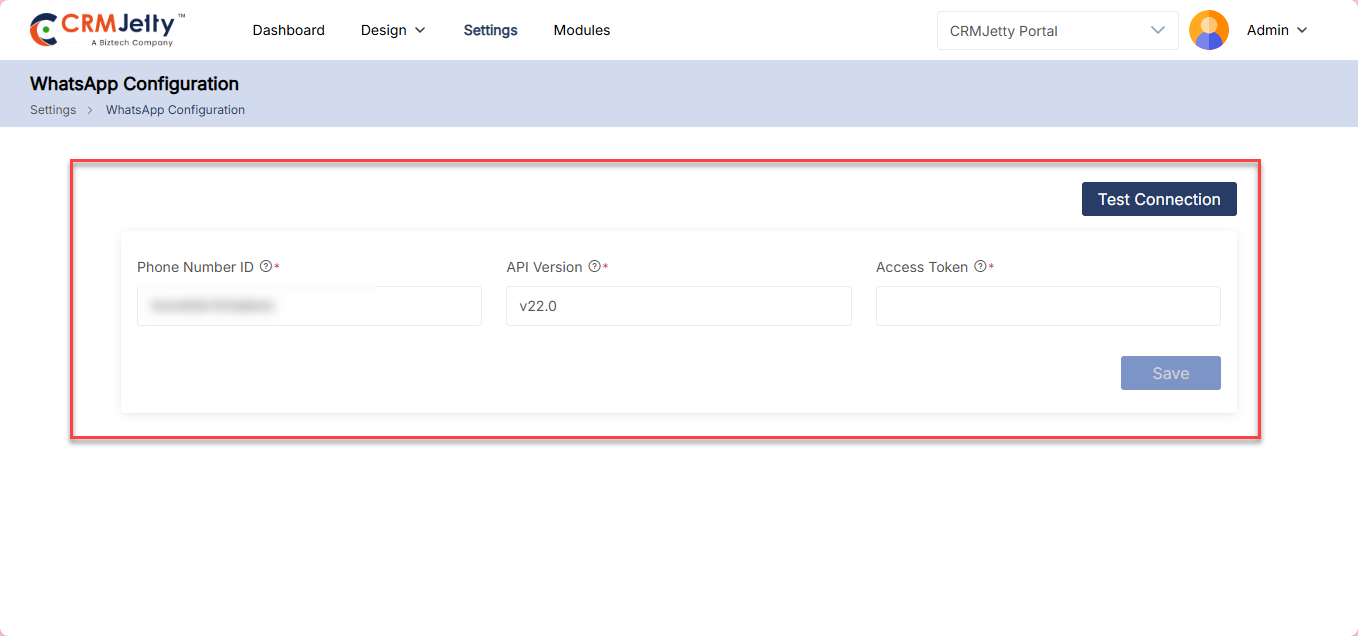
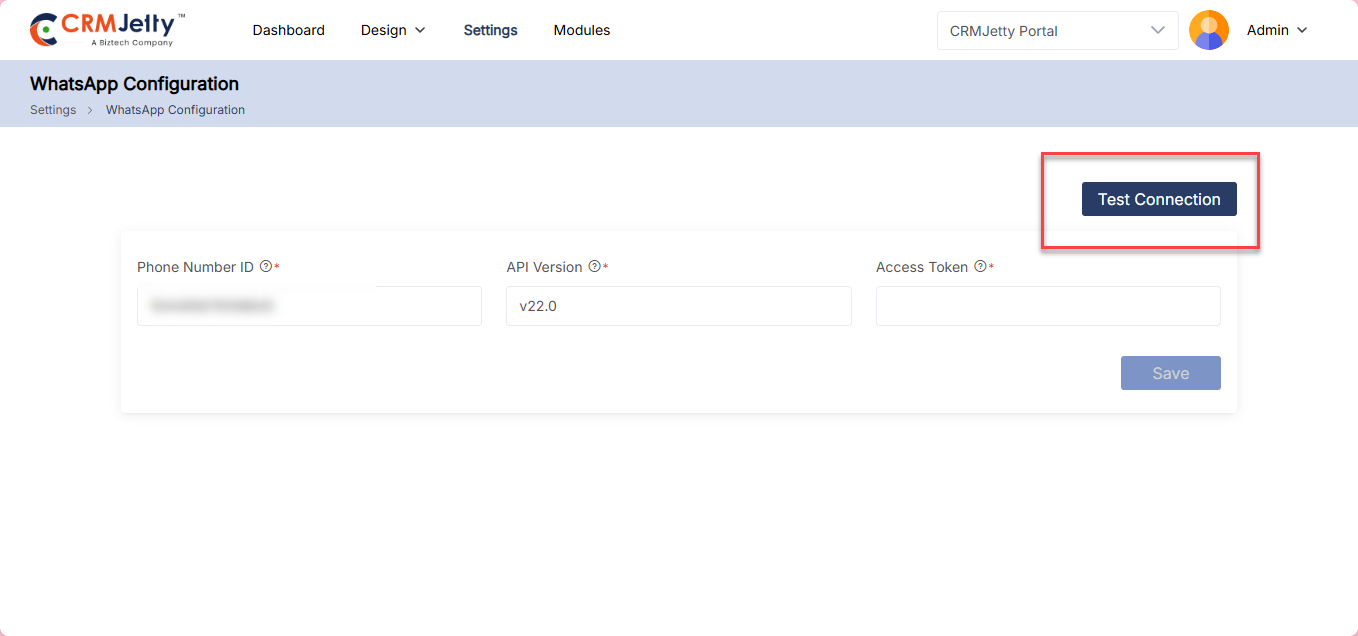
FireBase Configuration
Integrates Firebase with CRMJetty to enable real-time data synchronization, authentication, and notification services.
To integrate Stripe into the portal, the Admin should navigate to Settings > Integration > FireBase Configuration. [1]
OTP Verification: On the Stripe page, the Admin will see an OTP verification screen. The Admin needs to enter the OTP received on the registered email ID. [2]
Note: Only the super Admin receives the OTP on their registered email ID.
Service Account (Server-Side)
Here Configure the following fields to setup configuration on server side:
– Project ID: Enter your Firebase Project ID from Firebase Console.
– Client Email: Enter the client email from the Firebase Service Account JSON file.
– Private Key: Enter the private key from the Firebase Service Account JSON file. [3]
Web Configuration (Client-Side)
– App ID : Enter your Firebase App ID from Project Settings.
– Messaging Sender ID: Enter the Messaging Sender ID from Firebase Project Settings.
– API Key: Enter your Firebase Web API Key from Project Settings.
– VAPID Key: Enter your Firebase Cloud Messaging VAPID key for web push notifications. [4]
Test connection: By clicking on the “Test Connection” button the portal verifies whether the entered credentials are correct or not. [4]
Connection Status:
Connected: If the connection is successful, then the Admin can see the success token message on the right side of the page.
Not connected: If the connection is unsuccessful, the Admin should verify that all details – such as the Secret Key and Webhook URLt – are entered correctly. If the issue persists, the Admin should contact the CRM authorized person for further assistance.
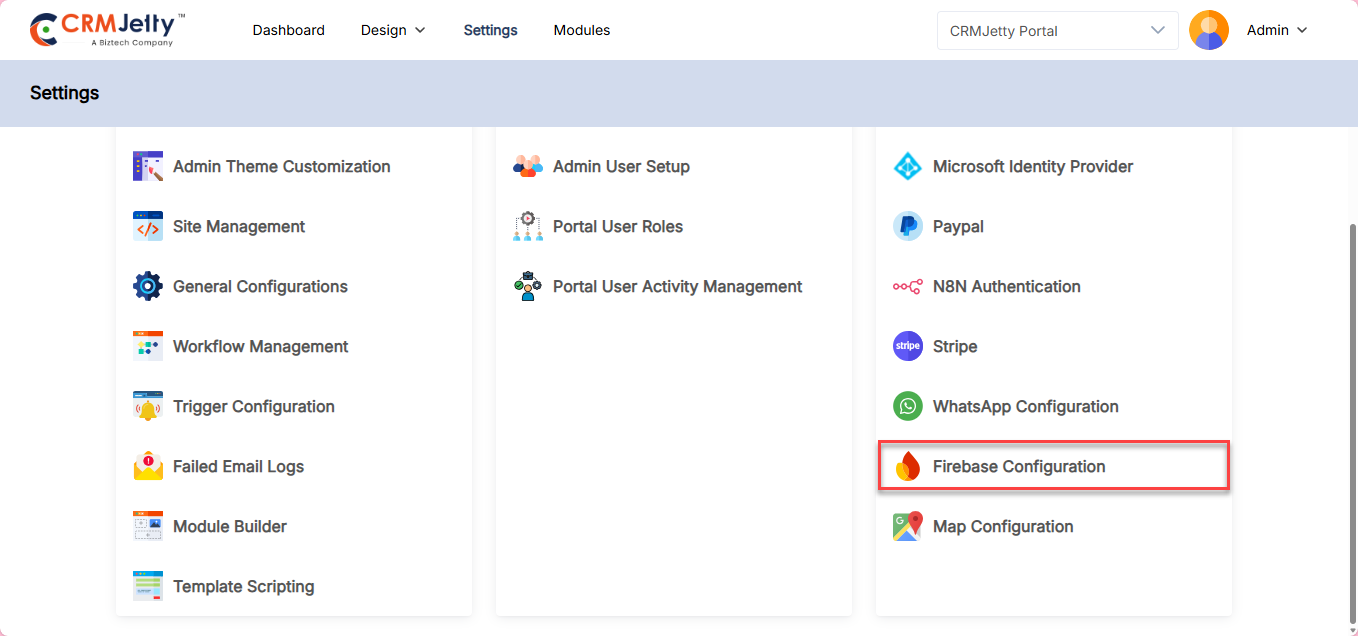
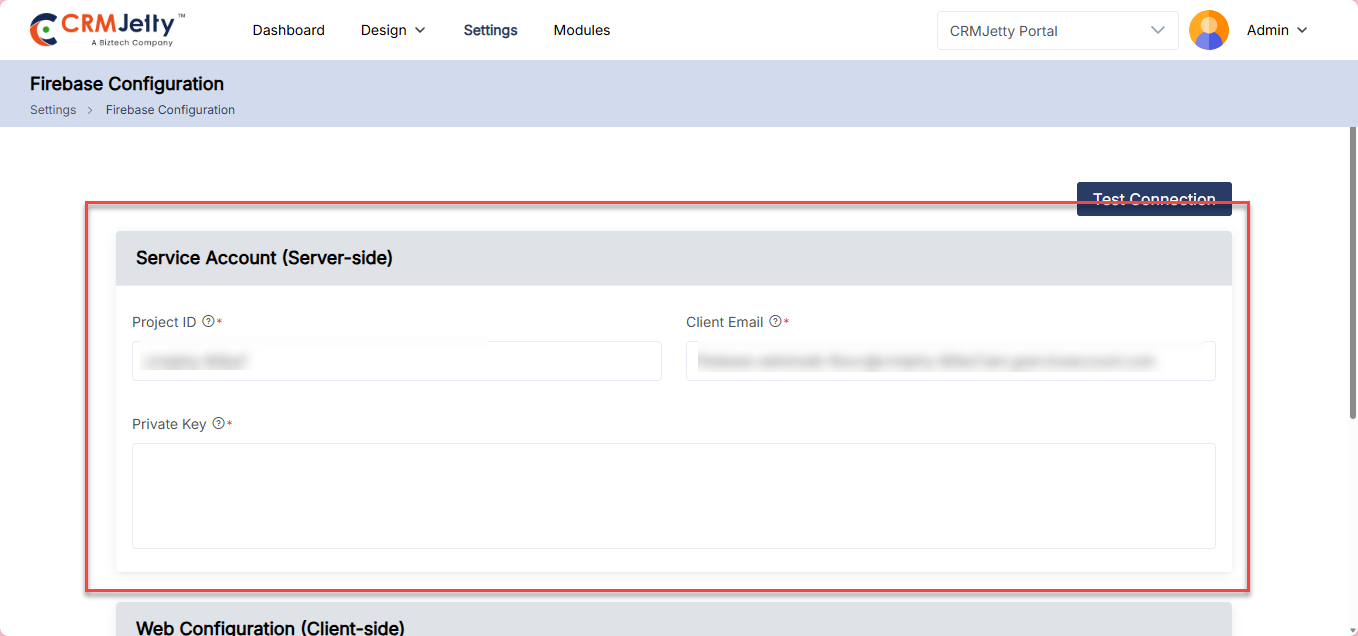
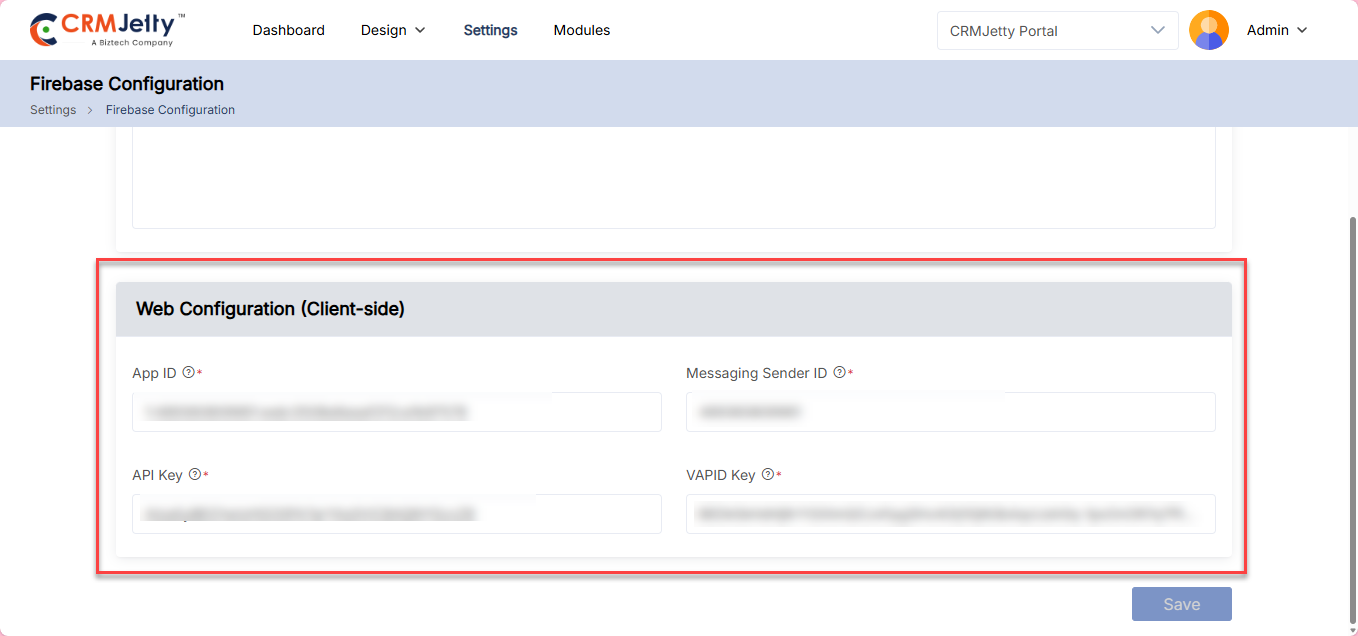
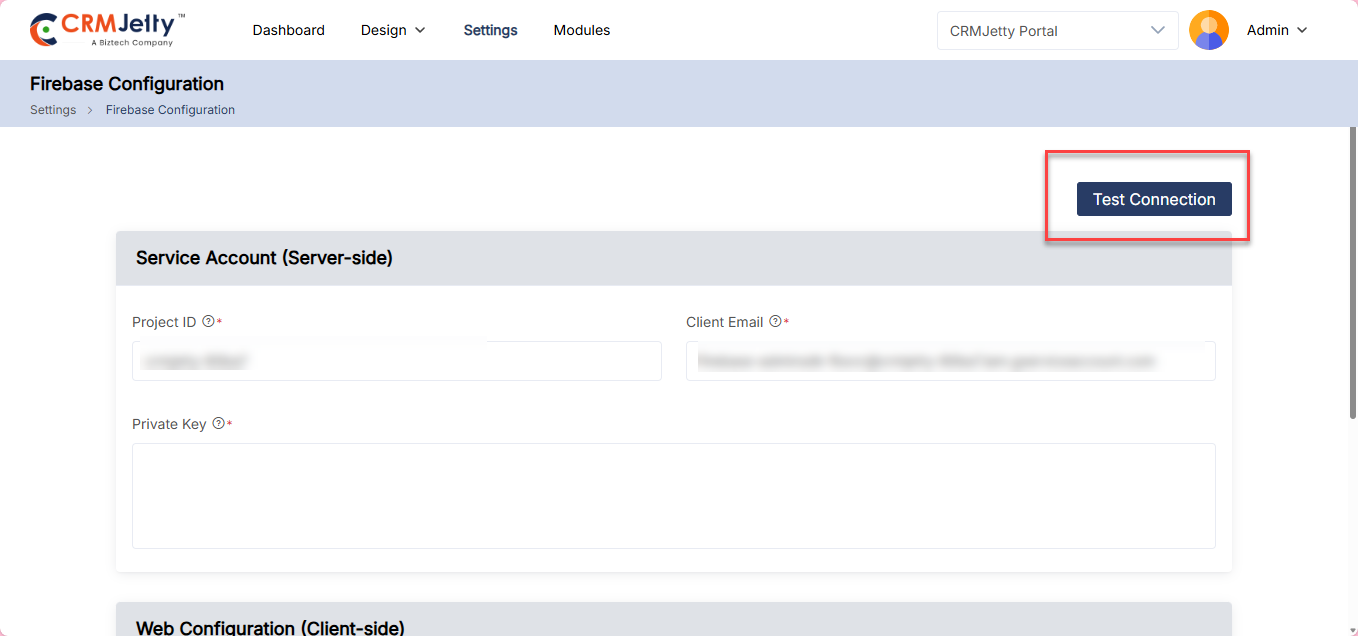
Map Configuration
Integrates map functionality with CRMJetty to display records in map view in list view, and subgrid. Administrators can configure location-based data visualization for better tracking, navigation, and user interaction.
To integrate Stripe into the portal, the Admin should navigate to Settings > Integration > Map Configuration. [1]
OTP Verification: On the Stripe page, the Admin will see an OTP verification screen. The Admin needs to enter the OTP received on the registered email ID. [2]
Note: Only the super Admin receives the OTP on their registered email ID.
Test connection: By clicking on the “Test Connection” button the portal verifies whether the entered credentials are correct or not. [4]
Connection Status:
Connected: If the connection is successful, then the Admin can see the success token message on the right side of the page.
Not connected: If the connection is unsuccessful, the Admin should verify that all details – such as the Secret Key and Webhook URLt – are entered correctly. If the issue persists, the Admin should contact the CRM authorized person for further assistance.
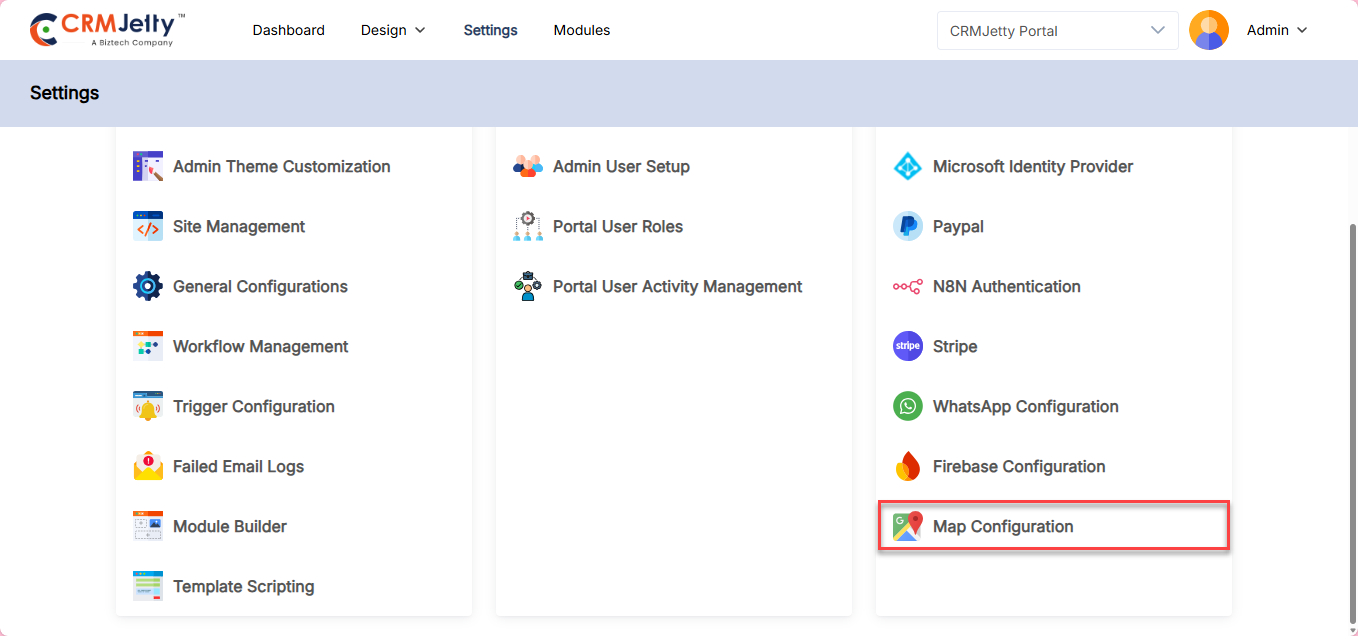
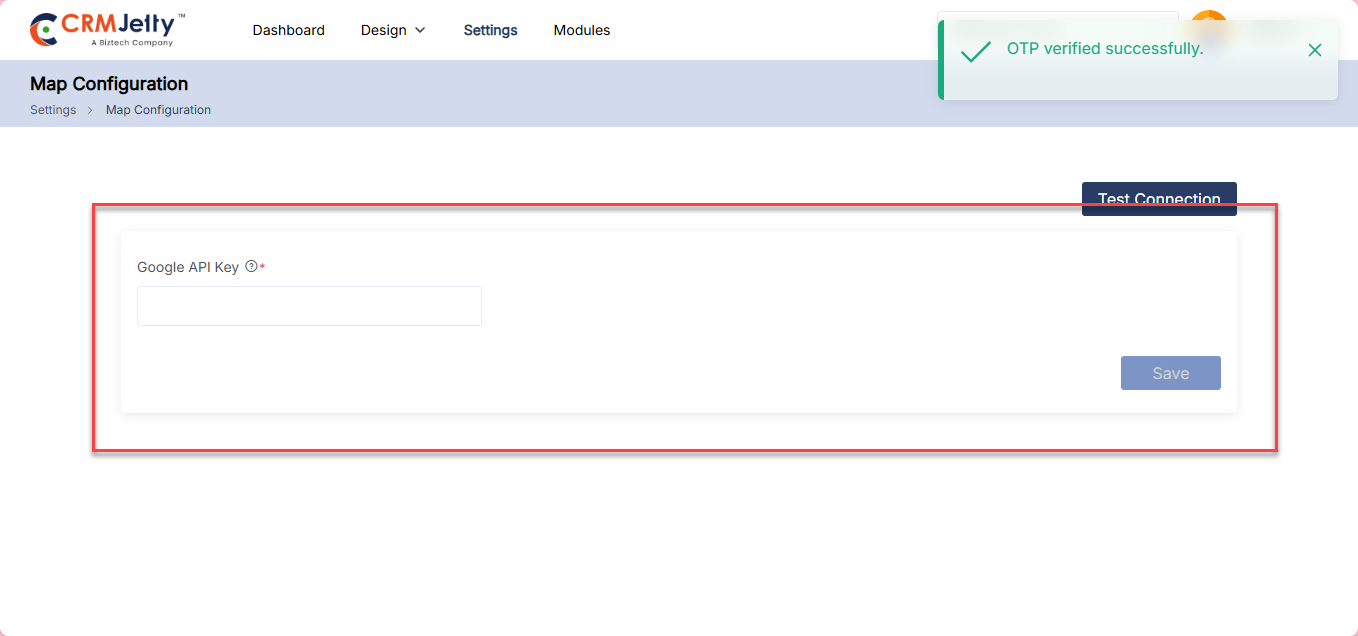
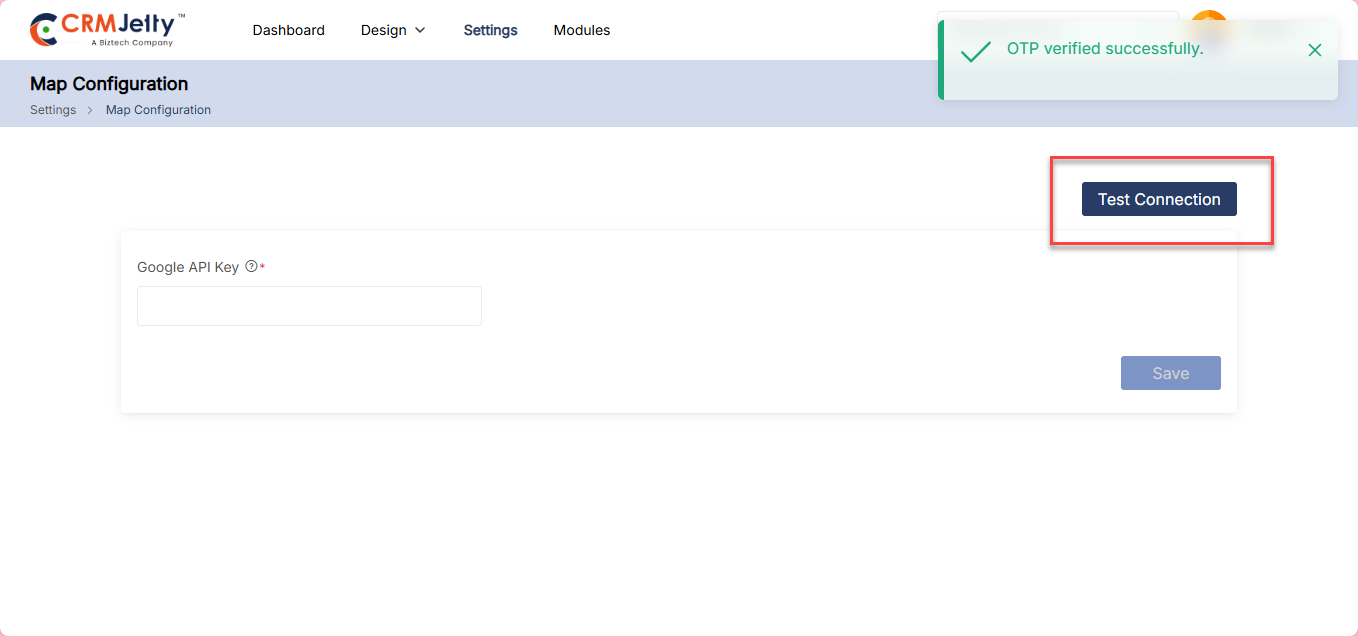
Pages
– Export Process: In the Page module, clicking the “Export Page” button on the individual page, starts the export process and triggers the file download.[1]
– In the export file the system includes all the components associated with the selected page:
– Version: Portal Version
– CRM Connector: Includes the CRM connector associated with the page.
– CRM Object/Entity: Associated CRM objects/entities and their widgets.
– CRM Fields: Fields used in the widgets and their configurations.
– Relationships: All relationships are tied to the page and its widgets.
– Roles: Any roles associated with the widget/page.
– Workflows: Workflows linked to the widget/page.
– Email Templates: Templates associated with the widget/page.
– CRM Views: Applicable in case of “Use Existing” scenarios.
– Record Type: Any record type associated with the widget.
– Widget Configuration: Any widget and its configuration for the page.
– Forms: Dependent forms selected in widgets.
– Form Widgets: Dependent forms selected in subgrid configurations.
– List: Dependent lists selected in widgets.
– Menus: Dependent menus selected in widgets
– After successful export, show a notification confirming completion “Export completed successfully.”.[2]
– Import Process: To import the page click on the Import Button located at the top of the Page module. This action opens the import page. Click on the Import Page button and upload the exported file from the local storage. [3]
Once the file is uploaded, the system will automatically begin the import and perform the following validations:[4]
– CRM Connector: Validate the existence and configuration of the CRM connector associated with the page.
– CRM Objects/Entities, Fields, and Relationships: Validate that the objects/entities, fields, and relationships are correctly mapped.
– Integration Validations: Verify if external integrations like Box, SharePoint, PayPal, Stripe, Person Account, Knowledge Base (KB), or Case Deflection are configured properly.
– Payment Configuration: If any widget or page requires payment setup and it is not configured, prompt the user to complete the payment configuration.
– Workflows: Validate that the workflows associated with the page or widgets exist and are properly mapped.
– Roles: Validate that the roles linked to the page or widget exist in the system.
– Email Templates: Validate the email templates tied to the page or widget.
– CRM Views: Map the CRM views in “Use Existing” scenarios if they do not already exist.
– Record Type: Map the record type associated with the widget if it does not exist in the CRM.
– If the page being imported has a specific usage of language the table will be divided into 2 columns (Sandbox languages and CRMJetty Languages).[5]
– After successful import, display a summary list of newly created or imported pages.[6]
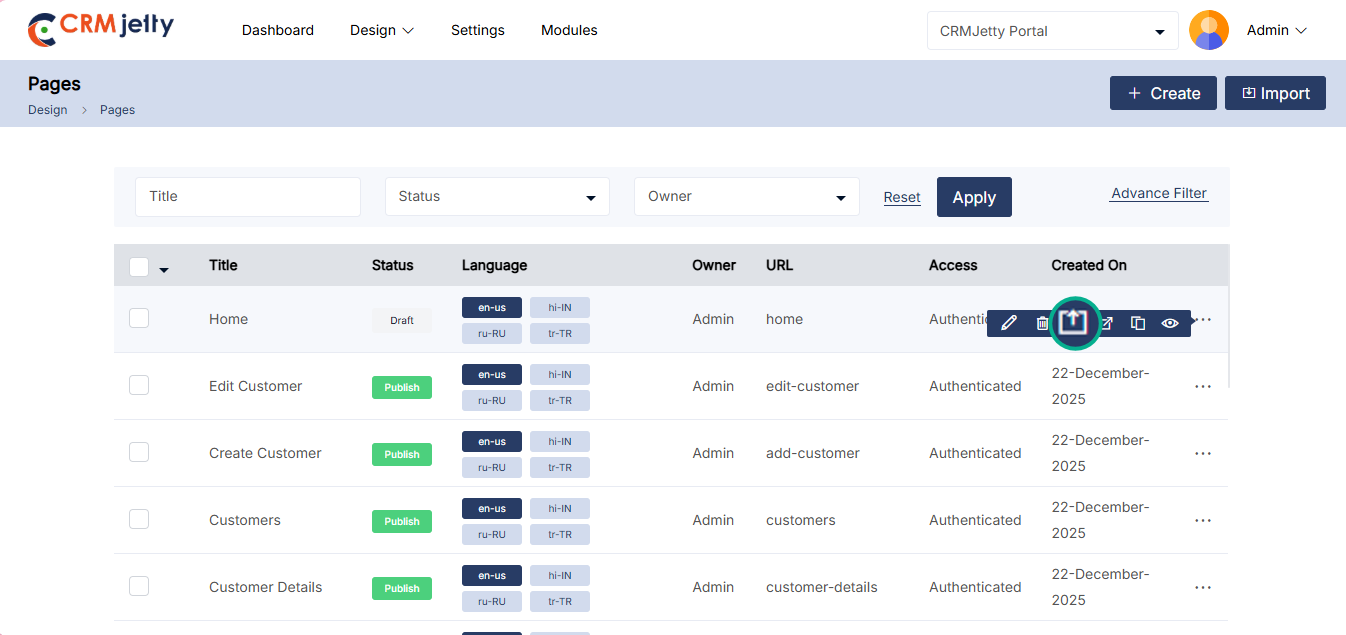
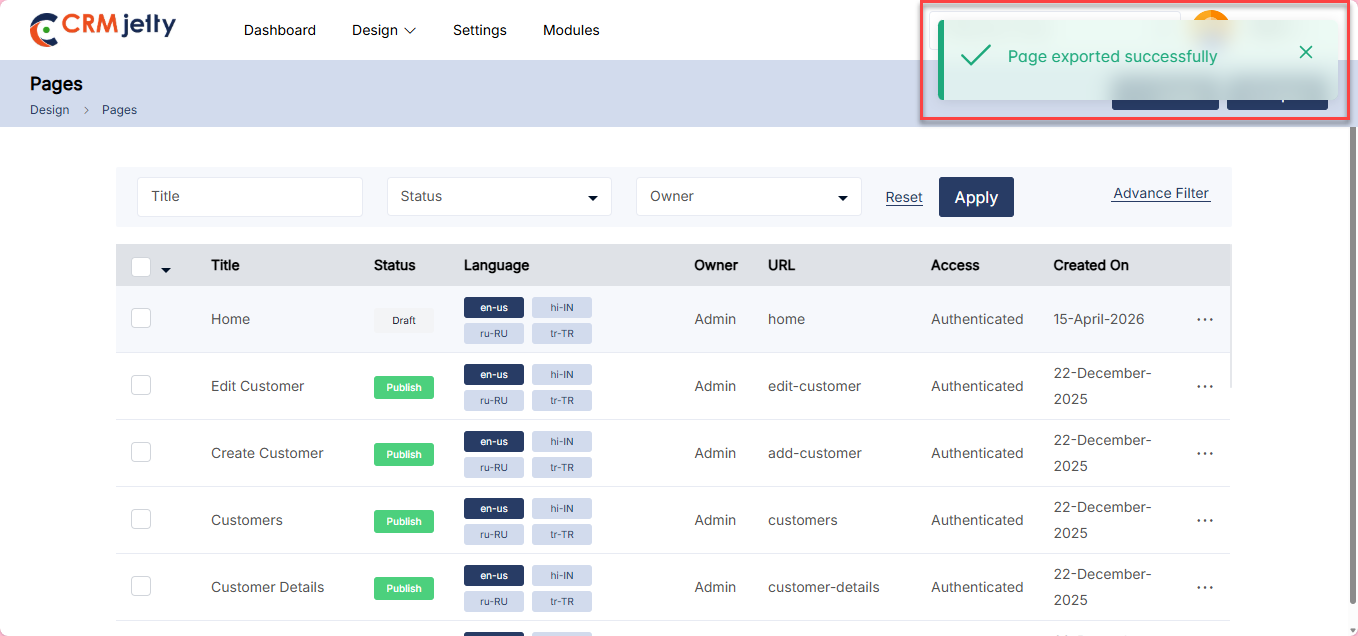
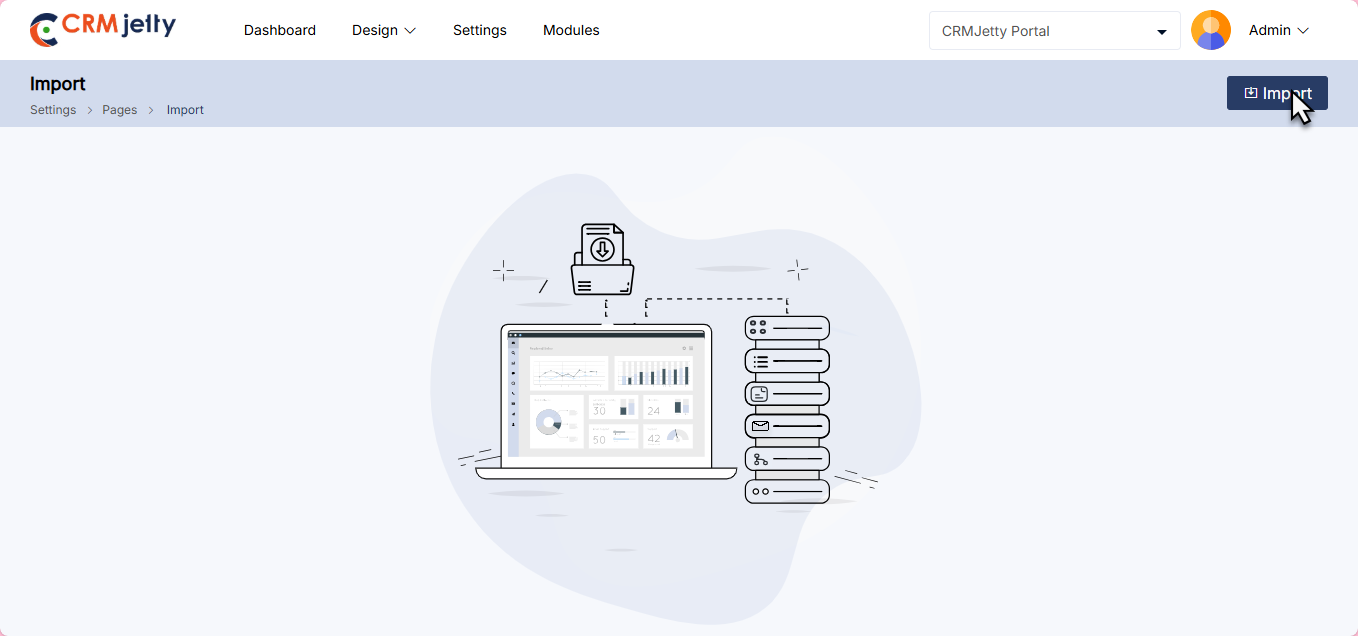
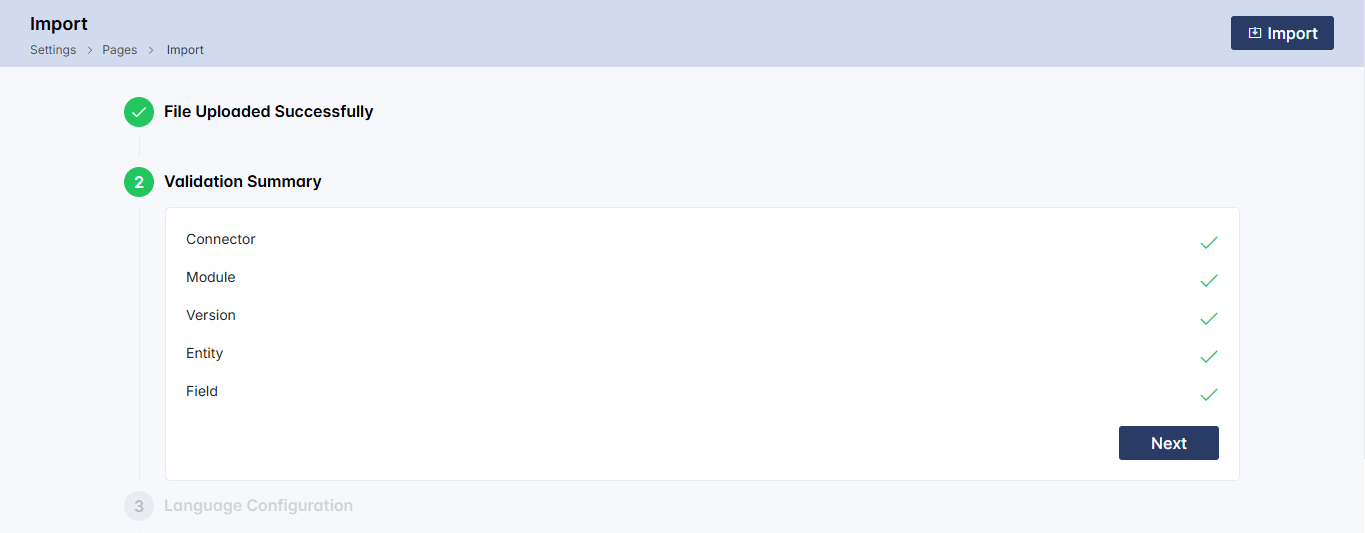
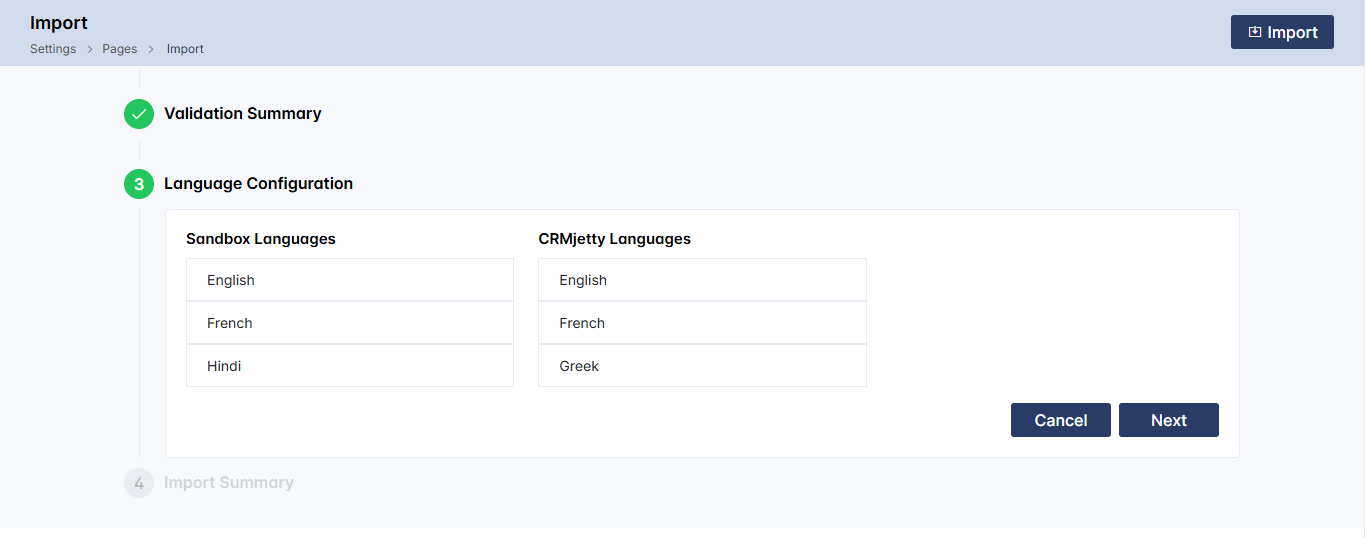
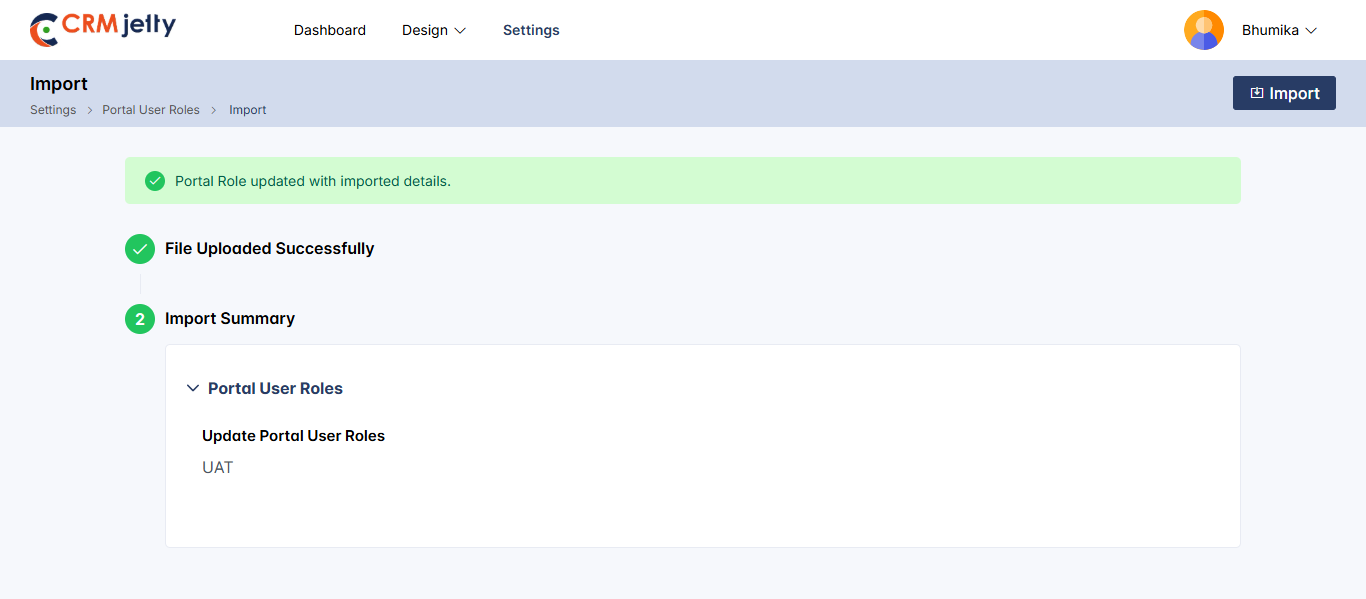
Roles
– Export Roles: To export roles, navigate to Portal User Roles. Click the three dots (…) next to the respective role and select the Export option. The system will automatically include the following details for the selected role:
– Role ID: The unique identifier for the role.
– Role Name: The name of the role being exported.
– Permissions: All permissions (e.g., Add, Edit, Delete, List) assigned to the role[7].
– Import Process: To import a role, click the Import button located at the top beside the Create button. This action opens the import page, where you need to click the Import Role button and upload the previously exported file from your local storage.[08]
– Once the file is uploaded, the system automatically begins the import process and performs the following validations:
– If the Role ID from the imported file matches an existing role in the system, the existing role will be overwritten.
– Action: The system updates the existing role with the permissions and user assignments contained in the imported file.[09]
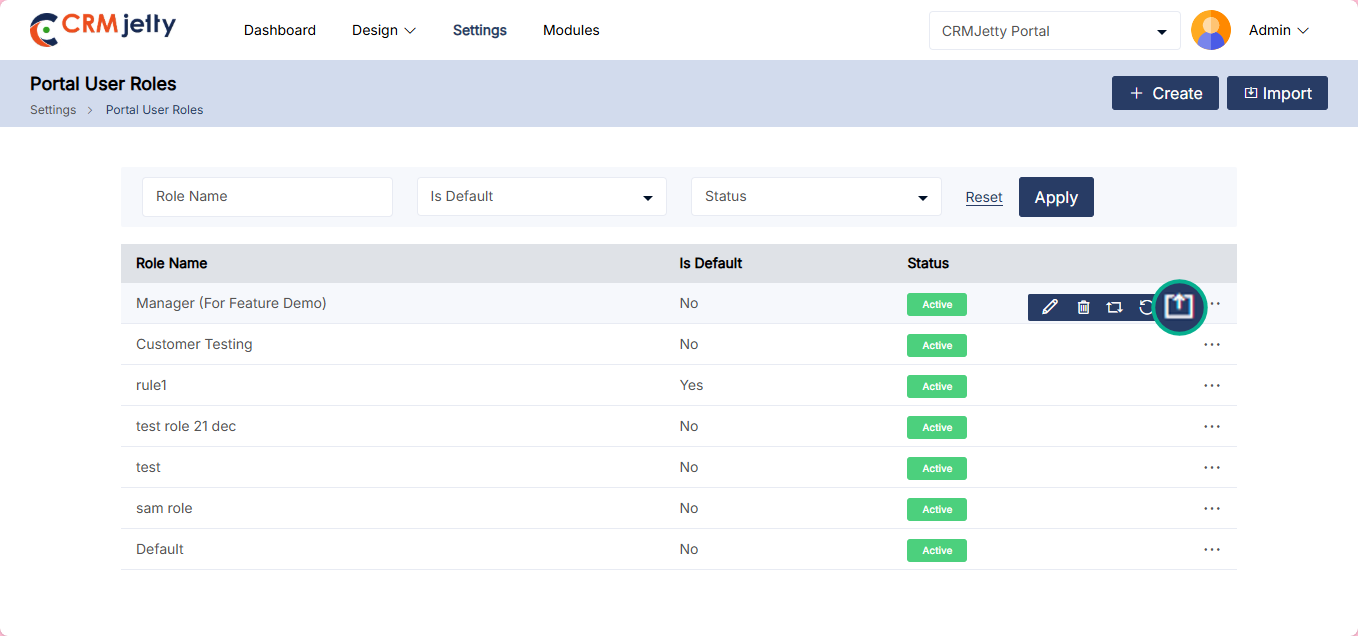
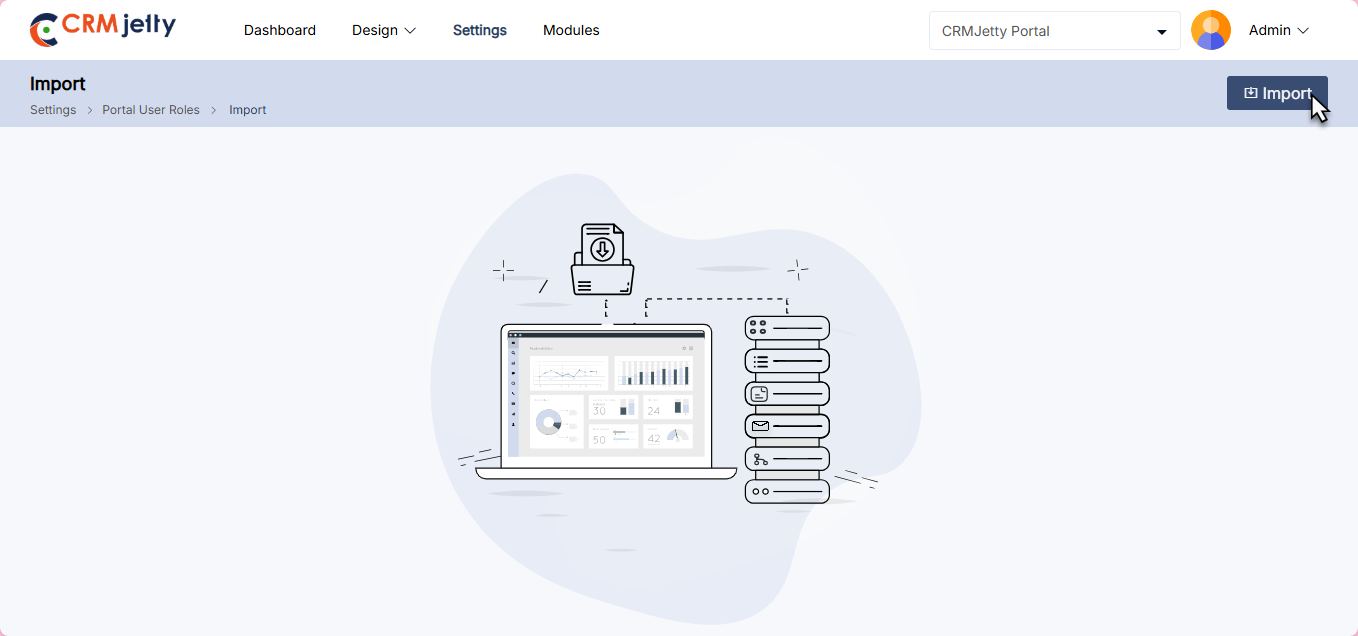
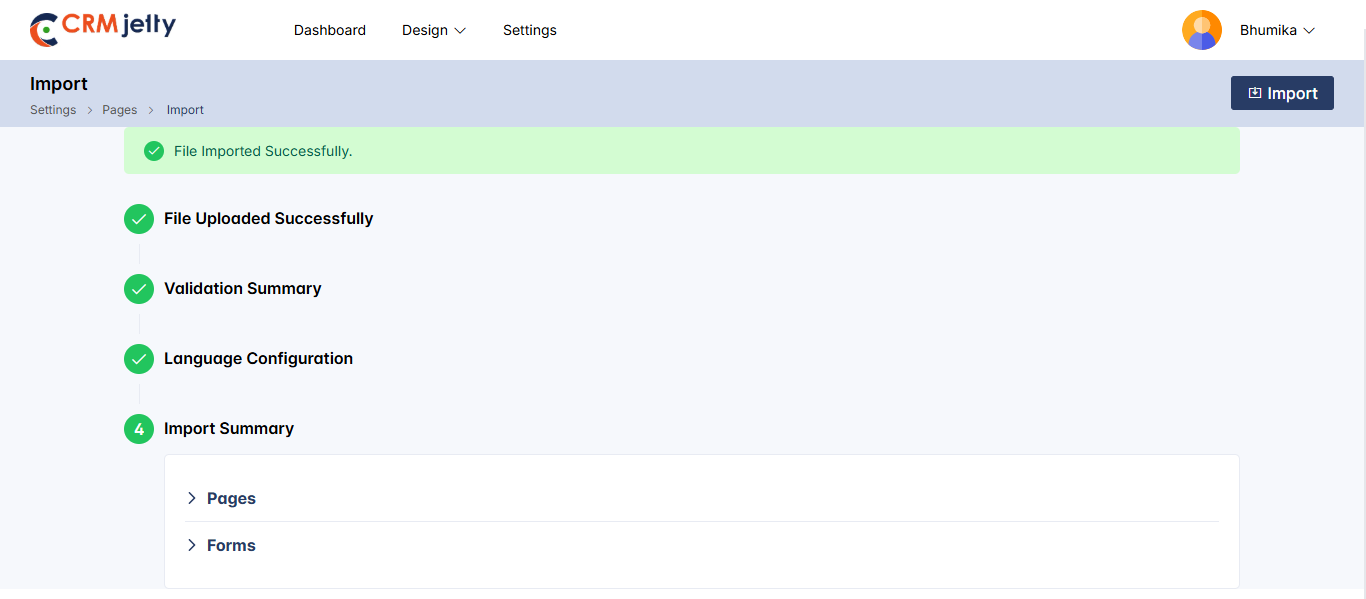
WorkFlow
Export Process: To export a workflow, navigate to the Workflow Management module. Locate the desired workflow, click the three dots (…) beside it, and select the Export option.[10]
– The system automatically includes the following details for the selected workflow:
– Workflow ID: The unique identifier for the workflow.
– Workflow Name: The name of the workflow being exported.
– Triggers: All triggers (e.g., on create, update, delete) associated with the workflow.
– Import Process : To import a workflow, click the Import button located at the top beside the Create button.This action opens the import page, where you must click the Import Workflow button and upload the exported file from your local storage.[11]
– Once the file is uploaded, the system will automatically begin the import and perform the following validations:
– If the Workflow ID from the imported file matches an existing workflow in the system.
– Action: The system updates the existing workflow with triggers and actions from the imported file.[12]
– Workflow Name: The name of the workflow being exported.
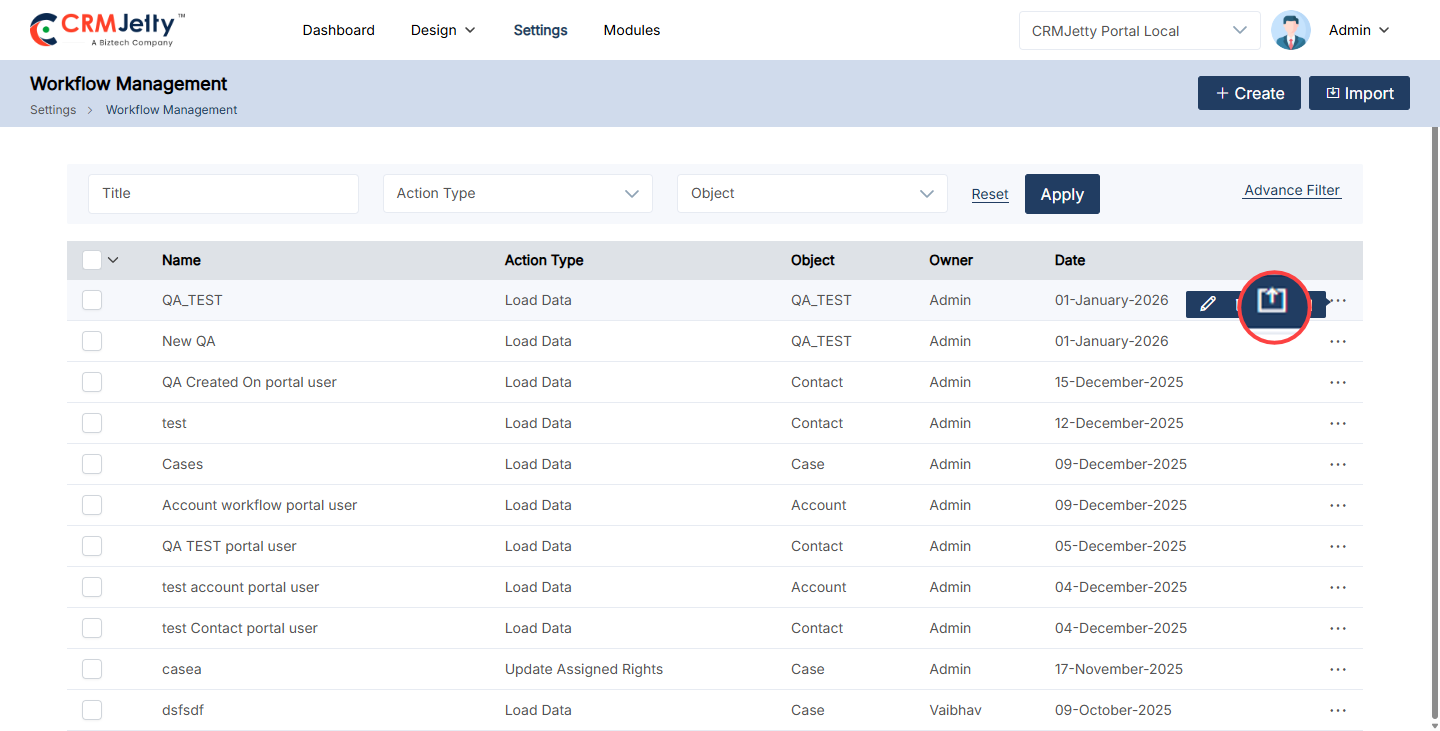
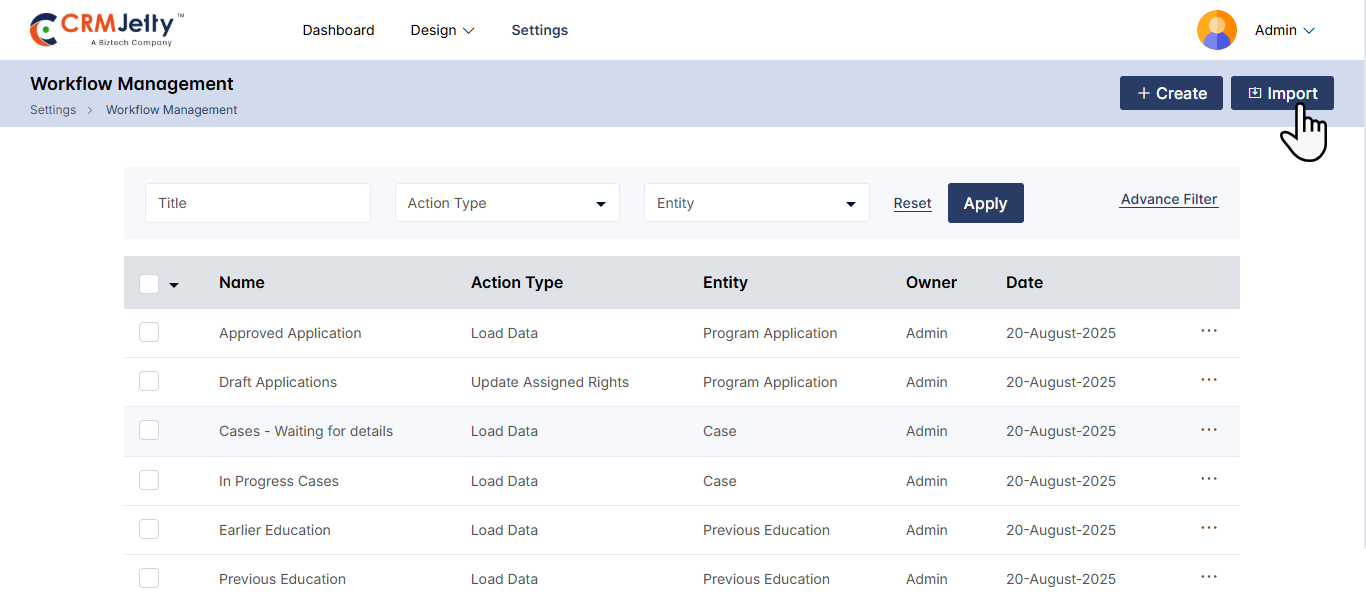
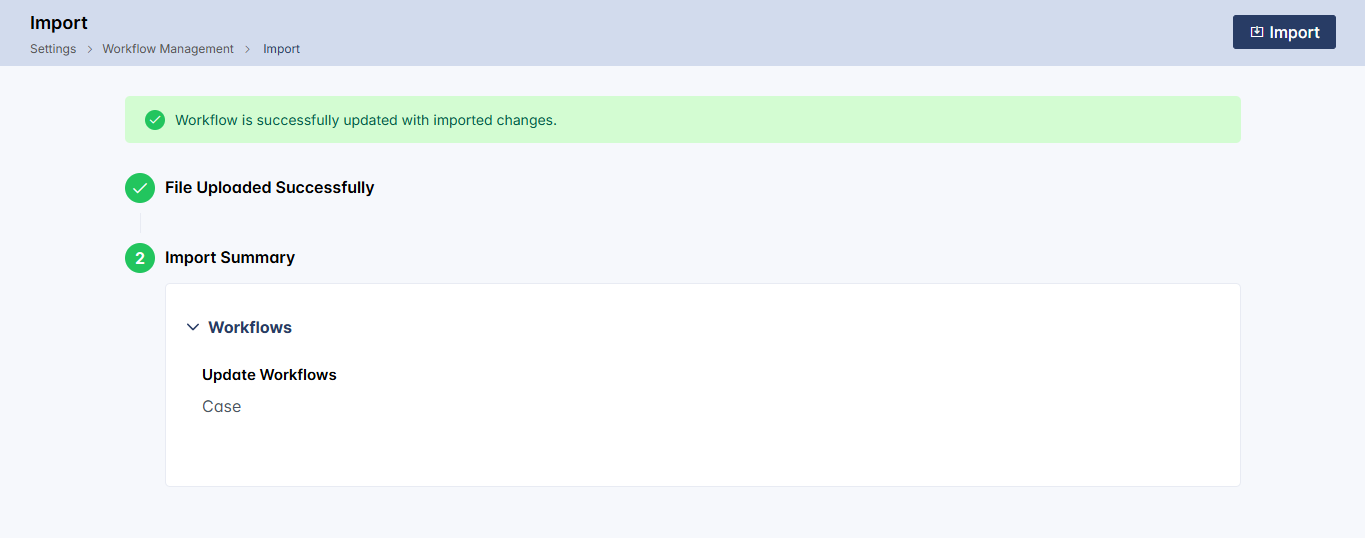
Email Template
Export Process: To export an email, navigate to Settings > Template Scripting > Email Templates. Locate the derided email template, click the three dots (…) beside it, and select the Export Action.[1]
The system automatically includes the following details for the selected email template:
-Email Template ID: The unique ID for email template.
– Email Action: The action type of email template
– Email Name: The name of the email template being exported.
– Email Content: The content of the email template including parameters.
Import Process : To import an email template , click the Import button located at the top beside the Create button.This action opens the import page, where you must click the Import button and upload the exported file from your local storage.
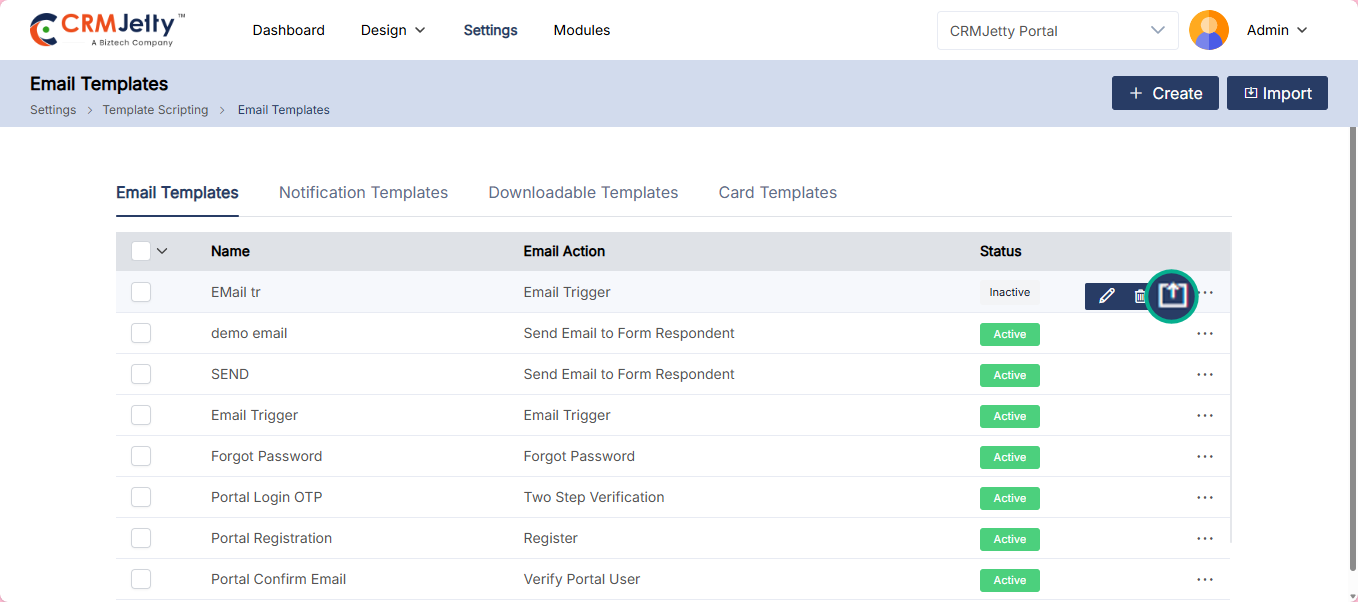
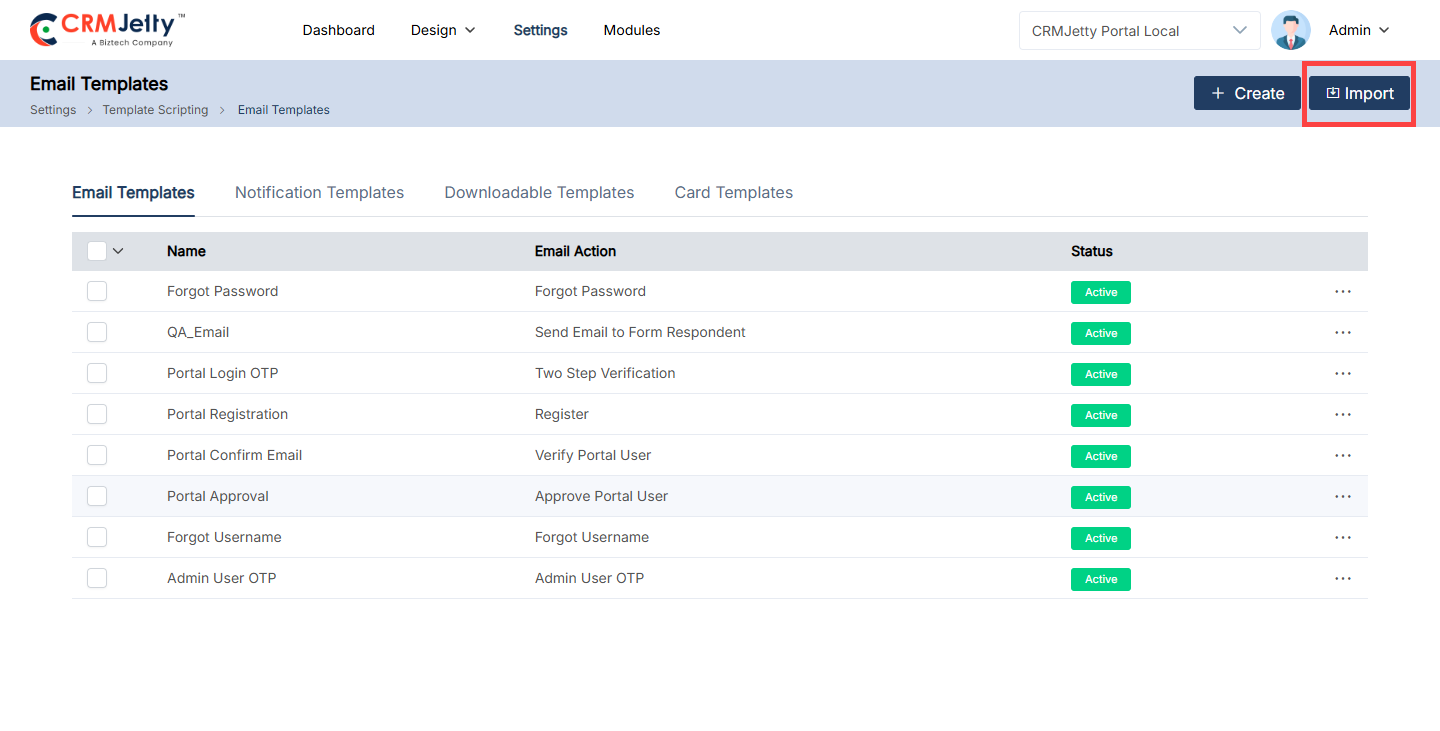
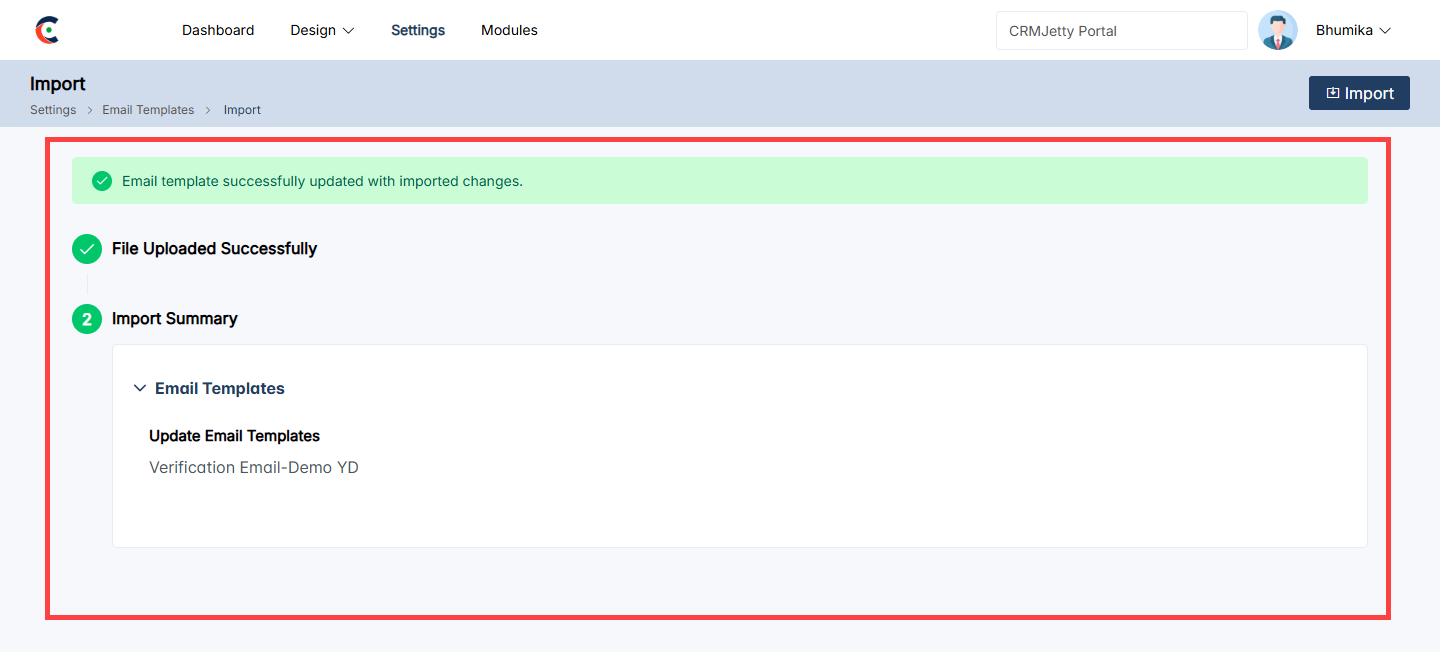
Modules
The Modules section serves as the central hub for all created modules within the Module Builder. The admin can view and configure the records within the created modules.
–The Modules page lists all created modules, the admin can search for a specific module using the search bar. Click on a module to explore the records created within it. [1]
–The list view displays the columns as configured by the admin in Admin Lists. [2]
–To add a new record click the Create button which will redirect the admin to the create form as configured for the module. Fill in the required details and save the record.[3]
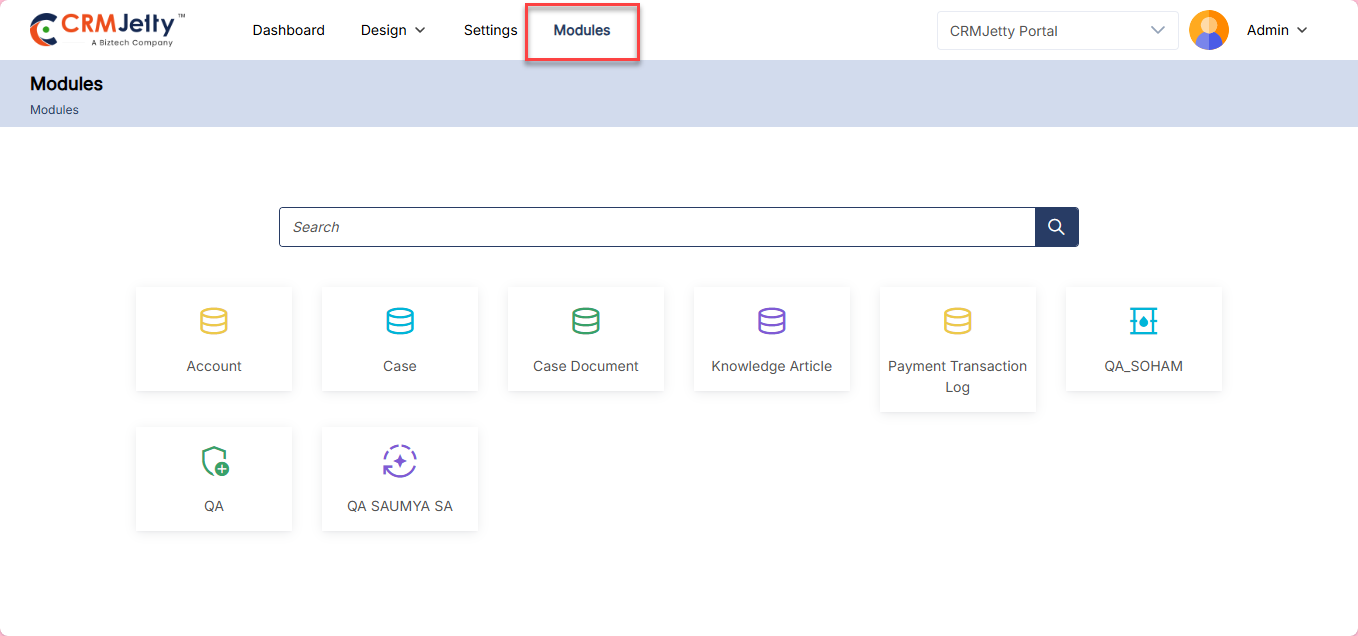
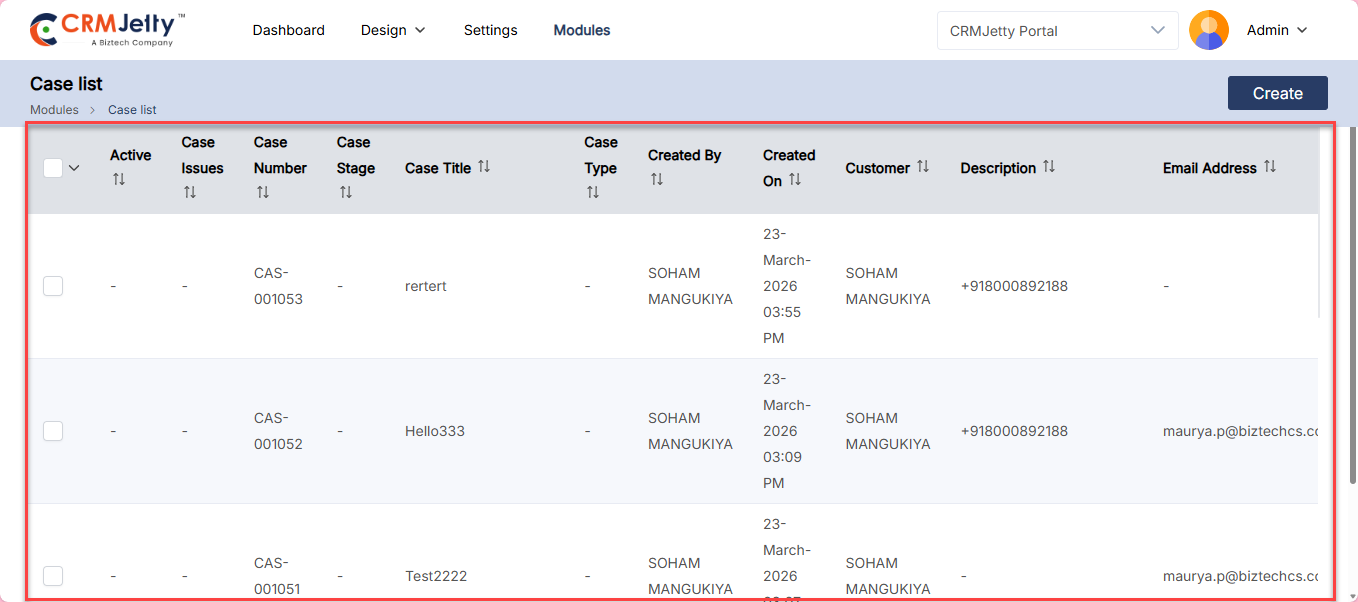
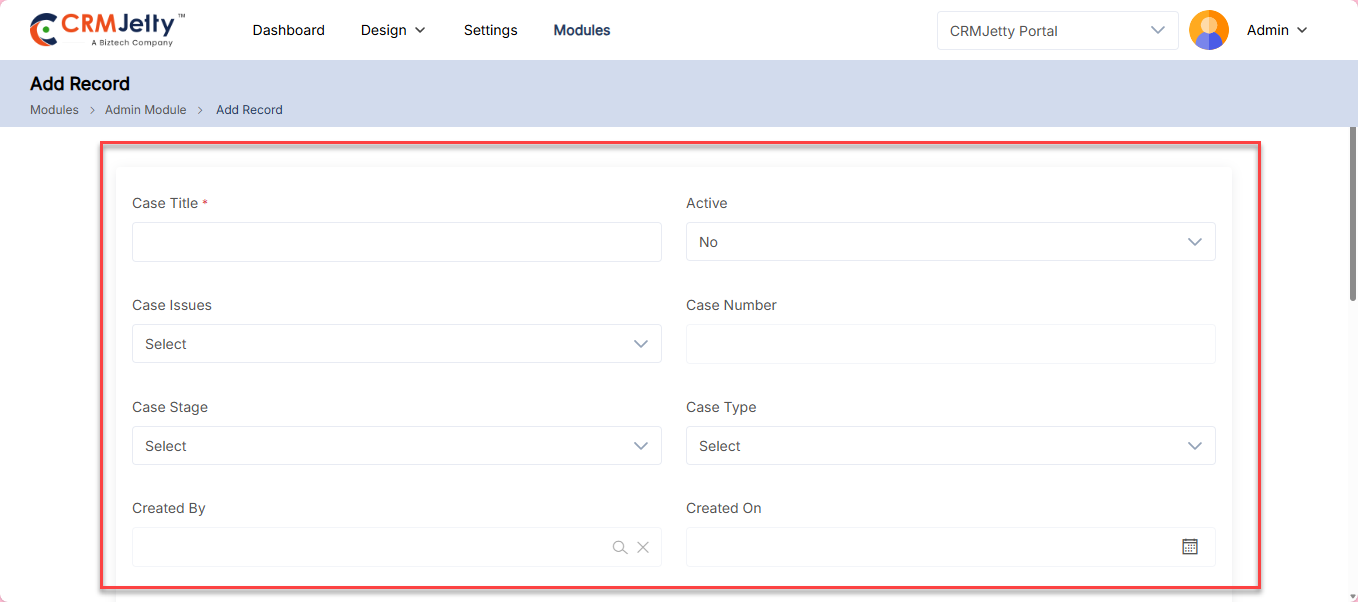
Admin Dashboard
The dashboard serves as the central hub for managing portal activities. The dashboard shows the portal’s current status and provides quick access to key functions.
Portal Users:
– The “Portal Users” section displays the number of active users on the platform, along with a visual progress indicator showing the percentage of active users. [1]
Portal Overview:
– This section presents an overview of the CRMJetty Portal, including statistics on the number of Lists, Forms, and Menus available. [1]
Quick Access Panel: [2]
– Located at the bottom of the dashboard, the Quick Access panel provides shortcuts to frequently used actions. These include:
– Create New Portal User: Add a new user to the portal.
– Enable New Object: Activate a new object within the portal.
– Create New Role: Set up a new role for portal users.
– Generate Credentials: Create and distribute credentials for portal access.
– Build A Form: Design and create new forms.
– Create New Menu: Add a new menu to the portal.
– Create New Page: Set up a new page within the portal.
– Create New List: Create a new list for organizing data.
Sub Admin :
The “Sub Admin ” section on the right-hand side indicates the presence of sub-Admin . If no sub-Admin is assigned, this section will display “No Records Found.” [3]
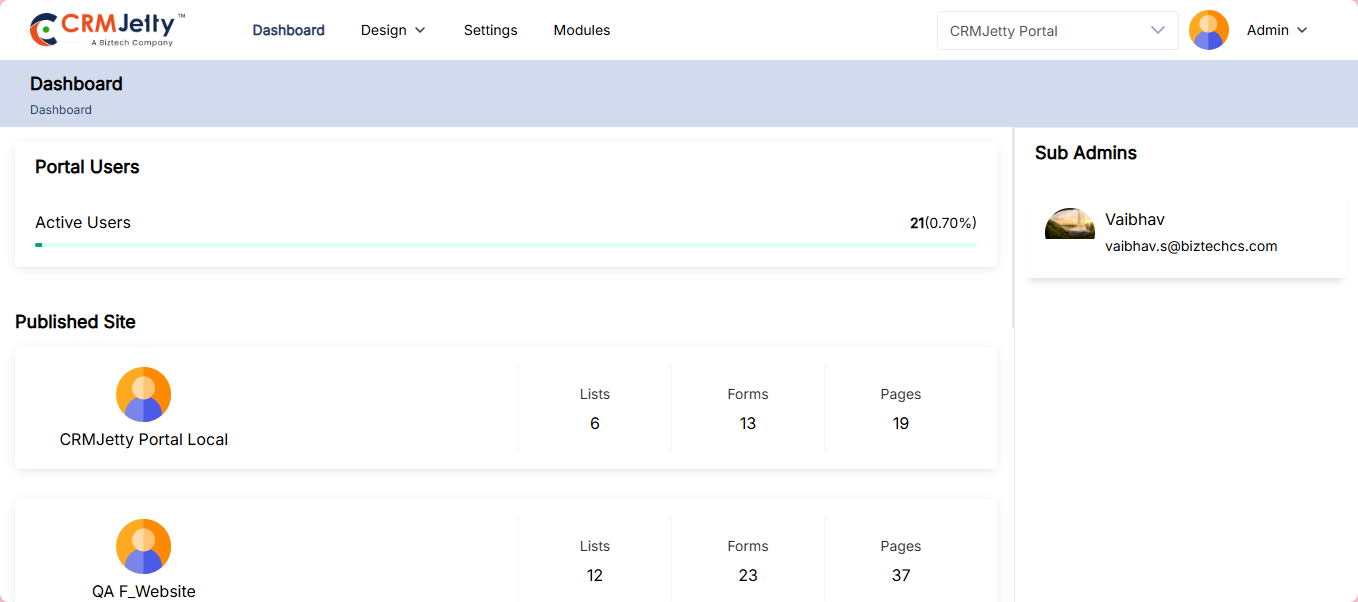
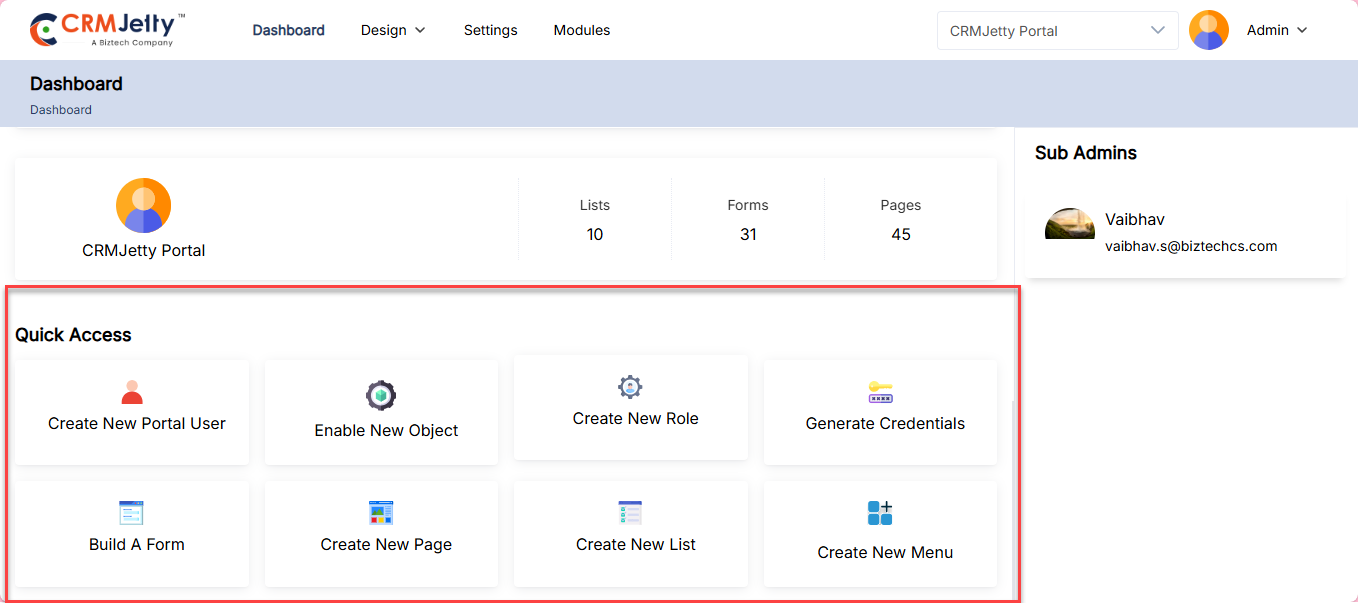
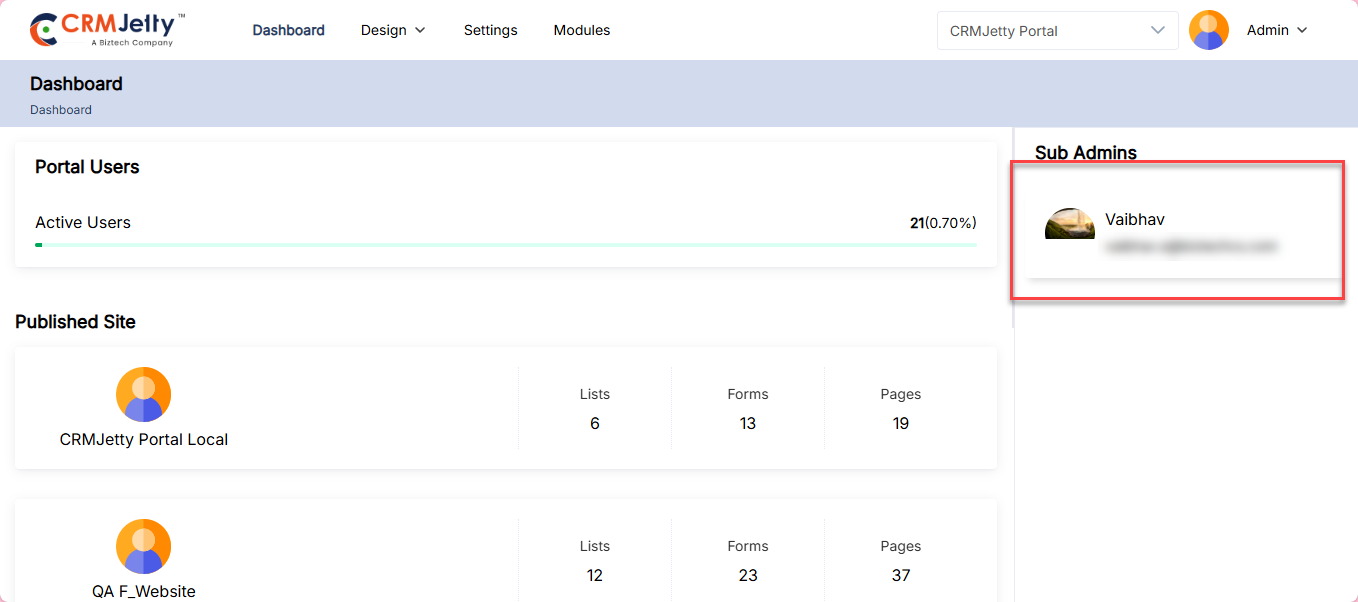
Profile
On the right side of the page Admin can view the Profile Icon By clicking on Admin will navigate to the profile page.
In the profile page Admin can view the three options:
– Personal Information: To update Admin profile information, navigate to the personal information section. [1]
– Changed Password: To Update the Admin Password navigate to the changed password section. [1]
– Plan Details: To view the current Admin plan details navigate to the plan details section. [1]
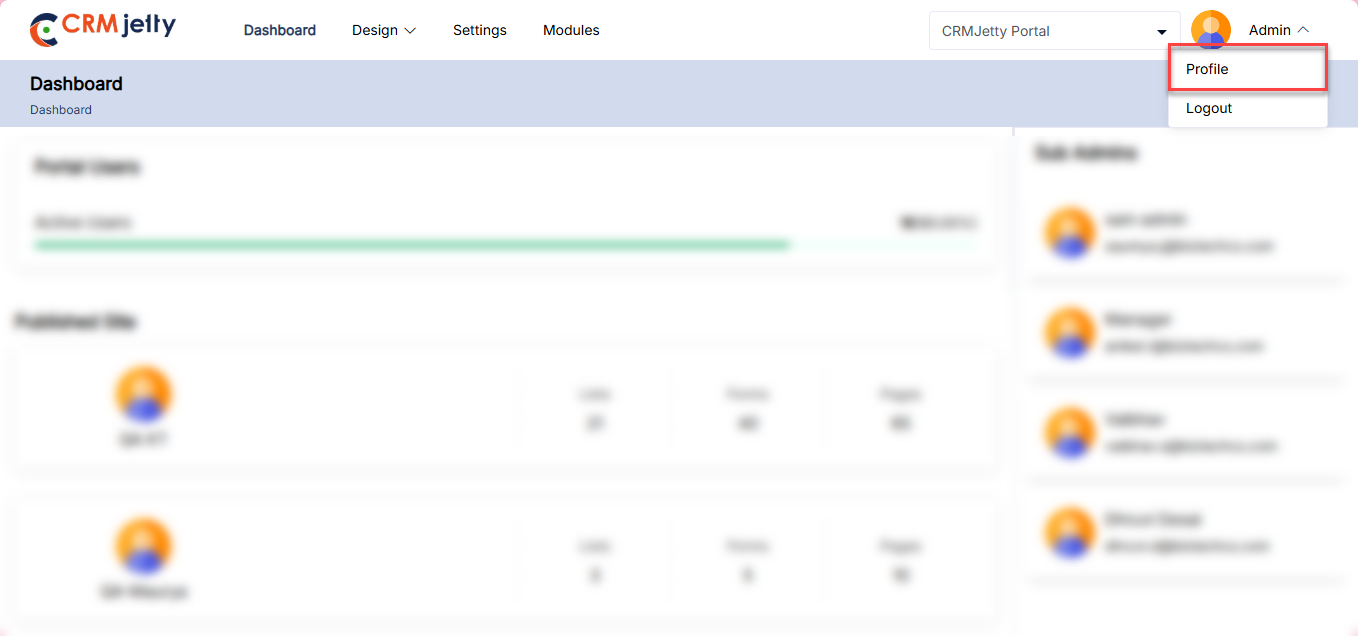
Personal Information
In the personal information section, Admin can update the following details: [1]
– Profile Picture: To change or add a profile image, click on the edit icon and upload a new image from your local device.
– Name: Admin can update their name if necessary.
– Email: Admin cannot change their email address.
– Phone Number: Admin can update their phone number if there are any changes.
After updating the details, click the Save button.
A success message will appear on the right side of the page confirming that your changes have been saved.
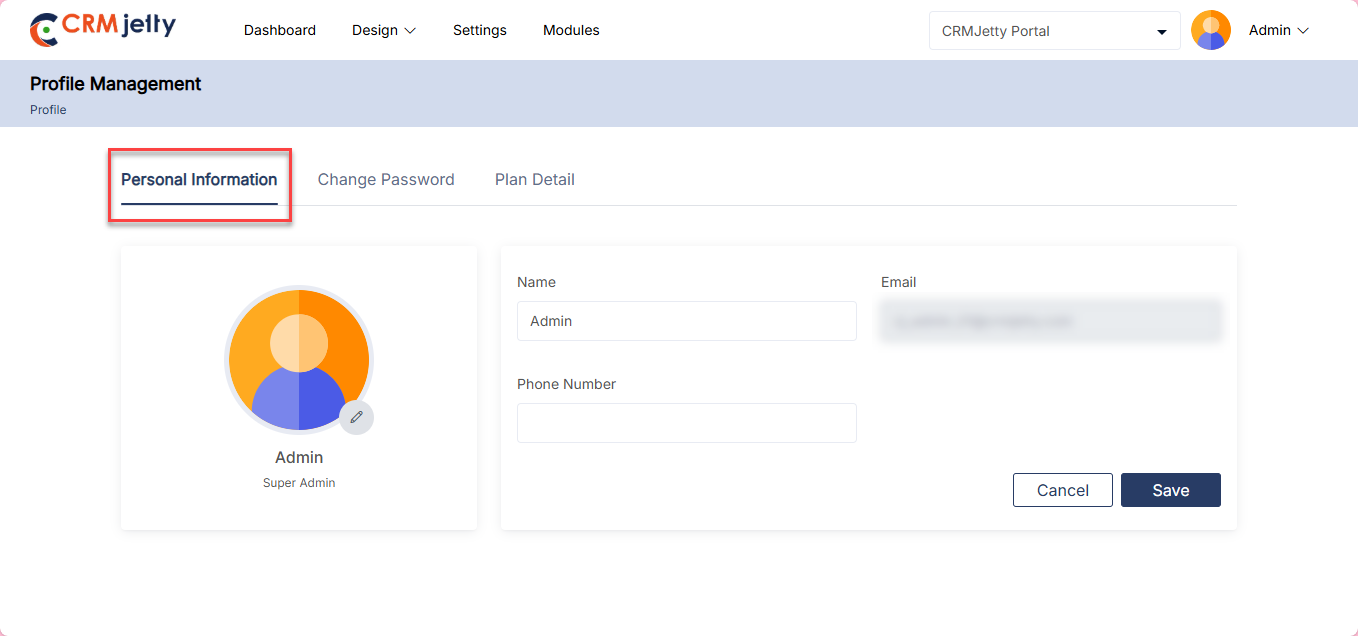
Change Password
In the Change Password section, the Admin can view and update the following details: [1]
– Current Password: Enter the current password.
– New Password: Enter the new password.
– Confirm Password: Re-enter the new password to confirm it.
After entering the required information, click the Save button. If the password is successfully changed, the Admin will see a success message on the right side of the page.
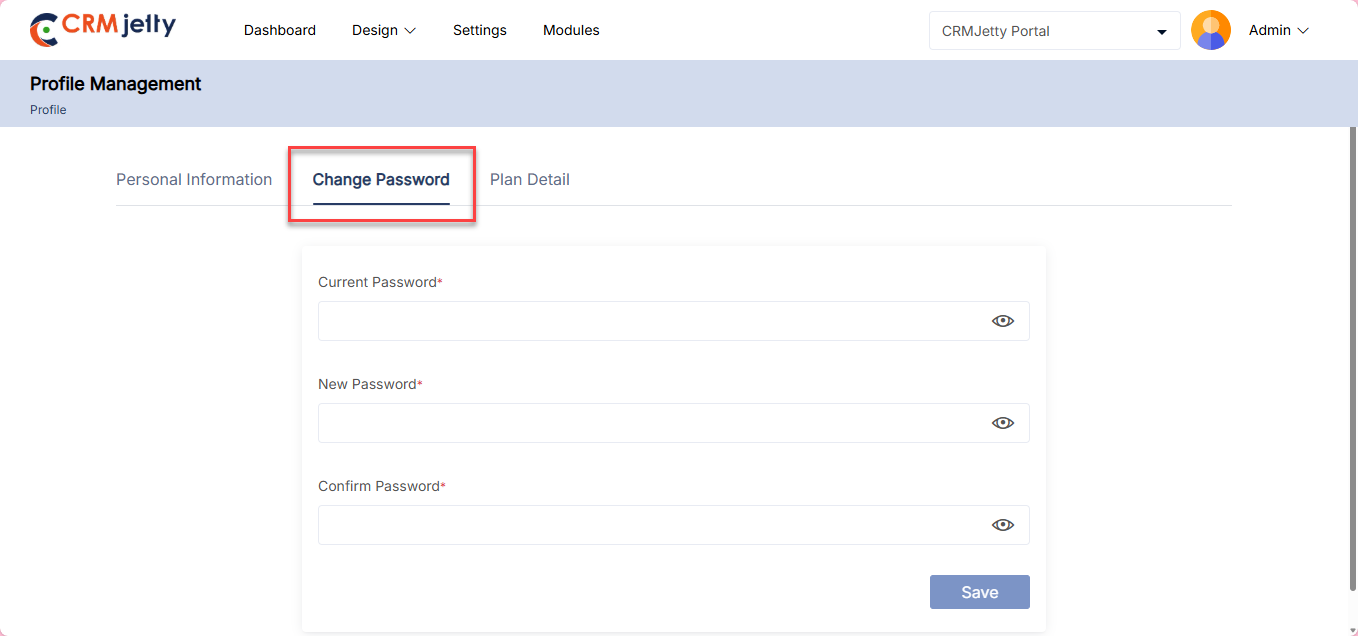
Plan Details
On the plan details Admin can view the following details: [1]
– First Name: Admin ’s first name associated with the account.
– Last Name: Admin ’s last name associated with the account.
– Email: Admin ’s email address.
– Domain: The domain associated with the Admin ‘s account.
– Expiry Date: The expiry date of the Admin ’s current plan.
– Status: The current status of the Admin ’s plan (e.g., Active, Expired).